Process knowledge is scattered across Confluence pages nobody updates, Slack threads nobody can find, and the heads of people who just quit. That's not a documentation problem. It's a maintainability problem, and it compounds fast when your product ships every two weeks.
For product managers, the stakes are concrete: Onboarding documentation that reflects last quarter's UI, handoff notes that assume context the next person doesn't have, and recurring workflows that live in tribal memory until something breaks. The global business process management market was valued at USD 20.38 billion in 2024 and is forecast to reach USD 61.17 billion by 2030, according to Grand View Research (2026). That growth reflects how seriously organizations are taking the cost of undocumented or decaying process knowledge.
The right business process documentation software doesn't just capture workflows. It makes those workflows maintainable, searchable, and accurate across release cadences.
What's inside
This guide is for product managers and operations leaders evaluating process documentation tools for internal use: Onboarding, handoffs, SOPs, and recurring workflows. Tools were selected based on:
- Process capture method: Auto-capture, manual authoring, or hybrid
- Maintainability: How easy it is to keep docs current as products change
- Collaboration and governance: Permissions, version control, review workflows
- Integration fit: How well the tool connects to existing PM and ops stacks
TL;DR
- Best for SOP automation and recurring workflows: Process Street handles checklist-driven operations with enforced task order and approval flows
- Best for interactive demos and product walkthroughs: Guideflow captures clicks and generates shareable, interactive walkthroughs for onboarding and enablement
- Best for onboarding and team training: Trainual combines SOPs with role-based training paths, rated 4.7/5 on G2
- Best for Atlassian-native teams: Confluence fits teams already running Jira and Notion, with a free tier for up to 10 users
- Best for visual process mapping: Lucidchart excels when your process clarity comes from diagrams rather than narrative docs
- Best all-rounder for small teams on a budget: SweetProcess starts at $99/month flat for up to 10 users with a 14-day trial
What is business process documentation software?
Business process documentation software is a category of tools that helps teams capture, organize, maintain, and share how work gets done, from repeatable SOPs to complex cross-functional workflows.
The category spans several distinct subtypes:
- Auto-capture tools: Record clicks and actions as you work, then generate step-by-step guides automatically. Best for speed and reducing documentation debt
- Manual SOP authoring tools: Built for writing, structuring, and governing procedures with explicit review and approval workflows
- Hybrid documentation systems: Combine capture with rich authoring, templates, and AI assistance
- Wiki and knowledge base tools: Prioritize searchable, linked documentation organized at scale across teams
- Visual process mapping tools: Use flowcharts and diagrams rather than text-heavy SOPs to communicate process logic
Key features to evaluate across the category:
- Process capture: Browser extension, desktop, or manual authoring
- Version control: Track changes, restore previous states, and audit who edited what
- Collaboration: Multi-user editing, comments, mentions, and approval gates
- Permissions and governance: Role-based access, edit vs. view controls, and content ownership
- Template libraries: Pre-built frameworks for common process types
- Search: Full-text search across all documented processes
- Integrations: Connections to Slack, Jira, CRMs, and workflow automation tools
- AI assistance: Auto-generated steps, summaries, and knowledge search
For PMs specifically, the decision often comes down to maintainability. A tool that's fast to set up but slow to update creates more documentation debt than it resolves.
When to use business process documentation software
Document onboarding and handoffs
New hires and cross-functional handoffs fail when context lives only in people's heads. A dedicated documentation tool gives every transition a repeatable playbook, reducing time-to-first-value for new team members and cutting the CS load on senior staff. Text docs in Google Drive don't enforce structure or track whether someone has actually completed each step.
Standardize recurring workflows
Recurring operations like release checklists, incident response, and sprint retrospectives drift when they exist only as informal habits. Process documentation tools enforce the actual sequence, flag when steps are skipped, and give managers visibility into completion. That consistency matters more as team size grows.
Keep process knowledge current across teams
Documentation rot is the hidden cost of fast release cadences. Every time the UI changes or a workflow shifts, old docs create confusion rather than clarity. Tools with built-in review schedules, version history, and ownership assignment make it possible to treat documentation as something that evolves alongside the product, not something that gets written once and forgotten.
Comparison table
Use this table as a fast filter. Tools are sorted by relevance to the core keyword: Business process documentation for PM and operations teams.
| # | Product | Best for | Key differentiator | Pricing | G2 rating |
|---|---|---|---|---|---|
| 1 | Process Street | SOP automation and recurring workflows | Enforced task order, approvals, and conditional logic | Custom pricing | 4.6/5 |
| 2 | Guideflow | Interactive demos and product walkthroughs | Click-based capture with shareable, interactive walkthroughs | Free; paid plans available | 5.0/5 |
| 3 | Trainual | Onboarding and role-based training | Documentation paired with structured training paths | Custom pricing | 4.7/5 |
| 4 | Confluence | Wiki-style docs for Atlassian teams | Unlimited pages with Jira integration | Free; paid plans available | 4.1/5 |
| 5 | SweetProcess | SOP and policy management for smaller teams | Simple flat-rate pricing, 14-day trial | From $99/month | 4.3/5 |
| 6 | Document360 | Knowledge base and internal documentation | AI search, writing agent, and custom workflows | Custom pricing | 4.7/5 |
| 7 | Notion | Flexible all-in-one workspace | Databases and docs in one place | Free; paid from ~$10/member/month | 4.6/5 |
| 8 | Lucidchart | Visual process mapping and flowcharts | Diagram-first with real-time collaboration | From $7/user/month | 4.5/5 |
8 best business process documentation software for 2026
1. Guideflow
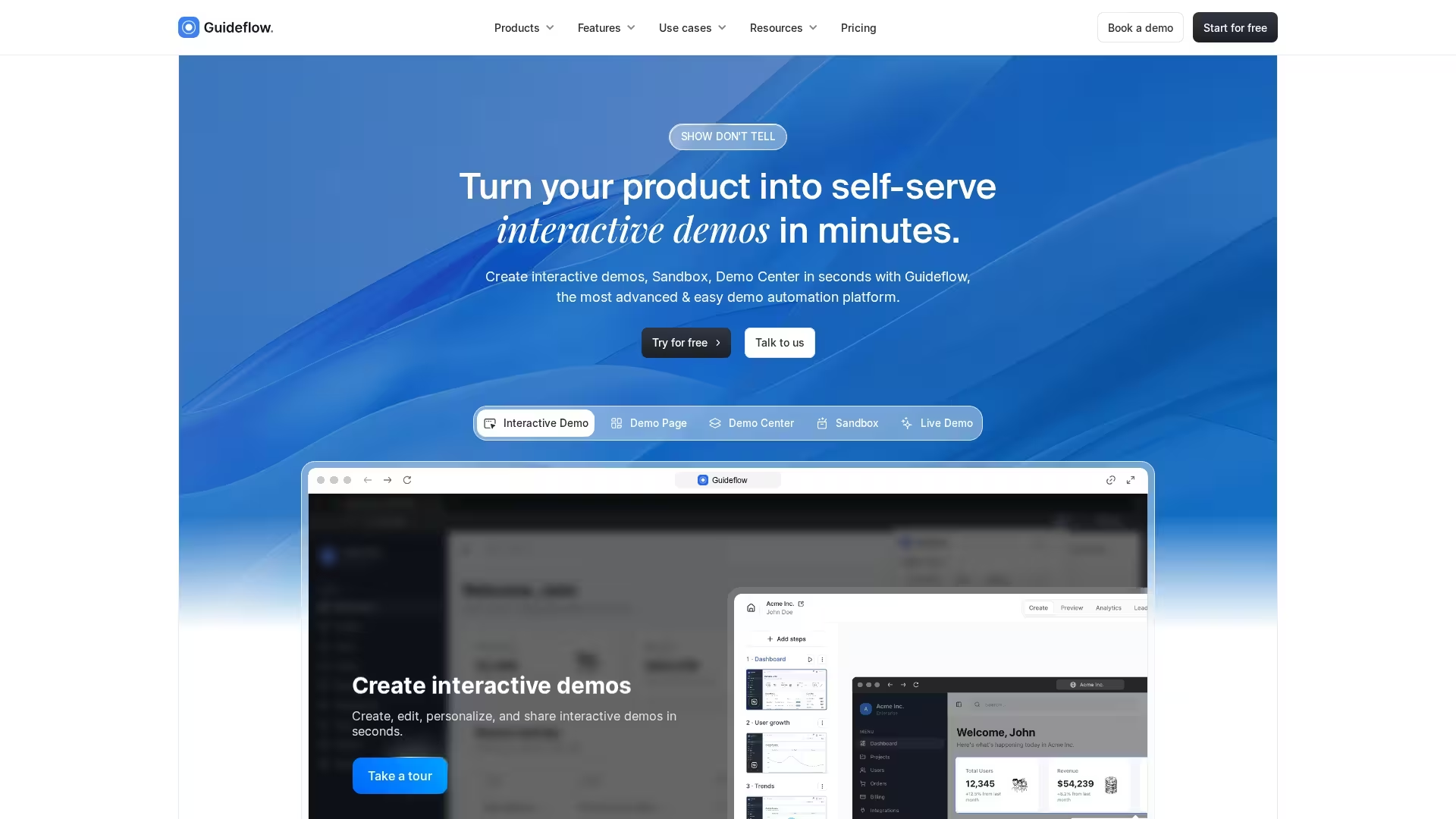
Guideflow is an interactive demo and product walkthrough platform that captures clicks and actions as you move through a workflow, then turns them into shareable, interactive step-by-step guides. Where traditional SOP tools rely on written procedures, Guideflow lets teams document click-driven processes visually, making it a strong fit for onboarding, enablement, and any workflow that's easier to show than to describe.
Best for: Product, onboarding, and enablement teams that need interactive, click-based walkthroughs to document and share how a product or process works.
Key strengths
- Capture clicks and actions to auto-generate interactive walkthroughs
- Personalized and collaborative demo experiences
- Share walkthroughs via link or embed across your GTM and enablement stack
- AI auto-generation for step content and narration
- Analyze engagement to see which walkthroughs get used
Why choose Guideflow: Guideflow is the right call when your process is click-driven and clearer as an interactive walkthrough than a numbered list. It integrates with your broader GTM and enablement stack, and its analytics show engagement the way you'd track feature adoption. It pairs well with a text-based SOP tool rather than replacing one.
Guideflow pricing: A free plan is available to get started. Paid plans with additional capture, personalization, and analytics features are available, with Enterprise pricing on request.
G2 rating: 5.0/5
2. Process Street
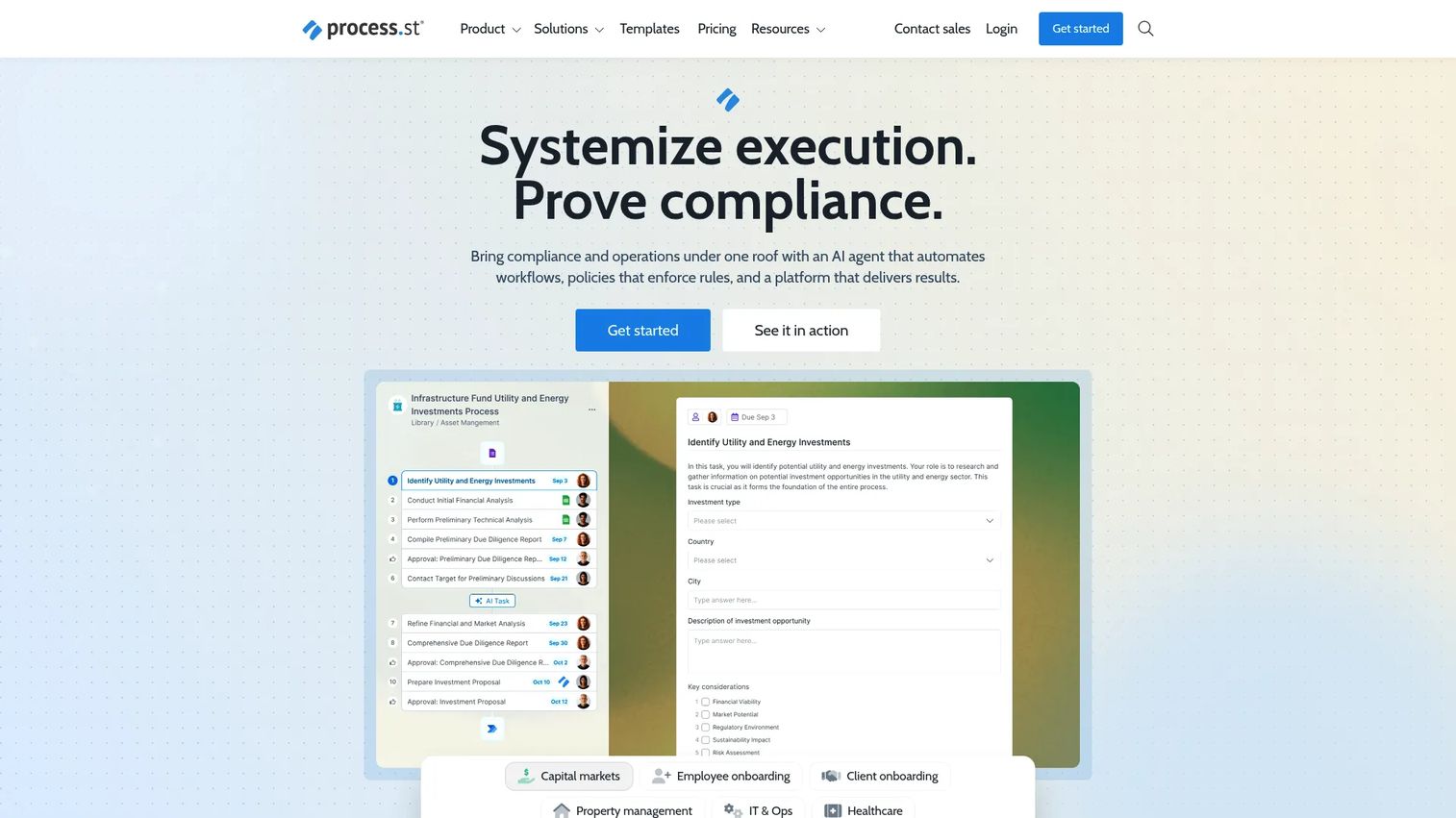
Process Street is a compliance operations platform that turns SOPs and recurring procedures into executable, trackable workflows. Where most documentation tools stop at writing, Process Street enforces the actual sequence: Task completion is tracked, approvals are gated, and conditional logic routes work based on inputs. The platform includes a Docs module for long-form SOP content alongside workflow runs, plus an AI assistant called Cora.
Best for: Operations and PM teams that need recurring workflows run consistently, not just documented.
Key strengths
- Unlimited workflows and tasks with enforced task order
- Approvals, conditional logic, and dynamic task routing
- Pages module for long-form SOP documentation alongside workflow runs
- Native integrations with Slack, Zapier, Microsoft Power Automate, and Make
- Cora AI for workflow suggestions and content generation
Why choose Process Street: If your core problem is that recurring processes get skipped or done out of order, this is the tool. It's less suited to one-off knowledge capture and more focused on operational consistency at scale.
Process Street pricing: All three plans (Startup, Pro, and Enterprise) require a sales conversation for pricing. A 14-day free trial is available on the Pro plan with no credit card required. G2 reviewers report plans typically start in the range of a few hundred dollars per month for small teams, though those figures are self-reported.
G2 rating: 4.6/5
3. Trainual

Trainual is a training and operations platform that treats process documentation as the foundation for team education. You build SOPs and policies, then turn them into structured training paths with tests and completion tracking. It's one of the few tools in this category where the documentation artifact and the onboarding artifact are the same thing, reducing the overhead of maintaining parallel content.
Best for: Small to mid-market teams where onboarding and process documentation have the same owner.
Key strengths
- Role-based training paths built directly from documented SOPs
- AI knowledge search and assistant for fast content retrieval
- Completion tracking and accountability reporting by role
- Template library covering common business processes
Why choose Trainual: The clearest case for Trainual is when your team needs documentation that doubles as training material. If you're maintaining separate SOPs and onboarding decks, Trainual collapses that into one system. It's less suited to teams with complex approval workflows or deep governance requirements.
Trainual pricing: Four plans (Core, Pro, Premium, and Enterprise) are listed on the pricing page with feature breakdowns, but dollar amounts require a demo request. G2 reviewers report entry plans in the low hundreds per month for smaller teams. No free tier; trial availability varies by engagement.
G2 rating: 4.7/5
4. Confluence
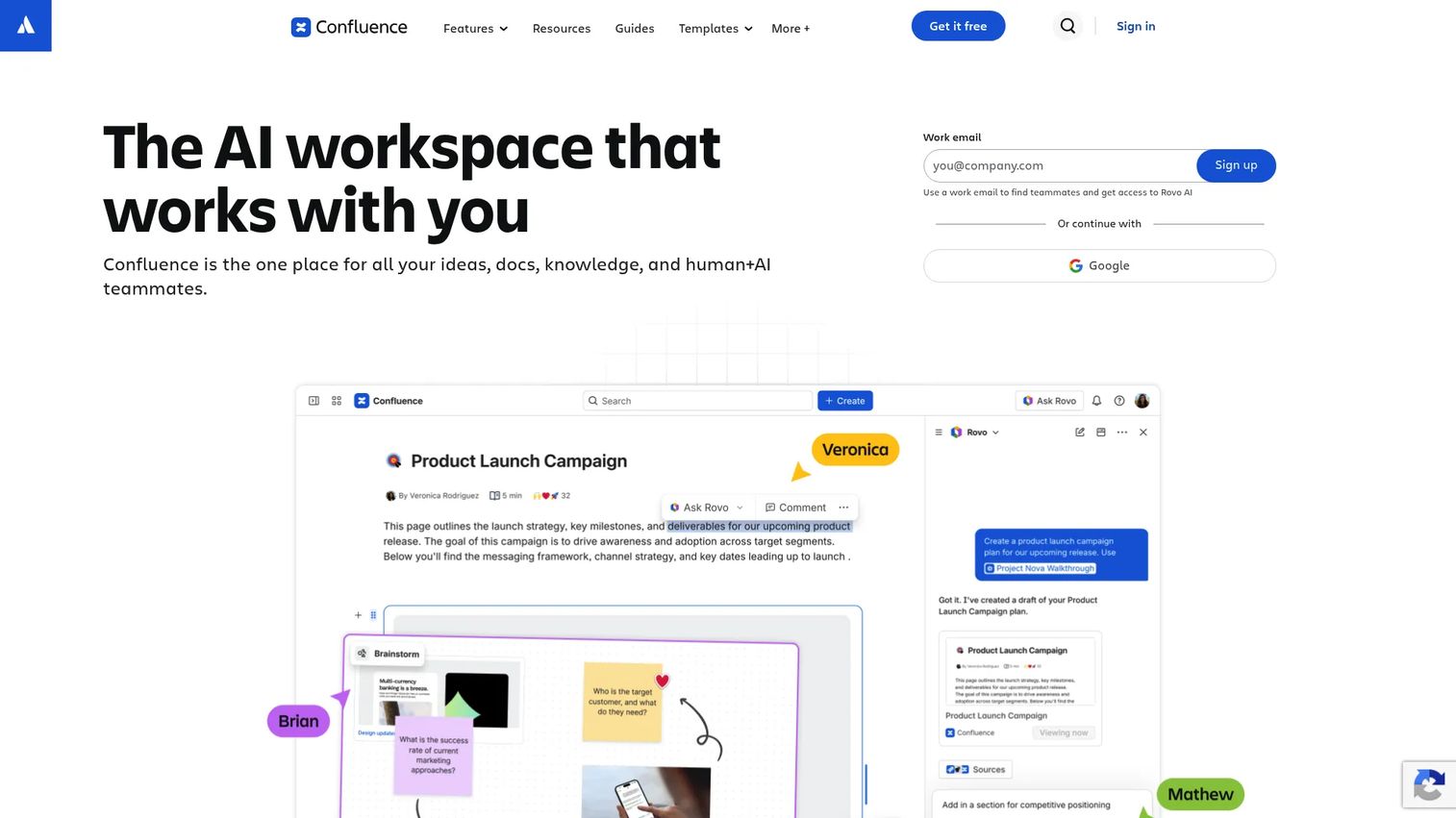
Confluence is Atlassian's wiki-style documentation hub, widely used for internal knowledge, project documentation, and cross-functional process libraries. It's the strongest option for teams already running Jira: The integration keeps product specs, decision logs, and process docs linked to the tickets that generated them. The platform now includes Rovo AI for content creation and search across spaces.
Best for: Engineering and product teams inside the Atlassian stack who need a shared documentation layer.
Key strengths
- Unlimited spaces and pages with structured content trees
- Rovo AI for content drafting, summarization, and search
- Whiteboards, databases, and video alongside traditional pages
- Macros and templates for consistent page structure
- Free tier supports up to 10 users with 2 GB storage
Why choose Confluence: Confluence wins when your team is already Jira-native and you want documentation that lives close to your delivery workflow. The main tradeoff is that it doesn't enforce process execution the way purpose-built SOP tools do, so it relies on team discipline to stay current.
Confluence pricing: The Free plan covers up to 10 users at no cost. Standard and Premium plan prices are available on the Atlassian pricing page; Enterprise requires a custom quote. Atlassian uses per-user monthly billing that decreases at volume.
G2 rating: 4.1/5
5. SweetProcess
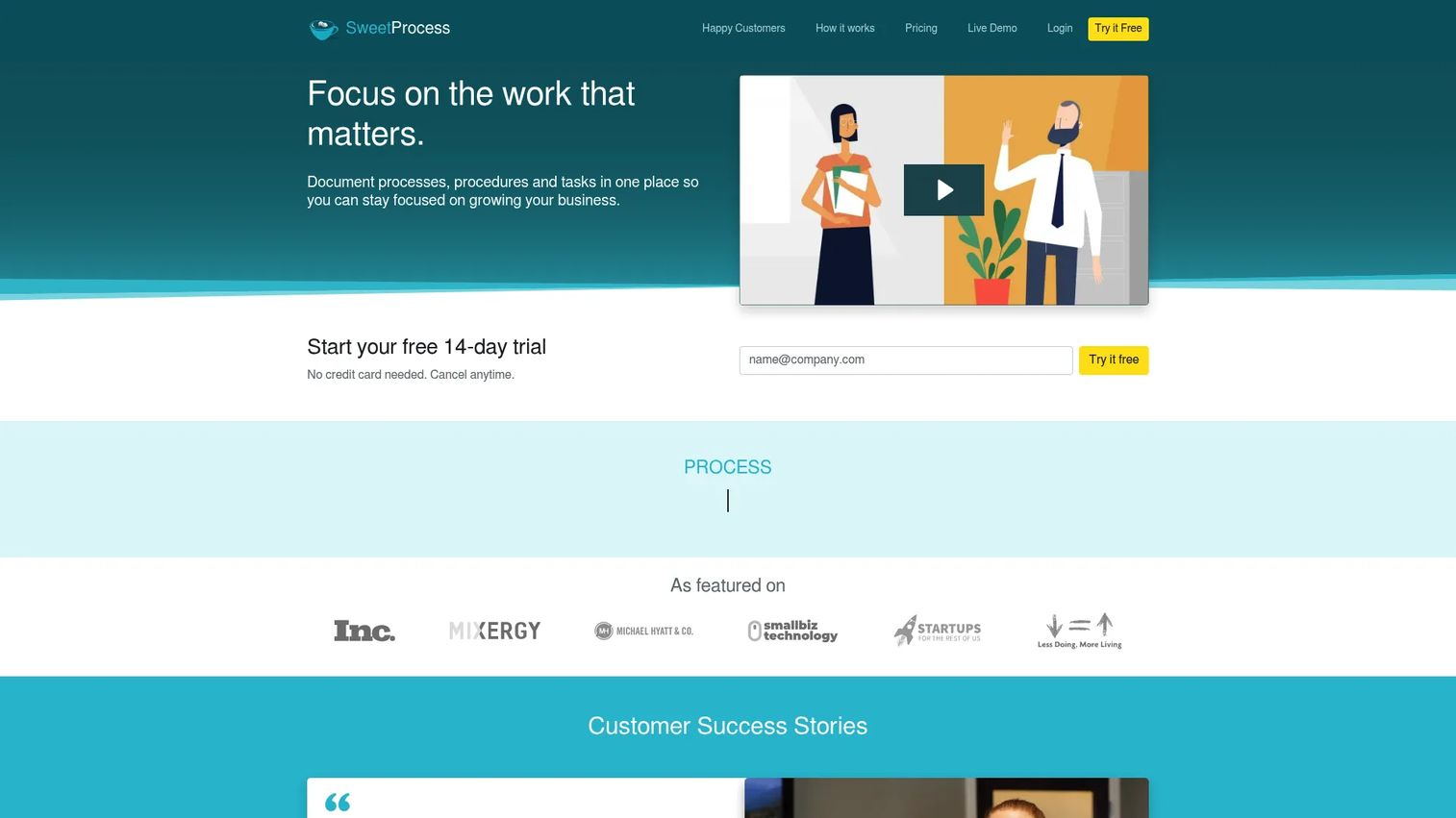
SweetProcess is a straightforward platform for documenting procedures, policies, and recurring tasks in one system. The appeal is simplicity: One all-inclusive plan, no feature gating by tier, and a 14-day free trial with no credit card required. Teams document processes in a structured editor, assign tasks to roles, and track completion without building complex approval chains.
Best for: Teams with fewer than 50 employees that need SOPs and policy documentation without administrative overhead.
Key strengths
- Procedure and policy documentation with step-by-step structure
- Task assignment and completion tracking by team member
- Version history and process review workflows
- Flat-rate pricing with all features included
Why choose SweetProcess: The pricing model is the differentiator. Most competitors gate features by plan; SweetProcess gives every team the same feature set and charges by user count. That matters for smaller teams that want governance without enterprise-tier spending.
SweetProcess pricing: Monthly billing starts at $99/month for up to 10 users, with each additional user at $5/month. Annual billing is $990/year for up to 10 users, plus $50/year per additional user. A Small Team annual plan is $495/year for up to 5 users. A 14-day free trial is available.
G2 rating: 4.3/5
6. Document360
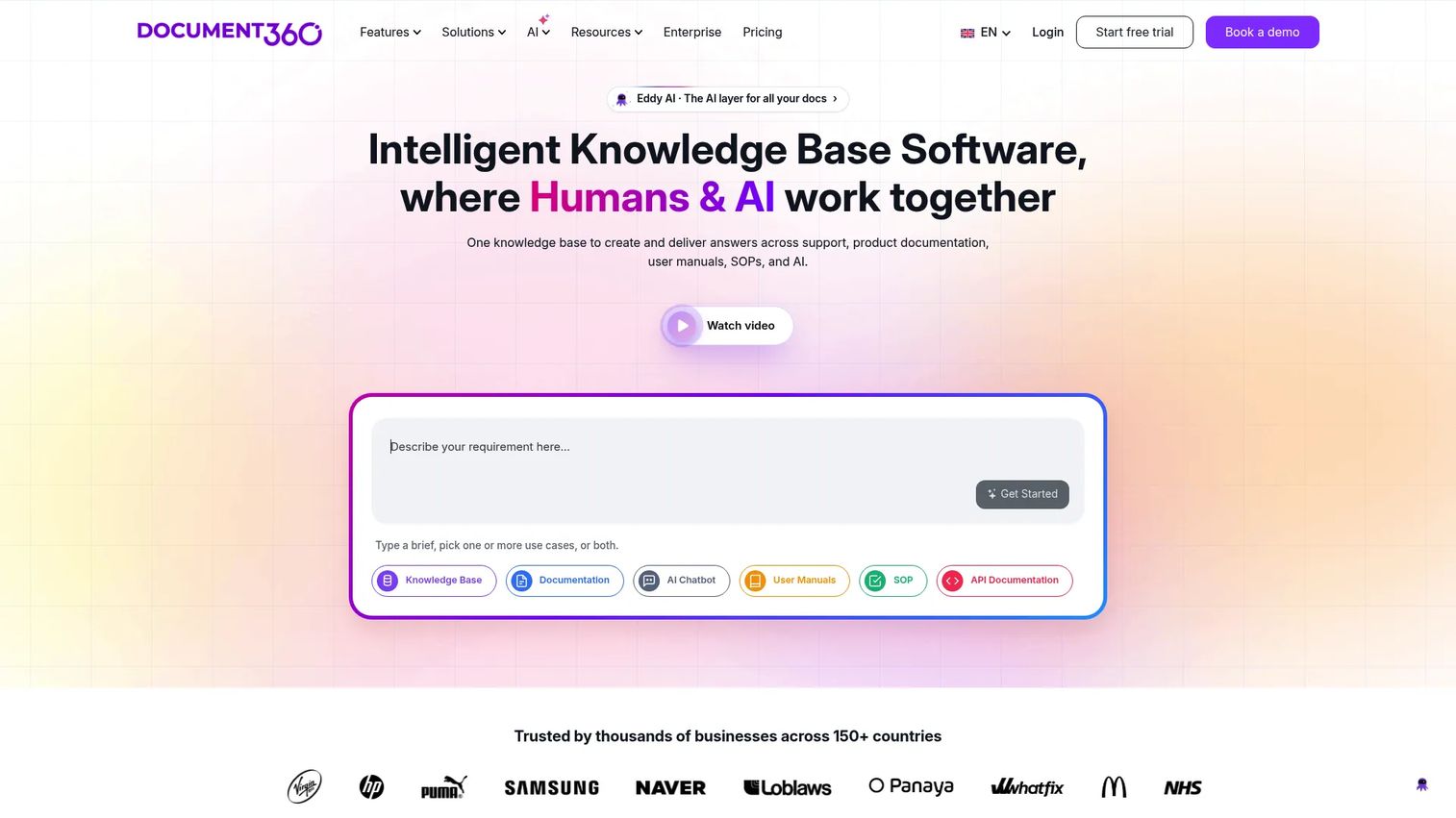
Document360 is an AI-powered knowledge base and documentation platform built for teams that need a structured, searchable internal wiki with governance. Unlike lighter wiki tools, it includes custom workflows for content review, version control with rollback, analytics on which articles get read, and an AI chatbot for instant knowledge retrieval. It suits process-heavy teams where documentation accuracy affects customer outcomes or compliance.
Best for: Product and operations teams that need formal knowledge governance: Review cycles, ownership assignment, and measurable documentation usage.
Key strengths
- AI search, AI writing agent, and embeddable AI chatbot
- Custom review and approval workflows per article category
- Version control with full edit history and rollback
- Analytics on article performance, search queries, and gaps
- SEO customization for external-facing documentation
Why choose Document360: Choose this over a general wiki when documentation quality has a direct impact on support ticket volume or compliance. The analytics layer tells you which processes are actually being referenced and which are being ignored, which is the kind of instrumentation PMs care about.
Document360 pricing: Three plans (Professional, Business, and Enterprise) are all custom-quoted with no flat rates shown. A 14-day free trial is available. G2 reviewers report Professional plans typically starting in the low hundreds per month depending on user count and features required.
G2 rating: 4.7/5
7. Notion
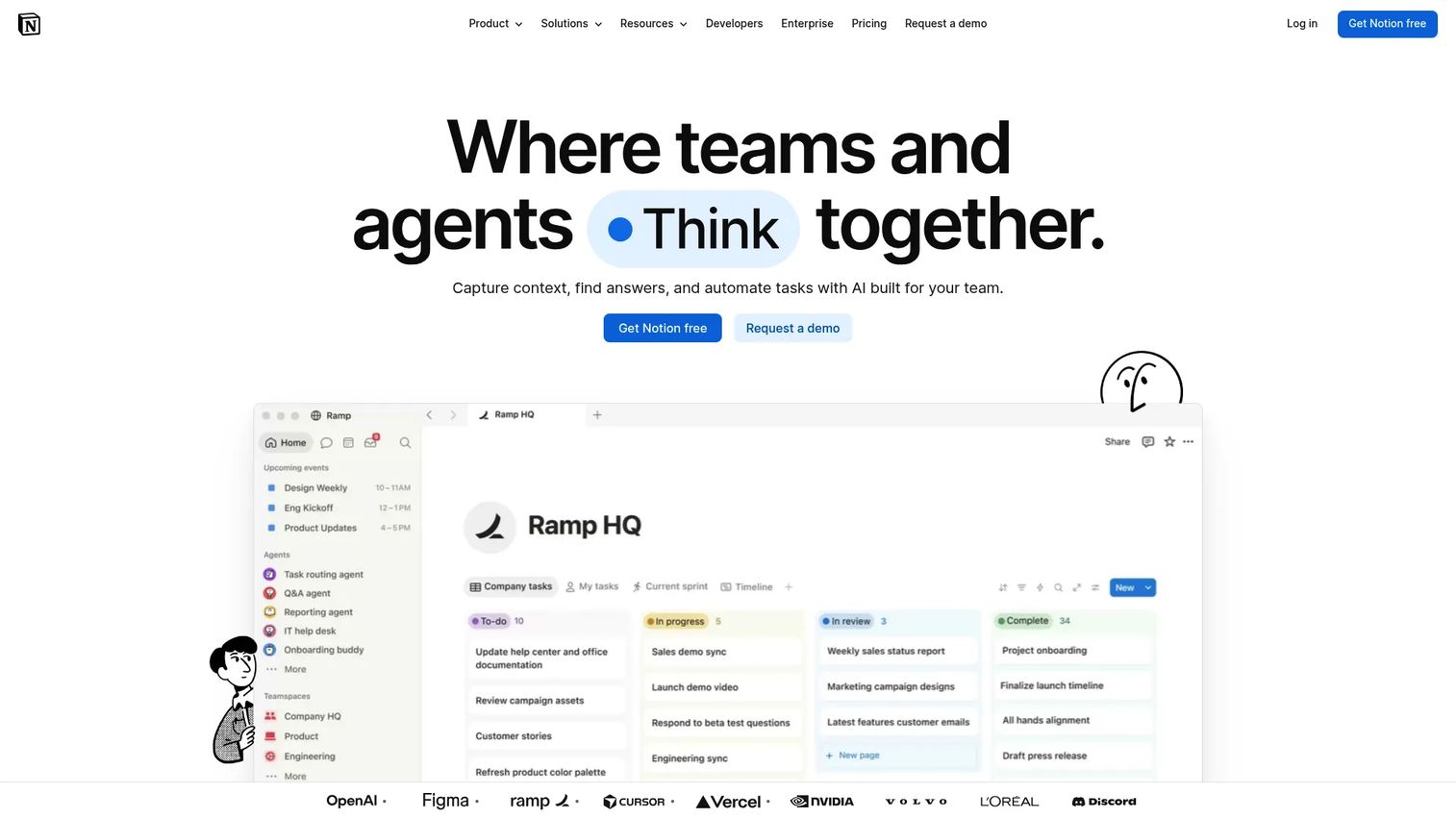
Notion is a flexible all-in-one workspace that many teams use for process documentation alongside project tracking, meeting notes, and product specs. Its database functionality lets you build structured process libraries with filters, views, and relational properties. The tradeoff is that Notion's flexibility is also its maintenance burden: Without governance conventions, documentation sprawls quickly.
Best for: Small teams or early-stage companies that want one workspace for everything rather than a dedicated documentation tool.
Key strengths
- Docs, databases, and project tracking in one workspace
- Notion AI for drafting, summarizing, and answering questions from your content
- Flexible page templates for SOPs, handoffs, and runbooks
- Guest access with granular permission controls
Why choose Notion: Notion is the right call when the opportunity cost of a specialized tool is too high and your team is comfortable maintaining documentation conventions manually. It's worth being honest about the maintenance burden: Without assigned owners and review schedules, Notion process docs decay as fast as Google Docs.
Notion pricing: The Free plan is available at no cost. Paid plans are billed in the local currency of the account region. G2 reviewers in the US report Plus plans around $10 to $12 per member per month, and Business plans around $15 to $18 per member per month, billed annually. Enterprise pricing requires a custom quote.
G2 rating: 4.6/5
8. Lucidchart
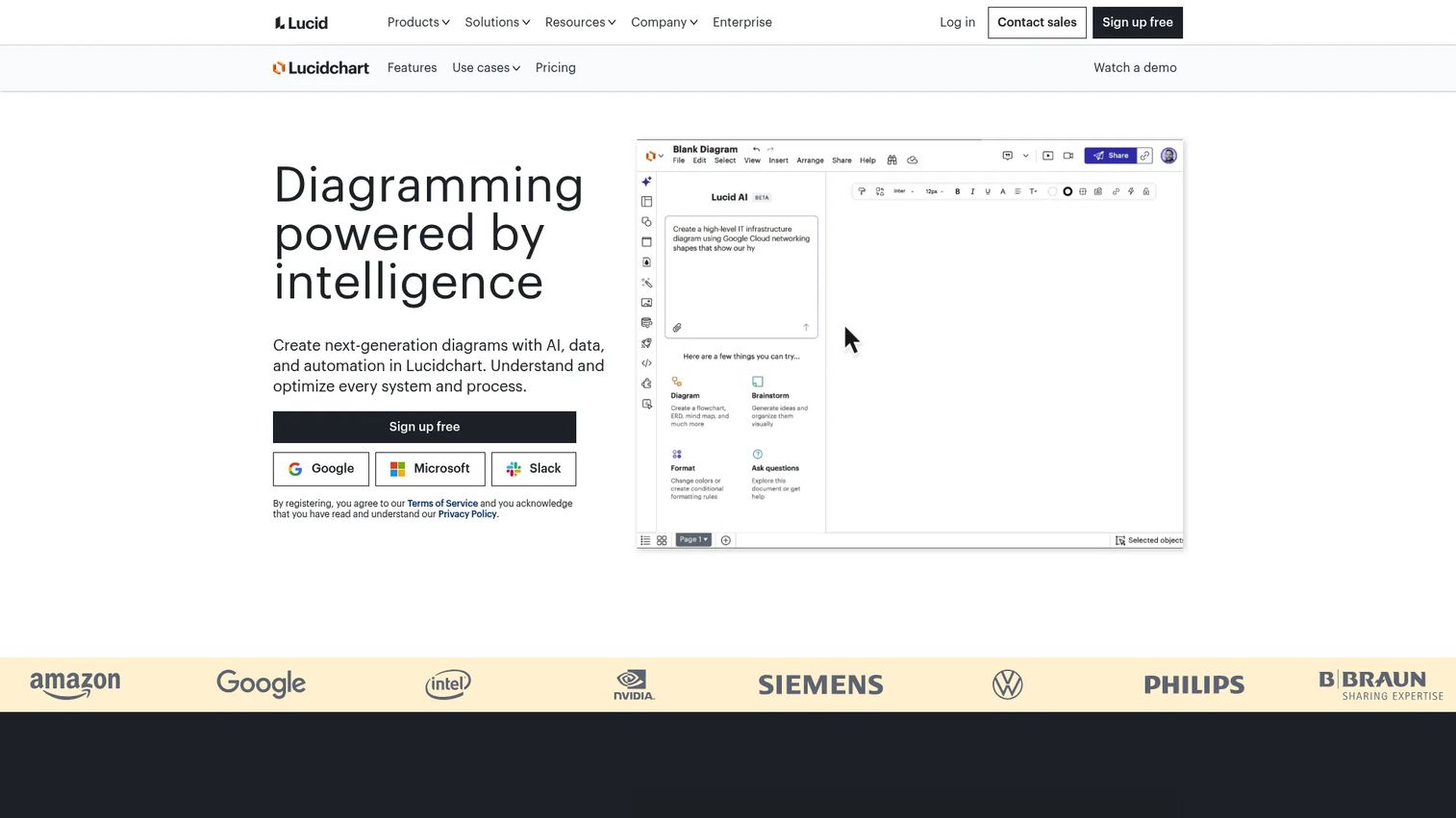
Lucidchart is a cloud-based diagramming tool for process mapping, flowcharts, org charts, and system diagrams. It's not an SOP authoring tool or a wiki, but it fills a real gap: Some processes are genuinely clearer as visual flows than as numbered lists. Real-time collaboration, a large template library, and integrations with tools like Google Workspace and Microsoft 365 make it the standard choice for teams that need to map process logic visually.
Best for: Teams where process clarity comes from seeing the flow, not reading the steps, particularly for cross-functional or decision-heavy workflows.
Key strengths
- Real-time multi-user diagramming and commenting
- Extensive template library for flowcharts, BPMN, and ERDs
- Conditional formatting, data linking, and layers for complex diagrams
- Integrations with Google Workspace, Microsoft 365, Jira, and Confluence
- Free viewing for stakeholders who don't need editing access
Why choose Lucidchart: Use Lucidchart when the process has branching logic that's hard to express in linear steps, or when stakeholders need to see the system rather than follow a checklist. It pairs well with a text-based SOP tool rather than replacing one.
Lucidchart pricing: A free tier is available with basic features and viewer access. Team plans start at $7 per user per month. Individual and Enterprise plan pricing is available on the Lucidchart pricing page.
G2 rating: 4.5/5
Considerations
Before selecting a business process documentation tool, run through these four criteria against your team's actual situation.
Capture method and authoring speed
Auto-capture tools generate documentation as you click through a workflow. Manual tools require deliberate writing. Hybrid tools offer both. The right choice depends on how fast your processes change: If your UI ships weekly, auto-capture tools reduce the cost of keeping docs current. If your processes are stable and governance matters more than speed, a structured SOP authoring environment gives you more control.
Version control and update cadence
Documentation rot is the most underrated risk in this category. Ask each vendor: Can you see who changed what and when? Can you restore a previous version? Does the tool notify owners when documentation reaches a review date? For PM teams, the answer to "when was this last updated?" should always be answerable without asking someone.
Collaboration, permissions, and governance
Multi-author documentation without role-based permissions creates ownership confusion fast. Evaluate whether the tool distinguishes between editors, reviewers, and viewers, and whether you can assign a single owner per document who is accountable for accuracy. Approval workflows matter when documentation has compliance or onboarding implications.
Integration and stack fit
The most-used process documentation is the documentation that appears in the tools people already use. Check whether the platform integrates with your CRM, project management tool, Slack, and your analytics stack. For teams using Guideflow to capture and share interactive product walkthroughs, the integration story matters: Can your documentation tool integrate with your broader GTM and enablement stack?
Scalability across teams and use cases
A tool that works for a five-person ops team may not scale to 50 people across three departments. Check whether the platform handles multiple workspaces or departments, whether search works across all documented processes, and whether the pricing model stays predictable as headcount grows.
Conclusion
The right business process documentation software depends on the specific gap you're filling. For recurring operational workflows with enforced execution, Process Street is the strongest choice. For interactive, click-driven walkthroughs used in onboarding and enablement, Guideflow captures processes visually and makes them shareable. For teams where onboarding and documentation share an owner, Trainual removes the overhead of maintaining parallel content. Confluence is the natural fit for Atlassian-native engineering organizations. SweetProcess earns its place for smaller teams that want complete features at a predictable price. Document360 suits teams that treat documentation governance as a measurable operational discipline. Notion works well when your team prefers one flexible workspace over a dedicated tool and accepts the maintenance trade-off. Lucidchart is the answer when process logic is clearest as a diagram.
The pattern across all of these: The tools that actually work long-term are the ones with clear ownership, review cadence, and version history built in. Pick the one that fits your capture method, integrates with your stack, and won't require an engineering sprint to maintain.
Start your journey with Guideflow today!
FAQs about business process documentation software
For small teams with fewer than 50 people, SweetProcess is a strong starting point because of its flat-rate pricing and all-inclusive feature set. Notion is a reasonable alternative if you want process docs alongside project tracking in one workspace, though it requires more discipline to keep organized.
The terms overlap significantly, but there's a practical distinction. SOP software typically emphasizes structured authoring, task enforcement, and approval workflows, as in Process Street or Trainual. Process documentation software is a broader category that includes wikis, visual mapping tools, and hybrid platforms. Most buyers in 2026 need elements of both, which is why hybrid tools are gaining adoption.
Auto-capture tools record clicks and actions in real time to generate step-by-step guides automatically. This approach reduces the documentation overhead when processes are visual and click-driven. If auto-capture speed is your primary driver, look for tools with browser extension capture and AI-assisted step generation. The Guideflow AI feature set covers auto-generation for interactive product walkthroughs specifically, which overlaps with internal process documentation use cases.
The most effective approach combines three practices: Assign a named owner to every document, set a review date tied to your release cadence, and centralize all documentation so a single update propagates rather than requiring changes in multiple places. Tools with built-in review reminders and version history make this easier to enforce without relying on manual calendar reminders.
PMs should prioritize version control, instrumentation on which docs are actually used, integration with their project management and analytics stack, and low maintenance overhead across release cycles. The ability to analyze engagement with documentation, similar to how you'd track feature adoption, helps you prioritize which processes to keep current and which to retire.
Wiki software like Confluence or Notion handles documentation at scale but doesn't enforce process execution. If your team needs to verify that steps were completed in order, or that approvals happened before a handoff, a wiki alone won't provide that. The answer often depends on whether documentation serves as a reference or as an active part of the workflow.
Trainual is purpose-built for onboarding because it combines SOPs with structured training paths and completion tracking. Confluence works for engineering teams that want onboarding documentation alongside the codebase and project history. For teams using interactive product demos as part of onboarding, Guideflow supports personalized and collaborative demo experiences that can sit alongside SOP documentation in a broader onboarding stack.
Permissions determine who can change a document, which directly affects documentation accuracy over time. Without role-based controls, anyone can overwrite an approved SOP without review. Version control lets you recover from accidental changes and audit who made which edits. Both features matter more as team size grows and as documentation has compliance or onboarding implications. Look for tools that offer at least view-only and editor distinctions, and ideally owner assignment with approval gating for sensitive procedures.