Medical imaging teams don't struggle because images exist. They struggle because images, reports, orders, and clinical access live across systems that must work together under real-time pressure.
The global PACS market reached $3.67 billion in 2026 and is projected to hit $4.92 billion by 2031, according to Mordor Intelligence (2026). That growth reflects one thing: Healthcare organizations are replacing fragmented film workflows and disconnected archives with infrastructure that can actually keep pace with diagnostic demand.
Picking the wrong PACS system doesn't just create an IT headache. It slows radiologists, breaks worklist flow, and creates integration debt that compounds every quarter. The buying decision touches viewer performance, DICOM handling, RIS and EMR connectivity, archive strategy, and remote access, all before the first real workflow question gets asked.
This guide cuts through the category noise. It compares 12 PACS system tools, explains what separates them, and gives healthcare operators, IT teams, and founders evaluating health tech a framework for building a shortlist that fits the clinical environment, not just the vendor deck.
What's inside
This guide covers the top PACS systems available in 2026. Tools were selected based on:
- Clear PACS or clinical imaging positioning (not generic storage tools)
- Support for core diagnostic workflows: DICOM handling, worklist management, viewer performance
- Cloud, enterprise, or specialty deployment fit
- Interoperability with RIS, EMR, HL7, and clinical systems
- Market presence sufficient to justify evaluation
Pricing and G2 ratings reflect data verified at publication time. Where vendors don't publish fixed prices, that's noted plainly.
TL;DR
- Best for cloud PACS and teleradiology: OnePACS suits distributed radiology groups and remote reading workflows
- Best for enterprise health systems: Sectra PACS fits large hospitals with mature imaging operations
- Best for high-performance enterprise viewing: Visage Imaging suits organizations where viewer speed is the top priority
- Best cloud-native option: RamSoft OmegaAI suits practices that want PACS and RIS in one cloud platform
- Best for image exchange and cloud access: Ambra Health suits teams where study sharing is the primary need
- Best specialty imaging option: UltraLinq suits ultrasound-heavy practices and cardiovascular labs
What is a PACS system?
A PACS system, short for picture archiving and communication system, is healthcare software used to store, retrieve, distribute, and display medical images from modalities such as X-ray, CT, MRI, and ultrasound.
PACS is a system, not a file format. DICOM (Digital Imaging and Communications in Medicine) is the standard that structures and transmits medical images. PACS is the infrastructure that stores, routes, and surfaces those images to the right clinician at the right moment. The two work together: DICOM defines what an image is, PACS decides what happens to it.
Three systems often appear together and are frequently confused:
- PACS: Manages medical images, diagnostic viewing, and image archives
- RIS (radiology information system): Manages scheduling, orders, workflow, and reports
- EMR: Stores the broader patient record and clinical notes
PACS sits inside the clinical workflow, not just the IT stack. A broken PACS integration doesn't just affect IT, it affects whether a radiologist can read a study before a patient leaves.
Key capabilities in a PACS system:
- Image acquisition: Receives studies from imaging modalities
- DICOM handling: Stores and transmits standardized image data
- Archive storage: Keeps current and historical studies accessible
- Diagnostic viewing: Lets clinicians read, compare, and annotate studies
- Worklist support: Routes studies to the right reader or department
- RIS and EMR connectivity: Connects imaging with orders, reports, and clinical records
- Access controls: Protects image access by role and location
- Remote viewing: Supports multi-site teams and teleradiology reads
For founders and operators evaluating health tech categories, PACS is a useful lens into how enterprise clinical software actually gets bought: Not on features, but on workflow fit, integration depth, and migration risk.
When to use a PACS system
Replace film-based or fragmented image workflows
When a clinic, hospital, or imaging center still relies on physical films, local disks, or CD exchanges, a PACS replaces those workflows with centralized digital storage. The practical gains are retrieval speed, fewer lost studies, and the ability to compare current images against prior exams without hunting across locations or media formats.
Support multi-site radiology and remote reading
Radiology groups, hospital networks, and teleradiology operators need studies available across locations without provisioning separate hardware at each site. Cloud-based PACS platforms and those with remote viewing stations allow worklist distribution across multiple facilities, so reads can happen wherever the radiologist is logged in.
Connect imaging with clinical systems
PACS value often depends on how well it integrates with RIS, EMR, scheduling, and reporting workflows. When those connections work, imaging data flows automatically into the clinical record. When they don't, radiology becomes an island, and adoption suffers regardless of how good the viewer is.
PACS system comparison
The table below gives a quick view across all 12 tools. Use it for initial orientation, not as a final procurement decision. Pricing and G2 ratings were verified at publication time against vendor sites and current G2 listings. Where no fixed price is available, "Custom pricing" reflects that the vendor prices by volume, deployment, or modules through a sales conversation.
| # | Product | Best for | Key differentiator | Pricing | G2 rating |
|---|---|---|---|---|---|
| 1 | OnePACS | Cloud PACS and teleradiology groups | Web-based PACS with integrated worklist and reporting | Custom pricing | N/A |
| 2 | Sectra PACS | Enterprise health systems | Mature enterprise imaging with vendor-neutral interoperability | Custom pricing | N/A |
| 3 | Intelerad IntelePACS | Distributed radiology and remote reading | Cloud-first scalable PACS for high-volume imaging networks | Custom pricing | 5.0/5 |
| 4 | Visage Imaging | Enterprise imaging performance | Cloud-native enterprise viewer with cardiology and AI support | Custom pricing | 4.8/5 |
| 5 | RamSoft OmegaAI | Cloud-native integrated imaging | Unified cloud RIS/PACS with AI reporting and patient engagement | Custom pricing | N/A |
| 6 | Change Healthcare Stratus Imaging PACS | Large provider networks | Fully managed cloud SaaS PACS with AI workflow automation | Custom pricing | N/A |
| 7 | IBM Merge PACS | Hospitals and imaging centers | Multi-modality DICOM workflows with customizable worklists | Custom pricing | N/A |
| 8 | PaxeraHealth PaxeraUltima | AI-ready enterprise imaging organizations | AI-driven abnormality detection with modular enterprise workflow | Custom pricing | N/A |
| 9 | Infinitt PACS | Hospitals and multi-modality environments | AI-empowered radiology with progressive image loading | Custom pricing | N/A |
| 10 | NovaPACS | Community hospitals and imaging centers | Configurable PACS with EMR and EHR integration | Custom pricing | N/A |
| 11 | Ambra Health | Image exchange and cloud management | Cloud image sharing with DICOM viewer and enterprise connectivity | Custom pricing | 4.5/5 |
| 12 | UltraLinq | Ultrasound and cardiovascular teams | Cloud PACS with structured reporting and AI diagnostic insights | Custom pricing | N/A |
Best 12 PACS system tools for 2026
1. OnePACS
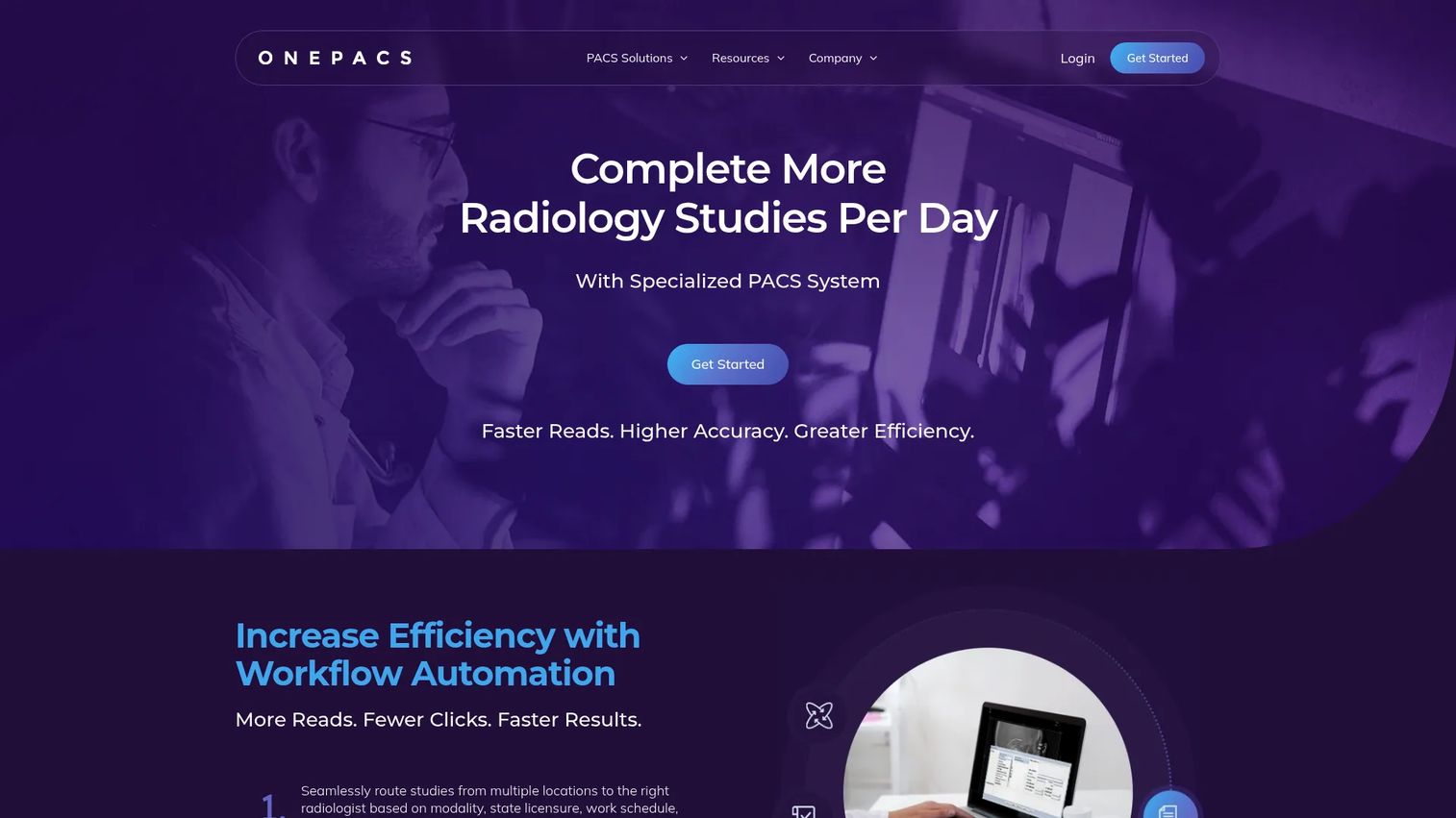
OnePACS is a cloud-based picture archiving and communications system built specifically for radiology and teleradiology workflows. It combines image storage, diagnostic viewing, integrated reporting, and worklist management in one web-accessible platform, so distributed reading teams don't need to maintain local infrastructure at every site. The platform supports DICOM image handling, structured reporting, voice recognition, and AI-powered triage tools alongside HL7, EMR, and RIS integrations.
Best for: Radiology groups, imaging centers, hospitals, and teleradiology operators needing cloud-based PACS without an on-premise footprint.
Key features
- Cloud-based image storage, archiving, and disaster recovery
- Automated workflow routing with configurable worklists
- Zero-footprint web DICOM viewer for remote access
- Structured reporting and voice recognition
- HL7, EMR, RIS, and DICOM Modality Worklist integrations
Why choose OnePACS: Choose OnePACS when multi-site access and teleradiology workflow are the primary drivers. It fits organizations that want clinical-grade PACS functionality without building or maintaining server infrastructure at each reading location.
OnePACS pricing: OnePACS uses volume-based pricing, with the final number depending on study volume and deployment scope. Contact the vendor directly for a quote.
2. Sectra PACS
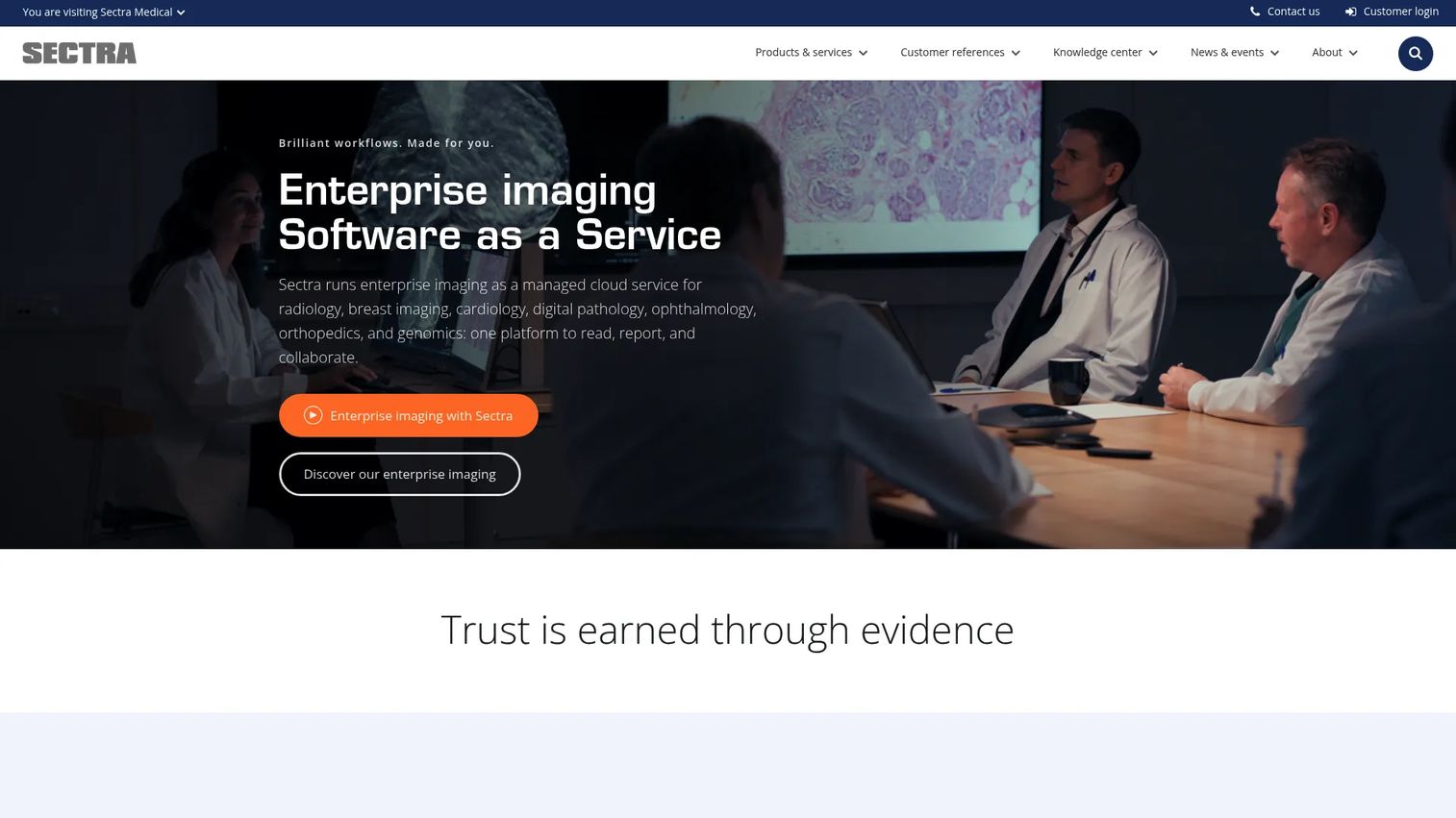
Sectra PACS is an enterprise imaging and radiology platform used by large hospitals and health systems. Its platform supports multi-modality, multi-vendor image viewing, 2D/3D/4D visualization, structured reporting, workflow management, and integrated clinical applications. Sectra emphasizes vendor-neutral interoperability through DICOM and HL7, and offers a universal zero-footprint viewer alongside an AI marketplace for clinical application integration.
Best for: Healthcare organizations with complex enterprise imaging needs across multiple departments and modalities.
Key features
- Multi-modality, multi-vendor image viewing with 2D, 3D, and 4D support
- Universal zero-footprint viewer for browser-based access
- Vendor-neutral interoperability via DICOM and HL7
- Integrated structured reporting and workflow management
- AI marketplace support for clinical application integration
Why choose Sectra PACS: Sectra fits organizations that need a deeply embedded imaging system rather than a narrow departmental viewer. Procurement teams should evaluate implementation scope, integration depth, and long-term support model before committing, since this is not a quick-deploy product.
Sectra PACS pricing: Pricing requires a direct conversation with the Sectra sales team.
3. Intelerad IntelePACS

Intelerad IntelePACS is a cloud-first PACS platform designed for high-volume radiology and distributed imaging operations. It delivers scalable medical image access, secure disaster recovery, and remote reading capabilities alongside enterprise and diagnostic viewers. The platform supports advanced visualization, breast imaging, nuclear medicine, and cloud-based worklists. Note that Ambra Health now redirects to Intelerad, as the two companies have combined under one platform family.
Best for: High-volume radiology groups, hospitals, and imaging networks that need scalable cloud-based image management and distributed reading support.
Key features
- Cloud-first image access with scalable infrastructure
- Secure recovery and business-continuity capabilities
- Remote reading with high-speed image access
- Enterprise and diagnostic image viewers
- Advanced visualization, breast imaging, and nuclear medicine support
Why choose Intelerad IntelePACS: The buyer here is not just purchasing software, they're purchasing throughput. Intelerad suits organizations where radiologist productivity and worklist flow drive the selection decision. Evaluate the cloud architecture fit carefully if your environment includes strict data-residency requirements.
Intelerad IntelePACS pricing: Intelerad directs all pricing conversations through a demo request or sales contact. The price depends on deployment model, reading volume, modules selected, and support tier.
G2 rating: 5.0/5, based on 1 verified G2 review.
4. Visage Imaging
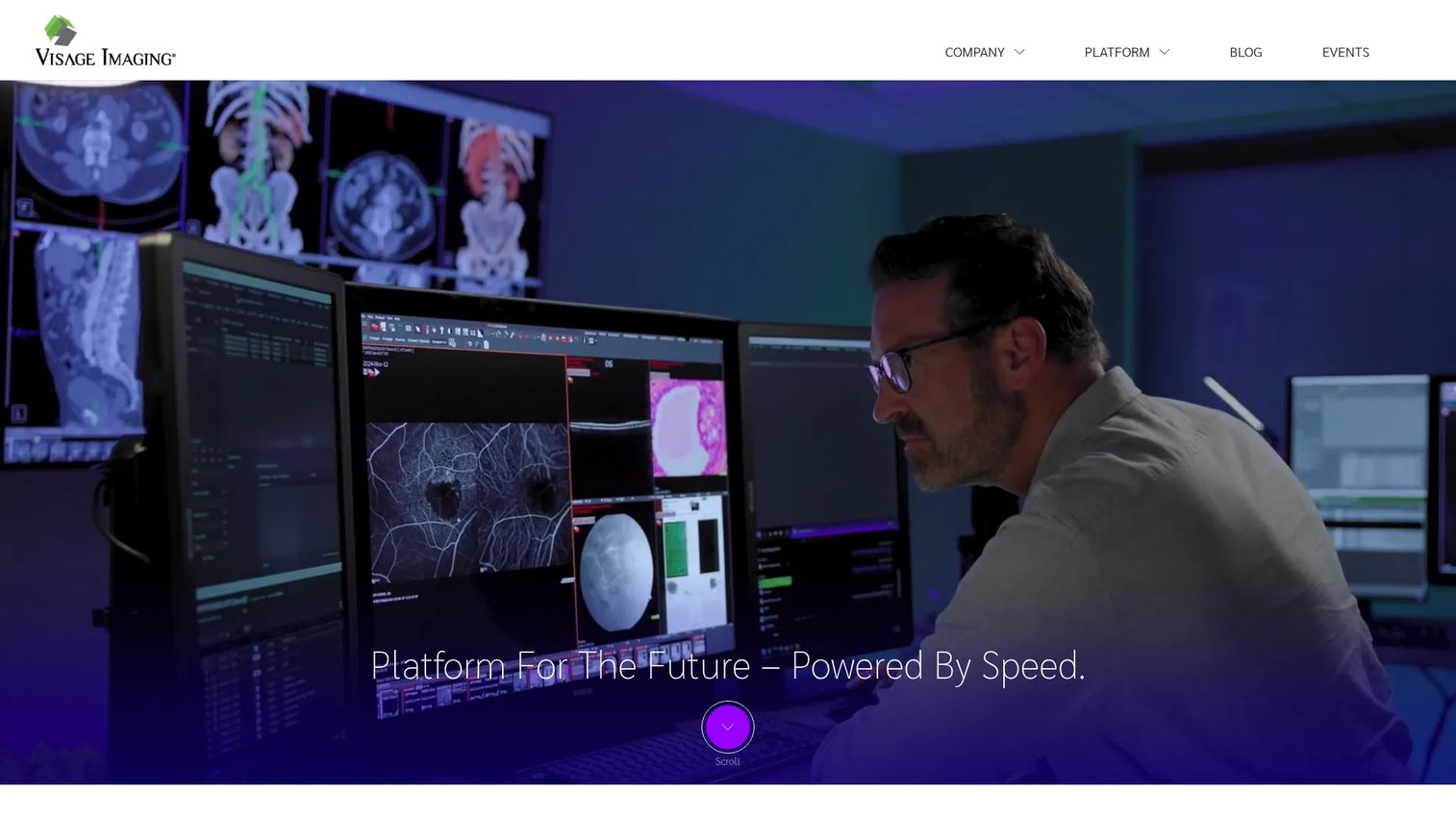
Visage Imaging delivers the Visage 7 enterprise imaging platform, a cloud-native, server-side PACS with managed SaaS deployment. The platform supports a single viewer across all imaging specialties, a standards-based vendor-neutral archive, native iOS and iPadOS mobile imaging applications, and an AI Accelerator program that supports research-to-diagnostic workflows. Cardiology-specific tools cover Echo, Cardiac CT/MR, calcium scoring, and TAVR planning.
Best for: Enterprise imaging organizations where viewer performance, multi-specialty coverage, and AI workflow integration are core requirements.
Key features
- One Viewer for enterprise imaging across all modalities
- Cloud-native, server-side PACS with managed SaaS deployment
- Standards-based vendor-neutral archive with scalable storage
- Native iOS and iPadOS mobile imaging applications
- AI Accelerator program for research-to-diagnostic workflows
Why choose Visage Imaging: Visage belongs on the shortlist when reading speed and large-study access are the primary evaluation criteria. Organizations should factor in infrastructure requirements and migration scope before committing, since the platform is built for enterprise scale.
Visage Imaging pricing: Pricing is determined through a direct sales conversation and reflects deployment scope and organizational size.
G2 rating: 4.8/5, based on 3 verified G2 reviews.
5. RamSoft OmegaAI
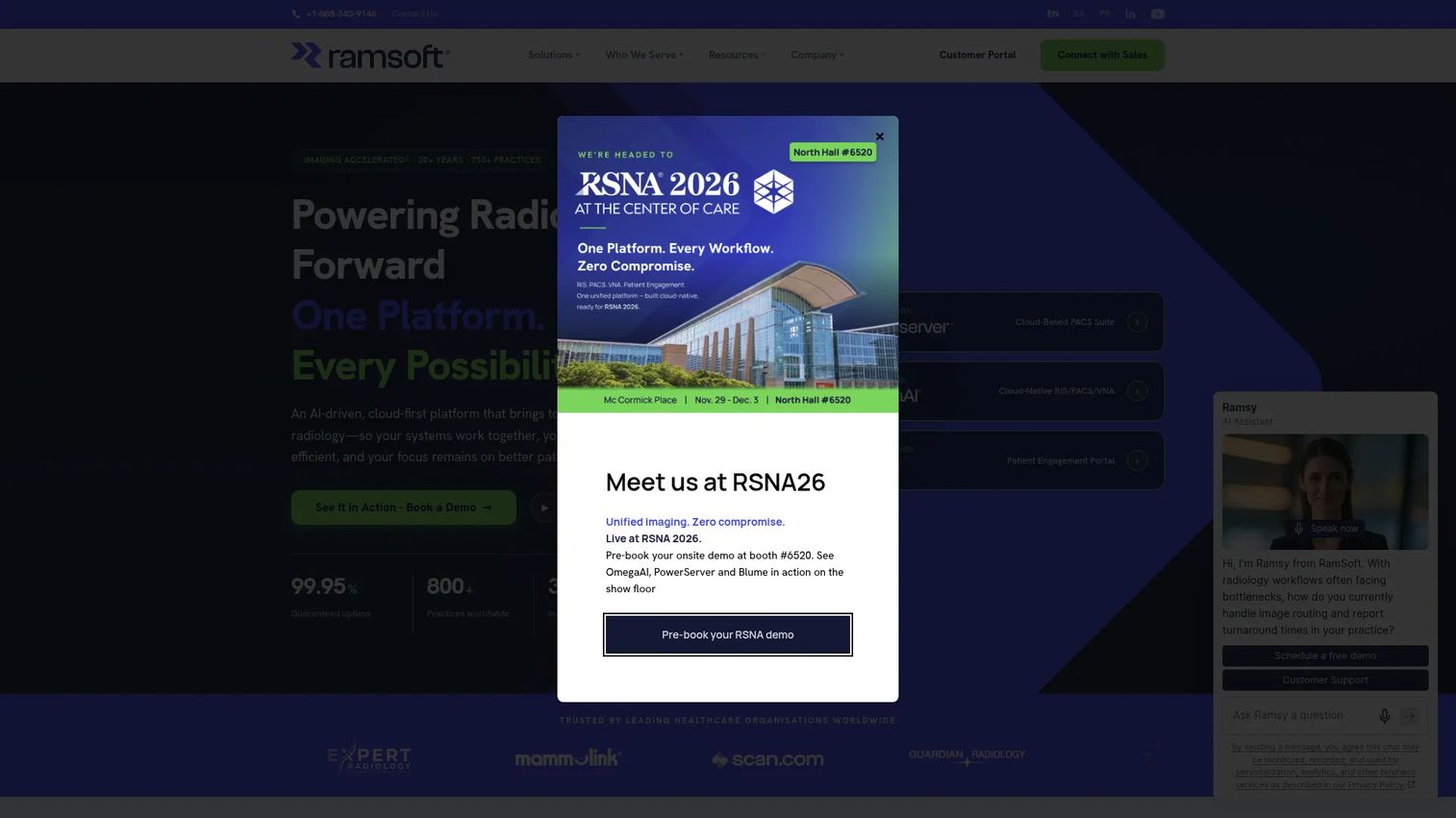
RamSoft OmegaAI is a cloud-native RIS/PACS/VNA platform built on Microsoft Azure. It combines workflow design and automation, AI-powered reporting with voice dictation, a universal worklist, patient engagement tools (intake forms, SMS notifications, self-scheduling), and real-time business intelligence dashboards. Interoperability runs through HL7 FHIR R4, DICOMweb, and open APIs. Studies can be shared via encrypted links or QR codes without requiring recipient accounts.
Best for: Imaging centers, radiology practices, hospitals, and teleradiology organizations wanting a fully cloud-native platform with integrated RIS and PACS.
Key features
- Cloud-native deployment on Microsoft Azure without on-premise infrastructure
- AI-powered reporting with voice dictation and report drafting
- Universal worklist with workflow designer and automation
- Patient engagement with intake forms, SMS notifications, and self-scheduling
- Interoperability through HL7 FHIR R4, DICOMweb, and open APIs
Why choose RamSoft OmegaAI: OmegaAI suits teams that want fewer disconnected systems. If the workflow fit is right, combining RIS and PACS in one cloud environment reduces handoffs and administrative overhead. Validate Azure infrastructure compatibility with your IT team before committing.
RamSoft OmegaAI pricing: Contact the sales team for a quote based on volume and deployment scope.
6. Change Healthcare Stratus Imaging PACS
Change Healthcare Stratus Imaging PACS is now part of Optum, following the Change Healthcare acquisition. The product is a fully managed, cloud-native SaaS PACS that unifies diagnostic viewing, global worklists, and reporting for radiology teams within large provider organizations. The platform describes a simple per-study pricing model, though no numeric price is displayed publicly. Embedded AI automation aims to reduce manual workflow steps in reading and reporting.
Best for: Large health systems and hospitals that want a cloud PACS within a broader healthcare IT environment and existing vendor relationships.
Key features
- Cloud-native, fully managed SaaS architecture with high availability
- Unified diagnostic viewing, reporting, and global worklist
- Web-based viewer for remote reading access
- Embedded AI automation for reading and reporting efficiency
- Enterprise connectivity within the broader Optum/Change Healthcare portfolio
Why choose Change Healthcare Stratus Imaging PACS: This option is most relevant when imaging infrastructure needs to sit inside a larger healthcare IT strategy, particularly for organizations already working with Optum or Change Healthcare. Verify current product naming, ownership details, and roadmap before initiating a formal evaluation.
Change Healthcare Stratus Imaging PACS pricing: Contact Optum sales directly for current figures.
7. IBM Merge PACS
IBM Merge PACS is a radiology PACS for diagnostic imaging, reading, reporting, and study management. Current product ownership and branding appear to be under Merative rather than IBM directly, so verify current vendor details before beginning a formal evaluation. The platform supports multi-modality DICOM image processing, customizable real-time worklists, and advanced image manipulation including MPR, MIP, 3D fusion and registration, measurements, and annotations.
Best for: Hospitals and radiology organizations needing established, multi-modality enterprise imaging workflows and diagnostic reading capability.
Key features
- Multi-modality DICOM image processing and display
- Customizable real-time worklist and workflow management
- Advanced image manipulation: MPR, MIP, 3D fusion, measurements, and annotations
- Clinical workflow tools for radiology departments
- Archive connectivity for image storage and retrieval
Why choose IBM Merge PACS: Merge may appeal to buyers who value an established healthcare imaging infrastructure with a long deployment history. Confirm current branding, product availability, and vendor support model before engaging, as the product has changed hands and the ownership picture should be verified independently.
8. PaxeraHealth PaxeraUltima
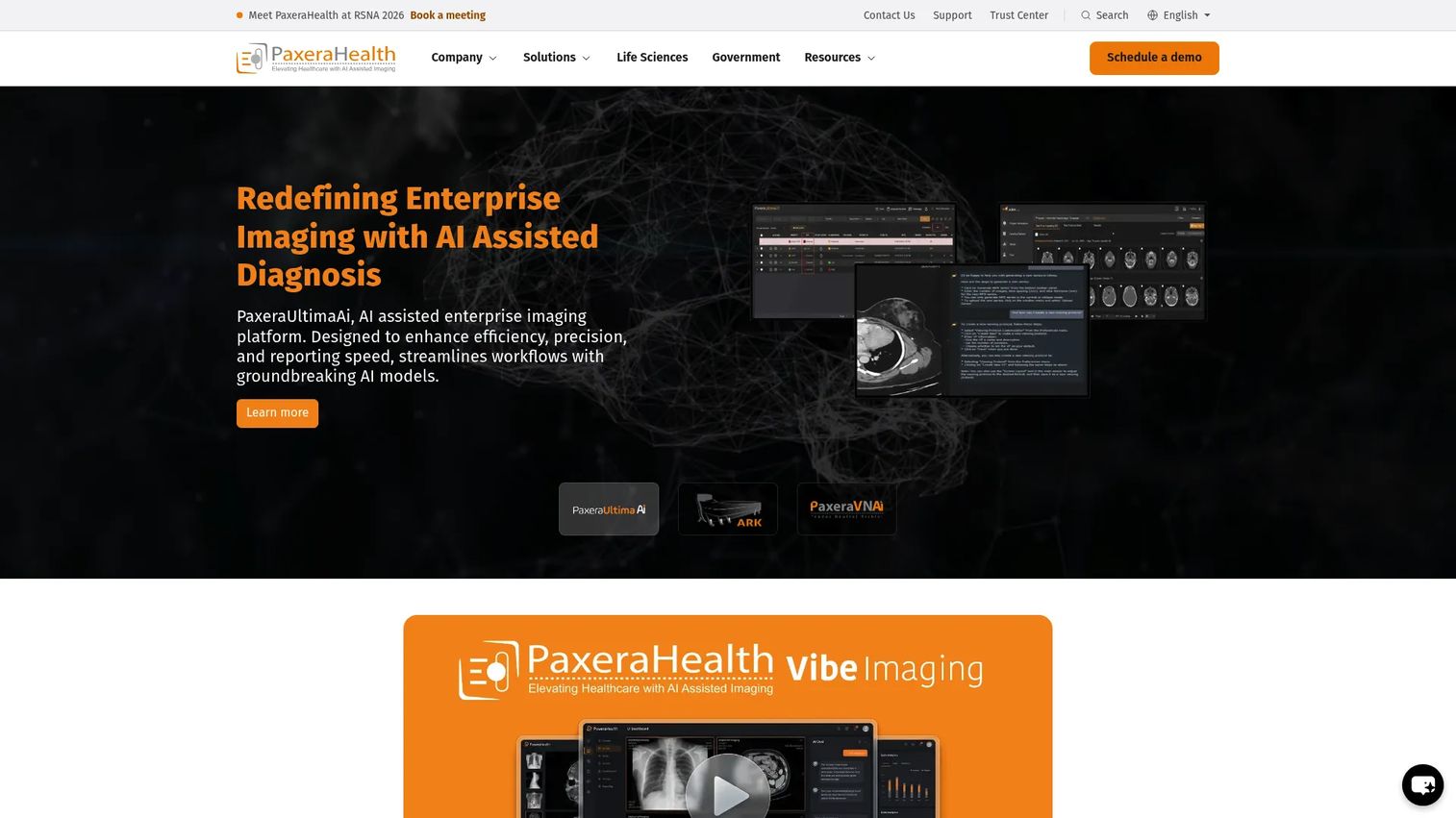
PaxeraHealth PaxeraUltima is an AI-driven enterprise imaging and web-based PACS platform. Its diagnostic viewer supports customizable hanging protocols and current/prior study comparison. AI-driven workflow tools include abnormality detection and worklist prioritization. The platform also includes advanced reporting and study-assignment tools, mobile image viewing through the iPaxera app, and patient image and report access through the CareRad portal.
Best for: Healthcare organizations that want enterprise PACS with AI workflow tools, vendor-neutral archiving, and modular deployment options.
Key features
- AI-driven workflow with abnormality detection and worklist prioritization
- Customizable diagnostic viewer with hanging protocols and prior-study comparison
- Advanced reporting, collaboration, and study-assignment tools
- Mobile image viewing through the iPaxera app
- Patient image and report access through the CareRad portal
Why choose PaxeraHealth PaxeraUltima: PaxeraUltima suits organizations building a modular imaging environment where AI tools and viewer flexibility both matter. Verify which AI capabilities are native to the platform versus available through third-party integrations before comparing against alternatives.
9. Infinitt PACS
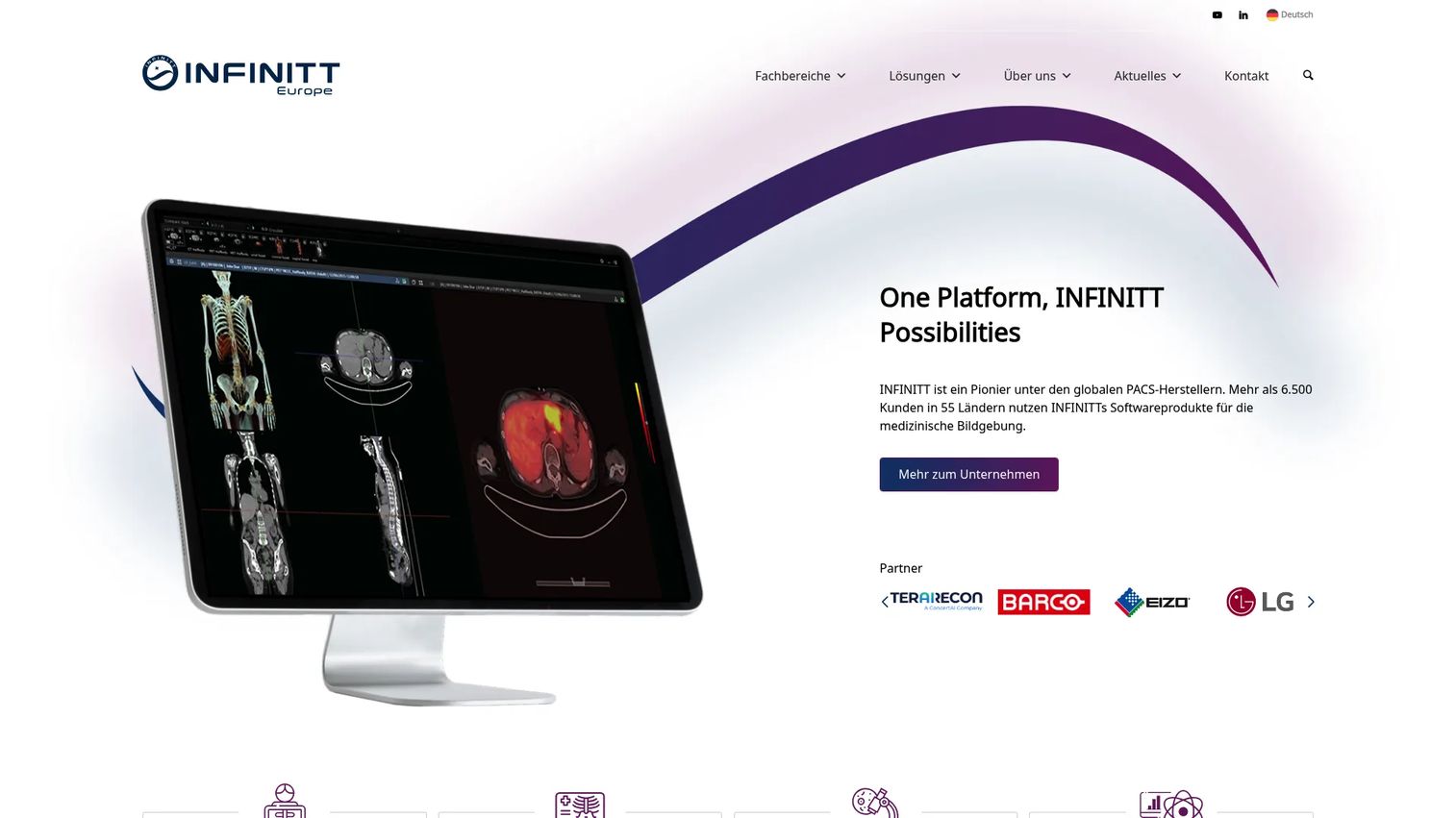
Infinitt PACS is an AI-empowered radiology PACS serving hospitals and multi-modality imaging environments. The platform supports AI-enabled image analysis, automatic task prioritization, and JIT (just-in-time), progressive, and on-call image loading. It includes patient timeline views, prior-study comparison, and integrated mammography, 3D, and CT-PET fusion viewing. The system is designed to support radiologist productivity across a broad range of imaging specialties.
Best for: Hospitals and diagnostic centers needing broad multi-modality PACS coverage with AI-assisted workflow tools.
Key features
- AI-enabled image analysis and automatic task prioritization
- JIT, progressive, and on-call image loading for performance optimization
- Patient timeline and prior-study comparison
- Integrated mammography, 3D, and CT-PET fusion viewing
- Broad multi-modality and multi-department coverage
Why choose Infinitt PACS: Infinitt is a practical option for organizations evaluating broad PACS coverage across multiple modalities. Verify local support availability, deployment model options, and integration requirements before shortlisting, particularly for multi-site deployments.
10. NovaPACS
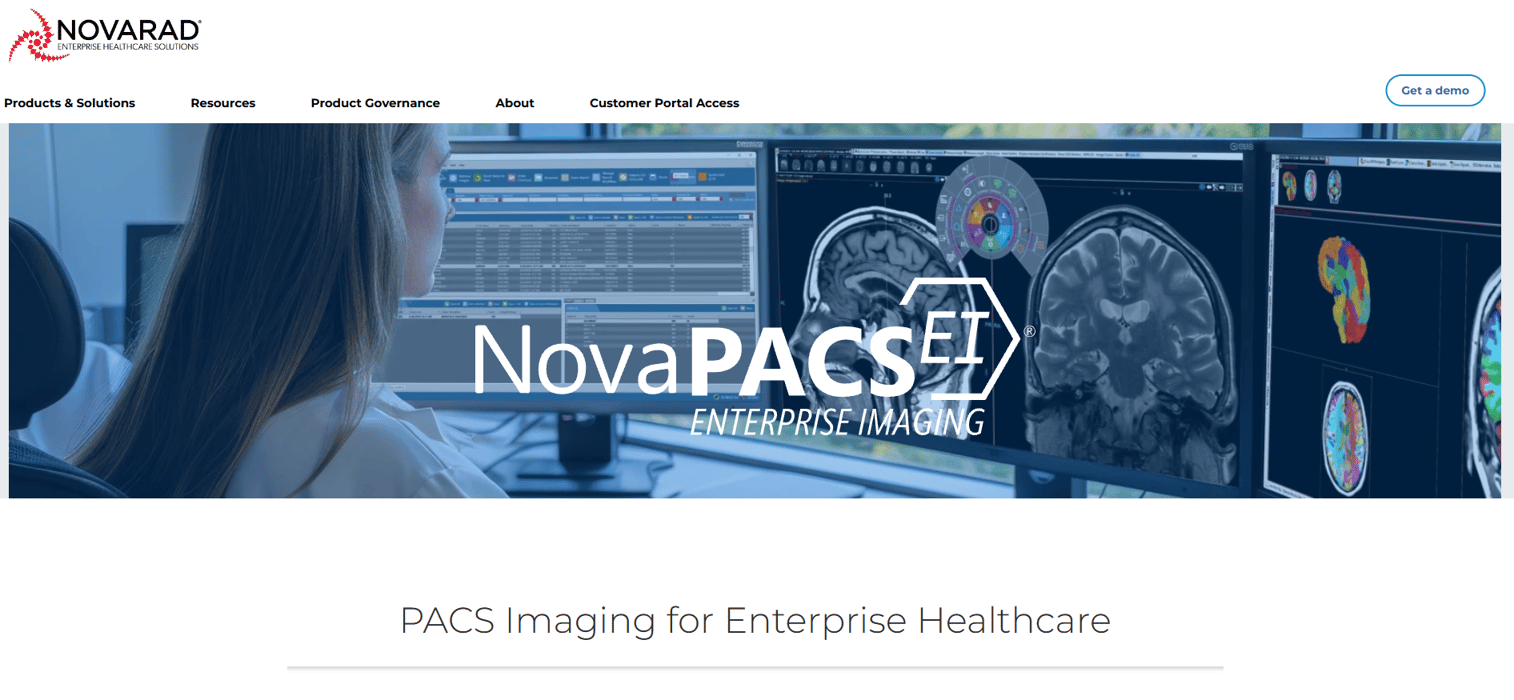
NovaPACS is a medical imaging PACS from Novarad designed for viewing, archiving, analyzing, distributing, and processing diagnostic images and data. The platform supports enterprise image archiving, web-based and remote image viewing, advanced image processing, customizable radiology workflows and worklists, mammography, and 3D imaging capabilities. It also integrates with EMR, HIS, and EHR systems, which makes it relevant for community hospitals where imaging must connect to existing clinical records infrastructure.
Best for: Community hospitals, clinics, and imaging centers needing configurable PACS with strong EMR and EHR integration.
Key features
- Enterprise image archiving and storage
- Web-based and remote image viewing
- Advanced image processing and manipulation
- Customizable radiology workflows and worklists
- Integration with EMR, HIS, and EHR systems
Why choose NovaPACS: NovaPACS fits teams that need a PACS without the operational overhead of a large enterprise imaging program. Evaluate current vendor packaging, the available support model, and mammography workflow coverage if that modality is relevant to your environment.
11. Ambra Health

Ambra Health is a cloud-based medical imaging platform for managing, viewing, sharing, and integrating diagnostic images. It has become part of the Intelerad family, so current platform details should be verified on the combined vendor site. Core functionality covers cloud-accessible medical imaging, secure patient imaging exchange, and DICOM image viewing. Ambra is positioned more as an image exchange and cloud management layer than a full-featured diagnostic PACS replacement.
Best for: Healthcare organizations where study sharing, patient access, and cloud-based image exchange are the primary requirements.
Key features
- Cloud-accessible medical imaging and storage
- Secure patient imaging exchange
- DICOM image viewing and management
- External access workflows for referring physicians and patients
- Enterprise connectivity for integration with broader clinical systems
Why choose Ambra Health: Choose Ambra when image exchange and distributed access are the central problem you're solving. If you need a full diagnostic PACS replacement with deep radiologist workflow tools, validate that the platform meets those reading requirements carefully, particularly given the ongoing integration with Intelerad.
Ambra Health pricing: Contact the sales team for current figures.
G2 rating: 4.5/5, based on 3 verified G2 reviews.
12. UltraLinq
UltraLinq is a cloud-based PACS platform for cardiology, radiology, ultrasound, and related imaging workflows. Its website notes that UltraLinq is now part of Studycast, so current product details and branding should be confirmed directly with the vendor. The platform includes a browser-based DICOM viewer, structured and customizable reporting worksheets, advanced post-processing and annotation tools, secure DICOM storage with encryption and audit logging, real-time image sharing, and AI-powered diagnostic insights.
Best for: Ultrasound-heavy practices, vascular labs, cardiovascular imaging teams, and specialty groups needing cloud PACS with structured reporting.
Key features
- Browser-based cloud PACS and DICOM viewer
- Structured and customizable reporting worksheets
- Advanced post-processing, measurement, and annotation tools
- Secure DICOM storage with encryption, access controls, and audit logging
- AI-powered diagnostic insights
Why choose UltraLinq: UltraLinq belongs on the shortlist when specialty imaging workflow matters more than full enterprise PACS scope. It fits a focused clinical environment where ultrasound or cardiovascular reporting is the primary use case. Confirm the current product status and Studycast relationship before beginning formal evaluation.
UltraLinq pricing: UltraLinq uses usage-based pricing with flat rates per upload and exam type, with no setup fees or minimum volume requirements.
Considerations when choosing a PACS system
DICOM and modality support
PACS must receive and manage images from the specific modalities your organization operates. X-ray, CT, MRI, ultrasound, mammography, cardiology, and specialty imaging each have distinct DICOM requirements. Confirm that the system handles your modality mix before narrowing the shortlist. A PACS that struggles with DICOM edge cases from one modality will create workflow friction that shows up after go-live.
RIS, EMR, and workflow integration
PACS adoption depends on integration quality with orders, worklists, reports, and patient records. The relevant standards here are HL7 (for clinical messaging) and DICOM Modality Worklist (for routing studies to the right reader). A PACS that connects cleanly to your existing RIS and EMR will get used. One that requires manual workarounds to close data gaps will get bypassed or worked around by clinical staff.
Viewer performance and diagnostic workflow
Radiologists judge a PACS by speed, prior-study access, hanging protocols, comparison workflows, and reporting fit. A polished interface matters far less than reading throughput. When evaluating vendors, ask specifically about performance under your expected study volume and image size, not just during a controlled demo environment.
Security, access control, and auditability
Healthcare imaging data requires role-based access controls, encryption in transit and at rest, audit logging, and backup and disaster recovery capabilities. Organizations operating under healthcare privacy regulations should evaluate each system's access control model and audit trail capabilities. This is not compliance advice; your legal and security teams should own that assessment. Treat this as an operational checklist item, not a checkbox.
Migration, implementation, and support
PACS migrations are operational projects, not software installs. Study migration, archive strategy, training, downtime planning, and vendor support quality all affect whether the system delivers value. Implementation drag can erase the operational benefit of a technically strong system. For founders and operators evaluating this category: Ask for references from organizations that completed a migration in the last 18 months, and ask specifically what broke during go-live.
Conclusion
The right PACS system depends on the clinical environment, not vendor name recognition.
For cloud-based radiology and teleradiology, OnePACS and RamSoft OmegaAI are strong starting points. For large hospitals with complex enterprise imaging needs, Sectra PACS and Visage Imaging warrant deeper evaluation. If image exchange and distributed access are the core problem, Ambra Health is worth shortlisting. Specialty teams doing primarily ultrasound or cardiovascular work should look closely at UltraLinq.
Before requesting demos, document your modality mix, integration requirements, study volume, remote access needs, and migration constraints. Vendors who ask about those specifics early are worth taking further. Vendors who lead with features and skip the workflow conversation rarely survive the IT and clinical evaluation.
Build the shortlist based on workflow fit first. Everything else follows from that.
If your team sells complex software to buyers in healthcare or any other high-stakes vertical, static screenshots rarely survive a committee evaluation. Start your journey with Guideflow today!
FAQs
PACS stands for picture archiving and communication system. It is healthcare software that stores, retrieves, distributes, and displays medical images from modalities such as X-ray, CT, MRI, and ultrasound. PACS is the operational layer that makes imaging data accessible to clinicians across a health system.
A PACS system stores medical images, routes them to the right reader or department, supports diagnostic viewing and annotation, and archives studies for future comparison. Radiology is the primary use case, but PACS-like imaging workflows also appear in cardiology, oncology, pathology, dentistry, and other specialties. The goal is fast, controlled access to imaging data at the point of clinical decision-making.
DICOM is the standard that defines how medical images are formatted and transmitted between devices and systems. PACS is the system that stores, manages, routes, and displays those images. The two work together: DICOM defines the image, PACS handles what happens to it after acquisition. A PACS without DICOM support cannot communicate with standard imaging modalities.
A radiology information system (RIS) manages the operational side of radiology: Scheduling, orders, worklist generation, workflow tracking, and report delivery. PACS manages the images and diagnostic viewing. Many organizations run both and connect them so that orders flow from RIS into the PACS worklist automatically, and completed reports flow back into the clinical record.
Some image management systems can store non-DICOM files, but clinical PACS workflows depend heavily on DICOM for interoperability with imaging modalities, viewers, and clinical systems. A system without strong DICOM support creates friction at every point where images move between devices or departments.
No. Radiology is the foundational use case, but imaging workflows appear across many clinical specialties. Cardiology uses imaging for echo and cardiac CT. Oncology relies on imaging for treatment planning and follow-up. Pathology is building digital imaging workflows for slide scanning. Dentistry, dermatology, and ophthalmology each have specialty-specific imaging needs that PACS-style platforms increasingly serve.
Cloud PACS can improve remote access, reduce infrastructure management, and support faster scaling without hardware procurement cycles. On-premise systems may fit organizations with specific latency requirements, strict data-governance rules, or existing infrastructure investments they're not ready to exit. The right answer depends on study volume, remote access needs, IT capacity, and data-residency constraints. Neither model is universally better.
Start with modality support and DICOM handling, then confirm viewer performance under real study volumes. Validate RIS and EMR integration paths. Review security controls, access management, and audit logging. Understand the migration plan for existing archives. Ask about implementation timelines, support SLAs, and what happens to your data if you eventually switch vendors. For AI medical diagnostic platforms layered on top of PACS, verify which capabilities are native versus third-party integrations.