Your time data is scattered. Some of it lives in spreadsheets, some in calendar blocks, some in a half-adopted timer one team uses and three teams ignore. When the board asks why margins slipped last quarter, you don't have a clean answer, because the hours behind every project are noisy at best and missing at worst.
That gap is expensive. The global time tracking software market is valued at roughly USD 6.66 billion in 2026 and projected to reach USD 18.3 billion by 2034, according to Straits Research (2025). The growth tells you something: more teams are treating time data as an operating signal, not a compliance chore. For a founder under margin pressure, clean hours feed billing accuracy, capacity planning, and forecasting, the exact numbers that survive due diligence.
The problem with most evaluations is that they treat every tracker as interchangeable. A simple timer for a solo consultant and a workforce platform for a 90-person services org solve different problems. Pick the wrong model and you either drown your team in admin or starve finance of the data it needs. The right time tracker is the one that matches how your business actually runs, then disappears into the workflow so people keep using it.
This guide compares the tools worth your shortlist, with verified pricing and a founder's lens on where each one fits. If you are also auditing adjacent parts of your revenue stack, our roundups of email tracking software and outbound call tracking software follow the same evidence-first approach.
What's inside
This article compares 10 time tracking tools across the situations founders actually face: distributed software teams, billable agency work, freelance invoicing, field and shift crews, and finance-led payroll. We selected each tool on four criteria: platform breadth (web, desktop, mobile, kiosk), reporting and profitability depth, pricing clarity, and real-world fit for teams rather than just solo users.
The list balances simple trackers with heavier operational platforms. Some entries win on free pricing and fast adoption. Others earn their place through billing workflows, approvals, or accountability features. We flag which is which so you can match the model to your operating reality, not just chase a feature checklist.
TL;DR
Short on time? Here are the best time tracking software picks by scenario:
- Best overall for teams that want broad coverage: Clockify
- Best for simple, privacy-first workflows: Toggl Track
- Best for billing and profitability: Harvest
- Best for automatic time intelligence: TimeCamp
- Best for field accountability and mobile clock-ins: Jibble
- Best for monitoring-heavy accountability: Hubstaff
- Best for agency billing and planning: Everhour
- Best for quick, low-overhead team logs: My Hours
- Best for payroll-linked tracking: QuickBooks Time
- Best for productivity tracking with monitoring: Apploye
Every tool below has verified pricing and a clear best-fit scenario, so you can shortlist two or three and run a one-week pilot.
What is time tracking software?
Time tracking software is a tool that records how people spend their working hours across tasks, projects, and clients, then turns that data into timesheets, reports, billing, and payroll inputs. It replaces manual spreadsheets and disconnected timers with a single source of truth for where time goes.
Modern timekeeping software shares a recognizable core feature set. Knowing what each layer does helps you separate a basic timer app from a tool built for teams.
- Timer and manual entry: Start a live timer or log hours after the fact, by task or project.
- Timesheets: Daily and weekly views that roll up into approvals and payroll.
- Calendar and schedule-based tracking: Turn calendar events or shifts into time entries.
- Automatic time tracking: Background capture of apps, URLs, and activity so people log less by hand.
- Approvals: Managers review and sign off on timesheets before they hit billing or payroll.
- Reporting and profitability: Project budgets, billable versus non-billable splits, and margin views.
- Integrations: Connections to project management, accounting, payroll, and communication tools.
The category splits into a few clear models, and most buying confusion comes from blurring them. Simple time trackers focus on fast, low-friction logging. Employee time tracking software adds approvals, scheduling, and team rollups. Billing and invoicing tools turn hours into client invoices and profitability reports. Field and GPS tracking tools handle shifts, offline clock-ins, and location verification. Privacy-first trackers stay manual or activity-light by design. Productivity and accountability tools layer screenshots and monitoring on top of time entry. The best time tracking software for your team is the one whose default model matches your culture and your finance needs.
When to use time tracking software
Not every team needs the same tracking model. These three situations cover most founder buying triggers.
Replace spreadsheets with a real tracker
When a team has outgrown manual logs, the symptoms are obvious: late timesheets, rounding errors, and approval threads buried in Slack. A real time tracking app cleans this up. You get consistent entries, faster approvals, and reporting you can trust in a board deck. For any team past roughly ten people, the admin saved usually pays for the tool inside a quarter.
Track billable work without losing margin
Agencies, consultancies, and services teams bleed margin when billable hours go unlogged or projects quietly run over budget. Time tracking tools with project budgets, billable rates, and invoice generation close that gap. You see profitability per client and per project in real time, and time-to-invoice shrinks from weeks to days. This is where billing and invoicing features earn their keep.
Manage distributed or field teams
Time tracking software for remote teams and field crews has different demands. You need mobile clock-ins, offline time tracking for spotty connections, kiosk or shared-device mode for frontline shifts, GPS verification, and scheduling. The goal is accountability without surveillance theater, accurate hours that feed payroll cleanly while respecting how distributed teams actually work.
Comparison table
Here is a practical side-by-side of all 10 tools. Pricing reflects each vendor's published rates as of mid-2026, and G2 ratings are shown where verified.
| # | Product | Intent | Key use case | Pricing | G2 rating |
|---|---|---|---|---|---|
| 1 | Clockify | Broad team tracking | Free, flexible time tracking with approvals and invoicing | Free; paid from $5.49/seat/mo annual | Not verified |
| 2 | Toggl Track | Privacy-first simplicity | Low-friction tracking with strong reporting | Free; paid from $9/user/mo | 4.6/5 |
| 3 | Harvest | Billing and invoicing | Time-to-invoice workflows for service teams | Free; paid from $9/seat/mo | 4.3/5 |
| 4 | TimeCamp | Automatic tracking | Hands-off time capture with profitability reports | Free; paid from $3.99/user/mo annual | 4.7/5 |
| 5 | Jibble | Field and shift tracking | Free clock-ins with GPS and attendance | Free; paid tiers available | Not verified |
| 6 | Hubstaff | Workforce accountability | Time plus productivity monitoring | From $7/user/mo | 4.4/5 |
| 7 | Everhour | Agency billing and planning | Budgets, billing, and capacity planning | Free; paid from $8.50/seat/mo annual | Not verified |
| 8 | My Hours | Simple team logs | Fast, low-overhead time entry | From $2.99 | 4.6/5 |
| 9 | QuickBooks Time | Payroll-linked tracking | Time tied to QuickBooks accounting | From $10/mo + $8/user/mo | 4.5/5 |
| 10 | Apploye | Productivity monitoring | Time tracking with screenshots and budgeting | Free; paid from $4.50/seat/mo annual | 4.7/5 |
1. Clockify
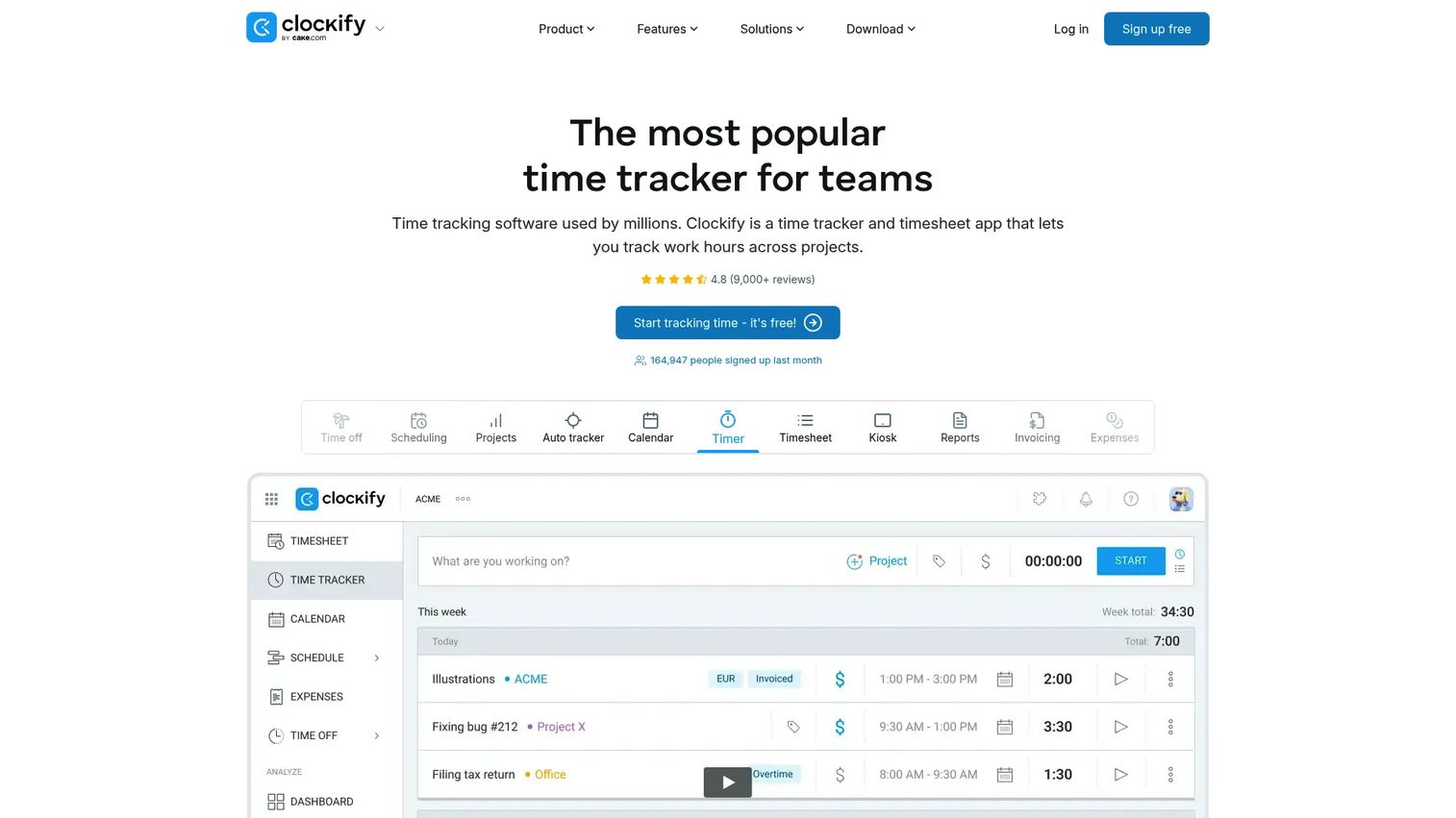
Clockify is the broadest general-purpose option on this list. It covers timer, timesheet, and kiosk tracking, then layers on reporting, project budgeting, invoicing, scheduling, attendance, and approvals. For a founder who wants one tool that scales from a five-person team to a workforce without forcing a migration later, it is hard to beat the coverage-to-cost ratio.
What makes Clockify stand out is that the free plan is genuinely usable for teams, not a trial gate. You can track unlimited hours, run reports, and manage projects before paying anything. That makes it a low-risk first tracker for a team replacing spreadsheets, and a strong candidate for time tracking software for remote teams that need consistent logging across time zones.
Best for: Teams that want broad time tracking coverage with a free starting point and room to grow.
Key strengths
- Full tracking range: Timer, manual entry, timesheets, and kiosk clock-ins in one place.
- Operational depth: Scheduling, approvals, attendance, and QuickBooks integration for finance workflows.
- Reporting and billing: Project budgets, profitability views, and invoicing without a separate tool.
Why choose Clockify: If you are unsure which tracking model you need yet, Clockify lets you start free and turn on more operational features as the team grows. It works for solo users but is built to handle teams, which is exactly the flexibility a scaling company wants.
Clockify pricing: A free plan covers core time tracking. Standard runs $5.49 per seat per month billed annually, or $6.99 monthly. Pro is $7.99 per seat per month annually, or $9.99 monthly. Enterprise pricing is custom and not published.
2. Toggl Track
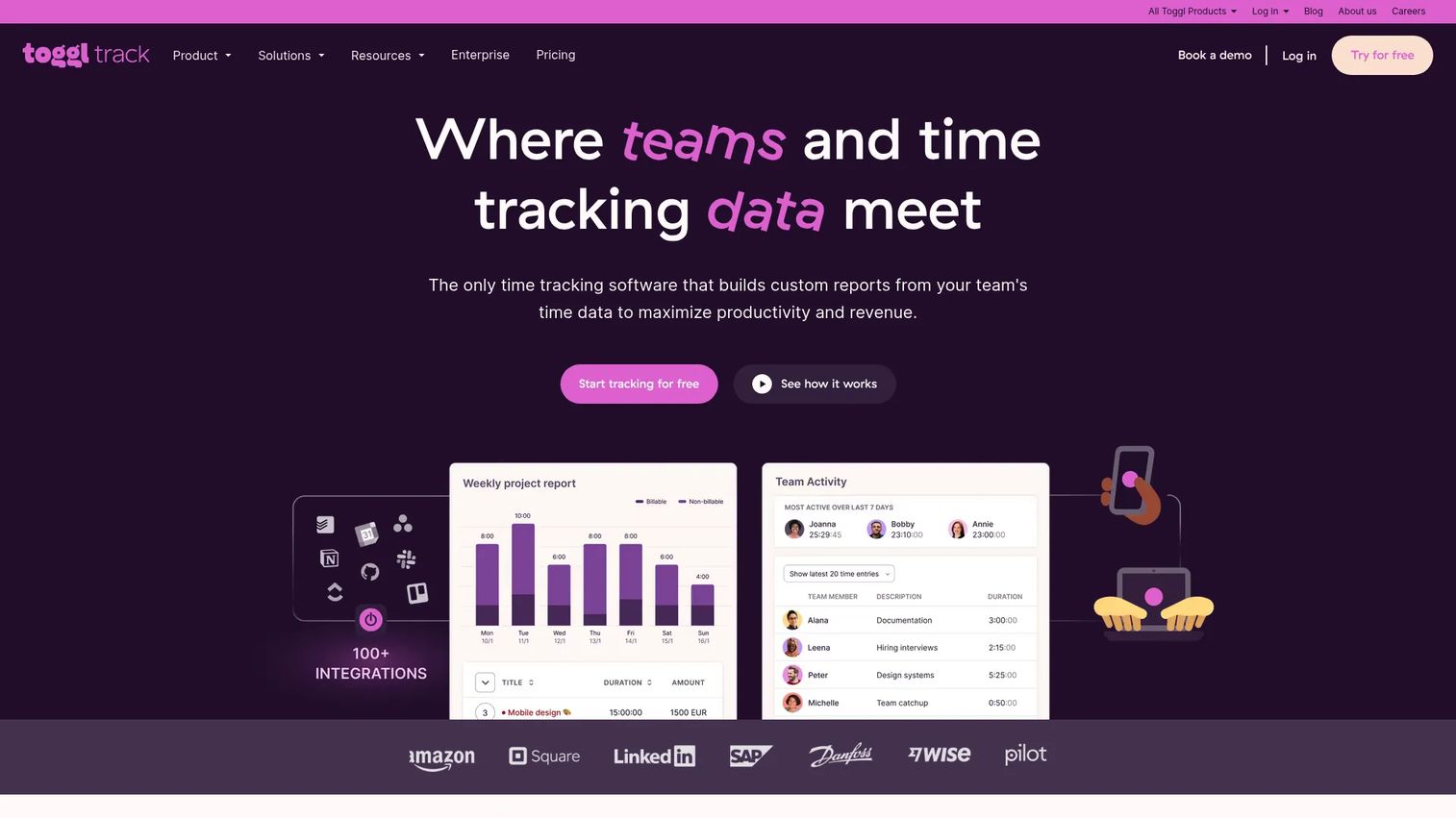
Toggl Track built its reputation on low-friction, privacy-first tracking. The interface gets out of the way, a calendar view turns blocks into entries, automated tracking suggests what you worked on, and the reporting is clean enough to inform real decisions. For teams that recoil at surveillance-style tools, Toggl Track is the obvious starting point.
The privacy-first stance matters for adoption. When tracking feels like accountability rather than monitoring, people actually use it, and incomplete time data is the silent killer of every tracking rollout. Toggl Track works across web, desktop, mobile, and browser extensions, with more than 100 integrations, which makes it a strong fit for time tracking software for freelancers and distributed teams alike.
Best for: Teams and freelancers that want flexible, privacy-respecting tracking with reporting and profitability insights.
Key strengths
- Frictionless capture: Calendar view, one-click timers, and automated tracking across every device.
- Privacy-first design: No screenshots or invasive monitoring, which drives higher adoption.
- Reporting depth: Profitability and billable insights that hold up in a client or board review.
Why choose Toggl Track: Choose Toggl Track over monitoring-heavy tools when team trust and adoption matter more than oversight. It is the tracker people keep using because it never feels like it is watching them.
Toggl Track pricing: A free plan covers a limited number of users. Starter is $9 per user per month, Premium is $18 per user per month, and Enterprise is custom. Annual billing saves 10%.
3. Harvest
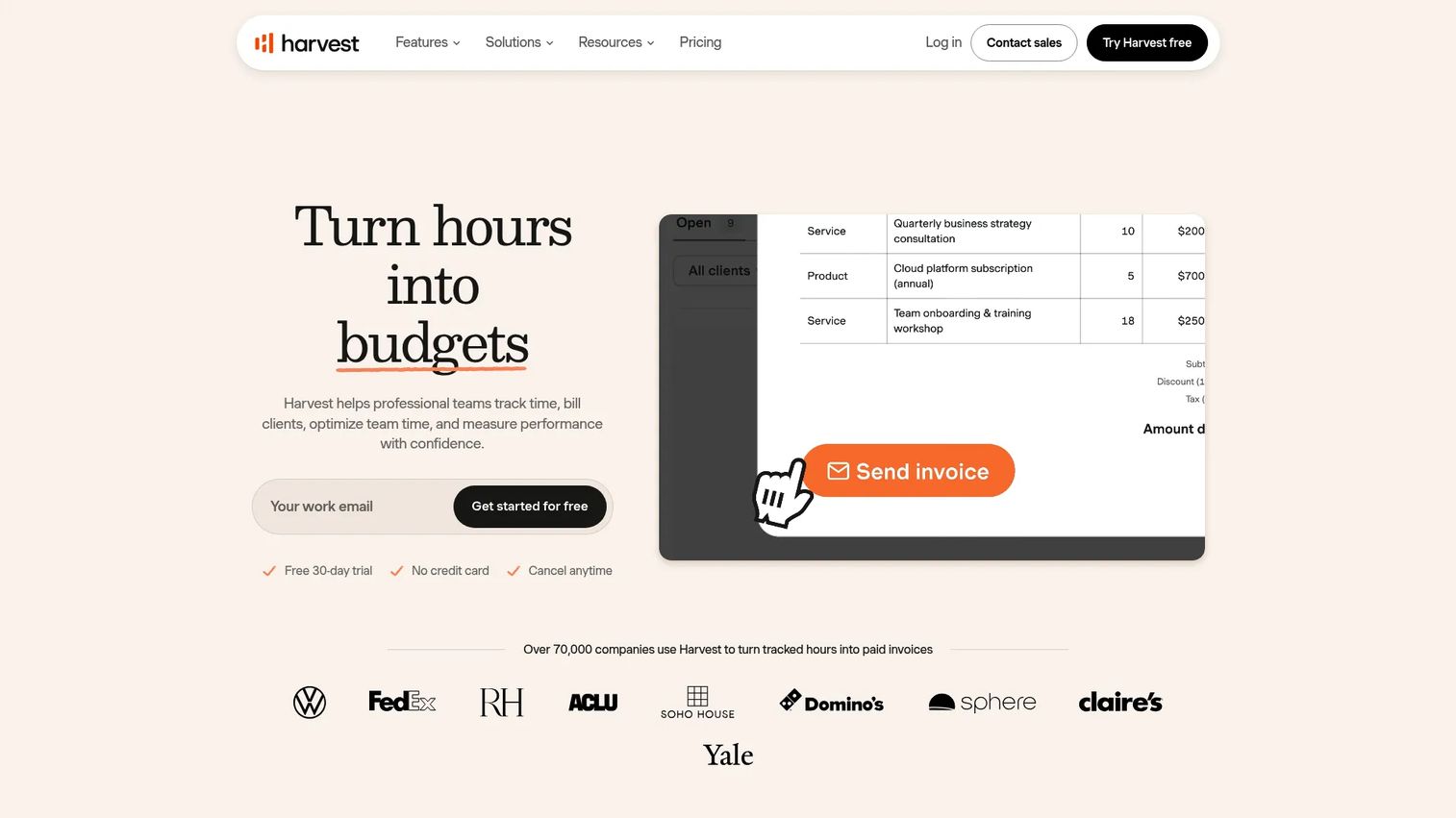
Harvest is built around the money. It tracks time, then turns those hours into invoices, tracks expenses, and reports against project budgets. For agencies, consultancies, and services teams, the time-to-invoice workflow is the whole point, and Harvest closes that loop better than most general trackers.
For a founder, the financial workflow is what matters. Harvest connects logged hours to billable rates, flags when a project is burning toward its budget, and generates client-ready invoices without a handoff to a separate billing system. That visibility into project profitability is exactly the signal finance needs to defend margins. It suits both time tracking software for freelancers invoicing single clients and small agency teams managing several.
Best for: Freelancers and service teams that need time tracking tied directly to invoicing and project budgets.
Key strengths
- Time-to-invoice: Convert billable hours into client invoices in a few clicks.
- Expense tracking: Capture project costs alongside hours for accurate margins.
- Budget visibility: See when projects approach or exceed budget before it hurts.
Why choose Harvest: If the reason you track time is to bill accurately and protect margin, Harvest is purpose-built for that job. It is lighter on workforce monitoring and heavier on financial clarity, which is the right trade for service businesses.
Harvest pricing: A free plan covers a single seat forever. Teams is $9 per seat per month, or $11 monthly. Enterprise is $14 per seat per month annually, or $17.50 monthly. Annual billing saves 20%.
4. TimeCamp
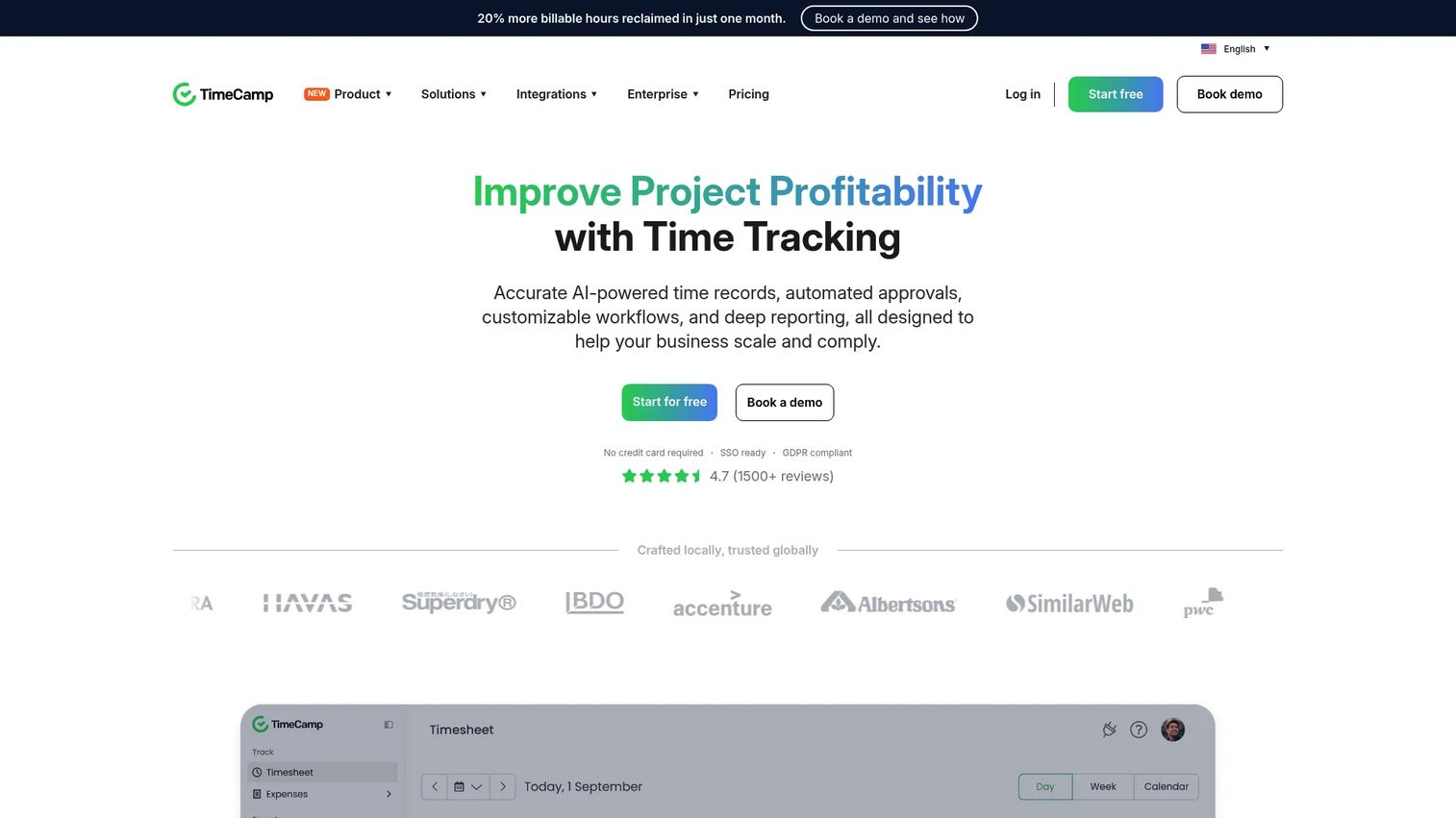
TimeCamp leans into automatic time tracking. It captures activity across web, desktop, and mobile in the background, then maps it to projects and billable hours so people log far less by hand. The result is cleaner data with less nagging, which is the trade most teams actually want.
That automation pairs with solid reporting, approvals, and integrations. TimeCamp surfaces project profitability, tracks billable versus non-billable time, and handles absence and overtime logging. For a founder who wants automation without giving up reporting depth, it sits in a useful middle ground between a simple timer and a heavyweight workforce platform. Offline tracking keeps entries accurate when connections drop.
Best for: Teams that want automatic time capture paired with billing and productivity reporting.
Key strengths
- Automatic tracking: Background capture across web, desktop, and mobile reduces manual entry.
- Profitability reporting: Billable hours, project margins, and rollups in clear reports.
- Approvals and logging: Timesheet approvals, overtime, and absence tracking built in.
Why choose TimeCamp: TimeCamp fits teams that want hands-off tracking but still need finance-grade reporting. The automation lifts the logging burden while the reports keep margins visible.
TimeCamp pricing: A free forever plan is available. Starter is $3.99 per user per month, Premium is $6.99, and Ultimate is $9.99, all billed annually. Enterprise pricing is custom.
5. Jibble
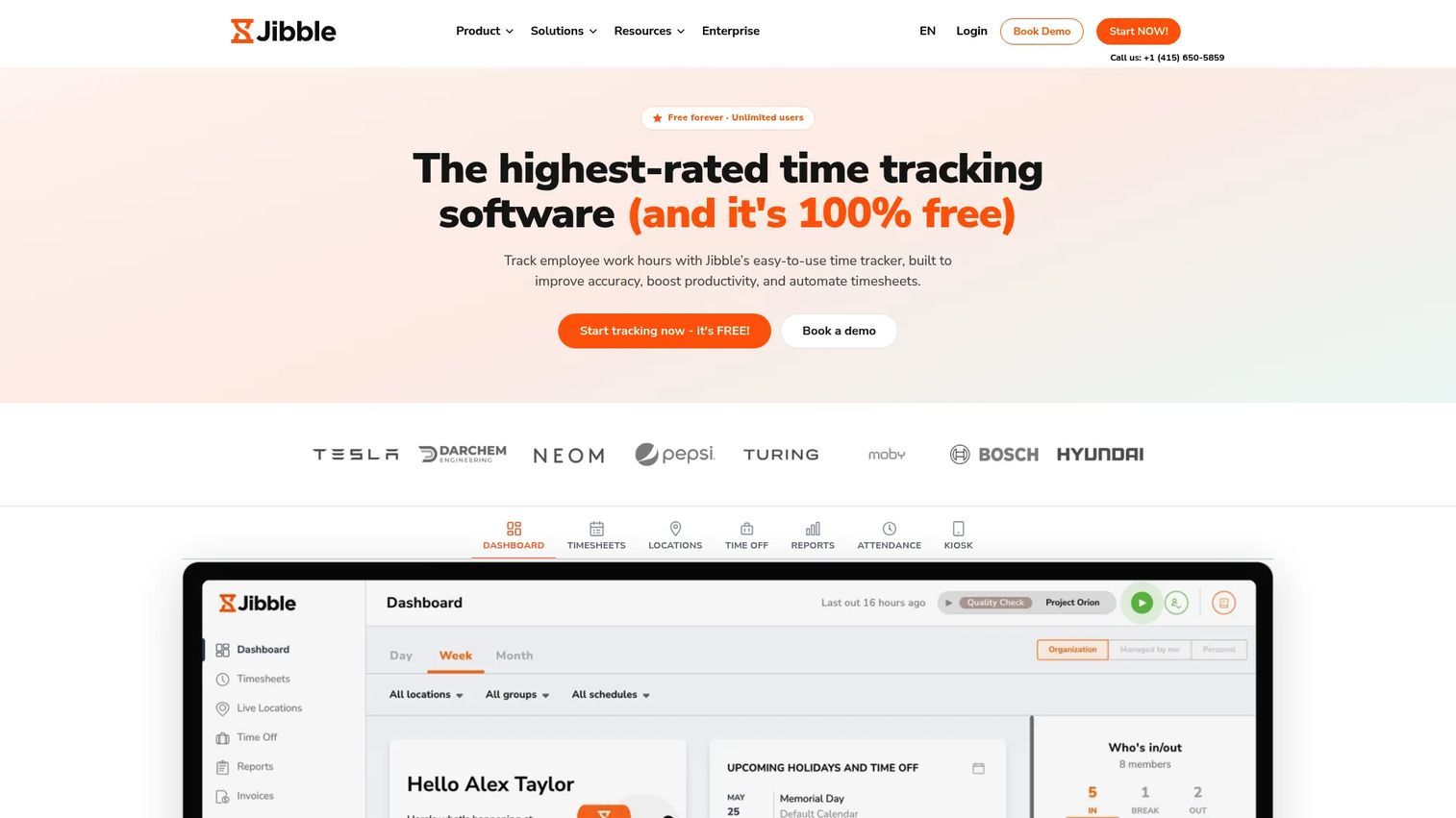
Jibble is built for the field. It offers free time and attendance tracking with offline mobile clock-ins, GPS verification, facial recognition, and kiosk mode for shared devices. For frontline crews, shift workers, and distributed teams, it handles the accountability problems that desk-focused trackers were never designed for.
The appeal for a founder is accountability without overcomplicated setup. Jibble keeps the core free and unlimited on users, then adds payroll exports, timesheets, and reporting on top. That makes it a practical pick for time tracking software for remote teams and field operations that need verified clock-ins feeding clean payroll, without a heavy procurement cycle. Offline mode means a dropped signal never means lost hours.
Best for: Field, shift, and frontline teams that need free attendance tracking with GPS and offline clock-ins.
Key strengths
- Field-ready capture: Offline mobile clock-ins, GPS, and kiosk mode for shared devices.
- Verification: Facial recognition and location checks for accurate attendance.
- Payroll-ready output: Timesheets, reports, and payroll exports from tracked hours.
Why choose Jibble: Jibble gives field teams accountability features that usually sit behind expensive workforce suites, starting from a free, unlimited-user plan. It is the low-friction way to verify hours for crews who are rarely at a desk.
Jibble pricing: The Free plan is free forever for unlimited users. Paid Essential, Growth, and Pro plans add advanced features with monthly or yearly billing.
6. Hubstaff
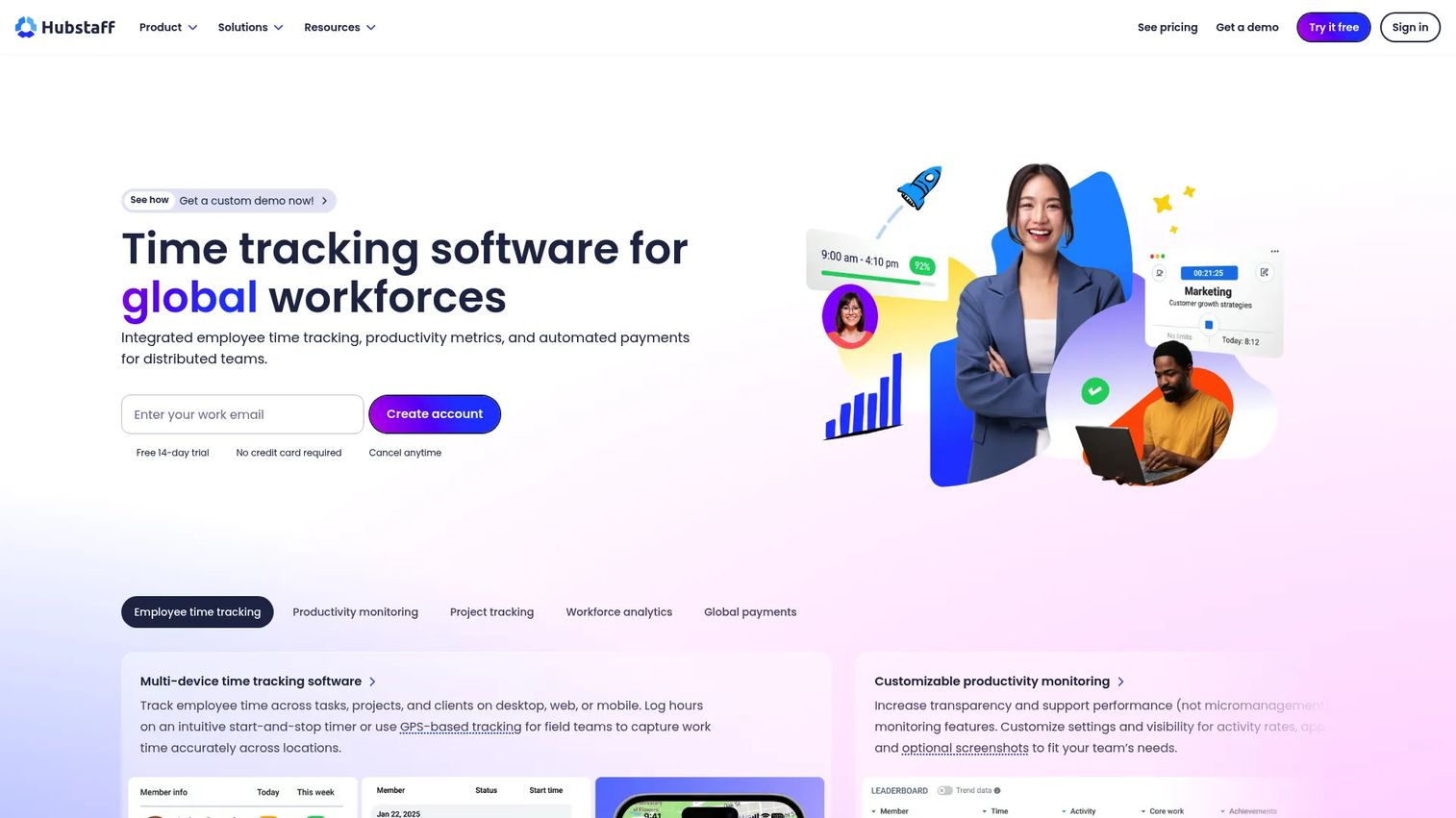
Hubstaff pairs time tracking with workforce visibility. Alongside timers and timesheets, it offers productivity monitoring through screenshots, app and URL usage, GPS location, and workforce analytics. For teams that genuinely need oversight of remote or field work, it provides that layer in a structured way.
Be honest with yourself about whether you need this model. Monitoring features build accountability for distributed teams, but they also shape culture, so they fit best where the work genuinely requires verification rather than as a default. Where it fits, Hubstaff delivers capacity planning and operational visibility that lighter trackers do not, making it a fit for time tracking software for remote teams that require stronger oversight.
Best for: Remote, hybrid, or field teams that need time tracking plus productivity and location visibility.
Key strengths
- Activity monitoring: Screenshots, app and URL tracking, and activity rates for oversight.
- Location tracking: GPS for field teams and mobile workforce accountability.
- Workforce analytics: Capacity planning and productivity insights across the team.
Why choose Hubstaff: Choose Hubstaff when the work genuinely requires verification and oversight, not just time logging. It gives operations leaders visibility that desk-only trackers cannot, with the monitoring depth to back it up.
Hubstaff pricing: Starter is $7 per user per month, or $4.99 annually. Grow is $9 monthly, or $7.50 annually. Team is $12 monthly, or $10 annually. Enterprise is $25 monthly or custom. A 14-day free trial is available. There is no free tier.
7. Everhour
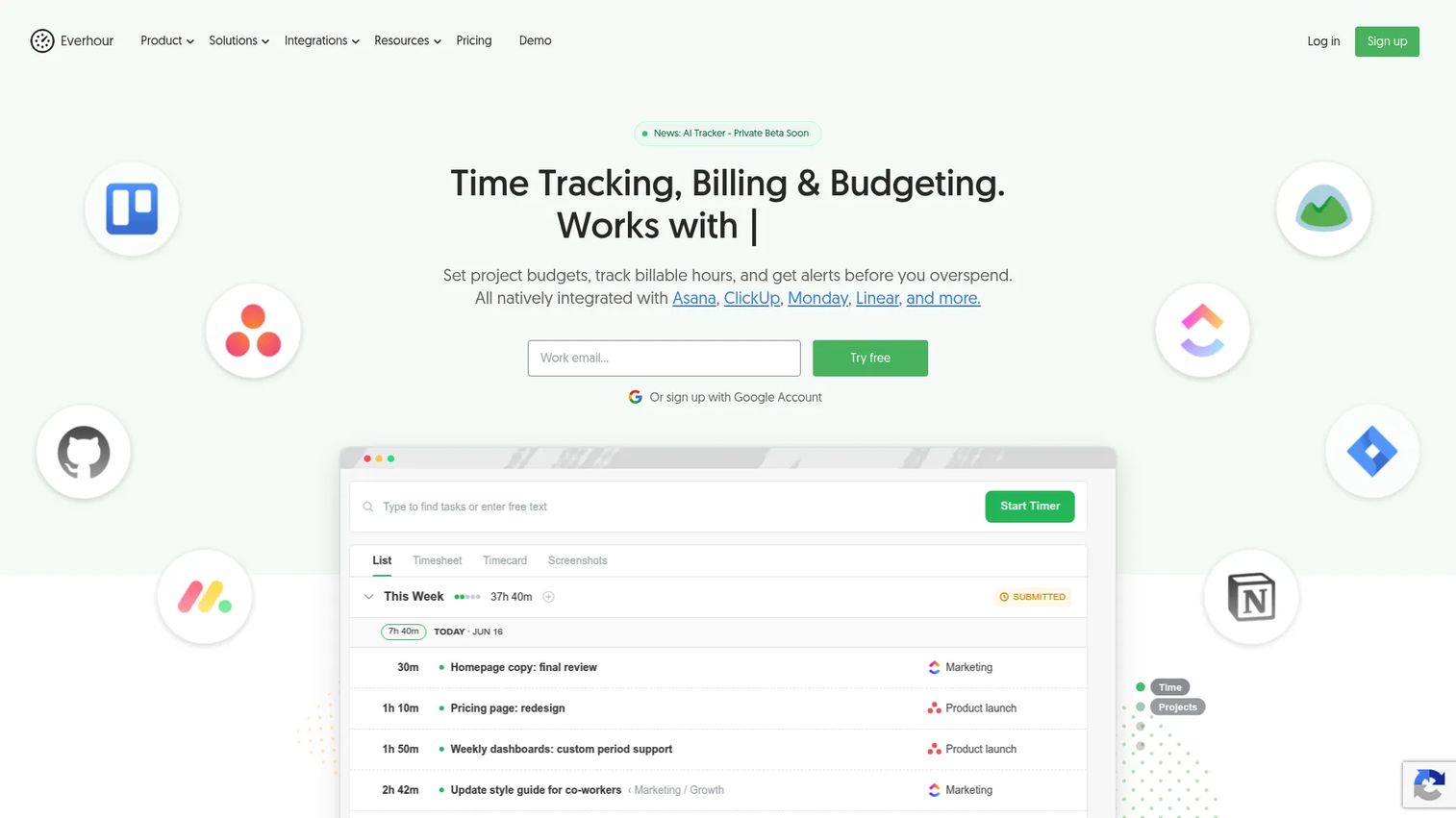
Everhour is built for agencies and project-heavy teams that live inside project management tools. It tracks time, then layers on budgeting, billing, invoicing, and capacity planning, with native integrations into the project tools teams already use. The result is profitability visibility without forcing people into a separate app.
For a founder running a services or agency motion, the value is planning plus billing in one place. Everhour shows which projects are profitable, who has capacity, and what is billable, then turns it into invoices. That combination of project profitability and resource planning is what separates an agency-grade tool from a basic timer, making it a strong pick for time tracking software for agencies.
Best for: Agencies and project-heavy teams that want time tracking with billing, budgeting, and capacity planning.
Key strengths
- Native integrations: Tracks time inside the project management tools teams already use.
- Billing and budgeting: Project budgets, billable rates, and invoicing in one flow.
- Capacity planning: Visibility into who has bandwidth and which projects are profitable.
Why choose Everhour: Everhour fits teams that want time tracking embedded in their existing project workflow rather than bolted on. The planning and billing depth makes it a genuine operating tool for agencies, not just a timer.
Everhour pricing: A free plan covers individuals and small teams up to five seats. The Team plan is $8.50 per seat per month billed yearly with unlimited seats. A custom plan for larger organizations requires a minimum of 50 seats.
8. My Hours
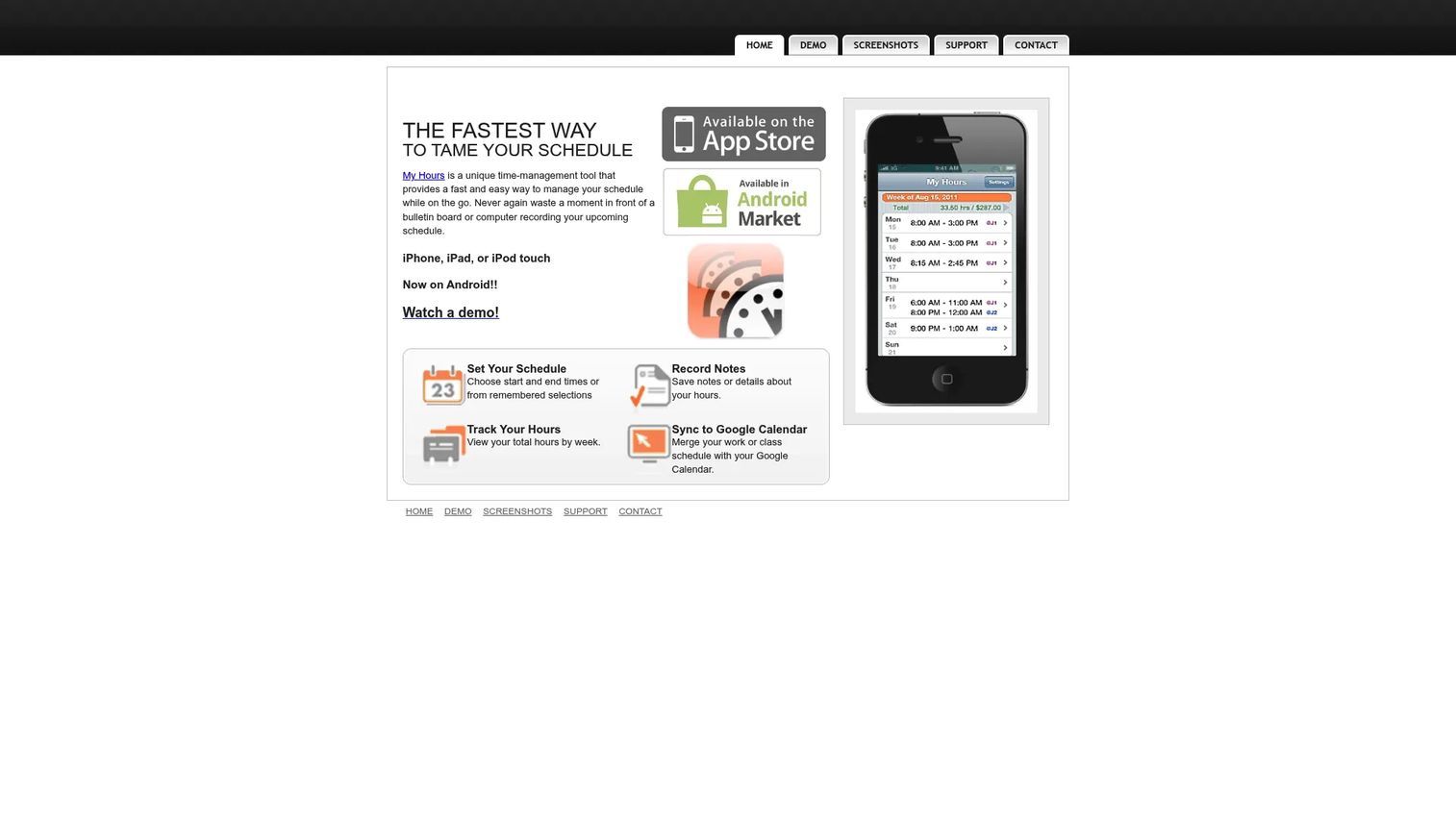
My Hours is the simplicity pick. It focuses on fast time entry, task and project tracking, reporting, and lightweight team management without the overhead of a full workforce platform. For founders who want their team logging hours within minutes of signup, low overhead is the entire value proposition.
Simplicity is a feature, not a compromise. When a tool is easy, adoption climbs and the data stays complete, which is what makes reporting trustworthy. My Hours suits smaller teams, founders, and freelancers who need clean project hours and basic reporting without learning a heavy system. It also covers time tracking software for freelancers who want straightforward client and task tracking.
Best for: Smaller teams, founders, and freelancers who want simple, fast time tracking with low overhead.
Key strengths
- Fast time entry: Log hours by task or project in seconds, with history at hand.
- Schedule tracking: Plan and track scheduled work alongside logged time.
- Calendar sync: Google Calendar integration to turn events into entries.
Why choose My Hours: Choose My Hours when adoption speed matters more than deep operational features. It earns its place by being the tracker people actually fill in, which keeps your reporting honest.
My Hours pricing: My Hours offers a low entry price starting around $2.99, with simple plans aimed at individuals and small teams. Check the current plan details on its site before buying.
9. QuickBooks Time
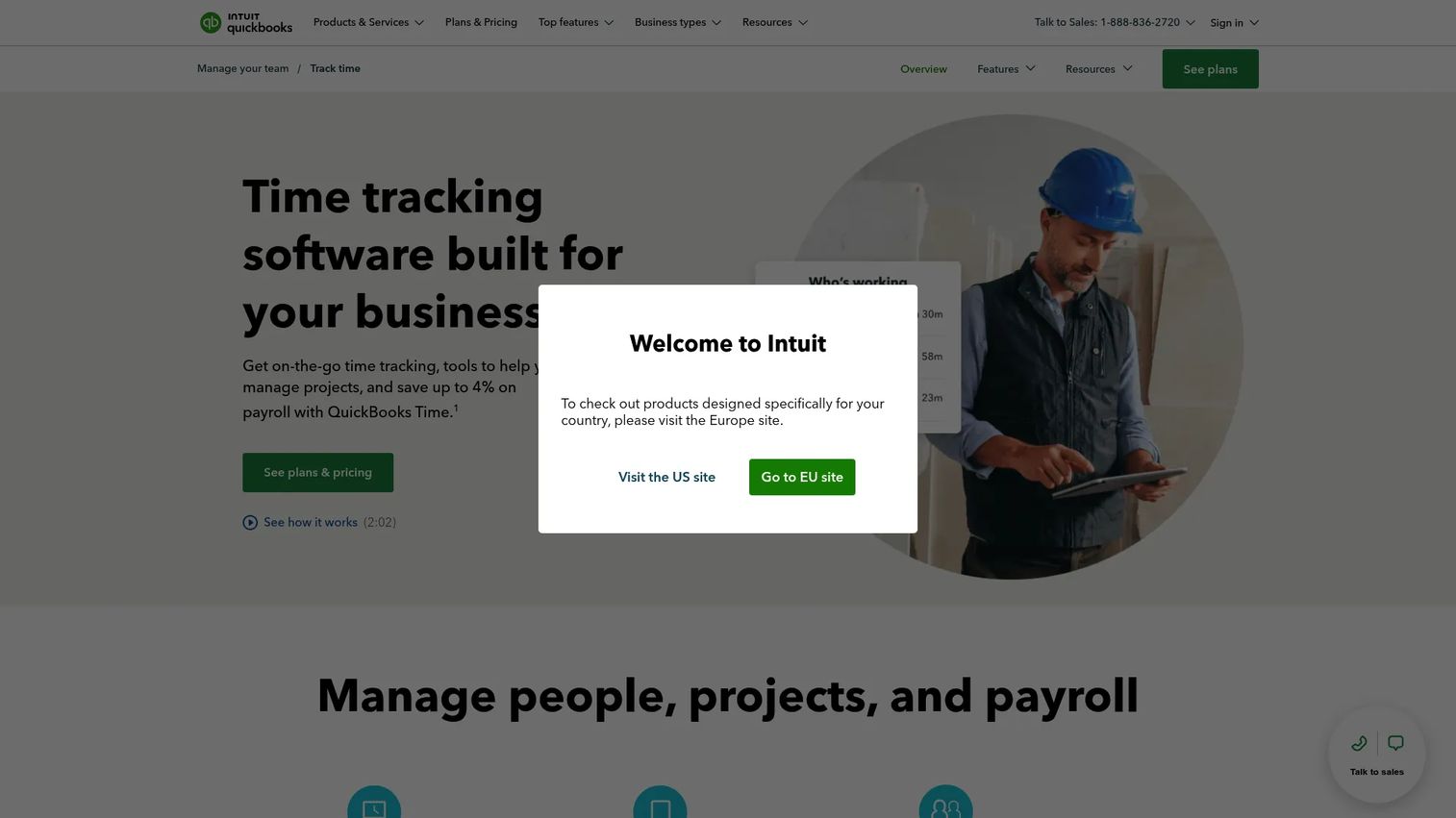
QuickBooks Time ties time tracking directly to payroll and accounting. From Intuit, it offers GPS time tracking, employee scheduling, mobile clock-ins, and timesheet approvals that sync straight into QuickBooks. For finance-led teams already running QuickBooks, the integration removes a whole layer of manual reconciliation.
The reason this matters to a founder is clean financial plumbing. When tracked hours flow into payroll and accounting without re-keying, you cut errors and close the books faster. For operations that already live in QuickBooks, this is the path of least resistance, and the approvals and scheduling features cover field and shift work too.
Best for: Businesses that want time tracking tightly connected to QuickBooks payroll and accounting.
Key strengths
- Payroll sync: Timesheets flow directly into QuickBooks payroll and accounting.
- GPS and scheduling: Location tracking and employee scheduling for field teams.
- Approvals: Timesheet approval workflows before hours hit payroll.
Why choose QuickBooks Time: If your finance stack already runs on QuickBooks, this is the tracker that fits without friction. The tight accounting integration is worth more than a marginally cheaper standalone tool.
QuickBooks Time pricing: Time Premium is $10 per month plus $8 per user per month. Time Elite is $20 per month plus $10 per user per month. Both include a 30-day free trial. A QuickBooks Online account is required.
10. Apploye
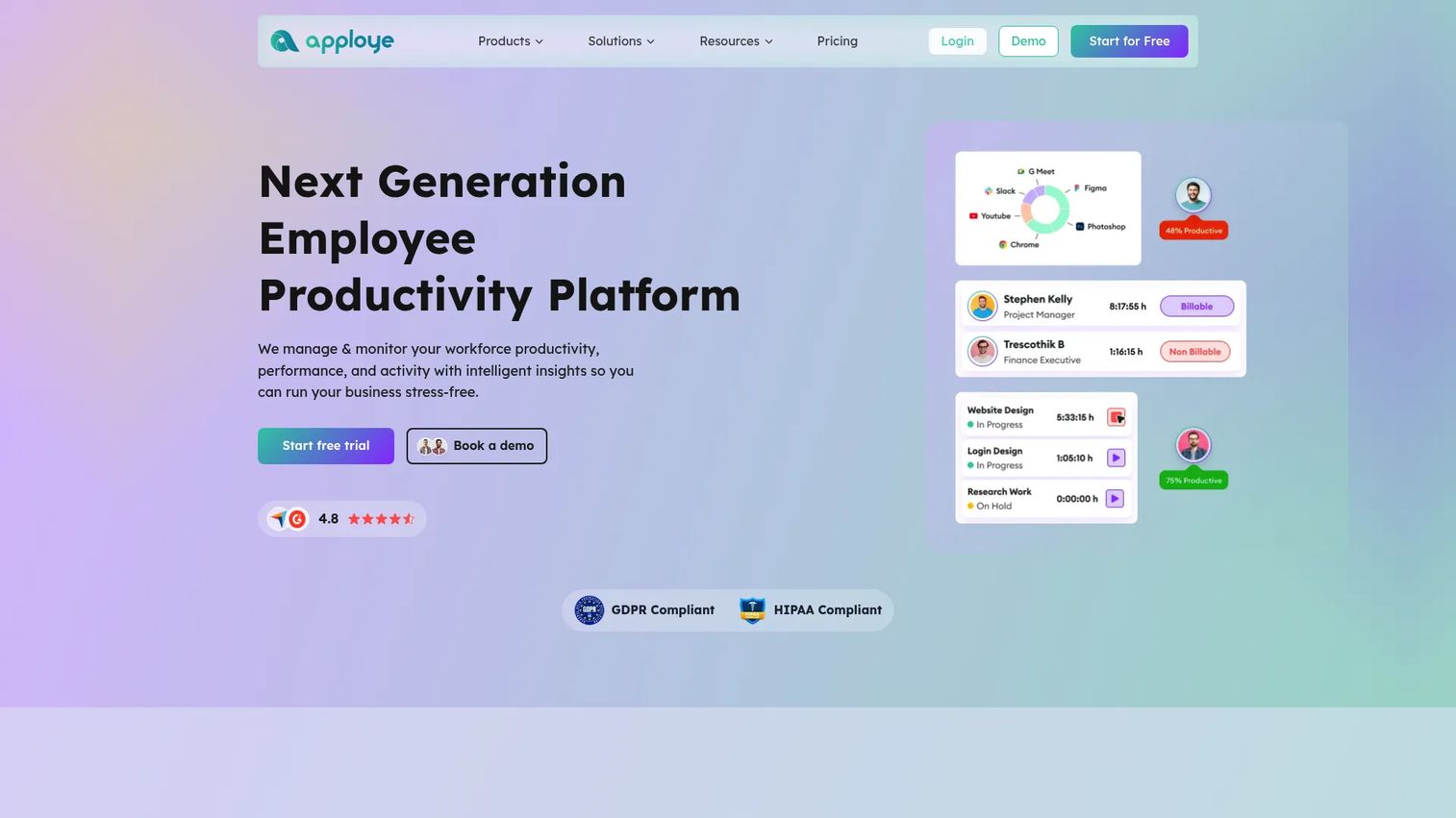
Apploye combines time tracking with employee monitoring and productivity features. It offers timers, screenshot monitoring, project and task management, and budgeting, aimed at teams that want accountability alongside time entry. It separates straightforward time logging from the monitoring layer, so you can use as much or as little oversight as your culture allows.
For a founder, the honest framing is that Apploye sits firmly in the accountability camp. It is built for teams that have decided monitoring is the right model, with the productivity tracking and screenshots to support it. Paired with invoicing and budgeting, it covers both the oversight and the billing side for teams that need both.
Best for: Teams that want time tracking combined with employee monitoring and invoicing.
Key strengths
- Productivity monitoring: Screenshots and activity tracking for accountability.
- Project budgeting: Track time against projects, tasks, and budgets.
- Invoicing: Turn tracked hours into client invoices.
Why choose Apploye: Choose Apploye when accountability is a deliberate decision and you want monitoring plus billing in one tool. It is more oversight-focused than the lighter trackers, which is the point for teams that need it.
Apploye pricing: The Starter plan is free forever for up to 10 users. Elite is $4.50 per seat per month billed annually. Power is $8 per seat per month. Enterprise is custom.
Considerations before you buy
Before you commit, run each shortlisted tool against these criteria. They separate a tracker that earns its place from one that becomes another half-used system.
Reporting depth
Check export quality, custom report builders, profitability views, and team rollups. For a founder, reporting is the entire point: if you cannot pull a clean billable-versus-non-billable view or a per-project margin, the tool is not feeding the decisions you bought it for.
Platform coverage
Verify browser, desktop, mobile, kiosk, and offline support against how your team works. Field crews need offline time tracking and kiosk mode; distributed software teams need solid desktop and browser apps. Match the coverage to your actual operating model, not a generic feature list.
Approvals and payroll
Confirm timesheet approvals, overtime handling, PTO, payroll exports, and invoice accuracy. These are the workflows that connect tracking to money. If approvals are clunky or payroll exports are messy, the admin you hoped to remove just moves somewhere else.
Privacy and monitoring
Decide where you land on the spectrum: manual-first, privacy-first, or monitoring-heavy. This is a culture decision as much as a feature one. A monitoring tool in a high-trust team kills adoption; a privacy-first tool in an operation that needs verification leaves gaps. Match the model to your team.
Integrations
Check connections to your project management, accounting, payroll, CRM, and Slack stack, plus API depth. A tracker that integrates cleanly disappears into the workflow. One that does not becomes a data island your team works around. For founders consolidating tools, time tracking integration depth is often the deciding factor.
Conclusion
There is no single best time tracking software, only the best fit for how your business runs. Clockify wins on broad coverage and a genuinely free starting point. Toggl Track is the privacy-first choice that drives adoption. Harvest and Everhour own billing and project profitability for agencies and services teams. TimeCamp delivers automatic tracking with finance-grade reporting. Jibble and QuickBooks Time handle field and payroll-linked work, while Hubstaff and Apploye serve teams that need accountability and monitoring. My Hours is the fast, low-overhead pick for smaller teams.
The practical next step is simple. Shortlist two or three tools that match your operating model, then run a one-week pilot with a real team and real projects. Watch adoption and reporting quality, because the right tracker is the one people keep using and the one that gives you clean data when the board asks hard questions. Pick for fit, pilot fast, and let the data decide.
FAQs
For SaaS teams, the best fit usually comes down to reporting depth, project visibility, and integrations. Clockify and TimeCamp work well for teams that want broad coverage and automatic tracking, while Toggl Track suits teams that prioritize adoption and privacy. The deciding factor is whether the tool feeds clean data into your existing stack.
Harvest is a strong default for freelancers and small agencies because it ties time directly to invoicing and budgets. Everhour suits agencies that live inside project management tools and need capacity planning. My Hours is the lightweight option for freelancers who want simple project and client tracking without overhead.
Jibble and QuickBooks Time lead for field and shift work. Jibble offers free, unlimited-user attendance tracking with GPS, offline clock-ins, and kiosk mode. QuickBooks Time adds GPS and scheduling with direct payroll sync, which makes it the better choice for teams already running QuickBooks.
Toggl Track and TimeCamp are the privacy-first picks. Toggl Track avoids screenshots and invasive monitoring entirely, which drives adoption in high-trust teams. TimeCamp leans on automatic tracking rather than surveillance, keeping data complete without heavy oversight. Both fit teams that want accuracy without monitoring backlash.
Harvest and Everhour are built for billing and invoicing. Harvest turns tracked hours into client invoices and tracks expenses against project budgets. Everhour pairs billing with budgeting and capacity planning inside project management tools. Both give the profitability visibility a founder needs to defend margins.
Focus on adoption, reporting, integrations, and operational fit. The tool people actually use beats the one with the longest feature list, because incomplete data makes every report unreliable. Verify that reporting matches your billing and payroll needs, that it integrates with your stack, and that the tracking model fits your team culture.
Yes, when it reduces manual logging rather than adding surveillance. Tools like TimeCamp, Clockify, Toggl Track, and Hubstaff capture activity in the background and map it to projects, so people confirm rather than build timesheets from scratch. Adoption climbs when automatic tracking lowers the burden instead of feeling like monitoring.
For teams of any real size, yes. Approvals connect tracking to billing and payroll by giving managers a sign-off step before hours become money. Scheduling matters most for shift and field work. Clockify, QuickBooks Time, and Jibble all handle approvals and scheduling, which is why they suit team and field operations better than solo-focused timers.