You need a logo by Friday. The brand kit is half-built, the landing page ships next week, and the freelance designer quoted a two-week turnaround you do not have. So you open a logo maker, generate something in ten minutes, and then hit the real wall: the free export is a watermarked PNG, the SVG is locked behind a plan, and the file you actually need for print does not exist on the free tier.
That gap between "made a logo" and "have usable brand files" is where most tools quietly cost you time. The global logo design software market was valued at USD 2.5 billion in 2024 and is forecast to reach USD 4.8 billion by 2033 at an 8.5% CAGR, according to a 2024 LinkedIn Logo Design Software Market Report. More tools, more AI, more overlap. For a marketer already consolidating a stack, the question is not "can it make a logo" but "does this replace something, export cleanly, and support the brand work that comes after the logo."
This guide compares real software, not one-off generators. If you also care about how visual assets convert once they are live, our roundups of ai design tools and ai content creation tools pair well with logo selection. And if creative production is where your bottleneck sits, our list of ai image generators covers the adjacent surface. Now let's get into the tools.
What's inside
This is a buyer's guide for marketers, founders, and small teams comparing logo design software for real business branding, not just a one-off graphic. We picked tools that go beyond generating a shape and actually help you ship usable files and reuse the mark across campaigns.
Every tool here was evaluated on four criteria that matter when logo work connects to marketing work:
- Ease of use and speed to a first draft
- Template quality and AI logo generation
- Export options (PNG, SVG, PDF, transparent background)
- Pricing transparency and what the free tier actually gives you
TL;DR
- Best overall for marketing teams: Adobe Express, for AI logo creation plus Brand Kit reuse across collateral.
- Best for all-purpose template velocity: Canva, for the largest template library and team collaboration.
- Best for subscription all-in-one branding: Design.com, for logo packs bundled with website and print assets.
- Best for free creation with a site ecosystem: Wix Logo Maker, for AI-guided logos that flow into a Wix site.
- Best for ownership-minded buyers: Looka, for AI logos plus a Brand Kit of branded templates.
- Best for typography-forward design: Kittl, for vector tooling and high-resolution exports.
- Best for beginner-friendly free logo design: FreeLogoDesign, for a simple editor and clear one-time plans.
- Best for print and small-business collateral: VistaPrint, for logo-to-print in one place.
- Best for founders forming a business: Tailor Brands, for an AI logo maker inside a business-building bundle.
What is logo design software?
Logo design software is a tool that lets you create, customize, and export a brand logo through templates, drag-and-drop editing, or AI generation, without hiring a designer or opening professional design software. Most modern options are browser-based, cloud-first, and priced for small teams.
The category has matured well beyond simple icon pickers. A capable logo maker in 2026 typically includes:
- Templates and AI logo generation: a template library plus an AI logo generator that produces concepts from a business name, industry, and style prompt.
- Drag-and-drop editing: a no-code editor to change fonts, colors, icons, and layout without design skills.
- Vector and raster exports: SVG for scalable vector logos, PNG for web, PDF for print.
- Transparent background support: transparent PNG logos that sit cleanly on any surface.
- Brand kit reuse: a brand kit that stores your logo, colors, and fonts so the mark carries across social, email, and web.
- Commercial use rights: licensing that lets you use the custom logo for a real business.
The distinction that matters for marketers: some of these tools stop at logo creation, and some extend into full brand identity and branded collateral. If you need social graphics, decks, and ads on top of the logo, that extension is the whole value. Broader creative platforms increasingly lean on ai content creation and agentic ai to speed that work up.
When to use logo design software
Create a logo fast for a new business
When you are standing up a brand from zero, templates and AI-assisted generation collapse days into minutes. You feed in a name and industry, get a set of concepts, and refine the one closest to your intent. This is the moment a free logo maker earns its place: you validate a direction before committing budget to a designer.
Refresh brand visuals for a campaign
Marketers rarely need just a logo. You need the logo in a square for social, a horizontal lockup for email headers, a light version for dark backgrounds, and a favicon for the site. Tools with brand kit reuse let you generate those variations without rebuilding each one, which keeps brand consistency intact across every channel.
Export a logo for print and digital use
The format decides where a logo can live. PNG with a transparent background covers web and social. SVG is the vector logo you scale to a billboard without blur. PDF is what most printers want. Before you pick a tool, confirm the export formats you actually need are included in the tier you plan to buy, not gated three plans up.
Comparison table
Here is the fast scan. Tools are sorted by relevance to marketers comparing logo design software for business branding, with pricing and ratings verified against each vendor's live sources where available.
| # | Product | Intent | Key differentiation | Pricing | G2 rating |
|---|---|---|---|---|---|
| 1 | Adobe Express | On-brand marketing content | AI creation plus Brand Kit reuse | Free; Premium US$9.99/mo | Not listed |
| 2 | Canva | Template velocity | Largest template library, collaboration | Free; Pro US$144/yr | 4.7/5 |
| 3 | Design.com | All-in-one branding | Logo packs bundled with site and print | From US$25/mo | Not listed |
| 4 | Wix Logo Maker | Logo plus website | AI logos that flow into a Wix site | Plan-based | Not listed |
| 5 | Looka | Logo ownership | AI logos plus Brand Kit templates | Packages and subscription | 2.7/5 |
| 6 | Kittl | Typography-forward design | Vector tooling, high-res exports | Free; Pro US$10/mo | 4.8/5 |
| 7 | FreeLogoDesign | Beginner-friendly free design | Simple editor, one-time plans | Free; Basic US$44.99 | 4.3/5 |
| 8 | VistaPrint | Print collateral | Logo-to-print in one place | From US$10 | 4.2/5 |
| 9 | Tailor Brands | Business formation plus brand | AI logo inside a business bundle | Lite US$0 + state fee | Not listed |
1. Adobe Express
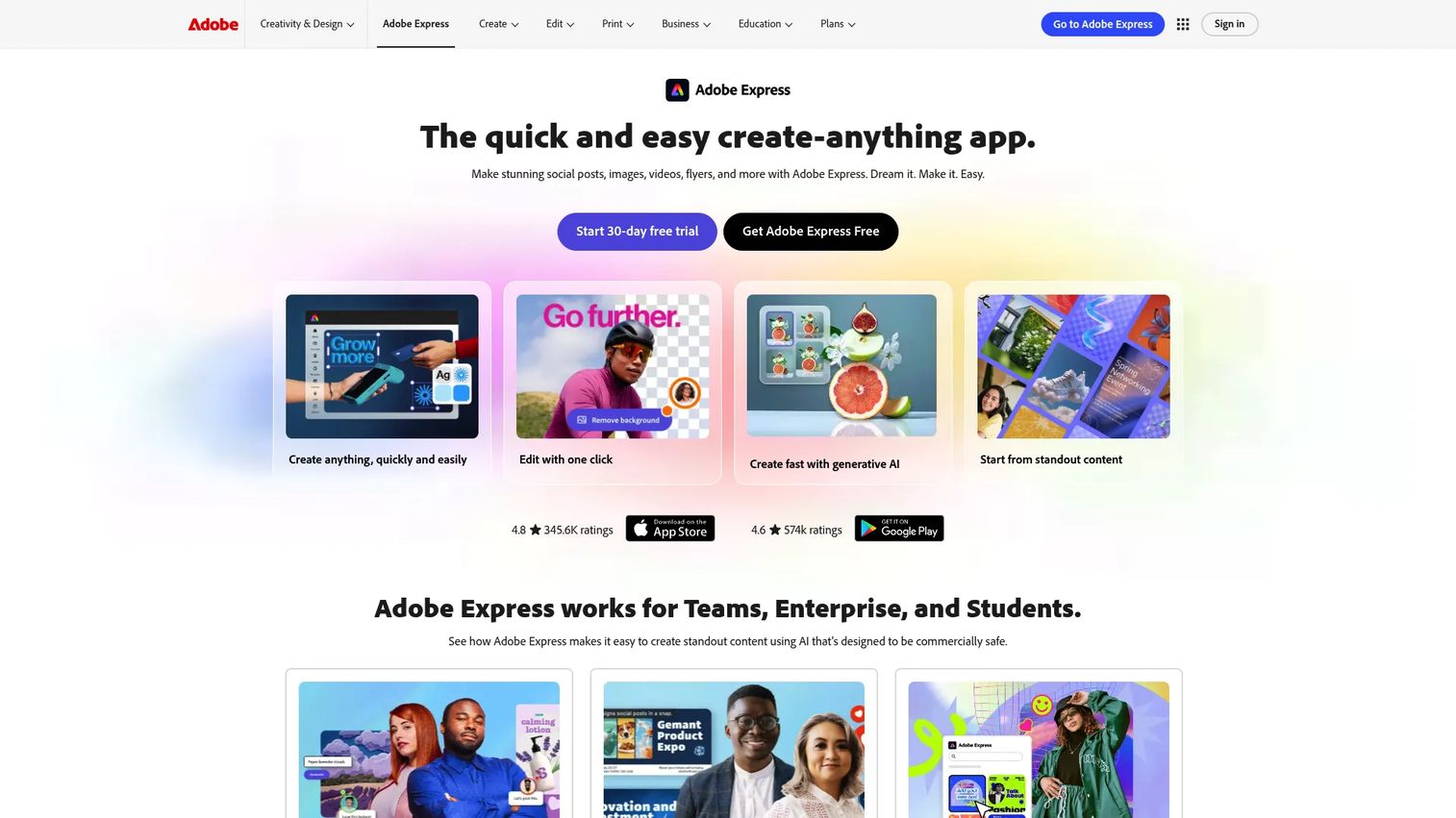
Adobe Express is Adobe's all-in-one app for creating on-brand content across social, print, video, and PDF, with a free logo maker and AI generation built in. For marketers, its strongest pitch is that the logo is not the end of the workflow. Once the mark exists, you reuse it inside the same tool for flyers, posts, and campaign assets, which is exactly the consolidation growth teams look for.
Best for: teams or individuals who need fast, on-brand marketing content with AI-assisted creation, not just a standalone logo.
Key strengths
- Brand kit reuse: store your logo, colors, and fonts once and apply them across every asset for brand consistency.
- Generative AI tools: an AI Assistant and generative features that speed up concepting and resizing.
- Adobe Fonts access: a deep typography library that most standalone logo makers cannot match.
Why choose Adobe Express: if your logo needs to live inside a broader content engine, Express is the natural fit. It replaces a separate design tool for social and print collateral, which is the answer to the near-universal "what does this replace" objection. The Adobe ecosystem also means your files travel cleanly into other Adobe apps.
Adobe Express pricing: the Free plan costs US$0.00 with no credit card required. Premium is US$9.99 per month billed monthly. Adobe Firefly Pro runs US$19.99 per month for heavier generative use. Teams is US$4.99 per month per license on an annual subscription (introductory offer), and Enterprise is custom via Adobe sales.
2. Canva
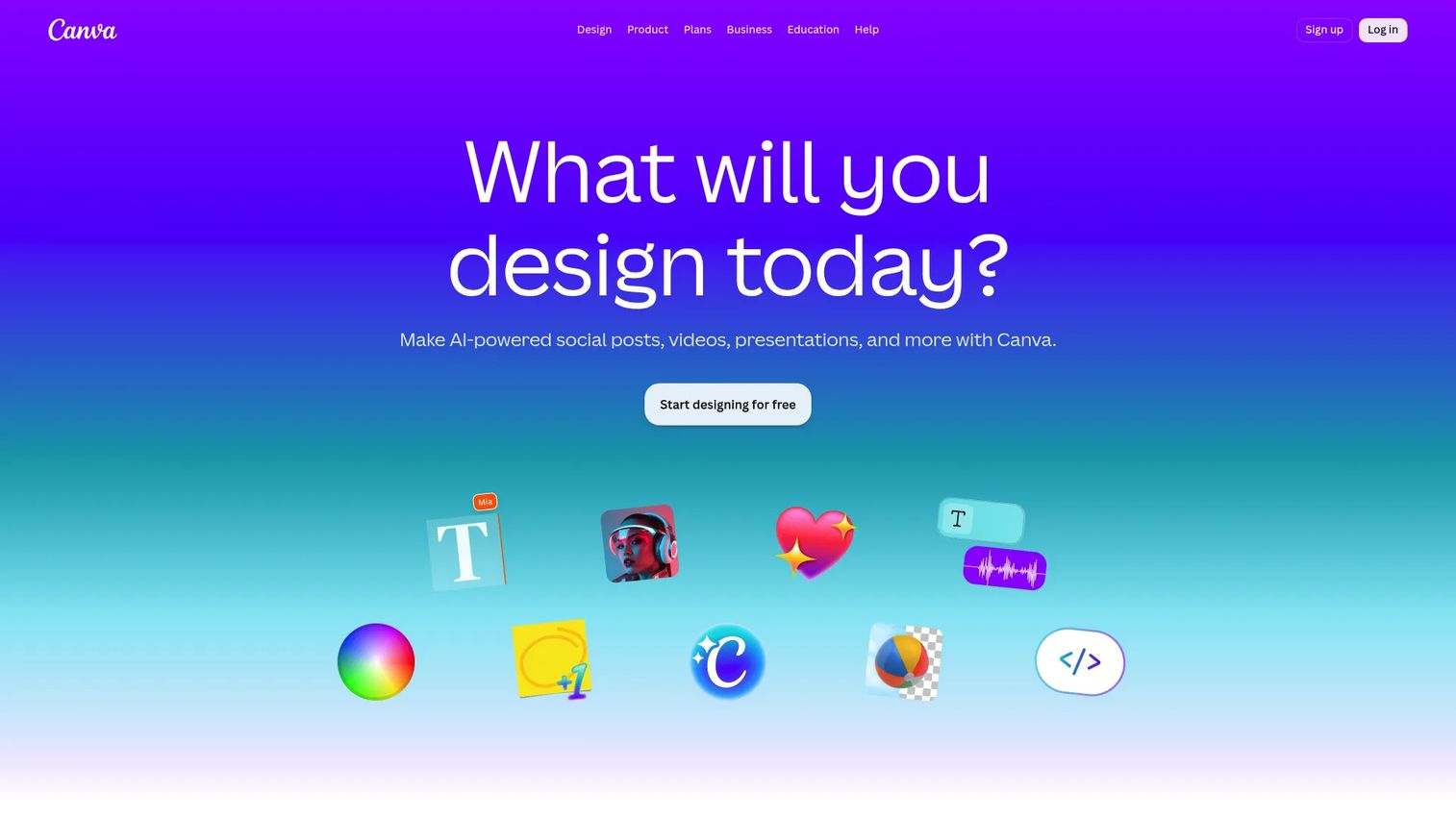
Canva is the template-driven design platform most non-designers already know, and its logo maker rides on the same drag-and-drop editor. The draw is breadth: a massive template library, an AI logo generator, and real team collaboration mean a marketer can produce a logo and a full campaign kit in the same session without switching tools.
Best for: teams and individuals who need fast, template-driven visual content creation across many formats, logos included.
Key strengths
- Template library: one of the largest libraries of logo and marketing templates, so you rarely start from a blank canvas.
- Brand kits and collaboration: shared brand kits and team editing keep distributed marketers on-message.
- AI logo generator: generate concepts fast, then refine in the same editor.
Why choose Canva: for speed and collaboration, few tools compete. If your team already lives in Canva for social graphics and decks, adding logo work costs nothing extra in learning curve. The trade-off to weigh is export ownership on the free tier versus Pro, so confirm your file needs before committing.
Canva pricing: the Free plan is US$0 per year for one person. Pro is US$144 per year for one person. Business is US$250 per year per person. Enterprise pricing is not public. A free tier is available, which makes Canva easy to test before you upgrade for premium exports and brand kit features.
3. Design.com
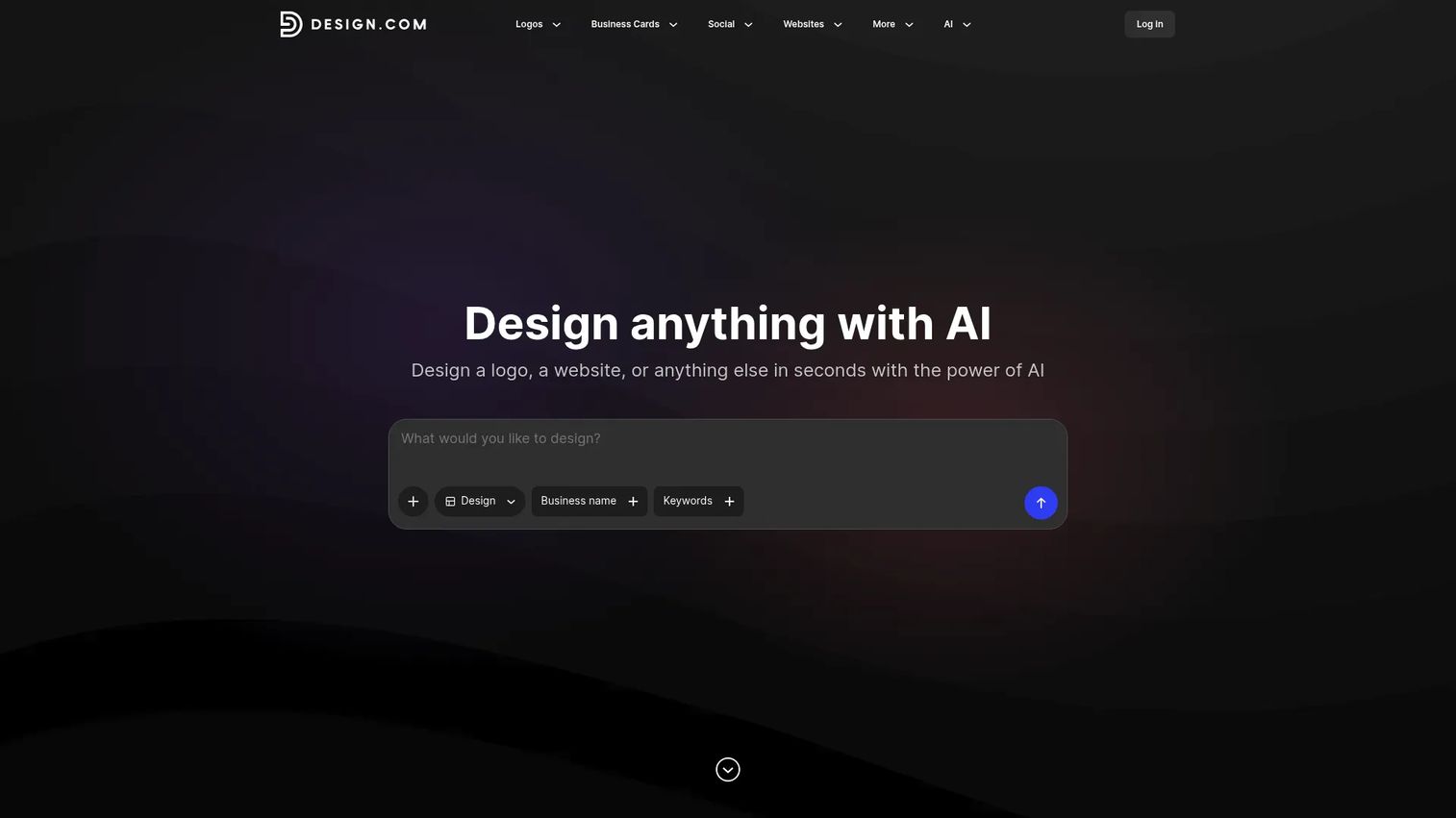
Design.com is an AI-powered platform that packages logo creation with a website builder and print assets under a subscription. Instead of buying a logo once, you subscribe to a logo pack and unlock ongoing access to editable files plus adjacent brand assets like business cards and social designs.
Best for: startups and small businesses that need quick logo and brand-asset creation without stitching together separate tools.
Key strengths
- AI logo maker: generate branded logo concepts from your business name and style.
- Website builder: extend the brand into a site without a second platform.
- Print and social designs: business cards, social media graphics, and print collateral in one place.
Why choose Design.com: the subscription model fits teams that want continuous access to editable files and a growing set of brand assets, not a one-and-done download. It positions itself as an all-in-one branding subscription, which appeals to founders consolidating spend.
Design.com pricing: the Starter logo pack is US$25 per month. The Value pack, which adds a website, is US$34 per month. The Premium pack, adding more assets, is also US$34 per month. Design.com indicates a free account exists and mentions annual-plan discounts, so check the current terms before you subscribe.
4. Wix Logo Maker
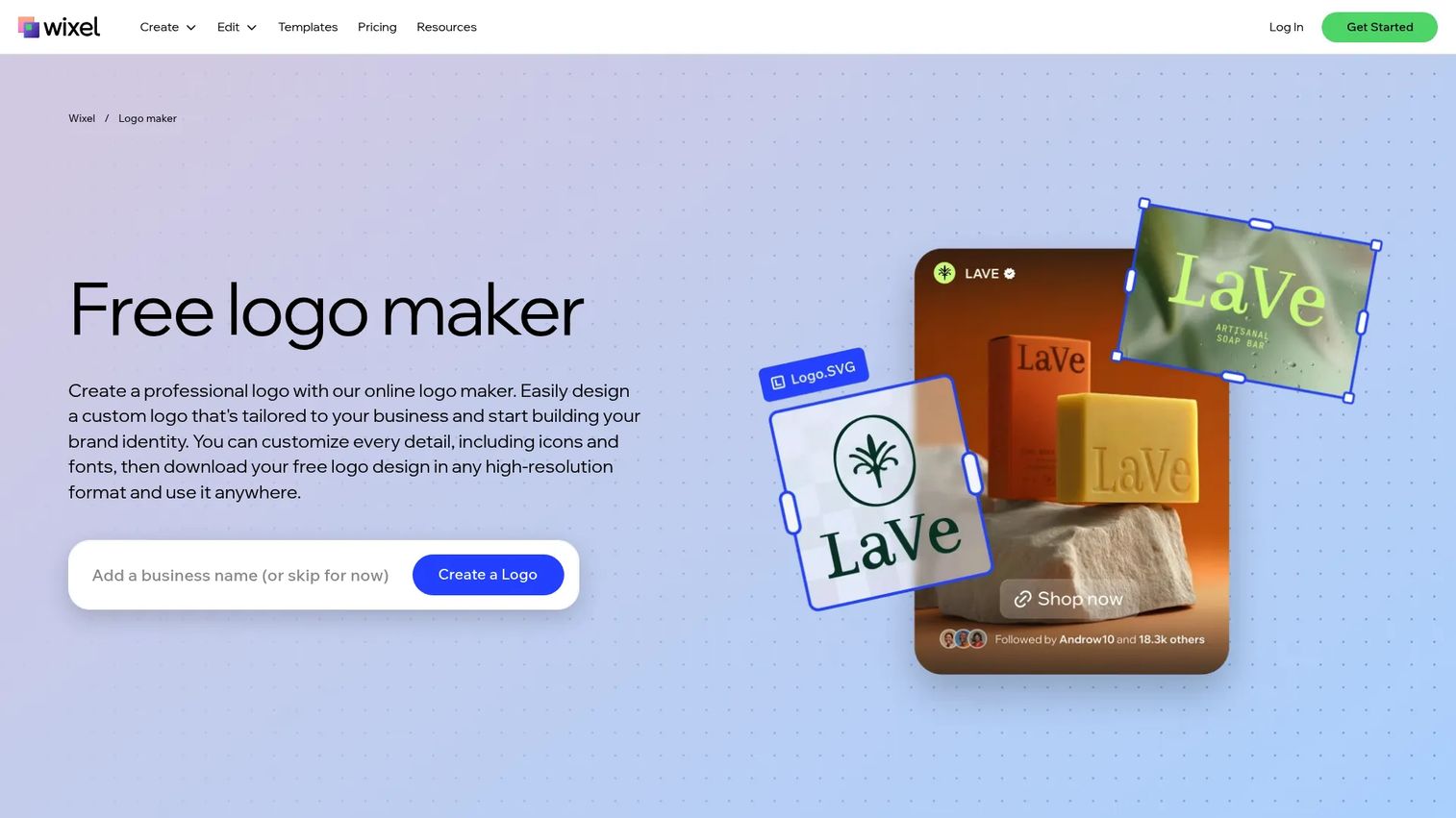
Wix Logo Maker is Wix's AI-guided logo tool, built to hand off cleanly into the wider Wix ecosystem. You answer a few questions about your brand, get AI-generated concepts, customize fonts and colors, and download high-resolution SVG and PNG files. The obvious fit is anyone who plans to build a Wix site anyway.
Best for: small businesses that need a quick, customizable logo and optionally want branded assets that flow into a Wix site.
Key strengths
- AI-assisted generation: answer prompts and get tailored logo concepts fast.
- Full customization: adjust fonts, colors, icons, and layout in a no-code editor.
- High-resolution downloads: SVG and PNG exports for scalable, transparent-background use.
Why choose Wix Logo Maker: if a website is part of the plan, keeping logo and site under one roof reduces tool sprawl. The logo plus online-presence plans change the value math, since you are effectively buying brand identity and a site together rather than paying twice.
Wix Logo Maker pricing: Wix offers Just Logo plans and Logo and Online Presence plans, including Basic, Advanced, Brand Plus, Value, Unlimited, Business, and Social tiers. Free use and sample access are available. Public price figures were not visible in Wix's own pages on review, so confirm current pricing directly with Wix before purchase.
5. Looka
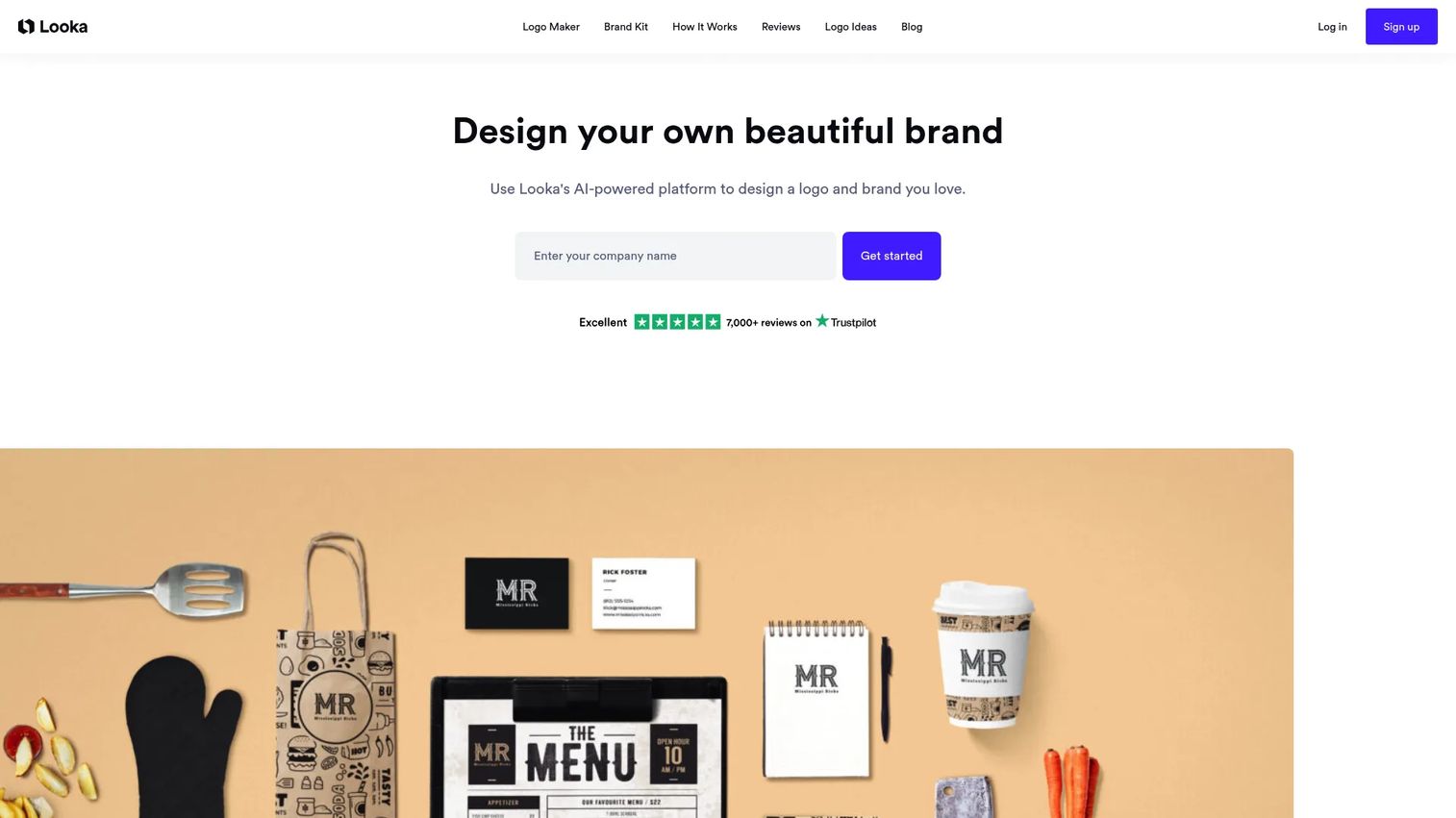
Looka is an AI-powered logo and brand identity platform that pairs logo generation with a Brand Kit of branded templates and an AI website builder. You design for free and pay only when you are ready to download, which lets you validate a direction before spending.
Best for: small businesses that want AI-made logos and matching brand assets quickly.
Key strengths
- AI logo generation: produce logo options from your name, industry, and style preferences.
- Brand Kit: 300+ branded templates so the logo carries into social, cards, and more.
- Website builder: an AI-generated website to extend the identity online.
Why choose Looka: Looka suits ownership-minded buyers who want editable logo files plus a subscription that keeps churning out on-brand assets. The free-to-design, pay-to-download model lowers the risk of committing early. Looka's G2 rating sits at 2.7/5, so read recent reviews to see whether current sentiment matches your expectations before you buy.
Looka pricing: Looka offers annual Brand Kit subscriptions and one-time logo packages, including Basic and Premium logo purchases. Logo making is free, and you pay when you download. Public numeric prices were not visible in the sources reviewed, so confirm the current figures on Looka's pricing page.
6. Kittl
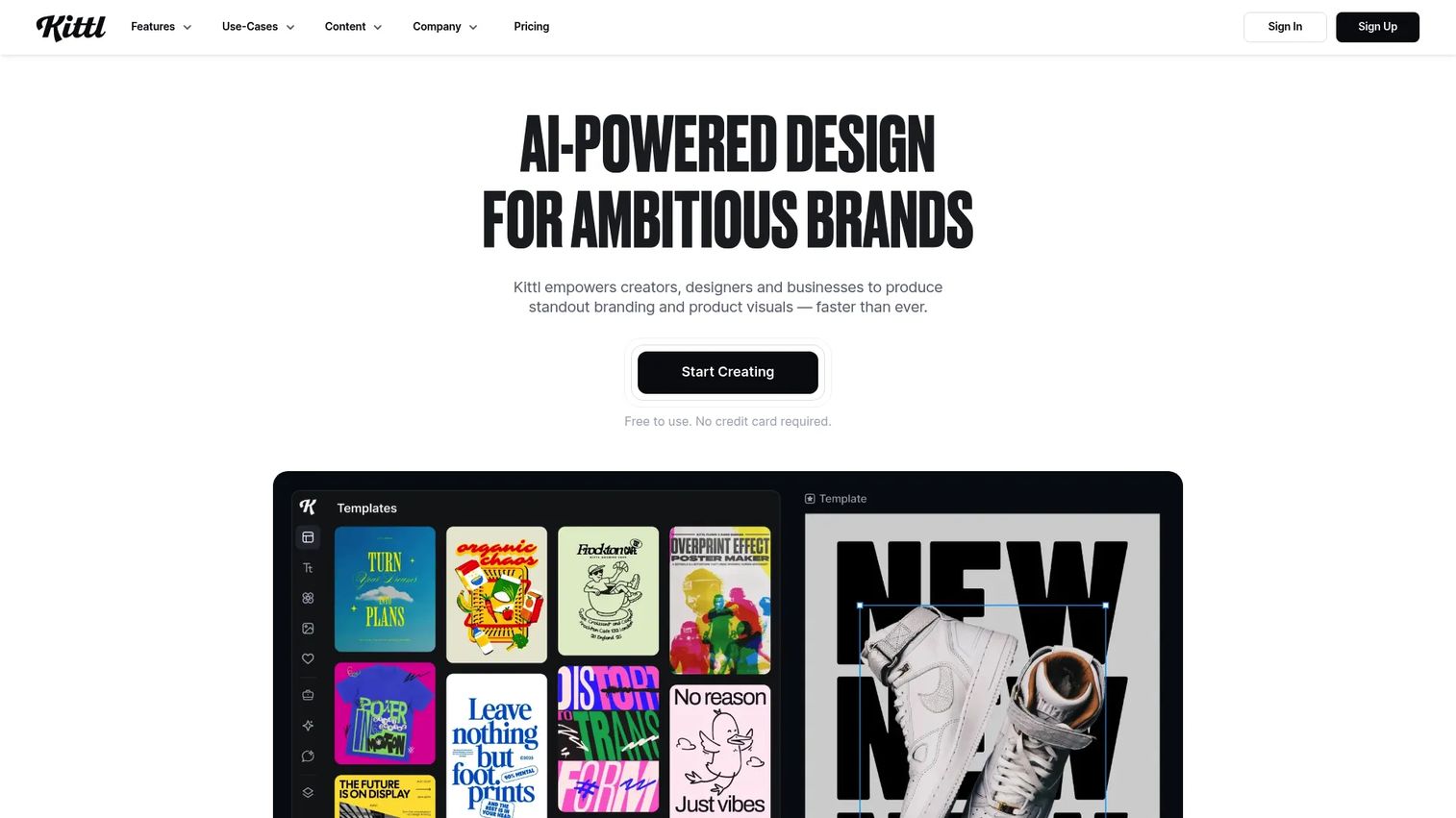
Kittl is an AI-first, browser-based design platform built for creators and teams who care about typography and vector polish. If your brand leans on custom lettering and detailed marks, Kittl's design-forward tooling gives you more control than a template-only generator.
Best for: teams and creators making branded graphics, vector designs, and AI-assisted marketing visuals with a typography emphasis.
Key strengths
- AI design tools: AI-assisted concepting to move from idea to draft quickly.
- Infinite canvas: room to explore variations and layouts without constraint.
- Real-time collaboration: teams work on the same design together.
Why choose Kittl: for design-forward users who want vector logos and clean SVG, PDF, and PNG exports, Kittl offers more craft than a purely automated maker. It sits closer to a professional logo maker while staying browser-based and approachable, and its 4.8/5 G2 rating reflects strong user sentiment.
Kittl pricing: the Free plan costs nothing. Pro is US$10.00 per user per month, with plans renewing monthly or annually. Paid plans unlock premium templates and assets, high-resolution and vector exports, more AI tokens, and larger project limits. Additional higher tiers exist per Kittl's help center.
7. FreeLogoDesign
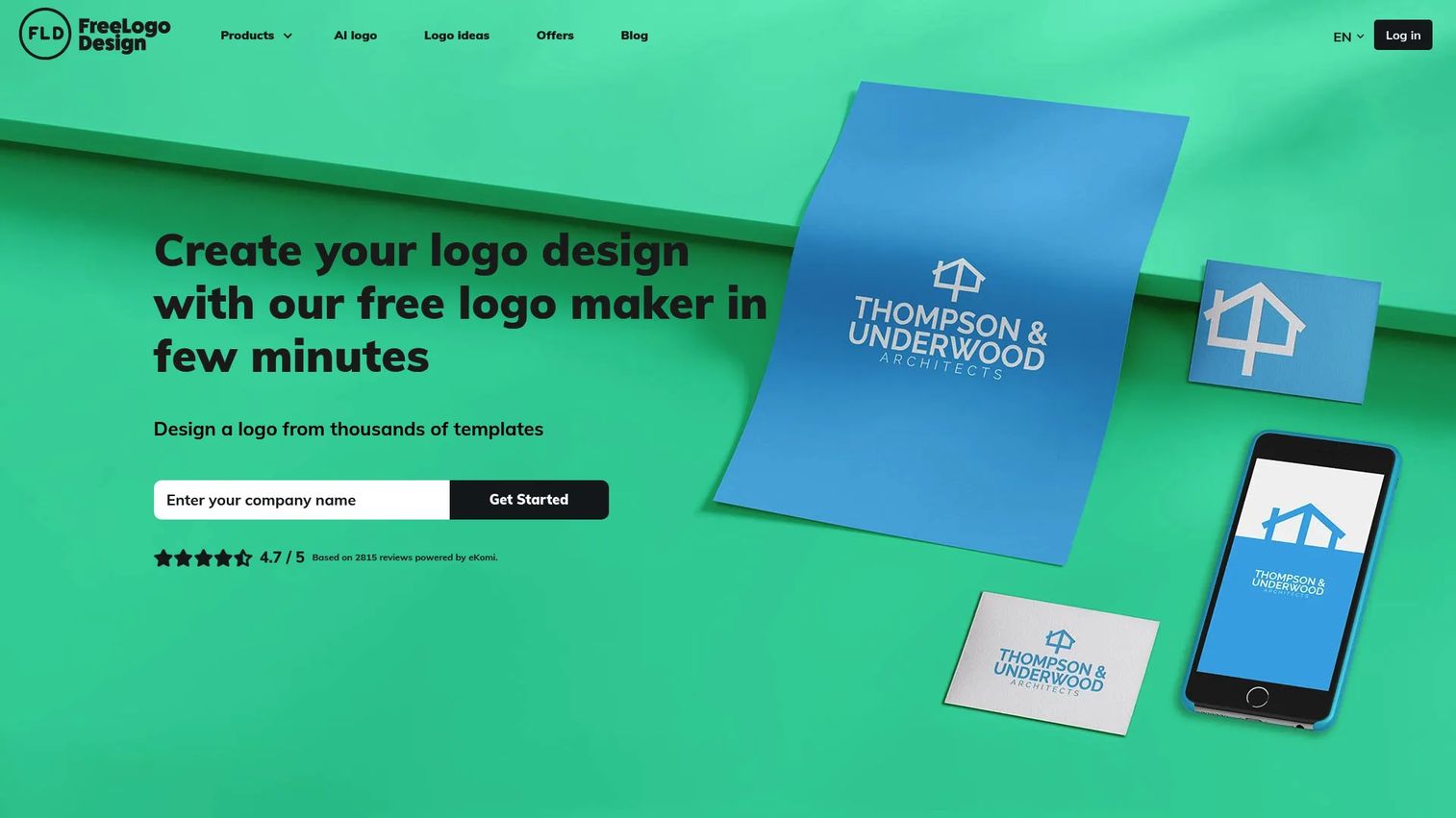
FreeLogoDesign is a straightforward free logo maker built for people who want a DIY logo without a learning curve. You browse thousands of templates, edit color, shape, and font in a simple drag-and-drop editor, and download files when you are done. It is the low-friction entry point on this list.
Best for: small businesses, freelancers, and entrepreneurs who need a quick DIY logo without design skills.
Key strengths
- Thousands of templates: a broad starting library to browse by industry and style.
- Simple editing: change color, shape, and font without design experience.
- Multiple file formats: download logo files in the formats you need for web and print.
Why choose FreeLogoDesign: the appeal is clarity. Start free, and if you need higher-resolution files or full ownership, the one-time plans are transparent. There is no subscription to cancel later, which suits budget-conscious founders who want a clean transaction. Its 4.3/5 G2 rating backs the beginner-friendly reputation.
FreeLogoDesign pricing: the Start plan is free. Basic is US$44.99, Premium is US$59.99, and Unlimited is US$89.99, all one-time. A Custom logo option is US$299 one-time, and a Privilege Pack annual subscription is US$64.99 per year. The one-time structure makes budgeting simple.
8. VistaPrint
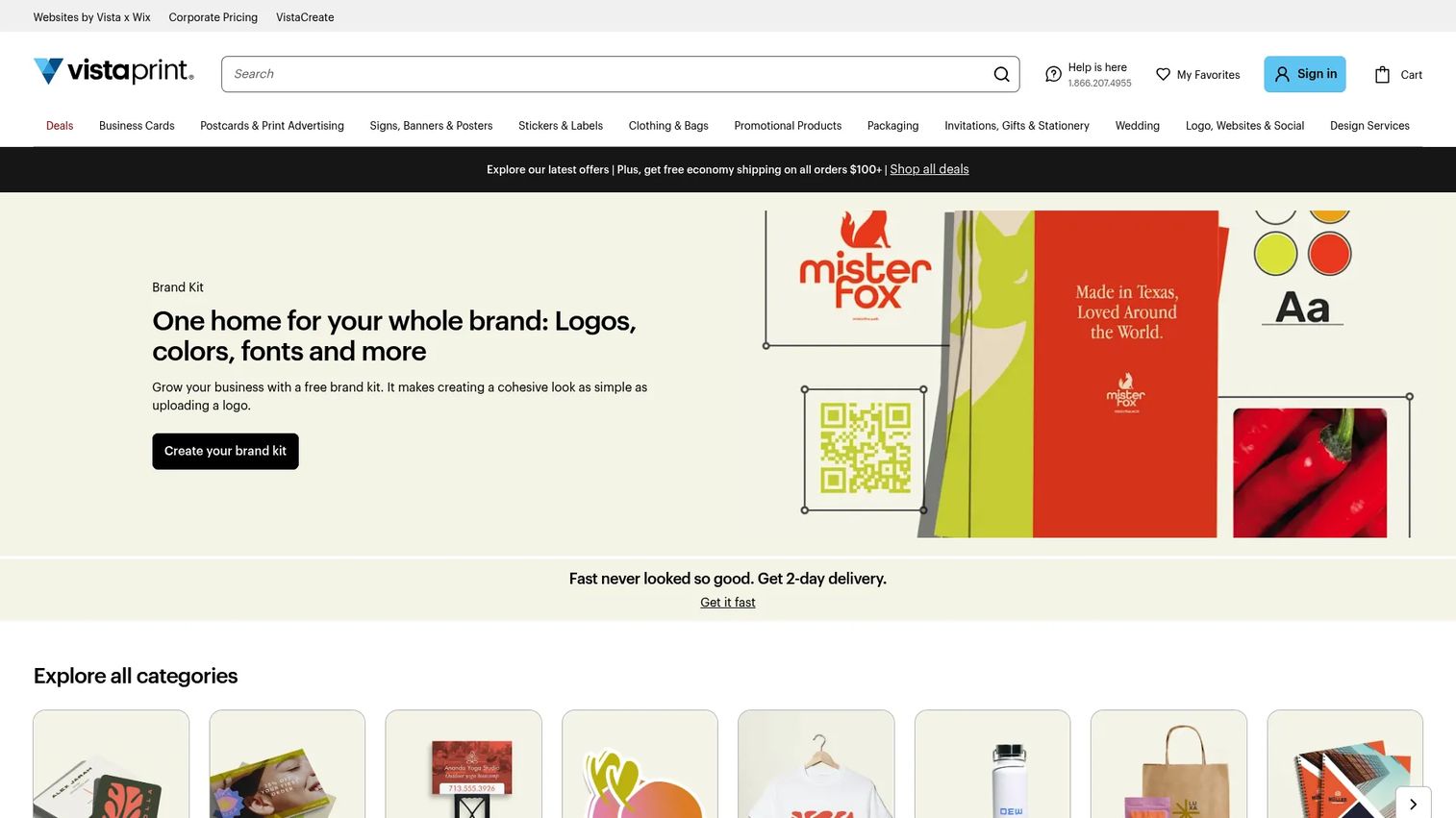
VistaPrint is best known for print and marketing services, and its online design studio lets small businesses design logos and turn them straight into physical collateral. If your logo's first job is landing on business cards, signage, and printed materials, VistaPrint keeps design and print under one roof.
Best for: small businesses that need affordable custom print materials with logo design attached.
Key strengths
- Design studio: template-based online design with upload-your-own-design support.
- Print catalog: business cards and a wide range of print products from the same account.
- Fast shipping: next-day and 2-day delivery options for time-sensitive collateral.
Why choose VistaPrint: the value is the direct path from logo to printed product. Rather than exporting a file and finding a separate printer, you design and order in one flow. For a small business opening its doors, that convenience is worth real time, and VistaPrint's 4.2/5 G2 rating reflects steady satisfaction.
VistaPrint pricing: VistaPrint's publicly displayed starting offer lets you try 50 standard business cards for US$10, billed as a one-time purchase. Pricing scales by product and quantity across the catalog, and no subscription tiers were visible on the pages reviewed. Confirm current offers on the product page before ordering.
9. Tailor Brands
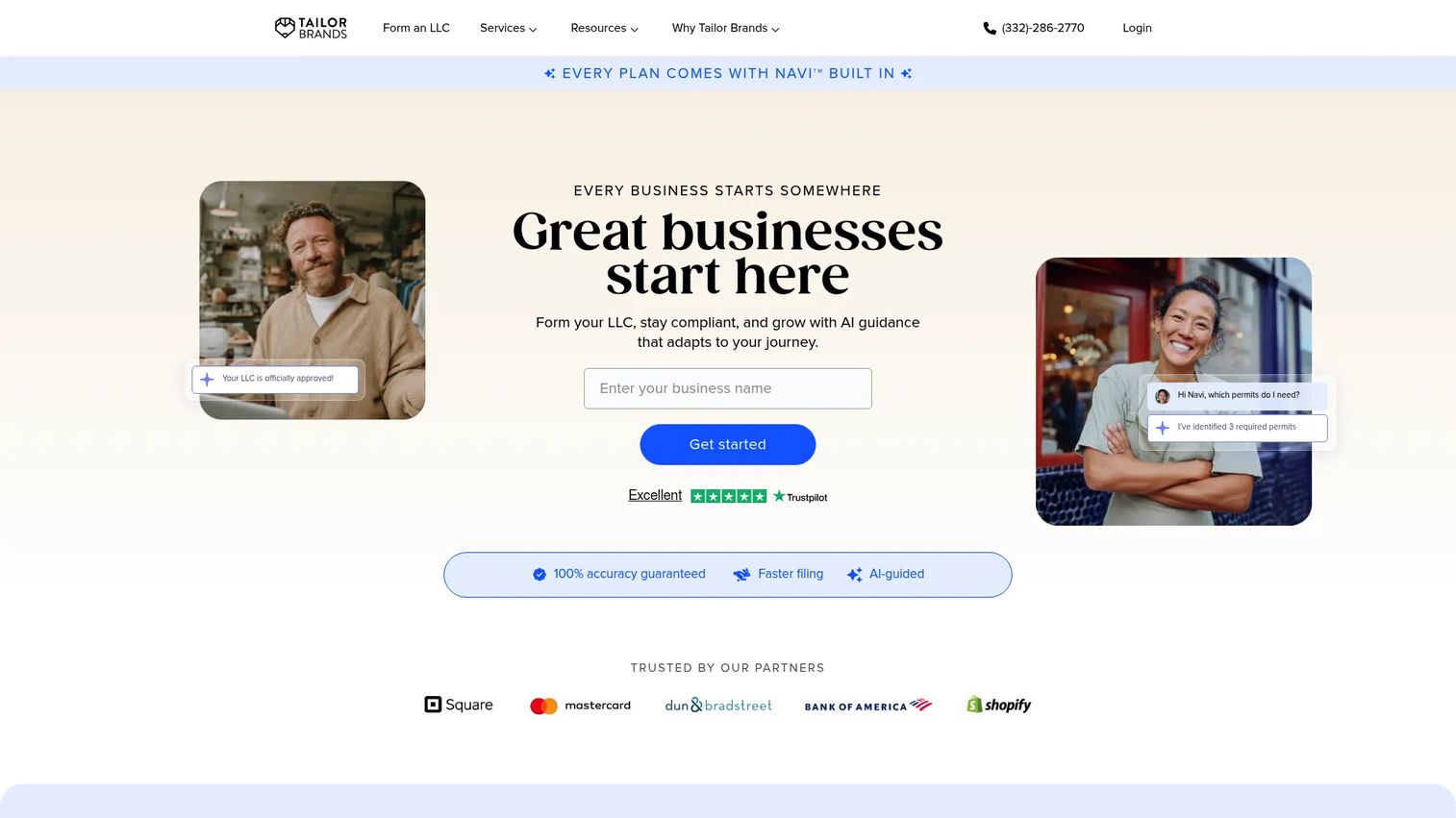
Tailor Brands is an all-in-one business-building platform that bundles an AI logo maker with LLC formation, compliance, and branding tools. It is aimed less at pure design buyers and more at founders who want to launch a legal business and its brand identity in the same place.
Best for: founders who want an LLC formation and business-building platform with logo and branding included.
Key strengths
- AI logo maker: generate a logo as part of the broader brand setup.
- LLC formation: form the business entity in the same platform.
- Branding tools: registered agent service and brand assets alongside the logo.
Why choose Tailor Brands: if you are forming a company from scratch, bundling logo creation with the legal and operational steps removes several separate purchases. The logo is one piece of a business identity package rather than a standalone product, which fits founders who want fewer vendors.
Tailor Brands pricing: the Lite plan is US$0 plus state fees. Essential is US$199 per year plus state fees. Premium is US$249 per year plus state fees. Pricing centers on the business-formation bundle, so weigh the full package value, not just the logo tool, when comparing against a dedicated logo maker.
Considerations before you choose
Picking logo design software is less about the prettiest generator and more about what you can actually ship and reuse. Run each candidate through this checklist.
Export formats and ownership
Confirm the tool exports the formats you need, PNG with transparent background, SVG for scalable vector logos, and PDF for print, on the tier you plan to pay for. Check whether full commercial-use rights and editable source files come with your plan or sit a tier higher.
Free tier reality
Free logo makers are great for validating a direction, but the free tier often stops at low-resolution or watermarked files. Know exactly where free ends so you are not surprised at download. Test the flow before you trust it with a launch.
Brand reuse beyond the logo
If you need social graphics, decks, and campaign assets, favor tools with a brand kit that stores your logo, colors, and fonts for reuse. A logo that only exists as a file creates rework later. A logo that lives in a brand kit scales across channels.
Consolidation value
Growth marketers are consolidating tools, so ask what each option replaces. A platform that covers logo, social, and print may retire a separate design subscription. Factor that against a cheaper single-purpose logo maker.
Pricing model fit
Decide whether a one-time purchase or a subscription matches your needs. One-time plans suit a single brand launch. Subscriptions make sense when you need ongoing asset creation and editable files over time.
Conclusion
The right logo design software depends on what happens after the logo. For marketers who need the mark to live across social, email, and print, Adobe Express leads on AI creation plus Brand Kit reuse. For sheer speed and team collaboration, Canva is hard to beat, especially if your team already works there. For ownership-minded buyers who want editable files, Looka fits, and for design polish and clean vector exports, Kittl gives you the most craft.
Choose based on three things: the export formats you actually need, whether the tool reuses your brand across channels, and whether you need more than a logo. If you are forming a business, Tailor Brands folds branding into formation. If print is the first stop, VistaPrint gets you from design to doorstep. Match the tool to the output, not the marketing, and you will spend less and ship faster. As AI creation keeps reshaping this category, revisit our roundups of ai design tools and ai writing tools for marketers to round out the stack.
FAQs
For most small businesses, Adobe Express and Canva offer the best balance of ease, AI logo generation, and reuse across marketing assets. If you want a one-time purchase instead of a subscription, FreeLogoDesign keeps it simple, and Tailor Brands fits founders forming a company. Match the pick to whether you need only a logo or a broader brand kit.
Free tiers vary sharply. Canva, Adobe Express, and Kittl all offer free plans, but full-resolution and vector exports often sit on paid tiers. FreeLogoDesign starts free and sells one-time upgrades for higher-resolution files. Always confirm whether transparent PNG and SVG downloads are included before you commit to a launch.
AI logo generators are strong for getting to a usable first draft fast, especially for a startup logo or a quick brand refresh. The output is best treated as a starting point you refine in the editor, not a finished mark you accept blindly. For most small businesses, an AI-generated logo you customize is more than good enough for real brand use.
At minimum, look for PNG with a transparent background for web and social, SVG for a scalable vector logo, and PDF for print. SVG matters most for scaling without quality loss, since it stays crisp at any size. Confirm these formats are included on the plan you buy, not gated behind a higher tier.
Marketers should prioritize tools with a brand kit that stores the logo, colors, and fonts for reuse. Adobe Express and Canva both excel here, letting you carry the mark across social, email, and web without rebuilding each asset. That reuse is what keeps brand identity consistent across every campaign touchpoint.
Commercial-use rights usually come with a paid plan or logo purchase, not always the free tier. Looka and FreeLogoDesign grant ownership when you buy the logo package, and Adobe Express and Canva include commercial use on their paid plans. Always read the license terms for your specific tier before using a logo for a real business.
If your logo is one part of a wider content need, Adobe Express and Canva are the strongest picks, since both extend well beyond logo creation into social, print, and campaign assets. Design.com and Looka also bundle brand assets and websites alongside the logo. That breadth is what saves you from buying a second design tool later.
Avoid committing to a tool before confirming its export formats, commercial-use rights, and where the free tier actually stops. A logo that downloads only as a low-resolution watermarked PNG will fail you at launch. Also avoid paying for a single-purpose logo maker when a broader platform could replace a design subscription you already have.