A stack of parcels piles up at the front desk by 10 a.m. Someone signs for them. Someone logs a few in a spreadsheet, forgets the rest, and now a laptop is missing and nobody can say who took it. If you run workplace operations, you have lived this. The problem is not the packages. The problem is that intake, recipient matching, notification, and pickup verification are being handled by memory and goodwill instead of a system.
The volume is not slowing down. The global mailroom management software market was valued at USD 2.848 billion in 2024 and is projected to reach USD 7.335 billion by 2035, growing at an 8.98% CAGR, according to Market Research Future (2025). Around 70% of companies are expected to invest in mailroom automation technologies by 2026, per Emergen Research (2024). That is a lot of teams admitting the front-desk clipboard does not scale.
This guide compares the best mailroom software for teams that need clean intake, reliable recipient notifications, defensible pickup verification, and a searchable audit trail. Some tools are purpose-built for parcel logging. Others handle the mailroom as part of a wider workplace operations or document workflow. We looked at how each one actually handles the day-to-day mailroom workflow, not just the marketing claims. Package tracking software lives or dies on whether the person at the desk will use it every time, so adoption friction matters as much as feature depth.
What's inside
This list is built for workplace leaders, facilities managers, operations teams, and product managers evaluating a mailroom management system for the first time or replacing one that stalled. We selected and ordered tools using six criteria: workflow coverage across intake to archive, mobile scanning quality, notification automation, audit trail and proof of pickup, integration depth (identity providers, Slack, Microsoft Teams, and APIs), and ease of rollout across one site or many. Pricing and G2 ratings are included where a verified public source exists, and omitted where a vendor keeps them behind a quote.
TL;DR
- Best overall for end-to-end mailroom workflow: Parcel Tracker, purpose-built for fast intake, notifications, and digital proof of pickup.
- Best for security and access-control integration: Avigilon Alta Mailroom, which sits inside a wider video and access control environment.
- Best for teams already running workplace ops software: Envoy, if visitors, desks, and deliveries all live in one platform.
- Best for high-volume parcel logging: PackageX Receive, with AI label capture for buildings, campuses, and warehouses.
- Best for enterprise digital mailroom: Quadient and Ricoh, for organizations routing physical mail into document workflows at scale.
- Best for secure asset custody: Traka, when the thing being handed off is a key, a laptop, or a controlled device.
What is mailroom software?
Mailroom software is a system that receives, logs, tracks, and verifies the handoff of physical mail and packages from the moment they arrive at a building until the recipient collects them. It replaces paper logbooks and ad-hoc spreadsheets with a repeatable digital record that any staff member can run and any manager can audit.
The core mailroom workflow is consistent across vendors, even when the feature set differs:
- Receive and check in: A parcel arrives at the front desk, dock, or mailroom.
- Scan or log the parcel: Staff capture the label using mobile scanning, barcode scanning, or OCR, with no hardware setup required in most cloud tools.
- Match the recipient: Recipient matching links the package to the right person, even across nicknames, departments, or shared last names.
- Notify the recipient: Automated recipient notifications go out by email, SMS, Slack, or Microsoft Teams.
- Verify pickup or handoff: Proof of pickup is captured through a signature, photo, or QR code pickup at collection.
- Archive a digital record: Every step lands in a searchable audit trail.
The features that separate strong mailroom management software from a glorified spreadsheet cluster into a short list:
- Mobile scanning that turns a phone into a scanner, with no dedicated device to buy.
- Automated notifications across email, SMS, and chat, so recipients act without a manual nudge.
- Recipient matching that handles edge cases like nicknames and departmental routing.
- Audit trail and proof of pickup for delivery verification and accountability.
- Reporting and a package dashboard for visibility into volume, delays, and unclaimed items.
- Integrations with workplace tools, chat, and identity providers such as Entra ID integration for directory sync.
When to use mailroom software
Most teams do not buy mailroom automation software on a schedule. They buy it after a specific breaking point. Here are the three most common.
Replace manual logs and spreadsheets
A paper logbook works at ten packages a day. At fifty, it becomes a liability. Handwriting is illegible, entries get skipped, and nobody can search "where is my package" without flipping pages. Package tracking software fixes this the moment intake moves to mobile scanning and every parcel gets a timestamped record. If your front-desk team spends more than a few minutes reconstructing what came in yesterday, you have already outgrown the spreadsheet.
Standardize multi-site mailroom operations
Distributed offices drift. One site photographs every package, another scribbles initials, a third does nothing until someone complains. A shared mailroom management system enforces one workflow, one notification standard, and one reporting view across every location. For a multi-site mailroom, consistency is the point. You want the same audit trail in Denver that you have in Dublin, and one package dashboard that rolls both up.
Improve security and accountability
Some deliveries carry real risk: laptops, controlled documents, signed contracts, medication. When the question "who took this and when" has legal or security weight, you need delivery verification that stands up. That means captured signatures, photos at pickup, or QR code pickup tied to a specific recipient identity. A secure mailroom with a clean audit trail turns a "we think Sarah grabbed it" into a defensible record.
Comparison table
The table below maps each tool to its primary intent, a representative use case, verified pricing where public, and G2 rating where a current listing exists. Vendors that keep pricing behind a quote are marked accordingly, and ratings are omitted where no verified product-level source was available.
| # | Product | Intent | Key use case | Pricing | G2 rating |
|---|---|---|---|---|---|
| 1 | Parcel Tracker | Purpose-built parcel logging | End-to-end intake, notify, proof of pickup | Free; paid from $67/mo | 4.7/5 |
| 2 | Avigilon Alta Mailroom | Security-first mailroom | Package logging inside access control | Quote-based; free trial | 4.6/5 |
| 3 | Envoy | Workplace operations | Deliveries alongside visitors and desks | Free tier; Premium from $362/location/mo | 4.8/5 |
| 4 | Ricoh Smart Integration Solutions | Digital mailroom / scan routing | Physical-to-digital document routing | Quote-based | 4.2/5 |
| 5 | PackageX Receive | High-volume parcel intake | AI label capture for buildings and campuses | Quote-based | 4.9/5 |
| 6 | Matrix Booking | Workplace operations | Desk, room, and resource booking | Quote-based; free trial | Not listed |
| 7 | Traka | Secure asset custody | Controlled key and equipment handoff | Quote-based | Not listed |
| 8 | Keystage | Arts and heritage projects | Project-led education work | Not listed | Not listed |
| 9 | Quadient | Enterprise mail and document automation | AP/AR and mail processing at scale | Quote-based | 2.3/5 |
| 10 | InVu | Document-centric workflow | Document management and AP control | Quote-based | 4.7/5 |
The 10 best mailroom software for 2026
1. Parcel Tracker
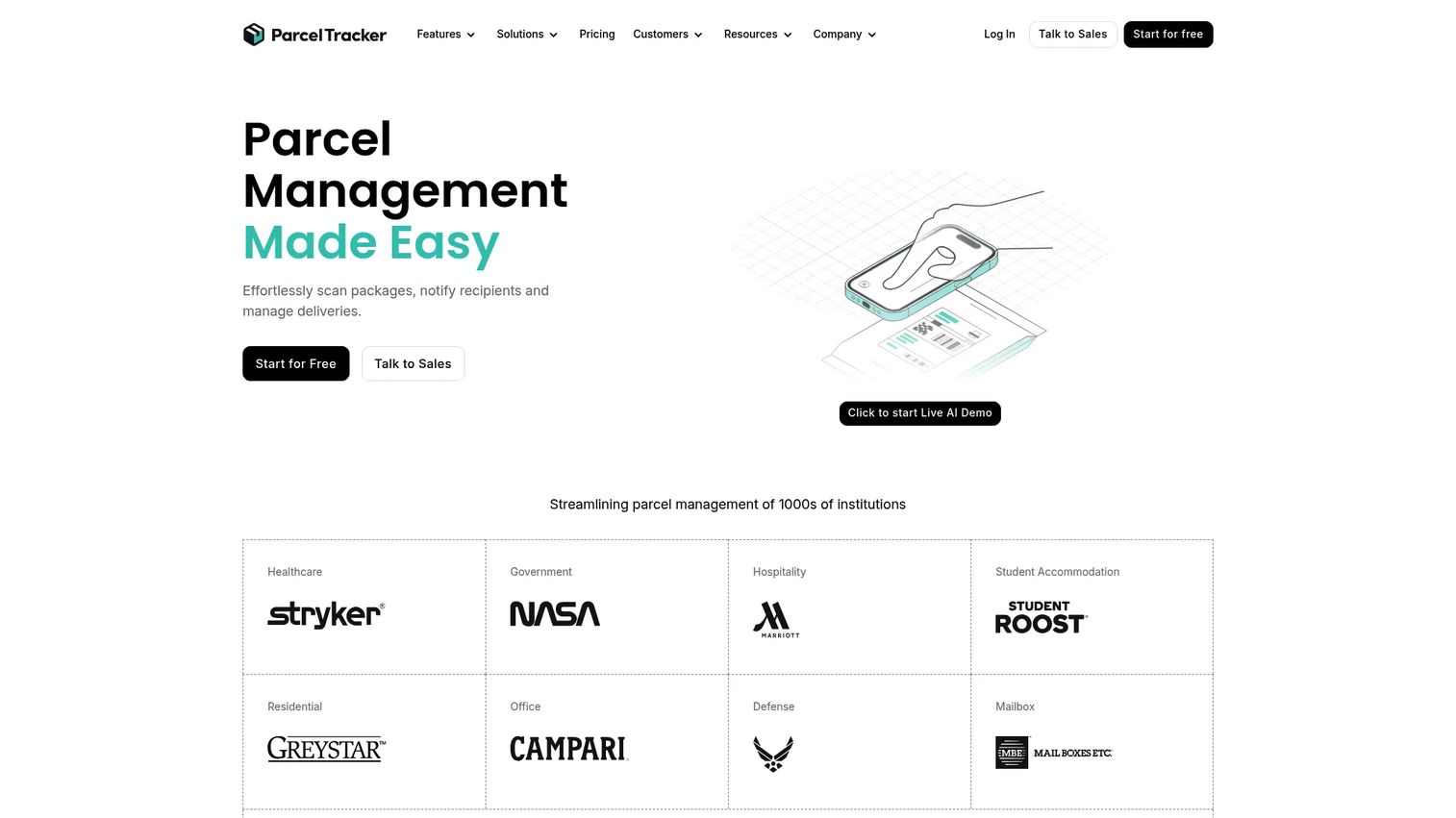
Parcel Tracker is internal parcel tracking and mailroom management software built for buildings and workplaces, and it is the cleanest end-to-end fit on this list. It covers the full workflow: scan a label with a phone camera or scanner, match the recipient, fire off automated notifications, and capture a digital proof of collection at handoff. It serves residential buildings, student housing, offices, and universities, which tells you it has been hardened against high, messy volume.
Best for: Mailroom teams that want one tool to handle intake through pickup without buying dedicated hardware.
Key strengths
- Rapid inbound scanning: Log packages fast using a smartphone camera or scanner, so no hardware setup slows down intake.
- Automated email and SMS notifications: Recipient notifications go out the moment a parcel is logged, cutting the "is it here yet" tickets.
- Digital proof of collection: Electronic signatures create an audit trail and clean proof of pickup for every handoff.
Why choose Parcel Tracker: If your core problem is physical parcels and you want the shortest path from delivery to verified pickup, this is the most focused option here. It does not try to also be your visitor system or your document archive, which keeps the front-desk workflow tight and adoption high. The barcode-free, mobile-first intake matters most for teams that rotate front-desk staff and cannot train everyone on scanner hardware.
Parcel Tracker pricing: A Free plan is available at $0 per month. Paid tiers include Plus at $67 per month and Pro at $117 per month, with an Enterprise custom package through sales. The brand advertises 20% off for annual billing. Pricing is confirmed on the vendor site as of July 2026.
2. Avigilon Alta Mailroom
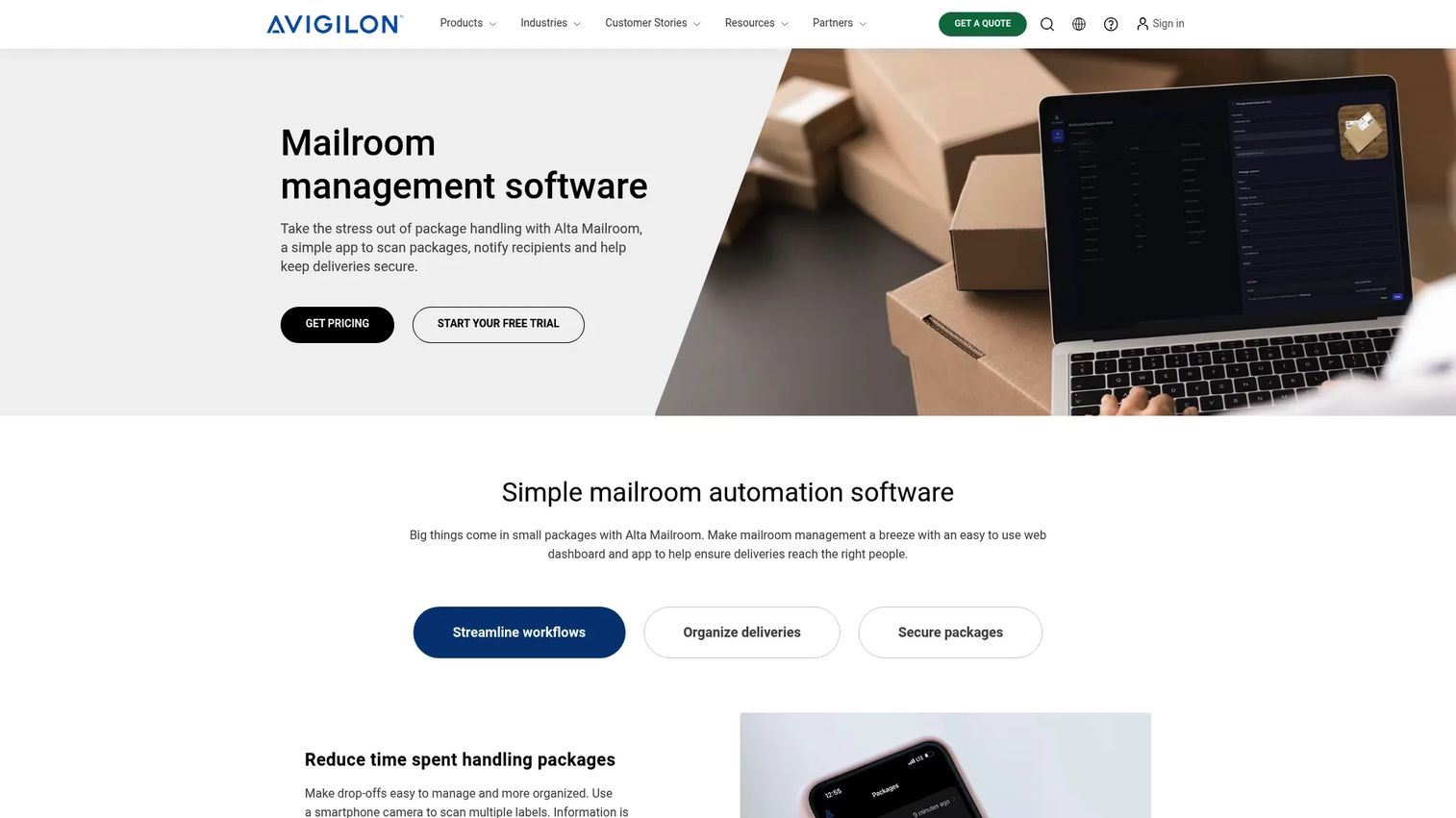
Avigilon Alta Mailroom is cloud-based mailroom management software for scanning packages, notifying recipients, and tracking deliveries, with a security-first angle that sets it apart. Its differentiator is context: it works alongside existing Avigilon Alta systems, including video and access control, so mailroom activity lives in the same environment as your building security.
Best for: Multi-tenant buildings and offices that want package logging and recipient notifications inside a broader security platform.
Key strengths
- Fast label scanning: Quick intake of parcels with mobile scanning at the point of receipt.
- Automatic recipient notifications: Recipients are alerted without a manual message from the front desk.
- Audit trails and searchable logs: Every action is recorded and searchable, supporting delivery verification and accountability.
Why choose Avigilon Alta Mailroom: If your facilities and security teams already run Avigilon for cameras and access control, folding the mailroom into the same system reduces tool sprawl and keeps one audit trail across physical security and package handling. That unified environment is the reason to shortlist it over a standalone parcel app. For a secure mailroom where package events and door events should sit side by side, the suite framing is the whole point.
Avigilon Alta Mailroom pricing: Public numeric pricing is not displayed; the product is quote-based. A free trial is available on the product page, and pricing is provided on request. This reflects the first-party site as of July 2026.
3. Envoy
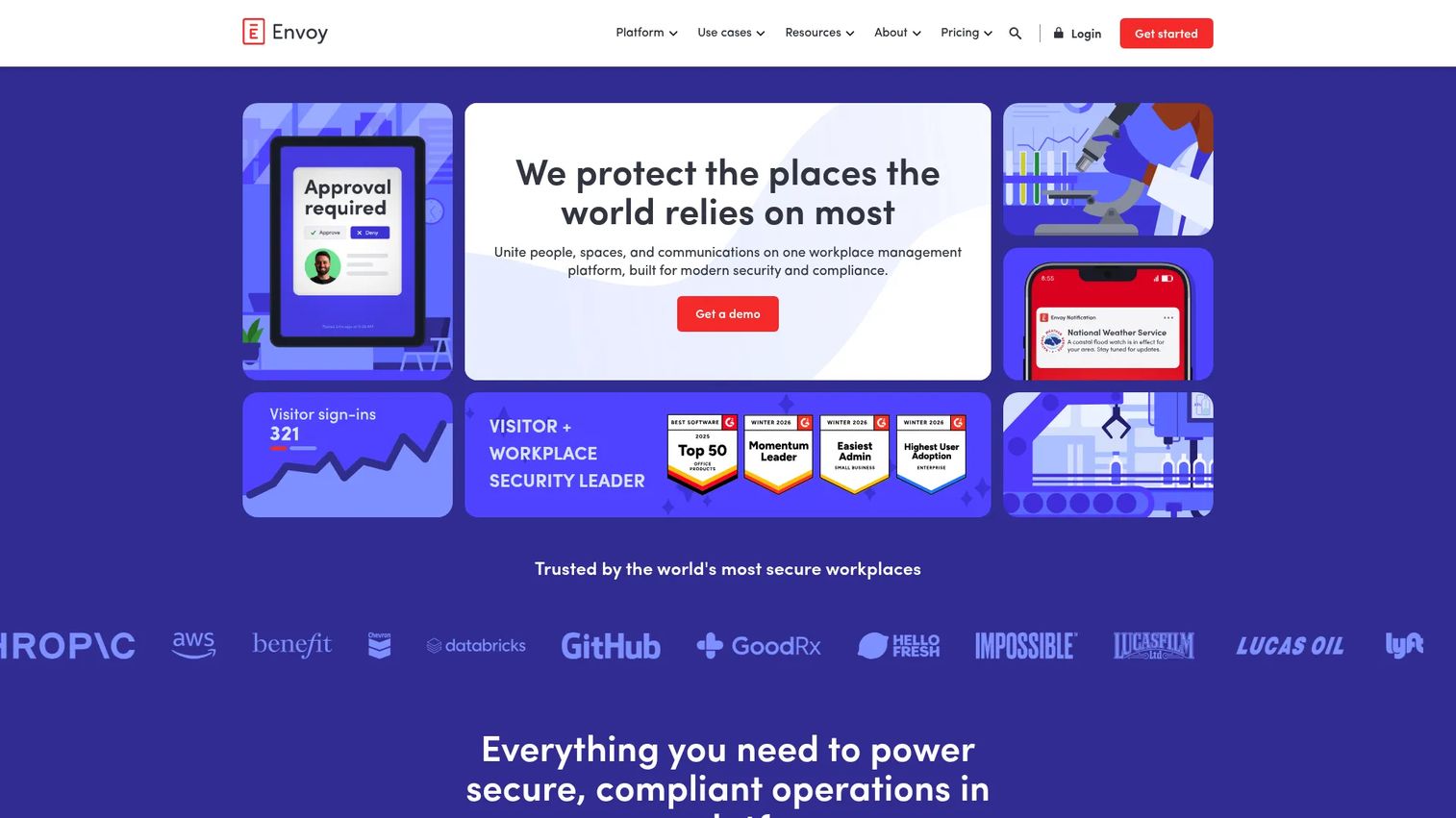
Envoy is a workplace management platform covering visitor management, space booking, deliveries, and emergency notifications. Operations teams shortlist it when the mailroom is one workflow among several, not the whole job. If you already run visitors and desk booking here, adding package tracking keeps everything under one login and one directory.
Best for: Mid-market and enterprise workplaces that want deliveries handled alongside visitors, desks, and communications.
Key strengths
- Visitor management and check-in: Front-desk workflows for guests sit next to package intake.
- Desk, room, and parking reservations: Space booking rounds out the workplace operations picture.
- Emergency and mass notifications: The same notification engine that alerts recipients can push safety comms.
Why choose Envoy: The case for Envoy is consolidation. If your front desk is already the hub for visitors and space, running deliveries through the same platform means one directory sync, one set of recipient notifications, and one place staff learn. Implementation speed and workplace usability are the recurring reasons operations teams pick it. It is a workplace operations platform first, with strong package handling as part of the package dashboard, rather than a parcel-only specialist.
Envoy pricing: Envoy Visitors offers a Free Basic plan with limited features, a Premium plan at $362 per location per month billed annually, and a custom Enterprise plan. Other Envoy products are priced separately on the pricing page. Figures reflect Envoy Visitors as of July 2026.
4. Ricoh Smart Integration Solutions
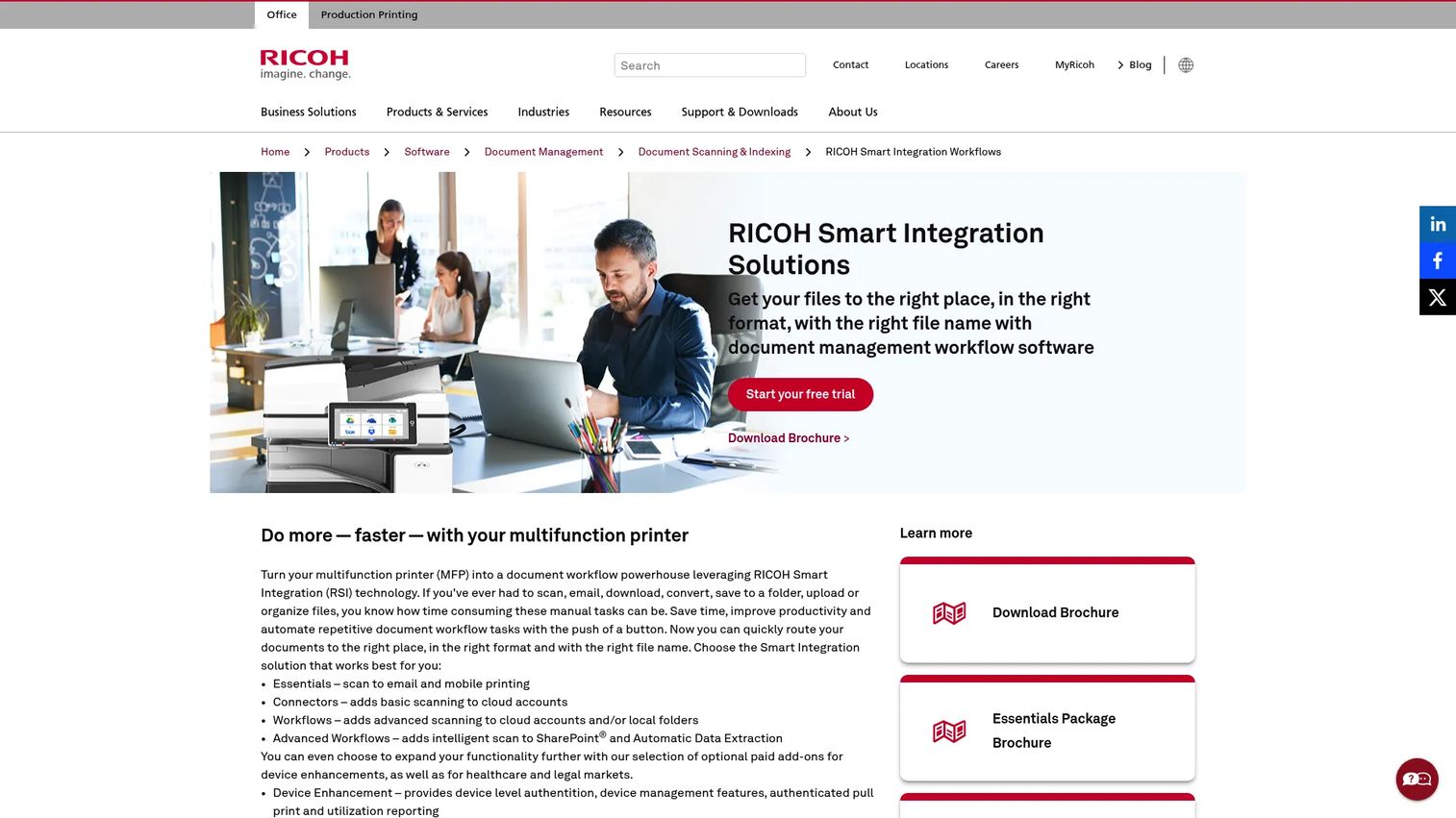
Ricoh Smart Integration Solutions is cloud-delivered workflow software for Ricoh multifunction printers that automates scanning, routing, and mobile printing. It sits closer to the digital mailroom end of the spectrum: turning physical documents into routed, named, digital files rather than tracking parcel pickup at the desk.
Best for: Organizations already running Ricoh MFPs that need cloud or local folder scan routing and mobile print workflows.
Key strengths
- Scan to cloud or local folders: Automated file and folder naming keeps digitized mail organized on arrival.
- Multi-destination and QR-code routing: Route scanned files to several destinations, with QR-code-based routing to speed handoffs.
- Workflow add-ons: Optional device, legal, and healthcare workflow modules extend the core routing.
Why choose Ricoh Smart Integration Solutions: If your mailroom challenge is inbound paper mail that needs to become searchable digital records, and you already own Ricoh hardware, this is the natural fit. It leans into physical-to-digital routing and enterprise print adjacency rather than parcel logging. Teams deep in the Ricoh ecosystem get workflow automation without adding a separate vendor relationship.
Ricoh Smart Integration Solutions pricing: No public pricing was visible on the first-party pages reviewed. The product family and features are confirmed on Ricoh's site and brochure, but pricing is handled through Ricoh's sales and dealer channels.
5. PackageX Receive
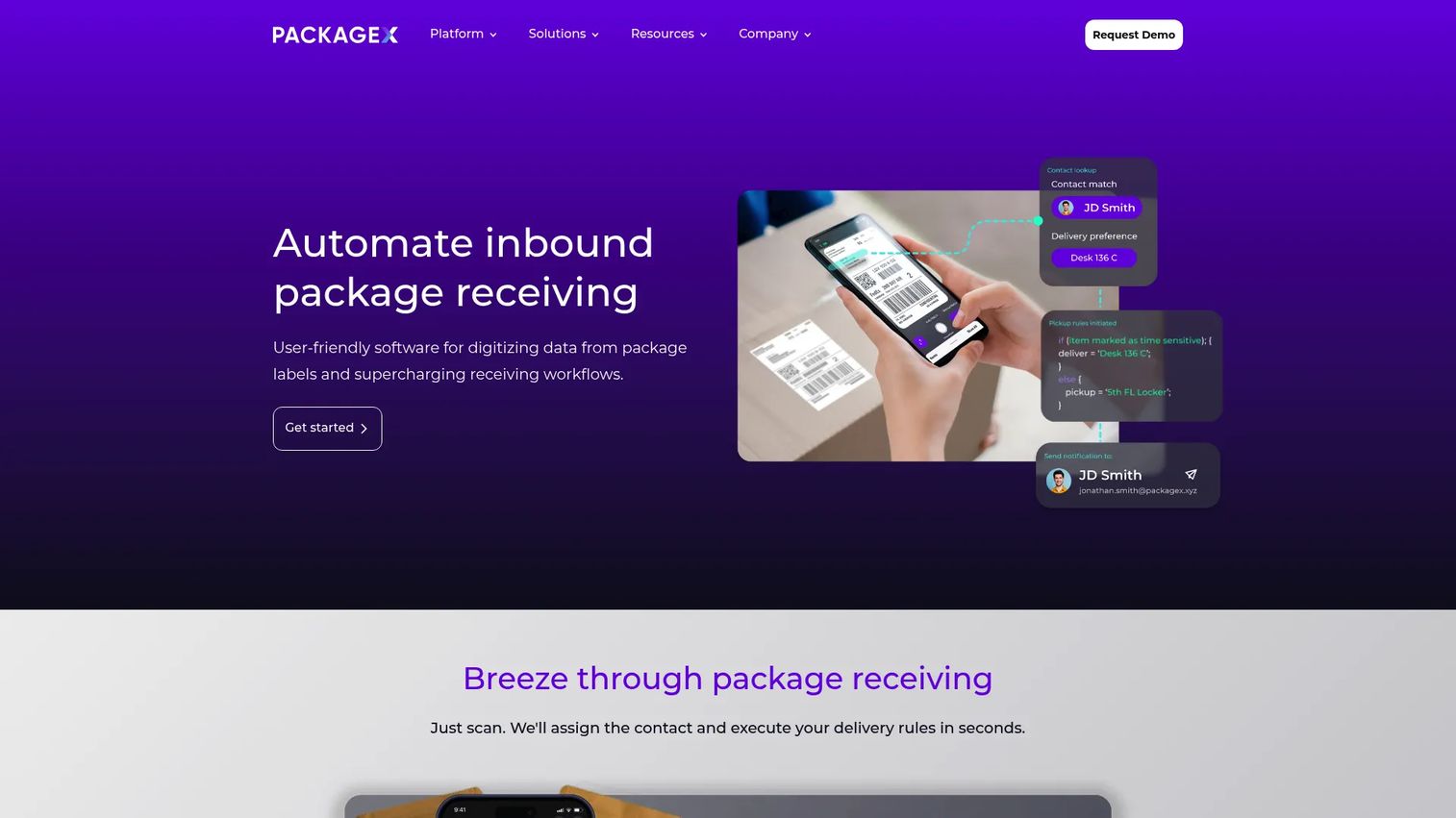
PackageX Receive is AI-powered inbound package receiving software that digitizes labels and automates mailroom and logistics workflows. Its calling card is AI label and data capture, which is what you want when volume is high and labels are inconsistent. It fits buildings, campuses, and warehouses that process inbound packages at scale.
Best for: High-volume operations across buildings, campuses, and warehouses that need automated inbound package receiving.
Key strengths
- AI label and data capture: Reads and structures label data automatically, reducing manual keying during barcode scanning.
- Inbound tracking and alerts: Real-time visibility into what arrived and recipient notifications on receipt.
- Chain-of-custody documentation: Delivery documentation and proof of pickup support accountability end to end.
Why choose PackageX Receive: When your bottleneck is sheer parcel volume and label variety, AI capture removes the slowest part of intake. Campuses and warehouses with dense inbound flows benefit most, because the software absorbs volume that would swamp a manual log. The operational visibility and chain-of-custody records make it a strong fit for teams that need both speed and a defensible audit trail.
PackageX Receive pricing: No public pricing was verifiable on the brand's website; the product is quote-based. The G2 listing for the PackageX product family shows a 4.9/5 rating, though it does not cleanly isolate a Receive-only score.
6. Matrix Booking
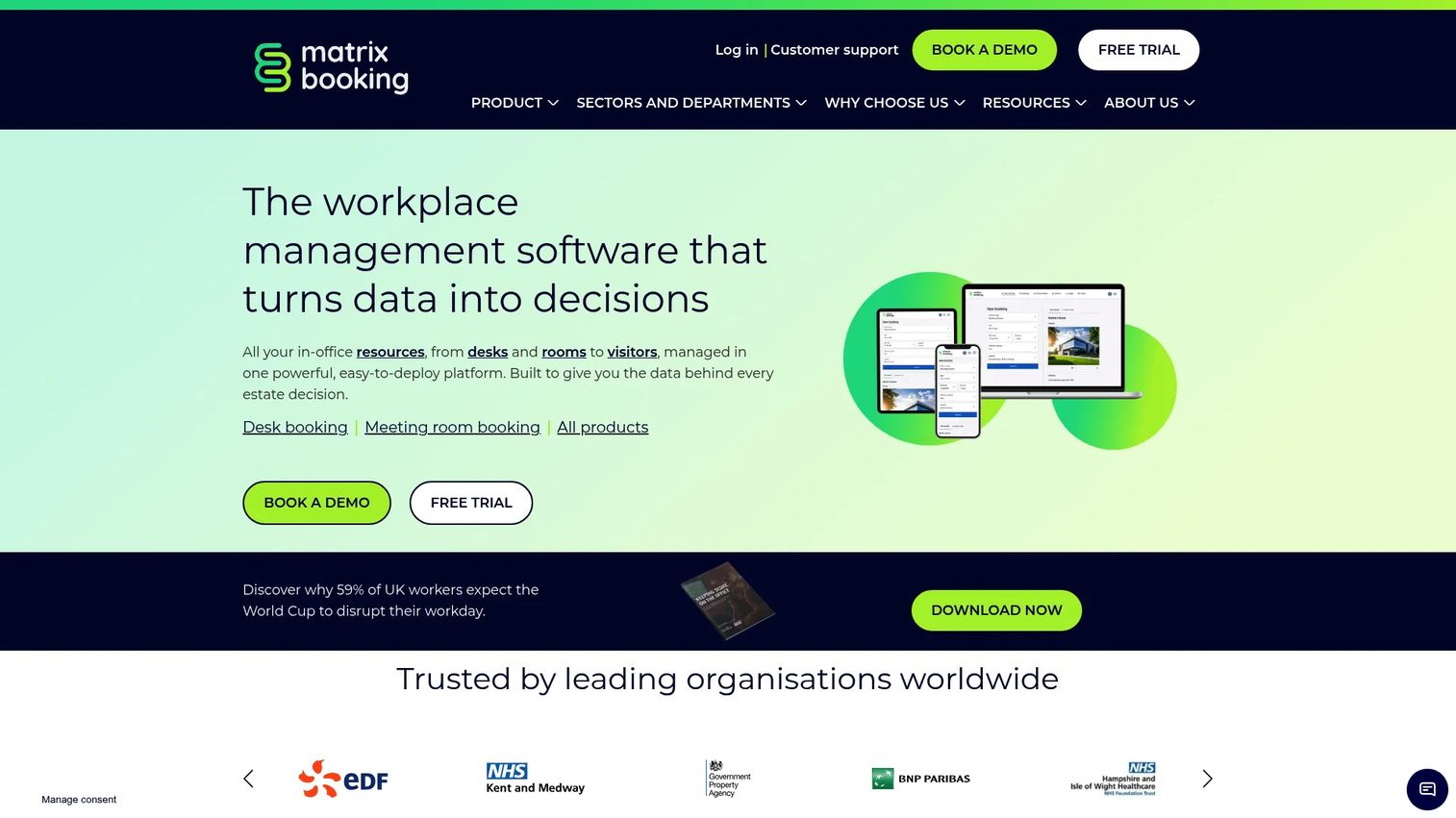
Matrix Booking is workplace management software for booking desks, rooms, and other resources. It belongs on this list as a workplace operations tool with adjacent relevance rather than a dedicated parcel tracker. If your priority is coordinating space and resources, and mailroom handling is a lighter concern, it earns a look.
Best for: Organizations that need a tailored workplace booking platform for desks, rooms, and other bookable resources.
Key strengths
- Resource booking: Desk, room, and other resource reservations run from one place.
- Mobile apps: iOS and Android apps put booking and mobile scanning workflows in staff hands.
- Reporting and analytics: Usage reports give visibility into building and resource demand.
Why choose Matrix Booking: Choose it when workplace operations is the real job and package handling is secondary. It centralizes space management with tailored quotes based on the number of resources you manage. If you need a dedicated mailroom management system as your primary requirement, pair it with a parcel-focused tool; if space is the priority, Matrix Booking carries the workplace side well.
Matrix Booking pricing: Pricing is quote-based, tied to the number of resources managed, with tailored quotes provided by the vendor. A free trial is confirmed on the FAQs page. No numeric public price was shown as of July 2026.
7. Traka
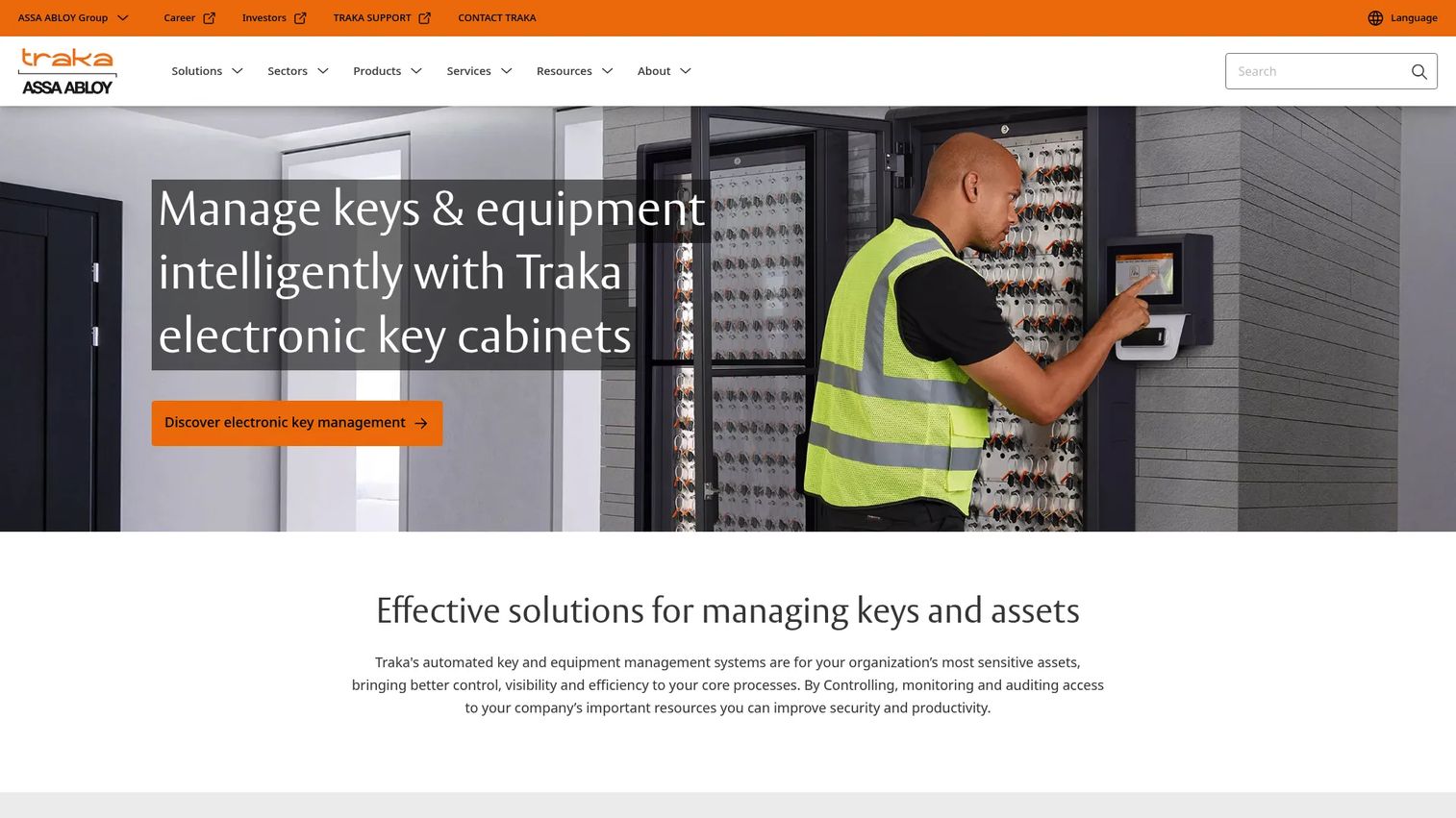
Traka provides intelligent key and asset management, including electronic key cabinets, intelligent lockers, and TrakaWEB administration software. Frame it correctly: this is a security and accountability tool with mailroom-adjacent handoff workflows, not a parcel-logging clone. When the item being handed off is a key, a laptop, or a controlled device, Traka is the right category.
Best for: Organizations that need controlled access, tracking, and auditability for physical keys and high-value assets.
Key strengths
- Secure key and equipment management: Controlled custody of keys and shared equipment with access rules.
- Intelligent locker systems: Lockers for secure handoff and collection of controlled items.
- TrakaWEB administration: Central administration with strong audit trail and reporting.
Why choose Traka: If your accountability problem is not "where is my Amazon box" but "who has the master key or the loaner laptop," Traka is purpose-built for that custody chain. Its intelligent lockers give you secure handoff with a defensible audit trail, which overlaps with mailroom needs when packages contain controlled assets. Treat it as a complement to a parcel tracker, not a replacement.
Traka pricing: No public pricing page with visible prices was found on the brand site. Product categories and features are confirmed from primary sources, but pricing runs through Traka's sales channels.
8. Keystage
Keystage is a UK-based arts and heritage organization that creates history and Holocaust education projects for schools and communities. Its verified public documentation describes history projects, Britain and the Holocaust education work, and creative outputs such as drama, film, exhibitions, and commemorative events. It is not, on the evidence available, a dedicated mailroom or package tracking platform.
Best for: Schools, communities, and museums seeking arts-led history and heritage projects.
Key strengths
- History and heritage projects: Structured educational programs built around history.
- Holocaust education work: Britain and the Holocaust project delivery for schools.
- Creative outputs: Drama, film, exhibitions, illustrated books, and commemorative events.
Why choose Keystage: Include it on your shortlist only if the name surfaced during vendor research and you want clarity: the public-facing Keystage at this domain is an education and heritage organization, not mailroom software. If you encountered a similarly named parcel product, confirm the domain before evaluating, because the branding overlaps but the category does not.
Keystage pricing: No public pricing page or price was found on the brand domain, consistent with its project-based, non-software nature.
9. Quadient
Quadient is business automation software spanning finance and customer communications, with deep roots in enterprise mail and document processing. On this list it represents the digital mailroom and enterprise mail-processing end: high-volume document handling and workflow integration rather than front-desk parcel pickup.
Best for: Enterprises that need connected finance and customer-communications automation alongside mail operations.
Key strengths
- Accounts payable automation: Streamlines inbound invoice processing at scale.
- Accounts receivable and invoice delivery: Automates outbound billing and delivery.
- Customer communications management: Coordinates document-heavy communications across channels.
Why choose Quadient: For large organizations where "mailroom" means industrial volumes of physical and digital mail feeding finance and communications workflows, Quadient's scale and document-processing depth are the draw. It is mailroom automation software in the enterprise sense: routing, processing, and communications rather than desk-level pickup. Its G2 rating sits at 2.3/5, so weigh reviewer sentiment against your specific enterprise requirements and run a thorough evaluation.
Quadient pricing: No public first-party pricing was verifiable; the site routes to demos and contact rather than showing a list price. Pricing is handled through Quadient's sales team.
10. InVu
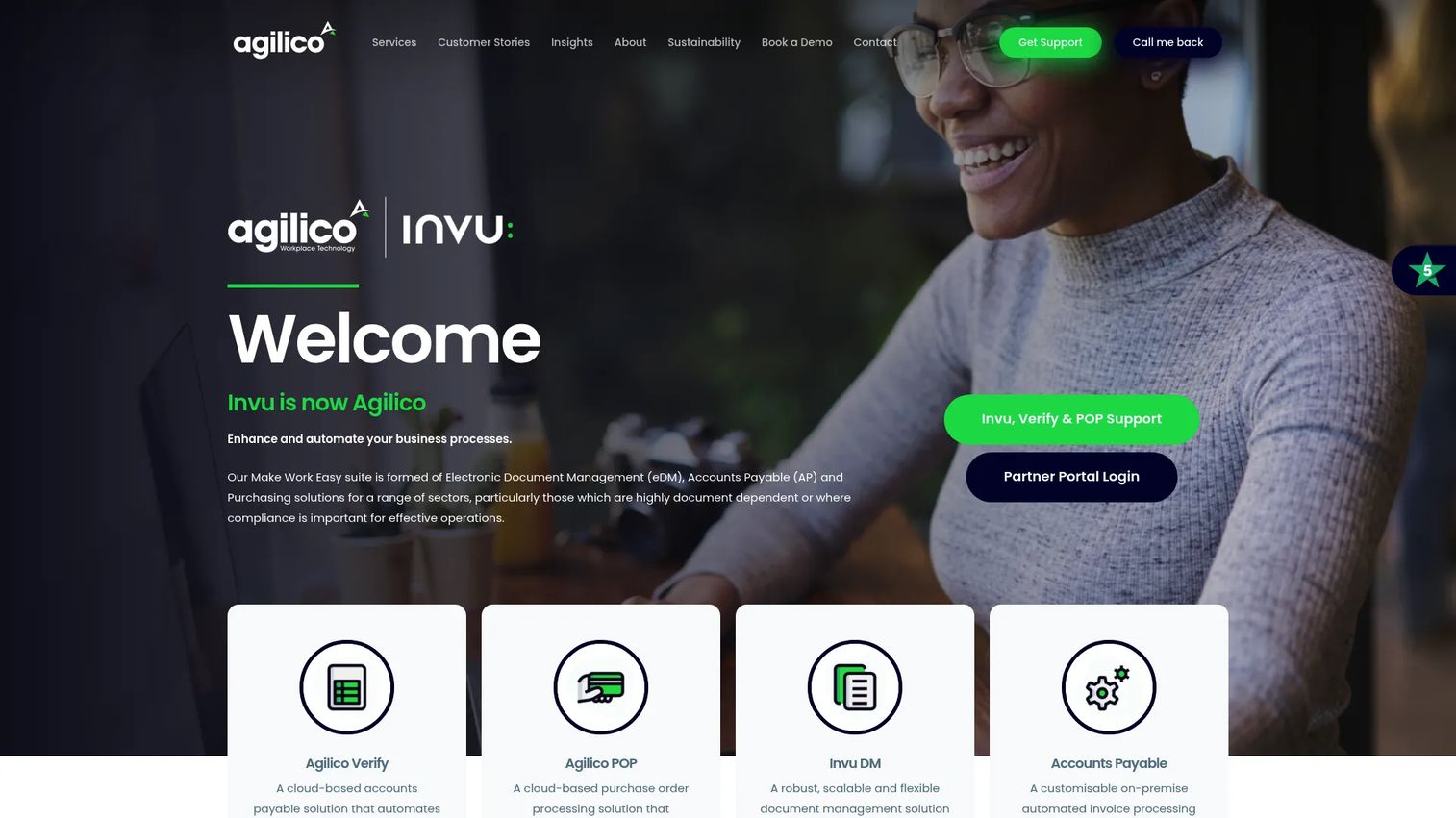
InVu is business process automation software for document management, accounts payable, purchasing, and workflow in compliance-heavy operations. Its relevance here is the digital mailroom angle: capturing inbound documents and routing them through structured, auditable workflows with strong pickup and approval verification.
Best for: Organizations that need document-centric workflow automation with AP and purchasing control.
Key strengths
- Document management: Central capture and storage of inbound documents with a searchable record.
- Accounts payable automation: Structured routing and approval of invoices.
- Purchasing and approval workflows: Controlled, auditable handoffs across purchasing steps.
Why choose InVu: If your mailroom problem is really a document problem, inbound paper that must become searchable, routable, and auditable, InVu handles that workflow automation well. It fits compliance-heavy teams that need proof of who processed what and when, which mirrors the proof-of-pickup logic in parcel tools applied to documents. Its 4.7/5 G2 rating for the document management product signals solid reviewer sentiment in that lane.
InVu pricing: No public pricing page or visible price was found on the official site. Core capabilities are confirmed from first-party sources, and pricing is arranged through InVu's sales team.
Considerations before you buy
Feature lists blur together fast. Use this checklist to pressure-test any mailroom management software against your actual operation.
Package volume and intake speed
Estimate your real daily and peak parcel counts, then test intake speed at that volume. A tool that logs ten packages smoothly can choke at fifty. If your peaks are high, prioritize AI label capture or fast barcode scanning and mobile scanning so a single staffer keeps up.
Pickup verification requirements
Decide how defensible your proof of pickup needs to be. A timestamp is fine for a snack box. A captured signature, photo, or QR code pickup tied to identity is what you need for laptops, contracts, or medication. Match the verification depth to the risk in your deliveries.
Multi-site consistency
For a multi-site mailroom, confirm the tool enforces one workflow and rolls every location into a single package dashboard. Inconsistent site behavior is the usual failure mode. Ask how reporting aggregates across sites and whether admins can lock the workflow.
Integration and identity
Check that the tool connects to the systems you already run. Directory sync via Entra ID integration keeps recipient matching accurate as people join and leave. Slack integration and Microsoft Teams integration put recipient notifications where staff already work, which lifts pickup rates.
Rollout and adoption
The best mailroom software features mean nothing if the front desk avoids the tool. Favor no hardware setup, mobile-first intake, and a short learning curve. Rotating front-desk staff should be productive in minutes, not a training session.
Conclusion
The right mailroom software depends on what you are actually protecting and how much volume you push through the front desk. If you want the tightest end-to-end parcel workflow, Parcel Tracker is the best all-around pick: intake, notifications, and proof of pickup in one focused tool. For security-focused teams, Avigilon Alta Mailroom keeps package events inside your video and access control environment. If you already live in a workplace operations platform, Envoy folds deliveries in alongside visitors and desks.
For enterprise workflow integration and true digital mailroom operations, Quadient, Ricoh, and InVu handle physical-to-digital routing and document processing at scale. Traka covers the secure-custody edge when the handoff is a key or a controlled asset. Choose based on three things: your package volume, how defensible your pickup verification must be, and which integrations your workplace operations stack already requires. Get those three right and adoption follows.
FAQs
Mailroom management software is a system that logs incoming mail and packages, matches each item to the right recipient, sends automated notifications, and captures proof of pickup in a searchable audit trail. It replaces paper logbooks and spreadsheets with a consistent digital record that any staff member can run and any manager can review.
Staff scan a package label at intake using mobile scanning or barcode scanning. The software matches the parcel to a recipient, sends a notification by email, SMS, or chat, and records a signature, photo, or QR code pickup when the recipient collects it. Every step lands in an audit trail for later reference.
Look for mobile scanning with no hardware setup, automated recipient notifications, reliable recipient matching, a clear audit trail and proof of pickup, a reporting package dashboard, and integrations with your chat and identity tools. For high volume, AI label capture speeds intake significantly.
Most modern cloud tools run on standard smartphones and tablets, using the built-in camera for scanning, so many teams avoid dedicated hardware entirely. Some platforms also support handheld scanners and multifunction printers for heavier document or parcel workflows. Check whether the vendor offers iOS and Android apps for front-desk staff.
Security depends on the vendor, but strong tools offer role-based access, encrypted records, and directory sync through providers like Entra ID to keep recipient data accurate. A complete audit trail and captured proof of pickup add accountability, which matters most for controlled items such as laptops, contracts, or medication.
Yes. Digital mailroom tools such as Ricoh Smart Integration Solutions, Quadient, and InVu route inbound physical mail into digital, searchable records and structured workflows. This suits organizations that receive high volumes of paper mail that must become auditable digital files rather than desk-level parcels.
Organizations adopt a mailroom management system when package volume outgrows manual logs, when multiple sites need one consistent workflow, or when security and accountability require defensible delivery verification. It reduces lost packages, cuts "where is my package" tickets, and creates a clean audit trail that protects both staff and recipients.