
Ticket volume keeps climbing while headcount stays flat. The same questions hit the queue every day: how do I reset my password, where do I find my invoice, why did this charge appear. Your agents type the same multi-step explanation for the hundredth time this week, and the backlog grows anyway.
This is the problem AI customer service software exists to solve. According to Salesforce's State of Service report, 83% of service organizations now use AI in some capacity, up from 56% in 2022. The shift is not subtle. Companies using AI for tier-1 support resolve roughly 65% of issues without a human ever touching them, based on figures compiled across recent industry research.
The economics are hard to argue with. Gartner benchmarks put the median cost per contact at $1.84 for self-service versus $13.50 for an agent-assisted interaction. When you multiply that gap across thousands of monthly tickets, the case for AI customer support stops being theoretical.
But not every tool deflects tickets the same way, and "reduce tickets by X%" claims rarely survive contact with a real queue. Some platforms resolve autonomously. Some only route. Some assist your agents without replacing them. The difference matters when you own first-contact resolution, average handle time, and CSAT.
This guide compares the 10 platforms worth shortlisting for ai customer service software in 2026, with verified pricing, real capabilities, and honest trade-offs between them.
What's inside
This guide is for SaaS support leaders and frontline agents evaluating ai tools for customer service: Heads of Support, CS Managers, Support Ops, and senior agents who own the queue and the help center.
We selected the 10 tools below against four criteria that matter most when the goal is deflection and faster resolution:
- Autonomous resolution and deflection: Does it actually close tickets, or just triage them?
- Agent assist and copilot quality: How well does it draft, summarize, and support human agents?
- Omnichannel coverage: Chat, email, voice, and multilingual support across channels.
- Integration depth and pricing transparency: How it connects to your stack, and whether pricing scales sanely with volume.
TL;DR
Short on time? Here are the decision shortcuts by support sub-segment:
- Best for enterprise omnichannel resolution: Zendesk, for teams resolving across chat, email, and voice at scale.
- Best for autonomous AI chat resolution: Intercom with Fin, for SaaS teams wanting per-outcome AI resolution.
- Best for value and transparent tiers: Freshdesk with Freddy AI, for growing teams that want a free starting point.
- Best for regulated, multilingual CX: Ada, for large enterprises with compliance and language requirements.
- Best for agentic end-to-end automation: Forethought, for support orgs wanting discovery, triage, resolution, and assist in one system.
- Best for ecommerce support: Gorgias, for Shopify-centric DTC teams that need order-aware automation.
What is AI customer service software?
AI customer service software is a category of support tools that use artificial intelligence, including chatbots, autonomous AI agents, and agent copilots, to resolve, deflect, and route customer inquiries across channels.
The category has consolidated around a few distinct capabilities. Understanding the difference between them is the whole game when you evaluate ai powered customer service, because vendors use the same words to describe very different things.
Here is what artificial intelligence customer support software typically includes:
- AI agents (autonomous resolution): Software that answers and closes customer inquiries end to end, without a human in the loop, for repetitive tier-1 questions.
- Copilots (agent assist): AI that drafts replies, suggests resolutions, and summarizes threads for human agents, speeding up the tickets that still need a person.
- Chatbots: Rule-based or AI-driven conversational flows that handle common questions on chat and messaging channels.
- Ticket routing and triage: AI that classifies, prioritizes, tags, and routes incoming tickets by intent, sentiment, and urgency.
- Knowledge-base-powered self-service: Systems that surface help center articles and answers so customers resolve issues on their own. Pairing this with knowledge base software keeps your self-service content consistent and current.
- Omnichannel orchestration: A single layer that unifies chat, email, voice, social, and messaging into one queue.
- Analytics: Reporting on deflection rate, resolution rate, handle time, CSAT, and knowledge gaps.
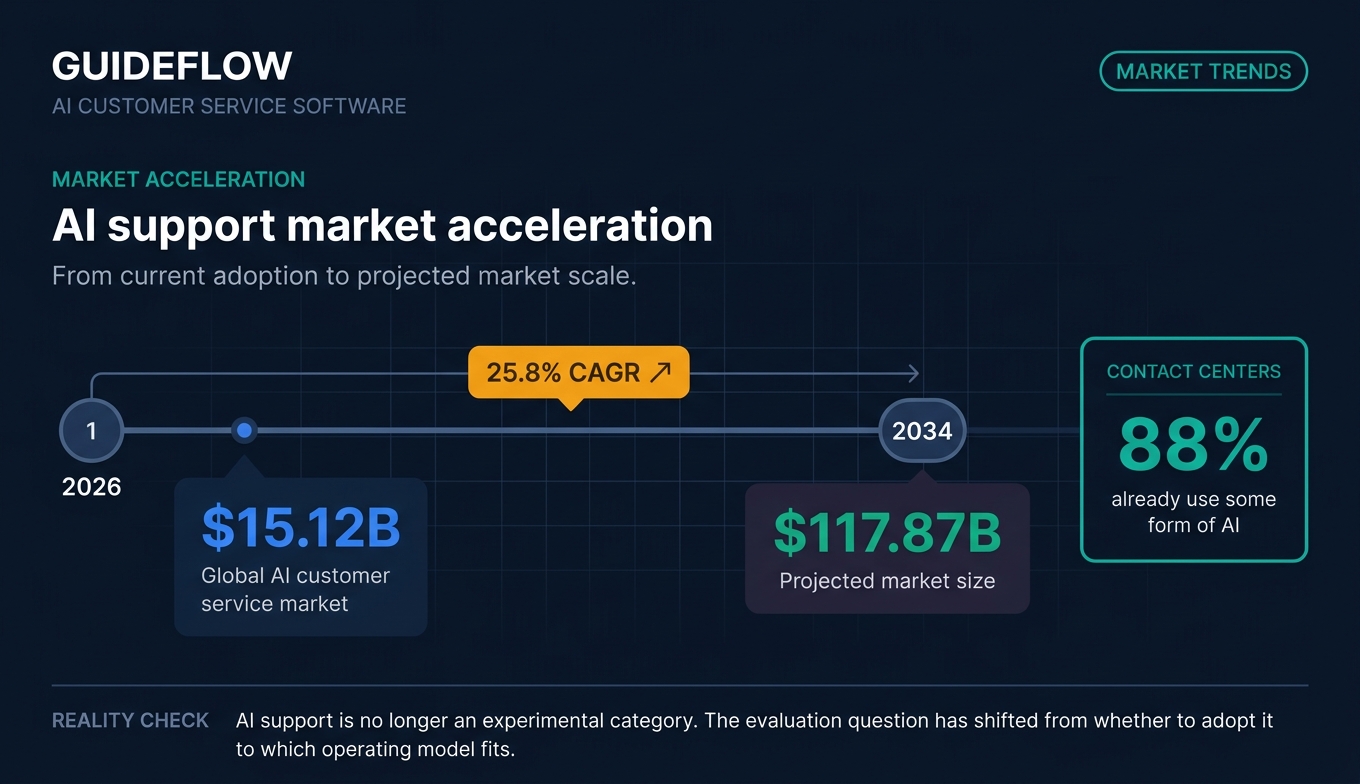
The market reflects how fast this is moving. The global AI customer service market is projected to reach $15.12 billion in 2026 and $117.87 billion by 2034, growing at a 25.8% CAGR, and 88% of contact centers already use some form of AI. The question for most teams is no longer whether to adopt customer support AI, but which model fits their channel mix and ticket profile.
When to use AI customer service software
Not every team needs every capability. Here are the three situations where ai for customer service earns its keep fastest.
Deflect repetitive "how do I" tickets before they reach the queue
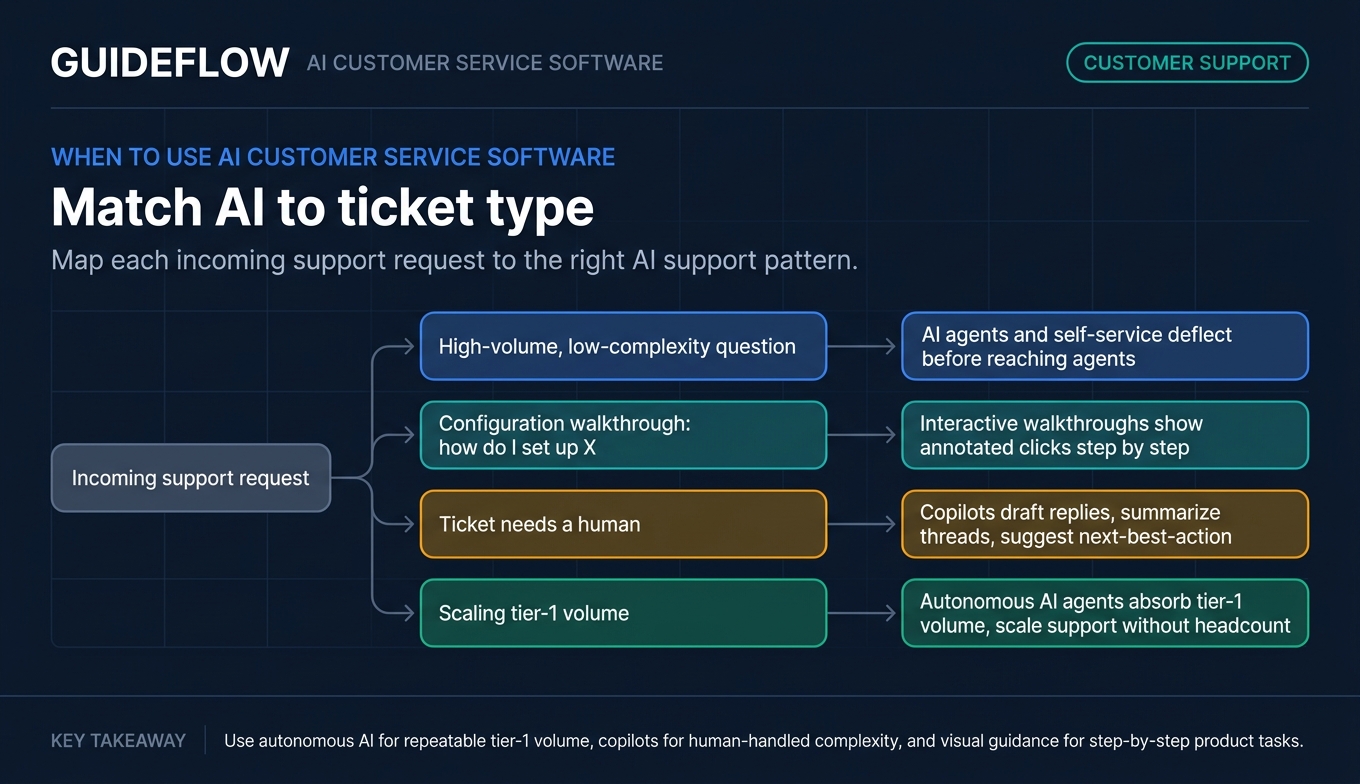
The cheapest ticket is the one that never gets created. AI agents and self-service answers handle the high-volume, low-complexity questions, your password resets, your "where is my invoice" requests, so they never hit an agent.
Self-serve visual guidance pairs well with this. When you embed interactive walkthroughs inside your help center, you show users the exact steps to complete a task instead of describing them in a wall of text. Used alongside AI deflection, interactive walkthroughs perform best for "how do I configure X" questions where a few annotated clicks resolve the issue faster than any written article, deflecting tickets across onboarding, feature adoption, and troubleshooting flows.
Shorten time-to-resolution on incoming tickets
For tickets that do need a human, copilots cut the work. AI drafts a reply from your knowledge base, summarizes a long thread so the agent gets context in seconds, and suggests the next best action. Average handle time drops without sacrificing answer quality.
Scale support without scaling headcount
When your user base grows linearly and your budget does not, autonomous AI agents absorb tier-1 volume so your team handles the complex, high-value cases. This is how support orgs break the link between user growth and headcount growth, the structural problem that ai customer service solutions are built to solve. Visual, self-service product experiences further reduce the load on your queue as you scale.
Comparison table
Here is the shortlist of customer service AI tools at a glance, sorted by relevance to general-purpose support automation. Pricing reflects entry paid tiers verified on each vendor's pricing page as of mid-2026. G2 ratings reflect each tool's current listing.
| # | Product | Intent | Key use case | Pricing | G2 rating |
|---|---|---|---|---|---|
| 1 | Zendesk | Enterprise omnichannel | End-to-end resolution at scale | From $19 agent/mo (yearly) | 4.3/5 |
| 2 | Intercom | AI-first helpdesk | Autonomous Fin AI resolution | $0.99 per Fin outcome; seats from $29/mo | 4.5/5 |
| 3 | Freshdesk | Value helpdesk | AI-assisted ticketing | From $19 agent/mo (yearly) | 4.4/5 |
| 4 | Ada | Enterprise agentic CX | Regulated, multilingual automation | Custom | 4.6/5 |
| 5 | Forethought | Agentic automation | Discovery, triage, resolution, assist | Custom | 4.3/5 |
| 6 | Gorgias | Ecommerce support | Shopify-native, order-aware automation | From $10/mo | 4.6/5 |
| 7 | Zoho Desk | SMB value helpdesk | Affordable omnichannel + AI | Free tier available | 4.4/5 |
| 8 | HubSpot Service Hub | CRM-native service | Support connected to CRM data | Free tier available | 4.4/5 |
| 9 | Help Scout | Human-feel inbox | Shared inbox + AI assist | From $25 user/mo | 4.4/5 |
| 10 | Tidio | SMB/ecommerce chat | Lyro AI chatbot | Free tier available | 4.6/5 |
The 10 best AI customer service software tools for 2026
1. Zendesk
Zendesk is an AI-powered customer service platform for managing and resolving customer inquiries across channels. It pairs a mature ticketing and messaging core with AI agents and a Copilot layer, making it the default shortlist entry for support teams that need scale, omnichannel coverage, and governance in one place. You can also explore an interactive Zendesk demo to see the platform in action.
For support leaders running high volume across chat, email, and voice, Zendesk's strength is breadth. The AI agents resolve common requests autonomously, Copilot assists human agents on the tickets that need a person, and knowledge management keeps answers consistent as your product changes.
Best for: Enterprise and mid-market support teams that need end-to-end resolution at scale across every channel.
Key strengths
- Omnichannel ticketing and messaging: Unifies email, live chat, and voice into one queue so nothing slips between channels.
- AI agents and Copilot: Autonomous resolution for tier-1 volume plus agent-side assist for complex cases.
- Reporting and analytics: Deflection, resolution, and CSAT reporting to prove what AI is actually closing.
Why choose Zendesk: If you support thousands of customers across multiple channels and need a platform your ops team can govern, Zendesk's depth is hard to match. The trade-off is that smaller teams may pay for more platform than they need at first.
Zendesk pricing: Plans start at $19 per agent/month for Support Team, paid yearly. Suite Team is $55 per agent/month and Suite Professional is $115 per agent/month, both paid yearly. Suite Enterprise with Copilot requires a sales conversation. A 14-day free trial is available; no ongoing free tier was verified.
2. Intercom
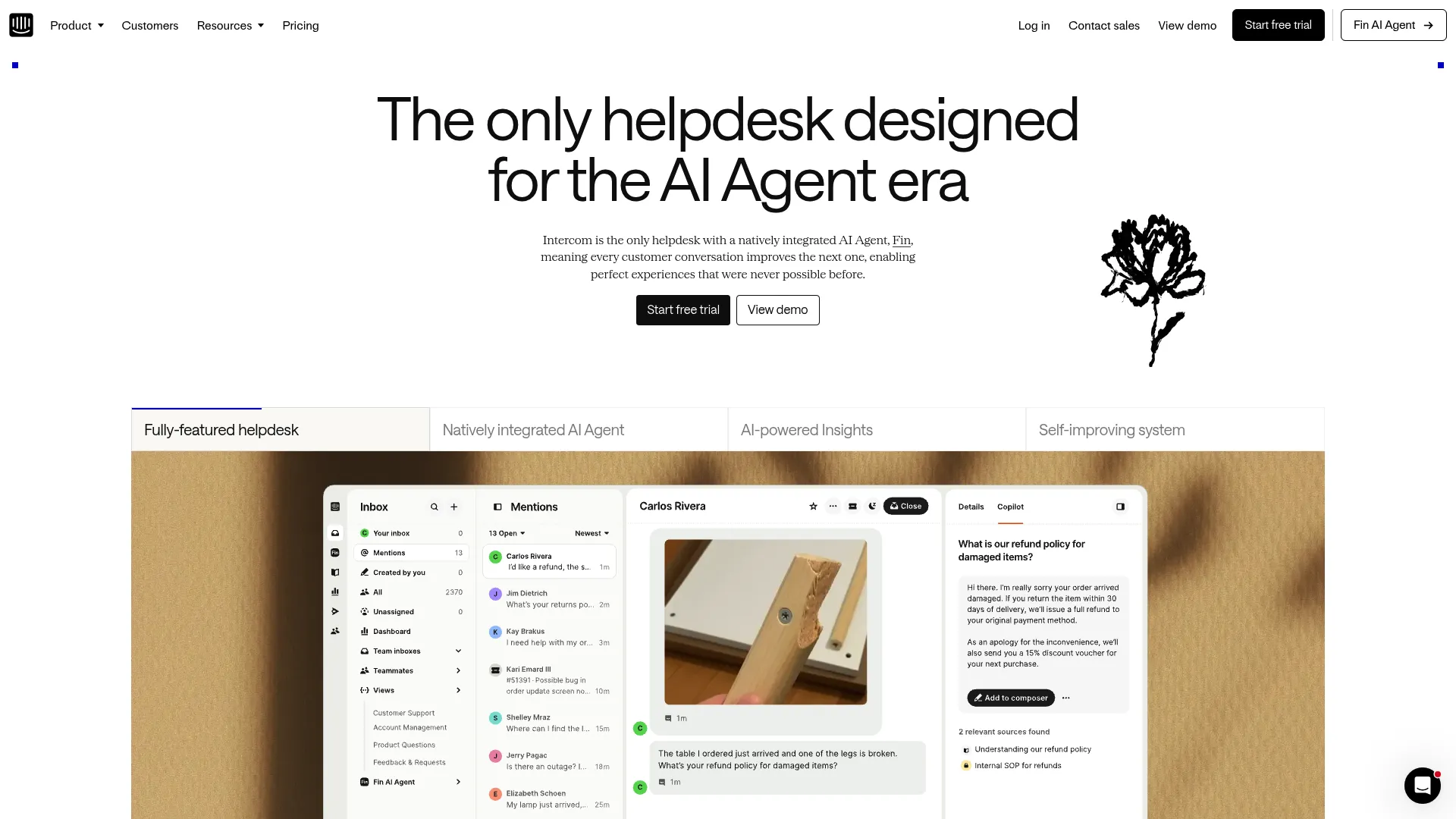
Intercom is an AI-powered customer service helpdesk with a natively integrated AI agent, Fin. It is built AI-first, which means the autonomous agent is the center of the product rather than a bolt-on, and Fin can run on Intercom's helpdesk or on top of an existing one. See an interactive Intercom demo to explore the Fin workflow firsthand.
For SaaS teams chasing high autonomous resolution on chat, the Fin model is the draw. You pay per resolved outcome rather than per ticket attempted, which aligns cost with results in a way most pricing models do not.
Best for: SaaS support teams that want an AI-first helpdesk with outcome-based pricing on autonomous resolution.
Key strengths
- Fin Customer Agent: Resolves customer questions autonomously across service, sales, and ecommerce conversations.
- Shared inbox and ticketing: Messenger, tickets, and help center in one workspace for the cases Fin hands off.
- Workflows and reporting: Automation, omnichannel support, and analytics to tune resolution rates over time.
Why choose Intercom: The per-outcome pricing makes Fin appealing when you want to tie spend directly to resolved tickets. The consideration is that usage-based costs can be harder to forecast than flat per-seat pricing as volume swings.
Intercom pricing: Fin is billed at $0.99 per resolved outcome. Seat plans are Essential at $29 per seat/month, Advanced at $85 per seat/month, and Expert at $132 per seat/month. Fin AI Agent can also run with no seats on top of an existing helpdesk, with a minimum monthly commitment. A 14-day free trial is available.
3. Freshdesk
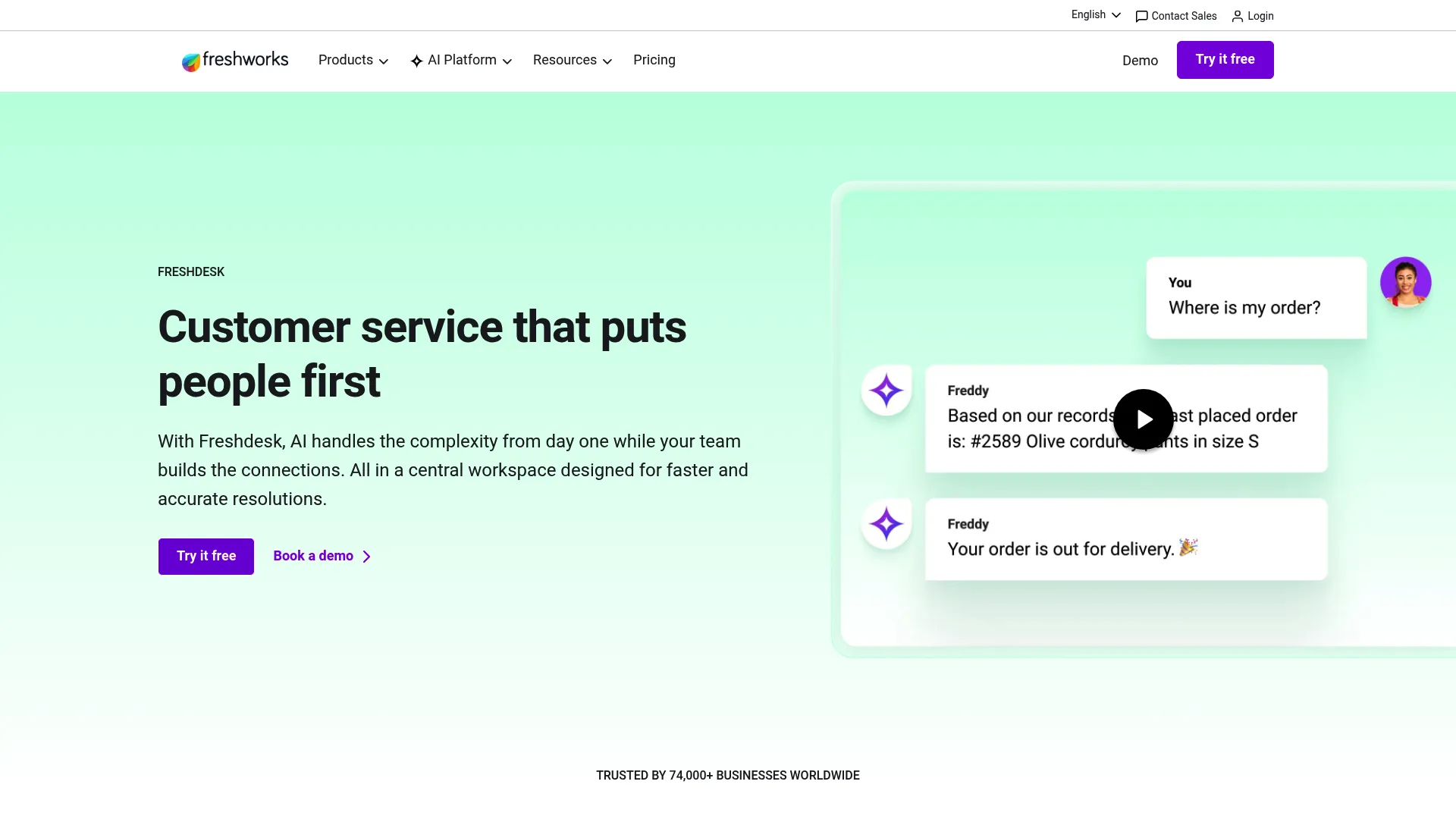
Freshdesk is Freshworks' AI-powered customer service platform for ticketing, self-service, automation, and support operations. Its Freddy AI layer adds an AI Agent, a Copilot, and AI Insights on top of a well-rounded help desk, which makes it a strong value pick for teams that want capability without enterprise pricing.
Growing support teams gravitate to Freshdesk because the transparent tiers let you start small and scale. The free program for one to two agents lowers the barrier to a first deployment, and the paid tiers add routing, custom reporting, and security as you grow.
Best for: Growing support teams that want AI-assisted ticketing and self-service with transparent, value-oriented pricing.
Key strengths
- Freddy AI Agent and Copilot: Autonomous answers plus agent-side assist and insights in one suite.
- Self-service knowledge base: Customer portal and knowledge base to deflect repeat questions.
- Advanced ticketing and routing: Custom objects, custom reporting, and routing mechanisms on higher tiers.
Why choose Freshdesk: Freshdesk fits teams that want a credible AI feature set at a price that does not require a procurement cycle. The consideration is that the deepest governance and security features sit on the Enterprise tier.
Freshdesk pricing: Growth is $19 per agent/month, Pro is $55 per agent/month, and Enterprise is $89 per agent/month, all billed annually. Freshworks also offers a free program at $0 for one to two agents for six months.
4. Ada
Ada is an AI customer service platform for enterprises that deploys AI agents across channels to automate and improve customer support. It is built for scale and governance, with omnichannel coverage spanning voice, email, chat, Messenger, WhatsApp, SMS, Instagram, in-app, and custom channels.
For large, regulated, multilingual support orgs, Ada's appeal is the combination of automation depth and operational control. The Performance Center lets teams build, launch, analyze, and optimize AI agents, while Playbooks and coaching automate multi-step SOPs and drive continuous improvement.
Best for: Large-scale enterprise CX teams with high volume, compliance requirements, and multilingual demands.
Key strengths
- Omnichannel AI agents: Automated resolution across voice, chat, email, messaging, and social in one platform.
- Performance Center: A workspace to build, launch, analyze, and optimize AI agents over time.
- Playbooks and coaching: Multi-step SOP automation with continuous improvement loops.
Why choose Ada: Ada suits enterprises that need to automate complex, multi-step interactions across many languages and channels with strong oversight. The consideration is that pricing is quote-based, so you will need a sales conversation to scope cost.
Ada pricing: Ada does not publish public pricing. Its pricing page directs prospects to a consultation, so cost is custom and scoped to volume and channel mix.
5. Forethought
Forethought is an agentic AI customer support platform for automating, triaging, assisting, and analyzing customer service interactions. Rather than a single chatbot, it runs a multi-agent system that spans discovery, resolution, triage, and agent assist, which makes it a fit for support orgs that want to automate the whole lifecycle.
For enterprises chasing end-to-end agentic automation, Forethought's value is the way the pieces connect. AI agents resolve across chat, mobile, email, voice, Slack, and API, AI triage handles sentiment, intent, and routing, and AI-surfaced insights flag knowledge gaps so your content keeps improving.
Best for: Enterprise and scaling support teams that want agentic automation across resolution, triage, and assist.
Key strengths
- Omnichannel AI agents: Automated resolution across chat, mobile, email, voice, Slack, and API-based support.
- AI ticket triage: Sentiment, intent, spam, urgency, tagging, prioritization, and routing in one layer.
- AI insights and QA: Knowledge gap detection, AI article creation, analytics, and AI QA.
Why choose Forethought: Forethought fits teams that want more than a deflection bot, specifically a connected system that triages, resolves, assists, and reports. The consideration is that, like other enterprise platforms, pricing is quote-based and there is no traditional free trial.
Forethought pricing: Forethought lists Team, Professional, and Enterprise plans, each quote-based with no public price. Pricing blends platform access fees with outcome-based pricing and optional add-ons. Instead of a free trial, Forethought offers a Proof of Value engagement.
6. Gorgias
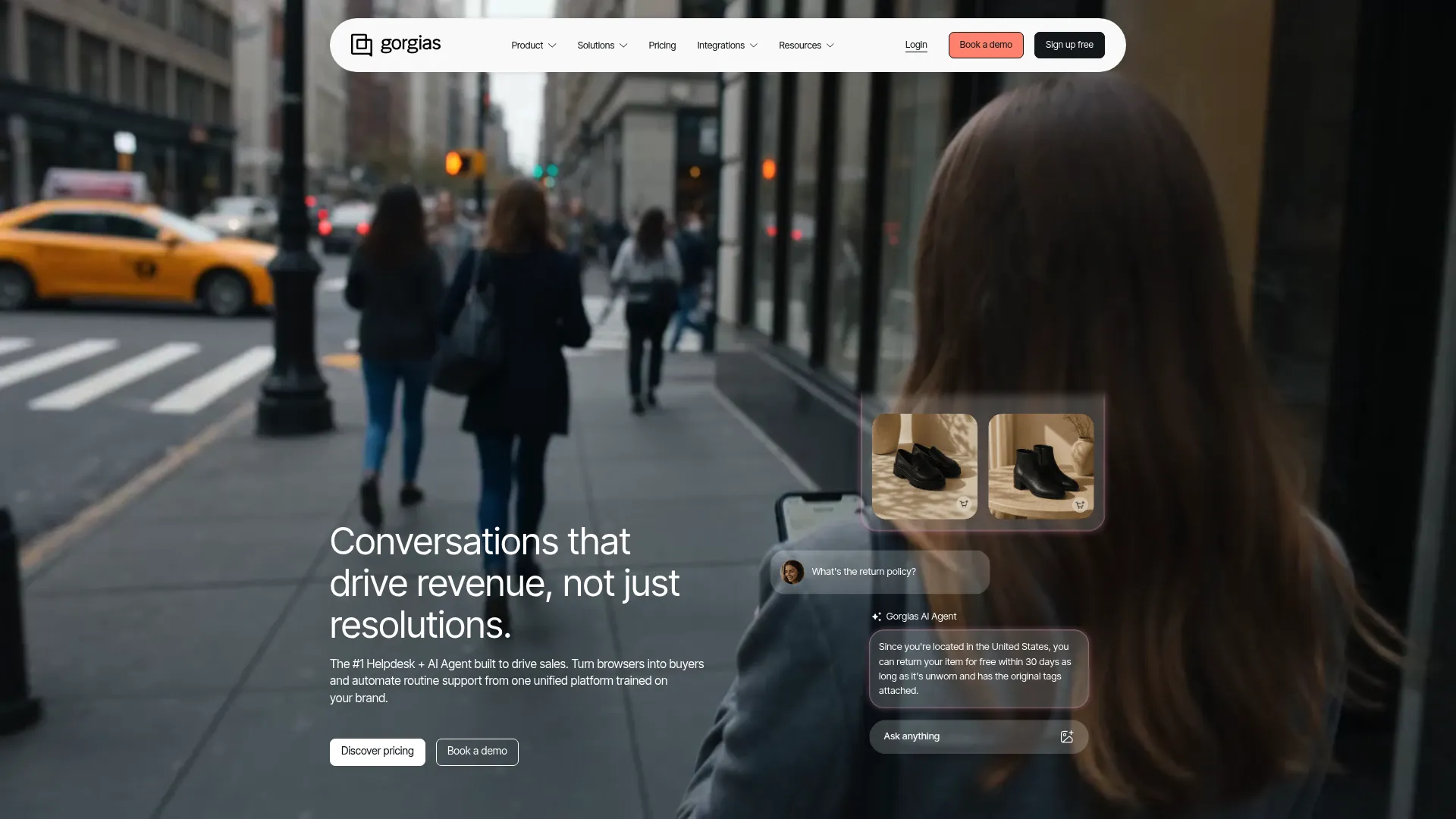
Gorgias is a conversational AI and helpdesk platform for ecommerce brands to centralize customer conversations, automate support, and support shoppers across channels. It is purpose-built for DTC, with native Shopify, BigCommerce, Magento, and WooCommerce integrations that pull order and customer context directly into the ticket. See how Gorgias uses Guideflow in this Gorgias customer story.
For ecommerce support teams, that context is the difference between a generic bot and a useful one. The AI Agent can answer order-aware questions, "where is my order," "can I change my shipping address," because the data lives right in the conversation, across email, live chat, social, SMS, and voice add-ons.
Best for: Ecommerce and DTC support teams, especially Shopify-centric brands that need order-aware automation.
Key strengths
- Order-aware AI Agent: Resolves shopper questions using live order and customer context.
- Omnichannel inbox: Email, live chat, Facebook, Instagram, TikTok, WhatsApp, SMS, and voice in one place.
- Deep ecommerce integrations: Shopify, Klaviyo, Recharge, Loop Returns, Yotpo, and 150+ more.
Why choose Gorgias: Gorgias fits ecommerce teams that want support automation aware of the order behind every ticket. The consideration is that its conversation-based pricing and ecommerce focus make it less of a fit for non-retail SaaS support.
Gorgias pricing: Pricing is based on meaningful shopper conversations rather than seats, with unlimited users. Starter is $10/month for 50 tickets/month, Basic is $50/month yearly for 300 tickets, Pro is $300/month yearly for 2,000 tickets, and Advanced is $750/month yearly for 5,000 tickets. Enterprise is custom. Yearly billing offers up to 16% off, and a 7-day trial is available with no payment info required.
7. Zoho Desk
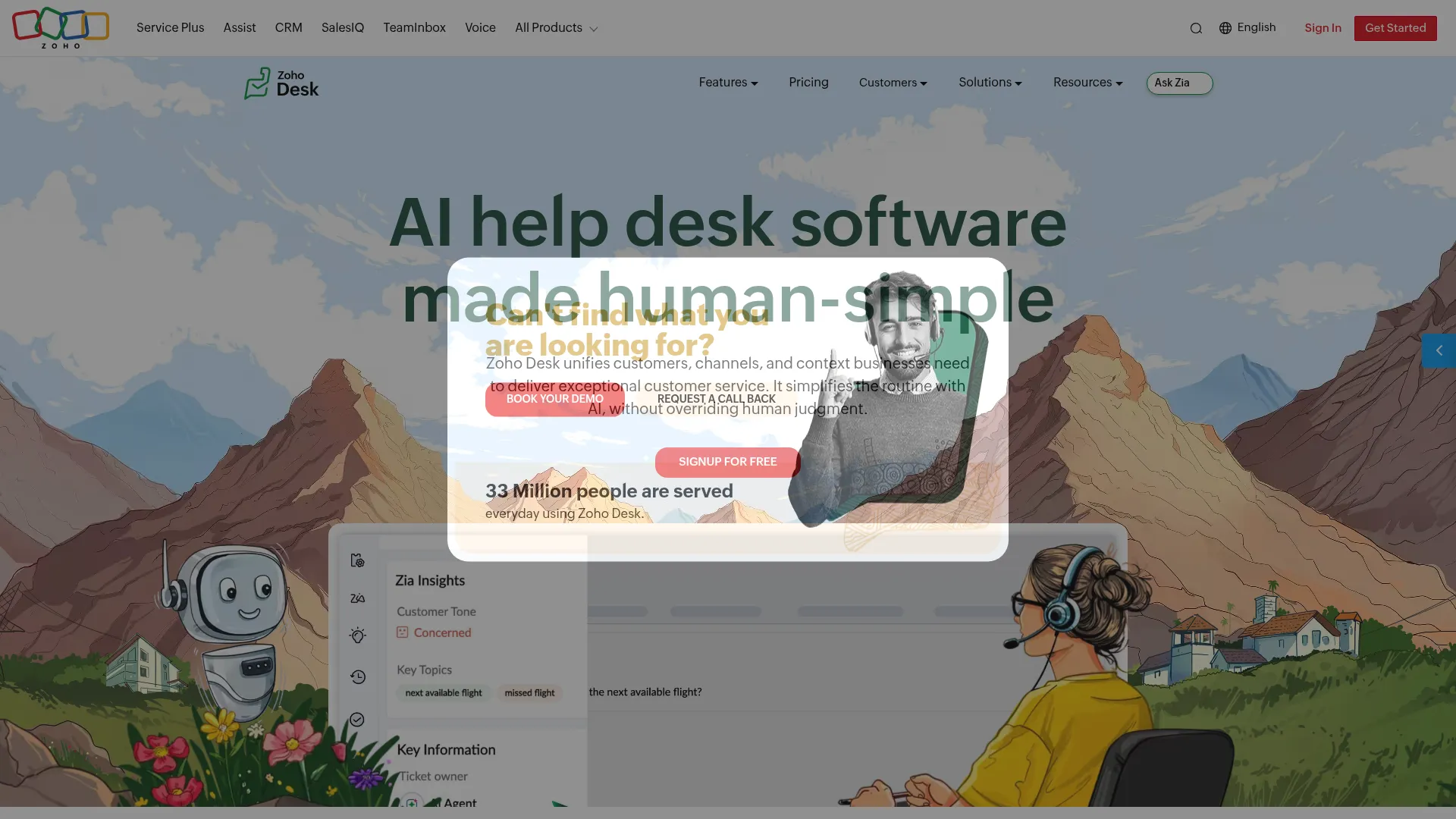
Zoho Desk is customer service help desk software for managing support across channels with ticketing, automation, self-service, AI, analytics, integrations, and mobile support. Its Zia AI, answer bot, and AI support assistant add automation to a help desk that is already strong on omnichannel and self-service.
Budget-conscious SMB teams, especially those already in the Zoho ecosystem, choose Zoho Desk for the price-to-capability ratio. The free edition covers micro teams, and the paid tiers layer in generative AI, knowledge base, guided conversations, and answer bot as you scale.
Best for: Budget-conscious SMB teams, particularly those already using other Zoho products.
Key strengths
- Omnichannel support: Email, phone, instant messaging, social, live chat, and web forms in one queue.
- Self-service tooling: Knowledge base, guided conversations, ASAP widget, and a multilingual help center.
- Zia AI and answer bot: Generative AI, AI support assistant, and answer bot on higher tiers.
Why choose Zoho Desk: Zoho Desk fits teams that want affordable omnichannel support with AI and a free starting point. The consideration is that the most advanced AI, including the answer bot and AI support assistant, sits on the Enterprise tier.
Zoho Desk pricing: Zoho Desk offers a Free Forever edition with three user licenses. Paid tiers are Express, Standard, Professional, and Enterprise, billed annually per user, with generative AI appearing from the Standard tier and the answer bot and AI support assistant on Enterprise. Pricing displays vary by region, so confirm your local currency on the pricing page.
8. HubSpot Service Hub
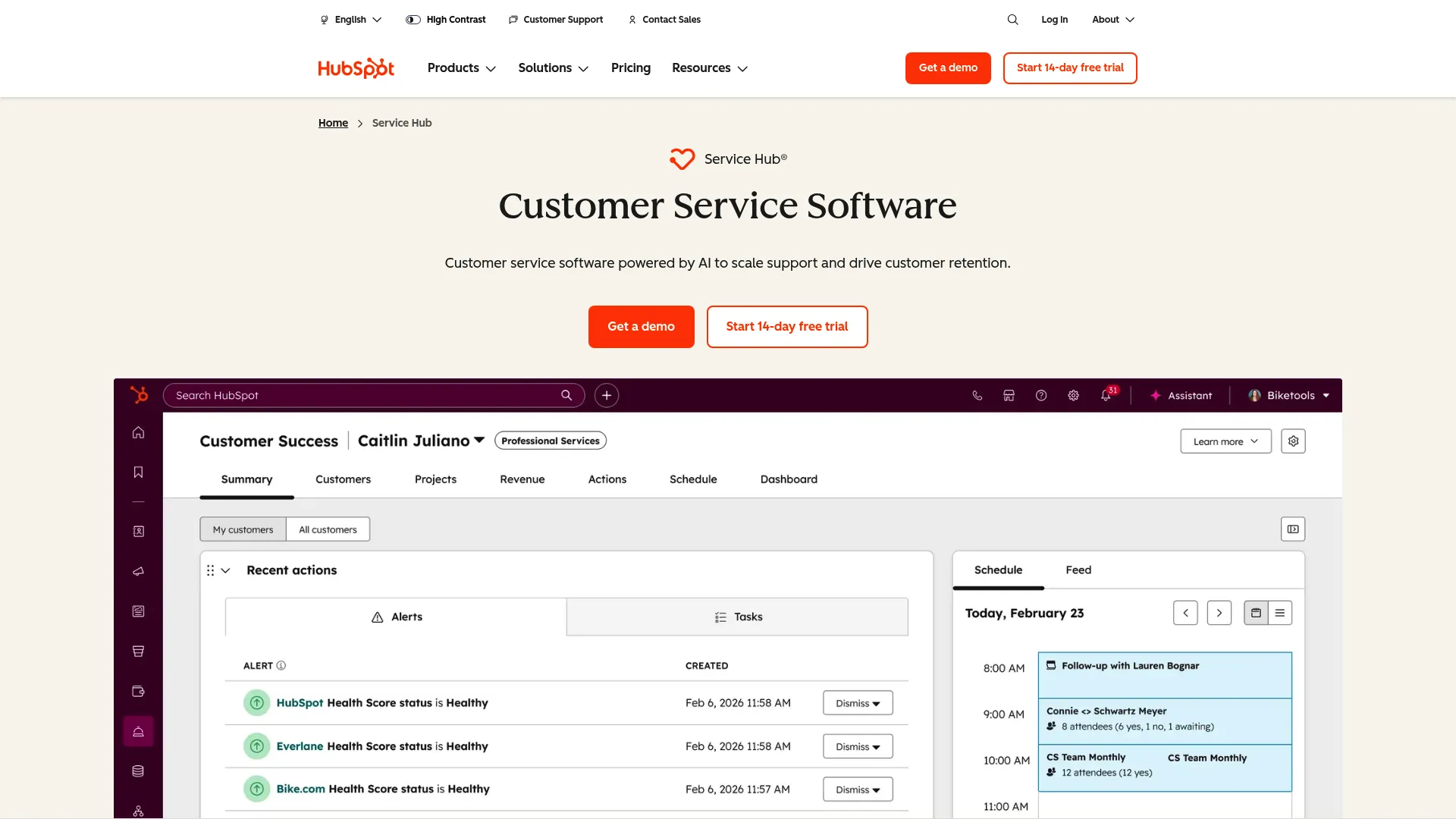
HubSpot Service Hub is AI-powered customer service software for managing support, help desk, customer success, self-service, and customer communications within HubSpot's customer platform. Its big advantage is native CRM data, so every ticket carries full customer context without a separate integration.
For teams already on HubSpot, Service Hub is the natural choice. The Breeze customer agent adds AI automation, while the help desk workspace, knowledge base, and customer portal cover the operational side. Because it shares the HubSpot data layer, support, sales, and success see the same customer record.
Best for: Teams already running HubSpot CRM that want support tools connected to the same data.
Key strengths
- Native CRM context: Tickets inherit full customer data from the HubSpot platform.
- Breeze customer agent: AI automation for support questions on the Professional tier and above.
- Help desk and self-service: Ticketing workspace, knowledge base, and customer portal in one place.
Why choose HubSpot Service Hub: Service Hub fits teams that value a unified customer record across sales, service, and success more than best-of-breed AI depth. The consideration is that the help desk workspace and Breeze customer agent require the Professional tier.
HubSpot Service Hub pricing: A free plan covers contact management, ticketing, and team email. Starter is around $20 per seat/month, Professional is $100 per seat/month, and Enterprise is $150 per seat/month. The help desk workspace, customer success workspace, Breeze customer agent, and knowledge base appear on Professional.
9. Help Scout
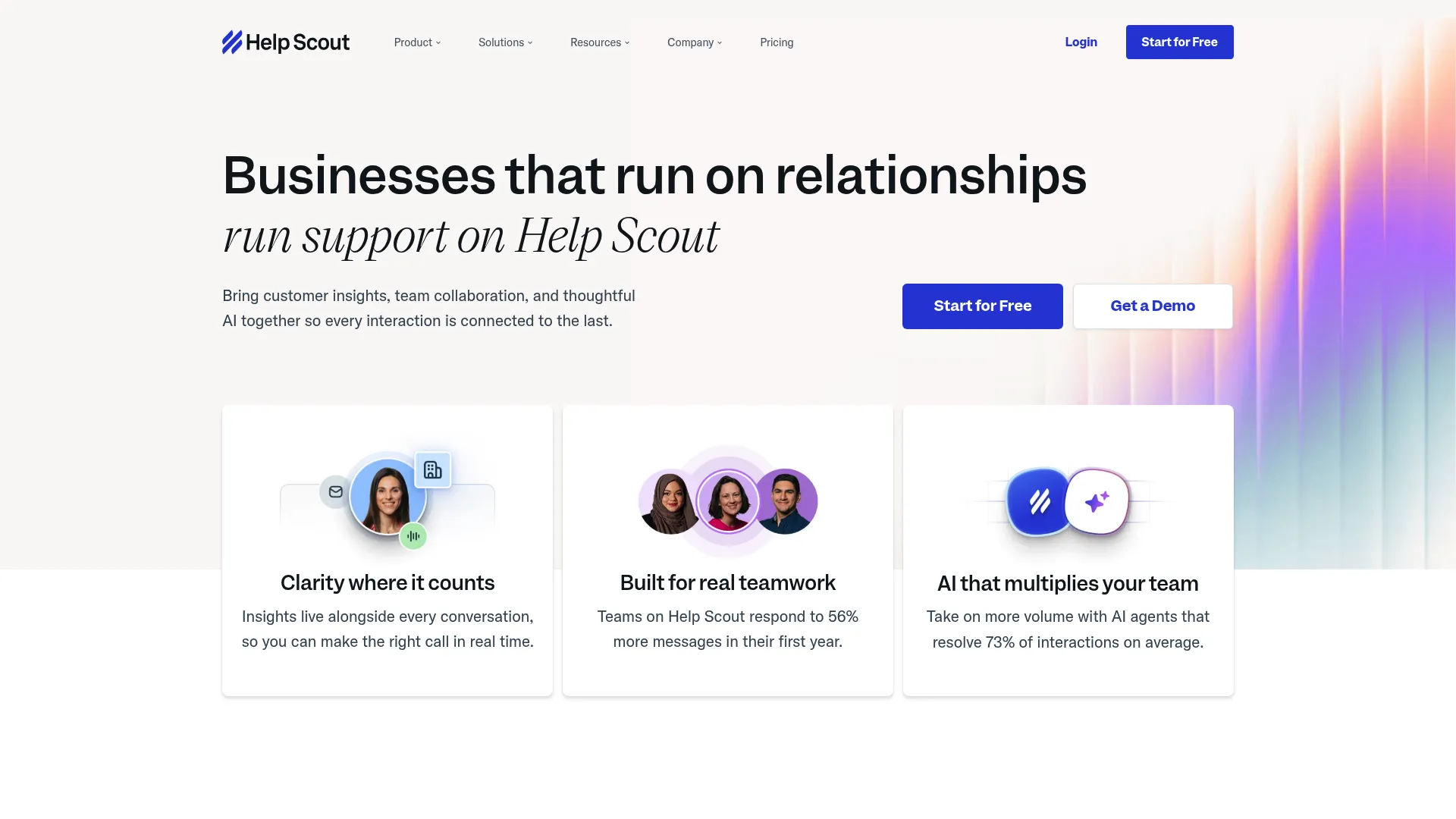
Help Scout is customer service software for managing support conversations across email, live chat, social channels, knowledge base, messaging, reporting, integrations, and AI-assisted support. It is known for a human-feel shared inbox, then layers AI on top with AI Assist, AI Drafts, AI Summarize, and the AI Answers chatbot.
Small SaaS teams that care about conversation quality choose Help Scout because the AI helps without taking over. AI Drafts speeds replies, AI Summarize condenses long threads, and AI Answers handles repeat questions, all inside an inbox that still feels personal to the customer.
Best for: Small SaaS support teams that want a human-feel inbox with AI assist on top.
Key strengths
- Shared inbox: Customer conversations across email, live chat, Messenger, Instagram, and WhatsApp depending on plan.
- Docs and knowledge base: Help articles and an embeddable support hub for self-service.
- AI assist suite: AI Assist, AI Drafts, AI Summarize, and the AI Answers chatbot add-on.
Why choose Help Scout: Help Scout fits teams that want AI to support agents rather than replace the personal touch. The consideration is that its AI Answers chatbot is priced separately per resolution, so heavy deflection volume adds to the base seat cost.
Help Scout pricing: A free plan includes five users, one inbox, and one Docs site. Standard is $25 per user/month, Plus is $45 per user/month, and Pro is $75 per user/month. AI Answers is an add-on priced at $0.75 per resolution, billed monthly.
10. Tidio
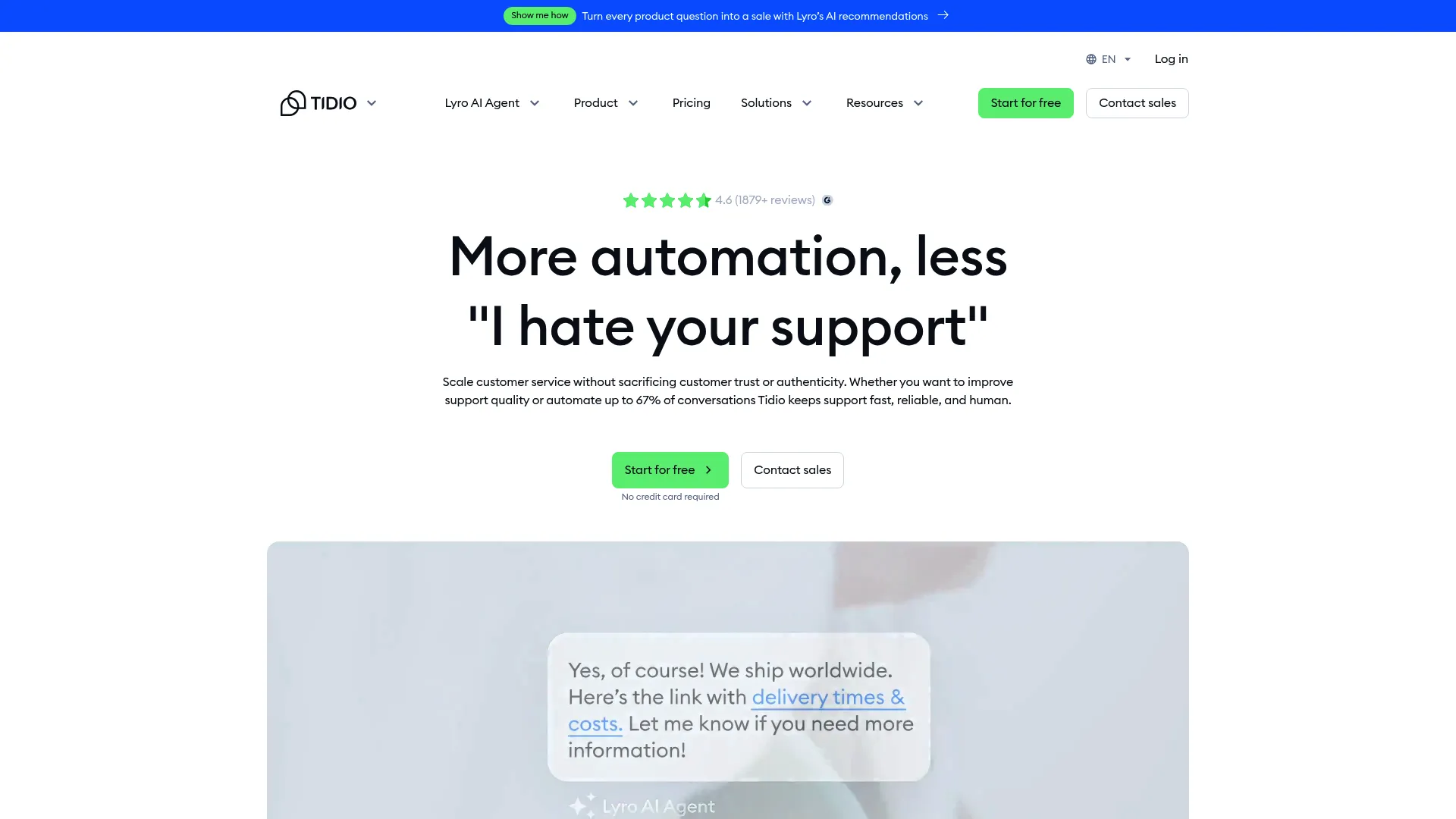
Tidio is an AI-powered customer service platform combining live chat, ticketing, automation flows, and the Lyro AI Agent for customer support and ecommerce conversations. It is built for small teams and ecommerce shops that want affordable AI chat without a heavy implementation. You can preview the product through an interactive Tidio demo.
The Lyro AI Agent gives data-backed, multilingual, multichannel answers, so small teams can deflect repetitive questions across live chat, email, Instagram, Messenger, WhatsApp, and Shopify order workflows. The free tier makes it easy to test the model before committing budget.
Best for: Small teams and ecommerce shops that want affordable AI chat with a free starting point.
Key strengths
- Lyro AI Agent: Data-backed, multilingual automated answers across channels.
- Live chat: Live typing preview, macros, transcripts, pre-chat surveys, and visitor list.
- Shared channels: Live chat, email, Instagram, Messenger, WhatsApp, and Shopify order management in one inbox.
Why choose Tidio: Tidio fits small and ecommerce teams that want AI chat at an accessible entry point. The consideration is that billable conversation limits per tier mean cost scales with volume, so high-traffic stores should map their conversation count to a plan early.
Tidio pricing: Free includes 50 billable conversations. Starter is $24.17/month for 100 conversations, Growth starts at $49.17/month from 250 conversations up to 2,000, and Plus starts at $749/month with custom limits. Premium is contact-based.
How to choose AI customer service software
The right platform depends on your channel mix, ticket profile, and how much you want AI to resolve versus assist. Run any shortlist through these criteria before you book a demo.
Resolution and deflection capability
The first question is whether the tool resolves autonomously or only routes. A platform that closes tier-1 tickets end to end moves your deflection rate; one that just triages still leaves the work for an agent. Ask vendors for resolution rates on use cases that match yours, not generic benchmarks.
Integration depth
Your AI is only as good as the systems it connects to. Confirm native support for your CRM, help center, and the channels you already run, chat, email, voice, and social. Order-aware automation, for example, depends on a live connection to your commerce backend. The same logic applies to any digital adoption platform you layer on top of your support stack.
Pricing model
Per-seat and per-resolution models scale very differently. Per-resolution pricing, like Intercom's per-outcome model or Help Scout's per-resolution add-on, ties cost to results but can be harder to forecast. Per-seat pricing is predictable but climbs with team size. Model your volume against both.
Governance, security, and compliance
For regulated industries, confirm the certifications you need, such as SOC 2, GDPR, or HIPAA, before you shortlist. Enterprise platforms like Ada lead with compliance for a reason. Also check audit logs, access controls, and data residency.
Implementation and time-to-value
Time-to-value depends on how ready your knowledge base is and how deep your integrations go. A clean, current knowledge base accelerates deployment; a stale one undermines it. Ask vendors what a realistic first-value timeline looks like for a team your size.
Common mistakes when adopting AI customer service software
Even strong tools underdeliver when the rollout skips fundamentals. Here are the patterns that hold teams back, and the fix for each.
Deploying an AI agent on a stale knowledge base. AI answers are only as accurate as the content behind them. If your articles are outdated, the agent confidently gives wrong answers and erodes trust. The fix: audit and refresh your knowledge base before launch, then keep it current as the product changes.
Skipping the human fallback. An AI agent with no clean handoff path traps frustrated customers in a loop. The fix: design the escalation route first, with full context passed to the agent, so the handoff feels seamless to the customer rather than a restart.
Not measuring deflection. Teams that deploy AI without baseline metrics cannot prove what it resolved or where it failed. The fix: capture your current deflection rate, first-contact resolution, and handle time before launch, then track the delta against a control.
Automating everything at once. Pointing AI at every ticket type on day one produces noisy results and low confidence. The fix: start with your highest-volume, lowest-complexity intents, prove resolution there, then expand.
Conclusion
The right AI customer service software depends on your channel mix and ticket volume, not on which vendor claims the highest resolution rate. For enterprise omnichannel resolution at scale, Zendesk and Ada lead. For SaaS teams that want autonomous, outcome-priced AI chat, Intercom with Fin is the strongest fit. For end-to-end agentic automation across triage, resolution, and assist, Forethought stands out.
Value-focused and SMB teams have clear picks too. Freshdesk and Zoho Desk balance capability with transparent, accessible pricing. HubSpot Service Hub fits teams already living in HubSpot CRM. Help Scout suits small teams that want a human-feel inbox with AI assist. And for ecommerce, Gorgias and Tidio bring order-aware and Lyro-powered automation built for retail.
The concrete next step: shortlist the two platforms that match your channel mix and ticket volume, then start a free trial or Proof of Value with each. Bring your real tickets and your current deflection baseline, point the AI at your highest-volume intents first, and measure the resolution delta before you scale. To reduce ticket load even further, consider supporting your rollout with interactive demos that guide users through tasks visually.
FAQs
There is no single best tool; the right pick depends on your channel mix and ticket volume. Enterprise teams often shortlist Zendesk or Ada, SaaS teams gravitate to Intercom's Fin, and ecommerce teams favor Gorgias. Use the comparison table above to match a platform to your specific support profile.
AI reduces volume two ways: autonomous resolution and deflection. AI agents answer repetitive tier-1 questions end to end so they never reach an agent, while self-service answers and knowledge-base bots resolve issues before a ticket is even created. Companies using AI for tier-1 support resolve a large share of issues without human involvement.
No. AI reliably handles repetitive, well-documented tier-1 questions, but complex, ambiguous, or emotionally charged issues still need a human. The most effective setup uses AI agents for volume and copilots to make human agents faster on the cases that require judgment.
Pricing follows two main models: per-seat, often $19 to $150 per agent/month, and per-resolution, where you pay for each AI-resolved outcome, such as Intercom's $0.99 per Fin outcome. Free tiers exist on platforms like Zoho Desk, HubSpot Service Hub, Freshdesk, Help Scout, and Tidio. Enterprise tools like Ada and Forethought use custom, quote-based pricing.
An AI agent resolves inquiries autonomously for the customer, with no human in the loop. An AI copilot assists a human agent by drafting replies, summarizing threads, and suggesting resolutions. Agents deflect tickets; copilots speed up the tickets that still need a person.
Yes, for several platforms. Ada and Forethought offer omnichannel coverage including voice, and Ada, Tidio, and others provide multilingual responses. Omnichannel and multilingual support are increasingly standard, so confirm the specific channels and languages you need on each vendor's product page.
An AI helpline is an AI-powered phone or chat support line that resolves or routes customer inquiries automatically. It uses natural language understanding to interpret a request, answers from a connected knowledge base when it can, and escalates to a human agent with context when the issue requires judgment. It works across voice and digital channels depending on the platform.
Implementation time varies with knowledge base readiness and integration scope. A team with a clean, current knowledge base and a few standard integrations can launch a first use case quickly, while complex, multi-channel deployments with custom integrations take longer. Ask each vendor for a realistic first-value timeline for a team your size, and prepare your knowledge base before you start.