Static product images and PDF spec sheets don't convert the way they used to. Buyers want to see exactly what they're getting before they commit, whether that's a custom piece of machinery or a software platform they'll use every day.
Visual configuration software makes that possible by letting prospects customize and preview products in real time. This guide breaks down 8 tools across physical product configurators and interactive demo platforms, with clear guidance on which type fits your use case.
What's inside
This guide covers what visual configuration software does, when to use it, and a ranked list of 8 tools for different use cases. We picked tools based on no-code capabilities, visualization quality, integration depth, and buyer intent tracking. Whether you're configuring physical products with 3D models or letting prospects click through a software interface, you'll find a tool that fits.
TL;DR
- Visual configuration software lets buyers customize and preview products in real time before purchasing, using 2D/3D models or interactive interfaces.
- 3D configurators work best for physical products like furniture, machinery, or building materials.
What is visual configuration software
Visual configuration software allows users to customize, visualize, and configure products in real time using 2D/3D models, augmented reality, or interactive interfaces. Ecommerce companies, manufacturers, and B2B software teams use visual configurators to improve buyer confidence and increase conversion rates by providing instant, interactive previews of tailored products.
The category splits into two main types:
- Physical product configurators: Render 3D models for industries like furniture, automotive, or industrial equipment.
- Digital product configurators: Often called interactive demos, let prospects click through actual software interfaces to experience functionality firsthand.
A few terms you'll see throughout this guide:
- Visual configurator: A tool that renders product options visually as buyers select different features.
- 3D configurator software: A subset focused on three-dimensional product rendering, often with AR capabilities.
- Interactive sales configurator: A configuration tool designed for both sales presentations and buyer self-service exploration.
When to use visual configuration software
Complex product catalogs with multiple variations
Manufacturers, furniture retailers, and building material suppliers often have products with dozens of customizable options. Buyers want to see how different combinations look and function before committing. A visual configurator removes the guesswork and reduces returns by up to 40%.
Self-serve B2B buying experiences
According to Gartner, 61% of B2B buyers prefer a rep-free experience and want to explore and evaluate products independently before engaging with sales. Visual configurators reduce friction by letting prospects self-educate and build their ideal solution on their own time.
Interactive sales configurator for live presentations
Sales teams use visual configurators in live calls to configure products in real time with prospects. This collaborative approach works for both physical goods (designing a custom machine) and software products (setting up a demo environment). The shared visual experience builds trust and accelerates decisions.
SaaS products requiring guided product exploration
Software companies use visual configuration to let prospects experience the product without a full trial or sales-led demo. The SaaS-specific approach is the interactive demo, which guides users through key features and workflows in a controlled, clickable environment.
Visual configuration software comparison table
| # | Product | Intent | Key differentiation | Pricing | G2 rating |
|---|---|---|---|---|---|
| 1 | Threekit | Physical product visualization | Advanced 3D and AR rendering | Contact sales | High performer |
| 2 | Zoovu | Guided selling | AI-powered product discovery | Contact sales | Leader |
| 3 | VividWorks | 3D product configuration | Real-time 3D for manufacturing | Contact sales | High performer |
| 4 | Configure One | CPQ integration | ERP-connected configuration | Contact sales | High performer |
| 5 | Tacton | Complex manufacturing | Rules-based configuration engine | Contact sales | Leader |
| 6 | KBMax | Visual CPQ | 3D visualization with CPQ | Contact sales | High performer |
| 7 | Conga CPQ | Quote-to-cash | Salesforce-native configuration | Contact sales | Leader |
| 8 | DriveWorks | CAD automation | SolidWorks integration | Subscription | High performer |
8 best visual configuration software tools
1. Threekit
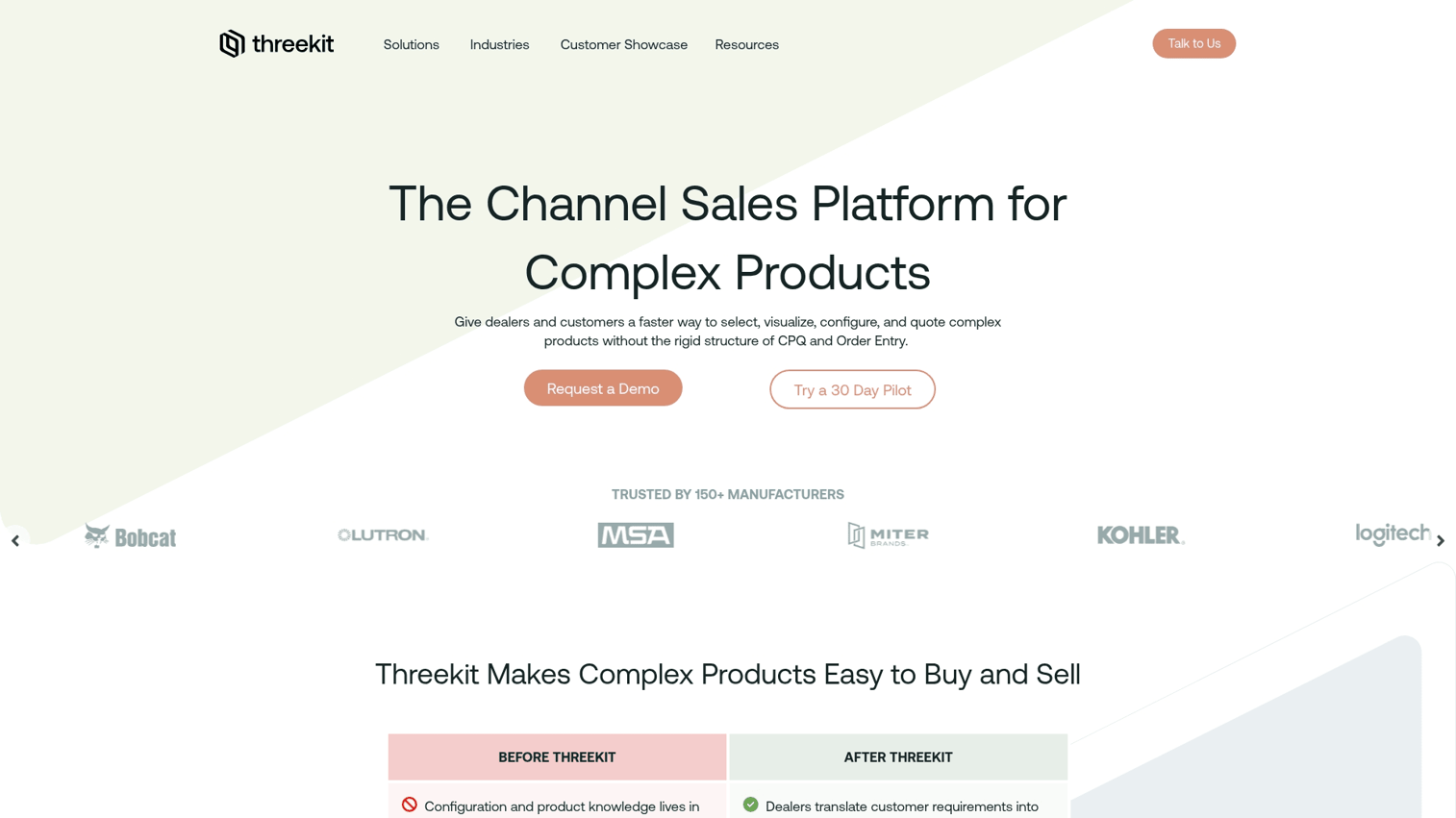
Threekit is an enterprise-grade 3D configurator software designed for physical products. It creates photorealistic renderings and offers augmented reality capabilities, allowing customers to visualize products in their own space using a smartphone camera.
The platform handles complex product catalogs with millions of possible configurations. It integrates with major ecommerce platforms like Shopify and Magento, making it a strong choice for manufacturers and retailers who sell customizable physical goods online.
Key strengths
- Photorealistic 3D rendering engine
- Augmented reality visualization
- Virtual photographer for creating marketing assets automatically
- Integrations with major ecommerce platforms
Pricing: Contact sales for custom pricing.
2. Zoovu
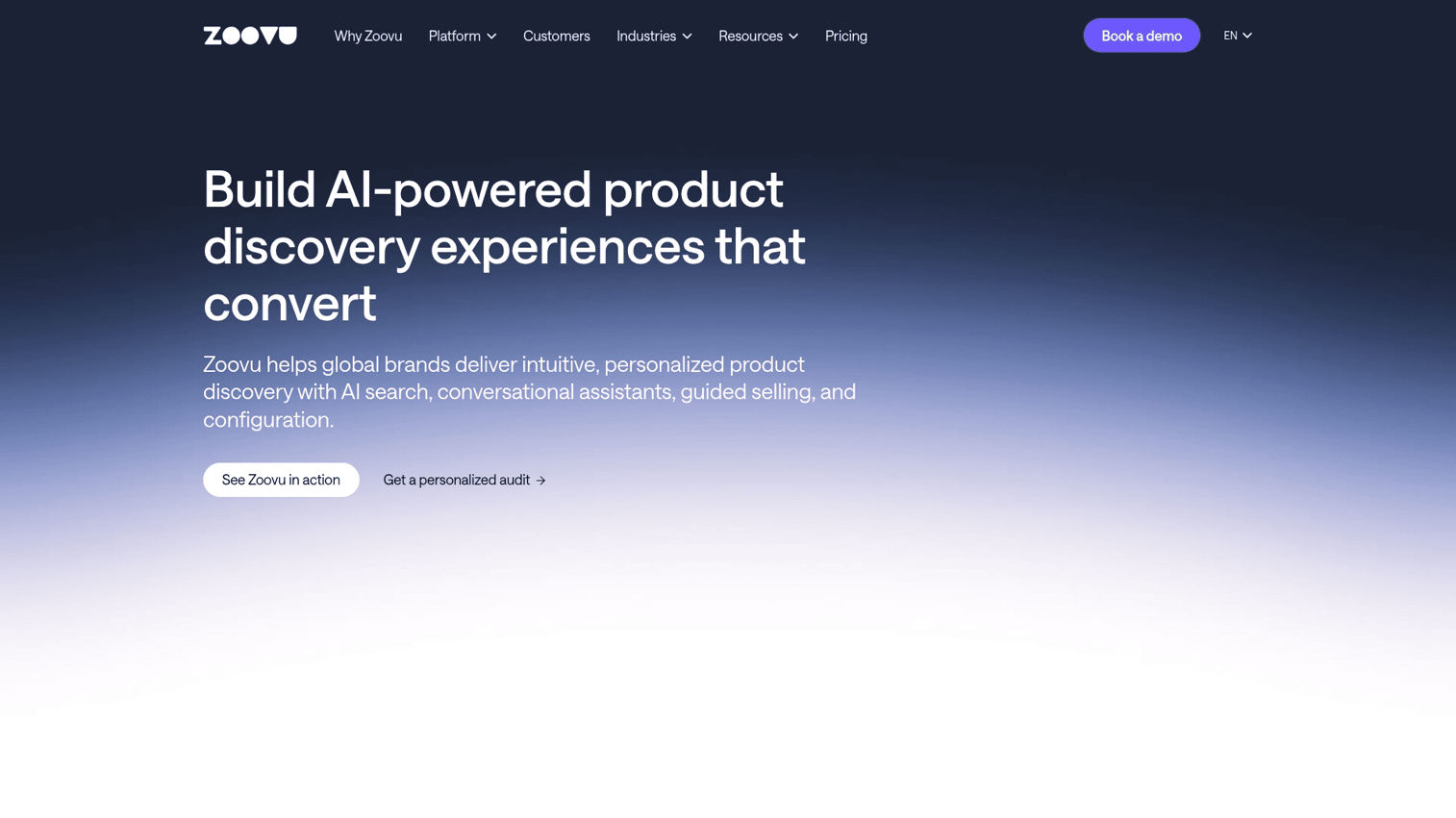
Zoovu takes a different approach to visual configuration. Instead of rendering products, it uses AI-powered conversational flows to guide buyers through large, complex catalogs. The platform asks questions to understand buyer needs, then recommends the right product configuration.
This approach works well for companies with extensive product lines where buyers don't know exactly what they want. The conversational interface reduces decision fatigue and captures valuable intent data about buyer preferences.
Key strengths
- AI-powered conversational assistant
- Guided selling and product discovery
- Manages large, complex product catalogs
- Gathers buyer intent data through interactions
Pricing: Contact sales for custom pricing.
3. VividWorks
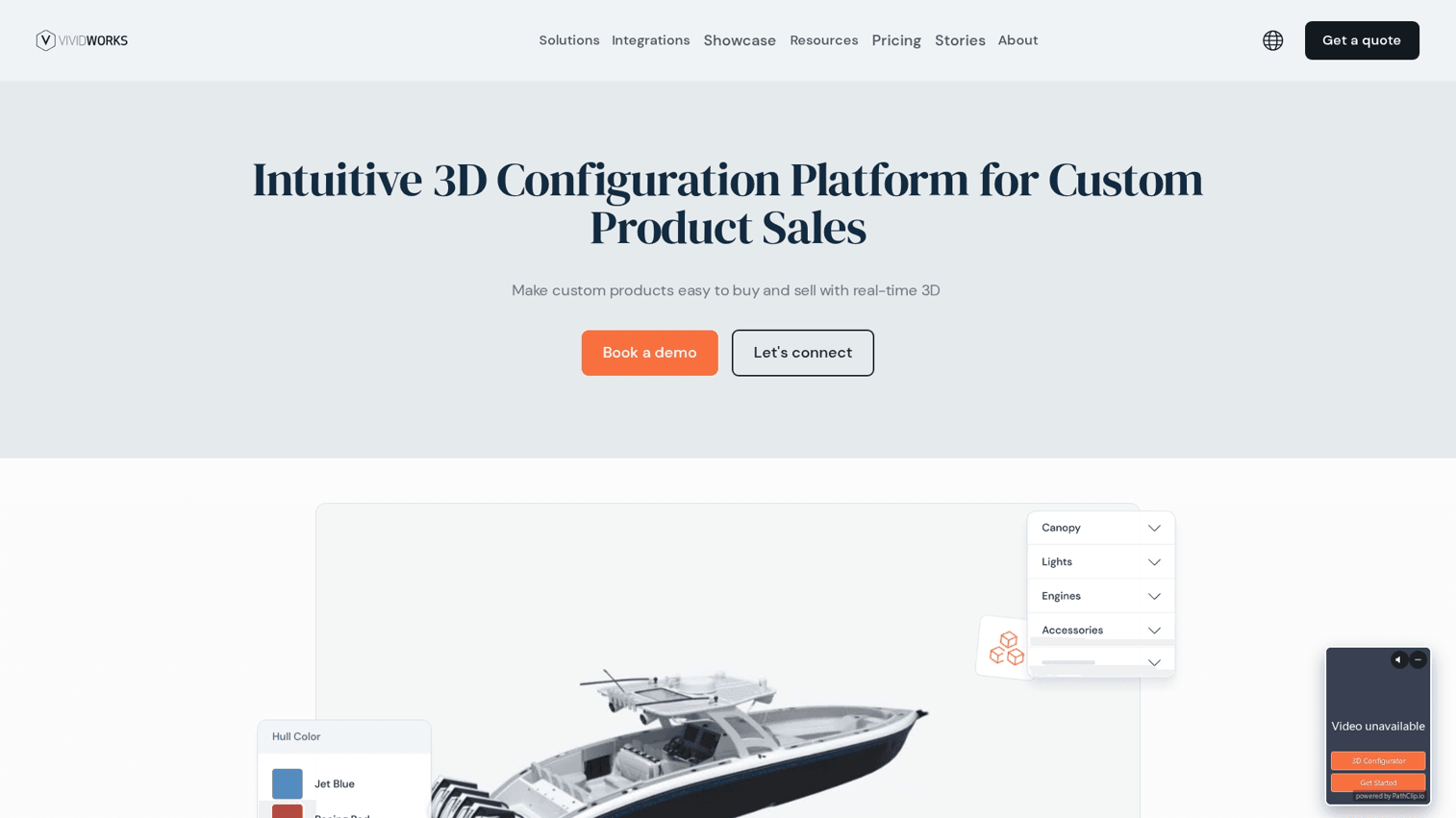
VividWorks provides real-time 3D configuration primarily for manufacturing and furniture industries. It uses WebGL rendering to create fast, embeddable configurators that work directly in web browsers without plugins or downloads.
The platform connects sales and manufacturing by ensuring configured products are actually buildable. This reduces errors and speeds up the quote-to-production cycle.
Key strengths
- Real-time 3D rendering with WebGL
- Embeddable on any website
- Optimized for furniture and manufacturing
- Supports online and in-store sales channels
Pricing: Contact sales for custom pricing.
4. Configure One

Configure One focuses on CPQ (configure, price, quote) workflows with deep ERP integration. Its main strength is connecting product configuration directly to manufacturing systems, ensuring that every configured product is accurate and buildable.
The platform handles complex manufacturing rules and automatically generates bills of materials. This makes it a strong choice for manufacturers who want configuration tied tightly to production and back-office systems.
Key strengths
- Deep integration with ERP and CRM systems
- Designed for complex manufacturing rules
- Automates bill of materials creation
- Supports both direct and dealer sales channels
Pricing: Contact sales for custom pricing.
5. Tacton
Tacton is an enterprise configuration platform designed for the most complex products. It uses a constraint-based configuration engine that handles intricate product rules and dependencies, ensuring every configuration is 100% valid.
The platform serves large, global manufacturers that require robust, multi-channel configuration across web, mobile, and sales applications.
Key strengths
- Constraint-based configuration engine
- Handles highly complex and customizable products
- Multi-channel deployment
- Strong focus on heavy manufacturing industries
Pricing: Contact sales for custom pricing.
6. KBMax
KBMax combines immersive 3D rendering with quoting and proposal generation. It's known for strong Salesforce integration, allowing sales teams to configure products and generate quotes directly within their CRM.
The platform offers VR and AR visualization options for sales presentations, making it effective for teams who configure complex products in real time during customer meetings.
Key strengths
- 3D visualization combined with CPQ
- Native Salesforce integration
- Immersive visualization with VR/AR options
- Powerful rules engine for pricing and product logic
Pricing: Contact sales for custom pricing.
7. Conga CPQ
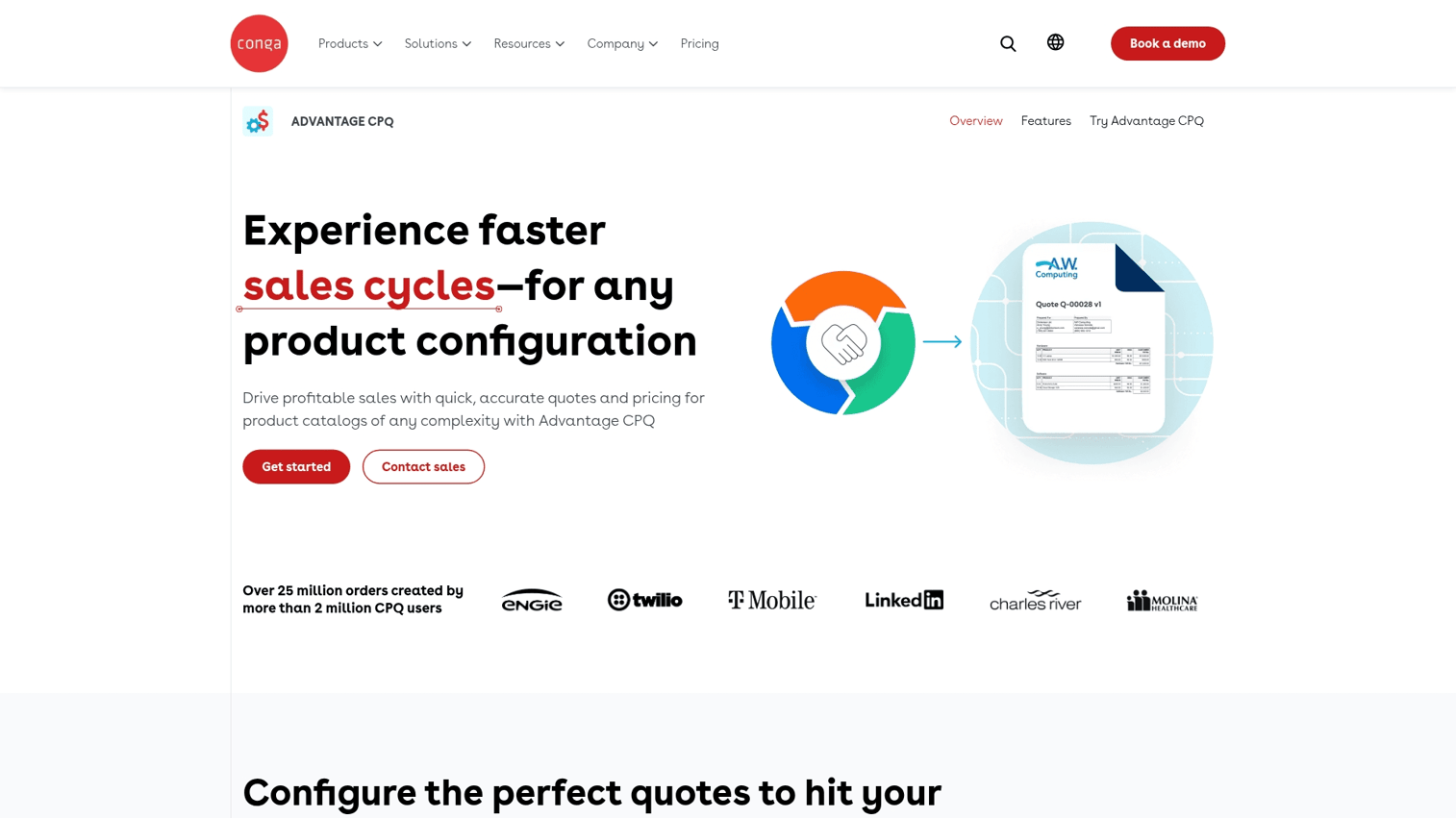
Conga CPQ is a Salesforce-native configuration and quoting solution. It focuses on automating the entire quote-to-cash lifecycle, from product configuration and pricing to contract generation and billing.
The platform integrates with contract lifecycle management, making it ideal for Salesforce-centric organizations that want a tightly integrated configuration tool within their existing ecosystem.
Key strengths
- Native to the Salesforce platform
- Automates the full quote-to-cash process
- Integrates with contract lifecycle management
- Designed for workflow and approval automation
Pricing: Contact sales for custom pricing.
8. DriveWorks
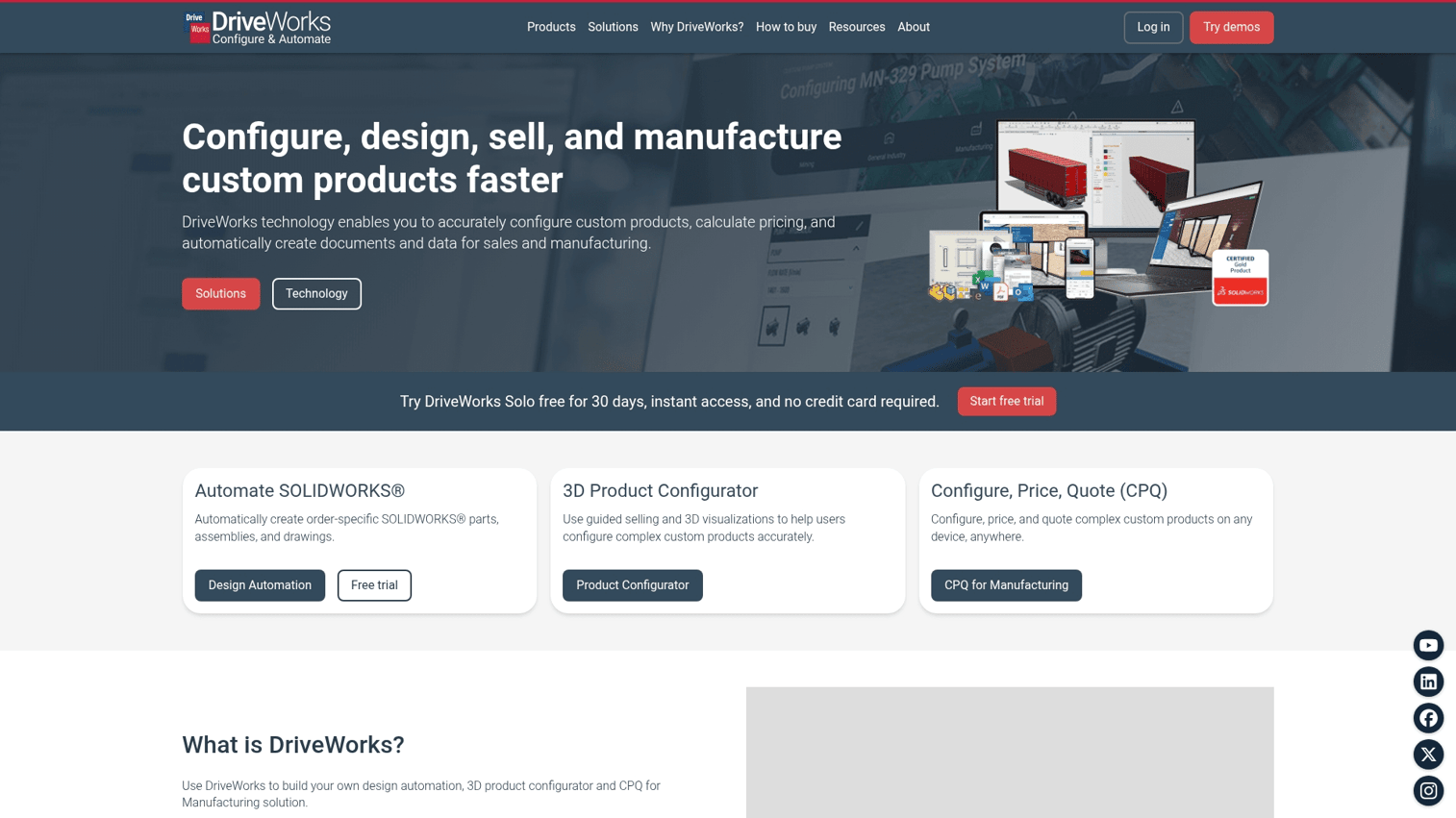
DriveWorks is a CAD automation tool built for engineering-driven configuration. Its primary strength is deep integration with SolidWorks, allowing it to automate the generation of 3D models, 2D drawings, and manufacturing data.
The platform serves engineering teams looking to automate the design of custom products based on configuration rules, reducing manual CAD work.
Key strengths
- Design automation for SolidWorks
- Automatically generates manufacturing drawings
- Creates quotes, BOMs, and sales documents
- Enables online 3D product configuration for engineers
Pricing: Subscription-based. Contact for details.
Key features in visual configurator and 3D configurator software
2D and 3D visualization capabilities
The visualization spectrum ranges from simple 2D image swapping for basic products to photorealistic, interactive 3D rendering for complex machinery. 2D works for products with simple variations like color. 3D is necessary when shape, size, and component assembly matter to the buying decision.
No-code configuration builder
A no-code builder is crucial for marketing and sales teams. It empowers them to create, update, and deploy product configurations without relying on engineering resources. This enables faster iteration and shorter time-to-market for new product launches.
Pricing and quote automation
Advanced configurators connect product options directly to pricing rules. As a buyer selects features, the price updates in real time. This functionality can extend to automatically generating a formal quote once the configuration is complete.
CRM and ERP integrations
For a configuration tool to be effective, its data flows into existing business systems. Key integrations include:
- CRMs like Salesforce and HubSpot: Pass lead and configuration data to sales.
- ERPs like SAP: Pass order details to production.
Analytics and buyer intent tracking
Modern configurators track every interaction, providing valuable buyer intent data. They monitor which options buyers explore, what features they select, how long they engage, and where they drop off. This data helps sales teams have more informed follow-up conversations.
Personalization by buyer segment
Advanced configurators tailor the experience by showing different options, pricing, or guided content based on the buyer's industry, role, or company. For example, interactive demo platforms can use personalization to create unique product tours for different user personas.
How to choose the right online product configurator software
Match configurator type to product complexity
Select the right tool by matching it to your product type:
- Physical products with manufacturing: Choose a 3D configurator with CAD and ERP integration.
- SaaS products: Use an interactive demo platform or a sandbox environment.
- Simple product variations: A 2D visual configurator is often sufficient.
Evaluate implementation timeline
Consider how quickly you want to launch. 3D configurators often require significant time for 3D asset creation and complex rules engine setup. In contrast, no-code platforms for interactive demos can be implemented and launched in days or weeks.
Prioritize self-serve or guided experiences
Contentful's 2025 B2B Buyer Benchmark Report found 84% of B2B buyers consider self-service tools critical when choosing a vendor. Decide whether your primary goal is to enable buyers to explore products alone or to equip your sales team with a tool for live presentations. Some tools are better for self-service ecommerce, while others are designed for guided, collaborative selling.
Check integration depth with your tech stack
Ensure the configurator connects seamlessly with your core systems. Check for native integrations with your CRM, marketing automation platform, and analytics tools. Relying on custom API work can significantly increase implementation time and cost.
Build interactive product experiences without the complexity
For SaaS and software companies, visual configuration isn't about rendering 3D models. It's about showing the actual product in action. The best way to do this is with an interactive product demo.
Guideflow provides the simplest path to creating interactive product experiences. The capture, edit, and share workflow allows non-technical teams to build and deploy engaging product tours in minutes, not months. You get the buyer engagement benefits of visual configuration without the implementation overhead of traditional 3D tools.
Start your journey with Guideflow today!
FAQs about visual configuration software
A visual configurator typically renders variations of a product, often in 3D, as buyers select different options. An interactive product demo lets users click through a simulated version of an actual software interface to experience its functionality. Both help buyers visualize what they're getting, but they serve different product types.
Implementation ranges from a few days for no-code interactive demo platforms to several months for complex 3D configurators. The timeline depends on whether you require custom 3D asset creation, rules engine programming, or ERP integrations.
Yes, most modern visual configurators use responsive design to work on mobile devices. However, the performance of complex 3D rendering can vary depending on the device's hardware capabilities. Interactive demo platforms typically perform well across all devices since they don't require heavy 3D processing.
Configurators typically track which options are selected, time spent on each step, overall completion rates, and saved configurations. This data provides insight into buyer preferences and intent, helping sales teams prioritize follow-up and personalize conversations.
Yes, most 3D configurators require existing CAD files or other 3D assets to work. Some vendors offer 3D model and asset creation as a professional service, which adds to implementation time and cost.
CPQ-integrated configurators apply pricing logic in real time based on selected options, materials, quantities, and customer-specific discounts. The rules engine ensures every configured product is priced accurately, reducing manual quoting errors.
Yes, most enterprise-grade visual configurators offer native integrations with major CRMs. Salesforce is the most common and deeply supported integration, with HubSpot and others also widely available. Integrations pass configuration data and buyer intent signals directly to sales teams.