A guest leaves a laptop charger in room 412. Someone finds it, drops it in a drawer behind the front desk, and scribbles a note. Three days later the guest emails asking about it. Nobody remembers the drawer. Nobody logged the note. The item is technically in the building and functionally gone.
That is the failure mode every operations team knows. Paper logs, shared spreadsheets, and scattered follow-up break down the moment item volume climbs or staff rotate through shifts. The cost is not just the lost charger. It is the time spent searching, the customer trust that erodes, and the absence of any record when someone asks what happened.
The category exists because that workflow can be standardized. The global lost and found software market was valued at roughly $1.2 billion in 2025 and is projected to reach $2.9 billion by 2034, a 10.2% CAGR, according to Market Intelo (2026). The growth signals a simple shift: teams managing lost property at scale are replacing improvised handling with systems built for tracking, matching, and returning items reliably.
This guide is for operations leaders evaluating that shift. If you run lost property across venues, campuses, transit hubs, hospitality sites, or any multi-location footprint, the right lost and found system turns a fragmented process into a repeatable one. If you are also evaluating other operational tooling, our roundups of AI customer service software and AI governance tools cover adjacent decisions worth pairing with this one.
What's inside
This guide compares 8 lost and found software platforms and evaluates each on the criteria that actually change outcomes for operations teams:
- Item matching accuracy: how well the system pairs found items with owner claims
- Workflow automation: intake, notifications, and return coordination without manual chasing
- Security and compliance: access control, audit trail, and ownership verification
- Reporting and analytics: visibility into volume, return rate, and staff performance
- Configurability and fit: how well the tool maps to your industry and multi-site reality
We focused on tools built for teams handling recurring lost property, not consumer apps for tracking your own keys. Pricing and ratings reflect verified vendor sources where available, and we wrote around any figure we could not confirm.
TL;DR
Short on time? Here is the fast read:
- Best for high-volume operations: Lost and Found Manager, built for airports and transport operators handling large item flows with image recognition and smart matching.
- Best for self-service item lookup: iLost for Business, which publishes found items online so claimants can search and start claims themselves.
- Best for hospitality returns: Faundit and Deliverback both automate guest contact, payment, and branded shipping for hotels.
- Best for multi-site visibility: NotLost centralizes lost property workflows across locations with AI object recognition and automated matching.
- Best for property-management context: IQware fits hotels that want lost-and-found tracking inside a broader property management platform.
Any serious shortlist should compare two or three of these against your real lost-item volume before you commit.
What is lost and found software?
Lost and found software is a system for logging found items, matching them to owner claims, verifying ownership, notifying owners, coordinating returns, and reporting on the entire process. It replaces paper logs and spreadsheets with a structured workflow built for accountability and speed.
The core lost and found management system follows a predictable path. An item is found and logged at intake, often with a photo and category tags. The system matches that item against incoming lost reports. Staff verify ownership before release. The owner gets notified. The item is returned or shipped. Every step leaves a record.
The capabilities that separate real platforms from glorified spreadsheets:
- Smart item matching: automatic pairing of found items with lost reports using attributes, categories, and increasingly AI image recognition
- Search and filtering: fast lookup across item type, location, date, and status
- Notifications and owner outreach: automated email or SMS notifications that confirm matches and coordinate pickup or shipping
- Audit trail and history: a permanent record of who handled each item, when, and what changed
- Dashboards and reporting: visibility into item volume, return rate, aging inventory, and unclaimed property management
Strong lost property software treats each of these as a connected workflow, not isolated features. The audit trail matters as much as the matching, because accountability is half the job.
When to use lost and found software
Not every operation needs a platform. A small office with three umbrellas a year does fine with a drawer. The case for software gets strong fast once volume, locations, or compliance enter the picture.
Replace spreadsheets and paper logs
Manual tracking fails at scale for predictable reasons. Item volume outpaces anyone's memory. Staff handoffs across shifts drop context. Follow-up depends on whoever happened to take the report. A spreadsheet has no notifications, no matching logic, and no audit trail, so the same lost item gets re-explained five times and still goes unreturned. Software removes the dependency on any single person remembering anything.
Standardize multi-location workflows
Franchises, venue groups, transit networks, and campus systems hit a specific wall: every location handles lost property differently. Different terminology, different storage, different follow-up. That inconsistency makes reporting impossible and reunification slow. A shared lost and found system enforces one workflow and one vocabulary across sites, so a found item logged at one location is searchable and accountable across the whole network.
Improve reunification speed and accountability
The operational payoff is faster returns with fewer misses. Automated matching surfaces likely owners in minutes instead of days. Notifications go out without anyone remembering to send them. Ownership verification and the audit trail protect against wrongful release and fraud. The result is a higher return rate and a defensible record of every decision.
Comparison table
Here is the shortlist at a glance. Use it to scan for fit, then read the sections below for detail.
| # | Product | Intent | Key differentiation | Pricing | G2 rating |
|---|---|---|---|---|---|
| 1 | Lost and Found Manager | High-volume item handling | Image recognition and smart matching for airports and transport | Free tier available; pricing on request | Not available |
| 2 | iLost for Business | Self-service claim handling | Found items published online for claimant search | Not publicly listed | 4.3/5 |
| 3 | Lost Returns | Searchable database and returns | AI image recognition plus return shipping wizard | Not publicly listed | Not available |
| 4 | IQware | Hospitality and PMS context | Lost-and-found inside a modular property management platform | Contact vendor | Not available |
| 5 | Troov | Customer-facing matching | Free for individuals, contract pricing for partners | Free for individuals; contract for partners | Not available |
| 6 | NotLost | Multi-site centralization | AI object recognition and automated matching engine | Demo-based | Not available |
| 7 | Deliverback | Hospitality returns | Automated workflow with integrated shipping and tracking | Free for hotel partners | Not available |
| 8 | Faundit | Branded hotel returns | Automated guest contact, payment, and branded packaging | From €90/month | Not available |
A note on reading this table: pricing in the lost-and-found category is mostly quote-based or model-specific, so an absent number usually means the vendor sets pricing by site count or room count rather than a public tier. Treat the intent and differentiation columns as your primary filter, then confirm pricing against your own volume.
1. Lost and Found Manager
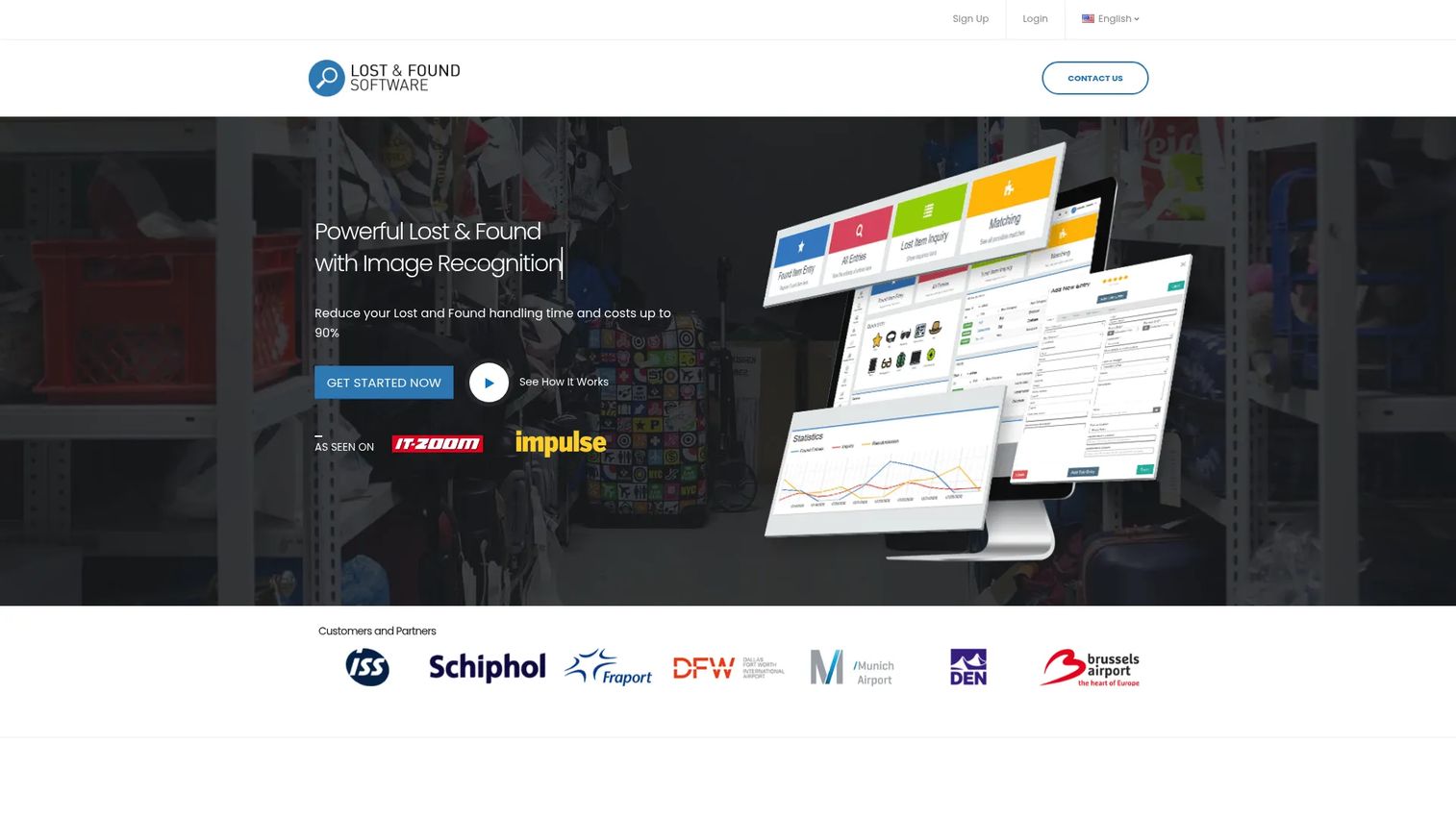
Lost and Found Manager is cloud-based lost-and-found software for managing found items, claims, matching, and returns. It is built for organizations that handle real item volume, with image recognition, smart matching, and customer self-service at the core. The platform leans toward operations where a missed item is a recurring cost, not a rare event.
Best for: Airports, transport operators, and other organizations handling high-volume lost property.
Key strengths
- Image recognition: Logs found items with visual data so matching does not depend entirely on text descriptions.
- Smart matching: Pairs found items against owner reports automatically, surfacing likely matches instead of forcing manual search.
- Customer self-service: Lets owners report and check on lost items without tying up staff for every inquiry.
Why choose Lost and Found Manager: If your environment generates a constant stream of found items, the combination of image recognition and smart matching is the differentiator. It reduces the manual searching that eats staff time at high-volume sites. The self-service layer also offloads routine inquiries, which matters when a single front desk fields dozens of claims. The platform also supports SMS notifications, detailed item history, category management, fraud detection, and documented returns, so the full intake-to-return workflow lives in one place.
Lost and Found Manager pricing: The brand site does not publish a public price. Capterra indicates a free version and a free trial are available, but no supplier-provided starting price is listed. Confirm pricing directly against your expected item volume before committing.
2. iLost for Business
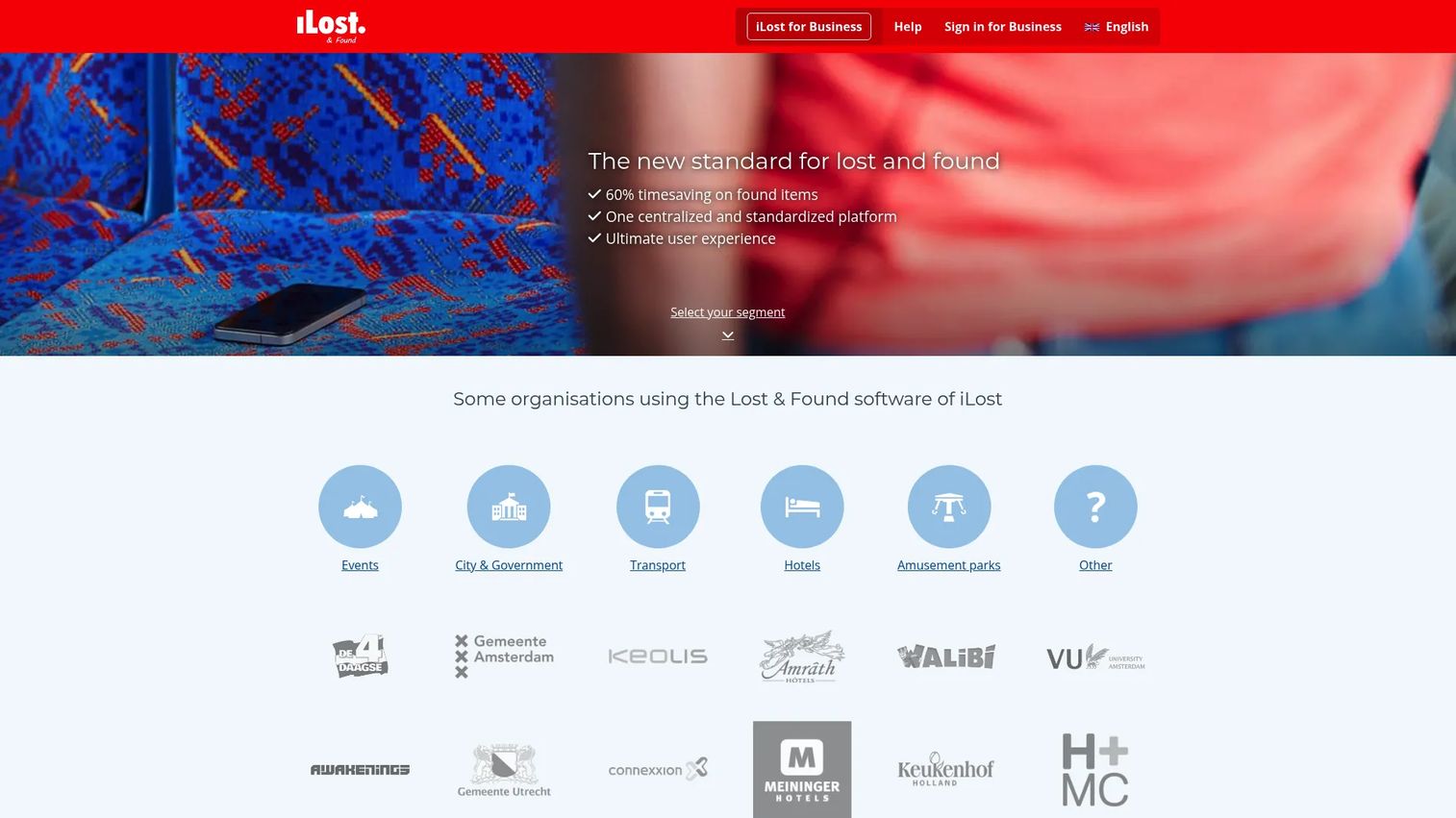
iLost for Business is web-based lost-and-found management software for organizations. Its defining move is publishing found items online so claimants can search a public listing, identify their item, and start a claim themselves. That self-service front end reduces the inbound load on staff while keeping the matching and communication centralized.
Best for: Organizations needing a centralized lost-and-found workflow with a customer-facing search layer.
Key strengths
- Found-item registration and publication: Logs items and publishes them online so owners can find their own property.
- Claimant matching and communication: Connects incoming claims to registered items and handles owner communication in one place.
- Logistics and process administration: Coordinates the end-to-end lost-and-found process from intake through return.
Why choose iLost for Business: The public listing model fits venues where the volume of inquiries is the real bottleneck. Instead of staff fielding every "did you find my jacket" message, owners search and self-identify. That shifts effort from your team to the claimant and speeds up reunification. It suits public venues and service-heavy environments where foot traffic and item volume are both high.
iLost for Business pricing: No public pricing number is visible on the brand site. iLost for Business holds a 4.3/5 rating on G2. Request a quote scoped to your locations and expected claim volume.
3. Lost Returns
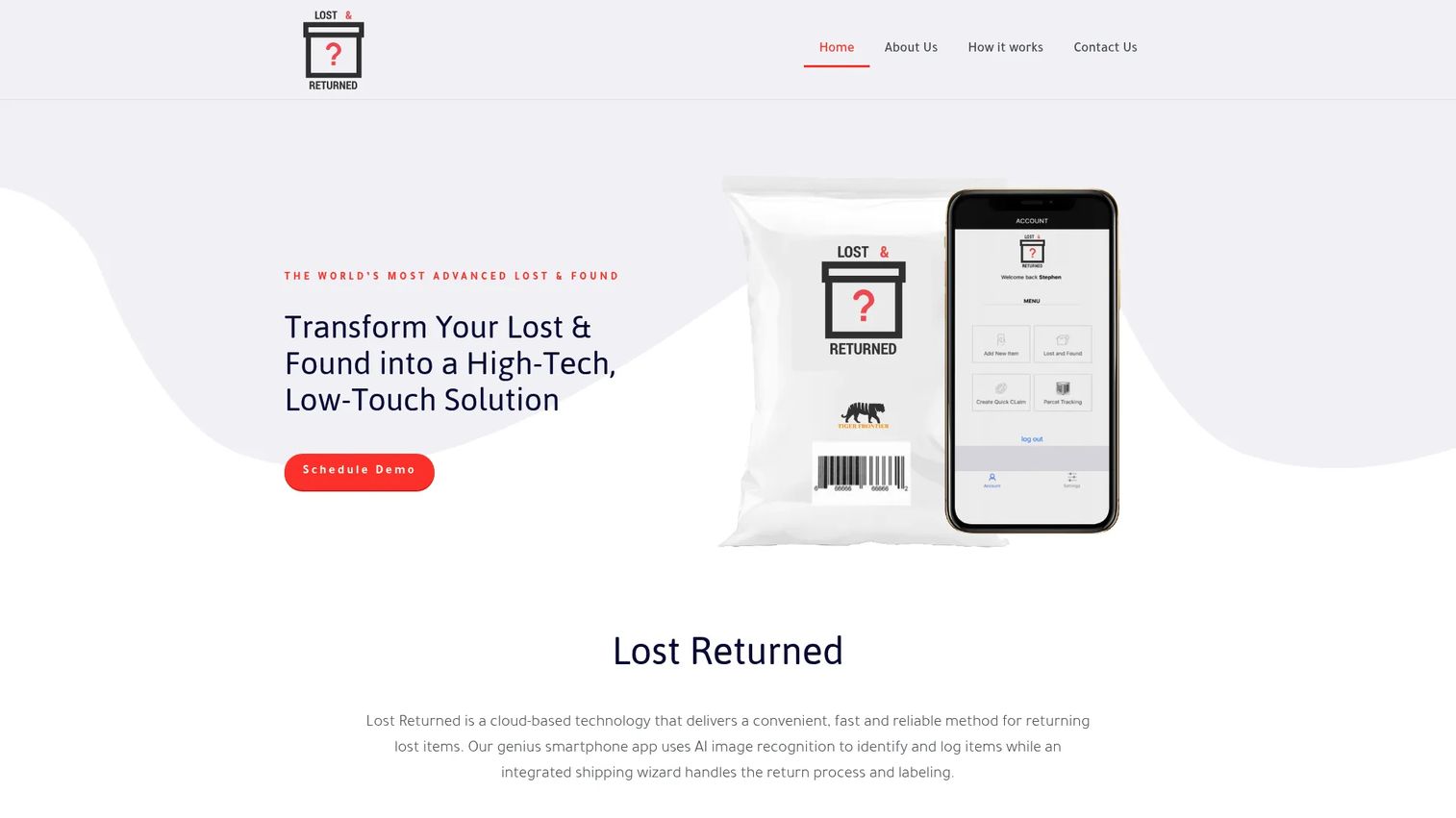
Lost Returns is cloud-based lost-and-found software for tracking items and managing returns. It pairs a searchable lost-and-found database with AI image recognition and a return shipping wizard, so the path from found item to shipped-back item is handled inside one tool. The shipping workflow is a meaningful differentiator for teams that mail items rather than wait for pickup.
Best for: Hospitality, venues, transportation, healthcare, and education teams managing lost-and-found operations.
Key strengths
- AI image recognition: Identifies and categorizes found items from images to improve matching accuracy.
- Searchable database: Gives staff fast lookup across the full inventory of logged items.
- Return shipping wizard and labeling: Streamlines the mechanics of shipping items back to owners, including labels.
Why choose Lost Returns: The return shipping wizard is the reason to look here. Plenty of tools match items; fewer handle the logistics of getting them back to owners cleanly. If your operation ships a meaningful share of recovered items, building that into the same system removes a manual step and reduces errors. The breadth of supported verticals also signals it adapts across hospitality, transit, healthcare, and campuses rather than locking into one.
Lost Returns pricing: No public pricing page or visible price was found on the brand site. No verified G2 rating was available at the time of writing. Contact the vendor for pricing scoped to your return volume and shipping needs.
4. IQware
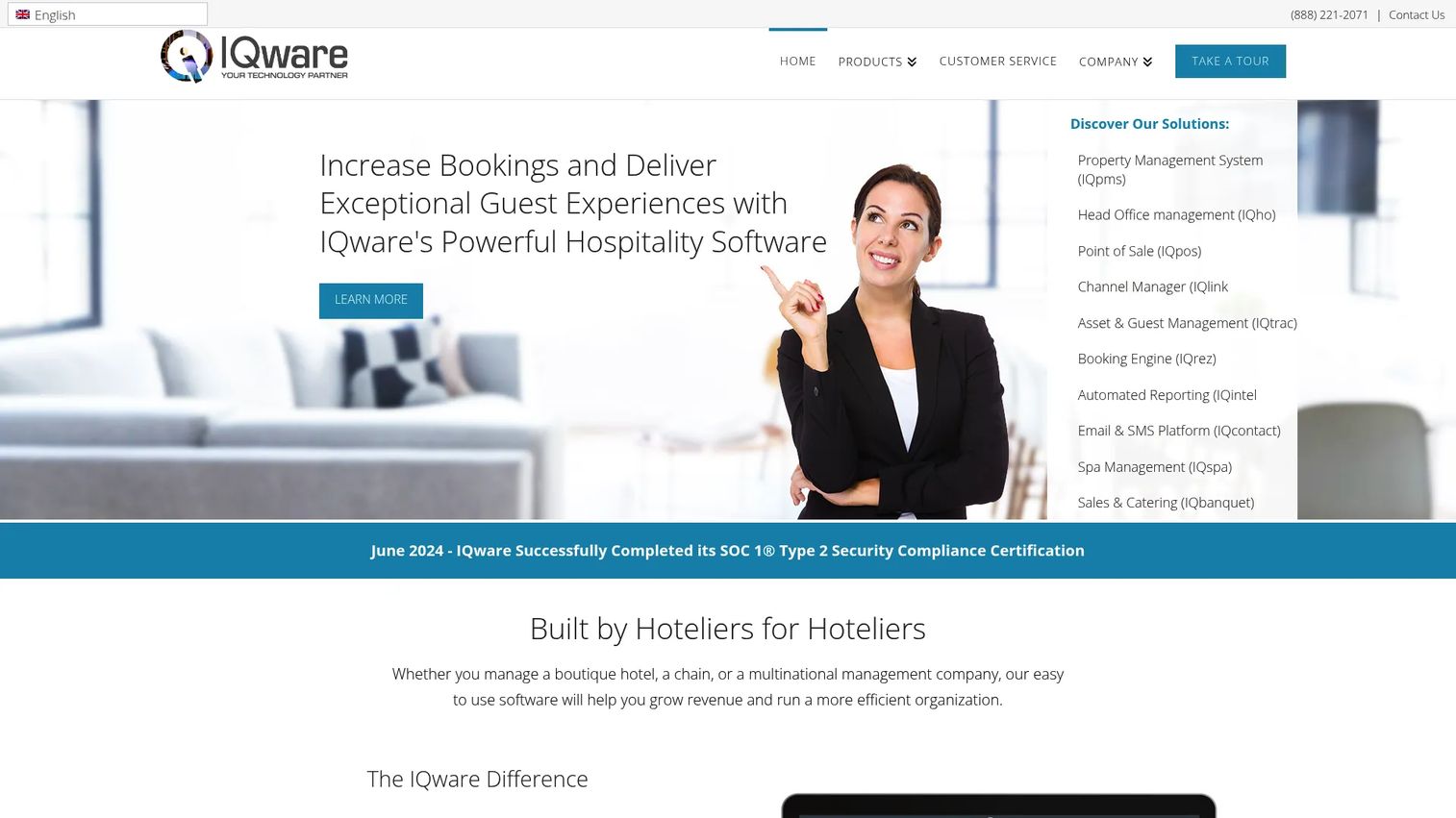
IQware is hospitality and property management software for hotels, resorts, and multi-property operations. Lost and found is one module inside a broader modular platform that includes a property management system, channel manager, and automated reporting. For hotels that want item tracking to live alongside the rest of their operations rather than in a separate tool, that integration is the appeal.
Best for: Hotels and hospitality operators needing a modular PMS platform that includes lost-and-found tracking.
Key strengths
- Property management system (IQpms): Runs core hotel operations with lost-and-found tracking integrated.
- Channel manager (IQlink): Manages distribution and availability across booking channels.
- Automated reporting (IQintel): Surfaces operational reporting across modules, including item handling.
Why choose IQware: The case for IQware is consolidation. If you are already evaluating a property management platform, getting lost-and-found tracking and contact storage inside the same system avoids another standalone tool and another login. Item history and contact information sit next to guest records, which matters in multi-department settings where a found item might surface during checkout or housekeeping. The trade-off is that lost-and-found is a feature here, not the whole product, so evaluate the depth against a dedicated tool if item volume is high.
IQware pricing: The brand site lists one plan but hides the price behind a "Contact Vendor for Pricing" prompt. There is no public numeric price. Request a quote that reflects your property count and module needs.
5. Troov
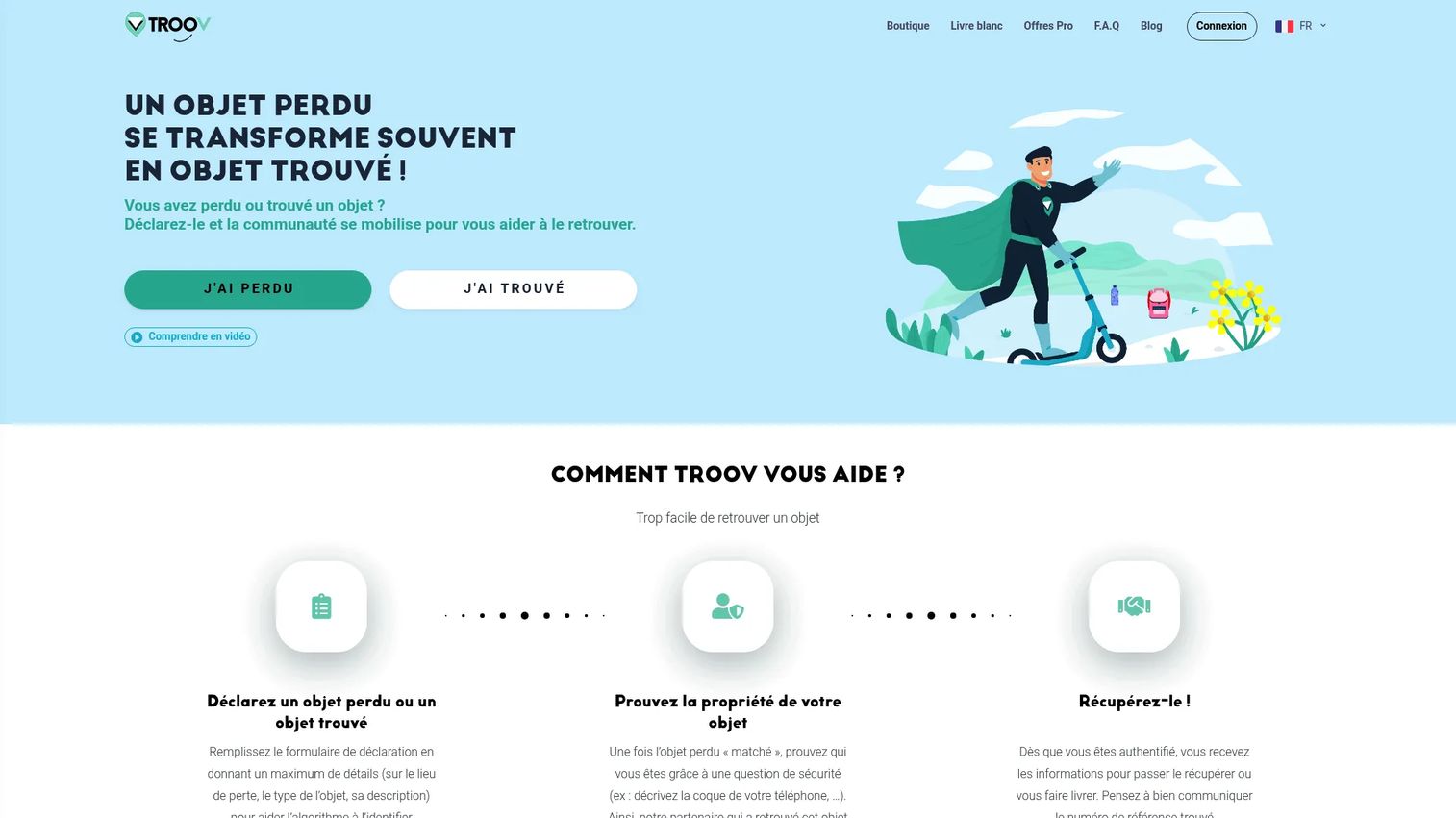
Troov is a lost-and-found software and matching platform serving both individuals and partner locations. Its model connects people who have lost items with venues and businesses holding found ones, using a matching algorithm and an ownership verification workflow. The customer-facing side is free for individuals, which lowers the barrier for owners to report and search.
Best for: Organizations or public venues managing lost-and-found items with a customer-facing claim layer.
Key strengths
- Lost and found claim reporting: Lets owners file lost reports that feed directly into the matching system.
- Automatic matching algorithm: Pairs lost reports against found items to surface likely matches.
- Ownership verification and retrieval: Confirms the rightful owner before an item is released or retrieved.
Why choose Troov: Troov's strength is discoverability and owner communication. Because the consumer side is free, owners are more likely to engage, which improves the odds of a match landing. The ownership verification step adds a layer of accountability before release, which protects against wrongful claims. It fits public venues that want owners actively participating in the search rather than passively waiting for staff to find a match.
Troov pricing: Troov is free for individuals. Some partner locations may charge a recovery fee, and professional pricing is set by contract rather than published tiers. Request a contract quote for your venue.
6. NotLost
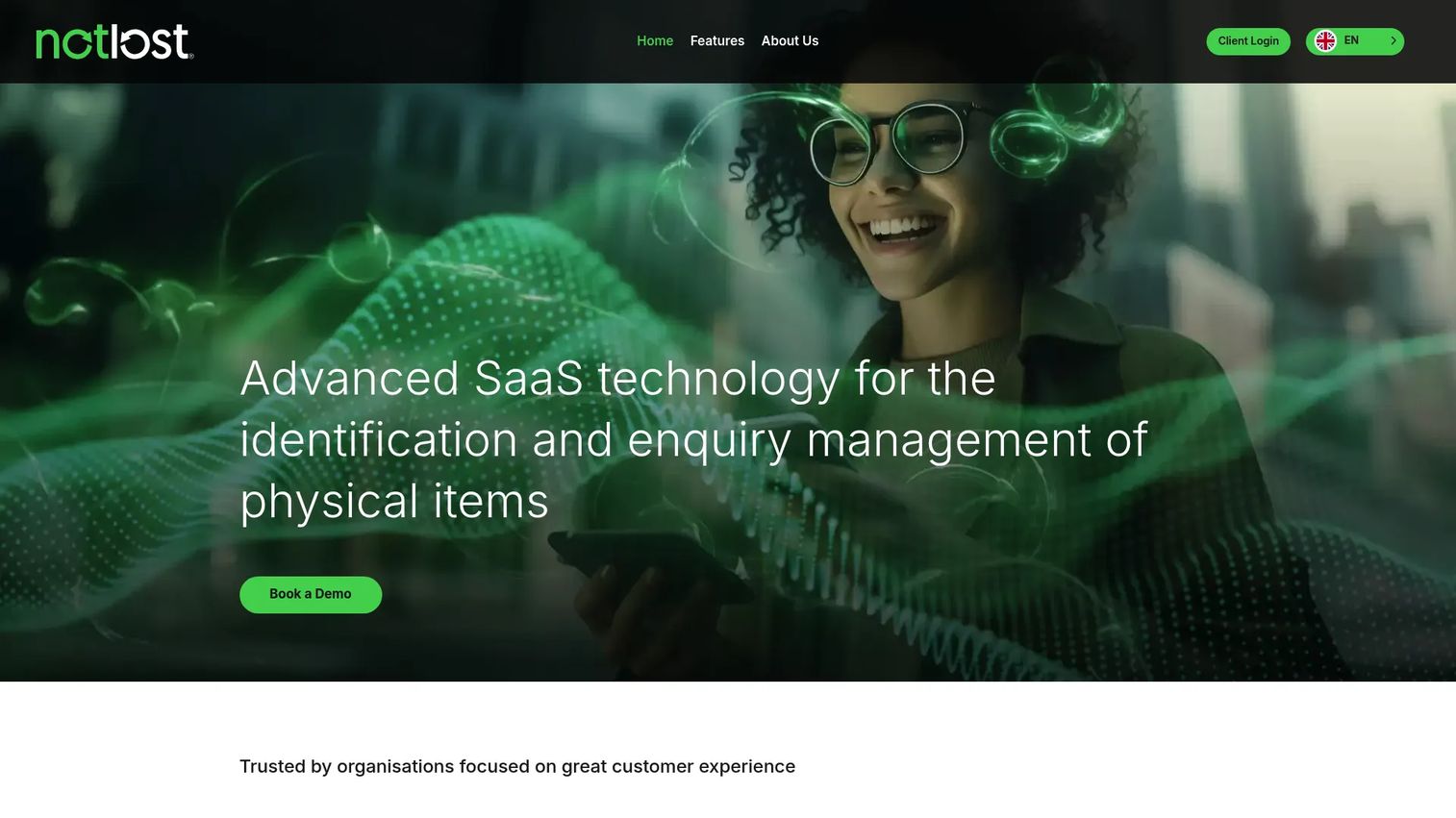
NotLost is B2B lost-and-found SaaS for identifying, matching, and returning physical items. It centralizes lost property workflows with AI object recognition, an automated matching engine, and courier integration for returns. The platform targets organizations managing items across multiple sites, where centralized visibility and consistent process matter most.
Best for: Organizations that need to manage lost-and-found items across multiple sites.
Key strengths
- AI object recognition: Identifies found items automatically to speed logging and improve matching.
- Automated matching engine: Connects found items to owner reports without manual cross-referencing.
- Courier integration for returns: Builds shipping into the workflow so returns are coordinated, not improvised.
Why choose NotLost: NotLost is built around centralized, structured claims handling, which is exactly what multi-site operations need. The AI object recognition reduces the manual effort of logging, and the matching engine keeps reunification fast across locations. Courier integration closes the loop on returns. For teams with security and compliance considerations, the centralized record and audit trail support accountability across the whole footprint rather than per location.
NotLost pricing: Pricing is demo-based, with no public number on the brand site. No verified G2 rating was available at the time of writing. Book a demo to get pricing scoped to your site count and item volume.
7. Deliverback
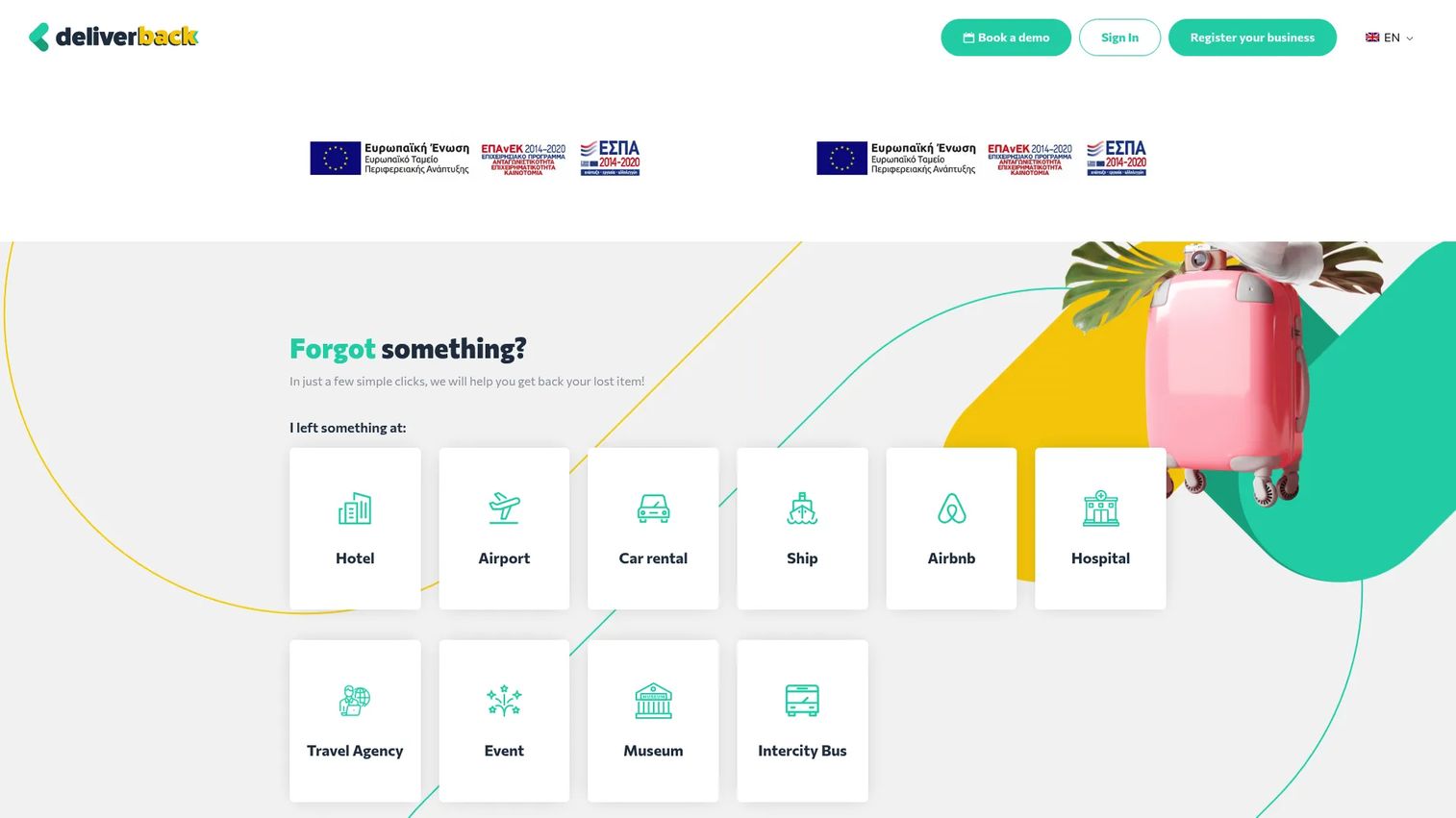
Deliverback is cloud-based lost-and-found software for hospitality businesses to manage and ship guest items back to owners. The workflow is automated end to end: item intake, AI-powered classification, integrated shipping, tracking, and customer notifications. It is purpose-built for the hospitality return problem, where the item is found after the guest has already left.
Best for: Hotels, airports, ferries, and car rentals that need a lost-and-found return workflow.
Key strengths
- Automated lost-and-found workflow: Runs intake through return without manual chasing at each step.
- AI item classification: Categorizes found items automatically to speed logging and matching.
- Integrated shipping and notifications: Handles shipping, tracking, and customer notifications inside one flow.
Why choose Deliverback: Deliverback solves the specific hospitality case where guests have departed and items must be shipped. By automating classification, shipping, and notifications, it removes the manual admin that otherwise falls on front-desk staff. That makes it a fit for high-throughput environments like hotels, airports, and rental operations where return volume is steady and staff time is scarce. The automation directly targets a higher return rate by removing the steps people forget to do.
Deliverback pricing: The site states zero cost for hotel partners, with shipping and claim fees described separately in the FAQs and terms. No single public pricing tier with a plan price was verifiable. No verified G2 rating was available at the time of writing. Confirm the fee structure against your expected shipping volume.
8. Faundit
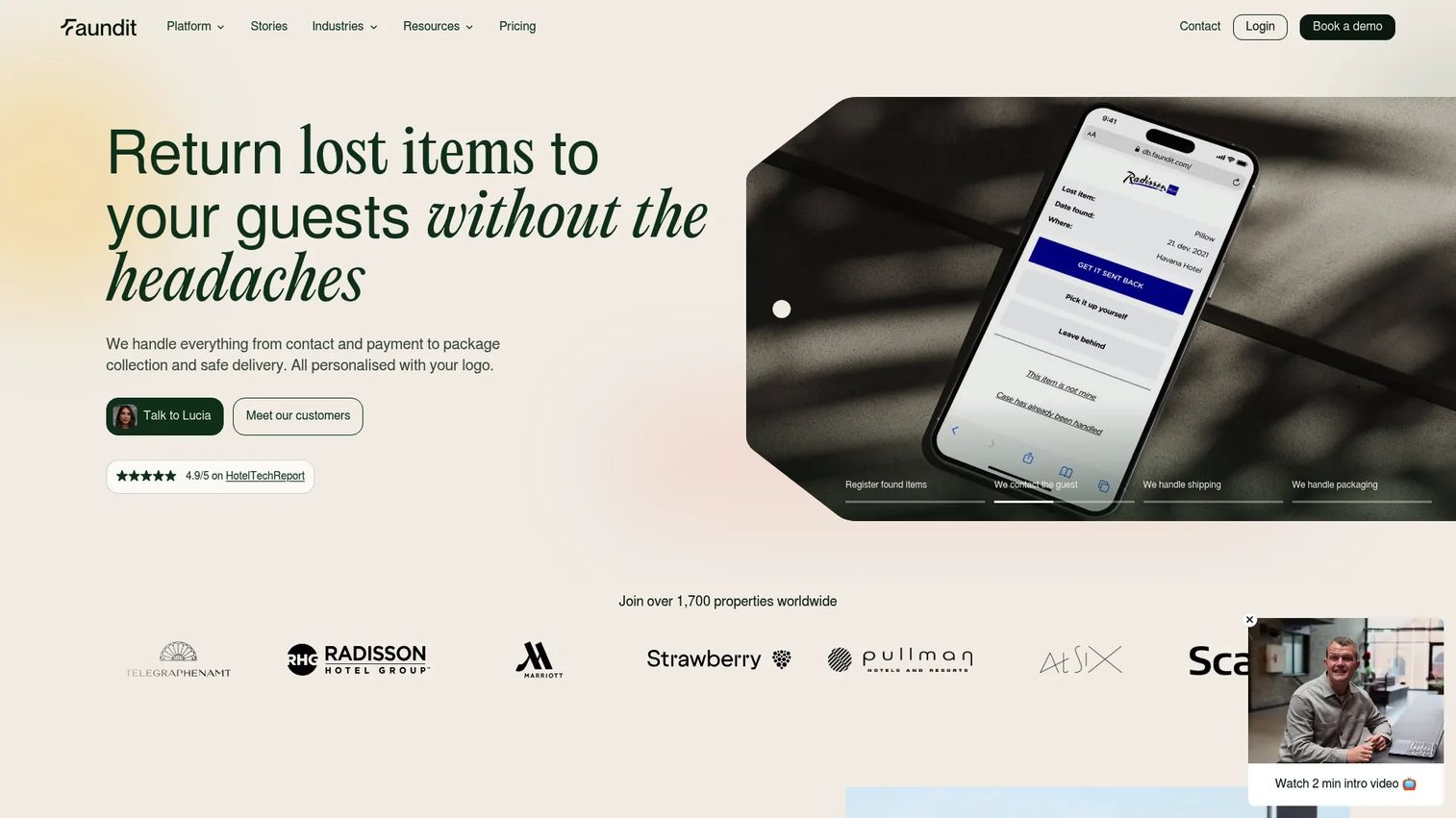
Faundit is hotel lost-and-found software that automates guest contact, payment, shipping, and branded item return workflows. The branded packaging angle is unusual: returned items arrive in the hotel's own packaging, turning a recovered item into a brand touchpoint. Support for more than 180 languages and ISO 27001 certification round out a platform aimed at hospitality groups that care about both experience and security.
Best for: Hotels and hospitality groups needing a branded lost-and-found workflow.
Key strengths
- Automated guest contact and returns: Registers found items and handles guest contact, payment, pickup, and delivery automatically.
- Branded packaging: Ships recovered items in the hotel's own packaging, reinforcing brand experience.
- ISO 27001 certification and 180+ languages: Backs the workflow with a recognized security and compliance standard and broad language support.
Why choose Faundit: Faundit fits hotels and groups that treat lost-and-found as part of the guest experience, not just an operational chore. The branded packaging and multi-language support matter for international properties. The ISO 27001 certification is a meaningful signal for teams with privacy compliance requirements, since it addresses the security and compliance side that many lighter tools skip. The automated payment and shipping flow keeps staff out of the manual loop.
Faundit pricing: Faundit's pricing page lists a starting price of €90 per month. The room-based model is €0.50 EUR per room per month, billed annually, with a maximum flat price of €200 per month. Monthly billing adds €13 per invoice. Chains and larger groups use custom pricing, and non-accommodation companies request a quote.
What to consider before choosing
A shortlist is only useful if you weigh the tools against the criteria that move outcomes. Here is the buyer's checklist.
Matching accuracy
Matching is the engine of the whole system. Evaluate how each tool pairs found items with owner reports, whether it uses attribute matching, AI image recognition, or both, and how it surfaces likely matches. Weak matching means staff still search manually, which defeats the purpose. Ask vendors to show matching against your actual item mix.
Workflow automation
Automation is where time savings live. Look at whether intake, notifications, owner outreach, and return coordination run without someone remembering to trigger each step. SMS notifications and automated shipping flows separate platforms that reduce work from those that just digitize it.
Security, compliance, and audit trail
For regulated environments, the audit trail and access control are non-negotiable. Confirm that every action is logged, that ownership verification gates item release, and that the system supports privacy compliance requirements. Certifications like ISO 27001 are a useful signal but verify what data the system stores and who can access it.
Reporting and analytics
Reporting turns a return process into a managed operation. Check whether the dashboards show item volume, return rate, aging inventory, and staff performance. Good reporting and analytics also support unclaimed property management, telling you what to do with items nobody claims.
Fit for your operating environment
Vertical fit matters more than feature count. A hotel return tool and an airport high-volume system solve different problems. Match the tool's configurable workflows to your multi-site reality, your item volume, and your industry before you weigh price.
Conclusion
The strongest pick depends entirely on your operating reality. For high-volume environments like airports and transport, Lost and Found Manager and NotLost lead on image recognition and centralized matching. For hospitality returns where guests have already left, Faundit and Deliverback automate contact, payment, and branded shipping. For self-service claim handling, iLost for Business and Troov put owners in the search loop. For hotels wanting lost-and-found inside a broader platform, IQware consolidates the workflow.
Run the same checklist against each: matching accuracy, workflow automation, auditability, reporting, and fit for your environment. Those five criteria predict whether a tool actually raises your return rate or just replaces one spreadsheet with another screen.
The practical next step is to shortlist two or three vendors, then test them against your real lost-item volume and your actual return scenarios. A tool that demos well on a clean dataset can stall on the messy reality of a busy front desk. Put your own item mix in front of it before you sign.
FAQs
Lost and found software is used to log found items, match them to owner claims, verify ownership, notify owners, and coordinate returns, all with a permanent record. It replaces paper logs and spreadsheets with a structured workflow that tracks each item from intake through return and reports on the entire process.
The features that change outcomes are item matching, automated notifications, fast search, a complete audit trail, reporting, and configurability. Matching accuracy and workflow automation drive faster reunification, while the audit trail and reporting support accountability and management visibility. Configurability determines how well the tool fits your specific operating environment.
It helps by logging every action, controlling who can access and release items, requiring ownership verification before return, and keeping a permanent history. That audit trail gives you a defensible record of every decision, which matters for regulated environments and for resolving disputes. Some platforms also carry certifications like ISO 27001 that signal mature security and privacy practices.
Hospitality, aviation, transit, campuses, retail, venues, and public spaces use it most. These are high-traffic environments where item volume is steady and reunification at scale is impossible with manual tracking. Hotels, airports, transport networks, and event venues are the most common adopters because their lost-item flow never stops.
Yes, and it should once volume or compliance enters the picture. Spreadsheets have no matching logic, no notifications, no access control, and no audit trail, so they get risky as item volume and staff handoffs grow. Software removes the dependency on any one person remembering details and gives you a defensible record. A drawer and a sheet are fine for a tiny operation but break down fast at scale.
Compare matching accuracy, workflow automation, reporting depth, security and audit capabilities, and how well the tool fits your operating environment. Then test the shortlisted tools against your real lost-item volume and actual return scenarios. Implementation effort and vertical fit often matter more than a feature checklist, so weigh how the workflow maps to your sites and your team.
Yes, when it targets matching and logging. AI image recognition identifies and categorizes found items from photos, which speeds intake and improves smart matching accuracy beyond text descriptions alone. The practical value is fewer manual searches and faster reunification, not novelty. Evaluate it against your actual item mix rather than the marketing claim.
Teams improve return rates by capturing items well at intake, using strong matching logic to surface owners quickly, automating notifications so outreach never gets forgotten, and verifying ownership before release. Better capture quality feeds better matching, and automation removes the human steps that otherwise slip. The combination shortens the path from found item to returned item, which is what raises the rate.