Jobs pile up on a whiteboard. A tech drops off the schedule and nobody notices until the customer calls asking where their appointment went. A driver runs 40 empty miles because two loads got assigned in the wrong order. By 2 p.m., the person running dispatch is fielding check-in calls instead of moving work forward.
That is what dispatch board software is really solving. Not scheduling for its own sake, but visibility and coordination: one live view of who is doing what, where they are, and what is falling through the cracks. The market reflects the demand. The service dispatch software market is projected to grow from $3.32 billion in 2025 to $4.91 billion in 2030, a 7.9% CAGR, according to Research and Markets (2026).
Dispatch board software is the shared surface where operations leaders assign jobs, track technicians or drivers in real time, send customer notifications, and plan routes. Field service teams and trucking teams both need it, but they need different things from it. That distinction gets glossed over in most comparison content, and it is the difference between a tool that fits your operation and one you fight against daily.
This guide compares eight tools across field service, trucking, and workforce operations, with verified pricing, ratings where public, and honest notes on where each one fits. If you own the operational metrics, missed appointments, drive time, utilization, customer response times, this is built to help you choose by workflow, not feature-list length.
What's inside
This is a buyer-oriented comparison for operations leaders, dispatch managers, and field or fleet managers evaluating dispatch board software in 2026. It covers eight tools spanning field service dispatch software, trucking dispatch software, and workforce management platforms with dispatch built in.
Every tool was selected against four criteria:
- Dispatch board visibility: a live, at-a-glance view of jobs, people, and gaps
- Real-time updates and mobile support: status changes and location that reach the field
- Communication and notifications: customer ETA updates and automated job confirmations
- Proof of current market use: verified pricing, ratings, and active deployment in 2026
Where a vendor does not publish a price or rating, we say so rather than guess.
TL;DR
- Best for heavyweight field service operations: ServiceTitan, for contractors that need dispatch, invoicing, and capacity planning in one platform.
- Best all-in-one for growing service teams: FieldPulse, for scheduling, job management, and technician tracking with seat-based pricing.
- Best for trucking and carriers: Truckbase, a dispatch-focused TMS with load-status visibility and driver workflows.
- Best for simpler home-service dispatch: Jobber, for quoting, scheduling, and customer communication without heavy setup.
- Best for labor and crew visibility: Workyard, when GPS time tracking matters as much as scheduling.
- Best for contractor scheduling with a portal: Field Ascend, for PPM schedules, engineer dispatch, and a customer portal at a low per-user price.
What is dispatch board software?
Dispatch board software is a scheduling and coordination platform that gives operations teams a single live view of jobs, technicians or drivers, and time slots, so work can be assigned, tracked, and communicated in real time. It replaces the whiteboard, the spreadsheet, and the string of phone calls with one shared board.
The core mechanics are consistent across tools, even when the terminology differs by industry:
- Board visibility: a drag-and-drop schedule showing open jobs, assigned work, and gaps across the day or week
- Assignment: matching jobs to the right person based on skill, location, and availability
- Tracking: GPS tracking and live status updates so dispatch knows where crews are and what stage each job is at
- Updates and notifications: automated job confirmations, ETA updates, and status changes sent to customers and the field
- Route optimization: map views and sequencing that reduce drive time and squeeze more jobs into a day
- Integrations: connections to invoicing, CRM, accounting, and ELD or telematics systems
Buyers evaluating dispatch management software usually expect all six. The difference between tools is depth: how granular the board gets, how much of the notification flow is automated, and whether route planning is a native feature or a bolt-on. Real-time dispatch software lives or dies on that last mile, the moment a status change on a phone updates the board instantly, and the customer gets an ETA without anyone lifting a finger.
When to use dispatch board software
Most teams adopt a dispatch board when manual coordination starts costing real money. Three signals tend to show up first.
Improve schedule visibility
When jobs live in a spreadsheet, a whiteboard, and three people's heads at once, gaps and double-bookings are inevitable. You outgrow manual coordination the moment nobody can answer "what does tomorrow look like?" without a meeting. A live dispatch board turns that into a glance. Fewer missed appointments, fewer double-books, and less time spent reconstructing the day from memory.
Keep techs or drivers in the loop
Crews on the move need to see changes as they happen, and dispatch needs to see their status without calling. Technician dispatch software with a strong mobile app for field teams pushes new assignments, address changes, and priority shifts straight to the phone. Status updates flow back automatically. The result is fewer check calls and fewer surprises when a job runs long or a driver hits traffic.
Reduce drive time and wasted gaps
Empty miles and dead time between jobs are pure margin loss. Route optimization and map-based route planning sequence stops to cut backtracking and pack more billable work into each shift. For trucking dispatch software, that means fewer deadhead miles. For field service, it means one or two extra jobs a day per tech, which compounds fast across a season.
Comparison table
The tools below split into three camps. Field service platforms (ServiceTitan, FieldPulse, Jobber, Field Ascend, Makula) center on technicians, work orders, and customer communication. Trucking tools (Truckbase, Dispatch) center on loads, drivers, and last-mile logistics. Workyard sits alongside as a workforce and labor-visibility layer with scheduling built in. Sort by your operational context first, then compare depth.
| # | Product | Intent | Key differentiation | Pricing | G2 rating |
|---|---|---|---|---|---|
| 1 | ServiceTitan | Field service | All-in-one dispatch, invoicing, and capacity planning for contractors | Request pricing | 4.5/5 |
| 2 | FieldPulse | Field service | All-in-one FSM with seat-based, custom-quoted deployment | Custom quote | 4.7/5 |
| 3 | Truckbase | Trucking | Dispatch-focused TMS with load-status customer portal | From $290/mo (billed annually) | Not published |
| 4 | Field Ascend | Field service | PPM schedules, engineer dispatch, and customer portal | From £10/user/mo | 4.8/5 |
| 5 | Jobber | Home service | Quoting, scheduling, and client communication in one app | From $29/mo | 4.6/5 |
| 6 | Workyard | Workforce | GPS time tracking plus scheduling for construction and field crews | From $8/user/mo + $50 base | 4.8/5 |
| 7 | Makula | Industrial service | After-sales service ops for OEMs and manufacturers | Not published | 4.5/5 |
| 8 | Dispatch | Last-mile logistics | Managed driver network plus delivery orchestration | Custom quote | 5.0/5 |
Read this as a shortlist by context, not a ranking. A trucking carrier and an HVAC contractor should never land on the same tool, and the table is sorted to help you find your lane.
1. ServiceTitan
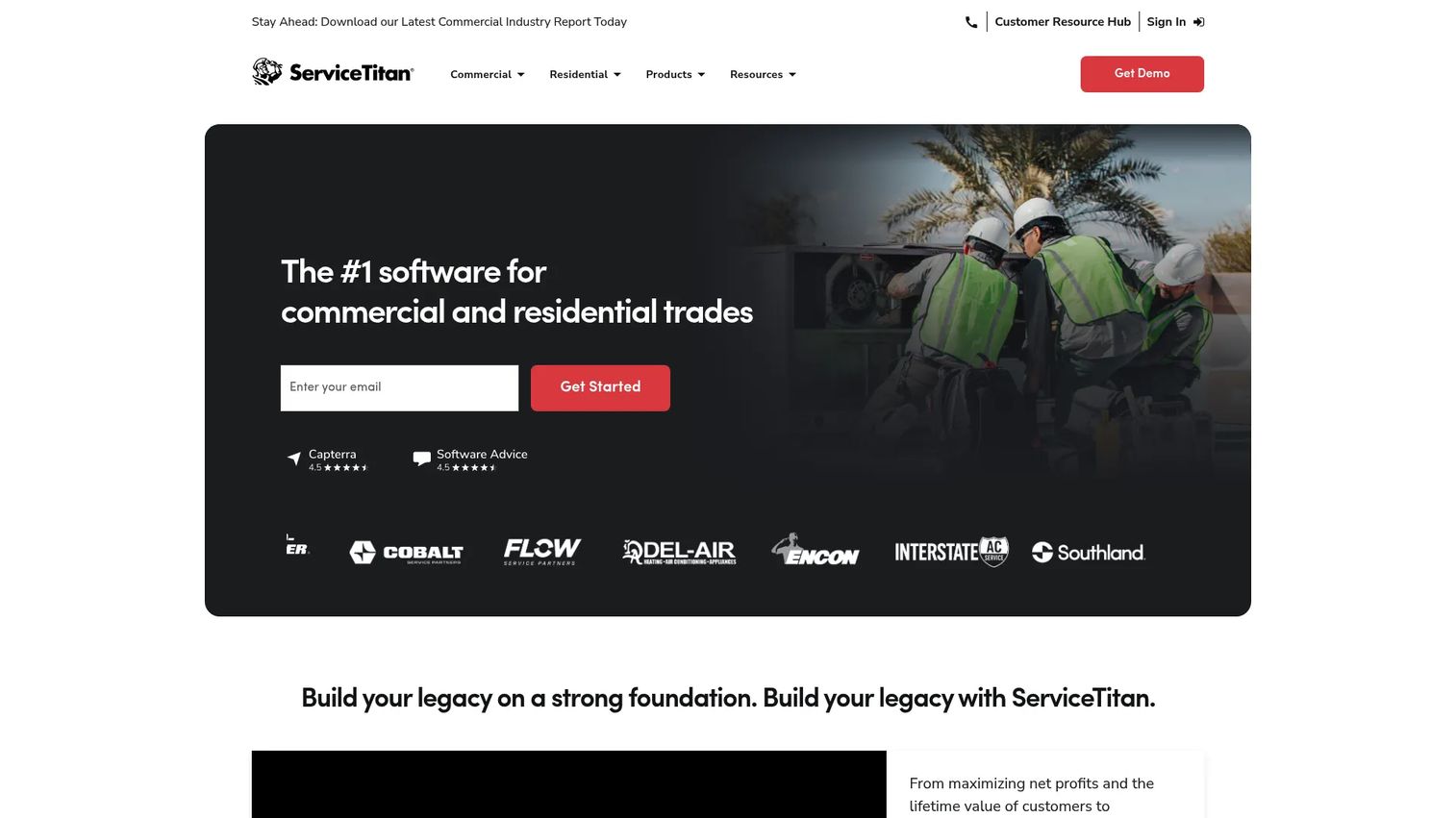
ServiceTitan is cloud-based field service management software built for home and commercial service contractors. It runs dispatch, scheduling, invoicing, pricebook, and mobile estimates in one platform, which is why larger HVAC, plumbing, and electrical operations gravitate to it. The dispatch board is the operational hub: drag-and-drop scheduling, capacity planning, and real-time technician tracking feed a live view of the day.
Best for: Contractors that need one heavyweight platform for dispatch, invoicing, and field operations at scale.
Key strengths
- All-in-one operations: Scheduling and dispatching, invoicing, and pricebook live together, so dispatch decisions connect directly to billing.
- Mobile field app: Technicians run estimates, see assignments, and update job status from the field, keeping the board current.
- Capacity and route planning: Built-in capacity planning and route optimization help pack more jobs into each technician's day.
Why choose ServiceTitan: It fits established contractors who have outgrown lighter tools and want dispatch, sales, and finance under one roof. The depth is the point. Smaller teams may find more than they need, but operations running dozens of technicians tend to value having a single source of truth over stitching several apps together.
ServiceTitan pricing: ServiceTitan lists three plans, Starter, Essentials, and The Works, all priced per technician. It does not publish numeric prices publicly; the pricing page shows "Request Pricing" for every tier, so expect a sales conversation to get a quote. ServiceTitan holds a 4.5/5 rating on G2.
2. FieldPulse
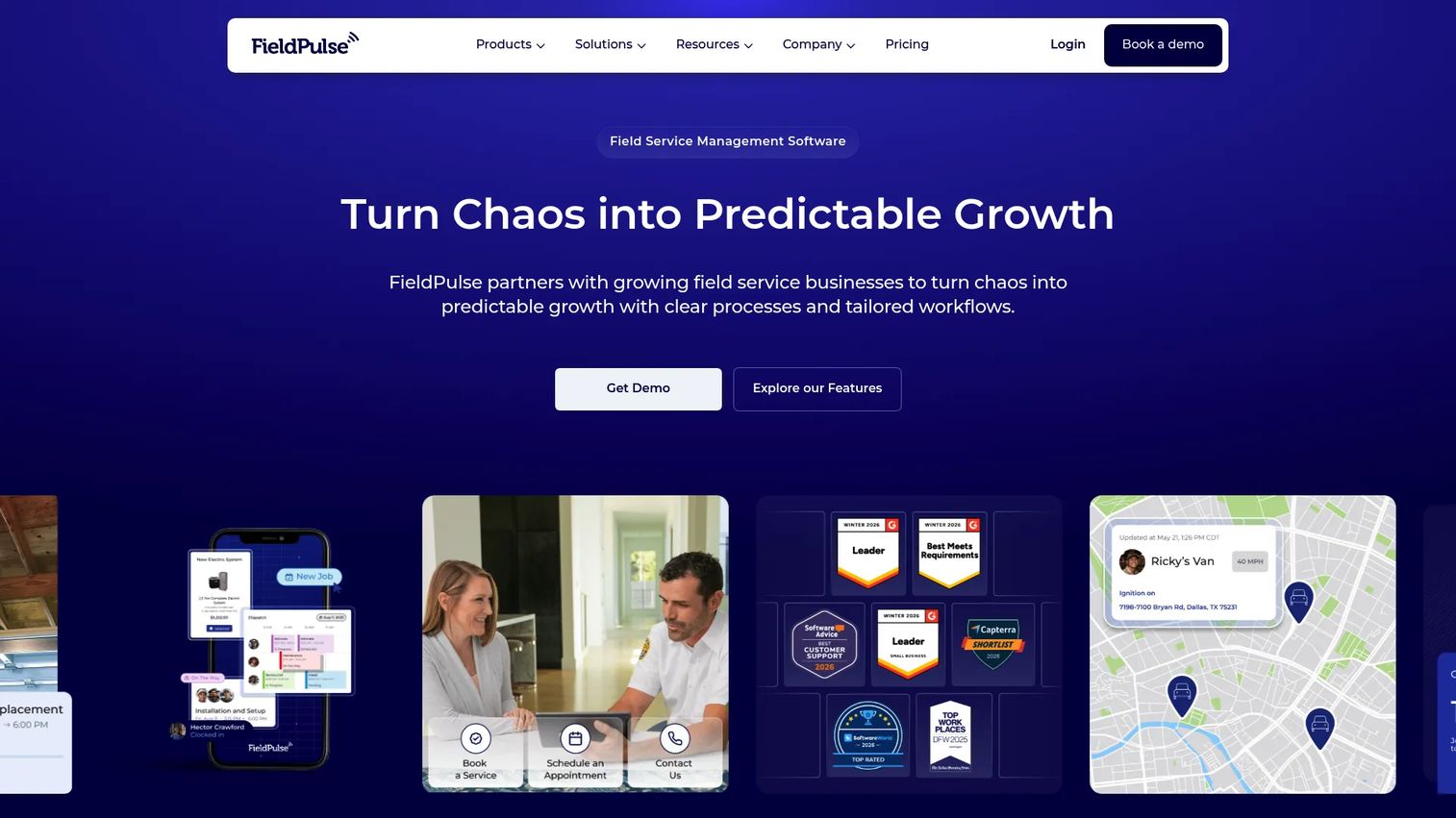
FieldPulse is field service management software covering scheduling, dispatching, customer management, invoicing, and the daily operations in between. The scheduling and dispatch board handles job assignment and technician tracking, while work order management, estimates, payments, and a customer portal round out the platform. It aims to be the one system a growing service business runs on.
Best for: Field service businesses that want an all-in-one FSM platform with seat-based, custom-priced deployment.
Key strengths
- Full FSM coverage: Scheduling and dispatching, work orders, estimates, invoices, and payments in one place.
- Technician tracking and mobile app: Live technician tracking plus a mobile app keep the field and the office on the same board.
- Asset and pricebook tools: Equipment tracking, a pricebook, and a customer portal support service businesses with recurring maintenance work.
Why choose FieldPulse: It suits teams that want ServiceTitan-style breadth with pricing scaled to their headcount. The custom-quote model means you pay for the seats and setup you actually need, which appeals to businesses that are growing but not yet enterprise-sized. Strong day-to-day dispatch management is the core draw.
FieldPulse pricing: FieldPulse offers Essentials, Professional, and Enterprise plans, all priced seat-based and customized to team size and setup. No public plan prices appear on the pricing page, so you will need a quote. FieldPulse earns a 4.7/5 rating on G2, among the higher scores in this comparison.
3. Truckbase
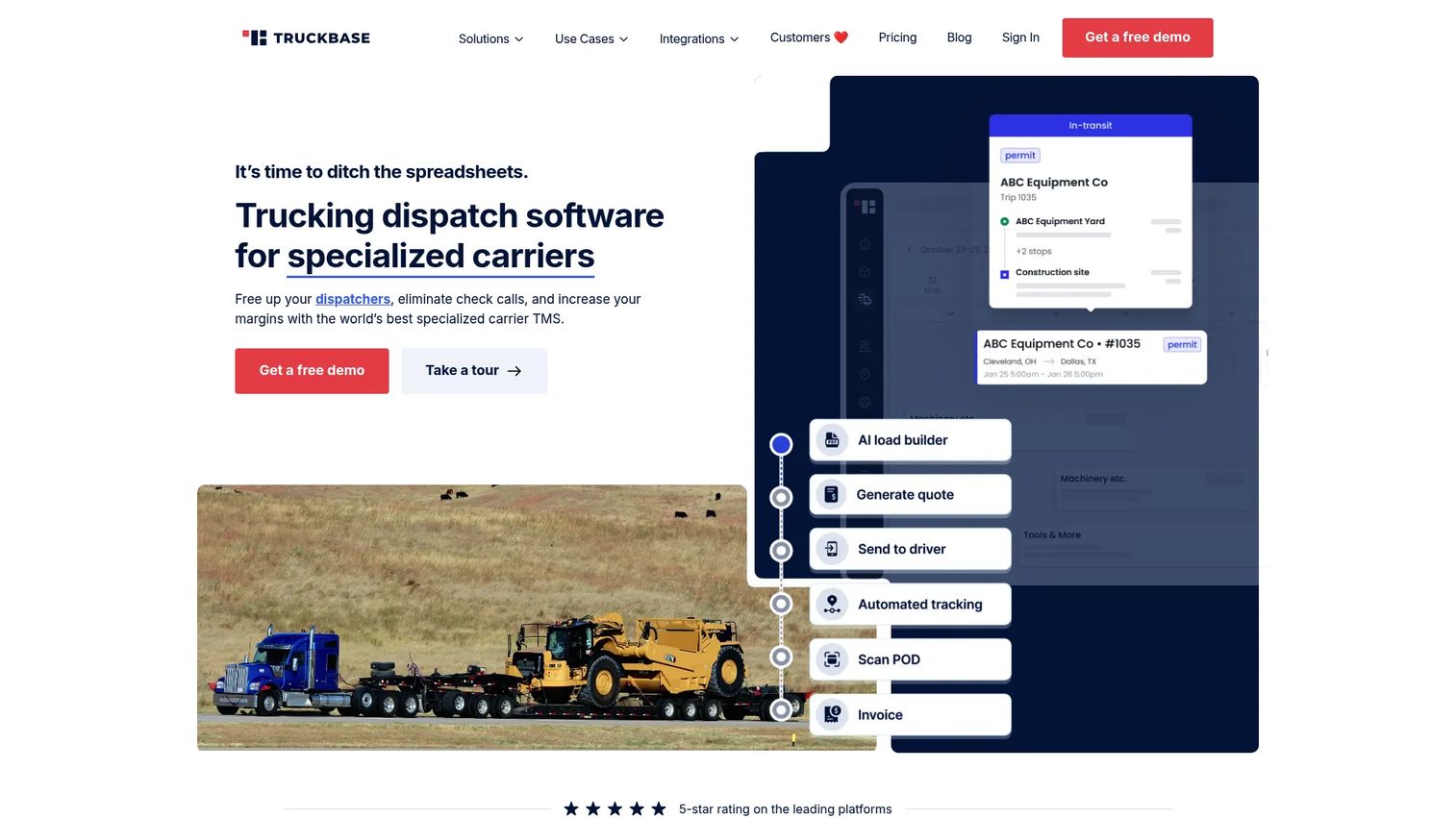
Truckbase is a trucking TMS built for growing carriers, with dispatch at its center. Unlike field-service-first platforms, it is organized around loads, drivers, and carrier operations. A customer portal gives shippers load-status visibility and lets them submit order requests, and ELD integrations plus mobile-friendly driver and dispatch workflows keep the whole operation moving in real time.
Best for: Small to mid-sized trucking carriers that want a dispatch-focused TMS rather than a field service tool bent to fit.
Key strengths
- Dispatch-centric TMS: Purpose-built for small to mid-sized carriers, so the workflow matches how trucking dispatch actually runs.
- Load-status customer portal: Shippers see load status and submit requests without calling, cutting inbound check-in volume.
- ELD and mobile workflows: ELD integrations and mobile-friendly driver and dispatch tools keep hours, status, and location current.
Why choose Truckbase: If you run trucks, a truck dispatch software built for loads and drivers will always fit better than a field service platform retrofitted for the road. Truckbase focuses on the carrier workflow, from booking a load to tracking it to keeping the customer informed, which is exactly where field-service tools fall out of context.
Truckbase pricing: Truckbase offers flexible pricing, per truck, per driver, per load, flat annual rates, or custom, all billed annually. The published minimum is $290 per month billed annually. A public G2 rating was not available at the time of writing.
4. Field Ascend
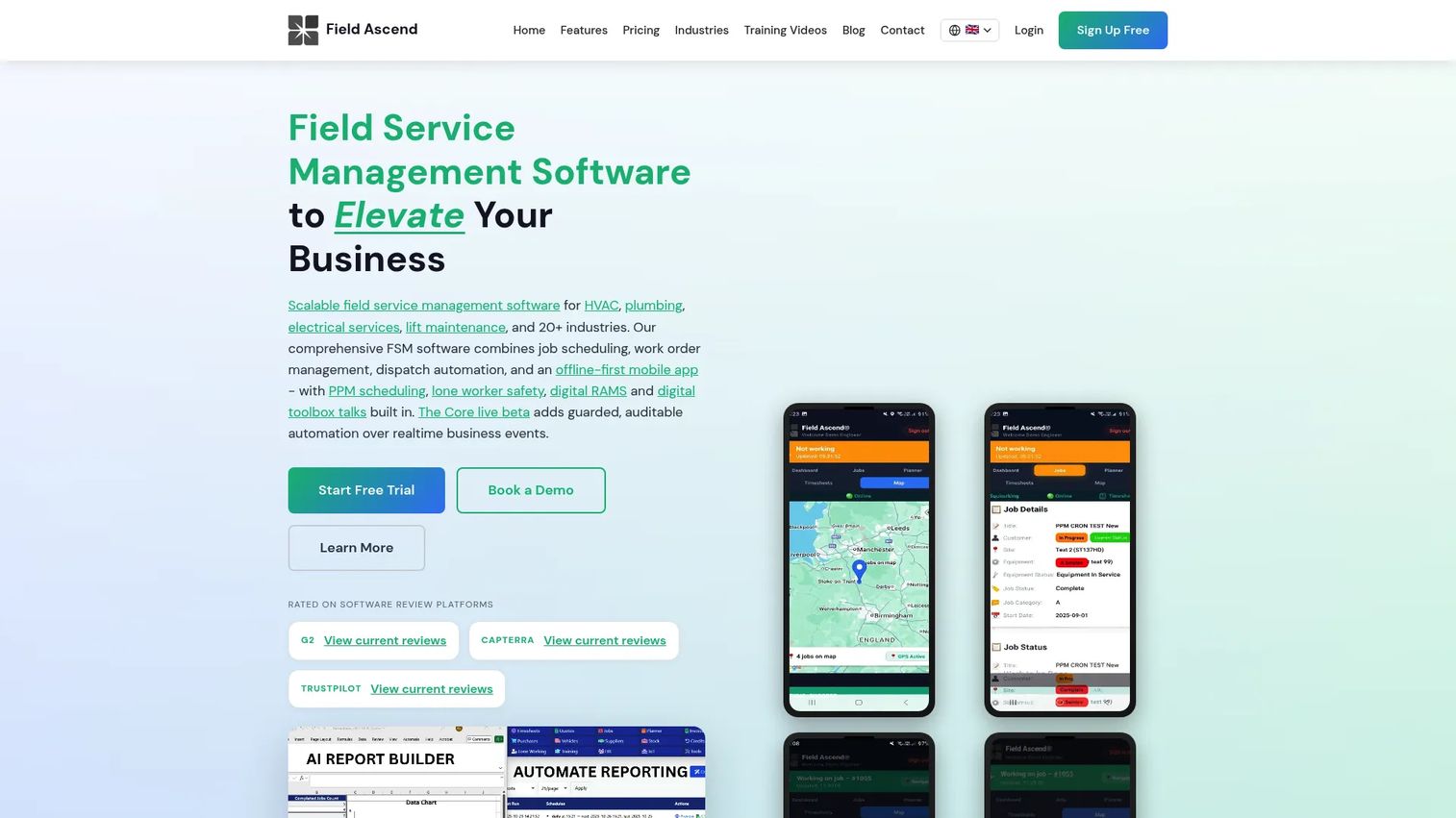
Field Ascend is field service management software for HVAC, plumbing, electrical, construction, and similar trades. It leans into planned preventive maintenance (PPM) schedules and engineer dispatch, with unlimited jobs and quotes, custom branding, and a customer portal. Multi-tenant support and accounts integration with Sage and Xero make it a fit for contractors managing recurring maintenance across multiple sites or clients.
Best for: Small to mid-sized field service businesses that need scheduling, engineer dispatch, and a customer portal at a low per-user price.
Key strengths
- PPM scheduling and dispatch: Planned maintenance schedules and engineer dispatch handle recurring service work cleanly.
- Customer portal and branding: A branded customer portal and unlimited jobs and quotes support client-facing operations.
- Accounts integration: Multi-tenant support plus Sage and Xero integration connect dispatch to the books.
Why choose Field Ascend: It hits a sweet spot for maintenance-heavy contractors who want office-to-field coordination without enterprise pricing. The PPM focus makes it especially useful for teams running scheduled service contracts rather than one-off jobs, and transparent per-user pricing removes the guesswork.
Field Ascend pricing: Field Ascend offers a 7-day free trial (card required, auto-bills to Standard on day 7), a Standard Plan at £10 per user and engineer per month billed monthly, and a custom-priced Enterprise plan for large teams. It holds a 4.8/5 rating on G2, the highest in this comparison alongside Workyard.
5. Jobber
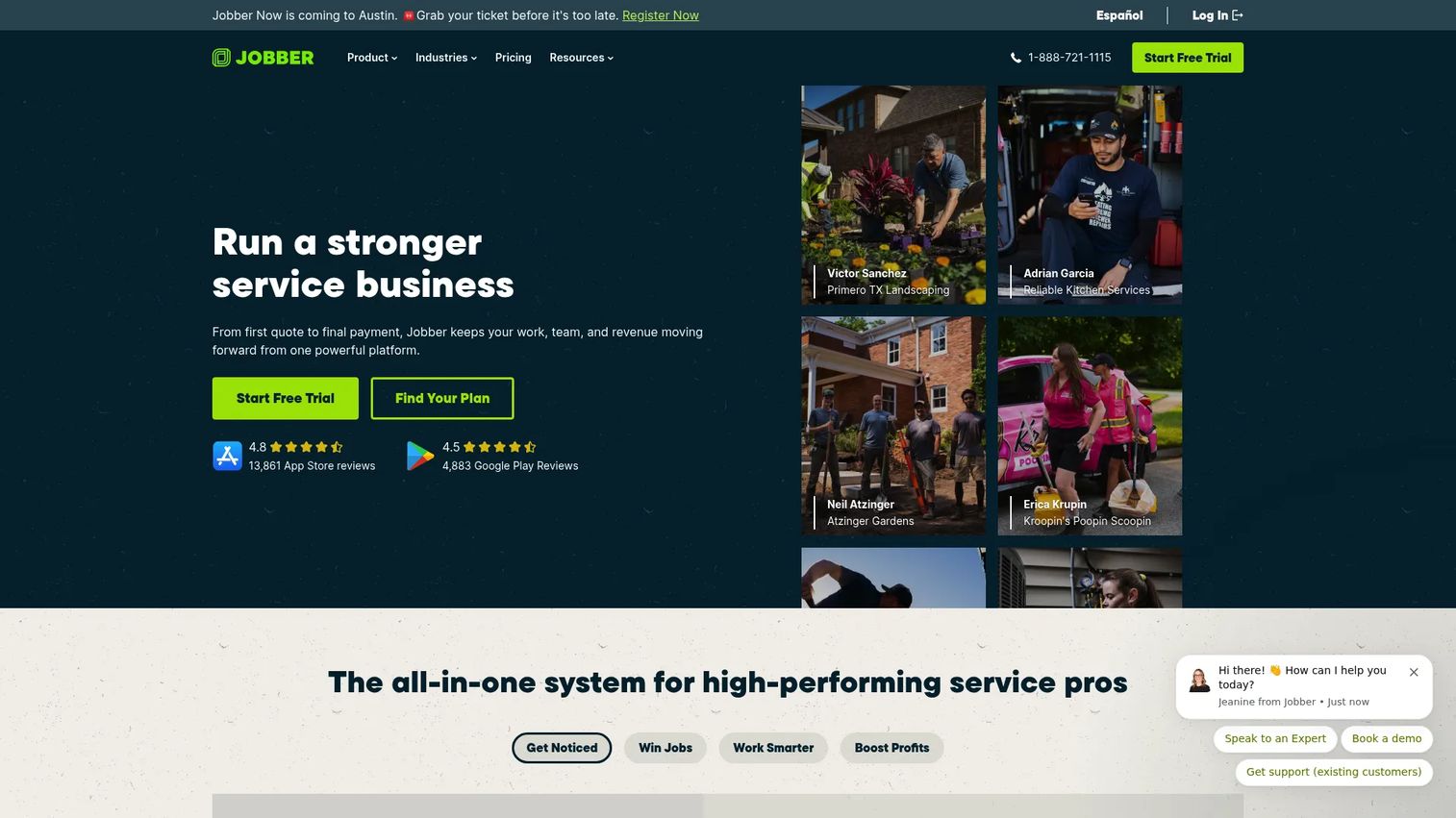
Jobber is field service management software for home service businesses, covering quoting, scheduling, invoicing, payments, and customer communication. Its dispatch board is built for simplicity: online booking, automated scheduling, and client communication tools that keep smaller teams organized without a heavy rollout. Requests, quotes, invoicing, and reporting complete the picture.
Best for: Home service teams that want a straightforward, all-in-one operations platform they can run without a specialist.
Key strengths
- Online booking and scheduling: Online booking and automated scheduling keep the dispatch board filled with less manual entry.
- Client communication: Requests, quotes, and automated customer notifications keep clients informed from booking to invoice.
- Payments and reporting: Invoicing, payments, and reporting connect scheduled work to cash flow.
Why choose Jobber: It fits smaller service teams that want dispatch visibility without the weight of an enterprise platform. Where ServiceTitan and FieldPulse aim for depth, Jobber aims for approachability, fast to set up and easy for a small crew to adopt. That trade of depth for simplicity is exactly right for teams running a handful of technicians.
Jobber pricing: Jobber offers Core starting at $29/month for one user, Connect starting at $89/month, and Grow starting at $149/month, plus a 14-day free trial with full access to the Grow plan. It earns a 4.6/5 rating on G2.
6. Workyard
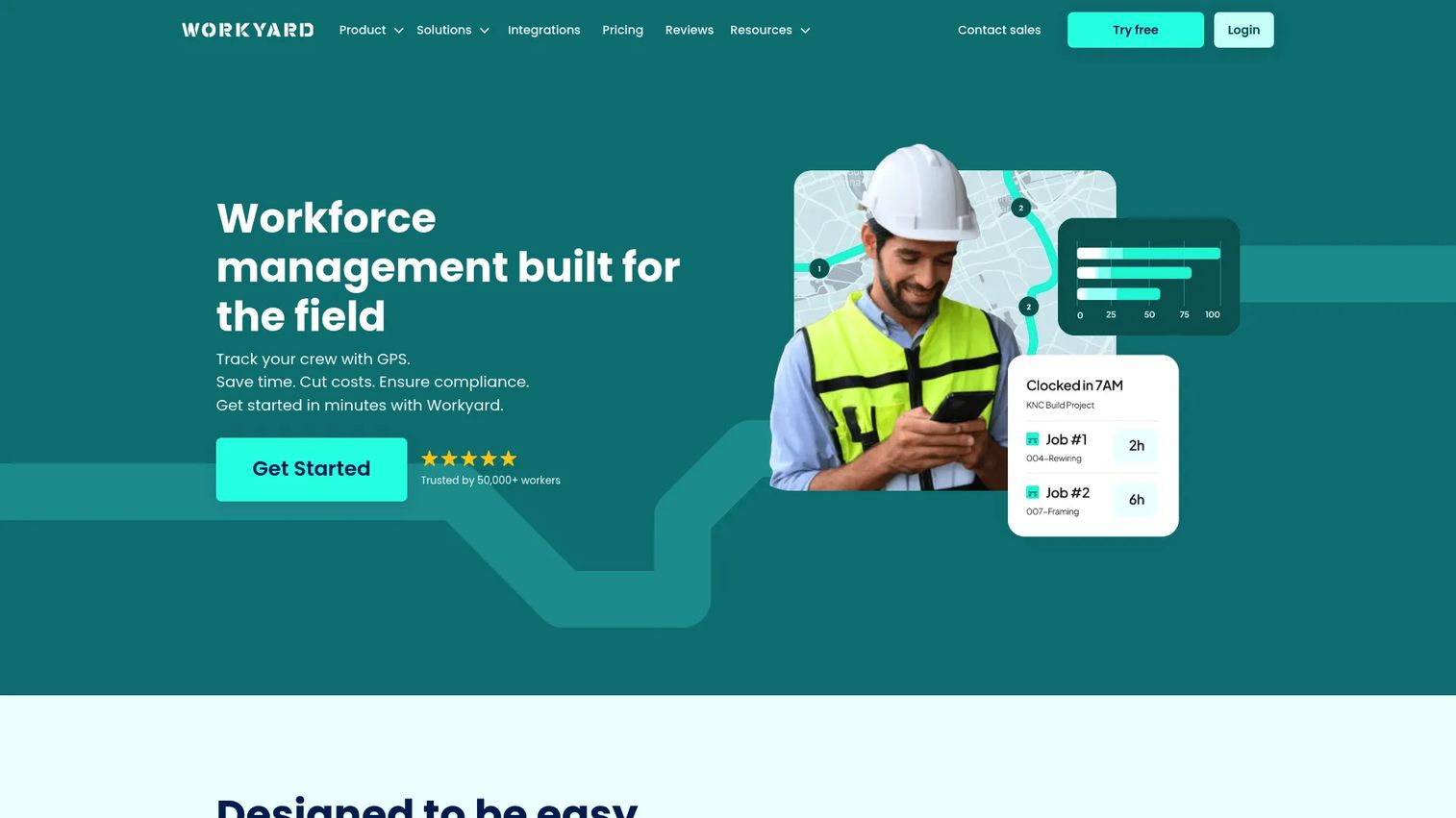
Workyard is workforce management software for construction and field teams, where labor visibility matters as much as scheduling. Its GPS time clock and time tracking anchor the platform, with scheduling, task management, job costing, reporting, and labor compliance layered on top. For teams that need to know not just where a job stands but where the labor hours are going, Workyard fills the gap dispatch-only tools leave open.
Best for: Construction and field-service crews that need GPS time tracking and job management alongside scheduling.
Key strengths
- GPS time tracking: A GPS time clock ties labor hours to locations, giving accurate cost and attendance data.
- Scheduling and tasks: Scheduling and task management coordinate crews across jobs and sites.
- Job costing and compliance: Job costing, reporting, and labor compliance tools connect field work to project margins.
Why choose Workyard: It fits teams where the real question is "who worked where, for how long, and at what cost?" not just "who is assigned to what?" Construction crews and field-service teams with heavy labor tracking needs get scheduling and dispatch visibility plus the time and cost data that pure dispatch tools do not capture.
Workyard pricing: Workyard offers Starter at $8/month per user plus a $50/month company base fee, and Pro at $16/month per user plus the same base fee, with a 14-day free trial and a discount quote for teams over 50 users. Enterprise pricing is not public. Workyard holds a 4.8/5 rating on G2.
7. Makula

Makula is a B2B service operations platform for industrial manufacturers, OEMs, and factories. It centers on installed-base data management, technician workflow, and after-sales support, with built-in AI tools for documentation, ticketing, and collaboration. Rather than general field service, it targets the specific coordination challenges of servicing complex machinery and equipment in the field.
Best for: Industrial manufacturers and OEMs managing service operations and maintenance workflows around installed equipment.
Key strengths
- Installed-base management: Centralized installed-base data keeps equipment history and service records in one place.
- Technician workflow: After-sales support and technician workflows coordinate field service on complex machinery.
- Built-in AI tools: AI for documentation, ticketing, and collaboration speeds up the paperwork around each service call.
Why choose Makula: It fits a narrower buyer than the field service tools above, manufacturers and OEMs who service what they build. If your dispatch problem is really an after-sales and installed-base problem, a platform designed for that context handles it better than generic FSM software. The AI tooling around documentation and ticketing is a meaningful accelerator for equipment-heavy operations.
Makula pricing: Makula does not publish pricing on a first-party product site, so plan on a direct conversation for a quote. It holds a 4.5/5 rating on G2.
8. Dispatch
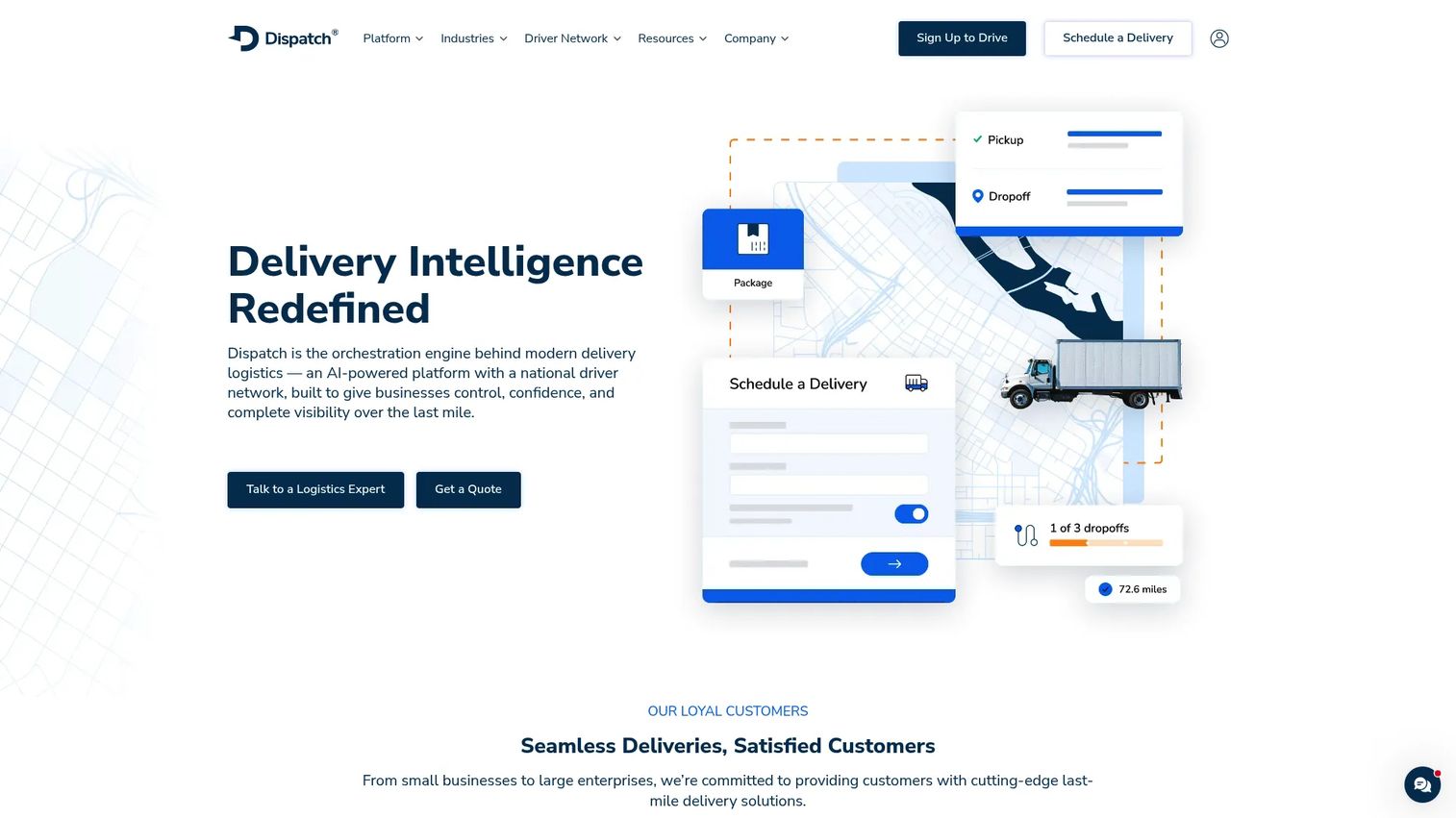
Dispatch is an AI-powered last-mile delivery and logistics orchestration platform with a nationwide managed driver network. It differs from every other tool here: rather than coordinating your own technicians or drivers, it combines delivery orchestration with access to on-demand drivers. Unified delivery orchestration, open APIs, and real-time visibility make it a fit for businesses that need last-mile execution plus delivery management in one platform.
Best for: Industrial and distribution businesses that need last-mile delivery execution alongside delivery management software.
Key strengths
- Unified orchestration: One layer coordinates deliveries across your network and Dispatch's managed drivers.
- Nationwide driver network: A managed driver network provides last-mile capacity without hiring your own fleet.
- Open APIs and visibility: Open APIs and real-time tracking connect delivery data into existing systems.
Why choose Dispatch: It fits teams whose dispatch challenge is getting goods to a customer's door, not routing service calls. If you need last-mile capacity on demand and want visibility into every delivery, the managed network model removes the need to build and staff your own fleet. It sits at the edge of this category, more logistics orchestration than dispatch board, but for the right operation that is the point.
Dispatch pricing: Dispatch uses quote-based, custom pricing rather than a public list price. On G2 it shows a 5.0/5 rating, though from a very small number of reviews, so weigh that against the limited sample.
How to choose the right dispatch board tool
The tool that fits your operation depends almost entirely on what you dispatch. Match the platform to your context before you compare feature counts.
For field service contractors running HVAC, plumbing, or electrical work at scale, ServiceTitan offers the deepest all-in-one platform, while FieldPulse gives similar breadth with seat-based pricing that scales with headcount. Smaller home-service teams that want fast setup and easy adoption are better served by Jobber. Maintenance-heavy contractors managing PPM schedules and customer portals will find Field Ascend fits at a low per-user cost.
For trucking and carrier operations, Truckbase is built for loads and drivers, which no field-service tool matches. For last-mile delivery, Dispatch adds a managed driver network on top of orchestration. And when labor visibility and job costing matter as much as scheduling, Workyard brings GPS time tracking that dispatch-only tools lack. Industrial manufacturers servicing their own installed base should evaluate Makula.
The next step is simple: shortlist the two tools that match your operational context, run the free trials where available (Field Ascend, Jobber, and Workyard all offer them), and put your actual daily schedule through each board before committing. The right dispatch software should make tomorrow's schedule answerable at a glance.
FAQs
Dispatch board software is a scheduling and coordination platform that gives operations teams one live view of jobs, technicians or drivers, and available time slots. It replaces whiteboards and spreadsheets with a shared board where work is assigned, tracked with GPS, and communicated in real time. It typically bundles scheduling, technician tracking, customer notifications, and route planning.
It turns scattered information into a single glance. Instead of jobs living in a spreadsheet, a whiteboard, and several people's heads, everything sits on one drag-and-drop board showing assigned work, open jobs, and gaps. That prevents double-bookings, surfaces unassigned work before it slips, and lets a manager answer "what does tomorrow look like?" without a meeting.
Field service teams need a live drag-and-drop board, skill- and location-based assignment, a strong mobile app for technicians, GPS tracking, automated job confirmations and ETA updates for customers, and route optimization. Integrations with invoicing and accounting matter too, since dispatch decisions flow directly into billing. Technician tracking that updates the board automatically is what separates real-time dispatch software from a static calendar.
Yes, and the difference matters. Field service dispatch software is organized around technicians, work orders, and appointments at customer sites. Trucking dispatch software is organized around loads, drivers, ELD compliance, and carrier operations. A field-service tool bent to fit trucking, or the reverse, creates constant workflow friction, so choose a platform built for what you actually dispatch.
Automated customer notifications cut inbound "where's my appointment?" and "where's my load?" calls, which frees dispatch to move work forward instead of answering the phone. ETA updates, automated job confirmations, and status changes sent from the board keep customers informed without manual effort. Fewer check-in calls means less friction on both sides and a schedule that runs closer to plan.
Most modern platforms include route optimization or map-based route planning, though depth varies. Some treat it as a native feature that sequences stops automatically to cut drive time; others offer a lighter map view. For trucking, route optimization reduces deadhead miles; for field service, it can add one or two billable jobs per technician each day, which compounds across a season.
The integrations that matter depend on your operation. Field service teams prioritize invoicing, accounting (like Sage or Xero), and CRM connections so dispatch flows into billing. Trucking operations prioritize ELD and telematics integrations for hours-of-service and location data. Across the board, a clean API and mobile sync between the field and the office are what keep the dispatch board accurate in real time.
Start with what you dispatch, technicians, trucks, or last-mile deliveries, because that narrows the field immediately. Then weigh operation size (heavyweight platforms suit large contractors, lighter tools suit small crews), the depth of notifications and route optimization you need, and which integrations are non-negotiable. Shortlist two tools that match your context, run the free trials, and test each with a real day's schedule before deciding.