Your competitor updated their pricing page last Tuesday. You found out Friday, when a prospect mentioned it on a call.
That gap matters. A pricing change signals a repositioning move. A removed proof point on a product page might mean they lost a key customer. A new feature claim on a landing page can shift how deals are framed before you ever get on a call.
Manual checks don't scale. Most growth marketers already check too many channels, and adding a daily page-audit habit to the list is not a real plan. The global website monitoring software market was valued at $3.07 billion in 2025 and is projected to reach $7.5 billion by 2035, according to Wise Guy Reports (2026), which reflects how broadly teams are treating this problem as infrastructure rather than a manual task.
Website change monitoring software watches the pages that matter, compares each version against the last, and routes a useful alert when something meaningful shifts. The right tool does more than fire notifications. It filters noise, preserves evidence, and puts the signal where decisions actually get made.
What's inside
This guide covers seven website change monitoring tools evaluated for 2026. It targets digital marketers tracking competitor positioning, SEO changes, product availability, and compliance content.
Tools were selected against four criteria:
- Detection accuracy: Does it catch meaningful changes without flooding you with irrelevant alerts?
- Alert flexibility: Can you control where alerts go and when they fire?
- Monitoring depth: Does it handle dynamic pages, selected regions, and authenticated content?
- Pricing and scale: Does the cost stay manageable as the number of monitored pages grows?
TL;DR
- Best overall for competitor and visual monitoring: Visualping, for region-based visual comparisons, AI-assisted change flagging, and broad alert delivery
- Best for free and basic monitoring: UptimeRobot, for teams already using it for uptime checks who want a consolidated entry point
- Best for self-hosted deployment: changedetection.io, for technical teams that need open-source control, browser automation, and deep rule flexibility
- Best for enterprise governance: ChangeTower, for compliance, legal, and marketing operations teams that need archives, audit trails, and team workflows
- Best for technical and large-scale monitoring: Fluxguard, for AI-prioritized change intelligence across complex pages and networks
- Best for lightweight personal monitoring: Distill.io, for individuals and small teams tracking a focused set of pages via browser extension
What is website change monitoring software?
Website change monitoring software automatically checks a webpage or selected page region, compares it against a previous version, and sends an alert when a configured change occurs.
The category covers four distinct monitoring models:
Visual monitoring
Captures page screenshots and detects layout or content shifts. Best for pricing pages, product pages, campaign landing pages, and public notices where the appearance of the page is the signal.
Text and keyword monitoring
Checks page text and fires when specified words appear, disappear, or change. Best for regulatory language, competitor messaging, product availability phrases, and policy updates where a single phrase is the relevant signal.
Code and technical monitoring
Tracks HTML, metadata, structured data, or JSON responses. Best for SEO teams watching title tags and canonical links, developers auditing scripts, and teams monitoring APIs or structured content feeds.
Browser-based monitoring
Loads dynamic pages, executes JavaScript, follows user actions, or accesses content behind login screens. Best for dashboards, authenticated portals, JavaScript-rendered product catalogs, and search-driven pages that don't expose their content to a plain HTTP request.
Key capabilities to evaluate:
- Selected-region monitoring to isolate the relevant section of a page
- Screenshot and visual diff comparison
- Keyword and conditional trigger rules
- Dynamic page and JavaScript rendering support
- Browser automation for interactive pages
- Alert delivery through email, Slack, Teams, webhooks, or API
- Historical snapshots with searchable change records
- Team permissions and workspace management
- AI-assisted summaries or importance scoring to reduce noise
- Check frequency controls by plan or page
One distinction worth making: Uptime monitoring checks whether a site responds at all. Change monitoring checks what's on the page when it does respond. Many teams need both, but they are separate jobs.
When to use website change monitoring software
Track competitor pricing and positioning
A competitor shifts pricing or rewrites their comparison page. Your campaign copy, sales deck, and battlecard all reference the old numbers.
Set up selective monitoring on competitor pricing pages, feature comparison pages, and campaign landing pages. Configure alerts to watch specific regions rather than the full page so layout noise from ads and navigation doesn't trigger false positives. Connect the output to a shared Slack channel or competitive intelligence workflow so the team can respond within hours rather than days.
Catch SEO and conversion changes
High-value landing pages can drift without anyone noticing. Title tags get overwritten during a CMS migration. A CTA gets swapped by another team. A testimonial section disappears.
Monitor page-level metadata, primary copy blocks, and structured content on pages tied to organic traffic or paid campaigns. This gives the marketing team a changelog that doesn't depend on developer alerts or post-incident reviews.
Monitor availability, policy, and public updates
Product restocks, job listings, government notices, regulatory policy pages, and event registration pages all change in ways that matter to specific workflows.
Selected monitoring is what makes this practical. A 10,000-word policy document may change by a single clause. Watching only the relevant section cuts noise and surfaces the signal that matters to legal, compliance, or procurement. Manual checking still works for a small number of low-frequency pages, but monitoring software pays off when the page count, check frequency, or business impact rises.
Website change monitoring software comparison
The table below covers the seven tools evaluated for this guide. Columns reflect the criteria digital marketing teams typically weigh: Primary use case, detection approach, a key differentiator, pricing entry point, and G2 rating.
Check frequency and page limits vary significantly by plan, so treat pricing as a starting point and verify current tiers directly with each vendor before committing.
| # | Product | Best for | Key differentiator | Pricing | G2 rating |
|---|---|---|---|---|---|
| 1 | Visualping | Visual competitor and page monitoring | Region-based visual comparisons with AI change flagging | Free; paid from $10/mo (annual) | 4.6/5 |
| 2 | UptimeRobot | Basic and free monitoring | Free entry point for uptime and basic change monitoring | Free; paid from $13/mo | N/A |
| 3 | changedetection.io | Self-hosted and technical monitoring | Open-source with browser automation and 85+ notification formats | $8.99/mo (cloud) | N/A |
| 4 | ChangeTower | Enterprise change intelligence | AI monitoring, team workflows, archives, and SAML SSO | Free; paid from $12/mo | 4.6/5 |
| 5 | Fluxguard | Technical and large-scale monitoring | AI prioritization, network monitoring, and proxy-based crawling | Free; paid from $110/mo | 4.3/5 |
| 6 | Distill.io | Lightweight personal monitoring | Browser extension monitoring with conditional alerts | Free; paid from $15/mo | 4.6/5 |
| 7 | Wachete | Simple page and keyword alerts | 24/7 monitoring with broad alert channels and API access | Free plan available | 3.0/5 |
Pricing and G2 ratings verified in September 2026 from each vendor's pricing page and G2 listing.
Best 7 website change monitoring software tools for 2026
1. Visualping
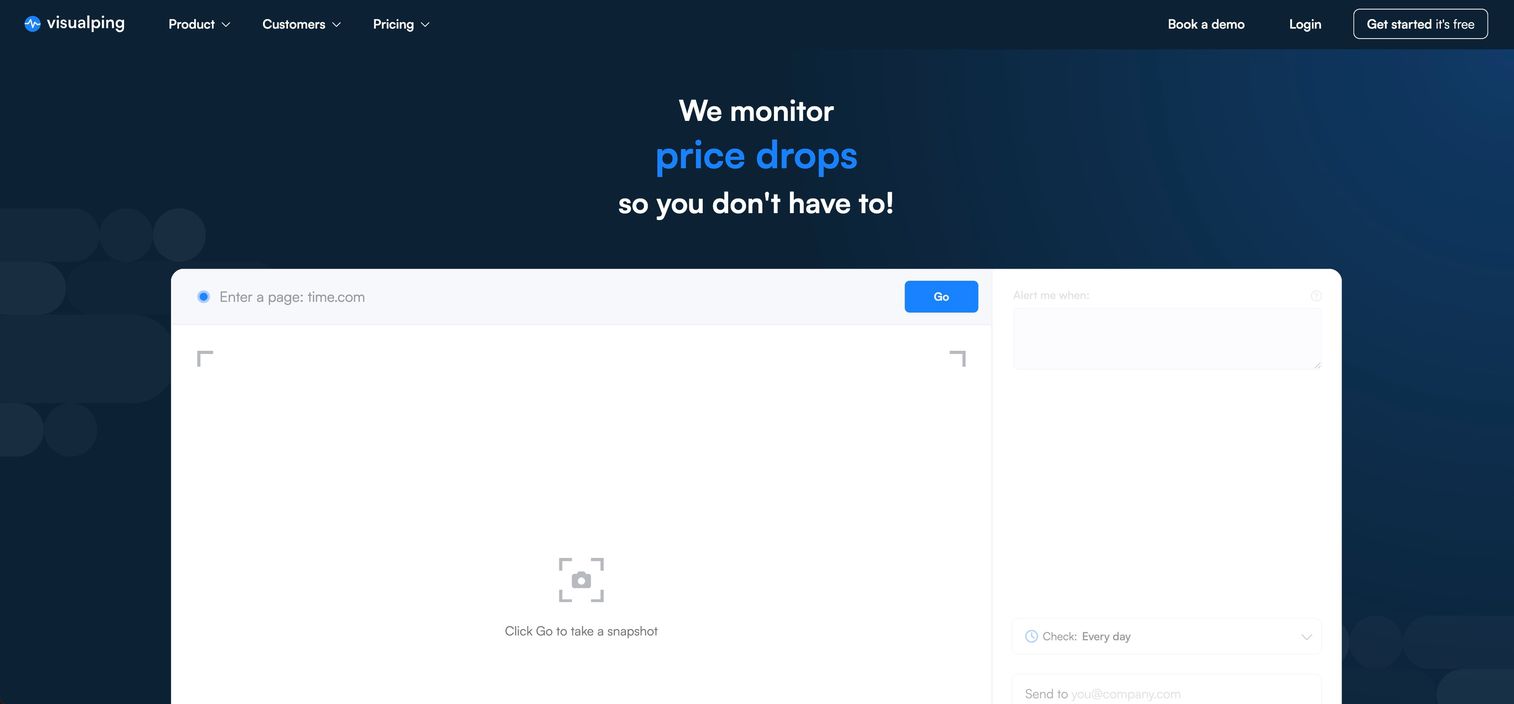
Visualping is a website change detection platform that monitors full pages or selected regions and alerts users when visual, text, or element changes occur. It serves marketers, agencies, ecommerce teams, and compliance-focused organizations that need to track competitor pages, pricing, product availability, and regulatory content. The platform includes AI-assisted change summaries, REST API and MCP server access, and a range of alert channels.
Best for: Digital marketers tracking competitor messaging, pricing shifts, campaign landing pages, and product page changes with visual proof of what changed.
Key features
- Selected-region visual, text, and element monitoring
- AI change summaries and important-change flagging
- Alerts through email, webhooks, Telegram, Slack, Teams, and Google Sheets
- Actions for login, clicking, or scripting before checks run
- REST API and MCP server access for technical integrations
Why choose Visualping: Visualping is a strong general-purpose pick when the team needs a visual record of competitor page changes alongside flexible alert routing. The AI flagging helps reduce noise by identifying which changes actually matter, which is useful when monitoring dozens of pages across competitors and partners.
Visualping pricing: The free plan covers 5 pages with 150 monthly checks. Paid personal plans run $14/mo monthly or from $10/mo billed annually, scaling up through business tiers at $140/mo to $350/mo depending on check volume. Enterprise solutions pricing is custom.
G2 rating: 4.6/5 from 497 reviews (verified September 2026).
2. UptimeRobot
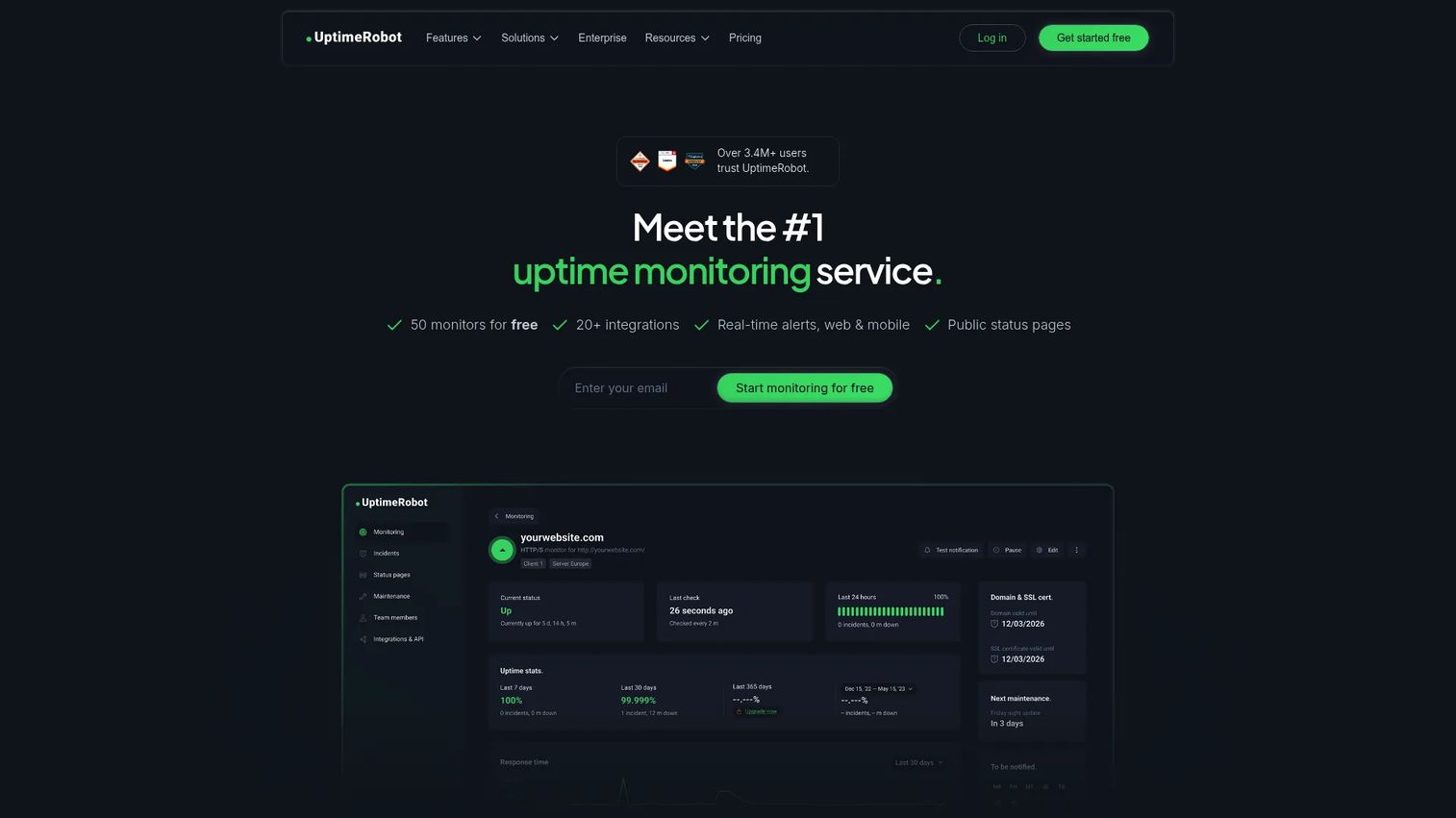
UptimeRobot is a hosted monitoring platform primarily built for uptime checking across websites, APIs, servers, and cron jobs. It supports HTTP(S), ping, port, keyword, and DNS monitoring, along with public status pages and incident management. Teams already running UptimeRobot for availability monitoring can use keyword monitoring to flag page content changes without adding a separate tool.
Best for: Small teams and marketers who need basic page monitoring, keyword alerts, and uptime checks consolidated under one plan without additional cost.
Key features
- HTTP(S), keyword, and ping monitoring
- Multi-location checks and response-time alerts
- Incident management and public status pages
- Free plan with 50 monitors and 5-minute check intervals
- Paid plans add faster intervals, expanded monitor types, and team seats
Why choose UptimeRobot: If your team already pays for UptimeRobot and your monitoring needs are straightforward, keyword monitoring covers basic page-change detection without requiring a new tool. The consolidation argument is strong for marketers actively managing tool sprawl. For teams needing visual diffs, selected-region monitoring, or deep browser automation, a dedicated change monitoring platform will cover more ground.
UptimeRobot pricing: The free plan includes 50 monitors and 5-minute intervals. Paid plans start at $13/mo (Solo), scaling to $46/mo (Team) and $98/mo (Scale). Enterprise pricing is custom. Annual billing is also available at lower rates.
G2 rating: A current numeric G2 rating for UptimeRobot's change monitoring product could not be confirmed at the time of writing. Check the G2 listing directly for the most recent score.
3. Changedetection.io
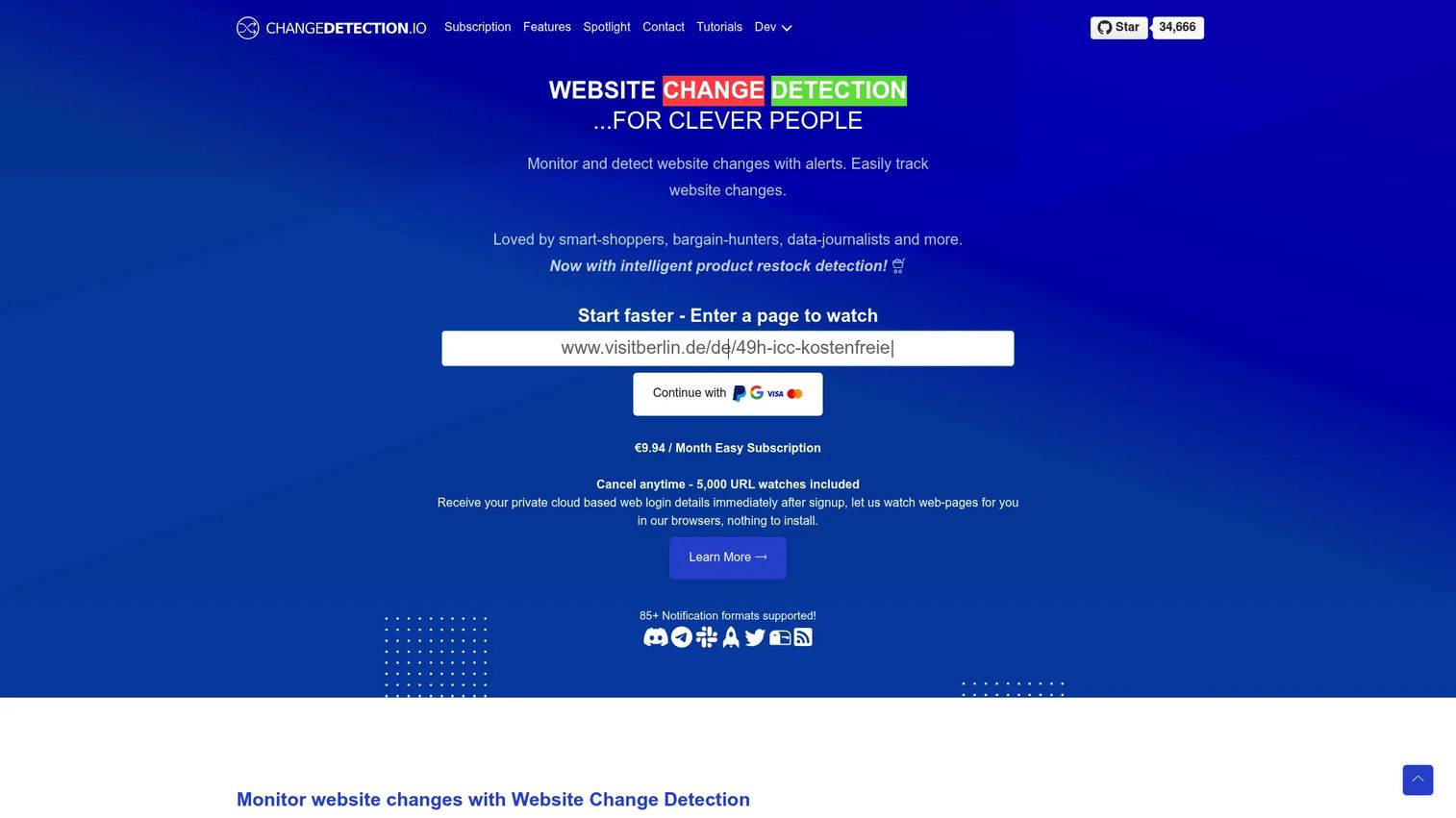
Changedetection.io is an open-source website change monitoring platform offering both self-hosted deployment and a cloud subscription. It supports HTML and visual monitoring, browser automation for JavaScript-rendered pages, conditional keyword and trigger rules, JSON and structured-data tracking, and over 85 notification formats. Docker is the primary self-hosting path, and the project is actively maintained on GitHub.
Best for: Technical marketing teams, developers, agencies, and organizations that need deployment control, advanced browser automation, or deep customization of monitoring rules.
Key features
- Open-source with Docker-based self-hosting
- Browser automation and JavaScript execution for dynamic pages
- Target-element, trigger-text, CSS/XPath, and ignore-text filters
- 85+ notification formats including email, chat, webhooks, and APIs
- Product restock and price-change detection
Why choose Changedetection.io: For teams comfortable managing infrastructure, self-hosting removes per-URL pricing limits and gives full control over data and configuration. The browser step feature handles pages that require login, scrolling, or interaction before the relevant content loads. The operational responsibilities are real: Hosting, browser configuration, updates, and notification setup fall on your team.
Changedetection.io pricing: The cloud subscription is $8.99/mo and covers up to 5,000 URL watches with one real Chrome browser included. Self-hosting is free from a software licensing perspective, though infrastructure and maintenance costs apply. A free tier was not listed on the official homepage at the time of verification.
G2 rating: G2 lists 0 reviews for changedetection.io, so no rating is available. Check Capterra or Product Hunt for community feedback.
4. ChangeTower
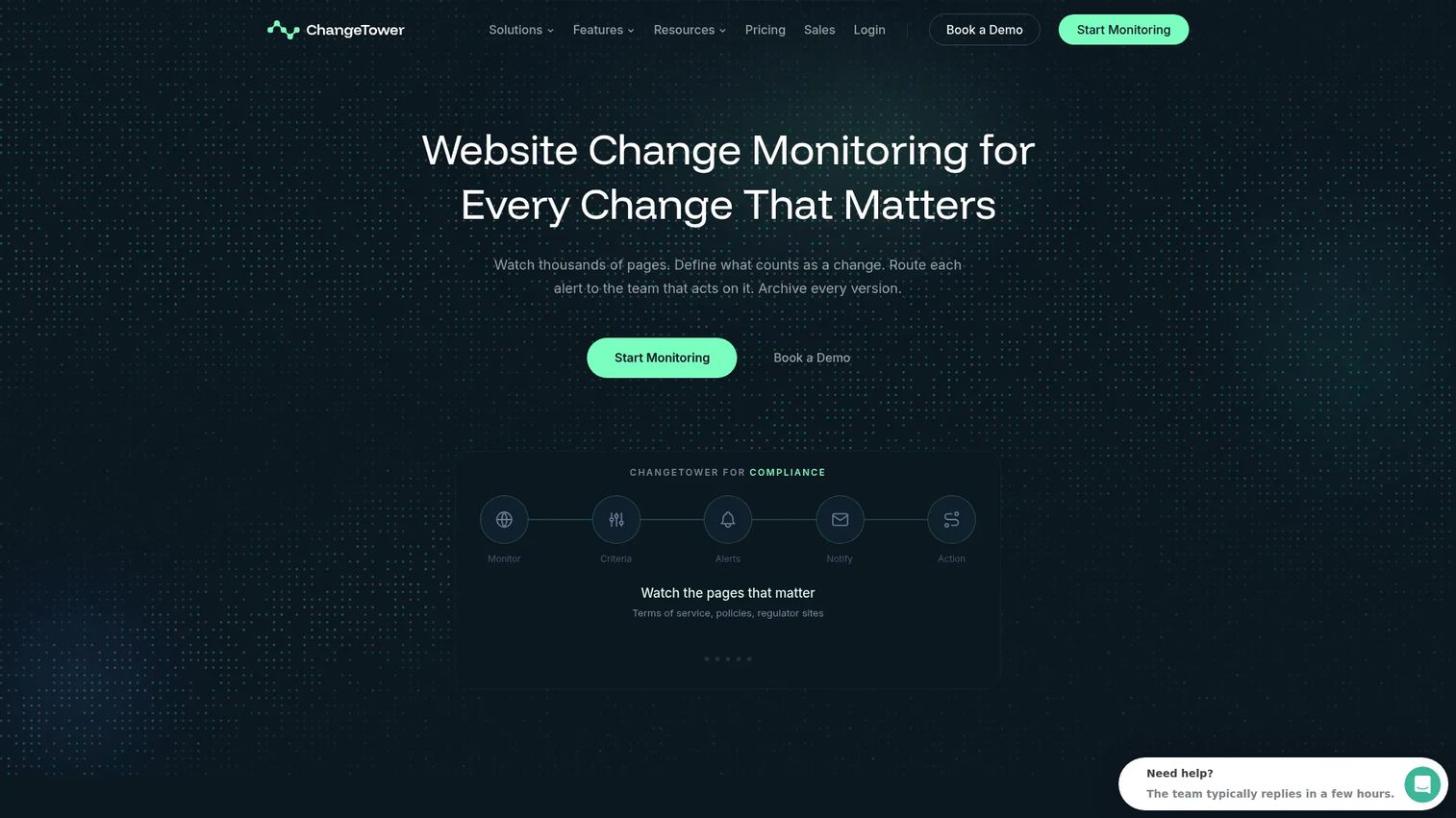
ChangeTower is an AI-powered website change monitoring platform built for marketing, compliance, legal, and operations teams. It monitors content and keyword changes, supports selective monitoring by page section, and archives historical snapshots with timestamps. Team workspaces, role-based access, SAML single sign-on, and review workflows make it a practical choice when multiple stakeholders need to act on the same change.
Best for: Marketing, legal, and compliance teams managing high-value monitored pages where changes need to be documented, reviewed, and routed to the right person.
Key features
- AI-assisted content and keyword change detection
- Selective monitoring by page section or element
- Domain scanning and page archiving with historical snapshots
- Team workspaces, role-based access, and SAML SSO
- Email, Slack, Teams, and webhook alerts
Why choose ChangeTower: ChangeTower fits teams where a website change is more than a notification; it becomes a record. When compliance and legal teams need to prove what a page said on a given date, or when a marketing ops team needs to route a competitor change to the right campaign manager, the archive and review workflow earns its place in the stack.
ChangeTower pricing: The free plan monitors 3 pages daily. Paid plans start at $12/mo (Lite), with Essential at $36/mo and Business at $78/mo billed monthly. Annual billing reduces each to $10/mo, $29/mo, and $62/mo respectively, a 20% reduction. Enterprise pricing is custom and priced by page count. All paid plans include a 5-day trial.
G2 rating: 4.6/5 (verified September 2026). Capterra also lists 4.4/5 from 5 reviews.
5. Fluxguard
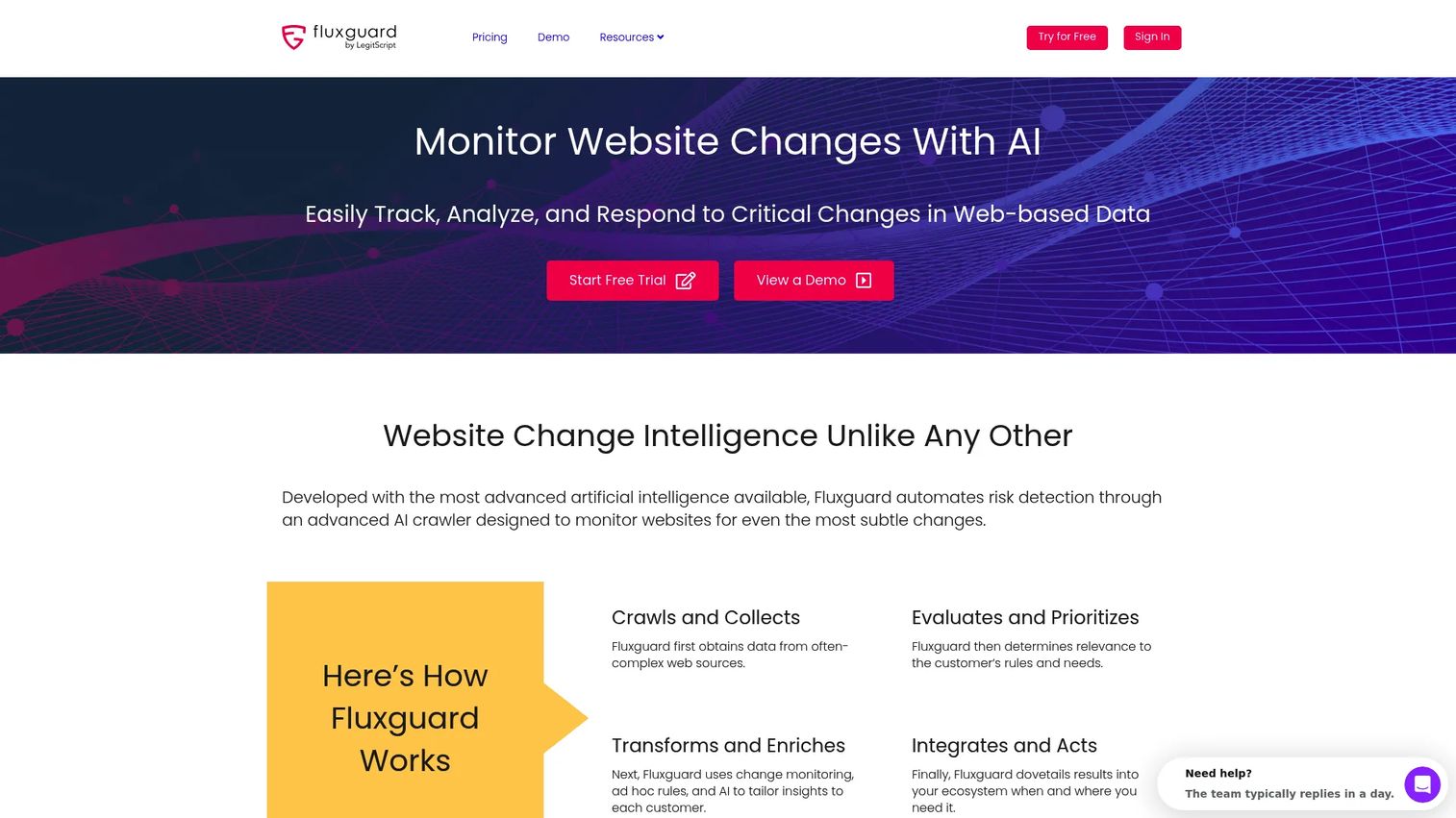
Fluxguard is a website change intelligence platform that monitors visual, HTML, and text changes alongside network activity. It applies AI to prioritize and summarize detected changes, supports proxy-based regional crawling for geo-specific content, tracks form submissions for gated content, and delivers results through webhooks and API integrations. The platform is positioned for teams monitoring complex pages, regulatory content, and competitive intelligence at scale.
Best for: Marketing operations, technical SEO, and research teams that need AI-prioritized change summaries across complex or dynamic pages, with workflow integration through APIs and webhooks.
Key features
- Visual, HTML, and text change detection with AI prioritization
- Network activity monitoring alongside page content
- Proxy-based regional crawling for location-specific pages
- Form submission tracking for content behind lead gates
- Webhooks and API integrations for workflow automation
Why choose Fluxguard: The AI prioritization layer is the main reason to choose Fluxguard over simpler tools. When monitoring dozens of pages across competitors and regulators, knowing which changes are significant before reading through a full diff saves meaningful time. The network monitoring capability also surfaces changes in scripts, resources, and third-party dependencies that purely content-focused tools miss.
Fluxguard pricing: The free plan (Gyroscope) covers 3 sites per month. Standard (Periscope) is $110/mo for 25 sites, Plus (Telescope) is $220/mo for 50 sites, and Premium (Horoscope) is $550/mo for 100 sites. Annual billing is available with two months free.
G2 rating: 4.3/5 from 8 reviews (verified September 2026).
6. Distill.io
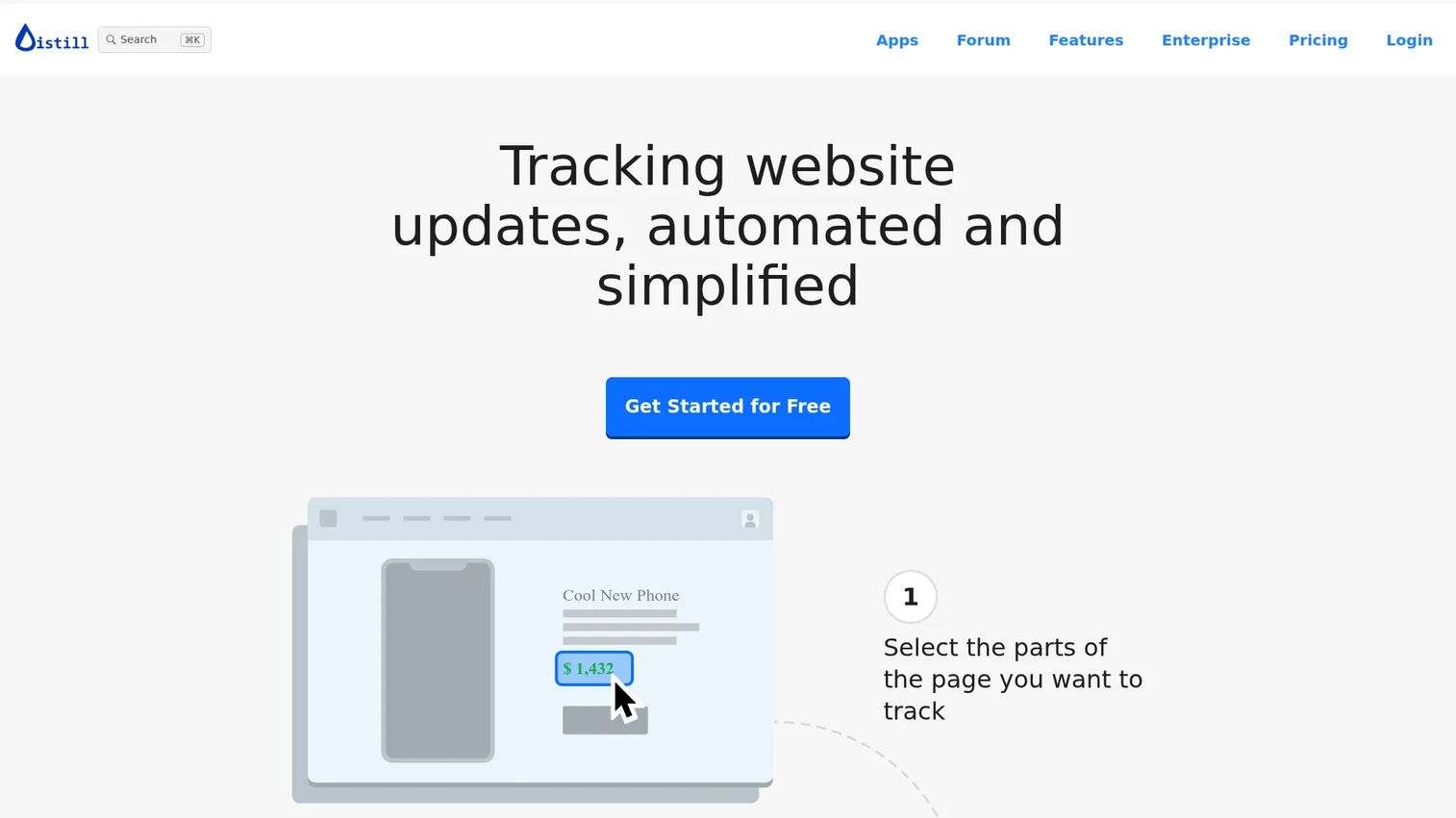
Distill.io is a website change monitoring tool that works through a browser extension or cloud monitors. Users select specific page content visually, using XPath, CSS, regular expressions, or custom JavaScript to define the monitored region. It supports conditional alerts, configurable check intervals, and notifications through email, SMS, push notifications, Slack, Discord, Teams, and webhooks. Both local (browser-based) and cloud monitoring are available.
Best for: Individual marketers, researchers, and small teams tracking a focused list of pages without needing a centralized enterprise program.
Key features
- Browser extension with visual content selection
- Cloud and local monitoring with configurable check intervals
- Conditional alerts with XPath, CSS, and regex filter options
- Notifications through email, SMS, Slack, Discord, Teams, and webhooks
- Price and restock monitoring for ecommerce pages
Why choose Distill.io: The browser extension approach suits marketers who need to set up monitoring on a new competitor page within a few minutes, without configuring a separate monitoring account from scratch. Local monitoring runs entirely in the browser, which keeps certain pages accessible that cloud crawlers can't reach. Confirm team collaboration features and cloud monitor limits before standardizing it across a larger program.
Distill.io pricing: The free plan covers local monitoring with limited cloud checks. Starter runs $15/mo, Professional is $35/mo, and Flexi starts at $80/mo with usage-based charges above the included allowance. Annual billing offers a 20% discount across paid plans.
G2 rating: 4.6/5 from 4 reviews (verified September 2026).
7. Wachete

Wachete is a web page monitoring platform that watches full pages or selected sections and sends alerts when monitored content changes. It supports monitoring of dynamic and password-protected pages, keyword-based change detection, and alerts through email, phone, Slack, Teams, Discord, and Telegram. The platform also offers change history with charts, spreadsheet exports, a REST API, webhooks, Zapier, MCP, mobile apps, and browser extensions.
Best for: Users who need straightforward page and keyword monitoring with broad alert channel support and export options, without a complex enterprise setup.
Key features
- 24/7 monitoring of full pages and selected sections
- Dynamic and password-protected page support
- Email, phone, Slack, Teams, Discord, and Telegram alerts
- Change history with charts and spreadsheet exports
- REST API, webhooks, Zapier, and MCP integration
Why choose Wachete: Wachete covers a wide range of alert channels and export formats for a monitoring tool at its price point, which makes it useful for smaller teams routing alerts to varied destinations. The REST API and Zapier support allow basic workflow automation without custom development. Verify advanced team permissions and high-volume page limits before scaling a larger program on it.
Wachete pricing: Wachete offers a free plan and paid subscriptions. Specific paid plan prices were not displayed on the accessible pricing page at the time of verification. Contact Wachete directly or check review platforms for current tier pricing.
G2 rating: 3.0/5 from 1 review (verified September 2026). With only one review on record, treat this score as directional rather than conclusive.
Considerations when choosing website change monitoring software
Detection accuracy and noise control
The most common frustration with change monitoring is alert fatigue. A whole-page check on a busy site will fire on cookie banners, rotating ad units, timestamps, and recommendation modules. Confirm whether the tool supports selected-region monitoring and conditional rules before committing. Test it on a live page you actually want to watch before deciding it fits.
Dynamic and authenticated page support
Many pages that matter most to growth marketers, including competitor portals, gated pricing pages, and JavaScript-rendered product catalogs, require browser rendering to display their full content. Ask whether the tool executes JavaScript, can follow login flows, or uses browser automation. Not every tool handles all three, and the gap matters for specific monitoring jobs.
Alert delivery and workflow fit
An alert that goes to the wrong inbox gets ignored. Evaluate where each tool can route notifications, whether by email, Slack channel, Teams webhook, or API, and whether alerts can be filtered by page, project, severity, or team. The best monitoring setup is one where a change reaches the person who can act on it within the same day.
Historical records and evidence
A single alert tells you something changed. A searchable archive tells you what it said before, when it changed, and how often it has changed. Legal, compliance, and competitive intelligence teams need retrievable records rather than just real-time notifications. Check snapshot retention limits by plan.
Pricing and scale
Calculate the cost at your expected page count and check frequency, not just the entry price. Free plans typically cap at 3 to 5 monitored pages. Paid tiers scale on monitor count, check intervals, user seats, history retention, and API access. A tool that costs $12/mo for 10 pages may cost $110/mo or more when monitoring 25 to 50 pages at hourly intervals.
Conclusion
The right website change monitoring tool depends on the specific monitoring job rather than the longest feature list.
Start with the pages tied to your highest-impact decisions: Competitor pricing, key landing pages, regulatory content, and product availability. Then match the monitoring model to what those pages actually require.
Visualping is the strongest general-purpose pick for visual competitor and page monitoring, with selected-region checks, AI change flagging, and broad alert delivery. UptimeRobot works for teams that already use it for uptime and want to consolidate basic keyword monitoring. changedetection.io suits technical teams who need self-hosted deployment and browser automation. ChangeTower is the right fit for compliance, legal, and marketing ops teams that need auditable archives and team review workflows. Fluxguard handles complex pages and large-scale monitoring with AI-prioritized change summaries. Distill.io is the fastest path to focused monitoring for individuals and small teams. Wachete covers basic page and keyword alerts with a wide range of alert channels.
Pick based on detection model, alert destination, and page volume at your planned scale. Test alert noise on a real page before committing to any plan.
Start your journey with Guideflow today!
FAQs
Website change monitoring software automatically checks a webpage or selected page region, compares it against a previously stored version, and sends an alert when a configured change occurs. Most tools support monitoring at scheduled intervals ranging from minutes to daily, and store historical snapshots so teams can see what changed and when.
Add the page URL to a monitoring tool, select whether to watch the full page or a specific region, set a check schedule, define any keyword or conditional rules, and choose your alert channel. Test the alert by making a small edit to confirm delivery before relying on it for time-sensitive changes.
The best fit depends on whether you need visual diffs, keyword alerts, pricing history, searchable archives, or team collaboration. Visualping is a strong starting point for visual competitor monitoring. ChangeTower suits teams that need governance and historical records. For technical monitoring at scale, Fluxguard adds AI-prioritized summaries across complex pages.
Most tools can monitor a pricing page or product listing and alert you when the text or visual content changes. Dynamic pages that render prices through JavaScript require a tool with browser automation support. Selected-region monitoring helps focus the alert on the price itself rather than surrounding page elements.
Most modern website change monitors support selected-region or selective monitoring. This reduces alerts caused by ad rotations, navigation changes, timestamps, and recommendation modules. Tools like Visualping, ChangeTower, changedetection.io, and Distill.io all offer element-level or section-based targeting.
Check frequency varies by tool and plan. Some tools support minute-level checks on paid plans, while free tiers typically run hourly or daily. Faster check intervals generally consume more monitoring capacity or require a higher-tier plan. For application performance monitoring needs alongside change detection, separate tooling may cover both jobs more efficiently.
Uptime monitoring checks whether a website or endpoint responds to a request. Change monitoring checks whether the content, layout, metadata, or selected page region has changed since the last check. Both are useful, but they answer different questions. A site can be fully available while its pricing page silently removes a key claim.
Self-hosting gives teams deployment control, data ownership, and no per-URL pricing. changedetection.io is the most established open-source option, installable via Docker. The trade-off is operational: Hosting, updates, browser configuration, security patching, and notification setup are your team's responsibility. For technical teams with existing infrastructure, the control is worth it. For teams without DevOps capacity, a managed subscription is more practical.