You built next week's schedule from gut feel. Monday was a ghost town with three people standing around. Thursday you were slammed and short two hands. Both cost you money, and neither showed up cleanly on a report until the labor line blew through budget.
That gap between what you staffed and what demand actually needed is the exact problem labor forecasting software exists to close. The workforce management software market is projected to hit USD 9.76B in 2026 and climb to USD 12.04B by 2031, according to Mordor Intelligence. The pull is simple: teams want to predict labor demand, translate that into schedules, and prove they controlled labor cost without cutting service.
The catch is that most tools stop at the forecast. A forecast that never becomes a staffing decision is just a prettier spreadsheet. The tools worth your shortlist are the ones that carry a demand signal all the way into a published schedule, then measure whether that schedule matched reality. Forecast accuracy only matters if it changes who works when.
This piece ranks eight options against that standard. Some are broad workforce management software suites. Some are built for one operational context, like contact centers or specialty contracting. A few are adjacent intelligence tools that inform labor decisions without running the schedule themselves. Knowing which is which saves you a painful mid-implementation surprise.
What's inside
This is a ranked shortlist of labor forecasting software for teams that need staffing to track demand, not lag it. It's written for operators and product owners who care about forecast accuracy, scheduling action, and labor cost control, not a generic feature tour.
We evaluated each tool on four criteria: forecasting depth (how it models demand from historical and external signals), scheduling workflow fit (whether forecasts become published schedules), integration ecosystem (how it connects to payroll, time and attendance, and analytics), and industry relevance (which operational contexts it actually serves well). Pricing and ratings reflect verified public sources at the time of writing.
TL;DR
- Best all-in-one HR and payroll suite: ADP Workforce Now, for mid-sized teams that want forecasting alongside payroll, time, and benefits.
- Best for contact centers: Verint Workforce Management, for AI demand forecasting and intraday schedule optimization in service-heavy operations.
- Best for large enterprise operations: Infor Workforce Management, for industry-specific scheduling, compliance, and labor performance at scale.
- Best for scheduling-first execution: Deputy and TCP Software, for teams that need forecasts to become shift schedules quickly.
- Best for construction and specialty contracting: RIVET Platform, for project-level labor curves and field workforce planning.
- Best adjacent intelligence: LaborIQ for compensation benchmarking, BambooHR for broader people operations that surround forecasting.
What is labor forecasting software?
Labor forecasting software predicts how much staff a business will need across future time periods, then helps translate that prediction into schedules that match demand. It sits inside the broader workforce management software category, focused specifically on the demand-to-staffing question.
The strongest tools work from a common set of inputs and outputs:
- Historical data: past sales, transaction volume, ticket counts, or foot traffic used to model recurring demand patterns.
- External signals: weather, promotions, seasonality, holidays, and events that shift demand outside historical norms.
- Labor standards: the rules that convert demand into headcount, such as sales per labor hour, coverage ratios, or service-level targets.
- Staffing levels: the recommended number of people, by role and skill, for each interval of the forecast window.
- Forecast accuracy: the measured gap between predicted demand and actual demand, tracked so the model improves over time.
Good workforce forecasting software does not stop at the number. It carries the forecast into labor scheduling, then reports on variance so you can see where you over- or under-staffed. That closed loop, forecast to schedule to variance, is what separates a real labor demand forecasting software platform from a reporting dashboard. The market is expanding fast for a reason: Fortune Business Insights values the global workforce management market at USD 11.60B in 2025, on a path to USD 34.46B by 2034.
When to use labor forecasting software
Reduce overstaffing and idle time
If your labor cost swings without a clear reason, or you routinely see people standing idle during slow intervals, you need demand forecasting tied to your schedule. Labor forecasting software models when demand actually arrives, down to the interval, so you stop paying for coverage that traffic never justified. The payoff shows up in labor cost as a percentage of revenue and in fewer hours scheduled against dead periods.
Turn forecasts into staffing action
A forecast is an input, not a decision. The difference between forecasting and scheduling is the difference between knowing you'll be busy Friday and having the right people, with the right skills, actually on the floor Friday. The tools that earn their keep push a staffing forecast directly into a schedule builder, apply your labor rules, and flag gaps before the schedule publishes. Without that handoff, the forecast dies in a report and the manager falls back on guesswork.
Improve employee experience
Erratic schedules and last-minute changes burn people out and drive turnover. When staffing levels match forecast demand, you cut the frantic "can you come in" texts and the sent-home-early shifts that shrink paychecks. Fair, predictable schedules built on accurate labor analytics are an operational KPI and a retention lever at the same time.
Comparison table
Use this table to shortlist fast. It sorts by fit for labor forecasting use cases, from broad workforce management software suites through scheduling-first and adjacent intelligence tools. Pricing and ratings reflect verified public sources; where a vendor gates pricing behind sales, that is noted.
| # | Product | Intent | Key use case | Pricing | G2 rating |
|---|---|---|---|---|---|
| 1 | ADP Workforce Now | All-in-one HR suite | Forecasting alongside payroll, time, and benefits | Custom (contact sales) | 4.2/5 |
| 2 | Verint Workforce Management | Contact center WFM | AI demand forecasting and intraday optimization | Custom (contact sales) | 4.2/5 |
| 3 | Infor Workforce Management | Enterprise WFM | Industry-specific scheduling and compliance | Not public | 3.7/5 |
| 4 | TCP Software | Scheduling and time | Shift scheduling and time tracking | From $2.75/employee/mo | 4.3/5 |
| 5 | Deputy | Scheduling-first | Demand-based scheduling and labor cost control | From $5/user/mo | Not listed |
| 6 | RIVET Platform | Construction WFM | Project-level labor planning and forecasting | Not public | Not listed |
| 7 | BambooHR | HR platform | People operations around workforce planning | From $10/employee/mo | 4.4/5 |
| 8 | LaborIQ | Compensation intelligence | Salary benchmarking and pay planning | Not public | 4.5/5 |
1. ADP Workforce Now
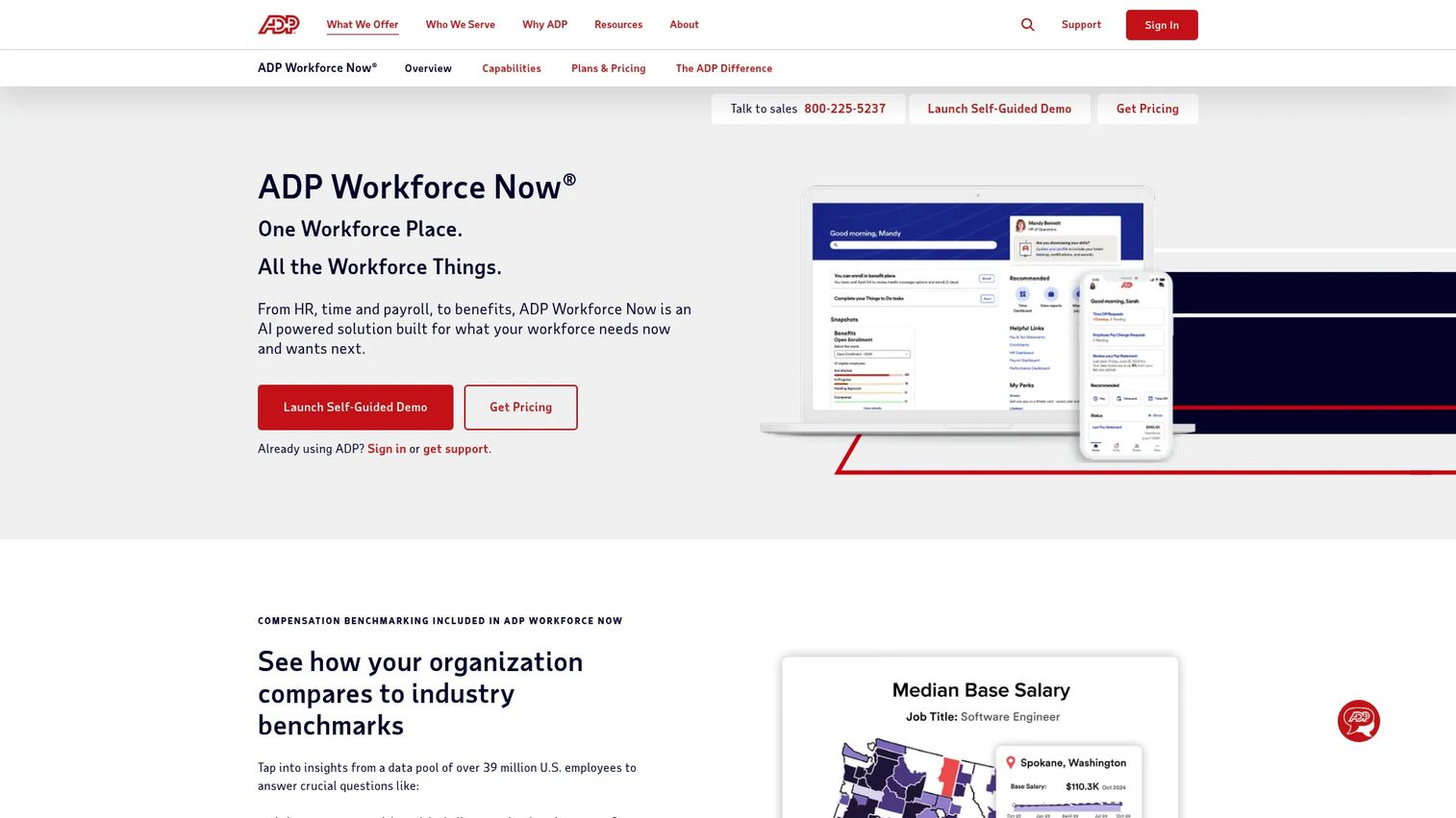
ADP Workforce Now is a cloud-based HR, payroll, time, benefits, and talent management platform for mid-sized businesses. Labor forecasting here lives inside a wider suite, so scheduling, time and attendance, and compliance all share the same employee record. For teams that would rather run forecasting next to payroll than bolt on a separate system, that consolidation is the whole point.
The strength of this approach is data gravity. When your forecast, your schedule, and your time and attendance data live in one place, variance reporting gets easier and payroll follows the actual hours worked without a second sync. That matters for any product owner tired of stitching labor analytics together across disconnected systems.
Best for: Mid-sized organizations that want an all-in-one HR and payroll platform with forecasting and scheduling built in.
Key strengths
- Payroll with anomaly detection: AI-powered gross-to-net calculations flag payroll anomalies in real time.
- Benefits administration: Carrier connections and a mobile-first employee experience keep benefits data current.
- HR management: Onboarding, reporting, employee self-service, and the ADP Assist assistant run on one record.
Why choose ADP Workforce Now: Choose it when forecasting is one job among many and you value a single system of record over a specialized forecasting engine. It fits teams that want workforce management software to also carry payroll, benefits, and HR, reducing the number of tools and handoffs your operation depends on.
ADP Workforce Now pricing: ADP does not publish list pricing. The capabilities pages route you through a "Get pricing" flow tied to your headcount and module mix, so expect a custom quote rather than a public per-seat rate. It holds a 4.2/5 rating on G2.
2. Verint Workforce Management
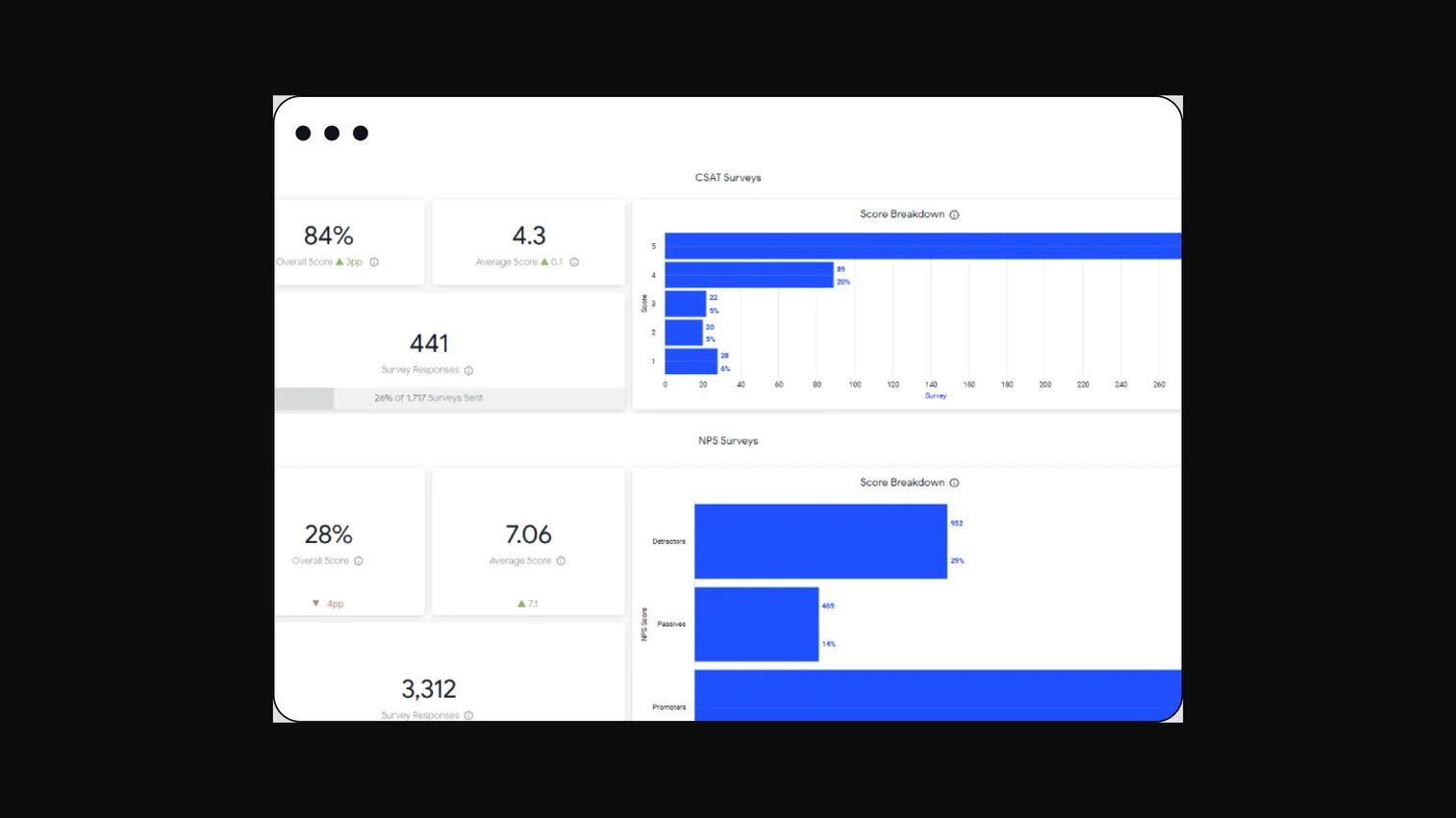
Verint Workforce Management is AI-powered workforce forecasting software built for contact centers and back-office operations. It anchors demand forecasting to service volume, then aligns forecasted demand with staffing so service levels hold without overstaffing the queue. In interval-driven environments where demand shifts by the half hour, that alignment is the core job.
Verint leans into intraday reality. Real-time performance visibility lets team leads adjust as the day unfolds, not just at schedule-publish time. For a contact center where a single staffing miss cascades into abandoned calls, the ability to re-forecast and re-optimize mid-shift is the differentiator.
Best for: Contact centers needing enterprise workforce forecasting and intraday schedule optimization.
Key strengths
- AI-powered forecasting: Demand prediction models built for high-volume, interval-based service work.
- Flexible scheduling: Schedule automation that turns forecasted demand into published shifts.
- Real-time optimization: Intraday visibility and adjustment to protect service levels as demand moves.
Why choose Verint Workforce Management: Choose it when your operation lives and dies by service-level targets and demand arrives in unpredictable intraday waves. It performs best for service-heavy teams that need forecasting, scheduling, and real-time performance management in one enterprise platform rather than a general-purpose scheduler.
Verint Workforce Management pricing: Verint presents a Workforce Management Essentials tier and an Enterprise upgrade, but does not publish price figures. Access is gated behind a sales conversation or demo request. It holds a 4.2/5 rating on G2.
3. Infor Workforce Management
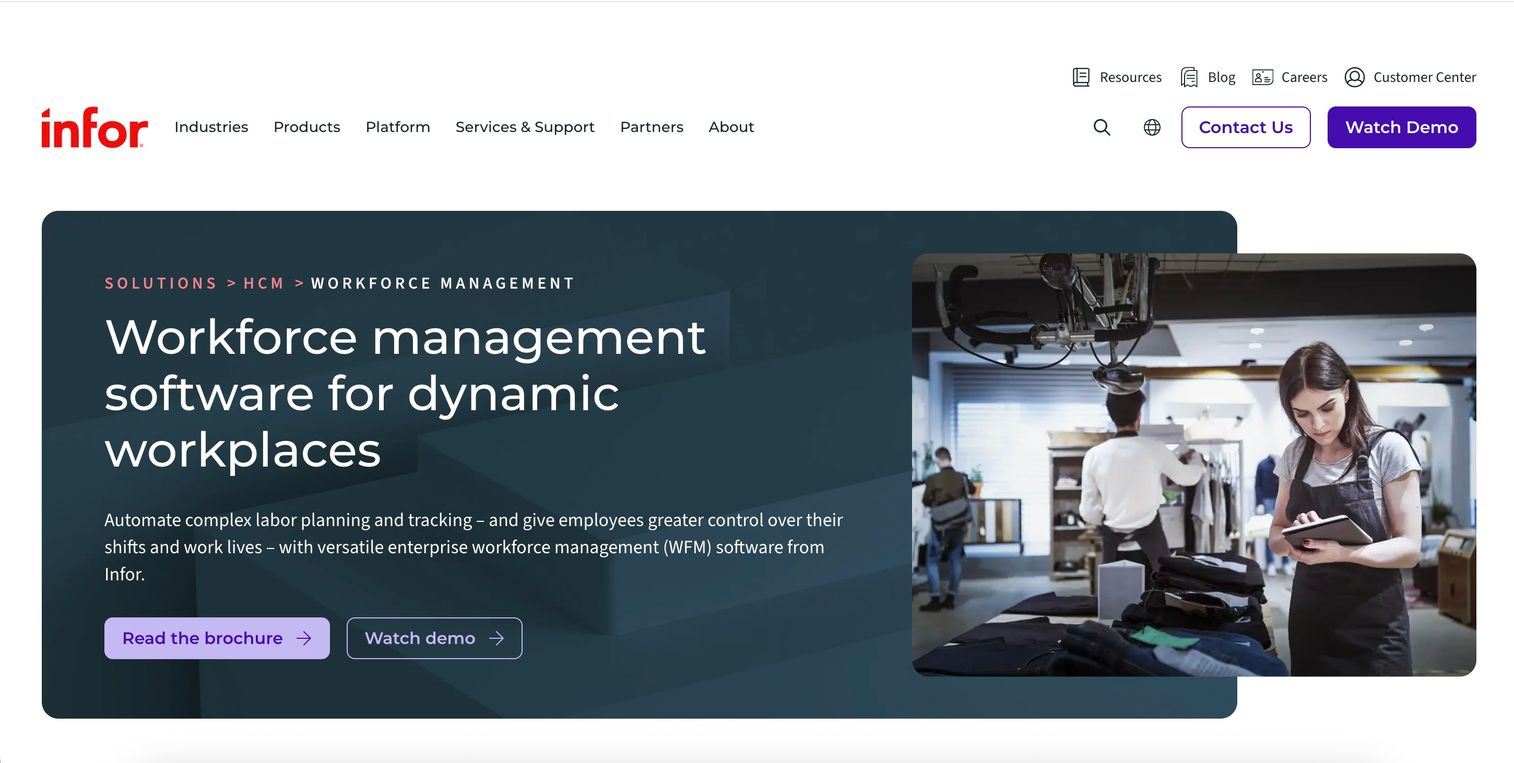
Infor Workforce Management is enterprise workforce management software covering time and attendance, scheduling, forecasting, compliance, and reporting. It is built for large organizations that need labor forecasting as one part of a bigger operational system, with industry-specific configurations rather than a one-size template.
The draw for enterprise buyers is demand-driven scheduling paired with deep compliance handling. Multi-view scheduling, absence management, and labor forecasting sit together, so a schedule reflects both predicted demand and the rules that govern who can work when. For operations with complex labor regulations, that combination reduces the compliance risk that manual scheduling introduces.
Best for: Large enterprises needing industry-specific workforce scheduling, forecasting, and time tracking.
Key strengths
- Labor forecasting and optimization: Demand-driven schedule optimization tied to forecasted labor need.
- Time, attendance, and absence: Multi-view scheduling with absence management on one platform.
- Analytics and self-service: Employee self-service, mobile access, and reporting across the workforce.
Why choose Infor Workforce Management: Choose it when scale and compliance complexity make a lightweight scheduler a liability. It fits enterprises that need labor forecasting embedded inside a governed workforce system, with the reporting and configuration depth that large, multi-site operations demand.
Infor Workforce Management pricing: Infor does not publish pricing on its site; quotes are handled through sales based on scope and deployment. It holds a 3.7/5 rating on G2.
4. TCP Software
TCP Software is workforce management software for employee scheduling, time tracking, attendance, and compliance, with a practical bent toward shift-based teams. It pairs demand-aware scheduling with time and attendance so the forecast-to-schedule-to-actuals loop stays intact for hourly workforces.
The appeal is a clean forecasting-plus-scheduling workflow without enterprise weight. Teams that need to build schedules against expected demand, enforce labor rules, and reconcile against clocked hours get that in one place. Its integrations with ERP, HCM, and payroll systems keep the labor data flowing to where finance and HR need it.
Best for: Organizations needing workforce scheduling and time tracking, especially shift-based teams.
Key strengths
- Employee scheduling: Demand-aware shift building for hourly and rotating teams.
- Time and attendance: Clock-in tracking that reconciles scheduled against actual hours.
- System integrations: Connections to ERP, HCM, and payroll platforms for clean labor data flow.
Why choose TCP Software: Choose it when scheduling and time tracking are the daily job and you want transparent, published per-employee pricing. It suits shift-based operations that need labor scheduling and attendance to work together without an enterprise implementation cycle.
TCP Software pricing: TCP's Humanity Schedule product is employee-based. The Essentials plan starts at $2.75 per employee per month billed annually, Professional runs $3.75 per employee per month billed annually, and Enterprise is a custom quote. All prices are USD. It holds a 4.3/5 rating on G2.
5. Deputy
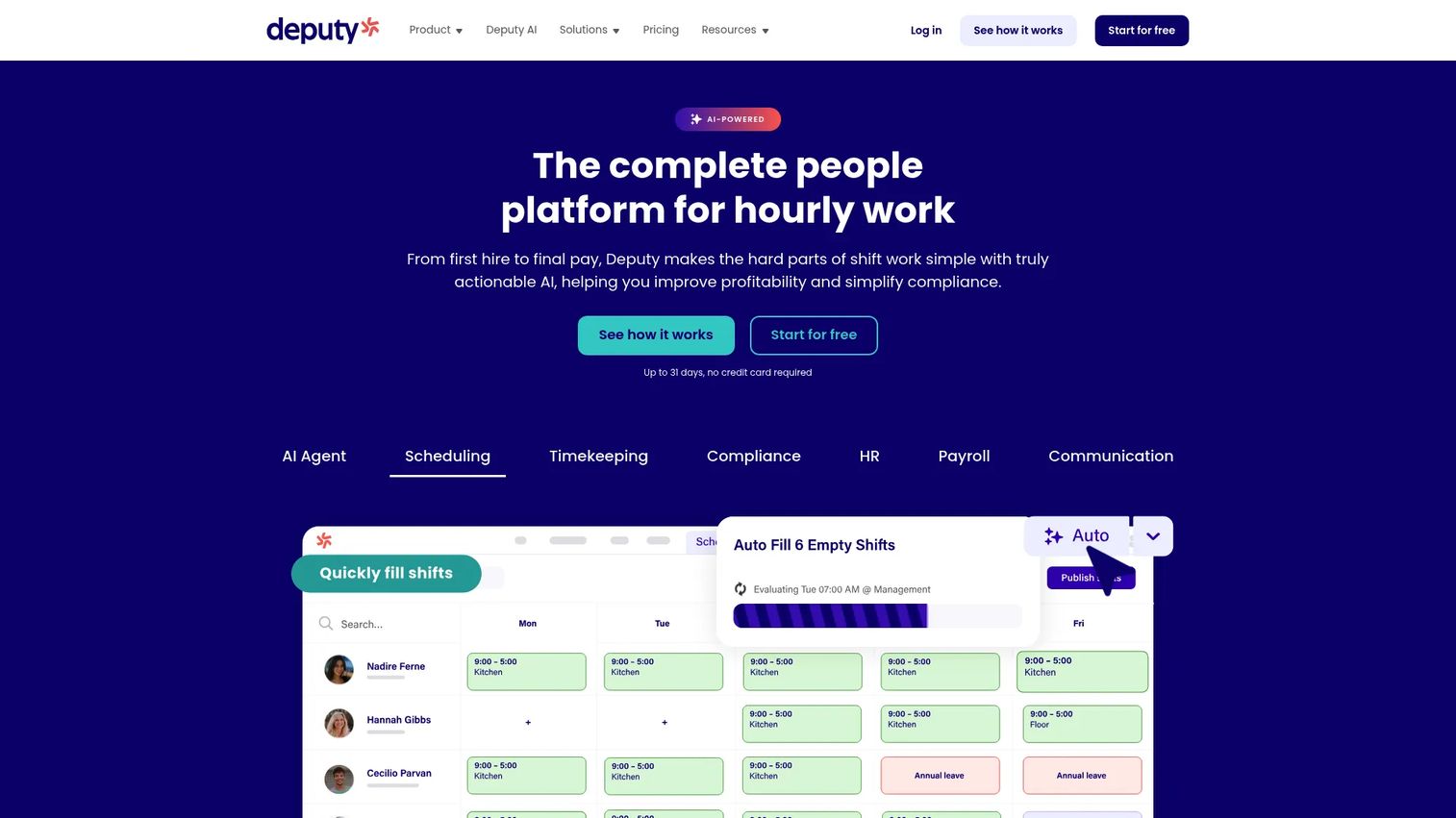
Deputy is workforce management software focused on scheduling, time tracking, compliance, and team operations. It leans scheduling-first, which makes it a strong fit for operators who want demand forecasting to become a published schedule fast, with labor cost visibility baked into the build.
Deputy's dashboards surface labor cost as you schedule, so a manager sees the budget impact of adding coverage before publishing. Combined with labor law compliance handling, that keeps schedules both affordable and defensible. For retail, hospitality, and other shift-heavy environments, the speed from forecast to live schedule is the selling point.
Best for: Businesses needing employee scheduling and time tracking with compliance support.
Key strengths
- Scheduling: Fast schedule building with live labor cost visibility during the process.
- Time and attendance: Clock-in tracking that feeds actuals back against the schedule.
- Compliance: Built-in labor law compliance support to keep schedules defensible.
Why choose Deputy: Choose it when scheduling speed and labor cost control at the point of build matter most. It fits shift-based teams that want demand forecasting to translate into action quickly, with transparent per-user pricing and a low barrier to start.
Deputy pricing: Deputy publishes three plans: Lite at $5 per user per month, Core at $6.50 per user per month, and Pro at $9 per user per month, each billed upfront or in monthly installments, in USD. A free trial is available to test the product before committing.
6. RIVET Platform
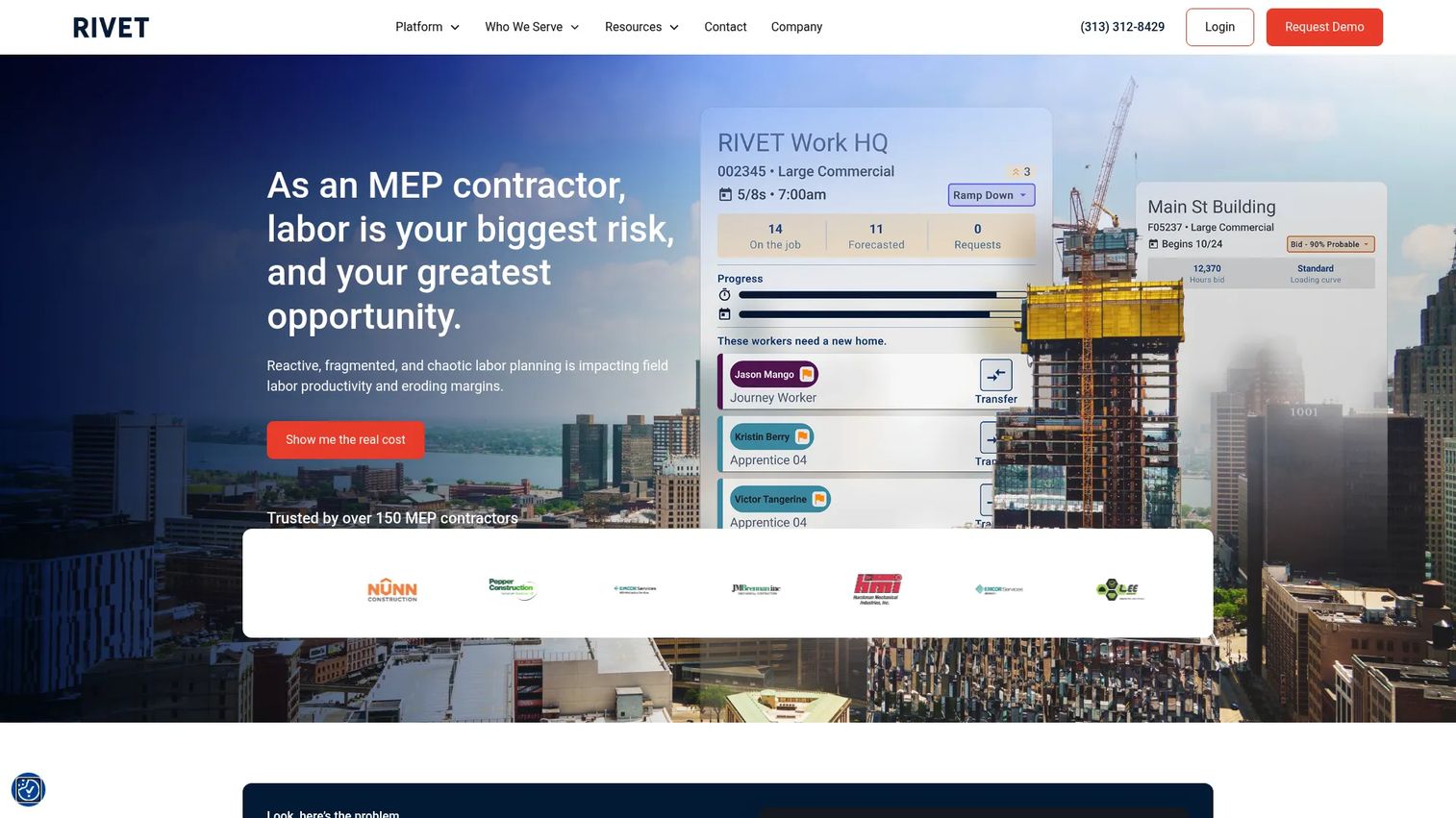
RIVET Platform is workforce management software built for MEP and specialty contractors, focused on labor planning, forecasting, rostering, and scheduling for field crews. Instead of interval-based retail demand, it models labor against project timelines and labor curves, which is a fundamentally different forecasting problem.
RIVET's value is a single source of truth across estimating, operations, and field leadership. When a project's labor curve, the crews available, and the schedule all live in one system, the office and the field stop working from different numbers. For contractors juggling multiple job sites and shifting timelines, that shared visibility is what keeps labor planning honest.
Best for: MEP and specialty contractors managing field labor and workforce planning.
Key strengths
- Forecasting and labor planning: Project-level labor curves that model crew needs over time.
- Rostering and visibility: Workforce visibility across crews and job sites in one view.
- Scheduling: Workforce information management that connects the office and the field.
Why choose RIVET Platform: Choose it when your labor demand is driven by projects and curves, not daily foot traffic. It fits construction and specialty contracting teams that need forecasting, rostering, and scheduling to align across estimating, operations, and field leadership.
RIVET Platform pricing: RIVET does not publish pricing on its site and prompts visitors to request a demo or speak with an expert. Expect a scoped quote based on your workforce size and project volume.
7. BambooHR
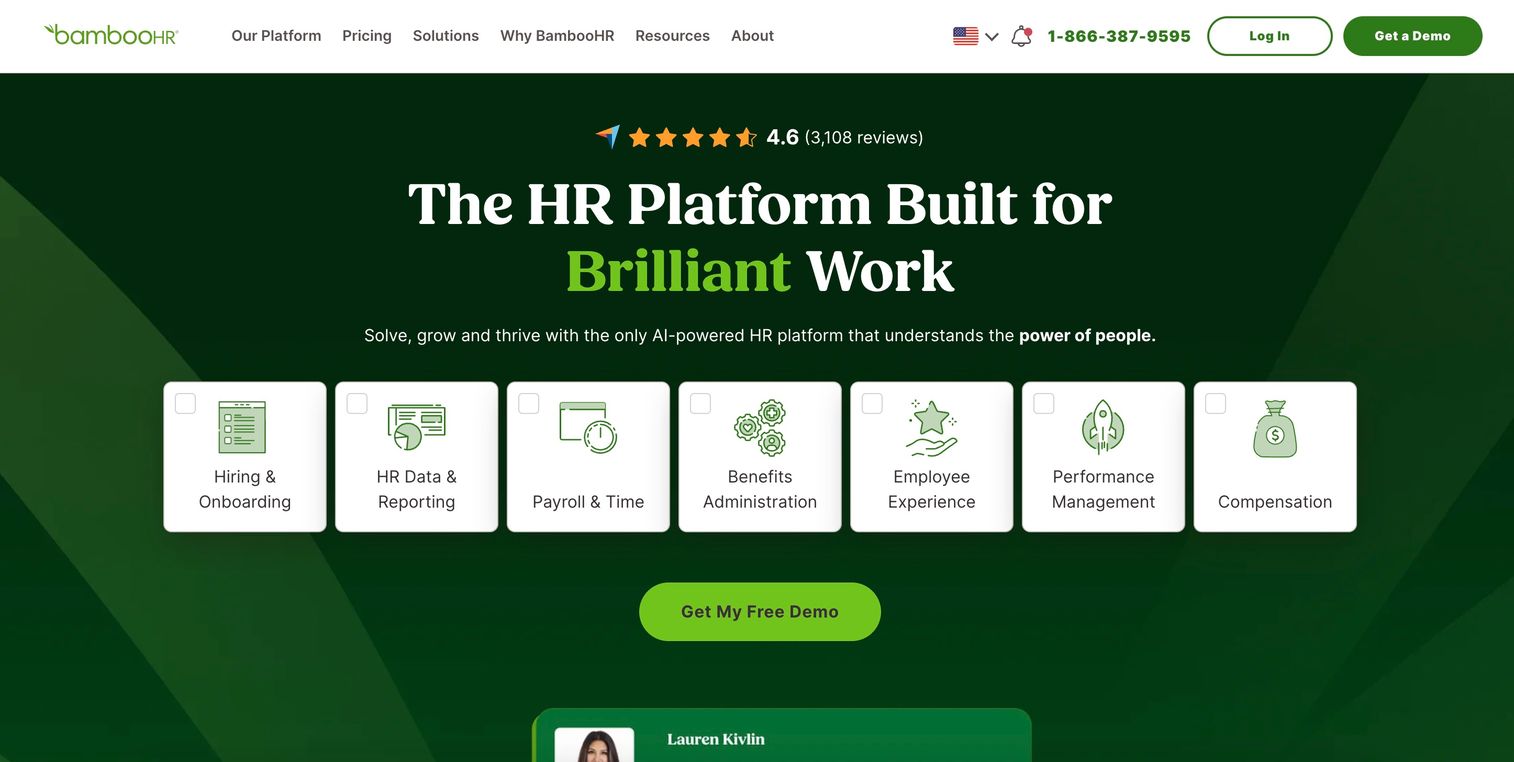
BambooHR is an AI-powered HR platform for employee data, payroll, time, benefits, hiring, performance, and compensation management. It appears in the labor forecasting ecosystem as a broad people operations foundation rather than a dedicated forecasting engine. If your primary need is deep labor demand forecasting, be honest about that: BambooHR is stronger at the HR data layer that surrounds workforce planning than at modeling interval-level staffing demand.
Where it earns its place is as the system of record beneath your workforce decisions. Clean employee data, time tracking, and reporting give any forecasting or scheduling tool a reliable foundation to draw from. With 74% of organizations having adopted cloud-based HR systems in 2025 according to Business Research Insights, a solid HR platform is increasingly the baseline the rest of the stack builds on.
Best for: Small to mid-sized companies wanting an all-in-one HR platform with clear public base pricing.
Key strengths
- HR data and reporting: A centralized employee record with reporting across the workforce.
- Payroll, time, and benefits: Integrated payroll, time tracking, and benefits on one platform.
- Hiring and onboarding: Applicant tracking and onboarding to bring people in cleanly.
Why choose BambooHR: Choose it when your priority is a strong HR foundation with transparent pricing, and you plan to pair it with a dedicated scheduling or forecasting tool. It suits small to mid-sized teams that want people operations solid before layering on deeper labor analytics.
BambooHR pricing: BambooHR publishes per-employee plans for organizations above 25 employees: Core at $10, Pro at $17, and Elite at $25 per employee per month. Companies with 25 or fewer employees pay a flat $250 per month. Automatic volume discounts and add-ons like payroll and time tracking apply. It holds a 4.4/5 rating on G2.
8. LaborIQ
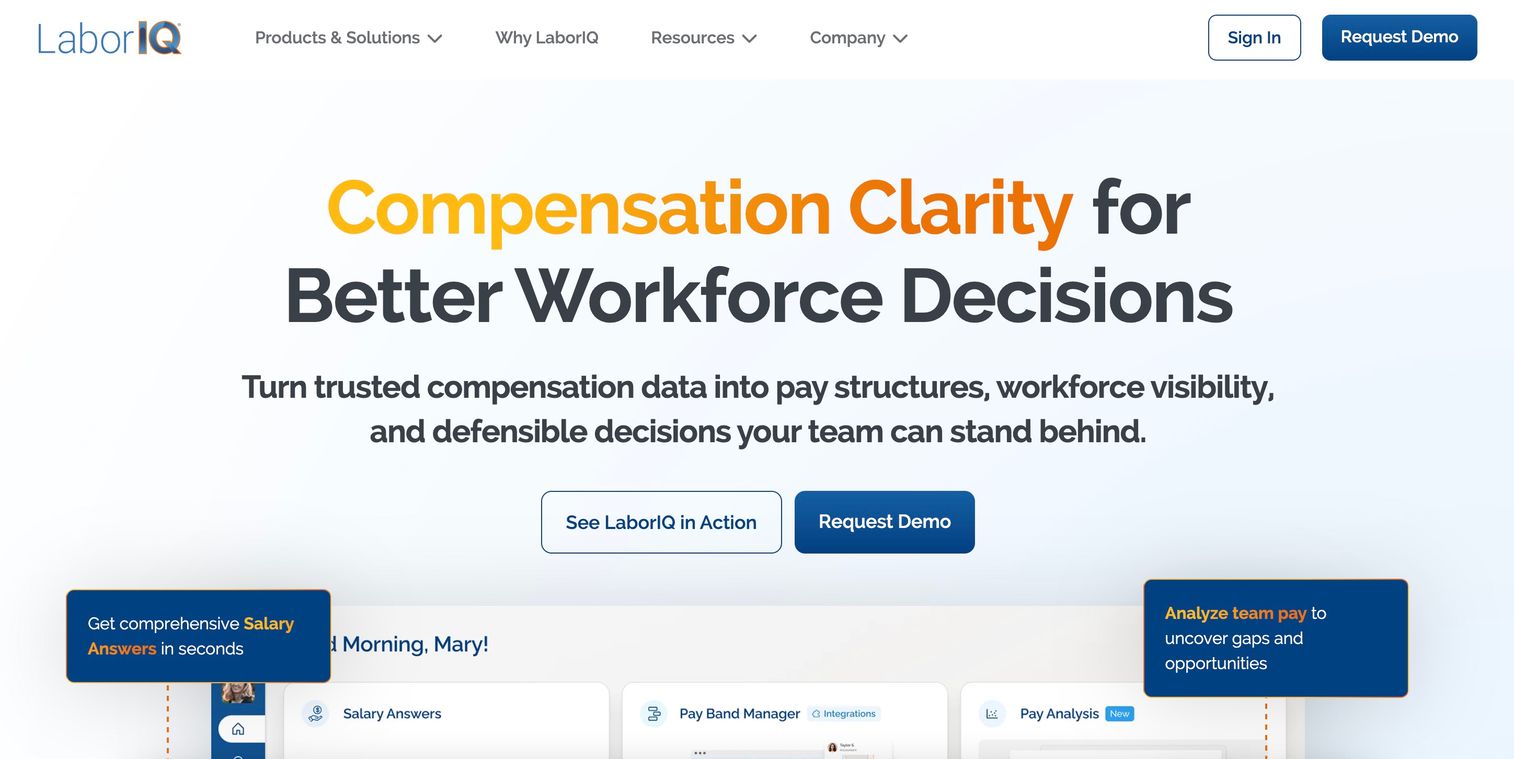
LaborIQ is compensation data and pay band software for HR teams, consultants, and recruiters. It belongs on this list as adjacent intelligence, not as a scheduling engine. Where the other tools forecast how many people you need and when, LaborIQ informs what those roles should pay, which is a different and complementary input to labor decisions.
Its value is grounding compensation and staffing plans in market data. Salary recommendations, pay band creation, and pay analysis help teams budget labor accurately before a schedule is ever built. For a product owner planning headcount, knowing the true market cost of each role sharpens the labor cost side of every forecast.
Best for: Teams needing salary benchmarking and compensation planning tools.
Key strengths
- Salary Answers: Total compensation recommendations and market benchmarking.
- Pay Band Manager: Tools to create and analyze compensation structures.
- Pay Analysis: Evaluation of how current workforce pay aligns to market.
Why choose LaborIQ: Choose it when your labor decisions need reliable compensation intelligence, not a scheduling workflow. It complements a dedicated forecasting or scheduling tool by making the cost assumptions behind every staffing plan defensible.
LaborIQ pricing: LaborIQ does not publish pricing; access is demo-based through a sales conversation. It holds a 4.5/5 rating on G2.
Considerations before you buy
Data sources and forecast accuracy
Check what the tool actually forecasts from. A model that only reads historical data will miss demand shocks from weather, promotions, or events. Ask how the vendor measures forecast accuracy and whether that variance is exposed to you, not buried. If you cannot see the gap between predicted and actual demand, you cannot improve it.
Scheduling handoff
Confirm the forecast becomes a schedule inside the same system, or integrates cleanly with the scheduler you already run. A forecast that requires manual re-entry into a separate tool loses accuracy at the handoff and adds operational overhead. The tools that turn a staffing forecast into a published schedule with your labor rules applied are worth a premium.
Integrations and data ownership
Map the tool against your existing payroll, time and attendance, HCM, and analytics stack before you commit. Broken integrations create duplicate data entry and reconciliation work that erodes any labor savings. Confirm you can export your own labor analytics rather than being locked into the vendor's dashboards.
Industry fit
A retail interval forecaster and a construction labor-curve planner solve different problems. Match the tool to your operational context: contact center, retail, healthcare, hospitality, or specialty contracting. A mismatch here is the most expensive kind, because it surfaces only after implementation.
ROI and employee experience
Tie the purchase to measurable outcomes: labor cost as a percentage of revenue, reduced overstaffing hours, fewer last-minute schedule changes, and lower turnover. The best labor forecasting software improves the operational KPIs and the employee experience at the same time, and you should be able to instrument both before signing.
Conclusion
The right pick depends on your operational need, not the length of the feature list. If you want forecasting to live inside a full HR and payroll suite, ADP Workforce Now consolidates the most under one roof for mid-sized teams. For contact centers where service levels hinge on intraday accuracy, Verint Workforce Management is built for exactly that. Large, compliance-heavy enterprises should shortlist Infor Workforce Management for its industry-specific depth.
If scheduling speed is the job, Deputy and TCP Software both turn demand into published schedules fast, with transparent per-seat pricing that lets you start small. Construction and specialty contracting teams should look at RIVET Platform for project-level labor planning. And if you need the intelligence layer around labor decisions, BambooHR grounds your people data while LaborIQ grounds your compensation assumptions.
The next step is simple: identify your operational context first, then evaluate the two or three tools that fit it against real data. Demo them with your own historical numbers, and insist on seeing forecast variance, not just a polished dashboard. The tool that survives that test is the one that will actually change who works when.
FAQs
Labor forecasting software predicts how many employees a business will need across future time periods, then helps convert that prediction into schedules. It models demand from historical data and external signals, applies labor standards, and recommends staffing levels by role and interval. The strongest tools close the loop by carrying forecasts into scheduling and reporting variance afterward.
It models when demand actually arrives, often down to the half hour, so you schedule coverage against real traffic rather than a flat assumption. That prevents paying for idle hours during slow periods and short-staffing during peaks. Over time, variance tracking tightens the forecast, so labor cost as a percentage of revenue trends down without hurting service.
Most tools combine historical demand data (sales, transactions, ticket volume, foot traffic) with external signals like weather, promotions, seasonality, and events. They then apply labor standards, such as sales per labor hour or coverage ratios, to convert demand into headcount. Cleaner inputs and more relevant external signals produce more accurate staffing forecasts.
Workforce management software is the broad category covering scheduling, time and attendance, absence management, compliance, and analytics. Labor forecasting is one function inside it, focused specifically on predicting labor demand. A full workforce management suite usually includes forecasting, while a dedicated forecasting tool concentrates on the demand-to-staffing prediction.
Any operation with variable demand and hourly staffing gains the most: retail, contact centers, healthcare, hospitality, and warehousing. Construction and specialty contracting benefit from project-based labor planning rather than interval forecasting. The common thread is that a staffing miss carries a clear cost, either in idle labor or in lost service.
Accuracy depends on the quality of your historical data, the external signals the model ingests, and how consistently you track variance. Tools that expose the gap between predicted and actual demand let you improve accuracy over time. Treat any forecast as a strong starting point that gets sharper as the model learns your patterns, not a fixed guarantee.
Prioritize forecasting depth, a clean handoff from forecast to schedule, integrations with your payroll and time systems, and industry fit. Confirm you can see and export your own labor analytics, including forecast variance. Match the tool to your operational context, because a retail forecaster and a construction labor planner solve genuinely different problems.
Yes. Many labor forecasting tools include scheduling natively, and most others integrate with dedicated schedulers, payroll, and HCM systems. The key is a clean handoff, so a forecast becomes a published schedule with your labor rules applied and no manual re-entry. Verify those integrations against your existing stack before you buy.