You shipped a small UI change on Tuesday. By Wednesday, 40 tests were red. None of them caught a real bug. The selectors just drifted, and now someone on your team is spending the afternoon rewriting locators instead of building the roadmap.
That is the quiet tax of UI testing. Not the tests that fail for good reasons, but the ones that break because a button moved 12 pixels or a class name changed. Flaky tests train teams to ignore failures, and ignored failures are how regressions reach production.
The market reflects how seriously teams take this now. The automation testing market is projected to grow from USD 40.6 billion in 2026 to USD 132.5 billion by 2035, a 14% CAGR, according to Global Market Insights. In 2024, 78% of enterprises had adopted automated testing, per SNS Insider, and over 90% are expected to integrate continuous testing into their DevOps pipelines by 2025. UI testing tools sit at the center of that shift.
For product teams, the real question is not "which tool writes tests fastest." It is "which tool keeps the release cadence intact without adding a maintenance burden nobody owns." That means weighing stability, coverage across browsers and devices, authoring speed, framework compatibility, and visual validation together. If you are also mapping the wider stack, our roundups of A/B testing tools and marketing automation software cover adjacent decisions the same team usually faces.
What's inside
This guide is for product managers, QA leaders, and engineering teams choosing user interface testing tools that hold up across frequent releases. We picked eight platforms based on four criteria that matter to product teams: test stability and self-healing, framework compatibility with Playwright, Selenium, Cypress, and Appium, visual validation depth, and how easily non-technical teammates can adopt the tool. Each entry covers what it does well, who it fits, key strengths, and verified pricing where the vendor publishes it. Ratings come from live G2 listings.
TL;DR
- Best for enterprise natural-language authoring: Virtuoso QA turns plain-English steps into automated UI testing with self-healing object identification.
- Best for visual regression testing: Applitools uses visual AI to catch pixel-level UI changes across browsers and viewports.
- Best for codeless testing: testRigor lets teams write and maintain tests in plain English, cutting selector management.
- Best for low-code teams already scaling QA: Mabl combines AI-assisted authoring with cloud execution and quality insights.
- Best for enterprise governance: ACCELQ offers codeless automation with strong process standardization.
- Best for multi-platform coverage: TestComplete automates desktop, web, and mobile UIs in one place.
What UI testing tools are
UI testing tools are software platforms that validate a product's user interface by simulating real user actions (clicks, typing, navigation) and checking that the interface behaves and appears correctly across browsers, devices, and releases.
They span three overlapping jobs that people often conflate:
- UI automation: Scripting or recording user actions to run functional checks automatically, replacing manual click-throughs before every release.
- Visual regression testing: Comparing rendered screenshots against a baseline to catch layout shifts, broken styles, and pixel-level changes that functional tests miss.
- Framework-based execution: Running tests through engines like Playwright, Selenium, Cypress, or Appium, either directly or through a platform that layers authoring and reporting on top.
Core capabilities to look for:
- Self-healing locators that adapt when the DOM changes, so tests survive routine UI edits.
- Cross-browser testing across Chrome, Firefox, Safari, and Edge, plus mobile viewports.
- Visual validation to catch rendering regressions alongside functional failures.
- Codeless or plain-English authoring so QA analysts and product folks can contribute tests.
- CI/CD integration so UI testing runs on every commit or pull request.
- Reporting and diagnostics that make a failure explain itself, not just turn red.
The strongest platforms in 2026 lean on AI for authoring, self-healing, and root-cause analysis. That is where most of the maintenance savings come from.
What product teams should look for in UI testing tools
Feature lists blur together fast. These four criteria separate a tool that protects your release cadence from one that quietly adds work.
Stability and self-healing
The single biggest cost of UI testing is not writing tests. It is fixing them after every unrelated change. Tools with self-healing locators re-identify elements when the DOM shifts, so a renamed CSS class does not cascade into dozens of red builds. Evaluate how the tool identifies elements, whether it uses multiple attributes rather than a single brittle selector, and how it reports a heal versus a genuine failure. A tool that silently "heals" a real bug is worse than one that fails loudly.
Framework compatibility
Your team already has a stack. Some tools run on top of Selenium, some wrap Playwright, and some use a proprietary engine. If your engineers live in Cypress or Playwright, a platform that exports or integrates cleanly matters more than one that forces a rewrite. Check whether tests are portable, whether the tool locks you into a runner, and how it fits your existing CI pipeline. Framework lock-in is a real switching cost most buyers underestimate.
Visual validation depth
Functional tests confirm a button works. They rarely confirm it looks right. Visual testing tools capture rendered output and compare it against a baseline, catching layout breaks, font issues, and overlap that pass every functional assertion. Look at how the tool handles dynamic content, anti-aliasing noise, and responsive breakpoints. A visual engine that flags every minor rendering difference creates its own flaky-test problem, so smart diffing matters as much as raw capture.
Collaboration and reporting
Tests are only useful if the team acts on them. Reporting should make a failure diagnosable in seconds: what broke, where, on which browser, with a screenshot or trace. For product teams, dashboards that show coverage and trends over time turn testing from a black box into a signal you can bring to release planning. Bonus points for authoring that non-engineers can read and edit, since that widens ownership beyond the QA bottleneck.
When to use UI testing tools
Stabilize flaky regression suites
If your team spends more time triaging red builds than shipping, selector drift is usually the culprit. A brittle suite full of hard-coded XPaths breaks on every layout tweak, and engineers start rerunning tests until they pass, which defeats the point. This is the moment to move to a tool with self-healing and smart element detection. Regression testing should give you confidence, not a queue of false alarms to clear before merge.
Expand coverage across browsers and devices
Customers do not all use Chrome on a 1440px monitor. If your product has meaningful Safari, Firefox, mobile, or tablet usage, coverage gaps are where visual and functional bugs hide. Cross-browser testing across a device grid catches the rendering issue that only appears on iOS Safari before a customer files it. This matters most for customer-facing products where a broken checkout on one browser is direct revenue loss.
Reduce manual verification before releases
Manual regression passes do not scale with release frequency. If your team ships weekly or daily, someone clicking through the same 30 flows by hand is a bottleneck and a morale drain. Automated UI testing runs those checks on every commit, so the team validates faster and reserves human attention for exploratory testing and edge cases. That is how UI automation protects release cadence instead of slowing it.
Comparison table
Here is how the eight UI testing tools compare on intent, differentiation, pricing, and G2 rating. Pricing reflects publicly available information at the time of writing.
| # | Product | Intent | Key differentiation | Pricing | G2 rating |
|---|---|---|---|---|---|
| 1 | Virtuoso QA | Enterprise natural-language automated UI testing | Plain-English authoring with self-healing object ID | Subscription, quote-based | 4.5/5 |
| 2 | Applitools | Visual and functional test automation | Visual AI for cross-browser regression | Contact for pricing | 4.4/5 |
| 3 | testRigor | Codeless plain-English end-to-end testing | Low-maintenance tests across web, mobile, desktop | Sales-led | 4.7/5 |
| 4 | Mabl | Low-code AI-native automation | Web, mobile, API, accessibility, and performance | Quote-based, 14-day trial | 4.4/5 |
| 5 | ACCELQ | Codeless enterprise automation | No-code logic editor with autonomous self-healing | Free tier plus custom | 4.8/5 |
| 6 | Tricentis Testim | AI-assisted web, mobile, Salesforce testing | Agentic automation with smart locators | Custom, free trial | 4.5/5 |
| 7 | Katalon | Unified manual and automated QA platform | One platform across web, mobile, API, desktop | From $700/seat/year | 4.4/5 |
| 8 | TestComplete | Desktop, web, and mobile UI automation | Audit-ready coverage for regulated environments | Contact for pricing, 14-day trial | 4.2/5 |
1. Virtuoso QA
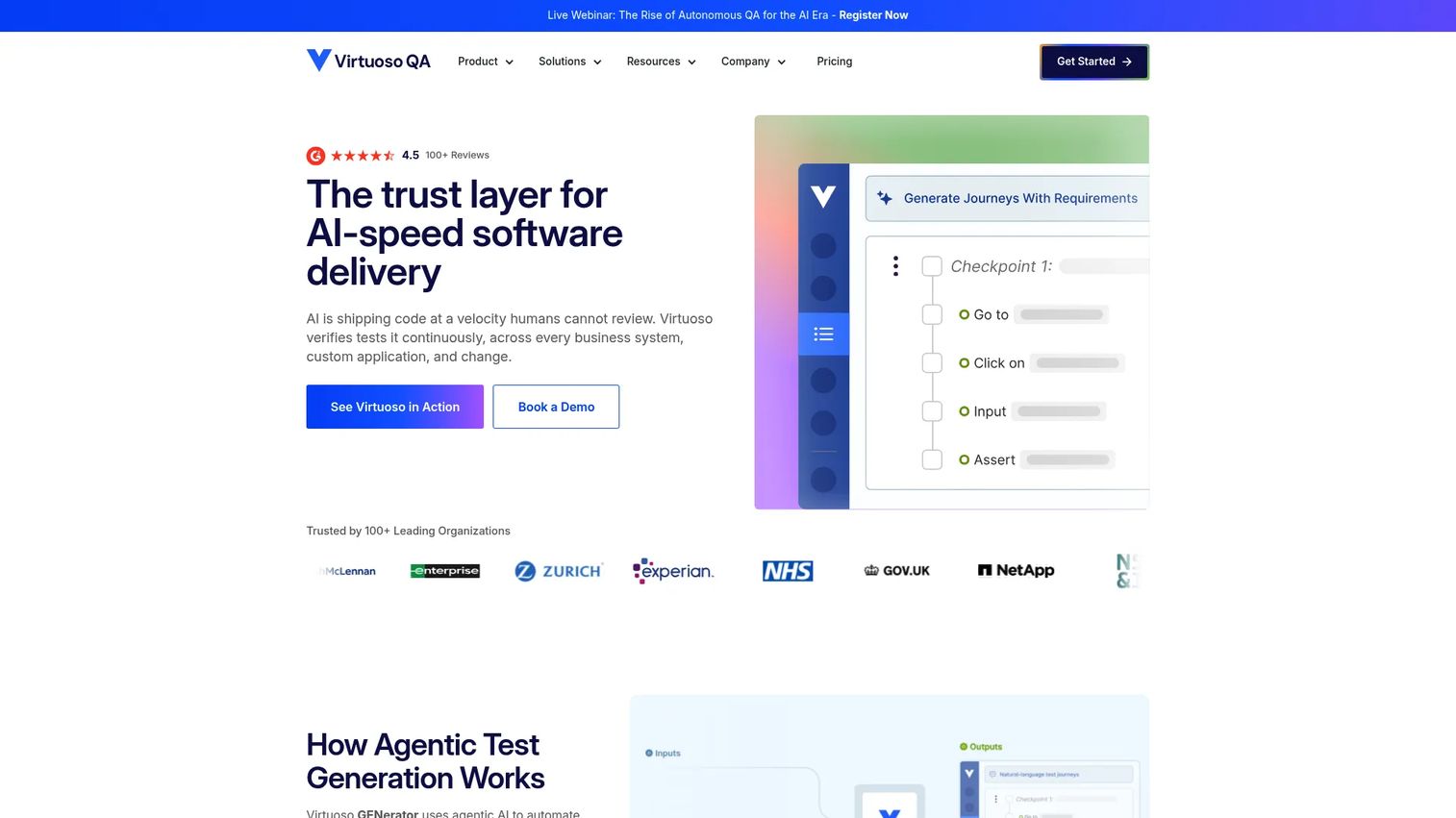
Virtuoso QA is an AI-native test automation platform built for enterprise web applications. It lets teams author end-to-end UI tests in natural language, then handles element identification and healing automatically so tests survive routine UI changes. Execution runs across browsers in the cloud, which suits large teams standardizing browser-based testing rather than maintaining local runners.
Best for: Enterprise teams automating browser-based end-to-end testing at scale without heavy scripting.
Key strengths
- Natural-language authoring: Write test steps in plain English, so QA analysts and product teammates contribute without learning a scripting language.
- Self-healing object identification: Intelligent element detection re-locates components when the DOM shifts, cutting maintenance on flaky tests.
- Cross-browser cloud execution: Run suites across browsers in the cloud without provisioning and maintaining your own grid.
Why choose Virtuoso QA: If your bottleneck is engineering time spent writing and repairing tests, natural-language authoring plus self-healing moves that work off the critical path. It fits organizations that want broad test ownership across QA and product roles, and that value stability over granular control of the underlying framework.
Virtuoso QA pricing: Pricing is subscription-based, structured around authoring users plus execution capacity, across Consumption, Capacity, and Enterprise tiers. The vendor does not publish a numeric starting price and prompts teams to request a quote. A two-week free trial or proof-of-value option is available. Virtuoso QA holds a 4.5/5 rating on G2.
2. Applitools
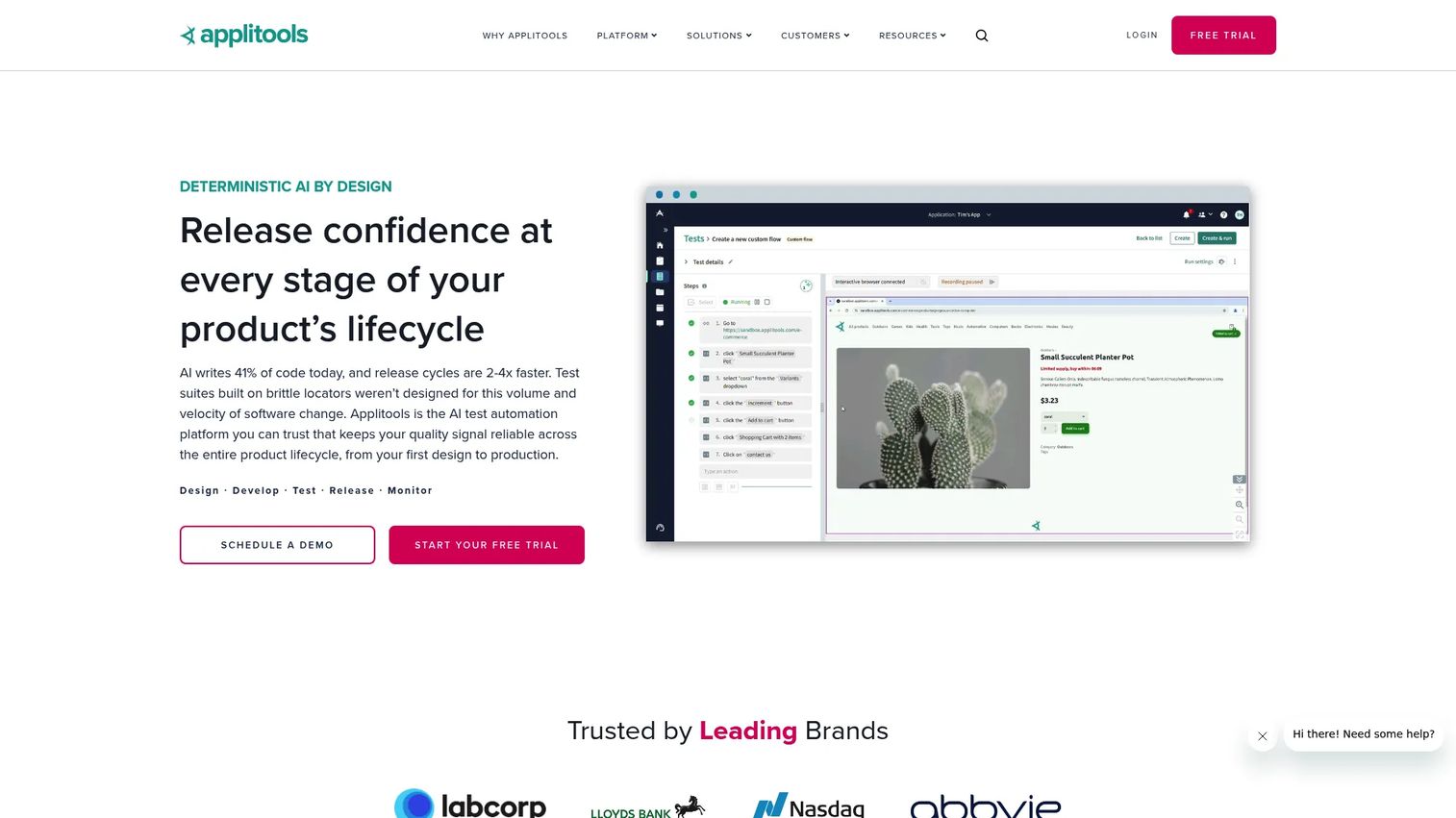
Applitools is an AI-augmented platform focused on visual, functional, accessibility, API, and cross-browser testing. Its Visual AI compares rendered screens against a baseline and flags meaningful differences while ignoring anti-aliasing noise, which is what separates useful visual regression testing from a wall of false positives. It layers onto existing frameworks rather than replacing them.
Best for: Teams that need AI-assisted visual and functional test automation at scale, especially where pixel-level UI consistency is a priority.
Key strengths
- Applitools Eyes: Visual and functional testing that catches layout, style, and rendering regressions functional assertions miss.
- Autonomous test creation: AI-augmented recording and natural-language authoring reduce the effort of building new coverage.
- Ultrafast Grid: Parallel cross-browser execution renders your UI across many browser and viewport combinations quickly.
Why choose Applitools: Choose it when visual correctness is a first-class requirement, not an afterthought. It pairs well with an existing Playwright, Selenium, or Cypress suite, adding a visual layer on top of your functional tests rather than forcing a migration. That makes it a strong fit for teams protecting brand-critical, design-heavy interfaces.
Applitools pricing: Pricing is based on Test Units, and the public platform pricing page lists "Contact Us" for its Ultrafast Test Cloud and Eyes products rather than a public starting price. A free tier is available. Applitools carries a 4.4/5 rating on G2.
3. testRigor
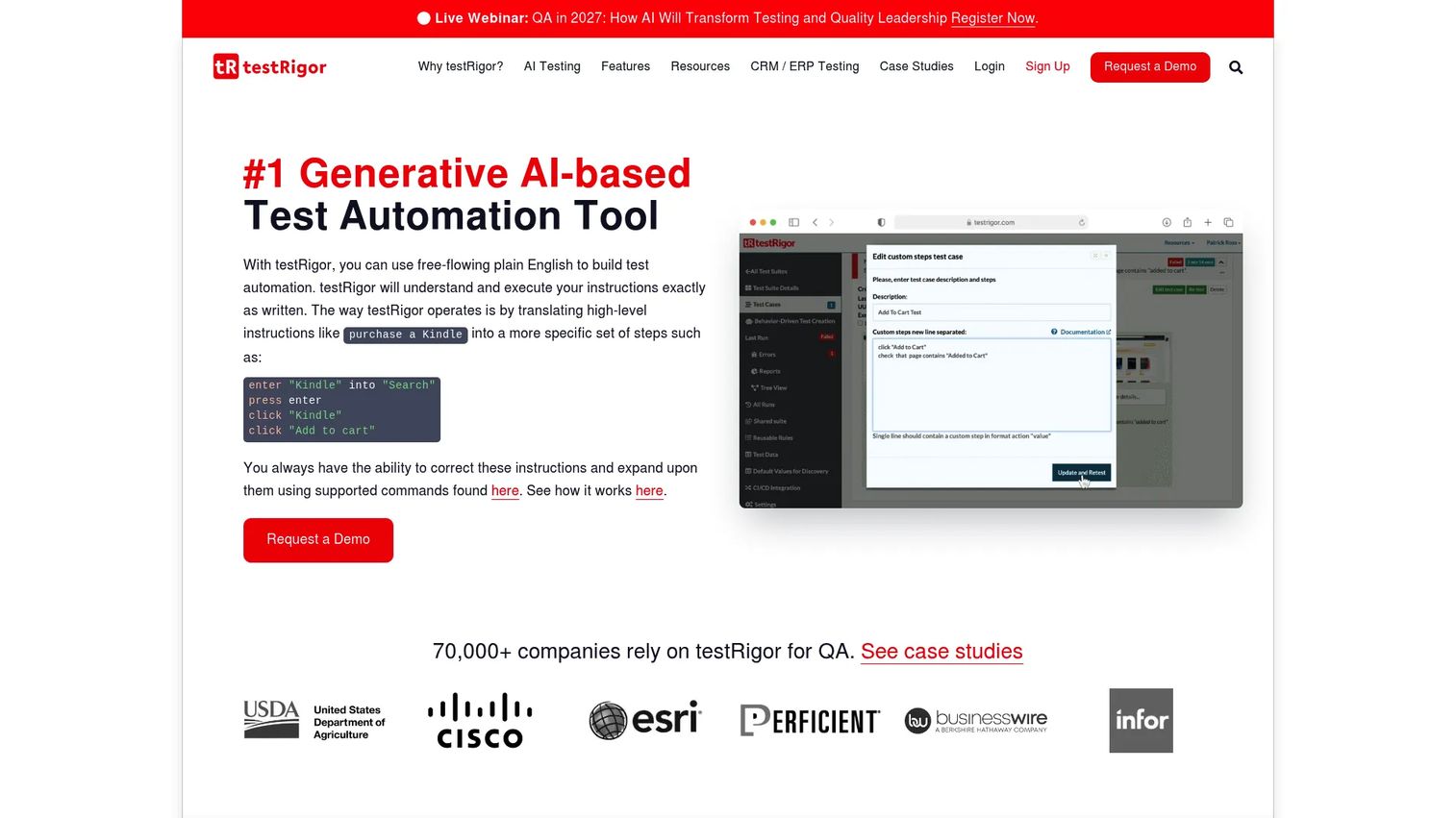
testRigor is an AI-based platform that creates and maintains end-to-end tests written in plain English. Because tests describe behavior from the end-user's perspective rather than referencing specific selectors, they tend to survive UI changes that would break locator-based suites. It covers web, mobile, desktop, API, email, SMS, and even mainframe testing from one authoring model.
Best for: Teams that want codeless, low-maintenance end-to-end test automation across multiple platforms.
Key strengths
- Plain-English test creation: Describe tests in natural language, so non-engineers author and maintain coverage directly.
- Broad platform coverage: Web, mobile, desktop, API, email, SMS, and mainframe testing under a single approach.
- Generative AI test generation: AI drafts and maintains tests, reducing the selector management that drives flaky tests.
Why choose testRigor: If selector maintenance is eating your team's time, testRigor's behavior-based authoring sidesteps most of it. The plain-English model widens ownership beyond engineering, which helps product and QA teams share the testing load. It fits organizations prioritizing maintenance reduction and fast adoption over deep control of the execution layer.
testRigor pricing: testRigor uses a licensing model based on parallelizations and AI agents, and its first-party pages direct teams to contact sales for current pricing rather than listing a public number. testRigor holds a 4.7/5 rating on G2, among the highest on this list.
4. Mabl
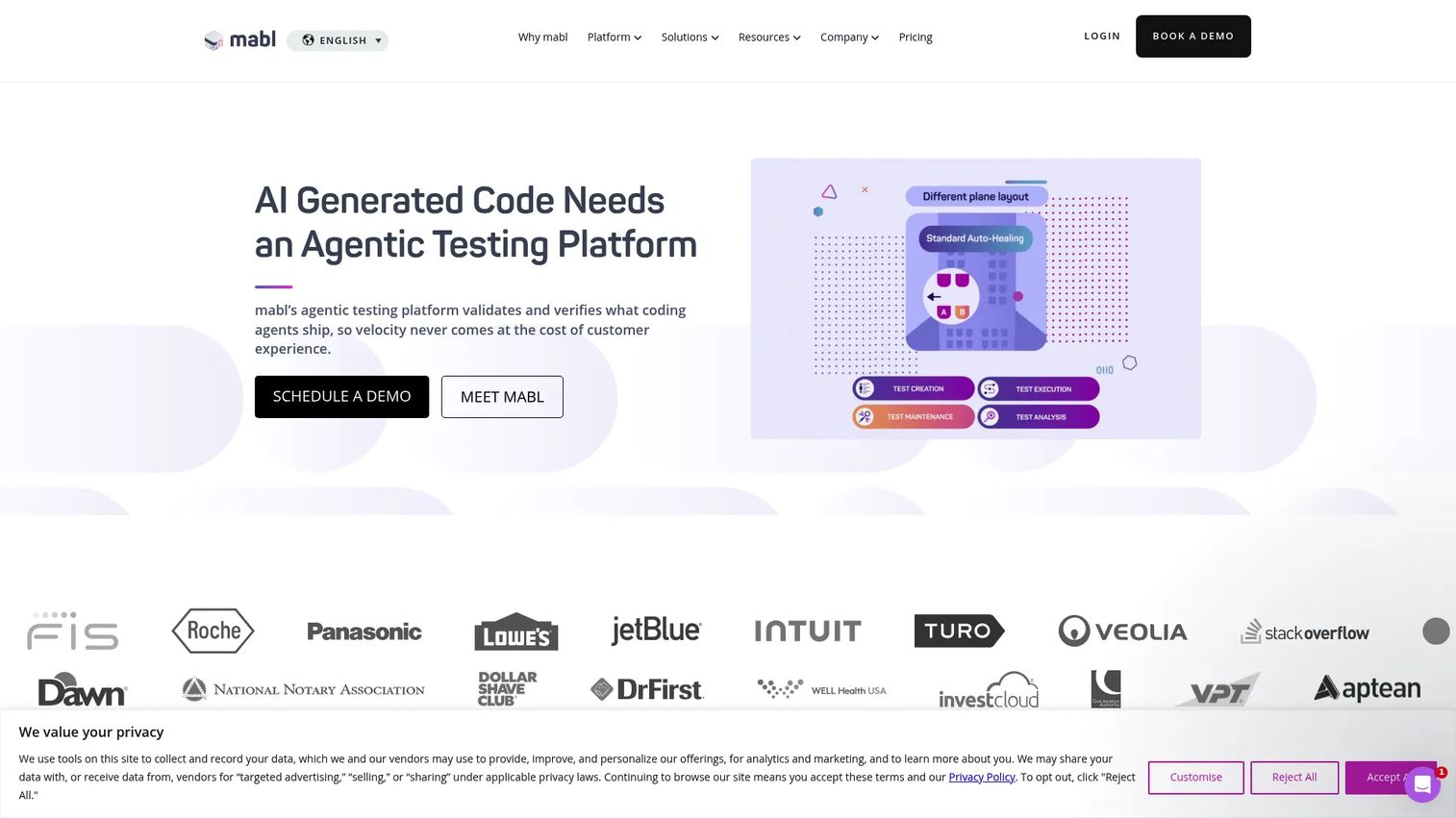
Mabl is an AI-native test automation platform covering web, mobile, API, accessibility, and performance testing. Its auto-healing and diagnostics reduce the upkeep of a growing suite, and cloud execution means teams do not manage their own infrastructure. The quality insights it surfaces help product teams see coverage and trends rather than just pass or fail counts.
Best for: Teams that want low-code automated testing across web, mobile, API, accessibility, and performance in one platform.
Key strengths
- Auto-healing and diagnostics: Tests adapt to UI changes, and diagnostics explain why a test failed instead of just flagging it.
- Broad testing scope: Web, mobile, API, accessibility, and performance coverage from a single tool.
- Quality insights: Analytics on test health and coverage that translate testing into signals product teams can act on.
Why choose Mabl: Mabl fits teams that want to scale automation without deep scripting overhead, but still care about diagnostics and reporting depth. The low-code model keeps authoring accessible, while the analytics layer gives leaders visibility into release quality over time. It is a solid pick when you want one tool spanning several testing types rather than stitching together separate specialists.
Mabl pricing: Pricing is customized and quote-based; the pricing page prompts teams to request a quote. Mabl offers a 14-day free trial and references a starting point of 500 credits per month for cloud test runs. Mabl holds a 4.4/5 rating on G2.
5. ACCELQ
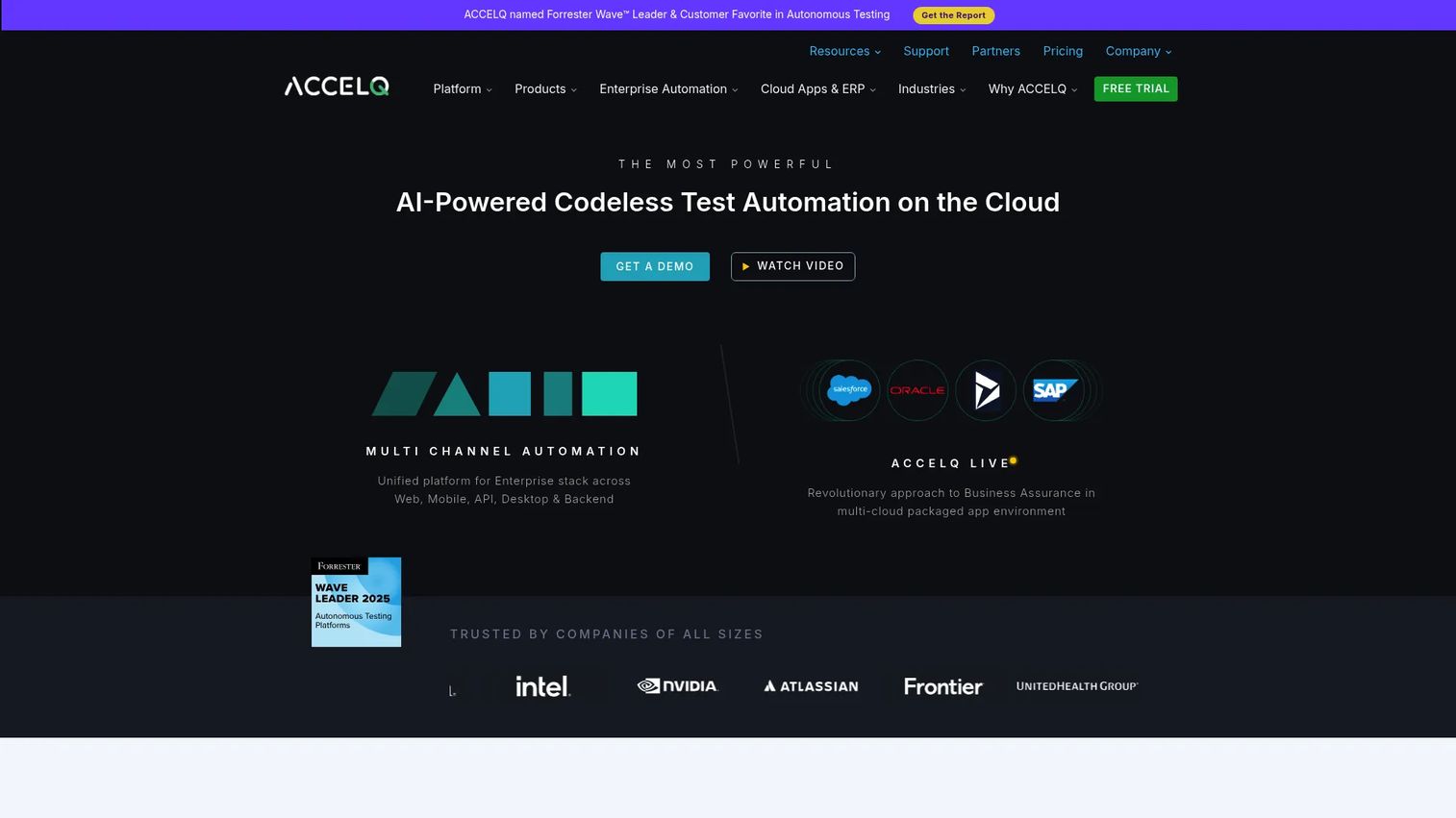
ACCELQ is an AI-powered codeless test automation and test management platform. Its no-code logic editor and Business Process Scenario Builder let teams model complex enterprise workflows without scripting, and autonomous self-healing keeps those flows stable as the application evolves. It combines automation and test management, which appeals to larger teams standardizing process across groups.
Best for: Teams wanting codeless web, mobile, API, and manual test automation in one governed platform.
Key strengths
- No-code logic editor: Build test logic visually, so process standardization does not depend on scripting skill.
- Business Process Scenario Builder: Model end-to-end enterprise workflows that span multiple systems and screens.
- Autonomous self-healing: Tests repair themselves as the UI changes, protecting stability across frequent releases.
Why choose ACCELQ: ACCELQ suits enterprises that need operational consistency and cross-team adoption more than granular framework control. The combined automation and management layer gives QA leaders a single place to govern coverage, which matters when many teams contribute tests. It is built for standardization at scale rather than a single squad's quick wins.
ACCELQ pricing: The public pricing page lists an Individuals plan that is free for life, a Teams plan with a free trial, and an Enterprise plan on a contact basis, without displaying numeric prices for the paid tiers. ACCELQ carries a 4.8/5 rating on G2, the highest on this list.
6. Tricentis Testim
Tricentis Testim is an AI-powered test automation tool for Salesforce, web, and mobile applications. Its smart locators identify elements using multiple attributes, so tests stay stable when the UI shifts, and its root cause analysis speeds up diagnosing failures. The move toward agentic test automation positions it for teams that want AI to shoulder more of the authoring and maintenance load.
Best for: Teams that need low-code, AI-assisted web, mobile, and Salesforce test automation.
Key strengths
- Agentic test automation: AI takes on more of the authoring and maintenance work as tests scale.
- AI-powered smart locators: Elements are identified by multiple attributes, reducing breakage from selector drift.
- Root cause analysis: Failures come with diagnostics that shorten the time from red build to fix.
Why choose Tricentis Testim: If your team maintains fast-changing UIs and wants to spend less time repairing tests, the smart-locator approach and root cause analysis are the draw. Salesforce coverage makes it especially relevant for teams testing that ecosystem alongside their web and mobile apps. It rewards teams that want speed to author and maintain over low-level control.
Tricentis Testim pricing: Pricing is customized and not publicly listed; the vendor offers a free trial and a get-started-free option. Tricentis Testim holds a 4.5/5 rating on G2.
7. Katalon
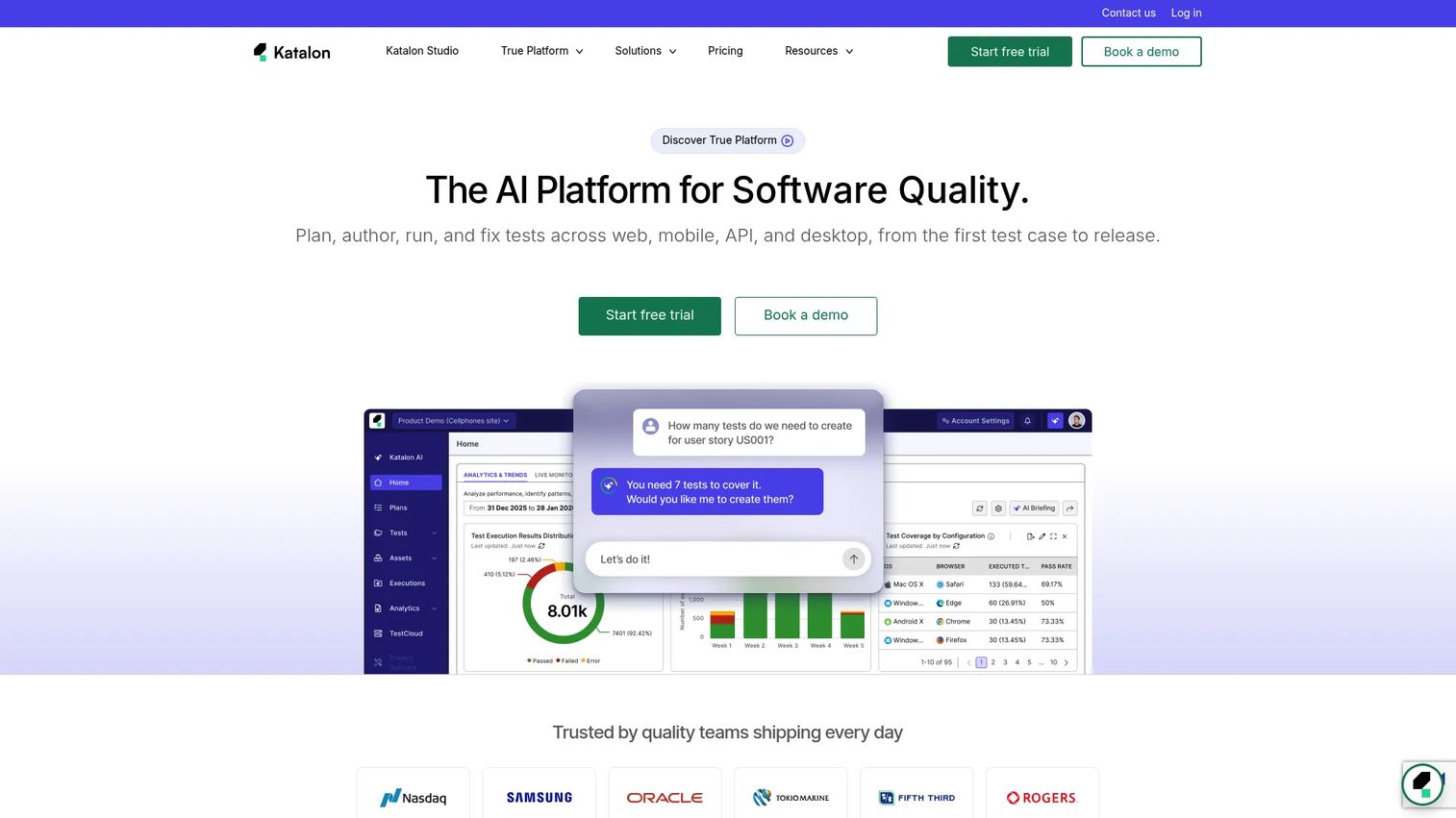
Katalon is an AI-powered software quality platform covering test management, execution, reporting, and production insights across web, mobile, API, and desktop. It supports both manual and automated testing, and its blend of low-code and scripting appeals to teams with mixed technical skill. That versatility is why many teams adopt it as a single platform across several testing needs.
Best for: QA teams that want a unified platform for manual and automated testing with AI assistance.
Key strengths
- Test management: Plan, organize, and track tests alongside execution in one platform.
- Cross-surface execution: Run tests across web, mobile, API, and desktop from a shared toolset.
- Reporting and production insights: Analytics and post-release insights connect test results to real-world behavior.
Why choose Katalon: Katalon fits teams that want hybrid technical and low-code use in one place rather than separate tools for manual, automated, and API testing. The unified model reduces tool sprawl and gives QA leaders a consolidated view. It is a practical middle ground for teams that have both scripters and low-code contributors.
Katalon pricing: Katalon publishes clear annual pricing. True Platform starts at $700 per seat per year, True Automation is $2,000 per seat per year, and Katalon Studio Enterprise is $2,199 per seat per year. A Runtime Engine license is $1,749 per year, and an Enterprise plan is custom. A 30-day trial is available. Katalon holds a 4.4/5 rating on G2.
8. TestComplete
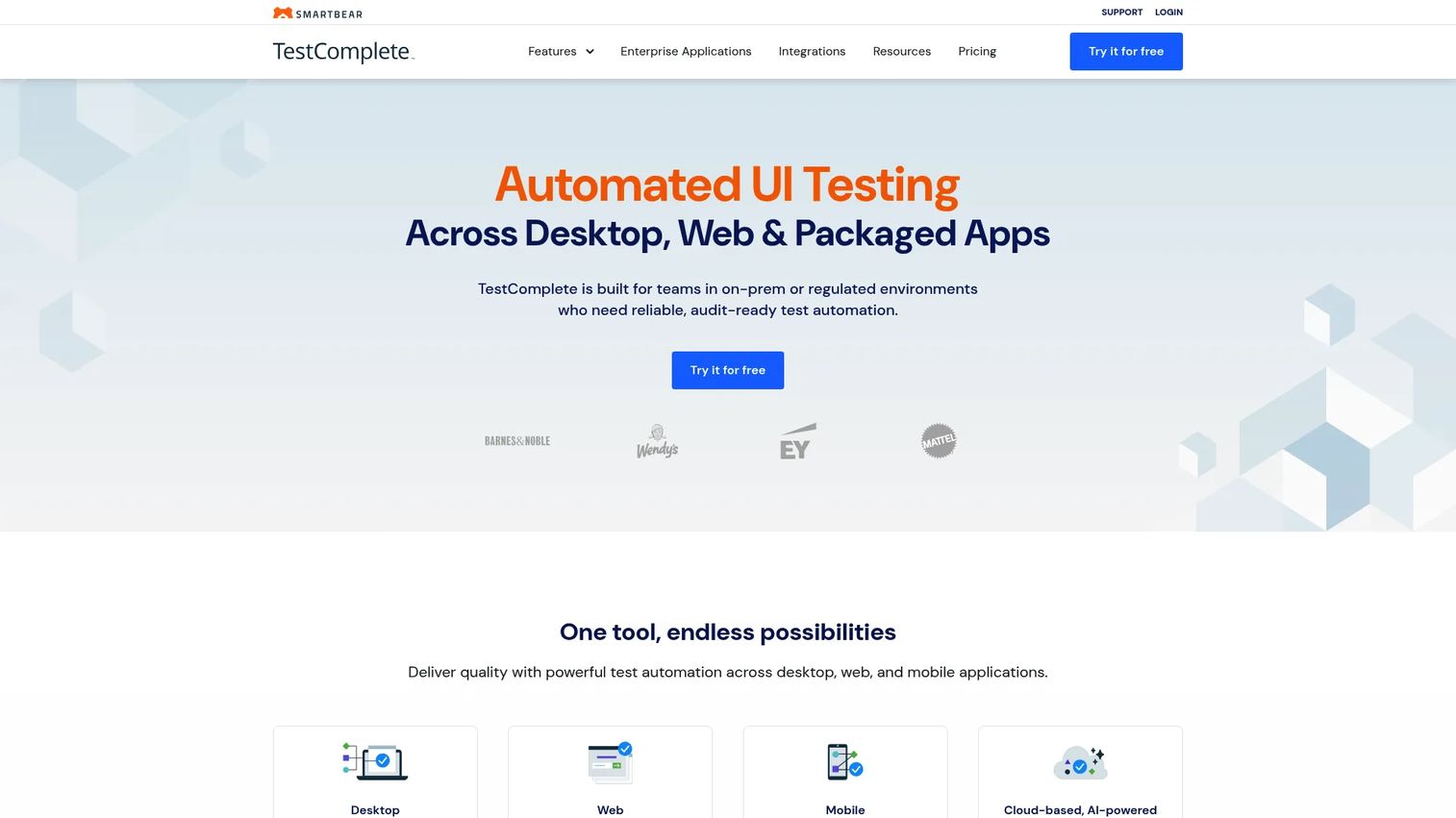
TestComplete, from SmartBear, is an automated UI testing tool covering desktop, web, mobile, and packaged applications. Its breadth across platform types makes it a fit for organizations with legacy desktop apps alongside modern web and mobile products. AI-powered self-healing and OCR help keep tests stable, and parallel execution speeds up large regression runs.
Best for: Teams needing audit-ready desktop, web, and mobile test automation in on-prem or regulated environments.
Key strengths
- Multi-platform automation: Desktop, web, mobile, and packaged app coverage in one tool.
- Parallel testing: Run large regression suites concurrently to keep execution time manageable.
- AI-powered self-healing and OCR: Tests adapt to UI changes, and OCR reads on-screen text that other approaches miss.
Why choose TestComplete: TestComplete suits mature enterprises that need cross-platform breadth and audit-readiness, especially in regulated industries where on-prem execution matters. If your product portfolio spans desktop and web, its coverage is hard to match with a web-only tool. It rewards teams that value stability and established tooling over the newest AI authoring model.
TestComplete pricing: SmartBear does not display a public numeric price on the TestComplete pricing page and prompts teams to contact sales; a 14-day free trial is available. TestComplete holds a 4.2/5 rating on G2.
Considerations before you buy
A shortlist is not a decision. Run each finalist through these checks against your actual stack and team.
Framework fit
Confirm the tool works with what your engineers already use. If your team runs Playwright, Selenium, or Cypress, decide whether you want a platform that wraps those engines, exports to them, or replaces them entirely. Framework lock-in is a switching cost that shows up months later, so weigh portability before you commit.
Maintenance burden
Ask who owns test upkeep and how often tests break today. Self-healing helps, but no tool eliminates maintenance. Run a two-week trial on your own UI, make a few realistic changes, and count how many tests break and how many heal correctly. That number, not the feature list, tells you the real burden.
Coverage needs
Verify the tool covers the browsers, devices, and app types your customers actually use. A web-only tool leaves gaps if you also ship a desktop or mobile product. Map your real usage analytics against the tool's supported grid before assuming coverage is complete.
Reporting and visibility
Check how quickly a teammate can diagnose a failure. Good reporting shows what broke, on which browser, with a trace or screenshot, in seconds. For product teams, dashboards that trend coverage and stability over time turn testing into a planning signal rather than a black box.
Security and governance
Confirm access control, auditability, and compliance fit your requirements, especially for regulated industries. Ask about SSO, role-based permissions, and where test data lives. Enterprise governance features are often gated to higher tiers, so factor that into the pricing conversation early.
Conclusion
There is no single best UI testing tool, only the best fit for your team's stack, release cadence, and maintenance appetite. If you want plain-English authoring at enterprise scale, look hard at Virtuoso QA or testRigor. If visual correctness is non-negotiable, Applitools is built for it. Teams wanting one platform across many testing types tend to land on Katalon, Mabl, or ACCELQ, while TestComplete covers the desktop-plus-web breadth that web-only tools miss, and Tricentis Testim fits fast-changing UIs and Salesforce.
Keep the selection lens simple: stability, maintenance burden, and coverage. A tool that authors tests quickly but breaks on every release is a net loss. Shortlist two or three, then run a two-week trial against your own UI with realistic changes. The tool that keeps your suite green through those changes, without an engineer babysitting it, is the one worth buying.
FAQs
UI testing tools validate that a product's user interface works and looks correct by simulating real user actions and checking the results. Product teams use them for regression testing before releases, cross-browser and cross-device coverage, and reducing manual verification so releases ship faster without sacrificing quality.
UI testing broadly confirms that interface elements function, that buttons click, forms submit, and flows complete. Visual testing tools specifically compare rendered screenshots against a baseline to catch layout shifts, style breaks, and pixel-level changes that functional assertions pass right over. Most mature teams use both together.
Applitools is designed to layer visual regression testing on top of existing Playwright, Selenium, or Cypress suites without a rewrite. Several platforms on this list either wrap these frameworks or export to them, so check whether a tool integrates with your runner or locks you into a proprietary engine before committing.
Yes. Codeless testing tools like testRigor and ACCELQ are used in production by enterprise teams. Because plain-English and behavior-based tests describe user intent rather than specific selectors, they often survive UI changes that break locator-based scripts, which can make them more stable, not less, for ongoing automated UI testing.
Flaky tests usually come from brittle selectors that break when the DOM changes. Self-healing tools identify elements using multiple attributes and re-locate them automatically when one changes, so a renamed class does not cascade into dozens of false failures. This is the single biggest lever for cutting test maintenance.
Prioritize stability, maintenance burden, and coverage over raw feature counts. A tool that authors tests fast but breaks on every release adds work rather than removing it. Also weigh framework compatibility, reporting depth, and how easily non-engineers can contribute, since wider ownership reduces the QA bottleneck.
Yes, cross-browser testing is a core use case. Customers use different browsers and devices, and rendering bugs often appear only on specific combinations like iOS Safari. Tools with cloud execution grids run your suite across many browser and viewport combinations in parallel, catching those issues before customers do.
Choose an open framework like Playwright or Selenium when your engineers want full control and portability. Choose an AI-assisted platform when reducing test maintenance and widening authoring beyond engineering matters more. Many teams run both: a framework for deep engineering-owned tests and an AI-assisted tool for broader, self-healing coverage.