
Your web apps and APIs sit on the public internet. Every login page, checkout flow, and API endpoint is a target. Bots probe your forms, scanners hunt for known CVEs, and automated tools fire SQL injection and cross-site scripting payloads at anything that will answer. Choosing the right web application firewall software is how presales and security teams stop that traffic without breaking legitimate users.
The stakes are not theoretical. The global WAF market is projected to grow from USD 11.01B in 2026 to USD 22.05B in 2031 at a 14.9% CAGR, according to Mordor Intelligence (2026). That growth reflects a simple reality: attackers moved up the stack to Layer 7, and network controls alone no longer cover the exposure.
The hard part is not deciding that you need WAF security. It is deciding which one fits. Not every web app firewall software handles cloud, hybrid, and on-prem the same way. Some excel at global edge protection. Others are built for deep analytics and compliance-heavy environments. A few are native to a single cloud. For a sales engineer or presales manager owning security diligence, the wrong pick means slow validation, false positives, and a stalled deal. If you are also evaluating adjacent categories, our roundups on application performance monitoring tools and AI security posture management pair well with this one.
What's inside
This guide covers eight web application firewall software options for teams comparing cloud, hybrid, and on-prem deployment models. It is written for presales, security, and technical buyers who need to validate fit before purchase, not for a glossary skim.
We selected tools based on four criteria that matter most to technical evaluators:
- Application-layer protection against the OWASP Top 10, including SQL injection protection and XSS protection
- Rule management across managed rules and custom rules, plus virtual patching for CVEs
- API security and bot protection coverage, not just basic HTTP filtering
- Deployment flexibility across cloud, on-prem, and hybrid, with enterprise readiness
Each entry explains where the tool fits, what its deployment model implies, and what to check before you shortlist it.
TL;DR
Short on time? Here is the quick read by use case:
- Best for global edge protection: Cloudflare WAF, for always-on Layer 7 filtering with minimal latency
- Best for hybrid and compliance-driven teams: Imperva WAF, for cloud, on-prem, and hybrid coverage with strong managed rules
- Best for architecture control: F5 Advanced WAF, for reverse-proxy deployment and deep policy tuning
- Best for AWS-native buyers: AWS WAF, for tight integration with the AWS security stack and usage-based pricing
- Best for Microsoft-heavy stacks: Azure Web Application Firewall, for teams standardized on Azure Front Door and Application Gateway
- Best for high-traffic digital properties: Akamai App & API Protector, for unified WAF, API, and DDoS defense at global edge scale
What is web application firewall software?
A web application firewall (WAF) inspects and filters HTTP/S traffic at the application layer to block malicious requests before they reach your app. It sits between users and your web server, reading each request and deciding whether to allow, challenge, or block it. This is application layer security, or Layer 7 protection, which is a different job from a network firewall.
WAF software protects the parts of your stack that accept user input:
- Web apps and portals where users log in and submit data
- APIs that exchange JSON, REST, GraphQL, and XML payloads
- Login flows and forms targeted by credential stuffing and injection
- File uploads that attackers use to smuggle malicious payloads
Here is how the core mechanics work in practice:
- Request inspection: A WAF parses headers, query strings, cookies, and request bodies, then matches them against rules and signatures.
- Compliance and sensitive data: By blocking injection and data-exfiltration attempts, a WAF helps teams meet PCI DSS, SOC 2, and similar requirements tied to protecting sensitive data.
- Detection methods: Modern engines combine signatures, anomaly detection, and machine learning to catch both known and unusual attack patterns, including some zero-day protection.
- Virtual patching: When a known CVE cannot be fixed in code right away, a WAF rule can block exploitation until the app team ships a real patch.
WAF vs network firewall, IPS, and NGFW
These often get confused, so the distinction matters during security diligence:
- Network firewall vs WAF: A network firewall filters traffic at Layers 3 and 4 by IP, port, and protocol. A WAF inspects the actual HTTP/S content at Layer 7.
- IPS vs WAF: An intrusion prevention system watches broad network traffic for known exploit signatures. A WAF understands application context, like a malformed API call or a scripted login attempt.
- NGFW vs WAF: A next-gen firewall bundles network filtering, IPS, and app awareness at the perimeter. A WAF specializes in protecting specific web apps and APIs, often as a reverse proxy in front of them.
Most mature environments run several of these together. A WAF does not replace a network firewall. It closes the application-layer gap the others leave open.
When to use WAF software
A WAF is not the answer to every security problem. Here is where it earns its place.
Protect public-facing applications
Any app that accepts input from the open internet is a candidate. Login pages, signup forms, checkout flows, and customer portals all take untrusted data. A WAF inspects that traffic and blocks common attacks like SQL injection and XSS before they hit your code. This is application-layer defense. It complements, and does not replace, your network firewall.
Secure APIs and modern traffic
API-heavy environments need more than generic filtering. Requests carry JSON and GraphQL payloads, tokens, and structured data that a simple pattern match will miss. Look for API-aware controls, schema validation, and bot protection tuned for automated abuse. If most of your traffic is machine-to-machine, API security should be a top selection criterion, not an afterthought.
Reduce risk during patch delays
Sometimes a critical CVE lands and you cannot ship a code fix that day. Maybe the vulnerable component is third-party, or the release window is weeks out. Virtual patching lets you write a WAF rule that blocks the exploit path immediately, buying your engineering team time. For presales teams supporting security reviews, this is a concrete answer to the "what happens between disclosure and patch" question.
Comparison table
We ranked this shortlist by relevance to teams searching for web application firewall software, weighting deployment flexibility, API and bot coverage, and enterprise readiness. Pricing and ratings below reflect verified values at the time of writing; where a vendor gates pricing behind sales, we say so.
| # | Product | Intent | Key differentiation | Pricing | G2 rating |
|---|---|---|---|---|---|
| 1 | Cloudflare WAF | Cloud WAF (edge) | Always-on edge inspection with managed rules and low latency | Free; Pro from $20/mo; Business from $200/mo; Contract custom | 4.5/5 |
| 2 | Imperva WAF | Hybrid security | Cloud, on-prem, and hybrid with low false positives | Contact sales (Essentials, Advanced, Enterprise) | 4.7/5 |
| 3 | F5 Advanced WAF | Enterprise WAF | Reverse-proxy control, behavioral analytics, L7 DoS | Contact sales | Not published |
| 4 | Cisco Secure WAF | Enterprise WAF | WAF, API, and bot protection in Cisco security stacks | Contact sales | Not published |
| 5 | Akamai App & API Protector | Cloud WAF (edge) | Unified WAF, API, bot, and DDoS at global edge | Contact sales; 30-day trial | 4.0/5 |
| 6 | AWS WAF | AWS-native | Native AWS integration with usage-based pricing | From $5/mo per Web ACL + usage | Not published |
| 7 | Azure Web Application Firewall | Azure-native | Front Door and Application Gateway integration | From $5/mo + add-ons | Not published |
| 8 | Fastly Next-Gen WAF | Cloud WAF (edge) | SmartParse detection and cross-network threat intel | Contact sales | Not published |
1. Cloudflare WAF
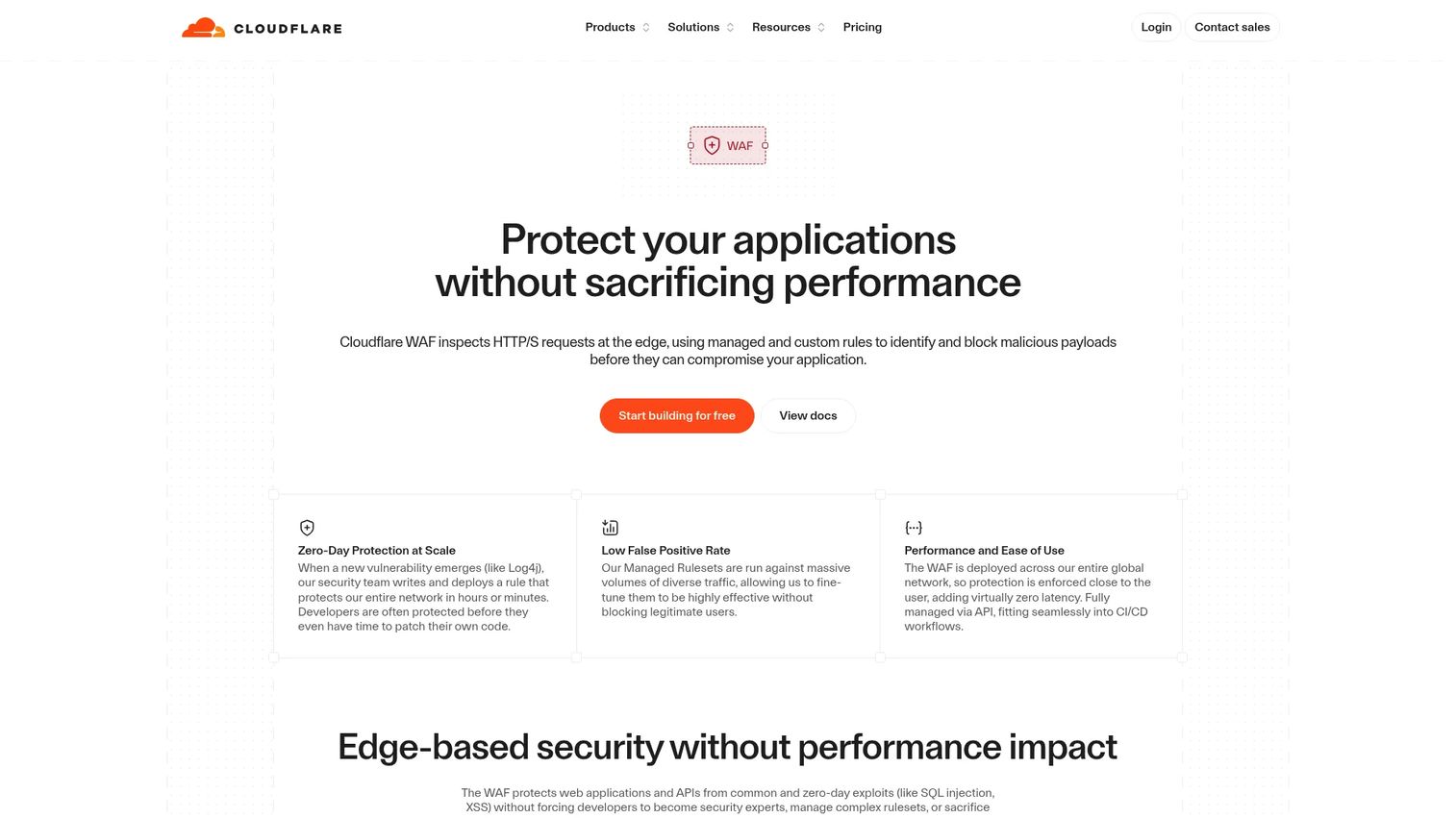
Cloudflare WAF is a cloud based web application firewall that inspects HTTP/S requests at Cloudflare's global edge and uses managed and custom rules to block malicious traffic. Because inspection happens at the edge, protection is always on and the performance hit stays minimal. For teams that want strong coverage without standing up appliances, it is one of the most straightforward WAF software options to deploy.
Best for: Teams that want always-on edge WAF protection with simple managed rules and minimal performance impact.
Key strengths
- Edge-based inspection: HTTP/S requests are inspected at the edge, so filtering happens close to users with low latency.
- Managed and custom rules: Prebuilt managed rulesets cover the OWASP Top 10, while custom rules let you tailor enforcement to your app.
- Virtual patching: Rapid rule updates provide virtual patching for emerging CVEs, useful when a code fix is not immediate.
Why choose Cloudflare WAF: If your traffic is globally distributed and you want protection that turns on fast without hardware, Cloudflare fits. WAF is included across Free, Pro, Business, and Contract plans, so presales teams can validate on a low tier before scaling. It suits cloud-first organizations that value automated security updates and edge performance over deep on-prem control.
Cloudflare WAF pricing: WAF capabilities are bundled into Cloudflare's plans. The Free plan is $0/month, Pro is $20/month billed annually or $25 billed monthly, and Business is $200/month billed annually or $250 billed monthly. The Contract tier is custom and billed annually. Cloudflare shows public pricing at its broader plans page rather than a standalone WAF price. It holds a 4.5/5 rating on G2 for its application security and performance offering.
2. Imperva Web Application Firewall (WAF)
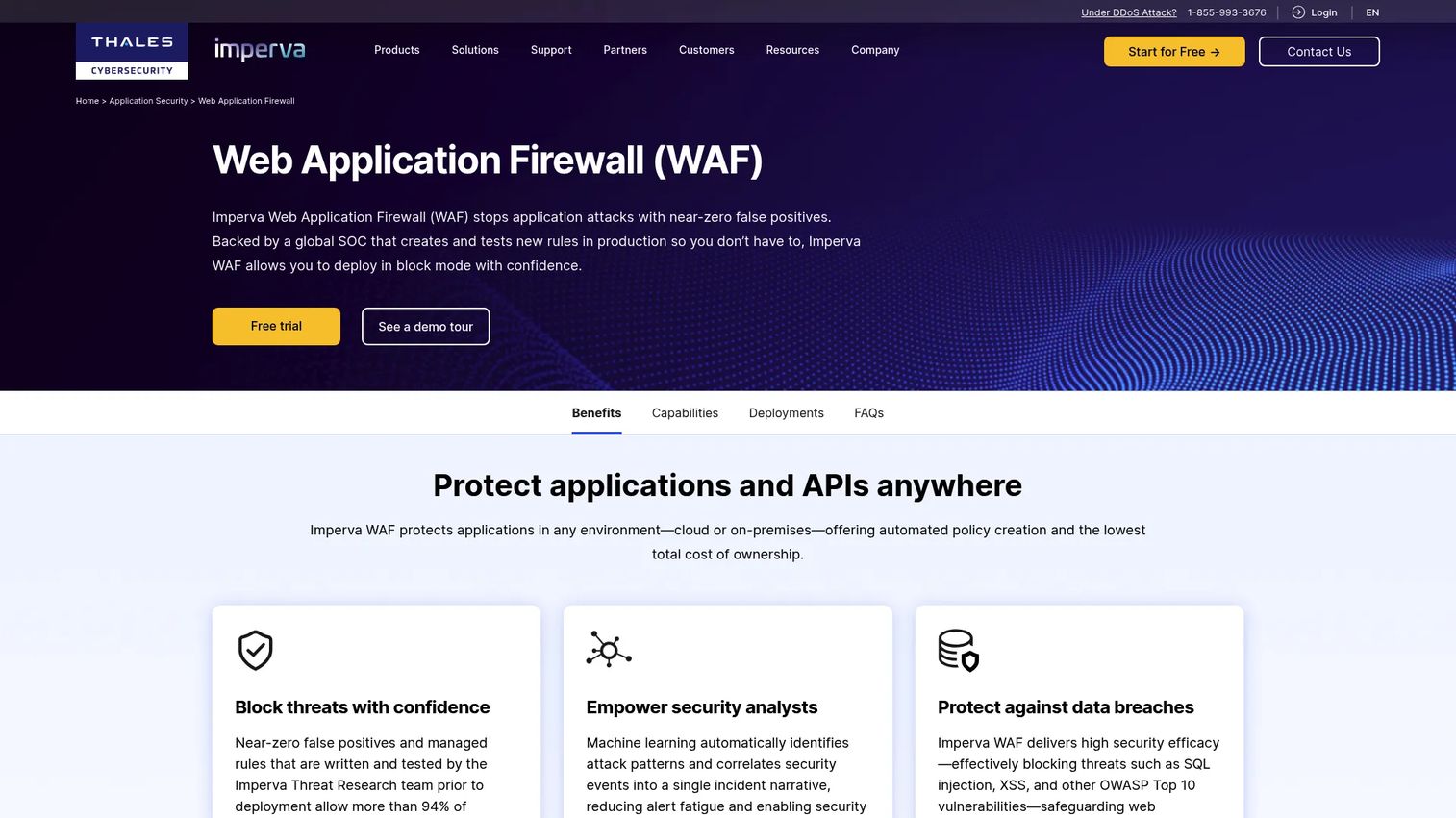
Imperva WAF protects web apps and APIs across cloud, on-premises, private cloud, and hybrid environments. Its managed rules are created and tested by Imperva's threat research team, and the product is engineered for near-zero false positives so blocking mode is safe to run in production. For security-heavy teams that cannot afford to choke legitimate traffic, that low false-positive posture is a real differentiator.
Best for: Enterprises needing managed WAF protection for apps and APIs across mixed deployment environments.
Key strengths
- Near-zero false positives: Tuned detection lets teams run in full blocking mode without constantly whitelisting legitimate requests.
- Threat-research-backed rules: Managed rules are built and tested by Imperva's research team, reducing the burden of manual tuning.
- Flexible deployment: Runs in cloud, on-prem, private cloud, and hybrid, so it fits mixed and regulated environments.
Why choose Imperva: If you operate across data centers and clouds, or compliance requires on-prem control for some workloads, Imperva's hybrid coverage is hard to beat. Its analytics and operational visibility help security teams prove efficacy during diligence. This is a strong fit for compliance-driven organizations that want a single WAF strategy spanning old and new infrastructure.
Imperva WAF pricing: Imperva does not publish public pricing on its product page. G2 lists Essentials, Advanced, and Enterprise as contact-us plans, and a free trial is available. Pricing is quote-based and enterprise-led. Imperva holds a 4.7/5 rating on G2, the highest verified score in this shortlist.
3. F5 Advanced WAF
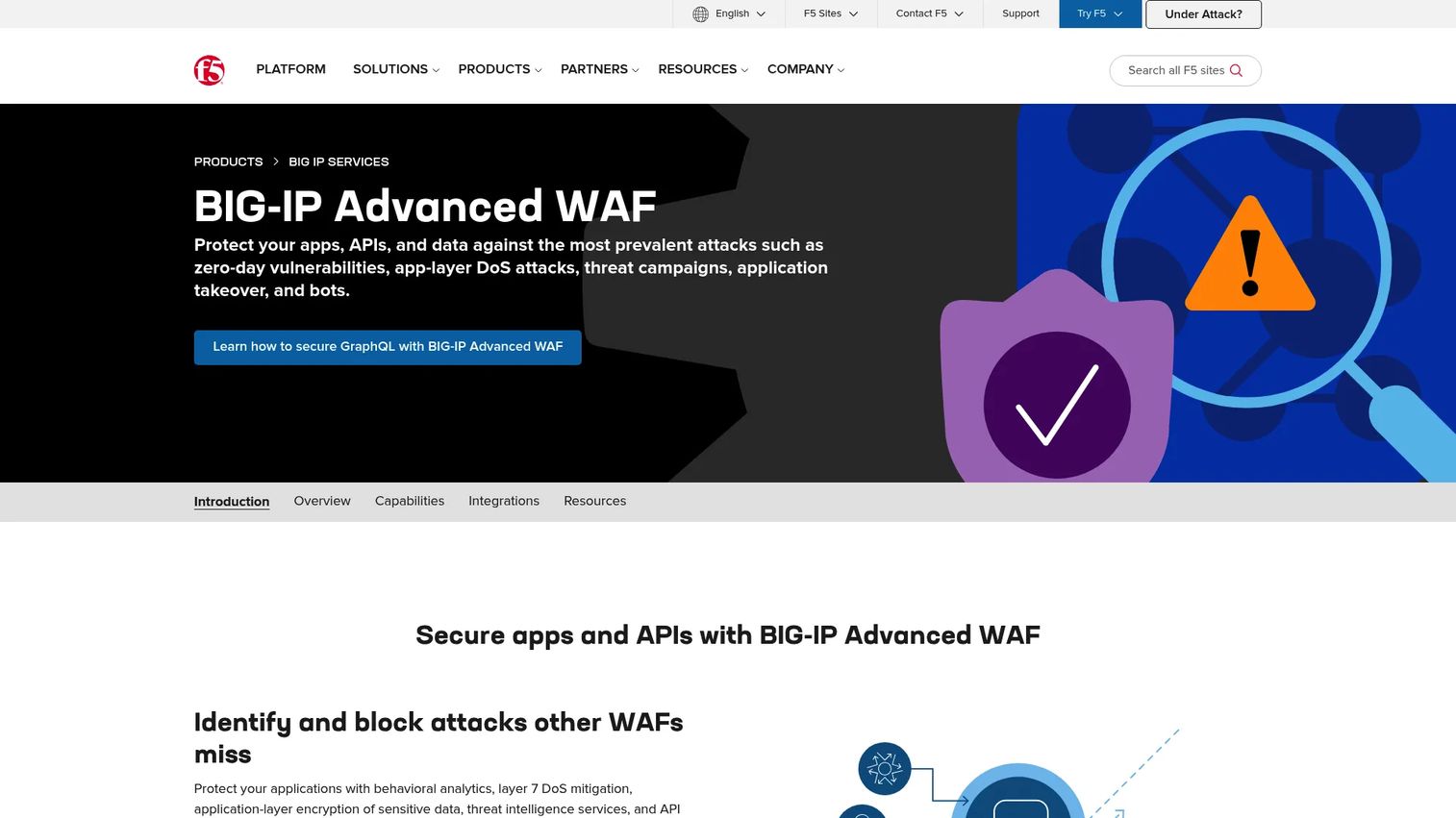
F5 Advanced WAF protects apps and APIs against attacks, bots, and credential abuse, with a reverse proxy architecture that gives teams granular control over how traffic is inspected and routed. It adds behavioral analytics, Layer 7 DoS mitigation, and in-browser data encryption. For organizations that care deeply about architecture and deployment control, F5 is a familiar and credible choice.
Best for: Enterprises needing advanced WAF protection for web apps and APIs on-premises or in hybrid environments.
Key strengths
- Behavioral analytics and L7 DoS: Detects anomalous behavior and mitigates application-layer denial-of-service attacks.
- Broad API security: Covers GraphQL, REST/JSON, XML, and GWT, which matters for API-heavy stacks.
- Credential protection: In-browser data encryption and stolen-credential detection defend login flows.
Why choose F5: If your team wants policy-based control and a reverse-proxy model you can tune precisely, F5 delivers depth. It fits enterprises with mature security operations that already run F5 infrastructure and want application-layer security integrated into that architecture. The tradeoff is that this depth rewards teams with the operational maturity to configure it.
F5 Advanced WAF pricing: F5 does not display public pricing. Its product page directs visitors to contact a representative or start a trial. Pricing is quote-based and depends on deployment model, throughput, and modules. Presales teams should scope requirements before requesting a quote to get an accurate estimate.
4. Cisco Secure Web Application Firewall
Cisco Secure Web Application Firewall protects websites, mobile apps, and APIs against web attacks, with deployment examples spanning AWS, Azure, and Kubernetes. It combines WAF protection, API security, bot management, and Layer 7 DDoS mitigation into a layered defense. For organizations already invested in Cisco security, it slots into a broader environment without adding a new vendor relationship.
Best for: Enterprises needing Cisco-branded web, API, and bot protection inside a larger security stack.
Key strengths
- Application-layer inspection: Filters traffic to block OWASP Top 10 attacks across web, mobile, and API surfaces.
- API security and bot management: Handles API abuse and automated bot threats beyond basic request filtering.
- Layer 7 DDoS mitigation: Absorbs application-layer floods that target specific endpoints.
Why choose Cisco: If Cisco already anchors your network and security stack, a Cisco WAF reduces integration friction and consolidates vendor management. It fits teams that value a single security ecosystem and want app-layer protection that works across cloud and container deployments. Buyers should confirm which modules cover their specific API and bot needs during scoping.
Cisco Secure WAF pricing: Cisco does not publish public pricing for this product. Pricing appears to be quote-based through Cisco sales or partners. Because packaging varies by deployment and service plan, presales teams should request a tailored quote and confirm which protections are included at each tier.
5. Akamai App & API Protector
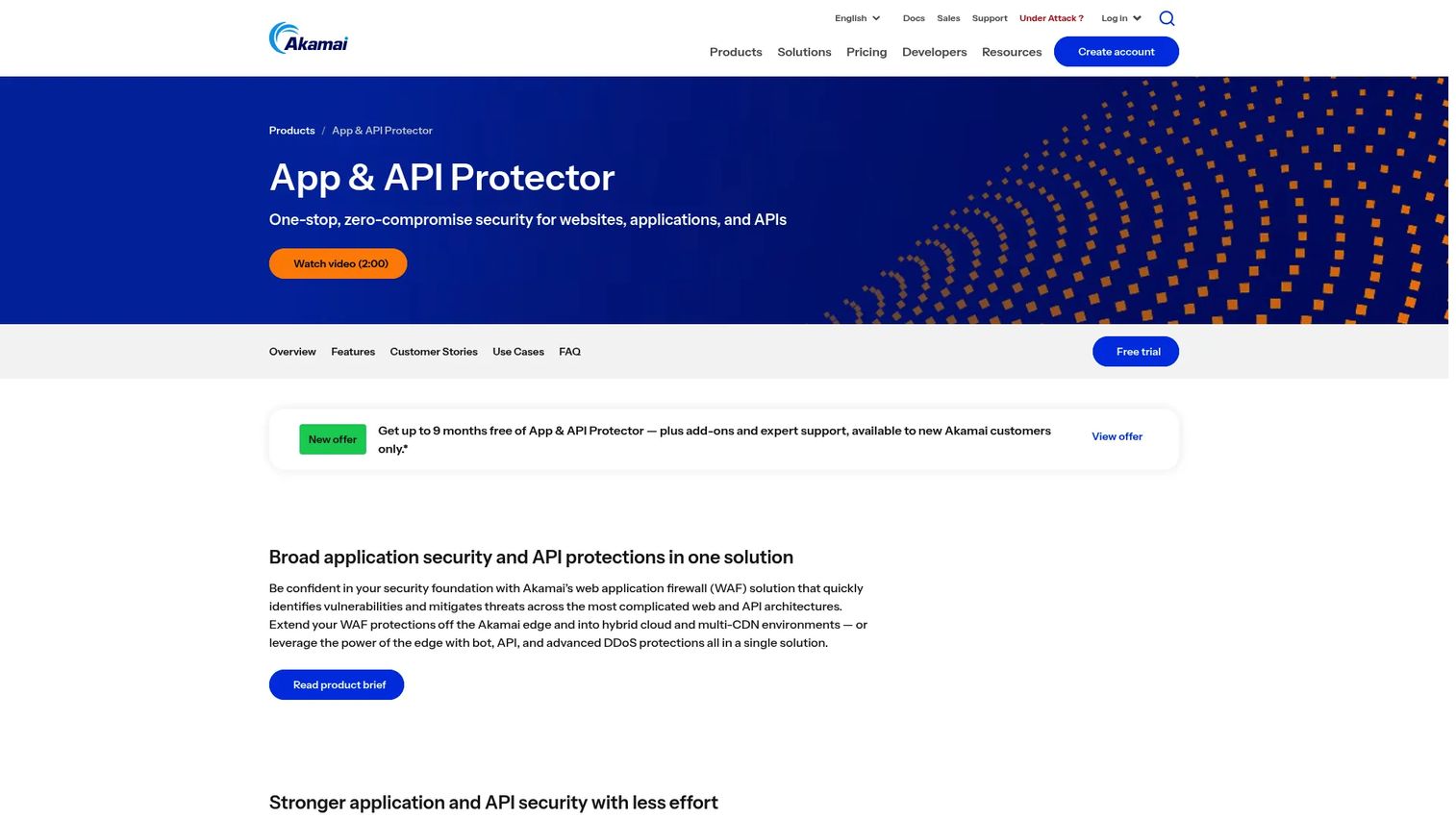
Akamai App & API Protector is a web application and API protection (WAAP) offering that defends websites, applications, and APIs from web, bot, API, and DDoS threats. It runs on Akamai's global edge platform and adds API discovery plus self-tuning protections that auto-update as threats evolve. For organizations with high-traffic digital properties, that edge scale and automated tuning are the main draws.
Best for: Enterprises needing unified WAF, API, bot, and DDoS protection at global edge scale.
Key strengths
- Unified WAAP: Combines WAF, API protection, bot mitigation, and L7 DDoS defense in one product.
- API discovery: Surfaces shadow and undocumented APIs so you can bring them under protection.
- Self-tuning protections: Auto-updating rules reduce manual tuning as attack patterns shift.
Why choose Akamai: If you run large-scale, high-traffic properties and want app and API protection delivered from a global edge network, Akamai fits. Its threat intelligence spans a broad customer base, which strengthens detection. This is a strong option for enterprises where bot and API abuse at scale is the primary concern, not just basic WAF filtering.
Akamai App & API Protector pricing: Akamai does not show public numeric pricing on its product page, but it offers a 30-day free trial. Pricing is enterprise-led and quote-based. Akamai holds a 4.0/5 rating on G2, though the review count is small, so weigh it alongside a hands-on trial.
6. AWS WAF
AWS WAF is a cloud-native web application firewall for protecting AWS-hosted web apps and APIs. It filters web traffic with rule-based blocking, offers managed protections for bots and fraud, and integrates with CloudWatch for real-time visibility. For teams whose infrastructure already lives in AWS, it is the path of least resistance for application-layer protection.
Best for: Teams running AWS web apps that need managed, scalable Layer 7 protection.
Key strengths
- Native AWS integration: Deploys in front of CloudFront, ALB, API Gateway, and AppSync without external tooling.
- Managed rule groups: AWS and marketplace managed rules cover common threats, bots, and fraud out of the box.
- CloudWatch visibility: Real-time metrics and logging plug into the broader AWS security stack.
Why choose AWS WAF: If your apps run on AWS, this is the most operationally convenient WAF you can pick. It scales with your infrastructure and bills by usage, so you avoid large upfront commitments. It fits cloud-native teams that want app and API protection managed inside the same console as the rest of their AWS estate.
AWS WAF pricing: AWS WAF charges $5.00/month per Web ACL, $1.00/month per rule, and $0.60 per one million requests. Additional charges apply for some managed features and for CAPTCHA or challenge actions. Pricing can vary by region. There is no free tier, but the usage-based model keeps entry costs low for small deployments.
7. Azure Web Application Firewall
Azure Web Application Firewall is a cloud-native WAF service for protecting web apps and APIs on Azure. It protects against OWASP Top 10 risks, blocks malicious bots and DDoS attacks, and offers real-time monitoring plus REST API automation. It deploys at the edge with Azure Front Door or in front of Application Gateway, so teams can place protection where their architecture needs it.
Best for: Organizations using Azure that need managed web app and API protection at the edge or in front of Application Gateway.
Key strengths
- OWASP Top 10 coverage: Managed rulesets defend against the most common application-layer attacks.
- Bot and DDoS defense: Detects and blocks malicious bot traffic and denial-of-service attempts.
- Automation-ready: Real-time monitoring, analytics, and REST API automation fit infrastructure-as-code workflows.
Why choose Azure Web Application Firewall: If your stack is standardized on Azure, this WAF integrates cleanly with Front Door, Application Gateway, and Azure monitoring. It fits teams that want policy control inside the Microsoft cloud without adding a separate vendor. For hybrid architectures anchored in Azure, it centralizes app-layer protection alongside existing services.
Azure Web Application Firewall pricing: Azure WAF is included with Azure Front Door Premium. Classic WAF pricing shows a $5/month policy charge, plus $1/month for the custom rules add-on and $20/month for the managed default ruleset. Request processing runs $0.60 per million requests for custom rules and $1 per million for the managed ruleset. There is no free tier.
8. Fastly Next-Gen WAF
Fastly Next-Gen WAF delivers unified web application and API protection for apps, APIs, and microservices. Its SmartParse contextual detection analyzes requests in context rather than relying purely on signatures, which helps reduce false positives. NLX threat-pattern intelligence shares attack signals across Fastly's customer network, so protection improves as new patterns emerge. For teams that want speed and flexible policy tuning, Fastly is built for modern app architectures.
Best for: Organizations needing application and API protection with flexible deployment options.
Key strengths
- SmartParse detection: Analyzes request context to catch attacks while keeping false positives low.
- NLX threat intelligence: Cross-network threat patterns strengthen detection for every customer.
- Flexible deployment: Supports edge, cloud, and in-app deployment for modern, distributed architectures.
Why choose Fastly: If low latency and flexible policy control top your list, Fastly's edge-first design fits. Its contextual detection suits teams tired of tuning noisy signature-based rules. This is a solid pick for engineering-led organizations running microservices and APIs that want protection without slowing traffic down.
Fastly Next-Gen WAF pricing: Fastly lists Next-Gen WAF on its pricing page as contact-sales pricing, with no public numeric price shown. Pricing is quote-based and depends on request volume and deployment. Presales teams should scope traffic patterns and API count before requesting a quote to get an accurate estimate.
How to choose the right WAF software
Picking a WAF is less about a single winner and more about matching the tool to where your traffic lives and who operates it. Work through these criteria before shortlisting.
Deployment model
Decide first whether you need a cloud WAF, on-prem WAF, or hybrid WAF deployment. Cloud-based options like Cloudflare, AWS WAF, Azure WAF, Akamai, and Fastly protect at the edge or inside a cloud. Imperva and F5 add on-prem and hybrid control for regulated or data-center-heavy workloads. Cloud-based deployments are projected to account for about 62.3% of global WAF revenue in 2026, per Coherent Market Insights (2026), which tells you where the market is heading.
API and bot coverage
If your traffic is API-heavy, confirm the WAF understands JSON, GraphQL, and schema validation, not just HTML forms. Check bot protection depth too. Generic filtering will miss credential stuffing and scripted abuse that target APIs specifically.
Rule management and false positives
Look at how the tool balances managed rules and custom rules, and how it handles false positives. A WAF that blocks legitimate traffic gets turned off. Ask how quickly the vendor ships virtual patching for new CVEs and whether blocking mode is safe to run in production from day one.
Ops maturity and integrations
Match the tool to your team. A native cloud WAF fits teams that want convenience inside one console. A policy-rich platform rewards teams with dedicated security ops. Confirm logging, SIEM integrations, and CRM or ticketing hooks so the WAF fits your existing workflow, not the other way around.
Conclusion
There is no universal best WAF software. There is the one that fits your architecture, your operating model, and your control needs.
If your traffic is globally distributed and you want protection on fast, Cloudflare and Fastly deliver edge speed with strong rule management. If you span data centers and clouds or answer to strict compliance, Imperva and F5 give you hybrid and on-prem depth. If your stack lives in a single cloud, AWS WAF and Azure Web Application Firewall are the native, convenient choices. And if you run high-traffic properties where bot and API abuse dominate, Akamai's unified WAAP at global edge scale is built for it.
The practical next step is to build a side-by-side evaluation matrix. Map each candidate against your deployment model, API and bot needs, false-positive tolerance, and integration requirements. Then run a technical validation session or trial on your top two before committing. That is how presales teams turn a crowded category into a confident, defensible decision.
FAQs
Web application firewall software is used to block malicious application-layer traffic before it reaches your web apps and APIs. It inspects HTTP/S requests and filters out attacks like SQL injection, XSS, and bot abuse. Teams use it to reduce attack risk, protect sensitive data, and support compliance requirements.
A network firewall filters traffic at Layers 3 and 4 based on IP addresses, ports, and protocols. A WAF works at Layer 7, inspecting the actual content of HTTP/S requests to catch application-specific attacks. They solve different problems, so most environments run both together rather than choosing one.
They solve different problems and often work together. An API gateway manages routing, authentication, and rate limiting, while a WAF focuses on blocking malicious payloads and application-layer attacks. For strong API security, many teams place a WAF in front of or alongside their gateway rather than picking one.
Yes. A WAF can mitigate both SQL injection and XSS through managed rules, attack signatures, and behavioral controls. It inspects request parameters, headers, and bodies for injection patterns and blocks them before they reach the app. Coverage against the OWASP Top 10 is a core reason teams deploy WAF security.
It depends on where your apps run and what compliance requires. A cloud WAF fits cloud-native teams that want edge protection and low operational overhead. On-prem and hybrid WAF deployment suit regulated workloads or data-center-heavy environments that need direct control. Many organizations run a hybrid model to cover both.
Virtual patching uses WAF rules to block exploitation of a known vulnerability while the app team works on a code fix. When a CVE is disclosed but a patch is not ready, a rule can shut down the exploit path immediately. This buys engineering time and reduces exposure during the window between disclosure and remediation.
Managed rules are prebuilt and maintained by the vendor to cover common threats like the OWASP Top 10, so you get broad coverage fast. Custom rules let you tailor enforcement to your specific app, traffic, and edge cases. Most teams run managed rules as a baseline and layer custom rules on top for precision.
Check fit against the deployment model, API and bot coverage, and false-positive tolerance in blocking mode. Confirm logging depth, SIEM and CRM integrations, and how quickly the vendor ships virtual patching. Then run a hands-on trial or technical validation session to confirm the WAF handles your real traffic without breaking legitimate users.