



You picked a platform because it looked cheap. Then the bill grew. A theme here, three apps there, a plugin to do the one thing the checkout couldn't, payment processing on top, and suddenly your "starter" store costs more than the plan you skipped. Worse, you outgrow the thing and face a migration you never budgeted for.
That is the real cost of choosing wrong. According to the U.S. Chamber of Commerce (2024), 52% of small businesses in the U.S. now sell products or services online, which means the platform you pick is not a side decision. It is the operating system for how money comes in. And the moment your checkout gets clunky, you bleed orders. Baymard Institute (2025) found 58% of shoppers abandon a cart when checkout is too complicated.
If you think like an operator, the question is not "which platform is best." It is "which platform fits my current constraints without becoming a bottleneck in six months." That means weighing four things at once: cost you can actually predict, time to launch, whether it handles both online and in-person selling, and how far it scales before you have to rebuild. The same discipline you'd apply to any tool in your stack applies here, the same way you'd vet a customer data platform or a business intelligence tool before you commit budget.
What's inside
This guide is for small business owners, founders, and operators comparing ecommerce platforms before they launch or migrate. We focused on the platforms that matter most for a small team: tools you can stand up fast, price without surprises, and grow into rather than out of.
We chose these eight platforms on four criteria: ease of use and time to launch, pricing transparency including the hidden costs that bite later, scalability as your catalog and order volume grow, and integrations with payments, fulfillment, and the rest of your stack. You get a comparison table, a section on each platform with who it fits, and a practical checklist to make the call.
TL;DR
- Best all-in-one for growth: Shopify. The default benchmark if you want one system that scales from first sale to serious volume.
- Best for in-person plus online: Square Online. If you already ring up sales in person, this ties your storefront to POS with a real free tier.
- Best free ecommerce website to start: Square Online and Ecwid both offer genuine free entry points.
- Best for design control: Wix for flexible drag-and-drop, Squarespace for polished templates and brand-led selling.
- Best for catalog depth and B2B: BigCommerce if you expect to outgrow simpler builders.
- Best for full control: WooCommerce if you run WordPress and want to own the stack.
- Best CRM-first option: Salesforce Starter Suite if you want sales, service, and commerce in one place.
What is an ecommerce platform?
An ecommerce platform is the software that lets a business build an online store, accept payments, and manage orders from a single system. It is the storefront, the checkout, and the back office rolled into one.
A capable ecommerce platform for small business covers a core set of jobs:
- Storefront and design: templates, themes, and a builder to create product pages without code.
- Payments and checkout: secure card processing, multiple payment methods, and a checkout flow that does not lose buyers.
- Inventory management: track stock, variants, and SKUs across channels.
- Shipping and fulfillment: rates, labels, pickup, and local delivery options.
- Marketing tools: SEO, email, discount codes, and social selling.
- Integrations: connections to payment processors, accounting, CRM, and analytics.
The platforms split into three rough types. Hosted platforms like Shopify, Squarespace, and BigCommerce handle hosting, security, and updates for you, so you trade some control for speed. Open-source options like WooCommerce hand you full control of the code and hosting, which suits teams that want to own every layer. POS-connected tools like Square Online start from in-person selling and extend online, which fits businesses that already transact at a counter or a market stall.
When to use each type of ecommerce platform
Picking the right online store platform starts with matching the tool to how you actually sell today, not how you imagine selling at scale.
Launch a store fast with minimal technical setup
If you want to be live this week, you want a hosted, no-code platform. Square Online, Wix, and Squarespace let you pick a template, add products, connect a payment method, and publish without touching a server. Time to launch matters more than feature depth when you are validating demand. You can always add complexity later. What you cannot get back is the month you spent wrestling with hosting before your first sale.
Sell online and in person from one system
If you already sell at a market, a pop-up, or a physical counter, you want one system that handles both. Square Online is built around this. Inventory updates in one place whether the sale happens online or at the register, and customer data stays unified instead of fragmenting across two tools. That single source of truth is the difference between knowing your numbers and guessing them.
Start cheap, then scale later
If budget is tight now but you expect growth, weigh the entry price against the upgrade path. A free ecommerce website gets you selling, but watch what triggers the next tier: transaction fees, product limits, or features locked behind higher plans. Shopify and BigCommerce cost more up front but absorb growth without a rebuild. Cheap-to-start tools are the right call when you need to prove the model first.
Comparison table
The table below sorts the platforms by how broadly they fit a small business buyer, with the most flexible all-in-one options near the top. Use it to shortlist two or three, then read the full sections. Pricing reflects entry tiers as of mid-2026; payment processing and add-ons sit on top of these numbers, so read the platform sections for the full picture.
| # | Product | Intent | Key use case | Pricing | G2 rating |
|---|---|---|---|---|---|
| 1 | Shopify | All-in-one growth | Sell online and in person, scale catalog and channels | From $29/mo | 4.4/5 |
| 2 | Square Online | Omnichannel, free entry | Tie an online store to in-person POS | Free, paid tiers above | 4.2/5 |
| 3 | Wix | Design-led builder | Flexible drag-and-drop store with business tools | From $17/mo | 4.2/5 |
| 4 | Squarespace | Polished, brand-first | Content-led selling with strong templates | From $16/mo | 4.5/5 |
| 5 | BigCommerce | Scalable, catalog depth | B2C, B2B, and omnichannel at volume | From $39/mo | 4.2/5 |
| 6 | WooCommerce | Control and flexibility | WordPress-based store you fully own | Free core | 4.4/5 |
| 7 | Salesforce Starter Suite | CRM-first commerce | Sales, service, and marketing in one | From $25/user/mo | Not listed |
| 8 | Ecwid | Add-on store | Embed ecommerce in an existing site | From $5/mo | 4.7/5 |
1. Shopify

Shopify is the default benchmark for small business ecommerce, and for good reason. It is a complete commerce platform for selling online and in person, with an online store builder, a checkout that is among the strongest in the category, and an app ecosystem deep enough to handle almost any edge case. If you only evaluate one platform, this is the one everything else gets measured against.
Best for: Merchants who want one all-in-one system that scales from first sale to serious volume without a rebuild.
Key strengths
- Online store builder and themes: launch a clean, mobile-ready store fast with no code required.
- Checkout and payments: a high-converting checkout plus built-in payment handling across methods.
- AI tools and multichannel selling: sell across web, social, and in person from one dashboard.
Why choose Shopify: The reason Shopify wins for so many operators is that it absorbs growth. You start on Basic, add channels and apps as you need them, and the platform does not force a migration when your order volume climbs. The trade-off is the app and theme spend. Premium themes and third-party apps add up, so the higher monthly cost is worth it when those apps replace manual work or unlock revenue you could not capture otherwise. If you are just testing an idea, the spend can feel heavy. If you are committed to growing, it pays for itself.
Shopify pricing: Plans start at $29 USD/mo on the Basic tier billed yearly, then Grow at $79 USD/mo and Advanced at $299 USD/mo. Shopify Plus starts from $2,300 USD/mo for high-volume merchants. Public pricing shows a short free trial followed by a $1/month promotional period for the first three months. There is no permanent free tier. Payment processing fees apply on top of the subscription.
2. Square Online

Square Online is Square's website and online store builder, and its strongest play is omnichannel selling with a genuine free entry point. If you already use Square POS or sell in person, this is the natural choice. Your online store and your register run on the same system, so inventory and customer data stay unified instead of splitting across two tools. The Square Online store is no-code to set up and built to get you selling fast.
Best for: Small businesses that want a low-friction online store tied directly to Square payments and POS.
Key strengths
- Website builder with SEO tools: stand up a store without code and get found in search.
- Pickup, local delivery, and shipping: fulfillment options that match how local businesses actually operate.
- Sell on search and social: extend your storefront across Google and social channels.
Why choose Square Online: The free plan is the hook, and it is real. You can launch a Square free website with no monthly subscription and only pay processing fees on sales. That makes it the lowest-risk way to validate online demand if you already transact in person. The value compounds when in-person and online sales feed one ledger. For a founder watching cash, starting at zero monthly cost while keeping unified data is a strong position. Plus and Premium tiers add features through free trials, and Square Pro uses custom pricing for larger operations.
Square Online pricing: The Free plan carries no monthly subscription cost, so you start at $0/month and pay only transaction fees. Plus and Premium tiers are available with free trials, and Square Pro is custom-priced. For a business already using Square hardware, the online store slots in without adding a separate vendor.
3. Wix
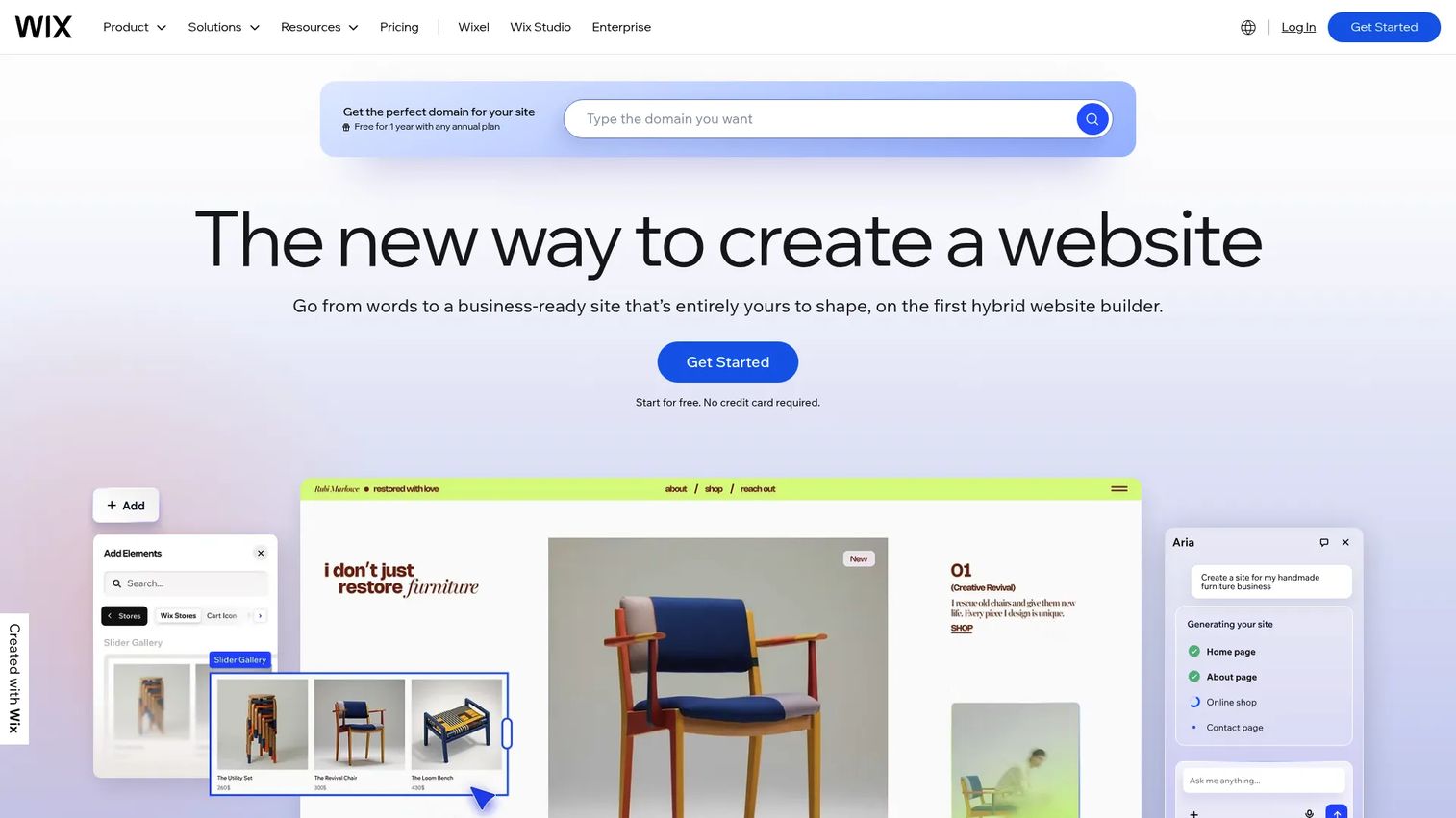
Wix is an AI-powered website builder and business platform, and its draw for ecommerce is design flexibility without complexity. The drag-and-drop builder gives small teams real control over how the storefront looks, without forcing them into a developer's workflow. If you care about how your store presents and want to move pixels yourself, Wix is built for that.
Best for: Small teams that want visual design control over their store without hiring a developer.
Key strengths
- Drag-and-drop website builder: position every element exactly where you want it.
- AI website creation tools: generate a starting layout and content fast.
- Built-in business tools: ecommerce, bookings, SEO, analytics, and CRM in one platform.
Why choose Wix: Wix fits the operator who wants design freedom and a single platform for the whole online presence, not just the store. The built-in bookings, CRM, and marketing tools mean you are not stitching together five subscriptions. The consideration as you scale is that very large catalogs and complex commerce logic are better served by a dedicated ecommerce platform. For most small businesses with a manageable product range, that ceiling is far enough away to ignore at launch.
Wix pricing: Wix offers a free plan plus Premium plans that range from $17/month on the Light tier to $159/month on Business Elite, all billed annually. The Core plan at $29/month and Business at $39/month sit in between. The free plan is good for getting familiar, but you need a paid plan to accept payments and sell properly.
4. Squarespace
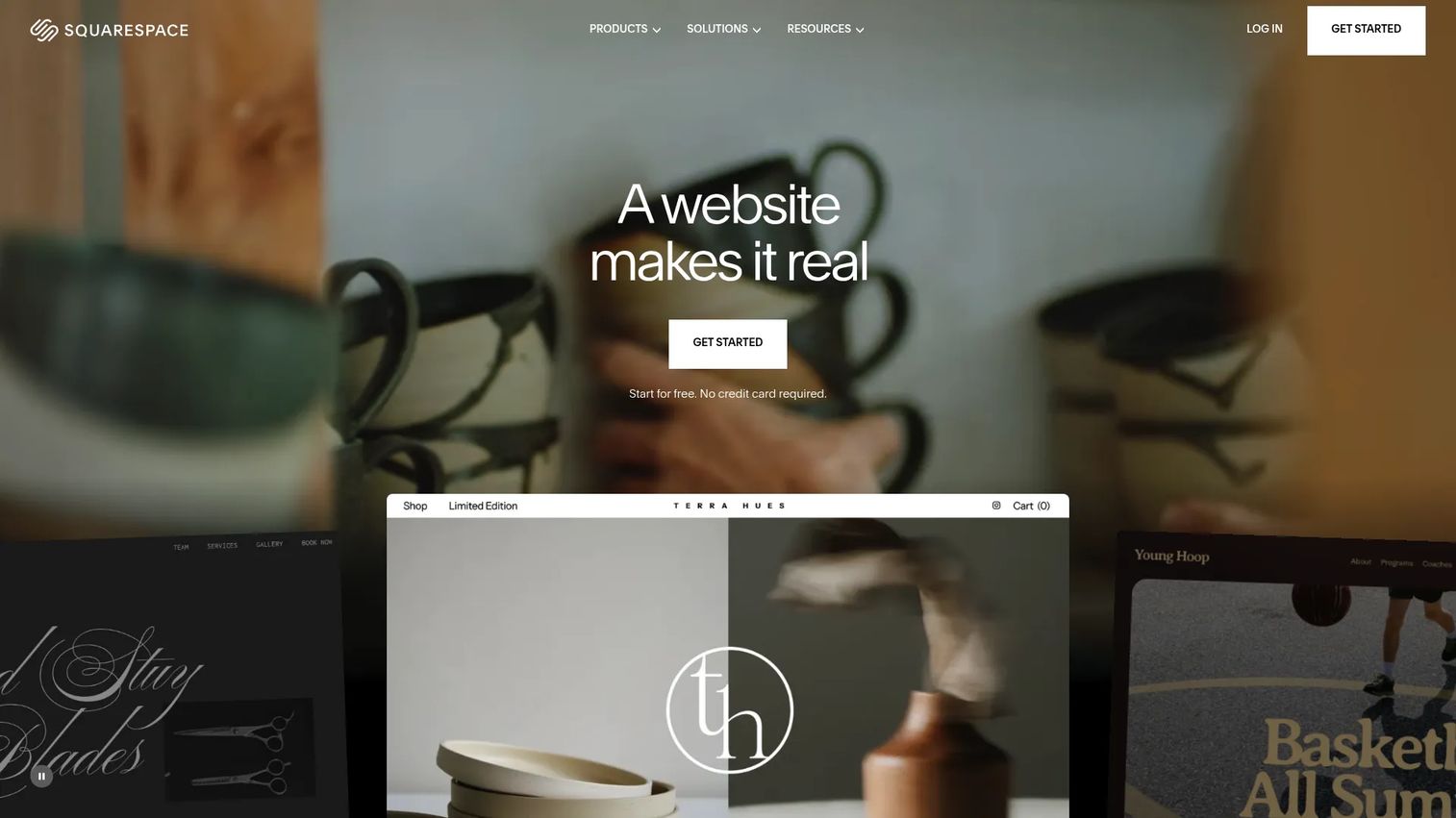
Squarespace is an all-in-one website building platform known for polished design and brand presentation. Where it shines for ecommerce is content-led selling: if your product story depends on strong visuals and editorial feel, Squarespace templates make a small catalog look premium. The drag-and-drop editor keeps the launch workflow simple while the output looks anything but basic.
Best for: Individuals and businesses that want a polished, no-code store where brand presentation matters as much as the cart.
Key strengths
- Drag-and-drop editor: build a refined site without touching code.
- Built-in ecommerce and invoicing: sell products and bill clients from one place.
- SEO features and site analytics: get found and understand what visitors do.
Why choose Squarespace: Choose Squarespace when aesthetics and brand carry the sale, which is common for makers, studios, services, and curated catalogs. The templates do heavy lifting so a small team without a designer still ships a store that looks considered. It is best suited to businesses where the product range is focused rather than sprawling, and where the buying experience is as much about feel as function. A 14-day free trial lets you build before you commit.
Squarespace pricing: Paid plans start at $16/month on the Basic tier when billed annually, with Core, Plus, and Advanced tiers above it. Plans can be billed monthly or annually, and there is a 14-day free trial to test the build before paying. All paid plans include website and commerce features.
5. BigCommerce
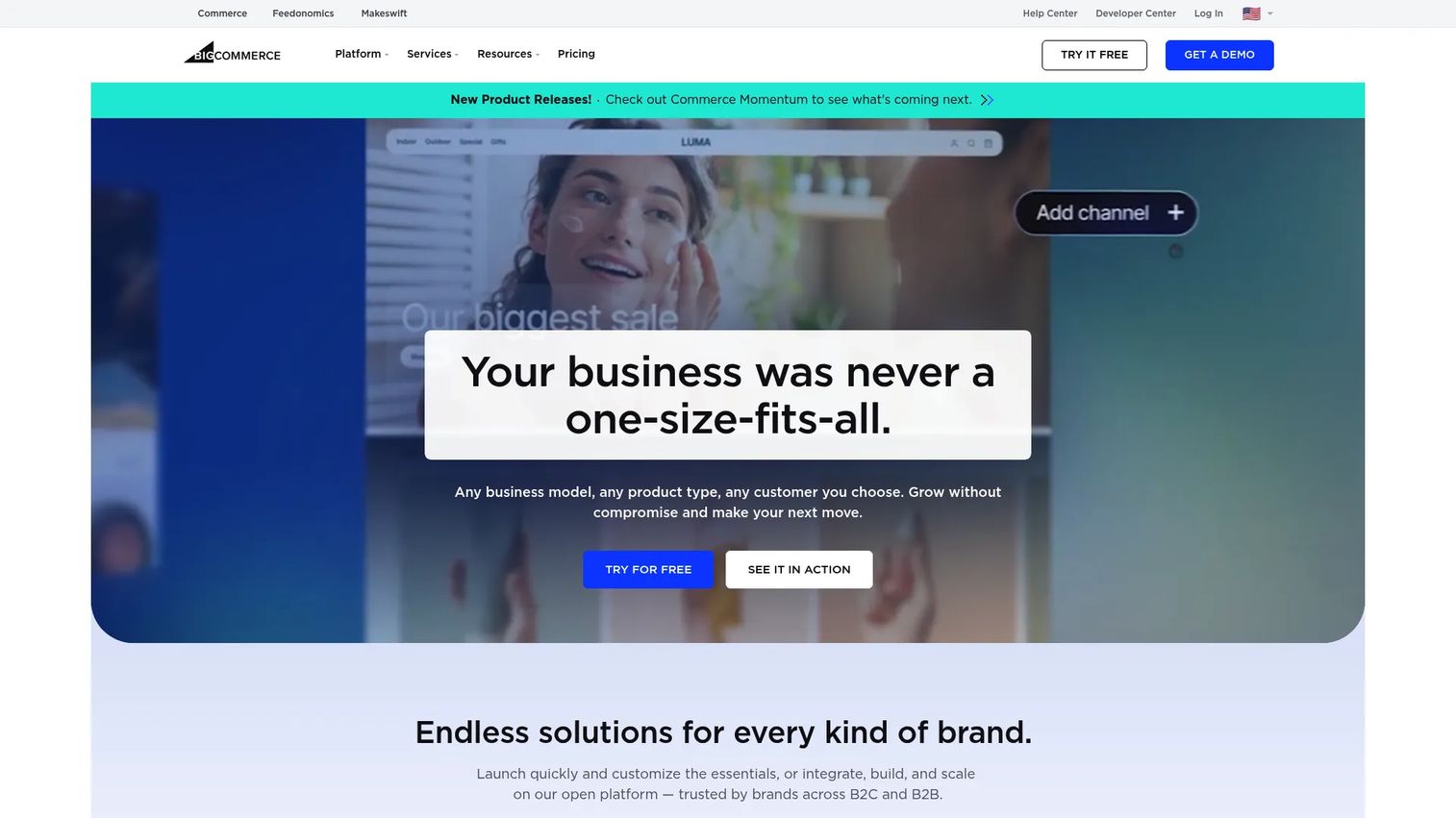
BigCommerce is an open SaaS ecommerce platform built for B2C, B2B, and omnichannel selling. Its strength is scalability and catalog depth. Where simpler builders start to strain under large product ranges or complex selling models, BigCommerce has more native ecommerce functionality out of the box, which means fewer apps bolted on to do core work.
Best for: Growing brands that expect to outgrow simpler builders and want flexible B2C and B2B commerce.
Key strengths
- Multi-Storefront: run multiple unique storefronts from one dashboard.
- B2B tools: customer groups, price lists, bulk pricing, quotes, and purchase orders.
- Headless commerce support: build with WordPress, Next.js, and React.
Why choose BigCommerce: BigCommerce suits the business that already knows it is heading toward volume, multiple storefronts, or B2B selling. Buying for that future means fewer migrations later. The flip side: if you are launching a tiny catalog to test demand, the platform can feel like more than you need on day one. It rewards businesses with a clear growth trajectory more than those still validating the basic idea. For everyone else heading toward scale, the native depth is the point.
BigCommerce pricing: Plans are Core at $39/month, Growth at $105/month, and Scale at $399/month, all self-service. The Performance plan starts at $1,499/month billed annually and is custom-priced for larger operations. There is no permanent free tier, though a 15-day free trial lets you build first.
6. WooCommerce
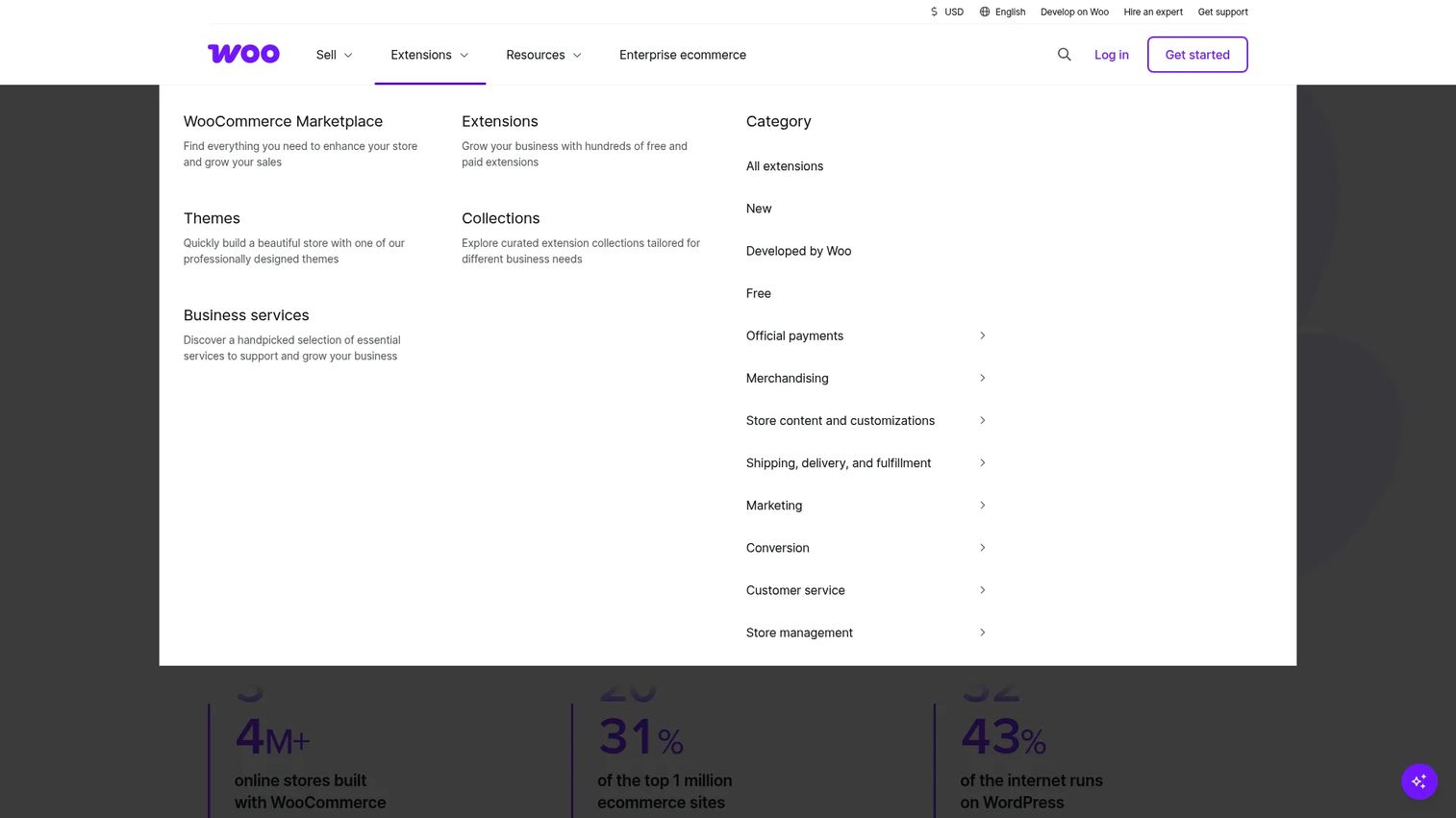
WooCommerce is a free, open-source ecommerce platform for WordPress. Its draw is control. If you already run WordPress or want to own your stack end to end, WooCommerce turns your site into a store without locking you into a hosted vendor's rules. You control the hosting, the code, and the extensions, which means the store can do almost anything you are willing to build or buy.
Best for: Businesses that want a flexible, WordPress-based store with full control over hosting and extensions.
Key strengths
- Customizable storefronts on WordPress: shape every part of the store on the most widely used CMS.
- Payments and extensions ecosystem: add capabilities through a deep plugin library.
- Open-source, self-hosted setup: own your data and your infrastructure.
Why choose WooCommerce: Choose WooCommerce when control and customization matter more than convenience. The core plugin is free, which makes the headline cost attractive, but the real budget lives in hosting, extensions, and the time to maintain it all. That ownership is a strength for technical teams and a responsibility for everyone else. If you want to shape the store exactly to your needs and have the bandwidth to run it, the flexibility is hard to beat. If you want a vendor to handle updates and security, a hosted platform fits better.
WooCommerce pricing: The core platform is free with no monthly subscription. The real costs come from hosting, which runs roughly $25 to $350 per month depending on scale, and optional extensions priced around $29 to $299 per year each. Payment processing fees apply separately. Budget for the full stack, not just the free core.
7. Salesforce Starter Suite
Salesforce Starter Suite is an all-in-one CRM suite for small businesses that combines sales, service, marketing, commerce, Slack, and built-in AI. Its angle is CRM-first: instead of starting from a storefront and bolting on customer management, it starts from unified customer data and connects commerce to it. For a business that lives and dies by customer relationships, that ordering matters.
Best for: Small businesses that want a simple CRM to manage sales, marketing, and service in one system.
Key strengths
- Lead, account, contact, and opportunity management: keep every customer relationship in one record.
- Built-in sales flows and lead routing: standardize how deals move without manual handoffs.
- AI email sync and AI assistant support: cut admin and surface what matters next.
Why choose Salesforce Starter Suite: Choose Starter Suite when the business wants sales, service, and commerce living in one place, and the customer relationship is the center of gravity rather than the catalog. It is the right call for operators who already think in pipeline and accounts and want commerce connected to that data, not siloed away from it. The automation and dynamic email marketing scale as the business grows. It is less of a fit if your only need is a fast standalone storefront, and more of a fit if you want a system of record that commerce plugs into.
Salesforce Starter Suite pricing: There is a Free Suite at $0 per user per month, then Starter Suite at $25 USD per user per month billed monthly or annually, and Pro Suite at $100 USD per user per month billed annually. The free and Starter tiers make it approachable for a small team testing CRM-led commerce before scaling up.
8. Ecwid
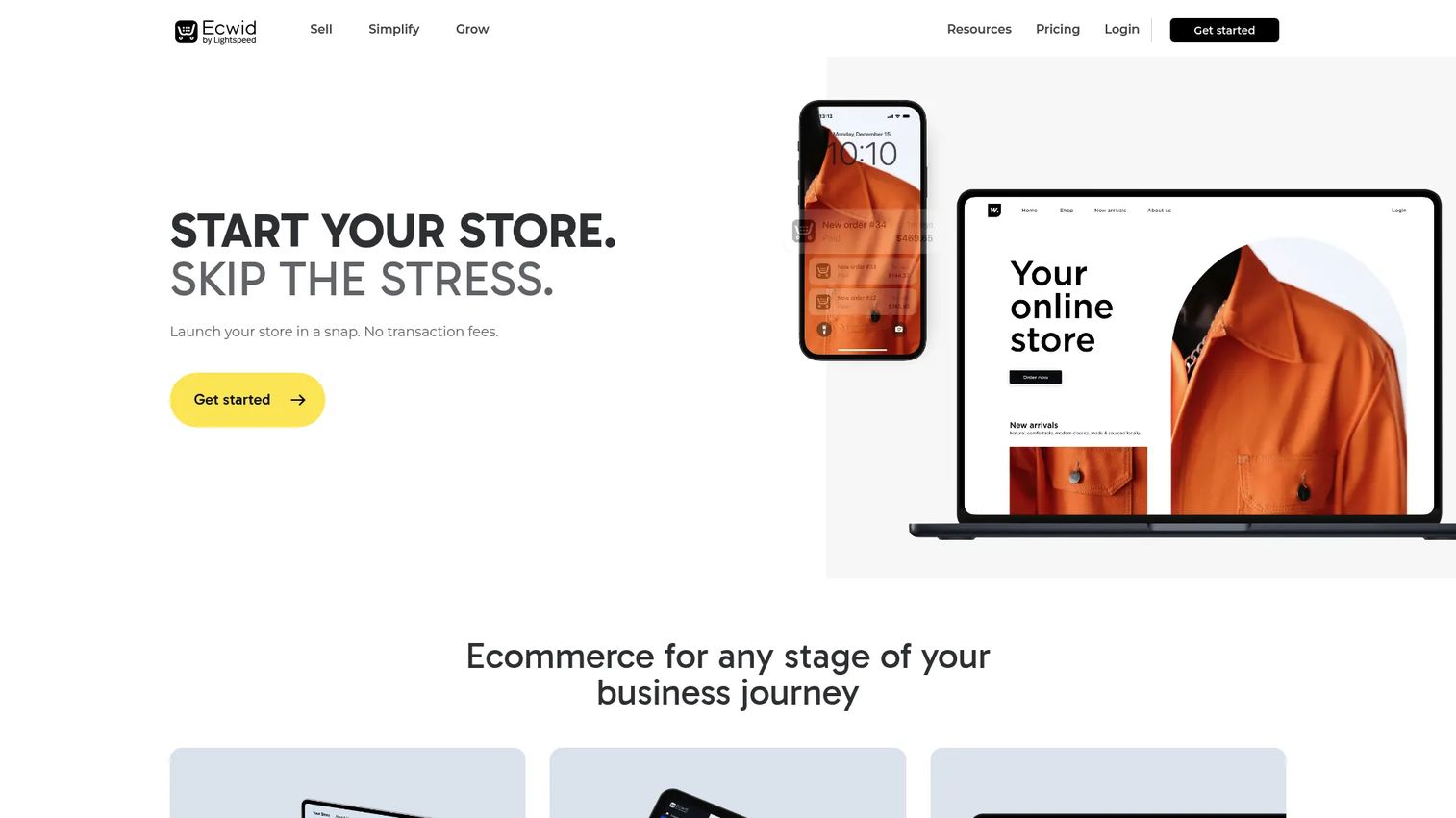
Ecwid is an ecommerce platform built to add an online store to an existing website and sales channels. That is its whole reason for being. If you already have a site you like, or you sell across social and marketplaces, Ecwid embeds a store without forcing a full rebuild. It is the lightweight, budget-friendly way to add a cart where you already are.
Best for: Small businesses that want to embed ecommerce into an existing site and expand to social selling.
Key strengths
- Add a store to any website: drop a working store into a site you already run.
- Sell across social channels and marketplaces: reach buyers beyond your own site.
- Instant Site website builder: spin up a simple storefront if you need one.
Why choose Ecwid: Choose Ecwid when a full platform migration is overkill. Maybe you have a WordPress or Wix site that works, and you just need to start selling on it. Maybe you want one catalog syncing across your site, Instagram, and a marketplace. Ecwid fits that "add, don't replace" job better than platforms that want to be your whole website. The budget entry point makes it a low-risk way to test whether ecommerce belongs on your existing site at all.
Ecwid pricing: Plans are Starter at $5/month, Venture at $35/month, Business at $65/month, and Unlimited at $149/month. A free plan is available, and annual billing carries a roughly 16% saving. The low entry price makes it one of the most affordable ecommerce platforms for small business when you only need to add a store rather than build one.
Considerations before you choose
Before you commit, run the platform through a short checklist. These are the factors that separate a clean launch from a regret.
Total cost, not sticker price
The monthly plan is the smallest part of the bill. Add payment processing fees, premium themes, paid apps or plugins, hosting where it applies, your domain, and SSL. A "cheap" platform with expensive add-ons can cost more than a pricier all-in-one. Map the full cost at the volume you expect, not the volume you have today.
Time to launch
How fast can you actually be live and selling? For a small team, every week spent on setup is a week not earning. Hosted, no-code platforms get you there fastest. Open-source control comes with a longer runway. Match the launch speed to how urgently you need revenue.
Omnichannel fit
If you sell in person now or plan to, check that the platform unifies inventory and customer data across online and offline. Running two disconnected systems creates reconciliation work and blind spots. One ledger beats two every time.
Scalability and migration risk
Ask what breaks when you grow. Will rising order volume, a bigger catalog, or new sales channels force a rebuild? Switching platforms later means migrating data, setting up redirects, re-importing products, and cleaning up SEO. Pick a platform whose ceiling sits comfortably above your realistic growth.
Integrations and stack fit
Your store does not live alone. Check that it connects cleanly to your payment processor, accounting, email, and any CRM or analytics you rely on. The fewer manual exports between tools, the more time you keep for the work that grows the business.
Conclusion
The best ecommerce platform for small business is the one that fits your current constraints, not your imagined scale. Shopify is the safe all-in-one bet when you are committed to growth and want one system to carry you there. Square Online wins if you already sell in person and want a free, unified entry point. Wix and Squarespace serve design-led teams, with Wix favoring flexibility and Squarespace favoring polish. BigCommerce is the call when you can already see volume or B2B coming. WooCommerce rewards teams that want full control. Salesforce Starter Suite fits CRM-first operators. Ecwid is the lightweight way to add a store to a site you already have.
The discipline is the same one you'd apply to any tool in your stack: weigh launch speed, real total cost, omnichannel fit, and scalability against where you actually are. Shortlist two, run their free trials or free tiers, and pick based on today's reality. You can always migrate later, but the platform that lets you start selling this week and grow without a rebuild is usually the one worth keeping.
FAQs
There is no single best platform, only the best fit for how you sell. If you want one system that scales, Shopify is the benchmark. If you sell in person and want a free start, Square Online fits. If design and brand carry the sale, Wix or Squarespace lead. Match the platform to whether you value ease, omnichannel selling, or deep customization.
Square Online and Ecwid both offer real free or near-free entry points, and WooCommerce has a free core plugin. But "free" rarely means zero cost. Payment processing fees apply on every sale, and add-ons, themes, hosting, and higher tiers stack on top. Map the total cost at your expected sales volume, not just the headline plan price.
The simplest hosted, no-code options win for beginners: Square Online, Wix, and Squarespace let you pick a template, add products, and publish without technical setup. At the start, setup speed matters more than feature depth, because getting to your first sale teaches you more than any feature list. You can add complexity once you know what you actually need.
Yes, you can always migrate. But plan for the work: you'll need to export and re-import products, migrate customer and order data, set up URL redirects so you don't lose search traffic, and clean up SEO afterward. The migration is manageable, which is why it's smarter to pick for today's constraints than to overbuild for a future that may not arrive as imagined.
They fit different starting points. Shopify is built for growth and has the deepest app ecosystem, so it suits businesses committed to scaling online and across channels. Square Online is built around POS-connected simplicity and a free entry tier, so it suits businesses that already sell in person and want unified data. Neither is universally better; the right one depends on how you sell today.
Yes. WooCommerce is a WordPress plugin, so it runs on a WordPress site. That makes it a strong fit for businesses that already use WordPress or want full control over hosting, code, and extensions. If you don't run WordPress and don't want to manage your own stack, a hosted platform will be a smoother path.
The ones that catch people are payment processing fees, premium themes, paid apps or plugins, hosting on self-hosted platforms like WooCommerce, your domain renewal, SSL where it isn't included, and the time cost of migrating later. The monthly plan is usually the smallest line item. Always price the full stack at your expected volume before you commit.










