
A refill request slips through. A slow-moving NDC sits on the shelf until it expires. A claim bounces back three times before it adjudicates. None of these is dramatic on its own. Together, they quietly drain hours and margin from a pharmacy every single week.
The root cause is rarely the team. It is the gap between systems: intake in one place, verification in another, inventory reconciled by hand, patient outreach done from memory. That gap is exactly what pharmacy software is built to close. The right platform becomes the operating layer for the whole pharmacy, connecting dispensing, inventory, billing, compliance, and patient engagement so the work moves without constant babysitting.
The category is not small, and it is not slowing down. The pharmacy management system market sits at roughly USD 116.45 billion in 2026 and is projected to reach USD 236.28 billion by 2031, according to Mordor Intelligence. Cloud deployment already accounts for 62.85% of the market as of 2025, and independent pharmacies hold 56.20% of it. That mix matters, because the best pharmacy software for a 12-store retail chain is not the best fit for a single-owner independent or a long-term care operation.
If you evaluate business software for a living, the pattern here will feel familiar. Choosing pharmacy software is a lot like choosing any operational system: you want repeatable workflows, clean reporting, and a tool that earns its place in the stack instead of adding another silo. The same discipline you would apply to marketing automation, contract lifecycle management, or audit management software applies here. We ranked these tools by how a pharmacy actually runs, not by brand visibility.
What's inside
This guide is for pharmacy owners, pharmacists, operations managers, and multi-location decision-makers comparing pharmacy software solutions before a purchase or a migration. It balances three operating models: independent pharmacy, retail and multi-location, and long-term care (LTC).
We selected and ranked tools on four criteria that matter most day to day:
- Workflow fit: how well the system supports intake, verification, and dispensing
- Inventory and reporting: perpetual inventory, purchasing visibility, and operational data
- Compliance and billing: claims handling, adjudication, and regulatory support
- Patient engagement and automation: refill reminders, med sync, and messaging
No single tool wins every category. The right pick depends on how your pharmacy operates.
TL;DR
For readers who want the shortlist before the detail:
- Best for enterprise and health-system retail operations: EnterpriseRx, for centralized, cloud-hosted, multi-location control.
- Best for independent pharmacy workflow management: BestRx, for configurable workflows and built-in patient messaging.
- Best for high-volume dispensing automation: ScriptPro, where robotics and pharmacy automation software carry throughput.
- Best for connected clinical and workflow control: Kroll, with safety checks and modular add-ons.
- Best for long-term care workflows: FrameworkLTC, purpose-built for LTC packaging and cycle fill.
- Best for configurable multi-model operations: SuiteRx, spanning LTC, retail, specialty, and 340B.
Rx30 and QS/1 round out the list for community and multi-location operators who want proven, integrated pharmacy system software.
What is pharmacy software?
Pharmacy software is the system a pharmacy uses to process prescriptions, verify and dispense medication, manage inventory, adjudicate insurance claims, maintain compliance, and communicate with patients. In practice, buyers use the terms pharmacy software, pharmacy management software, and a pharmacy management system almost interchangeably to describe the same operating layer.
Modern pharmacy software systems have moved well beyond simple label printing. They now sit at the center of the pharmacy, tying together every step from the moment a script arrives to the moment a patient picks it up. This is the core of the software used in pharmacy operations today, and it is why pharmacy computer systems are treated as infrastructure rather than a single tool.
A modern pharmacy management system software package typically includes:
- Prescription processing and e-prescribing: intake, entry, and electronic routing from prescribers
- Clinical verification and safety checks: drug interaction, allergy, and adverse-event screening
- Pharmacy dispensing software: label generation, fill workflow, and barcode scan verification
- Pharmacy inventory management software: perpetual inventory, reorder points, and automatic deductions
- Claims and billing: real-time adjudication, third-party billing, and reconciliation
- Patient engagement: refill reminders, med sync, auto-refill, and two-way messaging
- Reporting and compliance: operational dashboards, audit trails, and regulatory support
The distinction that matters most is not the label. It is fit. A retail chain optimizes for centralized data and multi-location reporting. An independent optimizes for ease of use and workflow speed. An LTC pharmacy optimizes for packaging, cycle fill, and facility-level billing. Same category, very different requirements.
When to use pharmacy software
Most pharmacies do not shop for a new system out of curiosity. They shop when a specific operational pain crosses a threshold. Here are the three most common triggers.
Replace manual and disconnected workflows
If your team still bridges gaps with spreadsheets, sticky notes, and manual re-entry between systems, every prescription carries hidden steps. That friction shows up as slower fill times and more errors. This is the moment to move to a single system where intake, verification, and dispensing live in one connected flow. The payoff is fewer handoffs and cleaner throughput.
Tighten inventory control
When stockouts send patients away, or dead stock ties up cash on shelves, inventory is costing you margin and service levels at the same time. Strong pharmacy inventory management software gives you perpetual counts, reorder logic, and purchasing visibility so you buy what you need and stop guessing. For most pharmacies, this alone justifies the switch.
Improve patient adherence and refill behavior
If patients miss refills and drift to another pharmacy, you are losing recurring revenue quietly. Refill reminders, auto-refill, med sync, and pickup notifications keep patients on therapy and keep scripts in your store. For adherence-focused operations, patient engagement is the difference between a one-time fill and a loyal patient.
Comparison table
The table below ranks all eight tools by relevance to real operating models. Read it top to bottom for a quick shortlist, then use the intent and key use case columns to match a tool to how your pharmacy runs. Pricing across this category is almost always quote-based and tied to pharmacy size, so treat published ratings and use-case fit as your primary filters. G2 ratings reflect current listings where a verified profile exists.
| # | Product | Intent | Key use case | Pricing | G2 rating |
|---|---|---|---|---|---|
| 1 | EnterpriseRx | Enterprise retail | Centralized, cloud-hosted multi-location operations | Quote-based | 3.7/5 |
| 2 | BestRx | Independent retail | Configurable workflows and patient messaging | Quote-based | 3.0/5 |
| 3 | Kroll | Retail and clinical | Prescription management with safety checks and add-ons | Quote-based | 3.8/5 |
| 4 | Rx30 | Community pharmacy | Fast claims adjudication and dispensing workflow | Quote-based | Not listed |
| 5 | ScriptPro | High-volume dispensing | Automation and robotics for throughput | Quote-based | 3.9/5 |
| 6 | SuiteRx | Configurable multi-model | LTC, retail, specialty, and 340B workflows | From $25,000 (SRx+) | 4.5/5 |
| 7 | QS/1 | Multi-location retail | Community, hospital outpatient, and specialty operations | Quote-based | Not listed |
| 8 | FrameworkLTC | Long-term care | LTC packaging, cycle fill, and facility billing | Quote-based | 4.4/5 |
1. EnterpriseRx
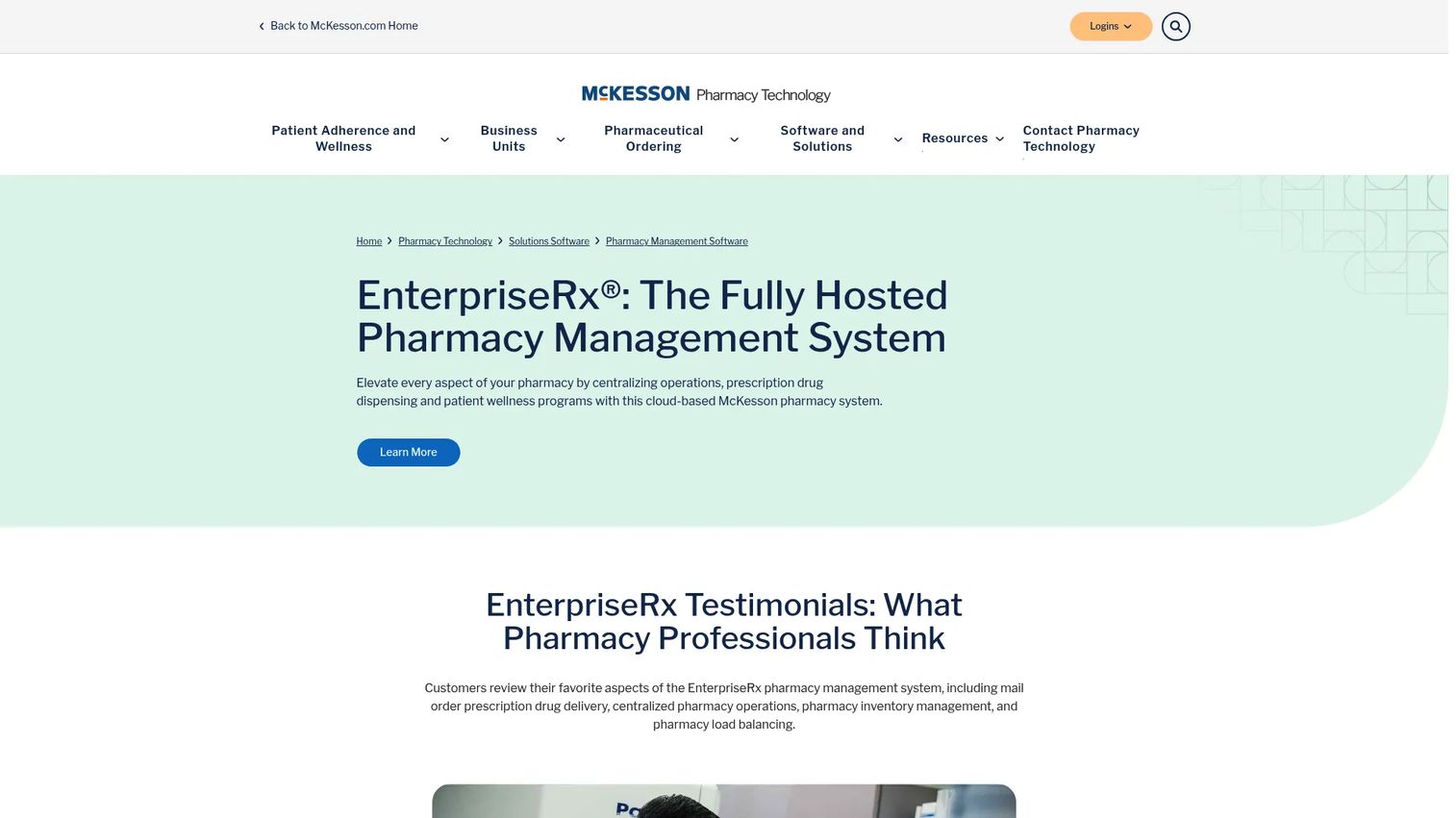
EnterpriseRx is McKesson's cloud-based pharmacy management software built to centralize dispensing, workflow, clinical programs, and reporting across many locations. It is fully hosted, so the heavy lifting of infrastructure sits with McKesson rather than your team. For operators running a growing footprint, that centralized model is the whole point.
Best for: enterprise, health-system, specialty, and multi-location pharmacies that need one system of record across every site.
Key strengths
- Centralized processing: run prescription operations and shared data across all locations from one platform.
- Clinical programs: support patient wellness and clinical workflows alongside core dispensing.
- Cloud-hosted deployment: fully hosted infrastructure that scales without on-site server management.
Why choose EnterpriseRx: If you operate more than a handful of stores or a health-system pharmacy, the value is consistency. Every location works from the same data, the same workflows, and the same reporting. For a decision-maker trying to make operations repeatable across sites, that centralized layer is exactly what removes the founder-style bottleneck where one person holds all the context. It is a heavier commitment than a single-store system, which is precisely why it fits multi-location operators best.
EnterpriseRx pricing: McKesson does not publish pricing for EnterpriseRx on its site. Pricing is quote-based and scoped to your pharmacy's size and needs, so plan to contact McKesson for a tailored figure. The related McKesson Pharmacy Systems profile carries a G2 rating of 3.7/5.
2. BestRx
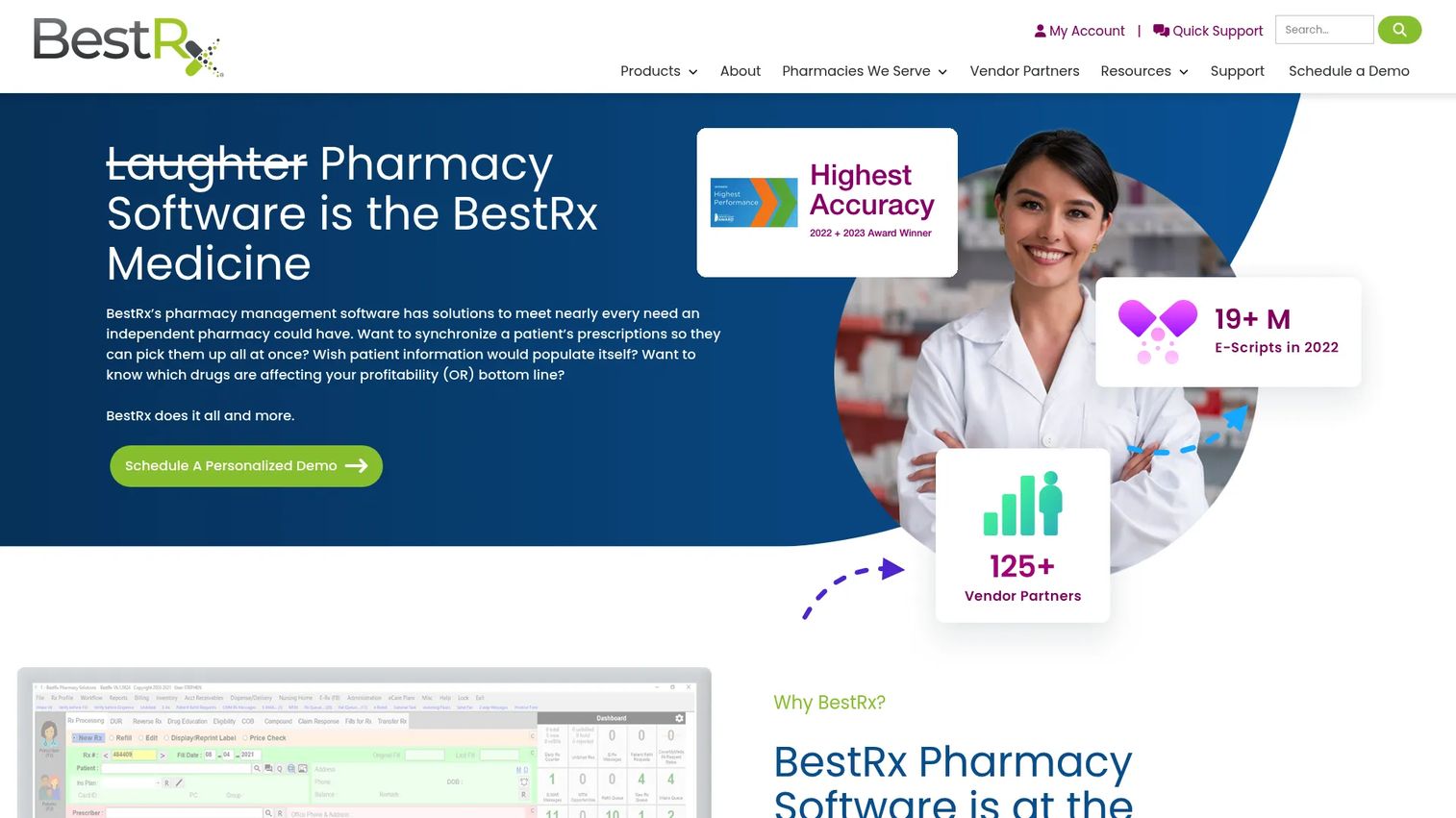
BestRx is pharmacy management software built specifically for independent pharmacies. It leans into configurable workflows and practical patient engagement, so owner-operators can shape the system around how their store actually works rather than forcing their store to fit the software.
Best for: independent pharmacies that want configurable workflows without enterprise overhead.
Key strengths
- Customizable workflows: adjust the fill process to match your store's pace and staffing.
- Two-way patient messaging: communicate with patients directly to drive refills and pickups.
- Automated refills and delivery: reduce manual follow-up and support delivery options.
Why choose BestRx: Independent pharmacies rarely have an IT department. BestRx is aimed squarely at that reality, prioritizing ease of administration and workflow flexibility over sprawling enterprise features. If you own one or a few stores and want software you can configure yourself, it fits the operating model well. Larger multi-location operators will generally need something built for centralized control instead.
BestRx pricing: BestRx describes its pricing as transparent and affordable, but does not display public numbers on its site, so expect to request a quote. On G2, BestRx carries a 3.0/5 rating based on a small number of reviews, which is worth weighing against its independent-pharmacy focus during evaluation.
3. Kroll
Kroll is TELUS Health's pharmacy management solution for prescription handling, workflow, and professional services. It stands out for built-in clinical safety and a modular structure that lets pharmacies add capabilities as they grow.
Best for: pharmacies that want a configurable management system with clinical and workflow add-ons.
Key strengths
- Prescription management with professional services: handle scripts alongside integrated clinical service delivery.
- Built-in safety checks: adverse drug event detection and barcode scan verification at the point of dispense.
- Modular add-ons: extend into workflow, patient engagement, documentation, billing, and inventory management.
Why choose Kroll: The modular approach is the draw. You start with core prescription management and layer on the pieces your pharmacy needs, whether that is deeper patient engagement or tighter inventory. The built-in safety checks matter for operators who treat clinical accuracy as non-negotiable. Because packaging is add-on based, map out which modules you actually need before you commit, so the configuration matches your workflow.
Kroll pricing: TELUS Health does not list public pricing for Kroll; the site directs you to contact sales or request a demo. Kroll shows a 3.8/5 rating on G2, though the profile notes there are not yet enough reviews for deep buying insight, so treat it as directional.
4. Rx30
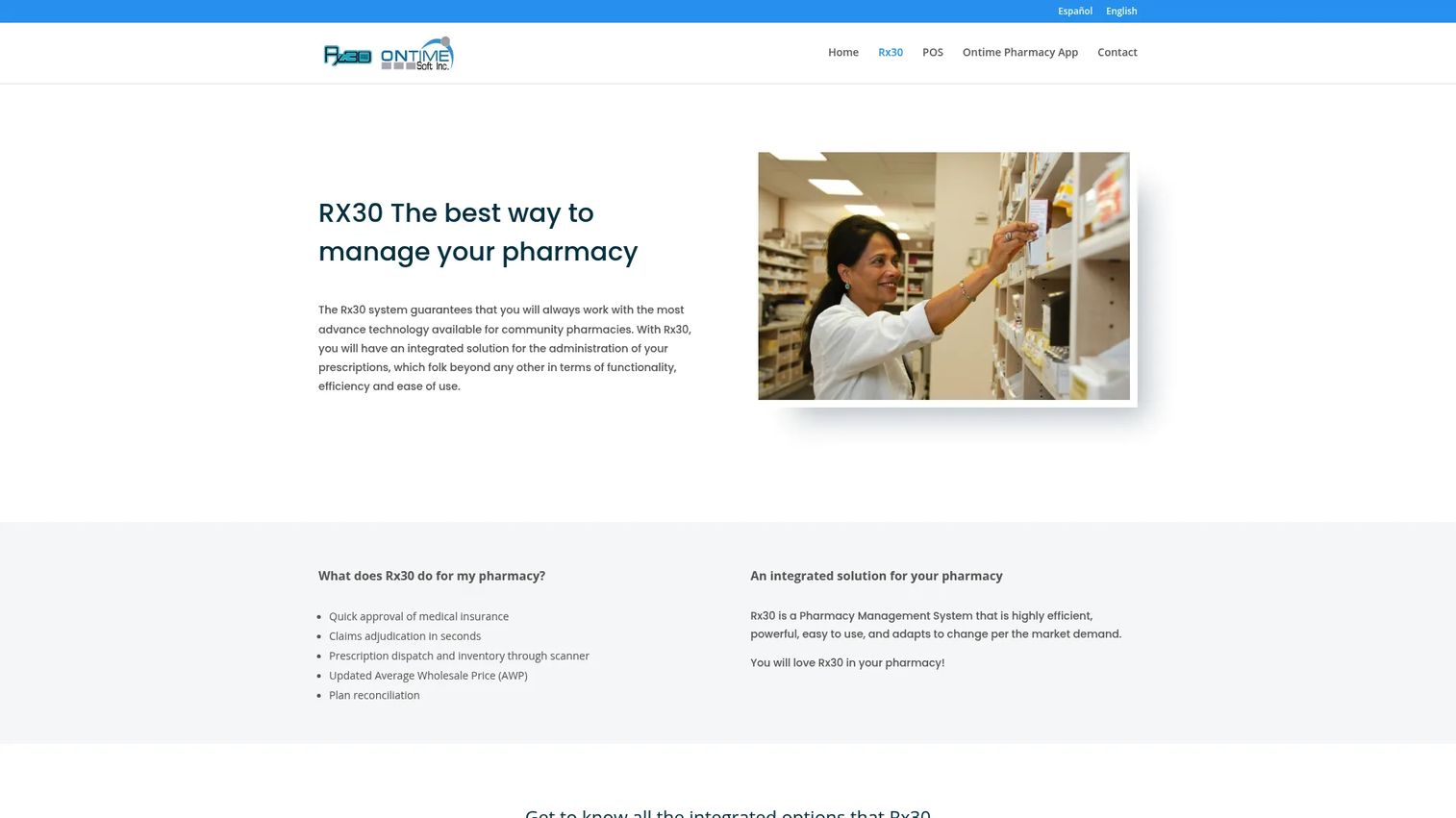
Rx30 is pharmacy management software for community pharmacies, with a focus on speed through claims and dispensing. It is often compared against broader pharmacy management systems because it delivers the core operational workflow community stores rely on without unnecessary complexity.
Best for: community pharmacies that need integrated prescription and workflow management.
Key strengths
- Fast insurance approval: quick approval of medical insurance to keep the counter moving.
- Rapid claims adjudication: adjudicate claims in seconds so patients are not left waiting.
- Scanner-driven dispatch and inventory: manage prescription dispatch and inventory through barcode scanning.
Why choose Rx30: For a busy community pharmacy, speed at the point of adjudication is everything. Rx30 is built to move claims quickly and keep dispensing tight, which is why growing retail stores put it on the shortlist against larger systems. Its scanner-driven inventory and dispatch keep the physical workflow honest. Teams comparing it to enterprise platforms should weigh whether they need multi-location centralization or focused community throughput.
Rx30 pricing: Rx30 does not publish public pricing, so pricing is quote-based through the vendor. Capterra lists the Rx30 Pharmacy System at 4.1/5 across dozens of reviews, which offers useful peer signal even though a verified G2 rating was not surfaced.
5. ScriptPro
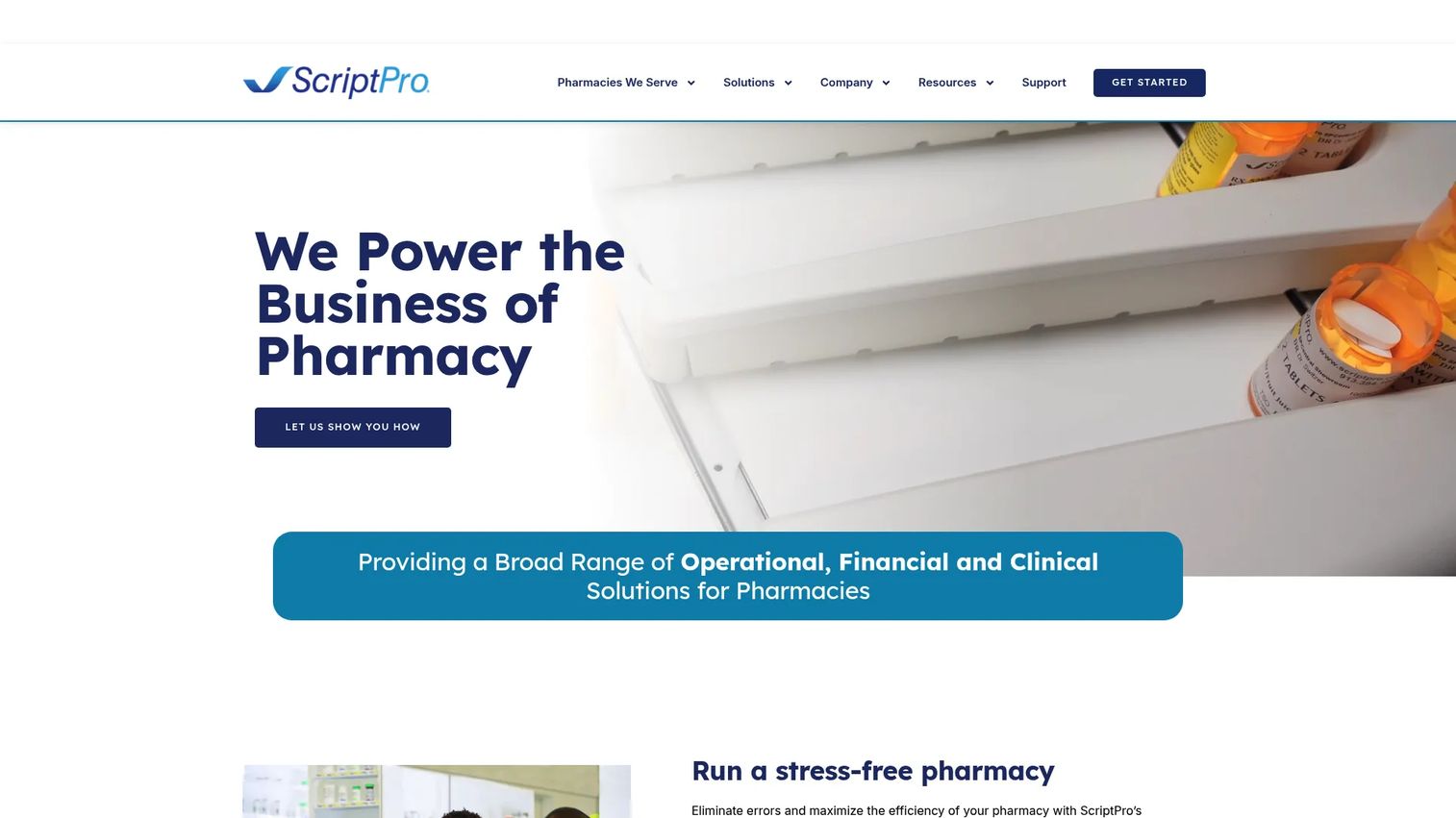
ScriptPro pairs pharmacy management software with robotic dispensing systems, making it the standout for pharmacies where throughput is the constraint. It combines a management system with physical automation so the software and the hardware move prescriptions together.
Best for: pharmacies that need integrated automation, workflow, and high-volume dispensing.
Key strengths
- Integrated management system: connect EHR, IVR, e-prescribing, inventory, point of sale, and reporting in one platform.
- Robotic dispensing: direct-to-vial robotic dispensing with barcode tracking for accuracy and speed.
- Financial and workflow tools: 340B support and reconciliation built into pharmacy operations.
Why choose ScriptPro: When fill volume is the bottleneck, software alone does not solve it. ScriptPro's robotics take the repetitive dispensing load off staff so the team focuses on clinical work and patient interaction. This is the pharmacy automation software choice for high-throughput operations that have outgrown manual counting. If your volume is modest, a general-purpose management system may serve you without the robotics investment. ScriptPro carries a 3.9/5 rating on G2 based on a handful of reviews.
ScriptPro pricing: ScriptPro does not publish public pricing on its site, and because the offering often includes hardware, pricing is scoped per pharmacy and quote-based. Plan for a consultative sales process to size both the software and any automation components.
6. SuiteRx
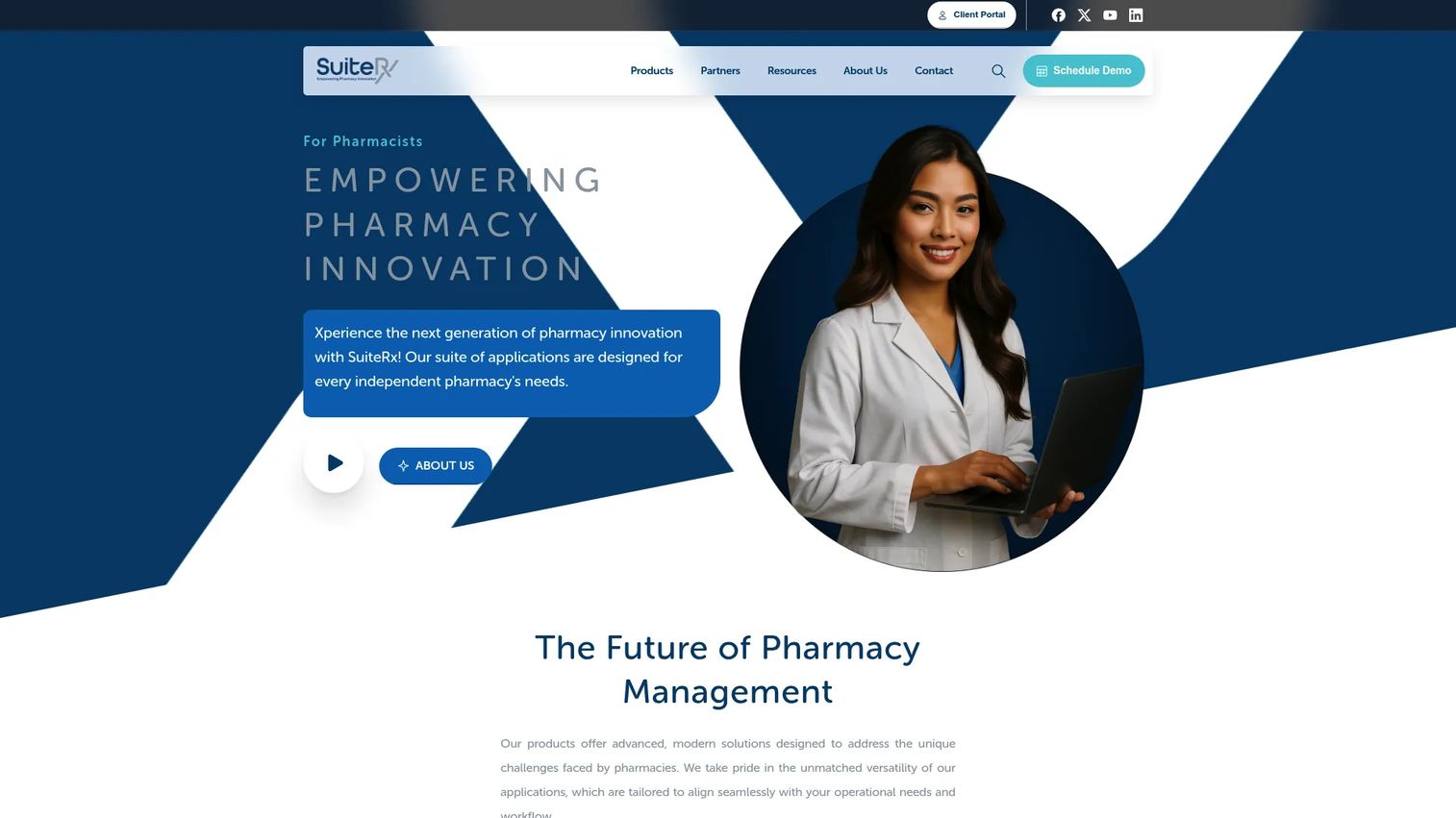
SuiteRx is an all-in-one pharmacy management platform built for independent pharmacies that span multiple models: LTC, retail, specialty, combo, and 340B. Its SRx platform bundles document management, adherence reporting, inventory, and cycle fill into one configurable system.
Best for: independent pharmacies that need an integrated platform across LTC and retail workflows.
Key strengths
- All-in-one SRx platform: run document management, adherence reporting, inventory, and cycle fill from one system.
- Multi-model coverage: support LTC, retail, specialty, combo, and 340B operations in a single platform.
- Companion applications: extend into web, mobile, delivery, and patient portal apps like SRxGateway, MyRx, and SRxDelivery.
Why choose SuiteRx: If your pharmacy straddles more than one model, running separate systems is a recipe for reconciliation headaches. SuiteRx consolidates those workflows into one configurable platform, which is why it appeals to operators who refuse to be boxed into pure retail or pure LTC. The companion apps extend patient engagement and delivery without bolting on third-party tools. It earns the highest verified rating on this list, a 4.5/5 on G2, though from a small review base.
SuiteRx pricing: SuiteRx publicly lists SRx+ as a limited-time introductory one-time investment starting at $25,000, with separate monthly SaaS pricing structured per active patient. Pricing for the full SRx platform is not publicly listed, so request a scoped quote for your operation.
7. QS/1
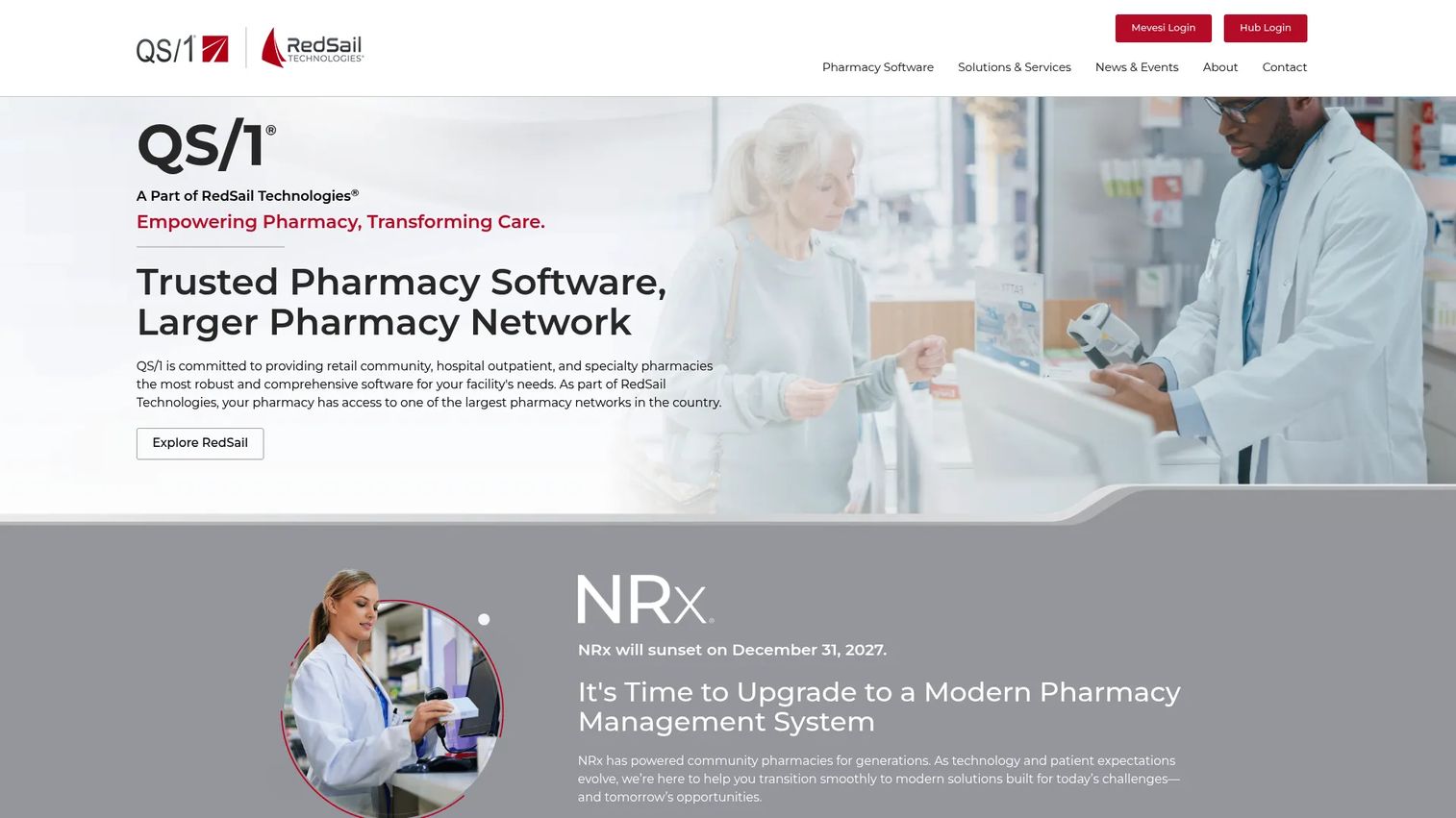
QS/1 is pharmacy software serving retail community, hospital outpatient, specialty, and LTC pharmacies. Part of the RedSail Technologies family, it appeals to operators who want a proven, well-supported platform with room to grow across multiple sites.
Best for: pharmacies that need enterprise pharmacy management software with strong support.
Key strengths
- Broad pharmacy coverage: support community, hospital outpatient, and specialty pharmacy workflows.
- NRx platform: ongoing NRx support and upgrades keep the core system current.
- Integrated modules and services: extend capabilities with modules and access support through RedSail Hub.
Why choose QS/1: For operators managing several sites, consistency and support carry real weight. QS/1's long track record and module-based extensibility make it a dependable choice for multi-location retail and specialty pharmacies that value workflow consistency across stores. The RedSail Hub gives current customers a support and resource channel that matters when uptime is non-negotiable. If you want centralized reporting across many locations, put it head to head with EnterpriseRx.
QS/1 pricing: QS/1 does not display public pricing, so pricing is quote-based and scoped to your pharmacy. A current verified third-party rating was not available at the time of writing, so lean on a hands-on evaluation and reference calls during your comparison.
8. FrameworkLTC
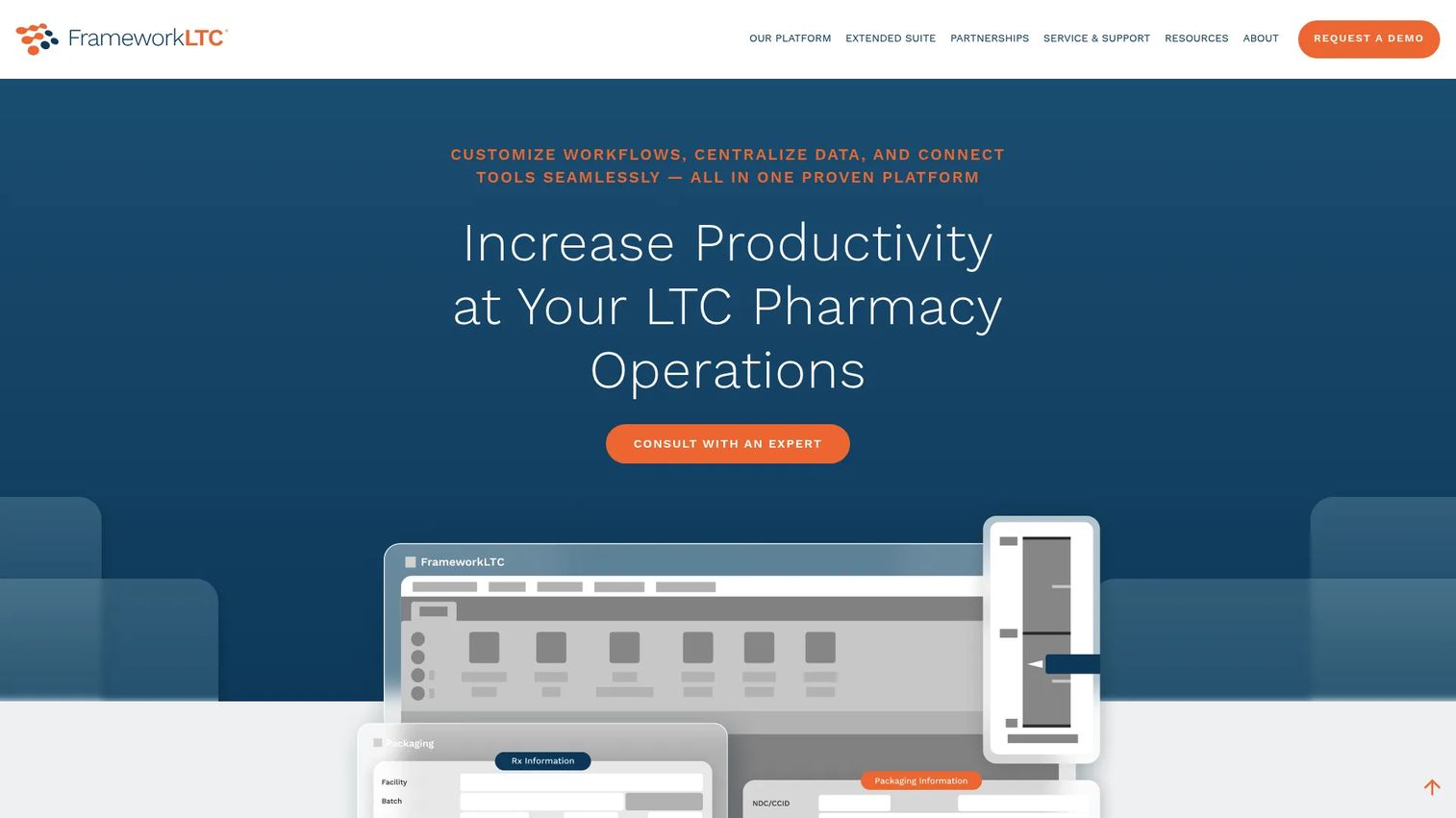
FrameworkLTC is pharmacy management software built specifically for long-term care pharmacies. LTC requirements differ sharply from retail: packaging, cycle fill, facility-level billing, and delivery logistics all work differently, and FrameworkLTC is purpose-built for that reality.
Best for: long-term care pharmacies that need an integrated, LTC-specific management platform.
Key strengths
- Prescription dispensing and e-prescribing: handle LTC dispensing and electronic prescribing in one flow.
- Automated order and billing workflow: automate order, refill, billing, and inventory processes for facility volume.
- Integrated modules: add document management, delivery, analytics, and AI-assisted order entry.
Why choose FrameworkLTC: Retail systems bolt LTC features on; FrameworkLTC starts from LTC. That difference shows up in packaging support, cycle fill, and facility billing, the workflows an LTC pharmacy lives in every day. If you serve nursing homes, assisted living, or other facilities, a purpose-built platform removes the workarounds a retail system would force on you. Retail-only pharmacies will not need this specialization. FrameworkLTC carries a 4.4/5 rating on G2.
FrameworkLTC pricing: FrameworkLTC does not publish public pricing; the site directs you to schedule a demo for a quote scoped to your needs. Given the specialized LTC feature set, expect a consultative process that maps the platform to your facility relationships and packaging requirements.
Considerations before you buy
Once you have a shortlist, evaluate each tool against the operational reality of your pharmacy, not a feature checklist. Here is what to verify.
Workflow fit for your model
A retail chain, an independent, and an LTC pharmacy run fundamentally different workflows. Confirm the system handles your specific intake, verification, and dispensing pattern before anything else. A tool that excels at community throughput may not support LTC cycle fill, and vice versa.
Inventory depth and reporting
Ask how the system handles perpetual inventory, reorder points, automatic deductions, and purchasing visibility. Then ask what reports you get out of the box. Inventory and reporting are where margin is protected, so this deserves scrutiny during a hands-on trial.
Implementation and support
Migration is the moment most pharmacies fear. Ask about data migration, training, go-live support, and ongoing responsiveness. A configurable platform is only as good as the support behind the configuration, especially for teams without dedicated IT.
Patient engagement capabilities
If adherence and retention matter to you, confirm the depth of refill reminders, auto-refill, med sync, and two-way messaging. Not every system offers these equally, and for adherence-focused operations this is often the deciding factor.
Total cost of ownership
Because pricing in this category is almost always quote-based, look past the headline number. Factor in implementation, training, hardware where relevant, and any per-patient or per-location fees. The cheapest license is rarely the lowest total cost.
Conclusion
The right pharmacy software depends on how your pharmacy actually runs, not on which brand you see most often. For enterprise and multi-location retail, EnterpriseRx centralizes operations across sites. For independents that want configurable workflows without overhead, BestRx fits the owner-operator model. When throughput is the constraint, ScriptPro brings automation and robotics. Kroll suits clinically focused pharmacies that want modular control, while Rx30 and QS/1 serve community and multi-location operators who value proven, integrated pharmacy system software.
For specialized needs, SuiteRx handles multi-model operations spanning LTC, retail, specialty, and 340B, and FrameworkLTC is purpose-built for long-term care packaging and cycle fill.
The practical next step is simple: shortlist two or three tools that match your operating model, then demo each one against your busiest workflows, not a canned script. Run your real intake, your real inventory scenario, and your real claims flow. The pharmacy management system software that keeps up under your actual pressure is the one to buy.
FAQs
Pharmacy software manages the full operational cycle of a pharmacy: prescription intake, clinical verification, dispensing, inventory, insurance claims, compliance, and patient communications. It replaces disconnected manual steps with one connected workflow. In practice, it is the operating layer that keeps prescriptions, stock, and billing moving without constant manual reconciliation.
Prioritize prescription processing and e-prescribing, inventory control, claims and billing, reporting, and refill workflows. Patient engagement features like reminders and med sync matter if adherence is a goal. The right mix depends on whether you run a retail, independent, or LTC operation, since each model stresses different parts of the system.
Pharmacy inventory management software maintains perpetual inventory, so counts update automatically as you dispense. It sets reorder points, deducts stock at the point of fill, and gives purchasing visibility across the shelf. That combination reduces stockouts that send patients elsewhere and cuts dead stock that ties up cash, protecting both margin and service levels.
The terms are used interchangeably most of the time. Buyers sometimes say pharmacy management system to emphasize operations, workflow, and reporting depth rather than just dispensing. Functionally, both describe the same category of software that runs a pharmacy end to end, so do not over-index on the label when comparing vendors.
Independent pharmacies usually want ease of use, configurable workflows, solid inventory visibility, and practical pricing. Tools built specifically for independents, such as BestRx and SuiteRx, are designed around that reality. The best fit depends on your volume and whether you operate a single model or span retail and LTC, so evaluate against your own workflow rather than a universal winner.
Patient engagement features like refill reminders, auto-refill, and med sync are central to adherence-focused operations, and systems such as BestRx and SuiteRx build these in. Not every platform offers them at equal depth. If retention and adherence drive your revenue, confirm the exact engagement capabilities and messaging options before you commit.
Compare on workflow fit for your model, implementation effort, inventory depth, reporting, patient engagement, support quality, and total cost of ownership. Because pricing is almost always quote-based, weigh use-case fit and peer ratings heavily. Then pilot your top two or three options against real pharmacy scenarios, running your busiest intake, inventory, and claims workflows before you decide.