You hired for a distributed team. Now you have no clean way to answer a basic question: is the work getting done, and where is it stalling? Email threads and standups give you opinions, not data. Meanwhile, your board wants cleaner operational metrics, and your people quietly worry that any new tool means surveillance.
That tension is the whole story with employee monitoring software in 2026. Roughly 78% of employers now use some form of monitoring, up from 60% before the pandemic, according to WorkTime's 2026 statistics report. Among remote-first companies the number jumps to 96%, versus 65% of fully in-office teams. The shift to distributed work made activity, attendance, and productivity invisible, so leaders went looking for visibility.
But visibility cuts both ways. Buy the wrong tool and you get a wall of raw logs, a privacy complaint, and a team that trusts you less. Buy the right one and you get attendance clarity, productivity trends, and clean management data without the chaos. The market reflects that demand: SkyQuest values the global category at $1.4 billion in 2024, projected to reach $4.74 billion by 2033 at a 14.5% CAGR.
This guide treats privacy, compliance, and ROI as first-class selection criteria, not footnotes. If you also evaluate adjacent operational stacks, our roundups of application performance monitoring tools and email tracking software follow the same trust-first lens.
What's inside
This guide compares eight employee monitoring tools chosen for productivity tracking, attendance visibility, remote-team workflows, privacy controls, reporting depth, and deployment flexibility. The selection favors tools that fit SaaS operators managing distributed teams who want clear ROI, not a surveillance arms race.
We cover both invasive and non-invasive monitoring styles so you can match the tool to your culture. Some teams need screenshots and security-grade controls. Others need active time, attendance, and app usage with zero content capture. Each entry includes pricing, ideal use case, and who should choose it, so you can shortlist in minutes. If you build distributed-team programs, our guides on employee advocacy software and outbound call tracking software round out the operations stack.
TL;DR
- Best privacy-first option: WorkTime, for non-invasive monitoring with no screenshots and strong attendance reporting.
- Best for productivity analytics: ActivTrak, for behavior patterns and workforce insights over raw surveillance.
- Best for remote and hybrid teams: Hubstaff, for time tracking, GPS, and field-team visibility.
- Best for attendance and work-hours tracking: DeskTime, for automatic time tracking and lightweight team management.
- Best for enterprise security and controls: Teramind, for insider-risk monitoring, DLP, and deep audit depth.
- Best overall for SaaS teams wanting operational visibility without unnecessary complexity: Insightful, for workforce analytics that balance reporting depth with adoption.
What is employee monitoring software?
Employee monitoring software is a category of work tracking software that records and analyzes how employees spend working hours across applications, websites, time, and attendance, then turns that data into productivity and management reports. It exists to give leaders operational visibility into distributed work without relying on guesswork.
The category spans several monitoring modes, and the right mix depends on your culture and compliance posture. Activity tracking measures active versus idle time. App and website usage shows where attention goes. Screenshots capture visual context, when enabled. Attendance, login, and logout monitoring confirm hours worked. Productivity reports roll all of it into dashboards a manager can act on.
Core capabilities to weigh as you compare employee monitoring tools:
- Active time and idle time tracking
- Attendance and overtime reporting
- App and website usage visibility
- Productivity dashboards and alerts
- Privacy and compliance controls
- Cloud versus on-premise deployment
- Transparent versus stealth monitoring modes
The most important distinction for buyers is transparent versus stealth. Transparent monitoring tells employees what is tracked and why, which is the foundation of privacy-first employee monitoring. Stealth or covert modes run silently and carry heavier legal and cultural weight. Both exist in this market; choosing between them is a culture decision before it is a feature decision.
When to use employee monitoring software
Manage remote and hybrid teams
Distributed teams remove the ambient signals you get in an office. You cannot see who is heads-down, who is blocked, and who is overloaded. Remote employee monitoring software replaces those lost signals with activity trends, attendance data, and app usage patterns. The goal is accountability and operational clarity, not catching people out. Used well, it tells you which workflows stall and where capacity is sitting idle.
Track attendance and overtime
Some teams care less about deep surveillance and more about hours. For ops, finance, and people leaders, time and attendance monitoring answers concrete questions: who logged in, who worked overtime, who is approaching burnout from weekend work. Attendance tracking software keeps payroll-adjacent data clean and gives you defensible records without watching every keystroke. This is the lightest-touch use case and often the easiest to roll out without friction.
Improve productivity without over-monitoring
You do not need invasive tracking to find bottlenecks. Productivity tracking software surfaces distraction patterns, workload imbalance, and process drag from aggregate trends alone. This is where privacy-first employee monitoring belongs: enough signal to manage, minimal content capture. Managers find the real issue, like a broken handoff between two teams, without reading anyone's screen.
Comparison table
The list below is ordered by relevance to SaaS founders who need productivity, attendance, compliance, and remote-work visibility in one tool. Use it to narrow fast before reading the full reviews. Intent describes the buyer the tool fits best; pricing reflects publicly listed entry tiers verified at the vendor's site.
| # | Product | Intent | Key use case | Pricing | G2 rating |
|---|---|---|---|---|---|
| 1 | ActivTrak | Productivity analytics | Workforce insights and behavior patterns | Free; paid from $10/user/mo billed annually | 4.3/5 |
| 2 | Hubstaff | Remote and field teams | Time tracking with GPS and screenshots | 14-day free trial; per-seat billing | 4.5/5 |
| 3 | Insightful | Workforce analytics | Analytics plus workflow optimization | From $10/seat/mo billed annually | 4.6/5 |
| 4 | WorkTime | Privacy-first monitoring | Non-invasive attendance and active time | Free; paid from $6.99/employee/mo | 4.6/5 |
| 5 | Teramind | Enterprise security | Insider risk, DLP, deep monitoring | 5-seat minimum; tiered plans | 4.6/5 |
| 6 | Controlio | Detailed desktop oversight | Activity tracking with video records | From $6.67/user/mo billed annually | Not listed |
| 7 | DeskTime | Attendance and time | Automatic tracking and reporting | From $6.42/user/mo billed annually | 4.5/5 |
| 8 | Time Doctor | Distributed team oversight | Time tracking and productivity insights | From $8/user/mo | 4.4/5 |
The 8 best employee monitoring software tools
1. ActivTrak
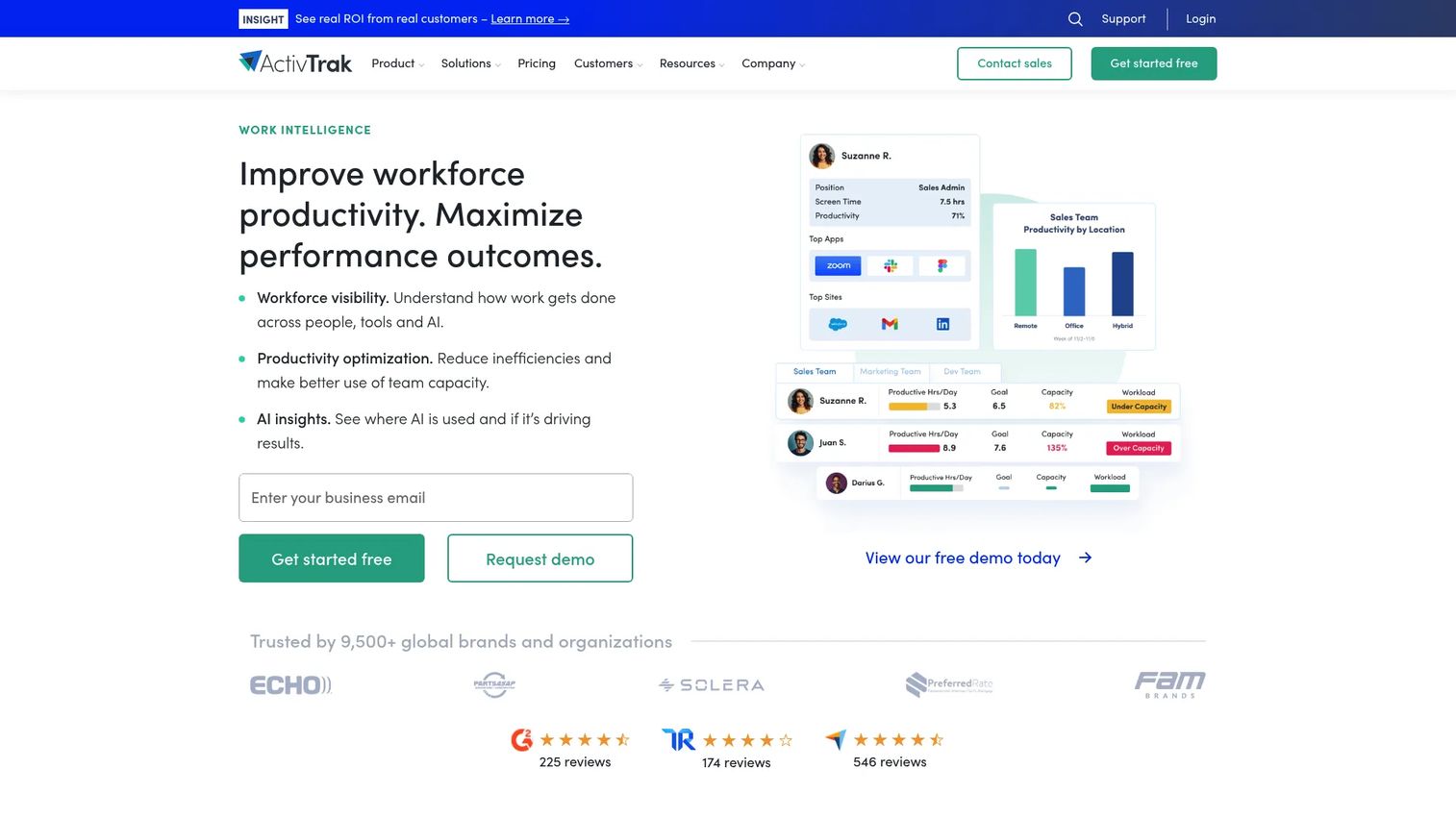
ActivTrak positions itself as work intelligence software rather than surveillance. It focuses on workforce productivity, performance benchmarking, and increasingly AI usage insights. For founders who want behavior patterns over raw keystroke logs, this is the most analytics-forward option on the list.
Best for: Managers who want employee productivity analytics and workforce visibility without invasive content capture.
Key strengths
- Executive insights: Performance benchmarking that surfaces team-level trends, not just individual logs.
- App and website usage tracking: Clear visibility into where attention goes across the workday.
- AI insights and governance: Adoption and usage measurement as AI tools enter daily workflows.
Why choose ActivTrak: It leans toward aggregate insight and productivity coaching rather than catching individuals. That framing makes it easier to roll out to a skeptical team, because the dashboards answer operational questions instead of building a surveillance file. If your concern is productivity leakage and capacity planning, this fits.
ActivTrak pricing: A Free plan is available, limited to 3 users. Paid plans are billed annually: Essentials at $10 per user/month, Essentials Plus at $15 per user/month, and Professional at $19 per user/month. Monthly billing is not offered. The free tier makes it easy to pilot before committing budget.
2. Hubstaff
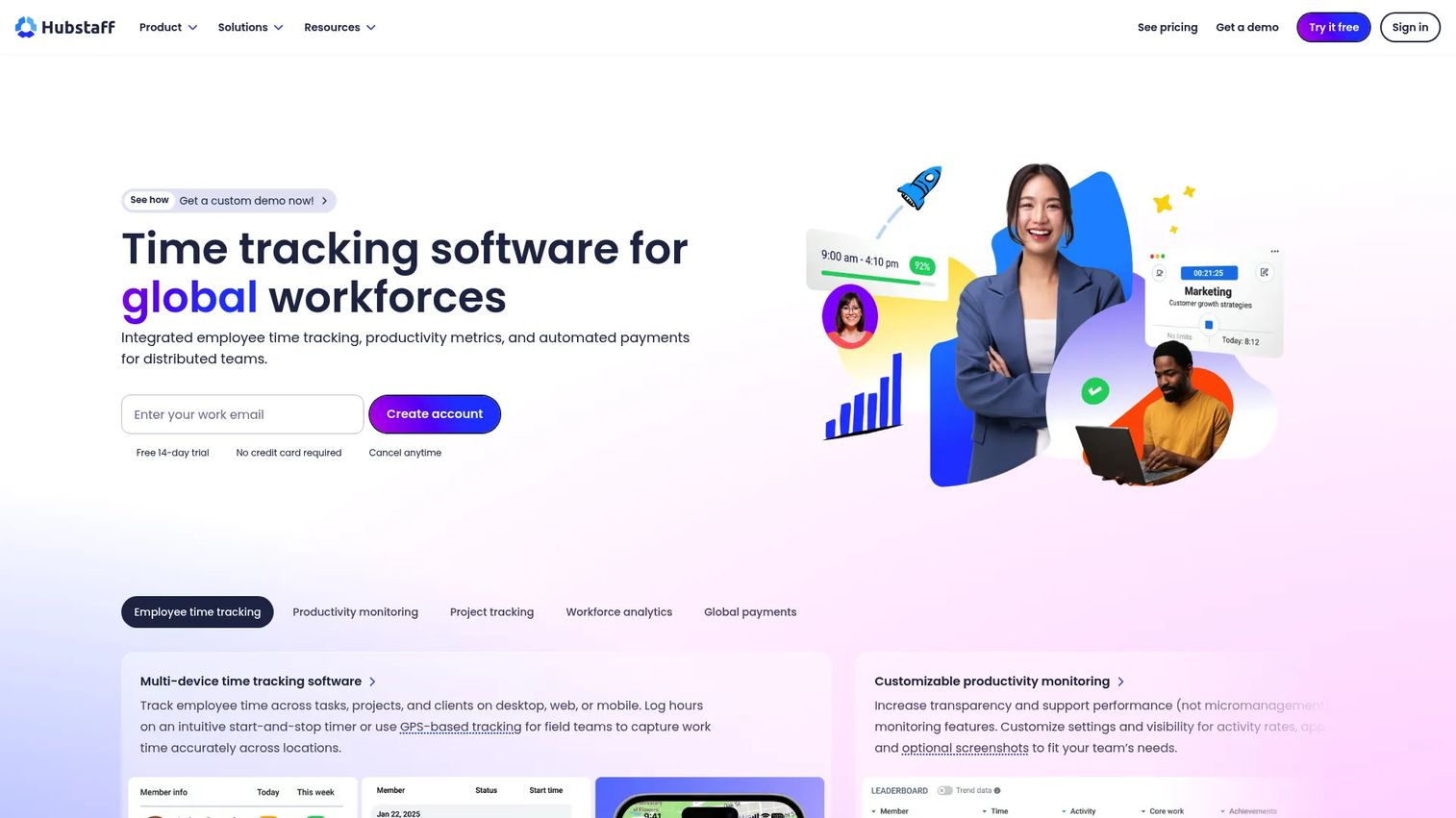
Hubstaff is a time tracking and workforce productivity platform built with remote and field teams in mind. It combines automated timesheets, GPS time tracking, and employee monitoring that includes screenshots, app and URL usage, and idle time. For operational teams that mix office, remote, and on-site work, that breadth matters.
Best for: Teams that need time tracking, productivity monitoring, and workforce analytics across distributed and field workforces.
Key strengths
- Automated timesheets: Hours captured automatically, reducing manual entry and payroll friction.
- GPS time tracking: Location-aware tracking for field and on-site teams.
- Activity monitoring: Screenshots, app and URL usage, and idle time in one view.
Why choose Hubstaff: Its payroll-adjacent workflows and GPS coverage make it a strong fit when your team is not sitting at desks all day. Service businesses, agencies, and field operations get attendance and activity data that maps to billable work. It is less about deep desktop surveillance and more about operational coverage.
Hubstaff pricing: Hubstaff bills per seat and offers a 14-day free trial. Plan figures are confirmed on the vendor's pricing page during evaluation, and the trial lets you validate the workflow before committing to seats.
3. Insightful
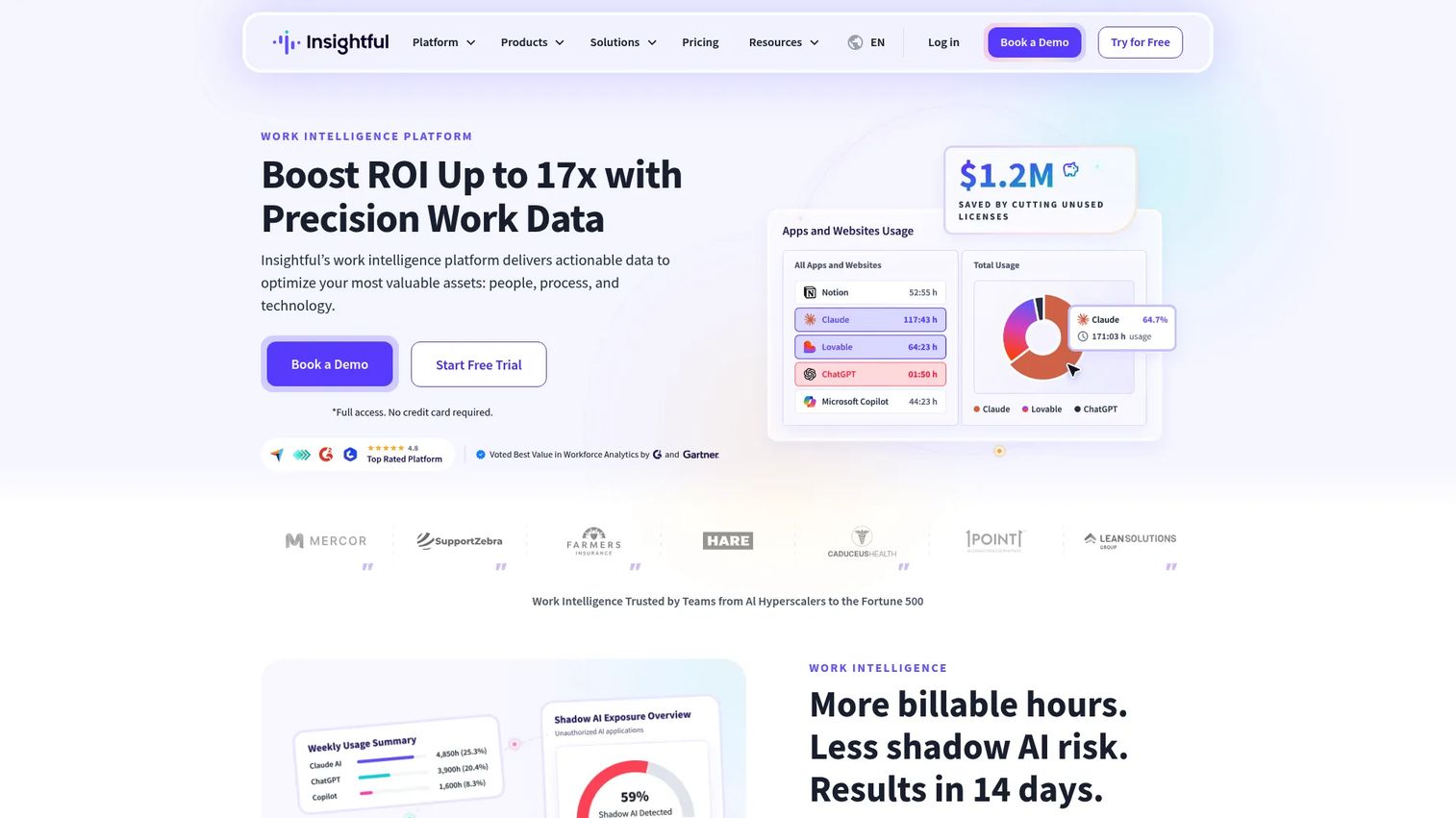
Insightful is work intelligence software focused on workforce analytics, productivity tracking, and workflow optimization. It covers project and task time tracking, screenshots, app and website usage, and reporting across remote, hybrid, and office work. For SaaS operators who want depth without drowning in data, it strikes a strong balance.
Best for: Teams that need workforce analytics and time-tracking visibility across distributed, hybrid, or in-office work.
Key strengths
- Project and task time tracking: See where hours actually go by project, not just by person.
- Workflow analysis: Optimization views that surface process drag and bottlenecks.
- Screenshots and usage reporting: App and website visibility paired with reporting depth.
Why choose Insightful: It reads like an analytics platform first and a monitoring tool second, which is why it earns the best-overall slot for SaaS teams. The workflow optimization layer helps founders connect activity data to operational decisions, not just attendance. That is the difference between data clutter and management leverage.
Insightful pricing: Workforce Analytics starts at $10 per seat/month billed annually, and Workflow Optimization runs $12 per seat/month billed annually. Higher-scale options include a Hyperscaler Plan and Work Intelligence tier that require sales contact. Add-ons include a Workspace Security Plan at $4 per seat/month and Data Warehouse Integrations at $0.50 per seat/month.
4. WorkTime
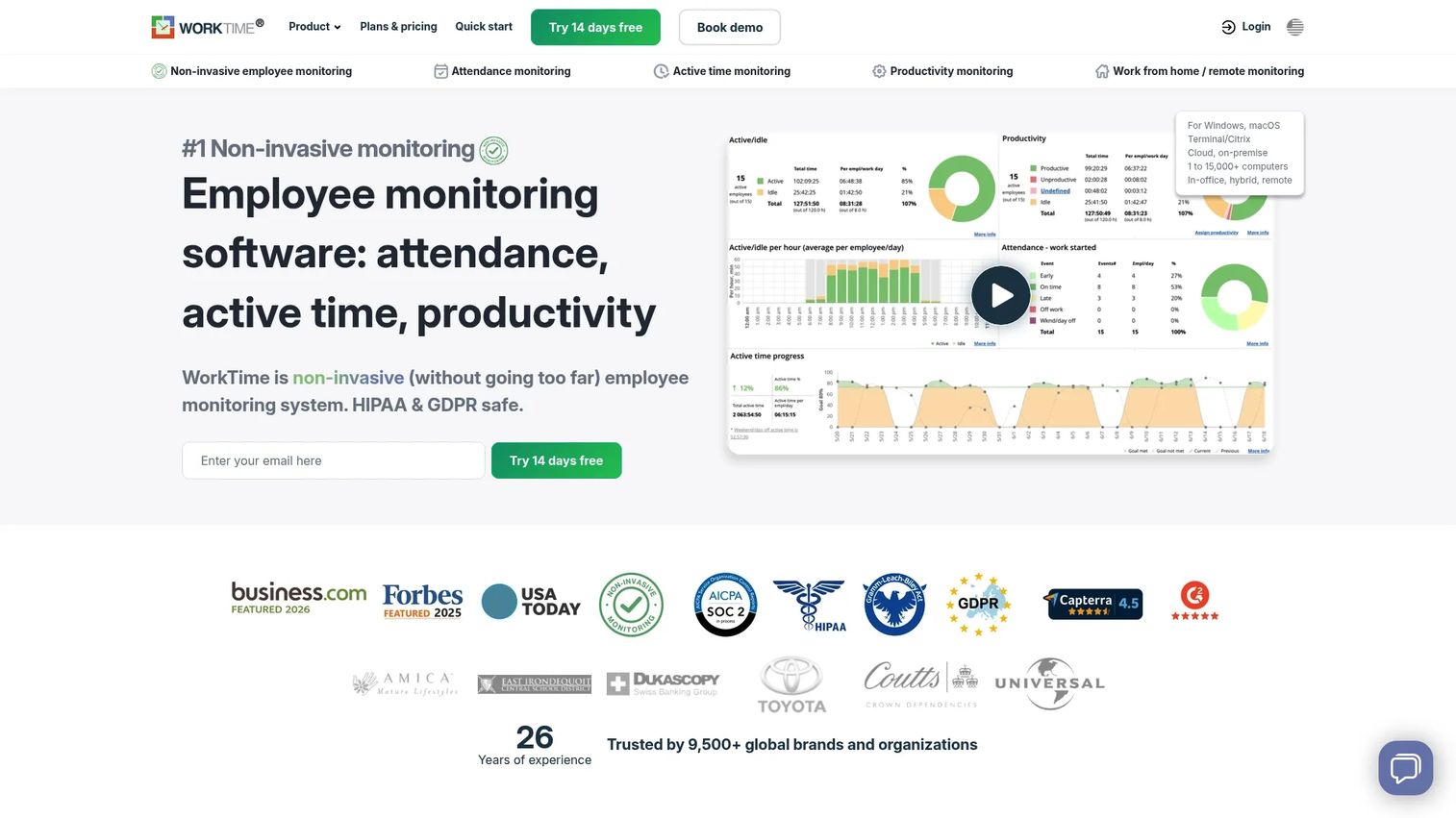
WorkTime is the clearest privacy-first pick on this list. It markets itself on non-invasive monitoring: active and idle time, attendance, login and logout, and app and website usage, with no screenshots. For compliant employee monitoring in cultures that would reject content capture, that no-screenshots stance is the differentiator.
Best for: Teams needing non-invasive employee monitoring with productivity and attendance reporting.
Key strengths
- Attendance monitoring: Set an attendance goal and watch the team work toward it.
- Active and idle time monitoring: Productivity signal without reading screens or keystrokes.
- Cloud or on-premise deployment: Flexibility for teams with strict data residency needs.
Why choose WorkTime: It tracks overtime, including weekend work and hours before or after the workday, while staying compliance-safe by avoiding screenshots and content capture. If your priority is visibility you can defend to employees and legal alike, the no-screenshots design removes the most contentious part of monitoring. Trust becomes a feature, not an afterthought.
WorkTime pricing: A Free plan is available. Paid plans, billed monthly, run Basic at $6.99 per employee/month, Premium at $8.99 per employee/month, and Enterprise at $10.99 per employee/month. Annual billing is offered with two months free. The trial is all-inclusive, with all features, unlimited employees, and no credit card required.
5. Teramind
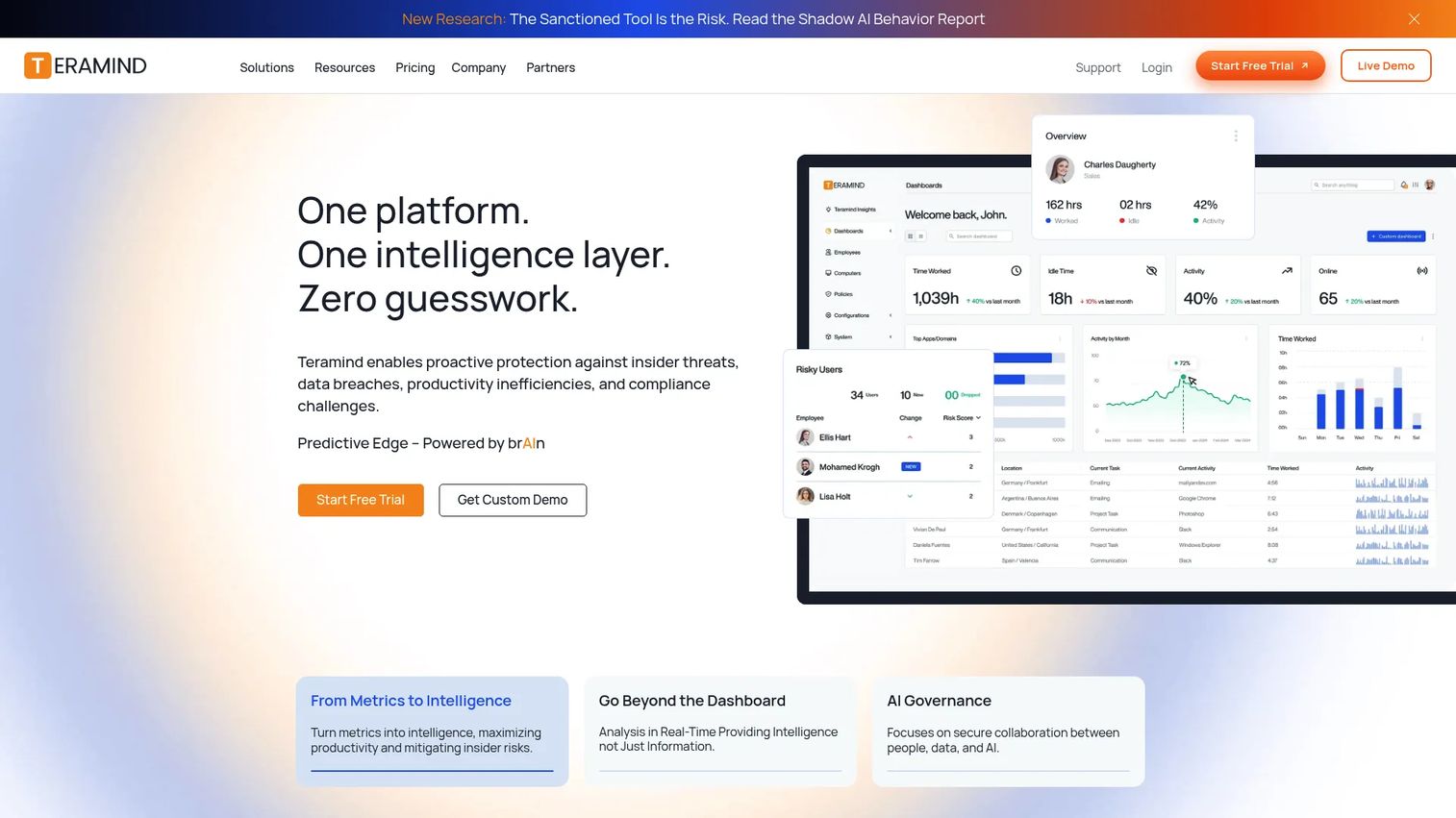
Teramind sits at the security-heavy end of the market. It combines employee monitoring, insider risk detection, DLP, and workforce analytics with deep capabilities like live view and historical playback, OCR and keystroke logging, and application, website, email, and social media monitoring. This is depth most teams will never need, and a few teams cannot operate without.
Best for: Organizations needing employee monitoring, insider threat detection, and data loss prevention.
Key strengths
- Live view and historical playback: Real-time and retrospective session visibility for investigations.
- OCR and keystroke logging: Granular capture for compliance and insider-risk workflows.
- Multi-channel monitoring: Application, website, email, and social media coverage in one platform.
Why choose Teramind: If you operate in a regulated industry, handle sensitive data, or face genuine insider-risk exposure, this level of control is the point. Deployment installs the Teramind Agent, available in a revealed version visible to the user or a stealth version that runs silently. Most SaaS teams will not need stealth depth; security and compliance teams that do will find it here.
Teramind pricing: Teramind lists Starter, UAM, DLP, and Enterprise plans, with a 5-seat minimum and monthly or annual billing. Public numeric pricing is not exposed on the pricing page, so a sales conversation is required to confirm seat-level costs for your plan.
6. Controlio
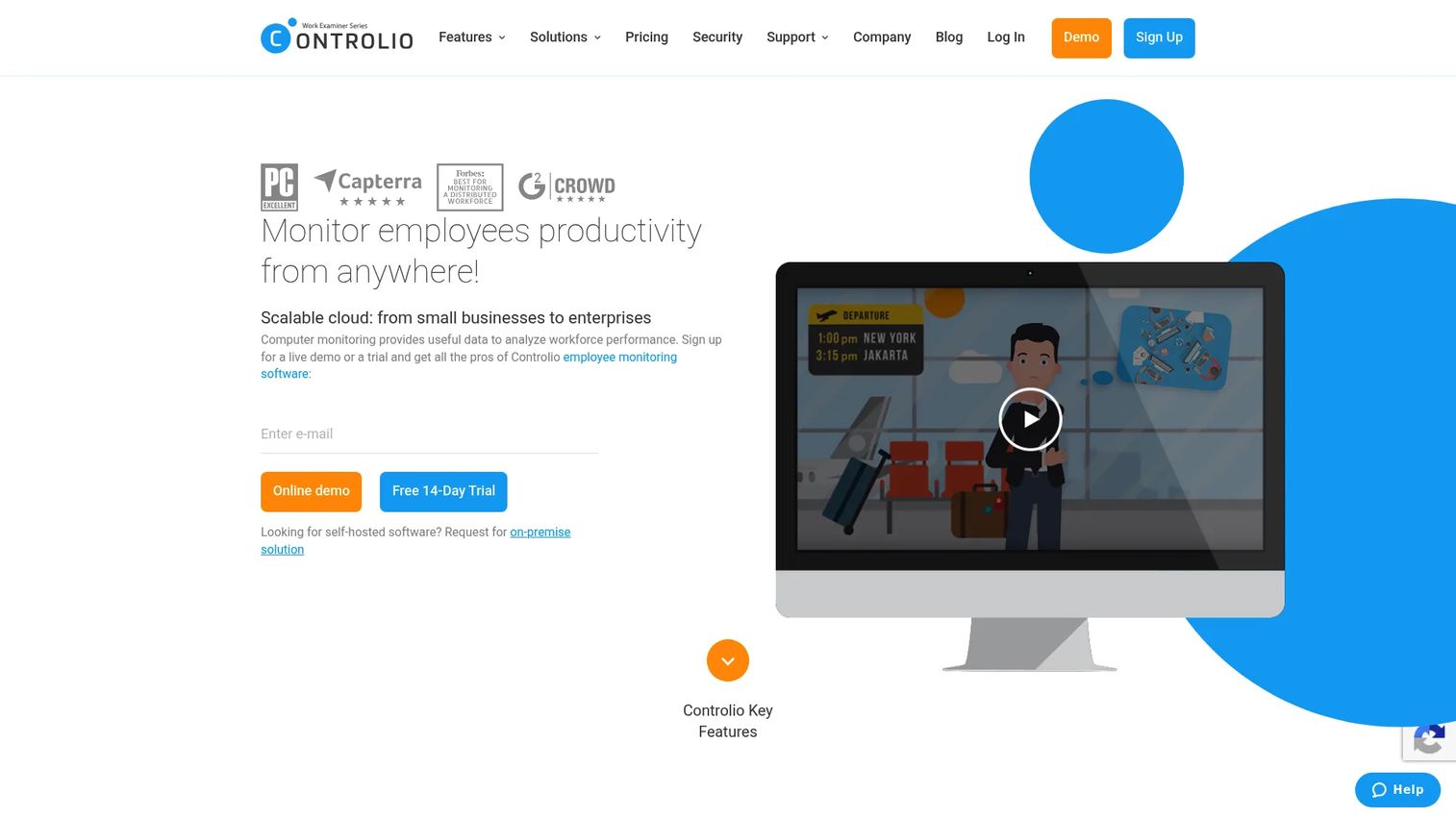
Controlio is employee monitoring and productivity analytics software for cloud, on-premises, and private cloud deployments. It focuses on detailed desktop oversight: productivity measurement, app and web usage with AI-based activity categorization, and screen streaming and recording with behavior rules. Notably, it records and stores .mp4 video instead of static screenshots.
Best for: Businesses needing detailed employee activity monitoring software, time tracking, and workforce productivity analytics.
Key strengths
- Productivity measurement: Time analysis with AI-based activity categorization.
- App and web usage tracking: Clear desktop activity visibility for managers who need detail.
- Screen recording and access controls: Video records, behavior rules, and granular permissions.
Why choose Controlio: Its video-based recording and flexible deployment suit managers who want more granular desktop visibility than a screenshots-only tool provides. The on-premises option runs in an isolated Docker virtual machine container for a higher security posture, which matters for teams with strict data-handling rules. It is a detail-oriented option for hands-on oversight.
Controlio pricing: Plans are billed annually: Basic at $6.67 per user/month and Advanced at $9.99 per user/month, with Enterprise pricing on request. A 14-day free trial is available, though no permanent free tier is listed.
7. DeskTime
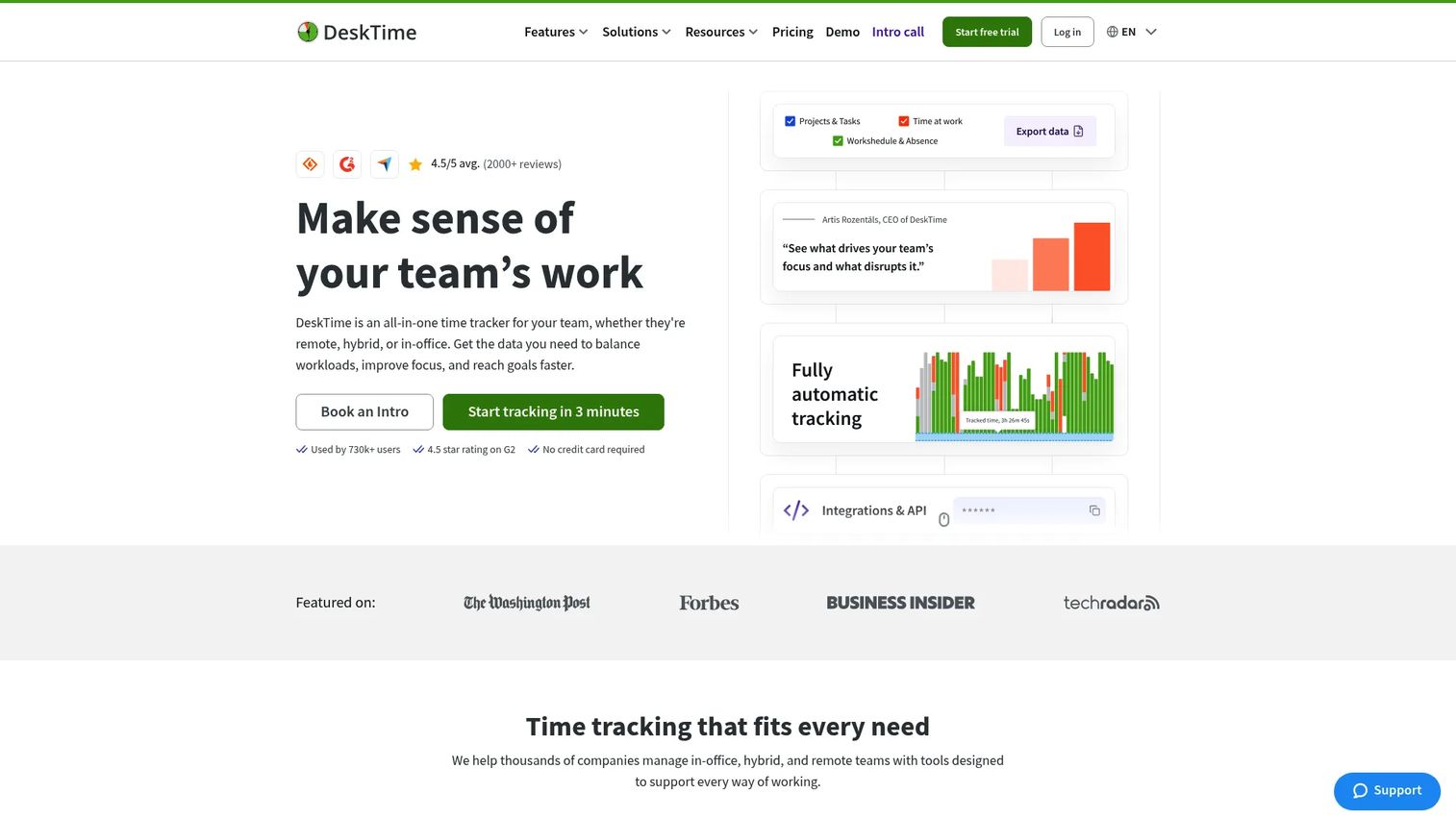
DeskTime is automatic time tracking and workforce productivity software for remote, hybrid, and in-office teams. It handles automatic time tracking, screenshots, app and website monitoring, and an AI summary feature for fast reporting. Its appeal is simplicity, which is why it lands as the easiest-adoption pick for teams that value low friction.
Best for: Teams that want automatic time tracking with productivity monitoring and reporting.
Key strengths
- Automatic time tracking: Hands-off capture that reduces manual logging.
- Screenshots: Optional visual context paired with activity data.
- AI summary: Faster productivity reporting without manual rollups.
Why choose DeskTime: It positions as a lighter, easier-to-adopt option for teams that want attendance and productivity data without a heavy implementation. Bootstrapped since 2011 with 730k+ users and 330M+ hours tracked, it has the track record to back the simplicity claim. If rollout speed and ease matter more than security-grade depth, this is a practical choice.
DeskTime pricing: Plans are billed annually: Pro at $6.42 per user/month and Premium at $9.17 per user/month, with Enterprise pricing custom for 200+ users. Prices exclude VAT, monthly billing is available, and a 14-day free trial is offered.
8. Time Doctor
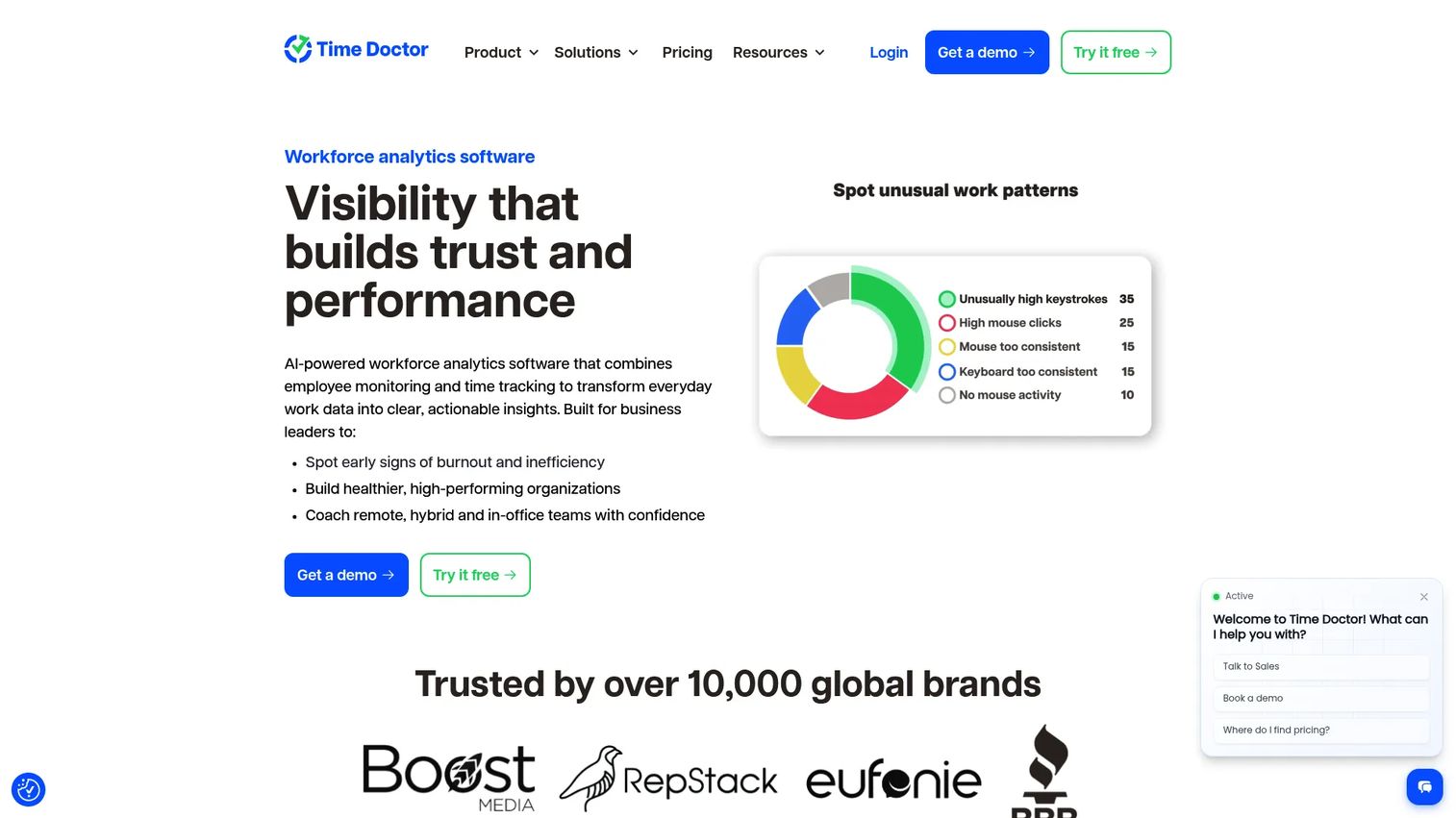
Time Doctor is workforce analytics and employee time tracking software built for distributed teams. It covers automatic time tracking, website and app usage tracking, plus idle time, screenshots, and screen recording. It comes up constantly in remote-work evaluations because it pairs time data with productivity insight in one place.
Best for: Teams needing time tracking plus productivity and workforce analytics.
Key strengths
- Automatic time tracking: Accurate hours captured across distributed teams.
- Website and app usage tracking: Activity visibility tied to working time.
- Idle time and screen recording: Optional depth for teams that want it.
Why choose Time Doctor: Co-founded by remote-work veterans Rob Rawson and Liam Martin in 2012, it was built for distributed work from the start. With a global team across 30+ countries and 280,000+ active users, plus a stated 10,000+ global brands, it carries credibility in the remote category specifically. If your evaluation is remote-first, it belongs on the shortlist.
Time Doctor pricing: Plans run Basic at $8 per user/month or $80 per user/year, Standard at $14 per user/month or $140 per user/year, and Premium at $20 per user/month or $200 per user/year. A 14-day free trial is offered.
Considerations before you buy
Monitoring style and employee trust
Decide your monitoring style before you compare features. Do you need non-invasive monitoring, screenshot-based monitoring, or a security-heavy solution? That choice flows directly from team culture and risk tolerance. A privacy-first tool like WorkTime fits a high-trust knowledge team; a DLP-grade platform like Teramind fits a regulated, high-risk environment. Picking the wrong style is the fastest way to trigger backlash.
Attendance and productivity reporting depth
Raw logs are noise. What you actually need is summary reporting a founder or ops lead can act on in five minutes. Check whether the tool delivers dashboards and trends, not just exportable event streams. The difference between data clutter and management leverage is whether the reporting answers a question you would ask in a leadership meeting.
Privacy, compliance, and transparency
Verify the practical controls: GDPR and HIPAA support where relevant, data retention settings, consent and notification options, and how visible monitoring is to employees. Transparent monitoring is easier to defend than stealth, both legally and culturally. The most compliant employee monitoring is the kind your team already knows about and understands.
Deployment and device coverage
Map the tool to your actual stack before buying. Confirm cloud versus on-premise options, Windows and macOS support, and coverage for remote and field devices. Teams with strict data residency rules will care about on-premise or private cloud deployment, like Controlio's isolated container option. Do not assume every tool covers your operating system mix.
Pricing and rollout speed
Check trial length, per-seat pricing, and how fast you can deploy without internal friction. Several tools here offer 14-day trials and free tiers, which let you pilot before committing budget. For a founder, the real cost is not just the seat price; it is the time your team spends getting it live and the trust you spend rolling it out.
Conclusion
The right employee monitoring software depends on your monitoring style first, then reporting and pricing. Privacy-first teams should start with WorkTime and its no-screenshots design. Analytics-heavy managers will get the most from ActivTrak's behavior insights or Insightful's workflow optimization. Remote and hybrid operations are well served by Hubstaff and Time Doctor, both built for distributed work. Enterprise security needs point to Teramind, with Controlio for detailed desktop oversight and DeskTime for the simplest rollout.
Shortlist two tools that match your culture, run their free trials, and compare the dashboards on questions you would actually ask in a leadership meeting. The best monitoring tool is the one that gives you operational clarity without costing you your team's trust. If you build self-serve product experiences alongside your ops stack, Guideflow helps teams ship interactive demos, sandboxes, and demo centers fast.
FAQs
It gives leaders visibility into how work happens: productivity trends, attendance and hours, app and website usage, and in some cases security and insider-risk signals. For distributed teams, it replaces the ambient awareness you lose without an office. The strongest use is operational clarity, finding bottlenecks and capacity gaps, rather than watching individuals.
In most places, yes, but legality depends on your jurisdiction, employee consent, and internal policy. Many regions require you to notify employees about what is tracked and why, especially under frameworks like GDPR. Always check local labor and privacy rules and document a clear monitoring policy before you deploy.
Time tracking is the narrower function: it records hours worked, attendance, and time per project. Employee monitoring is broader and can include app and website usage, screenshots, activity patterns, and security signals on top of time data. Many tools here do both, so the question is how much depth beyond hours you actually need.
Remote teams should prioritize attendance, idle time, activity visibility, and transparent monitoring policies over heavy surveillance. Hubstaff and Time Doctor are both built for distributed work, with time tracking and productivity insight in one place. For a privacy-first remote setup, WorkTime's no-screenshots approach keeps visibility high and friction low.
Privacy-friendly monitoring means non-invasive, transparent, and minimal content capture. WorkTime is the clearest example here, because it tracks active time, attendance, and app usage without screenshots or keystroke logging. If your culture would reject screen capture, prioritize no-screenshot tools and transparent, employee-visible policies.
There is no single standard price. Entry tiers among the tools here range from roughly $6.42 to $10 per user or employee per month, with several offering free plans or 14-day trials. Cost varies by seat count, plan depth, and whether you choose cloud or on-premise deployment, so model it against your actual headcount before committing.
Yes, but only when paired with clear expectations, actionable reporting, and fair management practices. The tool surfaces patterns like distraction, workload imbalance, and process drag; managers still have to act on them. Used as a coaching and operations input rather than a surveillance file, it improves productivity without eroding trust.