


You picked a forum platform two years ago. It worked. Then spam crept in, the theme broke on mobile, and migrating felt like open-heart surgery.
That is the real cost of choosing forum software badly. Not the license fee. The years you spend locked into a platform that fights your moderators, buries your threads from Google, and holds your data hostage the day you want out.
The market is not shrinking. Future Market Insights (2025) values the community forum market at USD 4.2 billion in 2025, projected to reach USD 12.9 billion by 2035 at a 12.0% CAGR. Industry Research (2026) reports 74% of new deployments are cloud-based, and 62% of enterprises now fold community platforms into their customer communication workflows.
So the decision matters more than it did a few years ago. The right forum software shapes how your community grows, how your team moderates, and whether search engines ever find your discussions. This guide compares seven platforms across the criteria that actually decide long-term fit: hosting control, moderation depth, extensibility, and how hard it is to leave.
Some teams pair a forum with lighter formats too. If you run a product community, an interactive demo embedded in a welcome thread can onboard new members faster than a wall of text. But the forum itself is the foundation, so let us start there.
What's inside
This guide is for site owners, community managers, and technical admins choosing self-hosted forum software or replacing an aging message board. We narrowed the field to seven platforms that teams actually deploy in 2026.
We selected and compared each tool on four criteria:
- Hosting model: self-hosted control versus managed or cloud options
- Licensing: open source forum software versus commercial licenses
- Moderation and spam protection: built-in tools for governing a community
- Extensibility and portability: plugin ecosystem, theming, and data portability
We skipped closed social networks and chat-first tools. This is about forum platforms built for threaded, searchable discussion.
TL;DR
Short on time? Here is the quick decision map for the best forum software in 2026:
- Best for open source simplicity: MyBB, free and self-hosted with a strong extension library.
- Best for modern UX: Discourse, with real-time discussion, AI moderation, and a free tier.
- Best for legacy self-hosted control: phpBB, a mature, free platform with deep familiarity.
- Best for enterprise community management: Vanilla Forums (Higher Logic Vanilla), a hosted customer community platform.
- Best for premium usability: XenForo, a polished forum platform with a strong add-on market.
- Best for lean modern forums: Flarum, a lightweight open source forum software option.
What is online forum software
Online forum software is a discussion board application that organizes user conversations into topics and threads, so communities can post, reply, search, and moderate in one place. It powers everything from product support communities to hobbyist message boards.
Unlike chat tools, where messages scroll away in minutes, forum software keeps discussions structured and permanently searchable. Unlike closed social networks, most forum platforms let you own your data, your branding, and your hosting. That difference matters when you care about long-term maintenance and search visibility.
Community managers, product teams, and site owners use community forum software to build searchable knowledge, reduce repetitive support tickets, and give members a home that is not rented from a social platform.
Core capabilities you should expect from any modern forum platform:
- Threads and topics: structured conversations with reply nesting and thread tracking
- Moderation tools: flagging, banning, content approval, and role-based permissions
- User roles and groups: granular control over who can post, edit, or moderate
- Search: full-text search across the entire discussion archive
- Notifications: email and in-app alerts for replies, mentions, and subscribed threads
- Spam protection: CAPTCHA, rate limiting, and akismet-style filtering
- SEO-friendly URLs: clean, rewritable links that help search engines index threads
- SSO and identity: single sign-on so members log in with existing accounts
The line between classic discussion board software and modern community platforms is blurring. Older self-hosted forum software focuses on control and low cost. Newer platforms add real-time chat, AI moderation, and hosted convenience. Your choice depends on which end of that spectrum fits your team.
When to use online forum software
Not every community needs a forum. Here are three situations where forum software earns its keep.
Launch a community around a product or interest
When you want members to talk to each other, not just to you, a forum gives them a persistent home. Product communities, open source projects, and enthusiast groups all thrive on threaded discussion that stays searchable for years. A hosted comment widget cannot do this.
Replace email-heavy support or discussion workflows
If your team answers the same question in email ten times a week, a forum turns those answers into a public, searchable archive. One good thread deflects hundreds of future tickets. This is why so many SaaS companies run support communities alongside their help center.
Build a searchable knowledge and discussion archive
Slack and Discord are great for real-time chat, but the knowledge evaporates. Forum software keeps every answer indexed and linkable. Over time, your community becomes a knowledge base that ranks in search and compounds in value.
Comparison table
The table below compares all seven forum platforms on intent, key differentiation, pricing, and G2 rating. Pricing reflects the vendors' public pages as of mid-2026. Where a platform is free and open source, hosting and maintenance are your own responsibility. Ratings come from each tool's current G2 listing where one was available.
| # | Product | Intent | Key differentiation | Pricing | G2 rating |
|---|---|---|---|---|---|
| 1 | MyBB | Free self-hosted forums | Advanced plugin system, free and open source | Free | 4.2/5 |
| 2 | Discourse | Modern community platform | Real-time chat plus AI moderation | Free; Pro from $100/mo | 4.0/5 |
| 3 | phpBB | Legacy self-hosted control | Mature, free, GPL-licensed platform | Free | Not listed |
| 4 | Vanilla Forums | Enterprise customer community | Hosted platform, now Higher Logic Vanilla | Custom pricing | 5.0/5 |
| 5 | vBulletin | Established classic forum stack | Self-hosted or managed cloud hosting | From $179 one-time | 4.0/5 |
| 6 | XenForo | Premium forum experience | Polished UX with a strong add-on market | From $195 license | 4.7/5 |
| 7 | Flarum | Lean modern open source forums | Lightweight, extensible, free forever | Free | Not listed |
Best 7 forum software tools for 2026
1. MyBB
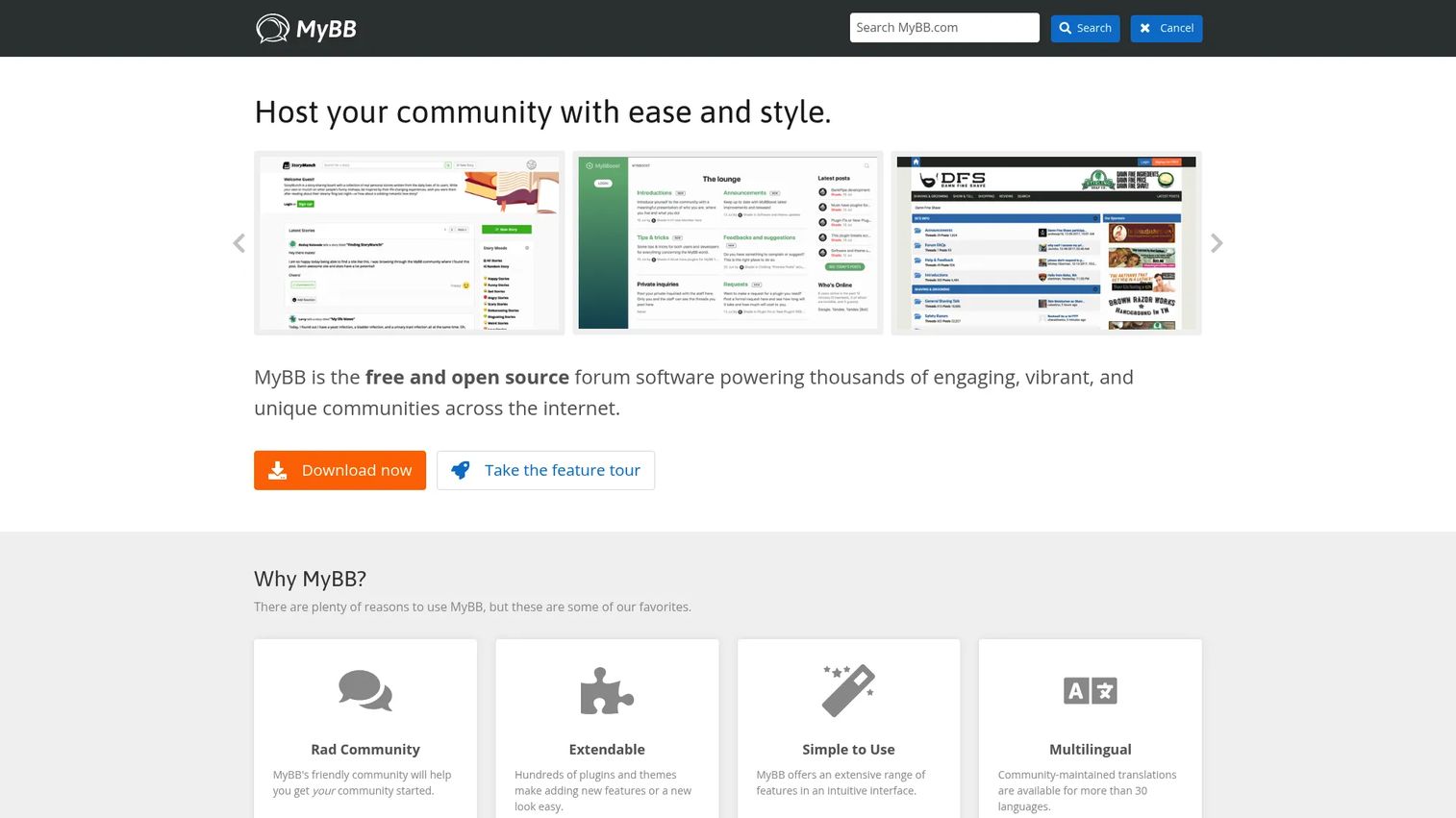
MyBB is free and open source forum software for building and managing online communities. It has been a go-to for self-hosted forums for years because it balances a low barrier to entry with genuine extensibility. You install it on your own server, and from there the plugin and theme systems let you shape the community without touching core code.
The platform ships with a built-in theme and template editor, so you can rebrand the look without a separate design tool. Its advanced plugin system covers most of what a growing community needs, from anti-spam add-ons to integrations. Moderation, private messaging, and user and group management come standard, which keeps day-to-day governance manageable for a volunteer or small in-house team.
Best for: teams or communities that want self-hosted forum software with real extensibility and moderation tools, without a license fee.
Key strengths
- Advanced plugin system: extend the forum without editing core files
- Built-in theme editor: rebrand templates directly in the admin panel
- Full moderation suite: messaging, user and group management, and controls
Why choose MyBB: If you want open source forum software you fully control and can extend as the community grows, MyBB fits budget-conscious teams that still care about customization. Multilingual community support means you can run forums for international audiences without bolting on a translation layer.
MyBB pricing: MyBB is free and open source. There are no paid tiers or license fees on the official site. Your only costs are hosting and any premium themes or plugins you choose to buy from third parties.
2. Discourse
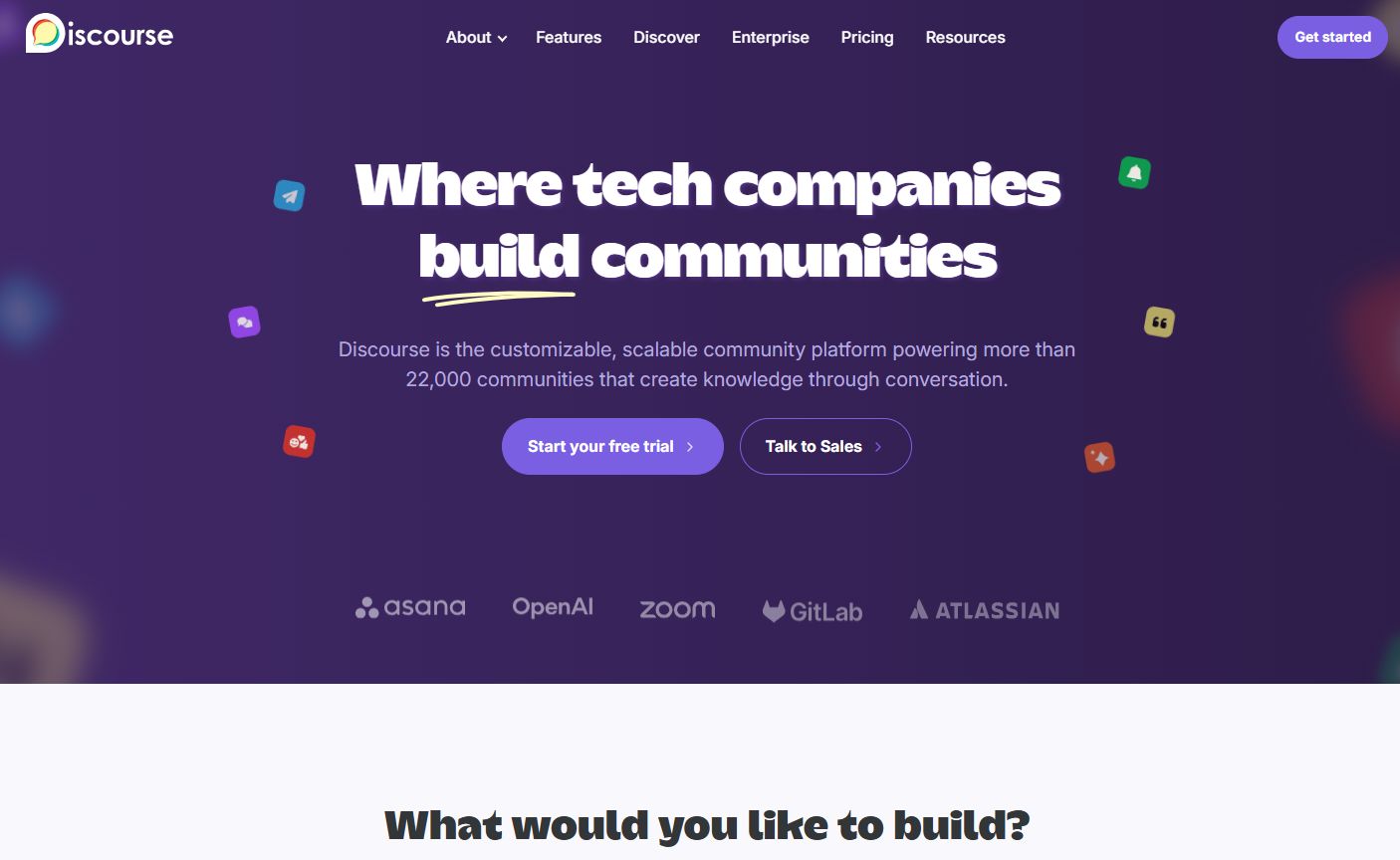
Discourse is a community discussion platform with hosted, self-hosted, and free options. It rethinks the classic forum with a modern, infinite-scroll discussion UI, real-time chat, and unread tracking that keeps active members returning. If your community skews toward product support or an engaged user base, this is the platform most teams shortlist first.
The moderation tooling is where Discourse pulls ahead. It ships AI moderation and AI translations, plus single sign-on and a comprehensive API for connecting your stack. That makes it a strong fit for product communities that need to integrate with a CRM, help center, or identity provider. You can self-host to keep full control, or take a managed plan to skip server administration entirely.
Best for: teams that want a searchable, self-owned community forum with optional hosted management and modern moderation.
Key strengths
- Real-time chat and topics: blend live conversation with threaded discussion
- AI moderation and translations: automate cleanup and reach multilingual members
- SSO and full API: connect identity and integrate the wider stack
Why choose Discourse: Discourse suits modern community operations where engagement, migration flexibility, and integrations matter more than a zero-dollar bill. It handles data portability well, so moving an existing community in or out is a documented process rather than a gamble.
Discourse pricing: Discourse offers a free plan at $0/month. Hosted paid plans start with Pro at $100/month and Business at $500/month, both billed monthly. Enterprise is custom pricing. Self-hosting the open source version is free beyond your own infrastructure costs.
3. phpBB
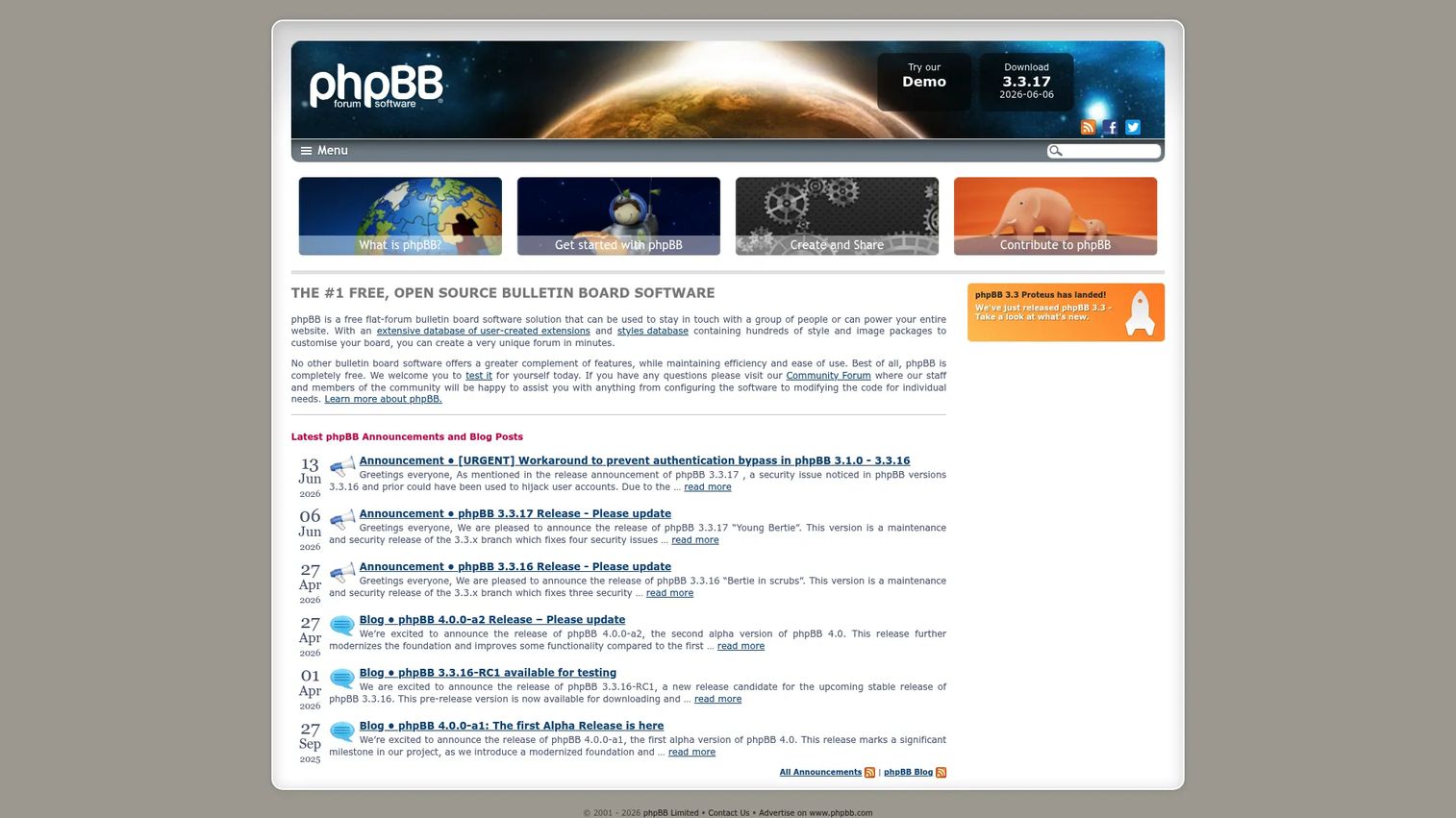
phpBB is free and open source forum software that has powered self-hosted communities for two decades. Its longevity is the point. A huge base of extensions, styles, and documentation means whatever you want to do, someone has likely already built or written about it. For conservative deployments that value stability over novelty, phpBB is hard to beat.
The platform covers forum and community management, private messages, polls, attachments, and search out of the box. Extensions and styles handle customization, so you can adapt the look and add features without forking the codebase. Moderation and permission controls are mature and well understood, which matters when you are training volunteer moderators or handing over admin duties.
Best for: organizations that need a self-hosted, free forum platform with a proven track record and broad compatibility.
Key strengths
- Mature extension ecosystem: extensions and styles for nearly any need
- Standard community features: private messages, polls, attachments, search
- Proven moderation: permission controls refined over years of use
Why choose phpBB: Choose phpBB when familiarity and stability outrank cutting-edge design. Its GPL license and long history mean low risk and strong community support. On SEO, phpBB supports URL rewriting so your threads can surface with clean, SEO-friendly URLs rather than query-string clutter.
phpBB pricing: phpBB is completely free and open source under the GNU GPL v2. There is no license cost. You pay only for hosting and any optional premium styles or extensions.
4. Vanilla Forums
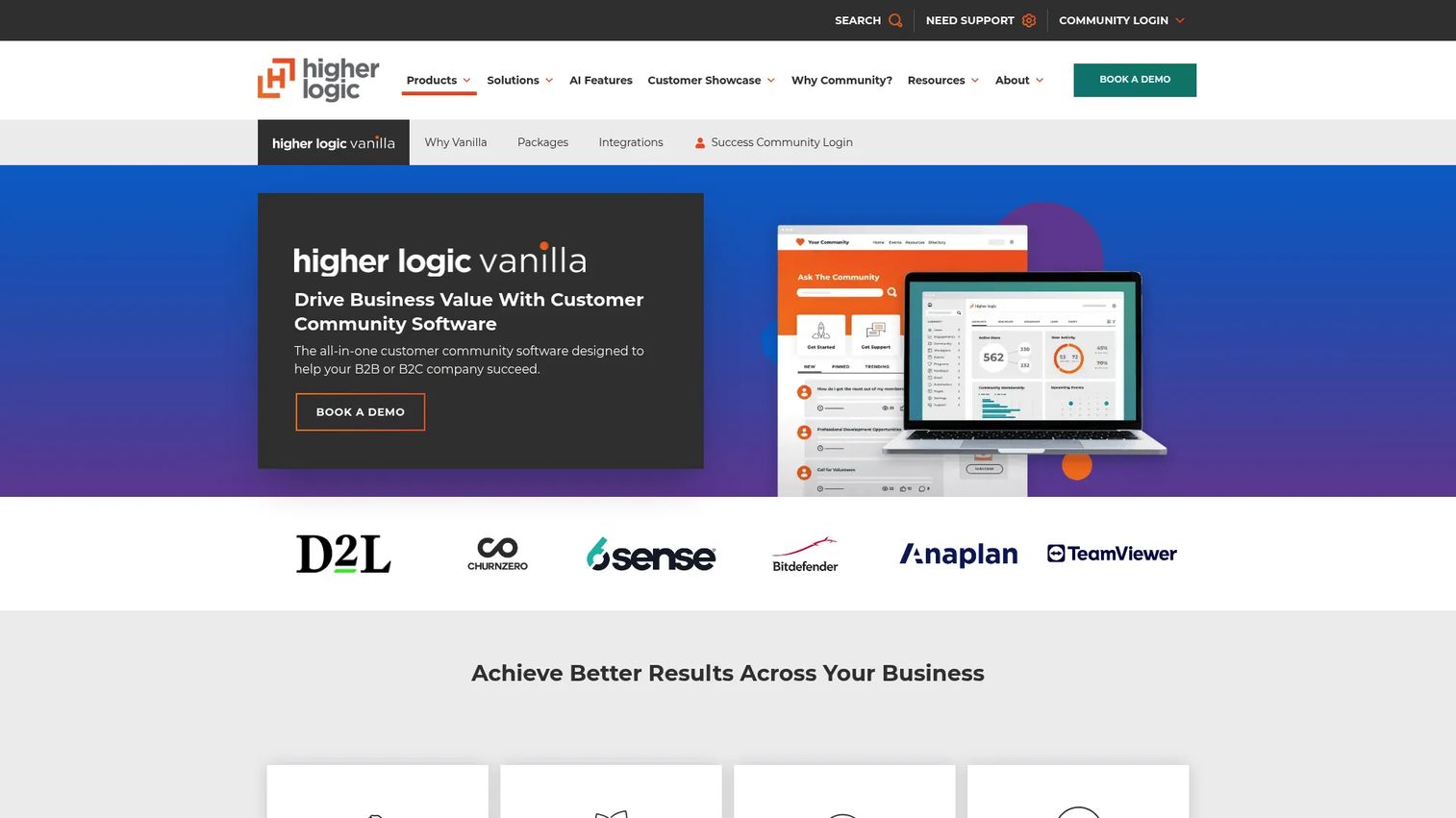
Vanilla Forums, now branded Higher Logic Vanilla, is customer community software built for organizations that want a polished, managed experience rather than a server to maintain. It leans enterprise, with governance, branding, and analytics designed for larger teams running customer-facing communities.
The platform combines Q&A and discussions with a drag-and-drop layout editor, so non-technical teams can shape the community without engineering time. Gamification, polling, and product feedback modules help drive engagement and turn a forum into a two-way channel with customers. Moderation and analytics are geared toward teams that need to report on community health to stakeholders.
Best for: B2B and B2C teams wanting a hosted customer community platform with enterprise moderation and integrations.
Key strengths
- Q&A and discussions: structured formats for support and conversation
- Drag-and-drop editor: shape the layout without developer involvement
- Gamification and feedback: badges, polling, and product feedback tools
Why choose Vanilla Forums: Vanilla fits larger organizations that treat the community as a customer channel and need branding, governance, and analytics in one managed platform. The hosted model removes server maintenance so your team focuses on the community, not the infrastructure.
Vanilla Forums pricing: Vanilla lists Corporate, Enterprise, and Enterprise Plus plans, all through a book-a-demo model. Public prices are not published, so budget for a sales conversation and a quote tailored to your community size.
5. vBulletin
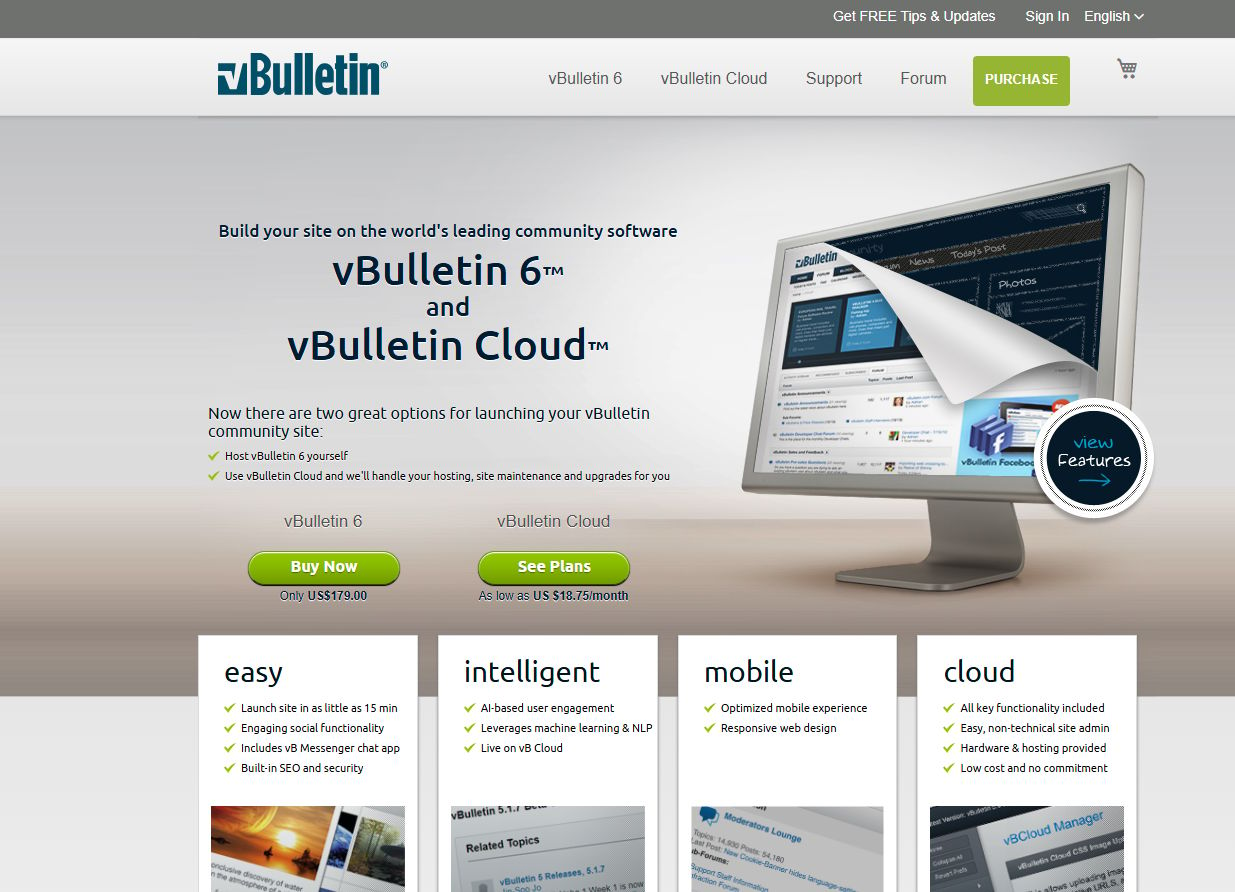
vBulletin is forum and community software offered as self-hosted vBulletin 6 and hosted vBulletin Cloud. It carries decades of recognition, and many of the internet's largest classic forums ran on it. If you want an established stack with a known admin experience and a history of scaling large communities, vBulletin belongs on your shortlist.
The platform covers discussion forums, groups, polls, blogs, and messaging. Admin controls and customization options are extensive, reflecting a product refined over many releases. The plugin ecosystem lets you extend functionality, and the self-hosted option gives you full control over data and hosting for teams that need it.
Best for: medium-to-large communities that want established forum software with optional managed hosting.
Key strengths
- Discussion forum core: proven threads, groups, and polls
- Blog and messaging: built-in content and private communication
- Flexible hosting: self-hosted vBulletin 6 or managed vBulletin Cloud
Why choose vBulletin: vBulletin suits teams that want a classic, battle-tested forum stack with deep admin controls and governance. If you are migrating from an old vBulletin install, staying in the family keeps your data and habits intact. Weigh migration considerations early, since large legacy forums carry the most complex moves.
vBulletin pricing: Self-hosted vBulletin 6 is a one-time purchase from US$179.00. vBulletin Cloud is billed annually with monthly rates: Bronze at US$18.74/month, Silver at US$37.49/month, and Gold at US$74.99/month. There is no free tier.
6. XenForo
XenForo is a forum and community platform with hosted and self-hosted options, and it has built a reputation for a polished member experience. Communities that prioritize usability and a clean, modern interface tend to gravitate here. It feels contemporary without abandoning the threaded discussion model that forums do best.
The platform offers discussion forums plus article-style content, a progressive web app experience for mobile, and a developer framework with a REST API. Add-ons, themes, and the extension market give you room to customize deeply, and the developer tools make serious custom work feasible. Strong moderation support and member-focused features keep engagement high.
Best for: communities that prioritize usability, polish, and a premium member experience.
Key strengths
- Forums plus articles: discussion and article-style content in one platform
- PWA and mobile app: modern mobile experience out of the box
- Add-ons and REST API: extension market and a developer framework
Why choose XenForo: XenForo fits teams that want a premium community experience and are willing to pay a license for polish and a strong plugin and theme market. The UX advantage often translates into higher engagement, which is the whole point of running a forum.
XenForo pricing: A self-hosted XenForo license starts at $195.00 as a one-time purchase. XenForo Cloud plans are monthly: Starter at $60/month, Standard at $100/month, and Business at $250/month, with Enterprise at contact pricing. Add-ons carry separate prices.
7. Flarum
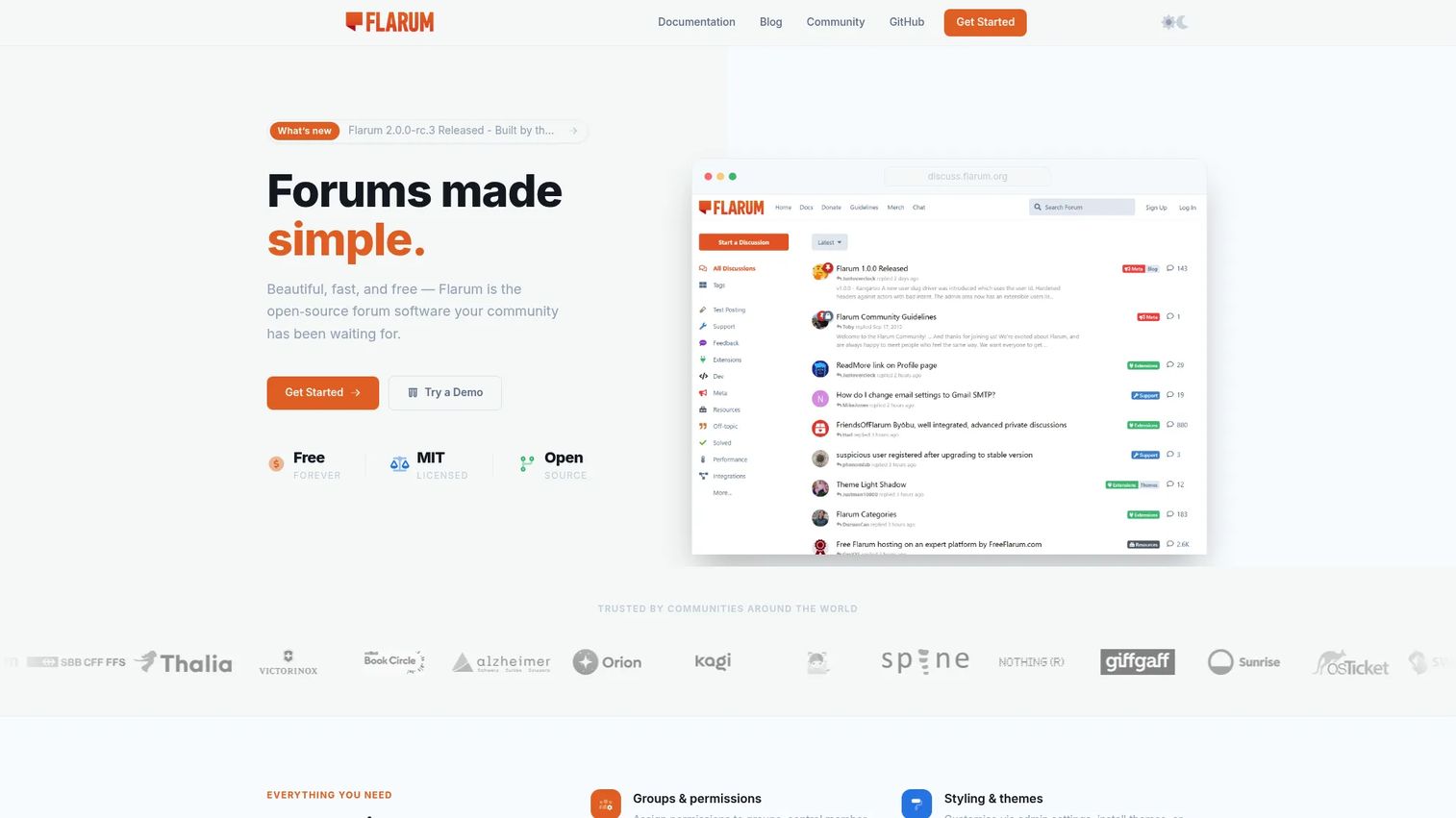
Flarum is open source forum software for building lightweight, modern online discussion platforms. It is the pick for teams that want something clean and fast rather than feature-dense. The interface is minimal and mobile-first, and the whole platform is designed to feel snappy rather than heavy.
The core ships with groups and permissions, styling and themes, and a capable editor. Extensibility comes through a growing extension ecosystem and steady community momentum, so the feature set keeps expanding without bloating the core. For teams comfortable with self-hosting a modern PHP application, Flarum offers a fresh alternative to older forum platforms.
Best for: teams wanting a self-hosted, extensible forum platform with a modern, streamlined interface.
Key strengths
- Groups and permissions: granular control over roles and access
- Styling and themes: shape the look with a modern design system
- Powerful editor: clean posting experience for members
Why choose Flarum: Flarum suits teams that value modern design and simplicity over a sprawling feature list. It is free and open source, and its extension ecosystem is maturing steadily, so evaluate whether the extensions you need already exist before committing.
Flarum pricing: Flarum is free forever and open source. There are no paid tiers. Your costs are limited to hosting and any premium extensions or themes you decide to add.
Considerations
Before you commit to a forum platform, run through this buyer's checklist. The right answer depends on your team's technical depth, budget, and how much control you need.
Hosting model and control
Decide between self-hosted forum software and a managed or cloud plan. Self-hosting gives you full control over data and customization, but you own updates, backups, and security. Managed hosting trades some control for convenience. With 74% of new deployments cloud-based per Industry Research (2026), the market is drifting toward managed, but self-hosting still wins for teams that want ownership.
Moderation and spam defense
Look closely at built-in moderation tools and spam protection. Flagging, role-based permissions, content approval, and rate limiting all matter as a community scales. AI moderation, offered by platforms like Discourse, reduces the manual load. Weak spam defenses will drown a growing forum in noise, so weigh this heavily.
Extensibility and theming
Check the plugin ecosystem and theming options before you commit. A platform with a deep extension library and an active developer community adapts as your needs change. Confirm the specific integrations and themes you need already exist rather than assuming you can build them.
Migration and data portability
Ask how hard it is to get your data out. Data portability protects you from lock-in and keeps a future migration from becoming a rebuild. Most open source forum software exports cleanly, and platforms like Discourse document import and export paths. Test an export before you are committed to the platform.
SEO and discoverability
Confirm the platform produces SEO-friendly URLs and clean markup. Threads that rank in search compound your community's value over time. Check for URL rewriting, sitemap generation, and canonical tags. A forum that hides content from Google wastes the knowledge your members create.
Identity and SSO
If members already have accounts elsewhere, SSO and identity support reduce signup friction. Single sign-on lets people join with existing credentials and keeps your identity data consistent across tools. This matters most for product communities tied to an existing user base.
Conclusion
There is no universal winner in forum software, only the best fit for your hosting model, budget, and moderation needs.
For open source simplicity on your own server, MyBB and phpBB are the proven, free choices. If you want modern UX with real-time chat and AI moderation, Discourse leads, with a free tier to start. For a lean, contemporary open source forum, Flarum is the streamlined pick. Teams that want a premium, polished member experience should look at XenForo, and organizations running a customer community at enterprise scale will find Vanilla Forums (Higher Logic Vanilla) built for that job. vBulletin remains the established classic stack for large, legacy-heavy communities.
Your next step: shortlist two platforms that match your hosting model, then test each with a real migration of a sample of your data. Portability and moderation depth are the two factors most teams underestimate, so pressure-test them before you launch.
FAQs
For a small community, free and open source options like MyBB, phpBB, or Flarum keep costs low while giving you full control. If you would rather skip server maintenance, Discourse offers a free hosted tier that scales as you grow. Match the choice to how much technical work you want to own.
MyBB, phpBB, and Flarum are the leading open source forum software choices in 2026. phpBB offers the most mature ecosystem, MyBB balances extensibility with ease of use, and Flarum brings a modern, lightweight interface. Discourse is also open source and self-hostable if you want a more contemporary discussion board software feel.
Self-hosted forum software gives you full control over data, customization, and cost, but you own updates, backups, and security. Hosted or cloud plans trade some control for convenience and managed maintenance. With 74% of new deployments cloud-based per Industry Research (2026), hosted is growing, but self-hosting still suits teams that prioritize ownership.
The best forum software for SEO produces SEO-friendly URLs, sitemaps, and clean markup so search engines index your threads. Discourse, XenForo, and phpBB all support URL rewriting and structured output. Confirm canonical tags and sitemap generation before you commit, since these features shape long-term discoverability.
Yes. Most forum platforms offer importers for common sources, and open source tools export data cleanly. Discourse documents import paths from several legacy platforms, and staying within a product family, such as moving between vBulletin versions, simplifies the process. Always test a migration on a data sample before the full move.
The features that matter most are moderation tools, spam protection, thread tracking, search, role-based permissions, and data portability. For product communities, SSO and identity plus integrations rank high. Prioritize based on your community's size and how much governance your team needs to run day to day.
Combine built-in spam protection like CAPTCHA and rate limiting with moderation tools such as content approval and akismet-style filtering. AI moderation, available in platforms like Discourse, cuts the manual workload as you scale. Layer these defenses early, because spam grows faster than a small moderation team can handle alone.










