A pump fails on a Tuesday. Nobody scheduled the inspection because the maintenance log lived in one spreadsheet, the purchase date in another, and the warranty terms in a filing cabinet three offices away. By the time the replacement part ships, you have lost two days of production and a chunk of budget you never planned for.
That is the real problem asset lifecycle management software solves. Not "digitizing records." Preventing the version of Tuesday where fragmented data turns a predictable maintenance task into an expensive surprise.
The category has grown up fast. The global asset lifecycle management market reached $5.06B in 2024, according to Grand View Research (2025), and cloud deployments now account for roughly 65% of the market, per Market Report Analytics (2025). Buyers are consolidating spreadsheets, paper logs, and disconnected point tools into systems that track an asset from procurement through disposal.
But the category is confusing on purpose. Vendors use "enterprise asset management software," "EAM software," "CMMS," and "asset management software" almost interchangeably, and they do not mean the same thing. This guide sorts the noise so you can match the tool to your actual maintenance and lifecycle reality.
What's inside
This guide is for operations leaders, maintenance managers, IT asset managers, and product or ops evaluators comparing asset lifecycle management software across maintenance depth, visibility, tracking, and lifecycle control.
We chose the nine tools below against four criteria:
- Lifecycle coverage: how well the tool handles planning, procurement, usage, maintenance, and disposal.
- Visibility and tracking: asset tracking, real-time monitoring, and cross-site visibility.
- Maintenance depth: preventive maintenance, predictive maintenance, and work order execution.
- Integration and usability: ERP integration, adoption speed, and how quickly teams reach value.
The list spans broad EAM, focused CMMS, IT asset lifecycle management, and GIS-centric infrastructure platforms.
TL;DR
- Best for large asset-intensive enterprises: IBM Maximo Application Suite, for deep EAM plus AI and IoT.
- Best for mobile-first operations teams: UpKeep and MaintainX, built for frontline speed and adoption.
- Best CMMS picks: Fiix CMMS for a strong cloud CMMS with a free entry plan, and eMaint CMMS for configurable multi-site maintenance.
- Best flexible cloud maintenance: Fracttal One, with predictive maintenance and IoT.
- Best for IT asset lifecycle management: SolarWinds Service Desk, with CMDB and service-desk workflows.
- Best for infrastructure and public sector: Trimble Unity, for connected GIS-centric lifecycle workflows.
- Best all-in-one operational suite: IFS Cloud, for EAM inside a broader ERP and field service platform.
What is asset lifecycle management software?
Asset lifecycle management software is a system that tracks and manages physical assets across every stage of their useful life, from planning and procurement through operation, maintenance, and eventual disposal or replacement.
The lifecycle usually breaks into these phases:
- Planning: forecasting what assets you need and when.
- Procurement: buying and receiving the asset.
- Installation: commissioning and putting the asset into service.
- Usage: operating the asset and tracking performance.
- Maintenance: preventive maintenance, predictive maintenance, and repairs.
- Disposal: decommissioning, retirement, and replacement planning.
Most platforms in this space cluster around a few core capabilities:
- Asset tracking: knowing what you own, where it is, and its condition.
- Preventive maintenance: scheduled work to stop failures before they happen.
- Predictive maintenance: sensor and IoT data that flags failures early.
- Connected workflows: shared data across maintenance, finance, and operations.
EAM vs CMMS in plain terms
This is the distinction that trips up most buyers. A CMMS (computerized maintenance management system) is maintenance-first. It manages work orders, preventive maintenance schedules, spare parts, and asset histories. It answers "how do we keep equipment running?"
Enterprise asset management software (EAM) is broader. It includes CMMS functions but adds lifecycle planning, capital forecasting, asset performance management, and often financial and ERP integration. It answers "how do we manage assets as investments across their entire life?"
Put simply: every EAM contains CMMS capabilities, but not every CMMS is an EAM. Maintenance-first teams often start with a CMMS. Lifecycle-first and asset-intensive organizations lean toward EAM.
When to use asset lifecycle management software
When you need lifecycle visibility across teams
Assets do not belong to one department. Finance cares about depreciation and total cost of ownership. Operations cares about uptime. Maintenance cares about work orders and parts. When each team keeps its own records, you get conflicting numbers and late decisions. A shared lifecycle system gives everyone one source of truth, so a replacement decision reflects both repair history and financial reality.
When downtime costs more than software
Run the math. If unplanned downtime costs you thousands per hour, the software pays for itself the first time preventive maintenance or predictive maintenance catches a failure early. This is cost avoidance, not a line-item expense. Asset-intensive teams justify these tools on downtime reduction alone.
When your assets are distributed or multi-site
Managing one site with a whiteboard is possible. Managing twelve sites is not. Distributed operations need real-time monitoring, mobile access for technicians in the field, and cross-location control so headquarters sees every site's asset health at once. Multi-site teams are where CMMS and EAM tools earn their keep.
Asset lifecycle management software comparison
Here is how the nine tools stack up by relevance, use case, pricing, and rating. Pricing reflects publicly listed vendor figures at the time of writing; several enterprise platforms use quote-based pricing.
| # | Product | Best for | Key differentiator | Pricing | G2 rating |
|---|---|---|---|---|---|
| 1 | IBM Maximo Application Suite | Large asset-intensive enterprises | Unified EAM with AI and IoT | Starting under $40K/year | 4.4/5 |
| 2 | UpKeep | Mobile-first maintenance teams | Asset operations on mobile | From $24/user/mo | 4.5/5 |
| 3 | MaintainX | Frontline operations teams | Mobile-first work orders, free tier | From $0; paid from $20/user/mo | 4.8/5 |
| 4 | Fiix CMMS | Cloud CMMS buyers | Free entry plan plus integrations | From $0; paid from $45/user/mo | 4.6/5 |
| 5 | eMaint CMMS | Multi-site maintenance teams | Highly configurable CMMS/EAM | From $69/user/mo | 4.5/5 |
| 6 | Fracttal One | Flexible cloud maintenance | Predictive maintenance and IoT | Free tier; paid quote-based | 4.6/5 |
| 7 | SolarWinds Service Desk | IT asset lifecycle management | ITSM with CMDB and asset tracking | From $39/technician/mo | 4.3/5 |
| 8 | Trimble Unity | Infrastructure and public sector | GIS-centric connected workflows | Quote-based | 4.4/5 |
| 9 | IFS Cloud | All-in-one operational suite | EAM inside ERP and field service | Quote-based | 4.0/5 |
The 9 best asset lifecycle management software tools
1. IBM Maximo Application Suite
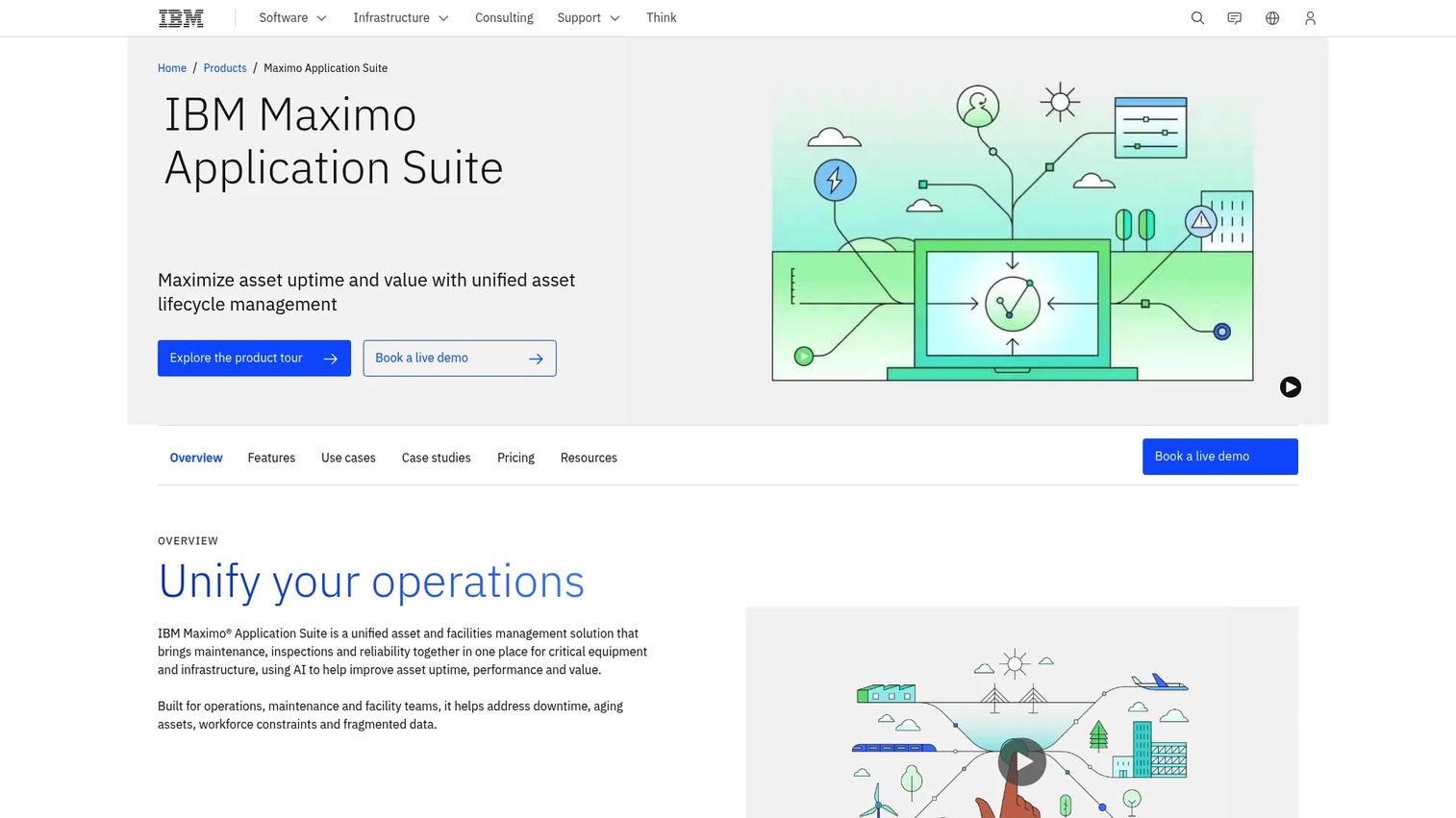
IBM Maximo Application Suite is the reference point for enterprise EAM. It unifies maintenance, inspections, reliability, and asset lifecycle management in one platform, with AI and IoT layered across the asset lifecycle. If you run thousands of assets across plants, utilities, transportation, or heavy industry, Maximo is built for your scale.
Where Maximo separates from a pure CMMS is depth. It covers the full lifecycle, not just work orders, and its asset performance management and AI features push teams from preventive maintenance toward predictive maintenance. It also connects into broader enterprise systems, so asset data flows into finance and operations rather than sitting in a maintenance silo.
Best for: large, asset-intensive organizations that need unified maintenance, reliability, and facilities management.
Key strengths
- AI applied across asset lifecycle management
- Enterprise asset management (EAM) depth
- Asset performance management (APM)
Why choose IBM Maximo: Choose it when you need lifecycle control at enterprise scale and can support a serious implementation. It is more than most maintenance-first teams need, and exactly right for asset-heavy operations.
IBM Maximo pricing: Offered as client-managed software or SaaS using AppPoints. The Essentials (Maintenance) package starts under $40K per year, and the Inspection package starts under $47K per year. Additional packages for space, capital planning, and lease management are also available.
2. UpKeep
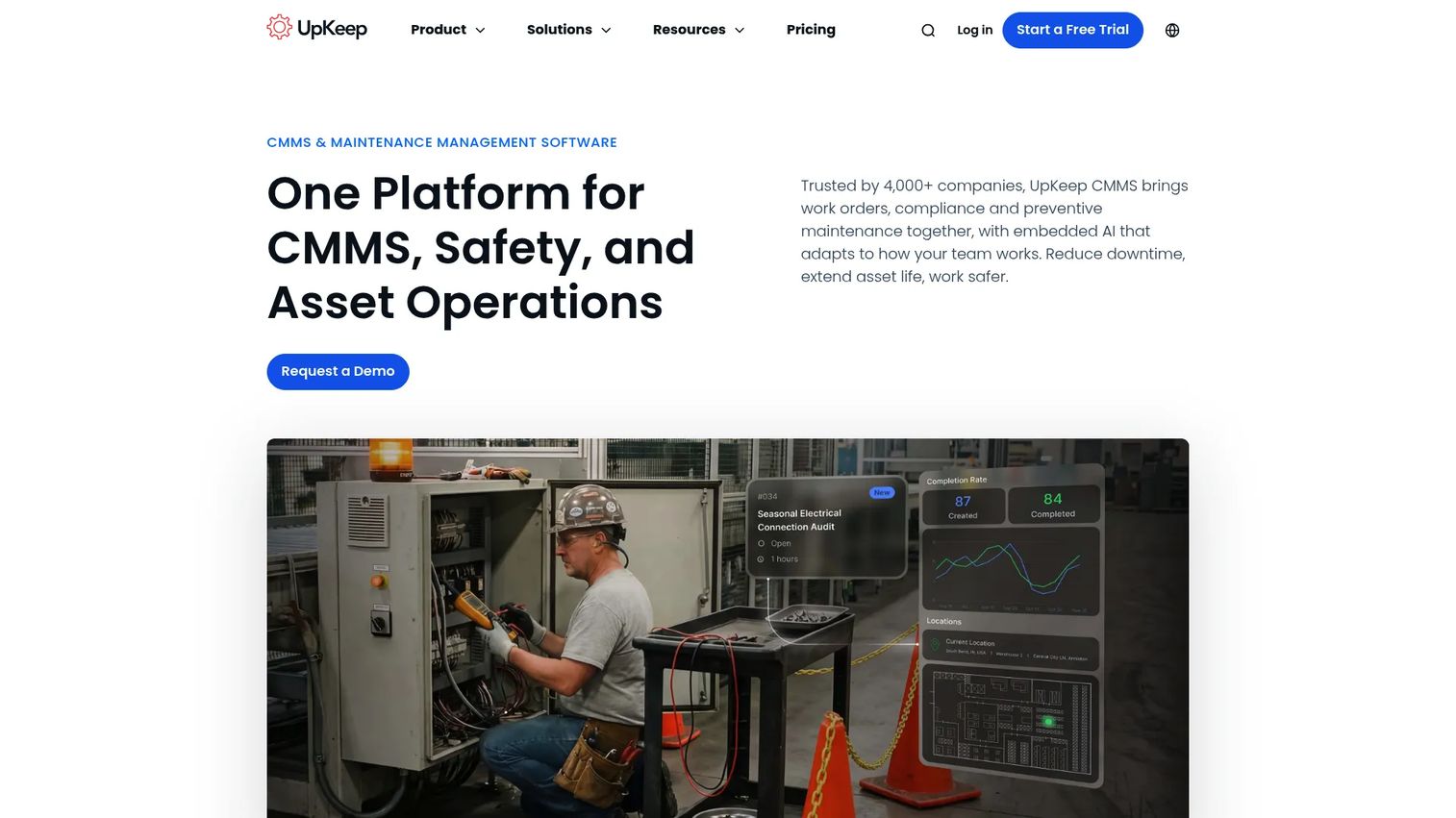
UpKeep built its reputation on being mobile-first. Technicians manage work orders, log preventive maintenance, and update asset records from a phone on the floor, not a desktop back in the office. That design choice drives adoption, which is often the real bottleneck for maintenance software.
Beyond core CMMS work, UpKeep positions itself as asset operations management, adding real-time visibility and reliability workflows. For mid-market teams that need speed and usability over enterprise complexity, it hits a practical middle ground: enough depth to run serious maintenance, simple enough that frontline teams actually use it.
Best for: maintenance teams that want a mobile CMMS with room to grow into broader asset operations.
Key strengths
- Work order management
- Preventive maintenance scheduling
- Asset tracking and inventory management
Why choose UpKeep: Pick it when technician adoption matters more than deep configuration. Its mobile experience gets frontline teams logging real data fast, which is where most maintenance programs stall.
UpKeep pricing: Essential is $24 per user per month and Premium is $55 per user per month. Professional and Enterprise tiers are quote-based. A free trial is available; there is no permanent free tier.
3. MaintainX
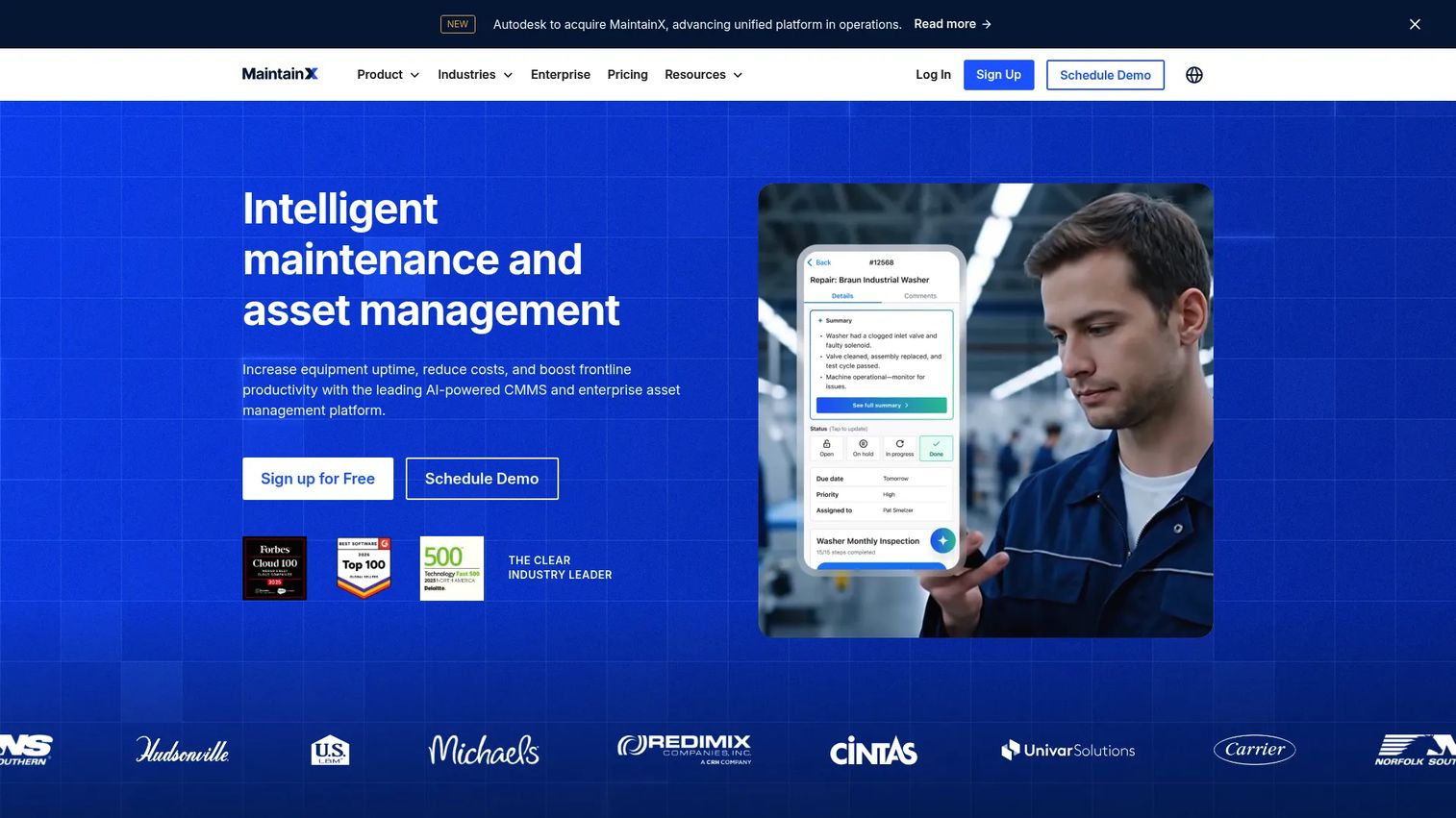
MaintainX is a cloud-based CMMS and asset management tool designed around frontline execution. Work orders, requests, and procedures live in a mobile interface that feels closer to a messaging app than legacy maintenance software. That is deliberate: the easier it is to log work, the more complete your asset history becomes.
MaintainX also supports preventive and condition-based maintenance, which nudges teams toward a predictive maintenance posture as sensor data comes online. With a genuine free tier and strong review sentiment, it is one of the easiest tools on this list to trial before committing.
Best for: frontline maintenance and operations teams that need fast adoption and real-world execution.
Key strengths
- Work orders and requests
- Preventive and condition-based maintenance
- Asset management and parts inventory
Why choose MaintainX: Choose it when you want to prove value quickly with minimal rollout friction. The free Basic tier lets you validate the workflow before buying seats.
MaintainX pricing: Basic is free forever. Essential is $20 per user per month billed annually ($25 monthly), and Premium is $65 per user per month billed annually ($75 monthly). Enterprise is custom priced.
4. Fiix CMMS
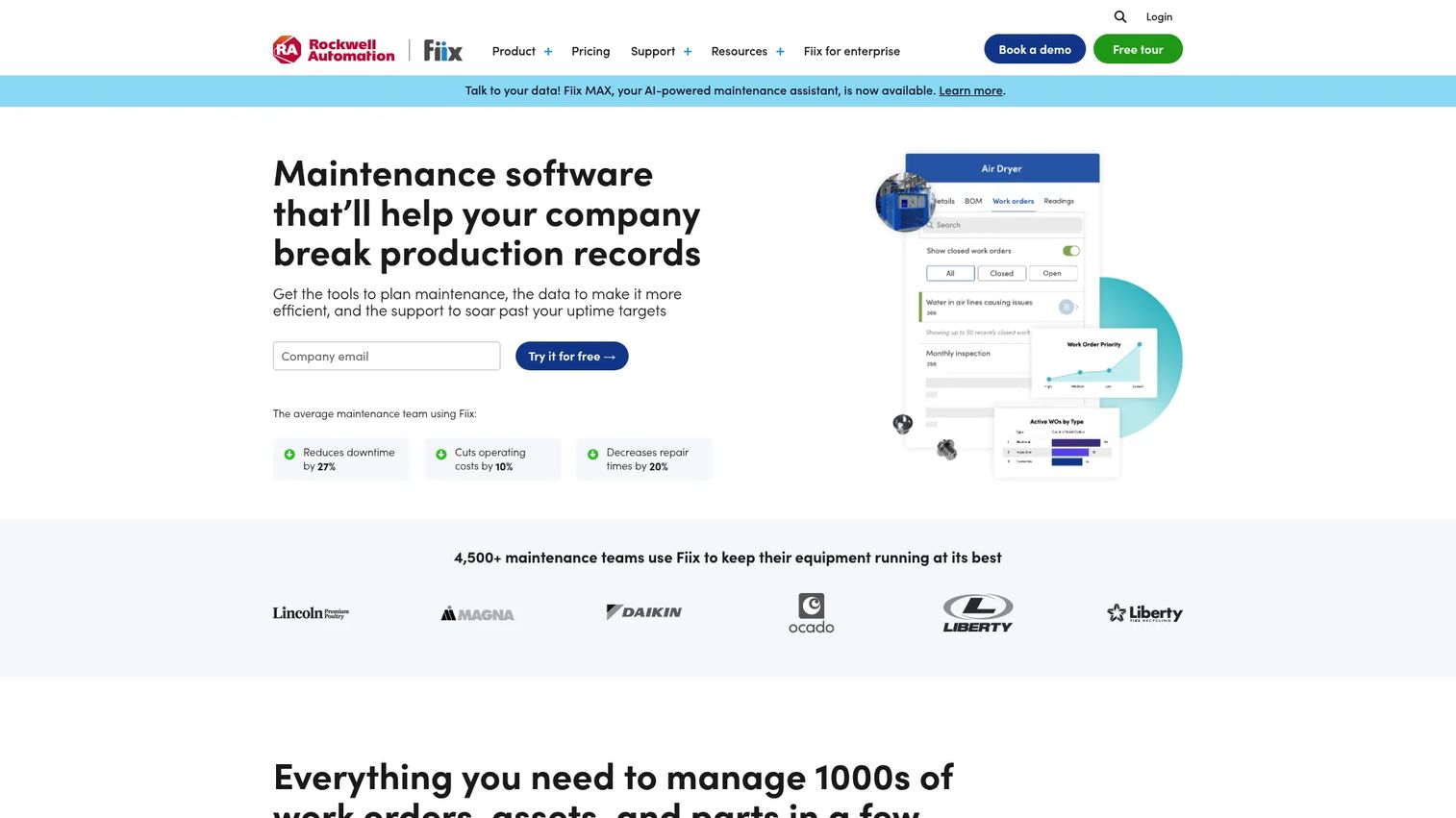
Fiix CMMS is a strong choice for teams that want serious CMMS depth without jumping straight to heavy enterprise software. It handles asset management, work orders, preventive maintenance scheduling, and inventory, with a mobile app that works offline for technicians in low-connectivity environments.
What sets Fiix apart is its Integration Hub, which connects maintenance data to ERP and other business systems. That gives you a bridge toward lifecycle and financial visibility without the full weight of an EAM. A free entry plan lets small teams start, and paid tiers scale as your program matures.
Best for: maintenance teams that want a capable cloud CMMS with a free starting point and clear room to scale.
Key strengths
- Asset management and work order management
- Preventive maintenance scheduling
- Mobile app with offline access, plus analytics and Integration Hub
Why choose Fiix: Choose it when you want CMMS depth today and ERP integration later. It is enough for most maintenance-first teams and grows without forcing an early enterprise commitment.
Fiix CMMS pricing: A Free plan covers limited users. Basic is $45 per user per month and Professional is $75 per user per month. Enterprise is custom priced, with Lite License and Fiix MAX add-ons available.
5. eMaint CMMS
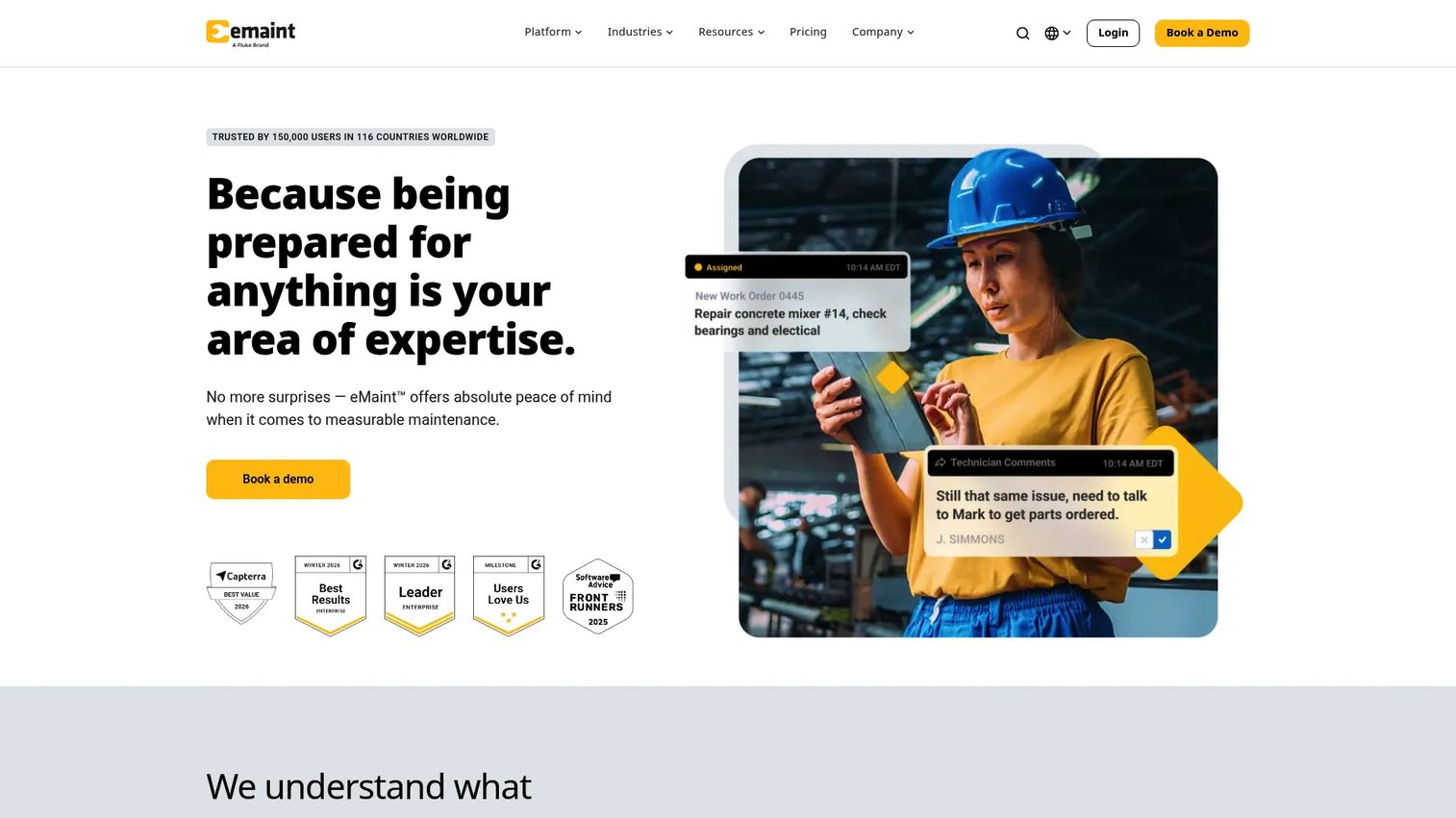
eMaint CMMS is built for teams standardizing maintenance across multiple locations. Its calling card is configurability: dashboards, workflows, and reports adapt to how your organization actually runs, rather than forcing your process into a fixed template. That flexibility makes it a common pick for organizations outgrowing a simpler CMMS.
It combines CMMS, EAM, and IIoT capabilities, with strong reporting and asset documentation. For multi-site operations that need consistent preventive maintenance standards and centralized reporting across facilities, eMaint offers depth that lighter tools cannot match.
Best for: maintenance teams standardizing configurable CMMS/EAM workflows across sites.
Key strengths
- Work order management
- Preventive maintenance
- Asset management with configurable reporting
Why choose eMaint: Choose it over simpler tools when you need reporting depth and process configurability across locations. The tradeoff is a longer setup, which pays off for multi-site standardization.
eMaint CMMS pricing: Team starts at $69 per user per month and Professional at $85 per user per month. Enterprise is a custom quote.
6. Fracttal One
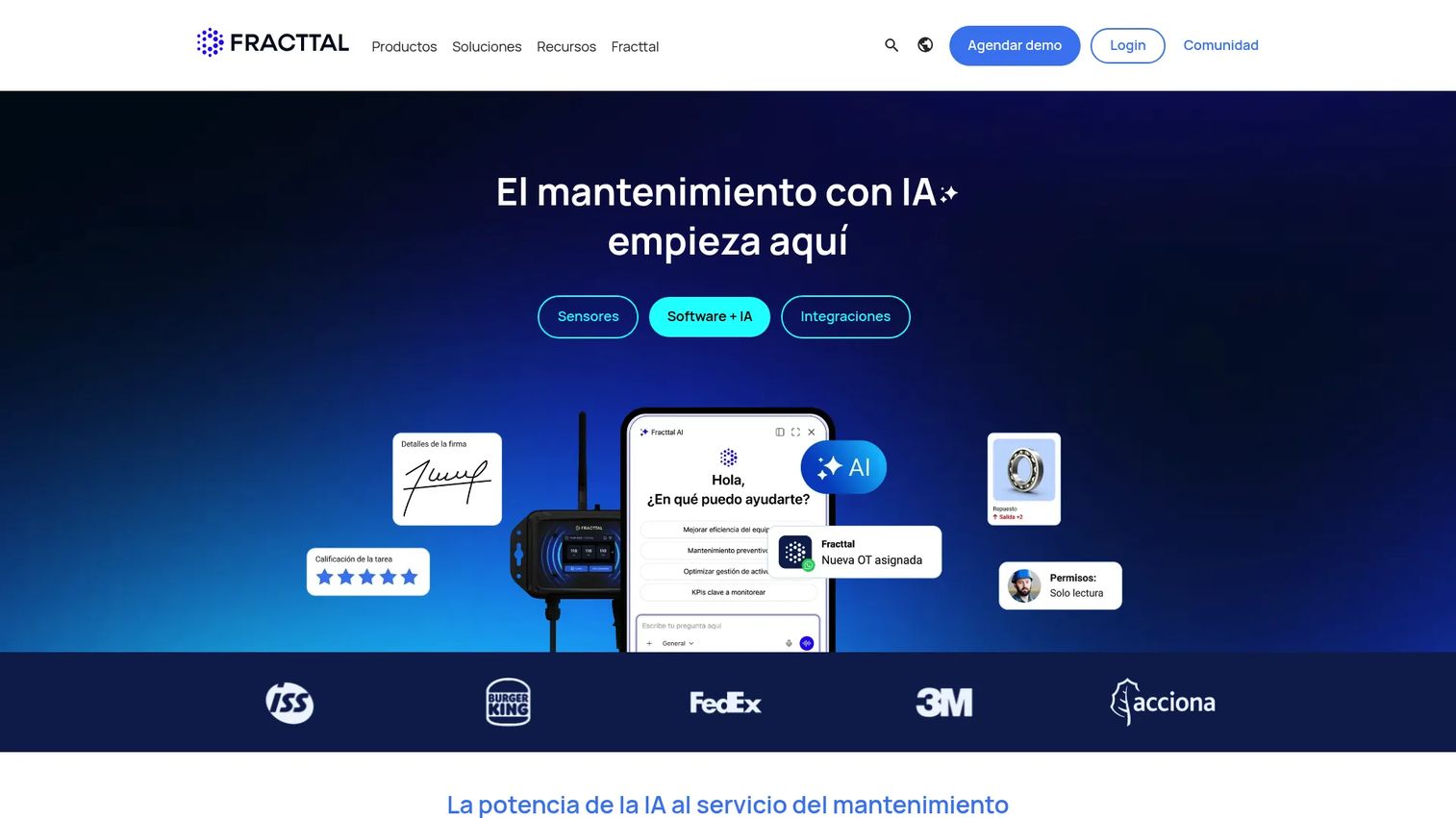
Fracttal One is a cloud-based CMMS and EAM platform that leans into automation, IoT, and mobility. It covers work order management, asset and inventory control, and KPI tracking, with preventive and predictive maintenance automation built in. The mobile access means field teams stay connected wherever assets live.
Fracttal fits teams that want flexible cloud maintenance management without on-premise overhead. Its IoT integration supports a shift toward predictive maintenance, using condition data to trigger work before failures occur. A free entry tier lets smaller teams start, with custom paid plans as needs grow.
Best for: mid-market and enterprise maintenance teams wanting cloud CMMS/EAM with automation and IoT.
Key strengths
- Work order management
- Preventive and predictive maintenance automation
- Asset, inventory, and KPI management
Why choose Fracttal One: Choose it when you want cloud-native maintenance with predictive maintenance and IoT baked in. It suits teams building toward condition-based maintenance rather than schedule-only programs.
Fracttal One pricing: Fracttal One is sold as a SaaS annual subscription and offers a free entry tier, with paid plans provided on request.
7. SolarWinds Service Desk
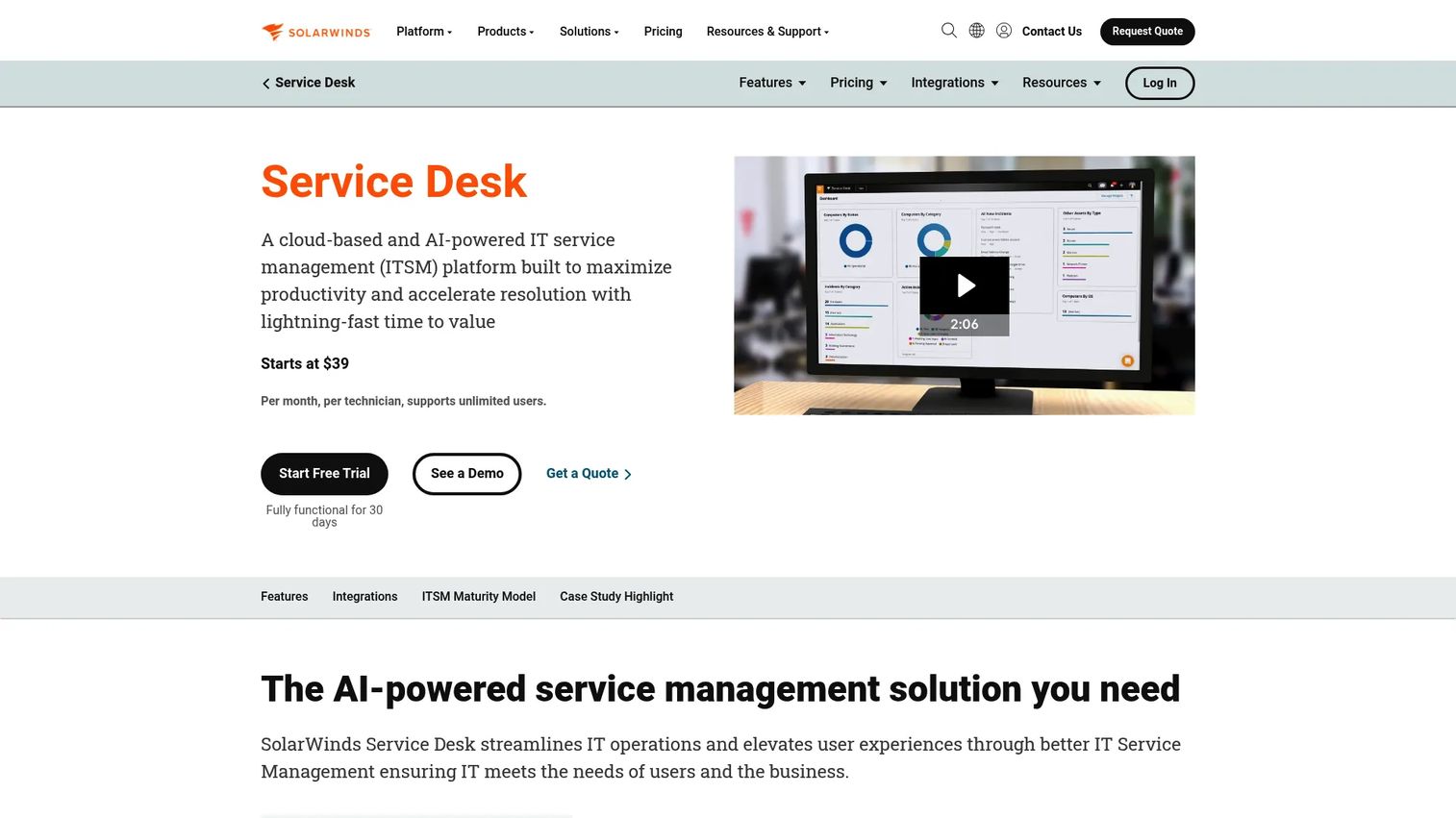
SolarWinds Service Desk approaches lifecycle management from the IT side. It is a cloud-based, AI-powered ITSM platform where IT asset lifecycle management sits alongside incident management, a service catalog, and a CMDB. If your "assets" are laptops, servers, and software licenses rather than pumps and conveyors, this is the fit.
It handles asset discovery and inventory tracking, links hardware to tickets, and manages software license lifecycles. The CMDB ties assets to the services and incidents they support, so IT teams see the full picture from procurement to retirement. This is purpose-built for ITAM and service workflows, not broad industrial EAM.
Best for: IT teams managing hardware and software lifecycles inside an ITSM workflow.
Key strengths
- Incident management
- Asset management and CMDB
- Service catalog and portal
Why choose SolarWinds Service Desk: Choose it when IT asset lifecycle management needs to live inside your service desk. It connects assets to tickets and services in a way industrial EAM tools do not.
SolarWinds Service Desk pricing: Essentials is $39 per technician per month, Advanced is $99, and Premier is $124, all billed annually with unlimited requestors. A 30-day free trial is available.
8. Trimble Unity
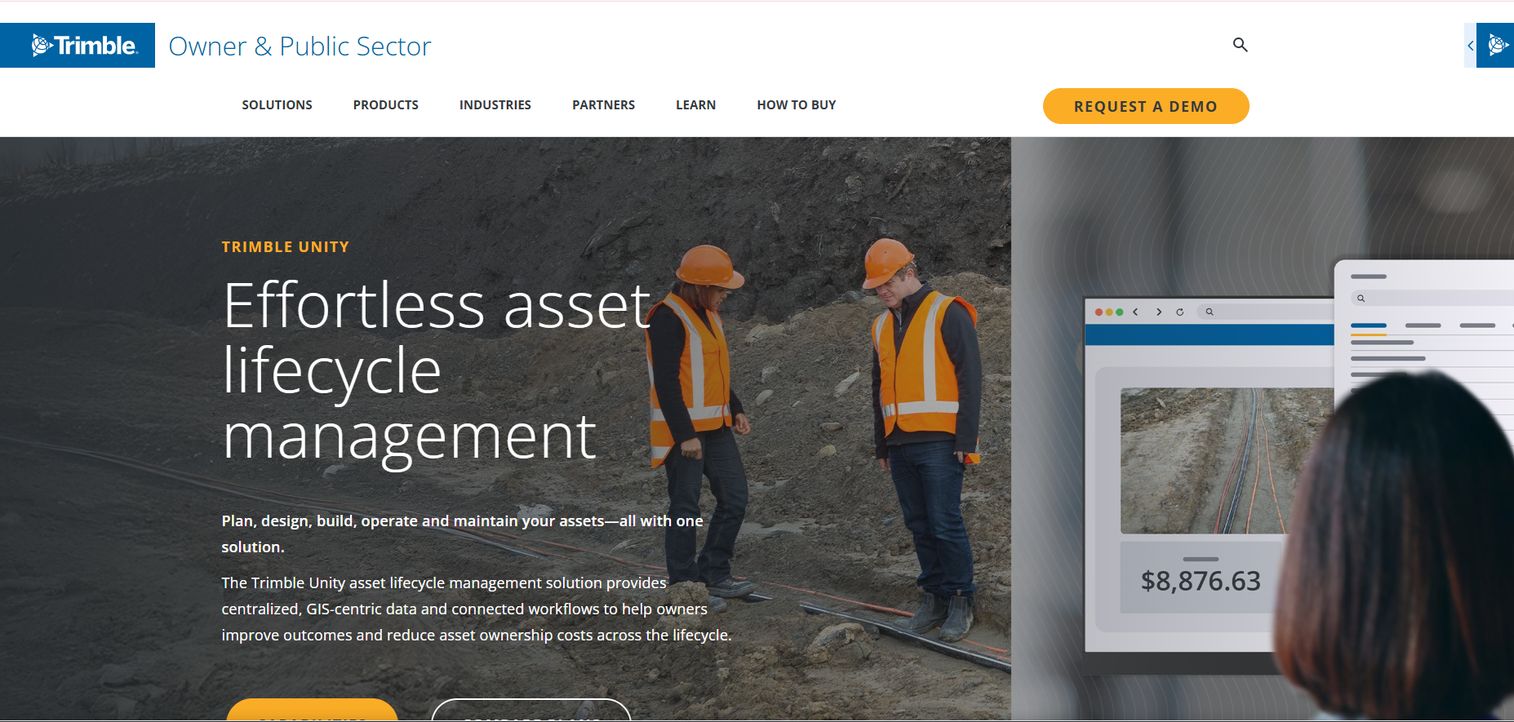
Trimble Unity is an asset lifecycle management suite for infrastructure owners: utilities, transportation, and public-sector teams managing physical assets across geography. Its foundation is GIS-centric data, which makes it a natural fit when location and spatial context matter as much as maintenance history.
The suite covers plan, design, build, operate, and maintain in connected workflows, with a shared data environment linking project delivery, enterprise asset management, permitting, and field operations. For asset-heavy public agencies and infrastructure owners, the value is end-to-end lifecycle data that stays connected from initial planning through decades of operation.
Best for: public-sector and infrastructure owners needing end-to-end, GIS-centric lifecycle management.
Key strengths
- Centralized GIS-centric data and connected workflows
- Digital project delivery and connected data environment
- Enterprise asset management, permitting, and field operations
Why choose Trimble Unity: Choose it when your assets are geographic and your lifecycle spans planning to long-term operation. GIS-centric data and connected workflows are its clear differentiator.
Trimble Unity pricing: Trimble lists Starter, Professional, and Elite subscription plans across its Unity products, with pricing provided on request through a Trimble representative.
9. IFS Cloud

IFS Cloud is an industrial cloud platform that puts EAM inside a broader operational suite spanning ERP, supply chain, and field service management, with embedded AI. Instead of bolting asset management onto a separate maintenance tool, IFS runs it as one thread in a single platform.
That breadth is the point. Asset investment planning, predictive maintenance, and field service all share the same data, so lifecycle decisions reflect operational and financial context together. For large industrial enterprises that want assets managed inside their core operations rather than in a standalone system, IFS fits where standalone CMMS tools stop short.
Best for: large industrial enterprises wanting a unified platform for assets, service, and operations.
Key strengths
- Enterprise resource planning (ERP)
- Enterprise asset management (EAM)
- Field service management (FSM)
Why choose IFS Cloud: Choose it when asset management should live inside ERP and field service rather than a separate CMMS. The unified data model is its advantage for complex, multi-function operations.
IFS Cloud pricing: IFS Cloud uses sales-led, quote-based pricing tailored to scope and deployment. Contact IFS for a quote.
Considerations before you buy
Lifecycle coverage vs maintenance depth
Decide first whether you need lifecycle-first or maintenance-first. A CMMS wins if your priority is work orders, preventive maintenance, and parts. An EAM wins if you need capital planning, asset performance management, and total cost of ownership across the full lifecycle. Buying the wrong category is the most common and most expensive mistake.
Asset visibility and tracking
Check how the tool tracks assets: barcodes, QR codes, RFID, or IoT sensors for real-time monitoring. The goal is asset visibility you can trust. If technicians cannot quickly find an asset's location, history, and condition, adoption suffers and data rots.
Integration fit
Map the integrations you need before you shortlist. ERP integration matters if asset costs feed finance. For IT assets, CMDB and service-desk links matter more. Weak integration means duplicate data entry, which quietly kills the value of any lifecycle system.
Multi-site and mobile access
If your assets span locations, verify real-time monitoring and mobile access for field technicians. Cross-site visibility and offline mobile capability are non-negotiable for distributed operations. A tool that only works well at one site will not scale.
Pricing and implementation effort
Weigh licensing against total cost of ownership. Per-user CMMS pricing scales differently from enterprise EAM contracts. Factor implementation time, data migration, and training. The cheapest license is not the cheapest system if rollout drags for a year.
Conclusion
The right pick comes down to what you are optimizing for.
If you are maintenance-first, start with a CMMS: MaintainX or Fiix for fast adoption and a free entry point, UpKeep for mobile-first teams, and eMaint or Fracttal One when you need configurable multi-site depth and predictive maintenance.
If you are lifecycle-first and asset-intensive, lean toward EAM: IBM Maximo Application Suite for enterprise depth with AI and IoT, and IFS Cloud when you want asset management living inside ERP and field service.
For specialized needs, the choice is clearer still. Trimble Unity fits infrastructure and public-sector teams with GIS-centric, connected workflows. SolarWinds Service Desk fits IT asset lifecycle management inside a service desk.
Your next step: pick your category first, maintenance-first or lifecycle-first, then shortlist two tools and run a trial against your real assets and workflows. The tool that your frontline team actually uses beats the one with the longest feature list every time.
FAQs
Asset lifecycle management is the broader concept of managing an asset from planning through disposal, and EAM software is one type of platform that delivers it. Enterprise asset management software includes CMMS maintenance functions plus lifecycle planning, capital forecasting, and asset performance management. In practice, most full EAM platforms are asset lifecycle management software, but not every lifecycle tool carries the full enterprise scope of an EAM.
A CMMS is enough if your priority is maintenance execution: work orders, preventive maintenance, spare parts, and asset histories. You need EAM when you also manage assets as financial investments, plan capital replacements, and require asset performance management across the full lifecycle. Maintenance-first teams often start with a CMMS like Fiix or MaintainX and move to EAM as complexity grows.
The core features are asset tracking, preventive maintenance and predictive maintenance scheduling, work order management, and reporting. Beyond those, prioritize real-time monitoring, mobile access for field technicians, and integration with ERP or your service desk. The right mix depends on whether your priority is maintenance depth or full lifecycle and financial visibility.
Asset tracking typically uses barcodes, QR codes, RFID tags, or IoT sensors to identify assets and log their location, condition, and history. Technicians scan or look up an asset to see its maintenance record, warranty, and documentation. IoT-connected tools add real-time monitoring, feeding sensor data into predictive maintenance so failures get flagged before they cause downtime.
eMaint CMMS is a strong pick for standardizing configurable workflows and reporting across locations. Fracttal One suits cloud-native multi-site teams wanting automation and IoT, and UpKeep works well for distributed, mobile-first crews. IBM Maximo Application Suite fits the largest multi-site, asset-intensive enterprises. The key is cross-site visibility and reliable mobile access.
SolarWinds Service Desk is the clearest fit for IT asset lifecycle management, since it pairs asset discovery, a CMDB, and software license management with an ITSM service desk. It links hardware and software assets to tickets and services, covering the lifecycle from procurement to retirement. Broad industrial EAM tools are less suited to laptops, servers, and license tracking.
Asset-intensive industries see the biggest returns: manufacturing, utilities, energy, transportation, facilities, and heavy industry, where downtime is expensive. Public-sector and infrastructure owners benefit from GIS-centric platforms like Trimble Unity. IT-heavy organizations use ITAM tools for hardware and software lifecycles. Any team where unplanned failures carry real cost gains from downtime reduction.
Look past the license price to total cost of ownership, including implementation, data migration, and training. Per-user CMMS plans like MaintainX or UpKeep scale predictably for smaller teams, while enterprise EAM and ERP-based suites like IBM Maximo or IFS Cloud use quote-based contracts with longer rollouts. Trial two shortlisted tools against your real workflows before committing.