You're evaluating pendo alternatives before a renewal conversation, and the question isn't just "what else exists." It's "which product experience layer do I actually need to replace?"
Pendo bundles product analytics, in-app guides, NPS, session replay, and roadmapping into a connected suite. Teams leave when they need only one of those layers, when MAU-based pricing becomes hard to model at scale, or when they need a format Pendo doesn't cover at all: Interactive demos that live outside the product on landing pages, in sales follow-ups, partner portals, and launch campaigns.
This roundup covers 11 alternatives across five distinct product layers: interactive demos and demo automation, onboarding and in-app adoption, product analytics, session replay, enterprise digital adoption, and research.
TL;DR
- Best pick for PMM-led product storytelling: Guideflow for interactive demos, demo pages, demo centers, sandboxes, live demos, and mobile demos. Free plan available; paid plans from $35 per user per month.
- Best for product-led onboarding: Userpilot (Starter at $299 per month) or Appcues (MAU-based, no public price on tiers).
- Best for behavioral analytics: Amplitude (free plan with 2 million events per month) or Mixpanel (free plan up to 1 million events per month).
- Best for open-source-friendly analytics: PostHog, with free monthly allowances across analytics, session replay, and feature flags.
- Best for session replay and friction diagnosis: FullStory, with a permanent free plan covering 30,000 monthly sessions.
- Best for enterprise employee digital adoption: WalkMe or Whatfix, both quote-based and built for cross-application workflows.
- Best for research and voice-of-customer: Sprig, an enterprise survey platform with AI-powered synthesis.
- The list spans six categories. No single tool replaces every Pendo workflow.
What's inside
- What Pendo does and who it serves
- Why teams compare Pendo alternatives
- How tools in this roundup differ by product layer
- Side-by-side comparison table with category labels, G2 ratings, free plans, and pricing
- Ranked tool cards for all 11 alternatives
- Use-case picks by job to be done
- FAQ section
What is Pendo?
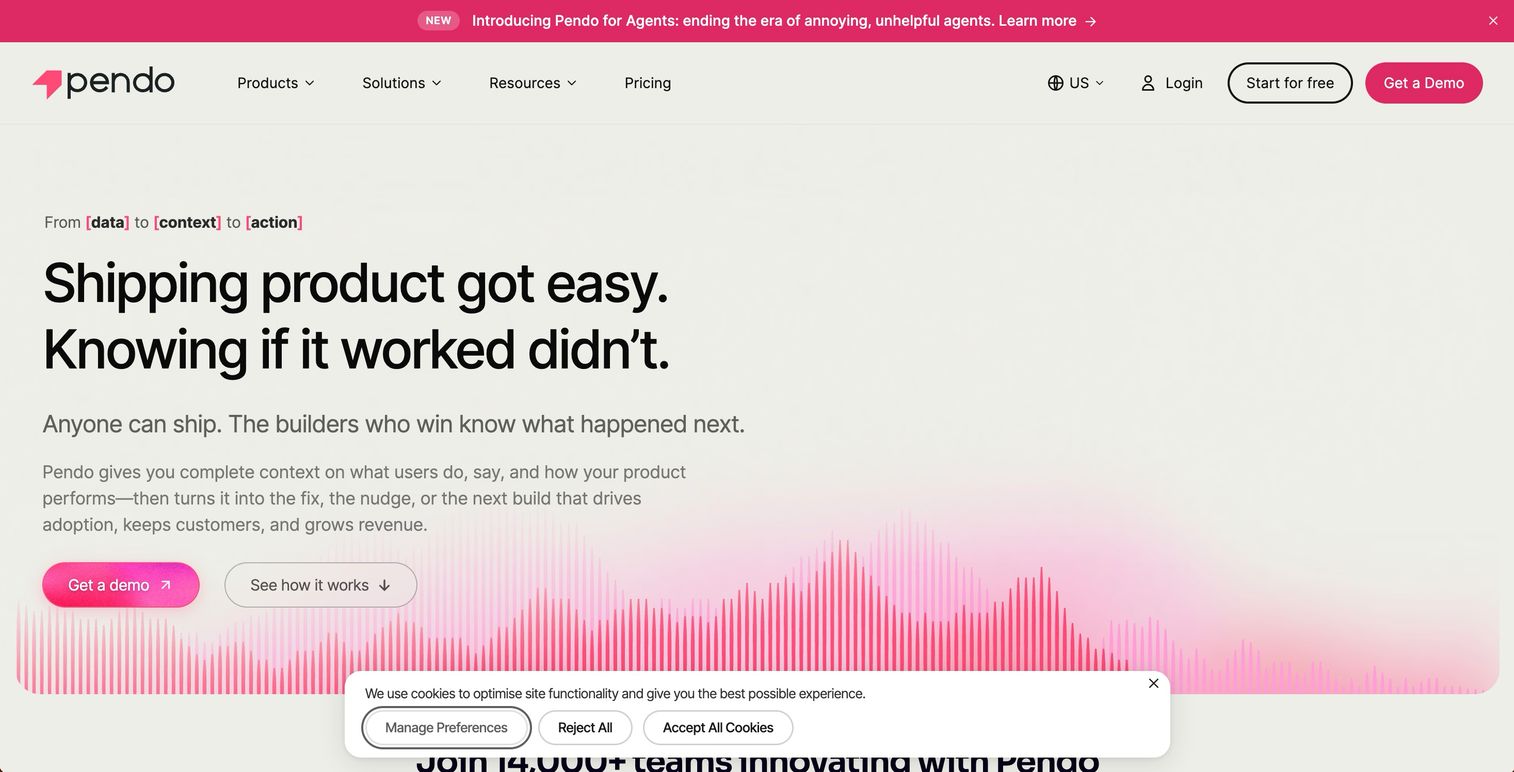
Pendo is a product experience platform that helps software teams understand user behavior, deliver in-app guidance, collect feedback, analyze sentiment, and manage product roadmaps. Its help center describes it as a product management and user experience platform covering analytics, user data, guides, surveys, feedback, session replay, and Orchestrate journeys.
The platform's strength is breadth. A product team can instrument usage, trigger contextual tooltips and checklists, run NPS campaigns, watch session replays, and tie all of it to a shared roadmap without stitching together separate tools. Pendo's product analytics page frames the platform around product and process analytics alongside in-app guides, feedback, and roadmapping.
That breadth is also the reason teams evaluate alternatives. Not every team needs every layer, and buying a connected suite when you only need one module can mean paying for features that sit unused.
Why teams look for Pendo alternatives
Teams reach for alternatives for several distinct reasons, and the reason shapes which replacement to evaluate.
Pricing tied to monthly active users
Pendo's pricing page states that pricing combines MAUs and selected plan functionality. For PMMs planning launch campaigns or product-led growth motions, that model can be hard to forecast: A successful launch drives MAU growth, and MAU growth drives the renewal conversation in a different direction. Teams evaluating tooling for a specific job, like onboarding flows or buyer-facing demos, often prefer pricing that scales by a different unit.
Need only one product layer
Some teams want product analytics only. Others want replay, or onboarding, or buyer-facing demos. When the primary job is narrow, specialist tools often go deeper on that layer than Pendo's bundled modules. G2 reviewers frequently note that Pendo's analytics depth depends on the plan, and that certain reporting features are gated to higher tiers.
PMMs need product experiences outside the app
Pendo works inside the product. For PMMs who need to show product value before someone logs in, the job is different: Launch pages, sales follow-ups, partner enablement, conference kiosks, and analyst briefings. Interactive demos that live on the web and in emails serve a fundamentally different audience than in-app guides targeting existing users.
Enterprise employee digital adoption
WalkMe and Whatfix describe their digital adoption platforms as software overlays that help employees complete workflows across internal applications. That positioning, employee training and change management across an enterprise tech stack, diverges from Pendo's customer-facing product experience orientation. Teams replacing Pendo for this job tend to land on a dedicated digital adoption platform.
Deeper research workflows
Sprig positions its platform around survey infrastructure for designing studies, reaching participants, and synthesizing insight. Teams that need structured research programs with AI-assisted synthesis often find Pendo's feedback tools cover basic NPS but fall short of a full research governance layer.
How we picked these Pendo alternatives
Tools were selected based on real capability overlap with the jobs Pendo buyers most commonly need to replace: Product analytics, in-app onboarding, session replay, enterprise digital adoption, buyer-facing interactive demos, and research. Pricing came from each vendor's own pricing page. G2 ratings came from each tool's G2 listing. The global product analytics market reached $25.9 billion in 2025 and is projected to grow at 12.0% CAGR through 2033, according to Grand View Research (2026), and the digital adoption platform market reached $3.17 billion in 2025 according to Market Research Future (2026). Both figures reflect why this category sees so many specialist tools competing alongside broader platforms like Pendo.
The list includes tools across six categories, labeled so you can tell a like-for-like replacement from an adjacent upgrade.
Pendo alternatives at a glance
| # | Tool | Category | Best for | G2 rating | Free plan | Starting price |
|---|---|---|---|---|---|---|
| 1 | Guideflow | Interactive demo and demo automation | PMM-led product storytelling and buyer-facing demos | 5.0 | Yes | Free; Solo $35/user/month |
| 2 | Userpilot | Onboarding and product growth | Product-led onboarding and feature adoption | 4.6 | No | $299/month (Starter) |
| 3 | Appcues | In-app onboarding and lifecycle | No-code in-app messaging and adoption flows | 4.6 | No (free trial) | MAU-based, no public numeric price |
| 4 | Amplitude | Product analytics and experimentation | Behavioral analytics and product experimentation | 4.5 | Yes | Free (2M events/month) |
| 5 | Mixpanel | Product analytics | Funnels, retention, and self-serve product analysis | N/A | Yes | Free (1M events/month) |
| 6 | PostHog | Product analytics, replay, feature flags | Engineering-led teams wanting a usage-based stack | 4.5 | Yes | Free monthly allowances |
| 7 | Heap | Autocapture product analytics | Retroactive analysis without upfront event planning | 4.4 | Yes (10K sessions/month) | Custom (Growth, Pro, Premier) |
| 8 | FullStory | Session replay and digital experience | Diagnosing friction through session data | 4.5 | Yes (30K sessions/month) | Contact sales for paid plans |
| 9 | WalkMe | Enterprise digital adoption | Employee software adoption across enterprise apps | 4.5 | No | Quote-based |
| 10 | Whatfix | Digital adoption and product analytics | Enterprise in-app guidance and training | 4.5 | Free trial | Quote-based (per-application fee) |
| 11 | Sprig | Research and customer feedback | PMM and research teams gathering user insight | 4.3 | No | Enterprise, custom pricing |
The best Pendo alternatives in 2026
1. Guideflow (interactive demo and demo automation)
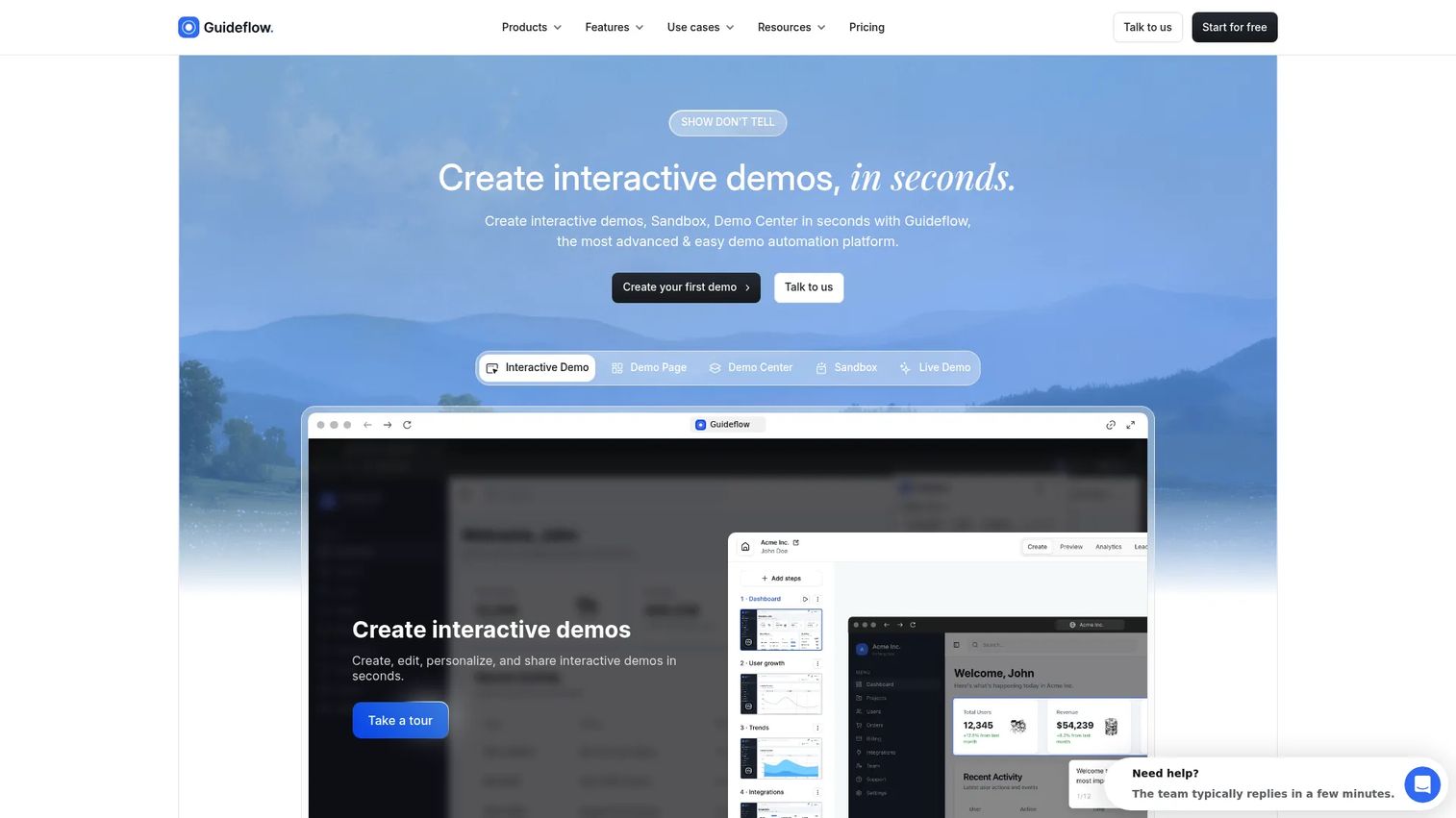
Guideflow earns the top spot here not because it replaces every Pendo workflow, but because PMMs evaluating product experience tools often discover a gap Pendo doesn't fill: Shareable, clickable product experiences that live outside the application entirely.
Best for: PMMs who need to show product value before a prospect or partner logs into the product.
What it is: Guideflow is a demo automation platform for creating interactive demos, demo pages, demo centers, sandboxes, live demos, and mobile demos. More than 500,000 guideflows have been created. Capture runs through the Chrome extension or the native app using screenshot, HTML, and video modes. Step content and CTAs are written automatically.
Key features:
- Interactive demos, demo pages, demo centers, sandboxes, live demos, and mobile demos
- Editing of text, images, graphs, and branching paths inside the demo
- Step-level completion, drop-off, and viewer flow analytics
- Company-level visitor identification; CRM records created when a viewer identifies through an in-demo form or personalized link
- Integrations with HubSpot, Salesforce, Pipedrive, Zoho, and Marketo
- Translation into more than 30 languages and AI voiceover
Where Guideflow falls short: Look elsewhere if your primary job is replacing Pendo's in-app analytics, NPS survey targeting, or session replay. Guideflow is built for buyer-facing and partner-facing product storytelling, not in-product behavioral instrumentation. Teams that need both often run Guideflow alongside an analytics or onboarding platform rather than treating it as a standalone Pendo replacement.
Pricing: Free plan available. Solo is $35 per user per month. Growth is $499 per month. Advanced is $1,499 per month. Enterprise starts from $2,999 per month and adds SSO, advanced governance, and enterprise security.
G2 rating: 5.0
How it compares to Pendo: Pendo monitors and guides users inside the product. Guideflow helps PMMs create clickable product experiences that live on landing pages, in sales leave-behinds, partner portals, launch campaigns, onboarding materials, and demo centers.
Start your journey with Guideflow today!
2. Userpilot (onboarding and product growth)
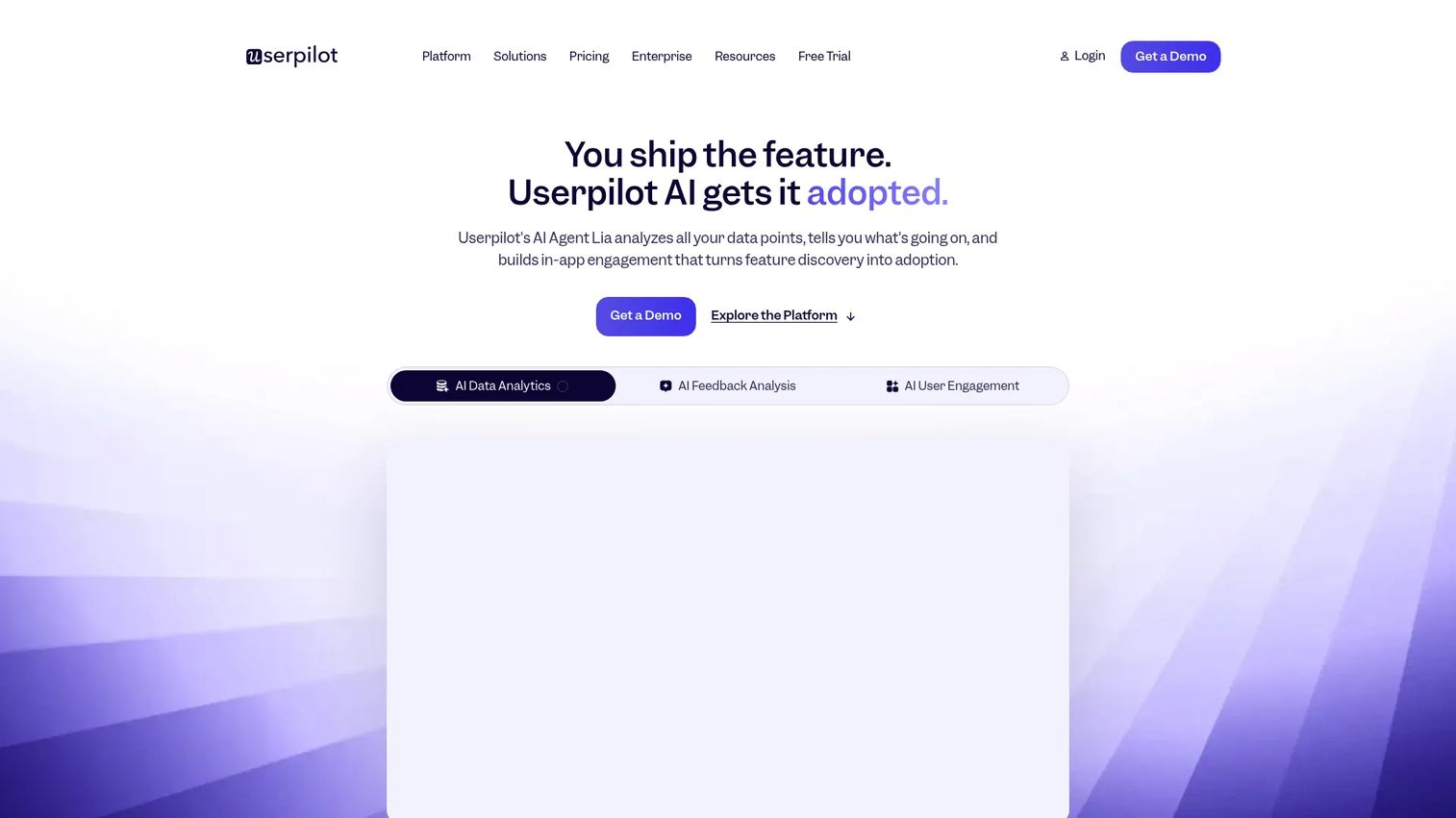
Userpilot is the most direct functional overlap with Pendo for SaaS teams focused on onboarding, feature adoption, and product analytics in a single no-code platform.
Best for: SaaS product and customer-success teams that need no-code onboarding, product analytics, NPS, and in-app engagement without a full Pendo suite.
What it is: Userpilot is a no-code product growth and analytics platform. Its homepage describes it as helping SaaS teams understand user behavior, onboard users, drive feature adoption, collect feedback, and reduce churn without code. Pricing scales by monthly active users, with Starter covering up to 2,000 MAUs and Growth up to 100,000 MAUs.
Key features:
- No-code in-app flows, checklists, tooltips, and modals
- Product analytics and event tracking with user segmentation
- NPS and in-app surveys
- Session replay
- AI Agent Lia and MCP Server for workflow automation
Where Userpilot falls short: G2 reviewers report that the analytics depth available at Starter is limited compared to higher tiers, and some note a learning curve on the flow builder. Customization of UI components can feel constrained relative to custom-coded in-app experiences.
Pricing: Starter is $299 per month (up to 2,000 MAUs). Growth starts from $849 per month (up to 100,000 MAUs). Enterprise is custom pricing.
G2 rating: 4.6
How it compares to Pendo: Userpilot is narrower in scope than Pendo's full platform but goes deeper on the onboarding and product growth layer. Teams replacing Pendo for activation and adoption workflows, rather than analytics breadth or roadmapping, tend to find Userpilot a practical fit.
3. Appcues (in-app onboarding and lifecycle engagement)
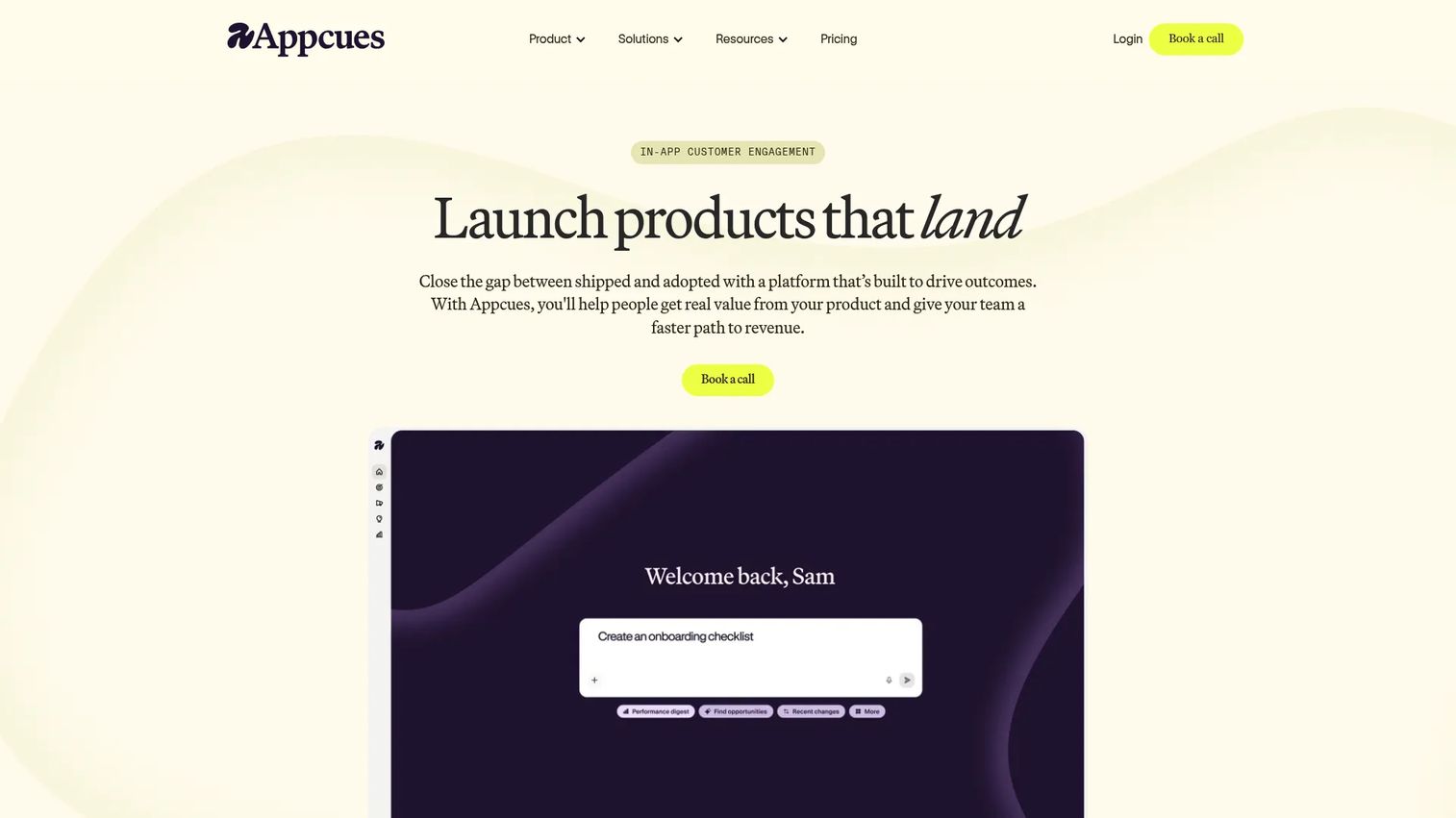
Appcues takes a lifecycle-first view of in-app engagement, covering onboarding, feature announcements, NPS, and cross-channel campaigns without requiring engineering involvement.
Best for: Product, marketing, and customer-success teams driving structured onboarding and lifecycle campaigns across in-app, email, and mobile channels.
What it is: Appcues is an AI-powered customer engagement platform. Its pricing page states that all plans include every experience type, feature, and integration, with pricing based on MAUs, installations, and published experiences. Start covers up to 3,000 MAUs; Grow scales from 3,000 MAUs; Enterprise handles custom volumes.
Key features:
- In-app flows, tooltips, modals, banners, checklists, launchpads, and NPS surveys
- Audience targeting using user properties, events, segments, and interaction history
- Cross-channel workflows spanning in-app, email, and push notifications
- No-code builder with no ongoing engineering dependency
Where Appcues falls short: Numeric pricing requires a conversation with sales since the official pricing page lists plan names and MAU thresholds without displaying dollar amounts. G2 reviewers mention that analytics reporting is less granular than dedicated analytics platforms, and that pricing at scale can grow quickly as MAUs rise.
Pricing: MAU-based across Start, Grow, and Enterprise tiers. No public numeric price is displayed on the pricing page. A free trial is available; no permanent free tier was confirmed.
G2 rating: 4.6
How it compares to Pendo: Appcues focuses on the in-app engagement and lifecycle layer. It does not include product roadmapping, and its analytics is lighter than Pendo's. Teams replacing Pendo specifically for onboarding and lifecycle campaigns often find Appcues easier to operate without a dedicated implementation team.
4. Amplitude (product analytics and experimentation)
Amplitude is the strongest analytics-first replacement for teams where behavioral data, activation analysis, and experimentation are the primary jobs.
Best for: Product, growth, and data teams that need unified behavioral analytics, experimentation, and activation without in-app guidance.
What it is: Amplitude is an AI analytics platform that tracks user actions and turns them into engagement, retention, and revenue insights. Its pricing page states every plan includes product analytics, session replay, experimentation, guides and surveys, and activation. The free plan covers 2 million events per month. Growth and Enterprise use custom pricing based on event volume.
Key features:
- Product analytics with dashboards, behavioral cohorts, and monitoring alerts
- Session replay
- Product and web experimentation
- Guides and surveys
- AI-powered insights
Where Amplitude falls short: G2 reviewers report that the event volume pricing model can become hard to predict as product instrumentation expands, and that the learning curve for advanced analysis features is steep for non-technical users. Implementation requires engineering involvement for initial instrumentation.
Pricing: Free plan includes 2 million events per month. Plus scales with event volume from $0. Growth and Enterprise are custom-priced.
G2 rating: 4.5
How it compares to Pendo: Amplitude goes deeper on analytics and experimentation than Pendo, but it does not offer Pendo's in-app guides, NPS survey management, or product roadmapping as native capabilities. For analytics-first teams, this focus is a feature, not a gap.
5. Mixpanel (product analytics)
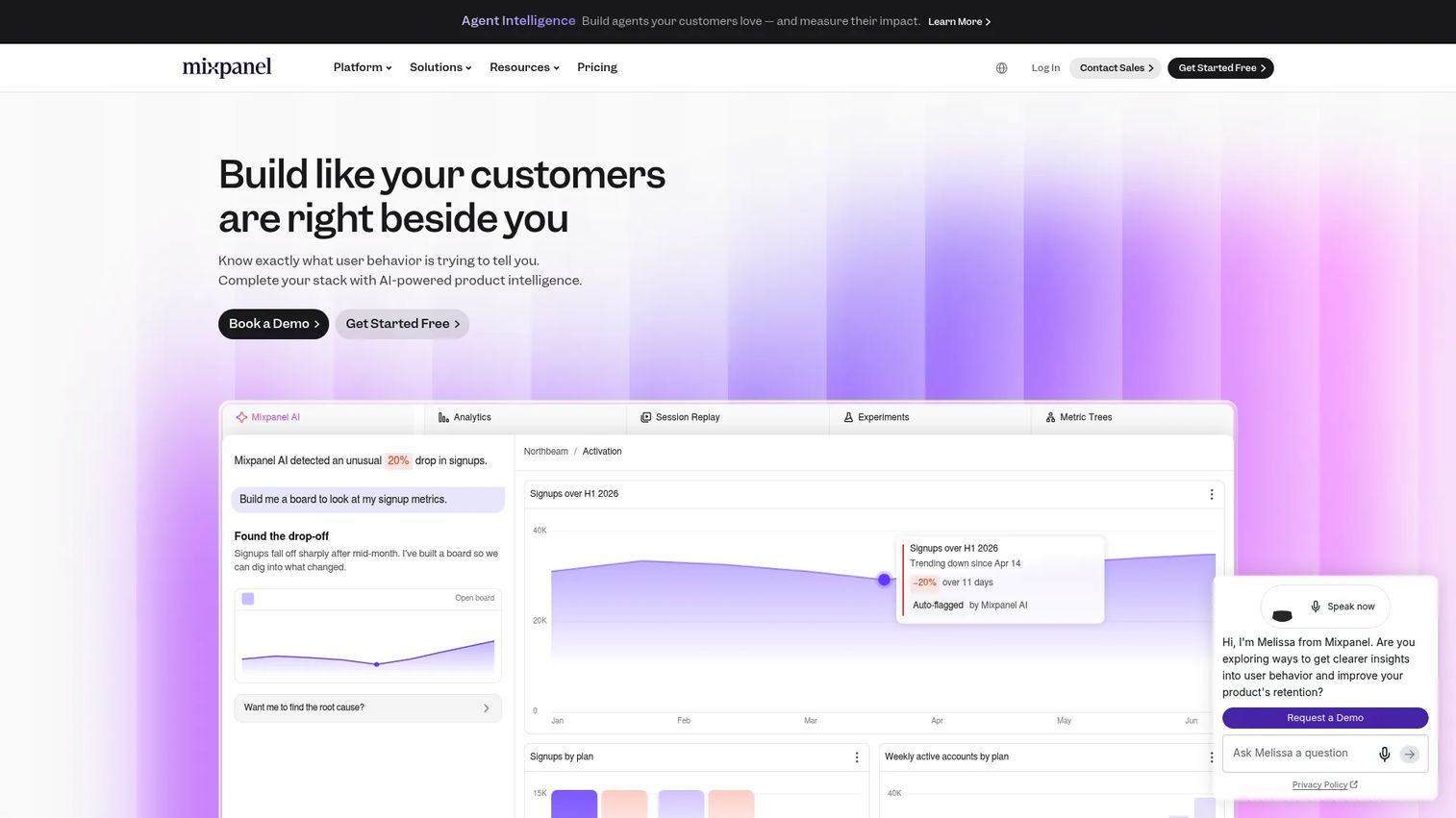
Mixpanel is the self-serve analytics choice for PMMs and product teams who need funnels, retention curves, and cohort analysis without a data engineering team standing behind every query.
Best for: Product, growth, marketing, and data teams analyzing user behavior and improving digital products.
What it is: Mixpanel is a product intelligence platform covering product analytics, web and mobile analytics, session replay, experiments, and feature flags. Its free plan covers up to 1 million events per month; Growth scales to 20 million events; Enterprise uses custom volumes.
Key features:
- Insights, funnels, retention, and flows reports
- Session replay
- Experiments and feature flags
- Data warehouse connectors
- Web and mobile analytics
Where Mixpanel falls short: G2 reviewers note that pricing becomes less predictable at high event volumes, and that some advanced reporting configurations have a steep setup curve. The platform does not include in-app guidance, NPS surveys, or roadmapping.
Pricing: Free plan up to 1 million events per month. Growth from $0 and usage-based. Enterprise is custom pricing.
G2 rating: Not publicly confirmed at publication.
How it compares to Pendo: Mixpanel is analytics-only. Teams replacing Pendo's entire platform will need to pair Mixpanel with a separate onboarding tool. Teams replacing only Pendo's analytics layer often find Mixpanel covers the funnel and retention reporting they need with a more self-serve setup motion.
6. PostHog (product analytics, replay, feature flags, experiments)
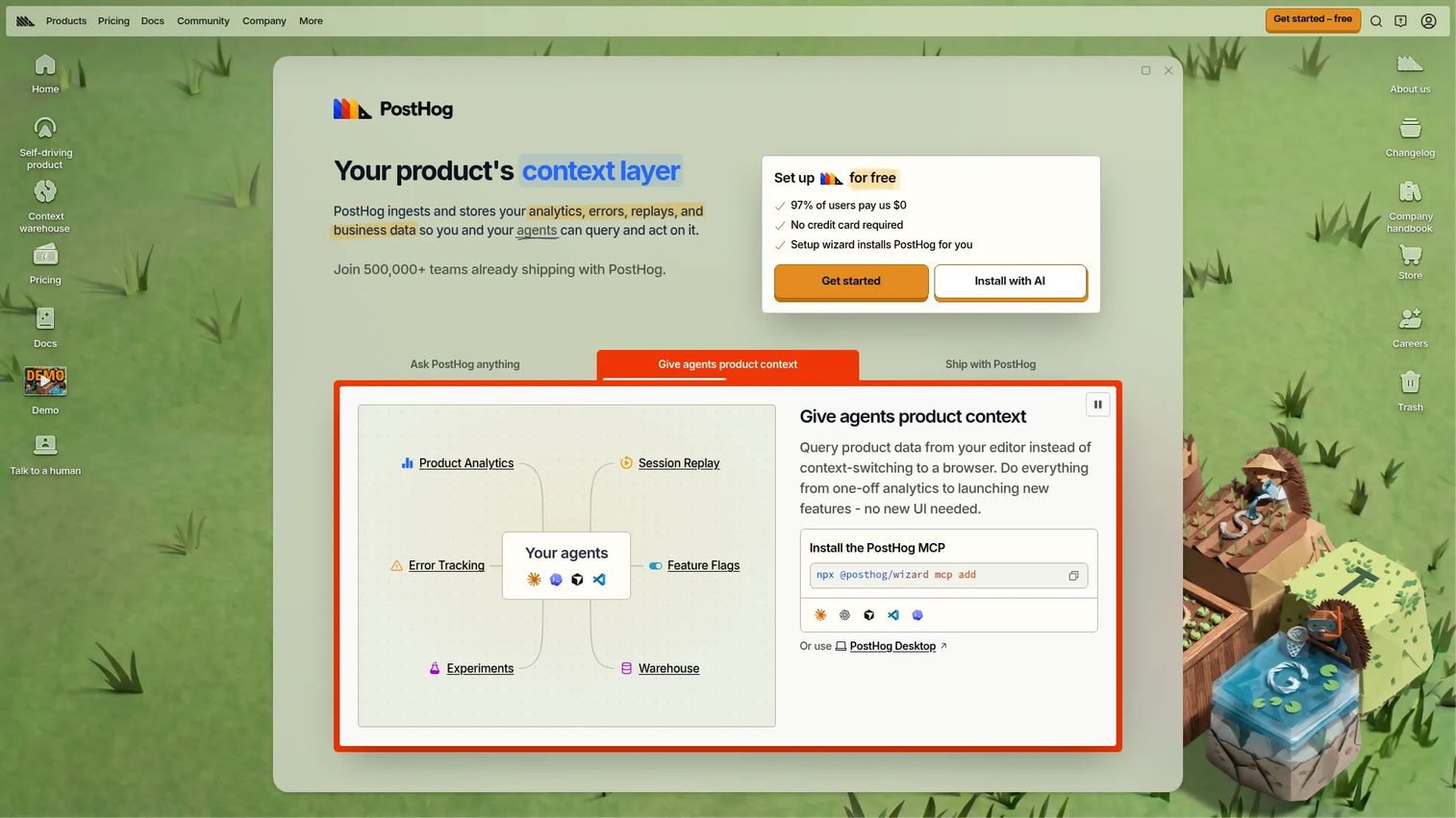
PostHog is the broadest technical stack in this roundup, covering product analytics, session replay, feature flags, error tracking, surveys, and data infrastructure in a usage-based model.
Best for: Engineering-led software teams that want product analytics, session replay, feature flags, and debugging tools in a single usage-based platform.
What it is: PostHog is an all-in-one product and developer platform. Its products page positions it around product analytics, web analytics, session replay, funnels, heatmaps, lifecycle analysis, paths, surveys, and AI observability. The free plan includes unlimited team members and community support. Pay-as-you-go adds six projects, seven-year data retention, and email support.
Key features:
- Product analytics with autocapture, trends, funnels, retention, paths, and SQL
- Session replay
- Feature flags and A/B experiments
- Error tracking and logs
- Surveys and data warehouse connectors
Where PostHog falls short: G2 reviewers highlight that the platform's breadth can make it harder for non-technical users to get value quickly without engineering involvement. Dashboard customization and data governance tooling are less mature than dedicated analytics platforms.
Pricing: Free monthly allowances per product: Analytics, session replay, feature flags, surveys, and more. Pay-as-you-go pricing beyond allowances. Starting price is $0.
G2 rating: 4.5
How it compares to Pendo: PostHog covers more of the technical stack than Pendo, including feature flags, error tracking, and a data warehouse. It does not include in-app guidance, NPS management, or product roadmapping. The usage-based model makes it particularly appealing for startups and engineering-led teams.
7. Heap (autocapture product analytics)
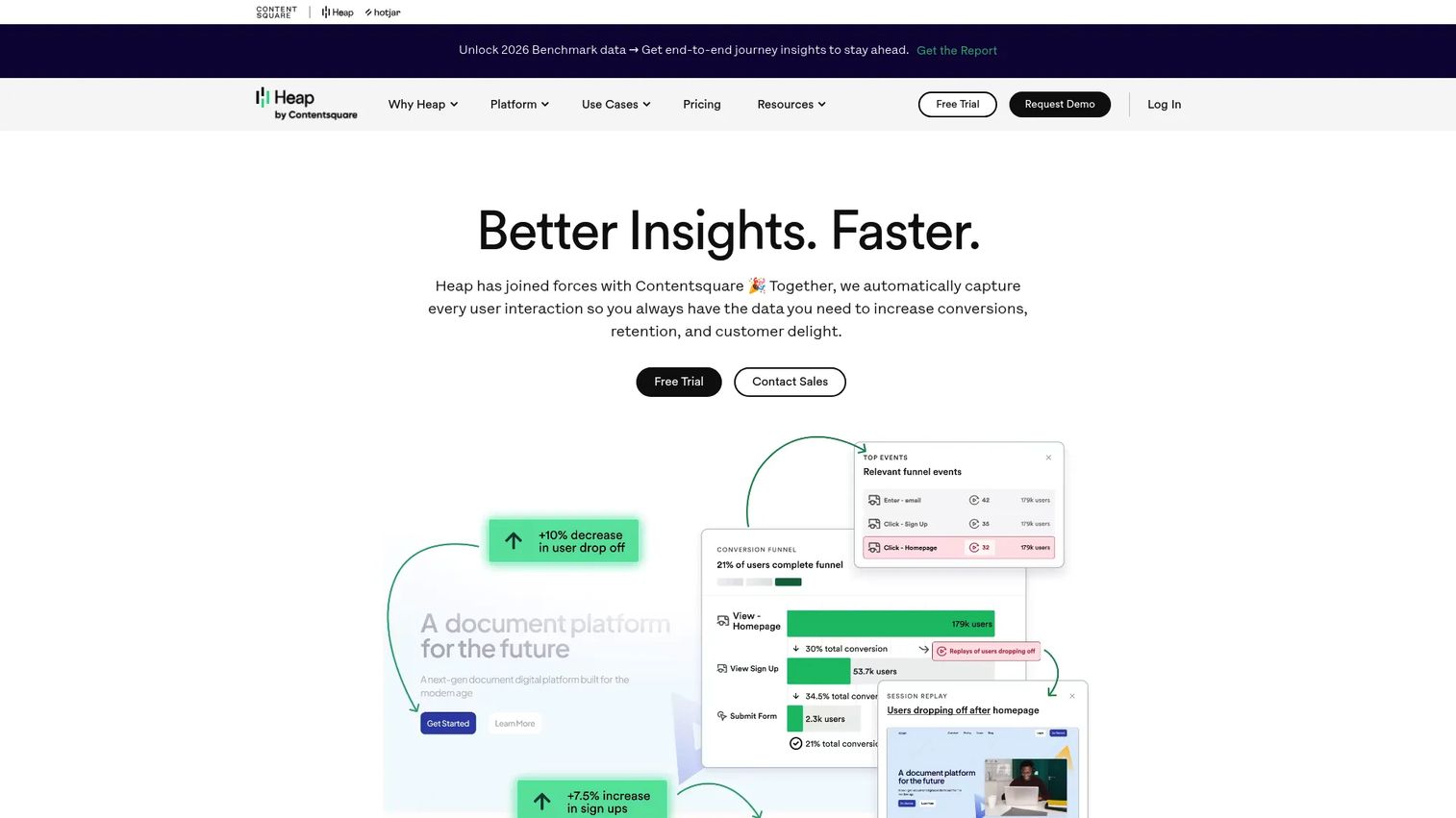
Heap's defining characteristic is autocapture: Every click, page view, and form interaction is recorded automatically, so product and marketing teams can answer retroactive questions about behavior without planning events upfront.
Best for: Product, marketing, and UX teams that need comprehensive behavioral data without requiring engineers to instrument events before analysis begins.
What it is: Heap, now under Contentsquare, is a digital insights and product analytics platform. Its official pricing page lists a Free tier (up to 10,000 monthly sessions), plus Growth, Pro, and Premier tiers at custom pricing that requires a quote.
Key features:
- Autocapture of user interactions across web and mobile
- Funnels, journeys, retention, dashboards, and engagement matrix analytics
- Session replay and heatmaps
- Data governance with definition history and dataset cleanup
- APIs and enrichment sources for custom event and user data
Where Heap falls short: G2 reviewers report that the volume of autocaptured events can create data quality and governance challenges at scale, requiring active data definition work to stay organized. Custom pricing on Growth and above means buyers cannot self-serve a budget estimate.
Pricing: Free tier for up to 10,000 monthly sessions. Growth, Pro, and Premier require a quote; no public numeric prices are listed on the pricing page.
G2 rating: 4.4
How it compares to Pendo: Heap goes deeper on retroactive analytics than Pendo's analytics layer. It does not include in-app guides, NPS, or roadmapping. Teams replacing Pendo specifically for behavioral analytics tend to weigh Heap against Amplitude and PostHog based on their event instrumentation preferences.
8. FullStory (session replay and digital experience intelligence)
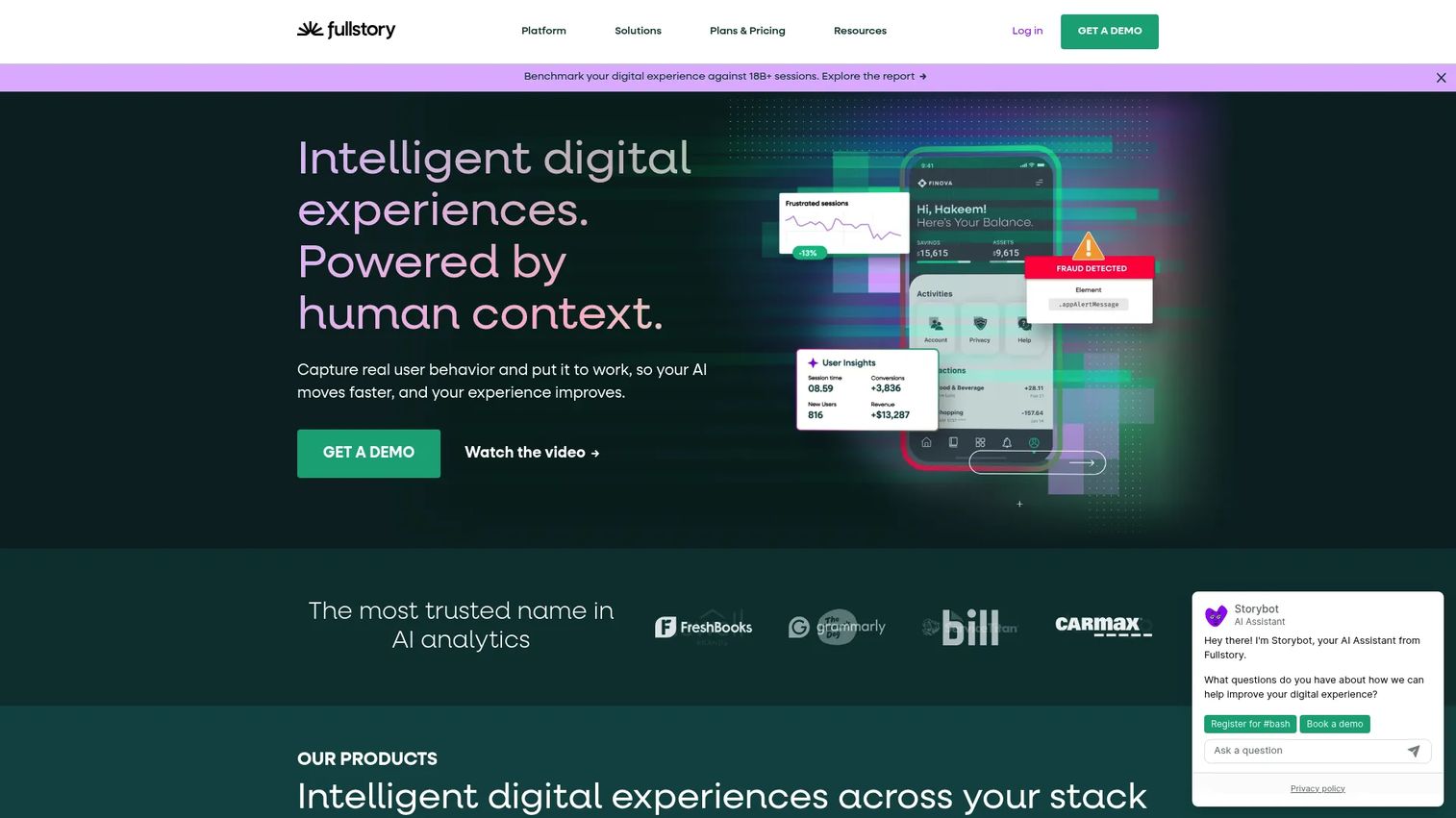
FullStory's core job is making it fast to diagnose where users struggle, rage-click, abandon workflows, or hit errors, through session recordings, funnels, and AI-powered experience intelligence.
Best for: Product, UX, growth, engineering, and support teams diagnosing friction through session data.
What it is: FullStory is a behavioral data and digital experience platform covering session replay, digital experience analytics, funnels, journeys, dashboards, heatmaps, and AI-powered insights. FullstoryFree includes 30,000 monthly sessions, 12 months of analytics retention, and up to 10 users. Business, Advanced, and Enterprise plans use contact-sales pricing.
Key features:
- Session replay and automatic behavioral data capture
- Digital experience analytics, funnels, metrics, journeys, and heatmaps
- AI-powered insights and agents
- Real-time behavioral activation and data warehouse integrations
Where FullStory falls short: G2 reviewers note that the free tier's 30,000 monthly sessions can fill up quickly for growing products, and that paid plans require a pricing conversation rather than self-serve signup. Some reviewers mention that the platform's breadth of captured data can make identifying the right session harder without strong filtering habits.
Pricing: FullstoryFree includes 30,000 monthly sessions and 12 months of analytics retention. Business, Advanced, and Enterprise plans require contacting sales.
G2 rating: 4.5
How it compares to Pendo: FullStory is the stronger choice when session replay and friction diagnosis are the primary job. Pendo's replay is bundled with guidance, feedback, and analytics. Teams replacing only Pendo's replay workflow often find FullStory delivers materially higher depth on that specific layer.
9. WalkMe (enterprise digital adoption)
WalkMe is built for large organizations where the challenge is employee adoption of internal software, not customer product experience. Its materials describe a digital adoption platform that overlays applications, identifies workflow breakdowns, and delivers personalized guidance across the enterprise tech stack.
Best for: Enterprise organizations improving employee software adoption, change management, and guided workflows across complex internal application environments.
What it is: WalkMe is a digital adoption platform providing analytics, in-application guidance, automation, and personalized experiences across web, desktop, and mobile applications. Its pricing page offers quote-based pricing with no public numeric figures.
Key features:
- Real-time application and workflow analytics
- No-code in-app guidance, tooltips, and notifications
- Workflow automation and workflow accelerators
- Behavioral segmentation and personalized guidance
- Support for web, desktop, and mobile applications
Where WalkMe falls short: G2 reviewers frequently mention that implementation requires dedicated admin ownership and considerable time investment. The platform's enterprise orientation and quote-based pricing make it less suitable for smaller product teams or PLG-focused companies.
Pricing: Quote-based. No public numeric pricing is displayed on WalkMe's pricing page.
G2 rating: 4.5
How it compares to Pendo: WalkMe is oriented toward employee-facing digital adoption and change management across internal enterprise software. Pendo is primarily used for customer-facing product experience. Teams replacing Pendo for an employee adoption job are evaluating a meaningfully different use case.
10. Whatfix (digital adoption and product analytics)
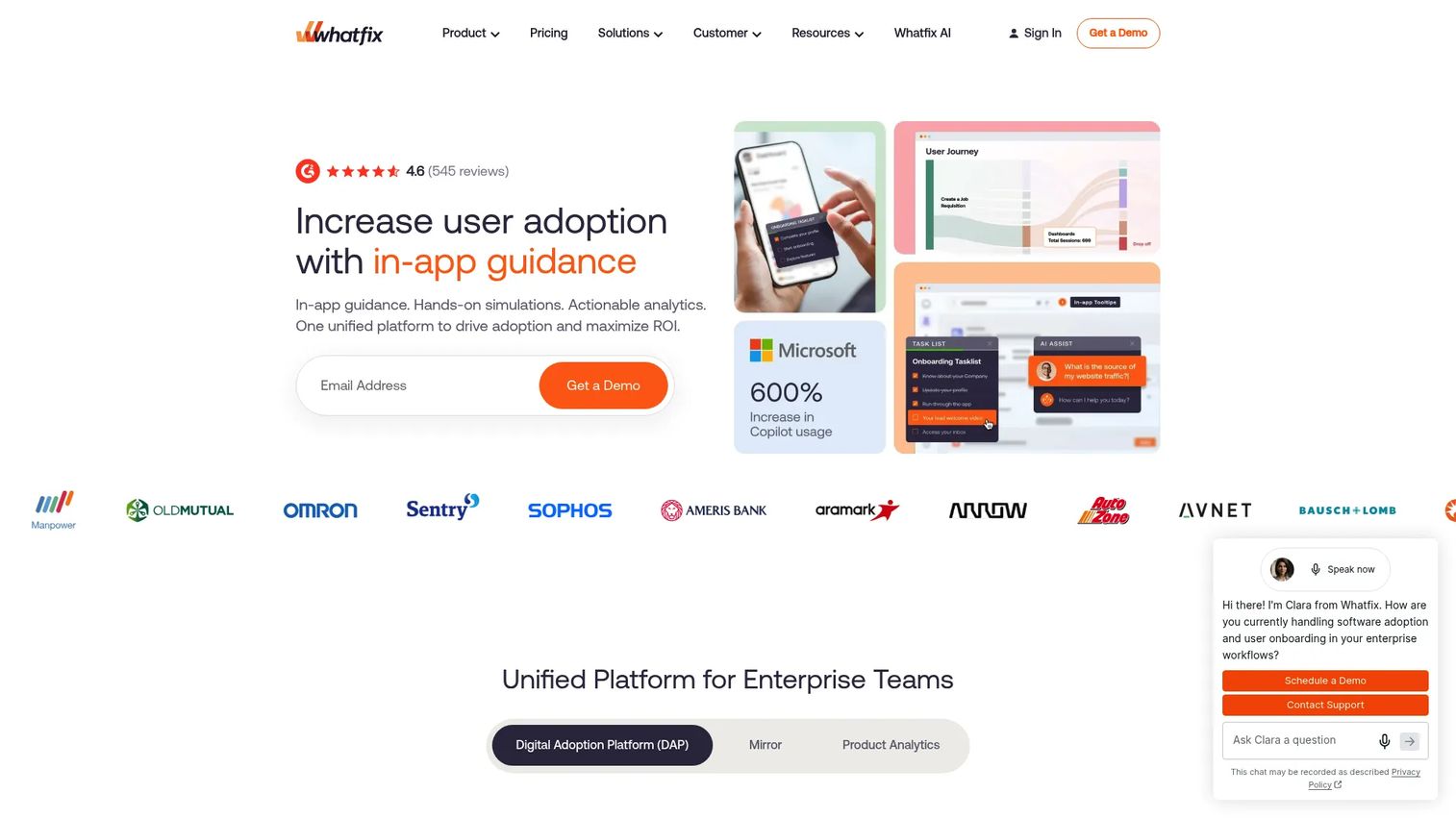
Whatfix covers the digital adoption platform, product analytics, and simulation training layer for enterprise teams dealing with complex internal applications. Its pricing page describes the model as a flat per-application fee plus user license fees, depending on application type and user count.
Best for: Enterprise organizations needing governed digital adoption, in-app guidance, and analytics across complex internal application environments.
What it is: Whatfix is an AI-powered digital adoption platform providing in-app guidance, self-service support, analytics, and simulation training. Its product suite spans Digital Adoption Platform, Product Analytics, and Mirror (a simulation environment for training). A free trial is available, but no permanent free tier was confirmed on the pricing page.
Key features:
- In-app guidance with Flows, Task Lists, Smart Tips, and Pop-Ups
- Contextual self-service support and knowledge integration
- Guidance and product analytics
- No-code content authoring and lifecycle governance
- Support for web, desktop, mobile, and Citrix applications
Where Whatfix falls short: G2 reviewers note that implementation complexity and the need for dedicated admin resources can create friction, particularly for mid-market teams without a dedicated DAP owner. Pricing requires a sales conversation for any application.
Pricing: Flat per-application fee plus additional user license fees. Quote-based; no public numeric prices on the pricing page. A free trial is available.
G2 rating: 4.5
How it compares to Pendo: Whatfix is a stronger fit for employee-facing adoption and training across enterprise applications. Like WalkMe, it operates on the employee digital adoption layer rather than the customer product experience layer where Pendo competes.
11. Sprig (research and customer feedback)
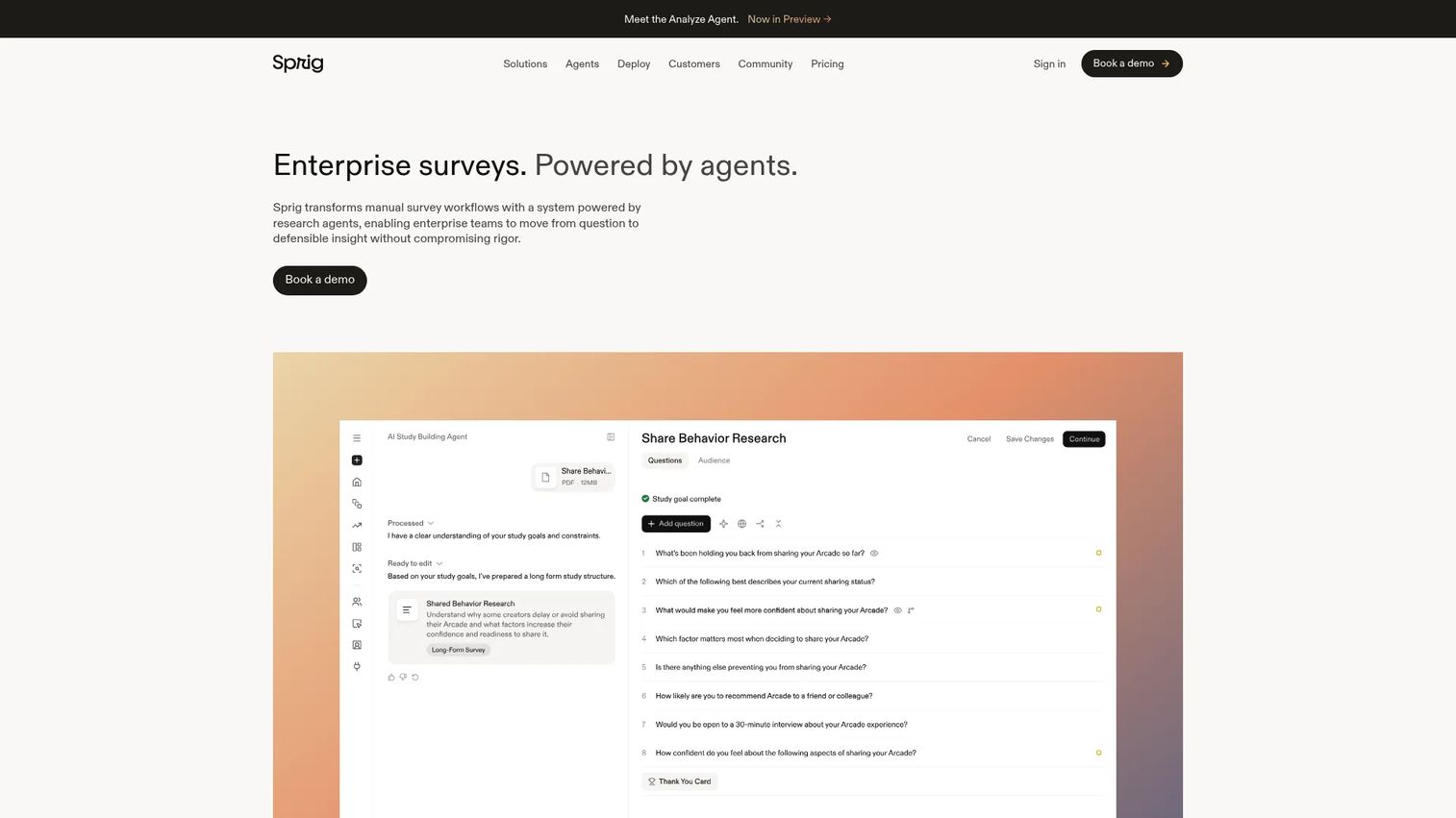
Sprig is the deepest research tool in this roundup, covering everything from in-product surveys to AI-powered synthesis across market research, experience measurement, and concept testing.
Best for: Enterprise research teams, PMMs, and product teams running continuous research programs that go beyond NPS.
What it is: Sprig is an enterprise survey platform powered by AI agents for designing, fielding, and synthesizing research. G2 describes it as supporting surveys, market research, experience measurement, journey research, concept testing, and strategic studies. Pricing scales with response volume, activated research capabilities, and deployment environments. No public numeric price is displayed.
Key features:
- AI-powered Design, Field, and Synthesize Agents
- Adaptive surveys with personalized questions and follow-ups
- Multichannel distribution across email, panels, websites, and mobile apps
- Concept, prototype, conjoint, and segmentation studies
- Evidence-backed reporting and thematic synthesis
Where Sprig falls short: G2 reviewers with a 4.3 rating note that Sprig's enterprise focus means pricing and onboarding require a sales motion. Some reviewers mention that the platform's research depth requires a team with research program experience to get full value quickly.
Pricing: Enterprise pricing scales with research program scope and response volume. No public numeric price on the pricing page.
G2 rating: 4.3
How it compares to Pendo: Sprig replaces or substantially extends Pendo's feedback and NPS layer. Teams that need deep research program infrastructure, including AI-synthesized insight and advanced study methodologies, will find Pendo's feedback module too shallow for that job.
What Pendo alternative works best for interactive demos?
Guideflow is the answer for PMMs who need interactive demos outside the product.
Guideflow covers the product storytelling layer that Pendo does not: Clickable demos on landing pages, in sales follow-ups, partner portals, event kiosks, and analyst briefings. Its six formats include interactive demos, demo pages, demo centers, sandboxes, live demos, and mobile demos. If the job is showing product value before someone logs in, Guideflow is the purpose-built pick.
Which alternative leads for product analytics?
Amplitude for analytics depth; Mixpanel for self-serve funnels; PostHog for engineering-led teams.
Amplitude's free plan covers 2 million events per month and includes session replay and experimentation. Mixpanel's free plan covers 1 million events and runs self-serve. PostHog bundles analytics, replay, feature flags, and experiments in a usage-based model with free monthly allowances. Each goes deeper on analytics than Pendo's module, and none of them includes in-app guides or roadmapping.
Best Pendo alternative for in-app onboarding?
Userpilot for a broader product growth platform; Appcues for lifecycle engagement campaigns.
Userpilot's Starter plan starts at $299 per month and includes onboarding flows, product analytics, NPS, and session replay up to 2,000 MAUs. Appcues suits teams that want coordinated in-app, email, and push campaigns with a no-code builder, though its pricing requires a conversation with sales. Both go narrower than Pendo overall, which is the point for teams replacing only the onboarding layer.
Which tool is strongest for session replay?
FullStory is the focused pick; PostHog and Amplitude include replay as part of broader analytics.
FullStory's FullstoryFree plan covers 30,000 monthly sessions with 12 months of retention. PostHog's free allowance covers session replay alongside product analytics and feature flags. Amplitude includes session replay in every plan at 2 million events per month on the free tier. Choose FullStory when replay and friction diagnosis are the primary job; choose PostHog or Amplitude when replay is one element of a broader analytics need.
What is the lowest-cost Pendo alternative?
PostHog's free tier is the broadest; Amplitude and FullStory both offer free plans in their categories.
PostHog's free monthly allowances cover product analytics, session replay, feature flags, surveys, and more with no credit card required. Amplitude's free plan covers 2 million analytics events per month. FullStory's FullstoryFree covers 30,000 monthly sessions. Guideflow has a free plan for interactive demos. The lowest-cost starting point depends on which Pendo layer you are replacing.
Which Pendo alternative fits product marketing teams?
Guideflow for product storytelling and demos; Sprig for research-backed positioning.
Guideflow helps PMMs package product narratives that live outside the application: Launch page embeds, sales enablement assets, partner demos, and customer education. Sprig helps PMMs ground positioning in research with AI-synthesized insight from surveys and in-product studies. For adoption metrics that tie to messaging performance, Amplitude or Mixpanel pair well alongside either. For the user onboarding piece of a launch, Userpilot or Appcues handle the in-product layer.
When should you stay with Pendo?
Staying with Pendo makes sense when the connected product experience suite is the specific thing you need.
If your team relies on Pendo's analytics, in-app guides, NPS, session replay, and roadmapping as an integrated workflow, replacing it means rebuilding those connections across separate tools. That work is real. For teams with clean instrumentation, active guide programs, and a renewal cost that is acceptable relative to the implementation overhead of switching, Pendo's breadth is a genuine advantage.
The calculus shifts when most of the platform sits unused, or when a single layer like analytics or demos is the only job that matters.
Why teams switch from Pendo to Guideflow
PMMs who evaluate Pendo and Guideflow together often find they are solving different problems. Pendo measures and influences behavior inside the product. Guideflow packages the product story for audiences who are not yet in the product.
The Guideflow use cases that replace Pendo workflows are narrow but specific: A PMM who needs a shareable interactive demo for a product launch, a sales team that needs a leave-behind buyers can click through after a call, a partner team that needs co-branded demos on a portal, a customer-education team that needs a guided product experience embedded in a help article.
Capture runs through the Chrome extension or the native app. Step content and CTAs are written automatically. Demos can be shared via public links, embedded on websites, or distributed through integrations with HubSpot, Salesforce, Pipedrive, Zoho, and Marketo. Step-level analytics show completion, drop-off, and viewer flow. Company-level visitor identification creates CRM records when a viewer identifies through a form or personalized link. Translation covers more than 30 languages, and AI voiceover adds narration.
One limitation to keep in mind: If your primary job is replacing Pendo's in-product analytics, NPS infrastructure, or in-app guide targeting, Guideflow complements those capabilities rather than replacing them. Many PMM teams run Guideflow for the buyer-facing demo layer alongside an analytics or onboarding tool for the in-product layer.
For teams ready to add interactive demos to the product marketing stack, Start your journey with Guideflow today!
FAQs
The answer depends on the product layer being replaced. Guideflow is the best pick for interactive demos and PMM-led product storytelling. Amplitude or Mixpanel fit analytics-first teams. Userpilot and Appcues cover in-app onboarding and product growth. FullStory leads for session replay. WalkMe and Whatfix are the enterprise digital adoption options. No single tool covers every Pendo workflow.
Several tools offer free plans, but "free" means different things across categories. Amplitude's free plan covers 2 million analytics events per month. PostHog provides free monthly allowances across analytics, session replay, and feature flags. FullStory's FullstoryFree covers 30,000 monthly sessions. Guideflow has a free plan for interactive demos. Compare the scope of each free tier against the specific job you need to cover.
PostHog is likely the most generous free starting point for technical teams because its usage-based model covers analytics, replay, feature flags, and experiments with no credit card required. Amplitude's free plan and FullStory's FullstoryFree are the next strongest options in their respective categories. Onboarding tools like Userpilot start at $299 per month on their lowest paid plan; Appcues and Whatfix require a sales conversation for pricing. The cheapest option varies by which Pendo layer you are replacing.
Amplitude replaces Pendo's analytics layer well, covering behavioral data, activation analysis, experimentation, and session replay. It does not replace Pendo's in-app guides, NPS survey programs, or product roadmapping. Teams that use Pendo mainly for product analytics often find Amplitude covers that job with greater depth.
FullStory replaces Pendo's session replay and friction diagnosis layer. It does not include in-app guide authoring, NPS management, roadmapping, or the broader product experience workflows Pendo covers. Teams replacing only Pendo's replay functionality tend to find FullStory goes deeper on that specific job.
Interactive demos and in-app guides serve different audiences. Use interactive demos when the audience is not yet inside the product: Prospects on a landing page, buyers in a follow-up email, partners on a portal, or attendees at a conference. Use in-app guides when the user is already logged in and needs contextual prompts at specific workflow moments. PMM teams frequently run both alongside each other because they address different stages of the buyer and customer journey.
Guideflow handles the product storytelling and demo layer: Launch page embeds, sales leave-behinds, partner enablement, and customer education. Sprig covers research-backed positioning with AI-synthesized survey insight. Amplitude and Mixpanel provide adoption metrics for measuring how messaging changes affect feature engagement. Userpilot and Appcues manage the in-app onboarding campaigns that activate new users after a launch.
Yes, and many PMM teams do. Pendo can continue handling in-product analytics, in-app guide targeting, NPS, and replay for existing users. Guideflow covers the buyer-facing and partner-facing product experiences that live outside the product: interactive demos, demo centers, sandboxes, and mobile demos. The two tools operate on different surfaces and complement each other for teams that need both.