Your team needs a customer segment enriched with firmographic data. So you file a request. Three days later, a data engineer sends a CSV. It is already stale. Nobody governs it, nobody versions it, and two weeks from now someone else asks for the same thing and starts the cycle over.
That is the friction most product teams live with. Data exists, but access is slow, ungoverned, and stuck in one-off handoffs. The result is decisions made on old numbers and features that never ship because the enrichment layer was never reliable.
A data as a service platform exists to fix that. Instead of exporting and re-exporting, teams get on-demand, governed access to internal and external data through APIs, cloud delivery, and virtual data layers. The word "platform" matters here. A definition tells you what data as a service is. A platform decides whether your engineers spend their week building features or babysitting pipelines.
The stakes are not small. The global DaaS market was estimated at roughly USD 24.88 to 29.72 billion in 2025 to 2026, growing at 15 to 23% CAGR through the early 2030s, according to Future Market Insights and Mordor Intelligence in 2026. Mordor also reports that customer and marketing intelligence accounts for 29.63% of DaaS applications in 2025. In other words, the fastest-growing slice of this market is exactly the data product teams reach for most.
This guide is a buyer's shortlist, not a glossary. It compares eight platforms and models a product manager can actually evaluate, with honest notes on where each one fits.
What's inside
This guide is for product managers, data-minded PMs, and platform owners choosing how their teams access data without creating new silos. It covers eight data as a service software options across four intents: enterprise platforms, data marketplaces, modernization layers, and external data providers.
Each option was selected against four criteria that matter in real evaluations:
- Cloud-based delivery and API access so data reaches products and analytics without manual exports
- Governance, privacy, and compliance controls that survive a security review
- Use case fit across analytics, enrichment, personalization, and operational workflows
- Maintenance burden and how much engineering time the platform demands over its lifetime
TL;DR
- Best for enterprise analytics modernization: Teradata Vantage, for governed analytics and AI across hybrid environments.
- Best for modernizing legacy data delivery: MongoDB Atlas, for teams building an operational data layer on top of older systems.
- Best for a data marketplace inside your warehouse: Snowflake Marketplace, for discovering and sharing live datasets.
- Best for AWS-native data procurement: AWS Data Exchange, for subscribing to third-party data without leaving AWS.
- Best for customer data unification and activation: Salesforce Data Cloud, for teams already living in Salesforce.
- Best for external people and company data: People Data Labs, for API-first B2B enrichment.
What is a data as a service platform?
A data as a service platform is a cloud-based system that delivers on-demand, governed access to data through APIs, web services, and virtual data layers, so teams consume data as a managed service instead of moving and copying files. That is the short answer to what is DaaS and the plain DaaS meaning: data delivered as a service, the same way software is delivered as SaaS.
DaaS sits alongside the other "as a service" models. SaaS delivers finished applications. PaaS delivers a platform to build and run applications. DaaS delivers the data itself, abstracted from where it physically lives, so consumers query and use it without owning the underlying storage or pipelines. The delivery mechanics vary: some platforms expose REST or GraphQL APIs, some publish datasets to a marketplace, and some sit as a virtual data layer over existing operational and analytical systems.
A DaaS platform, at its core, tends to share these capabilities:
- On-demand access to internal and external data without one-off exports
- Cloud-based delivery, often multi-cloud, so data is not trapped in a single environment
- API-first access for products, analytics tools, and downstream services
- Real-time or near-real-time delivery for freshness-sensitive use cases
- Governance, privacy, and compliance controls, including access rules and lineage
- Analytics and machine learning enablement, so datasets feed models and dashboards directly
The distinction that matters for a PM: some options are full platforms you build on, and some are data as a service providers you subscribe to. Both are valid. They solve different halves of the same problem.
When to use a data as a service platform
Not every data problem needs a platform. Here is how to pattern-match your situation before scanning the list.
Replace brittle internal sharing with on-demand access
If your team requests data through tickets, waits for exports, and works off files that go stale, a DaaS platform replaces that with governed, reusable access. The win is fewer handoffs and faster decisions. Instead of a data engineer regenerating the same segment every sprint, consumers pull current data through an API or a governed view. This is where reducing maintenance burden pays off directly, because the access layer stops being a recurring engineering ticket.
Build product or analytics experiences on top of external data
When a feature needs enrichment, scoring, or third-party datasets you do not own, external data as a service providers become part of your stack. Think lead scoring that needs firmographics, personalization that needs company data, or a risk model that needs reference data. These are common data as a service use cases where sourcing the data yourself would be slower and worse than subscribing to a provider with an API and a compliance posture already in place.
Modernize legacy data delivery without a rip-and-replace
Many teams sit on legacy systems that make data hard to expose. A virtual data layer or an operational data layer lets you surface that data through modern APIs without ripping out the source system. This also separates operational load from analytical load, so heavy queries do not slow down the app your customers use. It is the pragmatic middle path: modernize delivery, not the entire backend, on a release cadence you control.
Comparison table
Use this as a shortlist. The intent column tells you what job each platform is built for. Read it first, because a marketplace and an enterprise platform are not competing for the same slot in your stack.
| # | Product | Intent | Key use case | Pricing | G2 rating |
|---|---|---|---|---|---|
| 1 | MongoDB Atlas | Modernization layer | Operational data layer over legacy systems | Free tier; Flex from $8/mo; dedicated from $0.08/hr | 4.5/5 |
| 2 | Teradata Vantage | Enterprise platform | Governed analytics and AI across hybrid environments | Lake from $4.80/hr; Enterprise from $9,000/mo | Not listed |
| 3 | Mosaic Factor | Modernization layer | Custom, consulting-led DaaS and AI builds | Quote-based | Not listed |
| 4 | Informatica Data as a Service | Analytics enablement | Contact-data verification and enrichment | Quote-based | 4.8/5 |
| 5 | Salesforce Data Cloud | Enterprise platform | Customer data unification and activation | Data 360 Starter from $60K/yr; usage-based credits | 4.3/5 |
| 6 | Snowflake Marketplace | Data marketplace | Discovering and sharing live datasets | Usage-based via Snowflake billing | 4.6/5 |
| 7 | AWS Data Exchange | Data marketplace | Third-party data procurement inside AWS | Provider-set, pay-as-you-go | Not listed |
| 8 | People Data Labs | External data provider | API-first B2B person and company data | Free; Pro from $98/mo; Enterprise custom | Not listed |
One reading of the table: the top of the list leans toward platforms you build on and modernize with, the middle toward enterprise-scale delivery and activation, and the bottom toward data you subscribe to. Sort your own shortlist by the intent that matches your problem, not by rating alone.
1. MongoDB Atlas
MongoDB Atlas is a fully managed, multi-cloud database platform for building and scaling modern applications. Its relevance to a DaaS strategy is the operational data layer pattern: Atlas can sit in front of fragmented legacy systems and expose a unified, API-friendly data model, so product and analytics teams consume current data without touching the source of record. That makes it a strong fit for teams modernizing delivery rather than replacing their backend.
For a PM, the appeal is speed to a usable data model and low operational overhead. Atlas handles multi-region deployment, failovers, and lifecycle security, which is exactly the maintenance burden you do not want your engineers absorbing while shipping features.
Best for: Teams that want a managed database and operational data layer to modernize how legacy data is exposed.
Key strengths
- Multi-cloud and multi-region clusters: Deploy close to users and avoid single-cloud lock-in.
- Self-healing failovers and high availability: Reduce the operational load of keeping the data layer online.
- Full lifecycle security and compliance: Access controls and encryption that survive a security review.
Why choose MongoDB Atlas: Choose Atlas when the DaaS problem is exposing operational data through modern APIs without a rip-and-replace. It fits product teams who want a document model, flexible schemas, and managed scaling more than a rigid analytical warehouse.
MongoDB Atlas pricing: Atlas has a free-forever M0 tier, which is useful for prototyping. Flex clusters start at $8.00/month, M2 at $9/month, and M5 at $25/month. Dedicated clusters bill hourly, with M10 from $0.08/hour and higher tiers priced by configuration. Actual cost varies by region and setup, per MongoDB's pricing page.
2. Teradata Vantage
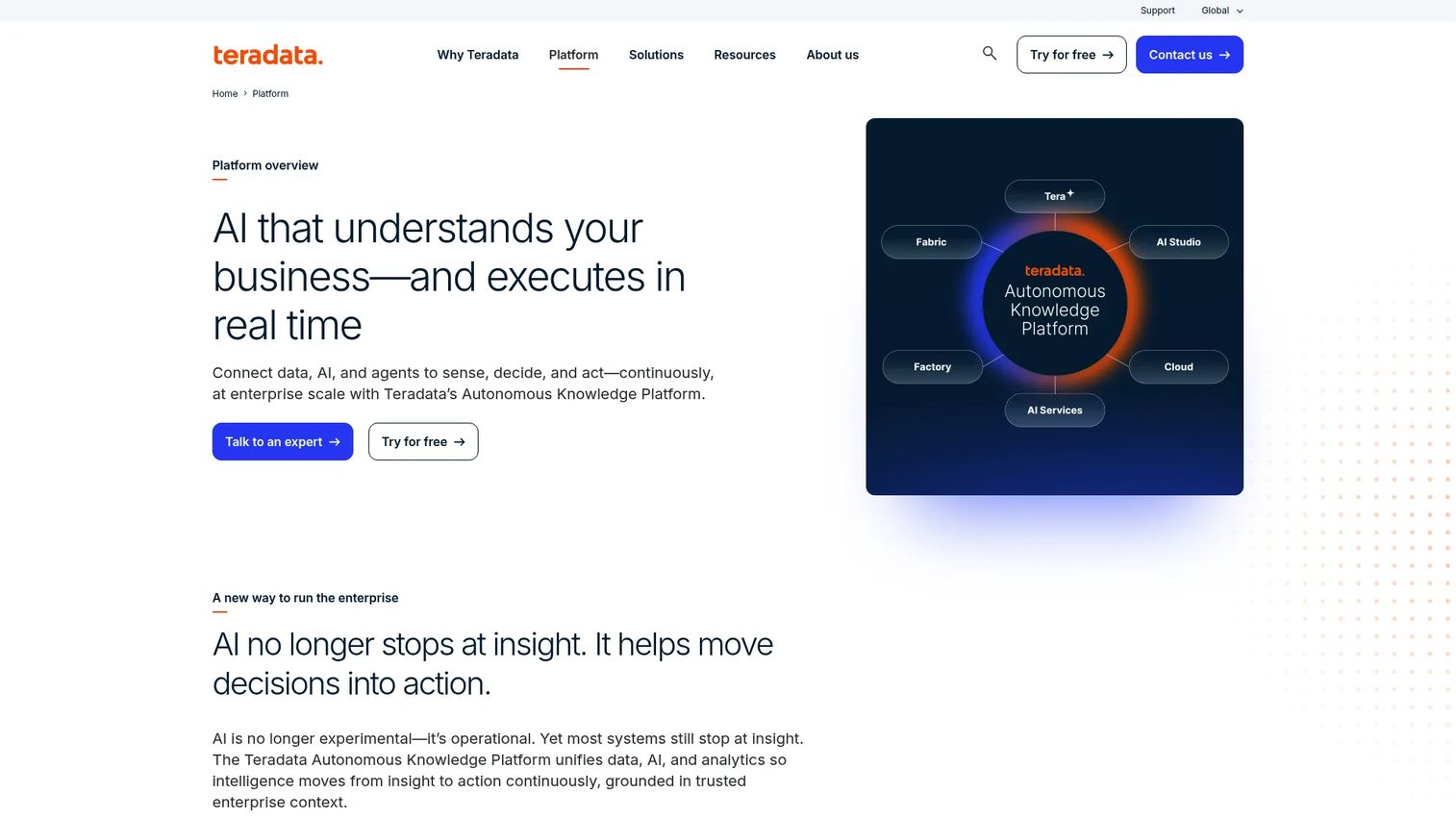
Teradata Vantage is an enterprise data and AI platform built for governed analytics at scale across hybrid environments. For large organizations, it is a foundation for a full DaaS strategy: unified data, AI, and analytics delivered as consumption-based cloud services, with the governance and workload management that enterprise environments demand.
For a PM inside a large company, Vantage matters when the data problem is scale and governance together. It handles heavy analytical workloads, applies governance and optimization across environments, and supports both cloud and on-premises deployment, which is often non-negotiable for regulated industries like the banking and financial services segment that holds 21.47% of DaaS market share in 2025 per Mordor Intelligence.
Best for: Large enterprises needing governed analytics and AI across cloud and on-premises environments.
Key strengths
- Unified data, AI, analytics, and agentic execution: One platform for the analytical stack rather than stitched-together tools.
- Hybrid deployment across cloud and on-premises: Meet data residency and legacy-system realities.
- Governance, optimization, and workload-aware performance: Keep heavy queries fast and governed at scale.
Why choose Teradata Vantage: Choose Vantage when governed enterprise analytics is the core need and scale is real. It is heavier than a data marketplace or a single external provider, and that weight is the point when you are running the analytical backbone of a large business.
Teradata Vantage pricing: Teradata uses consumption-based pricing. VantageCloud Lake starts from $4.80/hour, and VantageCloud Enterprise starts as low as $9,000/month, per Teradata's pricing page. Pricing varies by region, and some deployment details are quote-based. Note that Teradata renamed Vantage to the Autonomous Knowledge Platform as of May 2026, though pricing pages still reference the Vantage naming.
3. Mosaic Factor
Mosaic Factor is an AI and big-data consulting company that productizes data and analytics through domain-specific solutions. It represents a different DaaS model: instead of a self-serve platform you configure, it is a consulting-led approach where data scouting, assessment, provisioning, and analytics are designed around your specific domain. That service-design lens fits organizations that need custom AI and data solutions more than off-the-shelf software.
For a PM, Mosaic Factor is worth considering when your data problem is bespoke enough that a generic platform does not map cleanly to it. Think digital-twin-style analytics, domain-specific models, or predictive builds where the data delivery itself needs to be designed, not just subscribed to.
Best for: Organizations needing custom AI and data solutions rather than off-the-shelf DaaS software.
Key strengths
- Domain-specific LLMs: Models built around your industry and data, not generic outputs.
- Digital twins: Analytical replicas of systems or processes for simulation and decisioning.
- Predictive models: Custom forecasting and scoring designed for your use cases.
Why choose Mosaic Factor: Choose Mosaic Factor when you need a partner to design and provision a DaaS capability rather than buy a subscription. It fits teams with a defined, complex data problem and appetite for a consulting-led build over a plug-and-play platform.
Mosaic Factor pricing: No public pricing is listed. Mosaic Factor works on a project and quote basis, which is typical for consulting-led data as a service providers. Scope, delivery model, and analytics needs shape the cost, so pricing is best confirmed directly with them.
4. Informatica Data as a Service
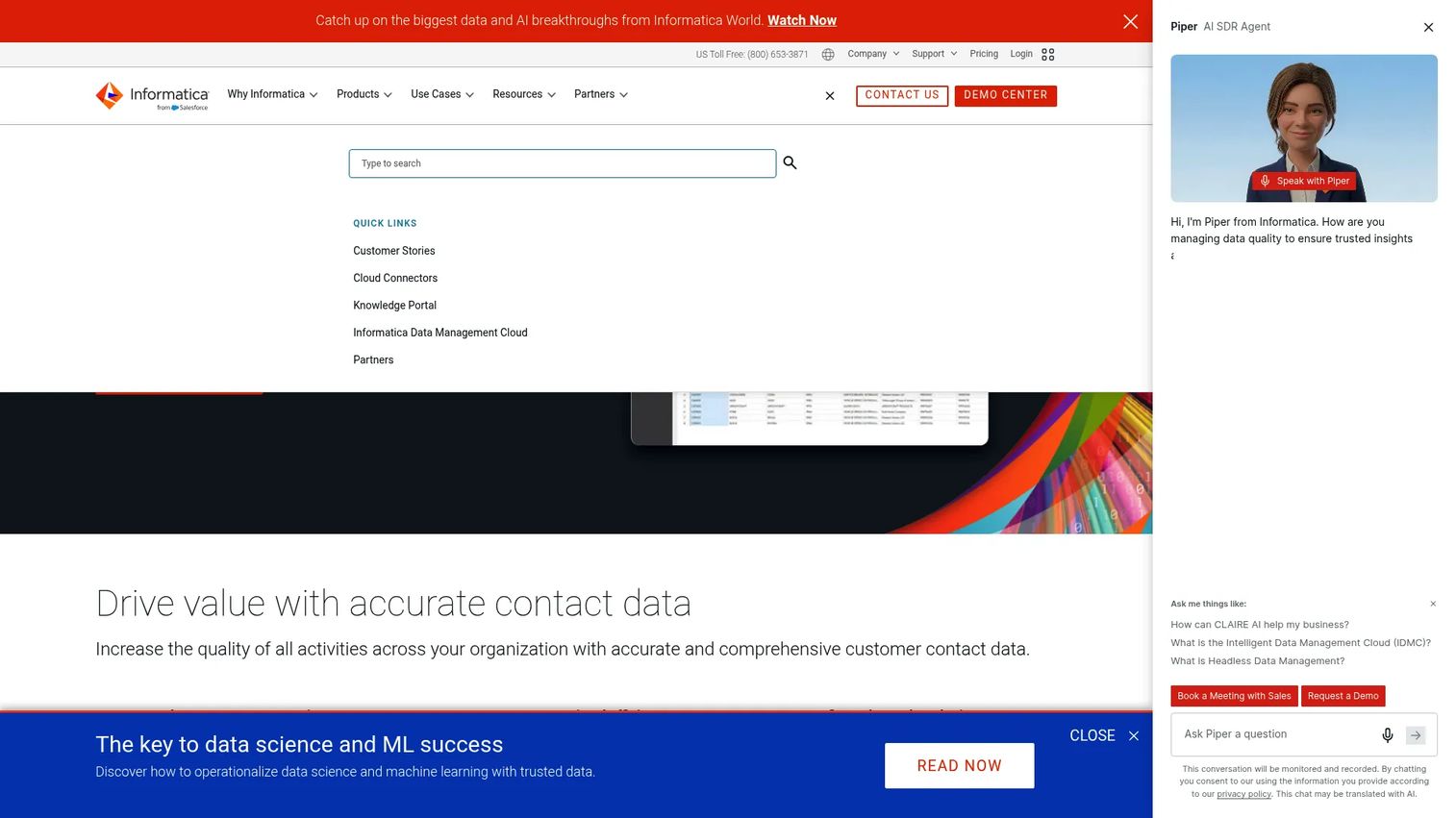
Informatica Data as a Service is a cloud DaaS offering focused on contact-data quality: address verification, email verification and hygiene, and phone validation. It is a narrower interpretation of data as a service, and a useful one. When the data problem is that your customer records are dirty, incomplete, or inconsistent, Informatica delivers verification and enrichment as a governed service rather than something you build in-house.
For a PM, this fits when data quality is quietly breaking downstream workflows. Bad addresses tank deliverability, unverified emails skew activation metrics, and inconsistent phone data breaks routing. Informatica sits inside a broader governed data movement and integration story, so it fits enterprises that already care about lineage and compliance.
Best for: Enterprises needing managed contact-data verification and enrichment across address, email, and phone data.
Key strengths
- Global address verification: Standardize and validate addresses across regions.
- Email verification and hygiene: Reduce bounces and clean up existing records.
- Phone number validation: Keep contact data accurate for routing and outreach.
Why choose Informatica Data as a Service: Choose Informatica when contact-data quality is the specific problem and it needs to run as a governed, enterprise-grade service. It fits teams that value verification and hygiene tied into a larger integration and governance stack.
Informatica Data as a Service pricing: Informatica does not list public pricing for this offering. It uses quote-based and consumption-based pricing, so cost depends on volume and configuration. On G2, the offering shows a 4.8/5 rating, though from a small number of reviews, so treat it as directional.
5. Salesforce Data Cloud
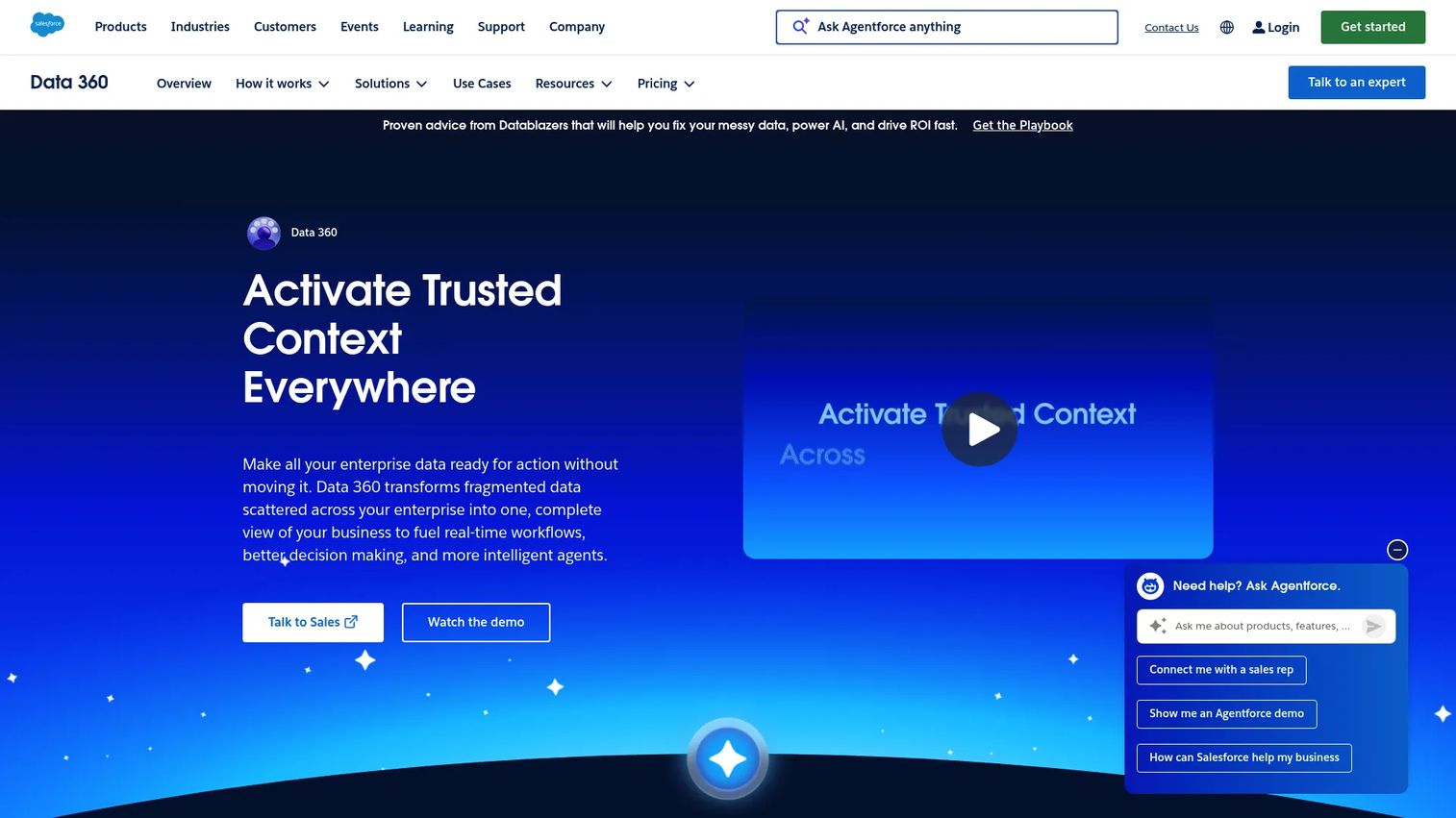
Salesforce Data Cloud is Salesforce's native data engine for unifying, activating, and analyzing enterprise data across apps and agents. It is the option to consider when the DaaS problem is specifically customer data: unifying profiles from many sources, harmonizing them, and activating them across channels. Salesforce rebranded it to Data 360 as of October 2025, but the job is the same, turning scattered customer data into a usable, activatable layer.
For a PM whose product and GTM motions run on Salesforce, this is compelling because of zero-copy connectivity to external sources and profile activation across the Salesforce ecosystem. You unify data once and use it across sales, marketing, and service workflows, which reduces the segmentation and instrumentation gaps that make personalization hard.
Best for: Enterprises already on Salesforce that need a native customer data platform and activation layer.
Key strengths
- Zero-copy connectivity to external data sources: Access data without duplicating it across systems.
- Ingest, harmonize, unify, and analyze: Handle structured and unstructured data in one place.
- Customer profile activation across apps and channels: Push unified profiles into live workflows.
Why choose Salesforce Data Cloud: Choose Data Cloud when your data lives in and around Salesforce and the goal is customer data access and activation, not general-purpose analytics. Its value multiplies for teams already invested in the Salesforce ecosystem.
Salesforce Data Cloud pricing: Salesforce uses consumption-based and profile-based pricing. Data 360 Starter is listed at $60K/year, Flex Credits at $500 per 100,000 credits, and Profiles at $240 per 1,000 profiles per year. Existing Salesforce customers can provision Data 360 for free with limited storage and consumption credits. Pricing can be customized, so commercial details vary by agreement. On G2, it holds a 4.3/5 rating.
6. Snowflake Marketplace
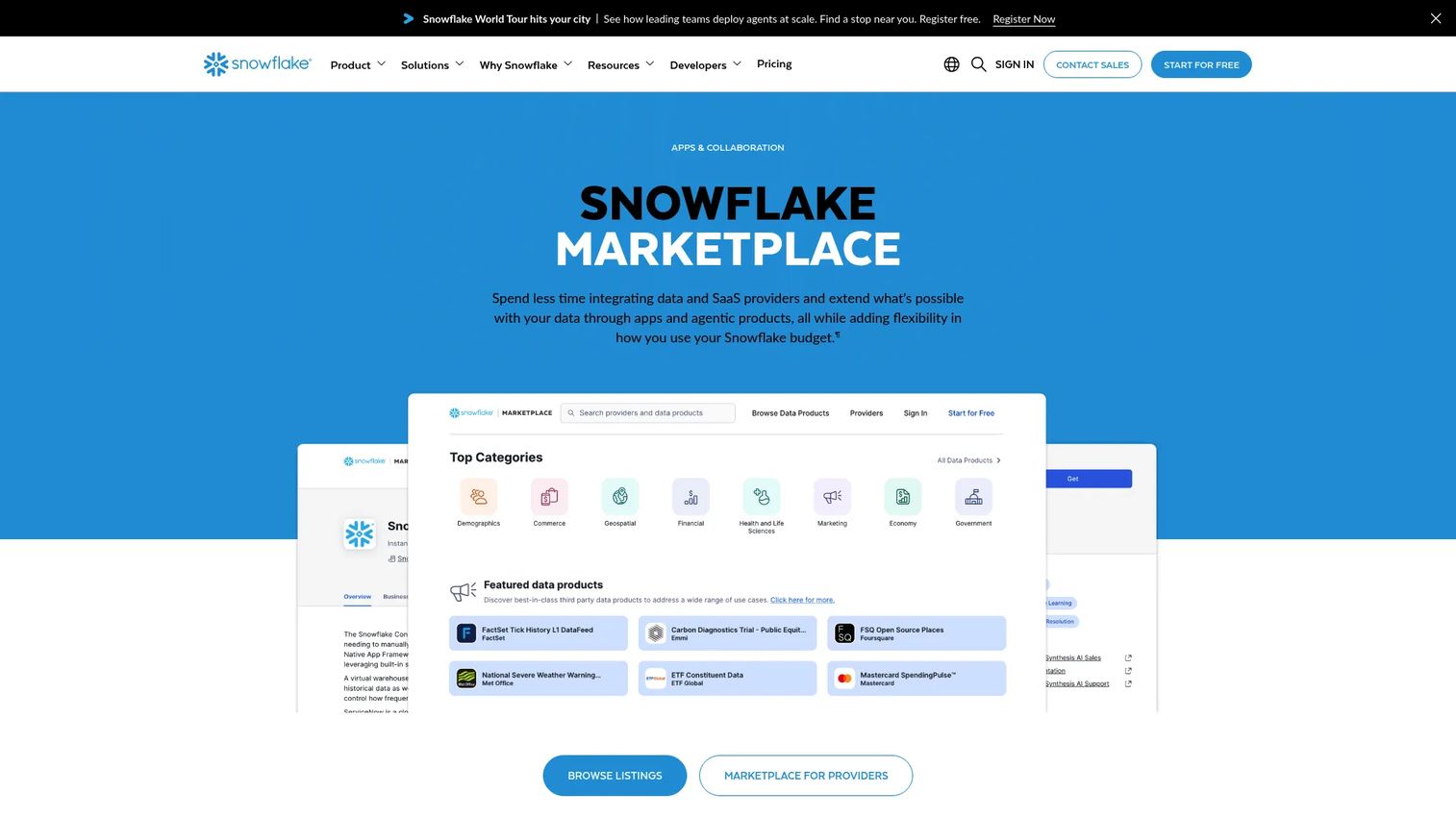
Snowflake Marketplace is Snowflake's platform for finding, buying, and publishing data, apps, and AI products inside the Snowflake ecosystem. This is the marketplace model of data as a service: instead of building pipelines to ingest external datasets, you discover live, ready-to-use data and access it through Snowflake's secure data sharing, without copying it into your own storage.
For a PM whose analytics stack already runs on Snowflake, this removes a whole class of ingestion work. You browse datasets, subscribe, and query them next to your own data. It is a clean fit for analytics and machine learning use cases where sourcing external data quickly matters more than owning the pipeline that delivers it.
Best for: Organizations that want to discover, buy, or publish data, apps, and AI products within Snowflake.
Key strengths
- Live, ready-to-use data, apps, and agentic products: Access datasets without building ingestion.
- Secure Data Sharing and pre-built connectors: Query shared data without copying it.
- Marketplace for providers: Distribute and commercialize your own data products.
Why choose Snowflake Marketplace: Choose the Marketplace when Snowflake is already your data platform and you need fast, governed access to external datasets. It is a data marketplace, not a full modernization layer, and that focus is exactly why it works so well inside the Snowflake ecosystem.
Snowflake Marketplace pricing: Snowflake does not publish a standalone Marketplace price. Marketplace purchases are billed through Snowflake billing and may include paid listings, private offers, or capacity drawdown, with costs set by the data provider. Snowflake itself holds a 4.6/5 rating on G2.
7. AWS Data Exchange
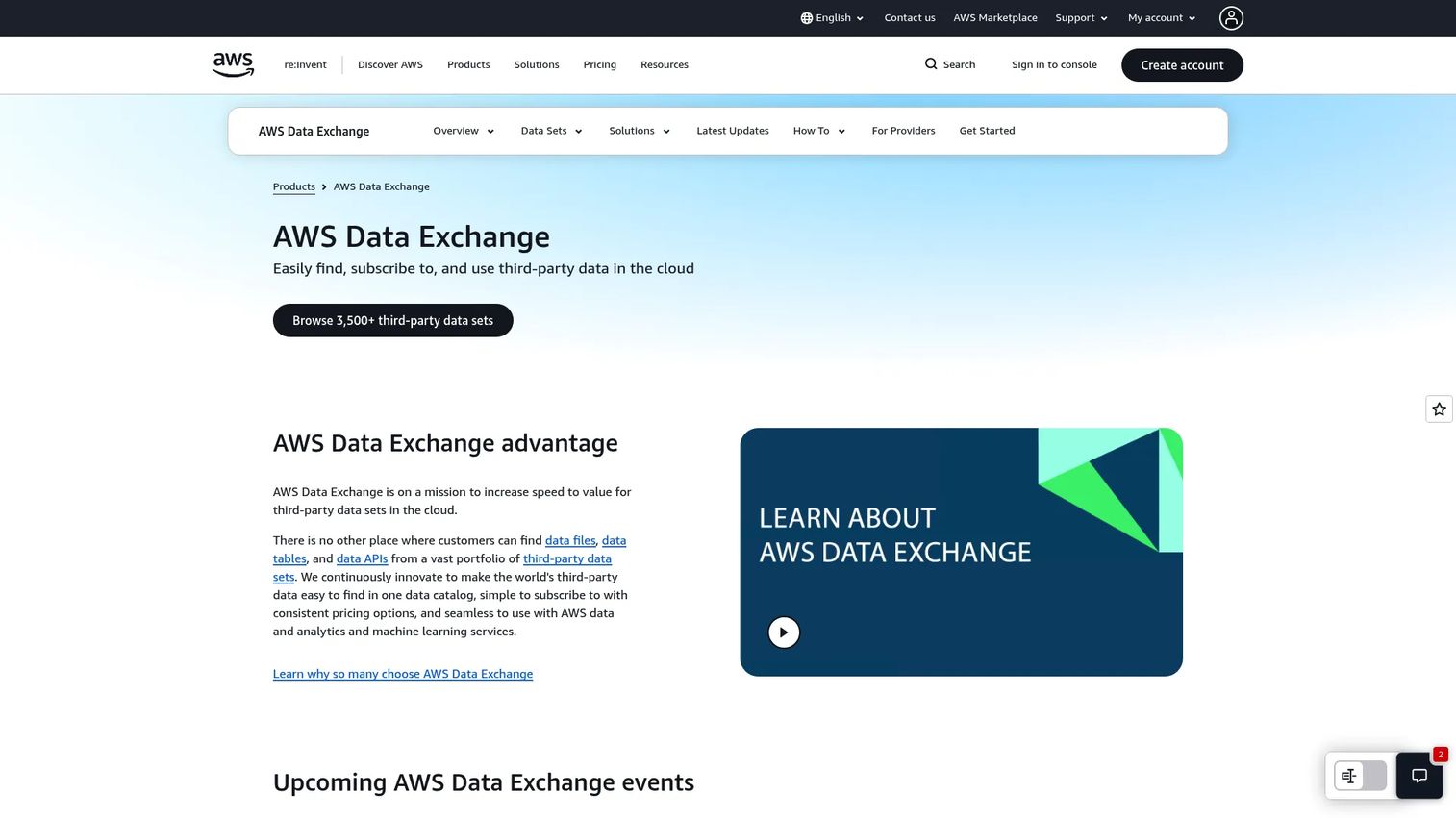
AWS Data Exchange is an AWS service for finding, subscribing to, and using third-party data in the cloud. It is the marketplace and procurement model for teams already living in AWS. You browse commercial, free, and open data products, subscribe, and then export or query them with the AWS analytics tools you already use, from Athena and Redshift to SageMaker and Glue.
For a PM building on AWS, the value is that external data procurement stays inside your existing environment and billing. There is no separate integration project to pull a dataset into your analytics or machine learning workflow. It supports subscription verification, private products, and private offers, so it fits both public data and negotiated commercial arrangements.
Best for: Organizations that need managed access to third-party data products inside AWS.
Key strengths
- Browse commercial, free, and open data products: One catalog for third-party data.
- Export to S3 and analyze across the AWS stack: Use Athena, Redshift, SageMaker, EMR, Glue, and Lake Formation.
- Subscription verification, private products, and private offers: Support both public and negotiated data deals.
Why choose AWS Data Exchange: Choose Data Exchange when AWS is your home environment and you want third-party data delivered through AWS-native workflows. It removes procurement and integration friction for teams that would otherwise build custom ingestion for every dataset.
AWS Data Exchange pricing: AWS does not publish a platform-wide starting price. Subscription and pay-as-you-go prices are set by each data provider on the product detail page. Separate storage, transfer, Redshift, API Gateway, and S3-related charges apply depending on the product type, per AWS's pricing page.
8. People Data Labs
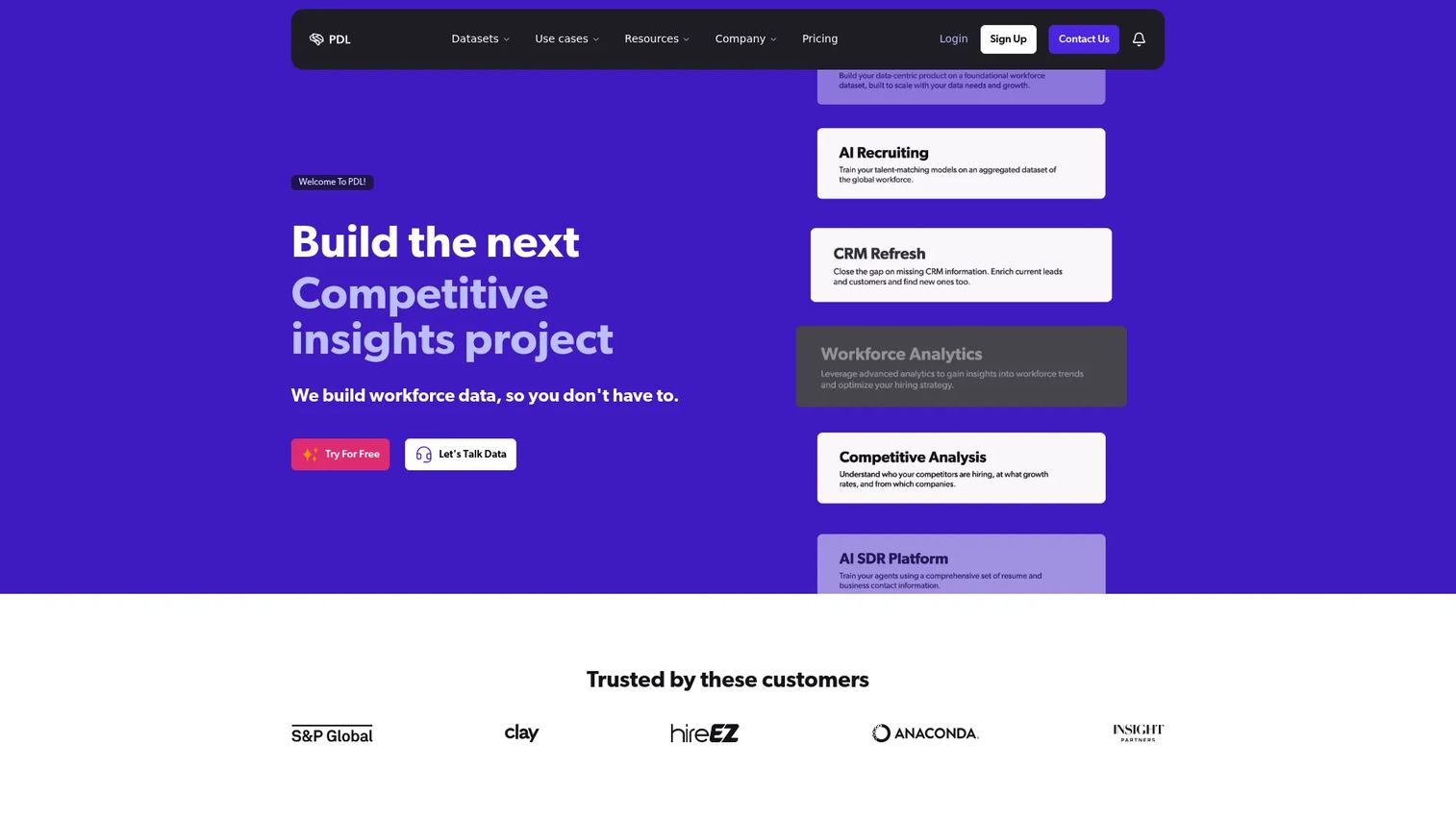
People Data Labs is a B2B data provider offering person, company, and IP data through APIs and bulk delivery. It is a clear example of the external data provider model: an API-first data as a service company you subscribe to when your product or GTM workflows need identity and enrichment data you do not own. Lead scoring, personalization, account matching, and workflow enrichment are the common triggers.
For a PM, the appeal is that enrichment ships as an API call rather than a data engineering project. You call the Person, Company, or IP endpoints, get structured data back, and feed it into your feature or model. The dashboard exposes usage, keys, and subscriptions, so instrumentation and cost tracking stay visible as you scale.
Best for: Teams that need B2B identity, enrichment, and company data via API.
Key strengths
- Person, Company, and IP data APIs: Structured enrichment across the entities that matter for B2B.
- API dashboard with usage, keys, and subscriptions: Track consumption and control access in one place.
- Free, Pro, and Enterprise plans with credit-based usage: Start small and scale with volume.
Why choose People Data Labs: Choose People Data Labs when you need externally sourced people and company data delivered through a clean API. It fits product and GTM teams enriching records at scale without building or maintaining their own data collection.
People Data Labs pricing: The Free tier starts at $0/month with up to 100 monthly records. Pro starts at $98/month, and Enterprise is custom pricing, per People Data Labs' pricing page. The credit-based model lets you match spend to actual usage.
How to choose the right data as a service platform
Before you commit, run your shortlist through these criteria. They map directly to the pains a PM feels when data access goes wrong.
Delivery model and API access
Decide whether you need a platform to build on, a marketplace to source from, or a provider to subscribe to. API quality matters more than marketing copy, so test the actual endpoints, response times, and documentation before you sign anything. Real-time or near-real-time delivery is worth paying for only if your use case is freshness-sensitive.
Governance, privacy, and compliance
Any DaaS option has to survive a security review. Check for access controls, data lineage, and clear privacy and compliance posture, especially if you operate in a regulated industry. External data providers add a second question: where does the data come from, and is its sourcing defensible?
Integration with your existing stack
The best platform is the one that plugs into your CRM, warehouse, analytics tools, and cloud environment without a custom integration project. A marketplace inside your warehouse or a provider inside your cloud removes an entire class of work. Weigh that fit heavily, because integration debt is where maintenance burden hides.
Maintenance burden and total cost
Look past the sticker price to the ongoing engineering time. Consumption-based pricing scales with usage, which is friendly early and expensive at scale, so model your real volume. The goal is data access that does not turn into a recurring ticket for your team every release cycle.
Conclusion
The right choice depends less on which vendor wins a feature checklist and more on which category matches your problem. If you are modernizing legacy delivery, an operational data layer like MongoDB Atlas or a consulting-led build with Mosaic Factor fits. If you are running enterprise analytics at scale, Teradata Vantage and Salesforce Data Cloud carry that weight, the latter especially for customer data inside Salesforce. If you need data quality, Informatica handles contact-data verification as a service.
If your job is sourcing external data, the model changes. Snowflake Marketplace and AWS Data Exchange bring datasets into the environment you already work in, while People Data Labs delivers B2B enrichment through a clean API. Match the intent first, then evaluate pricing, governance, and integration fit against your real volume and release cadence. That order keeps you from buying a platform when you needed a provider, or the reverse.
FAQs
A data as a service platform is a cloud-based system that delivers on-demand, governed access to internal or external data through APIs, web services, and virtual data layers. Instead of exporting and copying files, teams consume data as a managed service. The platform handles delivery, access control, and often analytics enablement, so consumers use data without owning the underlying storage or pipelines.
SaaS delivers finished applications, and PaaS delivers a platform to build and run applications. DaaS delivers the data itself as a service, abstracted from where it physically lives. The DaaS meaning in practice is that you access and query data on demand rather than managing the infrastructure that stores it. All three follow the same on-demand, cloud-based delivery model applied to a different layer of the stack.
The core benefits are faster access to governed data, fewer one-off exports and handoffs, and lower maintenance burden on engineering teams. A DaaS platform also centralizes governance, privacy, and compliance, and feeds analytics and machine learning directly. For product teams, that translates to quicker decisions and the ability to build features on reliable, current data.
Use a data marketplace, like Snowflake Marketplace or AWS Data Exchange, when the job is sourcing external datasets fast rather than modernizing your own data delivery. Marketplaces excel at discovery, subscription, and procurement inside an environment you already use. Choose a full DaaS platform when you need to expose, govern, and serve your own internal data across products and analytics.
Access control, data lineage, encryption, and clear residency handling matter most, especially in regulated industries. For external data as a service providers, the added concern is data sourcing: whether the provider's collection methods are documented and defensible under privacy law. Any DaaS option should survive a security review before it touches production data.
Yes. Analytics and machine learning enablement is a core DaaS use case. Platforms expose data through APIs or shared datasets that feed dashboards and models directly, without a separate ingestion project. Marketplace models let teams query external data next to their own, and external providers deliver enrichment through APIs that plug straight into scoring and personalization workflows.
An operational data layer sits in front of legacy or fragmented source systems and exposes a unified, API-friendly data model. It lets teams serve current operational data to products and analytics without a rip-and-replace of the underlying backend. It also separates operational load from analytical load, so heavy queries do not slow the application customers use. MongoDB Atlas is a common foundation for this pattern.
Start with intent: platform to build on, marketplace to source from, or provider to subscribe to. Then evaluate API quality, governance and compliance, integration with your existing stack, and total cost against your real usage volume. The best fit plugs into your CRM, warehouse, and cloud without a custom project and does not become a recurring maintenance ticket every release cycle.