Your next marketing video doesn't require a film crew, a studio, or even a human presenter. In a market valued at USD 9.78 billion in 2025, AI avatar generators now produce talking digital humans realistic enough to deliver training content, sales pitches, and social ads without anyone stepping in front of a camera.
This guide covers 10 of the best AI avatar generators built for realistic video, with hands-on evaluations of lip-sync quality, language support, customization options, and pricing.
What's inside
The best AI avatar generator depends on your goal in a market growing at 33.1% CAGR through 2032. You might want a hyper-realistic talking head for marketing videos, a polished presenter for corporate training, or a stylized character for social content. Each use case points to a different tool.
This guide covers 10 AI avatar generators built for realistic video production:
- A comparison table with pricing, G2 ratings, and key differentiators
- Detailed breakdowns of each platform's strengths and trade-offs
- Step-by-step guidance for creating your first AI avatar video
- Evaluation criteria to match the right tool to your workflow
We selected these best AI avatar generators based on lip-sync realism, language support, customization depth, and pricing transparency.
TL;DR
- Best for hyper-realistic video: HeyGen delivers industry-leading lip-sync and natural movement
- Best for enterprise training: Synthesia supports 160+ languages with SOC 2 compliance
- Best for e-learning and onboarding: Colossyan offers branching scenarios and built-in quizzes
- Best for UGC-style ads: Creatify generates performance ad variations from a product URL
- Best free AI avatar generator: D-ID provides a generous free tier for photo-to-avatar experiments
What is an AI avatar generator
An AI avatar generator is software that creates digital humans capable of speaking, moving, and presenting content on screen. You provide a script or record audio, and the platform produces a lifelike talking avatar that lip-syncs to your words. No cameras, actors, or studio setups required.
The core output is a video featuring a realistic digital presenter. Common use cases include corporate training videos, marketing content, product demos, and multilingual localization.
- AI avatar: A digital human generated by artificial intelligence that lip-syncs to any script
- Avatar maker vs. avatar generator: Both terms describe the same category of tools
How we evaluated these AI avatar generators
Every platform among the best AI avatar generators was tested hands-on. We focused on the factors that matter most for realistic video production.
- Realism and lip-sync quality: How natural does the AI generated avatar look and move? Does the mouth movement match the audio convincingly?
- Language and voice options: How many languages are supported? Can you clone your own voice or use multilingual lip-syncing?
- Customization depth: Can you create custom avatars from photos? Adjust wardrobe, backgrounds, and gestures?
- Pricing transparency: Are costs clear upfront? What do free tiers actually include?
- Export and integration: What file formats are available? Is there API access for automation?
Best AI avatar generators: Comparison table
| # | Product | Best for | Key differentiation | Pricing | G2 rating |
|---|---|---|---|---|---|
| 1 | HeyGen | Hyper-realistic marketing video | Industry-leading lip-sync and photo-to-avatar | Free tier available | 4.8/5 |
| 2 | Synthesia | Enterprise training at scale | 160+ languages with SOC 2 compliance | Custom pricing | 4.7/5 |
| 3 | Colossyan | E-learning with interactivity | Branching scenarios and built-in quizzes | Enterprise pricing | 4.7/5 |
| 4 | Creatify | UGC-style performance ads | URL-to-video with batch generation | Free trial available | 4.6/5 |
| 5 | D-ID | Photo-to-avatar experiments | API-first approach with generous free tier | Free tier available | 4.5/5 |
| 6 | Elai | Multilingual localization | Voice cloning and slides-to-video | Free trial available | 4.5/5 |
| 7 | AI Studios | Fast turnaround video | Real-time generation with ChatGPT integration | Free trial available | 4.4/5 |
| 8 | VEED | All-in-one video editing | Avatar generation inside a broader editor | Free tier with watermark | 4.6/5 |
| 9 | Camtasia | Screen recording with avatars | Desktop application with offline editing | One-time purchase | 4.6/5 |
| 10 | Vyond | Animated explainer videos | Full-body cartoon character animation | Subscription-based | 4.5/5 |
1. HeyGen
HeyGen sets the current benchmark for hyper-realistic AI avatar video. The platform excels at natural lip-sync and facial movement, making it the go-to choice when authenticity matters most.
You can create a digital twin from a single photo or short webcam recording. The multilingual dubbing feature lets the same avatar speak multiple languages with accurate lip movement, which works well for global marketing campaigns.
Best for
Creators and marketers who want the most realistic AI generated avatar from a single photo or webcam recording.
Key strengths
- Hyper-realistic lip sync: Industry-leading naturalness in speech synchronization
- Photo and video avatar creation: Build a digital twin from a selfie or short video
- Multilingual dubbing: Same avatar speaks multiple languages with accurate lip movement
Why choose HeyGen
HeyGen delivers the highest realism currently available, though the advanced features come with a steeper learning curve. Pick this platform when your audience will scrutinize the avatar closely, such as in customer-facing marketing or executive communications.
HeyGen pricing
A free tier is available with watermarks and limited minutes. Paid plans unlock full features, higher resolution, and commercial licensing.
2. Synthesia
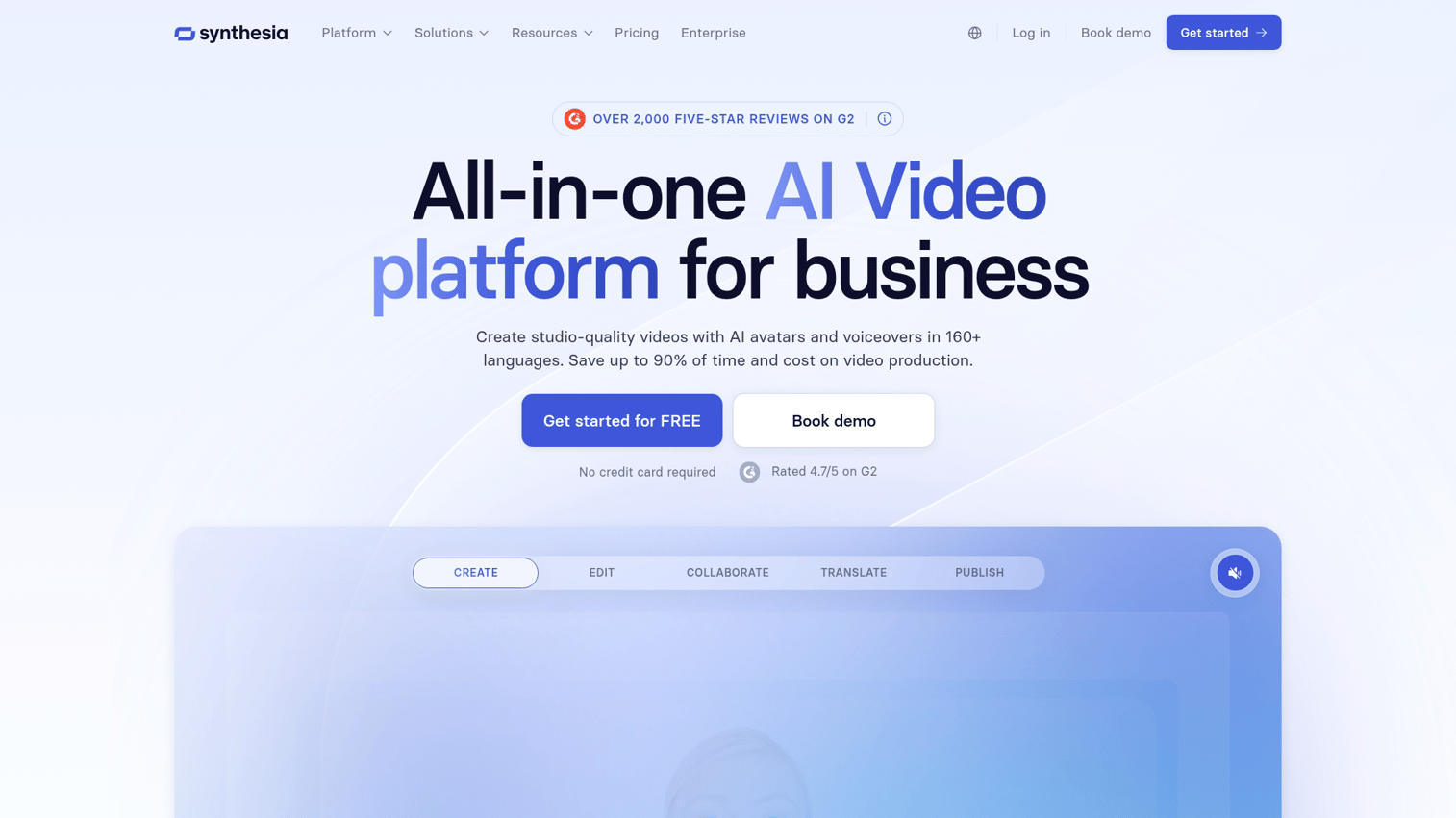
Synthesia is the industry standard for enterprise training and corporate communications. The platform offers 120+ stock avatars and supports over 160 languages, making it a fit for organizations producing content at global scale.
The script-to-video workflow is straightforward. Paste your text, select an avatar and voice, then generate a polished video. SOC 2 compliance and SSO support make Synthesia work for security-conscious enterprises.
Best for
Enterprise teams producing training, onboarding, and internal communications videos at scale.
Key strengths
- Massive avatar library: Access to diverse stock avatars without custom creation
- Script-to-video workflow: Paste text and generate a polished AI animated avatar video
- Enterprise security: SOC 2 compliance and SSO for large organizations
Why choose Synthesia
Synthesia prioritizes speed and language coverage over hyper-realism. The avatars look professional but slightly stylized. Pick this platform when you value production efficiency and global reach over maximum visual authenticity.
Synthesia pricing
Starter plans are available for smaller teams. Enterprise pricing is custom and includes dedicated support, advanced analytics, and additional security features.
3. Colossyan
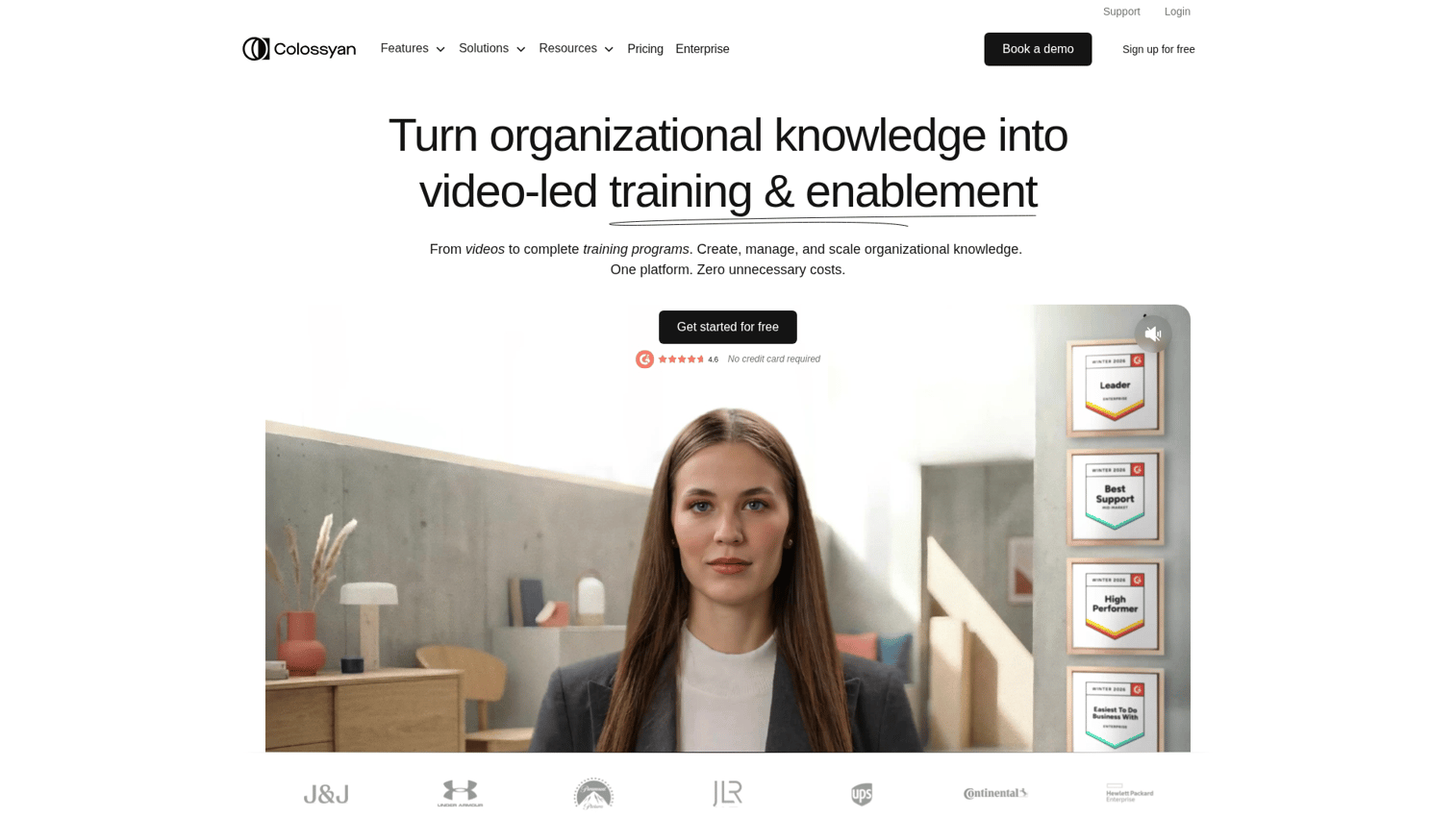
Colossyan stands out for e-learning and onboarding content. The platform includes branching scenarios where viewers choose their path, plus built-in quizzes that turn passive video into interactive learning experiences.
Automated localization lets you translate and re-voice content for global teams without re-recording. This combination of interactivity and localization makes Colossyan particularly strong for L&D departments.
Best for
L&D teams building interactive training with branching scenarios and quizzes.
Key strengths
- Branching scenarios: Viewers choose paths, creating interactive learning experiences
- Built-in quizzes: Embed assessments directly in avatar videos
- Automated localization: Translate and re-voice content for global teams
Why choose Colossyan
Colossyan is best-in-class for training interactivity but less suited for marketing or ad content. The avatars are realistic enough for internal use, though they may not match HeyGen's level for customer-facing video.
Colossyan pricing
Enterprise-focused pricing with demos available on request. Plans scale based on video minutes and team size.
4. Creatify
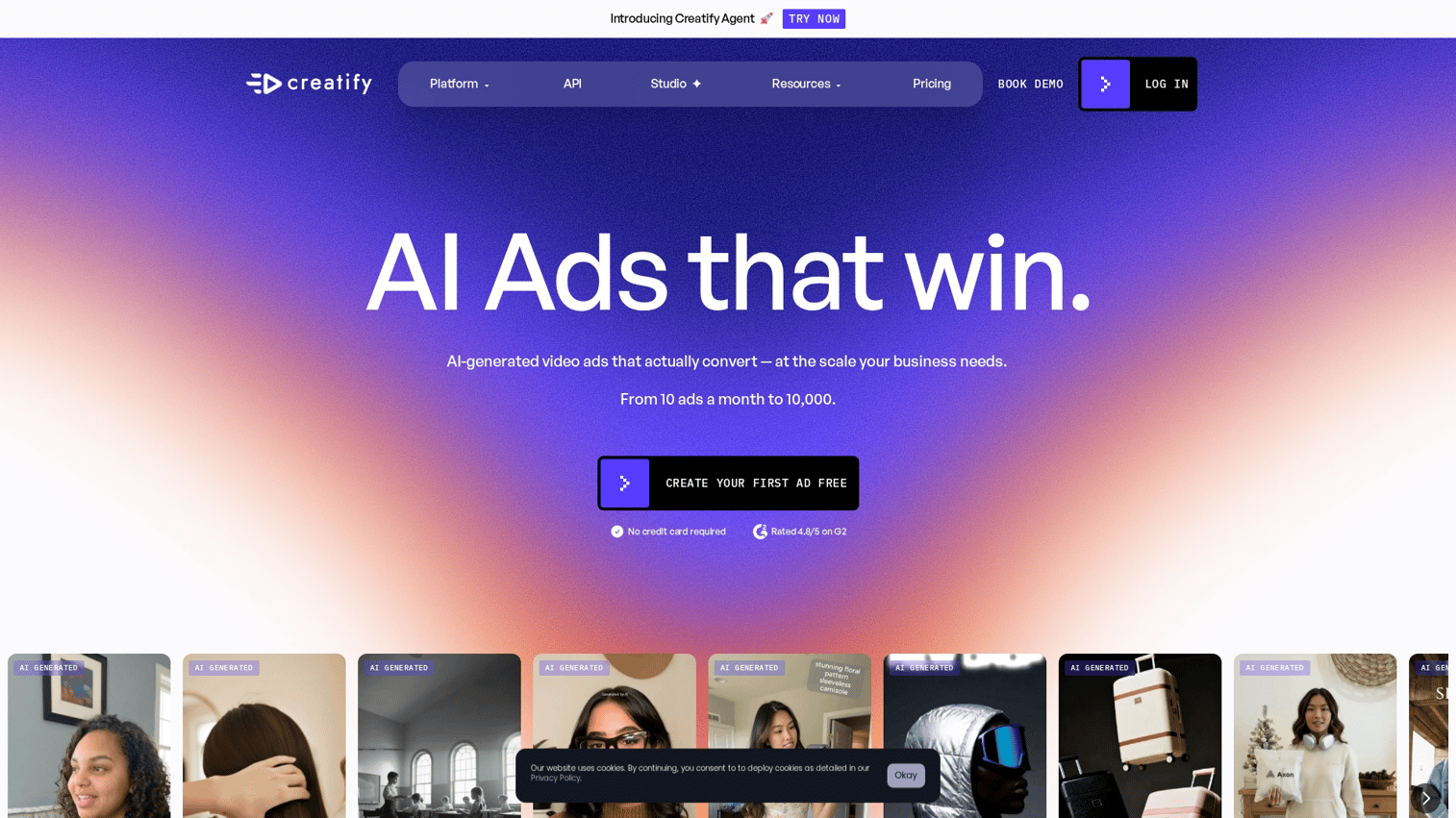
Creatify is built for performance marketers who test multiple ad variations. The URL-to-video feature lets you paste a product link and generate ad creative with an AI avatar automatically.
Batch generation produces multiple variations for A/B testing in a single workflow. The avatars have a UGC aesthetic, designed to feel authentic rather than corporate, which performs well on social platforms.
Best for
Growth marketers testing multiple ad hooks and creating UGC-style avatar videos quickly.
Key strengths
- URL-to-video automation: Paste a product URL and generate ad creative with an AI creator avatar
- Batch generation: Produce multiple variations for A/B testing in one workflow
- UGC aesthetic: Avatars designed to feel authentic, not corporate
Why choose Creatify
Creatify excels at paid social and direct response content. The trade-off is that the platform is less suited for formal training or polished brand videos. Pick Creatify when you prioritize ad performance over production polish.
Creatify pricing
A free trial is available for testing. Paid plans are tiered based on video output volume.
5. D-ID
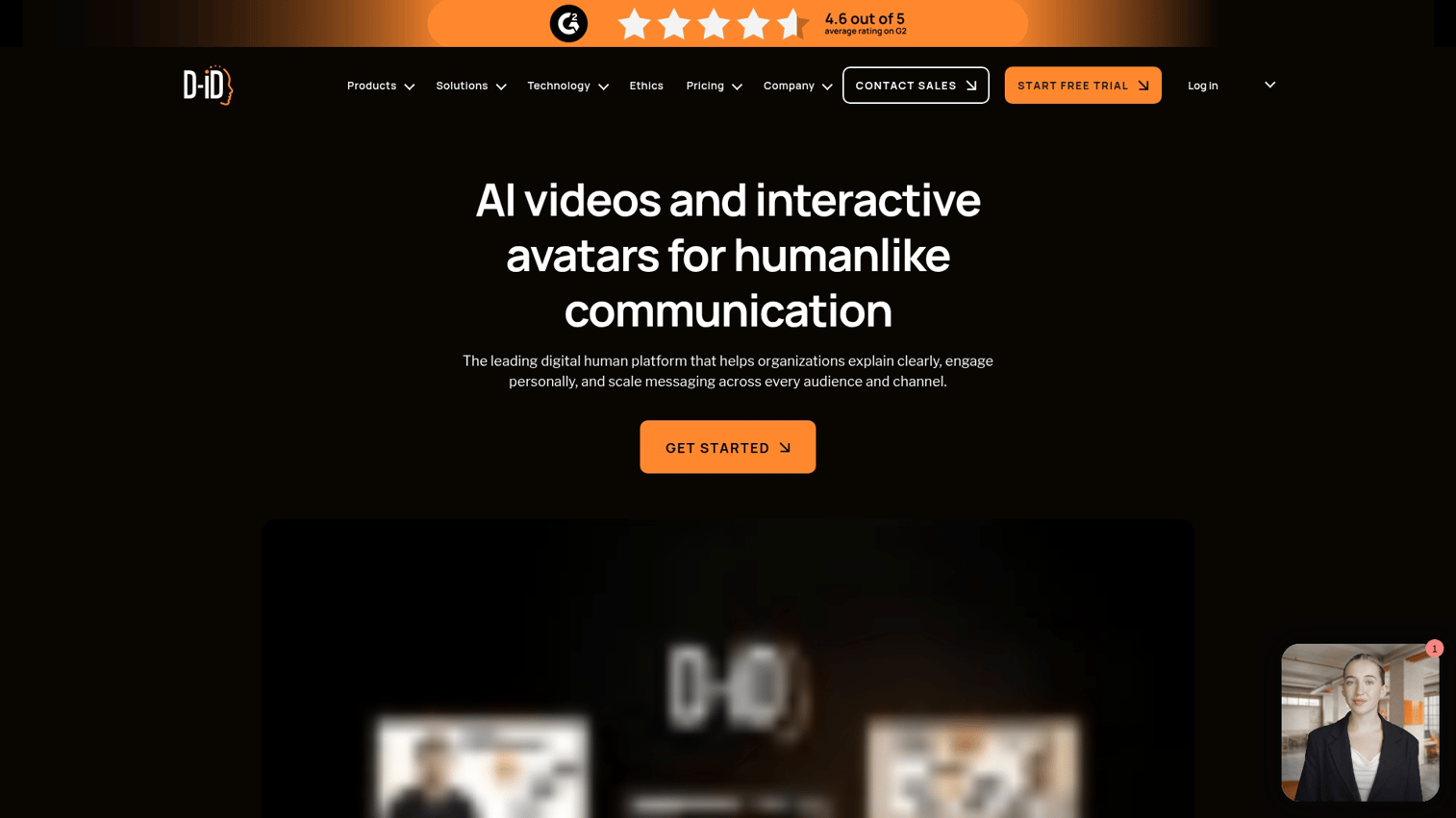
D-ID specializes in turning static photos into talking avatars. For teams who need to create AI-generated images before animating them, learning how to use Canva's AI image generator provides a complete workflow from image creation to animation.
Upload any face image, and the platform animates it to speak your script. This makes D-ID particularly useful for creative projects and rapid experimentation.
The API-first approach lets developers build avatar generation into apps and workflows. A web-based Creative Studio provides a simpler interface for quick experiments.
Best for
Users who want to animate existing photos into speaking AI generated avatar videos.
Key strengths
- Photo animation: Upload any face image and make it talk
- API-first approach: Build avatar generation into apps and workflows
- Creative studio: Web interface for quick avatar experiments
Why choose D-ID
D-ID is excellent for photo-based avatars but limited for full-body movement. Pick this platform when you have existing imagery you want to animate, or when you want to integrate avatar generation into a custom application.
D-ID pricing
A generous free tier is available for testing. Paid plans unlock higher volume and commercial use.
6. Elai
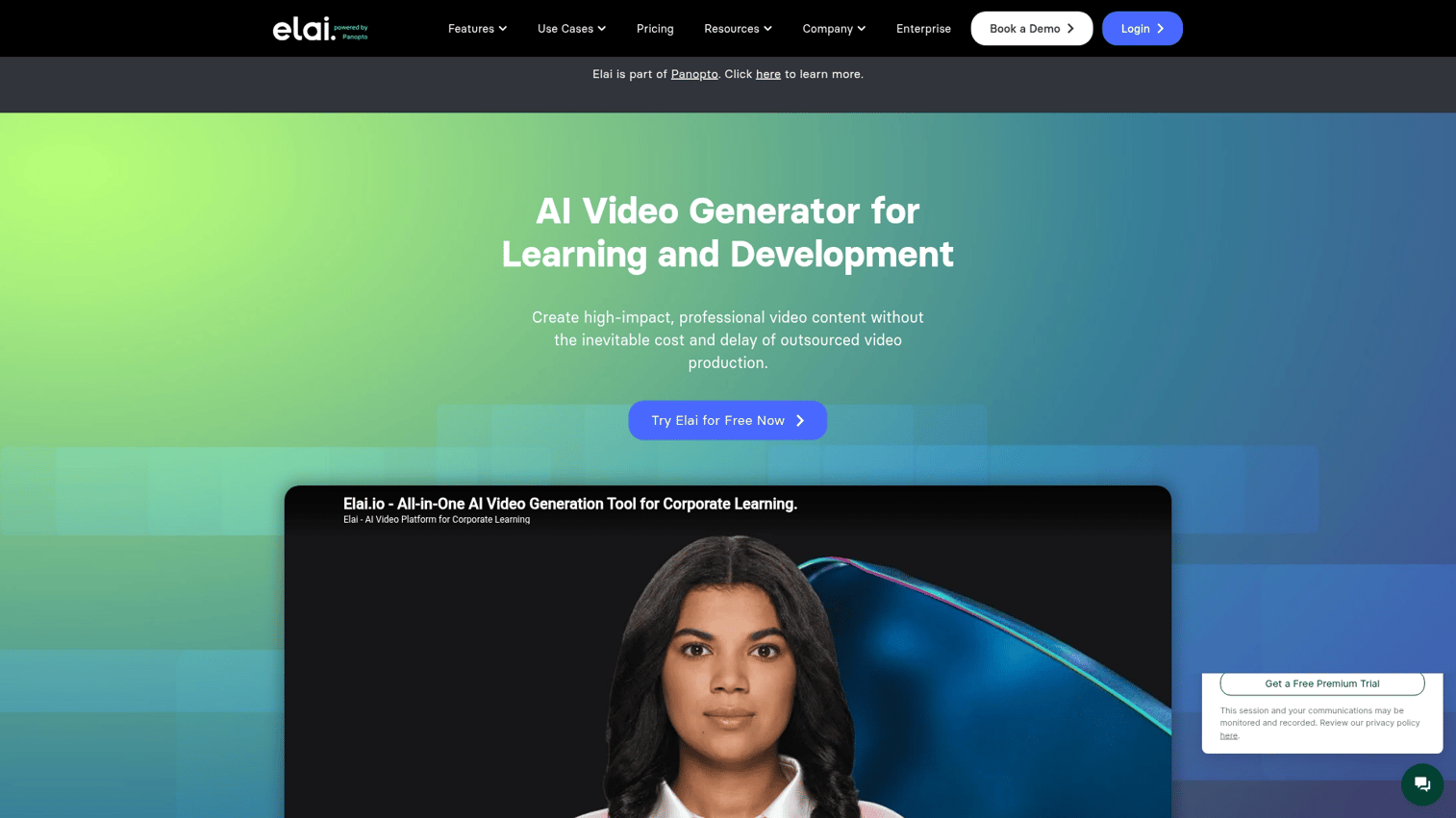
Elai focuses on multilingual video production with voice cloning capabilities. You can train the avatar on your own voice for consistency across all your content.
The slides-to-video feature converts PowerPoint presentations into avatar-presented videos, which speeds up content creation for teams with existing slide decks. API access enables automation at scale.
Best for
Global teams producing localized training and marketing content across languages.
Key strengths
- Clone your voice: Train the avatar on your own voice for consistency
- Slides-to-video: Convert PowerPoint into avatar-presented video
- API access: Automate AI avatar creation at scale
Why choose Elai
Elai offers strong localization features, though the UI feels less polished than top-tier competitors. Pick this platform when voice consistency and multilingual support are your primary requirements.
Elai pricing
A free trial is available. Paid plans are tiered based on video minutes.
7. AI Studios
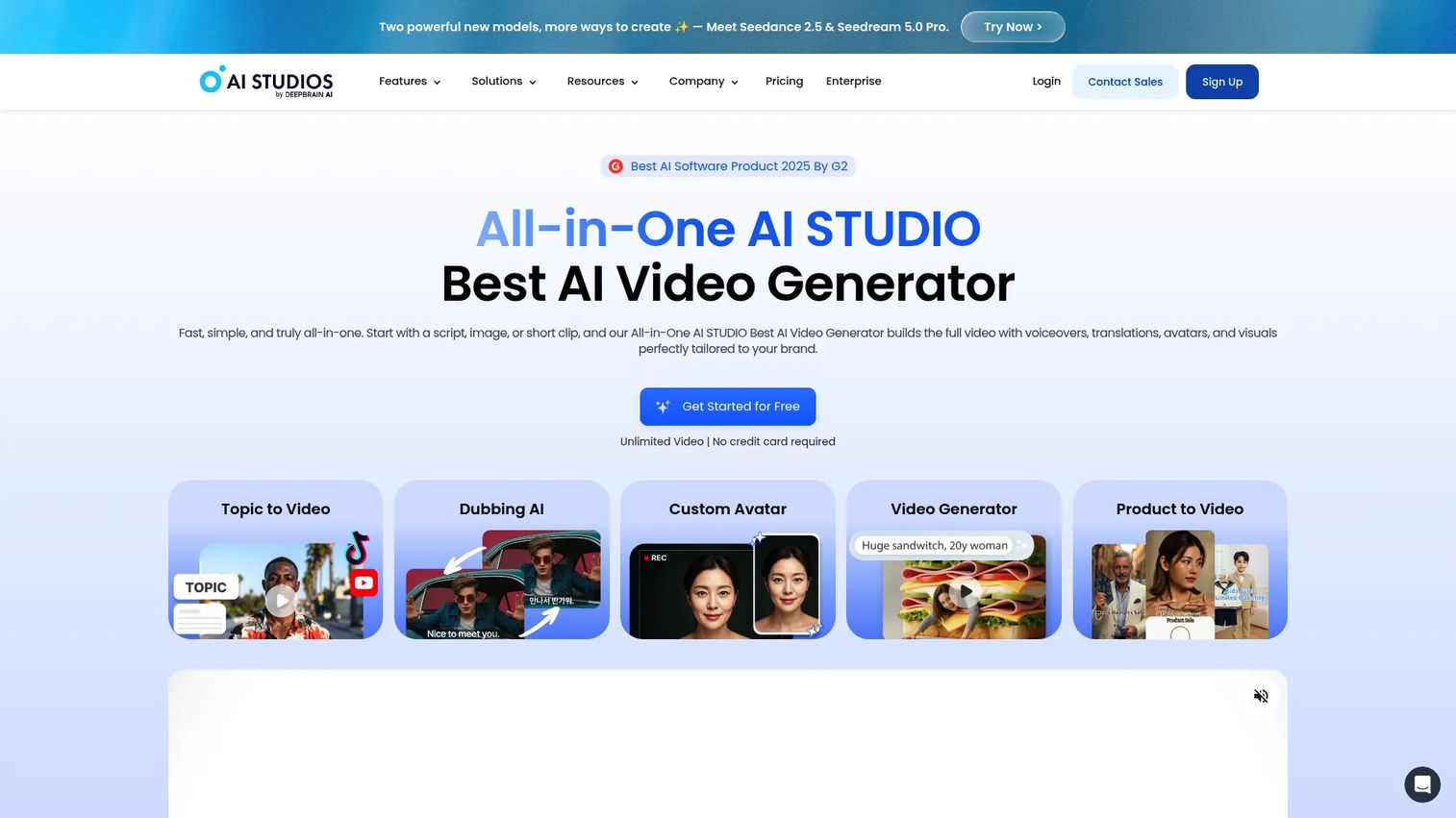
AI Studios (by DeepBrain AI) emphasizes fast video production with AI presenters. Real-time generation delivers quick turnaround for time-sensitive content like news updates or announcements.
ChatGPT integration lets you generate scripts and avatars in a single workflow. A teleprompter mode supports live avatar presentations for webinars.
Best for
Teams producing news-style or presentation videos with quick turnaround requirements.
Key strengths
- Real-time generation: Fast rendering for time-sensitive content
- ChatGPT integration: Generate scripts and avatars in a single workflow
- Teleprompter mode: Live avatar presentation for webinars
Why choose AI Studios
AI Studios prioritizes speed over deep customization. The avatars are realistic enough for most business use cases, though you have fewer options for fine-tuning appearance and gestures.
AI Studios pricing
Starter and enterprise tiers are available. A free trial lets you test the platform before committing.
8. VEED
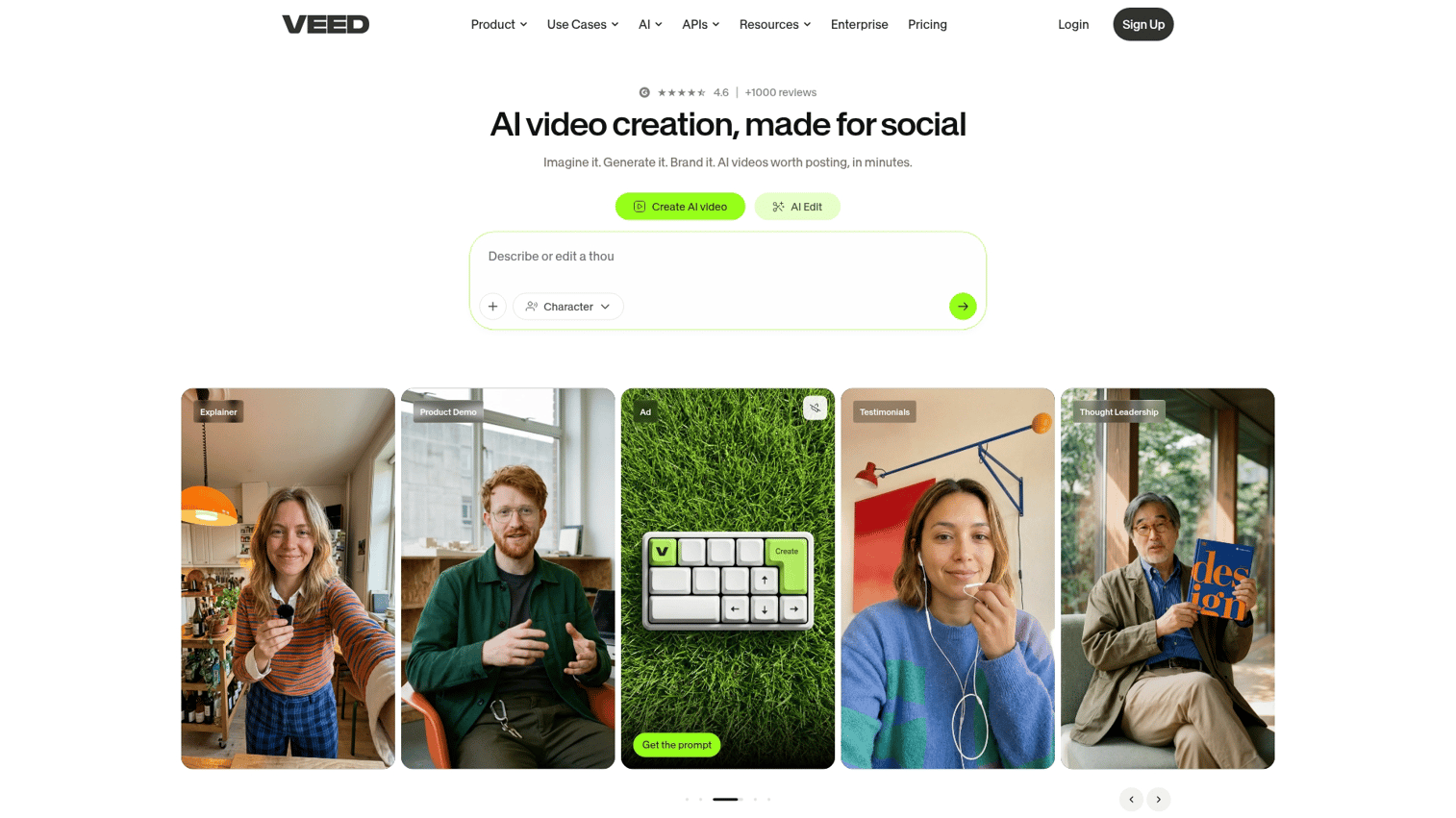
VEED is an all-in-one video editor with AI avatar capabilities built in. You can add subtitles, effects, and avatars in the same tool, which simplifies workflows for creators who want everything in one place.
The interface has a low learning curve, making it accessible for non-technical users. Pre-sized templates for TikTok, Instagram, and YouTube speed up social media production.
Best for
Creators who want avatar generation inside a broader video editing platform.
Key strengths
- Integrated editor: Add subtitles, effects, and avatars in one tool
- Simple interface: Low learning curve for non-technical users
- Social media templates: Pre-sized exports for TikTok, Instagram, YouTube
Why choose VEED
VEED offers convenience through all-in-one editing, but avatar realism trails dedicated generators like HeyGen or Synthesia. Pick VEED when you value workflow simplicity over maximum avatar quality.
VEED pricing
A free tier is available with watermarks. Paid plans remove branding and add advanced features.
9. Camtasia
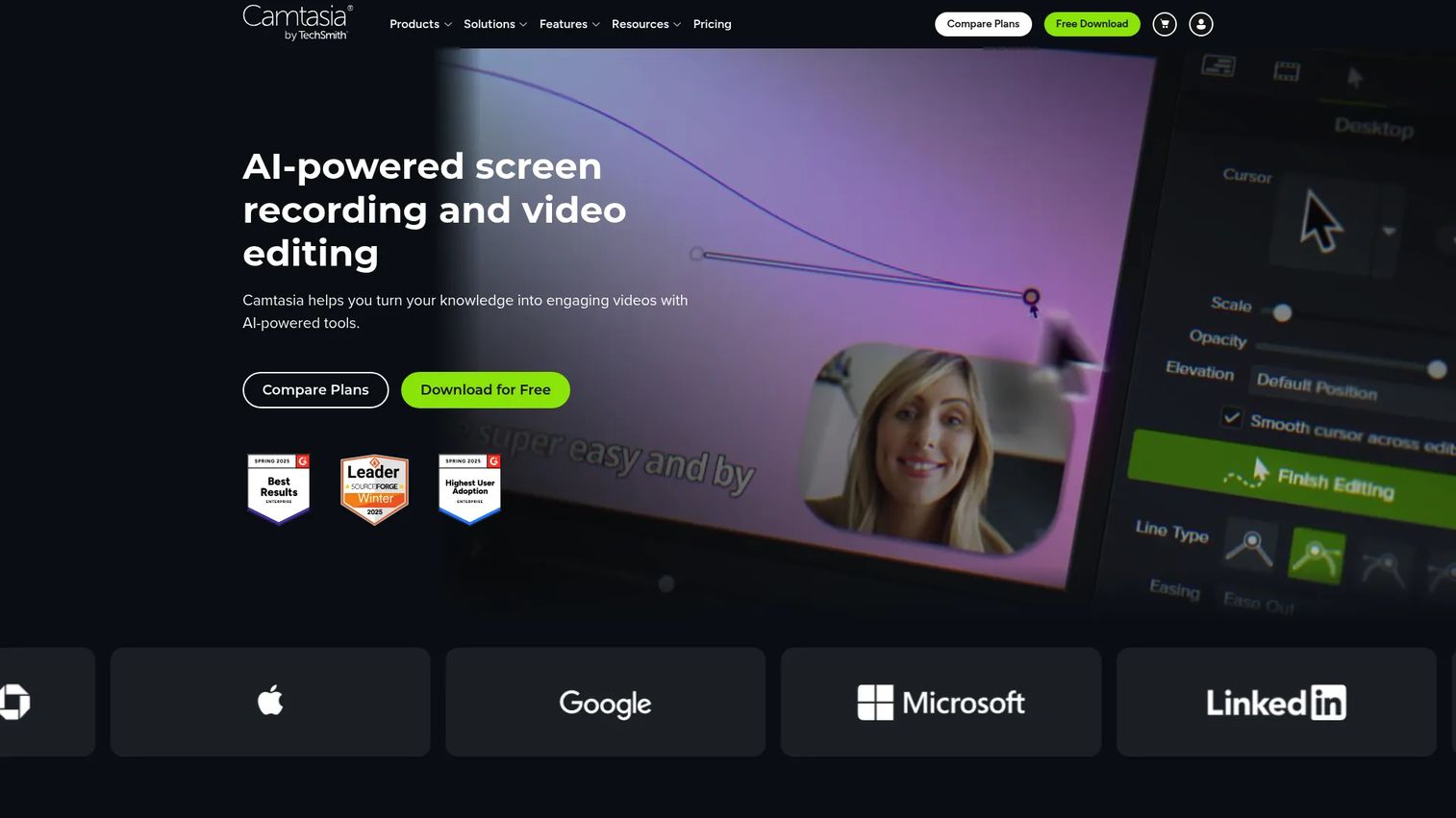
Camtasia is primarily screen recording software with avatar capabilities added as a secondary feature. The desktop application provides full offline editing without browser dependency.
For educators and trainers already using Camtasia for software tutorials, adding avatar narration to existing workflows is straightforward. A large library of tutorials and templates supports the established user base.
Best for
Educators and trainers already using Camtasia who want to add avatar presenters to tutorials.
Key strengths
- Screen recording integration: Combine avatar narration with software walkthroughs
- Desktop application: Full offline editing without browser dependency
- Established ecosystem: Large library of tutorials and templates
Why choose Camtasia
Avatars are a secondary feature in Camtasia, not the core product. Realism trails dedicated AI avatar generator tools. Pick Camtasia when you already use it for screen recording and want to add basic avatar narration.
Camtasia pricing
A one-time purchase model with optional subscription for updates. No free tier for avatar features.
10. Vyond
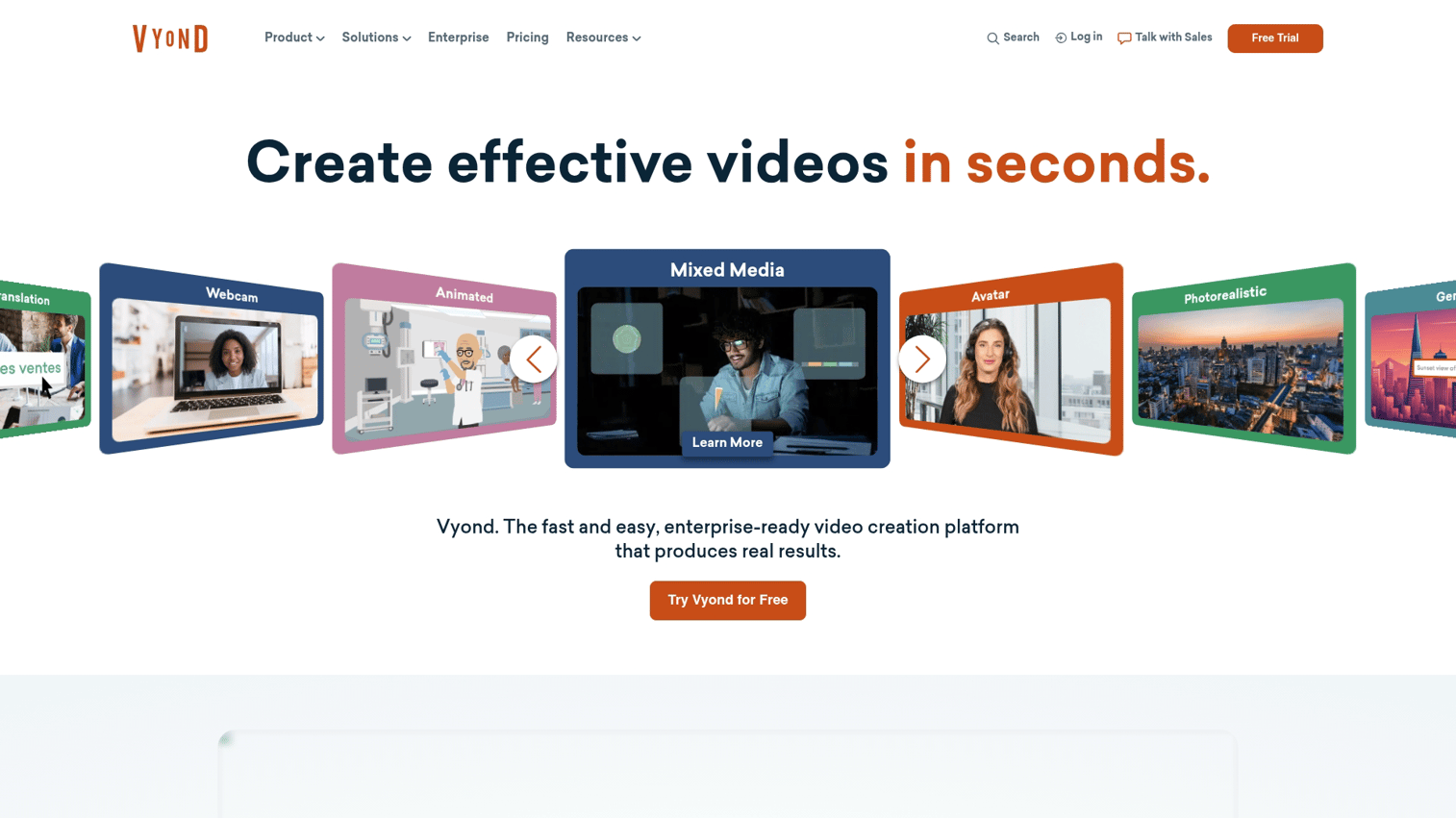
Vyond takes a different approach with animated (cartoon-style) avatars rather than photorealistic digital humans. Full-body character animation with customizable cartoon avatars suits teams who prefer stylized visuals.
The scene builder lets you create environments, props, and storylines. Brand consistency features help you build characters that match company style guides.
Best for
Teams preferring stylized, animated characters over realistic digital humans.
Key strengths
- Character animation: Full-body movement with customizable cartoon avatars
- Scene builder: Create environments, props, and storylines
- Brand consistency: Build characters that match company style guides
Why choose Vyond
Vyond's animation style stands out but does not deliver the realism of generative AI avatar tools. Pick Vyond when you want a distinctive animated look rather than photorealistic presenters.
Vyond pricing
Subscription-based pricing tiered by team size and features.
How to create an AI avatar video
Most AI avatar generators follow a similar workflow. Here's what to expect when you create your first video.
1. Choose your avatar type
You typically have three options: stock avatars (pre-built characters), custom avatars (created from your photo or video), or animated characters (cartoon-style). Stock avatars work for quick projects. Custom avatars add authenticity when you want a specific person to present.
2. Write or record your script
Prepare your script in advance or use the platform's AI script generation. Most tools accept text input directly. Some also let you upload audio files if you prefer to record your own voice.
3. Customize appearance and voice
Adjust wardrobe, background, voice selection, language, and gestures. Customization depth varies by platform. HeyGen and Synthesia offer extensive options. Simpler tools like VEED provide fewer controls.
4. Generate and export your video
Click generate and wait for rendering. Short clips typically take a few minutes. Export options usually include MP4 and direct sharing to social platforms.
Some tools offer API access for automated workflows. Similarly, AI-powered editing tools can automate demo creation and refinement, handling the polishing work that would typically require manual editing.
Tip: Start with a 30-second test video before committing to longer content. This lets you evaluate lip-sync quality and avatar appearance without wasting credits.
What to look for in an AI avatar generator
Use the criteria below to compare the best AI avatar generators for your specific situation.
Realism and lip-sync quality
Lip-sync accuracy determines whether viewers perceive the avatar as natural or uncanny. HeyGen and Synthesia currently lead here. Watch sample videos from each platform before deciding, as quality varies significantly.
Language and voice options
Multilingual support matters for global teams localizing content. Check how many languages are supported and whether the platform offers multilingual lip-syncing (where the avatar's mouth movements match the target language).
Customization depth
More customization means more production flexibility. Consider whether you can create custom avatars from photos, adjust clothing and backgrounds, and control gestures. Some platforms offer extensive options while others provide only basic controls.
Pricing structure
Common pricing models include per-minute, per-video, and subscription-based plans. Free tiers often include watermarks or strict limits. Calculate your expected usage before comparing costs.
For teams exploring simpler alternatives before committing to AI avatars, learning how to create a video in Canva provides a budget-friendly starting point.
Integration and export options
API access matters for teams embedding avatars into broader workflows. Check file format support, embedding options, and integrations with your existing tools. Marketing teams often want CRM or LMS integrations for tracking.
AI avatars vs traditional video production
| Factor | AI avatar video | Traditional video |
|---|---|---|
| Production time | Minutes to hours | Days to weeks |
| Cost per video | Low (software subscription) | High (crew, talent, equipment) |
| Scalability | Unlimited variations | Each variation requires new shoot |
| Localization | Instant multilingual lip-sync | Re-shoot or dub with new talent |
| Realism ceiling | Improving rapidly | Highest possible |
Traditional video still wins for high-stakes brand campaigns, celebrity talent, or situations where maximum authenticity is non-negotiable. For authentic buyer interactions, live demos offer another approach that creates genuine engagement through real product instances. AI avatars excel when you prioritize speed, scale, and cost efficiency in a market projected at USD 3.35 billion by 2034.
Choose the right AI avatar maker for your workflow
Your choice depends on what you're optimizing for:
- For enterprise training at scale: Synthesia or Colossyan. See our guide to best interactive demo tools for complementary options.
- For hyper-realistic marketing video: HeyGen
- For UGC-style performance ads: Creatify
- For photo-to-avatar experiments: D-ID
- For animated explainers: Vyond
If you're building interactive product demos to pair with your avatar videos, consider tools like Guideflow that let you capture any workflow and turn it into a self-serve experience. Avatar videos explain what your product does. Interactive demos let prospects experience it firsthand.
Start your journey with Guideflow today
FAQs about AI avatar generators
HeyGen currently leads for hyper-realistic lip-sync and natural movement, especially for multilingual content. Synthesia offers a close second with broader language support.
D-ID and HeyGen offer free tiers with watermarks or limited minutes. Creatify provides a free trial for testing before you commit to a paid plan.
Yes. HeyGen and D-ID allow you to upload a photo or short video to generate a personalized digital twin. Quality depends on the source image.
Most leading tools support dozens of languages with automatic lip-sync adjustment. Synthesia supports over 160 languages, making it the broadest option for global teams.
Rendering typically takes a few minutes for short clips. Longer videos or complex customizations may require more time depending on the platform and current server load.
Advanced AI avatar software includes gesture libraries and emotion controls. Realism varies by tool. HeyGen offers the most natural movement currently available.
Paid plans on most platforms include commercial licensing. Always review the specific tool's terms before publishing, as restrictions vary.
Yes, but both platforms require disclosure of AI-generated content. Check current ad policies before launching campaigns, as requirements evolve.