
Static screenshots don't convert. Explainer videos play at your pace, not the buyer's. And "book a demo" forms add friction since 61% of buyers prefer rep-free buying. Interactive demo tools solve this by letting buyers click through your product on their own terms. This guide compares 16 interactive demo tools across features, pricing, and use cases to help you pick the right one for your team.
What are interactive demo tools
Interactive demo tools let prospects click through a guided product experience without scheduling a call, creating a login, or accessing a live environment. Think of them as clickable product walkthroughs that work on the prospect's schedule, not yours.
The category exists because static alternatives fall short. Screenshots freeze a single moment. Explainer videos play at the creator's pace. PDFs get skimmed and forgotten. Clickable demos, on the other hand, let prospects explore what matters to them, when it matters to them.
Here's what interactive demo software typically handles:
- Capture: Record your product's interface and workflows directly from your browser
- Edit: Customize steps, tooltips, hotspots, and CTAs without writing code
- Personalize: Tailor content for different personas, accounts, or use cases
- Share: Distribute via link, embed, email, social, or ads
- Analyze: Track engagement signals that reveal buyer intent
Demo automation platforms vary in depth across each capability. Some focus on speed and simplicity. Others prioritize personalization or analytics.
The right choice depends on your team's primary use case, which we'll cover after walking through the tools.
How we evaluated interactive demo platforms
Before diving into the list, a quick note on methodology. This evaluation comes from a practitioner perspective, not a vendor ranking or pay-to-play directory.
We focused on tools built for B2B SaaS teams across marketing, sales, presales, and customer success. The criteria:
- Creation speed: How quickly can you go from nothing to a shareable demo?
- Editing control: Can you customize without developer help?
- Personalization: Does it support dynamic variables and audience-specific paths?
- Analytics: Does it track meaningful buyer intent, not just views?
- Integrations: Does it connect to your CRM, MAP, and analytics stack?
- Pricing clarity: Is pricing transparent or hidden behind sales calls?
No tool wins on every dimension. The goal here is to help you match the right platform to your specific workflow and budget.
The 16 best interactive demo tools for 2026
1. Guideflow
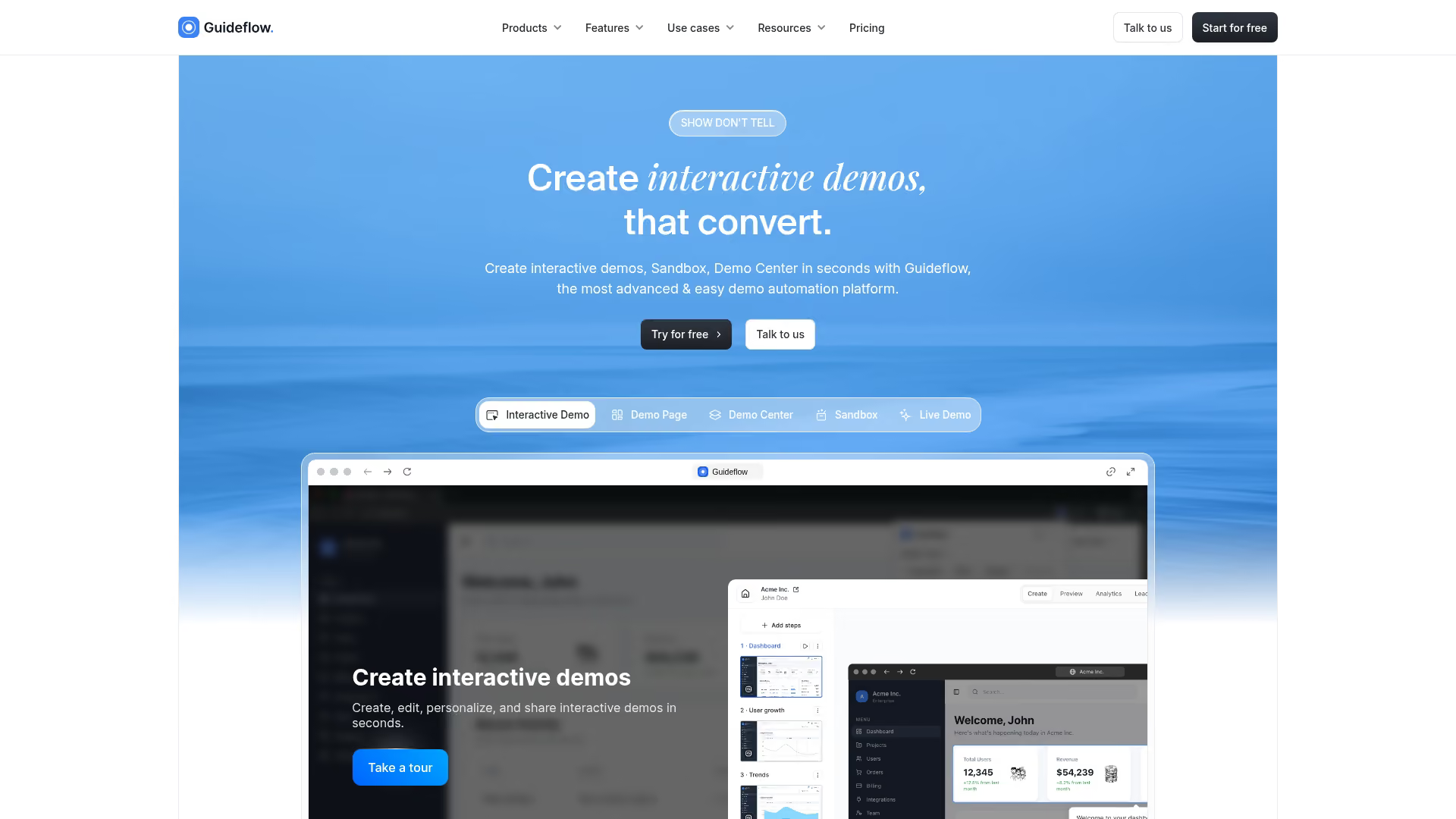
Guideflow is a demo automation platform built for teams that want both speed and depth. You can capture any workflow directly from your browser in a few clicks, then refine it in a plug-and-play editor without touching code.
What sets it apart is the balance. You get fast creation (demos ready in minutes) alongside enterprise features like dynamic personalization, branching paths, and full-funnel analytics. The AI-powered editor can auto-generate steps, translations, and even voiceovers when you're short on time.
The product suite covers multiple formats: interactive demos for guided walkthroughs, sandbox environments for deeper exploration, and demo centers for organizing assets by persona. It also includes live demos for high-stakes evaluations.
Best for: Teams that want to ship fast without sacrificing personalization or analytics depth.
2. Loom
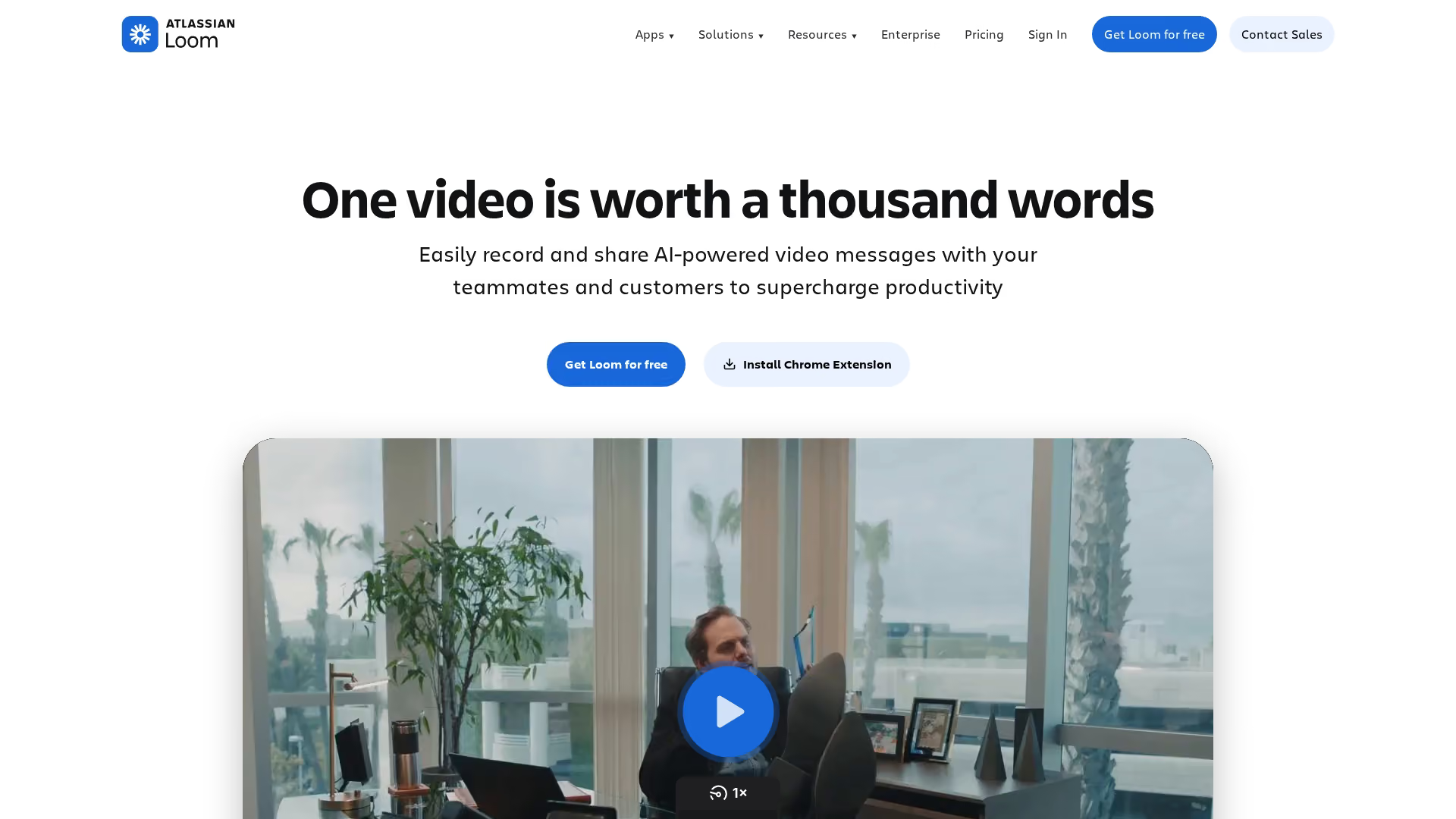
Loom is the most widely used async video tool in the category. Reps record their screen and webcam in a few clicks, then share via link. The product is built for speed and personal touch, not guided product walkthroughs.
In demo workflows, Loom shows up most in outbound emails and post-call follow-ups. It works as a substitute when the goal is delivering a quick product story, not when the goal is letting buyers explore on their own.
Best for: Sales reps recording quick personal product walkthroughs for outbound or follow-up.
Limitation: Linear video only. No clickable paths, and engagement data stops at views and completion rate.
3. Vidyard
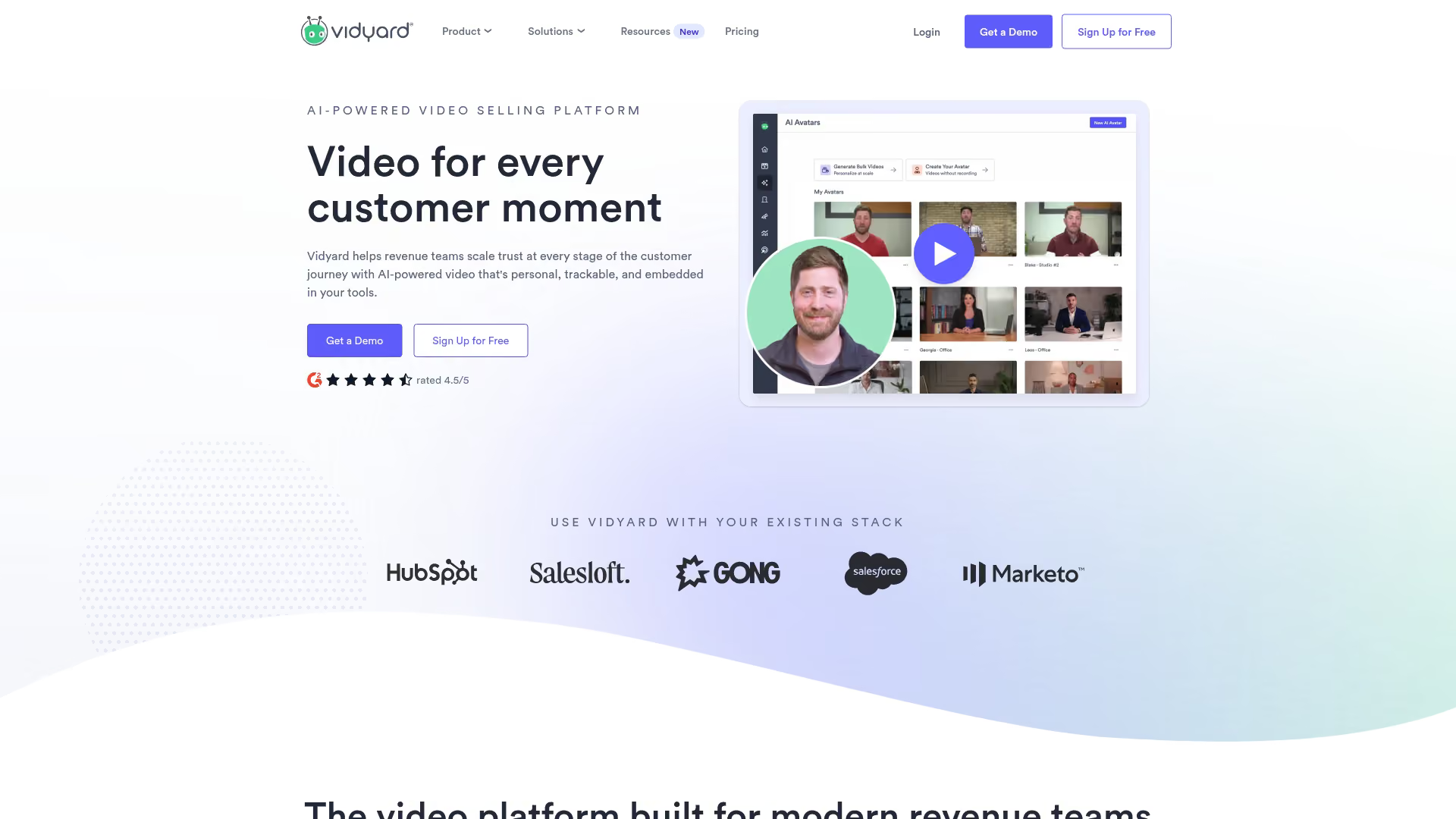
Vidyard targets B2B sales teams with video messaging plus deeper analytics and CRM sync. The platform tracks who watched, how long they stayed, and pushes engagement data into Salesforce and HubSpot.
It's the closest async video tool to a sales enablement platform. Teams running structured outbound motions often pick Vidyard over Loom for the integration depth.
Best for: Sales teams running structured outbound who need video plus CRM-grade analytics.
Limitation: Still linear playback. Prospects can't interact with the product itself, only watch someone else use it.
4. Sendspark
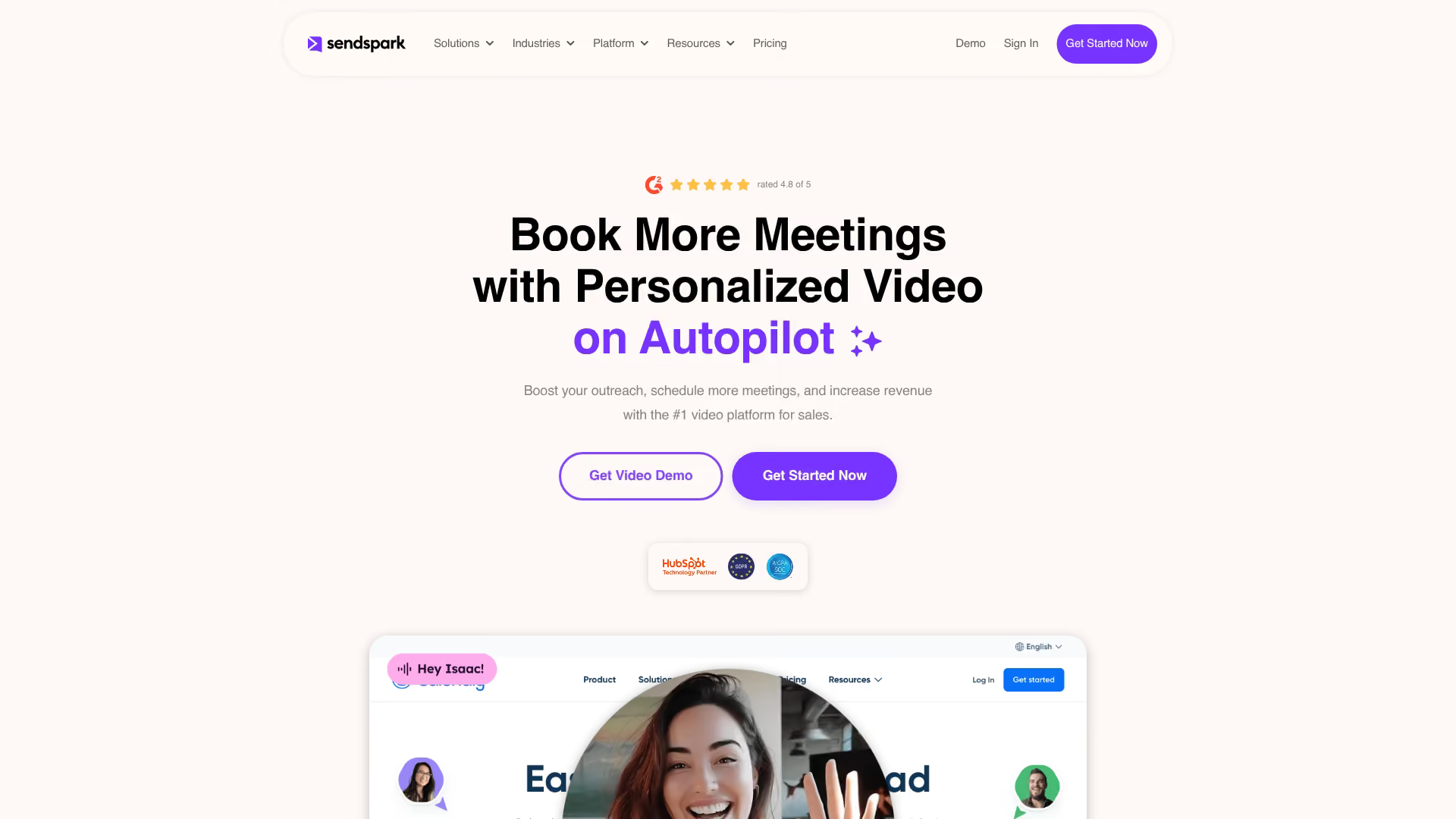
Sendspark focuses on personalized video at scale. The platform lets reps record a generic intro, then auto-personalize each send with recipient names, company logos, or screen recordings of the prospect's website.
The pitch is volume without losing the personal feel. It's used heavily in outbound where reps ship dozens of videos per week.
Best for: SDRs and AEs sending high-volume personalized video in cold outreach.
Limitation: Personalization is cosmetic, not interactive. Buyers still watch passively, with no path to explore the product.
5. Tella
Tella is the design-forward option in the category. The editor produces polished, branded videos with custom layouts, backgrounds, and zoom effects without a steep video editing learning curve.
Marketing teams and founders often pick Tella when production quality matters more than send volume.
Best for: Marketing teams and founders making polished async videos for product launches or customer-facing content.
Limitation: Production focus means slower workflow than tools built for daily rep usage.
6. Bonjoro
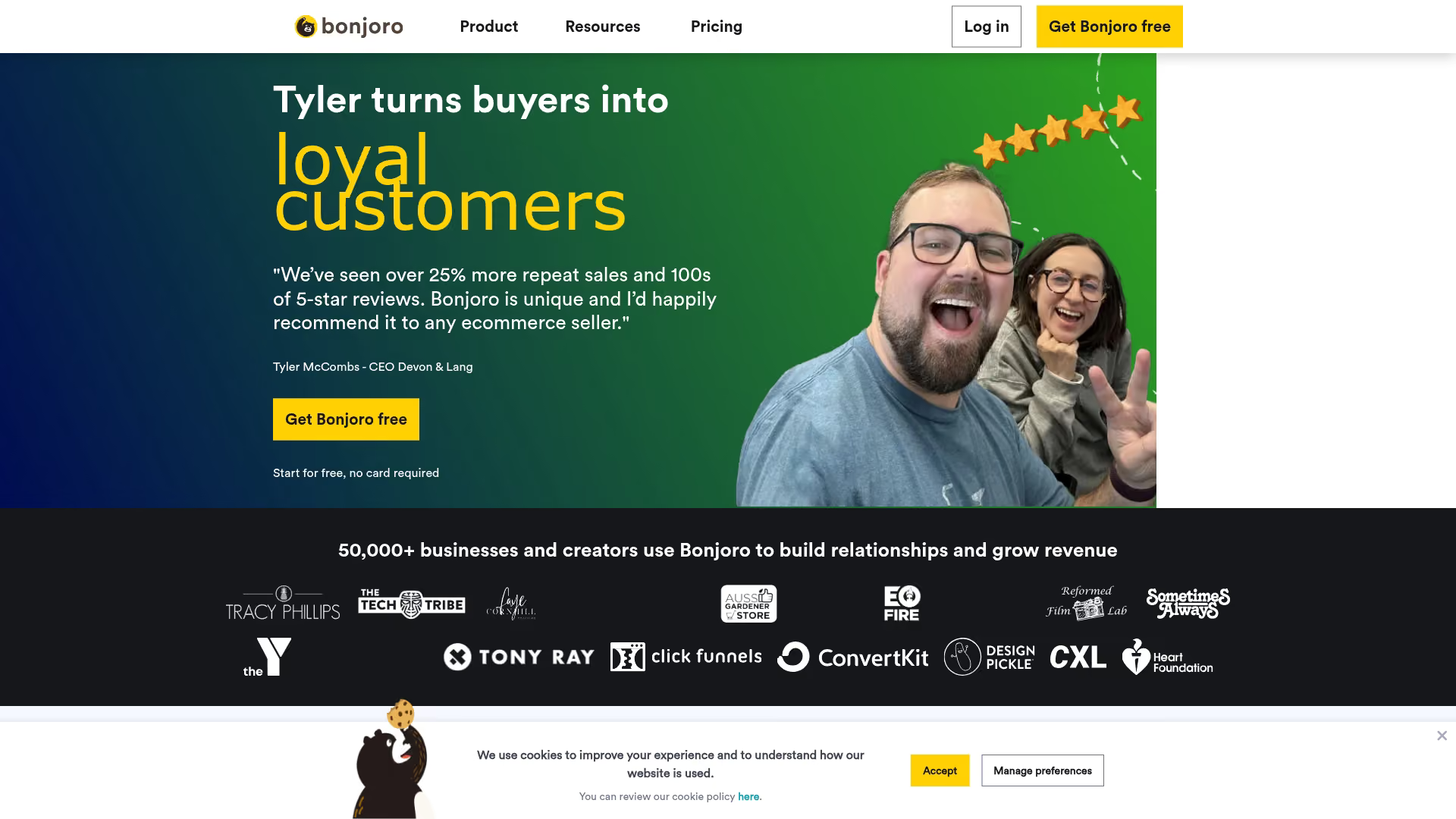
Bonjoro positions itself around relationship-building rather than sales motion. The product is built for short, personal videos sent at the moments that matter: post-signup welcomes, onboarding milestones, churn saves.
It's less a demo tool and more a customer touchpoint tool. Customer success and lifecycle marketing teams use it to add a face to key moments in the journey.
Best for: Customer success and lifecycle teams sending personal videos at key customer moments.
Limitation: Built for short personal touches, not product demonstrations or evaluations.
7. Tourial
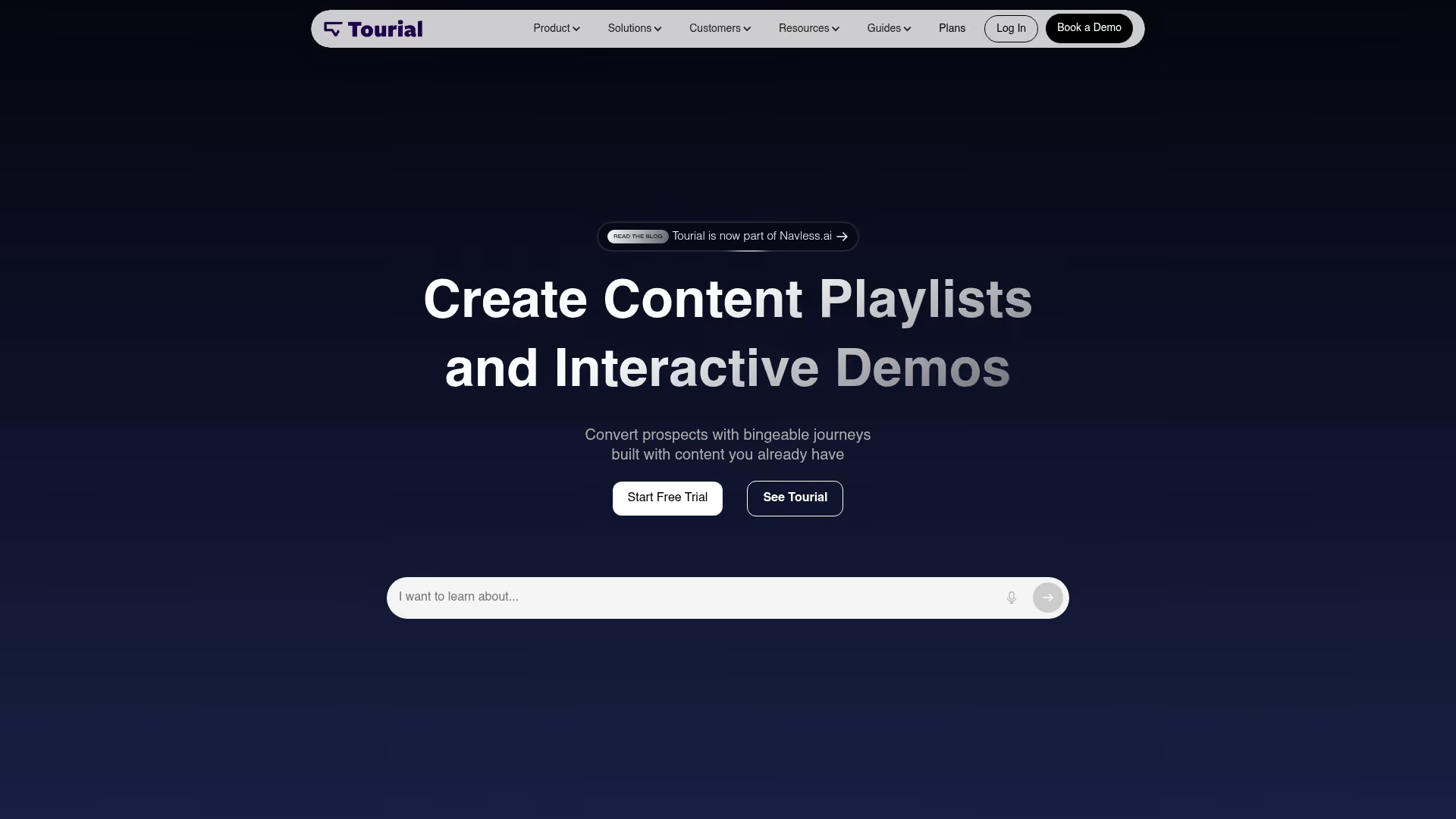
Tourial focuses on marketing-led demo experiences and multi-demo journeys. The platform lets you build "demo centers" where prospects can self-select paths based on their role or use case.
The strength here is campaign integration. Marketing teams can create demo experiences that map to specific ad campaigns or landing pages, then track which paths drive the most engagement.
Best for: Marketing teams building multi-demo journeys for campaigns and website experiences.
Limitation: Less depth in sales-specific personalization and outbound use cases.
8. Demoboost
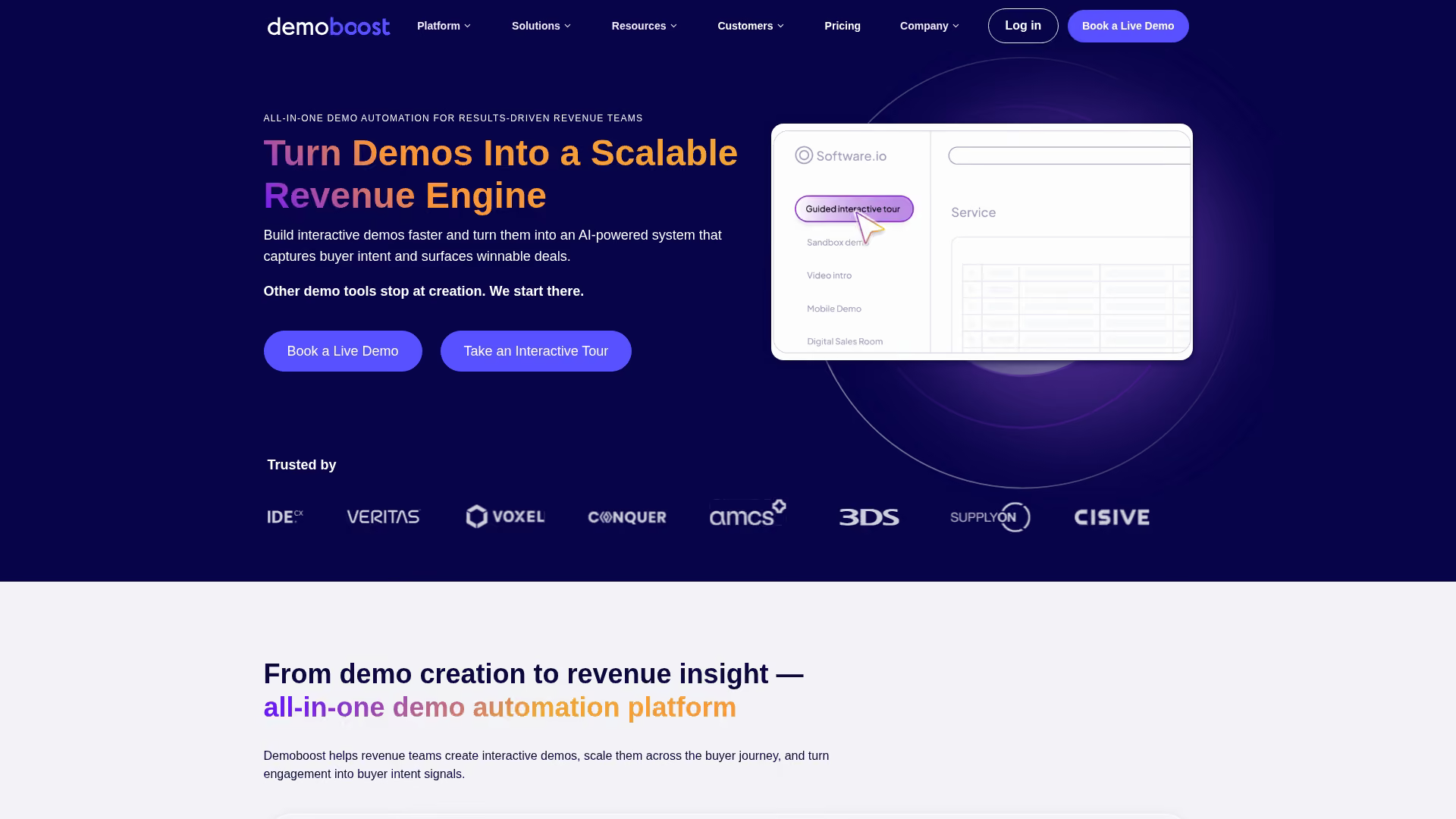
Demoboost emphasizes live demo overlays and guided selling. Rather than purely self-serve experiences, it helps sales reps deliver more consistent live demos with built-in coaching prompts.
The platform includes features for real-time guidance during calls, helping reps hit key talking points and handle objections on the fly.
Best for: Sales teams running live demos who want guided selling support.
Limitation: Heavier focus on live use cases than self-serve demo creation.
9. Saleo

Saleo takes a different approach entirely. Instead of capturing screenshots or recordings, it lets you populate realistic data directly into your live product environment.
This solves a common presales problem: demo environments with fake data that don't resonate with prospects. Saleo lets you customize what appears on screen during a live demo without touching your actual database.
Best for: Presales teams demoing in production environments who need realistic, customized data.
Limitation: Requires live environment access. Not a standalone capture tool for self-serve demos.
10. HowdyGo
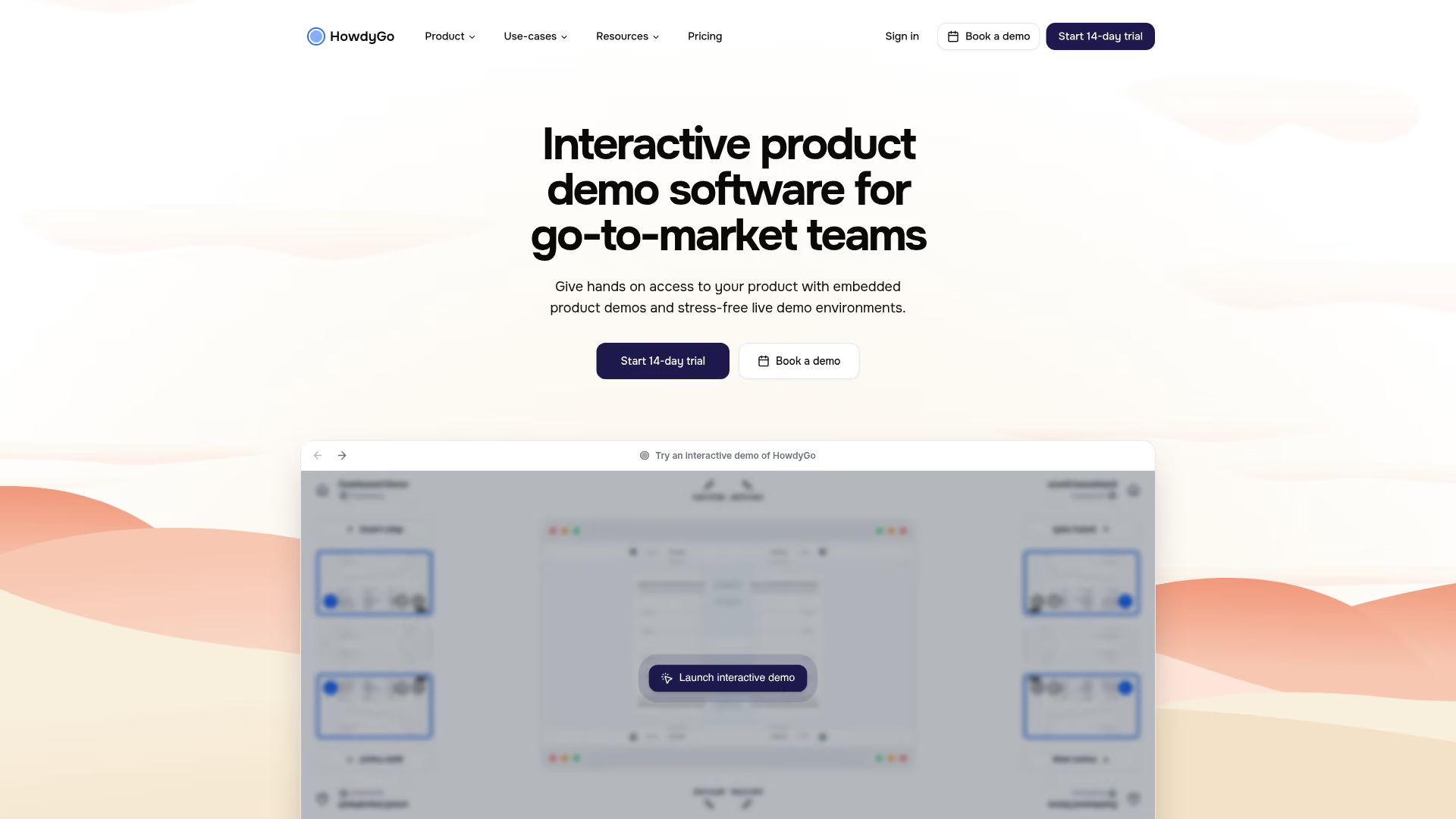
HowdyGo positions itself as a lightweight, fast demo builder. The focus is simplicity: capture quickly, add basic annotations, and share.
If your team wants to create simple demos without a learning curve, HowdyGo delivers. The tradeoff is fewer advanced features.
Best for: Teams that want simple, quick demos without complexity.
Limitation: Fewer advanced personalization and analytics features compared to full-suite platforms.
11. Vivun

Vivun is broader than a demo tool. It's a presales workflow platform that includes demo capabilities alongside technical win tracking, resource management, and deal intelligence.
For presales organizations managing complex technical evaluations across many deals, Vivun provides visibility into what's working and where deals stall.
Best for: Presales orgs managing complex technical evaluations at scale.
Limitation: Demo creation is one component of a broader platform. May be overkill if you only need demos.
12. ScreenSpace
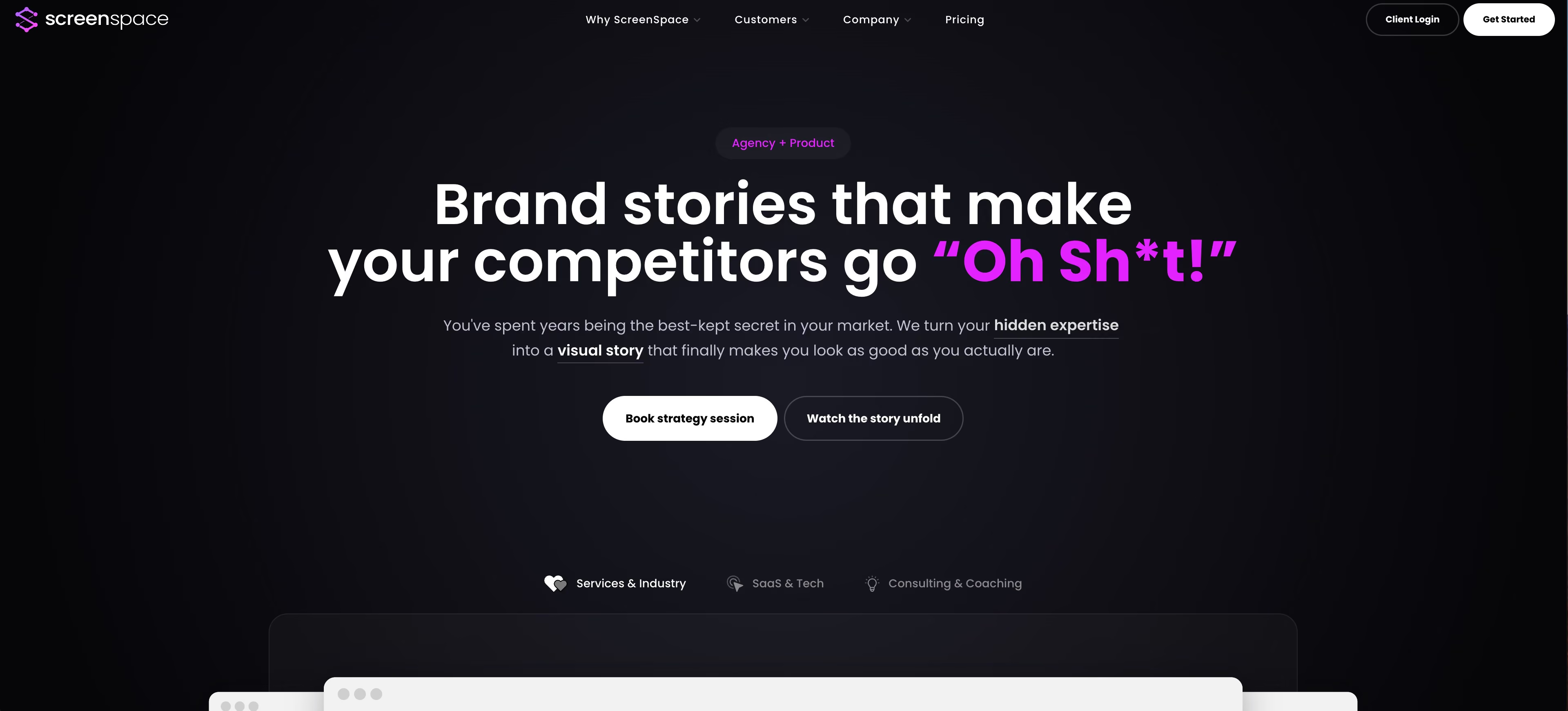
ScreenSpace creates cinematic, video-style interactive experiences. The output feels more like a polished product video than a traditional click-through demo.
Marketing teams wanting high-production-value content for brand campaigns or product launches often gravitate here.
Best for: Marketing teams wanting high-production-value demos with cinematic polish.
Limitation: More video-forward than traditional click-through demos. Different use case than guided walkthroughs.
13. Fable
Fable uses HTML-based capture and editing, giving teams deeper control over UI customization. You can modify elements, swap out data, and adjust layouts more granularly than screenshot-based tools allow.
The tradeoff is complexity. Non-technical users may find the learning curve steeper.
Best for: Teams wanting deeper UI customization and HTML-level control.
Limitation: Steeper learning curve for non-technical users.
14. DemoEasel
DemoEasel offers demo creation and management for teams with straightforward needs. It covers the basics: capture, annotate, share, and track.
As a smaller vendor, it may suit teams that don't need the feature depth of larger platforms.
Best for: Teams needing basic demo creation without heavy feature requirements.
Limitation: Smaller vendor with less market presence and ecosystem integrations.
15. Snackwyze
Snackwyze focuses on short-form, "snackable" demos. The platform is built for quick captures that work well in social posts, email signatures, or brief product highlights.
If your use case is micro-demos rather than comprehensive product tours, Snackwyze fits.
Best for: Teams creating short-form demos for social or email.
Limitation: Less suited for complex, multi-step product tours or deep evaluations.
16. Lancey

Lancey targets product-led growth teams embedding demos directly into onboarding flows and in-app experiences. The focus is activation and adoption rather than top-of-funnel marketing or sales.
Best for: PLG teams embedding demos in onboarding and in-app experiences.
Limitation: Narrower focus on PLG. Less suited for sales-led motions or marketing campaigns.
Interactive demo software feature comparison
The table below summarizes key capabilities across all 12 interactive demo tools. Use it to quickly identify which platforms match your priorities.
Interactive demo platform pricing comparison
Pricing transparency varies widely across interactive demo tools. Some vendors publish clear pricing. Others require sales conversations.
Tip: When evaluating pricing, factor in implementation time and ongoing maintenance. A cheaper tool that requires more manual work may cost more in the long run.
How to choose the right product demo software
Match the tool to your primary use case
Different tools excel in different motions. The first question to ask yourself: Is this primarily for marketing (website embeds, campaigns), sales (outbound, follow-ups), or presales (technical evaluations)?
Marketing-led use cases favor tools with strong embedding, campaign tracking, and demo center capabilities. Sales-led use cases benefit from personalization for outbound and CRM integration for follow-up. Presales use cases often require deeper customization or live demo support.
Evaluate based on budget and team size
Solo practitioners or small teams benefit from fast, simple tools with minimal setup. Enterprise teams typically need collaboration features, governance controls, and security certifications, especially for training and enablement initiatives.
Match tool complexity to team capacity. A feature-rich platform that nobody has time to configure properly delivers less value than a simpler tool your team actually uses.
Prioritize speed to value over feature count
The best demo builder is the one your team actually uses. Avoid over-buying features you won't implement in the first six months.
Start with your most pressing use case. Prove value there before expanding scope.
Check integration depth with your existing stack
CRM sync matters for turning demo engagement into actionable sales signals. If your reps can't see who engaged with what, the data sits unused.
Integrate with HubSpot, Salesforce, and more to route engagement data where your team already works. Shallow integrations create manual work that erodes adoption over time.
Implementation best practices for demo automation
1. Start with one high-impact demo
Don't try to build a library on day one. Pick your most-requested use case or highest-traffic page. Create one demo, measure results, and iterate.
This approach proves value before you invest in scaling. It also surfaces workflow issues early, when they're easier to fix.
2. Define success metrics before launch
Decide what you're measuring before you publish. Common metrics include completion rate, time-to-completion, leads captured, and downstream conversions like meetings booked.
Tie demo performance to business outcomes. "Demo viewed" is a vanity metric. "Demo completed, then booked a meeting" is a signal worth tracking.
3. Build a maintenance and update workflow
Demos break when products change. A button moves, a feature gets renamed, and suddenly your demo shows something that doesn't exist.
Assign ownership and set a review cadence. Monthly or quarterly checks prevent drift. Some teams tie demo reviews to product release cycles.
4. Train your team on personalization features
Generic demos underperform personalized ones because 94% of buyers want tailored demos.
Personalize demos for every prospect by role, use case, or account context. Even small touches, like swapping in a prospect's company name, increase engagement.
Where clickable demos fit in your GTM stack
Interactive product demos connect to your broader go-to-market motion at multiple points. Here's where they typically add value:
- Website: Embed demos on landing pages to convert traffic without forms. Prospects experience value before they commit to a conversation.
- Outbound email: Include demo links to increase reply rates. A clickable demo beats a PDF attachment.
- Ads: Use demo links as CTA destinations. Prospects who engage with a demo are warmer than those who just visit a landing page.
- Sales follow-up: Send personalized demos after calls instead of recordings. Prospects actually complete them, and you see what they explored.
- Customer success: Use demos for onboarding and feature adoption. Self-serve education scales better than live training.
Demo engagement data becomes buyer intent signal for sales prioritization once the average B2B purchase involves 13 stakeholders.
This connects to your broader demand generation tools and marketing automation software. Demo engagement can trigger workflows, update lead scores, and route high-intent prospects to sales.
Customer success teams use demos to drive adoption without scheduling training sessions. Product teams use them to communicate new features and collect user feedback without relying on release notes nobody reads.
Getting started with interactive demo tools
The decision on interactive demo tools comes down to a few key tradeoffs: speed vs. depth, self-serve vs. live, marketing vs. sales focus. No single tool wins on every dimension.
Start with one demo. Pick your highest-impact use case, create something simple, and measure what happens. You can always add complexity later.
If you want both speed and enterprise-grade features, Guideflow lets you capture, personalize, and analyze demo engagement without engineering dependency.
Start your journey with Guideflow today!