Most analytics platforms don't pay for themselves.
The global analytics and business intelligence market is on track to surpass $35 billion in 2026, according to Fortune Business Insights analytics market forecast. That's a lot of spending - and a lot of organizations picking the wrong tool. Roughly 70% of companies struggle with effective benchmarking due to lack of quality external data (Coresignal, 2026), which means the platform you choose directly shapes whether your data investments produce returns or just produce dashboards nobody opens.
This isn't another feature checklist. We evaluated the best analytics platforms through the lens of what actually matters: measurable business outcomes, implementation reality, total cost of ownership, and whether your team will use the thing after week two. Every entry below includes honest pricing, concrete trade-offs, and a clear verdict on who each data analytics software is built for.
Our selection criteria draw from Gartner and Forrester analyst research, G2 and Peer Insights reviews, and documented case studies. We excluded programming languages, spreadsheets, and data transformation tools - this list is strictly analytics platforms.
Here's what you'll walk away with.
What's inside
This article covers 15 data analysis platforms organized by primary use case strength, not arbitrary ranking. Each gets a consistent breakdown: positioning, key strengths, ideal user, and real pricing.
After the reviews, you'll find a side-by-side comparison table, a practical decision framework for matching platforms to your stack, and the key trends shaping analytics tools for businesses in 2026.
TL;DR
- Power BI is the cost-per-user winner for Microsoft shops; Tableau remains the data visualization benchmark
- Looker and Databricks suit data-engineering-led teams on Google Cloud or lakehouse architectures
- Amplitude is the pick for product-led growth companies; ThoughtSpot leads in AI-first natural language analytics
- Zoho Analytics and QuickSight offer the lowest total cost of ownership for budget-conscious teams
- Enterprise analytics platforms like SAP, Oracle, and IBM Cognos make sense primarily if you're already deep in those ecosystems
- Sigma Computing is the dark horse - spreadsheet UI on top of a live cloud warehouse, productive in days
What is an analytics platform? (and why it matters for ROI)
An analytics platform is software that collects, processes, visualizes, and enables action on data. It goes beyond a single chart or report. These data analytics platforms typically bundle business intelligence reporting tools, advanced analytics, and increasingly, AI-driven predictive capabilities into one environment.
It's worth distinguishing three categories:
- BI platforms - focused on dashboards, reporting, and ad hoc queries (Power BI, Tableau, Qlik Sense)
- Product analytics platforms - built for understanding user behavior in digital products (Amplitude, Mixpanel) — see our guide to the best product analytics software tools for a deeper comparison
- Advanced analytics platforms - combining data engineering, ML, and predictive modeling (Databricks, IBM Cognos)
Why does the platform choice matter for ROI? Because the wrong pick creates compounding costs. Low adoption means wasted licenses. Poor integration means months of data engineering before anyone sees a dashboard. And a tool that can't scale with your team means you're back to vendor evaluation in 18 months. In 2026, with AI-native capabilities becoming table stakes, the gap between a well-chosen platform and a poor one is wider than ever.
How we evaluated these analytics platforms
Every platform in this business intelligence software comparison was assessed against six criteria:
- Core analytics capabilities - dashboards, reporting, ad hoc queries, predictive/AI features
- Ease of implementation - time to deploy, technical requirements, learning curve
- Integration ecosystem - data source connectors, API flexibility, cloud compatibility
- Data governance and security - compliance certifications, role-based access, audit trails
- Pricing and total cost of ownership - licensing model, hidden costs, scalability pricing
- Proven ROI and user outcomes - documented case studies, adoption rates, Gartner/G2 ratings
These dimensions inform every entry below. Where a platform excels, we say so. Where it falls short, we say that too.
Analytics platforms comparison table
Here's how all 15 data analytics platforms stack up in a side-by-side business intelligence software comparison.
| Platform | Best for | Deployment | AI/ML | Starting price | Free tier | Team size |
|---|---|---|---|---|---|---|
| Microsoft Power BI | Microsoft ecosystem BI | Cloud / Hybrid | Advanced | ~$10/user/mo | Yes | SMB–Enterprise |
| Tableau | Data visualization | Cloud / On-Prem | Advanced | ~$15/user/mo (Viewer) | No | Mid-Market–Enterprise |
| Looker | Code-first governed analytics | Cloud | Advanced | ~$5,000/mo | Yes (Studio) | Mid-Market–Enterprise |
| Qlik Sense | Augmented data exploration | Cloud / Hybrid | Advanced | ~$20/user/mo | No | Mid-Market–Enterprise |
| Databricks | Unified lakehouse analytics | Cloud | Native | Pay-as-you-go | Yes (Community) | Mid-Market–Enterprise |
| Amplitude | Product analytics | Cloud | Advanced | Free (Starter) | Yes | SMB–Enterprise |
| ThoughtSpot | AI-first natural language BI | Cloud | Native | ~$2,500/mo | No | Mid-Market–Enterprise |
| Domo | Real-time all-in-one BI | Cloud | Advanced | ~$83/user/mo | Yes (Dev) | Mid-Market |
| Sisense | Embedded analytics | Cloud / On-Prem | Advanced | Custom | No | Mid-Market–Enterprise |
| Amazon QuickSight | AWS-native cost-effective BI | Cloud | Advanced | $0.30/session | No | SMB–Enterprise |
| Zoho Analytics | Budget-friendly SMB BI | Cloud | Basic | $24/mo (2 users) | Yes | SMB–Mid-Market |
| IBM Cognos Analytics | Enterprise reporting/governance | Cloud / On-Prem | Advanced | ~$10/user/mo | No | Enterprise |
| Oracle Analytics Cloud | Oracle ecosystem analytics | Cloud | Advanced | ~$16/user/mo | No | Enterprise |
| SAP Analytics Cloud | SAP ecosystem BI + planning | Cloud | Advanced | ~$36/user/mo | No | Enterprise |
| Sigma Computing | Spreadsheet-UI warehouse BI | Cloud | Basic | Custom | No | Mid-Market |
15 best analytics platforms for 2026
Platforms are organized by primary use case strength. There's no single "number one" - the right choice depends on your stack, team, and budget.
1. Microsoft Power BI
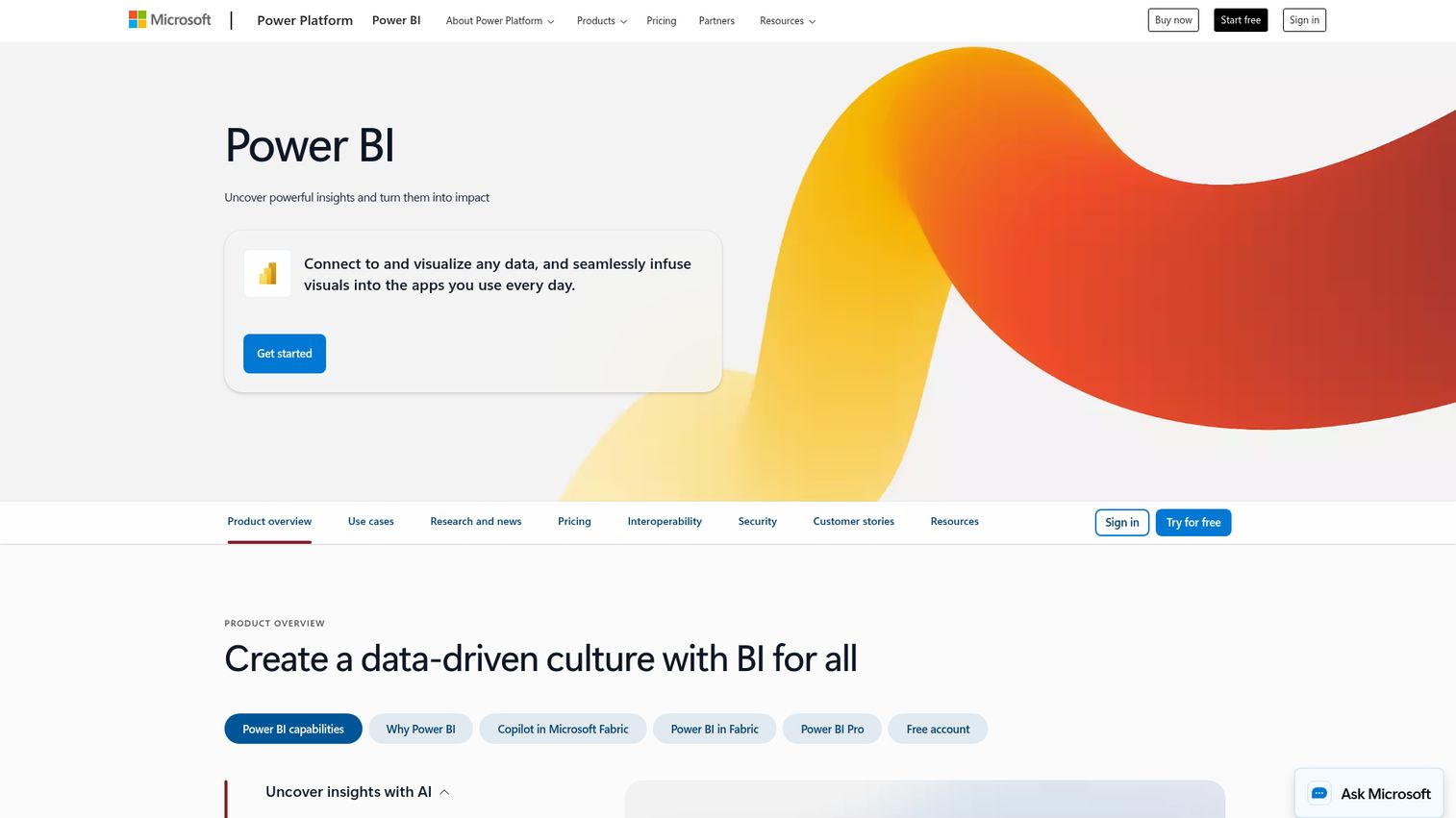
Microsoft's flagship business intelligence reporting tool, deeply integrated with the Microsoft 365 and Azure ecosystem, and the most widely adopted BI platform by market share.
Power BI's strength is its cost-to-capability ratio. For organizations already running Microsoft 365, it's the lowest-friction path to self-service analytics. Copilot AI integration in 2026 adds natural language report generation and automated insight surfacing directly inside the tools your team already uses.
Best for: Mid-market to enterprise teams in the Microsoft ecosystem wanting governed self-service BI at low per-user cost.
Key strengths
- Copilot AI for natural language report building
- DirectQuery and dataflows for flexible data modeling
- Deep Microsoft 365 and Azure integration
- Massive community with thousands of free templates
- Power BI Embedded for customer-facing analytics
Pricing: Free (Desktop), Pro ~$10/user/month, Premium ~$20/user/month or capacity-based. Often bundled with Microsoft 365 E5.
Power BI's documented case studies consistently show 40–60% cost reductions versus legacy BI tools. The trade-off: visualization customization is less flexible than Tableau, and performance can lag with very large datasets outside Azure. Desktop-centric authoring also means the web experience feels secondary.
2. Tableau (Salesforce)
The benchmark for data visualization tools - Tableau remains the platform data teams reach for when visual storytelling and exploratory analysis matter most.
Tableau Pulse, its AI-driven insights layer, has matured in 2026 to surface anomalies and trends proactively. Combined with Prep Builder for data preparation and Ask Data for natural language queries, it's a comprehensive analytics environment. The Salesforce acquisition adds deep CRM integration but has introduced licensing complexity.
Best for: Data teams prioritizing visual exploration and cross-platform data visualization across diverse data sources.
Key strengths
- Best-in-class interactive data visualization
- Tableau Pulse AI for proactive insight surfacing
- Massive user community and public gallery
- Strong Salesforce CRM integration
- Extensive connector library across hundreds of sources
Pricing: Viewer ~$15/user/month, Explorer ~$42/user/month, Creator ~$75/user/month. Salesforce bundling options available.
Tableau's published customer stories regularly cite 30–50% reductions in time-to-insight. The honest trade-off: it's expensive at scale, the learning curve for advanced features is steep, and Salesforce licensing bundles can be confusing to navigate.
3. Looker (Google Cloud)
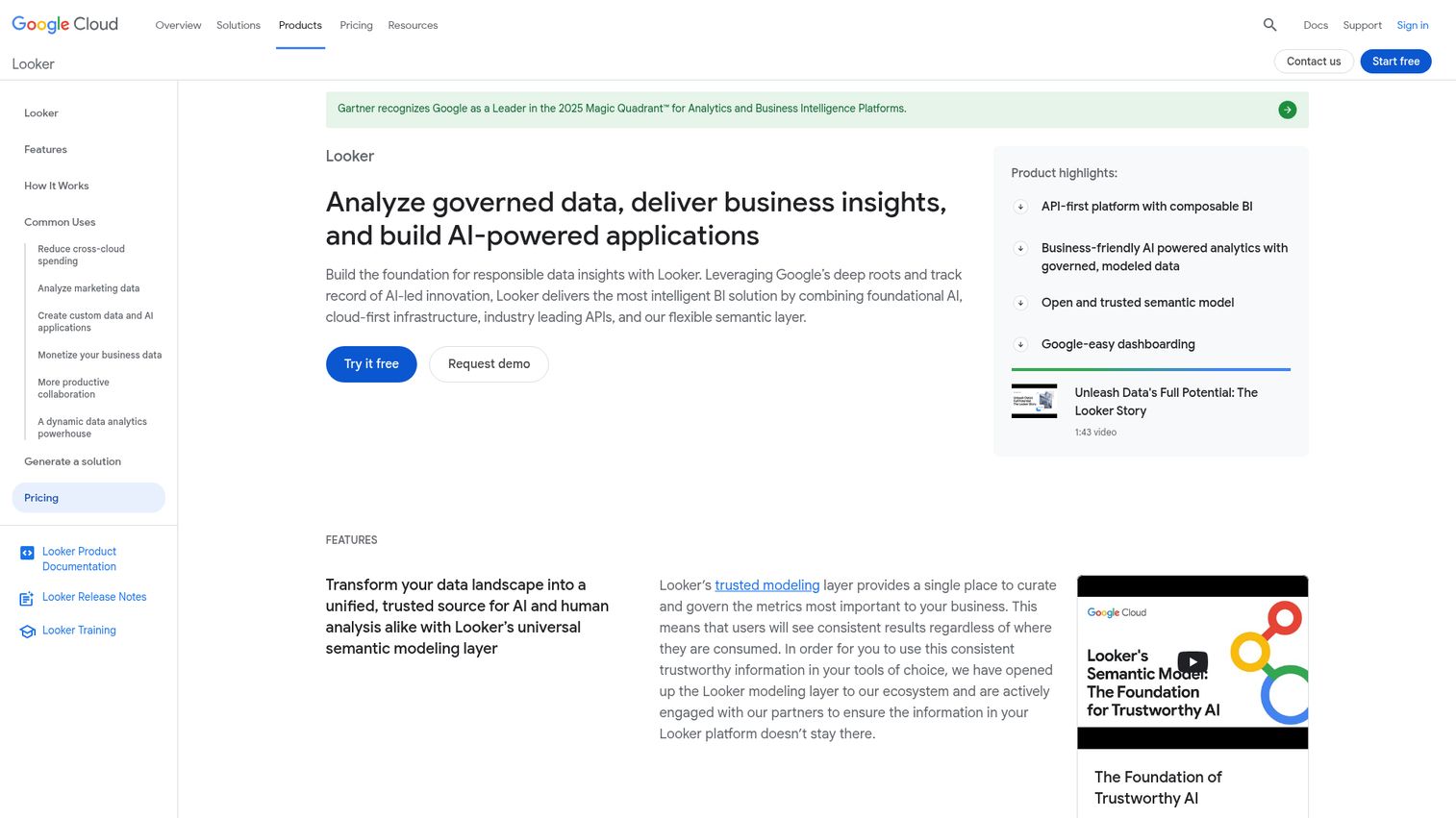
Google Cloud's analytics platform built on the LookML semantic modeling layer - the strongest option for data-governed, code-first analytics in a Google Cloud environment.
Looker's defining advantage is its semantic layer. LookML creates a single source of truth for metrics, which means every dashboard and report references the same definitions. Gemini AI integration in 2026 adds natural language exploration on top of that governed foundation. Looker Studio (free) covers lighter reporting needs.
Best for: Data-engineering-led teams on Google Cloud needing governed analytics with strong embedded capabilities.
Key strengths
- LookML semantic layer ensures metric consistency
- Native BigQuery integration for warehouse-speed queries
- Embedded analytics SDK for product teams
- Gemini AI for natural language data exploration
- Looker Studio offers a free entry point
Pricing: Custom/quote-based, typically starting ~$5,000/month for small deployments. Looker Studio is free.
Google Cloud customer case studies highlight significant improvements in data consistency and governance. The downside: LookML requires developer expertise, making Looker less accessible for business users than Power BI or Tableau. It's also expensive for small teams.
4. Qlik Sense
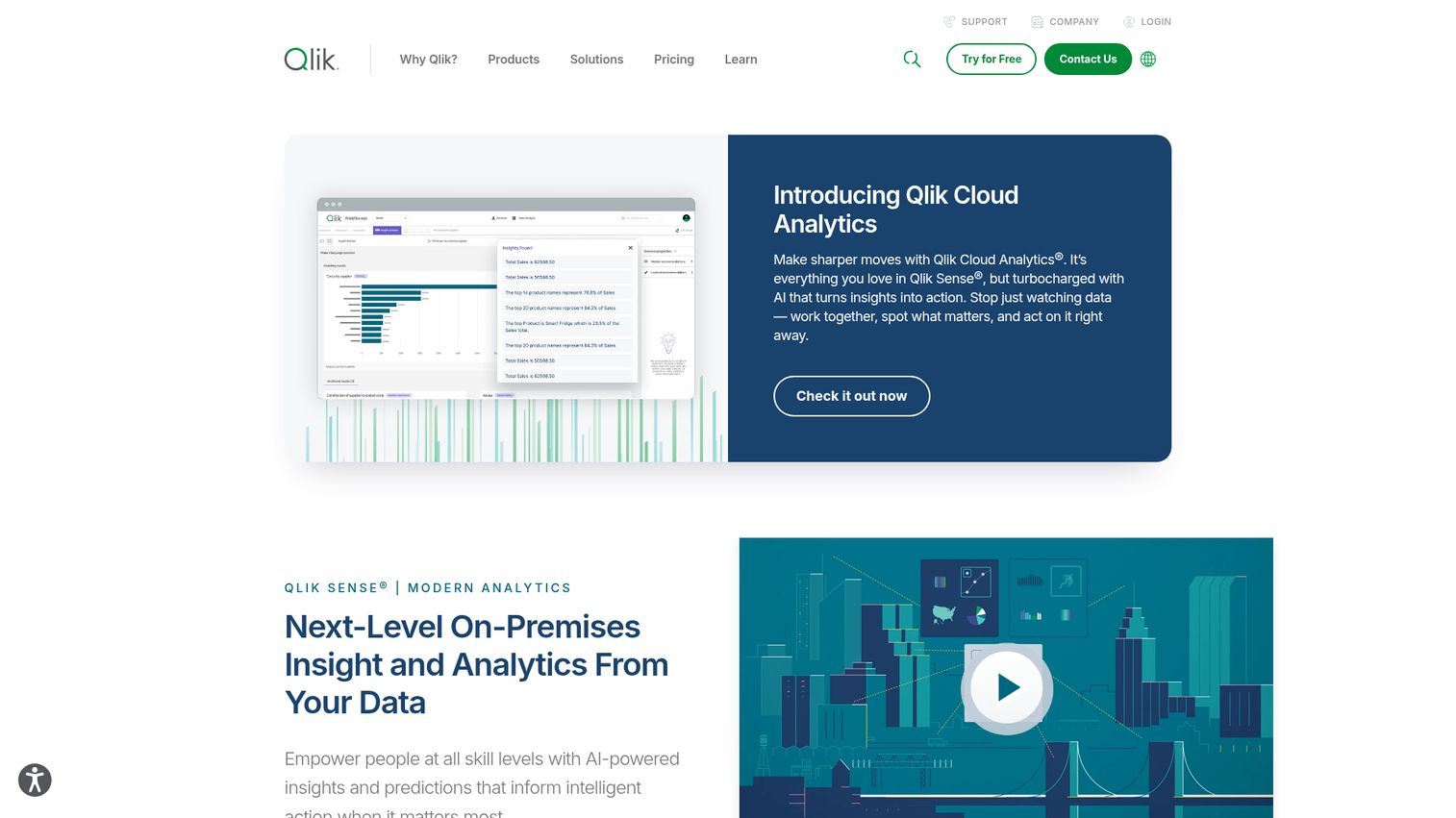
Qlik Sense's associative analytics engine lets users explore data freely without predefined queries - a fundamentally different approach from the SQL-based models most platforms use.
This associative model is Qlik's differentiator. Instead of following a set path through your data, users can click any data point and instantly see what's related. Combined with Qlik AutoML and Insight Advisor (AI-driven recommendations), it's a strong augmented analytics platform for organizations with complex data environments.
Best for: Enterprises wanting augmented, AI-driven analytics with flexible, non-linear data exploration.
Key strengths
- Unique associative engine for free-form data discovery
- Qlik AutoML for no-code machine learning
- Insight Advisor AI for automated analysis suggestions
- Hybrid cloud deployment flexibility
- Robust data integration via Qlik Data Integration
Pricing: Standard ~$20/user/month, Premium pricing varies. Enterprise agreements available.
Forrester TEI reports for Qlik document strong ROI through faster insight discovery. The trade-offs: the UI feels dated compared to Tableau, the learning curve is steeper than Power BI, and the community is smaller than either competitor.
5. Databricks Data Intelligence Platform
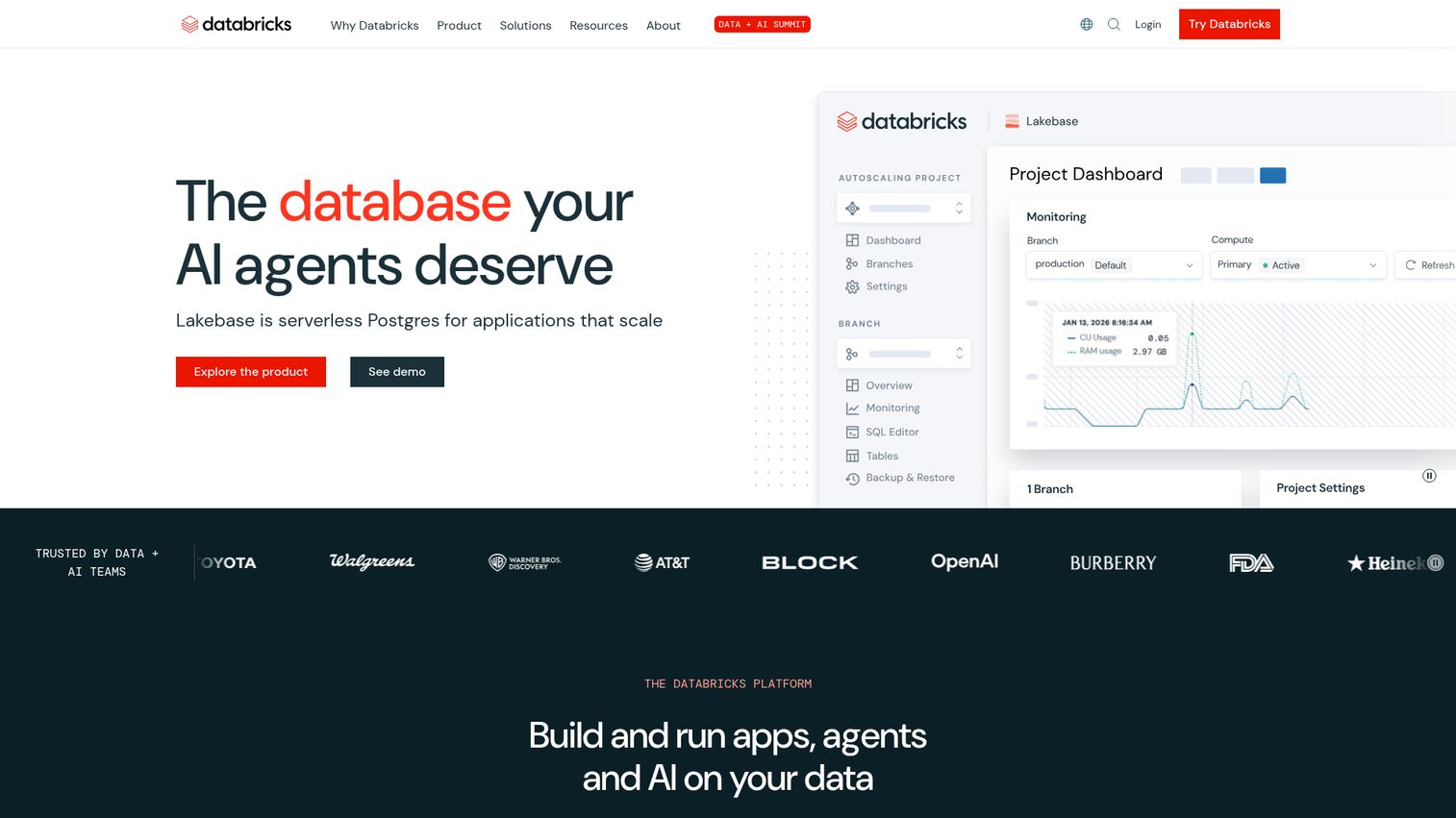
A unified data lakehouse platform that combines data engineering, data science, and analytics - increasingly positioned as a cloud analytics platform with Databricks SQL and AI/BI dashboards.
Databricks isn't a traditional BI tool. It's a platform for data-mature organizations that want to run advanced analytics, ML workloads, and business intelligence on a single architecture. Unity Catalog provides governance, Delta Lake handles storage, and AI/BI Dashboards (Genie) bring natural language querying to the lakehouse.
Best for: Data-mature organizations consolidating data warehouse and analytics on a single lakehouse platform with strong AI/ML needs.
Key strengths
- Unified lakehouse eliminates separate warehouse plus BI stack
- Unity Catalog for centralized data governance
- Native MLflow integration for production ML
- AI/BI Dashboards with natural language queries
- Open-source foundations reduce vendor lock-in risk
Pricing: Pay-as-you-go based on compute (DBUs). Costs range from hundreds to tens of thousands per month depending on workload.
Organizations report 30–50% infrastructure cost savings by consolidating onto a lakehouse versus maintaining separate big data analytics tools. The honest caveat: Databricks requires significant technical maturity, costs can be unpredictable, and its dashboard capabilities are still maturing compared to dedicated BI tools.
6. Amplitude
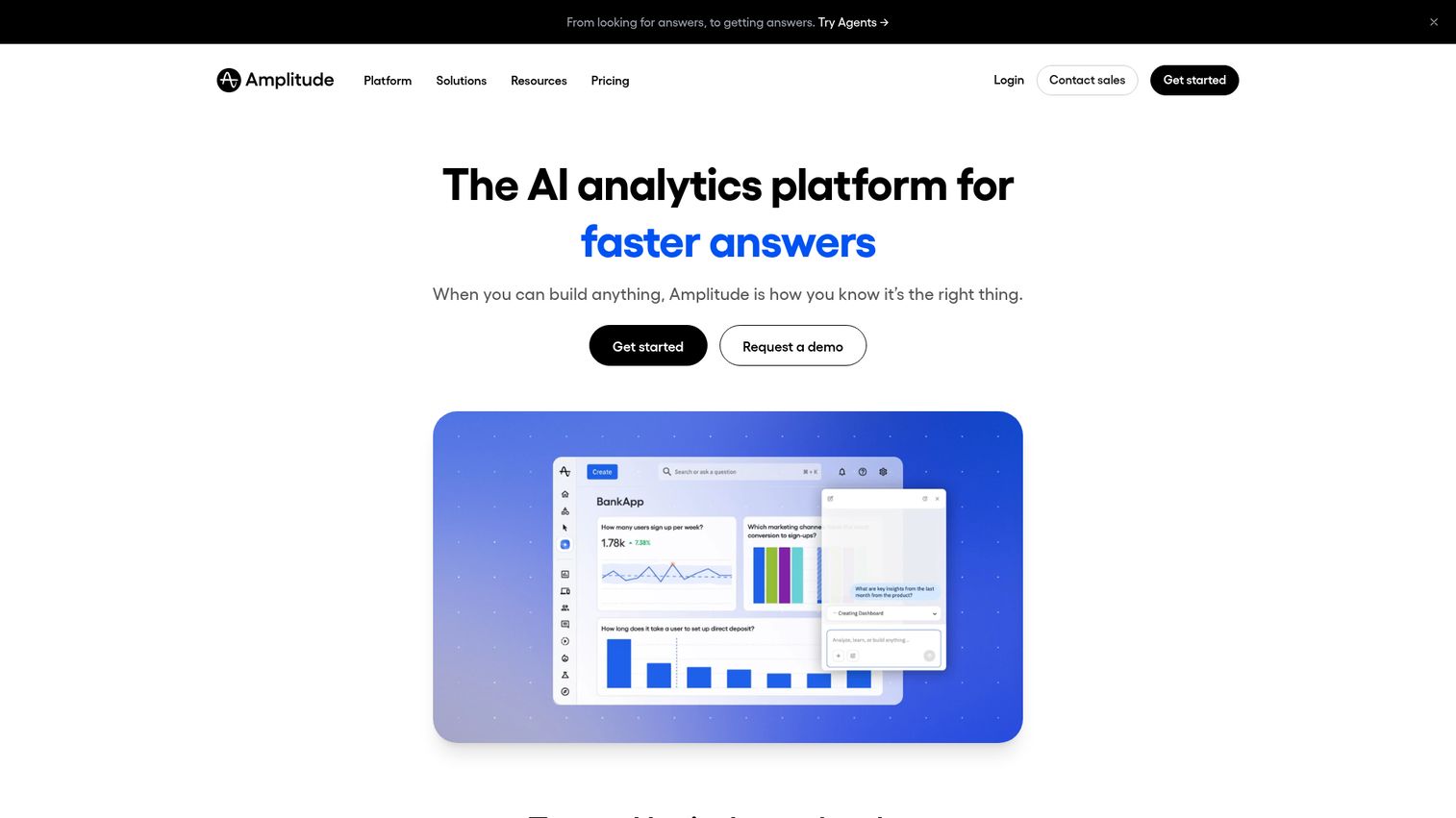
The leading digital product analytics platform, purpose-built for understanding user behavior across web and mobile products with AI-driven customer analytics software capabilities. You can explore how it works through the Amplitude interactive demo.
Amplitude occupies a different category than general BI tools. It's built for product teams that need to understand funnels, retention, and feature adoption - not for financial reporting or operational dashboards. Its AI insights surface behavioral patterns without requiring analyst intervention, and built-in experimentation lets you A/B test directly.
Best for: Product-led growth companies, SaaS businesses, and mobile app teams focused on user behavior and conversion optimization.
Key strengths
- Best-in-class behavioral and product analytics
- Built-in A/B testing and feature experimentation
- AI-powered insight surfacing reduces analyst dependency
- Session replay for qualitative user understanding
- Generous free tier with up to 50K tracked users
Pricing: Free Starter plan (up to 50K tracked users). Growth and Enterprise tiers are custom, typically starting mid-four-figures per month.
Amplitude's published case studies document conversion rate improvements of 10–25% through experiment-driven optimization. The limitation: it's not a general-purpose BI tool. If you need financial reporting or operational analytics, you'll need a separate platform alongside it.
7. ThoughtSpot
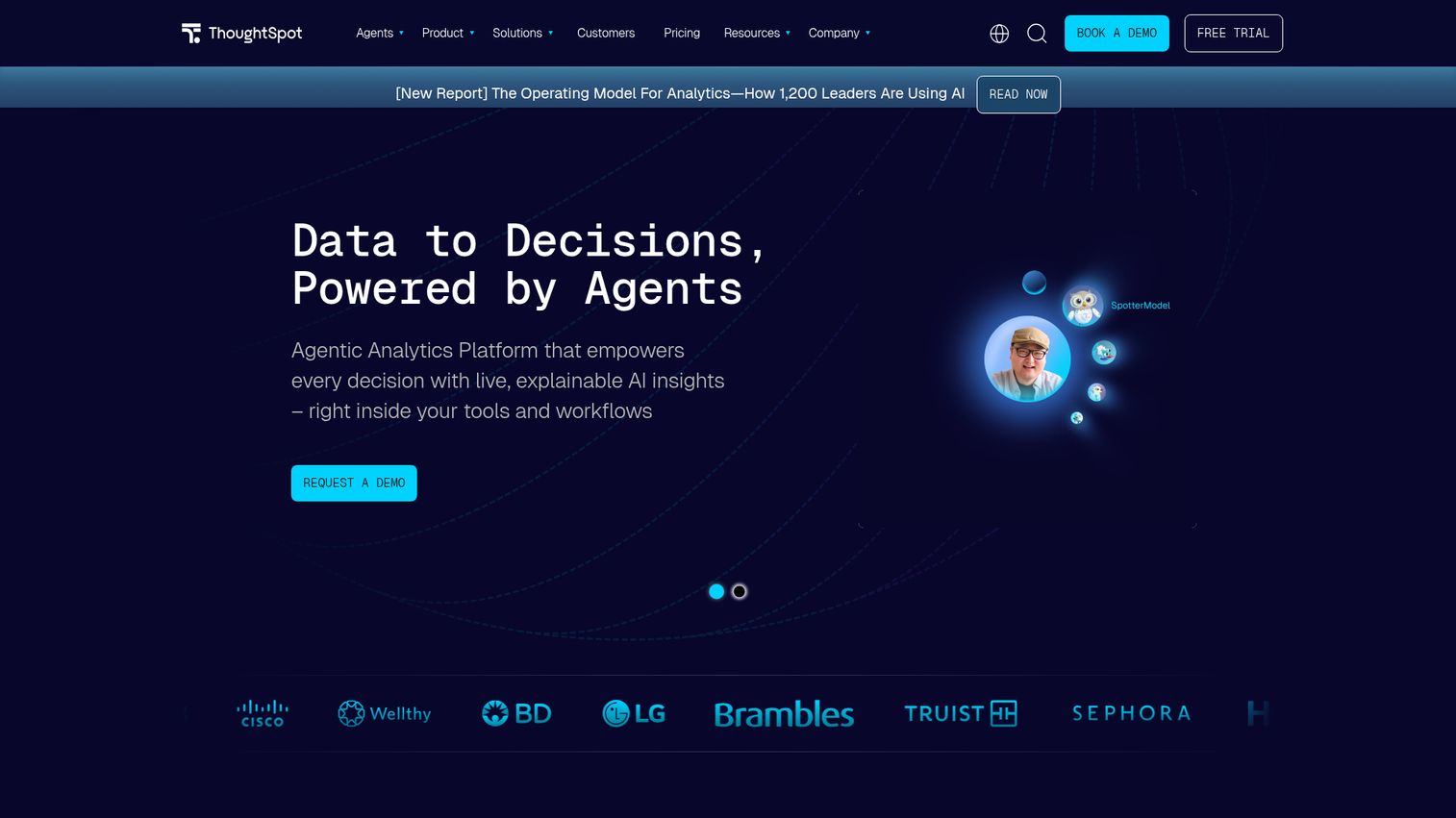
An AI-native analytics platform that pioneered natural language search for data - often described as "Google for your data warehouse."
ThoughtSpot Sage, its GPT-powered interface, lets business users ask questions in plain English and get instant visualizations. No SQL. No dashboard building. This approach tends to produce 2–3x higher end-user adoption compared to traditional BI tools because it removes the technical barrier entirely.
Best for: Organizations wanting to democratize data access for non-technical users through AI-first natural language analytics.
Key strengths
- Natural language search returns instant visualizations
- ThoughtSpot Sage GPT-powered conversational analytics
- SpotIQ AI engine surfaces automated insights
- Strong embedded analytics for product integration
- Cloud-native with no infrastructure to manage
Pricing: Custom pricing, typically starting ~$2,500/month for small deployments. Free trial available.
ThoughtSpot's self-service adoption metrics are among the highest in the category. The trade-off: it's less suited for complex, pixel-perfect report building, the price point is significant, and it requires a clean underlying data model to deliver accurate results.
8. Domo
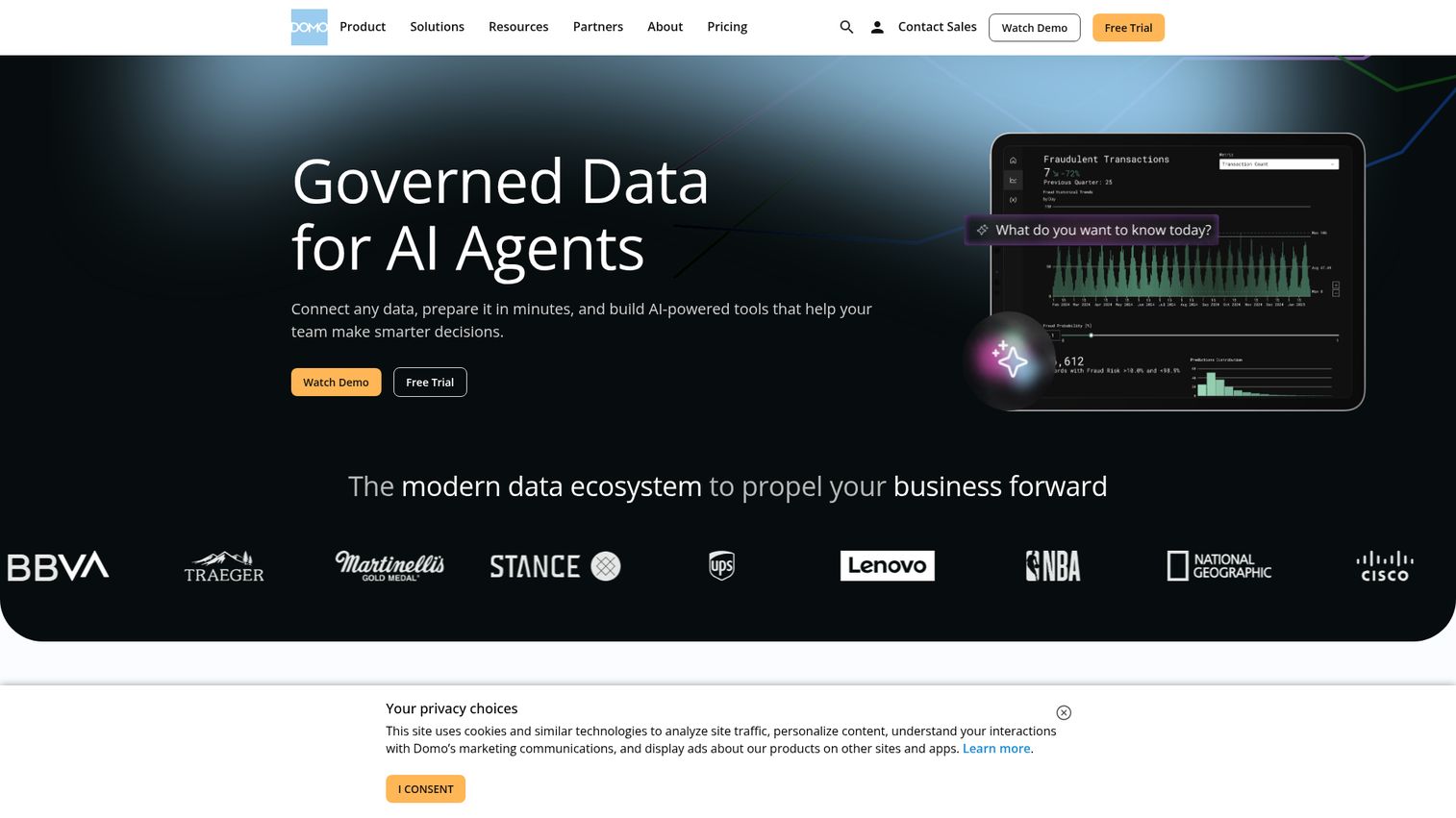
A cloud-native BI platform designed for real-time business management, with over 1,000 pre-built connectors and strong app-building capabilities.
Domo's strength is its all-in-one approach. Data integration, ETL, visualization, collaboration, and even custom app building live in a single environment. Magic ETL handles data preparation without code, and Buzz provides Slack-like collaboration directly alongside dashboards. For marketing and operations teams that need real-time data without pinging someone on Slack, it works particularly well.
Best for: Mid-market companies wanting an all-in-one analytics platform with real-time dashboards and strong data integration.
Key strengths
- Over 1,000 pre-built data connectors
- Magic ETL for no-code data preparation
- Real-time data pipelines and streaming dashboards
- Domo Appstore for custom business applications
- Strong mobile analytics experience
Pricing: Custom/quote-based, historically starting ~$83/user/month for standard. Free developer tier available.
Domo customer stories emphasize speed - teams report moving from data source to live dashboard in hours, not weeks. The downside: per-user pricing is expensive, advanced analytics and data science capabilities are limited compared to Databricks or Qlik, and the community is smaller.
9. Sisense
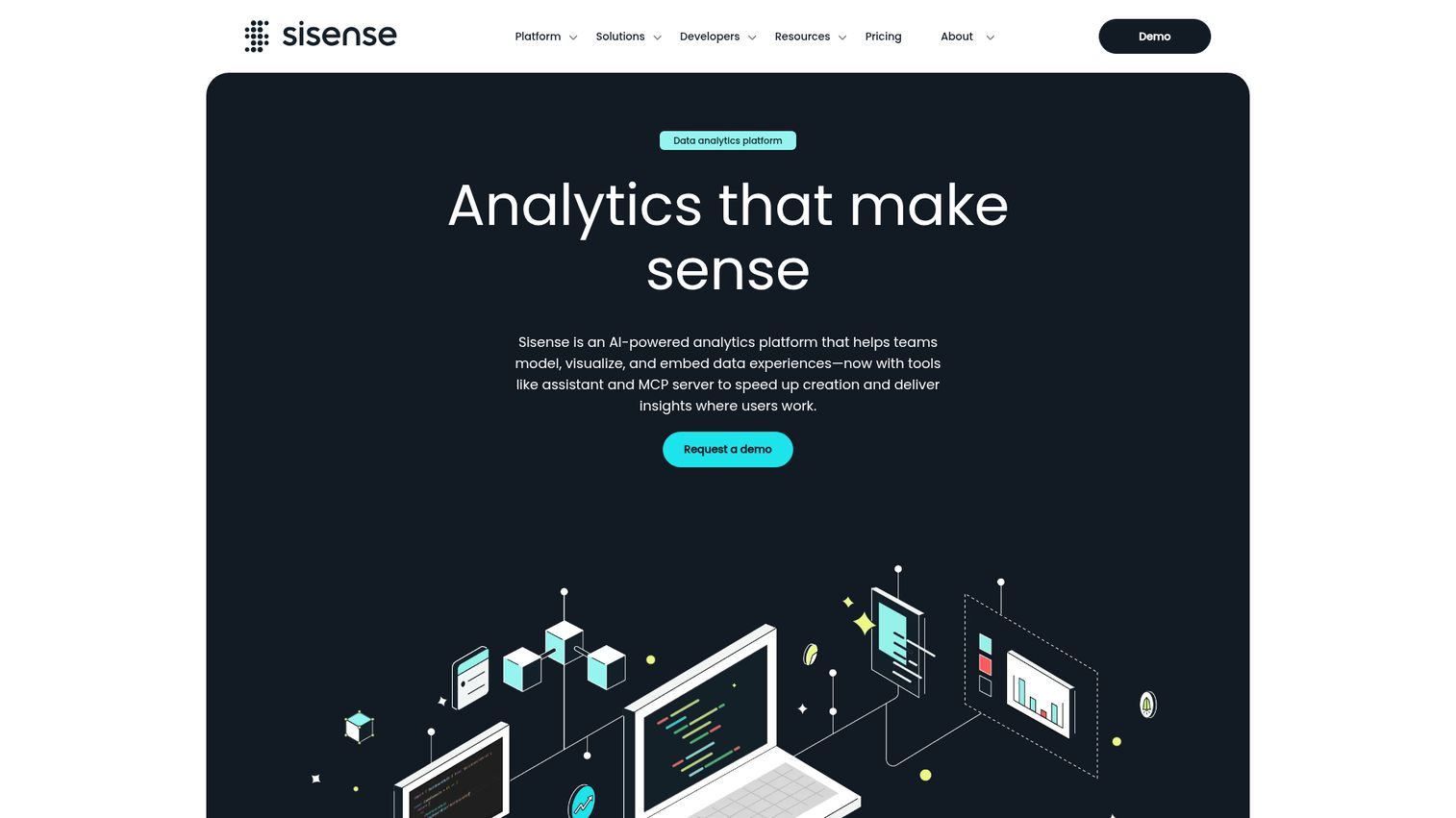
An embedded analytics and BI platform known for its API-first architecture - now branded as Sisense Fusion Analytics with AI-driven capabilities.
Sisense's core audience is SaaS companies that want to embed analytics directly into their own products. Its SDK and extensive REST API make it the most developer-friendly option on this list. ElastiCube, its in-memory data store, handles large datasets efficiently, and Fusion Analytics adds AI-driven insights on top.
Best for: SaaS companies embedding analytics into their products and technical teams wanting API-first, developer-friendly analytics.
Key strengths
- Best-in-class embedded analytics SDK and API
- ElastiCube in-memory engine handles large datasets
- Fusion Analytics AI for automated insight generation
- Linux-based deployment for flexible infrastructure
- Developer-friendly with extensive REST API documentation
Pricing: Custom/quote-based, typically mid-market pricing.
SaaS companies using Sisense for embedded analytics report that it becomes a revenue driver - customers pay more for analytics-enabled products. The honest caveats: the UI is less polished than Tableau or Power BI, market presence is smaller, and recent ownership changes have introduced some uncertainty about the product roadmap.
10. Amazon QuickSight
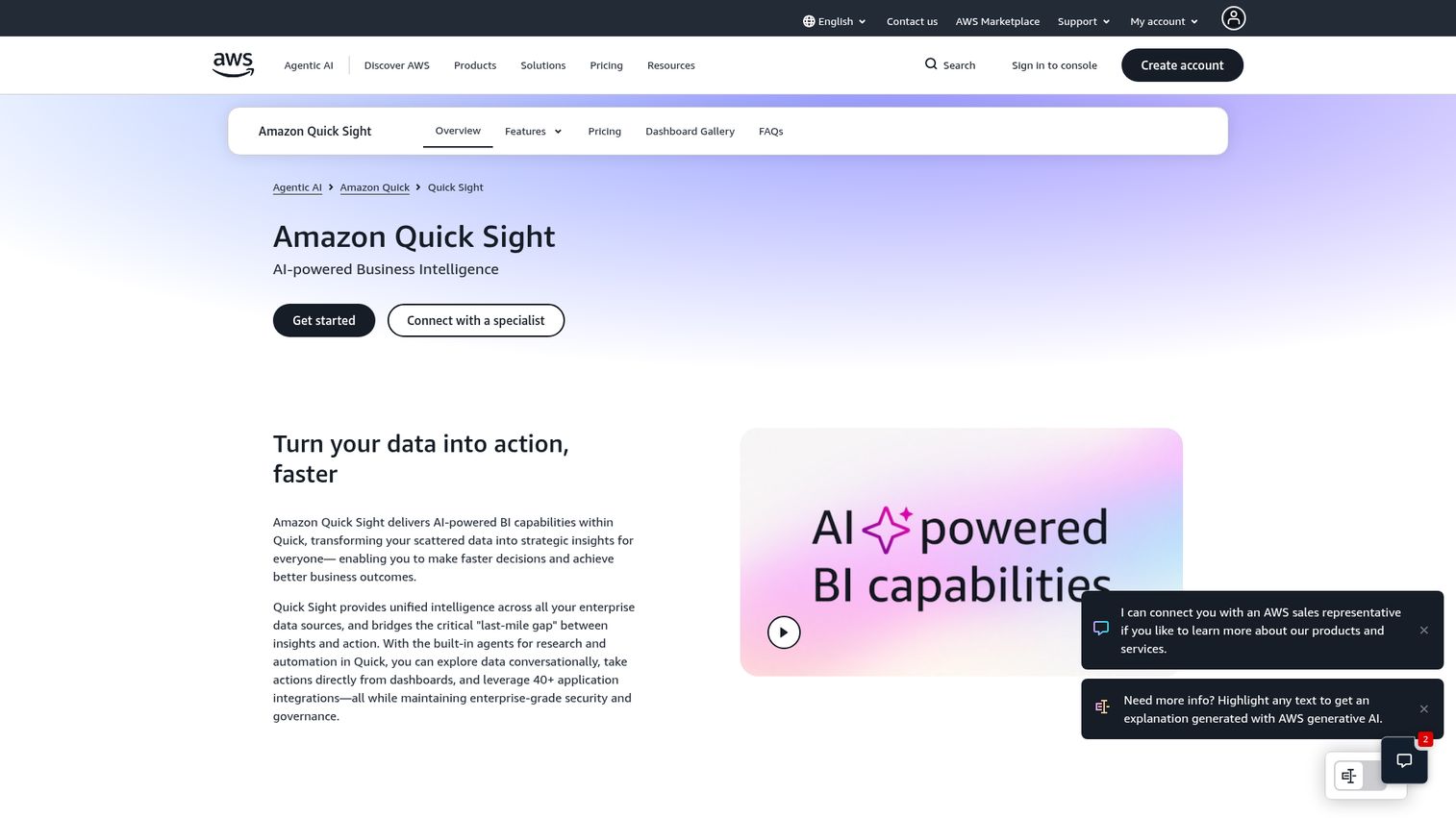
AWS's serverless BI service with a pay-per-session pricing model that makes it one of the most cost-effective cloud analytics platforms at scale.
QuickSight's pricing model is its defining feature. Instead of paying per seat regardless of usage, readers pay $0.30 per session (capped at $5/month). For organizations with hundreds of occasional dashboard viewers, this can reduce BI costs by 60–80% compared to per-seat licensing. SPICE, its in-memory engine, handles fast queries, and QuickSight Q adds natural language capabilities.
Best for: AWS-native organizations wanting cost-effective BI with variable usage patterns and tight AWS ecosystem integration.
Key strengths
- Pay-per-session pricing dramatically reduces costs at scale
- Serverless architecture with zero infrastructure management
- SPICE in-memory engine for fast query performance
- QuickSight Q for natural language queries
- Deep integration with AWS data services
Pricing: Author: $24/month. Reader: $0.30/session (max $5/month). One of the most cost-effective options at scale.
AWS customer stories consistently highlight 50–70% cost savings from the pay-per-session model versus traditional per-seat licensing. The limitations: visualization sophistication falls behind Tableau, it's significantly weaker outside the AWS ecosystem, and third-party connectors are fewer than competitors.
11. Zoho Analytics
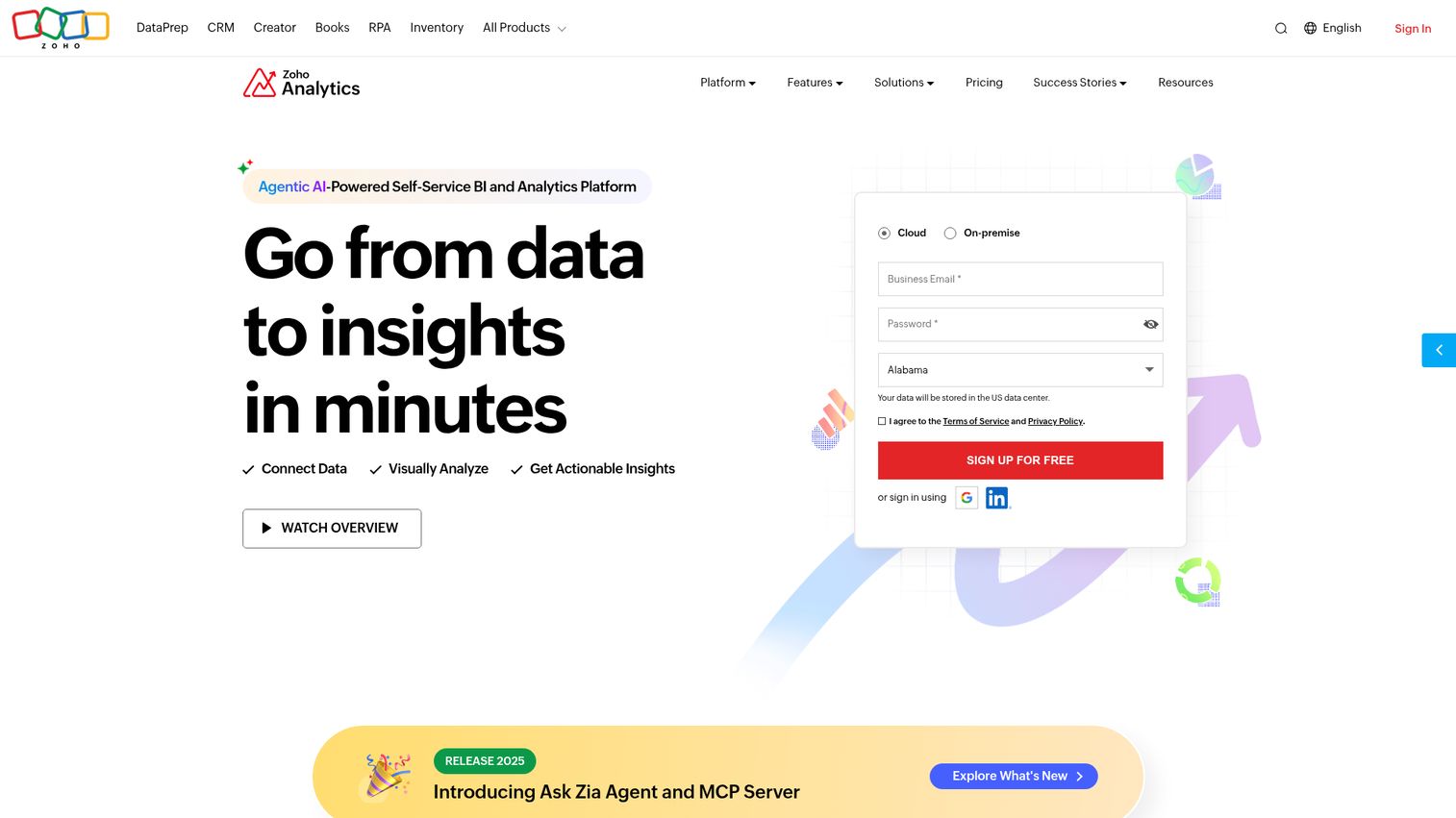
An affordable, self-service BI and data analytics platform from Zoho's business suite - the strongest option for small-to-mid-sized businesses watching their budget. You can try the Zoho interactive demo to see the interface firsthand.
Zoho Analytics won't compete with Tableau on visualization depth or Databricks on advanced ML. That's not its game. It delivers solid BI capabilities - dashboards, reports, 500+ connectors, white-label embedding - at a price point that makes enterprise tools look unreasonable. The Zia AI assistant adds natural language querying and automated insights.
Best for: Small-to-mid-sized businesses, Zoho CRM/suite users, and budget-conscious teams needing solid BI without enterprise pricing.
Key strengths
- Extremely affordable per-user pricing
- Zia AI assistant for natural language queries
- 500+ data connectors across popular services
- White-label embedded analytics for client-facing reports
- Deep integration with Zoho CRM and business suite
Pricing: Basic: $24/month (2 users), Standard: $48/month (5 users), Premium: $115/month (15 users), Enterprise: $455/month (50 users).
The cost-per-user advantage is Zoho's ROI story. A 15-person team pays $115/month - less than two Tableau Creator licenses. The trade-offs: it's less powerful for enterprise-scale analytics, visualization options are less sophisticated, and AI features are less mature than ThoughtSpot or Power BI Copilot.
12. IBM Cognos Analytics
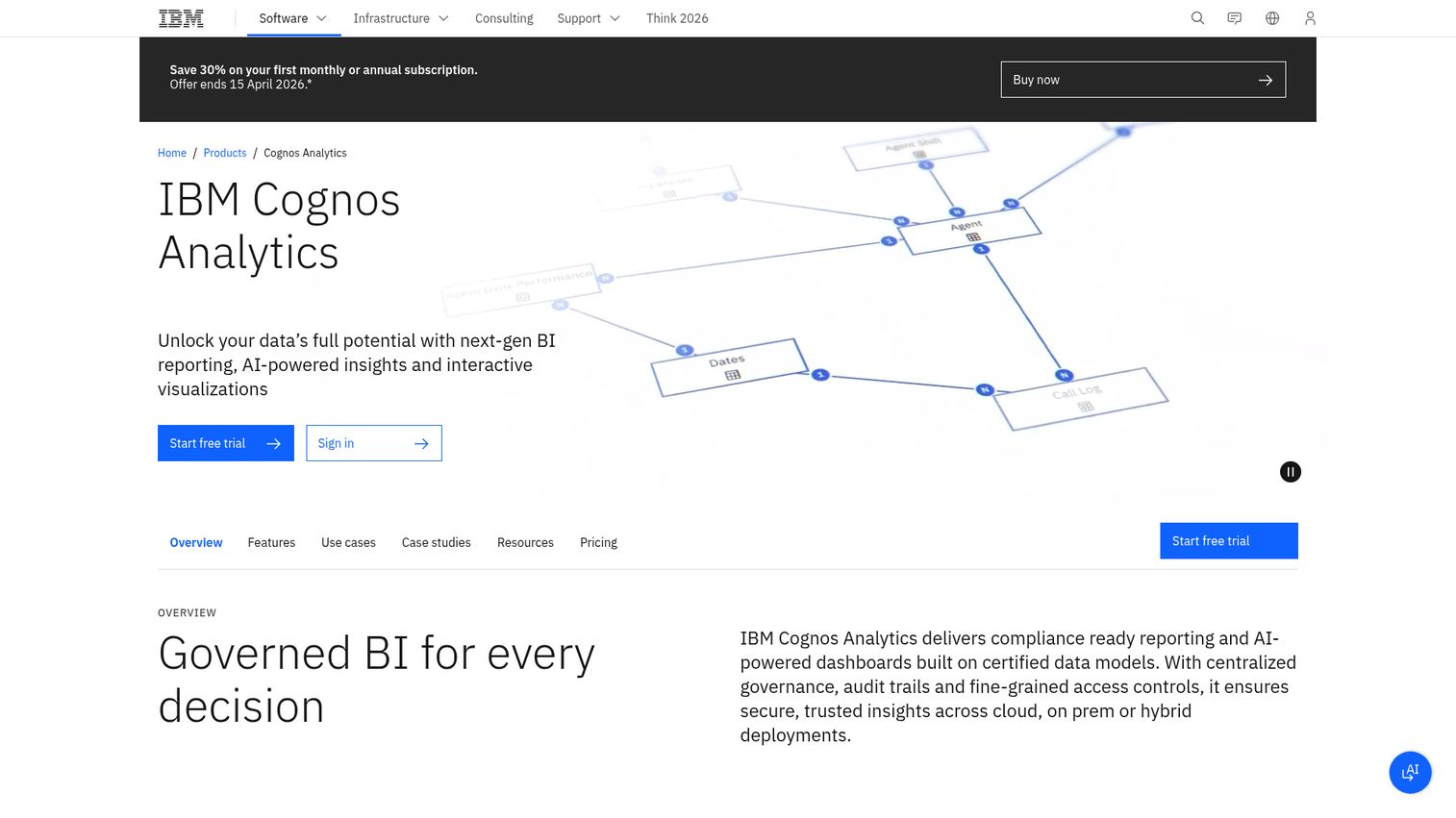
An enterprise-grade BI platform with AI-powered automation, complex reporting capabilities, and strong governance - a long-standing presence in enterprise analytics platforms.
Cognos is built for organizations where compliance, governance, and complex report building are non-negotiable. Its AI-assisted data preparation automates pattern detection, and natural language queries make it more accessible than its reputation suggests. On-premises and cloud deployment options give regulated industries the flexibility they need.
Best for: Large enterprises in regulated industries needing complex reporting, strong governance, and flexible deployment options.
Key strengths
- Robust enterprise reporting with pixel-perfect control
- Strong governance, compliance, and audit trail features
- AI-assisted data preparation and pattern detection
- Flexible on-premises, cloud, or hybrid deployment
- Natural language query capabilities
Pricing: Starts at ~$10/user/month (Standard on cloud). Enterprise pricing is custom.
IBM's enterprise customer case studies highlight 25–40% improvements in reporting efficiency and compliance audit preparation time. The honest trade-offs: the UI feels dated compared to modern tools, the learning curve is steep, and the innovation cycle is slower than cloud-native competitors.
13. Oracle Analytics Cloud
Oracle's cloud-native analytics platform combining BI, augmented analytics, and data management within the Oracle Cloud ecosystem.
If your organization runs Oracle ERP, Oracle Database, or Oracle Autonomous Database, this platform eliminates the integration friction that plagues cross-vendor setups. Augmented analytics and built-in ML models add predictive capabilities, and the platform handles financial analytics particularly well.
Best for: Oracle ERP and database customers wanting unified analytics within the Oracle stack, especially finance and operations teams.
Key strengths
- Native Oracle ecosystem integration eliminates data silos
- Augmented analytics with built-in ML models
- Strong financial and operational analytics capabilities
- Mobile analytics with offline access
- Natural language processing for data exploration
Pricing: Starts at ~$16/user/month (Professional). Enterprise pricing varies significantly.
Oracle's published TCO comparisons show 20–35% savings for Oracle-stack organizations versus bolting on third-party BI. The trade-offs are clear: vendor lock-in risk is real, the platform is less intuitive than Tableau or Power BI, and it holds limited appeal for organizations outside the Oracle ecosystem.
14. SAP Analytics Cloud
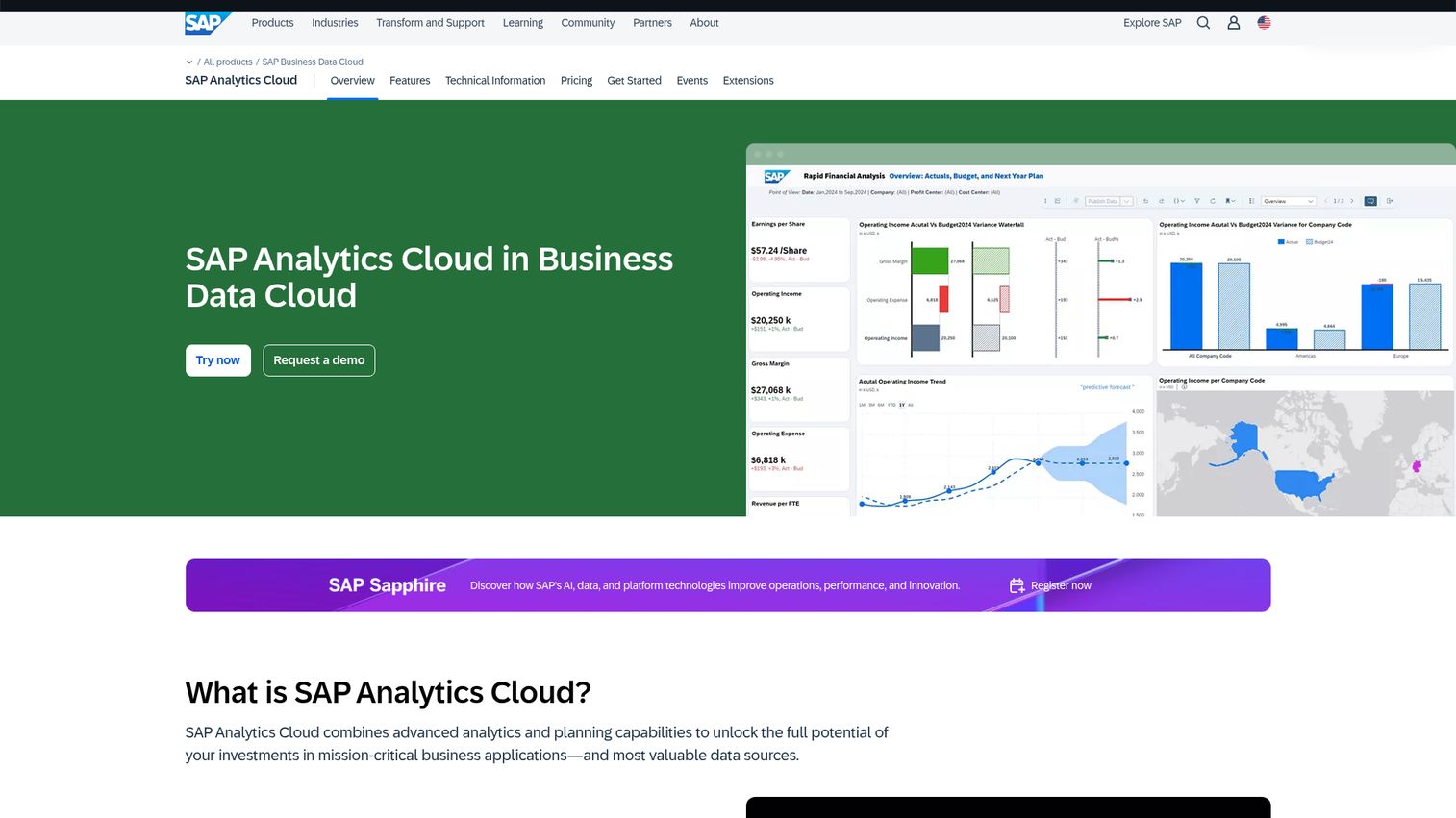
SAP's unified analytics platform combining BI, enterprise planning, and predictive analytics - the only platform on this list that natively merges analytics with financial planning. Explore the interface with the SAP Cloud Analytics interactive demo.
SAP Analytics Cloud's unique value is that BI and planning live in one tool. You can build a dashboard, run a forecast, and adjust a plan without switching platforms. Smart Predict adds ML-driven predictions, and the Joule AI assistant handles natural language interactions. For SAP ERP and S/4HANA customers, the connectivity is unmatched.
Best for: SAP ERP/S4HANA customers needing integrated BI and enterprise planning, especially in manufacturing, supply chain, and finance.
Key strengths
- Unified BI plus enterprise planning in one platform
- Smart Predict for ML-driven forecasting
- Joule AI assistant for natural language interaction
- Deep SAP BW and HANA connectivity
- Story-based collaborative dashboards
Pricing: BI tier starts ~$36/user/month. Planning tier is higher. Enterprise agreements vary.
SAP customer stories document 30–40% reductions in tool sprawl by consolidating BI and planning. The trade-offs: it's expensive, heavily dependent on the SAP ecosystem, and the UI is less modern than competitors. Outside of SAP shops, there are better options.
15. Sigma Computing
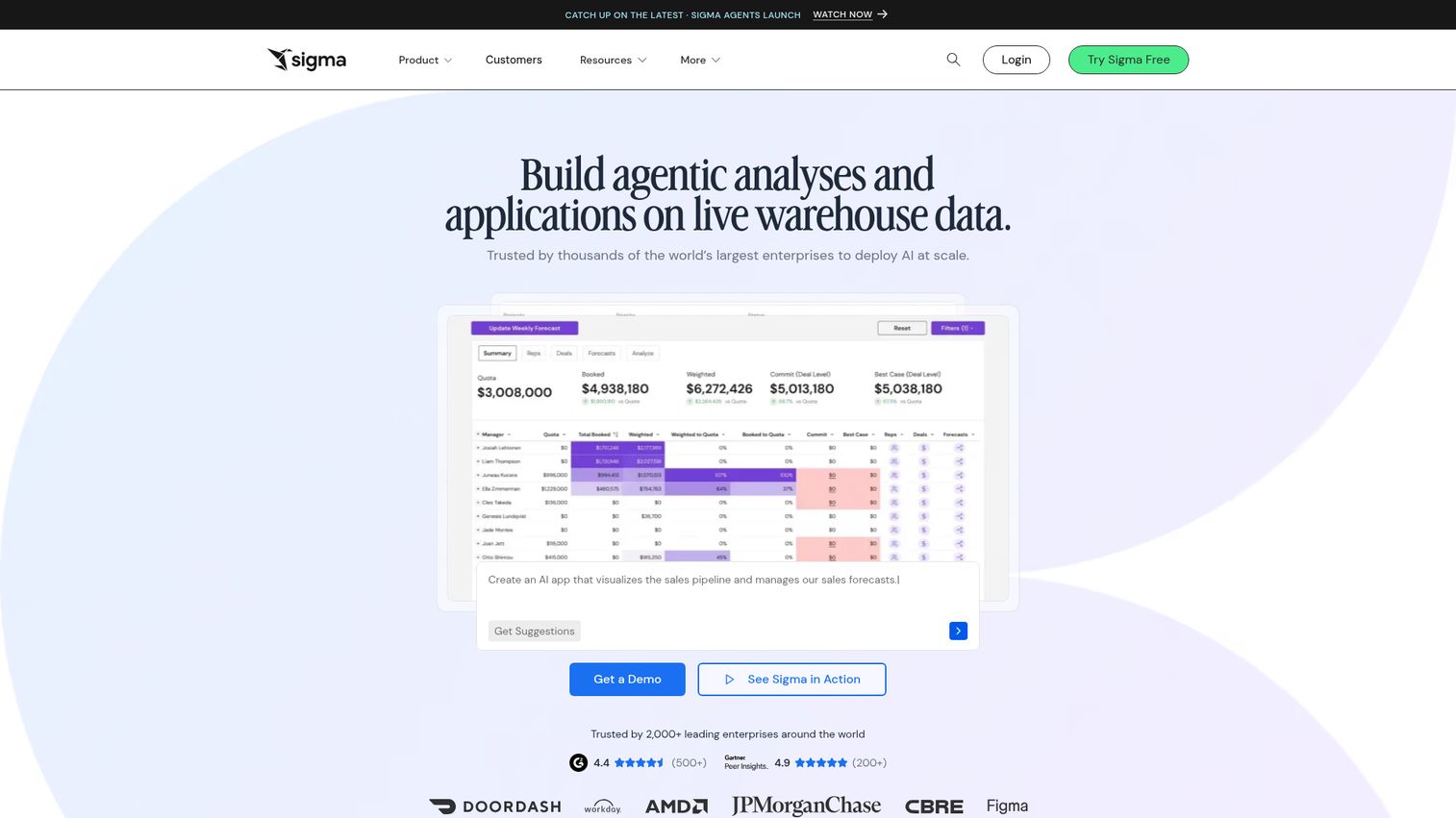
A cloud-native analytics platform that puts a familiar spreadsheet interface on top of your live cloud data warehouse - no extracts, no data movement, no SQL required.
Sigma's insight is simple: most business users already know spreadsheets. Instead of forcing them to learn a new tool, Sigma gives them a spreadsheet-like interface that queries Snowflake, BigQuery, or Databricks directly. No data extracts means results are always current. Teams report becoming productive in days, not weeks.
Best for: Finance and operations analysts wanting spreadsheet familiarity with live warehouse power, especially Snowflake-centric organizations.
Key strengths
- Spreadsheet UI with zero learning curve for Excel users
- Live queries against cloud warehouse with no extracts
- Collaborative workbooks with version control
- Embedded analytics for product integration
- No-code and low-code data exploration
Pricing: Custom pricing, typically mid-market range.
Sigma's adoption speed is its ROI story - teams are productive in 2–5 days versus 4–8 weeks for traditional BI tools. The trade-offs: it's a younger platform with a smaller community, advanced visualization options are fewer than Tableau, and it requires a cloud data warehouse to function.
How to choose the right analytics platform for your team
The comparison table narrows the field. This framework narrows it further.
Start with your data stack
Ecosystem alignment reduces integration costs by 30–50% based on published vendor case studies. The math is straightforward.
If you're on AWS, start with QuickSight or Databricks. Azure shops should default to Power BI. Google Cloud organizations should evaluate Looker first. SAP and Oracle customers will get the most value from their native enterprise analytics platforms. Fighting your ecosystem is expensive and slow.
Match the platform to your team's technical maturity
Non-technical teams tend to thrive with Power BI, Domo, Zoho Analytics, or ThoughtSpot. These analytical tools prioritize self-service and low learning curves.
Technical and data-engineering-led teams often prefer Looker, Databricks, or Sigma. These platforms reward SQL skills and data modeling expertise. Mixed teams - some technical, some business - tend to do well with Tableau or Qlik Sense, which offer depth for analysts and accessibility for consumers.
Consider total cost of ownership, not just license price
A $10/user tool with a six-month implementation can cost more than a $40/user tool deployed in two weeks. Hidden costs include implementation consulting, team training, data preparation, and ongoing maintenance.
QuickSight's pay-per-session model often wins on TCO for large organizations with variable usage. Zoho wins for small teams on raw license cost. Power BI wins when bundled with existing Microsoft 365 E5 agreements.
Evaluate AI capabilities for 2026 and beyond
AI in analytics tools for businesses is no longer optional. But the approaches differ significantly.
Copilot (Power BI) generates reports from natural language prompts. Tableau Pulse proactively surfaces anomalies. ThoughtSpot Sage lets users ask questions conversationally. Qlik AutoML builds no-code ML models. Test these AI features hands-on - marketing claims and actual output quality are often different things. According to Atlan (2025), 82% of organizations already use data quality metrics like completeness and accuracy, which means your AI features are only as good as the data feeding them.
Plan for adoption, not just deployment
The best analytics platform is the one your team actually uses. This isn't a platitude - it's the single biggest ROI driver.
Platforms with intuitive UIs (Power BI, Sigma, ThoughtSpot) tend to see 2–3x higher adoption rates than complex data analyst tools. Before you commit, run a pilot with real users - not just the data team. If business stakeholders can't build their own reports within a week, adoption will stall. One proven way to accelerate adoption is to give users hands-on experience before deployment — interactive product demos let stakeholders explore the tool in a guided, risk-free environment.
Key trends shaping analytics platforms in 2026
Five shifts are reshaping how data analytics software gets built and bought.
AI-native analytics - Platforms are embedding generative AI for natural language querying, automated insights, and predictive modeling as core features, not bolt-on add-ons. This is why ThoughtSpot and Power BI Copilot are gaining ground.
Composable analytics - The shift toward modular, best-of-breed stacks (semantic layers, headless BI) is challenging monolithic platforms. Looker's LookML and Databricks' Unity Catalog reflect this trend.
Real-time analytics - Growing demand for streaming data processing means cloud analytics platforms like Domo and Databricks are investing heavily in real-time pipelines. Most BI-focused tools still operate on near-real-time with live connections.
Data governance as a core feature - Governance is moving from afterthought to selling point. Unity Catalog, LookML, and Power BI lineage features reflect a market where 82% of organizations now track data quality metrics (Atlan, 2025).
Embedded analytics growth - More companies are embedding analytics directly into their products and workflows. Sisense, Sigma, and Looker are the primary beneficiaries of this trend.
Choosing an analytics platform that delivers real ROI
The best analytics platforms in 2026 aren't the ones with the longest feature lists. They're the ones that fit your ecosystem, match your team's skills, and get adopted past week two. Implementation speed, user adoption, and integration depth drive returns - not checkbox comparisons.
Pick two or three platforms from this list based on your cloud stack, run free trials with real users, and measure time-to-first-insight. Start with Power BI for Microsoft shops, Looker for Google Cloud, or Amplitude for product analytics.
If you're evaluating analytics tools as part of a broader marketing analytics software stack, or looking for sales analytics platforms to complement your BI investment, we've covered those categories in depth as well.
Frequently asked questions about analytics platforms
BI tools are a subset of analytics platforms. A BI tool typically handles reporting, dashboards, and ad hoc queries. An analytics platform encompasses BI plus advanced capabilities like predictive modeling, ML, experimentation, and data integration. The terms are increasingly used interchangeably, but technically, analytics platforms are broader in scope.
Power BI Desktop is free with strong reporting capabilities. Zoho Analytics offers a free tier, Amplitude Starter covers up to 50K tracked users at no cost, and Google's Looker Studio is entirely free for basic reporting. Free tiers typically cap users, data volume, or advanced features - so "free" gets you started but rarely scales without upgrading.
Zoho Analytics offers the most affordable path with plans starting at $24/month for two users. Power BI Pro at ~$10/user/month is strong for Microsoft shops. Amplitude Starter is the pick for product analytics at no cost. For small businesses, prioritize ease of use and low total cost of ownership over feature depth.
Cloud-native tools like Power BI, Domo, or QuickSight can be productive in one to two weeks for basic use cases. Enterprise platforms like SAP Analytics Cloud or IBM Cognos typically take three to six months for full deployment. The key variables are data readiness, team training needs, and integration complexity with existing systems. Creating interactive product tours can significantly reduce training time during rollout.
Focus on data connectivity and integrations, self-service capabilities, AI/ML features, data governance and security, scalability, collaboration tools, and embedded analytics options. These map directly to the six evaluation criteria used in this article. Weight them based on your team's specific needs rather than chasing the longest feature list.
Yes, but capabilities vary significantly. Domo, Databricks, and Qlik Sense have strong real-time and streaming capabilities. Tableau and Power BI handle near-real-time through DirectQuery and live connections but aren't built for true streaming analytics. If real-time data is a core requirement, evaluate this capability specifically during trials.
For 20–100 users, expect $500–$5,000 per month depending on the platform. Power BI Pro costs roughly $200/month for 20 users. Tableau runs about $1,500/month for 20 users. Enterprise platforms like SAP or Oracle can reach $3,000–$10,000+ monthly. Remember that TCO includes implementation, training, and data preparation - not just license fees.
AI in analytics platforms works in three main ways. Natural language querying lets you ask questions in plain English and get visualizations back (ThoughtSpot Sage, Power BI Copilot). Automated insights use ML to surface anomalies and trends you didn't ask about (Tableau Pulse, Qlik Insight Advisor). Predictive analytics build ML models inside the platform to forecast outcomes (Databricks, SAP Smart Predict). Quality varies widely - always test with your own data before buying.