

Marketing analytics software measures, manages, and analyzes marketing performance to maximize effectiveness and ROI. These platforms pull data from your website, social media, email campaigns, and ad platforms into a single view, so you can see exactly which activities drive results and where to allocate budget.
This guide covers 14 marketing analytics tools for 2026, organized by use case, with honest evaluations of each platform's strengths, pricing, and ideal fit.
What's inside
This guide covers 14 marketing analytics software tools for 2026, organized by use case. You'll find a definition of what marketing analytics platforms do, the key features that separate good tools from great ones, and a detailed comparison table. Each tool includes an honest evaluation of its strengths, pricing, and ideal fit. The selection criteria focused on integration capabilities, ease of use, and how well each platform serves different marketing analytics use cases.
TL;DR
- Best for GTM intelligence: HockeyStack
- Best free option: Google Analytics 4
- Best for enterprise: Adobe Analytics
The difference between basic reporting tools and true marketing analytics platforms comes down to one thing: the ability to unify data from multiple sources and connect marketing activities directly to revenue.
What are marketing analytics tools
Marketing analytics tools measure, manage, and analyze marketing performance to maximize effectiveness and ROI. Marketing analytics platforms pull data from your website, social media, email campaigns, and ad platforms into a single view. Instead of guessing which campaigns work, you can see exactly which activities drive results and where to allocate budget.
The five main categories include:
- Web and product analytics: Track user behavior and journey analysis (Amplitude, Mixpanel, GA4)
- Marketing intelligence and attribution: Unify data across the tech stack to track revenue impact
- Data reporting and dashboards: Visual reporting and dashboard creation
- SEO and content analytics: Competitive research and content performance tracking
- Enterprise marketing platforms: Advanced, AI-driven data unification for large organizations
Key features to look for in marketing analytics platforms
Data integration and unification
Connecting with your existing tools (CRM, ad platforms, website) creates a single source of truth and prevents data silos. Native connectors are easier to set up and maintain than custom integrations that require developer resources. Before committing to any platform, check whether it connects to the specific tools your team already uses.
Attribution modeling and revenue tracking
Multi-touch attribution assigns credit to the various marketing touchpoints that influence a conversion. This feature connects marketing efforts directly to revenue outcomes. Moving beyond simple first-touch or last-touch models to more holistic approaches like linear or time-decay attribution gives you a clearer picture of what's actually working.
Real-time dashboards and reporting
For active campaigns, real-time data is critical for making timely adjustments. Effective platforms provide dashboards that are easy to create, customize, and understand. The goal is quick, actionable insights without extensive manual analysis or waiting for weekly reports.
No-code customization
The ability to build reports, create dashboards, and set up workflows without writing code is a significant advantage for marketing teams. Drag-and-drop editors and no-code interfaces empower marketers who lack developer resources to customize the platform to their specific use cases.
Privacy compliance and data security
With regulations like GDPR, CCPA, and 20 U.S. state privacy laws, data privacy is non-negotiable. Look for features that manage consent and secure customer data. Some tools, like Matomo, offer self-hosted or privacy-focused alternatives for organizations with strict compliance requirements.
When to use marketing analytics software
- You want to prove marketing's impact on revenue: Use an attribution platform to connect marketing campaigns directly to sales and pipeline.
- You're running campaigns across multiple channels: With digital channels now accounting for 61.1% of marketing spend, a unified reporting tool consolidates performance data from all your channels into one dashboard.
- You want to understand the customer journey: Behavioral analytics tools help you map and analyze how users interact with your brand across different touchpoints.
- You want to optimize ad spend and budget: ROI tracking features identify which campaigns and channels deliver the best returns.
- You're presenting to stakeholders: Dashboards and visualization features communicate marketing performance clearly to leadership.
Marketing analytics software comparison table
Best marketing analytics software for every use case
1. HockeyStack
HockeyStack is a GTM intelligence platform that unifies marketing, sales, and product data to provide end-to-end revenue attribution. HockeyStack goes beyond basic web analytics by connecting every marketing touchpoint to its impact on pipeline and revenue.
Best for: B2B marketing teams focused on revenue attribution
Key strengths
- Unifies data from all GTM sources without code
- Advanced multi-touch attribution models
- Full-funnel journey analysis for accounts and users
Pricing: Contact sales
Why choose: Choose HockeyStack when you want to connect marketing activities to revenue across the full funnel, not just top-of-funnel metrics.
2. Ruler Analytics
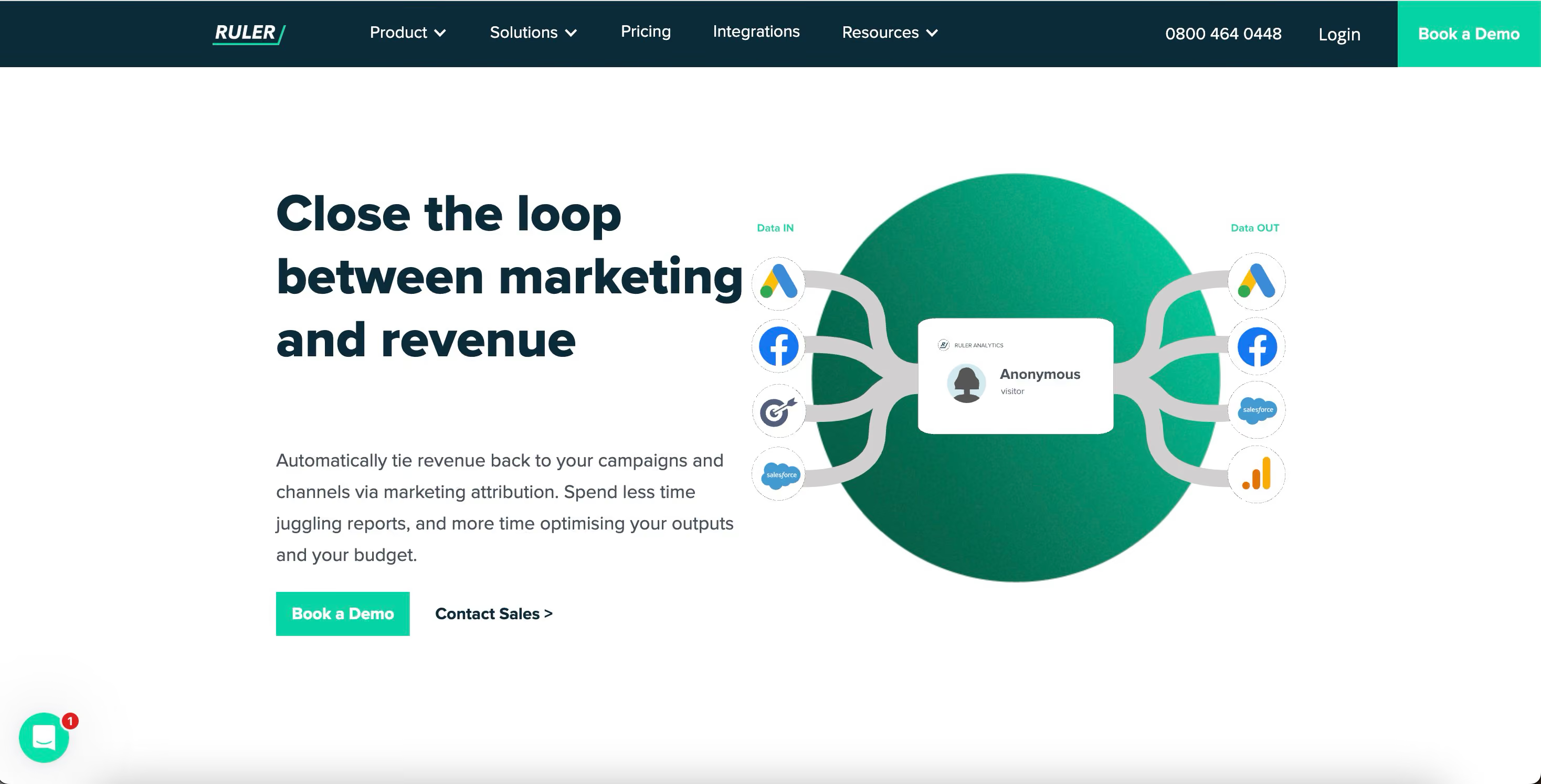
Ruler Analytics specializes in connecting online marketing efforts to offline conversions, including phone calls and in-store sales. Ruler Analytics closes the loop between digital campaigns and the final sale, which often happens outside the digital realm.
Best for: Businesses with long sales cycles or offline conversion points
Key strengths
- Call tracking and attribution
- Matches offline sales back to online marketing source
- Integrates with CRMs and analytics tools
Pricing: Contact sales
Why choose: Ruler is the solution when you want to prove the value of digital marketing for sales that happen over the phone or in person.
3. Google Analytics 4

Google Analytics 4 (GA4) is the most widely adopted web analytics platform in the world. GA4 uses an event-based tracking model that provides a more user-centric view of the customer journey. Its integration with Google Ads makes GA4 an essential tool for any team running paid search campaigns.
Best for: Any business looking for free, powerful web analytics
Key strengths
- Free to use
- Event-based measurement model
- Native integration with Google Ads and other Google products
Pricing: Free tier available
Why choose: GA4 is the industry standard for web analytics and offers robust features at no cost, making it the perfect starting point for any marketing team.
4. Matomo
Matomo is an open-source, privacy-focused alternative to Google Analytics. Matomo gives you full ownership of your data, with the option to self-host the platform on your own servers. This makes Matomo an excellent choice for government agencies, healthcare organizations, and any company with strict data privacy requirements.
Best for: Organizations prioritizing data privacy and ownership
Key strengths
- 100% data ownership (no data sampling)
- Self-hosted (on-premise) or cloud options
- GDPR and HIPAA compliance features
Pricing: Free tier available (for self-hosted)
Why choose: Choose Matomo when data privacy and full control over your analytics data are your top priorities.
5. Adobe Analytics
Adobe Analytics is an enterprise-level digital marketing analytics tool that is part of the Adobe Experience Cloud. Adobe Analytics offers advanced segmentation, real-time analysis, and AI-powered features like anomaly detection and contribution analysis.
Best for: Large enterprises with complex digital ecosystems
Key strengths
- Advanced, customizable reporting and segmentation
- Predictive analytics and AI-driven insights
- Deep integration with other Adobe Experience Cloud products
Pricing: Enterprise pricing model (Contact sales)
Why choose: Adobe Analytics is the choice for large corporations that require granular, multi-channel analysis and have the resources to manage a powerful, complex platform.
6. Improvado

Improvado is a marketing data aggregation platform designed to pull data from hundreds of marketing sources into a unified destination, such as a BI tool or data warehouse. Improvado is particularly strong for marketing agencies and enterprise teams that manage a large and diverse set of ad platforms and marketing tools.
Best for: Agencies and marketing teams managing many data sources
Key strengths
- 400+ pre-built data connectors
- Automated data extraction and transformation
- Sends clean data to any BI tool or data warehouse
Pricing: Contact sales
Why choose: Improvado is ideal when your primary challenge is consolidating data from a vast number of disparate sources without manual effort.
7. Funnel
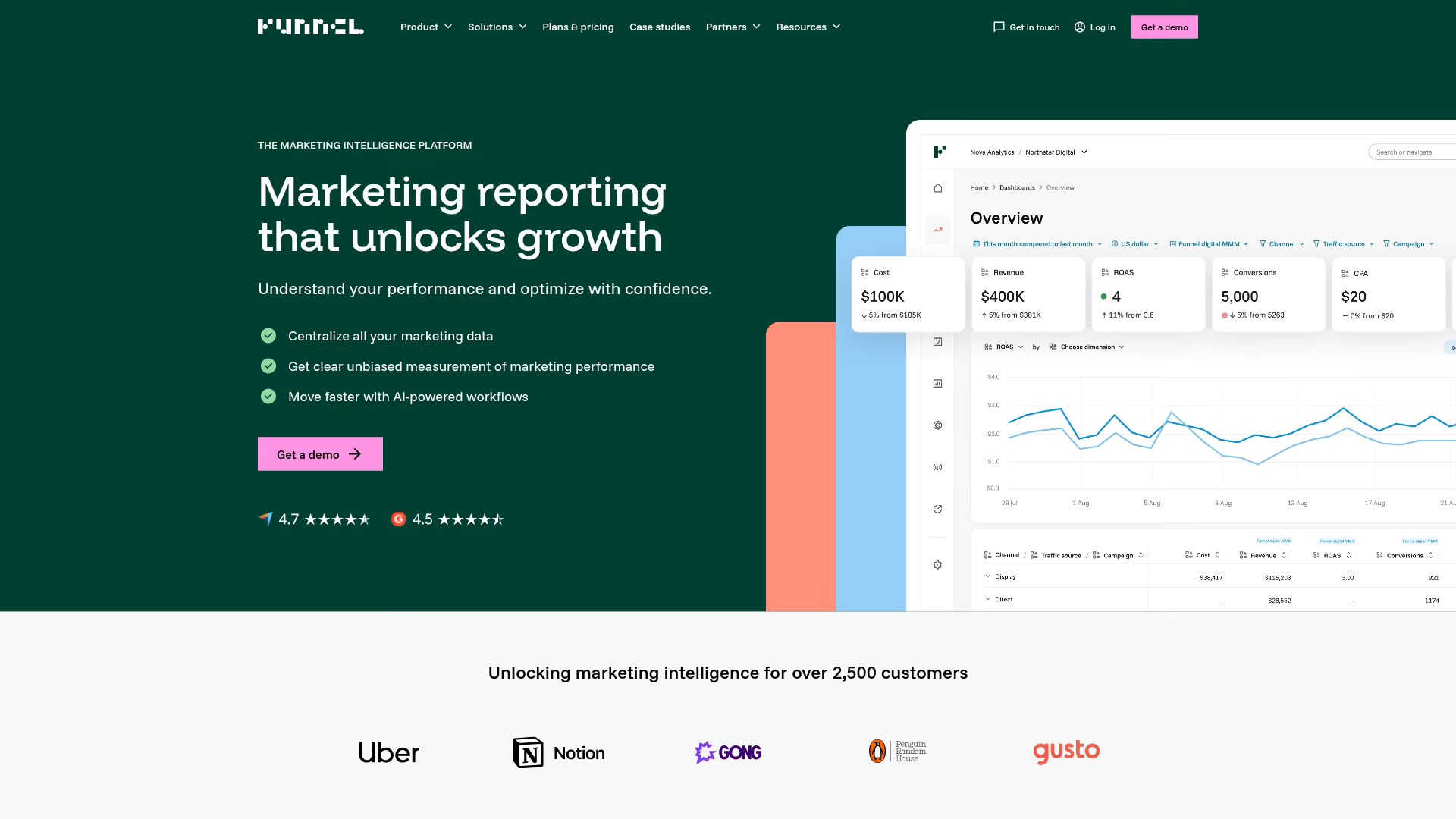
Funnel is a data integration and reporting platform focused on simplifying marketing data management. Funnel automatically collects, cleans, and maps data from all your marketing platforms, making data ready for analysis in tools like Google Data Studio, Tableau, or Funnel's own dashboards.
Best for: Marketing teams who want to automate data collection and reporting
Key strengths
- User-friendly interface for data mapping
- 500+ marketing data connectors
- Flexible data transformation and grouping rules
Pricing: Tiered plans available
Why choose: Funnel is a great choice for teams that want the power of data aggregation without the complexity of a full-scale ETL tool.
8. Supermetrics
Supermetrics is a data connector tool that pulls marketing data directly into spreadsheets (Google Sheets, Excel), BI tools (Tableau, Power BI), and data warehouses (BigQuery, Snowflake). Supermetrics is perfect for teams that prefer to build custom reports and dashboards in the tools they already know.
Best for: Teams who want to analyze marketing data in spreadsheets or BI tools
Key strengths
- Connects directly to spreadsheets and BI platforms
- Wide range of marketing data source connectors
- Easy-to-use query builder
Pricing: Tiered plans available
Why choose: Supermetrics is the right tool when you don't want a new dashboarding platform, but rather a reliable way to get marketing data into your existing analysis environment.
9. HubSpot Marketing Hub
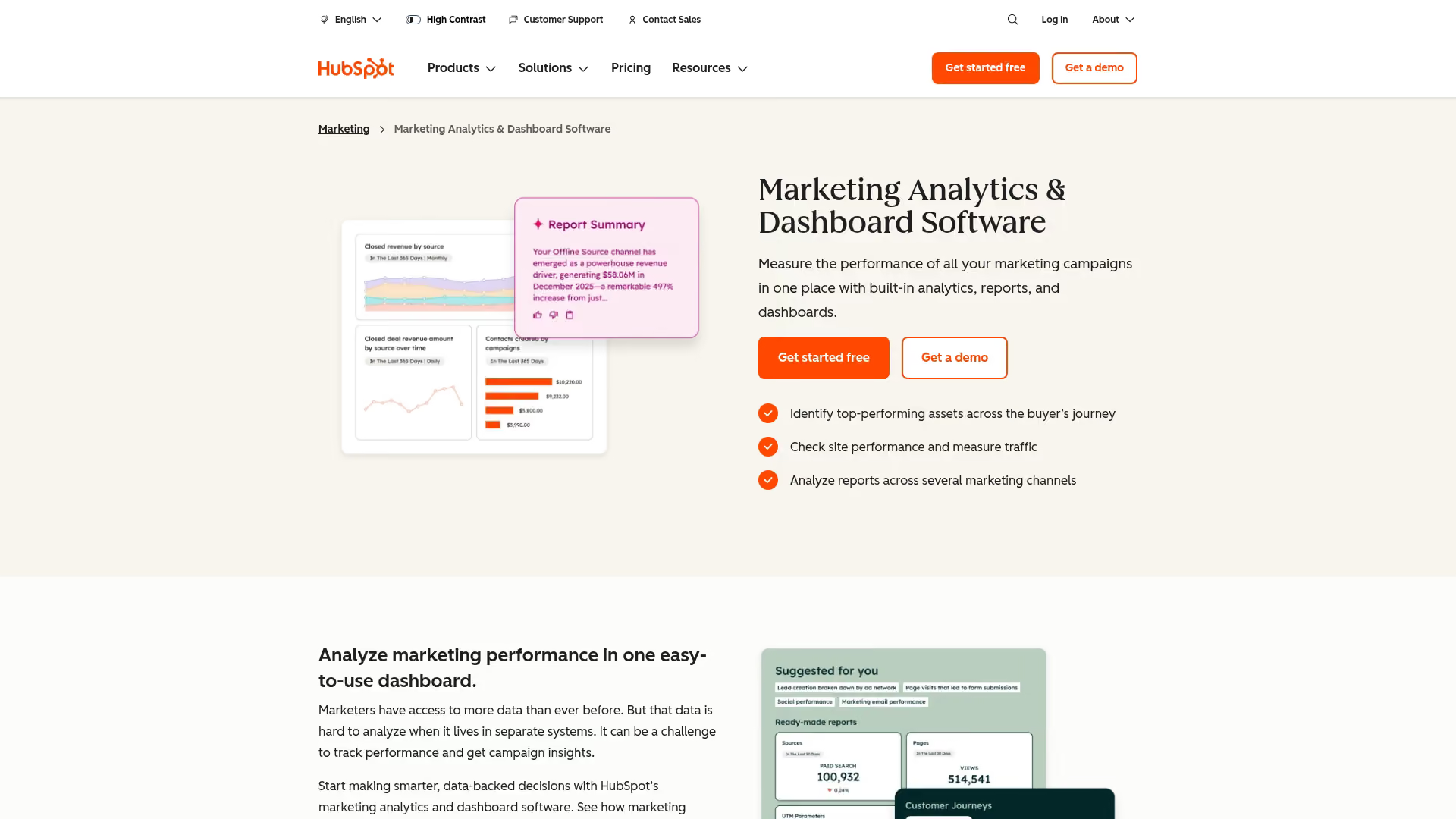
HubSpot Marketing Hub is an all-in-one marketing platform that includes built-in analytics features. Because the analytics are native to the CRM and marketing automation tools, no separate integration is required to connect campaign activities to leads, deals, and customers.
Best for: Teams already using the HubSpot CRM and marketing platform
Key strengths
- Fully integrated with CRM and sales data
- End-to-end campaign and revenue reporting
- Includes attribution, traffic, and contact analytics
Pricing: Tiered plans available
Why choose: If your team runs on HubSpot, using its native analytics provides an out-of-the-box view of your entire customer lifecycle.
10. Salesforce Marketing Cloud Intelligence
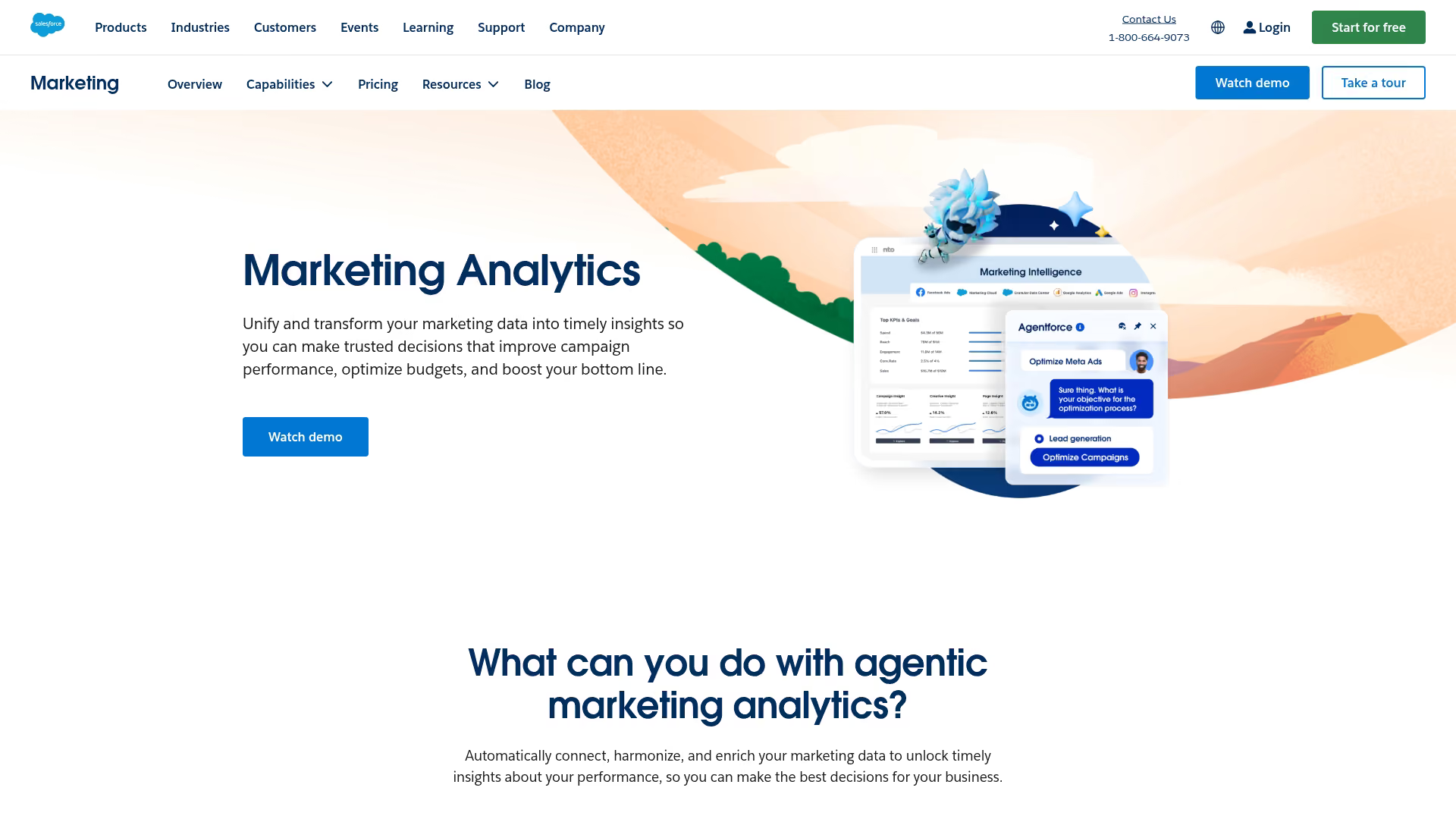
Salesforce Marketing Cloud Intelligence (formerly Datorama) is an enterprise marketing analytics platform. Salesforce Marketing Cloud Intelligence leverages AI-driven insights to help marketers unify data, measure performance, and optimize outcomes.
Best for: Enterprise organizations using the Salesforce ecosystem
Key strengths
- AI-powered insights and recommendations
- Strong integration with Salesforce Sales Cloud and Marketing Cloud
- Marketplace for apps and connectors
Pricing: Contact sales
Why choose: Salesforce Marketing Cloud Intelligence is designed for enterprises that want to connect their marketing data intelligence directly with their core Salesforce customer data.
11. Tableau
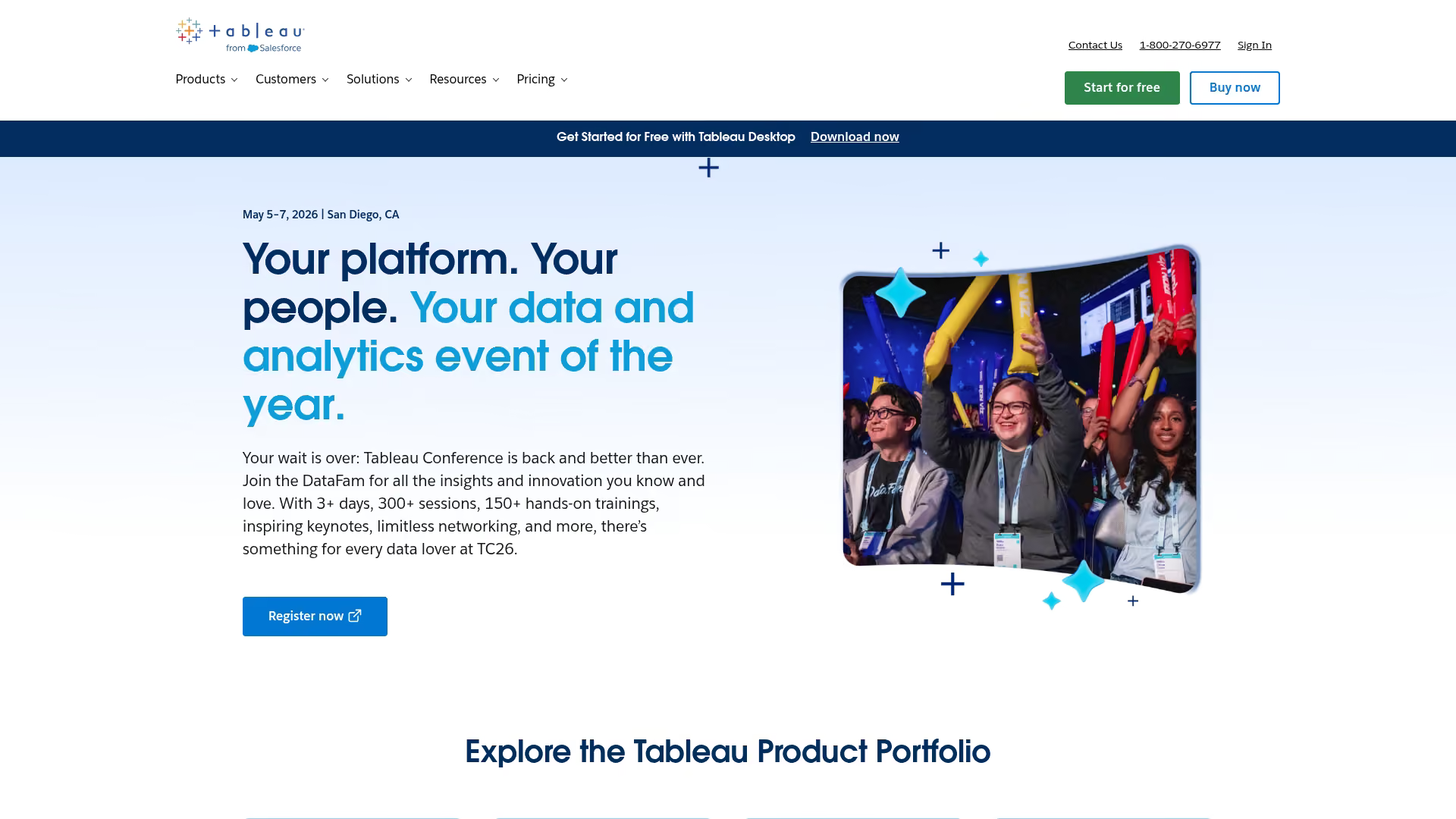
Tableau is a market-leading business intelligence (BI) and data visualization tool. While not a marketing-specific platform, Tableau is widely used by marketing teams to create powerful, interactive, and custom dashboards.
Best for: Data-savvy marketing teams looking for custom, in-depth visualizations
Key strengths
- Best-in-class data visualization capabilities
- Connects to a vast array of data sources
- Highly flexible and customizable
Pricing: Tiered plans available
Why choose: Choose Tableau when standard marketing dashboards aren't enough and you want the power to explore and visualize your data in any way you can imagine.
12. Domo
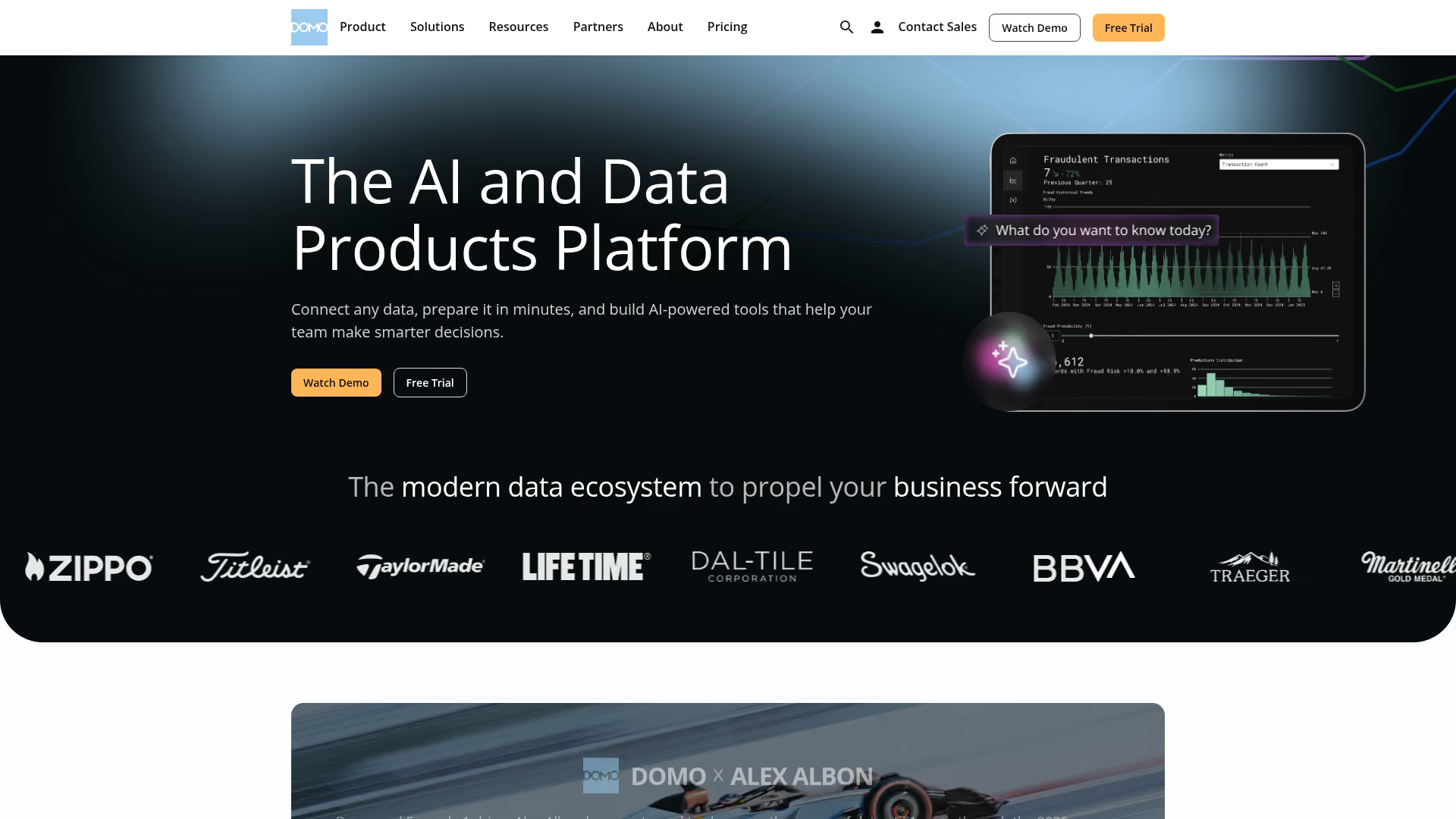
Domo is a cloud-based BI platform that excels at data integration and real-time visualization. Domo is designed to help organizations combine marketing data with data from other business departments like sales, finance, and operations.
Best for: Organizations wanting to blend marketing data with other business data
Key strengths
- Strong data integration and ETL capabilities
- Real-time dashboards and alerts
- Mobile-first design for access anywhere
Pricing: Contact sales
Why choose: Domo is the right fit when your goal is to not only analyze marketing performance but also to see how marketing impacts and is impacted by other areas of the business.
13. Semrush
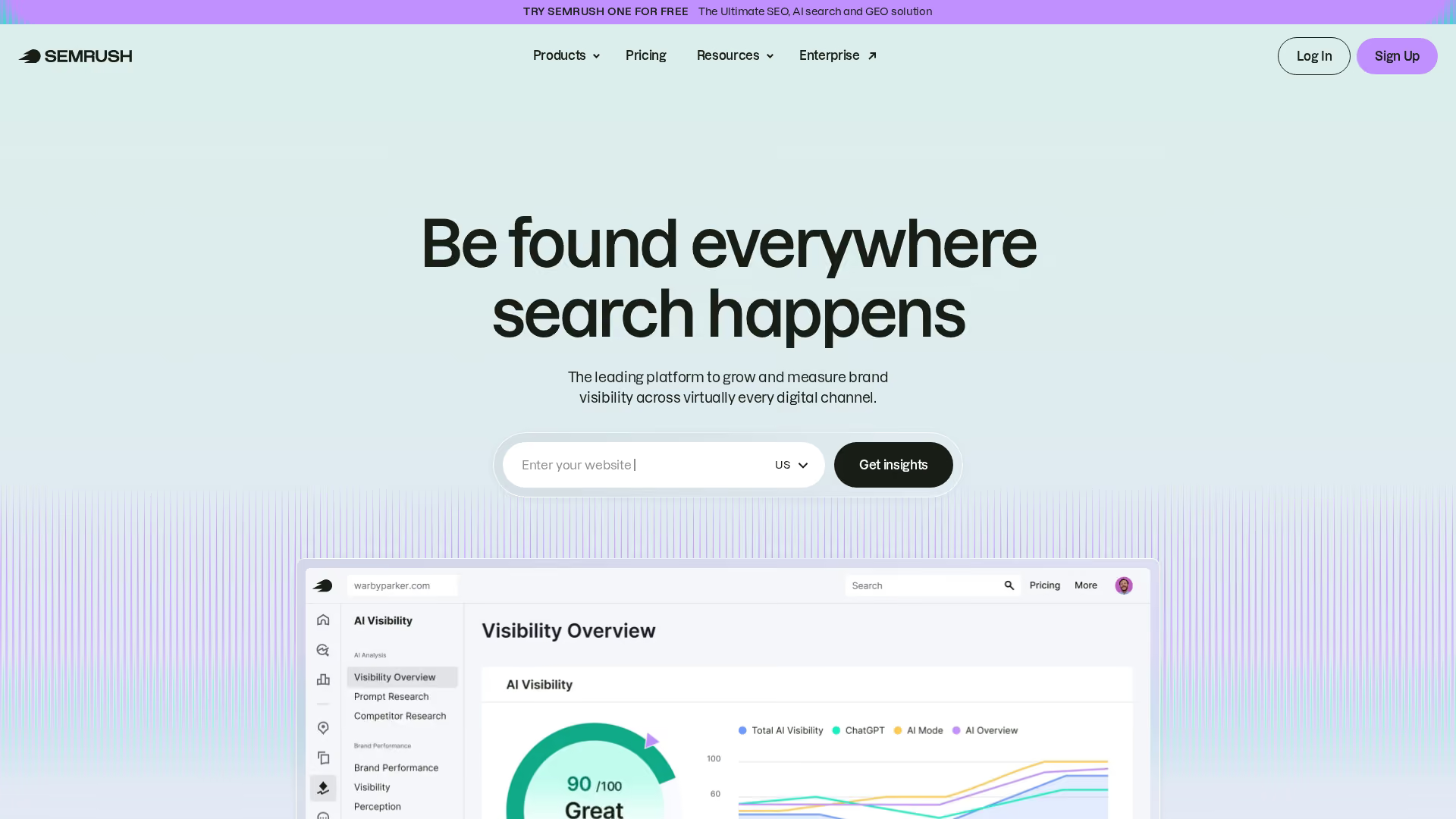
Semrush is a comprehensive SEO and competitive analysis platform that includes a suite of marketing analytics features. Semrush is an essential tool for content marketers and SEO specialists, providing deep insights into keyword rankings, competitor strategies, backlink profiles, and overall content performance.
Best for: SEO and content marketing teams
Key strengths
- Keyword tracking and competitor research
- Site audits and on-page SEO analysis
- Content performance and traffic analytics
Pricing: Tiered plans available
Why choose: Semrush is the go-to tool when your primary marketing analytics focus is on organic search, content strategy, and understanding your competitive landscape.
14. Sprout Social
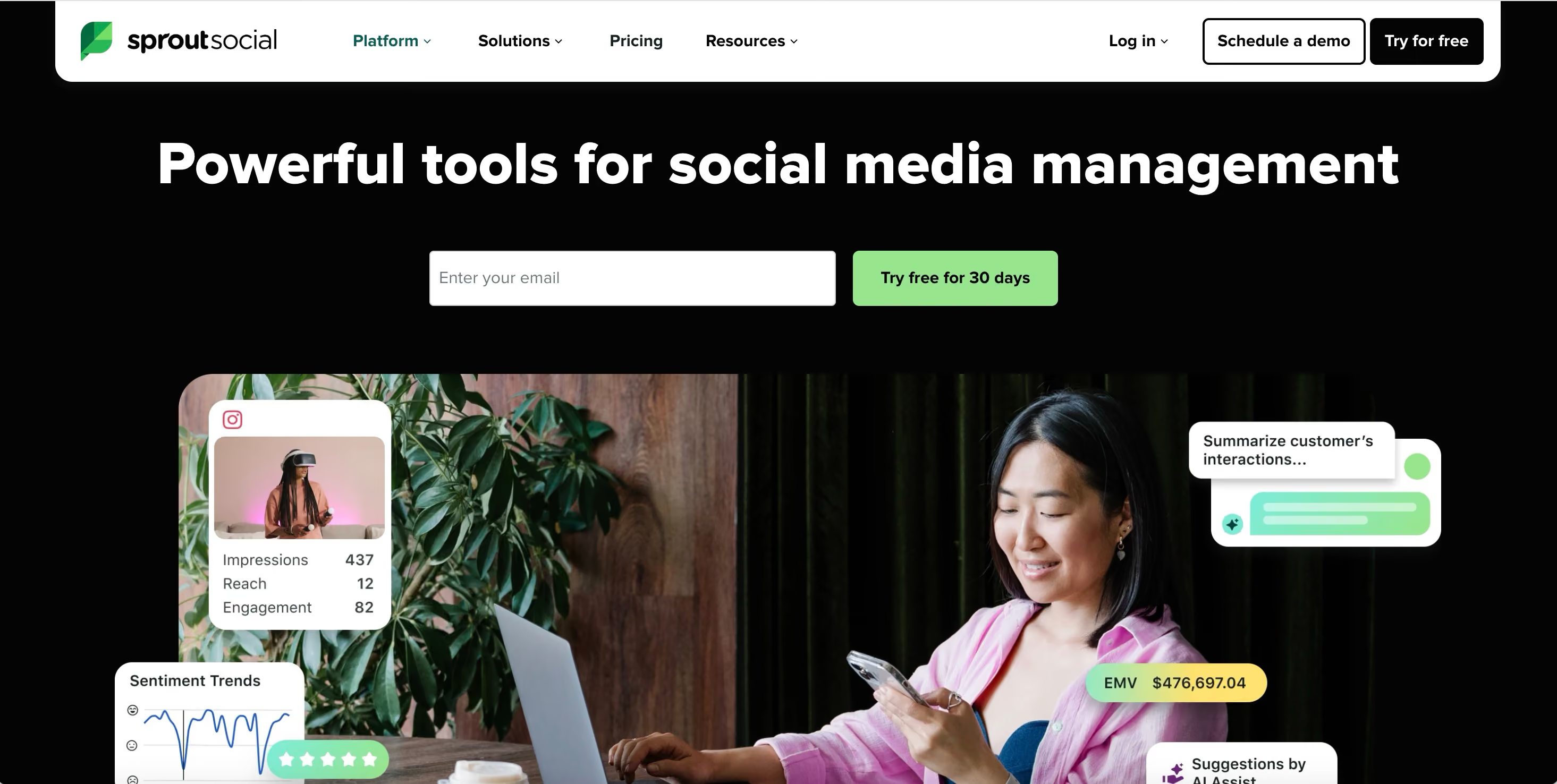
Sprout Social is a leading social media management platform with robust analytics and reporting features. Sprout Social allows marketers to track engagement metrics, analyze audience demographics, measure share of voice, and report on the ROI of social media efforts.
Best for: Social media marketing teams
Key strengths
- In-depth social engagement and performance metrics
- Competitive analysis for social media
- Social listening and trend analysis
Pricing: Tiered plans available
Why choose: When your main goal is to measure and optimize your social media strategy, Sprout Social provides the specialized analytics you require.
How to choose the right marketing analytics solution
Define your primary use case
First, identify your main goal. Are you trying to solve for revenue attribution, optimize performance across multiple channels, create executive-level reports, or conduct deep behavioral analysis? Your primary objective will point you toward the right category of tool.
Evaluate integration requirements
Consider your existing technology stack and data sources:
- CRM and ad platforms: What tools do you already use?
- Essential data sources: What data sources are critical to connect?
- Technical resources: Do you want native, one-click integrations, or do you have API access and developer resources for custom connections?
Assess your technical resources
Be realistic about your team's technical capabilities. Do you want a no-code, drag-and-drop tool that marketers can manage independently, or do you have analysts and developers who can handle more complex, developer-dependent platforms?
Calculate total cost of ownership
Look beyond the monthly subscription price. Consider the total cost of ownership, which includes implementation time, employee training, and ongoing maintenance. Remember that "free" tools like Google Analytics may have hidden costs in the time and expertise required for proper setup, customization, and maintenance.
Why marketing teams invest in analytics platforms
- Prove marketing ROI to leadership: Connect marketing spend directly to revenue and pipeline to demonstrate the value of your efforts.
- Optimize budget allocation: With marketing budgets flatlined at 7.7% of revenue, identifying high-performing channels and campaigns to shift spend away from what isn't working and double down on what is becomes critical.
- Shorten sales cycles: Use behavioral data to identify high-intent prospects and sales-ready leads for faster follow-up.
- Improve campaign performance: Leverage real-time data to test, iterate, and continuously improve campaign messaging, targeting, and creative.
Build a marketing analytics stack that drives results
Choosing the right marketing analytics software ultimately depends on your primary use case, technical resources, and existing technology stack. The key is to find a solution that answers your most pressing business questions and integrates smoothly into your current workflow.
For teams wanting to understand how prospects engage with product experiences before they become customers, demo analytics platforms like Guideflow provide visibility into the moments that matter most. By tracking interactions within an interactive demo, you can finally connect pre-sale product engagement to pipeline and revenue.
Start your journey with Guideflow today!




.avif)

.avif)