Users still submit tickets for the same questions every week even though 61% of customers prefer self-service for simple issues. Users search your knowledge base, skim a few articles, give up, and submit a ticket anyway. The documentation exists. The problem is the format.
Interactive help documentation flips the model. Instead of asking users to read and then apply, clickable walkthroughs and contextual tooltips show them exactly what to do inside the product itself. This guide covers what interactive help documentation actually means, nine tools that create it, and how to measure whether your guides reduce ticket volume.
TL;DR
- Interactive help documentation uses clickable walkthroughs, tooltips, and guided flows that let users learn by doing instead of reading static text.
- Static PDFs and knowledge bases fail because users skim, can't find answers, and default to submitting tickets anyway.
- The best tools combine no-code creation, personalization for different user segments, and analytics that show which guides actually reduce support volume.
- Ticket deflection, guide completion rate, and time to first value are the metrics that prove ROI because 40-60% of incoming queries can be deflected by self-service portals.
- Guideflow lets you capture any workflow from your browser, personalize guides for different user types, and track engagement to see what's working.
What is interactive help documentation
Interactive help documentation refers to digital, step-by-step walkthroughs that provide real-time guidance within applications. Unlike static PDFs or traditional knowledge bases, interactive documentation lets users click through simulated workflows. Users learn by doing rather than reading.
The core difference comes down to user action. Static documentation asks users to read and then apply what they learned separately. Interactive documentation embeds the learning directly into the experience, showing users exactly where to click and what happens next.
You'll encounter several common formats in practice:
- Clickable product walkthroughs: Step-by-step interactive demos where users click through a simulated product experience
- Contextual tooltips: Small pop-ups that explain specific buttons or settings directly on the interface
- In-app guided tours: Sequential guides that walk users through workflows as they navigate
- Interactive checklists: Progress-tracked lists that guide users through multi-step processes
| Format | User action | Learning style | Best for |
|---|---|---|---|
| Static PDF | Read only | Passive | Reference material |
| Video tutorial | Watch | Passive | Conceptual explanations |
| Interactive walkthrough | Click through steps | Active | Feature onboarding |
| Contextual tooltip | Hover or click | Active | Field-level help |
The shift toward interactive formats reflects how people actually learn software. Most users don't read documentation before trying something. They click around, get stuck, and then look for help. Interactive guides meet them at that moment of friction.
Why static documentation fails your support team
Your knowledge base might have hundreds of articles. Users still submit tickets for the same questions every week. The problem isn't missing content. It's the format.
- Low engagement kills self-service: Users abandon lengthy articles before finding answers. When someone is stuck mid-workflow, they're not going to read a 2,000-word article to find the one paragraph that helps.
- No context awareness creates friction: Static docs serve the same content regardless of where the user is stuck. A user struggling with report configuration sees the same generic "Reports Overview" article as someone who hasn't even found the reports section yet.
- Search fails when users don't know the right terms: Your documentation might call it "workspace permissions." Your user searches for "sharing settings" and finds nothing. They submit a ticket instead.
When self-service feels harder than asking for help, 38% of Gen Z and millennials are more likely to abandon the issue. Your support team answers the same questions repeatedly while your documentation sits unused. Every ticket that could have been deflected by a well-placed interactive guide represents time your team could spend on complex issues that actually require human judgment.
9 best interactive help documentation tools
The tools below represent different approaches to interactive documentation. Some focus on capturing workflows automatically. Others emphasize in-app guidance or video-based walkthroughs. Your choice depends on whether you're primarily serving external customers, internal teams, or both.
Guideflow
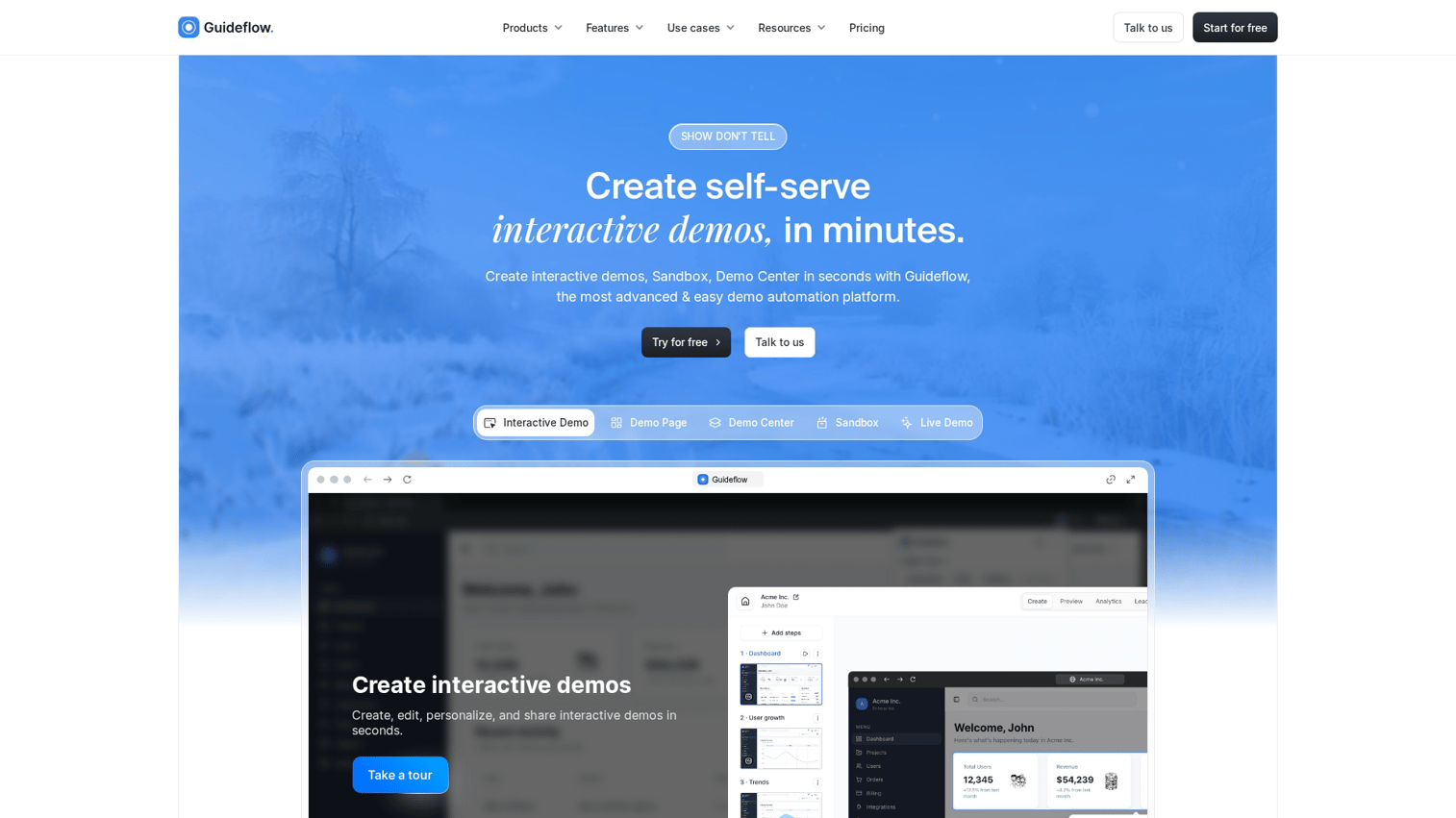
Guideflow is a demo automation platform that creates interactive guides customers can explore without live support. You capture any workflow directly from your browser in a few clicks, then refine it with a no-code editor to add tooltips, CTAs, and branching paths.
What sets Guideflow apart for support teams is the combination of speed and depth. You can create a guide in minutes, personalize it for different user segments using dynamic variables, and embed it directly in your help center. The analytics show which guides get completed, where users drop off, and which content correlates with ticket reduction.
For customer success teams handling repetitive "how do I" questions, Guideflow turns those answers into shareable, trackable experiences that work around the clock.
Scribe
Scribe auto-generates step-by-step guides from screen recordings. Turn on the recorder, complete a workflow, and Scribe produces a document with screenshots and written instructions for each step.
The tool works well for teams that document internal processes quickly. IT teams use it for software rollouts. Operations teams use it for standard procedures. The automatic screenshot and annotation features save hours compared to manual documentation.
One limitation: Scribe produces static documents, not interactive experiences. Users read and follow along rather than clicking through a simulated workflow.
Tango

Tango captures workflows through a Chrome extension and turns them into shareable how-to guides. Like Scribe, it automates the documentation process by recording your actions and generating step-by-step instructions.
The output is clean and easy to share. Teams use Tango for quick reference materials, onboarding checklists, and process documentation. The guides can be exported to various formats or shared via link.
Tango works best for straightforward workflows where users follow a reference. For more complex scenarios requiring branching paths or personalization, you'll want a more robust solution.
Loom
Loom takes a video-first approach to documentation. Record your screen with voice narration, then share the video link. Users watch at their own pace and can leave timestamped comments.
Video works well when voice narration adds clarity or when you're explaining concepts rather than demonstrating clicks. Some users prefer watching over reading, and Loom's async format means they don't have to schedule a call.
The limitation is that video is passive. Viewers watch but don't interact. They can't click through the workflow themselves, and you can't track which specific steps they understood or struggled with. Most teams pair Loom with other formats for comprehensive documentation.
Userflow
Userflow is an in-app onboarding tool that triggers contextual guides based on user behavior. When a user reaches a specific screen or takes a particular action, Userflow can display a tooltip, checklist, or guided tour.
The contextual triggering is the key differentiator. Instead of hoping users find your help center, Userflow brings the guidance to them at the moment they encounter friction. This approach works well for SaaS products where you want help content to appear inside the product itself.
Userflow requires integration with your product, which means engineering involvement for setup. Once configured, non-technical teams can create and update guides through the visual builder.
Intercom Product Tours

Intercom Product Tours integrates with Intercom's broader support suite. If you're already using Intercom for chat support and help center, Product Tours adds in-app guidance without introducing another vendor.
The tours appear as overlays on your product, guiding users through features with tooltips and modals. You can target tours based on user attributes, behavior, or lifecycle stage.
The main consideration is that Product Tours requires Intercom as the base platform. If you're not already in the Intercom ecosystem, the standalone value may not justify the investment.
HelpHero
HelpHero is a lightweight, no-code option for adding product tours to web applications. The setup is straightforward: add a script to your site, then build tours through a visual editor.
For smaller teams or simpler products, HelpHero provides the core functionality without the complexity of enterprise platforms. You can create multi-step tours, add hotspots, and segment users based on basic attributes.
The tradeoff is fewer advanced features. If you require deep analytics, complex branching logic, or extensive integrations, you'll outgrow HelpHero quickly.
Nickelled
Nickelled creates guided website tours that work on any web-based product. The tours overlay on your live site, walking users through workflows with step-by-step instructions.
Customer success teams use Nickelled for proactive education, sending guided tours to users before they encounter problems. The tours can be embedded in emails, help centers, or triggered based on user behavior.
Nickelled focuses specifically on guided tours rather than broader documentation. It's a good fit if tours are your primary use case, but you'll want additional tools for other documentation formats.
Spekit
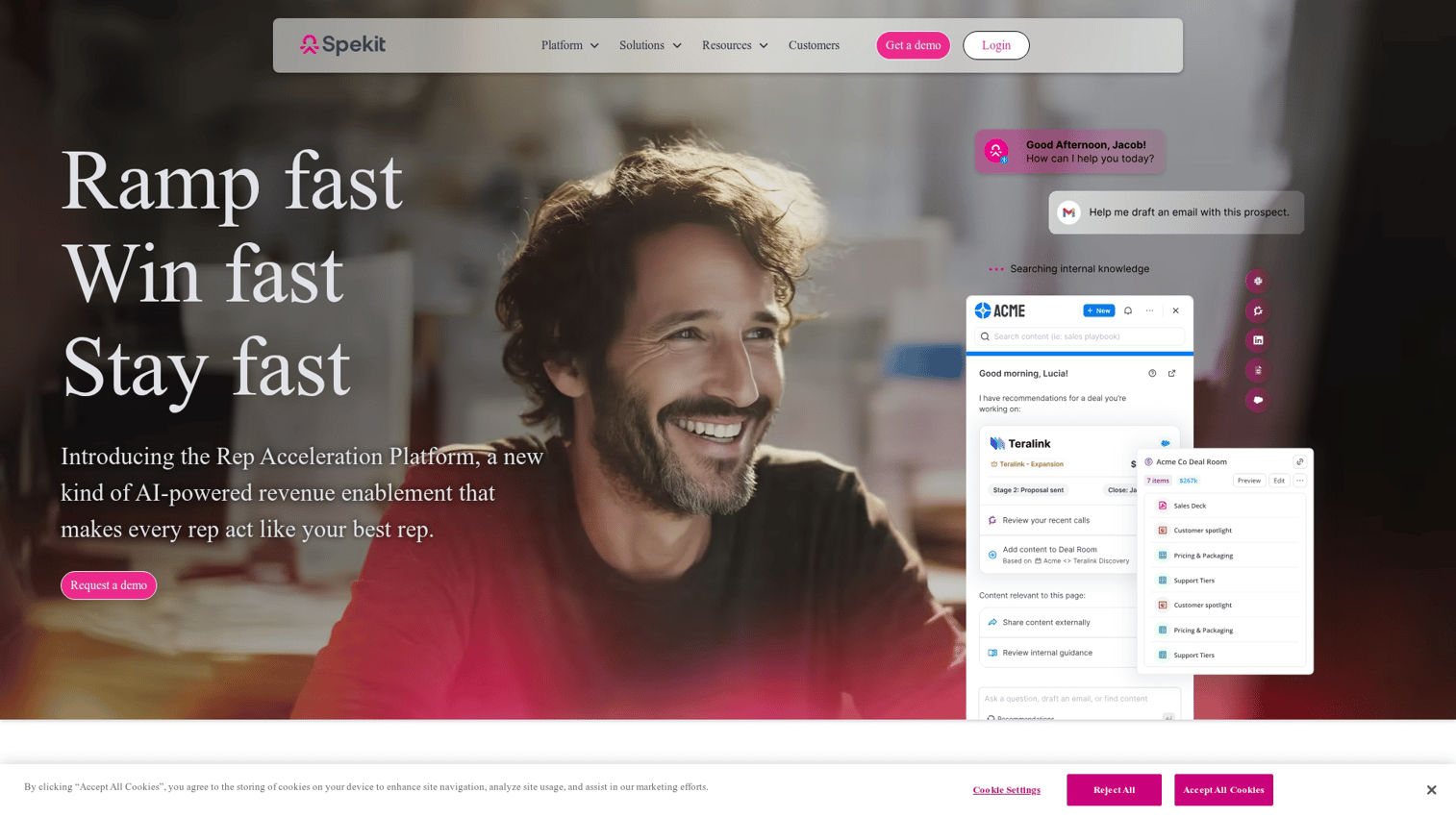
Spekit embeds training content directly in tools like Salesforce, Slack, and other enterprise applications. When users hover over a field or click a help icon, Spekit surfaces relevant documentation without leaving the workflow.
The in-context approach works well for sales enablement and internal documentation. Users get answers without switching tabs or searching a separate knowledge base. Spekit also tracks which content gets viewed, helping teams identify knowledge gaps.
The focus is primarily on internal teams rather than external customers. If your goal is customer-facing documentation, other tools on this list may be a better fit.
How to choose the right interactive guide software
Nine tools is a lot to evaluate. The criteria below help you narrow the list based on what actually matters for reducing support tickets.
No-code creation and editing
Support and CS teams create and update guides without engineering help. Look for drag-and-drop editors, browser-based capture, and the ability to make changes without filing tickets to your dev team.
Here's a quick test: Can a support manager create a guide for a new feature the same day it launches? If the answer involves waiting for engineering resources, the tool will become a bottleneck.
Personalization for user segments
One-size-fits-all guides often miss the mark. A guide for enterprise admins looks different from a guide for individual users. A guide for your healthcare customers uses different terminology than one for retail.
Personalization means showing different content based on role, plan, industry, or behavior. The more relevant the guide, the higher the completion rate and the lower the ticket volume.
Analytics and engagement tracking
Without data, you're guessing which guides work. Look for tools that show completion rates, drop-off points, and time spent on each step.
The best analytics connect guide engagement to business outcomes. Did users who completed a specific guide submit fewer tickets? Did they adopt the feature faster? Answering those questions helps you prioritize which guides to create next.
Integration with help centers and CRMs
Interactive guides work best when they're embedded in your existing support infrastructure. That means embedding in your help center, syncing engagement data to your CRM for customer health scoring, and triggering guides from support workflows.
If your guides live in a separate silo, users won't find them and your team won't have visibility into engagement.
Maintenance without engineering
Products change frequently. UI updates, new features, and workflow changes can break existing guides. The tool you choose allows non-technical users to update guides when the product changes.
Ask yourself: When we ship a UI update, how long does it take to update affected guides? If the answer is "we file a ticket and wait," you'll end up with outdated documentation that creates more confusion than it solves.
Best practices to create user manuals online
Creating interactive guides is straightforward. Creating guides that actually reduce tickets requires a more deliberate approach.
1. Map your highest volume support questions first
Start by identifying the tickets that repeat most often. Pull a report from your support tool showing the top 10 or 20 question categories. Those are your highest-impact opportunities.
Create interactive guides for those workflows first. A guide that deflects 50 tickets per week delivers more value than a guide for a question that comes up twice a month.
2. Keep each interactive guide to one workflow
Guides that try to cover multiple topics confuse users and reduce completion rates. If someone came to learn how to export a report, don't also walk them through report customization, sharing settings, and scheduling.
One guide, one outcome. Users who want more can access additional guides, but each guide delivers a complete answer to a specific question.
3. Trigger guides contextually instead of burying them in help centers
The best guide in the world doesn't help if users can't find it. Contextual triggering shows the right guide when the user is stuck, not when they remember to search your help center.
In-app triggers outperform buried knowledge base links. When a user hovers over a confusing field or clicks a help icon, surface the relevant guide immediately.
4. Add progress indicators and completion feedback
Users engage more when they see how many steps remain. A progress bar or step counter ("Step 3 of 7") sets expectations and encourages completion.
Completion feedback matters too. A success message or checkmark at the end reinforces that they've learned something. This small touch increases the likelihood they'll return to your guides for future questions.
5. Test guides with real users before launch
Run guides past actual customers or internal users before publishing broadly. Watch where they hesitate, ask what confused them, and note which steps felt unnecessary.
A five-minute test with three users catches problems that would otherwise generate support tickets. The feedback loop is short and the cost of iteration is low.
Best documentation formats for self-service support
Different formats serve different purposes. The best documentation approaches combine multiple formats based on what users require at each moment.
Clickable product walkthroughs
Step-by-step interactive demos where users click through a simulated product. Best for onboarding new features or explaining complex workflows where seeing the sequence matters.
Walkthroughs work well when users want to understand "how do I do this specific thing." The hands-on format builds muscle memory and confidence during onboarding.
Embedded video guides
Video works when narration adds clarity or when you're explaining concepts rather than demonstrating clicks. Some users prefer watching, and video can convey tone and context that text can't.
The limitation is that video alone is passive. Pairing video with interactive elements increases retention. Show the concept in video, then let users practice in an interactive walkthrough.
Tooltip-based contextual help
Small pop-ups that appear on hover or click, explaining specific fields or buttons. Best for field-level help where users want a quick definition without leaving their workflow.
Tooltips work well for complex forms, settings pages, or anywhere users encounter unfamiliar terminology. They're lightweight and don't interrupt the flow.
Interactive checklists
Progress-tracked lists that guide users through multi-step processes. Good for setup flows, configuration tasks, or any workflow with multiple discrete steps.
Checklists work well when the order matters and users complete all steps. The progress tracking creates accountability and helps users pick up where they left off.
| Format | Best for | Limitation |
|---|---|---|
| Clickable walkthrough | Feature onboarding, complex workflows | Requires capture tool |
| Video guide | Conceptual explanations, tone-sensitive content | Passive viewing |
| Tooltip | Field-level help, quick definitions | Limited context |
| Checklist | Multi-step setup, configuration | Linear only |
How to measure interactive documentation ROI
Creating guides is the easy part. Proving they reduce support load requires tracking the right metrics.
Ticket deflection rate
Ticket deflection rate measures the reduction in support tickets for topics covered by interactive guides. Measure by comparing ticket volume before and after guide launch for the same topic.
If you launched a guide for "how to export reports" and tickets on that topic dropped from 40 per week to 15, your deflection rate is 62.5%. Track deflection for each guide to identify which content delivers the most value.
Guide completion rate
Guide completion rate is the percentage of users who finish a guide they started. Low completion signals confusing or too-long content.
A healthy completion rate typically falls between 60-80% for interactive guides. If you're seeing 30% completion, the guide is either too long, loses relevance midway, or includes steps that don't apply to most users.
Time to first value
Time to first value measures how quickly new users reach their first meaningful outcome. Interactive guides that accelerate this metric prove their worth in onboarding.
Measure the time between signup and first key action (creating a report, inviting a teammate, completing a workflow). Compare users who engaged with guides versus those who didn't.
Feature adoption lift
Guides for underused features increase usage of those features. Track feature engagement before and after guide deployment.
If your analytics show that only 15% of users discover your advanced filtering feature, create a guide and measure whether that percentage increases. The lift tells you whether the guide is working.
| Metric | What it measures | Healthy benchmark |
|---|---|---|
| Ticket deflection rate | Support volume reduction | 40-60% reduction for covered topics |
| Guide completion rate | Content effectiveness | 60-80% completion |
| Time to first value | Onboarding speed | Varies by product complexity |
| Feature adoption lift | Discovery and usage | 20-40% increase post-guide |
Build self-serve documentation that actually gets used
Interactive help documentation works because it meets users where they are. Instead of asking them to read, search, and apply, you show them exactly what to do in the context where they encounter friction.
The tools exist. The best practices are clear. The metrics prove ROI. What's left is execution.
Start with your highest-volume support questions. Create interactive guides that answer them. Embed those guides where users will find them. Track completion and ticket deflection. Iterate based on what the data shows.
FAQs about interactive help documentation
Most no-code tools allow guide creation in minutes using browser capture. You record the workflow, add annotations, and publish in the same session. Updates take even less time since you're editing existing content rather than starting from scratch.
Interactive documentation lives in help centers and can be accessed anytime users search for help. Product tours trigger inside the app at specific moments, like when a user first visits a feature. Both use similar formats (tooltips, walkthroughs) but serve different contexts.
Interactive guides are better for hands-on learning where users practice clicks and workflows. Video still works for conceptual explanations, emotional storytelling, or content where voice narration adds clarity. Most teams use both formats for different purposes.
Guides require updates immediately when UI or workflows change. This is why no-code editing matters. Teams with engineering-dependent tools often fall behind on updates, leading to outdated documentation that confuses users and generates tickets.
Yes, but personalization is critical. Guides that show admin features to end users (or vice versa) create confusion. The best tools let you segment guides by role, permissions, or use case so each user sees relevant content.
The same tools and formats work for onboarding employees to internal systems. IT teams use interactive guides for software rollouts. Operations teams use them for process documentation. The principles are identical: show, don't tell, and track completion to ensure adoption.