
Your press releases live in a Google Doc. Media assets are scattered across Dropbox folders. Journalists email asking for logos you sent them last month. Meanwhile, your competitors have branded newsrooms where reporters grab everything they need in two clicks.
Online newsroom software gives PR and communications teams a centralized, branded hub for publishing press releases, hosting media kits, and tracking journalist engagement. This guide covers how these platforms work, what features matter most, and compares the 10 best options for 2026 based on team size, budget, and use case.
What's inside
This guide covers what online newsroom software does, how to pick the right platform, and a ranked comparison of the best tools for PR and communications teams. Selection criteria include features, pricing, G2 ratings, and fit for different team sizes and workflows.
TL;DR
- Best for enterprise and global teams: Presspage handles multi-language support and high-volume publishing
- Best for small teams wanting quick setup: PR.co delivers clean presentation with minimal configuration
- Best for SEO and media outreach: Prowly combines search optimization with journalist databases
- Best for storytelling-focused PR: Prezly excels at multimedia press releases and direct pitching
- Best for media monitoring integration: Meltwater pairs newsroom publishing with social listening
When announcing product launches or features, interactive demos embedded in your newsroom give journalists a hands-on experience without scheduling a call.
What is online newsroom software
Online newsroom software provides a centralized, branded web hub where companies publish press releases, media kits, and multimedia content for journalists and the public. Unlike a generic CMS, online newsroom platforms are purpose-built for PR workflows with features like journalist tracking, media databases, and distribution integrations.
- Branded news hub: A dedicated subdomain (news.yourcompany.com) hosting announcements, images, and videos
- Media kit hosting: Centralized access to logos, executive bios, and high-resolution assets
- Content distribution: Tools to publish and share releases across channels at once
- Engagement tracking: Analytics showing which journalists accessed what content
The key difference from WordPress or a standard CMS is PR-specific functionality. Newsroom software tracks journalist interactions, integrates with wire services, and provides the analytics comms teams actually use to measure impact.
Why PR teams use a digital newsroom
Centralized media hub for journalists
Journalists expect self-service access to press materials - 72% call press releases their most useful resource. A digital newsroom eliminates back-and-forth email requests that slow down coverage and frustrate reporters on deadline.
When a journalist can grab your latest release, executive headshots, and product images in under two minutes, coverage becomes more likely. The alternative is waiting in someone's inbox while they move on to a competitor who made access easier.
Self-service asset access
Your newsroom hosts downloadable logos, images, videos, and executive bios so journalists can grab what they need without contacting PR. During breaking news or tight deadlines, reporters won't wait for a response.
SEO and search discoverability
Branded newsrooms on your domain improve organic search visibility for company news. Google organic traffic to publishers dropped 33% globally between November 2024 and November 2025, making it critical that when someone searches for your company name plus "press release" or "news," your newsroom appears rather than a third-party wire service.
Engagement analytics and reporting
Newsroom software tracks which releases get views, downloads, and clicks. You'll see which journalists opened your materials, how long they spent on each page, and what assets they downloaded.
Types of online press room software
Not all newsroom solutions work the same way. Understanding the spectrum helps with evaluation.
Press pages
Simple, single-page solutions for hosting press releases and basic contact info. Press pages work best for early-stage companies with limited PR activity and small budgets.
Online newsrooms
Full-featured branded hubs with CMS, media libraries, and distribution capabilities. Online newsrooms are the focus of this guide and what most mid-market and enterprise teams evaluate.
Media centers
Asset-heavy repositories focused on images, videos, and downloadable materials rather than news publishing. Media centers complement newsrooms but don't replace them.
Integrated PR platforms
All-in-one tools combining newsroom hosting with media databases, monitoring, and outreach capabilities. Integrated PR platforms cost more but consolidate your PR stack.
Features to look for in online newsroom software
Content management and publishing
CMS functionality lets you create, schedule, and update press releases without developer help. Look for WYSIWYG editors, scheduling, and version control.
Media asset library
Centralized storage for images, videos, logos, and documents with version control and easy sharing. Journalists expect to find high-resolution assets organized by category.
SEO optimization tools
Built-in SEO features like meta tags, structured data, and search-friendly URLs help your newsroom rank for branded searches. Some platforms offer keyword suggestions and optimization scoring.
Distribution and outreach
Email distribution lists, journalist targeting, and integration with wire services let you push content to the right people. The best platforms track opens and clicks on distributed releases.
Analytics and reporting
Tracking for page views, asset downloads, email opens, and journalist engagement shows what's working. Look for exportable reports you can share with leadership.
Multi-market and localization support
Multi-language newsrooms and regional targeting matter for global organizations. Some platforms offer automatic translation or region-specific content delivery.
Integration with PR and marketing tools
Common integrations include CRM, marketing automation software, social media, and media monitoring platforms. Check that your existing tools connect before committing.
How to choose the best online newsroom software
Start by mapping your current workflow. If you're spending hours manually updating a WordPress page and emailing assets to journalists, almost any dedicated newsroom platform will save time. If you're already using a PR platform and want better analytics or SEO, focus on those specific capabilities.
Best online newsroom software compared
The following tools were selected based on G2 ratings, feature depth, pricing transparency, and fit for different team sizes.
1. Presspage
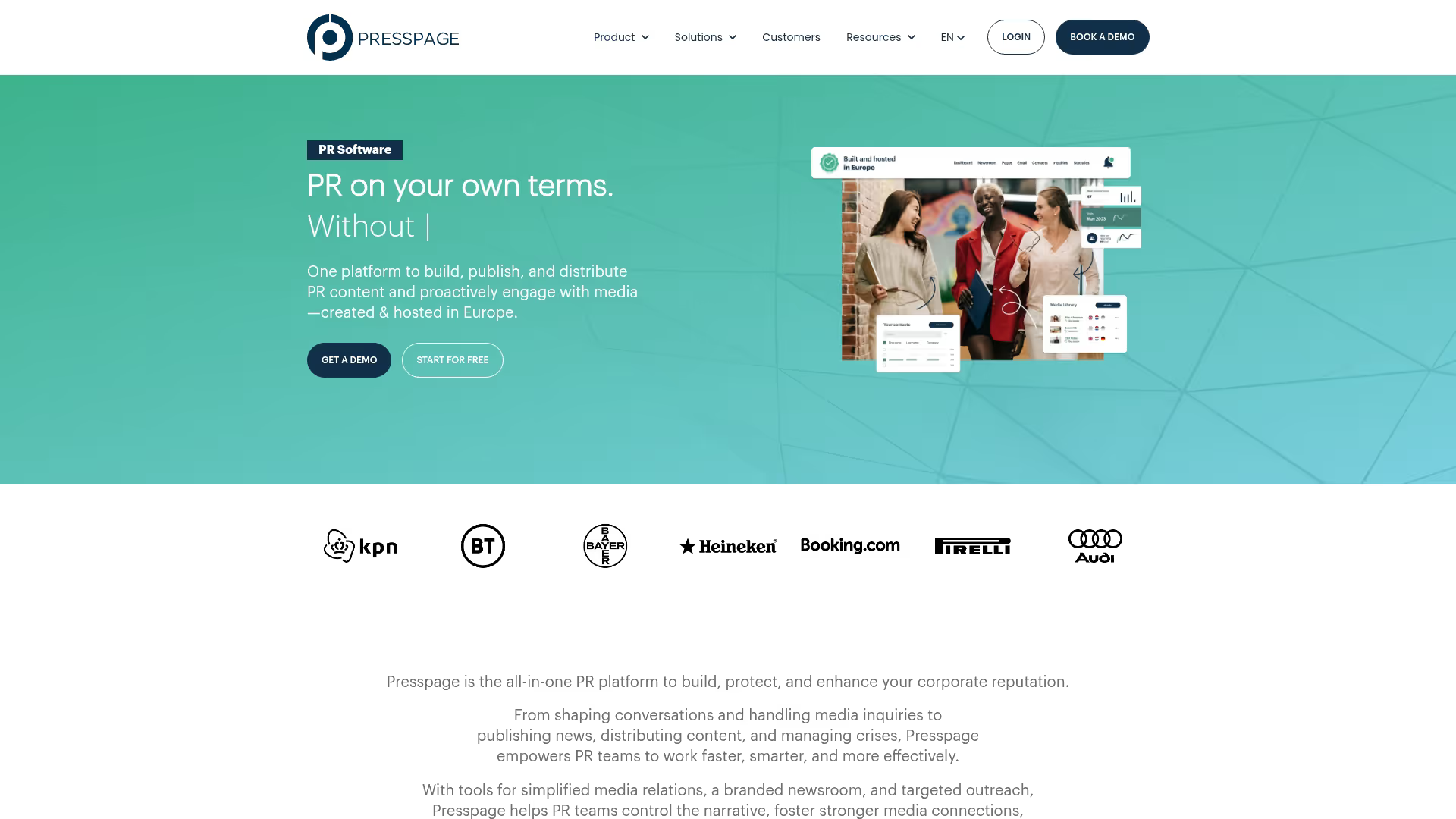
Presspage is built for large organizations and high-volume publishing. The platform offers customized subdomains, multi-language support, and enterprise-grade features that scale with global comms teams.
Best for: Enterprise teams managing multiple brands or regions with high publishing volume.
Key strengths
- Multi-language newsrooms with region-specific content delivery
- Advanced customization for brand consistency across markets
- Robust analytics and journalist engagement tracking
- Integration with major CRM and marketing platforms
Why pick Presspage? Presspage works well when managing newsrooms across multiple countries or brands and enterprise-level support matters.
Pricing: Enterprise pricing, contact sales for details.
G2 rating: 4.5/5
2. PR.co
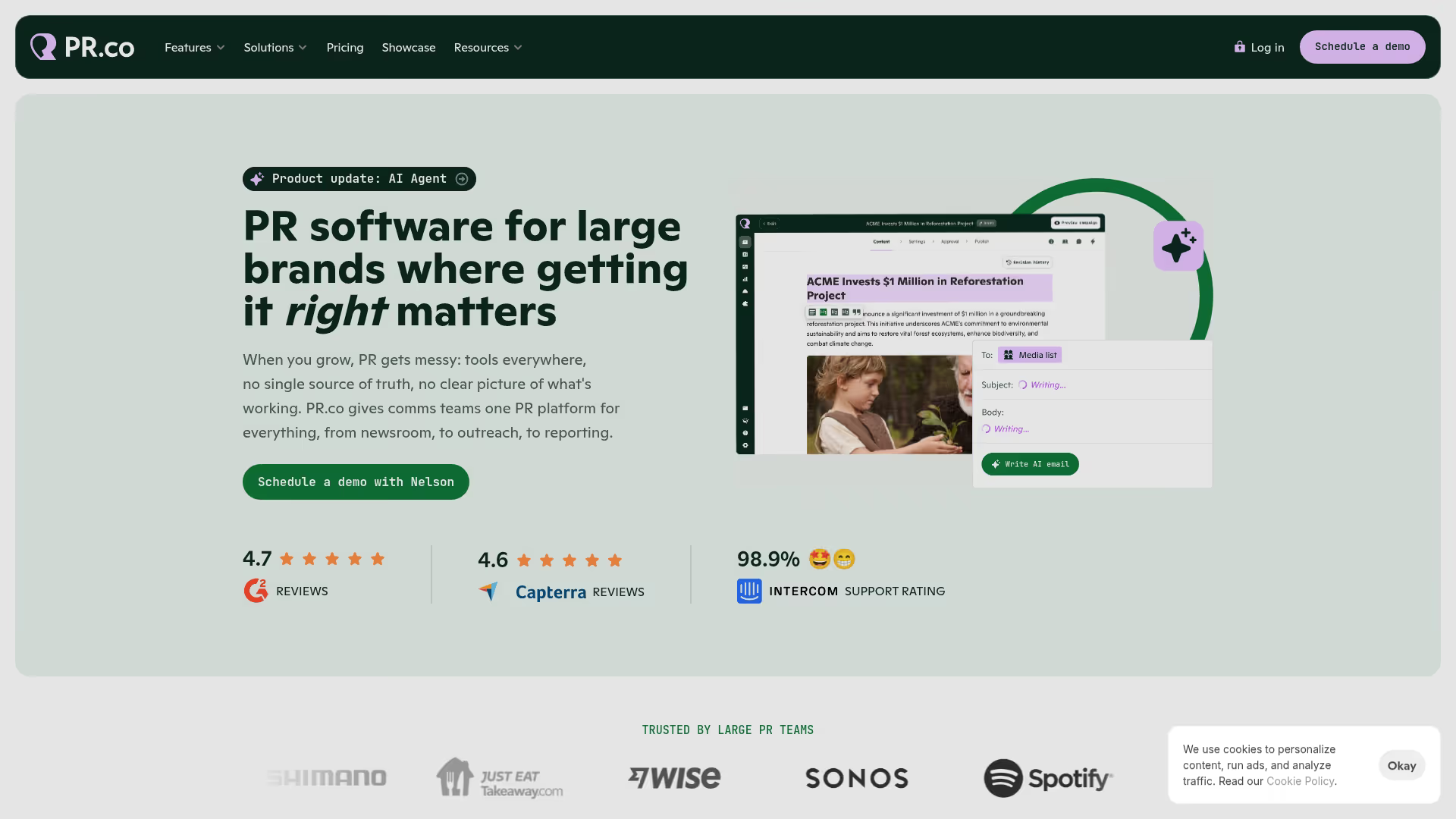
PR.co focuses on simplicity for small to medium teams wanting quick setup and clean presentation. You can launch a professional newsroom in days rather than weeks.
Best for: Small and medium teams that want fast implementation without sacrificing design quality.
Key strengths
- Quick setup with minimal configuration required
- Clean, modern templates that look professional out of the box
- Straightforward pricing without enterprise complexity
- Easy media kit creation and management
Why pick PR.co? PR.co is most useful when you want a polished newsroom running quickly and don't have dedicated technical resources for implementation.
Pricing: Mid-tier, plans start around $99/month.
G2 rating: 4.6/5
3. Prowly
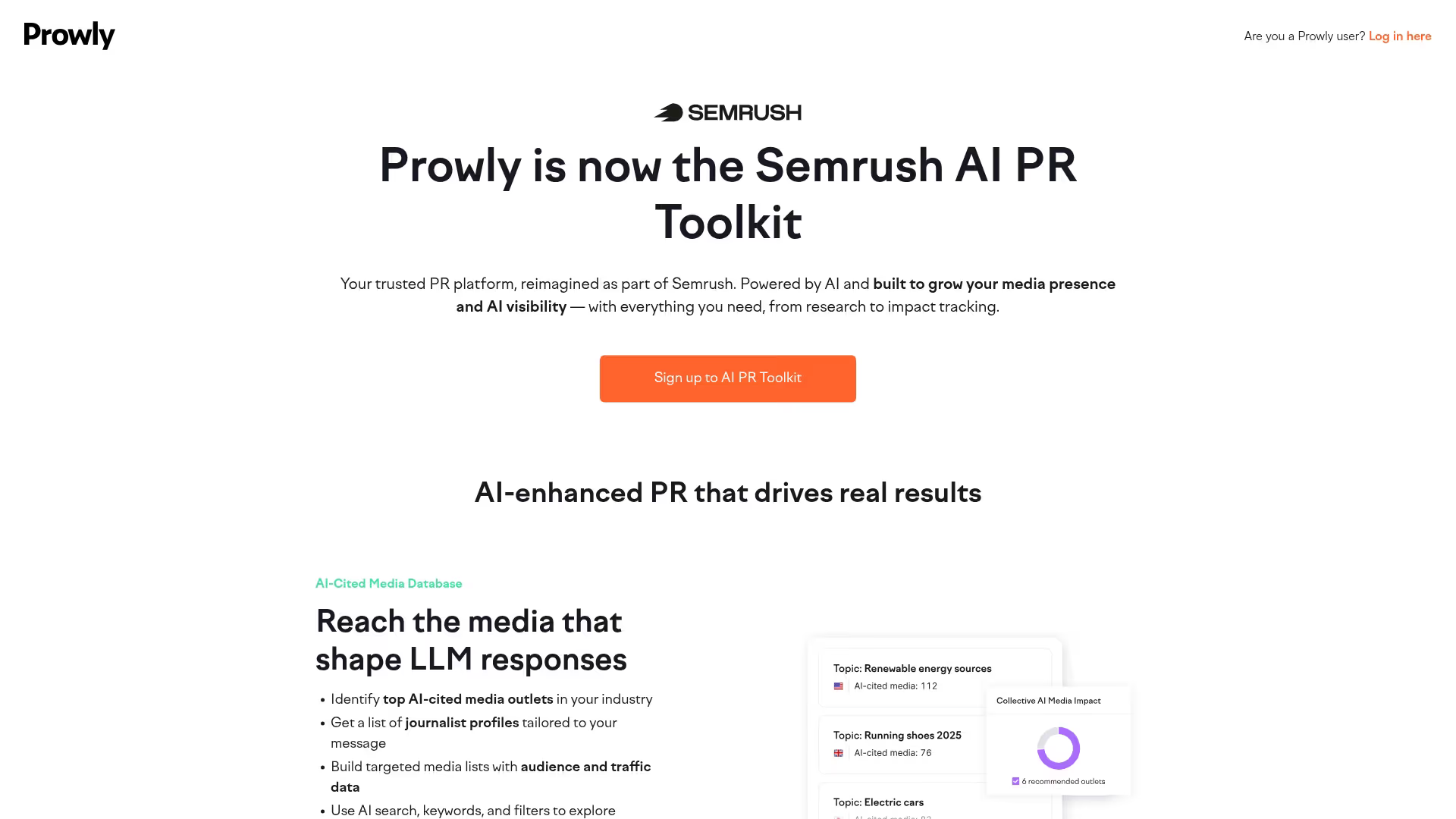
Prowly combines strong SEO features with media database and outreach tools. The platform helps teams build organic visibility while managing journalist relationships.
Best for: Teams prioritizing search visibility and integrated media outreach.
Key strengths
- Built-in SEO optimization for press releases and newsroom pages
- Media database with journalist contact information
- Email outreach tools integrated with newsroom publishing
- Coverage tracking and reporting
Why pick Prowly? Prowly works well when SEO matters to your PR strategy and you want outreach tools in the same platform as your newsroom.
Pricing: Mid-tier, plans start around $369/month.
G2 rating: 4.5/5
4. Prezly
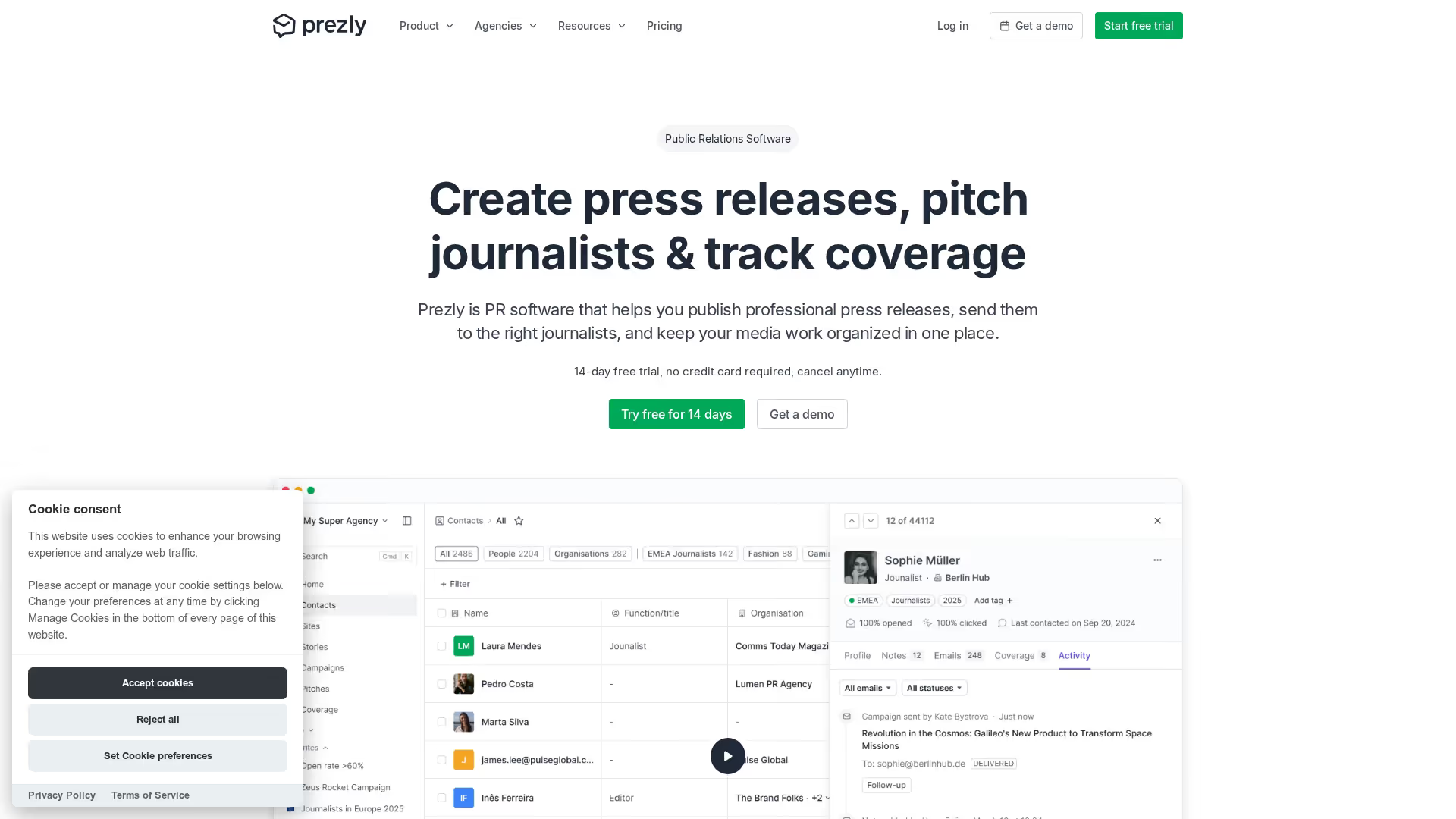
Prezly excels at multimedia storytelling with editorial-first features for press releases. The platform treats each release as a story rather than a document.
Best for: Editorial-first teams focused on multimedia press releases and direct pitching.
Key strengths
- Rich multimedia press release templates
- Direct pitching tools with personalization
- Modern, magazine-style newsroom layouts
- Contact management and relationship tracking
Why pick Prezly? Prezly is most useful when press releases rely heavily on visuals, video, and narrative rather than straightforward announcements.
Pricing: Mid-tier, plans start around $50/month.
G2 rating: 4.6/5
5. Mynewsdesk

Mynewsdesk offers strong regional visibility, especially in Nordic markets. The platform combines newsroom publishing with local media reach.
Best for: Teams targeting Nordic or European regional media coverage.
Key strengths
- Strong local media network in Nordic countries
- Integrated monitoring and analytics
- Multi-format content support
- Regional targeting capabilities
Why pick Mynewsdesk? Mynewsdesk works well when your primary audience is in Scandinavia or you want strong regional European coverage.
Pricing: Mid-tier, contact for regional pricing.
G2 rating: 4.3/5
6. Cision
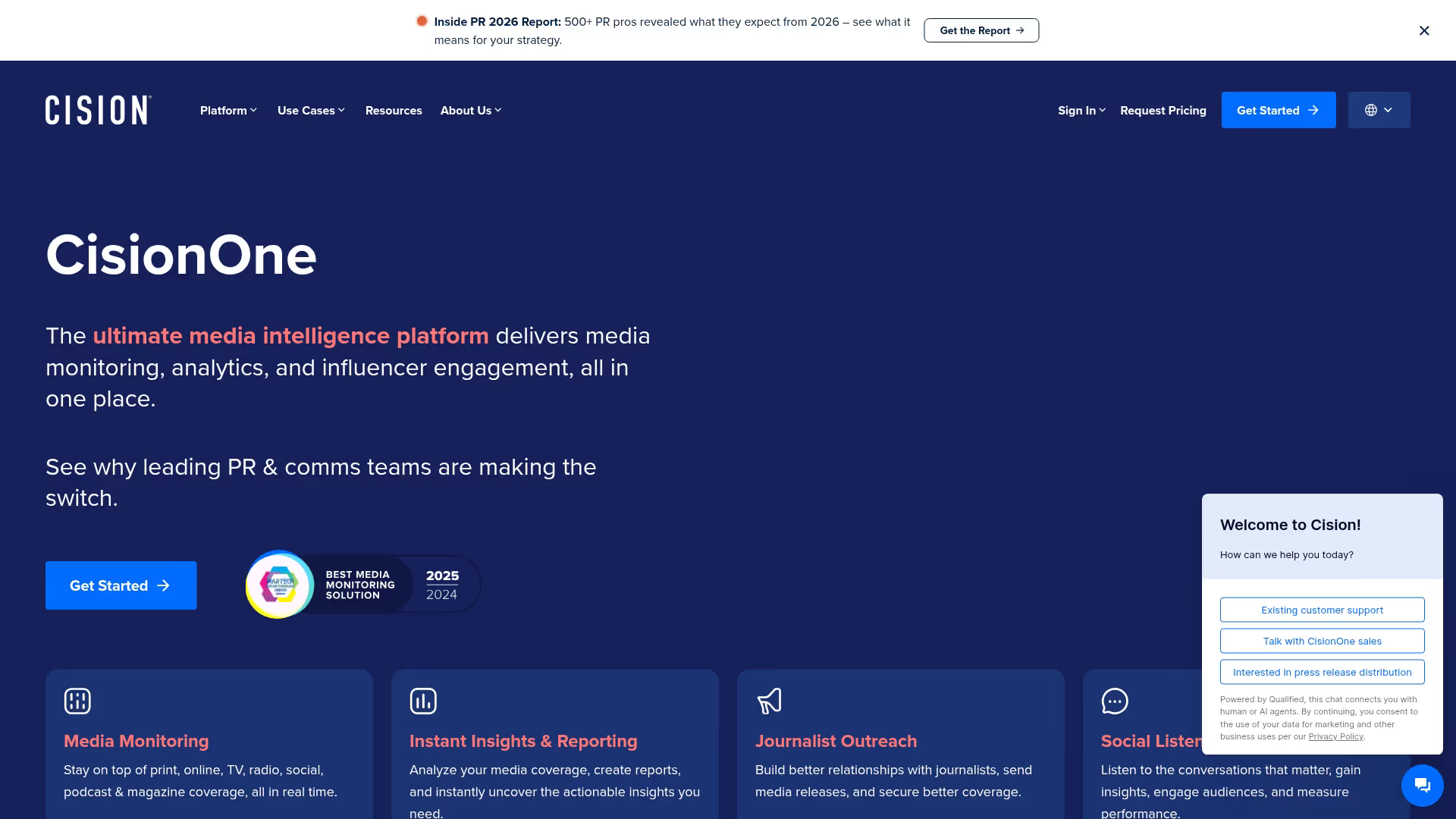
Cision provides extensive media databases and monitoring alongside newsroom capabilities. The platform serves enterprises wanting comprehensive PR infrastructure.
Best for: Large enterprises wanting extensive media databases and monitoring integration.
Key strengths
- Global media database with millions of journalist contacts
- Comprehensive monitoring across traditional and social media
- Distribution through PR Newswire network
- Advanced analytics and attribution
Why pick Cision? Cision is most useful when you want the full PR stack in one vendor and have the budget for enterprise pricing.
Pricing: Enterprise pricing, contact sales.
G2 rating: 4.0/5
7. Meltwater

Meltwater pairs newsroom publishing with media monitoring and social listening. The platform helps teams track coverage alongside publishing.
Best for: Teams prioritizing media monitoring alongside newsroom publishing.
Key strengths
- Comprehensive media monitoring and social listening
- Newsroom publishing integrated with monitoring
- Influencer identification and tracking
- Competitive intelligence features
Why pick Meltwater? Meltwater works well when monitoring and measurement matter as much as publishing and you want both in one platform.
Pricing: Enterprise pricing, contact sales.
G2 rating: 4.0/5
8. Notified

Notified combines investor relations and PR publishing for communications teams managing both functions. The platform offers broad distribution through GlobeNewswire.
Best for: Communications teams combining IR and PR publishing.
Key strengths
- Investor relations features alongside PR newsroom
- Distribution through GlobeNewswire network
- Webcasting and virtual event capabilities
- Compliance features for regulated industries
Why pick Notified? Notified is most useful when your comms team handles both investor relations and media relations and wants one platform for both.
Pricing: Enterprise pricing, contact sales.
G2 rating: 4.2/5
9. Onclusive
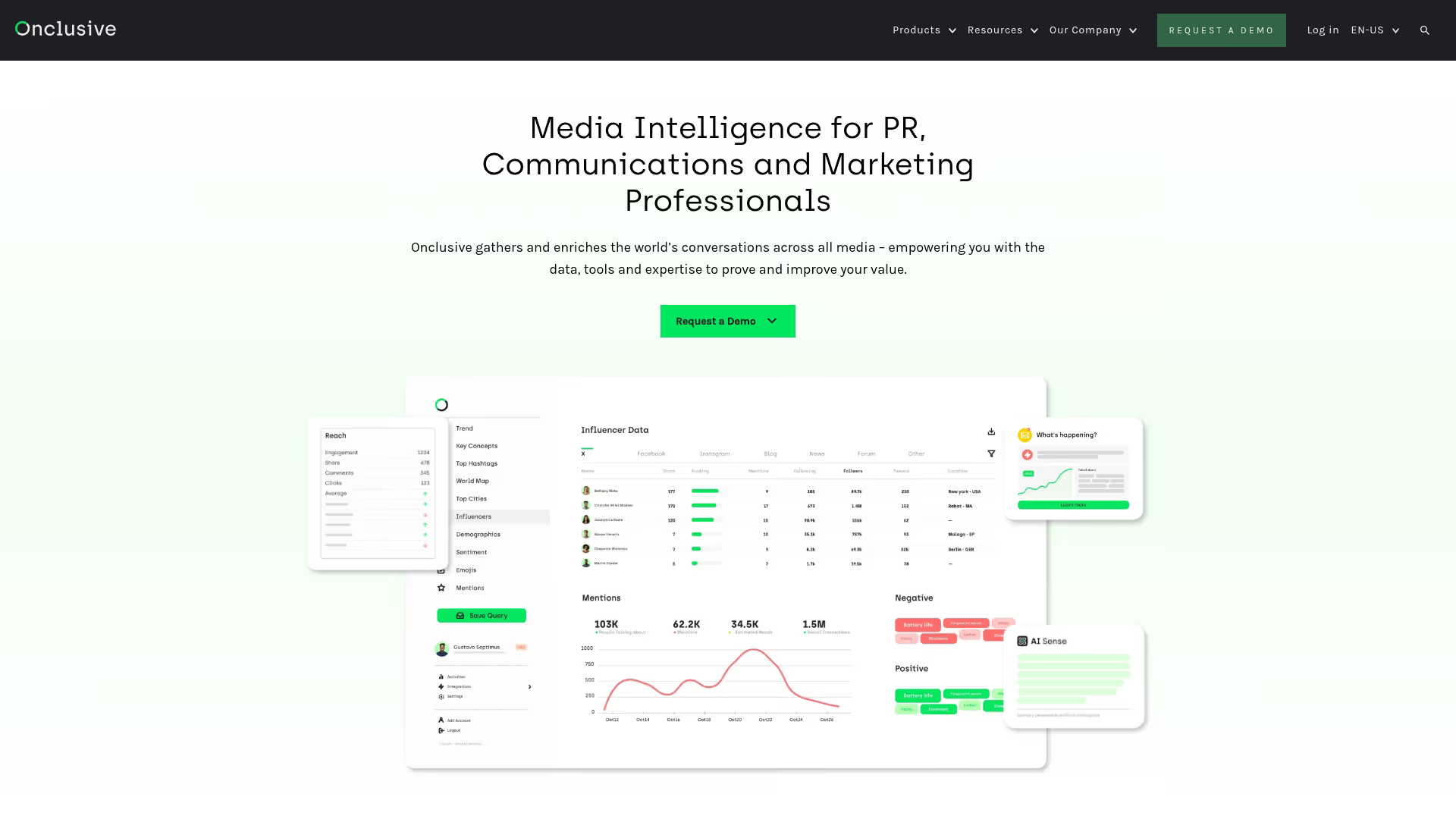
Onclusive focuses on data-driven PR with advanced measurement and attribution capabilities. The platform helps teams prove PR impact on business outcomes.
Best for: Data-driven PR teams focused on measurement and attribution.
Key strengths
- Advanced PR attribution and measurement
- AI-powered insights and recommendations
- Media monitoring with sentiment analysis
- Integration with business intelligence tools
Why pick Onclusive? Onclusive works well when proving PR ROI to leadership is a priority and you want sophisticated attribution.
Pricing: Enterprise pricing, contact sales.
G2 rating: 4.3/5
10. PRgloo
PRgloo prioritizes visual customization and brand control for teams where newsroom design matters. The platform gives you flexibility to match your brand guidelines without compromise.
Best for: Brand-focused teams wanting complete visual control over newsroom design.
Key strengths
- Extensive design customization without developer requirements
- Centralized brand asset management and version control
- Multi-site capabilities for agencies managing multiple clients
- Built-in workflow and approval processes
Why pick PRgloo? PRgloo works well when your newsroom needs to reflect precise brand standards and design matters more than distribution reach.
Pricing: Plans start around $199/month.
G2 rating: 4.4/5
Online newsroom software comparison table
Build vs buy for your digital newsroom
When to build a custom newsroom
Custom development makes sense when you have unique workflow requirements that no platform supports, deep integration requirements with proprietary systems, or existing engineering resources with capacity. Most teams overestimate their requirement for custom solutions.
When to buy newsroom software
Purchased solutions work better when you want speed to launch, have limited dev resources, or want ongoing updates and support. The maintenance burden of custom newsrooms often surprises teams who built them.
PR-specific vs generic CMS
WordPress or generic CMS tools lack PR-specific features like media databases, journalist tracking, and distribution integrations. You can make them work, but workarounds take more time than a dedicated platform.
Operational considerations when selecting newsroom software
Security and compliance
Enterprise teams often require SOC 2 compliance, SSO, and granular access controls. Check that shortlisted vendors meet your security requirements before investing time in demos.
Usability and team adoption
The best platform is the one your team actually uses. Look for intuitive interfaces that non-technical PR staff can manage without training. Request a trial with your actual content to test usability.
Branding and customization
Your newsroom represents your brand to journalists. Ensure the platform supports your brand guidelines, including fonts, colors, and layout preferences.
Vendor support and reliability
Uptime guarantees, customer support quality, and implementation assistance vary widely. Ask for references from similar-sized teams and check G2 reviews for support feedback.
How to enhance your newsroom with interactive product demos
Product announcements and launches benefit from more than text and images, and product marketing teams increasingly use interactive experiences to showcase new features.
Marketing teams use demo centers to organize product experiences alongside press materials. The combination of newsroom software for distribution and interactive demos for product storytelling creates a more complete experience for journalists covering your announcements.
How to get started with online newsroom software
- Audit your current PR assets: Inventory press releases, media kits, and brand materials you'll migrate
- Define your requirements: Use the feature checklist from earlier sections to prioritize what matters
- Shortlist vendors: Compare based on your team size, budget, and primary use case
- Request demos: Evaluate usability with your actual workflows and content
- Plan your migration: Map existing content to the new platform structure before launch
Start your journey with Guideflow today!