One bad config push on a core switch, and the phones start ringing. Someone changed an ACL at 4pm on a Friday. Nobody documented it. The last clean backup is three weeks old. Now you are reverse-engineering what the device looked like before, from memory, while the SLA clock burns.
That is the real job of network configuration software. Not dashboards. Not pretty graphs. It is the difference between a five-minute rollback and a five-hour outage.
The stakes are rising because the surface is growing. The network configuration and change management market was valued at USD 2.1 billion in 2024 and is projected to reach USD 4.53 billion by 2033 at an 8.9% CAGR, according to Straits Research (2024). More devices, more vendors, more change tickets, more auditors asking for evidence you cannot produce on demand.
If you sit in presales or sales engineering, you already know this pain from the other side of the table. You are helping prospects validate that a configuration tool actually reduces operational risk, not just adds another pane of glass. The buyer wants proof it backs up every device, catches unauthorized changes, and rolls back cleanly. Much like teams evaluating audit management software or best AI security posture management tools, the decision hinges on trust in the recovery path, not the feature count.
Here is the catch: not every tool solves backup, rollback, compliance auditing, and multi vendor support equally well. Some are built for open-source control. Some for structured editions. Some for MSPs juggling dozens of client networks. Picking the wrong one means you find out during an incident, which is the worst time to learn.
What's inside
This guide is built for teams evaluating network configuration software to manage switches, routers, firewalls, and similar network devices from one place. We selected the seven tools below against the criteria that actually matter in production: automated configuration backup and configuration restore, change monitoring with audit trails, compliance reporting, multi vendor support, and how each scales from a single site to distributed enterprise architecture.
We looked at enterprise-grade platforms, mid-market options with clear packaging, and MSP-ready tools built for multi-tenant management. Pricing and ratings reflect what vendors publish today and should be verified against the vendor's live page right before you buy, since editions and device tiers change often.
TL;DR
- Best for enterprise self-hosted control: rConfig, open-source core with a licensed enterprise edition and deep scripting.
- Best for structured editions and clear packaging: ManageEngine Network Configuration Manager, free through enterprise with device-based licensing.
- Best for fast deployment and broad coverage: Unimus, vendor-agnostic with a free tier and simple per-device licensing.
- Best for established SolarWinds shops: SolarWinds Network Configuration Manager, mature backup, compliance, and change control.
- Best for policy-driven governance: CFEngine Enterprise, desired-state automation with compliance reporting at scale.
- Best for MSP multi-site management: Domotz, transparent per-collector and per-device pricing with discovery and remote access.
- Best for enterprise automation workflows: BMC TrueSight Automation for Networks, large-scale change control and vulnerability workflows.
What is network configuration software?
Network configuration software is software that helps teams back up, track, compare, restore, and govern device configurations across a network, so a bad change never becomes a prolonged outage.
At its core, it treats every router, switch, and firewall config as a versioned asset. When someone changes a running config, the tool captures it, diffs it against the last known-good state, and gives you a clean path back if the change breaks something.
The category covers a consistent set of capabilities, and strong network configuration management tools handle most of them:
- Configuration backup and restore: Automated, scheduled captures of running and startup configs across every device, with one-click configuration restore.
- Version history and rollback: Full configuration versioning so you can diff any two points in time and roll back to a known-good state.
- Change detection and audit trails: Real-time change monitoring that flags who changed what and when, backed by a searchable audit trail.
- Compliance reporting and policy enforcement: Compliance auditing against internal standards or external frameworks, plus policy enforcement to block or flag noncompliant configs.
- Multi-vendor device support: Vendor agnostic coverage across Cisco, Juniper, Fortinet, Palo Alto, Aruba, MikroTik, and similar network device fleets.
- Automation and scripting integrations: Config push automation, custom scripts, and API access to fit existing network automation workflows.
- Transport methods: SSH, Telnet, SNMP, xFTP, and HTTP/S for reaching devices in mixed environments.
- Deployment models: Self hosted and multi-site architecture, often with high availability for teams that cannot tolerate a single point of failure.
The reason this matters is simple. Manual config management does not scale, and it does not survive an audit. Tools that automate backup, versioning, and change monitoring turn network change management from a source of risk into a controlled, evidence-backed process.
When to use network configuration software
Standardize configuration backups
If you manage more than a handful of devices, manual backups fall apart fast. You need automated, scheduled captures across the fleet so that after an outage or an emergency change, you always have a recent known-good config to restore. This is the baseline reason most teams adopt a network configuration manager: never again reconstruct a device config from memory or a stale text file.
Prove compliance and audit readiness
Regulated teams live and die by evidence. When an auditor asks who changed a firewall rule, when, and whether it matched policy, you need answers in minutes, not a week of log spelunking. Configuration tools generate compliance reports and maintain a complete audit trail, so compliance auditing becomes a report you export rather than a fire drill you dread.
Reduce troubleshooting time
When something breaks after a change, the fastest diagnosis is a diff. Configuration versioning lets you compare the current config against the last working state, spot drift instantly, and roll back the offending change. Teams that adopt change monitoring cut mean time to repair because they stop guessing what changed and start seeing it.
Comparison table
The table below is organized by fit, not alphabetically. Match the intent column to your situation first, then read the detailed sections. Pricing and G2 ratings reflect what was published at the time of writing; verify both against the vendor's live pages right before you buy, since editions and device tiers change frequently.
| # | Product | Intent | Key use case | Pricing | G2 rating |
|---|---|---|---|---|---|
| 1 | rConfig | Open-source and enterprise self-hosted control | Automated backup, compliance, multi-tenant MSP management | Free (V8 Core); €5,000/license (V8 Pro); custom | Not enough reviews |
| 2 | ManageEngine Network Configuration Manager | Structured editions and compliance | Multi-vendor backup, rollback, and compliance reporting | Free edition; Professional from $595 (10 devices) | 4.5/5 |
| 3 | Unimus | Fast deployment, broad coverage | Config backup, change detection, and auditing | Free license; SMB from $5.90/seat/year | 4.4/5 |
| 4 | SolarWinds Network Configuration Manager | Enterprise NCM workflows | Backup, change management, and compliance audits | Starts at $754 | Not listed |
| 5 | CFEngine Enterprise | Policy-driven governance | Desired-state automation and compliance reporting | Free up to 25 hosts; Enterprise custom | 4.8/5 |
| 6 | Domotz | MSP multi-site management | Discovery, monitoring, and remote management | $35/collector/month or $1.50/device/month | 4.8/5 |
| 7 | BMC TrueSight Automation for Networks | Enterprise automation workflows | Large-scale change control and vulnerability workflows | Custom | 4.2/5 |
The 7 best network configuration software tools
1. rConfig
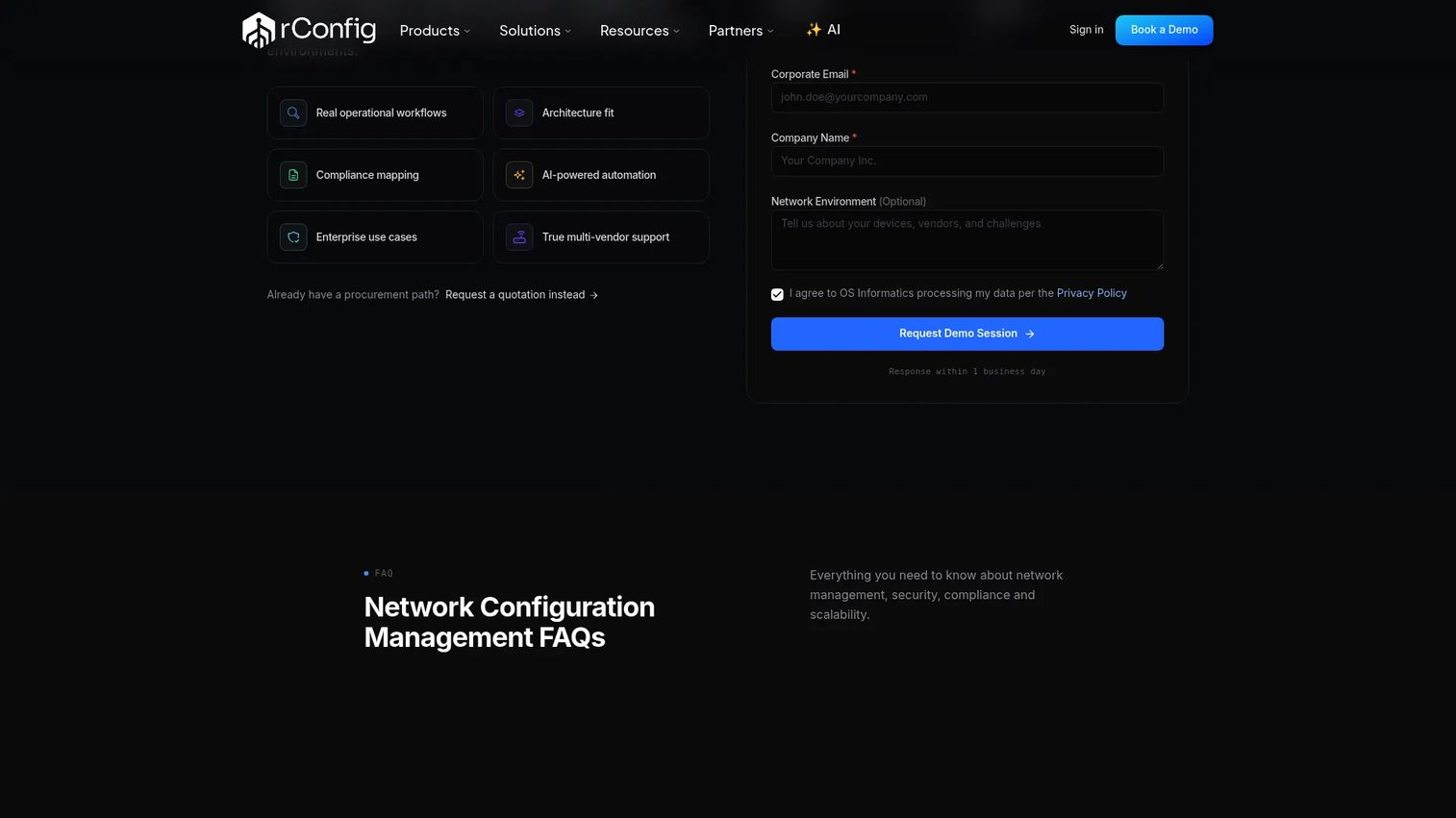
rConfig is network configuration management software built for teams that want control over their own deployment. It pairs an open-source core with a licensed enterprise edition, so you can start self hosted and scale into features like advanced API access, SSO, and multi-tenancy. The scripting flexibility and configurable backup transports make it a favorite among engineers who want to shape the tool to their environment rather than adapt to someone else's opinions.
Best for: IT teams and MSPs that want self-hosted control over configuration backups, compliance, and automation.
Key strengths
- Automated configuration backups: Scheduled captures across your device fleet with versioning and rollback to any prior state.
- Compliance and auditing: Policy-based compliance auditing with reporting, backed by a full audit trail of changes.
- Multi-tenancy for MSPs: Isolate client networks in one deployment, which suits providers managing many customers.
Why choose rConfig: If your team values ownership and configurability over managed simplicity, rConfig fits. The open-source core lets you evaluate the workflow with zero spend, then move to a paid license when you need enterprise features. It rewards teams with the appetite to run and tune their own stack.
rConfig pricing: rConfig lists three editions. V8 Core is free. V8 Pro is a perpetual license at €5,000. Enterprise and MSP tiers are custom and require contacting sales. Pricing on the site is shown in euros, so confirm current terms and any USD equivalent before you commit.
2. ManageEngine Network Configuration Manager
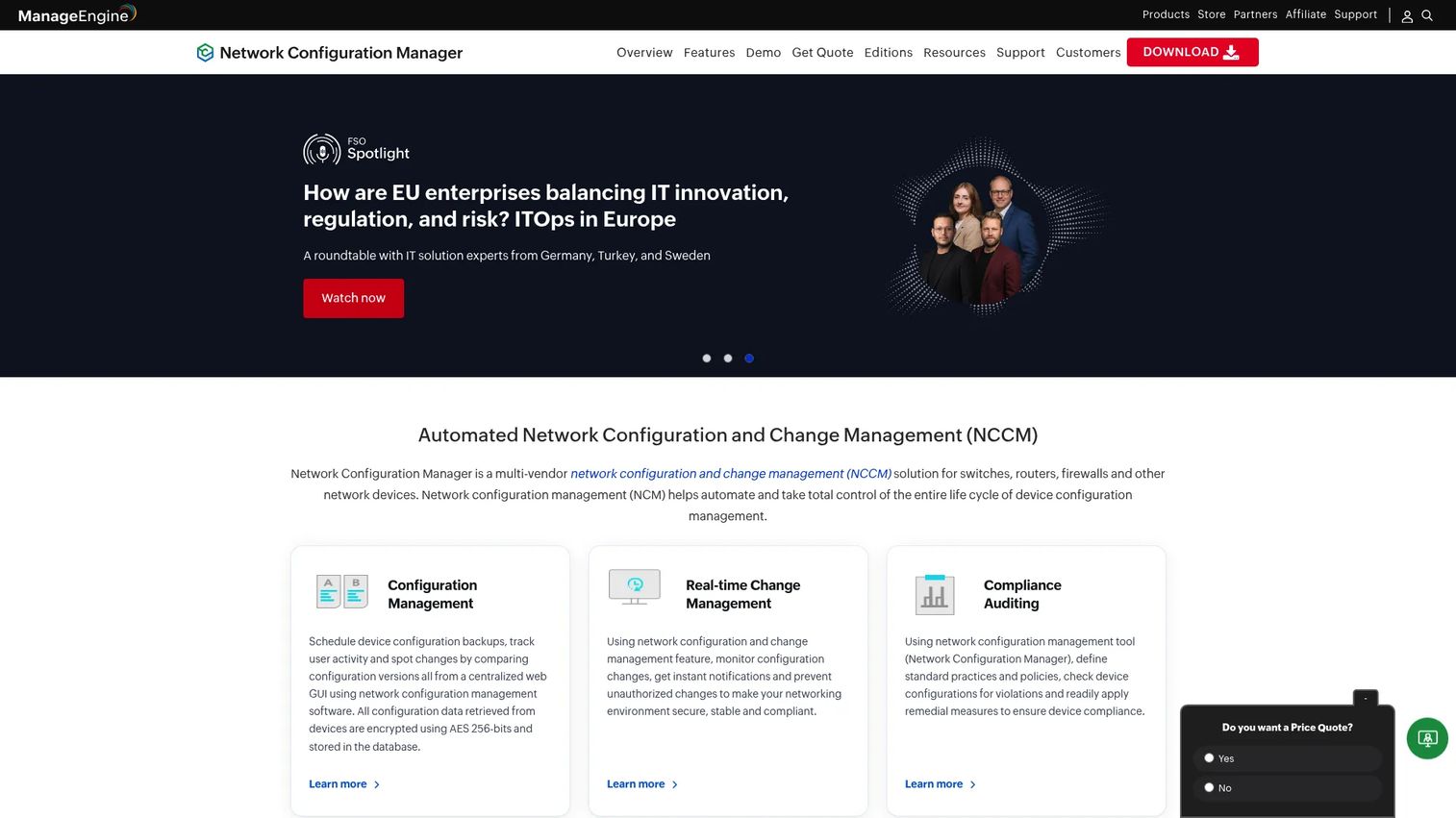
ManageEngine Network Configuration Manager is a multi-vendor network change and configuration management platform with a strong backup, rollback, and compliance story. It handles configuration backup and restore, real-time change detection, and compliance reporting across mixed device fleets. The clear editions and lower entry point make it approachable for teams that want structured packaging rather than a custom quote.
Best for: IT teams managing device configurations across multi-vendor environments who want clear pricing tiers.
Key strengths
- Configuration backup and restore: Automated backups with fast configuration restore across routers, switches, and firewalls.
- Real-time change detection with rollback: Instant alerts on config changes plus rollback to a known-good version.
- Compliance management and reporting: Built-in compliance auditing with exportable compliance reports for security reviews.
Why choose ManageEngine: The packaging is the draw. A free edition for a couple of devices lets you validate the workflow, a 30-day trial opens up the full feature set, and device-based tiers scale as your fleet grows. Teams that want predictable, published pricing choose it over quote-only enterprise platforms.
ManageEngine Network Configuration Manager pricing: There is a free edition for 2 devices and a 30-day free trial. Professional starts at $595 for 10 devices. Enterprise runs $8,395 for 250 devices. Pricing is device-based, so map your actual device count to the tiers before comparing.
3. Unimus
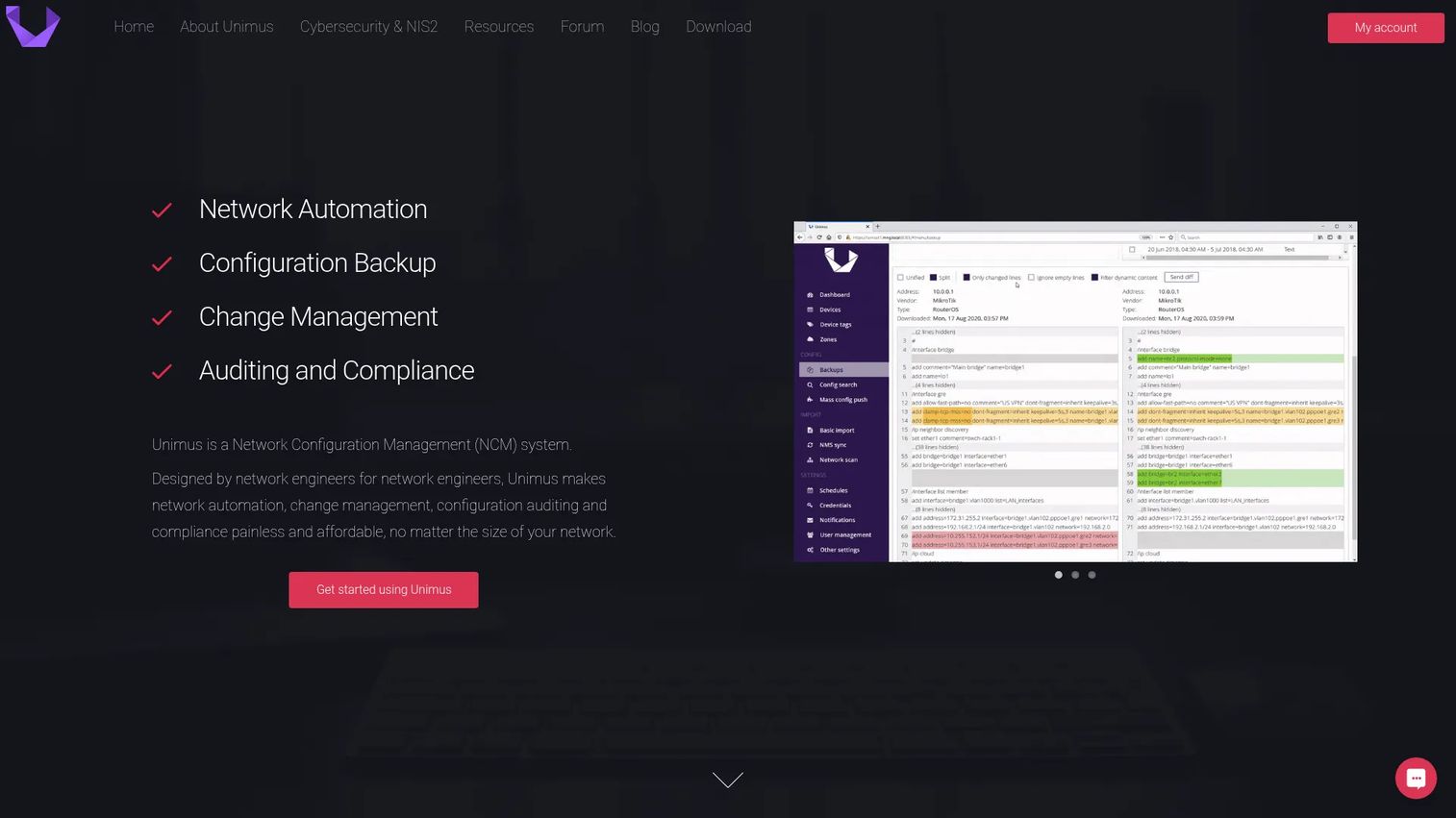
Unimus is on-premise network automation and configuration management software with a vendor agnostic focus and a reputation for fast deployment. It automates configuration backups, detects changes with graphical diffs, and supports compliance auditing and config push automation. Teams that want broad network coverage without a heavy setup project gravitate to it.
Best for: Network teams needing on-prem configuration backup, auditing, and automation across a wide range of devices.
Key strengths
- Automated configuration backups: Scheduled backups across your fleet with clear version history.
- Change detection and graphical diffs: Visual diffs make it obvious what changed between two config versions.
- Compliance auditing and config push: Audit configs against policy and push standardized changes across devices.
Why choose Unimus: Speed and simplicity. Unimus is known for getting teams from install to first backup quickly, and its per-device model keeps costs predictable as you grow. For teams that want a lightweight, vendor agnostic backup and auditing layer, it is a pragmatic pick.
Unimus pricing: There is a free lifetime license to start. The SMB license, covering up to 1,000 devices, starts at $5.90 per seat per year as listed on G2. Unimus notes that pricing differs by region, with EUR for the EU and USD elsewhere, and that licenses are yearly. Confirm current numbers on the vendor's own pricing page before you buy.
4. SolarWinds Network Configuration Manager
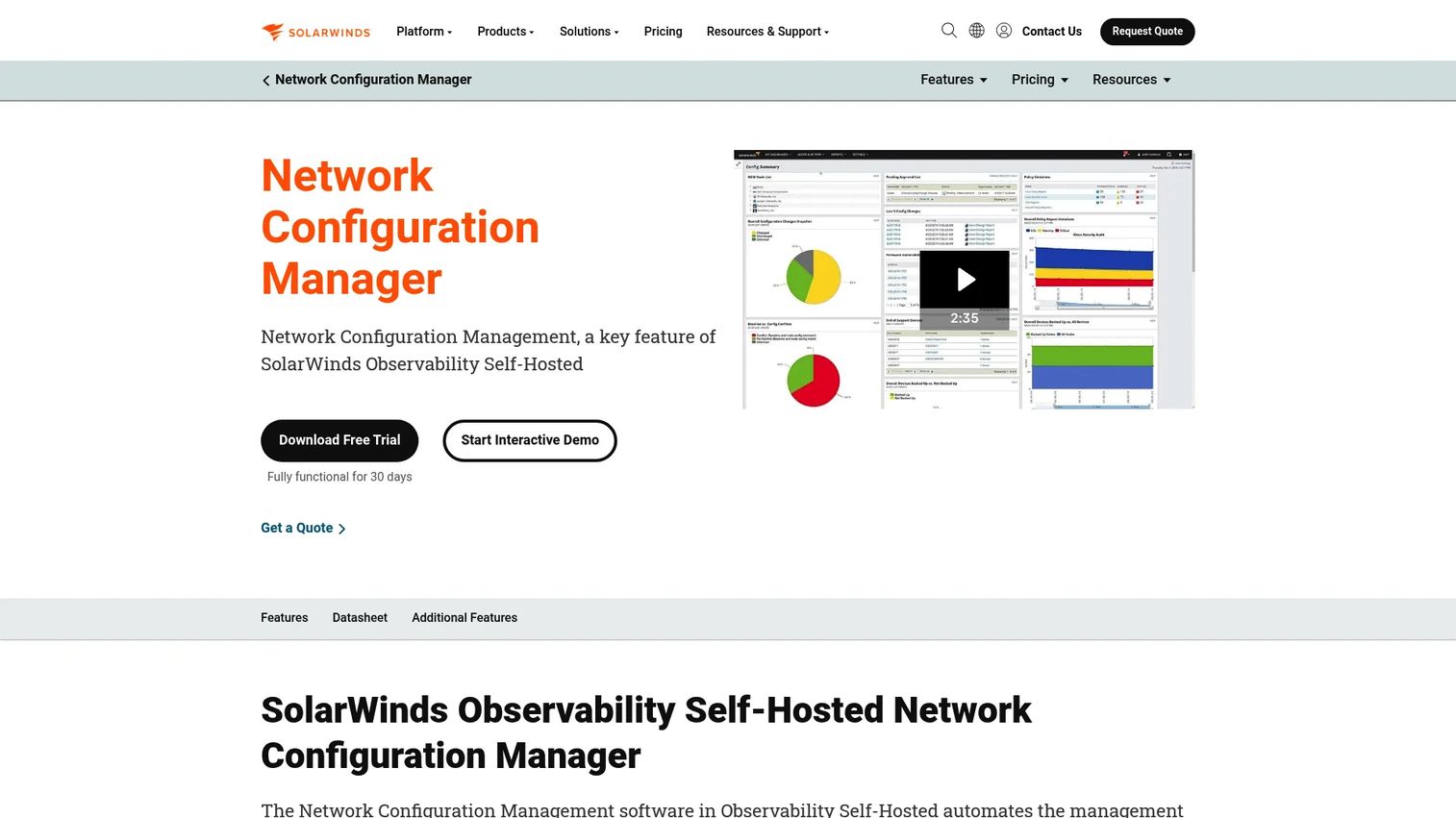
SolarWinds Network Configuration Manager is network configuration management software for automating backups, change management, and compliance across multi-vendor devices. It centralizes configuration backups, tracks changes with alerts, and runs compliance auditing with reporting. It is a natural fit for established IT shops already running other SolarWinds products, where the configuration manager slots into a familiar environment.
Best for: IT teams needing centralized network config backup, change control, and compliance in a mature, self-hosted platform.
Key strengths
- Automated configuration backups: Scheduled config captures with configuration restore across the network device fleet.
- Configuration change management and alerts: Change monitoring with alerts so unauthorized changes surface immediately.
- Compliance auditing and reporting: Policy-based compliance checks with reports that support audit readiness.
Why choose SolarWinds: Maturity and ecosystem fit. SolarWinds NCM has been refined over years of enterprise deployments, and the change control and compliance workflows are well-traveled. If your team already lives inside the SolarWinds stack, the adjacency to network performance and observability tooling reduces friction.
SolarWinds Network Configuration Manager pricing: SolarWinds lists a starting price of $754 for Network Configuration Manager. The public pages did not expose a full tier breakdown beyond that starting point, so request a current quote for your device count and deployment before you decide.
5. CFEngine Enterprise
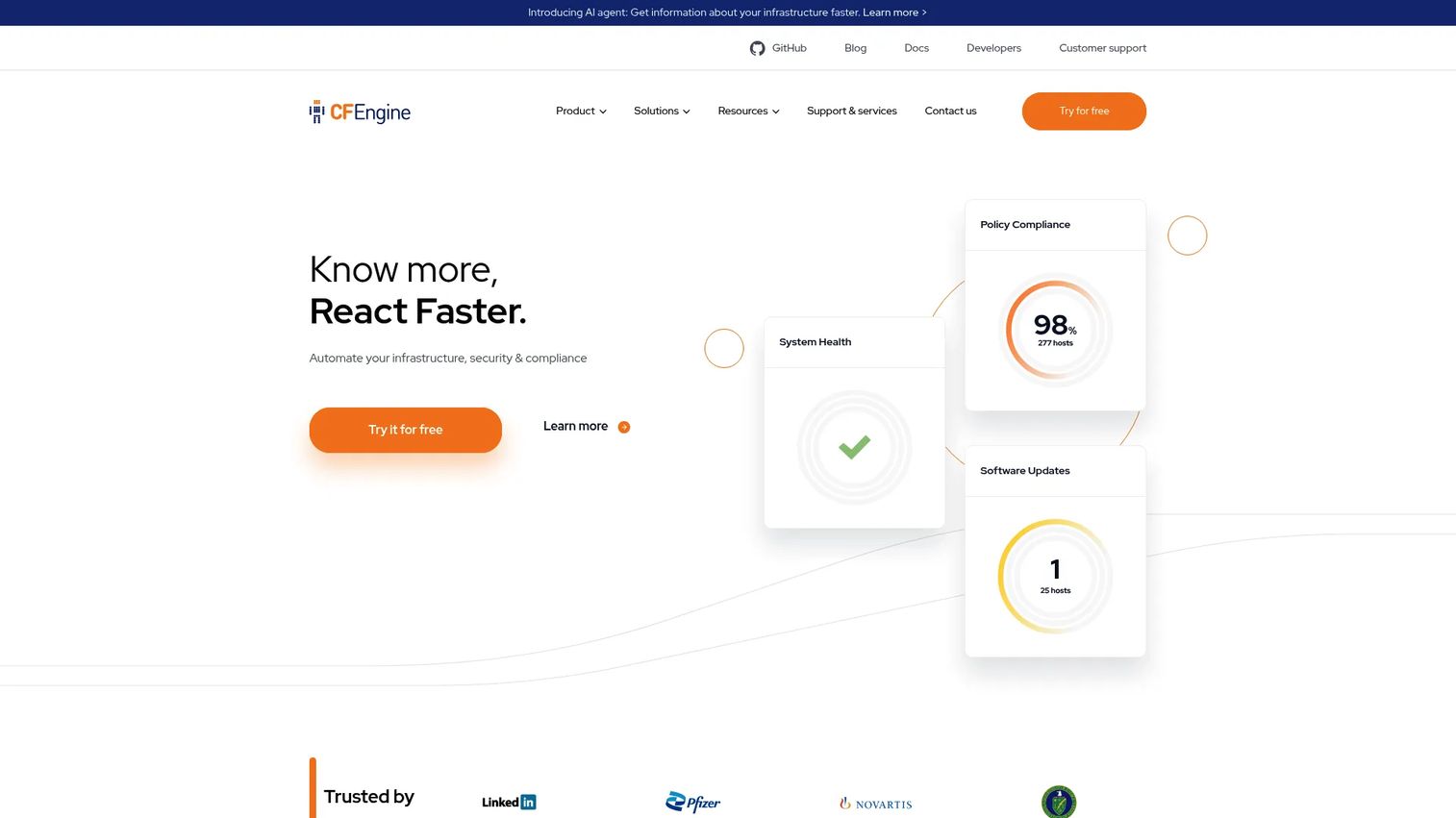
CFEngine Enterprise is an enterprise IT automation platform for configuration management, compliance, reporting, and infrastructure security. It is broader than a pure network tool, using policy-based automation and desired-state control to keep infrastructure in a defined, compliant state. Where configuration drift control matters at scale, its hub and agent architecture and reporting make it a serious governance option.
Best for: Organizations needing policy-driven infrastructure automation with compliance and reporting at scale.
Key strengths
- Policy analyzer and triggered actions: Define desired state, detect drift, and trigger corrective actions automatically.
- Inventory and compliance reporting: Continuous inventory with compliance reporting for audit readiness.
- Dashboards and alerts: Real-time dashboards and alerts on policy and compliance status across hosts.
Why choose CFEngine: Governance depth. CFEngine treats compliance and desired state as first-class citizens, which suits infrastructure teams that want strong policy enforcement across large fleets. It is broader infrastructure automation, so it fits best where configuration drift control is one piece of a wider automation mandate.
CFEngine Enterprise pricing: CFEngine offers a free Community Edition and an Enterprise free trial for up to 25 hosts. Public Enterprise pricing is not listed, so pricing is quote-based through sales. Try the free tier to validate fit, then scope an Enterprise quote for your host count.
6. Domotz
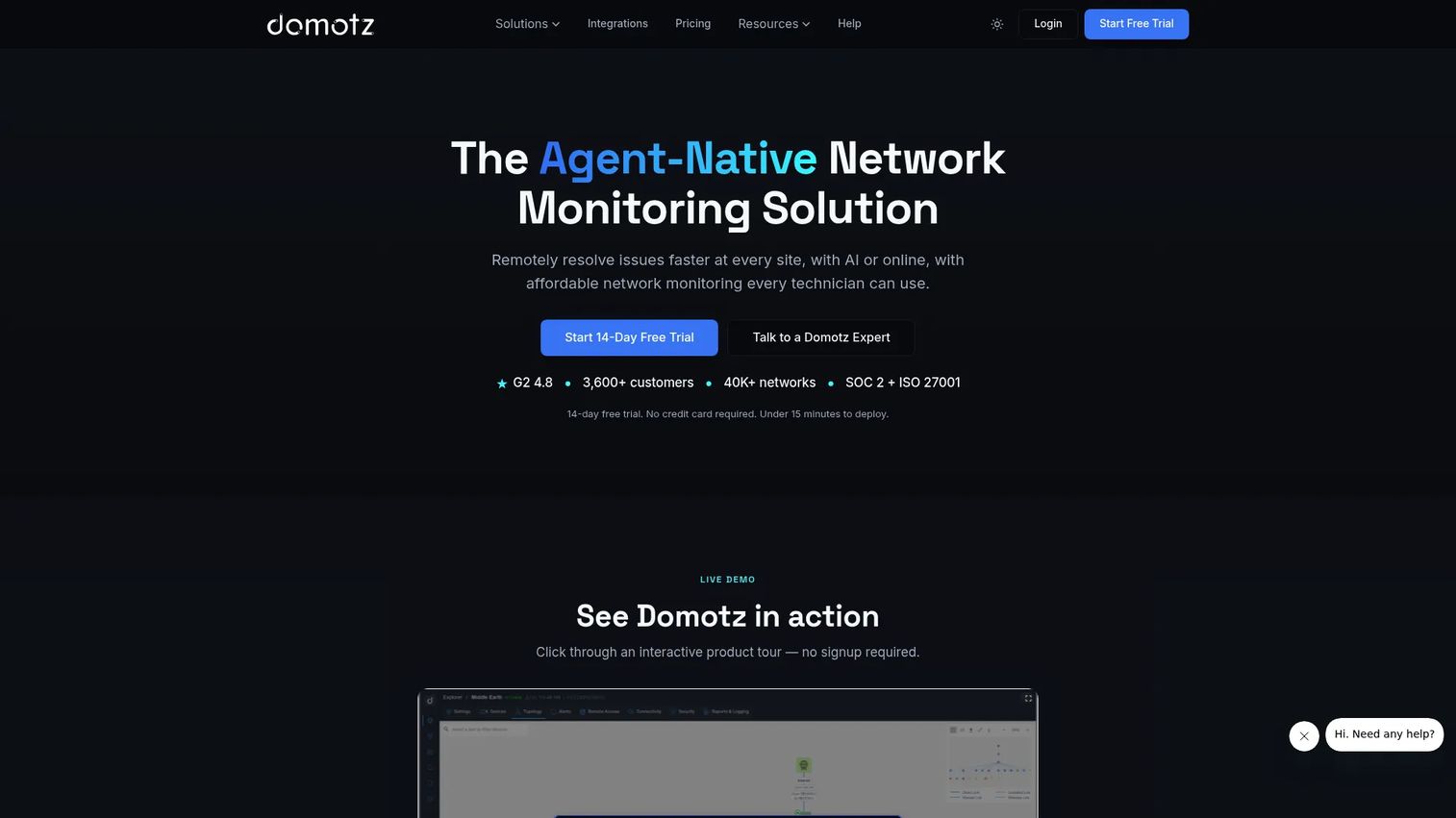
Domotz is network monitoring and management software built for MSPs and IT teams managing distributed networks across multiple sites. It combines automatic device discovery, real-time monitoring, remote access, and configuration management, which makes it a strong fit for providers who need multi-site visibility alongside config control. The transparent, no-tier pricing is a relief for teams tired of enterprise quote gauntlets.
Best for: MSPs and IT teams monitoring and managing distributed networks across many sites.
Key strengths
- Automatic device discovery: Scan and inventory every device on a network without manual entry.
- Real-time monitoring and alerts: Continuous monitoring with alerts across distributed, multi-site networks.
- Remote access and power management: Reach and manage devices remotely, which cuts truck rolls for MSPs.
Why choose Domotz: Multi-site simplicity for service providers. If you manage many client networks, Domotz gives you discovery, monitoring, and remote management in one place with pricing you can predict per collector or per device. It is monitoring-forward, so it pairs configuration control with the visibility MSPs need day to day.
Domotz pricing: Domotz publishes two options: a Collector Plan at $35 per collector per month, or per-managed-device pricing at $1.50 per device per month. Both include full platform access with no tiers and no setup fees, plus a 14-day free trial. Pick the model that matches how your sites are structured.
7. BMC TrueSight Automation for Networks
BMC TrueSight Automation for Networks is a BMC network automation product for managing network changes, compliance, and vulnerability-related workflows. It targets large-scale change control, accelerating network configuration changes while improving security posture through vulnerability management for network devices. It fits enterprises already evaluating or running the broader BMC ecosystem.
Best for: Enterprises needing network automation and compliance workflows at scale.
Key strengths
- Vulnerability management for network devices: Correlate device configs with known vulnerabilities and drive remediation workflows.
- Accelerated configuration changes: Automate and speed up network configuration changes across large fleets.
- Agility, cost, and security gains: Reduce manual effort and lower risk while improving change control discipline.
Why choose BMC TrueSight: Enterprise scale and ecosystem alignment. If your organization already runs BMC tooling, TrueSight Automation for Networks extends that footprint into network change control and vulnerability workflows. It is built for large environments where automation and compliance discipline carry real operational weight.
BMC TrueSight Automation for Networks pricing: BMC does not publish a public price for this product. The product page directs prospects to request pricing and contact sales, so expect a quote-based motion scoped to your environment and device count.
Considerations before you buy
Picking network configuration software is a risk-control decision, not a feature bake-off. Evaluate against how you actually operate.
Deployment model
Decide whether you need self hosted control or a managed setup. Self-hosted tools like rConfig, Unimus, and SolarWinds keep data in your environment, which matters for regulated teams. Confirm high availability options if an outage in the config tool itself is unacceptable.
Multi-vendor coverage
Your network is rarely single-vendor. Verify the tool supports every device brand and OS you run, from Cisco and Juniper to Fortinet, Palo Alto, and MikroTik. Vendor agnostic coverage prevents the gap where one device family silently goes unbacked.
Rollback and audit depth
Backups are only half the story. Test how quickly you can diff two configs, identify a bad change, and roll back. Then check the audit trail: does it show who, what, and when in enough detail to satisfy an auditor?
Compliance fit
If you answer to a framework, confirm the tool maps to it. Look for prebuilt compliance reports, policy enforcement, and evidence you can export on demand. A tool that turns compliance auditing into a one-click report saves days each cycle.
Scale and licensing
Match the licensing model to your device footprint and growth. Device-based pricing rewards small fleets but climbs with scale; per-collector models suit distributed MSPs. Model your two-year device count before signing.
Conclusion
The right pick comes down to how you deploy, how many devices you run, and how strict your compliance bar is. rConfig fits teams that want architecture control and open-source flexibility. ManageEngine Network Configuration Manager suits teams that want structured editions and a clear compliance story. Unimus is the fast, vendor agnostic option for quick deployment and clean feature packaging. SolarWinds Network Configuration Manager is the natural choice for enterprise NCM workflows, especially inside an existing SolarWinds environment. CFEngine Enterprise wins on policy-driven governance, and Domotz is the standout for MSPs managing distributed, multi-site networks.
Start by matching the tool to your deployment model, then your device footprint, then your compliance requirements. Trial the top one or two candidates against your real devices, run a backup, force a bad change, and time the rollback. The tool that recovers fastest under that test is the one that earns your budget.
FAQs
Network configuration software backs up, tracks, compares, restores, and governs the configurations of network devices like routers, switches, and firewalls. It automates configuration backup, maintains version history for rollback, detects and logs changes with an audit trail, and generates compliance reports. In short, it turns config changes from an untracked risk into a controlled, recoverable process.
Monitoring tells you a device is up, slow, or down. Network configuration software tells you what changed inside the device and lets you roll it back. Monitoring watches performance and availability; configuration management owns backup, change monitoring, versioning, and compliance auditing. Many teams run both, and some tools like Domotz blend monitoring with configuration control.
You need self hosted software when data residency, security policy, or air-gapped environments require configs to stay inside your infrastructure. Regulated industries and government networks often mandate it. rConfig, Unimus, and SolarWinds all support self-hosted deployment, and several offer high availability so the config tool itself is not a single point of failure.
Prioritize automated configuration backup and configuration restore, configuration versioning with fast rollback, real-time change monitoring, and a searchable audit trail. Then confirm multi vendor support for every device brand you run, compliance reporting that maps to your framework, and a licensing model that fits your device count and growth.
Yes. Rollback is a core capability of every tool on this list. They capture known-good configuration versions, let you diff the current config against a prior state, and restore the working version when a change breaks something. This is the single biggest reason teams adopt a network configuration manager: fast, reliable recovery.
Most tools here are vendor agnostic and support mixed fleets across Cisco, Juniper, Fortinet, Palo Alto, Aruba, and MikroTik. rConfig, ManageEngine Network Configuration Manager, Unimus, and SolarWinds all emphasize multi-vendor coverage. Always verify support for your specific device families and firmware lifecycle before you buy, since coverage details vary by tool.
Very. MSPs manage many client networks and need multi-tenant isolation, distributed multi-site visibility, and predictable per-device pricing. Domotz is built for MSP multi-site management with discovery and remote access, and rConfig offers multi-tenancy for providers who want self-hosted control across multiple client environments.
Compliance reports turn a stressful audit into an export. Instead of manually reconstructing who changed what, the tool maintains a complete audit trail and checks configs against policy automatically. When an auditor asks for evidence, you generate a report showing configuration states, change history, and policy enforcement results in minutes rather than days.