You need 200 qualified prospects for next quarter's outbound. Sales Navigator gave you a list. Now you need names, titles, verified emails, and company data in your CRM, and you have until Friday.
You also need to do it without spending $25,000 a year on a database that will be partially stale by the time you finish onboarding.
This is the reality every AE and SDR runs into in 2026. LinkedIn has over 1.2 billion members, and that data sits behind a paywall, a TOS, and a ban-risk minefield. LinkedIn scraping tools are the workaround most B2B sales teams actually use.
They cost a fraction of ZoomInfo or Apollo. The data is fresher because it comes straight from active profiles, and the right ones plug into your CRM and sequencer without a RevOps project.
The catch: not all of them are safe, accurate, or worth your time. Below are 17 LinkedIn scraping tools ranked by what they actually do for B2B sales teams.
Each includes honest notes on ban risk, email accuracy, Sales Navigator support, and CRM fit. The goal is to help you pick the best LinkedIn scraper for your motion, not the loudest one.
What this guide covers
This guide is written for AEs, SDRs, and growth marketers building B2B pipeline. We evaluated 17 LinkedIn scraping tools on data accuracy, ban risk, Sales Navigator support, CRM integrations, pricing, and ease of adoption.
We did not include open-source GitHub libraries (like linkedin_scraper) because they require developer time most sales teams do not have. We did include enterprise-grade infrastructure (Bright Data, Apify) that most listicles skip.
Key takeaways at a glance
- Deployment types: Chrome extensions, cloud platforms, desktop apps, and APIs each have different ban-risk profiles.
- Top picks by use case: PhantomBuster for workflow chaining, Evaboot for Sales Navigator exports, Skrapp for verified emails, Kanbox for all-in-one prospecting.
- Sales Navigator scrapers: Evaboot, Kanbox, and PhantomBuster produce cleaner B2B lead data than basic profile scrapers.
- Email verification accuracy: Tools layering Dropcontact, Hunter, or Snov.io hit 85–95% deliverability. Standalone scrapers typically sit at 60–75%.
- Ban risk: Cloud-based scrapers with rate limiting are safer than desktop bots running around the clock.
- Conversion lift: Personalized interactive demos convert cold prospects better than generic email plus static decks.
What is a LinkedIn scraping tool
A LinkedIn scraping tool is software that extracts public profile, company, job, or post data from LinkedIn. It exports that data into a structured format like CSV, Google Sheets, or directly into a CRM. It automates what would otherwise be hours of manual copy-pasting from LinkedIn profiles into a spreadsheet.
A typical LinkedIn scraper or LinkedIn data scraper pulls some combination of:
- Name, title, current company, location
- Work history, education, skills
- Company size, industry, headcount, domain
- Sometimes email addresses and phone numbers (via enrichment services)
- Posts, comments, and engagement signals (for intent-based prospecting)
Under the hood, a LinkedIn data extractor uses one of four approaches:
- Chrome extensions run inside your logged-in browser session and scrape what you see. Fast to set up, higher ban risk if used aggressively.
- Cloud platforms run scraping jobs from remote servers using your LinkedIn cookies. Lower ban risk because rate limiting is built in.
- Desktop apps run on your machine and automate browser actions. Powerful but require your computer to stay on.
- APIs and data infrastructure sit at the developer end. You either query pre-scraped datasets or build custom scraping workflows.
B2B teams use these tools because they cost less than ZoomInfo or Apollo ($30–$200/mo vs. $15,000+/year). The data is fresher from live profiles, and targeting is more flexible. The downside: ban risk, variable email accuracy, and compliance gray zones.
Is LinkedIn scraping legal in 2026?
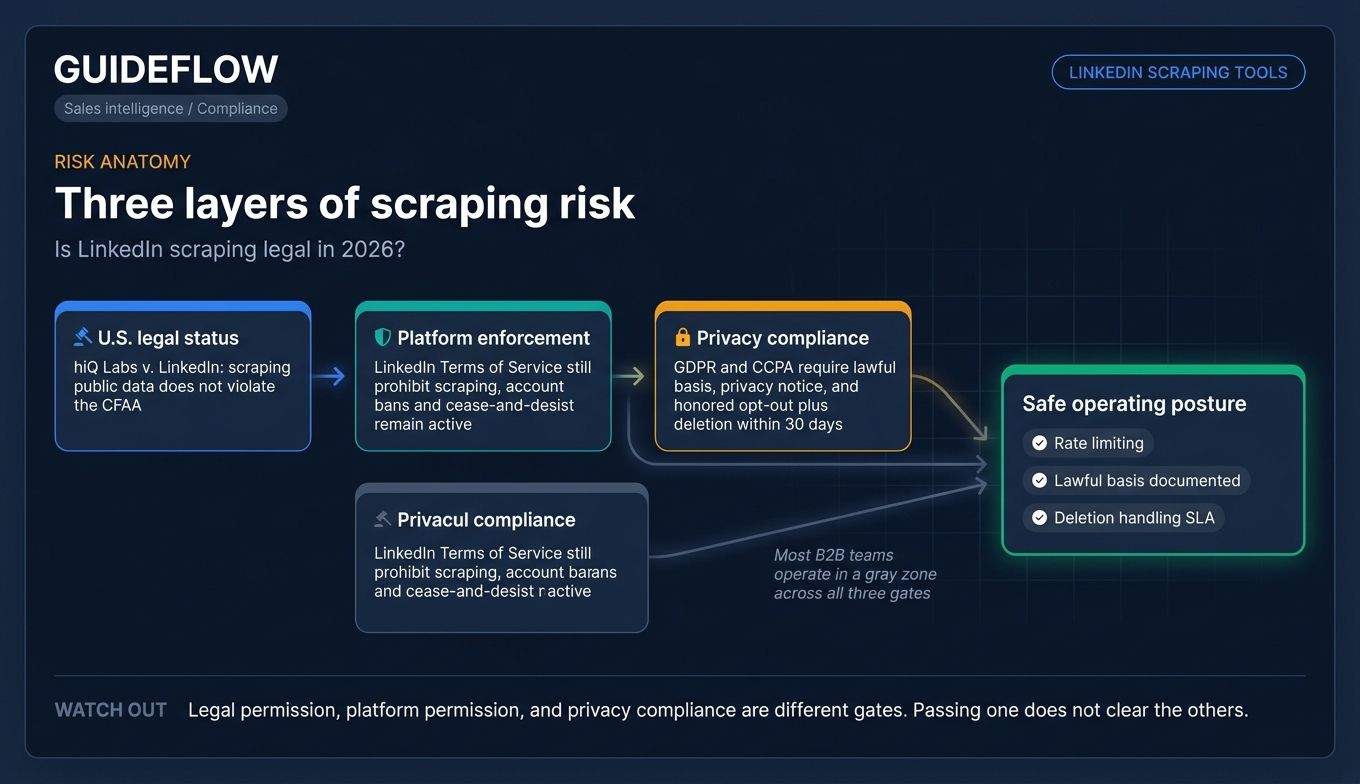
Scraping publicly available LinkedIn data is generally permitted under U.S. law following the hiQ Labs v. LinkedIn rulings in the Ninth Circuit, which held that scraping public data is unlikely to violate the CFAA. The case went through multiple rounds between 2019 and 2022. The legal picture is more settled now than it was five years ago.
That does not mean LinkedIn approves of it.
LinkedIn's Terms of Service still prohibit scraping, which means your account can be suspended or banned even if the scraping itself is not illegal.
The legal protection covers the act. The platform consequences are separate.
GDPR and CCPA add another layer. Extracting and processing personal data of EU or California residents requires a lawful basis for B2B outreach.
You need a documented privacy notice and an honored opt-out and deletion process. One complaint that escalates to a regulator can create real exposure.
Most B2B teams scraping for outbound sales operate in a gray zone. Practical guardrails: use cloud-based scrapers with rate limiting.
Scrape at human speed from your own account. Document a lawful basis and honor deletion requests within 30 days.
This is not legal advice. Run your specific use case past counsel.
How we evaluated these LinkedIn scraping tools
We ranked the 17 tools below on six criteria:
- Data accuracy, especially email verification and bounce rates
- Ban risk, with cloud-based and rate-limited tools scoring higher than aggressive desktop bots
- Sales Navigator support, since most mid-market and enterprise B2B targeting starts there
- CRM integrations with HubSpot, Salesforce, Pipedrive, and others (depth, not just existence)
- Pricing relative to value for SMB, mid-market, and enterprise volumes
- Ease of adoption for non-technical sales users versus developer-required setups
Pricing and feature notes reflect each vendor's website as of early 2026. Re-verify before committing to an annual plan, since this category moves fast.
Comparison table: 17 LinkedIn scraping tools at a glance
Below is a quick-scan comparison of the 17 tools, organized by use case, deployment, Sales Navigator support, and price.
| # | Tool | Best for | Deployment | Sales Navigator | Starting price |
|---|---|---|---|---|---|
| 1 | PhantomBuster | Workflow chaining | Cloud | Yes | ~$69/mo |
| 2 | Evaboot | Sales Navigator exports | Cloud + extension | Yes (specialist) | ~$9/mo |
| 3 | Skrapp | Verified email discovery | Extension + web app | Yes | Free / from $30/mo |
| 4 | Kanbox | All-in-one SMB prospecting | Cloud | Yes | ~$10/mo |
| 5 | Waalaxy | LinkedIn + email outreach | Extension | Yes | Free / from €19/mo |
| 6 | Dripify | LinkedIn-first SMB outreach | Cloud | Yes | ~$59/mo |
| 7 | Dux-Soup | Simple LinkedIn automation | Extension | Yes | ~$15/mo |
| 8 | Linked Helper | Power-user customization | Desktop app | Yes | ~$15/mo |
| 9 | La Growth Machine | Multichannel B2B teams | Cloud | Yes | ~$60/mo per seat |
| 10 | Captain Data | B2B data API for product builders | API | Yes | ~$399/mo |
| 11 | Meet Alfred | SMB multichannel | Cloud | Yes | ~$59/mo |
| 12 | Surfe | LinkedIn-to-CRM sync | Extension | Yes | ~$29/mo per user |
| 13 | Octoparse | Multi-site scraping | Cloud + desktop | Limited | Free / from $69/mo |
| 14 | Bright Data | Enterprise datasets | API + datasets | Yes | Usage-based |
| 15 | Apify | Developer pay-per-use | Cloud + API | Yes | Free / usage-based |
| 16 | Wiza | Sales Navigator email extraction | Extension + cloud | Yes (required) | From $83/mo |
| 17 | Expandi | Safe cloud LinkedIn automation | Cloud | Yes | $99/mo per seat |
17 best LinkedIn scraping tools for B2B lead gen in 2026
1. PhantomBuster
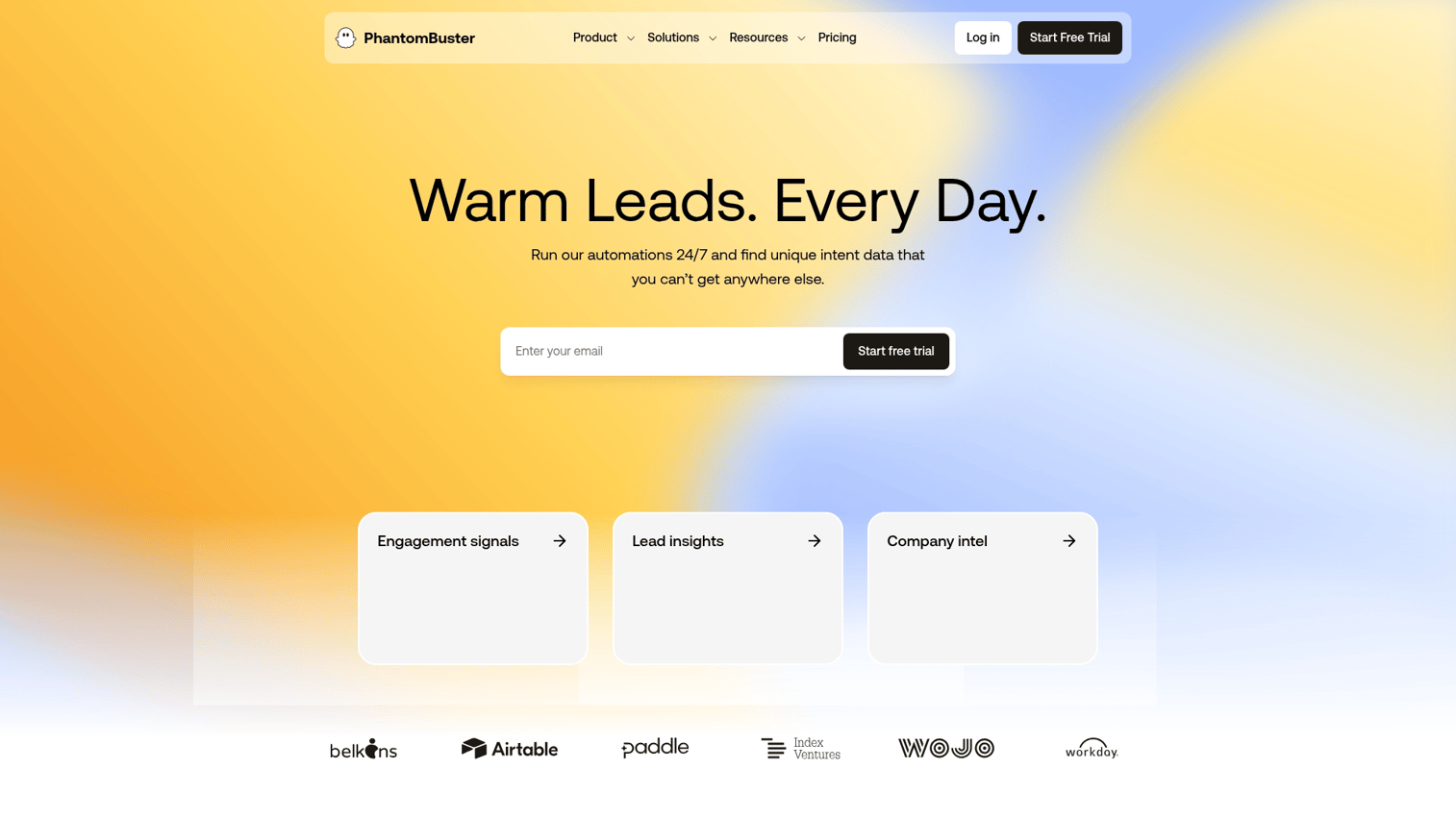
PhantomBuster is a cloud-based automation platform with 100+ "Phantoms" (pre-built automations) covering LinkedIn, Sales Navigator, Twitter, Instagram, and more. It is the most established LinkedIn scraper for teams that want to chain workflows rather than run a single export.
Best for: Sales and growth teams that want to chain scrape, enrich, and message workflows without writing code.
Key strengths
- LinkedIn-specific Phantoms: Profile Scraper, Sales Navigator Search Export, Company Employees Export, and 20+ others.
- Workflow chaining: Feed scraper output into AI message writers, HubSpot sync, or enrichment via Dropcontact, Hunter, Snov.io.
- Cloud-based execution: Built-in rate limiting carries lower ban risk than desktop bots.
- Safe-usage guidance: Stay under 80 profile views per day per LinkedIn account.
- CRM integrations: Native support for HubSpot, Salesforce, and Pipedrive.
Pricing: Historically starts around $69/mo, with higher tiers for more execution time and slots. Verify on phantombuster.com.
Honest note: Requires more setup than a one-click Chrome extension. The payoff is real when you have multiple workflows running. If you only need to export one list, lighter tools will be faster.
2. Evaboot
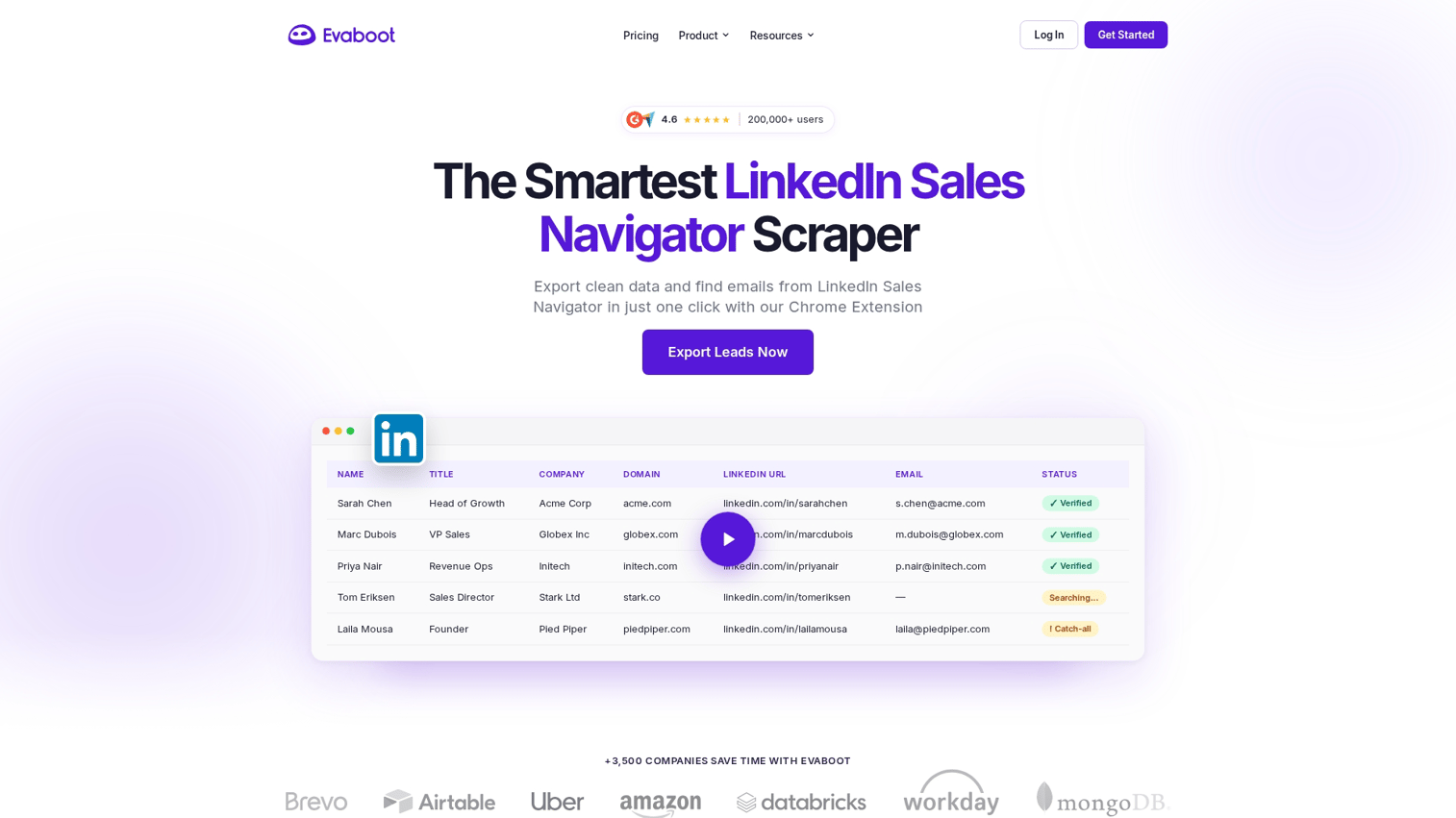
Evaboot is the specialist for Sales Navigator exports. If you live in Sales Nav, this is built for you.
Best for: AEs and SDRs who run their prospecting almost entirely through Sales Navigator searches.
Key strengths
- One-click export from Sales Navigator searches into clean CSVs
- Built-in data cleaning that removes emojis, fixes capitalization, and parses company names so they actually match your CRM
- Email finder with verification, layered on top of the export
- Deduplicated, CRM-ready output
Pricing: Starts around $9/mo for the Starter plan (100 credits). Most active SDRs land on Essential ($29/mo, 250 credits) or Advanced ($49/mo, 500 credits). Verify on evaboot.com.
Honest note: Narrow scope on purpose. If you do not use Sales Navigator, this is not your tool. If you do, it is one of the cleanest options on this list.
3. Skrapp
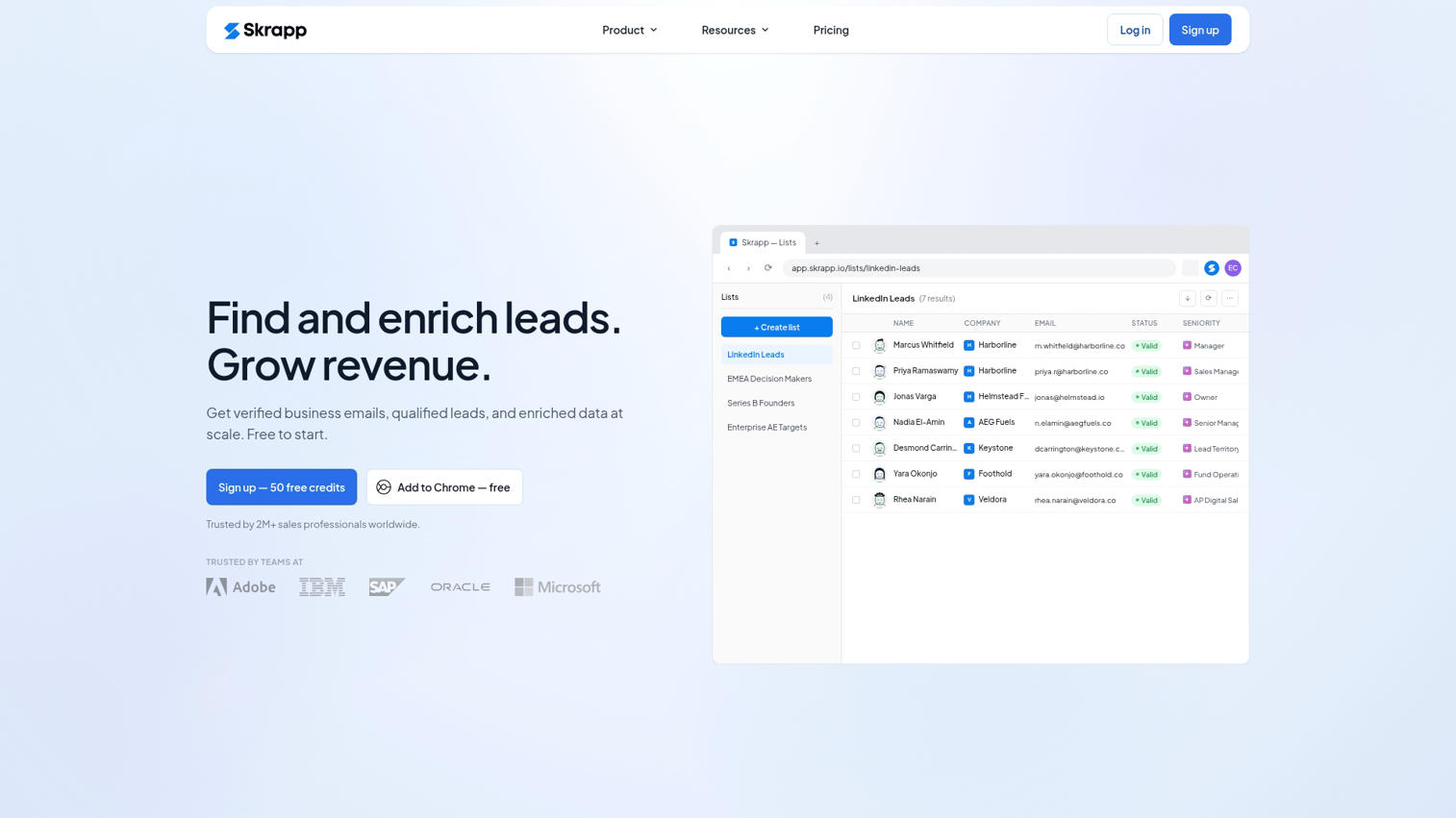
Skrapp is a LinkedIn profile scraper and email finder rolled into a Chrome extension plus web app. It is built around email discovery rather than broad profile extraction.
Best for: SDR teams prioritizing verified B2B email discovery at volume.
Key strengths
- Email finder with claimed high deliverability for B2B domains
- Bulk extraction from Sales Navigator searches and LinkedIn searches
- Chrome extension for in-context capture while browsing profiles
- CRM integrations with HubSpot and Salesforce
Pricing: Starts at $30/mo billed annually or $49/mo billed monthly, with a free tier of 50 credits. Verify on skrapp.io.
Honest note: Stronger as a LinkedIn data scraper for emails than as a broad profile data extractor. Pair it with another tool if you need deep firmographic data.
4. Kanbox
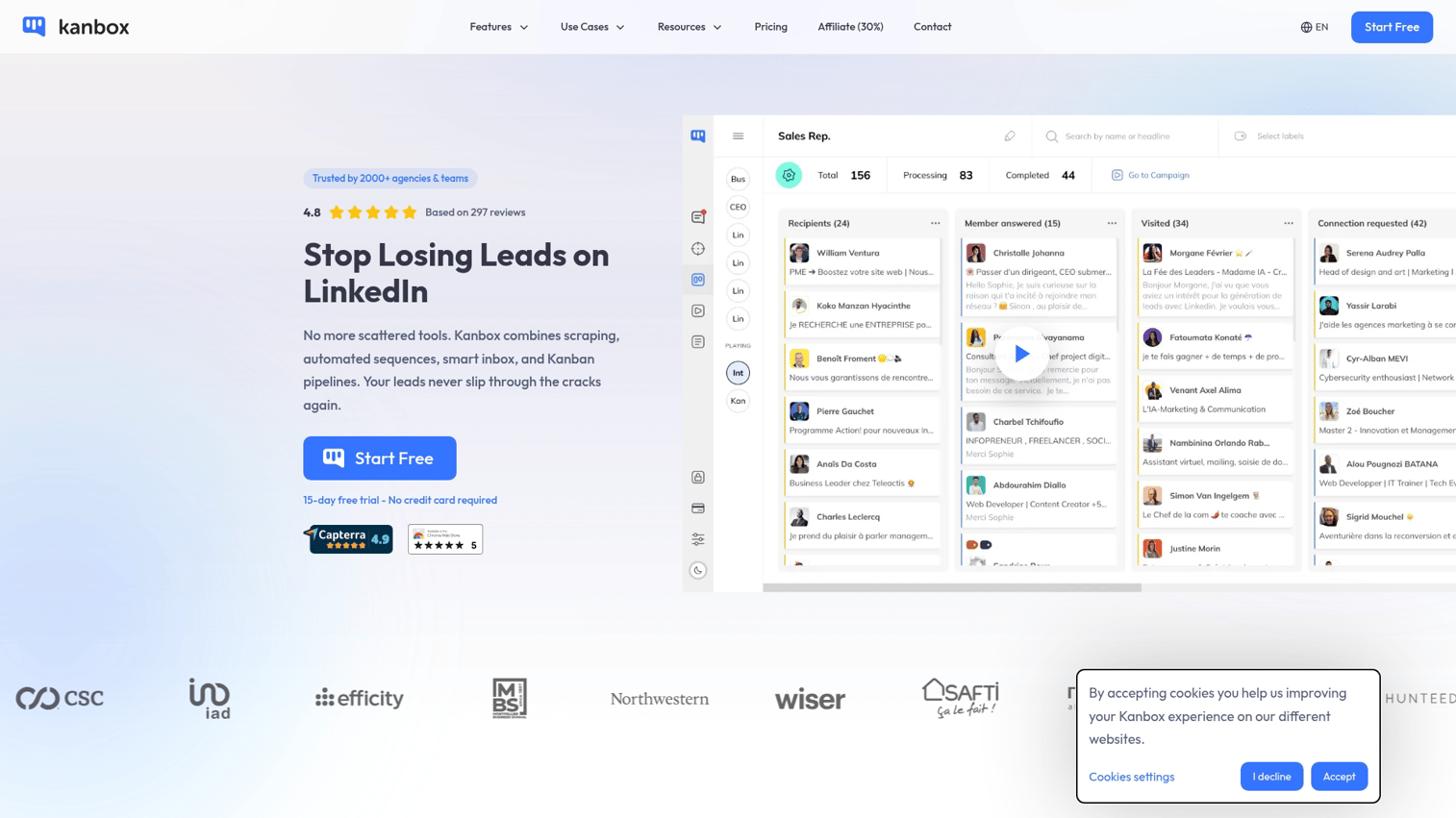
Kanbox positions itself as the all-in-one for solo founders, SMB sales teams, and agencies. It bundles multi-source scraping, enrichment, and pipeline management.
Best for: Solo founders, SMB sales teams, and agencies that want scraping plus outreach plus pipeline in one tool.
Key strengths
- Multi-source extraction across LinkedIn Search, Sales Navigator, Recruiter, Events, and Posts
- Built-in kanban-style pipeline management for tracking prospects
- Email and phone enrichment via Dropcontact and Hunter integrations
- Cloud-based and no-code
Pricing: Starts around $10/mo for the Starter plan, with Essential at $30 to $45/mo and Pro at $50 to $80/mo. Verify on kanbox.io.
Honest note: Best for teams that do not already have a CRM. If you are a HubSpot or Salesforce shop, the built-in kanban may duplicate workflows you already run elsewhere.
5. Waalaxy
Waalaxy is a Chrome extension that blends LinkedIn scraping with automated sequencing across LinkedIn DMs and email.
Best for: SDRs running multichannel LinkedIn-plus-email outreach at SMB scale.
Key strengths
- LinkedIn profile and Sales Navigator scraping
- Multichannel sequences combining LinkedIn DM and email
- Built-in email finder
- Visual campaign builder for non-technical users
Pricing: Free plan offers 80 LinkedIn invites/mo. Paid plans start at €19/mo (Pro, annual), with Business at €69 to €99/mo for the multichannel features most teams actually need. Verify on waalaxy.com.
Honest note: Blends scraping with outreach automation. If you only want data extraction, a lighter LinkedIn scraping tool will cost less. If you want both in one place, this is a strong SMB pick.
6. Dripify
Dripify is a cloud-based LinkedIn automation tool with scraping built into the campaign workflow.
Best for: Small sales teams running LinkedIn-first outreach with light scraping needs.
Key strengths
- Cloud-based execution that runs even when your browser is closed, lowering ban risk versus extension-based tools
- Connection request automation and scraping in one platform
- Team analytics and inbox management
- CSV export of campaign data
Pricing: Starts around $59/mo. Verify on dripify.io.
Honest note: Scraping is secondary to outreach automation here. If your primary need is data extraction at volume, look at PhantomBuster or Evaboot first.
7. Dux-Soup
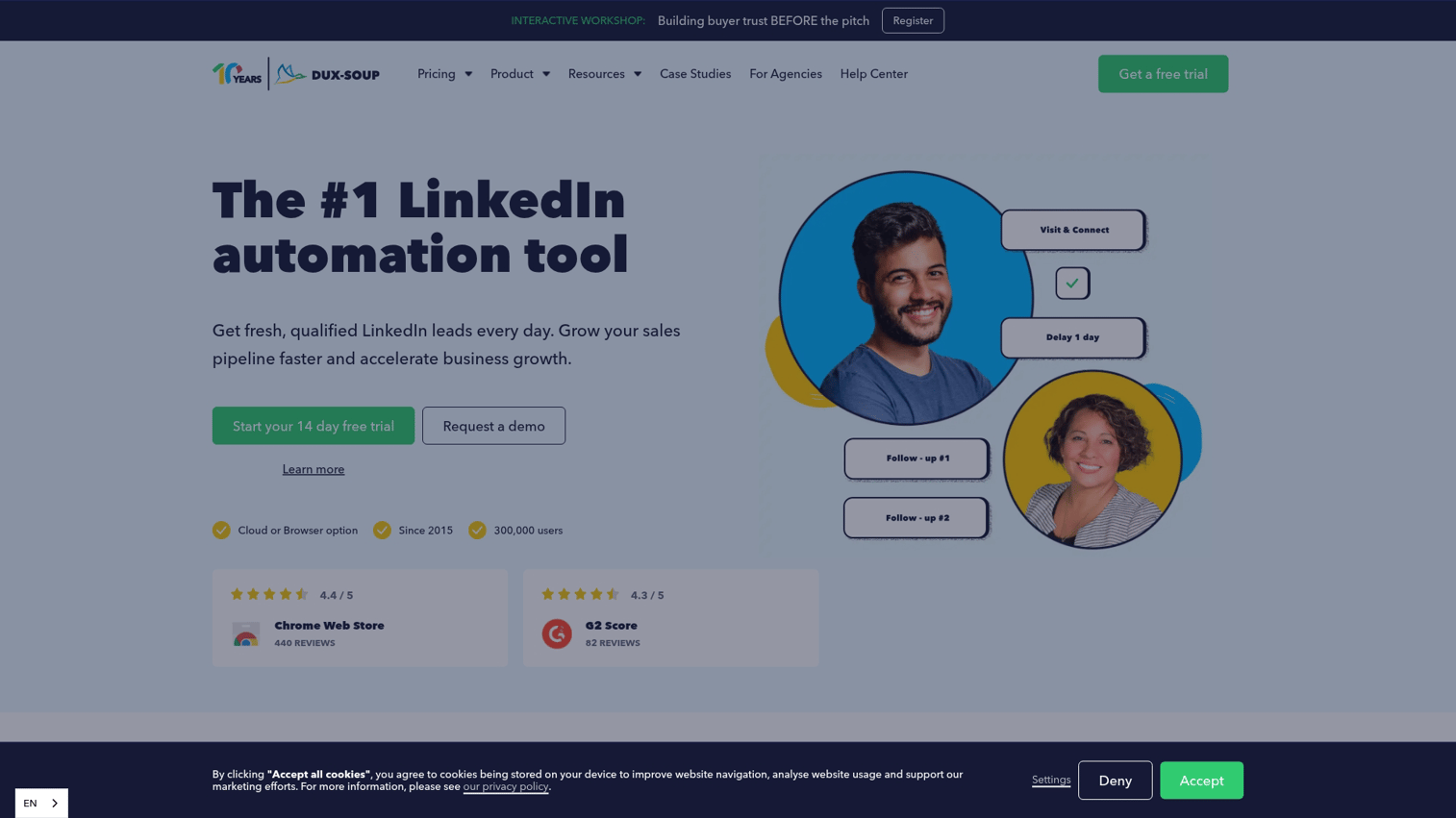
Dux-Soup is one of the longest-running LinkedIn automation tools, with roots going back to 2015. It is a Chrome extension covering profile scraping plus engagement automation.
Best for: Solo sellers and small teams who want a simple, well-known LinkedIn scraper.
Key strengths
- Profile and Sales Navigator scraping
- Auto-visit and auto-message features (use with caution given ban risk)
- CRM integrations with HubSpot, Pipedrive, and Zapier
- Tag-based prospect organization
Pricing: Starts around $15/mo for the Pro plan. Verify on dux-soup.com.
Honest note: The Chrome extension model means it runs in your browser. Used aggressively, this carries higher ban risk than cloud-based options. Keep daily limits conservative.
8. Linked Helper
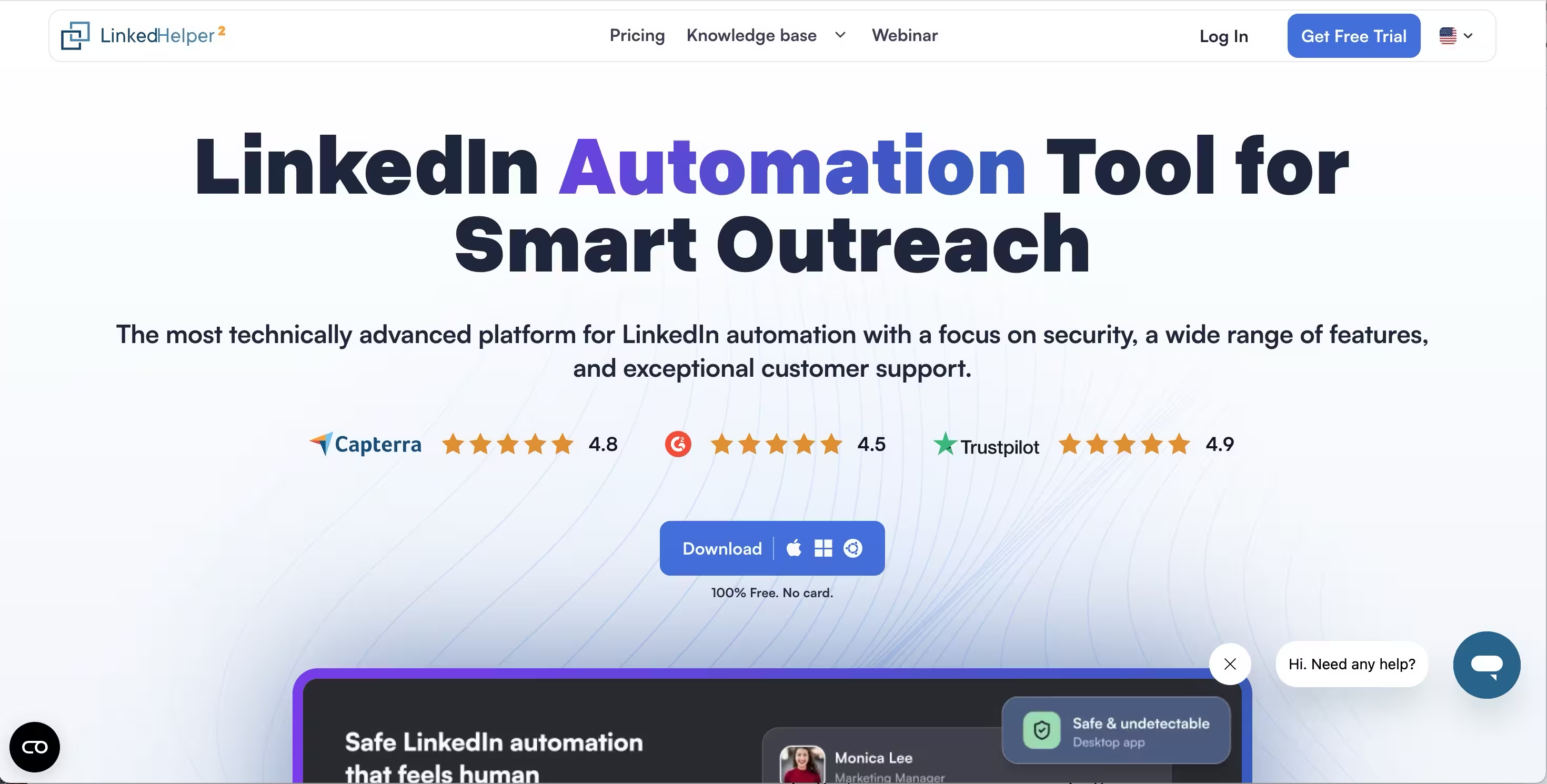
Linked Helper is a desktop application (not a Chrome extension) with deep customization options for power users.
Best for: Power users and small agencies that want extensive workflow customization and a one-time license option.
Key strengths
- Detailed scraping with custom field extraction
- Workflow builder for multi-step automated campaigns
- CRM-style internal database for managing prospects
- One-time license option, which is rare in this category
Pricing: Historically around $15/mo with one-time license alternatives. Verify on linkedhelper.com.
Honest note: As a desktop app, it requires your computer to be on while it runs. Steeper learning curve than browser-based tools. Worth it if you need granular control.
9. La Growth Machine
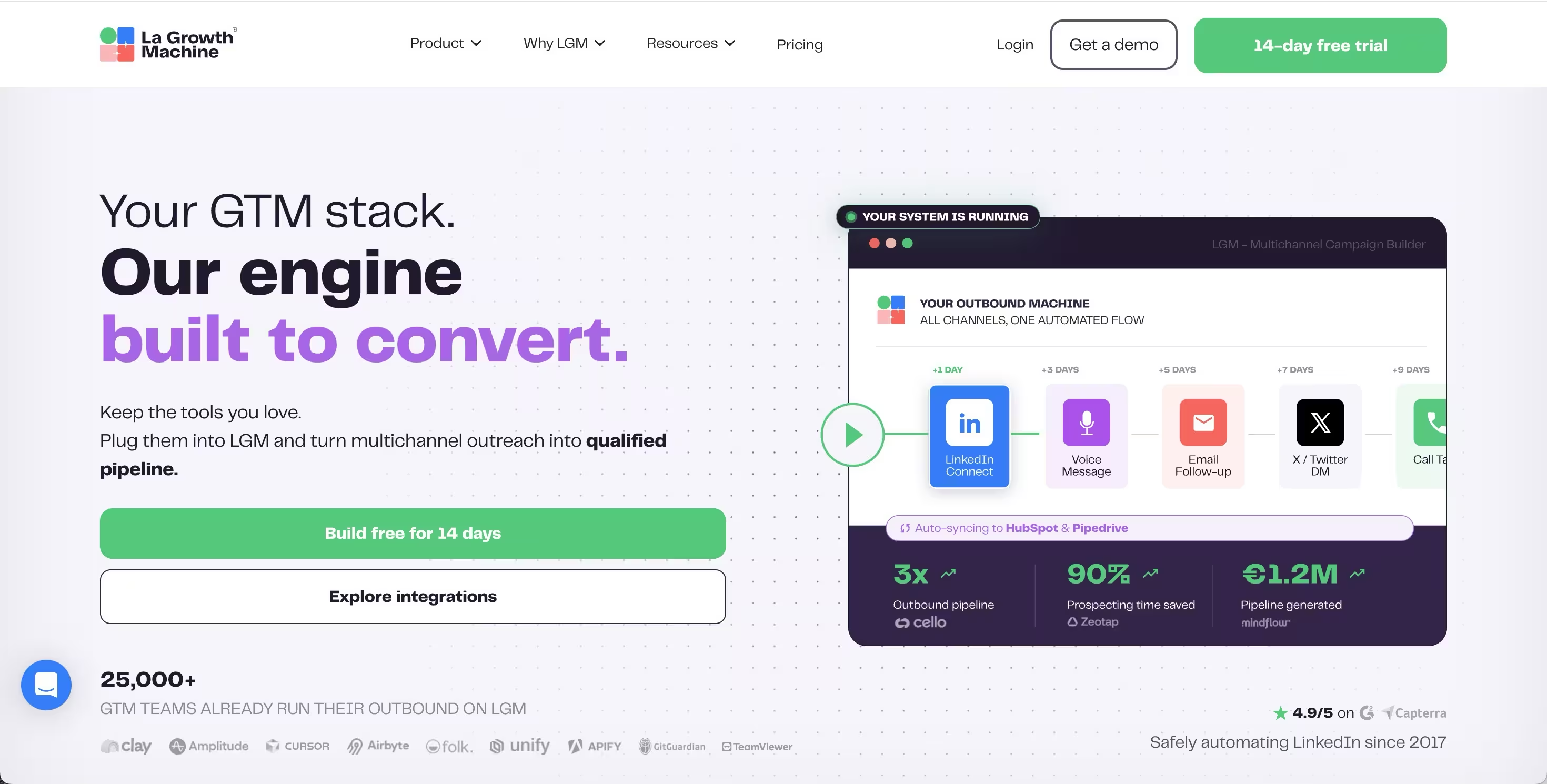
La Growth Machine is positioned for B2B sales teams running multichannel outbound across LinkedIn, email, and Twitter.
Best for: B2B sales teams running multichannel outbound with an established outbound motion.
Key strengths
- LinkedIn scraping integrated into multichannel sequences
- Native enrichment with multiple email-finder providers
- Native HubSpot and Salesforce integrations
- Detailed reporting and unified inbox
Pricing: Historically starts around $60/mo per seat. Verify on lagrowthmachine.com.
Honest note: Priced for teams rather than solo users. Best when you already have a working outbound motion and want to orchestrate it across channels. Pair it with email outreach tools and sales engagement tools to lift reply rates.
10. Captain Data
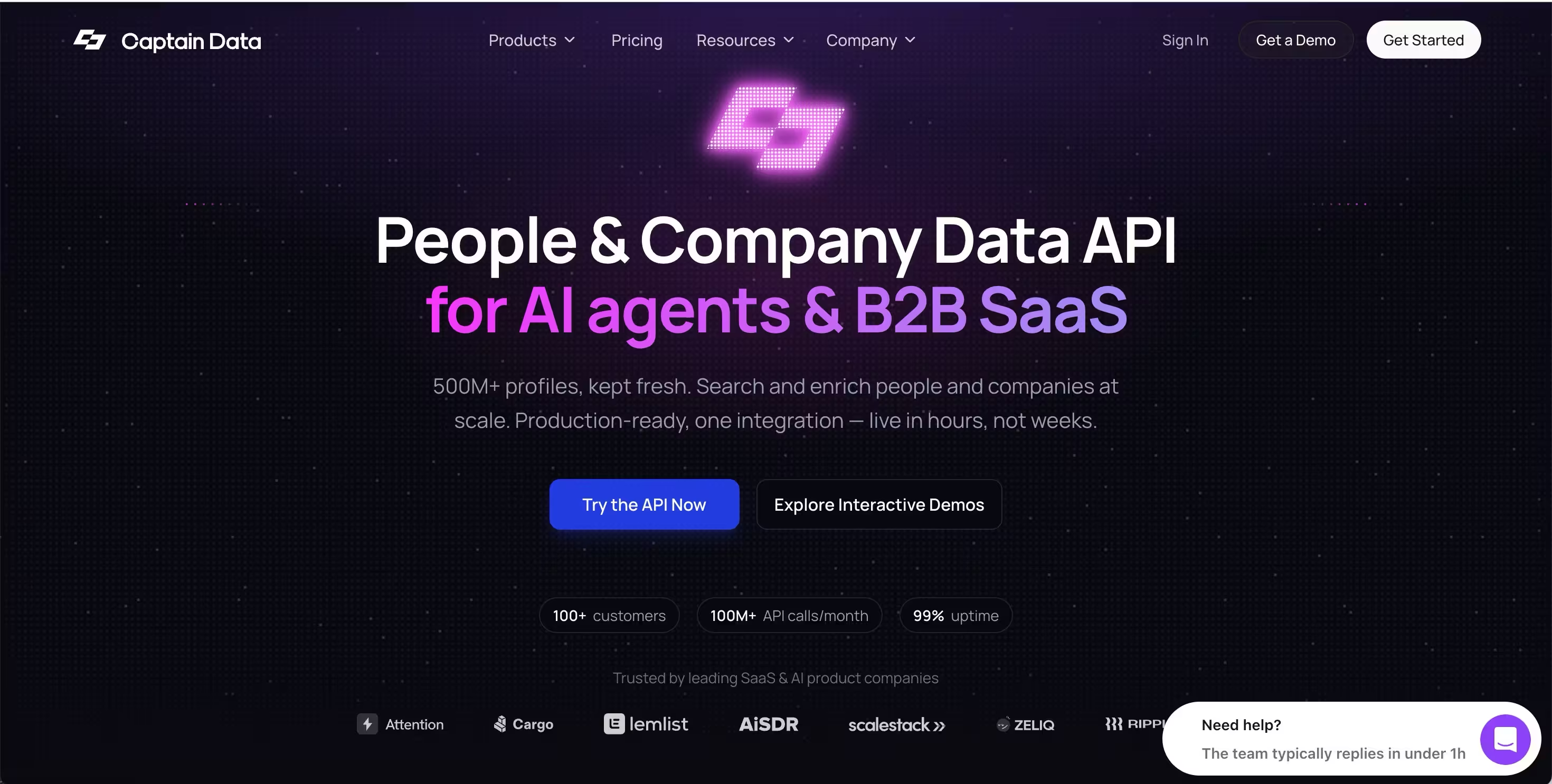
Captain Data is now an API-first B2B data infrastructure platform aimed at SaaS product builders and developers. The no-code workflow product was sunset on December 31, 2025, replaced by people and company search and enrichment endpoints.
Best for: Developers and product teams building AI agents or programmatic GTM workflows that need structured B2B data via API.
Key strengths
- People Profile API and Company Profile API with 500M+ profiles
- Intent signal APIs covering career, social, and review signals
- Real-time data optimized for AI agents and automation systems
- Documented GDPR compliance posture
Pricing: Starts around $399/mo. Verify on captaindata.com.
Honest note: This is no longer a self-serve tool for individual AEs or even most RevOps teams. If you are building an internal product or AI workflow that needs B2B data via API, it fits. If you just need enriched leads for your sequencer, look at PhantomBuster, Evaboot, or Kanbox instead.
See how Captain Data uses Guideflow in their customer story.
11. Meet Alfred
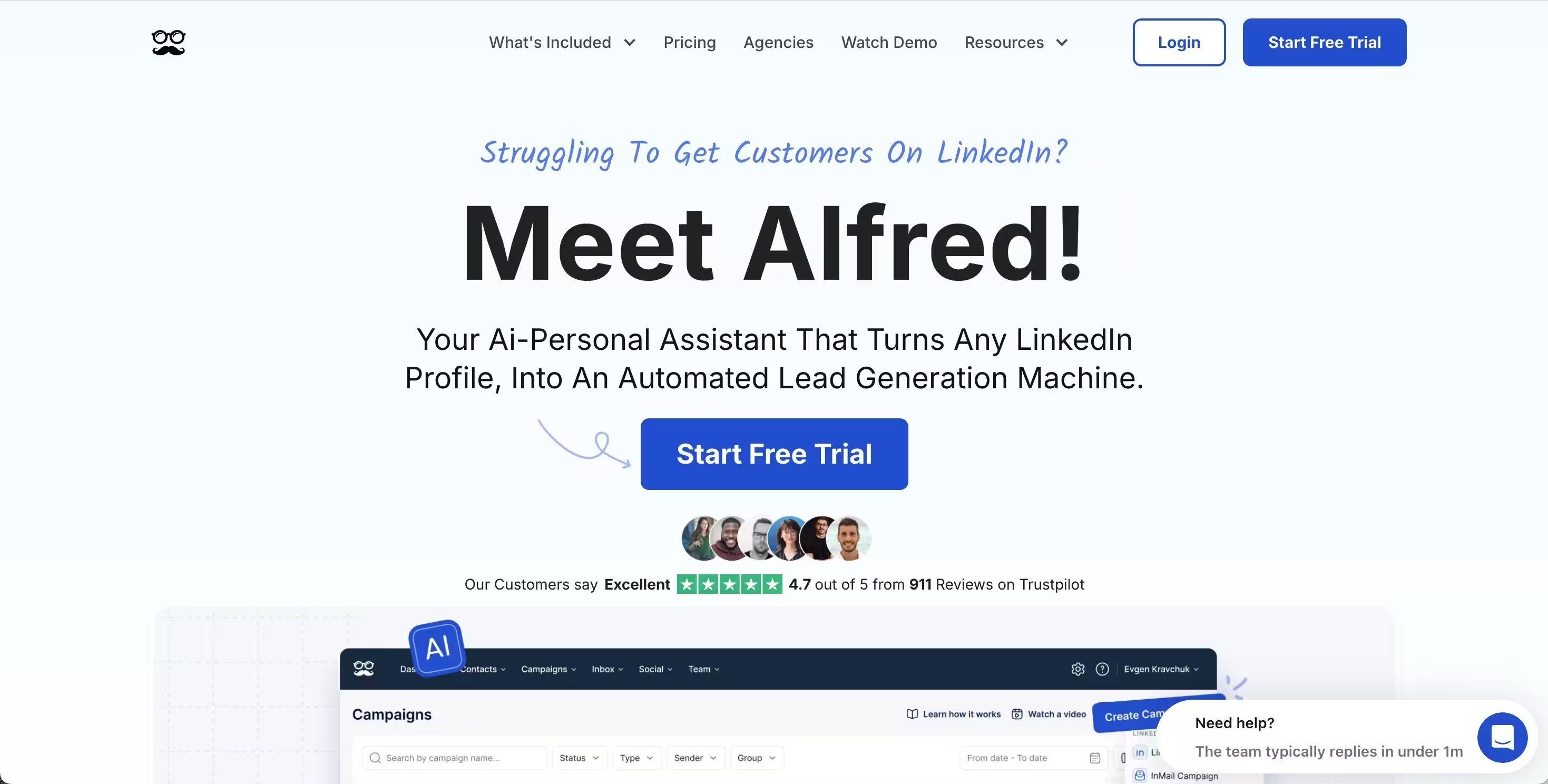
Meet Alfred combines LinkedIn scraping, multichannel sequences, and team management in one platform.
Best for: Solo founders and small sales teams running LinkedIn outreach campaigns.
Key strengths
- LinkedIn, email, and Twitter outreach in one tool
- Built-in CRM for managing scraped prospects
- Cloud-based execution
- Team collaboration features
Pricing: Starts around $59/mo. Verify on meetalfred.com.
Honest note: Feature breadth is high, but depth varies feature by feature. Strong fit for SMB, less so for enterprise compliance needs.
12. Surfe (formerly Leadjet)
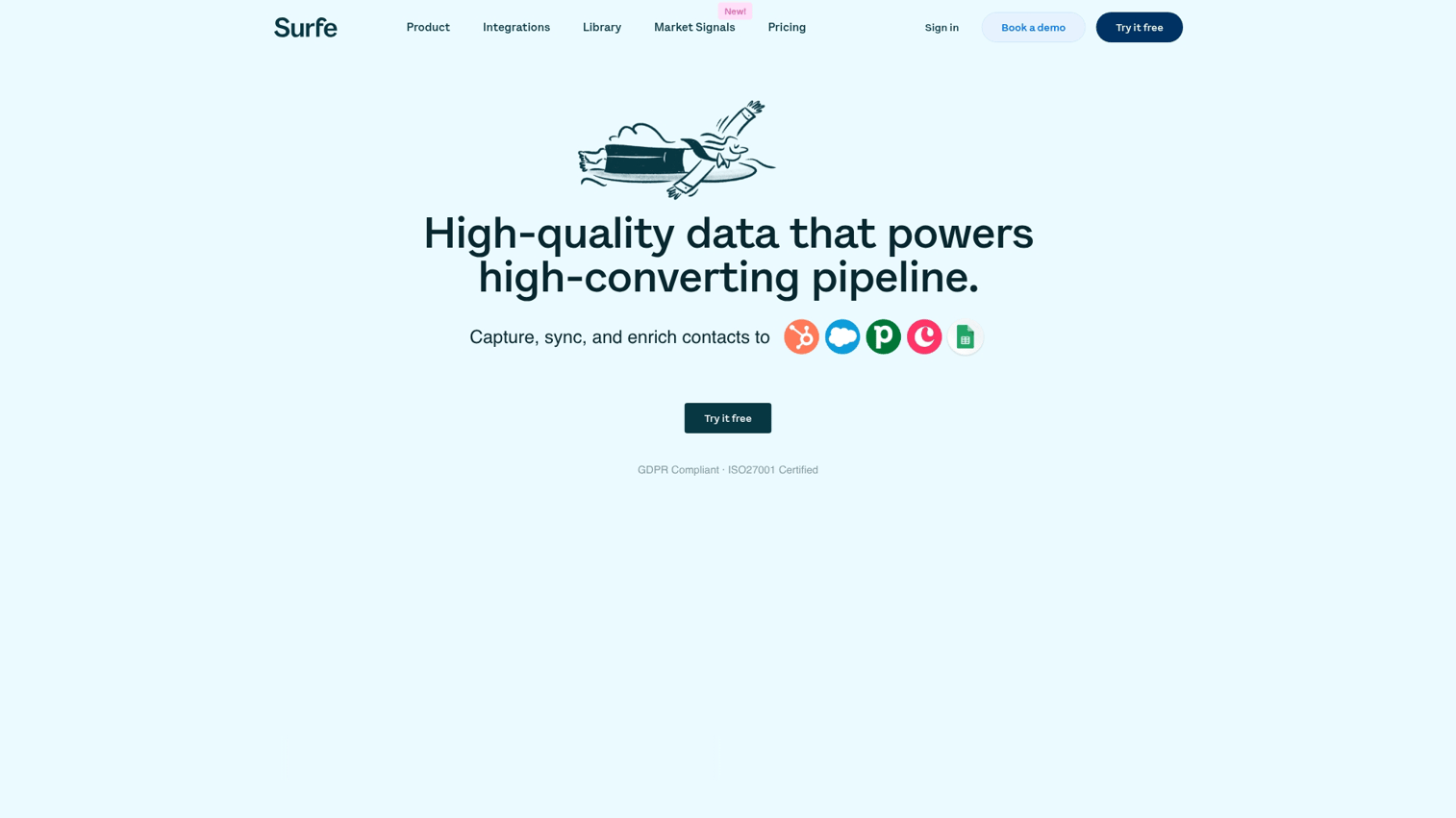
Surfe is a Chrome extension that pushes LinkedIn data directly into your CRM in real time. Not a bulk LinkedIn web scraper, but a different kind of useful.
Best for: AEs doing account-by-account research who want LinkedIn data synced directly into their CRM.
Key strengths
- One-click add of prospects to CRM from LinkedIn
- Email finder with verification
- LinkedIn message logging in CRM
- Native two-way sync with HubSpot, Salesforce, Pipedrive, and Copper
Pricing: Starts around $29/mo per user for Essential, with Pro at $59 to $79/mo per user. Verify on surfe.com.
Honest note: Not a bulk scraper. Best for AEs doing focused account research, not mass list-building.
13. Octoparse
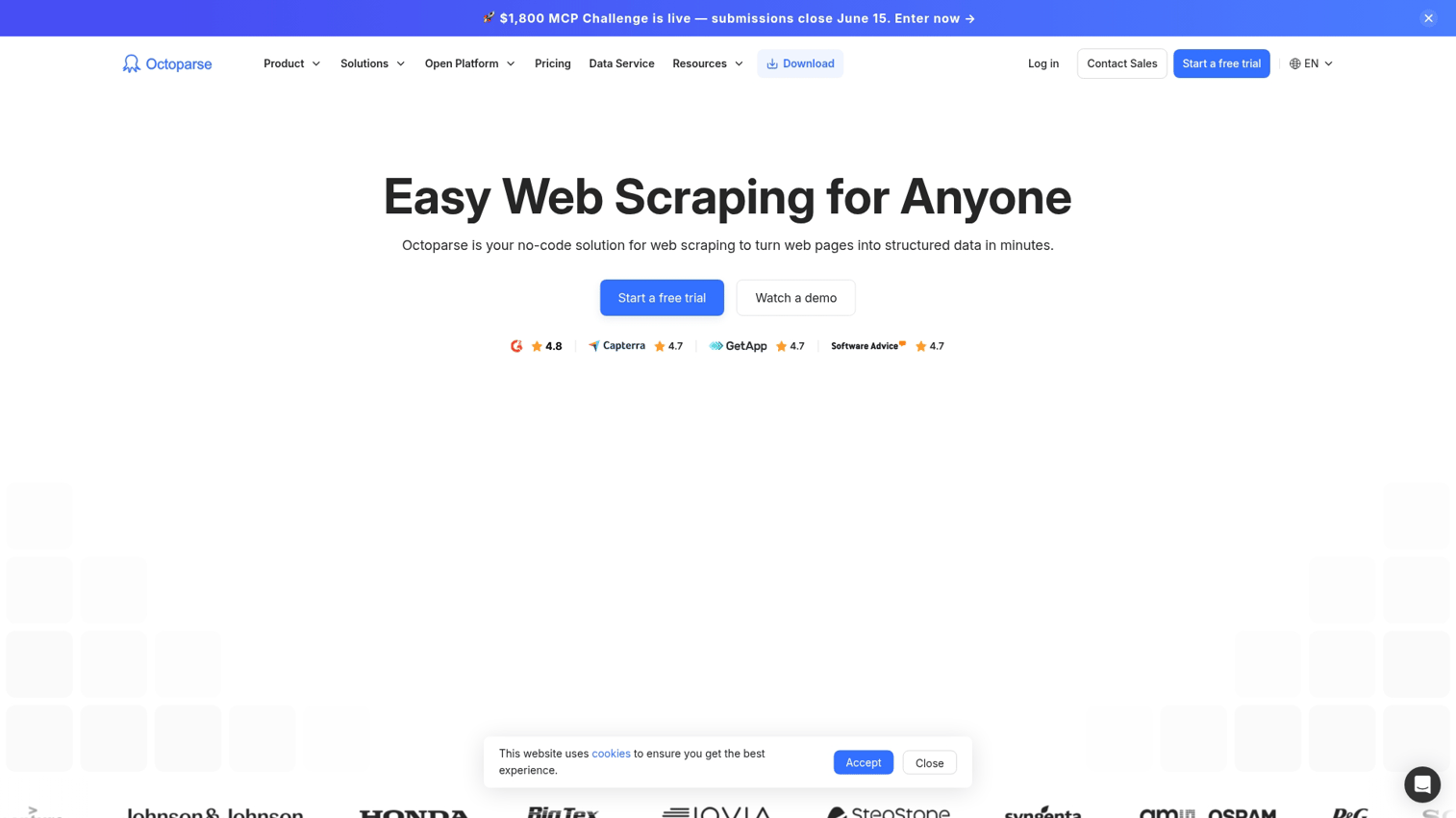
Octoparse is a general-purpose visual web scraping tool with LinkedIn templates available alongside scrapers for any other site.
Best for: Teams that need to scrape LinkedIn alongside other websites and want one tool for everything.
Key strengths
- No-code visual scraper builder
- Cloud-based execution
- Pre-built LinkedIn templates
- Handles other sites beyond LinkedIn
Pricing: Free tier available. Standard plan from $69/mo (annual) or $83 to $119/mo (monthly). Verify on octoparse.com.
Honest note: General-purpose. If LinkedIn is your only source, a specialist tool will set up faster and produce cleaner output.
14. Bright Data (LinkedIn dataset + Web Scraper IDE)
Bright Data offers two LinkedIn options: pre-scraped, compliance-vetted datasets you can buy in bulk, and a developer scraping infrastructure with proxies.
Best for: Enterprise teams and developers who need pre-collected LinkedIn datasets or large-scale custom scraping infrastructure.
Key strengths
- Pre-built LinkedIn datasets covering profiles, companies, and jobs for bulk purchase
- Proxy network for custom scraping workflows
- Documented GDPR and CCPA compliance posture
- Developer APIs and SDKs
Pricing: Usage-based and enterprise pricing. Verify on brightdata.com.
Honest note: Enterprise-grade. Overkill for an individual AE. Ideal when you need 100K+ records or are building internal data infrastructure.
15. Apify (LinkedIn Scraper Actors)
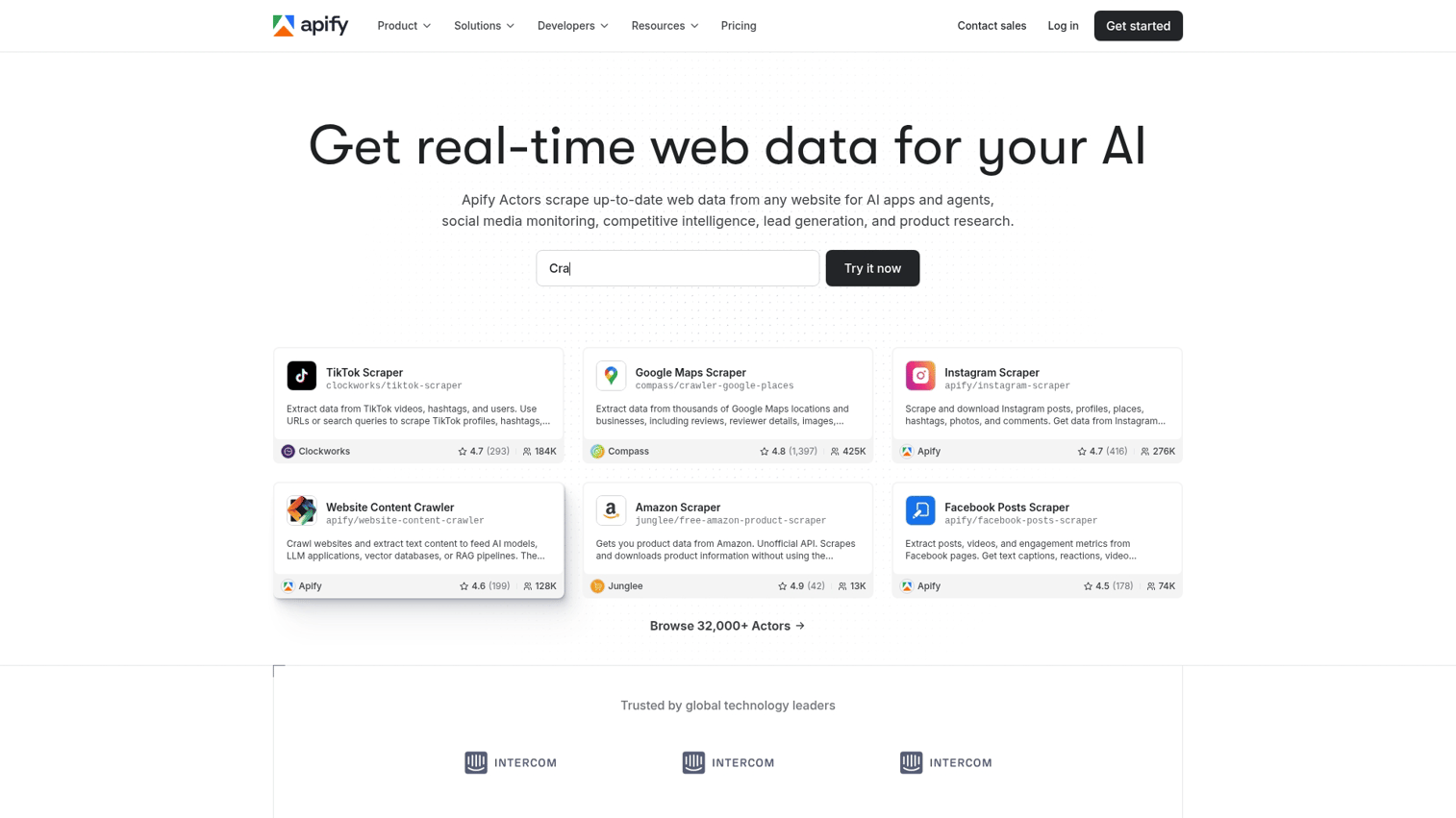
Apify is a marketplace of community and Apify-built scraping "Actors" for LinkedIn profiles, companies, jobs, and posts.
Best for: Technical teams and developers who want pay-per-result LinkedIn scraping without long-term contracts.
Key strengths
- Pay-per-result pricing model that scales with actual usage
- Multiple LinkedIn Actors covering profiles, companies, jobs, and posts
- API access and webhook integrations
- Cloud-based with proxy rotation
Pricing: Free tier available; usage-based for production volumes. Verify on apify.com.
Honest note: More developer-friendly than sales-friendly. Best when you want flexibility and have technical resources on the team.
16. Wiza
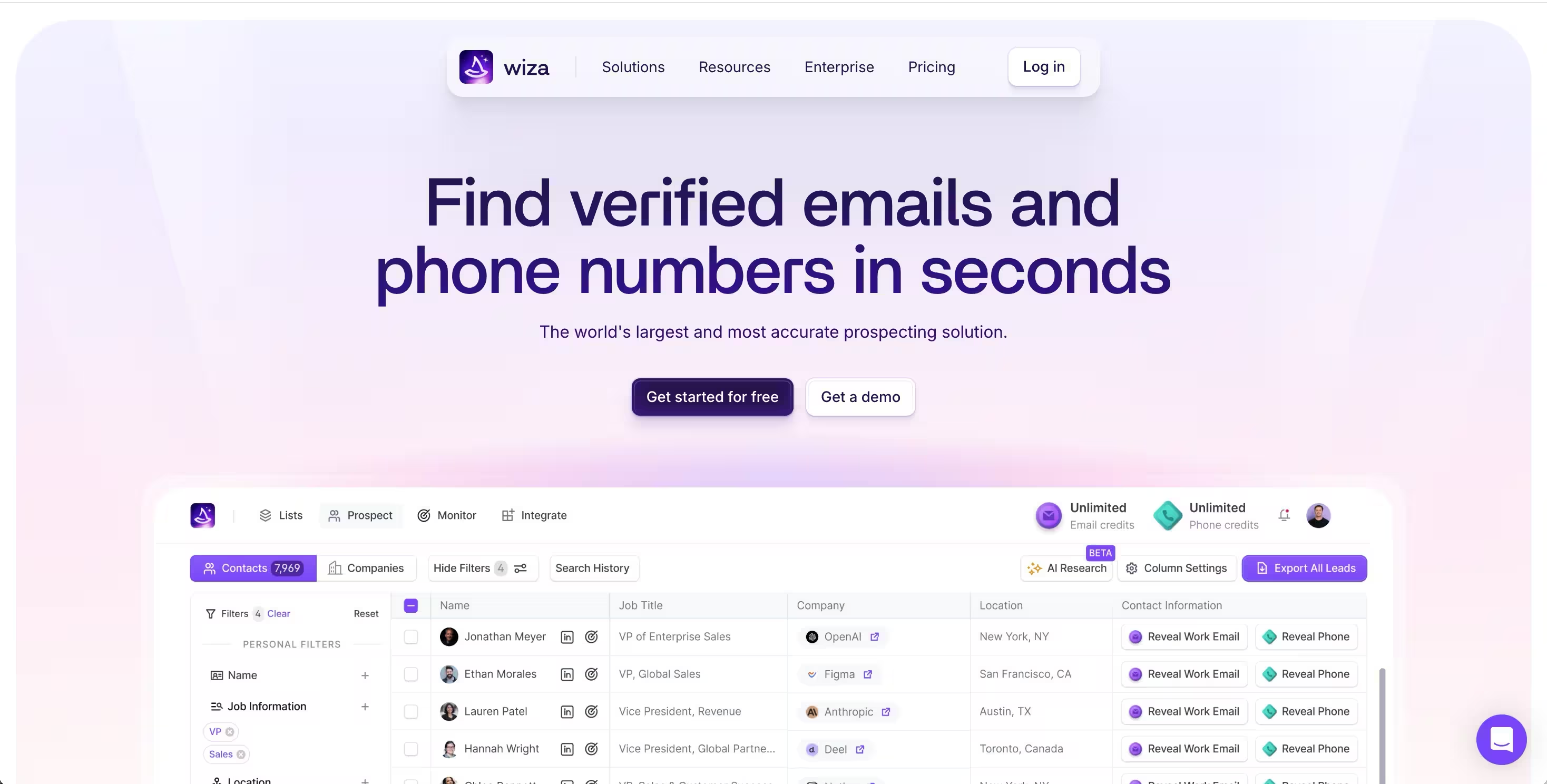
Wiza is a Chrome extension built to turn LinkedIn Sales Navigator searches into clean lists of verified emails and phone numbers, with real-time verification baked in.
Best for: SDRs and AEs who live in Sales Navigator and need verified emails plus optional phone data without a separate enrichment tool.
Key strengths
- Bulk export of up to 2,500 contacts per Sales Navigator search with email verification at extraction time
- Real-time email verification with 85 to 95% accuracy in user-reported testing
- Phone number lookup on higher tiers for teams running cold-call cadences
- Native CRM push to HubSpot, Salesforce, Outreach, Pipedrive, and Zoho
- 25 free credits per month for testing, plus pay-as-you-go pricing at $0.35 per email
Pricing: Email plan starts at $83/mo (75 credits). Email + Phone is $166/mo. Pay-as-you-go available. Requires a separate Sales Navigator subscription ($99 to $149/mo). Verify on wiza.co.
Honest note: Wiza is one of the cleanest Sales Navigator scrapers on the market, but the real cost includes the Sales Navigator subscription on top. Total monthly spend lands at $265 to $315 for the Email + Phone plan once you add it all up. If you only need email and already pay for Sales Nav, Evaboot at $9 to $49/mo will be cheaper for similar output.
17. Expandi
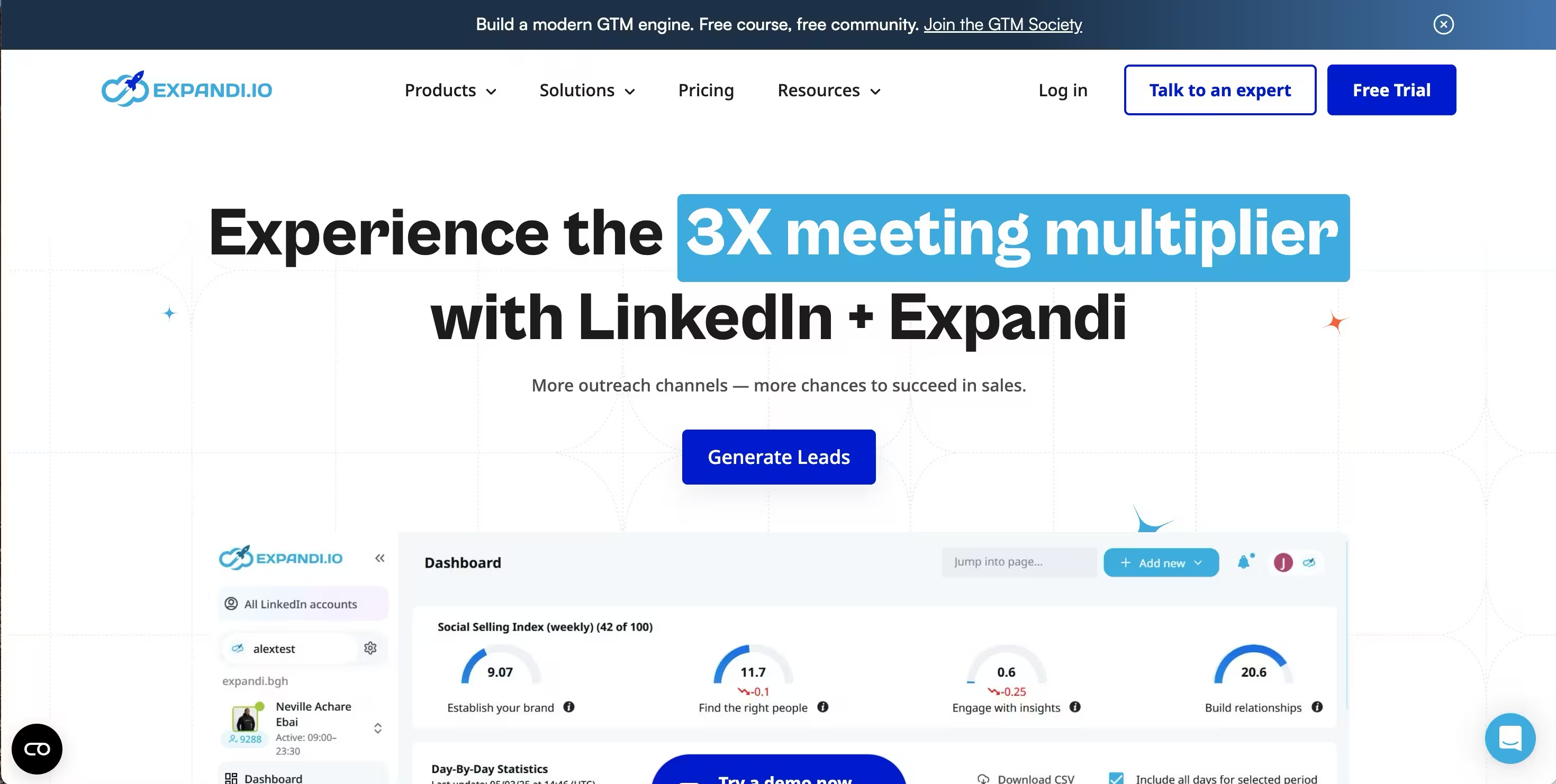
Expandi is a cloud-based LinkedIn automation platform built around safety, with dedicated IPs per account and behavior mimicking to reduce ban risk on high-volume outreach.
Best for: Mid-market sales teams and agencies that want the safest cloud option for LinkedIn outreach at scale.
Key strengths
- Dedicated IP per LinkedIn account, which is rare at this price point and materially lowers ban risk
- Smart Sequences with if/then conditional logic that branches based on prospect actions
- Behavior mimicking with random delays, page scrolling, and gradual daily ramp-up
- LinkedIn plus email in a single sequence builder with unified inbox
- Webhook integrations and dedicated workspaces for agencies managing multiple client accounts
Pricing: $99/mo per LinkedIn account, or $79/mo billed annually. Verify on expandi.io.
Honest note: Expandi is the safest single-user cloud option, but it does not include native scraping or enrichment. You bring your own lists from PhantomBuster, Evaboot, or Wiza. The image and GIF personalization shown in their marketing requires separate paid tools (Hyperise, Sendspark) that add $50 to $100/mo to the bill.
How LinkedIn scraping fits into your B2B sales workflow
Scraping is one stage in a larger outbound workflow. Skipping any of the next four steps will burn the leads you just paid to extract.
- Build the list. Scrape from Sales Navigator searches, company employee pages, or post engagement signals.
- Enrich. Layer Dropcontact, Hunter, or Snov.io to verify emails and improve deliverability to 85–95%.
- Sync to CRM. Push records into HubSpot or Salesforce with field mapping and deduplication.
- Sequence. Load into Outreach, Salesloft, Lemlist, or Smartlead for your cadence.
- Convert. Cold scraped leads respond when outreach gives them a reason to act.
The first four steps are mechanical. The fifth is where deals are won or lost.
Converting scraped LinkedIn leads into booked meetings
You scraped 500 leads. Your sequence opens at 28%. Your replies sit at 1.2%.
The data is real. The targeting is right. The problem is your outreach gives them no reason to do anything.
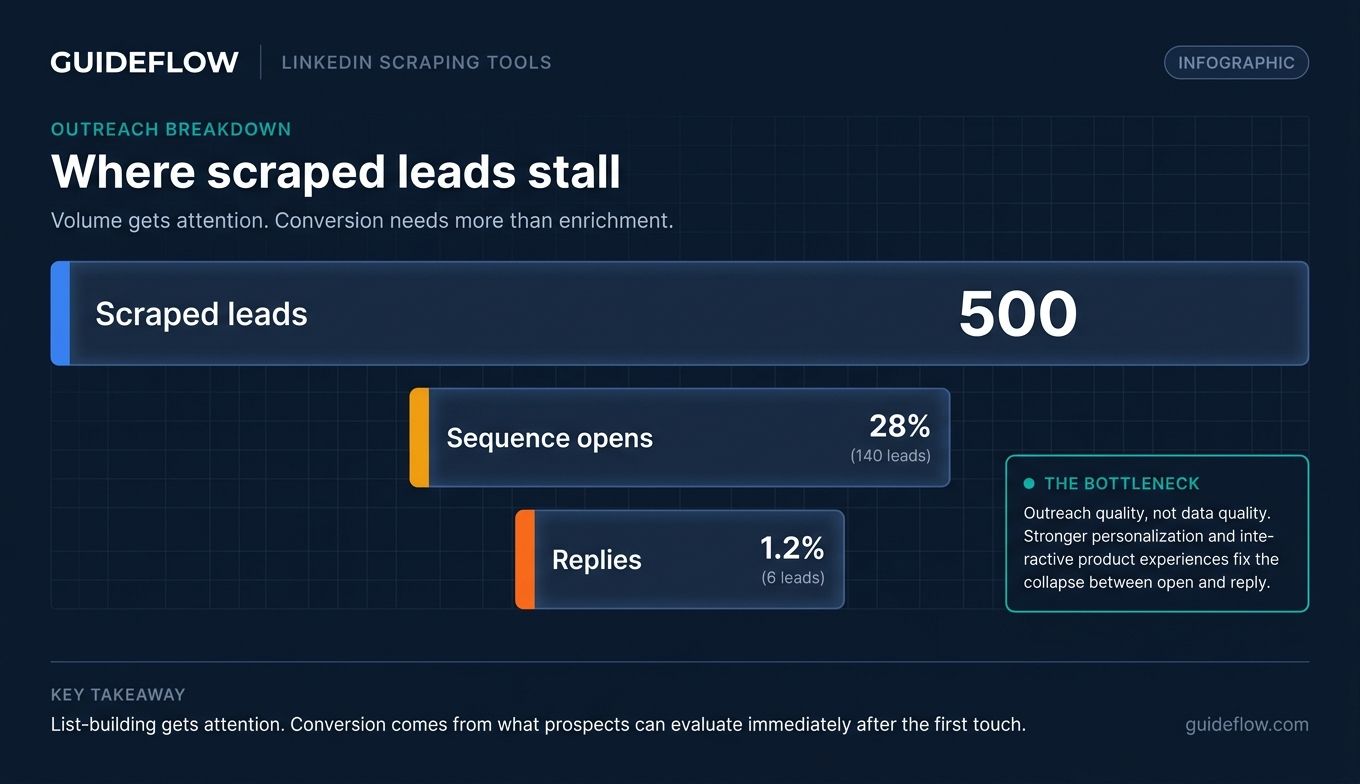
This is the gap that scraping alone does not close. A clean list is a starting point, not an outcome.
What works in 2026 outbound is increasingly consistent across teams:
- Persona-level personalization, not just first-name and company tokens. Reference the workflow they actually run, not their LinkedIn headline.
- Multichannel sequences using email outreach tools that combine LinkedIn and email with light retargeting. Single-channel sequences keep getting outperformed.
- Showing the product instead of describing it. Interactive demos shift conversations and give prospects low-friction evaluation paths.
A concrete example: an AE targeting RevOps leaders scrapes 300 mid-market prospects from a Sales Navigator search, enriches the list, and loads it into Outreach. Instead of a generic deck or a "book a 30-minute demo" CTA, they attach a 6-step interactive demo personalized for the prospect's industry. The prospect clicks through on their own schedule, sees the relevant workflow, and replies to book a call already understanding what they are looking at.
The mechanics matter. Interactive demos let prospects experience the product through a guided clickable journey, with the AE controlling the narrative and capturing engagement signals via built-in analytics.
Reply rates and meeting quality both lift when the first touch shows value. Don't ask prospects to commit time before they understand what they're evaluating.
The scrape gets you in front of the right people. The demo gets them to respond.
Common mistakes when choosing LinkedIn scraping tools
Five patterns show up consistently in pipeline reviews when scraping-driven outbound underperforms.
1. Optimizing for volume over deliverability. Scraping 10,000 emails that bounce will damage your sender reputation for weeks and tank your deliverability across every domain you send from.
What works: prioritize tools with built-in verification, layer Dropcontact or Hunter on top, and target 90%+ deliverability before you send the first sequence.
2. Running aggressive desktop bots on your main LinkedIn account. This is the fastest way to get banned, and you lose your network along with it.
What works: use cloud-based tools with rate limiting, or use a secondary scraping account that is not your main relationship account.
3. Skipping CRM deduplication. Scraped lists overlap with existing contacts, creating duplicate outreach, confused reps, and annoyed prospects.
What works: match scraped data against your CRM before pushing new records. Set field-level dedupe rules in HubSpot or Salesforce.
4. Treating scraping as the whole strategy. A clean list with weak outreach still fails. Many teams spend more on data than on the content that converts it.
What works: invest equally in what happens after the scrape, especially personalization, email outreach tools, and interactive demos that give prospects something to engage with.
5. Ignoring GDPR and opt-out workflows. One complaint that reaches a regulator can trigger a much bigger problem than a banned account.
What works: document a lawful basis for B2B. Honor deletion requests within 30 days. Exclude EU prospects from automated workflows if you cannot manage compliance.
Checklist before choosing email outreach tools and scrapers
Before you sign an annual contract, run your shortlist through this checklist:
- Deployment type. Cloud is safer than desktop or extension for your scraping volume.
- Sales Navigator support. Non-negotiable if targeting starts in Sales Nav; test export quality first.
- Email accuracy and verification. Ask for documented deliverability rates; assume below 75% if unavailable.
- CRM integration depth. Verify lead vs. contact sync, custom field mapping, and deduplication behavior.
- Pricing model. Per-seat, per-export, per-credit, or flat; match to your volume.
- Compliance posture. GDPR documentation, data residency, and opt-out workflow for EU sales.
- Team versus solo features. Multi-seat permissions, shared inboxes, and manager analytics paired with AI SDR tools.
Conclusion
Scraping is half the equation. The other half is what you do with the leads.
A quick starting-point recommendation based on use case:
- Sales Navigator power users: Evaboot or PhantomBuster
- All-in-one SMB: Kanbox or Waalaxy
- Multichannel B2B teams: La Growth Machine
- Enterprise or developer-led: Bright Data or Apify
Pick the tool that matches your motion, layer in verified email enrichment, and connect it cleanly to your CRM and email outreach tools. Then put your real energy into what happens after the first touch.
Personalized interactive demos attached to cold outreach convert measurably better than generic email plus a static deck. They turn scraped lists into booked meetings instead of bounce reports. Browse the demo showcase to see what's possible.
Start your journey with Guideflow today!
FAQs about LinkedIn scraping tools
Scraping publicly available LinkedIn data is generally permitted under U.S. law following the hiQ Labs v. LinkedIn rulings, but LinkedIn's Terms of Service still prohibit it. Your account can be banned even if the scraping itself is not illegal.
GDPR and CCPA add separate requirements for processing personal data of EU and California residents. Most B2B teams operate in this gray zone by scraping at human-speed pace, documenting lawful basis, and honoring opt-out requests.
Most safe-usage benchmarks land between 80 and 150 profile views per day per LinkedIn account. Cloud-based tools run at the lower end. Aggressive scraping above 200 per day significantly increases ban risk.
Tools like PhantomBuster and Dripify build in rate limiting. Desktop bots and Chrome extensions running unchecked are the highest-risk pattern.
Yes, but accuracy varies. Tools that layer dedicated email-finder services (Dropcontact, Hunter, Snov.io) typically hit 85 to 95% deliverability.
Standalone scrapers that guess email patterns usually sit at 60 to 75%. For outbound sales, verify before sending or expect bounce rates that damage sender reputation across your whole domain.
Evaboot is the most-focused option, built specifically for Sales Navigator exports with cleaning and email verification included. PhantomBuster's Sales Navigator Search Export and Kanbox also handle Sales Nav well as part of broader feature sets. Tool choice depends on whether you want a specialist or an all-in-one LinkedIn sales navigator scraper that also runs other workflows.
LinkedIn scraping pulls fresher data from active profiles. Databases like ZoomInfo aggregate data from multiple sources that can be months or years old.
Scrapers cost less than databases ($30–$200/mo vs. $15,000+/year) but require more setup and carry ban risk. Email accuracy is lower without enrichment layered on top.
Most teams that can afford both use a database for foundational coverage and a scraper for fresh, targeted lists.
Most major tools, including PhantomBuster, Surfe, Kanbox, La Growth Machine, and Captain Data, offer native HubSpot and Salesforce integrations. Integration depth varies.
Some sync as leads, others as contacts, and field mapping for custom properties is not universal. Confirm deduplication behavior on a test list before connecting to a live CRM.
Cloud-based tools with explicit rate limiting are the safest pattern in 2026. PhantomBuster, Dripify, La Growth Machine, and Captain Data all run scraping from cloud infrastructure with built-in throttling. Desktop applications and unmanaged Chrome extensions carry higher ban risk, especially for accounts running multiple campaigns at the same time.
No. Tools like Kanbox, Waalaxy, PhantomBuster, Evaboot, and Surfe are fully no-code and built for sales and marketing users.
Developer-focused options like Apify and Bright Data require coding knowledge but offer more flexibility and lower per-record costs at scale. Match the tool to your team, not the other way around.