

Your customers signed up. They clicked around. Then they left, confused about what your product actually does.
Product education tools fix that gap. They help users learn your product through interactive demos, in-app guidance, video tutorials, and self-serve documentation so they reach value faster and stick around longer. This guide covers the six major formats, compares 10 tools with pricing and ratings, and gives you a framework for choosing the right one based on your use case.
TL;DR
- Product education tools are platforms that improve user onboarding, feature adoption, and retention through in-app guidance, walkthroughs, and training content.
- The right format depends on your use case: interactive demos for hands-on learning, video for visual walkthroughs, knowledge bases for self-serve support, LMS platforms for certification programs.
- Interactive formats where users click and explore typically outperform passive content like documentation or video because hands-on learning drives 93.5% retention after one month.
- Look for tools that connect engagement data to your CRM and analytics stack so you can measure impact on activation, adoption, and retention.
- Start with your highest-impact use case (usually onboarding or feature adoption) and expand from there.
What's inside
This guide covers what product education actually means, why it matters for retention, and the six major format categories available. You'll find 10 tools compared with pricing and G2 ratings, plus a framework for choosing the right tool based on your team's use case and existing stack.
What is product education
Product education refers to the resources and experiences that help customers learn your product, understand its features, and get value from it. Unlike traditional training with scheduled, instructor-led sessions, product education emphasizes self-serve, in-product, and on-demand delivery.
The goal is helping users reach "aha moments" faster. When someone signs up, they arrive with a job to do. Product education closes the gap between signing up and accomplishing that job because 98% churn within two weeks without value.
Here's what effective product education typically covers:
- Onboarding: Help new users complete initial setup and first actions with interactive guides that boost completion rates
- Feature adoption: Guide users to discover and use specific capabilities
- Value realization: Connect product actions to business outcomes
- Ongoing support: Reduce support tickets through self-serve resources and interactive guides
You might hear this called customer education, user education, or product training. The terms overlap, but product education specifically focuses on helping users succeed inside your product rather than general skill-building.
Why product education drives retention and revenue
Educated users adopt more features, renew at higher rates, and expand their usage. Poor product education creates friction, increases churn, and overloads support teams.
Think about what happens without it. A new user signs up, clicks around for a few minutes, gets confused, and leaves.
Your support team fields the same questions repeatedly. Users never discover the features that would make them successful.
Now consider the alternative. A new user signs up, completes a guided onboarding flow, reaches their first success milestone, and starts exploring advanced features. They submit fewer tickets because they can find answers themselves.
Product education is a growth lever, not a cost center. When customers learn your product effectively, they become advocates who refer others and expand their accounts.
Which product education format helps users learn products fastest
Different product education tools suit different learning moments and user preferences. The right format depends on complexity, timing, and audience.
Interactive demos
Interactive demos are clickable, guided product experiences users can explore without logging in or setting up an account. They work well for top-of-funnel education, onboarding, and feature launches because users learn by doing.
When someone can click through your product and see how it works, they understand value faster than reading about it. Interactive demos let prospects and customers experience the product in a safe, controlled environment where they can't break anything.
Video tutorials
Video tutorials are recorded walkthroughs showing how to complete specific tasks. They work well for visual learners and complex workflows where seeing the exact steps matters.
The limitation: passive viewing. Users watch but don't practice. Retention tends to be lower than interactive formats because there's no hands-on component.
Knowledge bases and help centers
Knowledge bases are searchable article libraries covering product documentation, how-tos, and troubleshooting. They're essential for self-serve support but require users to know what to search for.
If someone doesn't know the right terminology or can't articulate their problem, they won't find the answer. Knowledge bases work best as a reference layer alongside more proactive education formats.
In-app guidance and tooltips
In-app guidance includes contextual prompts that appear inside the product at relevant moments. Tooltips, hotspots, and checklists can nudge users toward key actions right when they're most likely to take them.
The risk: overuse. Too many tooltips feel intrusive and train users to dismiss them. Use in-app guidance sparingly for high-value moments rather than trying to explain everything.
Live training and webinars
Live training includes scheduled, instructor-led sessions. This format works well for complex products and high-touch accounts where personalized Q&A adds value.
The tradeoff: it doesn't scale. Every session requires coordination, and users who miss the session miss the content.
Learning management systems
Learning management systems (LMS) host structured courses, track progress, and issue certifications. They're best for formal training programs like customer academies, partner enablement, or compliance requirements.
LMS platforms require significant content investment upfront. They make sense when you have a large user base that benefits from structured learning paths and credentials.
Comparison table
Best product education tools in 2025
Here are 12 product education tools across different formats, starting with interactive demos and covering video, knowledge bases, in-app guidance, and learning management systems.
1. Guideflow
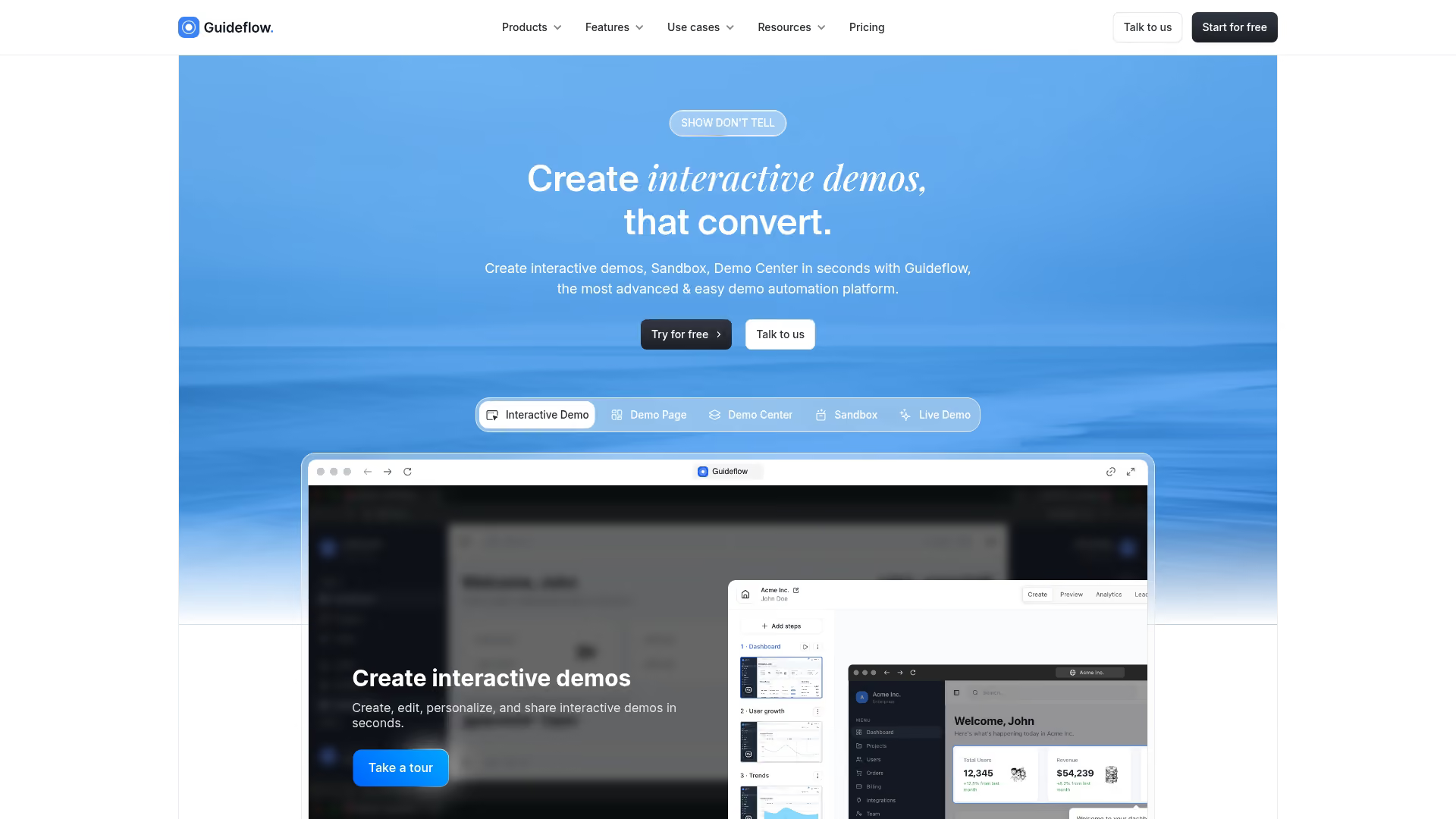
Guideflow is a demo automation platform that lets teams create interactive product education experiences customers can explore on their own. Instead of scheduling calls or sending static screenshots, you capture your product flow and turn it into clickable, step-by-step demos.
Best for: Product marketing, customer success, and enablement teams who want self-serve product experiences that scale without live calls.
Key strengths
- Capture any workflow with a browser extension: Record your product as you click through it, then edit and refine in a visual builder.
- Personalize content for different segments: Use dynamic variables to tailor demos by persona, industry, or account without recreating from scratch.
- Track engagement analytics: See which steps users explored, where they dropped off, and how engagement correlates with outcomes.
- AI-powered editing: Auto-generate steps, translations, and voiceovers to polish demos quickly.
- Embed anywhere: Add demos to your website, help center, emails, or LMS so users can access them wherever they are.
Why choose Guideflow: When you want customers to learn your product through hands-on exploration rather than passive content. Interactive demos let users experience value before committing to a call or trial, and the analytics show you exactly what resonates.
Pricing: Free plan available. Paid plans start at $40/month for unlimited demos, advanced analytics, and AI features.
Start your journey with Guideflow today!
2. Loom
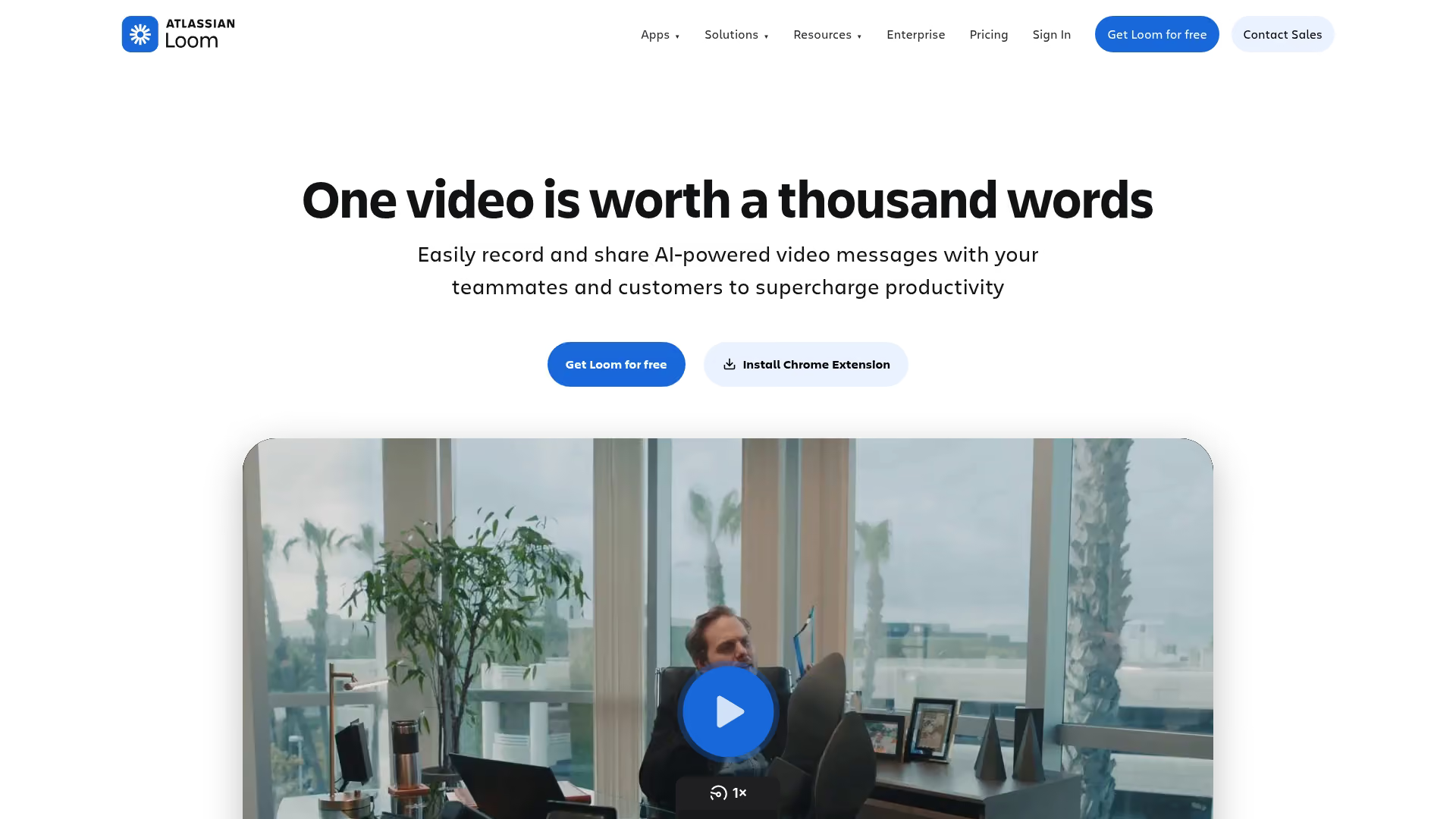
Loom is an async video platform for quick screen recordings. You hit record, walk through a workflow, and share a link. Recipients can watch on their own time and leave comments at specific timestamps.
Best for: Internal training, lightweight customer education, and quick explanations where a 2-minute video beats a 10-paragraph email.
Key strengths
- Fast recording: Start recording in seconds without complex setup.
- Viewer analytics: See who watched, how much they watched, and where they dropped off.
- Comments and reactions: Recipients can respond with questions or emoji reactions at specific moments.
- Transcripts and captions: Auto-generated transcripts make videos searchable and accessible.
Why choose Loom: When you want to explain something quickly without scheduling a meeting. Loom works well for ad-hoc education and internal knowledge sharing. The limitation is that video is passive, so users watch but don't practice.
Pricing: Free plan with 25 videos and 5-minute limit. Paid plans start at $15/user/month.
3. Vidyard
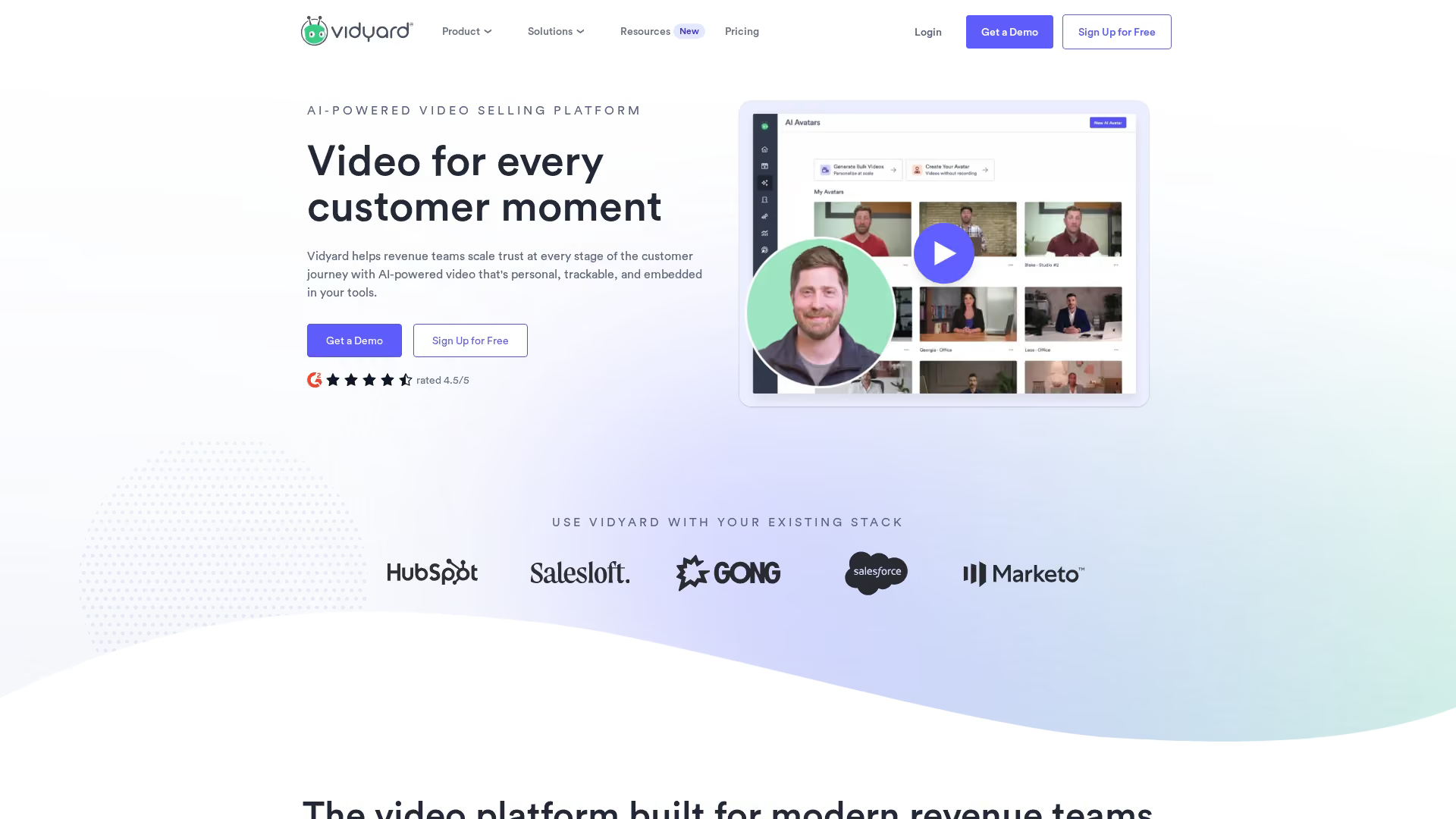
Vidyard is a video hosting platform with analytics and personalization features. It's built for teams that want to use video across sales, marketing, and customer education with detailed tracking.
Best for: Sales enablement and customer education at scale where you want to know exactly who watched what and for how long.
Key strengths
- Viewer analytics: Track individual viewer engagement, not just aggregate views.
- CRM integration: Sync viewing data to Salesforce, HubSpot, and other CRMs.
- Video personalization: Add custom intros or CTAs based on viewer attributes.
- Video hubs: Organize content into branded libraries for different audiences.
Why choose Vidyard: When video is central to your education approach and you want enterprise-grade analytics and integrations. Vidyard connects viewing behavior to your CRM so you can see which content drives outcomes.
Pricing: Free plan available. Paid plans require contacting sales for pricing.
4. Intercom

Intercom is a customer messaging platform that includes product tours, tooltips, and in-app messaging. You can guide users through key workflows right inside your product.
Best for: In-app onboarding and contextual support where you want to reach users at the moment they're most likely to take action.
Key strengths
- Product tours: Build multi-step walkthroughs that guide users through features.
- Tooltips and banners: Add contextual prompts without code changes.
- Chatbot support: Combine education with automated support for common questions.
- Targeting and segmentation: Show different content based on user attributes or behavior.
Why choose Intercom: When you want in-app education tightly integrated with your support and messaging stack. Intercom works well if you're already using it for customer communication.
Pricing: Starts at $39/month for small businesses. Enterprise pricing is custom.
5. Zendesk Guide
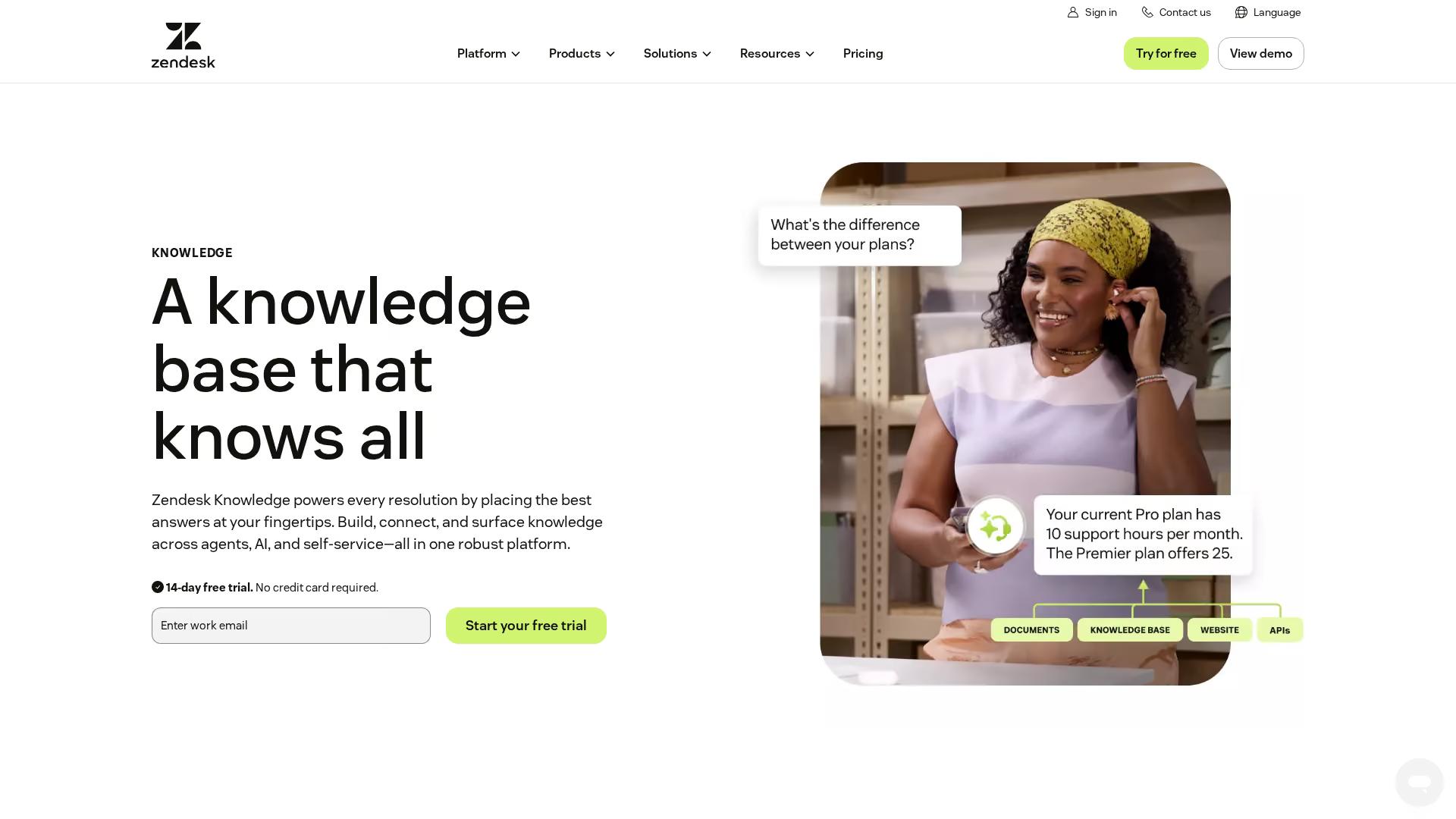
Zendesk Guide is a knowledge base and help center platform that integrates with HubSpot, Salesforce, and more through Zendesk's ticketing system. You create articles, organize them into categories, and let users search for answers.
Best for: Self-serve support documentation where you want tight integration with your existing Zendesk support workflow.
Key strengths
- AI-powered search: Help users find relevant articles even with imprecise queries.
- Ticket deflection: Surface articles before users submit tickets.
- Multi-brand support: Manage separate help centers for different products or audiences.
- Analytics: Track which articles get viewed and which lead to ticket submissions.
Why choose Zendesk Guide: When you're already using Zendesk for support and want a knowledge base that connects directly to your ticketing workflow.
Pricing: Included with Zendesk Suite plans starting at $55/agent/month.
6. Helpjuice
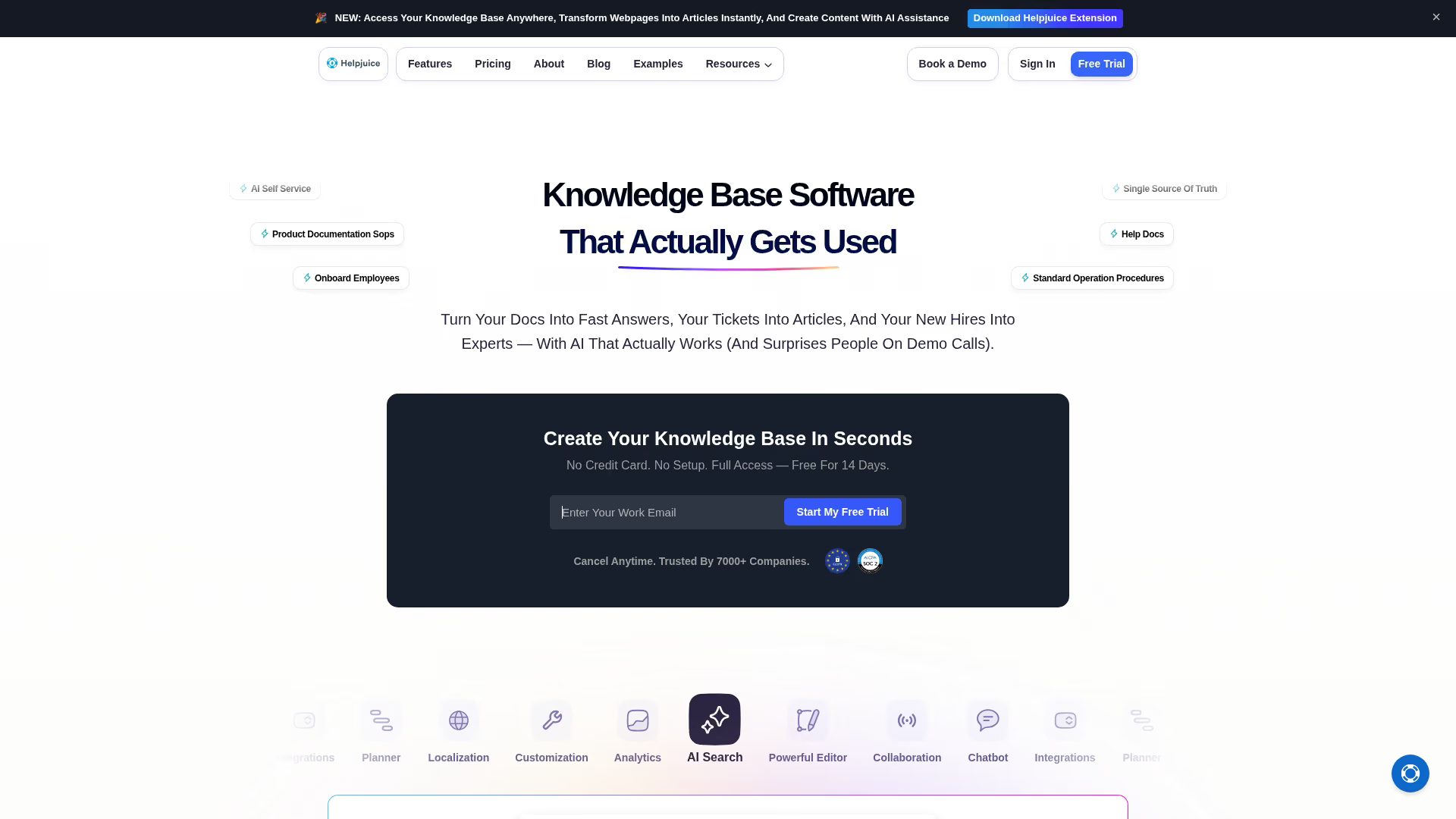
Helpjuice is a standalone knowledge base platform for teams that want robust documentation without a full support suite. It focuses on customization, search, and analytics.
Best for: Teams that want a dedicated knowledge base with advanced customization and don't want to buy into a larger support platform.
Key strengths
- Deep customization: Control the look and feel of your knowledge base with CSS and themes.
- Intelligent search: AI-powered search that learns from user behavior.
- Analytics: Track article performance, search queries, and user feedback.
- Multi-language support: Manage content in multiple languages from one platform.
Why choose Helpjuice: When you want a knowledge base that's more customizable than what's bundled with support platforms. Helpjuice works well for teams with specific branding or UX requirements.
Pricing: Starts at $120/month for up to 4 users.
7. Notion
Notion is a collaborative workspace that teams use for internal wikis, documentation, and customer-facing resource hubs. It's flexible enough to serve as a lightweight knowledge base.
Best for: Teams that want a simple, flexible documentation tool without the overhead of a dedicated knowledge base platform.
Key strengths
- Flexible structure: Build pages, databases, and nested content however you want.
- Easy collaboration: Multiple people can edit and comment in real time.
- Public pages: Share documentation publicly with a simple toggle.
- Templates: Start from pre-built templates for common documentation patterns.
Why choose Notion: When you want something quick and flexible for documentation and don't want to invest in a dedicated knowledge base tool. Notion works well for early-stage teams or internal documentation.
Pricing: Free plan available. Paid plans start at $10/user/month.
8. Skilljar
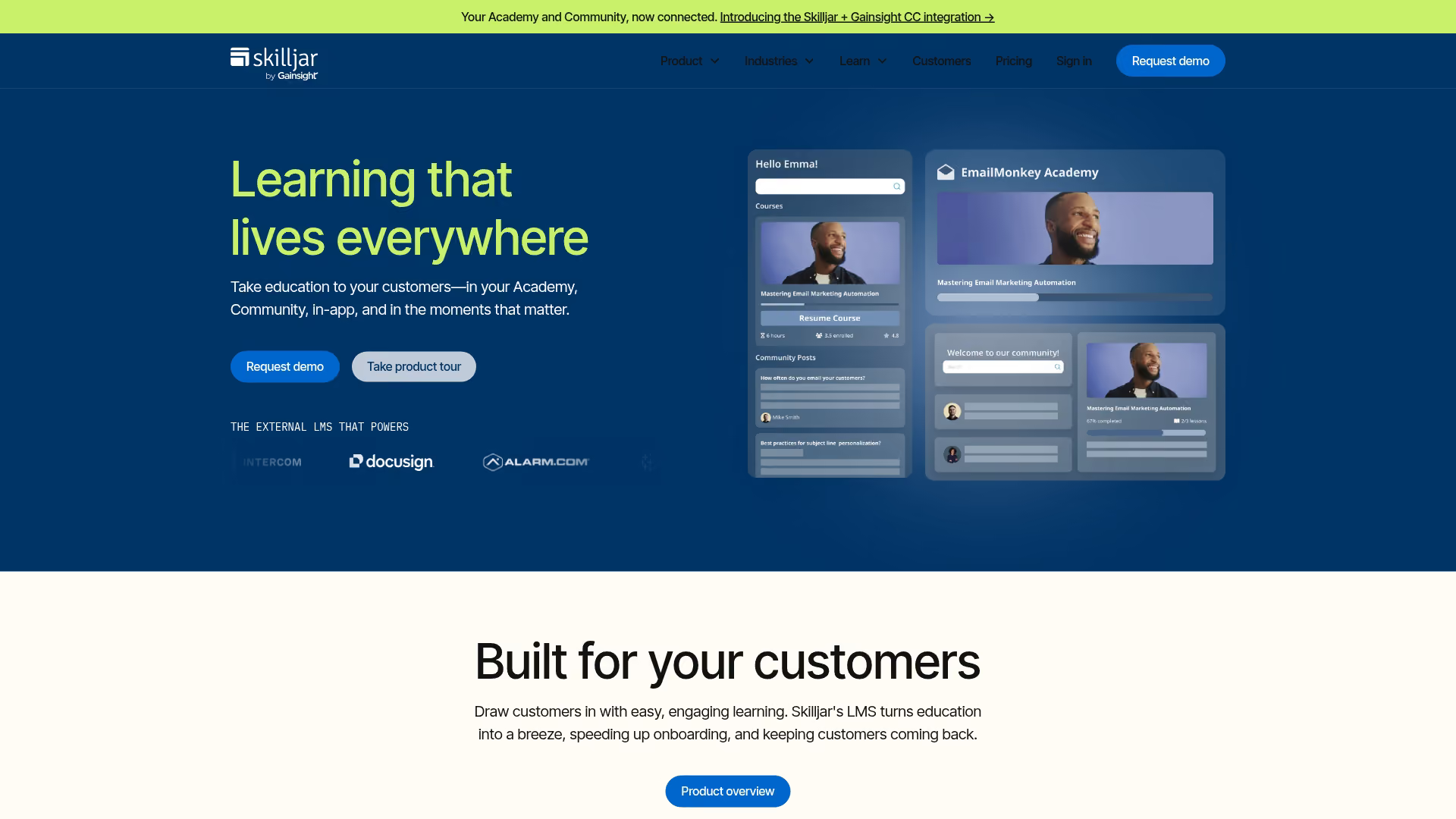
Skilljar is a customer education LMS built for SaaS companies that want to run formal training programs, academies, and certification courses.
Best for: Customer academies and certification programs where you want structured learning paths, progress tracking, and credentials.
Key strengths
- Course authoring: Build courses with video, quizzes, and assessments.
- Learning paths: Guide users through sequences of courses based on role or skill level.
- Certifications: Issue certificates and badges for completed training.
- Integrations: Connect to Salesforce, HubSpot, and other tools to track training alongside customer data.
Why choose Skilljar: When you want to run a formal customer education program with structured courses and certifications. Skilljar is purpose-built for customer training, not repurposed from employee LMS.
Pricing: Custom pricing based on usage and features.
9. Docebo
Docebo is an enterprise learning platform with AI features for large-scale training operations. It supports customers, partners, and employees from a single platform.
Best for: Large organizations that want one platform for customer training, partner enablement, and employee learning.
Key strengths
- Multi-audience support: Manage separate learning experiences for customers, partners, and employees.
- AI-powered recommendations: Suggest content based on learner behavior and goals.
- Extensive integrations: Connect to CRM, HRIS, and other enterprise systems.
- Advanced reporting: Track learning outcomes across audiences and tie them to business metrics.
Why choose Docebo: When you have enterprise-scale training across multiple audiences and want AI-powered personalization. Docebo is overkill for smaller teams but powerful for large organizations.
Pricing: Custom pricing based on users and features.
10. Synthesia
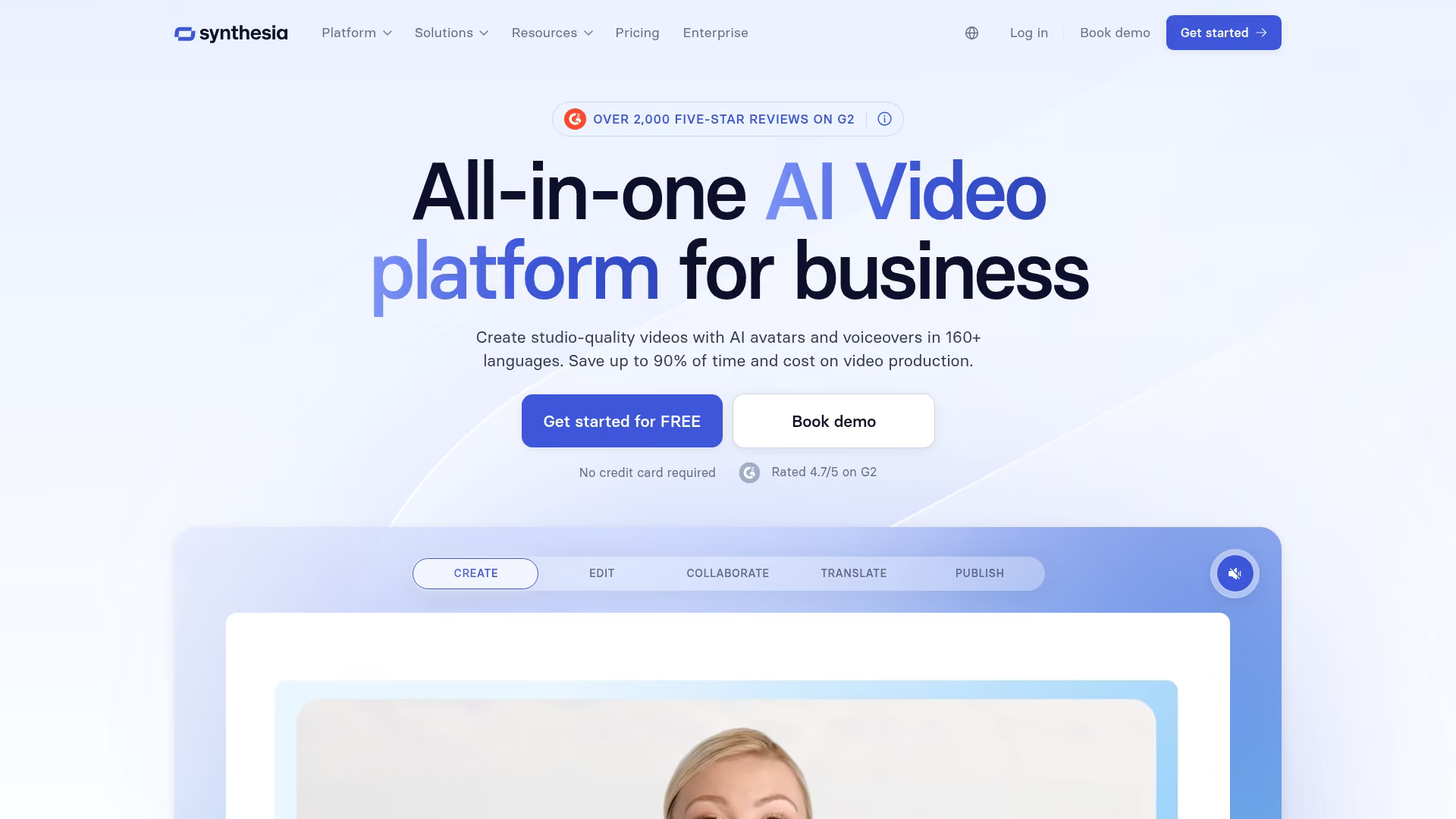
Synthesia is an AI video generation platform that creates professional training videos without filming. You type a script, choose an AI avatar, and generate a video.
Best for: Creating professional training videos quickly without cameras, studios, or video editing skills.
Key strengths
- AI avatars: Choose from dozens of realistic AI presenters or create a custom avatar.
- Multi-language support: Generate videos in 120+ languages from the same script.
- Fast production: Go from script to finished video in minutes, not days.
- Easy updates: Change the script and regenerate without re-filming.
Why choose Synthesia: When you want to produce training videos at scale without the overhead of traditional video production. Synthesia works well for standardized content that changes frequently.
Pricing: Starts at $22/month for personal use. Business plans start at $67/month.
How to choose a product education tool
The best product education tools depend on your use case, audience, and existing stack. Here's a framework for making the decision.
Define your primary use case
Are you educating prospects, new users, or existing customers? Different stages call for different formats.
- Prospects: Benefit from low-friction experiences like interactive demos where they can explore without commitment
- New users: Benefit from onboarding flows that guide them to first value
- Existing customers: Benefit from feature education and self-serve support
Start with your highest-impact use case. For most teams, that's onboarding or feature adoption.
Evaluate content creation speed
How fast can you create and update content? Tools that require video production or course design take longer than capture-based tools.
Consider who will maintain content. If your product marketing team or customer success team owns education, they'll want tools that don't require engineering help.
Assess personalization capabilities
Do you want to tailor content by persona, segment, or account? Generic content works for broad audiences. High-value accounts and specific use cases benefit from personalized paths.
Some tools let you create one base asset and swap content dynamically. Others require creating separate versions for each audience. The difference matters at scale.
Check integration requirements
Does the tool connect to your CRM, LMS, help center, and analytics stack? Integrations determine whether engagement data flows into your existing workflows.
If you can't see who engaged with what content, you can't measure impact or personalize follow-up.
Consider analytics depth
What do you want to measure? Basic tools track views. Advanced tools show which sections users explored, where they dropped off, and how engagement correlates with outcomes.
The difference matters when you're trying to improve content or prove ROI. If you can only see "100 people viewed this," you can't optimize. If you can see "users who completed step 5 activated at 2x the rate," you can act on that.
How to measure product education effectiveness
Measurement proves impact and identifies improvement areas. Here are the key metrics to track:
- Engagement: Completion rates, time spent, return visits
- Adoption: Feature usage after education, activation rates
- Support deflection: Ticket volume reduction, self-serve resolution for the 92% of consumers who would use a knowledge base
- Retention: Correlation between education engagement and renewal
The best product education tools connect engagement data to business outcomes through CRM and analytics integrations. Without that connection, you're measuring activity instead of impact.
Tip: Start by tracking completion rates and feature adoption for your highest-priority education content. Once you have baseline data, you can optimize and expand measurement.
Start helping customers learn your product today
The right product education tool depends on format, audience, and how you want users to learn your product. Interactive demos offer the fastest path to self-serve product education because users learn by doing, not watching.
Start with your highest-impact use case. For most teams, that's onboarding new users or driving adoption of key features. Pick a tool that matches your content creation capacity and integrates with your existing stack.
Start your journey with Guideflow today!