

Your QA analyst opened 30 tickets this week, scored them against a spreadsheet, and called it quality assurance. Meanwhile, thousands of conversations went out the door unscored. That gap is the problem.
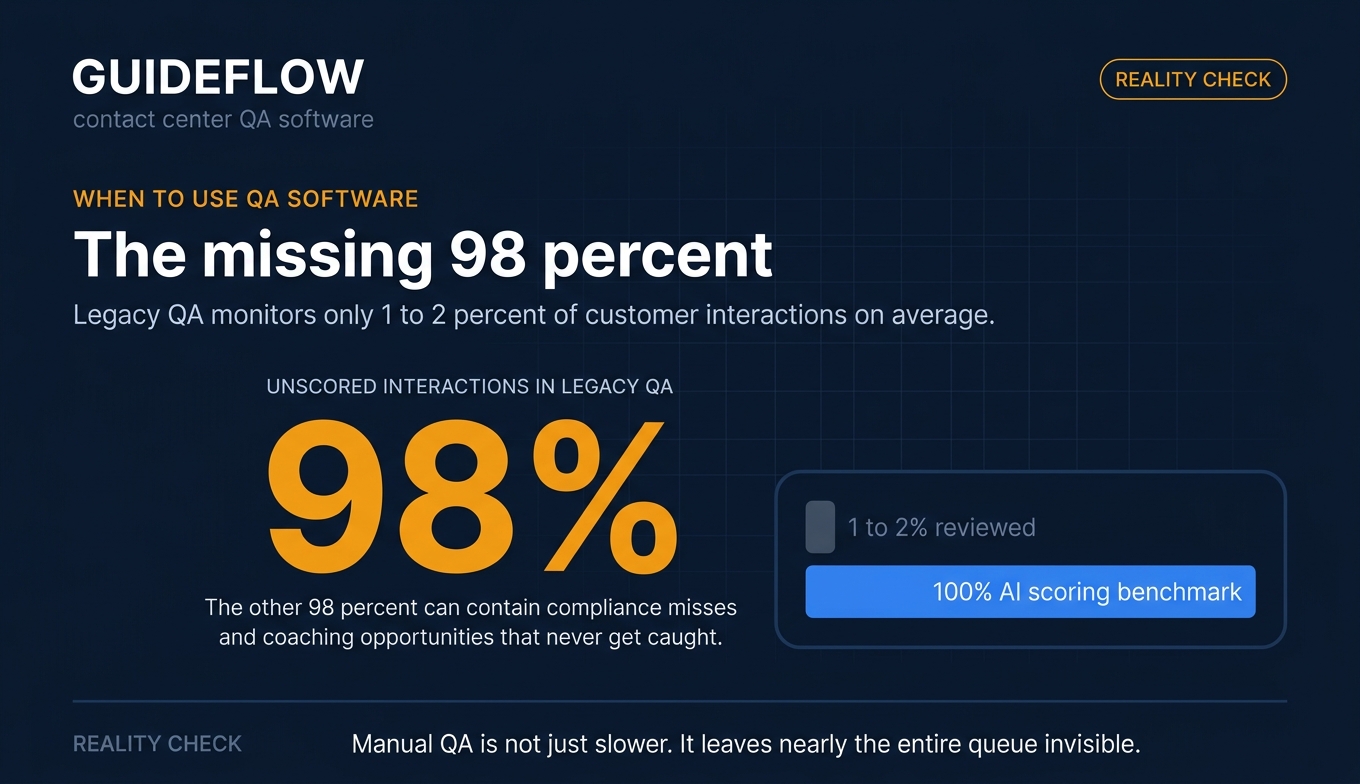
Legacy QA programs typically monitor only 1 to 2 percent of customer interactions on average, according to Level AI. Everything else, the compliance slip, the missed empathy cue, the agent who keeps fumbling the same refund flow, stays invisible. You can't coach what you never see.
That's the daily reality for support and QA leaders. Manual sampling burns analyst hours, produces inconsistent scorecards (two reviewers, two different scores on the same call), and leaves the bulk of your queue a black box. When CSAT dips or a compliance issue surfaces, you're reconstructing what happened from a 1 percent sample.
Contact center quality assurance has shifted. Salesforce's guide to contact center quality defines it as monitoring and scoring interactions across channels, including chat transcripts, email threads, social media, and SMS, not just call recordings. Modern AI scoring auto-evaluates every interaction, surfaces trends you'd never catch by hand, and feeds findings straight into agent coaching, reflecting the rise of agentic AI in customer service.
This guide compares the 11 contact center quality assurance software platforms worth shortlisting in 2026, with verified pricing, G2 ratings, and best-fit guidance for support teams running omnichannel queues.
What's inside
This guide is for support and QA leaders evaluating contact center quality assurance software: Heads of Support, QA analysts, Support Ops, and contact center directors choosing or replacing a QA tool.
We selected the 11 tools based on four criteria that matter most for omnichannel support teams:
- Automated and AI QA with broad interaction coverage, not 1 to 2 percent manual sampling.
- Omnichannel monitoring across voice, chat, and email.
- Coaching and performance workflows that turn scores into agent improvement.
- Integrations and pricing transparency with your CCaaS, CRM, and helpdesk stack.
Every pricing figure and G2 rating below was checked against live vendor and G2 sources.
TL;DR
- Best for AI auto-QA at enterprise scale: AmplifAI, with unified QA, coaching, and performance management.
- Best built-in QA inside a CCaaS platform: NICE CXone, for large omnichannel contact centers.
- Best for SaaS support teams running helpdesk-native QA: MaestroQA, built for support and CX teams.
- Best affordable QA for smaller support teams: evaluagent, with seat-based AutoQM from $35 per user.
- Best AI conversation intelligence plus QA: Observe.AI and Level AI, for AI scoring and agent assist at scale.
- Best omnichannel analytics QA: EdgeTier and CallMiner, for real-time insight across high volumes.
Background: what contact center quality assurance software is
Contact center quality assurance software evaluates customer support interactions across voice, chat, and email against scorecards to measure quality, ensure compliance, and improve agent performance.
Per Salesforce, effective QA programs rely on scorecards and metrics like CSAT and NPS service quality metrics to improve service quality across every channel a customer uses. The software records interactions, scores them (manually or with AI), and routes findings into coaching so agents fix patterns instead of repeating them.
QA vs QM vs QC vs compliance monitoring
These terms get used interchangeably, but they're different layers of a call center quality monitoring program:
- QA (quality assurance): Evaluating individual interactions against a scorecard to judge how well an agent handled a call, chat, or email.
- QM (quality management): The broader program around QA, including coaching, calibration, workforce engagement, and performance management.
- QC (quality control): Spot-checking outputs after the fact to catch defects before they reach customers.
- Compliance monitoring: Checking interactions for regulatory and policy adherence (disclosures, scripts, data handling).
Most modern contact center quality management software folds all four into one platform, so QA scores feed coaching feed compliance reporting.
Core features to expect
Strong call center quality monitoring software covers:
- Call and interaction recording across channels
- Customizable scorecards and calibration tools
- Speech and text analytics in contact centers
- Sentiment and emotion detection
- AI auto-scoring for automated QA
- Broad interaction coverage approaching 100% interaction scoring
- Coaching and performance workflows
- Role-based dashboards and reporting
- Omnichannel monitoring (voice, chat, email, messaging)
- CCaaS, CRM, and helpdesk integrations
When to use contact center QA software
If you're sampling by hand and hoping it's representative, these are the moments a dedicated tool earns its cost.
Score every interaction, not just a sample
Manual review of 1 to 2 percent of interactions leaves most of your queue unscored. AI auto-scoring evaluates every call and chat, so a compliance miss or a coaching opportunity in the other 98 percent doesn't slip past you. For any team where one bad interaction carries real risk, 100% interaction scoring is the difference between catching it and finding out from a churned customer.
Catch compliance and CSAT risk across channels
Customers don't stay on one channel. A question starts in chat, moves to email, ends on a call. Omnichannel QA scores all of it against the same standards, so quality and compliance don't depend on which channel a customer happened to pick. This is the core gap between voice-only call center QA software and true omnichannel contact center quality assurance.
Turn QA findings into agent coaching
Scoring is only useful if it changes behavior. The best tools connect scores to targeted coaching, calibration, and role-based dashboards, so a recurring error becomes a focused coaching session instead of a line in a spreadsheet.
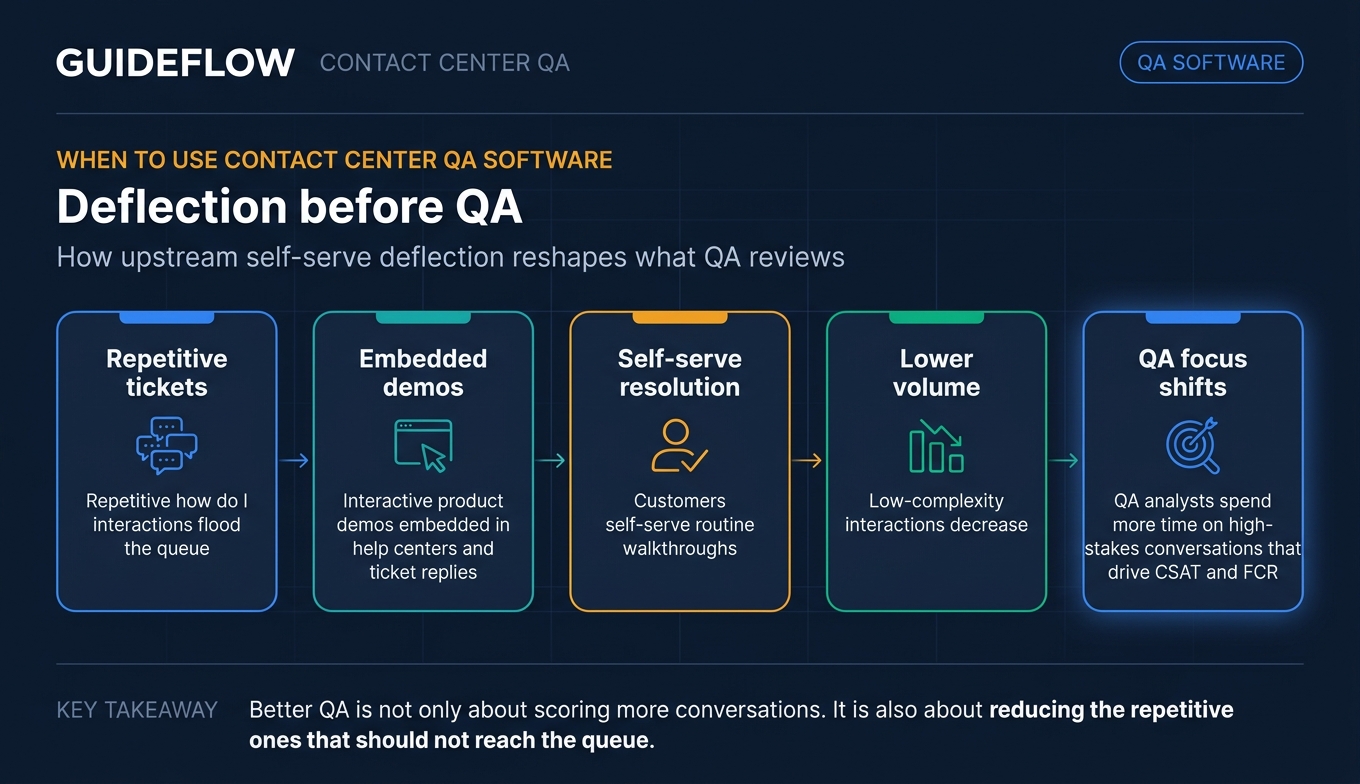
One underrated lever sits upstream of QA entirely: deflecting the repetitive "how do I" interactions that flood the queue in the first place. Embedding interactive product demos in your help center and ticket replies lets customers self-serve the routine walkthroughs, which reduces the volume of low-complexity interactions your team has to handle and review. Fewer repetitive tickets means QA analysts spend time on the high-stakes conversations that actually move CSAT and FCR. Pairing this with a well-built knowledge base turns routine "how do I" questions into self-serve answers, and the same demos can power self-service experiences that scale without adding headcount.
Comparison table
Here's the shortlist at a glance, sorted by relevance to contact center quality assurance software. Pricing and G2 ratings were verified against live vendor pages and G2 listings.
| # | Product | Intent | Key use case | Pricing | G2 rating |
|---|---|---|---|---|---|
| 1 | AmplifAI | AI QA + performance | Enterprise QA, coaching, performance management | Custom | 4.7/5 |
| 2 | NICE CXone | CCaaS with built-in QM | Enterprise omnichannel QA inside a CCaaS | From $110/agent/mo | 4.3/5 |
| 3 | Observe.AI | Conversation intelligence | AI auto-QA and agent assist at scale | Talk to sales | 4.6/5 |
| 4 | CallMiner | Speech and interaction analytics | Analytics-grade QA and compliance | Custom (volume-based) | 4.5/5 |
| 5 | MaestroQA | Dedicated QA platform | Helpdesk-native QA for SaaS support | Custom | 4.7/5 |
| 6 | Convin | AI QA + coaching | Mid-market automated QA and LMS coaching | Quote-based, free QM tier | 4.7/5 |
| 7 | Dialpad | AI CCaaS | QA bundled with a modern AI phone platform | From $15/user/mo | 4.4/5 |
| 8 | Talkdesk | CCaaS with QM | Omnichannel QA inside a CCaaS suite | From $85/user/mo | 4.4/5 |
| 9 | Level AI | AI QA + agent assist | Generative AI QA and coaching insights | Custom | 4.7/5 |
| 10 | evaluagent | QA + improvement | Affordable QA for mid-market support | From $35/user/mo | 4.5/5 |
| 11 | EdgeTier | AI analytics + QA | Omnichannel real-time conversation insight | Custom (volume-based) | 4.4/5 |
Best contact center quality assurance software for 2026
1. AmplifAI
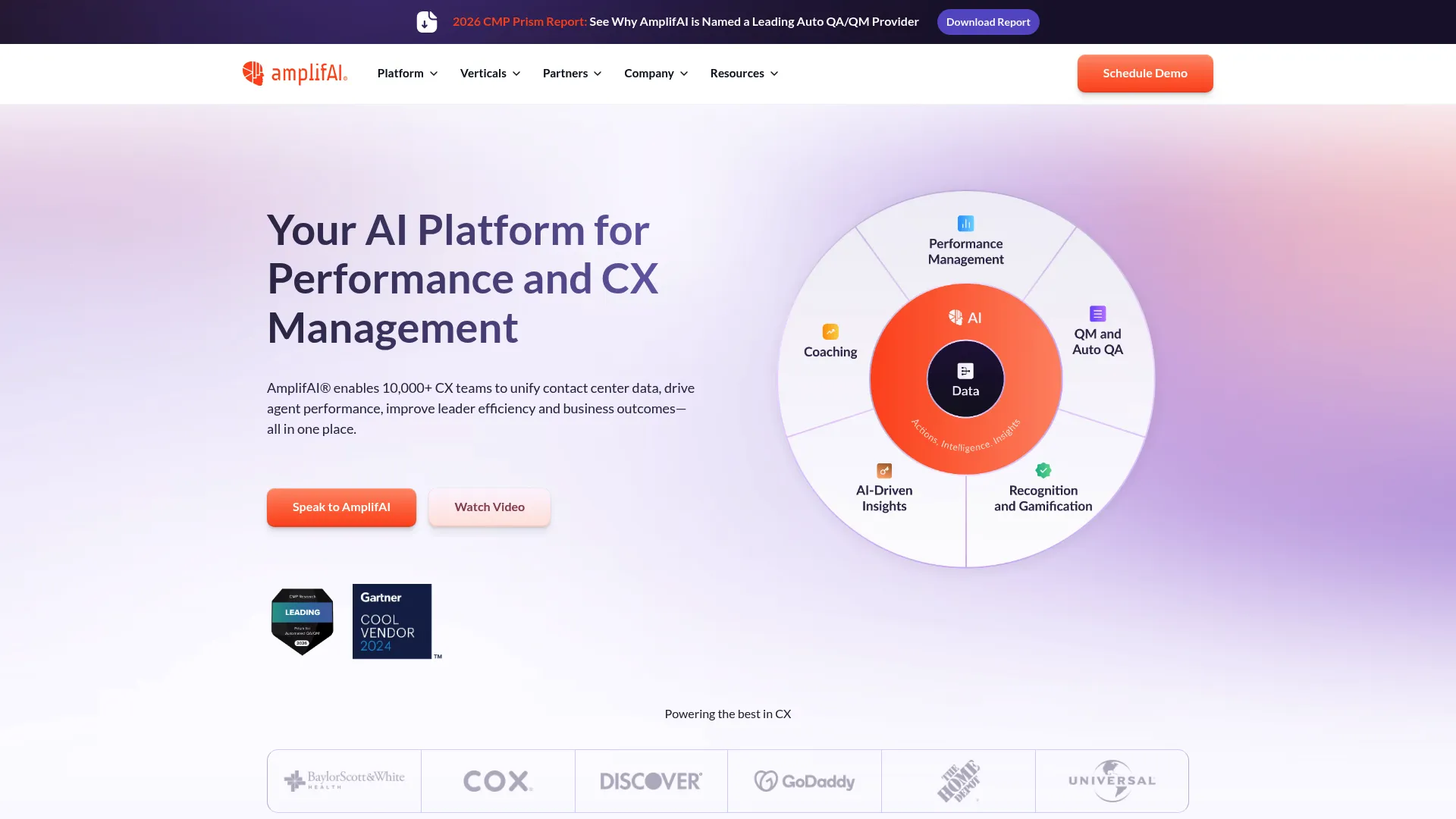
AmplifAI is an AI-enabled performance and CX management platform built for contact centers. It unifies performance, QA, and CX data into role-based dashboards, then layers AI-driven next best actions on top, so a low QA score doesn't just sit in a report, it triggers a coaching plan or a recognition workflow. For enterprise teams and BPO contact center industry trends that treat QA and agent development as one motion, that connectivity is the draw.
Best for: Enterprise contact centers and BPOs that need unified performance management, QA, coaching, and engagement workflows in one place.
Key strengths
- Unified performance and QA data: Brings QA, performance, and CX metrics into role-based dashboards so leaders see the whole picture, not siloed scores.
- AI next best actions: Surfaces coaching, recognition, and follow-up recommendations automatically instead of leaving managers to dig through reports.
- Automated QA and coaching: Pairs auto-scoring with AI coaching plans, summaries, gamification, and engagement workflows.
Why choose AmplifAI: If your QA program keeps stalling at the "we found the problem but never coached it" stage, AmplifAI is built to close that loop. It fits enterprise and BPO teams that need QA scores to drive measurable agent development, not just fill a scorecard. Smaller teams without a formal performance management motion may find it more platform than they need.
AmplifAI pricing: AmplifAI does not publish public pricing tiers. Plans are quoted based on your contact center size and requirements, so you'll need to contact their team for a tailored quote. On G2, AmplifAI holds a 4.7 out of 5 rating.
2. NICE CXone
NICE CXone is an enterprise CX AI platform for orchestrating human and AI agents across the contact center. Quality management is one module inside a much larger suite that includes omnichannel routing, workforce management, interaction analytics, and recording. For large operations that want QA living inside the same platform that runs their routing and WFM, that consolidation removes a lot of integration headaches.
Best for: Enterprise contact centers that need AI-powered omnichannel engagement, automation, and workforce optimization on one platform.
Key strengths
- Omnichannel routing and QA: Handles voice and digital channels with QM built into the same platform, so scoring spans every channel natively.
- Workforce engagement suite: Combines quality management, workforce management, interaction analytics, and performance management.
- AI agents and automation: Adds self-service AI agents, proactive engagement, and process automation alongside QA.
Why choose NICE CXone: Choose CXone when you want quality management as part of a full CCaaS and workforce engagement platform, not a standalone QA tool. It's a strong fit for large omnichannel contact centers already standardizing on an enterprise suite. Smaller support teams looking only for QA will likely find it broader and pricier than they need.
NICE CXone pricing: NICE publishes a tiered, per-agent model billed monthly. Plans run from the Omnichannel Suite at $110 per agent per month, the Essential Suite at $135, the Core Suite at $169, the Complete Suite at $209, and the Ultimate Suite at $249 per agent per month (or $0.25 per session). NICE CXone holds a 4.3 out of 5 rating on G2.
3. Observe.AI
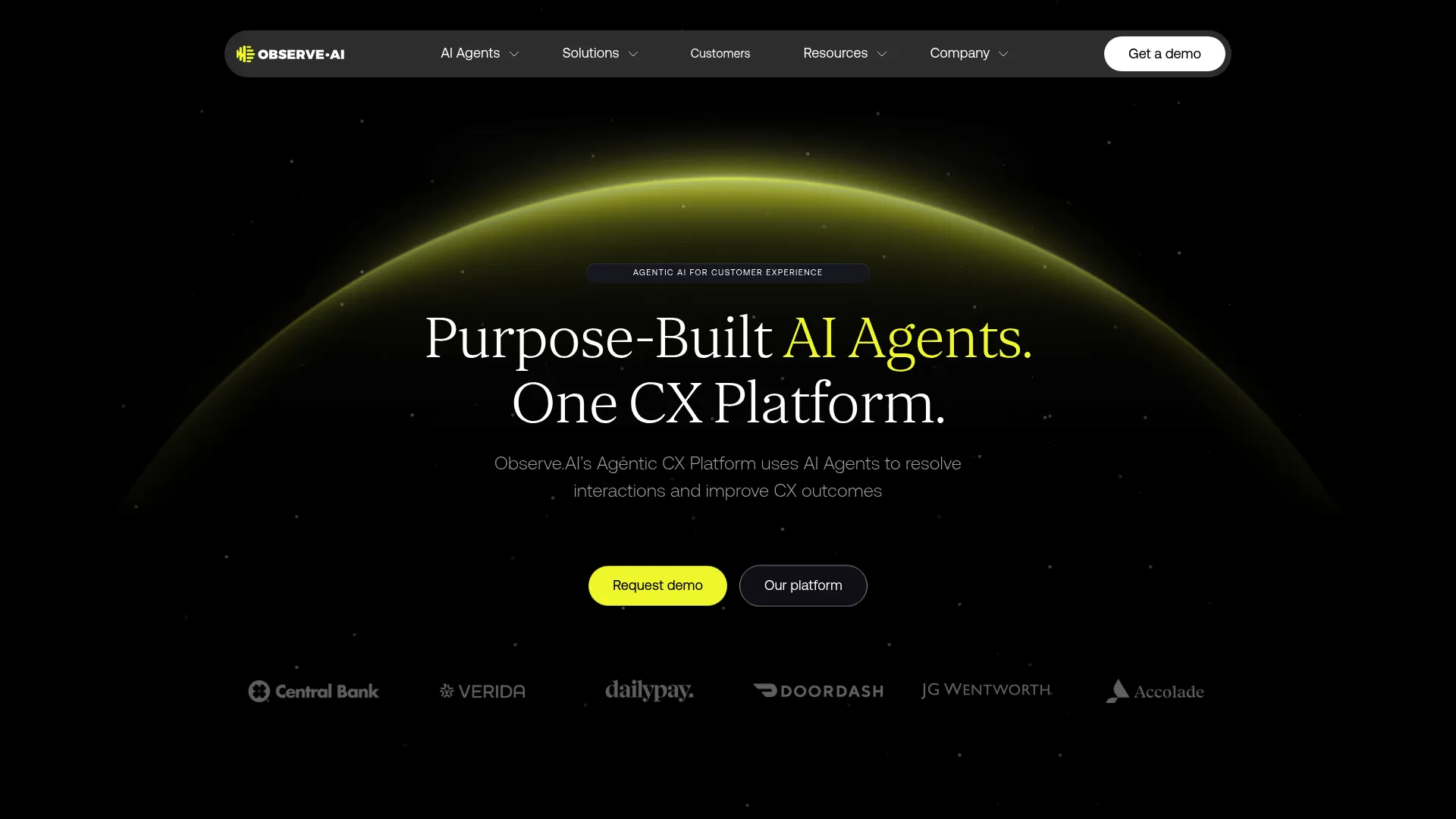
Observe.AI provides an agentic CX platform using AI agents, copilots, and conversation intelligence for contact centers. Its post-interaction layer covers Auto QA, Manual QA, and agent coaching, while real-time copilots guide agents mid-conversation. For teams prioritizing AI scoring across both voice and chat with coaching baked in, it's a deep option.
Best for: Enterprise contact centers seeking AI automation, agent assist, quality management, and conversation intelligence in one platform.
Key strengths
- AI agents across voice and chat: Automates end-to-end support across channels, not just voice.
- Real-time copilots: Guides agents live with coaching and insights during the interaction.
- Post-interaction AI: Combines Auto QA, Manual QA, and coaching to score conversations and act on them.
Why choose Observe.AI: Observe.AI fits teams that want AI auto-scoring and conversation intelligence working together, with real-time agent assist as a bonus. It's built for scale, so it suits larger support and CX operations more than small teams running occasional reviews. Pricing is sales-led, which means a discovery conversation before you see numbers.
Observe.AI pricing: Observe.AI lists its plans (VoiceAI Agents, Real-time AI, Post-interaction AI, Enterprise Advanced, and Enterprise Unlimited) without public prices, each shown as "Talk to sales." You'll need to contact them for a quote. Observe.AI holds a 4.6 out of 5 rating on G2.
4. CallMiner
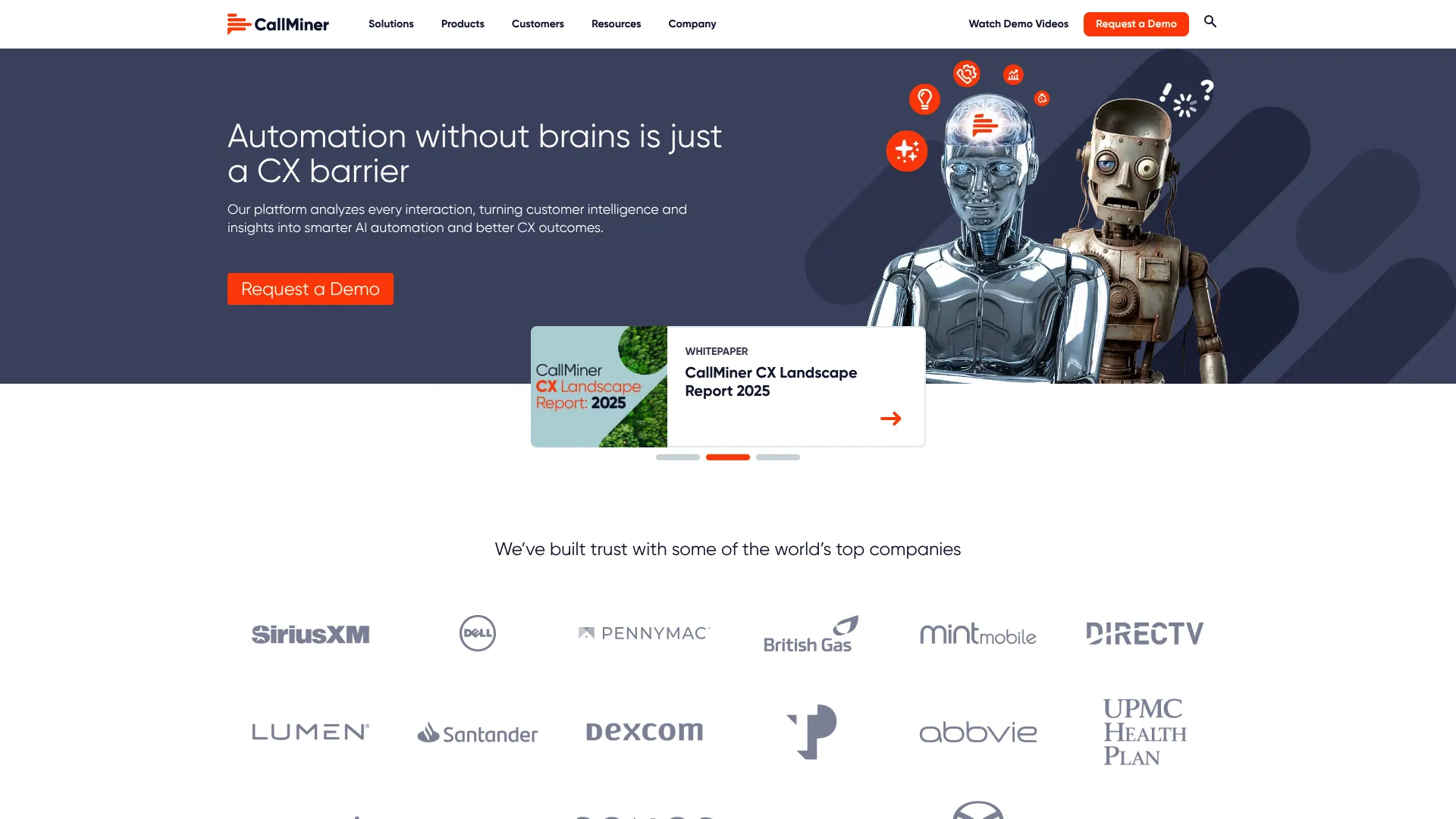
CallMiner is an AI-powered conversation intelligence and CX automation platform for capturing, analyzing, and automating insights from omnichannel interactions. It captures and analyzes 100% of interactions across voice and text channels, with automated scoring, sentiment tagging, topic discovery, and root-cause analysis. For regulated industries that need analytics-grade QA and compliance, the depth of its analytics is the differentiator.
Best for: Enterprise and midsize contact centers that need AI-powered conversation analytics, QA, agent coaching, and CX automation across interactions.
Key strengths
- 100% omnichannel capture: Analyzes every interaction across voice and text-based channels, not a sample.
- Deep analytics: Automates scoring, sentiment and emotion detection technology, topic discovery, and root-cause analysis.
- Coaching and compliance tooling: Adds agent coaching, real-time guidance, redaction, recording, and multilingual translation.
Why choose CallMiner: Choose CallMiner when analytics depth and compliance matter as much as scoring, especially in regulated industries. It's built for midsize teams of more than 60 agents through global enterprises, so very small support teams may find it heavier than required. The payoff is root-cause analysis you won't get from a basic scorecard tool.
CallMiner pricing: CallMiner offers bundled packages based on user count or interaction volume, tailored to your use cases and feature needs. No public numeric pricing is listed, so you'll need a custom quote. CallMiner holds a 4.5 out of 5 rating on G2.
5. MaestroQA
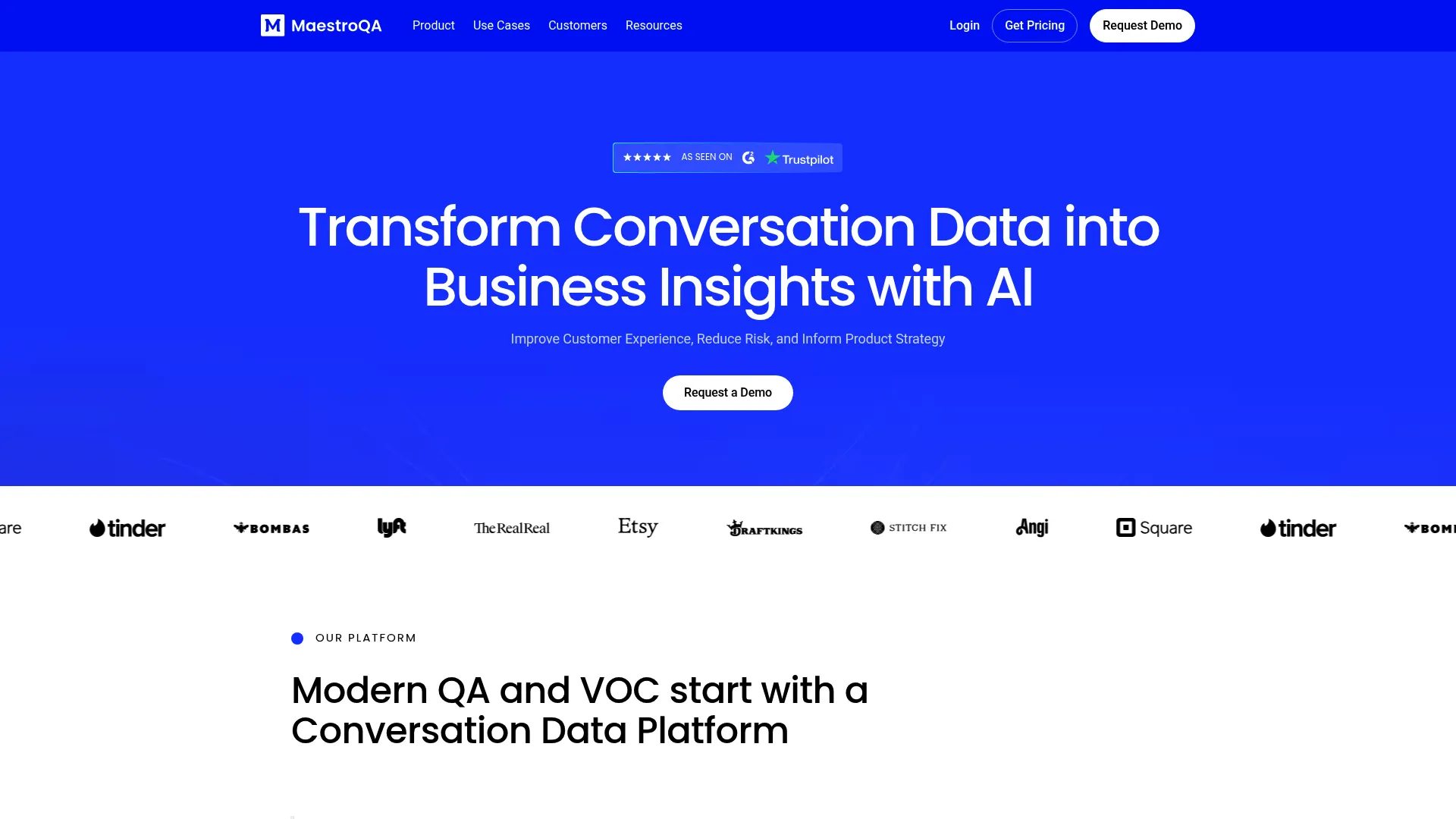
MaestroQA is an AI conversation data and quality assurance platform for analyzing customer interactions, improving CX, and reducing risk. It's purpose-built for support and CX teams, with Auto QA, a scorecard builder, calibrations, coaching, and workflow automations, plus custom reporting that pulls in helpdesk and workforce management data. For SaaS support teams that want QA living next to their helpdesk rather than inside a CCaaS suite, MaestroQA is the natural fit.
Best for: Customer support, CX, compliance, and operations teams that need AI-assisted conversation analytics and QA workflows.
Key strengths
- Helpdesk-native QA: Runs scorecards and reviews on top of your existing support stack, including conversation data from your helpdesk.
- Scorecard and calibration tooling: Combines a scorecard builder, calibrations, coaching, and workflow automations.
- Custom reporting: Visualizes Auto QA, manual QA, helpdesk, and workforce data in custom dashboards.
Why choose MaestroQA: MaestroQA is the strongest fit on this list for SaaS support teams that already live in a helpdesk and want dedicated QA without adopting a full CCaaS platform. It centers on QA and conversation analytics rather than routing or telephony. If you need voice infrastructure too, you'll pair it with a separate contact center platform.
MaestroQA pricing: MaestroQA does not publish public pricing. Its pricing page asks you to complete a form so the team can send a tailored quote based on your needs. MaestroQA holds a 4.7 out of 5 rating on G2.
6. Convin
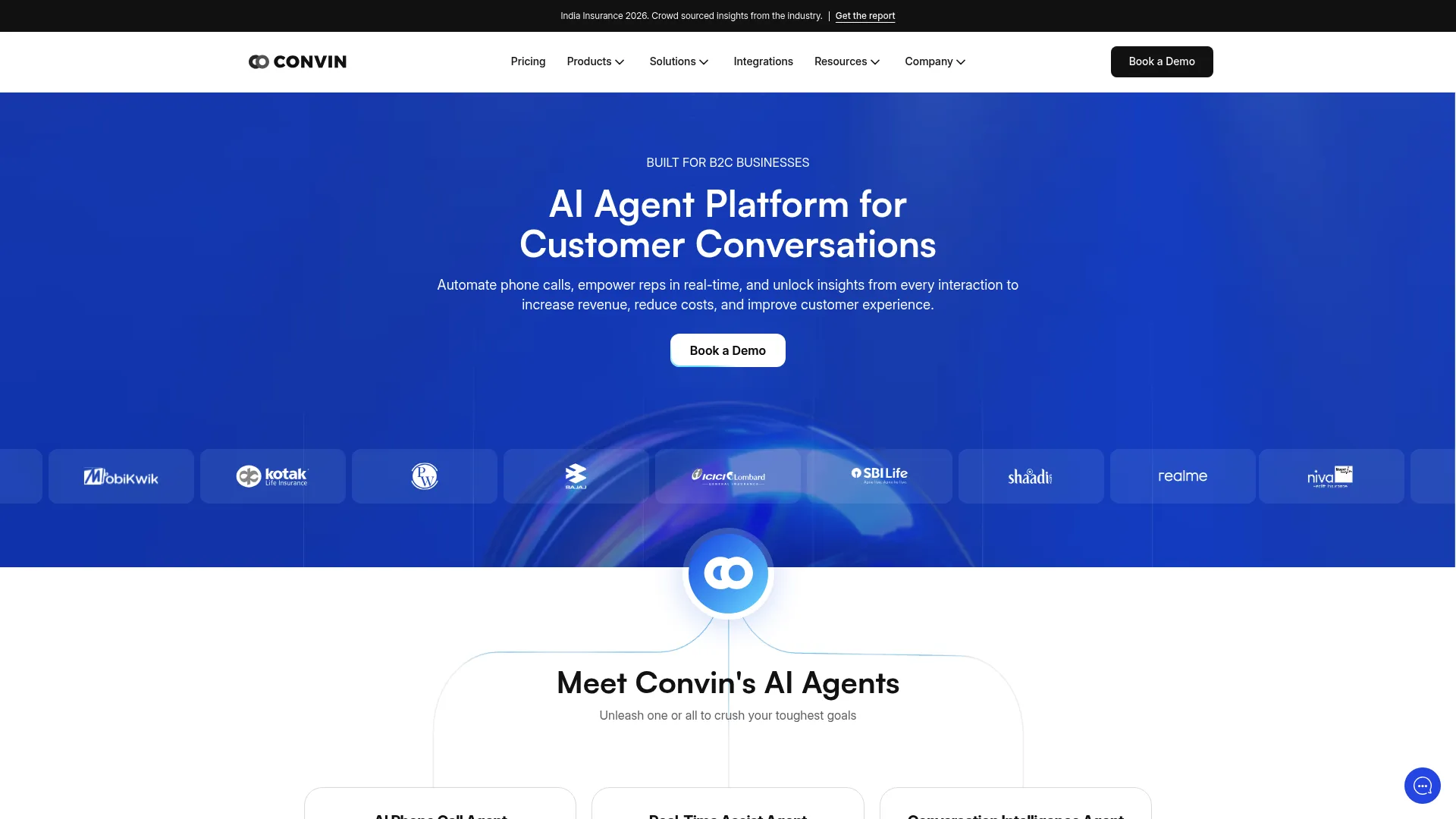
Convin is an AI-backed contact center software that uses conversation intelligence to record, transcribe, and analyze customer conversations. Its post-interaction suite covers automated QA, omnichannel QA across calls, chats, and email, GenAI-powered feedback, automated coaching, and an AI LMS. For mid-market teams that want automated QA plus a built-in learning system to close coaching gaps, Convin bundles both.
Best for: Contact centers that want AI-powered conversation intelligence, automated QA, real-time agent assist, and coaching in one platform.
Key strengths
- Omnichannel automated QA: Scores calls, chats, and email automatically with GenAI-powered feedback.
- Automated coaching and AI LMS: Turns QA findings into coaching plans and structured learning paths.
- Real-time agent assist: Adds live monitoring, call script guidance, real-time prompts, and a searchable AI knowledge base.
Why choose Convin: Convin fits mid-market teams that want automated QA tied directly to coaching and an LMS, so improvement is built into the workflow. The free Quality Management Software tier gives smaller teams a low-commitment way to start. Paid suites are quote-based, so budgeting the full platform takes a conversation.
Convin pricing: Convin uses customized, quote-based plans for its CX Suite, Real-Time Suite, Voice of Customer, and Post Interaction Suite. It separately offers a Quality Management Software tier labeled free. Convin holds a 4.7 out of 5 rating on G2.
7. Dialpad
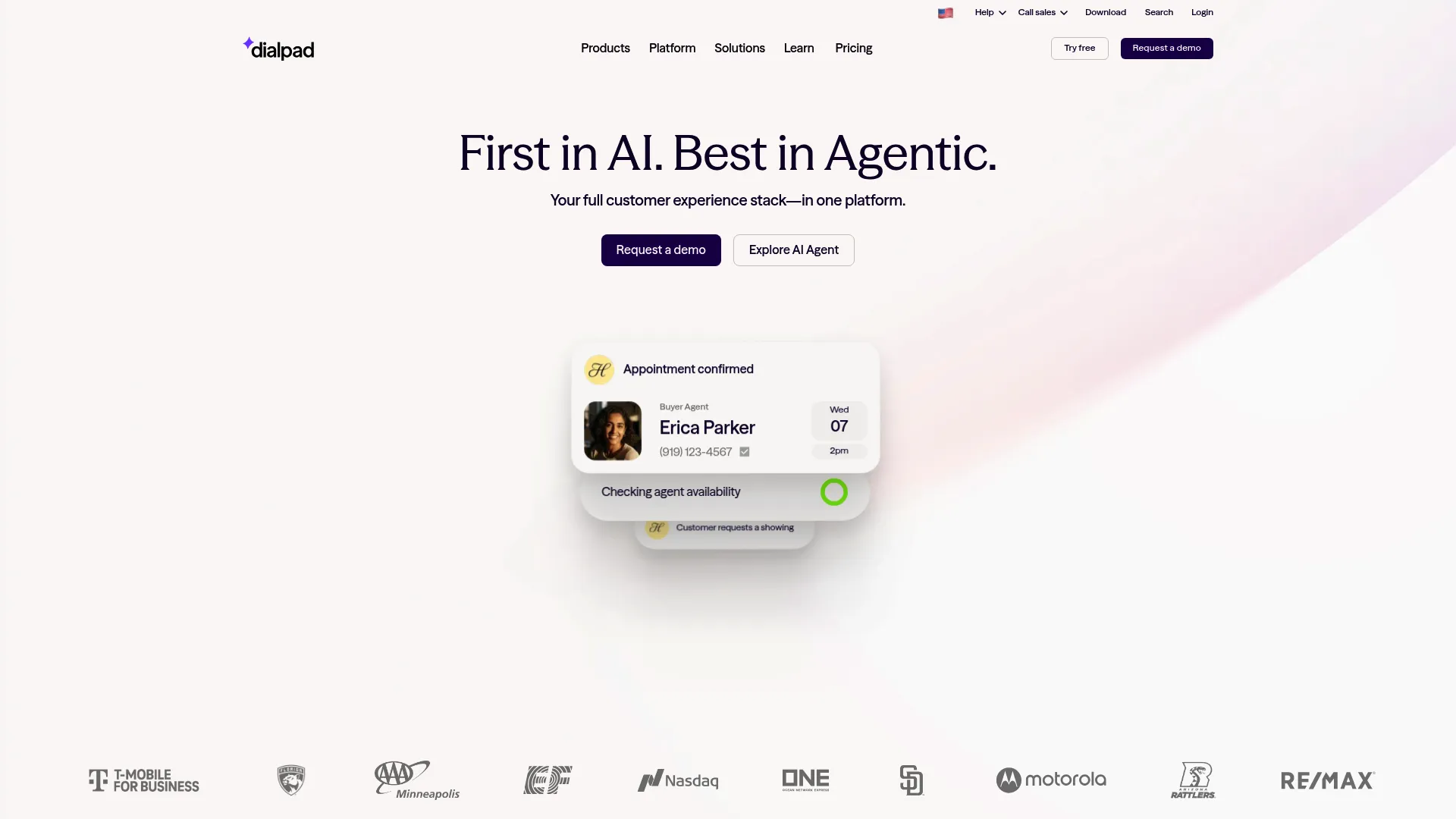
Dialpad is an agentic AI-powered contact center and communications platform for calls, messages, meetings, sales, and support. Its AI layer delivers real-time transcripts, call summaries, AI recaps, and automated action items, so QA signals come built into the same platform that runs your calls. For teams that want quality monitoring bundled with a modern AI phone and contact platform rather than a separate QA tool, Dialpad keeps it under one roof.
Best for: Businesses that want unified voice, messaging, meetings, and AI-assisted communications, with QA signals built in.
Key strengths
- Built-in AI transcription: Generates real-time transcripts, voicemail transcriptions, and call summaries automatically.
- AI recaps and action items: Surfaces summaries and automated follow-ups so reviewers don't start from a raw recording.
- Broad integrations: Connects with Salesforce, Zendesk, Microsoft Teams, Google Workspace, HubSpot, and more.
Why choose Dialpad: Choose Dialpad when you want communications and AI-assisted QA signals in one platform rather than bolting a dedicated QA tool onto a separate phone system. It's the most affordable entry point on this list to get started. Teams needing deep, dedicated scorecard and calibration workflows may want to pair it with a specialist QA platform.
Dialpad pricing: Dialpad Connect starts at $15 per user per month (Standard, billed annually) and $25 per user per month for Pro. Enterprise is contact-us pricing. There's no free tier, but a 14-day free trial is available. Dialpad holds a 4.4 out of 5 rating on G2.
8. Talkdesk

Talkdesk is an AI customer experience automation and cloud contact center platform for orchestrating customer journeys across voice, digital, and industry-specific workflows. Its AI capabilities include Interaction and Quality Analytics alongside Copilot, Autopilot, and Navigator, so QA scoring sits inside a full omnichannel CCaaS. For teams that want quality management within a cloud contact center suite, Talkdesk covers both voice and digital natively.
Best for: Customer service and contact center teams that need AI-assisted voice, digital, routing, analytics, and industry-specific CX automation.
Key strengths
- Omnichannel engagement: Handles email, chat, SMS, and social messaging plus voice with transcription.
- Interaction and Quality Analytics: Builds QA and AI scoring into the same platform that runs routing.
- Industry clouds: Adds vertical-specific workflows for regulated and specialized contact centers.
Why choose Talkdesk: Choose Talkdesk when you want QA, AI scoring, and analytics inside a full omnichannel CCaaS rather than a standalone tool. It suits teams standardizing on one cloud platform for routing and quality together. If you only need QA and already have telephony, a dedicated QA tool may be leaner.
Talkdesk pricing: Talkdesk lists Digital Essentials at $85, Voice Essentials at $105, Elite at $165, and Industry Experience Clouds at $225, all per user per month. It also advertises Talkdesk Express for US and Canada small businesses with 25 licenses and $100 in free credit. Talkdesk holds a 4.4 out of 5 rating on G2.
9. Level AI
Level AI is a CX platform for contact centers that scores interactions, deploys voice agents, and turns conversations into insights. Its automated QA covers calls, chats, emails, and bot conversations, paired with real-time agent assist and Voice of Customer analytics. Level AI is the same source behind the 1 to 2 percent legacy sampling figure that frames this whole category, and its product is built to push coverage well past that baseline.
Best for: Enterprise contact centers that need AI-driven QA, agent assist, coaching, and customer-interaction analytics.
Key strengths
- Automated QA across channels: Scores calls, chats, emails, and bot conversations, not just voice.
- Real-time agent assist: Delivers live summaries and knowledge-base answers during interactions.
- Voice of Customer analytics: Turns scored conversations into contact center and CX insights.
Why choose Level AI: Level AI fits enterprise teams that want generative AI QA with auto-scoring plus real-time agent assist in one platform. It's built to move you past manual sampling toward scoring far more of your queue. Pricing is demo-led, so plan for a sales conversation before you can compare numbers directly.
Level AI pricing: Level AI does not publish public pricing tiers; its site emphasizes scheduling a demo rather than listing prices. You'll need to contact the team for a quote. Level AI holds a 4.7 out of 5 rating on G2.
10. evaluagent
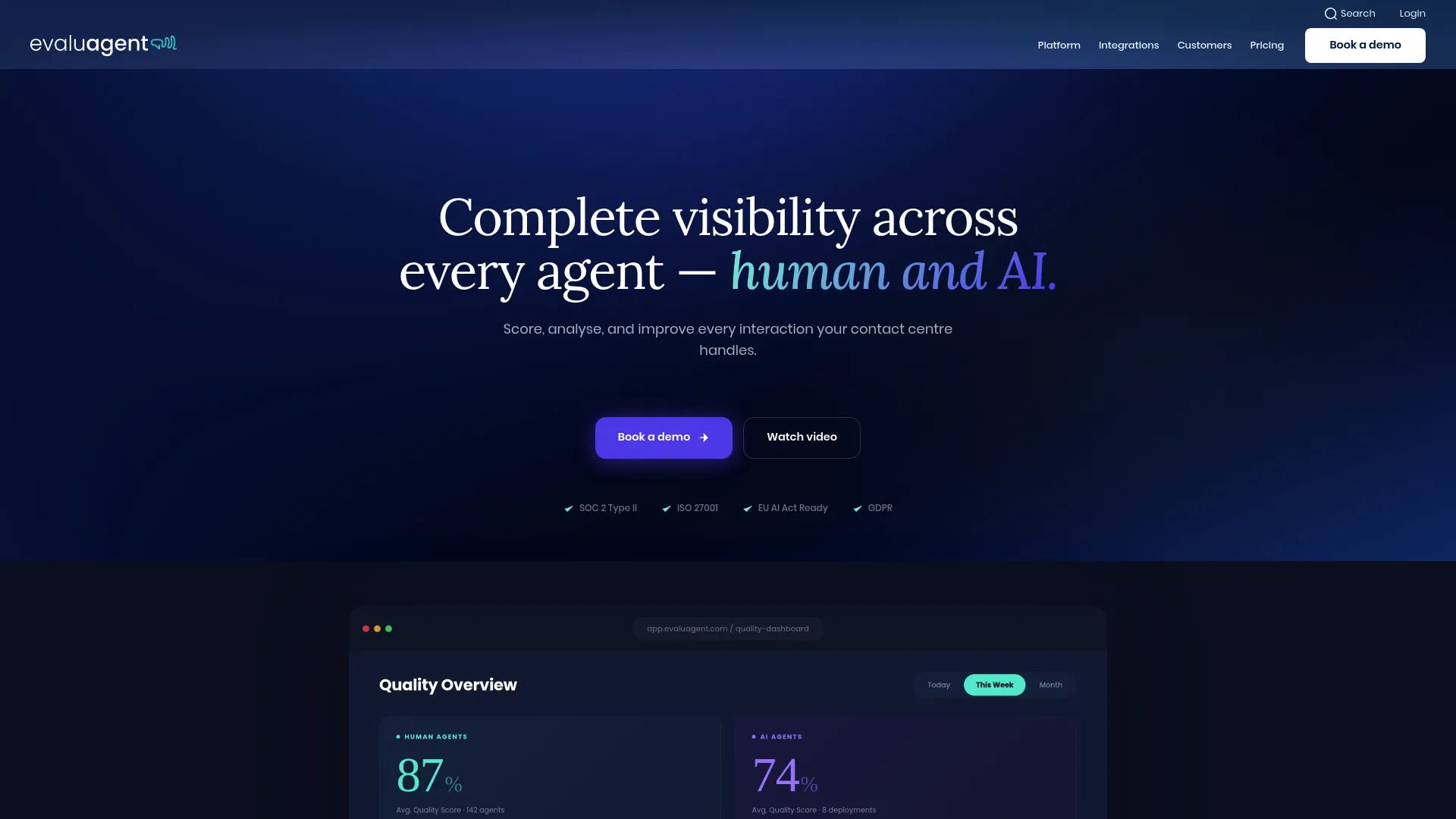
evaluagent is an AI-powered quality assurance and conversation intelligence platform for contact centers to evaluate, score, coach, and improve human and AI agent interactions. It runs automated QA scoring on 100% of conversations with custom scorecards, plus conversation intelligence, coaching workflows, calibration, and gamification. For mid-market support and BPO teams that want affordable, focused QA with transparent per-seat pricing, evaluagent is one of the few here that lists real numbers.
Best for: Contact centers that want AI-assisted QA, conversation intelligence, coaching, and performance improvement across human and AI agents.
Key strengths
- 100% automated QA scoring: Scores every conversation against custom scorecards instead of a sample.
- Conversation intelligence: Adds reason-for-contact detection, summarization, sentiment analytics, and topic detection.
- Coaching and engagement: Includes coaching workflows, performance dashboards, calibration, and gamification.
Why choose evaluagent: evaluagent fits mid-market support and BPO teams that want focused, affordable QA without enterprise-suite pricing. Its published per-seat and per-conversation rates make budgeting straightforward, a rarity in this category. It centers on QA and coaching rather than routing, so you'll keep your existing contact center platform.
evaluagent pricing: Human-agent pricing is seat-based: AutoQM and Improvement from $35 per user per month, and AutoQM plus Conversation Intelligence from $65 per user per month. AI-agent pricing is conversation-based, from $0.05 per conversation (AutoQM for AI Agents) and $0.13 (Full Bundle), on top of a seat tier. There's no free tier. evaluagent holds a 4.5 out of 5 rating on G2.
11. EdgeTier
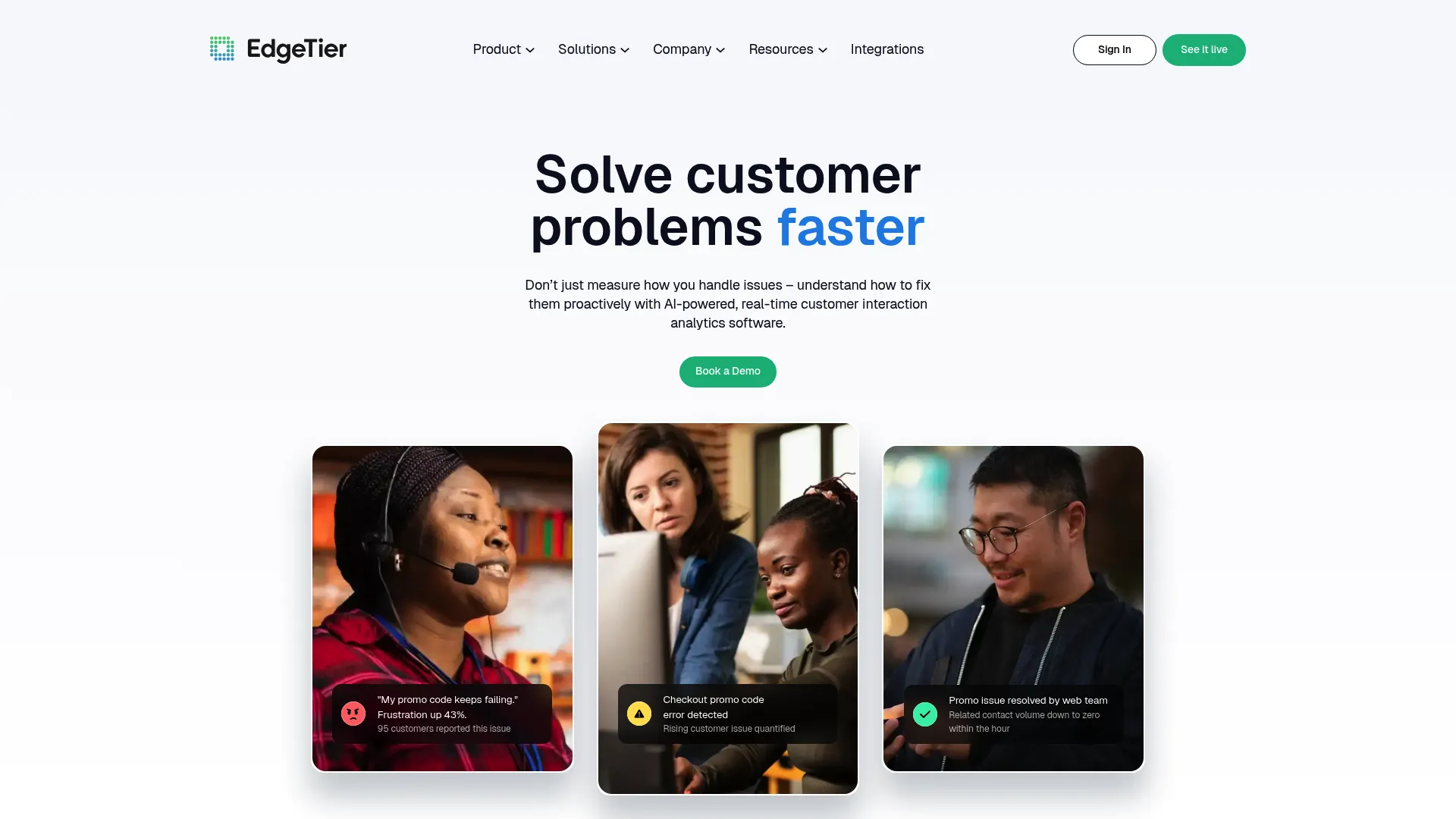
EdgeTier is AI-powered contact center analytics software that analyzes customer conversations in real time to detect trends, surface voice-of-customer insights, and improve agent performance. It pairs real-time anomaly detection with automated contact reason tagging, sentiment analysis, and AI-assisted QA scorecards. For omnichannel support teams that want real-time conversation insight alongside QA, EdgeTier leans into the analytics-first angle.
Best for: Contact centers that need real-time analytics, voice-of-customer insights, anomaly detection, and AI-assisted QA across high volumes.
Key strengths
- Real-time anomaly detection: Alerts on emerging trends across conversations as they happen, not after the fact.
- Automated tagging and sentiment: Tags contact reasons and analyzes sentiment for voice-of-customer reporting.
- AI-assisted QA: Generates automated scorecards and coaching recommendations.
Why choose EdgeTier: Choose EdgeTier when real-time conversation insight matters as much as scoring, especially across high interaction volumes. It's built for teams that want to spot issues as they emerge, not in next week's QA review. Pricing is custom and volume-based, so you'll need a proposal to size it.
EdgeTier pricing: EdgeTier does not use fixed tiers or a public pricing table. Pricing is based on interaction volume and provided through a custom proposal. EdgeTier holds a 4.4 out of 5 rating on G2.
Considerations: how to choose contact center QA software
Once you've shortlisted, these are the criteria that separate a tool that fits from one you'll replace in 18 months.
Interaction coverage and AI scoring depth
The headline question: how much of your queue gets scored? Compare manual sampling against automated scoring that covers most or all interactions, and dig into how accurate the AI scorecards actually are. A tool that auto-scores everything but scores it poorly isn't an upgrade. Ask for a calibration trial on your own conversations before you commit.
Omnichannel monitoring
Confirm the tool scores every channel your customers use, voice, chat, email, and messaging, against the same standards. Voice-only call center QA software leaves your digital queue unmonitored. For a true omnichannel quality assurance call center program, coverage parity across channels is non-negotiable.
Coaching and performance workflows
Scoring without coaching is a report nobody reads. Look for QA-to-coaching connectivity, calibration in quality assurance programs to keep reviewers consistent, and role-based dashboards so each level sees what's relevant. The goal is reducing repeat errors, not generating more spreadsheets. Many teams pair QA-driven coaching with user onboarding software so the same insights also shape how new customers and agents ramp.
Integrations and data unification
Your QA tool has to connect to your CCaaS, CRM, helpdesk, and WFM, or you'll end up with another data silo. A quality analyst call center workflow only scales when scores, tickets, and agent data live together. Check supported integrations against your actual stack before signing. Tools like a strong CRM and your product analytics stack are common anchors in that unified data layer.
Pricing and scalability
Decide whether per-seat, per-conversation, or flat pricing fits your model, and whether the tool scales from your current size to where you're headed. Enterprise and BPO needs differ sharply from SMB needs. If affordable QA software for call centers is the priority, the published per-seat options on this list are the easiest to budget.
Conclusion
The 2026 shift is clear: scoring 1 to 2 percent of interactions by hand no longer cuts it when AI can score far more, consistently, across every channel.
For enterprise teams wanting QA tied to coaching and performance, AmplifAI leads. If you want QA inside a full CCaaS, NICE CXone and Talkdesk both deliver omnichannel coverage within the platform. SaaS support teams running helpdesk-native QA should start with MaestroQA. For affordable, focused QA with transparent pricing, evaluagent is the easiest to budget. Teams prioritizing AI auto-scoring and agent assist should look at Observe.AI and Level AI.
Your next step: shortlist two or three that fit your channels and stack, then run a trial. Calibrate scorecards on your own conversations before rollout, so your reviewers agree on what "good" looks like. The tool matters less than the discipline of scoring more of your queue and turning what you find into coaching. And if you'd rather see how interactive demos can deflect the routine tickets clogging your QA queue, that's worth a look before you finalize your stack.
Pick one, run the trial, and start scoring the 98 percent you're missing today.
FAQs
QA in a contact center is the process of evaluating customer support interactions, calls, chats, and emails, against a scorecard to measure quality, ensure compliance, and improve agent performance. Per Salesforce, it relies on scorecards and metrics like CSAT and NPS, then turns those findings into agent coaching.
QA evaluates individual interactions against a scorecard. QM, or quality management, is the broader program around QA, including coaching, calibration, and workforce engagement. Compliance monitoring checks interactions specifically for regulatory and policy adherence, such as required disclosures and data handling. Most modern platforms combine all three.
Yes, most platforms integrate with common CCaaS systems, CRMs like Salesforce, and helpdesks like Zendesk. Strong integration matters because it prevents your QA scores from living in a separate silo from your tickets and agent data. Always confirm the specific integrations against your actual stack before buying.
AI-powered automated QA scores far more of your queue than manual sampling, applies evaluations consistently across reviewers, scores faster, and surfaces trends you'd never catch by hand. That broader coverage means compliance risks and coaching opportunities in the bulk of your interactions stop slipping past unnoticed.
100% interaction scoring means every call and digital interaction gets evaluated, not just a sample. According to Level AI, legacy QA monitors only 1 to 2 percent of interactions on average. Scoring everything matters because the risk or coaching gap you miss is almost always in the unscored 98 percent.
Pricing varies by model. Some tools publish per-seat rates, with focused QA platforms starting around $35 per user per month and CCaaS suites starting around $85 to $110 per agent per month. Enterprise and analytics-heavy platforms typically use custom, volume-based quotes. Always confirm current pricing directly with the vendor.
Call center QA is voice-centric, focused on scoring phone calls. Contact center QA is omnichannel, scoring voice, chat, email, social, and SMS against the same standards. Per Salesforce, contact centers operate across multiple channels, so contact center QA software is built to monitor all of them, not just calls.
QA software turns interaction scores into targeted coaching, so recurring errors become focused training instead of repeated mistakes. By identifying exactly where agents struggle and feeding that into coaching workflows, it helps improve first call resolution metrics and customer satisfaction over time. The scoring is only useful when it changes agent behavior.