You planned the campaign in a spreadsheet. Briefed the copy in a doc. Built the emails in one tool, the ads in another, tracked results in a third. Then leadership asked one question: what did this actually drive?
You spent the next two days stitching numbers together across five tabs.
Most teams think the fix is another dashboard. It isn't. The friction is that campaign planning, execution, automation, and reporting live in separate places, and every handoff leaks context. The real problem is fragmentation, not visibility.
The global campaign management software market is projected to grow from about USD 7.4 billion in 2026 to USD 15.9 billion by 2033, a CAGR of 11.7%, according to Persistence Market Research (2024). That growth is being driven by teams trying to collapse scattered workflows into one system they can actually measure.
So the question isn't "which tool has the most features." It's "which tool solves your dominant campaign operating problem without adding to the sprawl." This guide answers that.
What's inside
This guide is for marketing and growth teams choosing a campaign management platform that can plan, execute, automate, and report without a patchwork stack. We picked tools based on four things that matter to buyers:
- Campaign execution depth: email, ads, social, or multichannel delivery
- Automation and workflow: triggers, sequences, and handoff reduction
- Reporting and attribution: defensible ROI, not just activity counts
- CRM and integration fit: clean data flowing into your existing stack
Each tool below is ranked by the specific problem it solves best, not by popularity.
TL;DR
- Best all-in-one with CRM: HubSpot, for teams that want campaign execution and a CRM in one platform
- Best for enterprise CRM-native campaigns: Salesforce, for complex orgs already living in the CRM
- Best automation orchestration layer: Zapier, for stitching many campaign tools into one flow
- Best for lifecycle email: ActiveCampaign, for nurture-led automation and segmentation
- Best for campaign collaboration: Asana, for approvals, timelines, and cross-functional execution
- Best for social campaigns: Hootsuite, for scheduling, monitoring, and social reporting
- Best affordable multichannel: Brevo, for email, SMS, and automation without enterprise cost
What is campaign management software?
Campaign management software is a platform that helps marketing teams plan, execute, automate, track, and report on marketing campaigns across one or more channels from a central system. It replaces the spreadsheet-plus-scattered-tools approach with a single place to run and measure work.
Most tools in this category share a common set of capabilities. A strong campaign management system typically includes:
- Campaign planning: calendars, briefs, timelines, and task assignment
- Multi-channel execution: email, SMS, ads, social, and landing pages
- Automation: triggers, sequences, and rules that reduce manual handoffs
- Segmentation: audience targeting by behavior, attribute, or lifecycle stage
- CRM integration: contact and pipeline data synced across systems
- Reporting and analytics: conversion, attribution, and ROI dashboards
- Collaboration: approvals, versioning, and stakeholder visibility
The category overlaps with marketing automation, CRM, and project management, but the defining job is orchestrating a campaign end to end. Some campaign management tools lean toward execution (email, social), others toward coordination (planning, approvals), and others toward automation (connecting apps and triggering workflows). The right fit depends on your dominant channel and where your current process breaks.
Cloud deployments now account for roughly 62 to 68% of campaign management software adoption, versus 32 to 38% for on-premise, per MarketIntelo (2024) and IndustryResearch.biz (2024). That shift matters because cloud tools update faster and integrate more cleanly with the rest of a modern marketing stack.
When to use campaign management software
Consolidate a scattered stack
You're paying for a separate email tool, a project doc, an ad manager, and a reporting spreadsheet. Handoffs between them cost hours and lose context. A campaign management platform pulls planning, execution, and reporting into one place so you stop reconstructing what happened after the fact.
Prove campaign ROI
Leadership wants pipeline impact, not activity counts. If your reporting lives in exports and manual math, attribution is a monthly scramble. Campaign management software with reporting ties spend and effort to conversion and revenue, giving you numbers a CFO will actually believe.
Scale execution without more headcount
Your team grew, but the process didn't. Manual sends, one-off approvals, and copy-paste segmentation don't scale. Campaign management software with automation replaces repetitive steps with triggers and sequences, so a small team runs more campaigns without more people.
Comparison table
Here's a side-by-side view of the seven tools, sorted by how broadly they fit the campaign management job. Pricing and ratings are verified from each vendor's own pricing page and G2 listing as of July 2026.
| # | Product | Best for | Key use case | Pricing | G2 rating |
|---|---|---|---|---|---|
| 1 | HubSpot | All-in-one CRM plus campaigns | CRM-led execution, email, ads, and analytics | Free tools; paid from $7/mo | 4.4/5 |
| 2 | Salesforce | Enterprise CRM-native campaigns | Complex orgs with governance and data sync | Free Suite; paid from $25/user/mo | 4.4/5 |
| 3 | Zapier | Automation orchestration | Connecting many campaign tools into one flow | Free; paid from $19.99/mo | 4.5/5 |
| 4 | ActiveCampaign | Lifecycle email and nurture | Segmentation and predictive automation | From $15/mo | 4.4/5 |
| 5 | Asana | Campaign collaboration | Approvals, timelines, and cross-team execution | Free; paid from $10.99/user/mo | 4.4/5 |
| 6 | Hootsuite | Social campaign management | Scheduling, monitoring, and social reporting | From $99/mo | 4.3/5 |
| 7 | Brevo | Affordable multichannel | Email, SMS, and automation for SMBs | Free; paid from $9/mo | 4.5/5 |
Read the item sections below for the detail behind each row, including where each tool fits your dominant channel and reporting needs.
Best 7 tools for campaign management
1. HubSpot
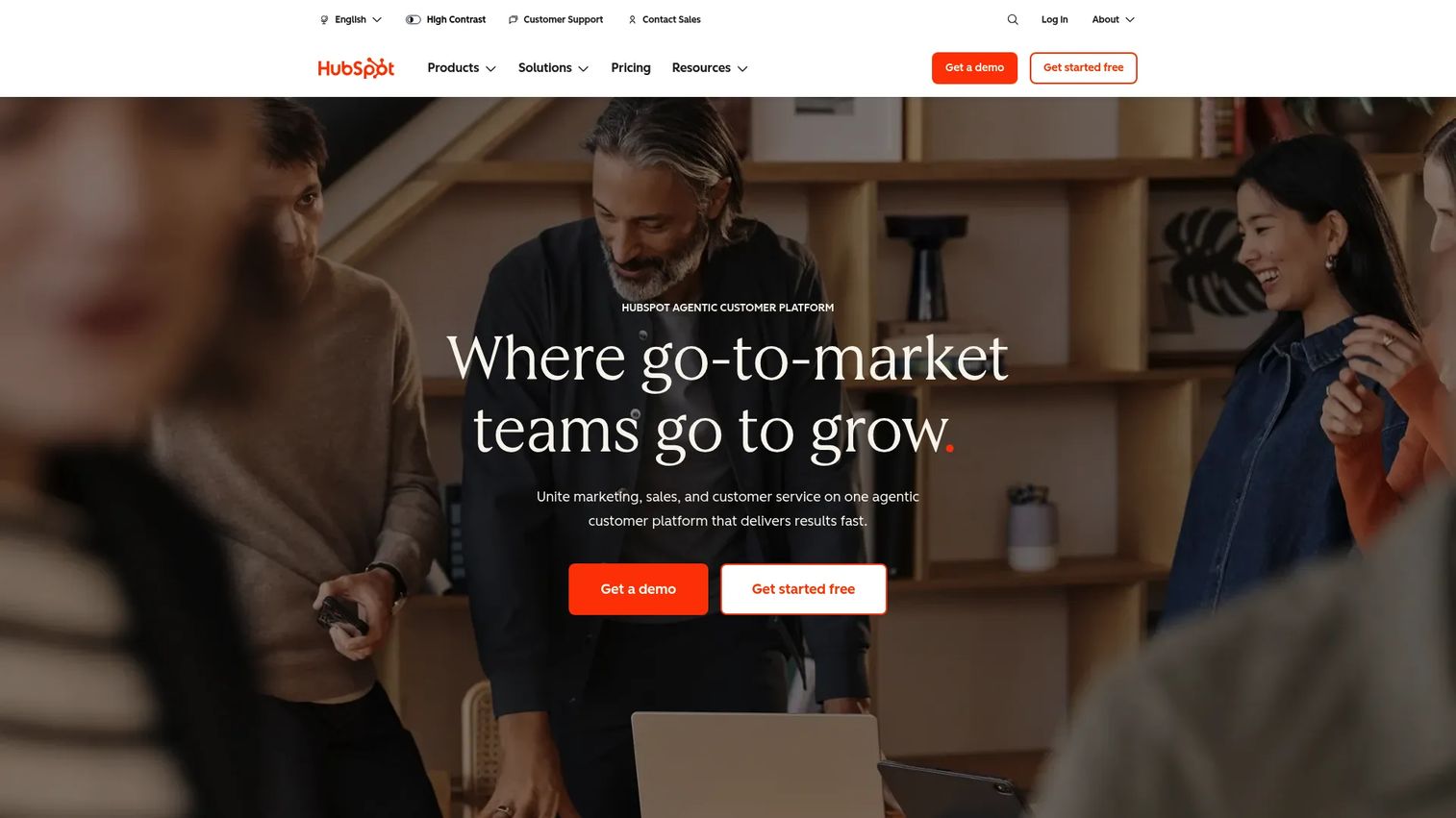
HubSpot is a customer platform that combines CRM, marketing, sales, service, content, and reporting in one place. For campaign work, that means you plan, segment, send, run ads, and report against the same contact database instead of syncing between disconnected tools. Marketing Hub sits on top of the Smart CRM, so campaign data and pipeline data share a single source.
The pull for most teams is consolidation. Instead of one tool for email, another for landing pages, and a spreadsheet for attribution, HubSpot handles campaign planning, contact segmentation, automation, email, ads, and analytics in a connected workflow. That makes it a natural campaign management software with CRM integrations, because the CRM is native rather than bolted on.
Best for: Teams that want an all-in-one CRM-led customer platform with marketing, sales, and service tools under one roof.
Key strengths
- Marketing, Sales, Service, Content, Data, and Revenue hubs on one Smart CRM
- Free CRM tools plus premium Starter, Professional, and Enterprise plans
- Campaign automation with triggers, sequences, and workflows
- AI features including Breeze Customer Agent, Prospecting Agent, and Data Agent
Why choose HubSpot: Pick it when you want campaign execution and customer data in one platform, so reporting ties activity to pipeline without manual exports. It fits growth teams consolidating a fragmented stack rather than adding another point tool.
HubSpot pricing: Free tools are available at $0/month. Paid plans start at $7/mo for Starter, with Professional at $1,300/mo and Enterprise at $4,700/mo, billed monthly per the HubSpot pricing page.
2. Salesforce
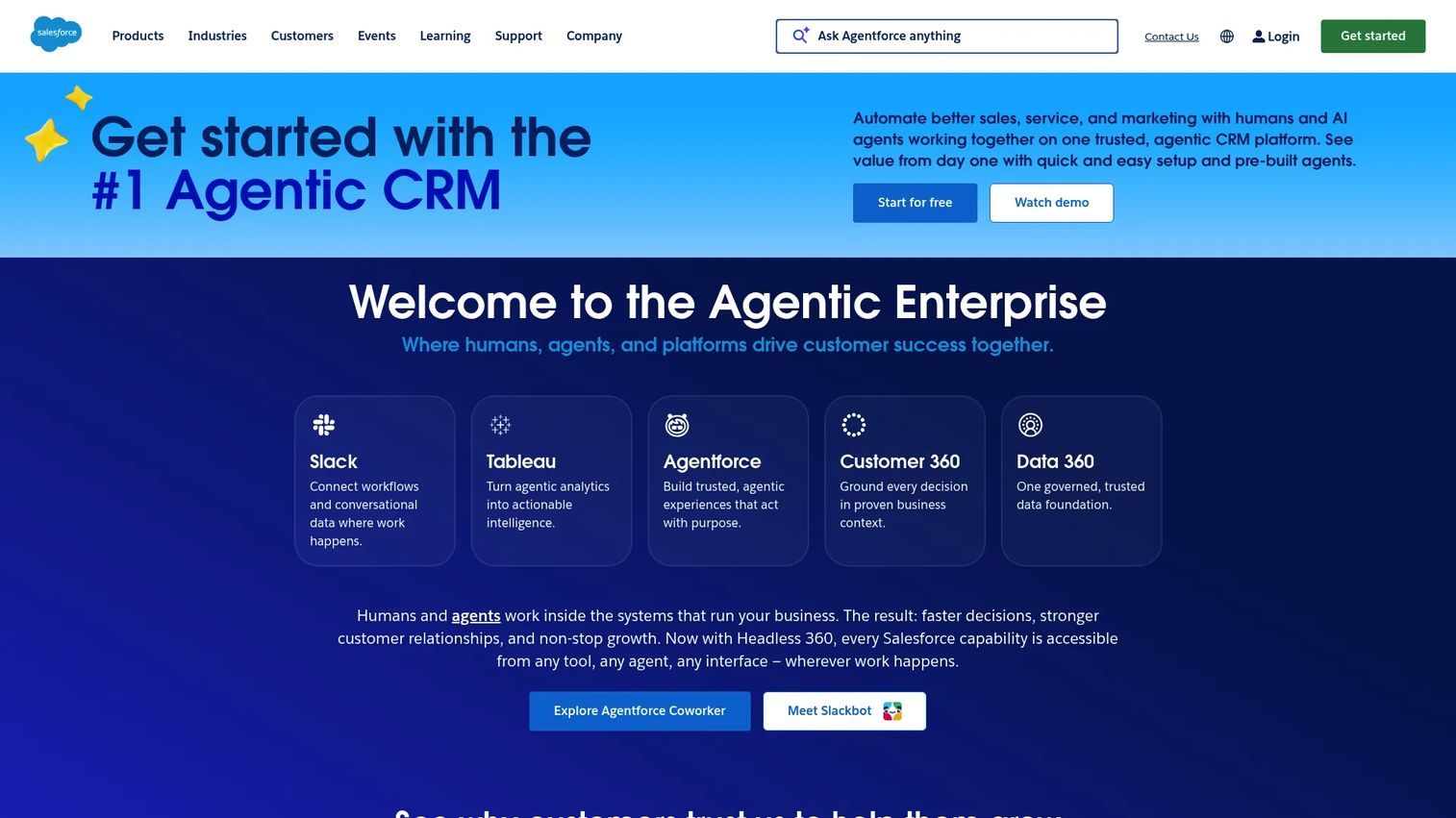
Salesforce is a cloud CRM and business software platform spanning sales, service, marketing, commerce, and analytics. For campaign management, its strength is CRM-native execution: campaigns, segmentation, automation, and reporting all run against the same governed customer record that the rest of a complex org already depends on.
That native CRM depth is why Salesforce fits teams already living inside it. When your data, opportunities, and forecasting sit in Salesforce, CRM campaign management keeps everything in one system with the access controls, data sync, and governance that large organizations require. North America drove about 38% of global campaign management software market share in 2024, led by adoption in over 72% of large enterprises, per Congruence Market Insights (2024), and Salesforce is a common backbone for that segment.
Best for: Enterprise teams needing a CRM platform with scalable sales and campaign workflows plus governance.
Key strengths
- Account and contact management on a unified CRM record
- Opportunity management tied to campaign influence
- Task management and activity feeds for coordinated execution
- Scalable data sync, segmentation, and reporting across teams
Why choose Salesforce: Choose it when your org already runs on Salesforce and needs campaign management inside the same governed system rather than a separate marketing tool. It fits complex, multi-stakeholder teams where clean data and access control matter more than speed to set up.
Salesforce pricing: A Free Suite is available at $0 per user/month. Paid tiers run $25/user/mo for Starter Suite, $100 for Pro Suite, $175 for Enterprise, $350 for Unlimited, and $550 for Agentforce 1 Sales, per the Salesforce pricing page.
3. Zapier
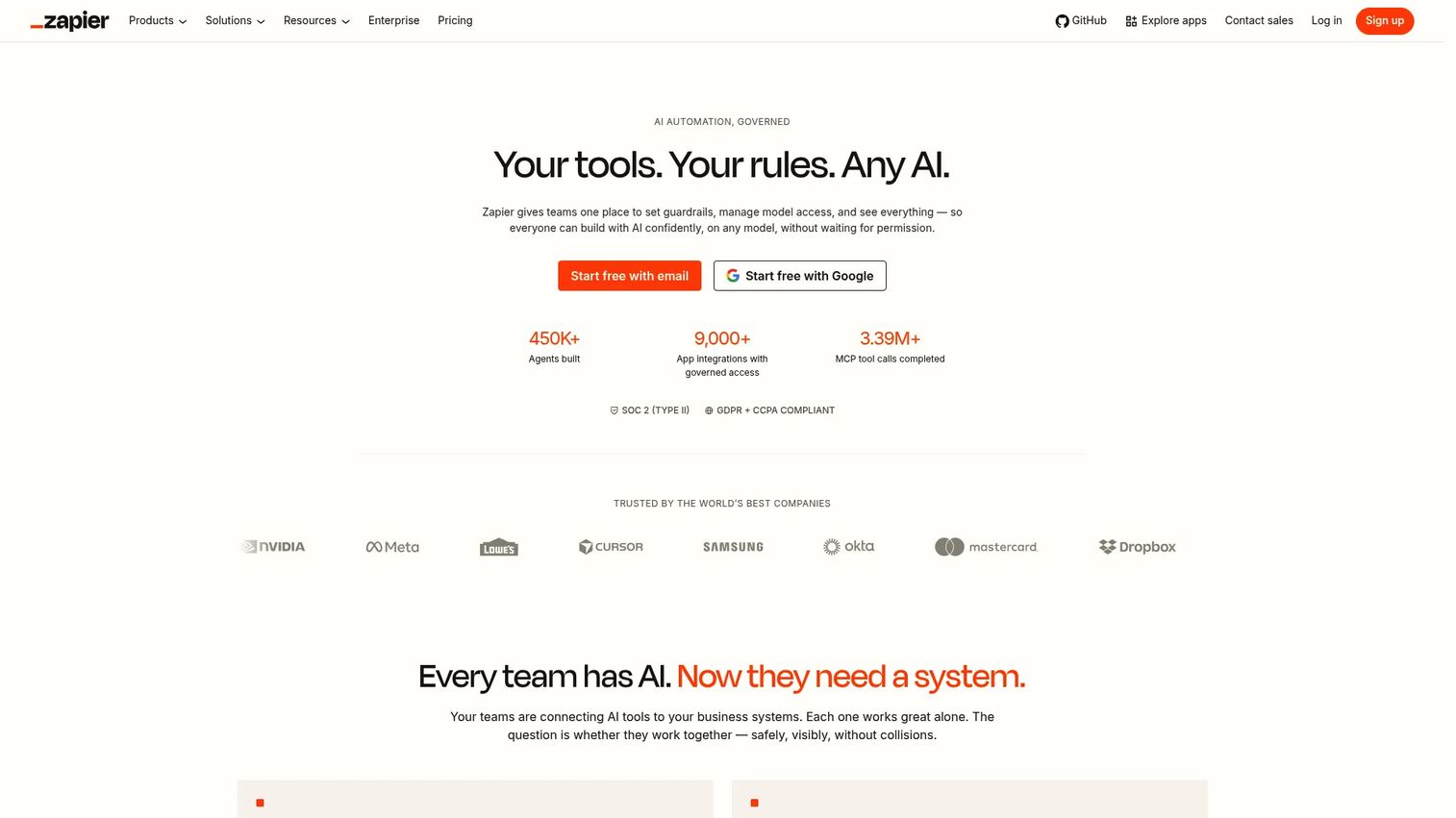
Zapier is a no-code automation platform that connects apps and builds workflows across more than 9,000 integrations. It isn't a campaign builder itself. It's the orchestration layer that ties your campaign tools together, so a form submission triggers a CRM update, an email send, and a Slack alert without manual work.
For teams running many tools, that's the point. Zapier reduces the handoffs that leak time and context between systems. Its Zap workflows, Tables, Forms, and multi-step automation let you route campaign data between the apps you already use, which makes it a strong campaign management software with automation for stacks that will never live in a single platform.
Best for: Teams that need no-code app-to-app automation to connect a multi-tool campaign stack at scale.
Key strengths
- Unlimited Zap workflows across 9,000+ app integrations
- Tables, Forms, and webhooks for capturing and routing data
- Multi-step and conditional workflows to reduce manual handoffs
- AI fields for enriching and transforming campaign data
Why choose Zapier: Pick it when your campaign stack spans many best-of-breed tools and the real problem is connecting them, not replacing them. It fits lean teams who want automation without filing engineering tickets.
Zapier pricing: The Free plan includes 100 tasks/month, unlimited Zap workflows, Tables, and Forms. Professional starts at $19.99/month and adds multi-step workflows, webhooks, and AI fields. Team pricing is available and Enterprise is custom, per the Zapier pricing page.
4. ActiveCampaign
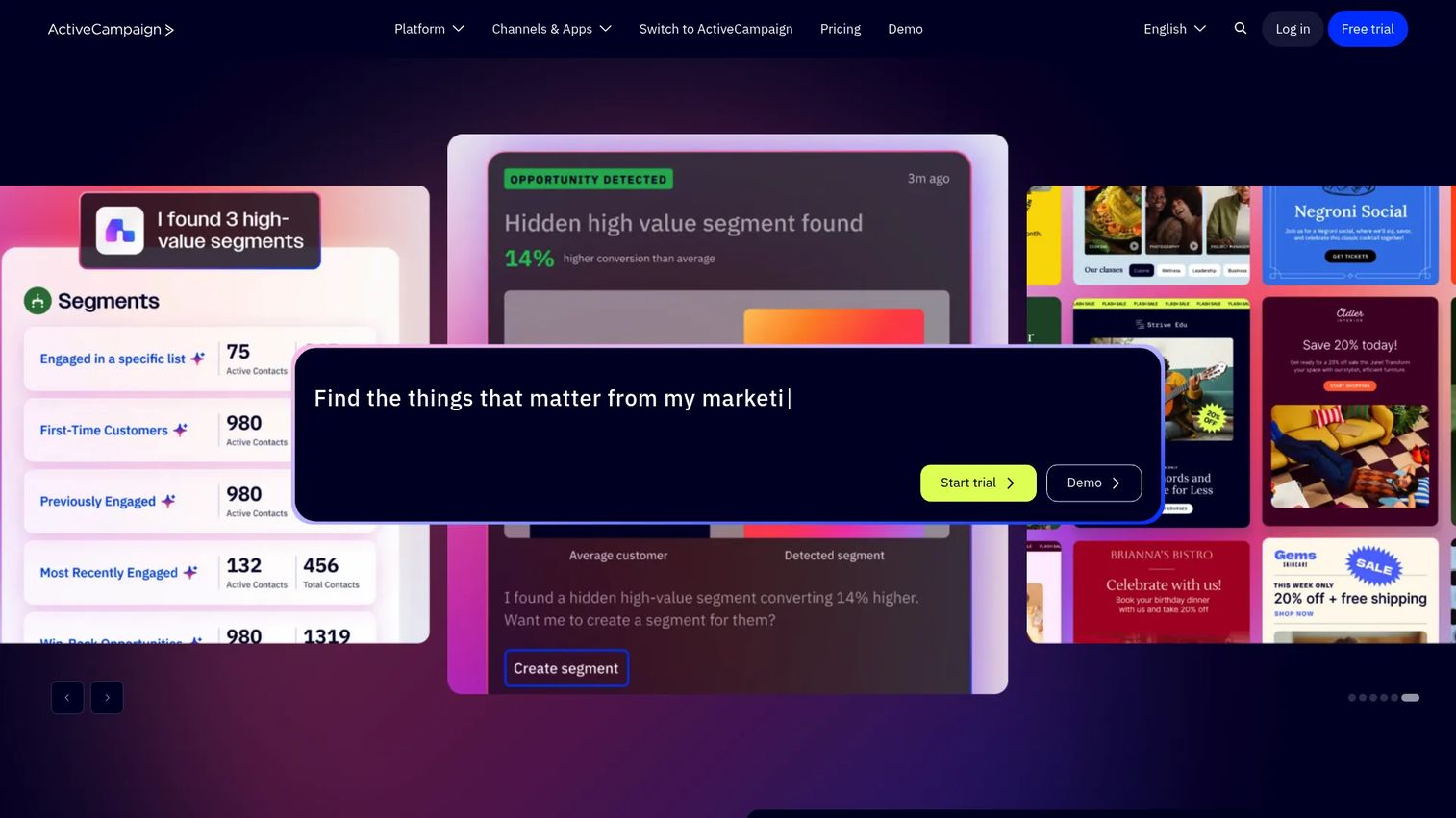
ActiveCampaign is a marketing platform built around email, automation, CRM, and AI tools, aimed mostly at SMBs. Its center of gravity is lifecycle: segmentation, nurture journeys, and predictive automation that move a contact from first touch to conversion without a heavy project-management layer on top.
If email-led lifecycle is your dominant motion, this is where it shines. ActiveCampaign combines segmentation, predictive automation, AI-assisted content, CRM capabilities, and multichannel messaging, so you build nurture flows that adapt to behavior. That focus makes it a practical campaign management platform for teams prioritizing lifecycle depth over broad coordination.
Best for: SMBs that want marketing automation and a lightweight CRM in one platform for nurture-led campaigns.
Key strengths
- Marketing automation with visual, behavior-based journeys
- Built-in CRM for contact and deal tracking
- AI campaign builder and AI-assisted content
- Email plus SMS and WhatsApp messaging, landing pages, and reporting
Why choose ActiveCampaign: Choose it when nurture and lifecycle email drive most of your pipeline and you want automation depth without a full enterprise suite. It fits growth teams who value segmentation and sequencing over campaign project management.
ActiveCampaign pricing: Publicly stated entry pricing starts at $15/month, scaling by contact volume and feature needs. A 14-day free trial is available with no credit card required, per ActiveCampaign.
5. Asana
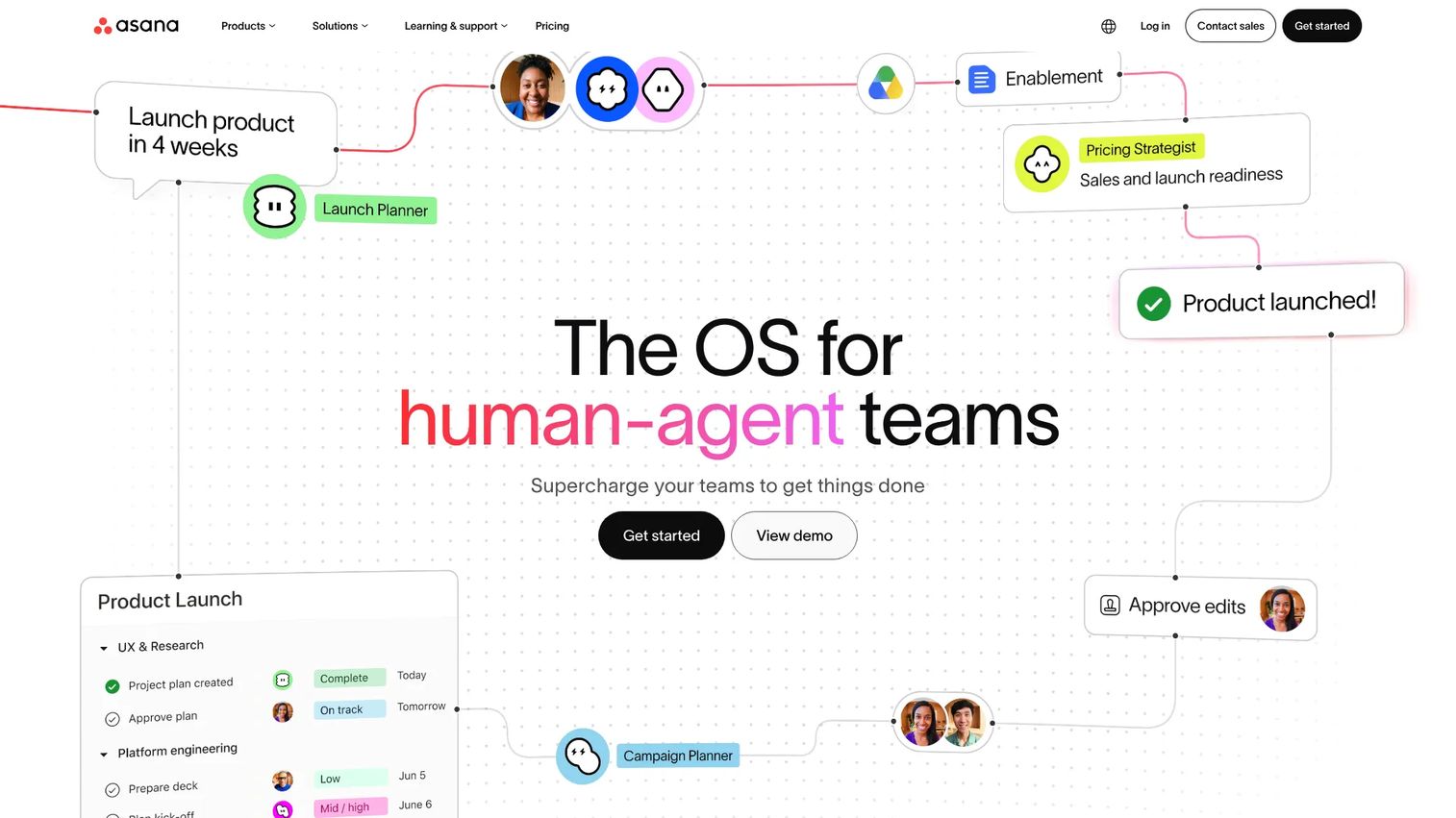
Asana is work management software for organizing, tracking, and automating projects. In a campaign context, it's the planning and execution hub: the place where briefs, timelines, creative approvals, and stakeholder updates live when a campaign involves many contributors across teams.
When your bottleneck is coordination rather than sending, Asana earns its spot. Portfolios, rules, multiple project views, templates, and creative review workflows give you visibility from a single campaign to a whole portfolio. That makes it strong campaign management software for teams juggling designers, writers, and approvers on parallel campaigns.
Best for: Teams needing collaborative campaign planning, project tracking, and workflow automation across contributors.
Key strengths
- Tasks and projects with list, board, calendar, timeline, and Gantt views
- Goals, portfolios, and reporting for cross-campaign visibility
- Forms and automation rules to standardize intake and handoffs
- Templates and creative review workflows for approvals
Why choose Asana: Pick it when campaigns stall on coordination, not delivery, and you need timelines, approvals, and stakeholder visibility in one place. It fits cross-functional teams running many campaigns in parallel.
Asana pricing: The Personal plan is free forever at $0. Starter is $10.99 per user/month billed annually ($13.49 monthly), Advanced is $24.99 per user/month billed annually ($30.49 monthly), and Enterprise is contact sales, per the Asana pricing page.
6. Hootsuite
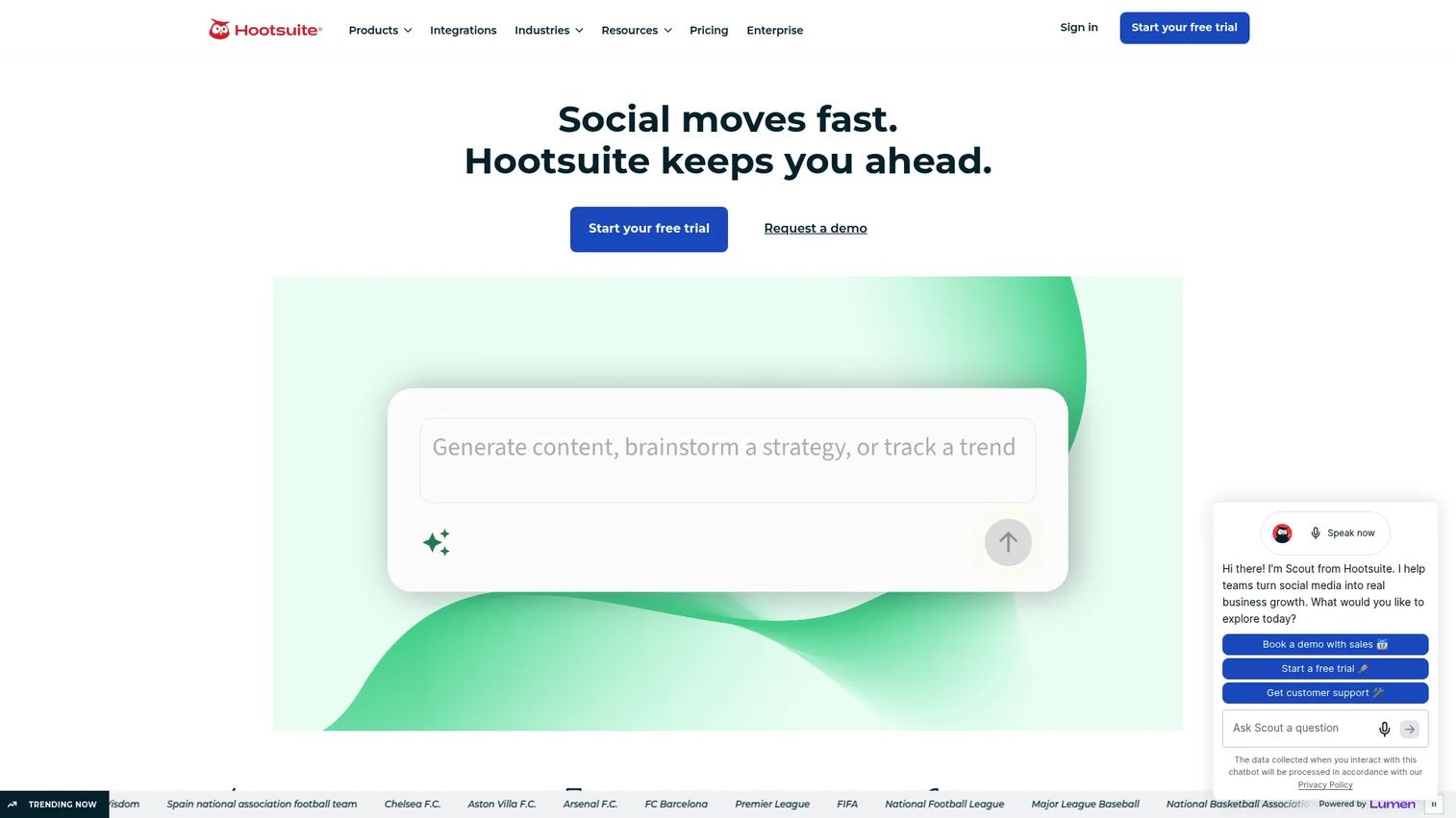
Hootsuite is a social media management and social intelligence platform for publishing, engagement, analytics, and listening. When social is the campaign, it centralizes the calendar, scheduling, the unified inbox, and reporting so a team runs and measures social campaigns from one place.
Reach for it when social scheduling and monitoring matter more than broad campaign orchestration. Hootsuite pairs a social calendar and publishing with a unified inbox, analytics with benchmarking, social listening, and AI-assisted content. That combination makes it the strongest fit here for teams whose primary channel is social and who need campaign management software with reporting built for that channel.
Best for: Teams that need one platform for social publishing, engagement, analytics, and brand listening.
Key strengths
- Social media scheduling and publishing across networks
- Unified inbox for engagement and message management
- Analytics and reporting with competitive benchmarking
- Social listening, brand monitoring, and AI-assisted content
Why choose Hootsuite: Choose it when social is your dominant channel and you need publishing, engagement, and analytics in a single tool. It fits social and content teams who want monitoring and reporting without a general-purpose suite.
Hootsuite pricing: Paid plans start at $99/month for Standard, $199/month for Professional, and $399/month for Advanced, all billed annually. Enterprise is custom pricing, and a free trial is available, per the Hootsuite pricing page.
7. Brevo
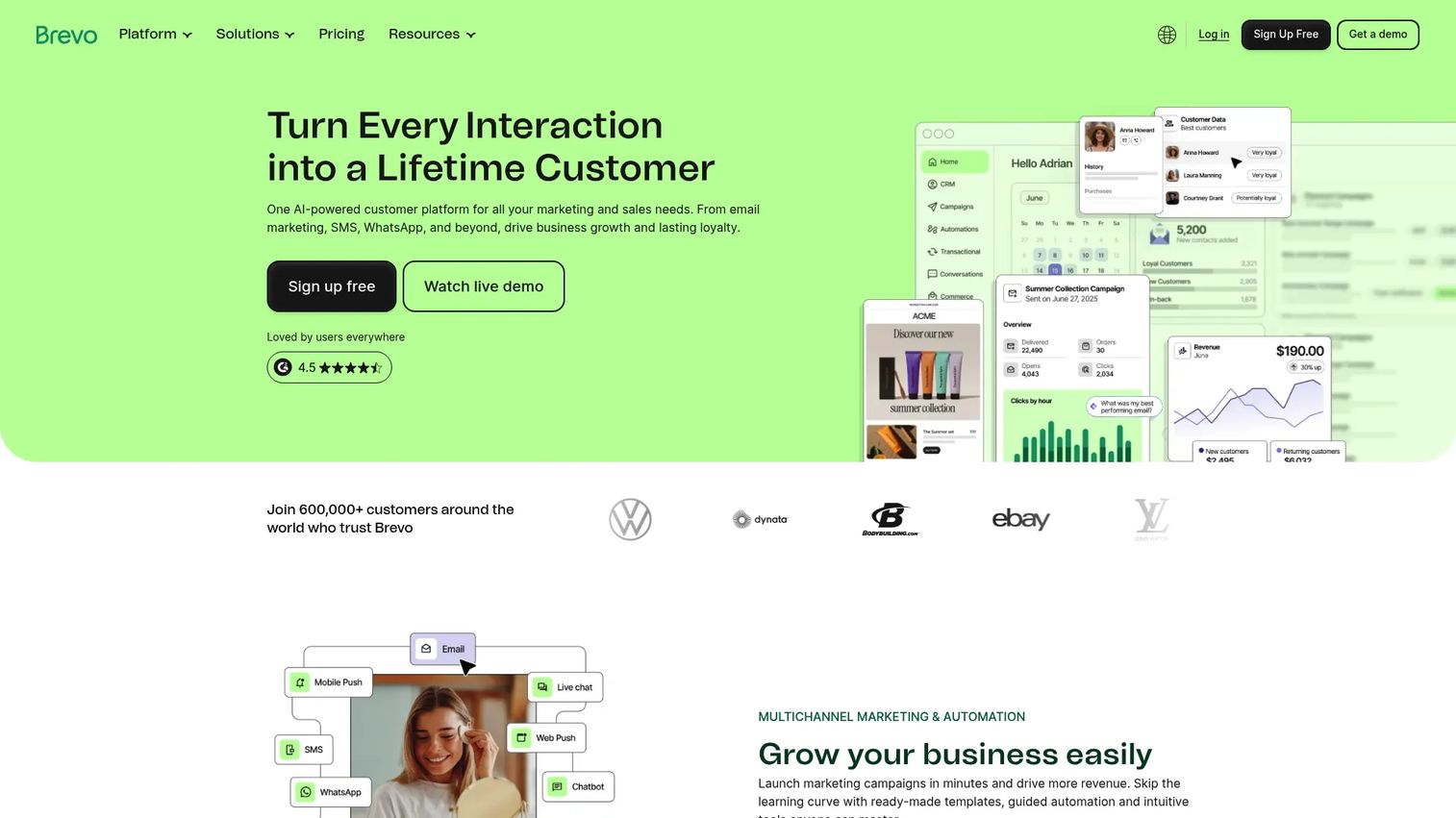
Brevo is an all-in-one marketing and CRM platform covering email, SMS, WhatsApp, chat, and automation. It targets teams that want multichannel execution without the cost or complexity of an enterprise suite, which makes it a practical entry point for smaller teams running several channels at once.
The value is affordable breadth. Brevo bundles email marketing, marketing automation, SMS and WhatsApp messaging, and contact management, so a small team runs multichannel campaigns from one place. For teams outgrowing a single-channel email tool but not ready for enterprise pricing, it's a strong campaign management system to grow into.
Best for: SMBs wanting a bundled email, CRM, and multichannel messaging platform at an accessible price.
Key strengths
- Email marketing with automation and templates
- SMS and WhatsApp messaging alongside email
- Contact management and CRM-adjacent tools
- Multichannel automation from a single platform
Why choose Brevo: Pick it when you need email plus SMS and automation on a budget and want to avoid enterprise complexity. It fits SMBs and lean teams scaling multichannel execution without a large tooling spend.
Brevo pricing: A Free plan is available at $0/month. Paid plans start from $9/month for Starter, $18/month for Standard, and $499/month for Professional, with Enterprise custom-priced, per Brevo's pricing documentation.
Considerations before you buy
Before you shortlist, pressure-test each tool against your actual operating reality, not a feature checklist.
Dominant channel fit
Start with where most of your campaigns run. Social-led teams get more from Hootsuite; email-led lifecycle teams from ActiveCampaign; multichannel SMBs from Brevo. Buying a broad suite for a single-channel problem adds cost without adding value.
Reporting and attribution
Decide what "prove ROI" means in your org before you buy. If leadership wants pipeline attribution, prioritize tools with native CRM data like HubSpot or Salesforce. If you mainly need channel-level reporting, a focused tool covers it. Check whether reporting matches your other platforms so numbers reconcile.
CRM and integration fit
Map what the tool must connect to: your CRM, ad platforms, analytics, and Slack. Native CRM tools reduce sync headaches; Zapier fills gaps when your stack spans many apps. Confirm the specific integrations you rely on exist before committing.
Automation depth
Look at the repetitive work you want to remove: sends, segmentation, handoffs, alerts. Then confirm the tool's triggers and sequences actually cover those cases. Automation that stops short of your real workflow leaves the manual work in place.
Total cost as you scale
Entry pricing rarely reflects real cost. Contact-based and per-seat models climb fast as you grow. Model pricing at your projected volume and team size, and confirm what each tier gates before you commit.
Conclusion
The best campaign management software isn't the one with the longest feature list. It's the one that solves your dominant operating problem without adding to the sprawl.
If you want CRM and campaign execution in one platform, HubSpot is the strongest all-in-one pick. For enterprise orgs already living in their CRM, Salesforce keeps campaigns inside a governed system. Teams stitching many tools together get the most from Zapier's automation layer. For lifecycle and nurture email, ActiveCampaign leads. Asana wins on cross-functional coordination, Hootsuite on social, and Brevo on affordable multichannel.
Your next step is simple. Name your dominant channel, your reporting requirement, and your must-have integrations. Then shortlist two or three tools that match all three and trial them against a real campaign, not a demo dataset. The right fit will be obvious within one full campaign cycle.
FAQs
Campaign management software is a platform for planning, executing, automating, tracking, and reporting on marketing campaigns from a central system. It replaces scattered spreadsheets and disconnected point tools with one place to run and measure campaigns, often across email, social, ads, and SMS.
At minimum, look for campaign planning, multi-channel execution, automation, segmentation, reporting, and CRM integration. The right mix depends on your dominant channel. A social-first team weights publishing and listening; a lifecycle team weights automation and segmentation; an enterprise weights governance and data sync.
They overlap but aren't identical. Marketing automation focuses on triggered sequences and lifecycle flows, usually email-led. Campaign management is broader, covering planning, execution, and reporting across channels. Many tools like HubSpot and ActiveCampaign include marketing automation as one part of a wider campaign management platform.
Brevo and ActiveCampaign fit small teams well because they bundle execution and automation at accessible pricing. Brevo starts free and adds SMS and multichannel; ActiveCampaign leads on lifecycle email. Both avoid the cost and setup weight of an enterprise suite while still covering core campaign management for teams.
HubSpot and Salesforce lead here because the CRM is native, not bolted on. Campaign data and pipeline data share one record, so attribution and segmentation stay clean. For a multi-tool stack, Zapier connects standalone campaign tools to your CRM so data still syncs across systems.
Tie campaign spend and effort to conversion and revenue, not activity counts. Track funnel conversion, cost per acquisition, and pipeline influenced, then compare against baseline. Campaign management software with reporting and native CRM data makes this defensible, since it links campaign engagement to closed revenue without manual exports.
Project management software like Asana coordinates the work: briefs, timelines, approvals, and stakeholder visibility. Campaign management software also executes and measures the campaign itself: sending emails, publishing social, and reporting on results. Some teams pair the two, using Asana for coordination and an execution tool for delivery.