



You finished the site walkthrough at 4pm. Two hours of notes, a folder of blurry photos, a spreadsheet of nameplate data. Now comes the part nobody sells you on: rebuilding all of it into a report a client will actually read, act on, and pay for.
That gap between the site visit and the finished deliverable is where energy audits leak time and margin. Manual data entry gets transcribed twice. Payback math gets rebuilt for every job. Report formatting eats an afternoon that should have gone to the next audit.
The global energy audit software market hit USD 1.45 billion in 2025 and is projected to reach USD 3.12 billion by 2034, a 6.8% CAGR, according to Intel Market Research. That growth is not abstract. It reflects a lot of audit teams deciding the manual workflow does not scale.
The right tool standardizes the workflow so the audit logic, the calculations, and the report structure stop being something you rebuild by hand every single time.
What's inside
This guide is for auditors, energy consultants, and the founders running audit-driven service businesses who want less rework and more finished reports. We picked tools based on four criteria that decide whether software actually earns its place in your workflow:
- Report generation: how fast you move from site data to a client-ready deliverable
- Data import and export: support for CSV, HPXML, Green Button, and utility data
- ROI and payback analysis: built-in savings, cost, and payback period math
- Workflow fit: how well it matches home performance, commercial, or public-housing audits
TL;DR
- Best for home performance audits: Snugg Pro, built for residential energy modeling with BPI-2400 support and adaptive modeling.
- Best for mixed software and services: EMAT, cloud-based auditing paired with energy engineers and remote audit support.
- Best for fast benchmark-style analysis: Energy Audit Software, with BizEE Benchmark and BizEE Pro covering rapid calculations through deeper modeling.
- Best for public housing and standards-driven guidance: HUD Exchange Energy Audit Toolkit, a reference resource for PHA audit levels, ECMs, and report structure.
- How to choose: match the tool to your audit type first, then check reporting depth, data interoperability, and payback math.
What is energy audit software
Energy audit software is a category of tools that help teams collect building data, calculate energy use and savings, generate audit reports, and document recommended efficiency measures. Where a spreadsheet forces you to rebuild the logic each time, energy auditing software standardizes the workflow so field capture, financial analysis, and report generation stay repeatable across jobs.
Energy assessment software spans residential and commercial contexts. Home energy audit software leans on modeling standards like BPI-2400 and data formats like HPXML. Commercial energy audit software leans on benchmarking, load analysis, and deeper financial modeling. Public-sector tools focus on standards, audit levels, and documentation that survives review.
Core capabilities most buyers evaluate:
- Data capture: field entry for building envelope, systems, and nameplate readings
- Benchmarking: comparing a building against peers or baselines
- Financial analysis: ROI calculations, cost estimates, and payback period math
- Report generation: templated, chart-driven audit reports
- Import and export support: CSV, HPXML, Green Button, and utility data
- Audit documentation: structured records of measures, assumptions, and findings
The practical test is simple. Does the tool shorten the distance between a site visit and a credible, client-ready report without you rebuilding the workflow by hand?
Most audit software also handles some degree of workflow automation, so repeated calculations and report sections populate from the data you already entered. That is the difference between software that saves hours and a template that just reformats your spreadsheet.
When to use
Standardize repeat audits
If your team runs the same audit type over and over, software stops you rebuilding the logic every job. The envelope inputs, the system defaults, and the savings formulas live in one place. Field productivity goes up because auditors enter data once, and every deliverable comes out consistent. That consistency matters when a founder is trying to make audits a repeatable service line rather than a set of one-off projects.
Produce client-ready reports faster
The slowest part of most audits is not the site visit. It is assembling the report afterward. Software with report generation turns your captured data into charts, tables, and templated sections automatically. You spend the saved time reviewing findings and tightening recommendations instead of formatting a document. Energy audit reporting that generates itself from your inputs is the single biggest time recovery in the workflow.
Handle data-heavy or compliance-heavy workflows
When audits require utility imports, program-specific rules, or standards like BPI-2400, spreadsheets stop being enough. Software that supports Green Button Download My Data, HPXML, and CSV imports pulls consumption data straight into the model. Program compatibility and audit documentation become the reason to move off manual tools, especially for residential program work or public-sector audits with defined levels.
Comparison table
Here is how the four tools compare across audit type, differentiator, and pricing. Ratings are omitted where a current verified value was not available.
| # | Product | Best for | Key differentiator | Pricing |
|---|---|---|---|---|
| 1 | Snugg Pro | Home performance and residential audits | Cloud energy modeling with BPI-2400 and adaptive modeling | From $30 per job; monthly tiers from $200/month |
| 2 | EMAT | Mixed software and services | Cloud auditing backed by energy engineers and remote audits | Contact sales |
| 3 | Energy Audit Software | Fast benchmark-style analysis | Two-tier BizEE Benchmark and BizEE Pro workflow | Not publicly listed |
| 4 | HUD Exchange Energy Audit Toolkit | Public housing and standards guidance | HUD-aligned audit levels, ECMs, and report structure | Free public resource |
The order reflects relevance to the widest range of audit teams, starting with the deepest residential workflow tool and ending with a public-sector reference resource.
Best 4 energy audit software tools for 2026
Each section below covers what the tool does, who it fits, its strengths, and pricing where a verified figure exists.
1. Snugg Pro
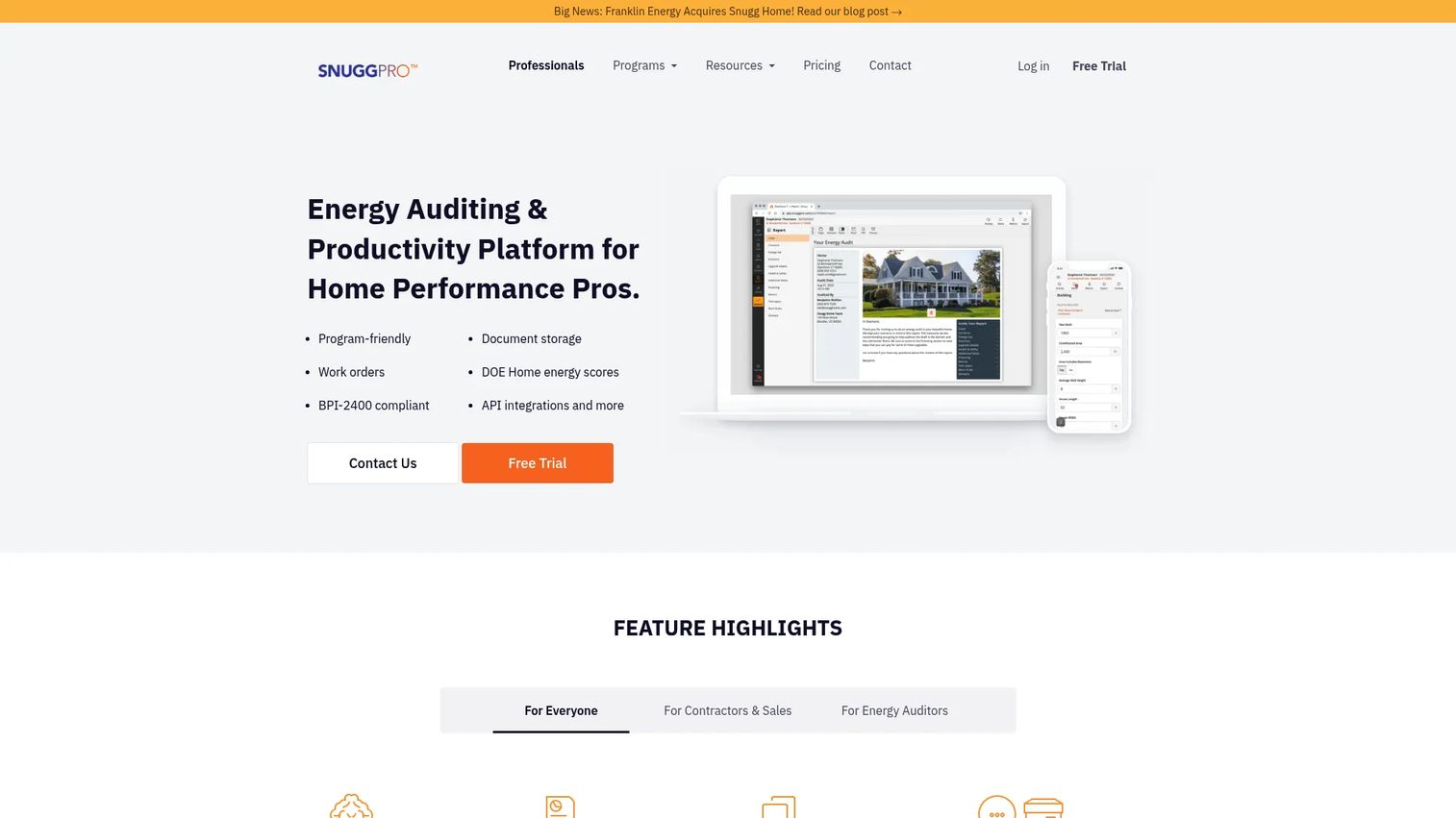
Snugg Pro is cloud-based energy modeling and productivity software built for residential energy efficiency professionals. It is the deepest option here for home performance work, covering the full residential workflow from field capture through client-ready report generation. If your audits are houses, this is the tool designed around your job.
The residential focus shows in the details. Snugg Pro supports BPI-2400 modeling standards, adaptive modeling that adjusts to the building, Green Button consumption imports, and HPXML for program handoffs. Real-time collaboration lets a team work the same job, and cross-device compatibility means field capture on a tablet syncs to the office. Home Energy Score support adds a recognized rating output that programs and homeowners understand.
Best for: Home performance contractors and residential auditors who run BPI-style audits and need program-compatible reports.
Key features
- BPI-2400 modeling support
- Adaptive energy modeling
- Green Button and HPXML data import
- Real-time team collaboration
- Cross-device field capture
Why choose Snugg Pro: If residential energy efficiency is your service line, Snugg Pro matches the workflow more closely than any general-purpose audit tool, from modeling standard through report output.
Snugg Pro pricing: A single job runs $30, processed weekly, and you can create an account with no cost or obligation plus two free sample jobs. Monthly subscription tiers start at $200/month, moving through $300/month, $480/month, and $1000/month with volume discounts. Program-specific pricing is handled through sales.
2. EMAT
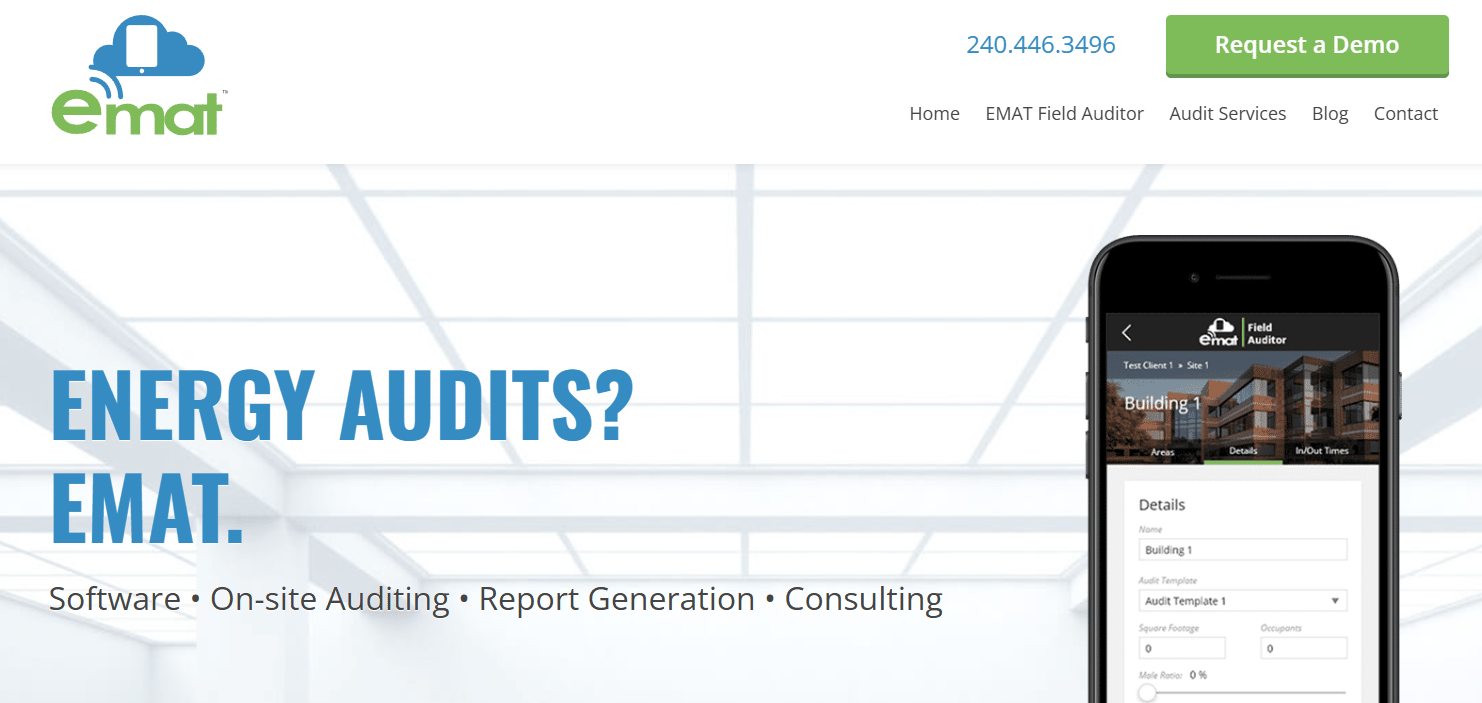
EMAT pairs energy audit software with services, combining a cloud-based auditing platform with support from energy engineers. That mix is the point. Teams that want software but also want expert backup on complex buildings get both from one vendor, rather than choosing between a pure tool and a pure consultancy.
The platform emphasizes cloud-based workflow support, field data collection, and report generation, with benchmarking for building energy performance. Remote energy audits extend reach so a building can be assessed without every step happening on site. Consulting and on-site support are available when an audit needs engineer involvement, which suits teams handling commercial or institutional properties where the technical depth matters.
Best for: Audit teams and consultancies that want software backed by energy engineers rather than software alone.
Key features
- Cloud-based audit workflow
- Field data collection
- Report generation
- Building performance benchmarking
- Remote and on-site audit support
Why choose EMAT: Choose EMAT when the value is software plus expertise, especially for commercial or complex buildings where having engineers on call reduces risk on a deliverable.
EMAT pricing: EMAT doesn't list pricing publicly. Their team helps scope a plan around audit volume and service needs, so it's best to reach out directly for a quote that reflects the right mix of software and consulting.
3. Energy Audit Software
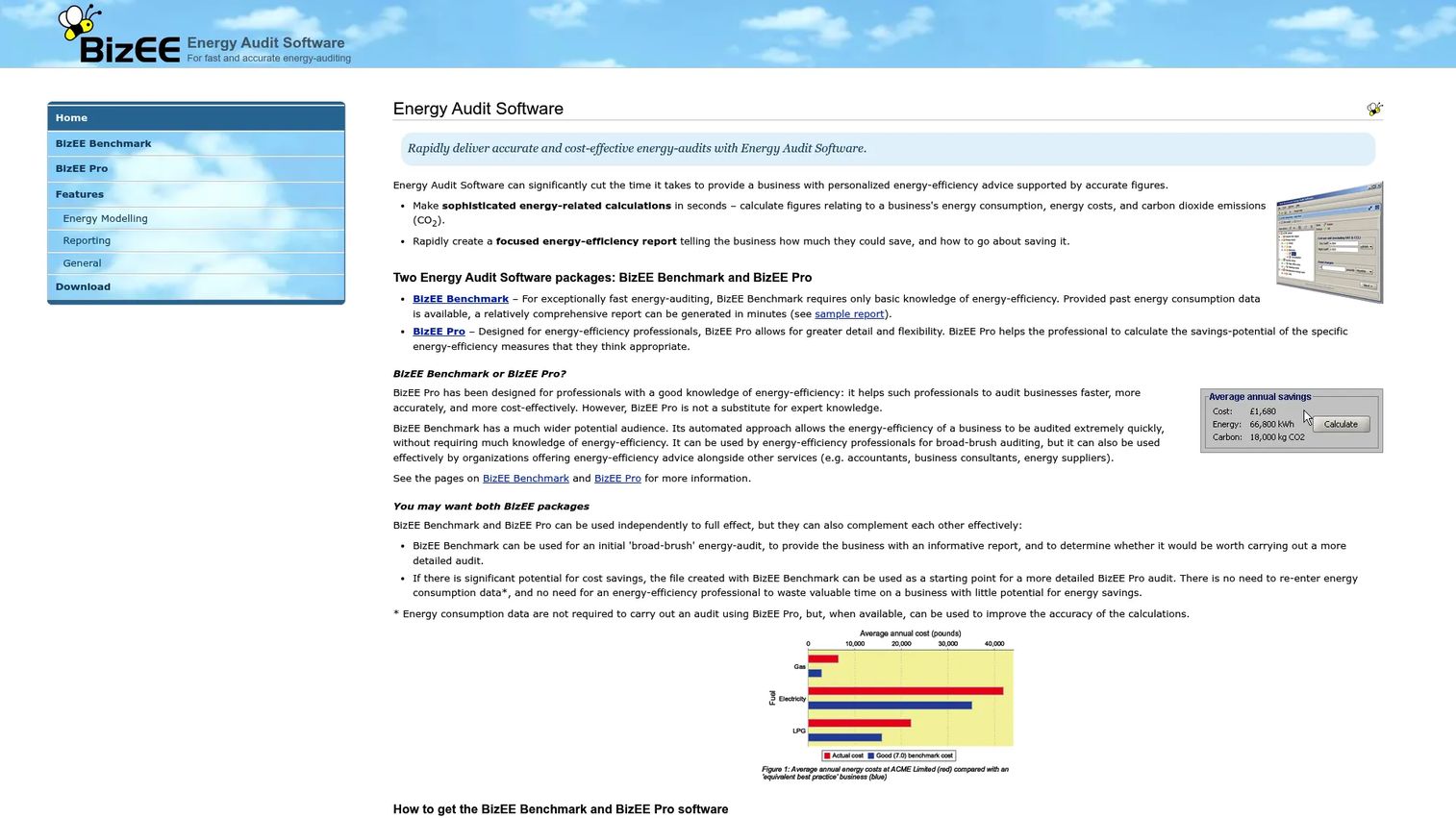
Energy Audit Software frames the category through two products: BizEE Benchmark for fast, broad-brush analysis and BizEE Pro for deeper modeling. The two-tier structure is the differentiator. You start light for a quick benchmark, then move up to detailed work when a building justifies it, without switching vendors.
The software handles energy consumption, cost, and CO2 calculations, with report generation that includes templates, graphs, and tables. Unlimited activity areas, energy uses, and energy inputs mean the model scales with building complexity rather than capping you at a fixed structure. The lighter-to-deeper handoff fits teams that triage many buildings and only need full analysis on some.
Best for: Auditors who want rapid benchmark-style calculations first and detailed modeling only when a specific building warrants it.
Key features
- Energy, cost, and CO2 calculations
- Templated report generation
- Graphs and tables in reports
- Unlimited activity areas and inputs
- Two-tier benchmark-to-detailed workflow
Why choose Energy Audit Software: The Benchmark-to-Pro progression fits teams that assess many buildings quickly and reserve deep analysis for the ones that need it, keeping fast jobs fast.
Energy Audit Software pricing: The vendor says the software isn't available yet and doesn't show pricing. Both availability and cost should be confirmed directly with them before planning around it.
4. HUD Exchange Energy Audit Toolkit

HUD Exchange Energy Audit Toolkit is a reference resource rather than a standalone software product. It exists to help public housing agencies and their auditors run audits that align with HUD guidance. If your work touches public housing energy audit requirements, this is the framework that shapes the process, not a modeling engine.
The toolkit explains energy audit levels (Level I, II, and III), gives examples of in-unit assessments and energy conservation measures, and provides an annotated report table of contents. That report structure is genuinely useful. It tells you what a credible public-sector audit report should contain, section by section, so your documentation survives review. Pair it with modeling software for the calculations, and use the toolkit to structure the deliverable and the standards.
Best for: PHA staff and auditors who need HUD-aligned guidance on audit levels, ECMs, and report structure.
Key features
- Audit level guidance: Level I, II, III
- In-unit assessment examples
- Energy conservation measure examples
- Annotated audit report table of contents
- HUD-aligned documentation standards
Why choose the HUD Exchange Energy Audit Toolkit: Choose it as your standards and structure layer for public housing work, then run the numbers in dedicated modeling software.
HUD Exchange Energy Audit Toolkit pricing: The toolkit is a free public HUD Exchange resource, so there is no cost to access the guidance, templates, and report structure.
Considerations
Before you commit to a tool, verify these five things against how your team actually works.
Reporting depth
Look at a sample output, not a feature list. Check whether report generation produces the charts, tables, and narrative sections your clients expect, and whether you can brand and customize them. Energy audit reporting that looks generic undercuts the credibility of the findings inside it.
Standards and compliance fit
Confirm the tool supports the standards your work requires. Residential program audits often need BPI-2400 and Home Energy Score outputs. Public-sector audits need defined audit levels and documentation that maps to review requirements. Verify the specific standard, not a general claim of compliance support.
Data import and export
Your model is only as good as the data feeding it. Check for CSV, HPXML, and Green Button Download My Data support so utility consumption flows in without manual transcription. Data capture that pulls from real usage beats hand-entered estimates every time.
Residential, commercial, or public-sector fit
Match the tool to your dominant audit type. Home energy audit software optimizes for residential modeling. Commercial energy audit software leans on benchmarking and load analysis. A public-sector reference like the HUD toolkit structures standards-driven work. A tool built for the wrong context creates friction on every job.
Pricing and implementation effort
Confirm the actual pricing model against your audit volume, since per-job and monthly subscription math work out very differently at scale. Also weigh setup time. A tool that takes weeks to configure delays the payback you are buying it for.
Conclusion
The right energy audit software depends less on a feature checklist and more on the kind of audits you run. Snugg Pro is the strongest fit for home performance and residential work, with BPI-2400 support and adaptive modeling built around the residential job. EMAT suits teams that want software plus energy engineers, especially on commercial or complex buildings. Energy Audit Software works for fast benchmark-style analysis with a clean handoff from light to deep modeling through BizEE Benchmark and BizEE Pro. The HUD Exchange Energy Audit Toolkit is the reference layer for public housing audits, shaping levels, ECMs, and report structure.
Pick the tool that matches your audit type first, then pressure-test reporting depth, data interoperability, and payback math against a real job. The goal is the same across all four: cut the distance between the site visit and the finished report so audits become a repeatable service line instead of a manual rebuild every time.
Start your journey with Guideflow today!
FAQs
Energy audit software helps teams capture building data, calculate energy use and savings, run financial analysis, and generate audit reports. It replaces the manual spreadsheet workflow so field capture, ROI calculations, and report generation stay consistent across jobs. Most tools also handle audit documentation so measures and assumptions are recorded in one place.
Snugg Pro is the strongest home energy audit software here, built for residential energy modeling with BPI-2400 support, adaptive modeling, and Home Energy Score outputs. It handles Green Button and HPXML imports, so utility data and program handoffs work without manual transcription. For contractors whose work is houses, it matches the workflow more closely than a general-purpose tool.
For commercial energy audit software, EMAT fits teams that want a cloud auditing platform backed by energy engineers, which helps on complex or institutional buildings. Energy Audit Software also works for commercial benchmarking through BizEE Benchmark and BizEE Pro. Verify each tool supports the load analysis and benchmarking depth your commercial buildings require.
Yes. Most energy audit software includes financial analysis that produces ROI calculations, cost estimates, and payback period math from your captured data. That means you can show a client the savings and the payback period without rebuilding the math in a spreadsheet for every measure. Confirm the specific calculations match how your clients evaluate investment.
Report generation is a core capability across the category. Tools like Snugg Pro and Energy Audit Software turn captured data into templated reports with charts, tables, and structured sections. Energy audit reporting that generates from your inputs is usually the biggest time recovery in the whole workflow, since report assembly is the slowest manual step.
Look for CSV for general data, HPXML for residential program handoffs, and Green Button Download My Data for utility consumption. These formats let real usage data flow into the model instead of being hand-entered. Strong import and export support is what separates data capture that reflects reality from estimates typed in by hand.
Yes, and the HUD Exchange Energy Audit Toolkit is the reference resource that shapes public housing energy audit work. It defines audit levels, gives ECM examples, and provides an annotated report table of contents so your documentation aligns with HUD guidance. Pair it with dedicated modeling software to run the calculations behind the structure.
Match the depth to the job. A benchmark-style tool like BizEE Benchmark suits fast, broad-brush assessments across many buildings, while advanced modeling fits buildings that justify detailed analysis. The two-tier approach in Energy Audit Software lets you start light and move up, so you are not paying full modeling effort on quick jobs.










