Storage costs rarely become painful in one dramatic event. They climb through unused capacity, duplicate data, oversized files, fragmented systems, and unclear ownership between engineering, IT, and finance.
At a Series B SaaS company, that pattern accelerates. Usage grows faster than storage planning. Engineers investigate issues manually. Finance sees rising infrastructure spend without clear drivers. Your new VP of Engineering lands on day one and asks for a capacity report that does not exist.
The global storage management software market was valued at $13.78 billion in 2025 and is projected to grow at 9.2% annually through 2034, according to DataIntelo (2025). That growth reflects a real organizational problem: Most teams do not have reliable visibility into where storage capacity goes or what it costs.
What makes this category confusing is that "storage management software" covers three entirely different jobs. A disk analyzer, an enterprise storage platform, and a self storage operating system share a keyword but solve nothing in common. Choosing the wrong category wastes months and budget.
Which storage management system fits the environment you need to control?
What's inside
This guide is for technical founders, infrastructure leads, and operations teams evaluating storage tools at Series B scale. Tools were selected based on:
- Category fit: Does the tool match the storage environment?
- Capacity and utilization visibility: Can it answer "where is capacity going?"
- Automation and integrations: Does it reduce recurring manual work?
- Operational scale: Can a VP of Engineering run it without founder involvement?
- Pricing clarity: What does it actually cost?
TL;DR
- Best for Windows disk analysis: WinDirStat (free, open source, GPLv2)
- Best for fast large-file discovery: WizTree (reads the NTFS Master File Table directly; personal license from $25)
- Best for enterprise storage management: IBM Storage (hybrid cloud, AI-driven monitoring, starts at $80/TB/month)
- Best for self storage operators: Storable (end-to-end facility management; custom pricing)
- Best for multi-facility self storage: Sitelink by Storable
- Buying advice: Classify the storage problem first. Desktop cleanup, enterprise infrastructure, and self storage operations each require a different software category. Buying the wrong one is a more expensive mistake than any subscription cost.
What is storage management software?
Storage management software is a category of tools that monitors, organizes, protects, optimizes, and controls digital or physical storage environments.
The category breaks into three functionally distinct groups.
Disk space analysis software
These tools inspect a computer, server, or attached drive to show where capacity is consumed. Key outputs include the largest files and folders, file-type distribution, duplicate data locations, directory structure, and free versus used capacity. They help teams identify what can be removed before purchasing additional storage. WinDirStat and WizTree are the two most widely used free and low-cost options in this category.
Enterprise storage management platforms
Enterprise platforms manage broader infrastructure: File, block, and object storage across arrays; cloud and hybrid environments; replication, backup, and disaster recovery; performance and capacity monitoring; access control; and storage lifecycle policies. IBM Storage, Dell, HPE, NetApp, and Pure Storage operate in this space. These platforms suit organizations where storage spans multiple environments and ownership needs governance, not just a folder scan.
Self storage facility management software
A separate category entirely. These platforms manage physical storage businesses: Unit inventory and availability, tenant leases, billing, collections, payments, access control, facility websites, and portfolio-level reporting across multiple locations. Storable and Sitelink by Storable are purpose-built for this job. An IT storage platform cannot manage a storage facility, and a facility platform cannot manage server capacity.
Key capabilities to look for
- Capacity and utilization monitoring
- Storage inventory visibility
- Large file or unused resource discovery
- Performance monitoring
- Backup and replication controls
- Role-based access and audit logs
- Automation and alerting
- Reporting and data export
- Integrations with cloud providers and monitoring systems
- Cost and lifecycle management
The right tool matches the storage environment. The category keyword alone is not enough to guide a purchase decision.
When to use storage management software
Find storage waste before adding capacity
Use a disk analysis tool when a server or workstation is nearly full, storage growth has no obvious owner, or your team needs a visual map before cleanup. A lightweight analyzer gives a fast first diagnosis for local or limited-scope environments. It does not replace governance across a distributed infrastructure. Pair it with a capacity planning software review before committing to additional hardware.
Plan and operate enterprise storage infrastructure
Enterprise storage management tools become necessary when storage spans cloud and on-premises environments, workloads require performance and availability controls, or leadership needs capacity and cost forecasts for board reporting. According to Flexera (2025), 70% of organizations use hybrid cloud strategies across public and private clouds. Without centralized storage management, that complexity creates cost and reliability blind spots. This is where cloud cost optimization software and storage management tools work together to give finance and engineering a shared view.
Run a self storage business
Self storage facility software applies when the company rents physical units and teams manage leases, billing, access control, and occupancy reporting. Manual spreadsheets in this context create revenue leakage and audit risk. Operators managing multiple locations need portfolio-level visibility that generic tools cannot provide.
Storage management software comparison
The 9 tools below span all three categories. Choose the category before comparing vendors. Mixing categories in a shortlist wastes evaluation time.
| # | Product | Best for | Key use case | Pricing | G2 rating |
|---|---|---|---|---|---|
| 1 | WinDirStat | Free Windows disk analysis | Visual directory and file-type scanning | Free | N/A |
| 2 | WizTree | Fast large-file discovery on Windows | NTFS MFT scan to locate space hogs | From $25 (personal) | N/A |
| 3 | IBM Storage | Enterprise hybrid storage management | Hybrid cloud capacity, AI monitoring, data protection | From $80/TB/month | 4.4 |
| 4 | Storable | Self storage operators | End-to-end facility, tenant, and billing management | Custom pricing | 3.9 |
| 5 | Sitelink by Storable | Established self storage facilities | Configurable rentals, payments, and reporting | Custom pricing | N/A |
| 6 | Dell | Enterprise infrastructure teams | Storage arrays, data protection, and cloud workloads | Contact sales | 4.3 |
| 7 | HPE | Hybrid infrastructure teams | Hybrid and data-center storage management | From $9,159 (hardware) | 4.8 |
| 8 | NetApp | Unified multi-environment storage | File, block, and cloud storage management | From $0.034/GB/month | 4.3 |
| 9 | Pure Storage | Performance-focused enterprise storage | Capacity planning, AI/ML, and cyber resilience | Contact sales | 4.5 |
Pricing and ratings verified September 2026 from each vendor's official pricing page and G2 listing.
Best 9 storage management software tools for 2026
1. WinDirStat
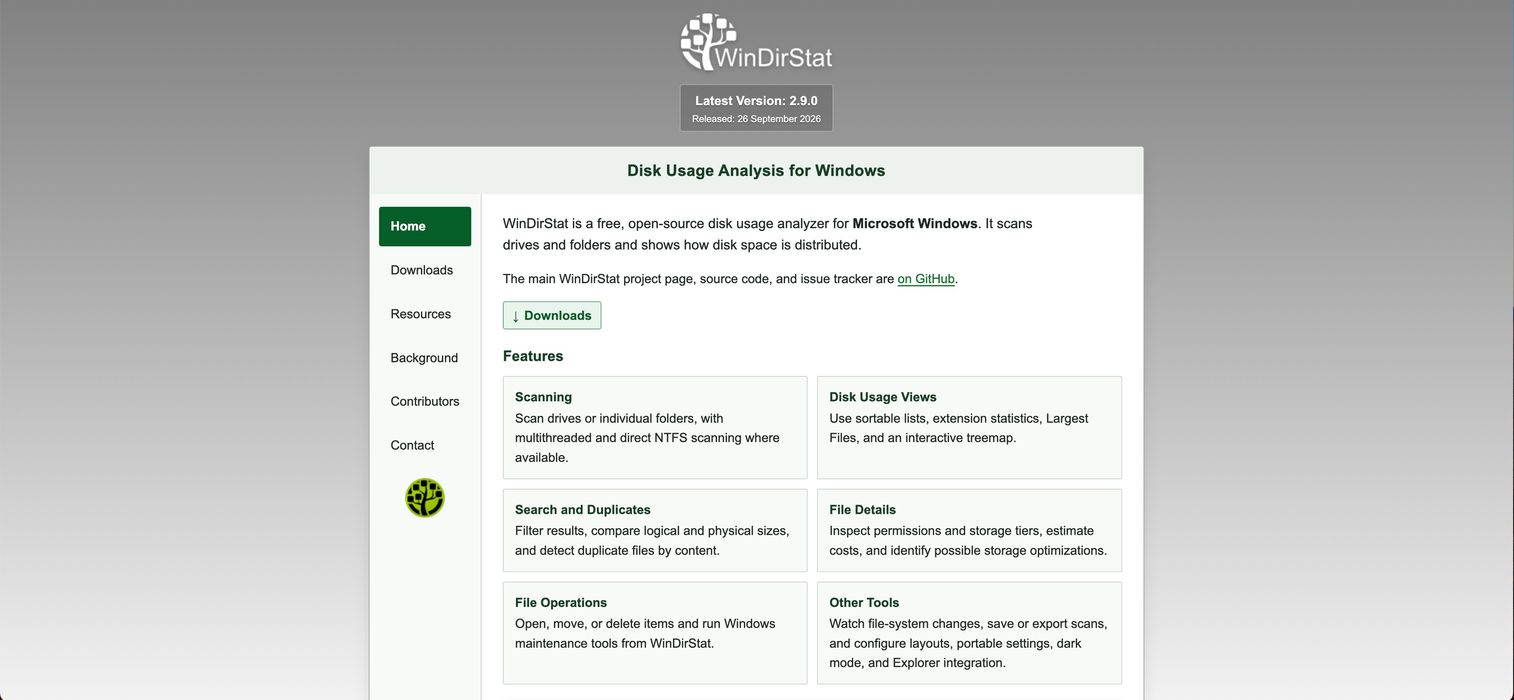
WinDirStat is a free, open source disk-usage analyzer for Windows. It scans drives or individual folders and renders a color-coded treemap showing which files and directories consume the most space. For administrators or developers who need to understand a cluttered server before deciding whether to clean up or add capacity, it answers the question visually and fast.
Best for: Windows users and administrators needing free visual disk analysis.
Key features
- Open source under GPLv2, free for personal and commercial use
- Interactive treemap with sortable file and extension statistics
- Duplicate file detection by content hash
- File operations: Open, move, and delete directly from the interface
- Scan saving, dark mode, portable settings, and Windows Explorer integration
Why choose WinDirStat: It covers the local disk diagnosis job at zero cost. If the storage problem is a single server or workstation with unclear ownership, WinDirStat gives a complete picture without any procurement process.
WinDirStat pricing: Free under GPLv2. No paid tier exists. Download directly from the official site.
2. WizTree

WizTree reads the Windows NTFS Master File Table directly, which makes it significantly faster than tools that scan folder by folder. A full scan of a large drive completes in seconds rather than minutes. It supports Windows and macOS, covers NTFS, FAT/FAT32, network, USB, and individual directory scans, and exports results to CSV for further analysis.
Best for: IT staff and teams that need a fast, accurate answer to "what is consuming this drive" across multiple machines.
Key features
- NTFS Master File Table direct scanning for speed
- Visual treemap with drill-down navigation
- Largest file and folder discovery with sort and filter
- Duplicate file detection
- CSV and MFT data export, plus command-line support
Why choose WizTree: Speed matters when engineers are investigating an active production server under pressure. WizTree returns results in seconds where WinDirStat takes minutes on the same volume.
WizTree pricing: Free for personal use. Commercial licenses are perpetual supporter codes: Individual $25, Micro Business (up to 5 staff) $100, Small Business (up to 20 staff) $200, Medium Business (up to 50 staff) $350, Large Business (up to 100 staff) $500, Enterprise single-site $750, Enterprise multi-site $1,800. Each license includes one year of free upgrades.
3. IBM Storage
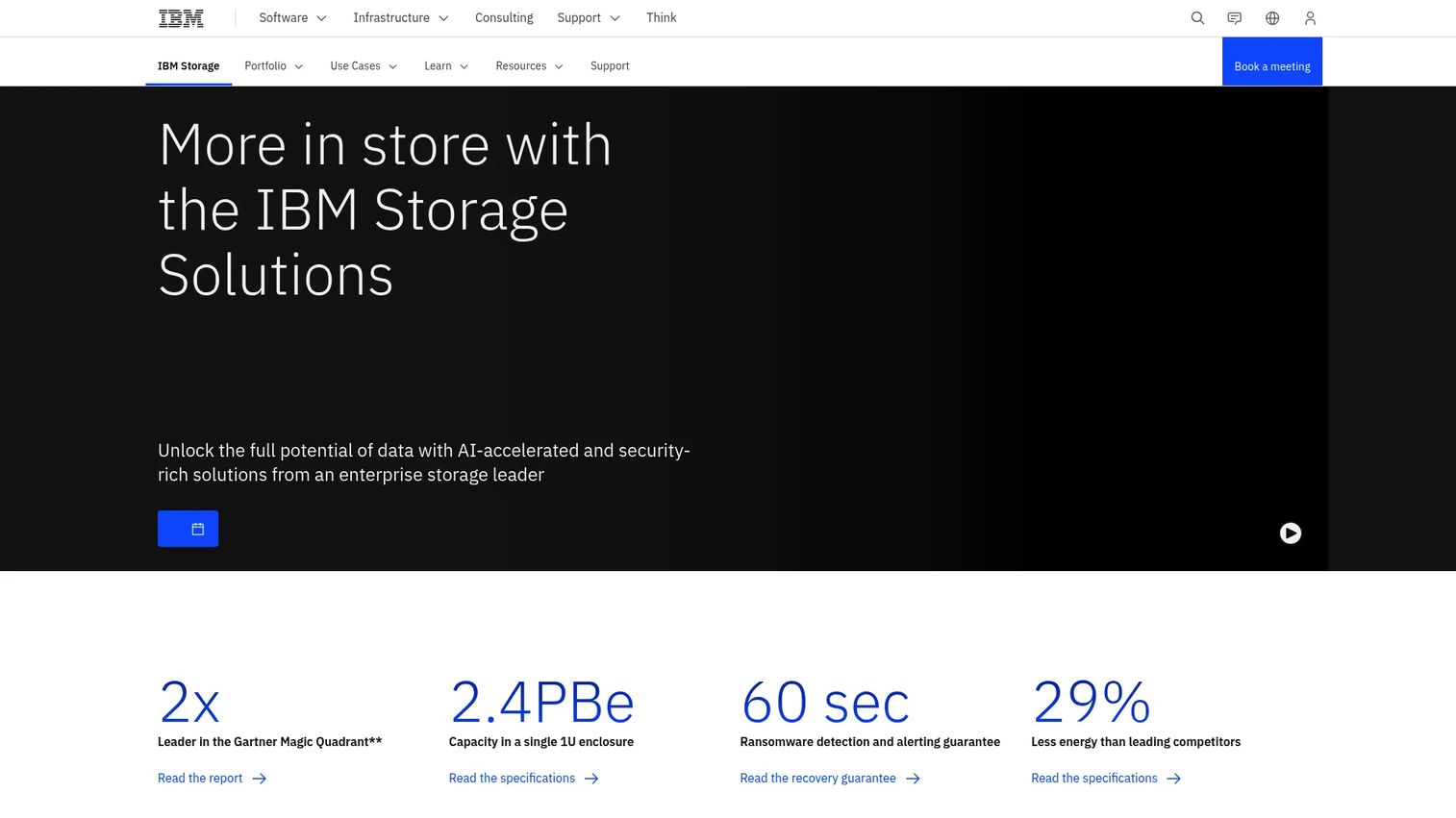
IBM Storage is an enterprise portfolio covering storage infrastructure across hybrid cloud, high-performance computing, data protection, and AI workloads. It includes block, file, and object storage alongside IBM Storage Insights, which provides AI-driven monitoring, capacity analytics, and cyber-resilient backup and recovery across the environment.
Best for: Large organizations managing complex hybrid storage with strict availability, governance, and data protection requirements.
Key features
- AI-driven storage monitoring and capacity analytics
- Cyber-resilient data protection and recovery
- High-performance file and object data access
- Hybrid cloud management across on-premises and cloud environments
- IBM Storage Insights: Free edition and paid Pro subscription
Why choose IBM Storage: For a VP of Engineering managing a hybrid environment with multiple storage types and strict recovery requirements, IBM Storage provides the governance layer and monitoring depth that a disk analyzer cannot reach.
IBM Storage pricing: IBM Storage as-a-Service runs on a five-year term commitment: Balanced (Tier 3) starts at $80/TB/month, Premium (Tier 2) at $116/TB/month, and Extreme (Tier 1) at $225/TB/month. IBM Storage Insights has a free edition; the Pro tier starts at $2,072 per 50 TB per month. Prices vary by country and contract terms.
G2 rates IBM Storage FlashSystem at 4.4 out of 5.
4. Storable
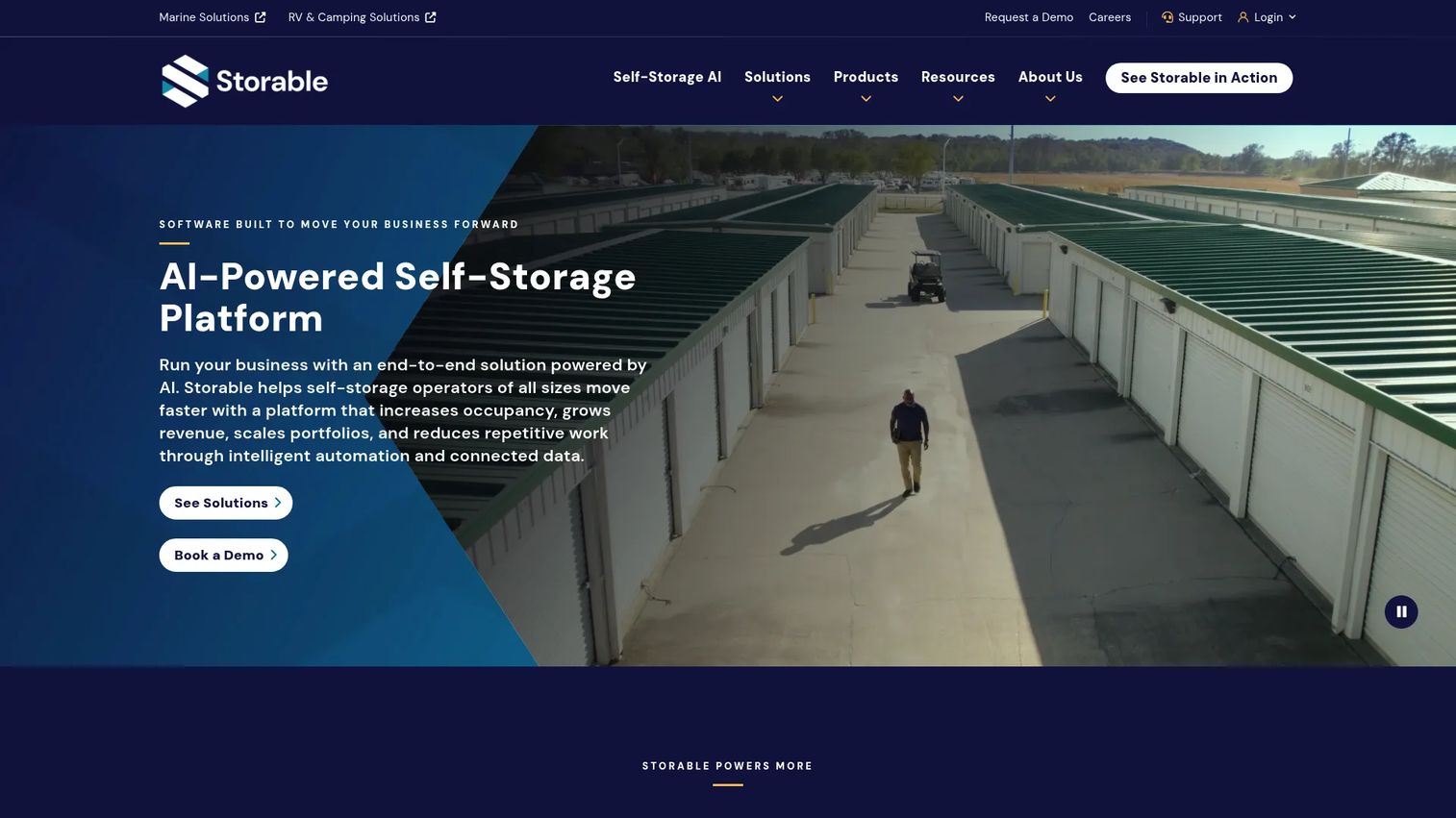
Storable is an AI-powered technology platform built specifically for self storage operators. It covers the full operating cycle: Facility management, tenant billing, online reservations, payment processing, collections automation, access control, and business intelligence reporting. It also includes a marketplace and SEO-focused website tools to drive new reservations.
Best for: Self storage owners and operators who need an integrated platform covering the entire tenant and facility lifecycle.
Key features
- Facility management: Billing, invoicing, renewals, tenant activity, and inventory
- Online marketplace, CRM, and lead generation tools
- Integrated access control, insurance, and payment processing
- Collections automation and reporting dashboards
- Portfolio visibility across multiple locations
Why choose Storable: If the company operates physical storage units, Storable covers the operational surface that IT storage tools cannot touch: Tenant communications, unit occupancy, lien processing, and facility access. For a SaaS founder who has acquired or built a storage facility business, this is the right category entirely.
Storable pricing: Storable directs visitors to request a demo for pricing. G2 reviewers report custom pricing structures. Contact Storable directly for a quote based on facility count and required modules.
G2 rates Storable at 3.9 out of 5 across 36 reviews.
5. Sitelink by Storable

Sitelink by Storable is self storage management software designed for operators who need configurable workflows and advanced reporting. It handles tenant payments, move-ins and move-outs, electronic leases, real-time audit reports, and integrates broadly with the Storable platform and third-party tools. Browser-based access through myHub supports smartphones, tablets, PCs, and Macs.
Best for: Established self storage facilities with complex workflow requirements, advanced reporting needs, and a preference for broad integration options.
Key features
- Configurable workflows and automation rules
- Advanced and customizable reporting suite
- Tenant payments, electronic leases, and real-time audits
- Broad third-party and Storable platform integrations
- Browser-based myHub access across devices
Why choose Sitelink by Storable: Sitelink fits operators who have outgrown a simpler system and need the ability to configure the platform to match their specific processes. Its integration depth makes it a natural fit for facilities connected to access control, payment processors, or external reporting tools.
Sitelink pricing: Billed monthly with a monthly commitment. Numeric pricing is not displayed on the product page. Capterra reviewers report a 4.7 rating for SiteLink Web Edition. Contact Storable for a quote based on facility size and integration requirements.
6. Dell
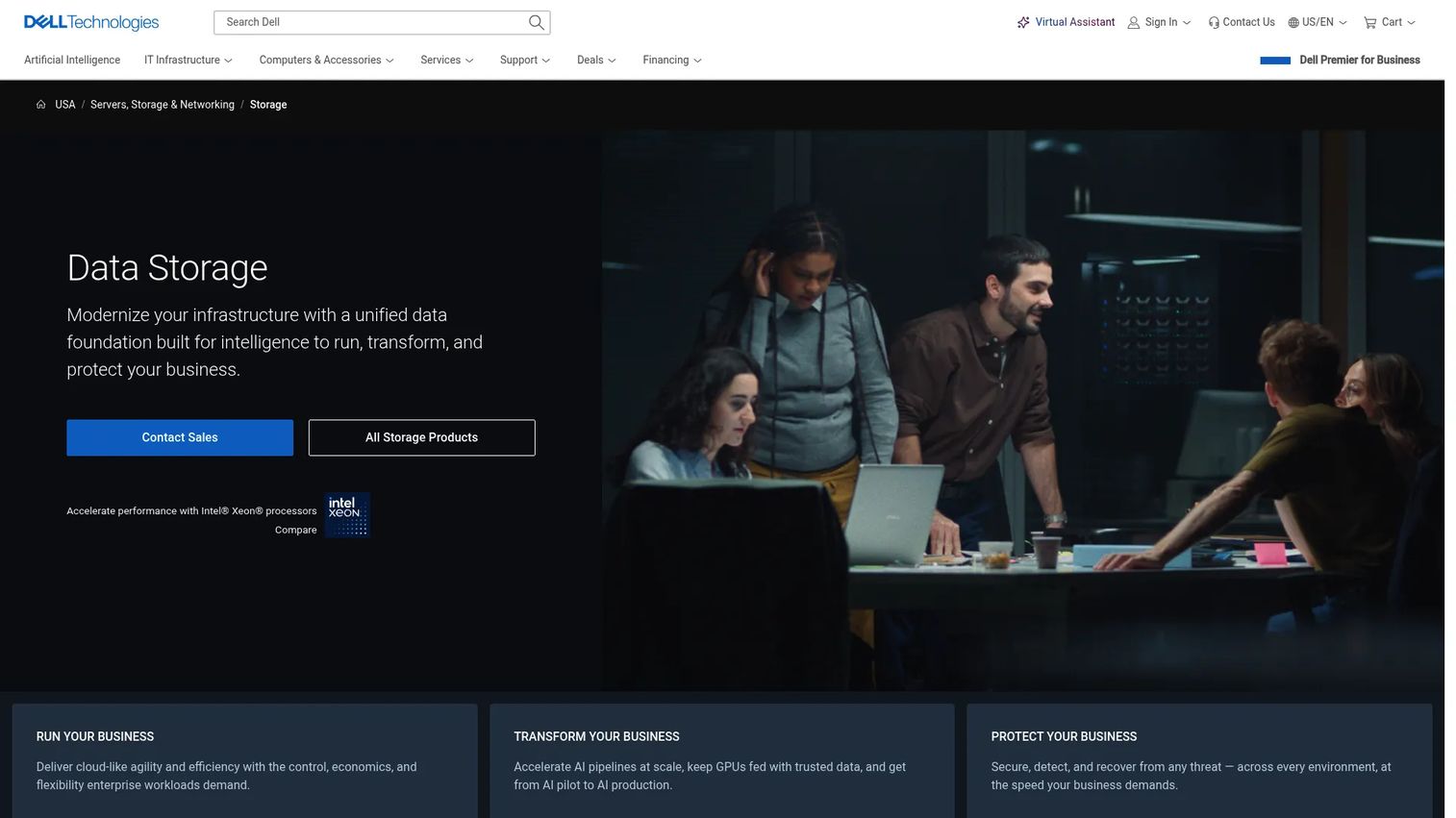
Dell storage covers enterprise infrastructure across block, file, object, private cloud, AI, and cyber-resilience workloads. The portfolio includes unified all-flash storage for databases and containers, unified file and object storage for unstructured data, software-defined storage at petabyte scale, and data-protection solutions for business-critical environments.
Best for: Organizations already operating Dell infrastructure who need storage management, data protection, and capacity planning aligned to their existing hardware investment.
Key features
- Unified all-flash storage for VMs, databases, and containers
- Unified file and object storage for unstructured data and AI workloads
- Cyber-resilience and data-protection for business-critical systems
- Software-defined storage for petabyte-scale workload consolidation
- Block, file, and object offerings across private, hybrid, and public cloud
Why choose Dell: Dell's storage management value is strongest when the environment already runs on Dell hardware. The buying decision centers on deployment model, workload type, and support requirements rather than a standalone software license. For teams evaluating observability across their broader stack, application performance monitoring tools pair well with infrastructure-level storage management.
Dell storage pricing: Enterprise storage products are sold through direct configuration and contact-sales engagements. Individual hardware items are listed on Dell's store; enterprise platform pricing requires a direct quote.
G2 rates Dell PowerScale at 4.3 out of 5.
7. HPE
HPE Storage addresses data center, hybrid, and cloud storage management through a portfolio that spans scale-out block, file, and object storage; AI-driven cloud management; ransomware protection; and backup with deduplication. HPE Nimble Storage and HPE StoreOnce are well-known offerings within the broader portfolio.
Best for: Infrastructure teams managing hybrid storage at enterprise scale who need data protection, cyber resilience, and performance monitoring across their environment.
Key features
- Hybrid-cloud data management with AI-driven cloud operations
- Ransomware protection and cyber resilience controls
- Backup, recovery, and deduplication at scale
- Scale-out block, file, and object storage
- Performance capacity monitoring across the storage estate
Why choose HPE: HPE suits teams standardizing on HPE infrastructure who need enterprise support, proven data protection, and a path from on-premises to hybrid cloud without a full platform replacement. Verify which management features belong to which product tier before committing, as the portfolio is broad.
HPE storage pricing: HPE MSA Gen7 Storage starts at $9,159 and HPE MSA 2062 Storage starts at $18,513.65, both one-time purchase. Enterprise offerings and subscription services require a quote. HPE StoreOnce VSA has a free 1 TB evaluation available.
G2 rates HPE Nimble Storage at 4.8 out of 5.
8. NetApp
NetApp provides enterprise data storage and unified data management across on-premises, hybrid cloud, and public cloud environments. Its ONTAP platform handles file, block, and object storage in a single data layer. NetApp also publishes service-specific pricing for Disaster Recovery, Ransomware Resilience, Backup and Recovery, and Tiering, giving procurement teams concrete numbers to work with.
Best for: Organizations managing file, block, and cloud storage across multiple environments who need a unified management layer and published service pricing.
Key features
- Unified block, file, and object storage via ONTAP
- Hybrid-cloud data management across AWS, Azure, and Google Cloud
- Data protection, disaster recovery, and ransomware resilience
- Capacity analytics and storage lifecycle controls
- Published consumption pricing for cloud data services
Why choose NetApp: The combination of a unified storage layer and consumption-based pricing for cloud services makes NetApp a practical choice for teams that need to forecast storage costs quarter by quarter. Assess compatibility with current arrays and cloud accounts before committing. For broader infrastructure cost control, pairing NetApp with cloud file storage software evaluation gives a complete picture of the storage spend.
NetApp pricing: Disaster Recovery starts at $0.034/GB per month on a 36-month subscription (BYOL or via Marketplace), $0.038/GB on a 12-month subscription, and $0.04/GB on pay-as-you-go. A 30-day free trial is available for Disaster Recovery. Other service pricing is available on the NetApp pricing page.
G2 rates NetApp at 4.3 out of 5.
9. Pure Storage

Pure Storage is an enterprise data storage company providing unified platforms for applications, analytics, AI, cloud, and cyber resilience. Its Evergreen architecture allows nondisruptive hardware upgrades without data migration. Pure Storage's cloud-based management platform delivers predictive analytics and capacity forecasting, and its SafeMode feature provides immutable snapshots as a ransomware defense.
Best for: Large organizations prioritizing storage performance, predictable capacity planning, and nondisruptive infrastructure evolution.
Key features
- Unified block, file, and object data storage
- Evergreen architecture for nondisruptive upgrades
- Cyber resilience with immutable snapshots and SafeMode
- Cloud-based management with predictive capacity analytics
- Low-latency storage for databases and AI/ML workloads
Why choose Pure Storage: Pure Storage's Evergreen model addresses a specific operational pain: The hardware refresh cycle that disrupts production workloads. If the infrastructure team needs to upgrade capacity without downtime and wants predictive analytics for capacity planning, Pure Storage targets that job directly. Contrast it with a disk analyzer, which surfaces what exists, not what is coming.
Pure Storage pricing: Pricing is not listed on the product website. Contact Pure Storage directly for a quote based on workload type and capacity requirements.
G2 rates Pure Storage at 4.5 out of 5 based on 99 reviews.
Considerations when choosing storage management software
Match the tool to the storage environment
Before evaluating vendors, confirm the category. Disk analysis tools diagnose local or server-level capacity. Enterprise platforms govern hybrid infrastructure. Self storage software manages physical facilities. Buying across categories is a common and expensive mistake.
Measure capacity and utilization depth
Evaluate whether the tool shows used and available capacity, growth trends over time, and the largest workloads or files consuming space. The founder-level question is whether the output supports a capacity decision without an engineer translating it for finance or the board. Good capacity planning software works from the same data layer.
Verify security and access controls
Review role-based access, encryption at rest and in transit, audit logs, backup and recovery depth, and data exposure controls. For self storage tools, also assess tenant permission structures. Avoid vendor claims about compliance; verify the specific controls against your own requirements. AI security posture management tools can help validate broader security coverage across the infrastructure stack.
Check integration and automation coverage
Confirm integrations with cloud providers, monitoring platforms, identity systems, and billing tools. For enterprise storage, check CRM and ticketing system connections. For self storage platforms, verify payment processor and access control compatibility. The right integrations remove recurring manual handoffs between engineering and finance. Teams managing contracts and lifecycle processes alongside storage will find value in reviewing contract lifecycle management software as part of their broader vendor assessment.
Understand the full cost
Include licensing, hardware or infrastructure, implementation, migration, support tiers, add-on modules, and ongoing administration time. For a Series B company, the right tool earns its place by giving leadership reliable visibility into storage growth, cost, and risk without creating another system that needs a dedicated administrator.
Conclusion
Storage management software covers three separate markets. Get the category right before evaluating vendors.
WinDirStat and WizTree handle local disk analysis. WinDirStat is free and open source. WizTree adds speed and commercial licensing from $25. Both suit diagnostic work rather than infrastructure governance.
IBM Storage, Dell, HPE, NetApp, and Pure Storage address enterprise infrastructure. IBM Storage offers published consumption pricing. NetApp provides published cloud-service rates. Dell and HPE tie most closely to existing hardware investments. Pure Storage targets teams that need nondisruptive upgrades and predictive capacity analytics.
Storable and Sitelink by Storable manage physical storage facilities. They are not IT tools.
For a Series B founder, the decision framework is simple: Identify the storage environment, assign ownership to the right technical leader, and choose the smallest system that gives leadership reliable capacity and cost data. Avoid buying an enterprise platform when a diagnostic tool handles the job. Avoid relying on a disk analyzer when the company needs governance across multiple environments.
Build a short requirements list covering storage environments, capacity visibility, integrations, access controls, and budget. Then shortlist the tools that match that environment.
Start your journey with Guideflow today!
FAQs
Storage management software monitors, organizes, protects, and optimizes digital or physical storage environments. The category spans three distinct groups: Disk analysis tools that identify large files and unused capacity on local devices, enterprise platforms that manage hybrid infrastructure and enforce lifecycle policies, and self storage facility software that manages units, tenants, billing, and access control.
The answer depends on the specific storage problem. For identifying large or unused files on a server or developer workstation, WinDirStat or WizTree handle the job at low or zero cost. For visibility into cloud storage spend across multiple environments, an enterprise tool like NetApp or a dedicated cloud cost optimization software review is more appropriate. Define the storage environment before selecting a product.
A disk space analyzer identifies where capacity is consumed on a specific device or volume. It answers "what is using this drive" and supports cleanup decisions. Broader storage management software adds centralized monitoring across environments, security controls, backup and replication, lifecycle policies, automation, and capacity forecasting. A disk analyzer is a diagnostic tool; an enterprise storage platform is governance infrastructure.
Prioritize tools that provide a unified view across on-premises and cloud storage from a single management layer. Key factors include centralized capacity and performance monitoring, identity and access controls that span both environments, data protection covering backup and disaster recovery, cost reporting tied to actual consumption, and API integrations with your cloud providers. NetApp ONTAP and IBM Storage both address hybrid environments with published pricing structures.
It can reveal unused capacity, duplicate data, oversized resources, and inefficient storage tiers. According to Flexera (2025), 70% of organizations already use hybrid cloud strategies, and without centralized management, that complexity tends to accumulate waste. The software surfaces the opportunity; the savings come from the actions your team takes after the data is visible.
Core capabilities to evaluate: Capacity and utilization monitoring with growth trend data, performance visibility across workloads, role-based access control and audit logging, backup and replication management, automated alerting for capacity thresholds, reporting exports for finance and engineering, and integrations with existing cloud, monitoring, and identity platforms. Self storage platforms add tenant management, billing, payment processing, and occupancy reporting.
No. Self storage facility software manages physical storage units, tenant leases, payments, collections, access gates, and occupancy at a facility level. IT storage management software manages digital data across servers, arrays, and cloud environments, covering capacity, performance, data protection, and lifecycle controls. The two categories share a keyword and nothing else.
Production systems benefit from continuous monitoring with automated alerts at defined thresholds. Capacity planning reviews for budget and infrastructure decisions typically align with quarterly cycles or ahead of significant workload changes. The cadence should reflect the growth rate of the workload, the criticality of the data, backup window requirements, and the lead time for provisioning additional capacity. Teams using enterprise storage platforms typically build this review into their standard infrastructure operations rhythm.