Your team doesn't need "cloud storage." It needs the right mix of sync, sharing, governance, and ecosystem fit, and those four things rarely live in the same tool at the same price. You pick a platform because it collaborates well, then discover it fails a security review. Or you pick one that passes the review, then watch adoption stall because nobody can find a file.
That gap is getting more expensive. Around 60% of corporate data now lives in the cloud, and 82% of organizations run hybrid storage models combining public and private infrastructure, according to SQMagazine (2026). The cloud file storage software market is projected to grow from USD 416.44 million in 2026 to USD 1,144.42 million by 2035, an 11.8% CAGR, per MarketGrowthReports (2026). More tools, more data, more scrutiny. The decision only gets harder.
For presales teams, this is not an abstract buying exercise. You are the person who has to explain sync behavior, sharing permissions, encryption posture, and admin controls to a skeptical security reviewer or a procurement lead who wants a straight answer. The same skills that make you good at technical validation, mapping a tool to a specific operating context, apply directly here. This guide compares the best cloud storage services against real buyer scenarios so you can make that tradeoff conversation short and honest.
What's inside
This guide ranks nine cloud file storage software options for 2026 across five buyer types: consumer, team, privacy-first, backup-heavy, and enterprise governance. We selected tools based on ecosystem fit, security posture, collaboration and file sync depth, pricing and value, and admin controls, the criteria that actually decide procurement. Each entry includes who it fits, verified pricing where public, key strengths, and where it earns its place in a stack. You'll also get a comparison table, a buyer's checklist, and FAQs aimed at the questions that come up in real security and technical reviews.
TL;DR
- Best for Google Workspace teams: Google Drive, for native co-editing and search across Docs, Sheets, and Gmail.
- Best for Microsoft 365 teams: Microsoft OneDrive, for Windows-native sync and Office integration.
- Best general-purpose cloud file sharing: Dropbox, for cross-platform simplicity and clean sharing controls.
- Best for enterprise governance: Box, for retention, access management, and compliance-heavy environments.
- Best for privacy-first buyers: Proton Drive, for end-to-end encrypted secure cloud storage.
- Best for data control: Nextcloud Files, for self-hosted deployment and governance.
- Best for cloud backup: IDrive and Jottacloud, for multi-device backup and recovery.
What is cloud file storage software?
Cloud file storage software is a service that stores your files on remote servers and makes them available across devices through sync, sharing, and access controls, without keeping everything on local disks.
It helps to separate four terms that get used interchangeably:
- File storage keeps your files in the cloud so they are accessible from anywhere.
- File sync mirrors files across devices so the latest version is everywhere at once.
- Cloud file sharing hands controlled access to other people through links or permissions.
- Cloud backup copies files for recovery, prioritizing restore over day-to-day collaboration.
Most platforms blend these, but they lead with one. A collaboration tool optimizes sharing and co-editing. A backup tool optimizes restore points and device coverage. Knowing which one you actually need is half the decision.
Buyers evaluating cloud storage services usually weigh the same features:
- Cross-device sync so files stay current on desktop, mobile, and web.
- Sharing controls including link expiry, passwords, and view-versus-edit permissions.
- Versioning to roll back to earlier file states.
- Access permissions and role-based controls for teams.
- Audit logs that record who accessed or changed what.
- Encryption and compliance covering data at rest, in transit, and regulatory certifications.
For a presales reader, that last group matters most. Encryption posture, audit logs, and access permissions are exactly what a security review interrogates, and they are where deals stall.
When to use cloud file storage software
Keep files available across devices
Distributed teams work across laptops, phones, and browsers, often in the same day. Cloud file storage with reliable file sync means the version someone edited on a train is the version their colleague opens at a desk. For mobile-heavy or field workflows, cross-device access is the difference between a tool people trust and one they route around. Remote team storage lives or dies on sync reliability.
Share files without losing control
Emailing attachments creates version chaos and zero visibility. Cloud file sharing replaces that with links you can scope: view-only, time-limited, password-protected, or restricted to named users. Versioning lets you recover from a bad edit instead of hunting for "final_v3_actual." Secure file sharing plus permissions is how you give access without giving away control.
Meet security and compliance requirements
Regulated teams need more than storage. They need encryption at rest and in transit, retention and deletion policies, audit logs, and admin controls that survive a compliance review. Secure cloud storage with the right certifications shortens the security conversation. When you are picking cloud storage for enterprise or privacy-sensitive contexts, encryption and compliance move from nice-to-have to gating criteria.
Cloud storage comparison table
Here is a quick cloud storage comparison sorted by relevance to team and enterprise buyers. Pricing reflects publicly listed plans; ratings reflect current public review scores where verified.
| # | Product | Intent | Key use case | Pricing | G2 rating |
|---|---|---|---|---|---|
| 1 | Google Drive | Collaboration-first | Google Workspace teams co-editing files | From $14.00/user/mo; free tier | Not verified |
| 2 | Microsoft OneDrive | Microsoft-native | Microsoft 365 and Windows environments | Free; paid from $1.99/mo | 4.3/5 |
| 3 | Dropbox | General-purpose sharing | Cross-platform file sync and sharing | Free; paid from $15/user/mo | Not verified |
| 4 | Box | Enterprise governance | Compliance and access management | Free; Business from $5/user/mo | 4.2/5 |
| 5 | pCloud | Storage-forward | Media, personal, and small-team storage | From $4.99/mo; lifetime plans | Not verified |
| 6 | Proton Drive | Privacy-first | End-to-end encrypted storage | 5 GB free; paid plans | 4.6/5 |
| 7 | Nextcloud Files | Data control | Self-hosted sync and share | From €71.29/user/yr | 4.4/5 |
| 8 | IDrive | Backup-first | Multi-device backup and recovery | From $0.25/mo; 10 GB free | Not verified |
| 9 | Jottacloud | Backup and value | Personal backup plus simple access | Free; paid from $7.99/mo | 4.5/5 |
1. Google Drive
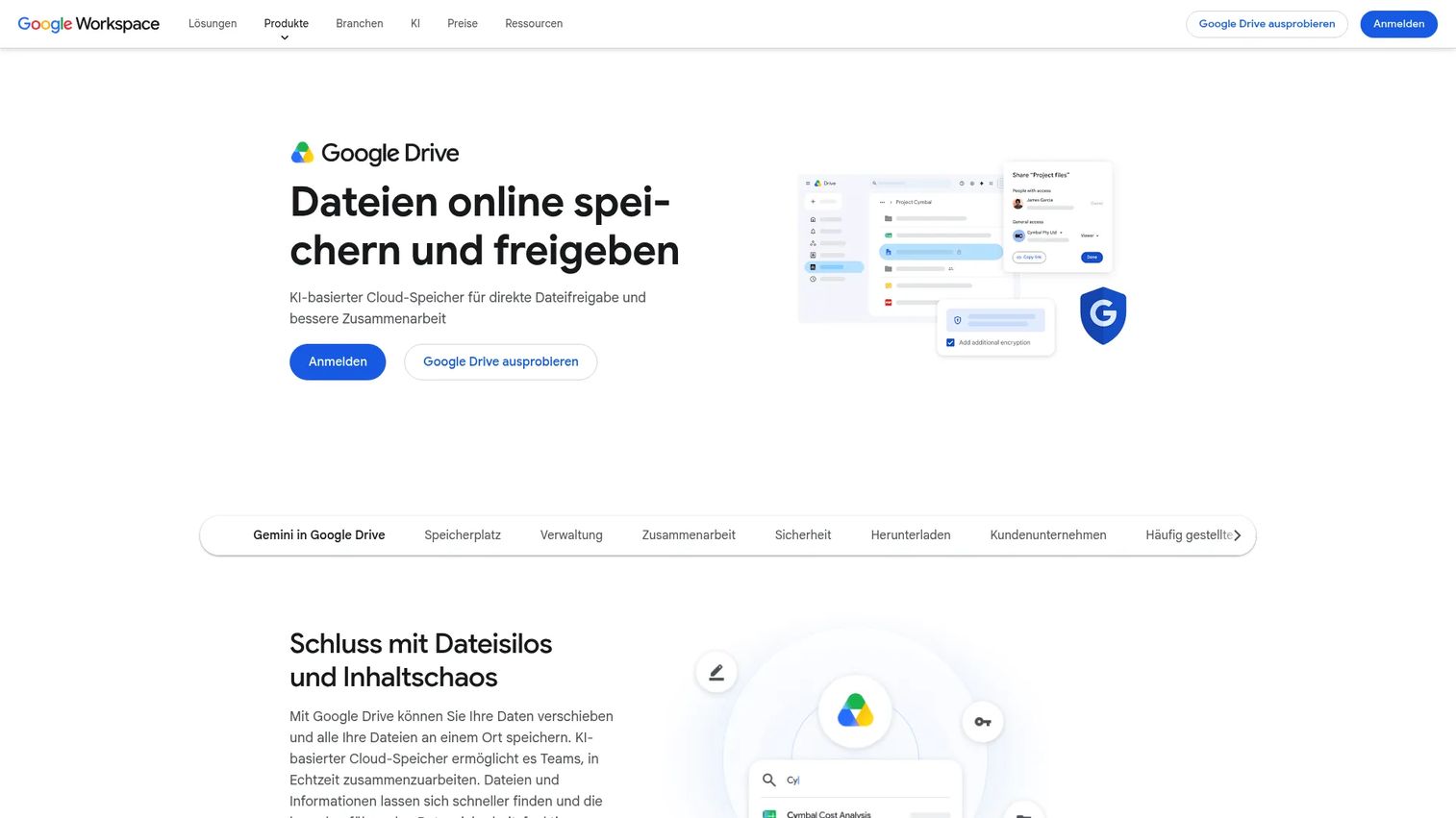
Google Drive is the collaboration-first choice for teams that already live in Docs, Sheets, and Gmail. Files, folders, and native documents sit in one place, with real-time co-editing and search that spans your entire Drive. For organizations standardized on Google Workspace, it is the path of least resistance, storage and collaboration in the same environment your team already opens every morning.
Its strength is co-authoring and discovery. Multiple people edit the same document with no version forks, and Drive's search surfaces files by content, not just filename. Sharing is granular, with view, comment, and edit permissions plus link controls. Drive for desktop adds sync and ransomware detection for teams that need local access.
Best for: Teams that want Google-native cloud storage, sharing, and real-time collaboration.
Key strengths
- Native co-editing: Multiple people work in the same Doc or Sheet at once, no version conflicts.
- Content-aware search: Find files by what's inside them, not just the name.
- Ecosystem fit: Storage, mail, and documents in one connected Workspace.
Why choose Google Drive: If your team runs on Workspace, Drive removes friction you didn't know you had. It is a less natural pick for buyers who need self-hosting or specialized retention governance, where a dedicated content management platform fits better.
Google Drive pricing: Drive is included in Google Workspace plans. Business Starter is $14.00 per user per month, Business Standard and Business Plus are $22.00 per user per month, and Enterprise is custom via sales. Storage scales from 30 GB per user up to 5 TB and beyond on Enterprise. A free trial is available, and personal Google accounts include a free storage tier.
2. Microsoft OneDrive
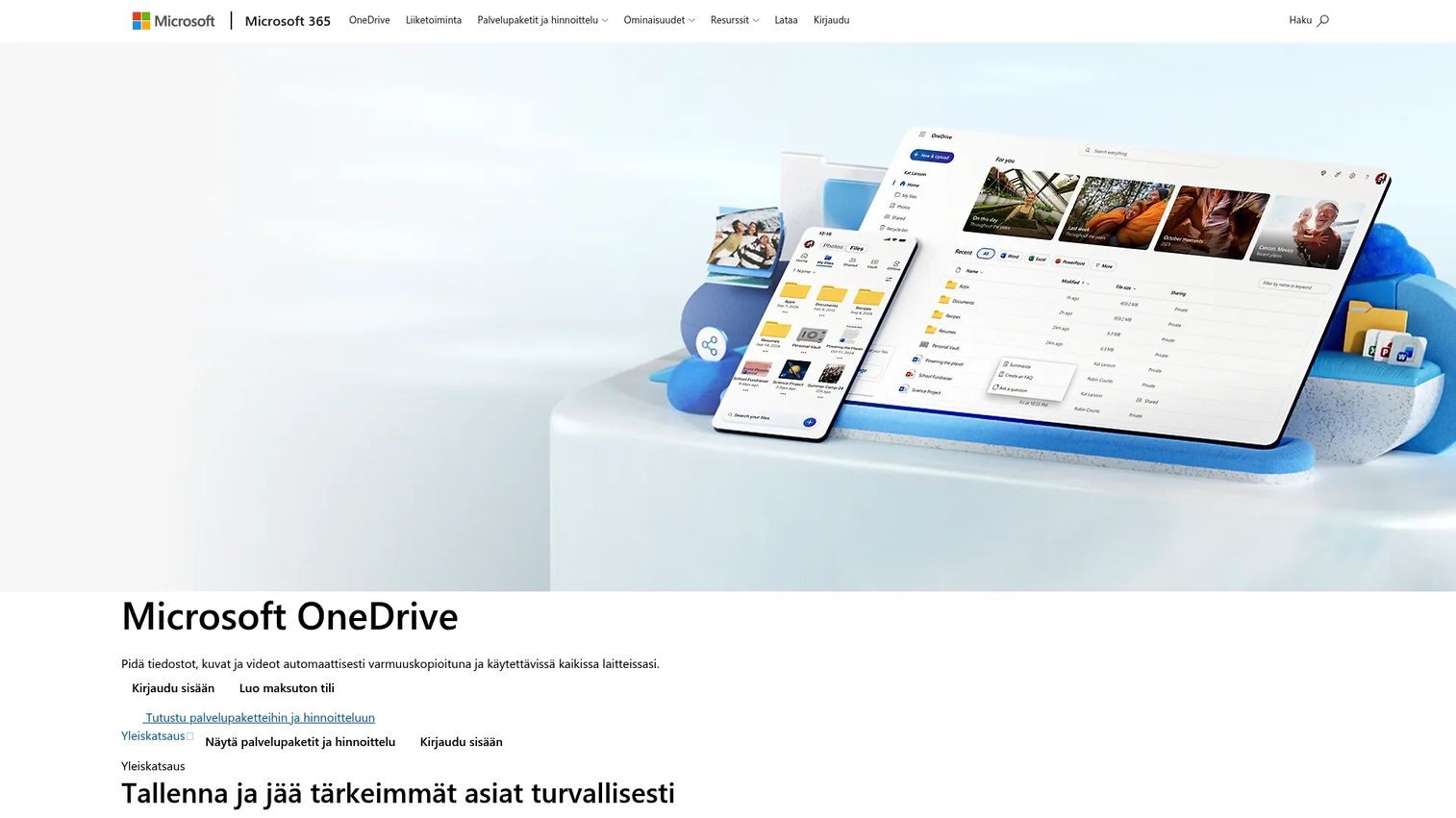
Microsoft OneDrive is the Microsoft-native storage layer, built for Windows-heavy environments and teams already committed to Microsoft 365. Files sync across devices, integrate directly into Office apps, and back up automatically. For organizations standardizing on Microsoft tools, OneDrive is the default that requires no extra decision.
The pull is integration. Word, Excel, and PowerPoint save and co-author straight into OneDrive, version history is built in, and photo and file backup runs across devices. Sync, sharing, restore, and real-time collaboration all sit inside the Microsoft account most enterprises already manage.
Best for: Individuals and teams needing Microsoft-integrated cloud storage, sharing, and collaboration.
Key strengths
- Office integration: Co-author and save Office files directly, no export or upload step.
- Cross-device backup: Photos and files back up automatically across your devices.
- Version history and restore: Roll back files and recover from unwanted changes.
Why choose Microsoft OneDrive: For any org running Microsoft 365, OneDrive is the storage layer that already fits the identity, licensing, and admin model. It matters most where Windows and Office are the standard, less so for teams built around other ecosystems.
Microsoft OneDrive pricing: OneDrive includes a free 5 GB tier. Microsoft 365 Basic is $1.99 per month or $19.99 per year, Microsoft 365 Personal is $9.99 per month or $99.99 per year, and Microsoft 365 Family is $12.99 per month or $129.99 per year. Business storage is typically bundled into Microsoft 365 business plans. OneDrive for Business holds a 4.3/5 rating on G2.
3. Dropbox
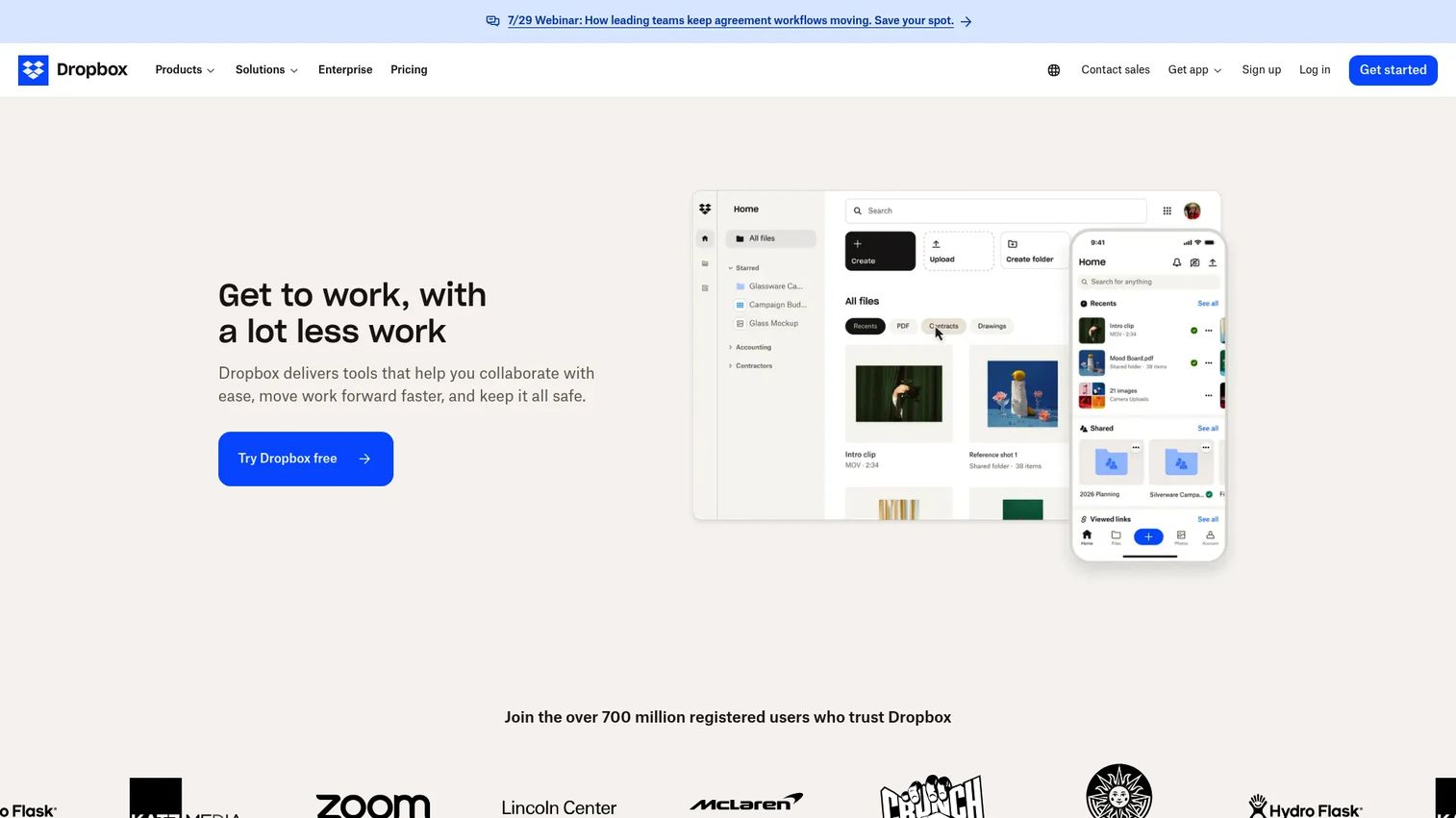
Dropbox is the familiar, general-purpose choice for file sync and sharing across mixed device environments. It earned its reputation on doing one thing reliably: keeping files consistent everywhere, on any platform. For teams that want simple sharing and cross-platform access without committing to a Google or Microsoft ecosystem, Dropbox is the neutral option.
Its file organization and sharing workflows are clean and predictable. Share links carry controls, folders sync across desktop, mobile, and web, and the platform layers on PDF editing, e-signatures, and team collaboration tools. For groups spanning macOS, Windows, iOS, and Android, that platform neutrality is the point.
Best for: Teams and individuals needing cloud storage plus straightforward file sharing and collaboration.
Key strengths
- Reliable sync: Files stay consistent across every device and platform.
- Clean sharing controls: Link permissions and folder access without complexity.
- Collaboration tools: PDF editing, signatures, and team features built in.
Why choose Dropbox: Dropbox fits teams that prize simplicity and cross-platform reliability over deep ecosystem lock-in. It is the pragmatic pick when your people use everything and you want storage that doesn't pick sides.
Dropbox pricing: Dropbox offers a free Basic plan. Paid plans include Professional, Standard at $15 per user per month billed yearly, Advanced at $24 per user per month billed yearly, and Enterprise via sales. Monthly and yearly billing options are shown for paid tiers.
4. Box

Box is cloud content management built for enterprise buyers who care about compliance, security, and admin control. Where consumer tools lead with sharing, Box leads with governance: retention policies, granular access management, and workflow controls that hold up in regulated environments. It is a strong fit when the security review is the hard part of the deal.
Beyond secure file storage and sharing, Box adds native e-signatures with Box Sign and AI-powered content management and workflow tools. Collaboration, retention, and access management are treated as first-class features, not afterthoughts, which is why regulated industries gravitate toward it for cloud storage for enterprise.
Best for: Teams that need secure cloud file collaboration with enterprise controls and AI features.
Key strengths
- Governance controls: Retention, access management, and audit-ready admin tooling.
- Box Sign: Native e-signatures without a separate signing tool.
- AI content management: Automated classification and workflow features.
Why choose Box: Box is the answer when compliance and access control drive the decision. If your buyer is a security or IT lead in a regulated industry, Box's governance depth shortens the diligence conversation more than any collaboration feature could.
Box pricing: Box offers a free Individual plan and a Personal Pro plan at $10 per month. Business plans start at Business Starter for $5 per user per month, Business at $15, Business Plus at $25, Enterprise at $35, and Enterprise Plus at $50 per user per month, each with a three-user minimum. Enterprise Advanced is custom. Box holds a 4.2/5 rating on G2.
5. pCloud
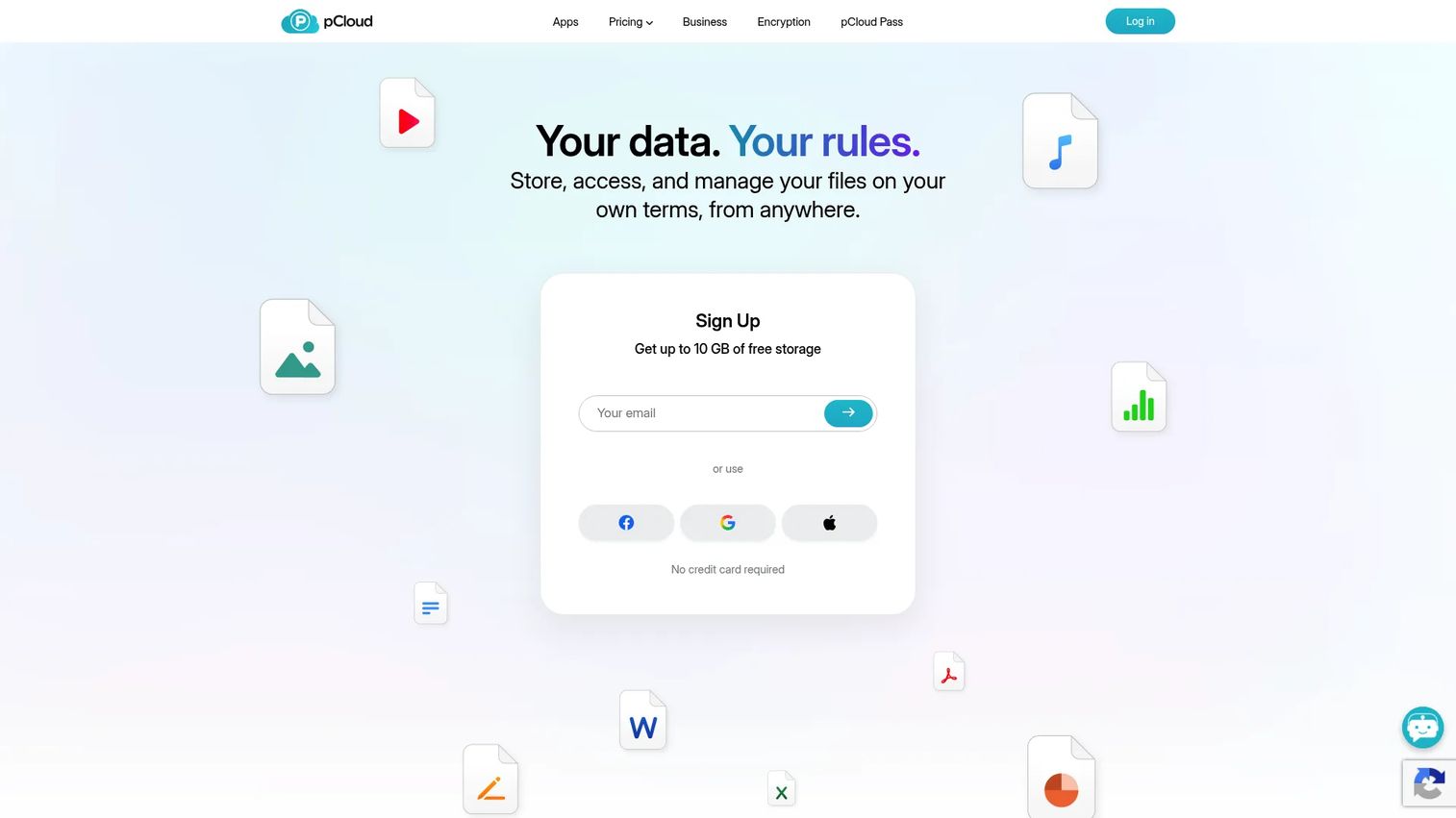
pCloud is a storage-forward option with strong appeal for media libraries, personal use, and smaller teams. It leans into generous storage and straightforward sync, plus a lifetime plan structure that stands out in a subscription-heavy market. For individuals and small groups who want space without a recurring bill, that model is genuinely differentiated.
pCloud handles the fundamentals well: file sharing with passwords and expiration dates, backup, version history, and a rewind feature to restore previous states. Access spans desktop, mobile, and web. The free tier gives up to 10 GB to start, and the pricing flexibility, monthly, annual, or one-time lifetime, makes it easy to match spend to need.
Best for: Individuals or small teams wanting cloud storage with strong sharing and backup features.
Key strengths
- Lifetime plans: Pay once for storage instead of a recurring subscription.
- Flexible sharing: Password-protected links with expiration dates.
- Backup and rewind: Version history and point-in-time file restore.
Why choose pCloud: pCloud fits budget-conscious individuals and small teams who value storage capacity and one-time pricing over enterprise governance depth. The lifetime option is the standout reason buyers choose it.
pCloud pricing: pCloud includes a free tier of up to 10 GB. Premium 500 GB is $4.99 per month, $59.88 per year, or $49.99 lifetime. Premium Plus 2 TB is $9.99 per month, $119.88 per year, or $99.99 lifetime. Ultra 10 TB is $29.99 per month or $299.99 lifetime. Family lifetime plans cover up to five users at $595 for 2 TB or $1,499 for 10 TB.
6. Proton Drive
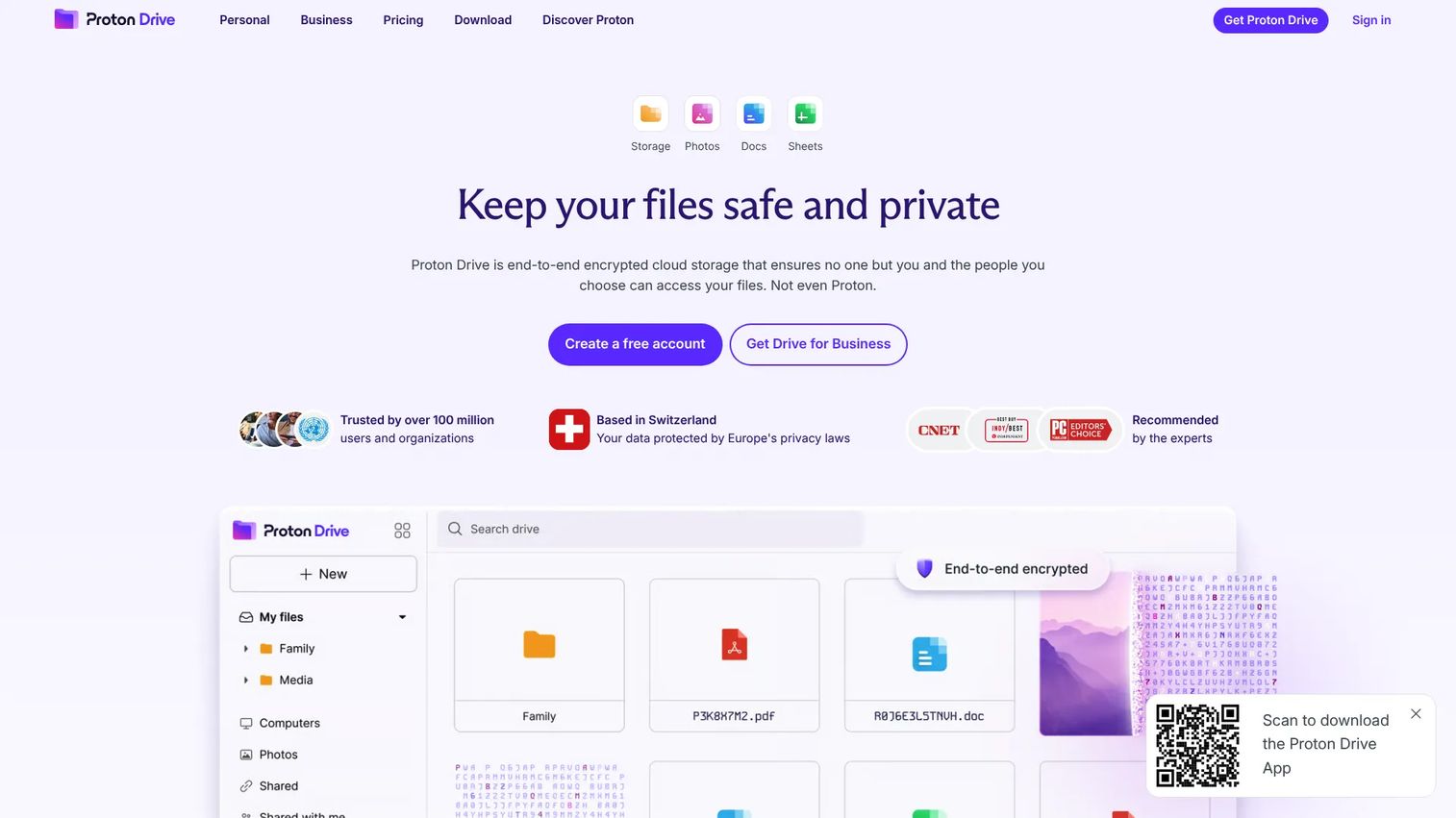
Proton Drive is the privacy-first choice, built on end-to-end encryption for files, photos, and documents. It comes from the Proton privacy suite, so for buyers who want encrypted storage inside a broader privacy ecosystem, it is a natural fit. This is cloud storage for privacy taken seriously at the architecture level, not bolted on.
Files are end-to-end encrypted, meaning Proton cannot read your content. Sharing carries password and expiry controls, and the platform includes online docs and spreadsheets so privacy-sensitive teams can collaborate without leaving the encrypted environment. For buyers whose primary criterion is confidentiality, that posture is the whole point.
Best for: Privacy-focused individuals and teams needing encrypted cloud storage.
Key strengths
- End-to-end encryption: Files are encrypted so only you can read them.
- Encrypted sharing: Password and expiry controls on shared links.
- Encrypted docs: Online documents and spreadsheets inside the privacy suite.
Why choose Proton Drive: Proton Drive is the clear pick when confidentiality is the top requirement and your buyer wants a privacy-first vendor rather than a general-purpose one. It fits teams that value encryption and privacy positioning above ecosystem breadth.
Proton Drive pricing: Proton Drive includes a free 5 GB tier. Paid plans include Drive Plus, Proton Unlimited, Proton Duo, and Drive Professional, several of which bundle with the broader Proton suite. Proton holds a 4.6/5 rating on G2.
7. Nextcloud Files
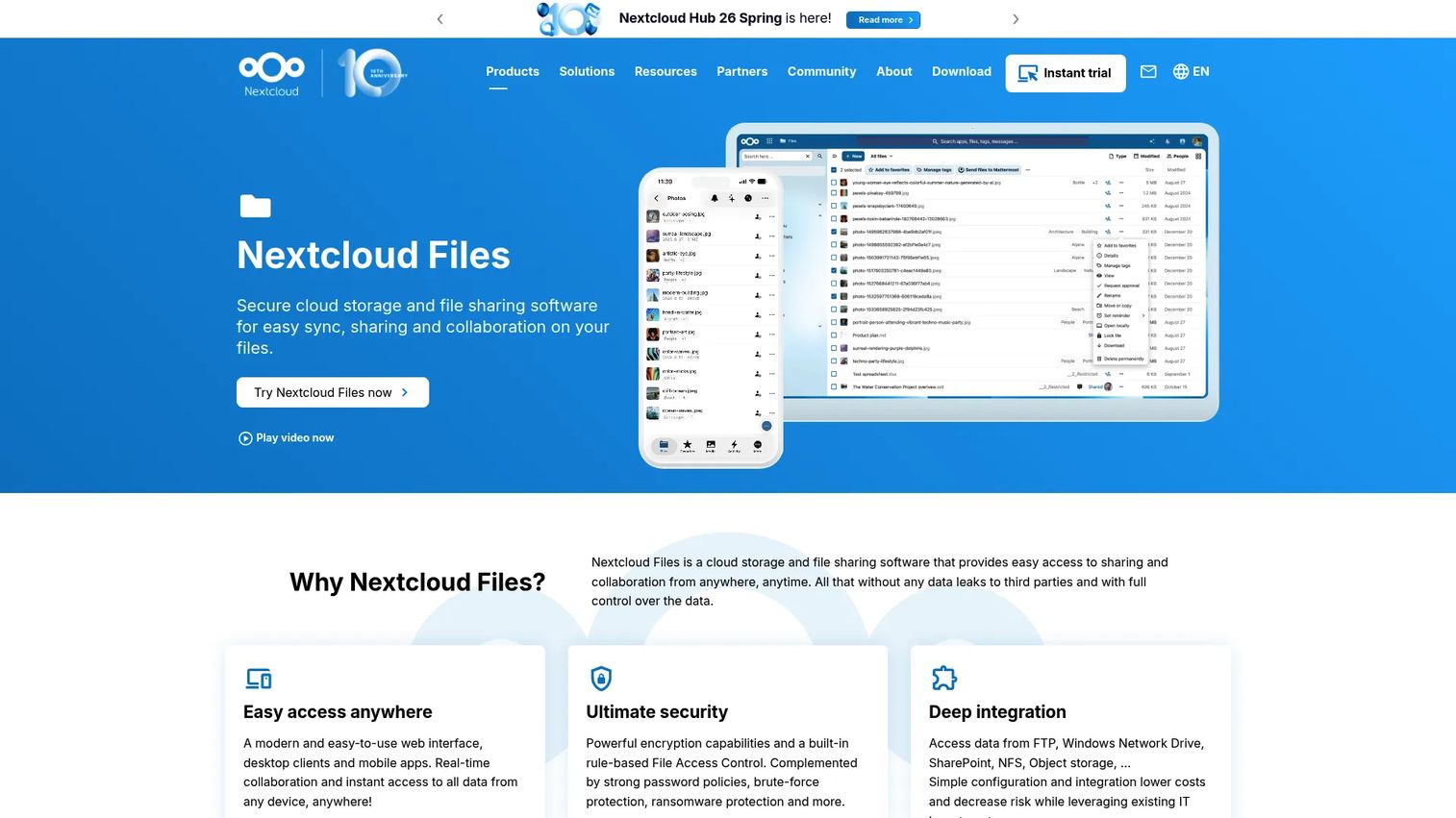
Nextcloud Files is self-hosted file sync and share software for organizations that need deployment flexibility and full data control. Technical teams evaluate it differently from hosted SaaS storage because it lets you keep data on your own infrastructure, a decisive factor in sovereignty, privacy, and governance-heavy contexts.
It covers the core well: desktop, mobile, and web access, secure file sharing with File Drop uploads, plus file versioning, locking, and end-to-end encryption. Because you control the deployment, you also control where data lives and how it is governed, which is why privacy-conscious and regulated organizations shortlist it for cloud storage for privacy and data control.
Best for: Organizations that want self-hosted, privacy-controlled file sync and sharing.
Key strengths
- Self-hosted control: Keep data on your own infrastructure for full sovereignty.
- End-to-end encryption: Encrypt files with versioning and file locking.
- Flexible access: Desktop, mobile, and web with File Drop uploads.
Why choose Nextcloud Files: Nextcloud fits teams that need data residency and deployment control that hosted SaaS cannot offer. It is the strongest option when where your data lives is a gating requirement, not a preference.
Nextcloud Files pricing: Nextcloud's public enterprise subscriptions start at 100 users. Standard is €71.29 per user per year, Premium is €104.99 per user per year, and Ultimate is €204.75 per user per year, with additional tiers available and higher user counts. Prices are listed net, excluding VAT. Nextcloud holds a 4.4/5 rating on G2.
8. IDrive
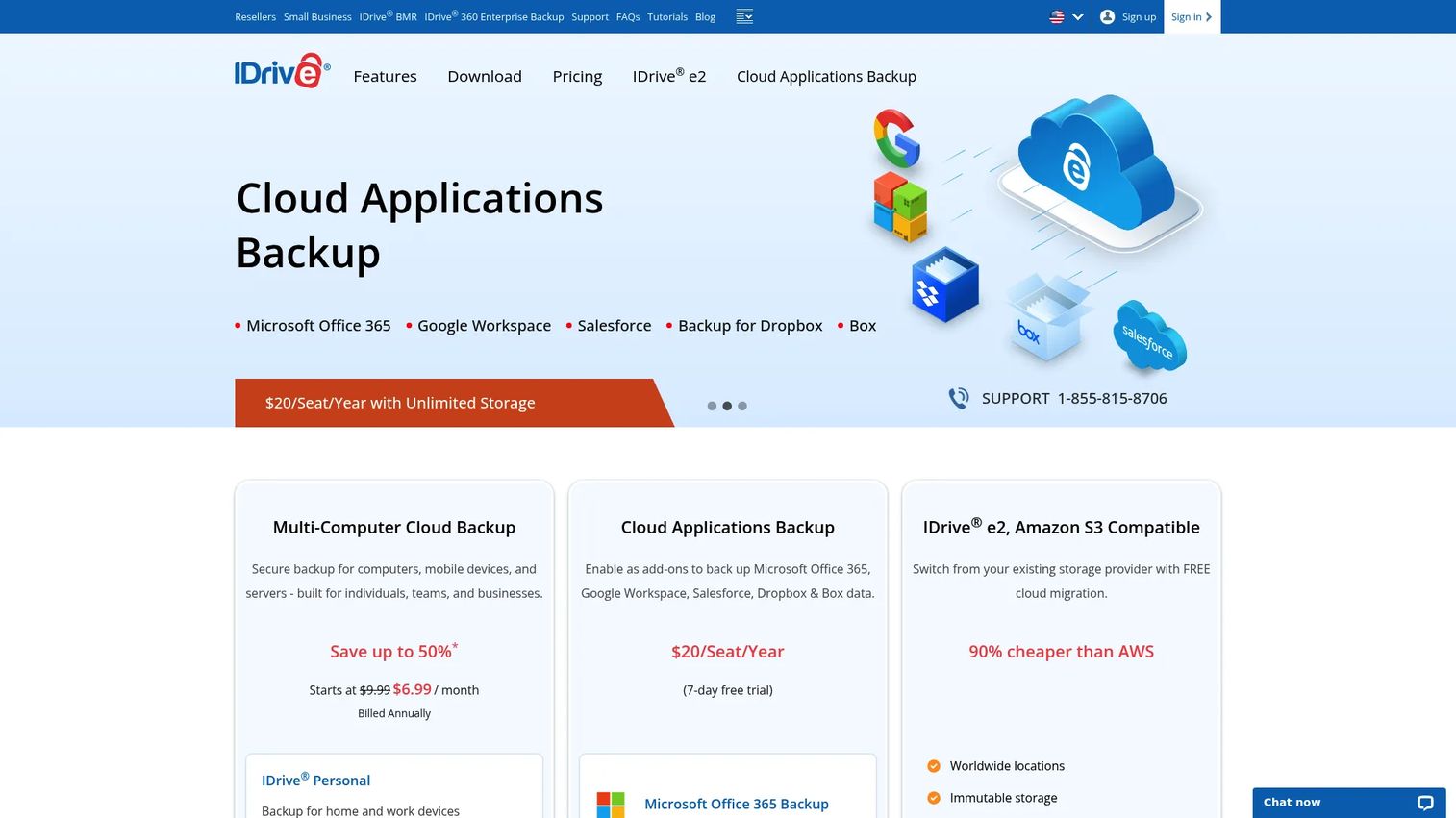
IDrive is a backup-first cloud storage and recovery provider for users and businesses who care most about protecting data across many devices. Where collaboration tools optimize sharing, IDrive optimizes backup and restore, which is exactly the priority for teams thinking in terms of recovery, not co-editing.
It centralizes backup across linked devices, offers IDrive Express for physical backup and restore when you need speed, and keeps snapshots plus up to 30 previous file versions. Cloud Drive adds file sync across devices, so you get backup coverage and everyday access in one place. For cloud backup buyers, that combination is the draw.
Best for: Users and businesses needing centralized backup across multiple devices with cloud sync and recovery.
Key strengths
- Multi-device backup: Protect data across all linked devices from one account.
- IDrive Express: Physical backup and restore for fast recovery of large data sets.
- Version history: Snapshots and up to 30 previous file versions.
Why choose IDrive: IDrive fits teams whose primary job is backup and recovery rather than collaboration polish. When restore reliability and device coverage matter more than co-editing, IDrive's backup-first design is the reason to pick it.
IDrive pricing: IDrive offers a free Basic plan with 10 GB. Mini starts at $0.25 per month for 100 GB, Personal is $6.99 per month for 5 TB, Team is $6.99 per month for 5 TB, and Business is $13.99 per month for 500 GB. Monthly, yearly, and two-year billing options are available, and promotional first-year discounts often apply.
9. Jottacloud
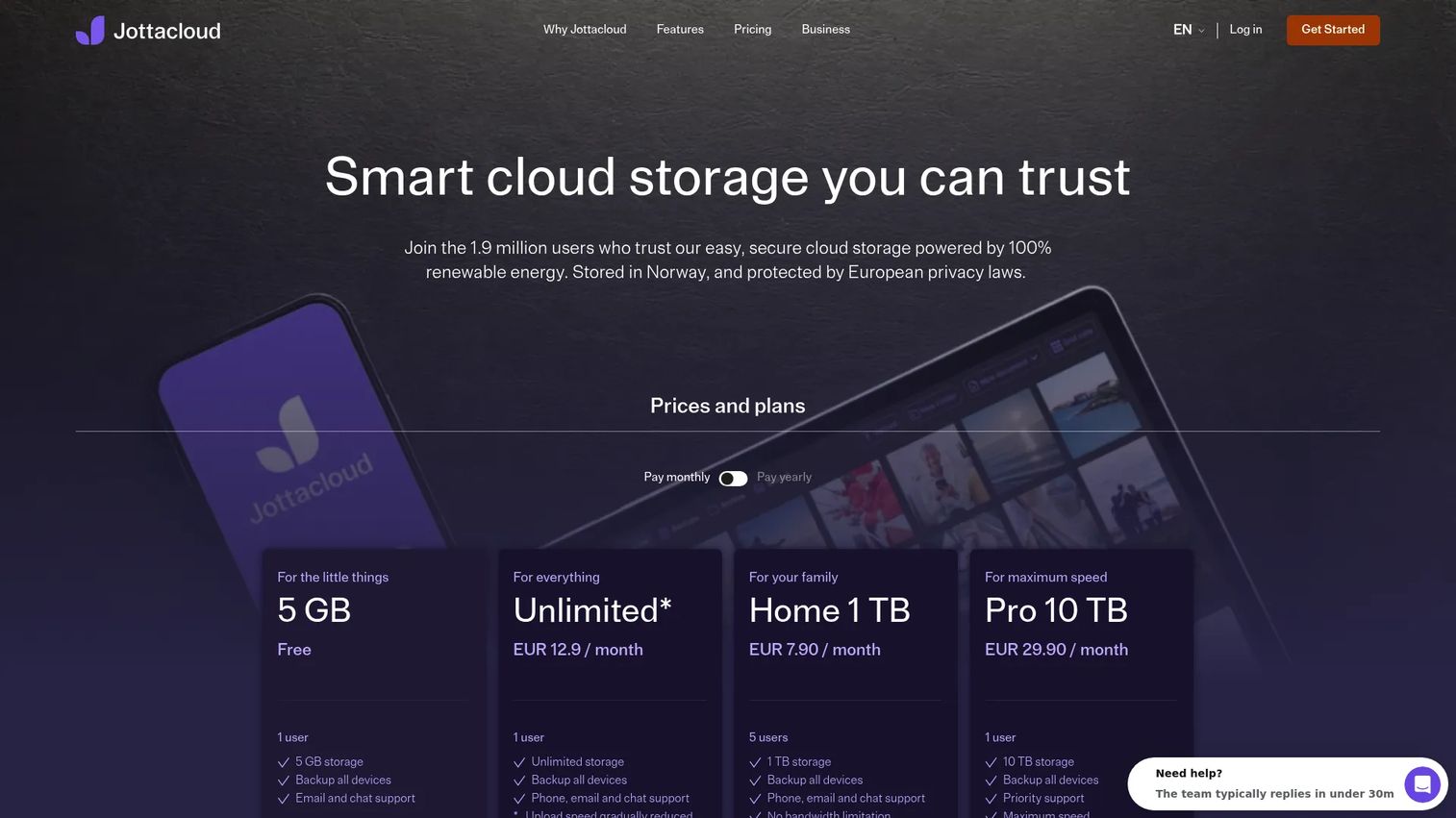
Jottacloud is a backup-and-storage option with strong personal appeal, combining cloud backup with simple everyday access. It competes on value rather than enterprise depth, making it a fit for individuals and small teams who want protection plus straightforward storage without a heavy admin layer.
It handles automatic backup, syncing, sharing, and archiving to free up local space, plus an AI photo search that makes large personal libraries navigable. Multi-device use and generous personal storage give it a clear value angle. For people who want cloud backup plus access in one tidy package, Jottacloud keeps things simple.
Best for: Individuals or small teams wanting backup plus cloud storage with photo search.
Key strengths
- Automatic backup: Set-and-forget protection for files across devices.
- AI photo search: Find images in large libraries by content.
- Archive: Move files to the cloud to free up local space.
Why choose Jottacloud: Jottacloud fits value-focused personal and small-team users who want backup and simple access over enterprise governance features. It is the pick when generous storage and low friction matter most.
Jottacloud pricing: Jottacloud offers a free Personal tier with 5 GB. Personal Unlimited is $12.99 per month or $129.90 per year. Home plans cover five users at $7.99 per month for 1 TB or $15.99 per month for 5 TB. Pro plans for a single user scale from 10 TB at $29.90 per month up to 50 TB at $149.90 per month. Jottacloud holds a 4.5/5 rating on G2.
Considerations before you buy
Use this checklist to pressure-test any shortlist against your actual operating context, the same lens a presales team would apply in a technical evaluation.
Ecosystem fit
Match the tool to where your team already works. Google Workspace shops gain the most from Google Drive; Microsoft 365 shops from OneDrive. Fighting your ecosystem creates adoption friction that no feature list overcomes.
Security and compliance
Confirm encryption at rest and in transit, and check for the certifications your industry requires. For secure cloud storage in regulated contexts, verify retention policies, audit logs, and whether end-to-end encryption is available. This is where deals stall, so front-load it.
Collaboration and governance
Decide whether you need real-time co-editing or governed, permissioned access. Check sharing controls, versioning, and role-based permissions. Teams optimizing for cloud storage for teams weigh collaboration; regulated buyers weigh governance depth.
Sync and backup behavior
Clarify whether you need live file sync, point-in-time backup, or both. A collaboration tool and a cloud backup tool solve different problems, and mixing them up leads to gaps in either recovery or day-to-day access.
Pricing and value
Compare total cost against real usage, not headline storage. Watch for per-seat scaling, minimum user counts, and whether a free or lifetime plan changes the math for your size.
Conclusion
The best cloud storage is the one that fits your ecosystem, passes your security review, and gets adopted without a fight. Google Drive and Microsoft OneDrive win on ecosystem gravity for Workspace and Microsoft 365 teams. Dropbox is the neutral cross-platform pick. Box owns enterprise governance, Proton Drive and Nextcloud Files lead on privacy and data control, and IDrive and Jottacloud anchor backup-heavy workflows.
The decision lens stays the same across all of them: ecosystem fit, security posture, collaboration depth, and price against real usage. Do not pick on features alone.
Your next step is simple. Shortlist two or three tools that match your ecosystem and security requirements, then run them against your actual workflow, real files, real sharing scenarios, real permissions. The tool that survives that test with the fewest surprises is the one to buy.
FAQs
Cloud file storage software stores your files on remote servers and makes them available across devices through sync, sharing, and access controls. It replaces local-only storage with anywhere access, so your team can reach the latest version of a file from a laptop, phone, or browser. Most tools blend storage, sync, sharing, and backup, but lead with one primary strength.
For cloud storage for teams, the best pick depends on your ecosystem. Google Drive suits teams co-editing in Docs and Sheets, OneDrive fits Microsoft 365 environments, and Dropbox works well for cross-platform groups. If governance and compliance drive the decision, Box offers the deepest enterprise admin controls.
Google Drive is the natural fit for Google Workspace. It sits inside the same environment as Docs, Sheets, and Gmail, with native real-time co-editing and content-aware search. If your team already runs on Workspace, Drive removes sync and sharing friction that a third-party tool would introduce. It is the strongest Google Drive alternatives buyers rarely need to look past.
Microsoft OneDrive is built for Microsoft 365 and Windows environments. Office apps save and co-author directly into OneDrive, version history is built in, and it shares the identity and admin model your org already manages. For teams standardized on Microsoft, OneDrive is the default that requires no extra decision, and most OneDrive alternatives only make sense outside the Microsoft ecosystem.
Cloud file storage optimizes for everyday access, sync, and sharing, keeping the current version of files available across devices. Cloud backup optimizes for recovery, copying files and keeping restore points so you can roll back after data loss. Tools like IDrive and Jottacloud lead with backup, while Google Drive and Dropbox lead with storage and collaboration. Many teams use both.
Yes, when configured correctly. Look for encryption at rest and in transit, and end-to-end encryption for the most sensitive data. Verify audit logs, role-based access permissions, retention policies, and the compliance certifications your industry requires. Proton Drive and Nextcloud Files lead on encryption and data control, while Box offers strong enterprise governance for regulated environments.
For cloud storage for privacy, Proton Drive and Nextcloud Files are the strongest picks. Proton Drive uses end-to-end encryption inside a broader privacy suite, so the vendor cannot read your files. Nextcloud Files lets you self-host, keeping data on your own infrastructure for full sovereignty. Both suit buyers whose top criterion is confidentiality over ecosystem breadth.
Ask where data is stored and under which jurisdiction, whether encryption is end-to-end or only at rest and in transit, and which compliance certifications the vendor holds. Confirm audit log depth, role-based access controls, retention and deletion policies, and how sharing permissions are governed. These are the questions a security review will raise, so surfacing them early keeps the evaluation moving and prevents late-stage stalls.