An API roadmap can look like one backlog item until the work reaches implementation. Then the questions multiply. What is the contract? How will partners test against it? Who owns versioning? What happens when a breaking change lands during a customer rollout?
According to Postman's State of the API report (2025), 82% of organizations have adopted an API-first approach, and 69% of developers spend at least 10 hours a week on API-related work. That volume of effort demands more than one request client and a shared Google doc.
Product managers who influence integration roadmaps, developer experience, and platform delivery face a specific problem: The wrong stack adds maintenance overhead rather than removing it. A request client that sits outside your Git workflow creates reconciliation work later. A documentation tool that drifts from implementation costs API consumer support calls. Choosing tools that fit the lifecycle reduces release risk and improves the experience for every developer who builds on your API.
This guide maps 12 API development tools to the stages where they actually belong.
What's inside
This guide is for product managers, engineering leads, and QA teams choosing an API testing tools and lifecycle stack for 2026.
- A lifecycle-based shortlist of 12 API development tools
- Selection criteria: Specification support, testing depth, documentation workflow, collaboration, governance, and price
- Free and open source options alongside team and enterprise platforms
- A 12-row comparison table with current pricing and G2 ratings verified before publication
- Practical selection guidance for early-stage, scaling, and governance-heavy API programs
Items were selected based on category coverage across the full API lifecycle, G2 evidence, active maintenance, and fit for B2B SaaS teams managing integrations and platform products.
TL;DR
- Best overall API platform: Postman for teams that need request testing, collections, collaboration, mock servers, and automated workflows in one product
- Best for OpenAPI design: Swagger for teams adopting a spec-first approach with interactive documentation and code generation
- Best open source API client: Bruno for Git-native local collections and developer-controlled workflows
- Best API documentation platform: Redocly for polished reference docs, governance, and a developer portal experience
- Best for SOAP testing: SoapUI for teams maintaining SOAP and REST services with formal test automation needs
- Best for API lifecycle management at scale: SwaggerHub for teams that need centralized OpenAPI governance across multiple squads
What is API development software?
API development software is a set of tools used to design, build, test, document, secure, publish, and maintain application programming interfaces.
For product managers, this matters because API work rarely stays inside engineering. Partner integrations, customer-facing SDKs, internal platform services, and third-party data sources all depend on APIs behaving predictably. When a contract is unclear or documentation is stale, the cost lands in support tickets, delayed launches, and QA rework.
The API lifecycle these tools support
Most teams need to cover six stages:
- Define the API contract
- Build or generate implementation components
- Test requests, responses, authentication, and edge cases
- Mock unavailable dependencies
- Publish usable documentation for API consumers
- Govern changes and manage production traffic
Core capabilities to look for
When evaluating any API tooling, check for:
- OpenAPI, AsyncAPI, or GraphQL specification support
- API request collections and environment variables
- Automated testing and CI integration
- Mock servers and contract validation
- Documentation publishing with search and try-it capability
- Git workflows and version control
- Role-based access and audit logs
- SDK or server stub generation
- Gateway controls, security, and observability
How API tools differ by category
These categories do different jobs:
- API clients send requests and validate responses
- Design and governance platforms manage specifications and standards
- Documentation platforms turn specifications into developer-ready references
- Mocking tools simulate endpoints before services are ready
- Code generators create SDKs or server scaffolding from a contract
- API gateways secure, route, and monitor production API traffic
Treating a request client as a complete lifecycle platform is the most common misstep product managers make when evaluating this category. Each tool in this list fits a specific stage. For a deeper look at dedicated documentation tooling, see the API documentation tools guide, and for gateway comparisons, the API gateway software guide covers that stage in full.
When to use API development tools
Validate an integration before engineering commits the build
A PM can define the desired product outcome, share a contract and mocked responses with an integration partner, and surface authentication gaps, pagination edge cases, or field mapping issues before a single line of backend code is written. This kind of early validation compresses the discovery work that otherwise surfaces in QA. The opportunity cost of skipping it is late-cycle rework during a release window.
Give API consumers documentation they can use without a support call
Public APIs, partner integrations, and internal platform teams all need reference documentation with authentication instructions, request examples, response schemas, error behavior, version history, and a live testing surface. When documentation drifts from implementation, support tickets follow. Spec-driven documentation reduces that drift by keeping the contract as the source of truth.
Standardize API quality across a growing product organization
When a company moves from a handful of endpoints to multiple product squads, design consistency decays fast. Teams need shared design rules, review workflows, CI validation, ownership assignment, and versioning conventions. Without them, the API experience degrades with each release cycle. Governance tooling addresses this before the technical debt accumulates rather than after.
API development tools comparison
No single tool belongs in every API stack. Use this table to identify which tool category addresses your most urgent bottleneck, then evaluate the tools in that row first. Pricing and G2 ratings are verified from each vendor's live pricing page and G2 listing (October 2026).
| # | Product | Best for | Key differentiator | Pricing | G2 rating |
|---|---|---|---|---|---|
| 1 | Postman | End-to-end API testing and team collaboration | Collections, mock servers, automated testing, monitoring | Free; Solo $9/mo (annual); Team $19/user/mo (annual) | 4.6/5 |
| 2 | Swagger | OpenAPI spec-first design and generated docs | Open source editor, UI, and code generation | Open source free; commercial pricing on request | 4.5/5 |
| 3 | Insomnia | Protocol flexibility and Git-based API workflows | REST, GraphQL, gRPC, WebSockets; Essentials free | Free (Essentials); Pro $12/user/mo | 4.4/5 |
| 4 | Hoppscotch | Lightweight browser-based API testing | Free collections, self-hosted option, real-time collaboration | Free; Organization $6/user/mo (annual) | N/A |
| 5 | Bruno | Git-native local API collections | Collections stored as plain-text filesystem files | Open source free; Pro $6/user/mo (annual) | 4.5/5 |
| 6 | SoapUI | SOAP and REST functional test automation | Strong SOAP support and assertion-based test suites | Free open source edition; commercial via ReadyAPI | 4.4/5 |
| 7 | Redocly | API documentation and governance | OpenAPI rendering, linting, catalog, developer portal | Pro $10/seat/mo; Enterprise $24/seat/mo | 5.0/5 |
| 8 | SwaggerHub | Collaborative OpenAPI design and governance | Centralized API catalog, style guides, and team review | Commercial pricing on request | N/A |
| 9 | Stoplight Studio | Visual API design and OpenAPI editing | Visual editor, reusable schemas, Git sync | Free; Basic $44/mo (annual) | 4.4/5 |
| 10 | OpenAPI Generator | Generating SDKs and server stubs from a spec | 50+ language targets, CLI and CI integration | Free and open source | N/A |
| 11 | Mockoon | Local API mocking for development and testing | Desktop mock APIs, OpenAPI import, no cloud dependency | Free open source; Team €10/license/mo (annual) | 4.5/5 |
| 12 | Kong Gateway | Production API traffic management | Routing, authentication, rate limiting, plugin ecosystem | Free tier (1M requests/mo); Konnect from $200/mo | 4.4/5 |
Best 12 API development tools for 2026
1. Postman
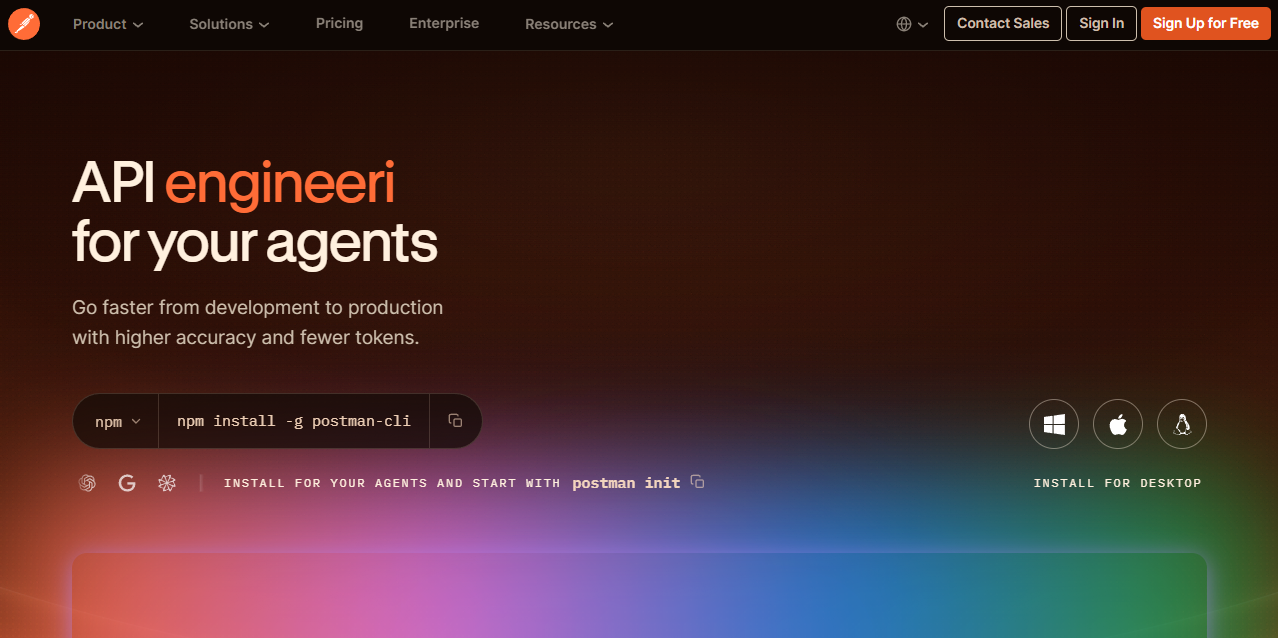
Postman is a unified platform for designing, testing, documenting, monitoring, and governing APIs. It covers the widest surface area of any tool in this list: Request collections, environment variables, automated test scripts, mock servers, monitoring, and team workspaces all ship together. For product and engineering teams that need a shared artifact beyond scattered cURL commands, it is typically the first tool worth evaluating.
Best for: Product and engineering teams that need one shared workspace for request development, QA, and partner integration work.
Key features
- API request builder with collections and saved environments
- Automated tests, collection runners, and reusable scripts
- Mock servers and hosted API documentation
- Git sync and team workspaces with role-based access
- API monitoring with multi-region support
Why choose Postman: It earns its place when development, QA, and integration teams need a central workspace that moves with the product rather than sitting outside it. For PMs, that means one shared artifact instead of fragmented cURL examples in Slack.
Postman pricing: Free plan available for individual use. Solo is $9 per month billed annually; Team is $19 per user per month billed annually. Enterprise pricing requires a sales conversation.
G2 rating: 4.6/5
2. Swagger
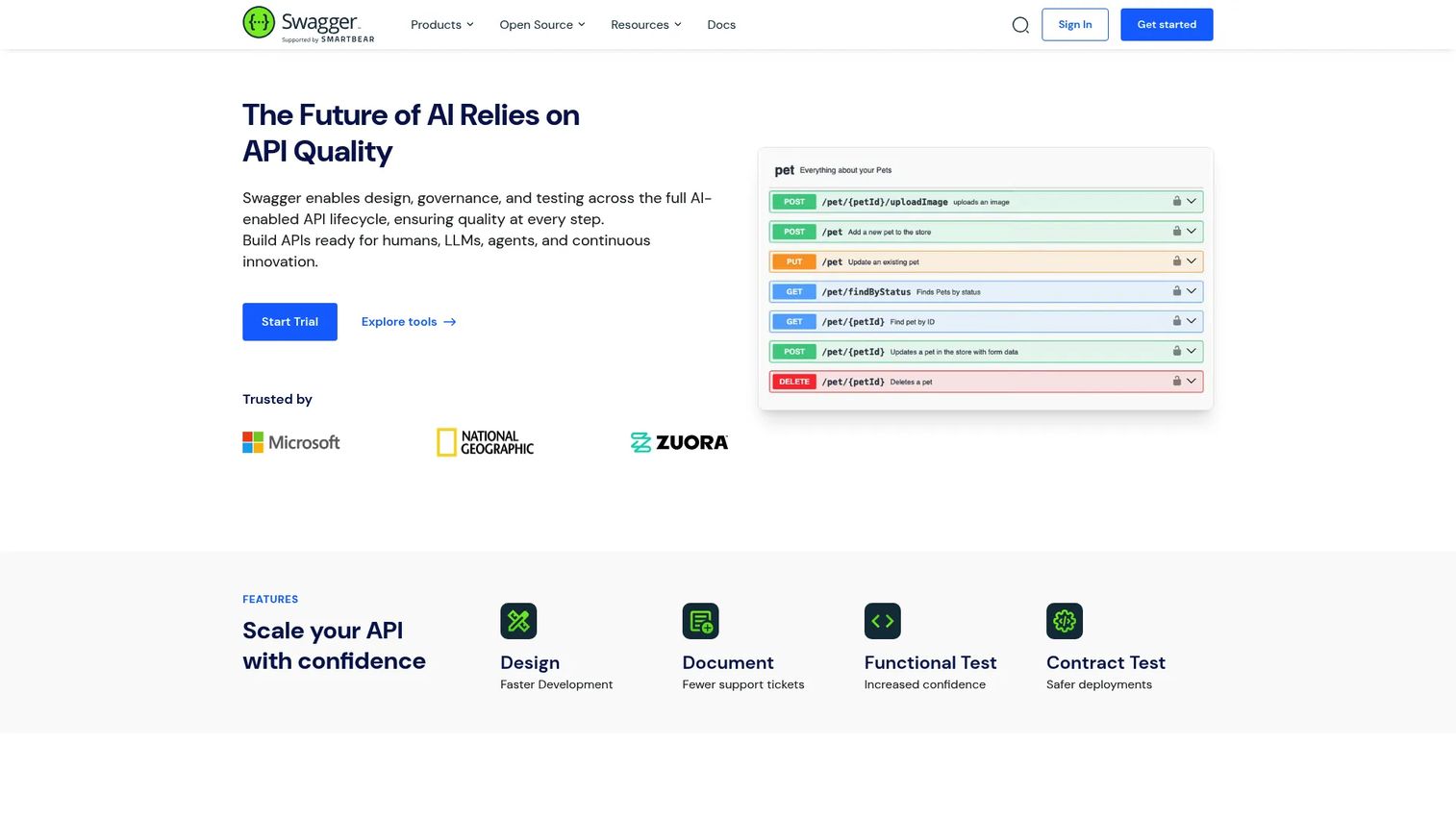
Swagger is not a single application. It is an open source OpenAPI toolset covering Swagger Editor for writing specifications, Swagger UI for rendering interactive documentation, and Swagger Codegen for generating client libraries and server stubs. Together they form a coherent design-first workflow where the OpenAPI contract drives documentation, testing, and generated components.
Best for: Teams adopting OpenAPI as the contract that connects API design, documentation, and SDK generation.
Key features
- OpenAPI and AsyncAPI specification editing
- Interactive API documentation with live try-it console
- Client SDK and server stub generation
- Real-time specification validation
- Open source with broad community maintenance
Why choose Swagger: It fits teams that want an open source foundation without vendor lock-in. The contract becomes the source for generated documentation and client libraries, which reduces drift between what the API does and what developers believe it does.
Swagger pricing: Open source tooling is free. Commercial plan pricing for the broader Swagger platform is not displayed on the vendor's pricing page and requires a direct conversation.
G2 rating: 4.5/5
3. Insomnia
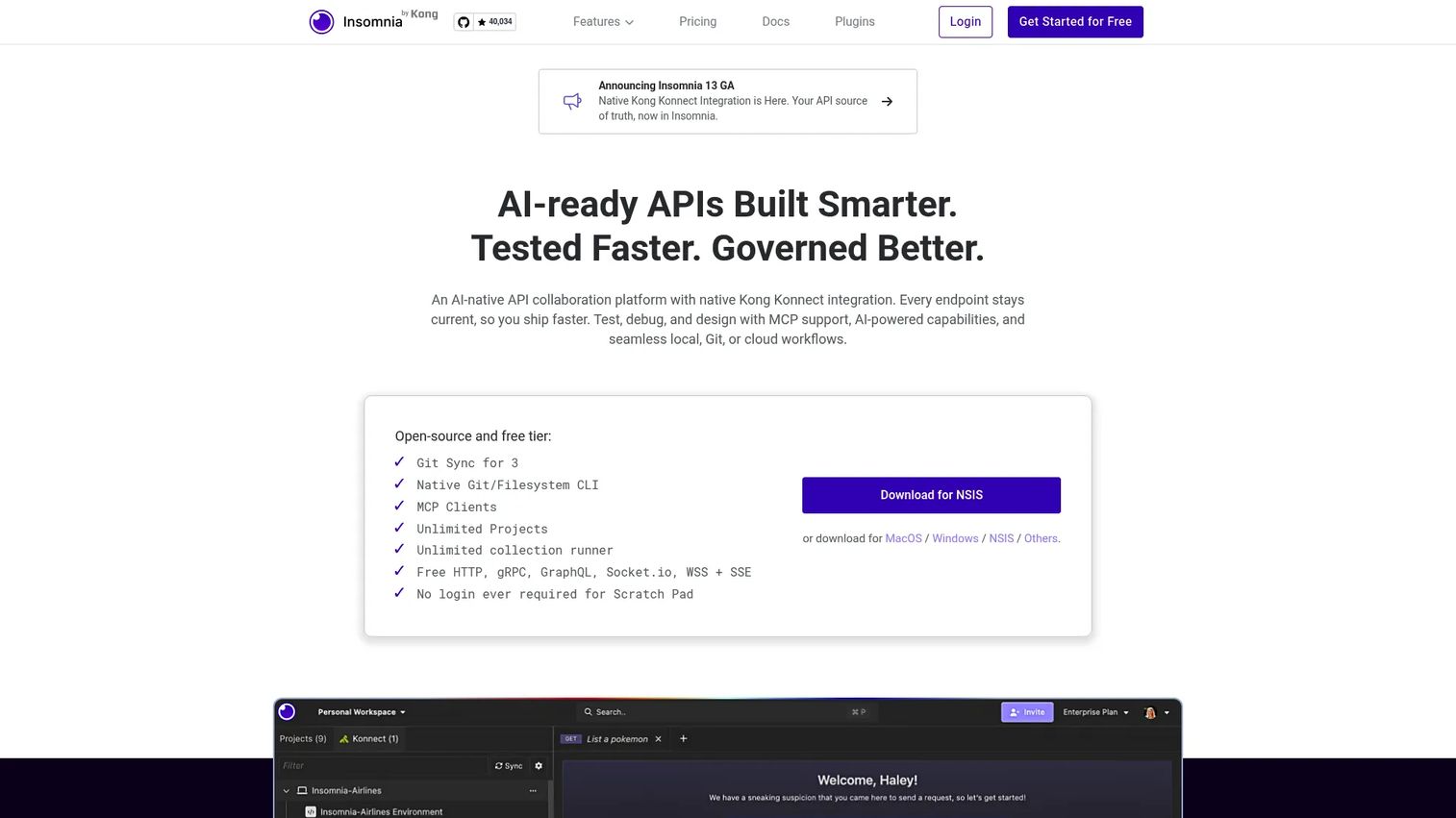
Insomnia is a cross-platform API collaboration platform supporting REST, GraphQL, gRPC, WebSockets, and Server-Sent Events. It offers local, Git-synced, and cloud storage options, which gives engineering teams control over where API project files live. An Inso CLI enables collection runs in CI/CD pipelines without a UI dependency.
Best for: Teams that want protocol flexibility and prefer to keep API projects close to the codebase through Git-based storage.
Key features
- REST, GraphQL, gRPC, and WebSocket support in one client
- Local Vault and Git Sync for project storage
- OpenAPI design editor with live preview and linting
- API mocking with dynamic responses
- Inso CLI for CI/CD automation
Why choose Insomnia: Protocol coverage matters when product integrations span newer standards like gRPC alongside conventional REST. The storage choice also resolves a common PM pain: API test assets living outside the pull request workflow and becoming impossible to audit.
Insomnia pricing: The Essentials plan is free. Pro runs $12 per user per month billed monthly. Enterprise at $45 per user per month adds Kong Konnect integration, SSO, SCIM, and vault support.
G2 rating: 4.4/5
4. Hoppscotch
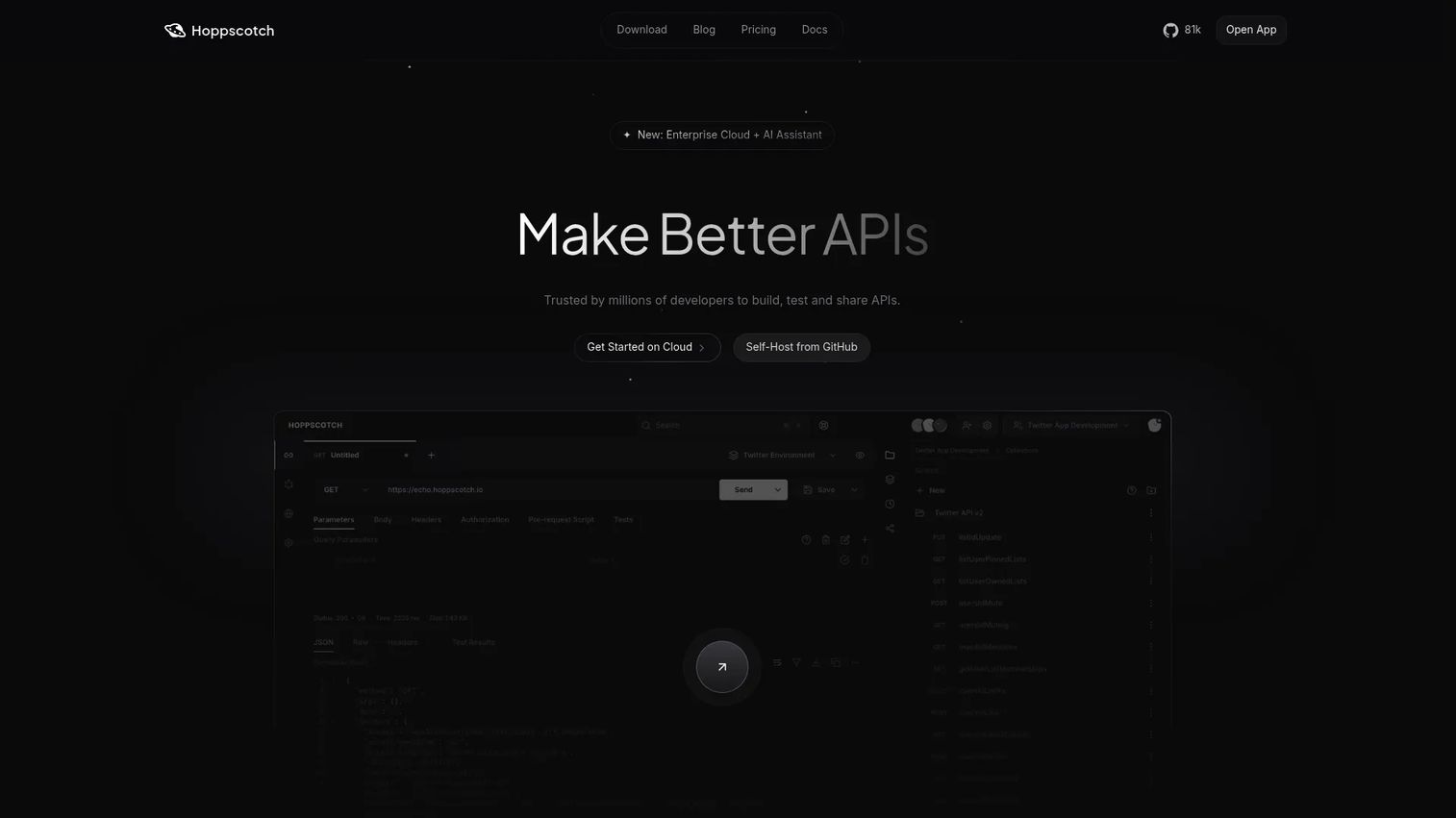
Hoppscotch is a lightweight API development environment that runs in the browser, in a cloud workspace, or as a self-hosted deployment. It supports REST, GraphQL, WebSocket, and Server-Sent Events without requiring a local install. The free tier is genuinely generous: Unlimited workspaces, collections, and request runs are included at no cost.
Best for: Small teams and developers who want a fast browser-based client with real-time collaboration and no setup overhead.
Key features
- Browser-based request client with zero local install
- Unlimited workspaces and collections on the free plan
- REST, GraphQL, WebSocket, and SSE support
- Collection runner and environment variables
- Self-hosted deployment option for data control
Why choose Hoppscotch: It is a practical choice when PMs need to collaborate with engineers on integration discovery without asking everyone to install and configure a desktop application. The self-hosted option matters for teams with data residency requirements.
Hoppscotch pricing: Free forever for individual API testing. Organization plan is $6 per user per month billed annually. Enterprise Cloud is $11 per user per month billed annually, or $14 billed monthly.
5. Bruno
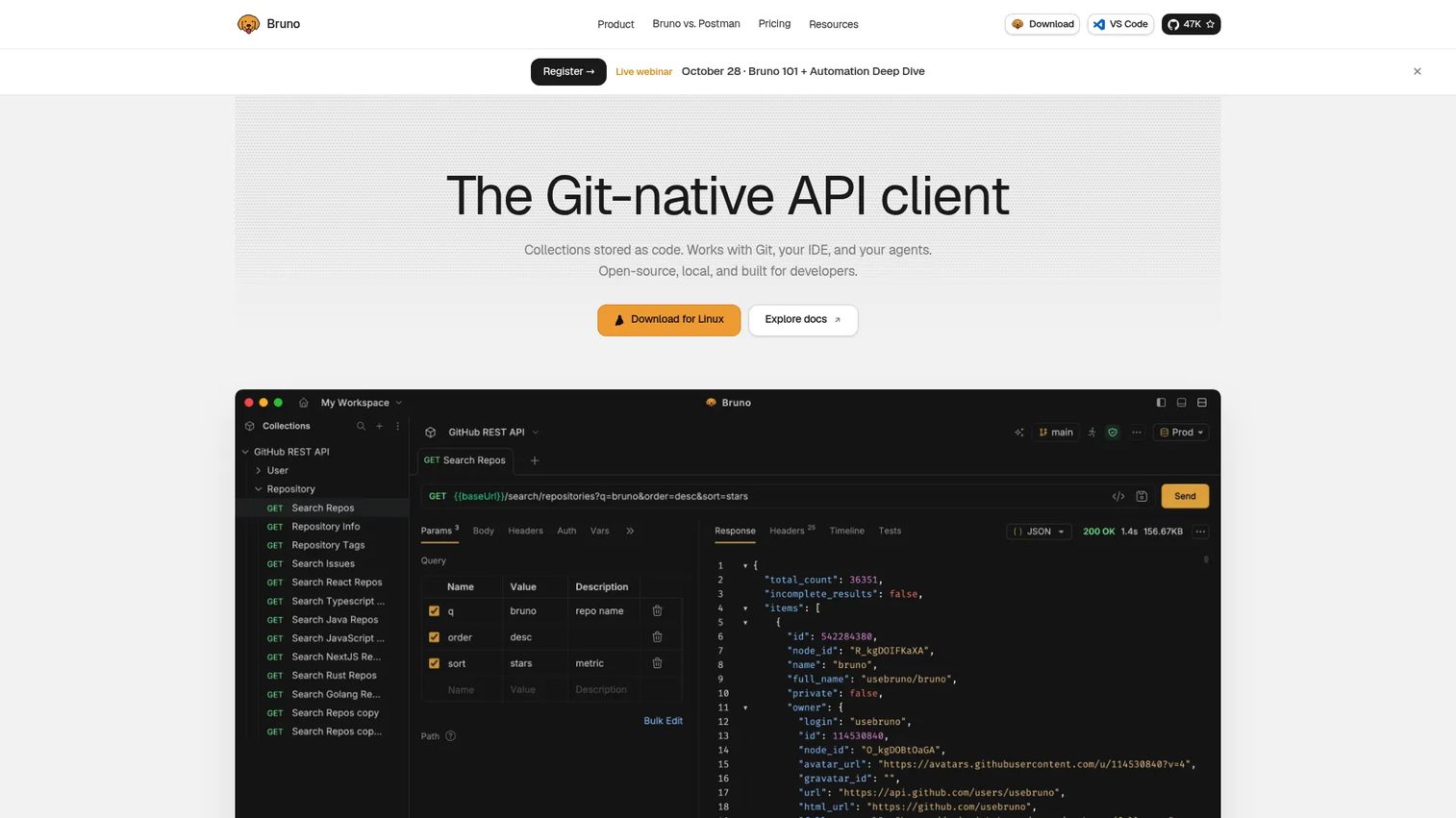
Bruno is an open source API client built around a specific principle: Collections live on the local filesystem as plain-text files rather than in a cloud database. That design means API test assets move through Git exactly like product code does, with the same pull request reviews, branching, and audit history the engineering team already uses.
Best for: Engineering teams that want API request collections versioned directly in Git without a cloud dependency.
Key features
- Collections stored as plain-text files on the local filesystem
- Git-native workflow with no cloud sync required
- HTTP, REST, and GraphQL support with scripting and assertions
- Environment variables and secrets management
- Open source desktop client with active community
Why choose Bruno: It removes ambiguity around collection ownership and version history. When a contract or test script changes, the diff shows up in the pull request alongside the code that changed with it. For PMs tracking release cadence, that traceability reduces the "what version are we testing against?" questions in standups.
Bruno pricing: The open source client is free. Pro costs $6 per user per month billed annually. Ultimate is $11 per user per month billed annually, with a free 14-day trial available.
G2 rating: 4.5/5
6. SoapUI
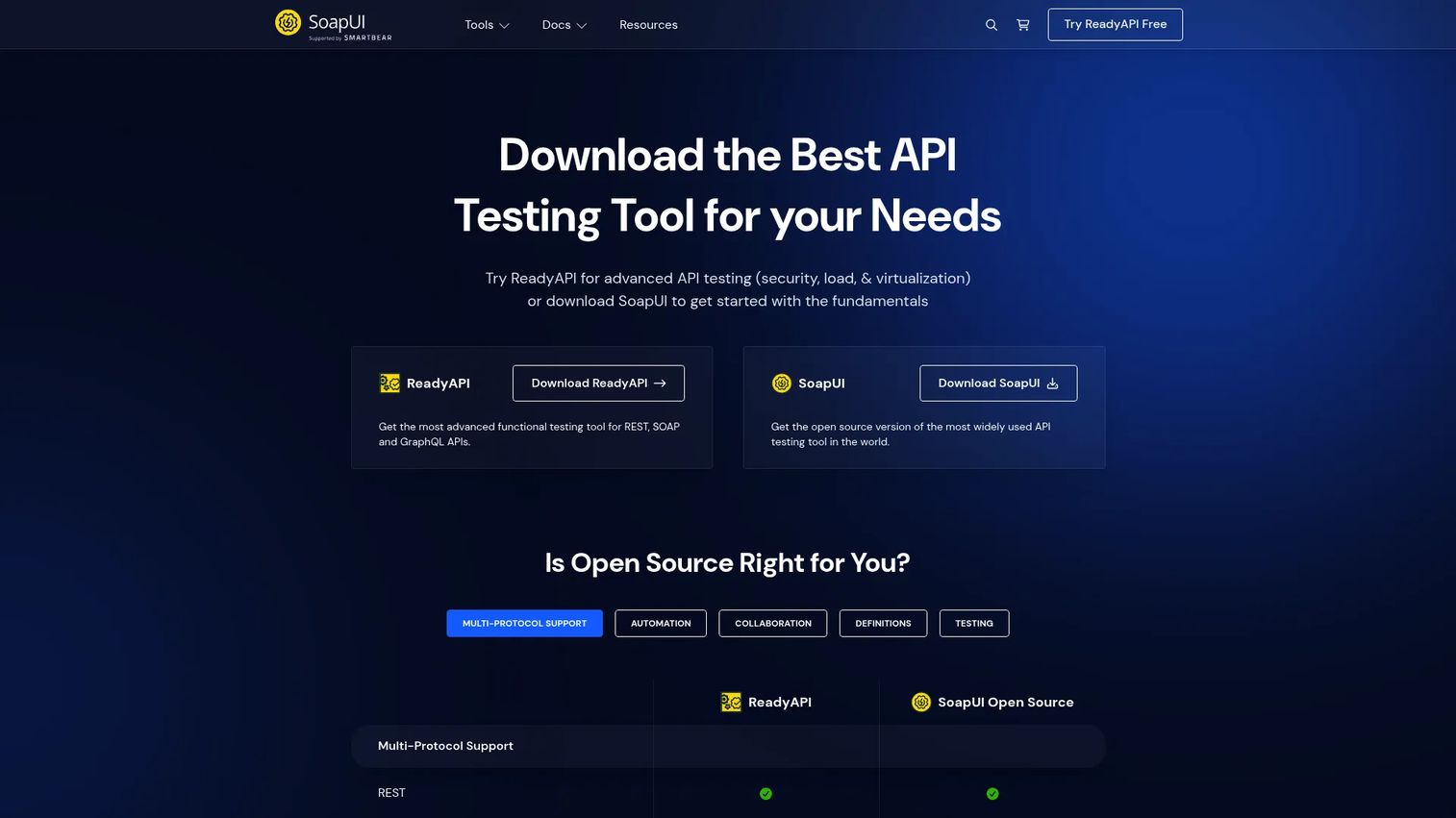
SoapUI is a testing-focused tool with a strong fit for SOAP services and structured functional testing. While it handles REST as well, its real differentiation is in enterprises that maintain SOAP-based systems or formal QA requirements. The open source edition covers functional testing; advanced load, security, and data-driven testing capabilities sit in the commercial ReadyAPI product.
Best for: QA and engineering teams maintaining SOAP services or running repeatable API functional tests against established service contracts.
Key features
- SOAP and REST functional testing with drag-and-drop creation
- Assertion-based test suites and data-driven testing
- Mock services and service virtualization
- Security and load testing options (commercial tier)
- Protocol support covering REST, SOAP, GraphQL, and JMS
Why choose SoapUI: It earns inclusion when a product has legacy or enterprise SOAP dependencies, or when QA requires a formal test suite with assertions, reports, and repeatable runs. Teams without SOAP requirements will find better fits elsewhere in this list.
SoapUI pricing: SoapUI Open Source is free. Advanced capabilities require ReadyAPI, whose commercial pricing is not displayed on the vendor's pages and is available on request.
G2 rating: 4.4/5
7. Redocly
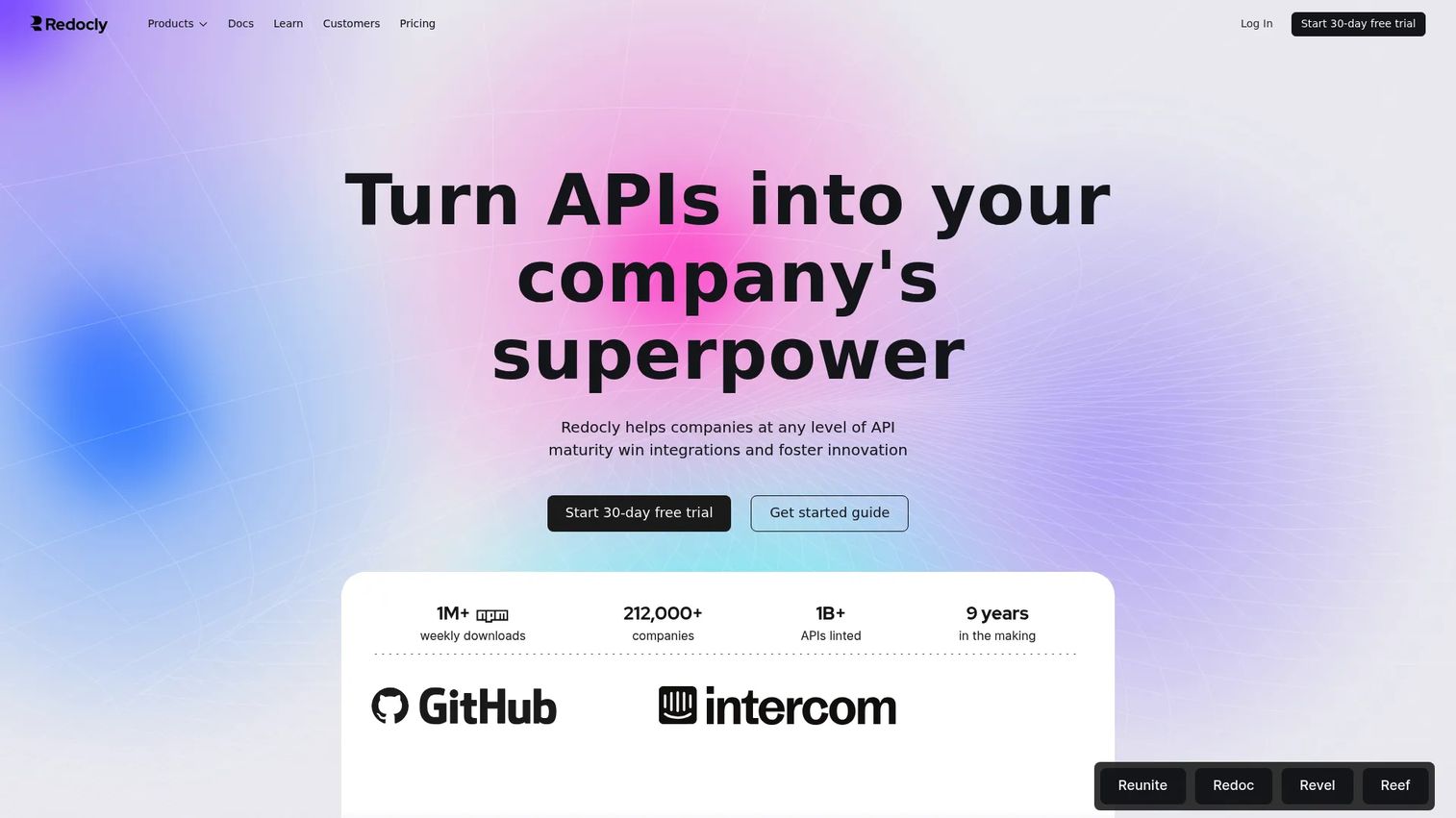
Redocly positions itself as more than a documentation renderer. It is an API documentation, developer hub, and governance platform that covers OpenAPI, GraphQL, AsyncAPI, and SOAP rendering alongside linting, API catalogs, scorecards, and analytics. For teams treating developer experience as a product outcome, not an afterthought, it is the most complete documentation-layer tool in this comparison. See the API documentation tools roundup for a broader set of options in this category.
Best for: Product teams that treat API documentation as part of the customer experience and need governance over specifications.
Key features
- OpenAPI, GraphQL, AsyncAPI, and SOAP documentation rendering
- API linting, governance scorecards, and catalog
- Automatically generated code samples and mock servers
- Custom-domain hosting and branded developer hubs
- Git-integrated collaboration with visual reviews and analytics
Why choose Redocly: It fits the moment a partner developer or customer raises a support ticket because the reference docs lacked examples, had stale endpoints, or offered no way to test a request inline. Documentation quality at that point is product quality, and Redocly treats it accordingly.
Redocly pricing: Pro is $10 per seat per month billed monthly. Enterprise is $24 per seat per month. Enterprise+ uses custom annual pricing for data residency and single-tenant hosting requirements.
G2 rating: 5.0/5
8. SwaggerHub
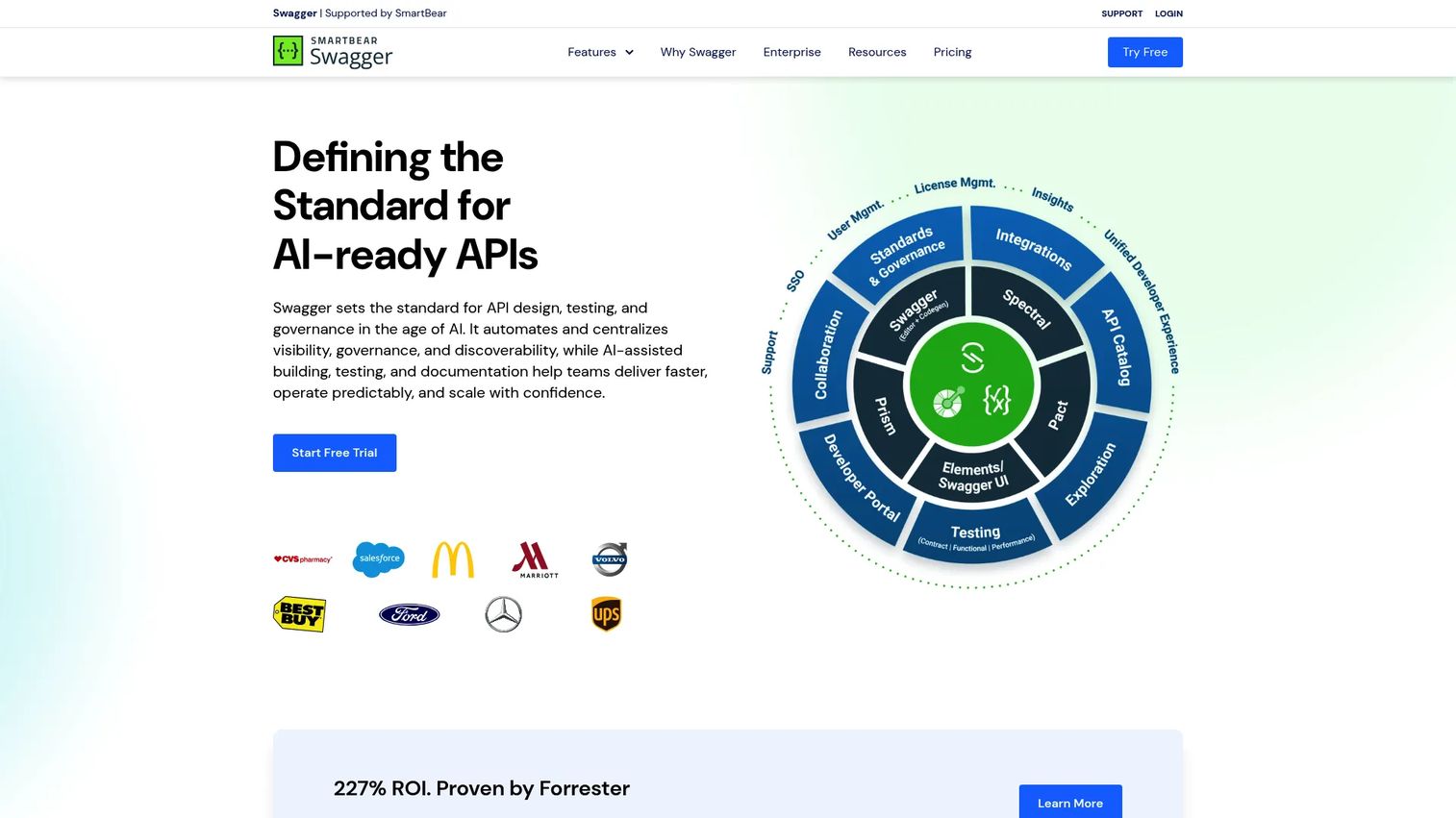
SwaggerHub is a team-focused API design and governance platform built around centralized OpenAPI and AsyncAPI collaboration. Where Swagger's open source toolset is for individual or small-team use, SwaggerHub adds shared API catalogs, style guides, inline commenting, version history, and integrations with CI/CD pipelines and API gateways. It is designed for organizations standardizing specifications across multiple product squads. For a dedicated look at API governance tooling, the API testing tools guide covers related quality workflows.
Best for: Scaling teams that need shared API contracts, design review workflows, governance rules, and discoverability across many services.
Key features
- Collaborative API design with inline commenting and version history
- OpenAPI and AsyncAPI support with reusable components and style guides
- AI-assisted API generation and MCP server creation
- Automated mock APIs integrated with the design workflow
- Integrations with version control, CI/CD pipelines, and API gateways
Why choose SwaggerHub: It fits PMs managing several integration touchpoints or platform APIs across multiple teams. The value comes from a shared source of truth that surfaces breaking changes before they reach implementation, rather than after a customer reports inconsistent behavior.
SwaggerHub pricing: Pricing is not currently displayed on the vendor's pricing page and requires a direct conversation with sales.
G2 rating: Capterra reports 4.5/5; a current standalone G2 listing for SwaggerHub could not be verified at publication.
9. Stoplight Studio
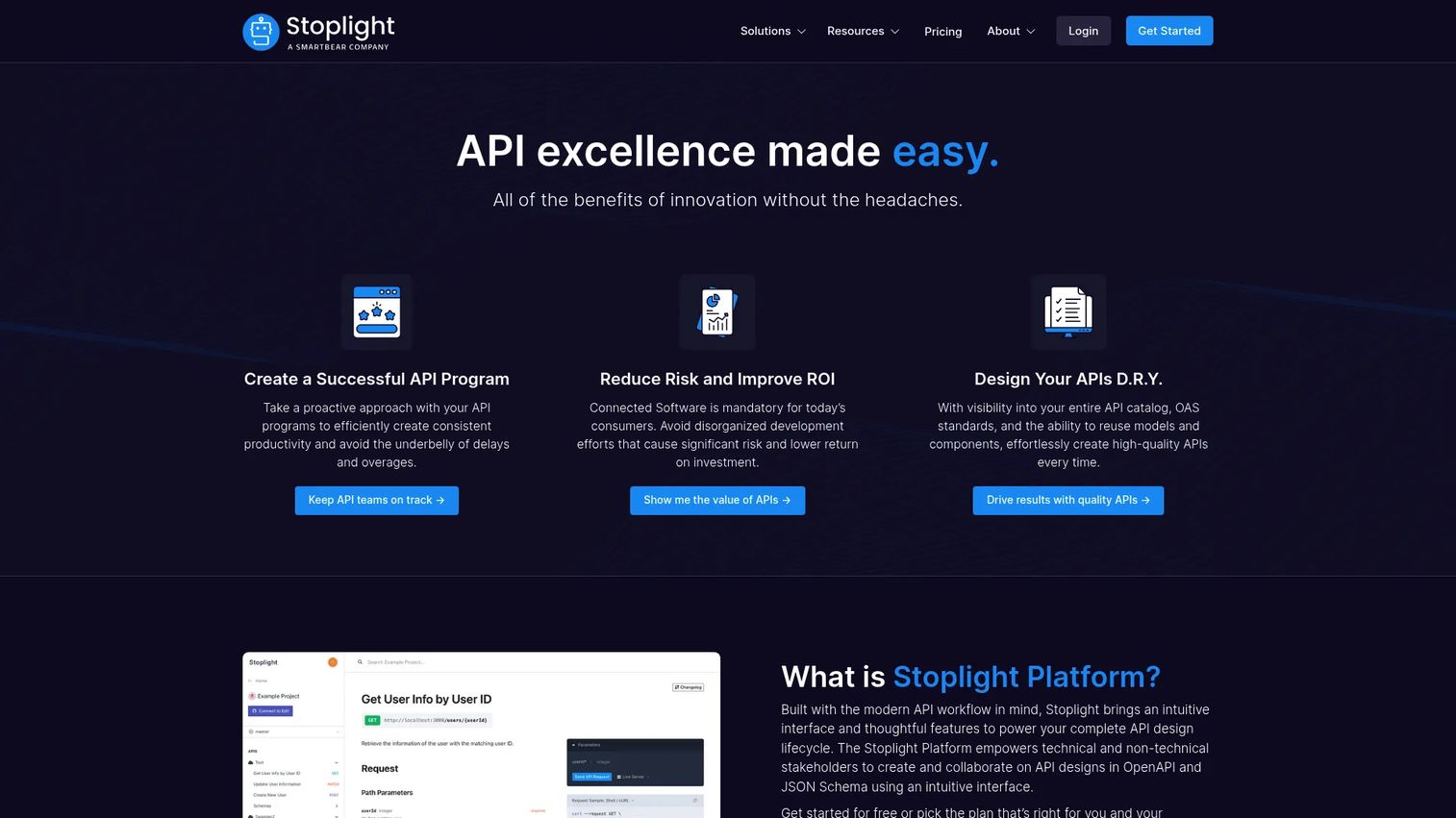
Stoplight Studio is a visual API design environment for teams that want specification work to be approachable for product, engineering, and technical writing stakeholders without requiring everyone to edit raw YAML. The visual editor surfaces schema components, validation errors, and design rules without hiding the underlying OpenAPI file, so engineering retains full control.
Best for: Cross-functional API teams that need visual OpenAPI design, reusable schema components, and reviewable contracts connected to Git.
Key features
- Visual OpenAPI editor with real-time validation
- Reusable schema components and style guide enforcement
- Documentation generation from the specification
- Code-based editing and full OpenAPI export
- Git synchronization with branch-based workflows
Why choose Stoplight Studio: It can reduce the friction between a PM's desired endpoint behavior and an engineer's implementation choice by making the contract a shared artifact rather than a technical document only one person reads. That alignment pays off most before implementation starts, not after.
Stoplight Studio pricing: A free plan is available. Basic costs $44 per month billed annually ($56 billed monthly). Startup is $113 per month annually, Pro Team is $362 per month annually, and Enterprise uses custom pricing.
G2 rating: 4.4/5
10. OpenAPI Generator
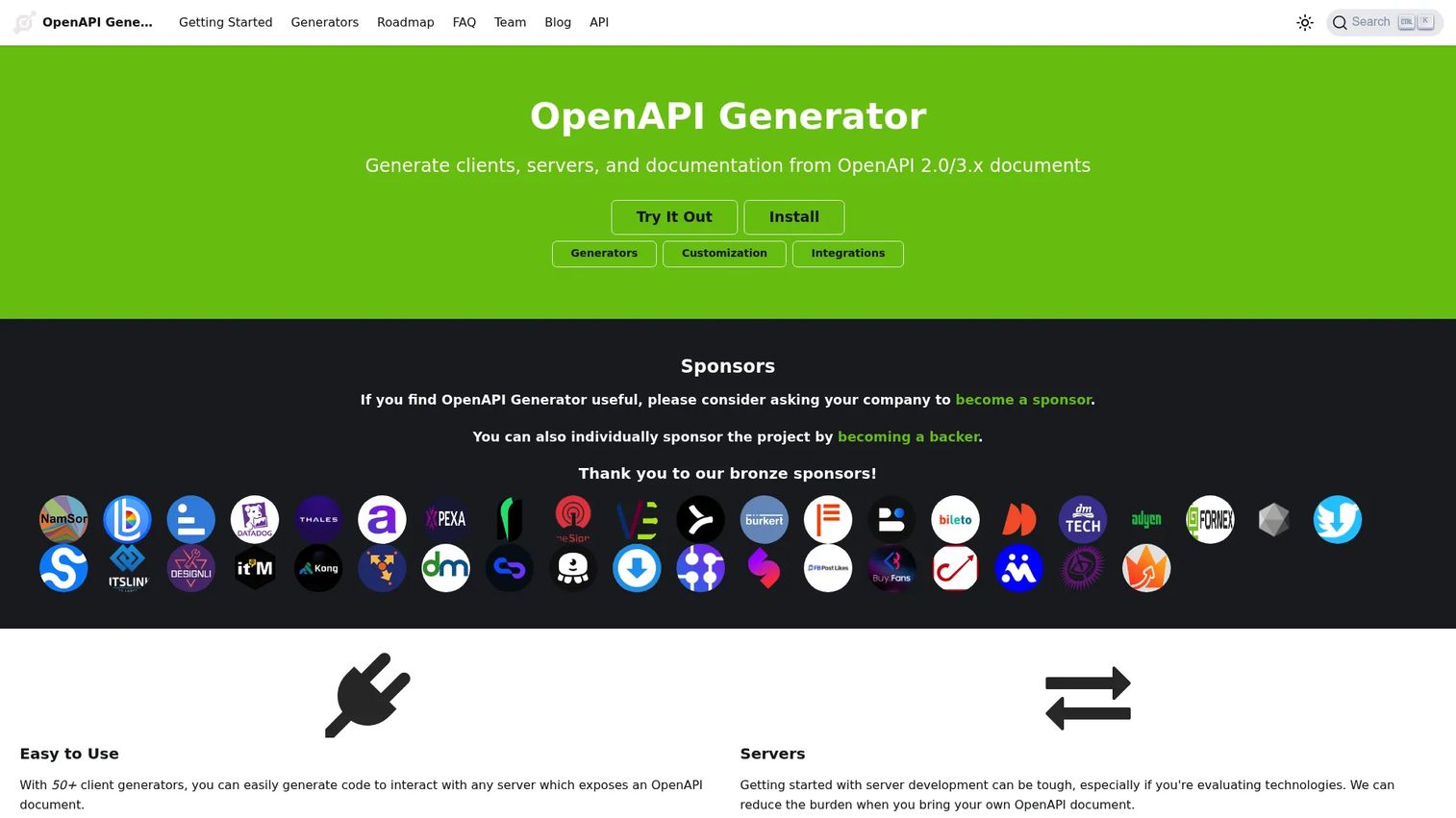
OpenAPI Generator is an open source code generation project that turns an OpenAPI 2.0 or 3.x definition into client SDKs, server stubs, documentation, schemas, and configuration artifacts across more than 50 language and framework targets. It operates via CLI, Maven, Gradle, Docker, and online generation, which makes it straightforward to slot into a CI/CD pipeline.
Best for: Development teams that need to accelerate SDK creation or bootstrap server implementations from a consistent API contract.
Key features
- Client SDK generation for 50+ languages and frameworks
- Server stub generation for 40+ language targets
- Documentation, schema, and configuration output options
- Custom Mustache templates and user-defined generators
- CLI, Maven, Gradle, Bazel, Docker, and npm integrations
Why choose OpenAPI Generator: The operational payoff for product teams is repeatability. When an API contract changes, the update propagates into client libraries through a defined workflow rather than manual SDK maintenance across languages. That consistency matters most when supporting external developers across multiple integration paths.
OpenAPI Generator pricing: Free and open source. No paid tiers exist.
11. Mockoon
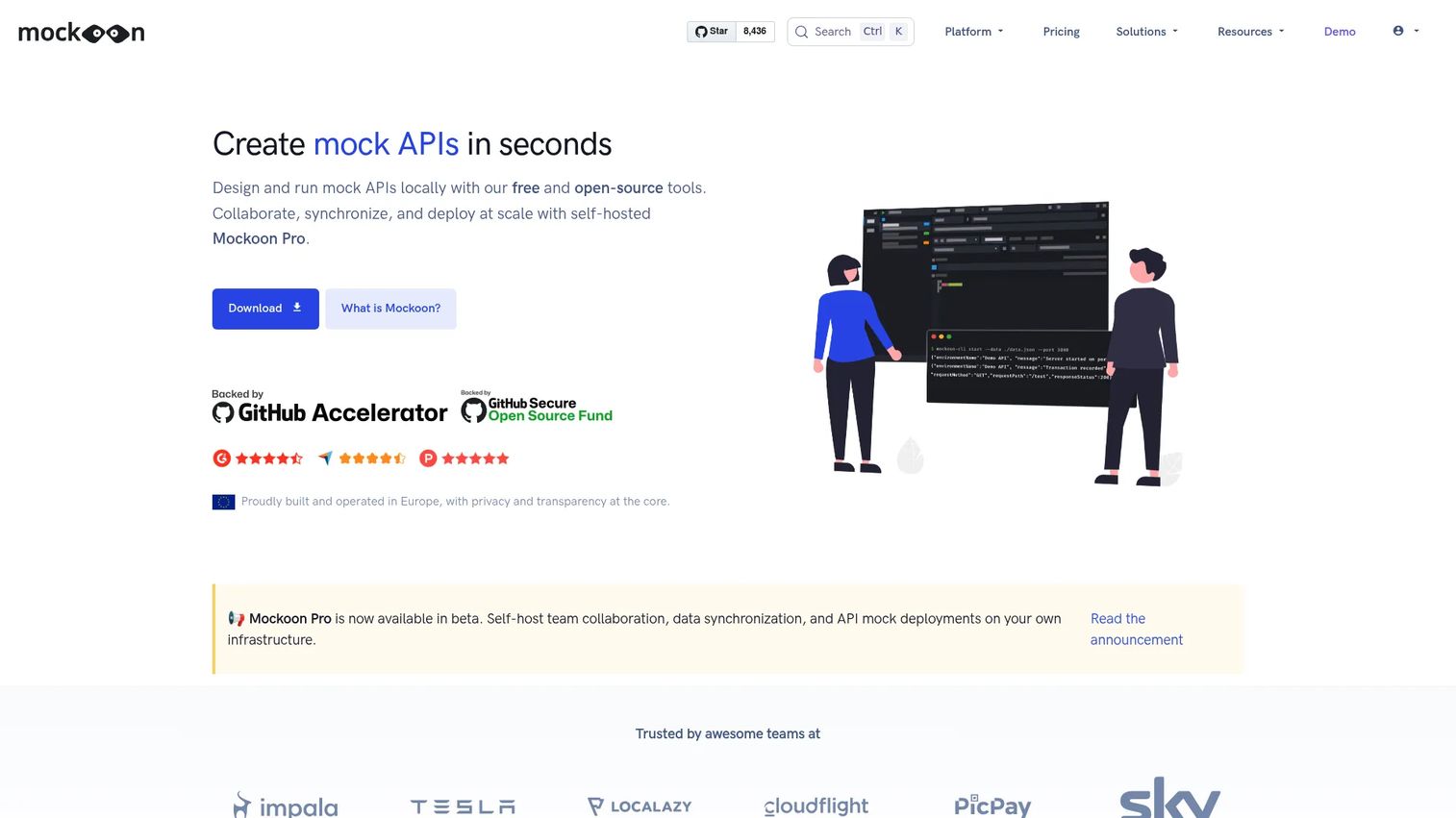
Mockoon is a local API mocking tool for teams that need to simulate endpoints before backend dependencies are ready. It runs as a desktop application or CLI without requiring cloud connectivity, which keeps mock data local and avoids exposing test responses outside the team. OpenAPI import and export means it connects cleanly with existing specification workflows.
Best for: Product and engineering teams validating frontend behavior, integration flows, and error states before a live API dependency is available.
Key features
- Unlimited local mock API servers with custom routes and responses
- OpenAPI and Swagger import and export
- Rule-based multiple responses, templating, and stateful CRUD operations
- Request recording, replay, and proxy mode
- CLI, Docker, HTTPS, and WebSocket support
Why choose Mockoon: From a roadmap risk perspective, it lets teams validate onboarding flows, integration UX, and error state handling earlier in the release cycle. Testing against a mock of an upstream API that is not yet complete is cheaper than discovering a gap during QA with a shared staging environment.
Mockoon pricing: The open source desktop application is free. The Team plan for self-hosted collaboration is €10 per license per month billed annually (€120 per license per year). Enterprise pricing requires a sales conversation.
G2 rating: 4.5/5
12. Kong Gateway
Kong Gateway belongs later in the lifecycle than every other tool in this list. It manages traffic, authentication, rate limits, and observability in production rather than replacing design, testing, or documentation tooling. It is cloud-native and supports hybrid, multi-cloud, Kubernetes, and on-premises deployments. For a dedicated comparison of gateway options, the API gateway software guide covers this category in full.
Best for: Platform and infrastructure teams that need API routing, authentication, rate limiting, plugin extensibility, and operational controls at production scale.
Key features
- API traffic routing with declarative CI/CD configuration
- Authentication, rate limiting, and request/response transformations via plugins
- Hybrid, multi-cloud, Kubernetes, and on-premises deployment options
- Observability, analytics, and gateway policies
- Plugin-based extensibility with a broad community ecosystem
Why choose Kong Gateway: For PMs working on platform products or public APIs, it converts product requirements like access tiers, usage quotas, and secure partner integrations into enforceable runtime controls. Those controls matter most when an API reaches the volume where a single misconfigured endpoint affects multiple customers simultaneously.
Kong Gateway pricing: A free tier covers 1 million API requests per month. The Konnect hybrid API gateway starts at $200 per month per control plane. Additional request volume is priced at $200 per additional million requests per month. Gateway Enterprise uses custom pricing available through sales.
G2 rating: 4.4/5
Considerations when choosing API development tools
Start with the bottleneck, not the broadest platform
Identify whether the recurring delay in your API program sits at contract design, integration testing, consumer documentation, dependency mocking, generated SDKs, or production governance. A team whose partners struggle with onboarding needs documentation tooling first. A team whose QA cycle runs on shared staging environments needs mocking first. Buying a full platform for one stage creates maintenance overhead that rarely gets used.
Treat API specifications as product artifacts
Evaluate how each tool handles OpenAPI and related standards. The specification should be the source of truth for what a developer can build, what errors they should expect, and what changes are safe across versions. Tools that keep the spec outside Git or generate it as an afterthought create drift between implementation and documentation that compounds with every release.
Check workflow fit with Git and CI
Ask where collections, specifications, test cases, and generated code live. A tool that sits outside pull requests and release pipelines creates manual reconciliation later. The best configurations make API test assets a first-class artifact in the same review process as the code they validate.
Measure API consumer experience as a product metric
For customer-facing or partner APIs, documentation quality is product quality. Evaluate whether a tool's output includes search, request examples, version management, clear error explanations, and authentication guidance. A try-it console that reflects the current spec reduces support load more than any macro or chatbot can.
Match governance requirements to organization size
A two-person product team does not need enterprise access controls on day one. A multi-squad platform program needs role-based access, design rules, audit trails, and ownership assignments before API sprawl becomes expensive to untangle. Buying governance tooling before the team has a consistent spec baseline is a common and costly sequencing mistake.
Conclusion
No single tool belongs in every API stack. The right starting point depends on which lifecycle stage is currently delaying integration work, launches, or developer adoption.
Postman handles the broadest set of jobs for teams that want request testing, automation, and collaboration in one workspace. Swagger provides the open source foundation for spec-first design and generated documentation. Insomnia, Hoppscotch, and Bruno address API client needs with different preferences around protocol support, storage model, and browser access. Redocly and SwaggerHub serve documentation, governance, and API program maturity requirements. Stoplight Studio makes visual OpenAPI design approachable across product and engineering. OpenAPI Generator automates SDK and stub creation from a contract. Mockoon reduces the cost of testing work before a live dependency exists. Kong Gateway enforces runtime controls once an API reaches production traffic.
Pick the tool category that removes your most immediate bottleneck. Add adjacent tooling only when the workflow proves it needs it.
For further reading, the API testing tools and API documentation tools guides cover those stages in greater depth, and application security testing software is worth reviewing once an API reaches external exposure.
Start your journey with Guideflow today!
FAQs
The answer starts with identifying which lifecycle stage is creating delays: Unclear contracts, unreliable integration testing, weak documentation, or governance gaps. For most teams, Postman covers the broadest ground for testing and collaboration, while Redocly or SwaggerHub addresses documentation and governance needs. Start with the stage that is slowing partner integrations or developer adoption, then expand the stack from there.
API development tools help teams design, test, mock, document, and generate APIs during the build process. API management tools focus on publishing, securing, governing, monitoring, and controlling production API traffic after deployment. Kong Gateway is the API management tool in this list; the others address development-stage work. The categories complement each other but do not replace one another.
Swagger's core toolset (Editor, UI, and Codegen), Bruno, OpenAPI Generator, and SoapUI Open Source are all free and open source. Hoppscotch, Insomnia Essentials, Postman's free plan, Mockoon's desktop application, and Stoplight Studio's free tier also cost nothing to start. Verify current feature limits and licensing terms on each vendor's site before committing a team to a free tier.
PMs do not need to author every specification, but they benefit from understanding the core elements: Endpoints, request and response schemas, authentication methods, versioning conventions, error behavior, and change management practices. That knowledge helps evaluate integration scope accurately, avoid assumptions about backward compatibility, and have productive conversations with engineering about what a breaking change actually costs.
Postman covers REST and GraphQL testing within its broader platform. Insomnia handles both protocols plus gRPC and WebSockets in a client focused on protocol breadth. Hoppscotch and Bruno also support both. The decision between them comes down to storage preferences (cloud vs. local Git), whether CI integration through a CLI matters, and whether the team needs browser-based access without a local install. See the API testing tools guide for a dedicated comparison.
Mocking tools let teams validate client experiences and integration flows before an upstream API is complete. Product managers can use them to test loading states, permissions, error handling, and edge cases earlier in the release cycle, which surfaces design gaps before engineering has committed to a specific implementation. Mockoon is well suited to this use case for teams that want a local, low-dependency setup.
Specification-driven documentation reduces drift between implementation and reference material when teams maintain the contract actively. Generated documentation still requires product quality inputs: Onboarding content, authentication guidance, concrete request examples, clear error explanations, and release notes. Generation handles structure and schema accuracy; the team still owns the narrative that helps a developer succeed quickly.
Evaluate traffic volume, authentication requirements, rate limit granularity, observability and alerting depth, deployment model (cloud, hybrid, or self-hosted), plugin ecosystem size, and compatibility with existing infrastructure. For teams running Kubernetes workloads or multi-cloud deployments, Kong Gateway's deployment flexibility is a meaningful factor. Operational ownership also matters: A gateway requires ongoing maintenance, and the team adopting it needs to own that work.