You picked a course platform in an afternoon. Six months later, you are fighting the checkout flow, exporting learner data by hand, and explaining to finance why the transaction fees keep climbing. The tool was never the problem. The fit was.
Most teams do not need more features. They need a platform that can host, sell, deliver, and maintain learning content without turning into a second job. That gap between "looks great in the demo" and "actually holds up at scale" is where platform regret lives.
The market is large enough that vendors can afford to over-promise. The global online course platform market was estimated at USD 20 billion in 2024 and is projected to reach USD 50 billion by 2033, growing at a 10.5% CAGR, according to Verified Market Reports (2024). Broader online learning platform revenue is projected to grow from USD 395.20 billion in 2026 to USD 640.12 billion by 2030, per The Business Research Company (2025). Demand is real. So is the noise.
The hard part is not finding a course platform. It is choosing the one that matches how you actually operate: whether you sell public courses, run memberships, coach clients, or certify a sales team on new messaging every quarter. Pricing model, delivery features, checkout, integrations, and maintenance burden all shift the answer. This guide compares eight platforms against those exact criteria.
What's inside
This guide is for anyone choosing an online course platform in 2026: solo creators, coaching businesses, membership operators, and enablement teams running internal training or certification. We evaluated each platform on five things that matter after the free trial ends: pricing transparency, course delivery features, checkout and payment support, integrations, and how much it scales without extra headcount.
The list spans four platform types: hosted course platforms, all-in-one business tools, WordPress LMS plugins, and community-first platforms. Each entry includes pricing, a free-plan or trial note, and a clear read on who it fits. No single winner. Just the right tool for your job.
TL;DR
- Best for creators starting fast: Teachable, for course building, payments, and digital products in one place.
- Best for education and training businesses: Thinkific, for branded course delivery without a full website stack.
- Best for engagement-heavy learning: LearnWorlds, for interactive video, assessments, and certificates.
- Best all-in-one for creators: Kajabi, when you want courses, email, funnels, and memberships under one roof.
- Best for lean operators: Podia, for quick publishing, memberships, and digital downloads.
- Best for community-led learning: Mighty Networks, when the course is inseparable from the community.
- Best for WordPress owners: LearnDash, for plugin-based control on a site you already run.
What is an online course platform?
An online course platform is software that lets you create, host, sell, and deliver educational content to learners, with built-in tools for payments, progress tracking, and student management. It replaces the patchwork of a video host, a checkout tool, and an email service with one system.
Platforms generally fall into four categories:
- Hosted course platforms: All-inclusive tools like Teachable and Thinkific that handle hosting, delivery, and payments out of the box.
- All-in-one platforms: Broader systems like Kajabi and Kartra that add email, funnels, and business automation around the course.
- WordPress LMS plugins: Tools like LearnDash that turn a WordPress site into a learning management system you fully control.
- Community-first platforms: Tools like Mighty Networks where courses live inside a member community.
Most platforms share a common feature set. The differences show up in depth and pricing, not the checklist:
- Course builder with modules, lessons, and multimedia
- Video hosting or delivery
- Quizzes, assessments, and certificates
- Drip content and scheduled release
- Checkout, payments, and subscriptions
- Analytics and learner progress tracking
- Integrations with CRM, email, and payment tools
A learning management system, or LMS, is the same idea seen from the delivery side: it emphasizes enrollment, tracking, and completion. Many course platforms now include full LMS functionality, which is why the terms overlap in most buying conversations.
When to use an online course platform
Not every learning goal needs the same tool. Match the platform to the job before you match it to the price.
Launch a first paid course quickly
If your priority is getting a paid course live this month, hosted course platforms are usually the fastest route. Templates, built-in payments, and guided setup remove most of the friction. You focus on content and pricing, not infrastructure. Teachable, Thinkific, and Podia all fit this pattern for solo creators and small teams.
Sell training, memberships, or coaching from one place
When your revenue comes from more than one product line, all-in-one platforms earn their cost. Recurring memberships, coaching packages, digital downloads, and bundled offers benefit from shared checkout, email, and customer records. Kajabi and Kartra package the full lifecycle so you are not stitching tools together across the funnel.
Run internal training or certification at scale
For enablement and internal training, governance beats visual polish. You need admin roles, versioning, completion tracking, and reporting that ties learning to outcomes. Certification paths, ramp tracking, and integrations into your CRM and analytics stack matter more than a slick storefront. This is the sales-enablement use case: onboarding new reps, rolling out product training, and certifying talk tracks after a messaging change. LearnWorlds and LearnDash both support structured, trackable learning programs for teams.
Comparison table
Read this table as a shortlist filter, not a scoreboard. Intent tells you who each platform is built for. Key differentiation is the one thing it does better than the rest. Pricing reflects publicly listed starting tiers as of July 2026, and G2 ratings are current at the time of writing. Match the intent column to your situation first, then dig into the sections below.
| # | Product | Intent | Key differentiation | Pricing | G2 rating |
|---|---|---|---|---|---|
| 1 | Teachable | Creators selling courses and digital products | Fast setup with built-in payments and tax handling | From $39/mo | 3.8/5 |
| 2 | Thinkific | Education and training businesses | Branded learning commerce in one platform | From $82/mo (annual) | 4.5/5 |
| 3 | LearnWorlds | Engagement-focused learning products | Interactive video, assessments, certificates | From $29/mo | 4.7/5 |
| 4 | Kajabi | All-in-one creator businesses | Courses plus email, funnels, memberships | From $143/mo (annual) | 4.1/5 |
| 5 | Podia | Lean creators and small operators | Simple all-in-one selling and publishing | From $42/mo | 4.4/5 |
| 6 | Mighty Networks | Community-led learning | Courses built into a member community | From $79/mo | 4.6/5 |
| 7 | Kartra | Marketers selling via funnels | Checkout and automation-driven course sales | From $59/mo | Not listed |
| 8 | LearnDash | WordPress site owners | WordPress-native LMS control | From $199/yr | 4.2/5 |
1. Teachable
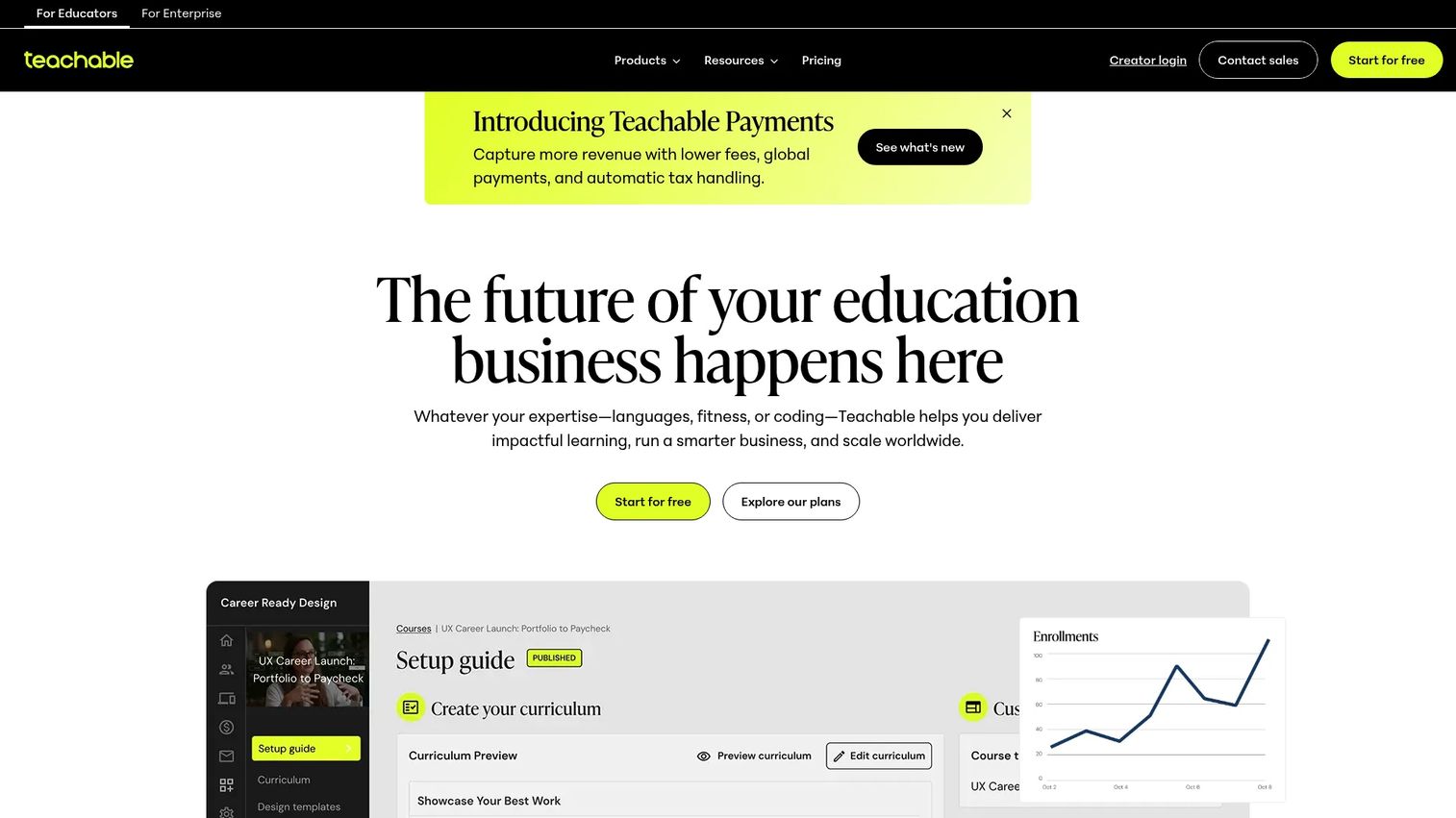
Teachable is a course and digital product platform built for creators and small businesses that want to sell without building infrastructure. It handles course hosting, memberships, coaching, and digital downloads, and it takes on the parts most creators dread: payments, checkout, and tax handling. For a first paid course, few tools get you to a working storefront faster.
Best for: Creators and small teams who want to launch a paid course and related digital products quickly.
Key strengths
- Course creation and hosting: Build structured courses with lessons, multimedia, and student progress tracking.
- Memberships, coaching, and downloads: Sell more than courses from one account, including recurring and one-off products.
- Payments, taxes, and checkout: Built-in checkout with tax handling removes a common operational headache for solo sellers.
Why choose Teachable: If you want to sell this quarter and worry about optimization later, Teachable removes the setup tax. It is a strong starting point for creators who do not want to manage a website stack, a separate checkout, and a tax processor. The trade-off is that it stays focused on selling content, not broader business automation.
Teachable pricing: Plans start at $39/mo for Starter, then $89/mo for Builder and $189/mo for Growth, all billed monthly with annual discounts shown on the pricing page. A custom Sellers plan is available through sales. There is no permanent free plan, but Teachable offers a 7-day free trial and a 30-day money-back guarantee. All prices are in USD.
2. Thinkific
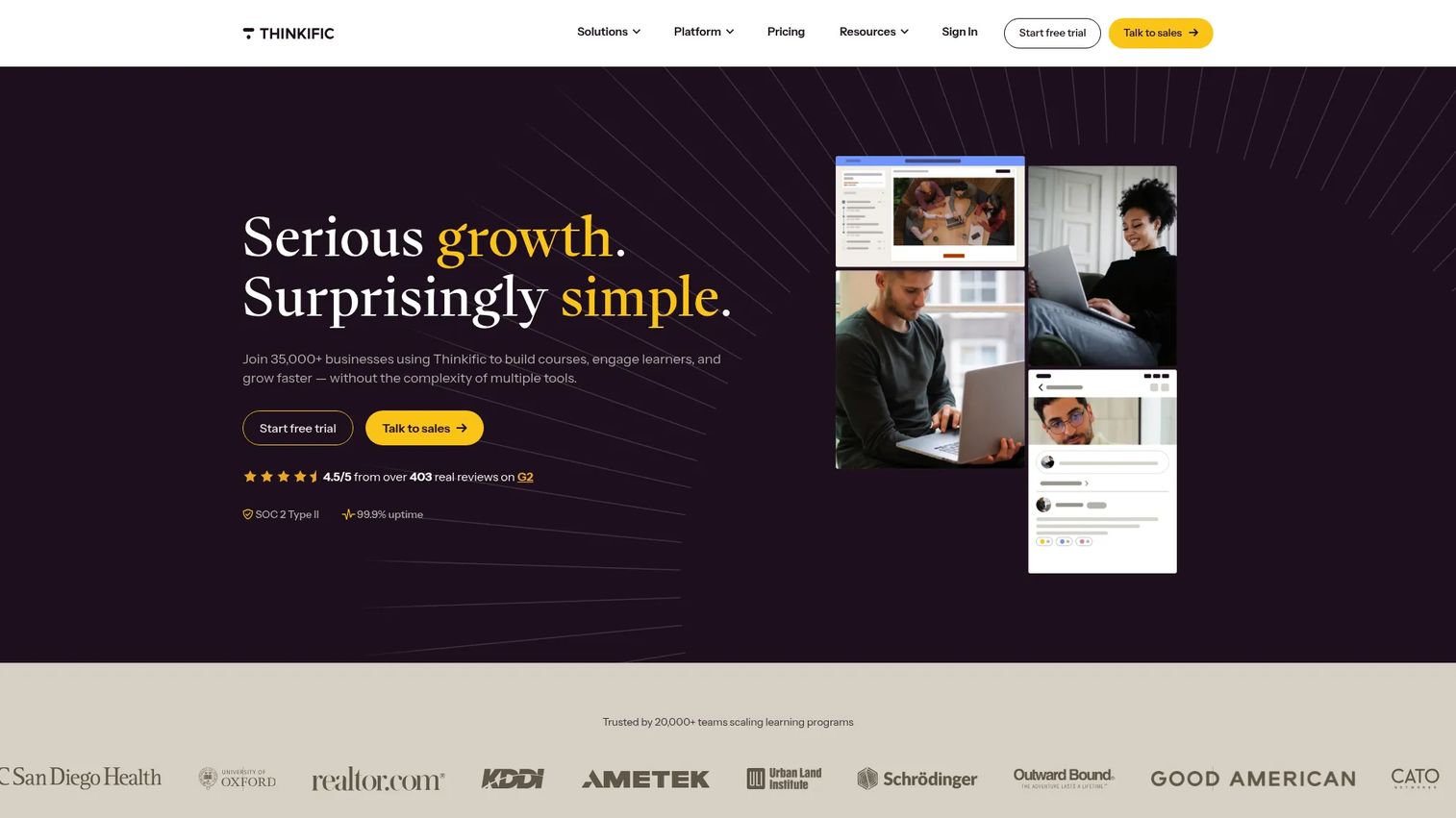
Thinkific is an online learning commerce platform for businesses that want to create and sell courses, communities, memberships, coaching, and webinars in one place. It leans toward operational simplicity: you get branded course delivery without assembling a full website. That makes it a common pick for education and training businesses that treat courses as a core product, not a side offer.
Best for: Businesses that want to sell and manage online learning products in one branded platform.
Key strengths
- Course builder with AI assistance: Create courses faster with AI-assisted course generation alongside a standard builder.
- Communities, memberships, and coaching: Bundle courses with communities, digital downloads, and webinars for recurring revenue.
- Commerce tools and automation: Built-in payments, selling tools, and automation keep the buying flow inside the platform.
Why choose Thinkific: Thinkific fits teams that want course delivery to feel like a product, not a project. The branded learning experience and commerce tools support education businesses scaling past a single course. For enablement teams, the structured delivery and completion tracking make it usable for customer education programs too.
Thinkific pricing: The Start plan is listed at $109/mo billed monthly or $82/mo billed annually. Public plans include Basic, Start, Grow, and Expand, and Thinkific also references an enterprise Thinkific Plus tier. There is no permanent free plan, though a free trial is available. Prices are in USD.
3. LearnWorlds
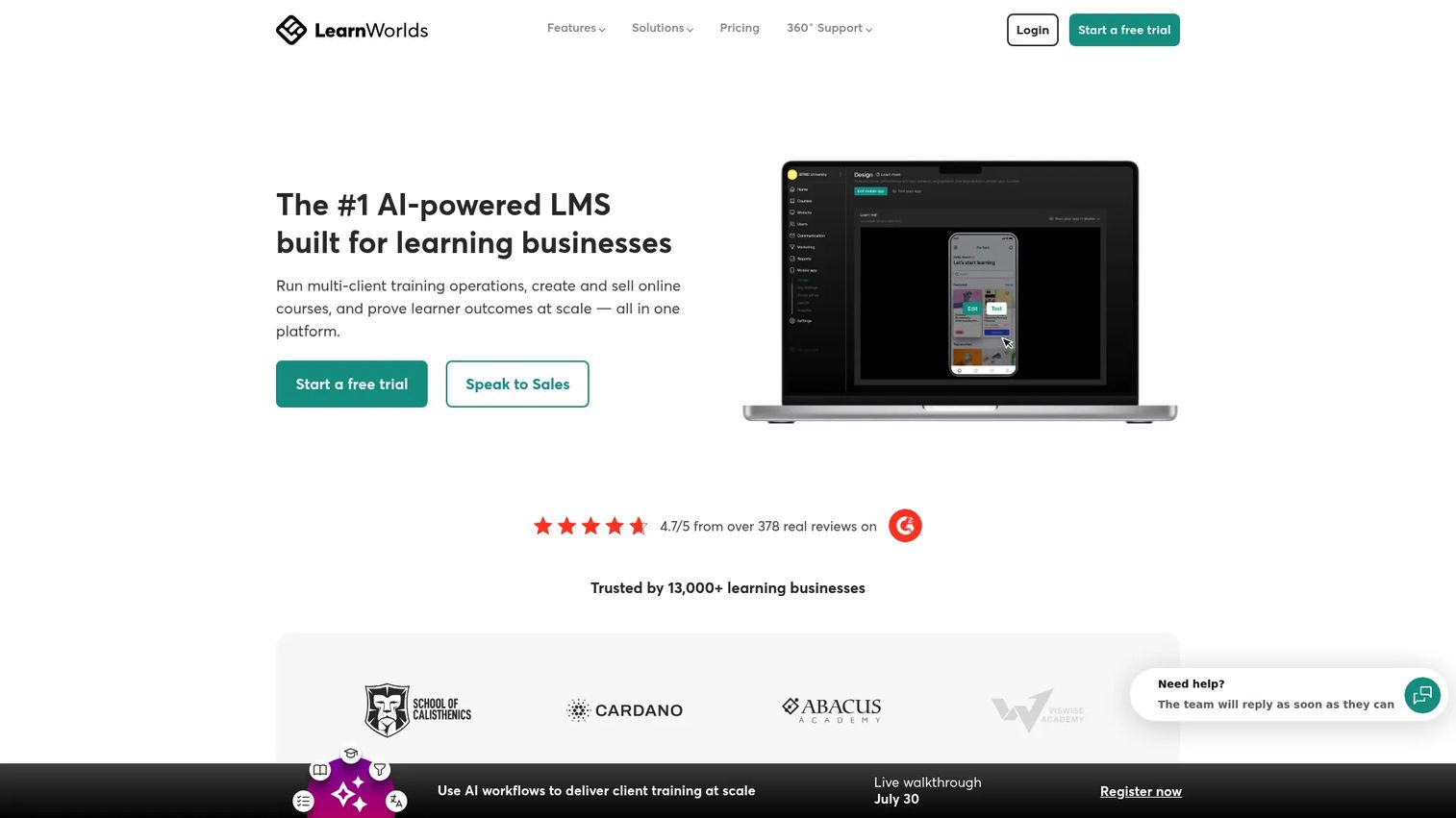
LearnWorlds is a cloud-based platform for building, selling, and managing branded online courses and structured learning programs. Where some tools stop at publishing, LearnWorlds pushes hard on engagement: interactive video, assessments, certificates, and live sessions. If completion and retention matter more than a bare-bones upload, this is the platform that treats learning design as a first-class feature.
Best for: Teams and creators building branded, engagement-heavy learning experiences they intend to sell.
Key strengths
- Unlimited free and paid courses: No cap on the number of courses you build and offer.
- Interactive learning tools: Interactive videos, assessments, certificates, and live sessions drive engagement and completion.
- White-labeling and monetization: Subscriptions, bundles, funnels, and analytics support a fully branded learning business.
Why choose LearnWorlds: When engagement features matter more than fast publishing, LearnWorlds earns its place. The assessment and certificate tools make it a strong fit for structured learning products and certification programs, including internal training where completion and proof of knowledge count. It rewards teams willing to invest in course design.
LearnWorlds pricing: Starter begins at $29/month, Pro Trainer at $99/month, and Learning Center at $299/month, with a High Volume & Corporate tier available through sales. Monthly and yearly views are shown, with annual discounts on the pricing page. Prices are in USD.
4. Kajabi
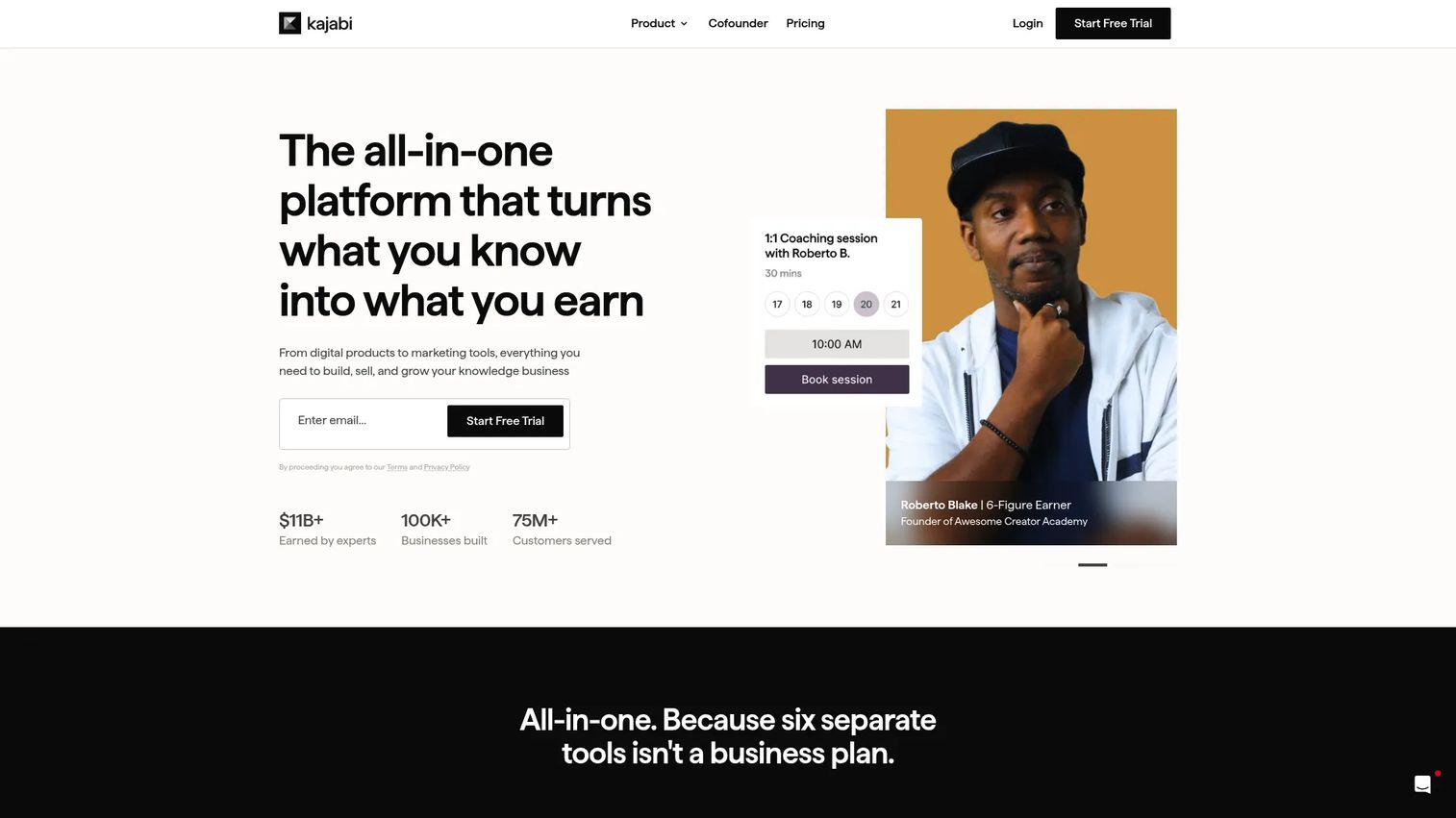
Kajabi is an all-in-one platform for creators and knowledge businesses that want to build, market, and sell courses, communities, coaching, and digital products from one system. The pitch is consolidation: course hosting sits alongside marketing emails, funnels, websites, and landing pages. For creators tired of paying for and connecting five separate tools, that single-stack model is the draw.
Best for: Creators and knowledge businesses that want courses, marketing, and payments in one system.
Key strengths
- Course and product hosting: Host courses, memberships, and digital products in a unified system.
- Marketing emails and funnels: Run email campaigns and sales funnels without a separate marketing tool.
- Websites and landing pages: Build websites, landing pages, and communities to support the full customer journey.
Why choose Kajabi: Kajabi fits creators and businesses that want fewer tools in the stack and will use the marketing side, not just the course side. Kajabi states there are no hidden fees or revenue sharing, which matters as sales scale. If you only need a simple LMS to publish one course, the broader feature set can be more than you need, so weigh that against the price.
Kajabi pricing: Basic starts at $143/mo billed annually ($179/mo monthly), Growth at $199/mo billed annually ($249/mo monthly), and Pro at $399/mo billed annually ($499/mo monthly). Pricing is transparent with no revenue sharing. Prices are in USD.
5. Podia

Podia is an all-in-one platform for creators who want to sell courses, digital downloads, coaching, events, and community without stitching together multiple tools. Its strength is ease of use and launch speed. You get a website builder, checkout, email marketing, and customer messaging in one place, which makes it a practical choice for lean operators who value shipping over configuration.
Best for: Creators who want one simple platform to sell content and manage their audience.
Key strengths
- Broad product range: Sell courses, digital downloads, coaching, events, and community from a single account.
- Website and marketing tools: Custom domains, a drag-and-drop website builder, blog, landing pages, and SEO come built in.
- Built-in email and checkout: Email marketing, customer messaging, and checkout mean fewer external tools to manage.
Why choose Podia: Podia is the practical, good-enough option for many solo operators who do not want complexity. It publishes fast and covers the essentials without overwhelming you. The Mover tier includes 5% transaction fees, so if fees eat into thin margins, the fee-free higher tiers are worth the step up.
Podia pricing: Mover is $42/mo ($504 billed annually) with 5% fees and 50 products, Shaker is $84/mo ($1,008 billed annually) with no fees and 150 products, and Earthquaker is $150/mo ($1,800 billed annually) with no fees and unlimited products. A 30-day free trial is available. Prices are in USD.
6. Mighty Networks
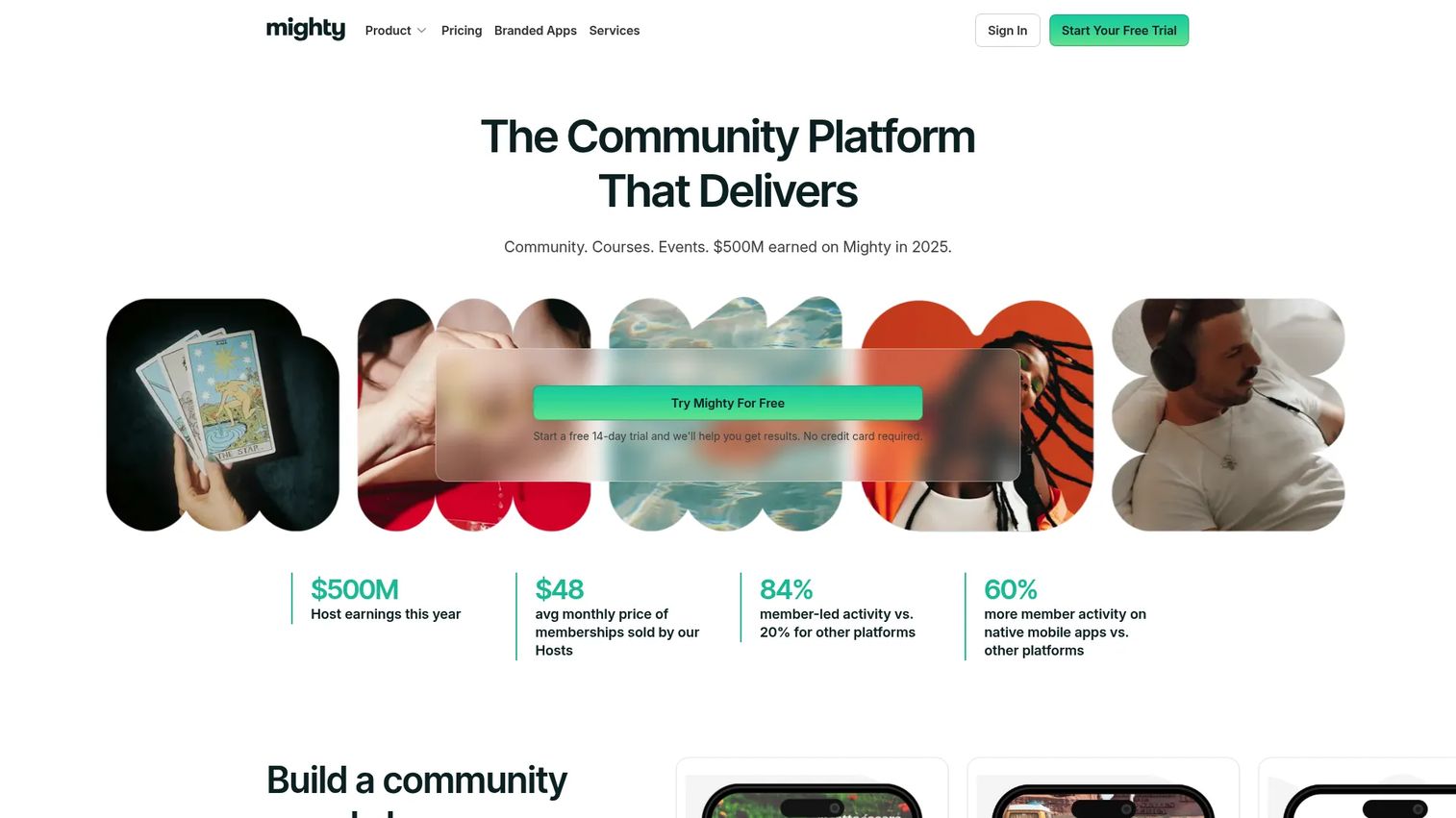
Mighty Networks is an all-in-one platform for building branded communities with courses, events, memberships, and payments. It flips the usual model: instead of a course with a comment section bolted on, the community is the product and courses live inside it. If member engagement and discussion drive your learning, this is a different starting point than a course-first tool.
Best for: Creators and businesses building branded communities with monetization built in.
Key strengths
- Community engagement tools: Activity feeds, posts, polls, chat spaces, and events keep members active.
- Courses and certifications: Build courses, lessons, quizzes, and certifications inside the community.
- Integrations and automations: Connect via integrations, embeds, APIs, and automations to extend the platform.
Why choose Mighty Networks: Choose Mighty Networks when the course is inseparable from the community around it. It is stronger than a standard LMS when engagement, discussion, and belonging drive retention and renewals. For pure course-first selling with minimal community, a hosted platform will feel more direct, so let your model decide.
Mighty Networks pricing: The Launch plan starts at $79/month, the Scale plan is $179/month, and Mighty Pro is custom pricing through sales. A 14-day free trial is available with no credit card required. Prices are in USD.
7. Kartra
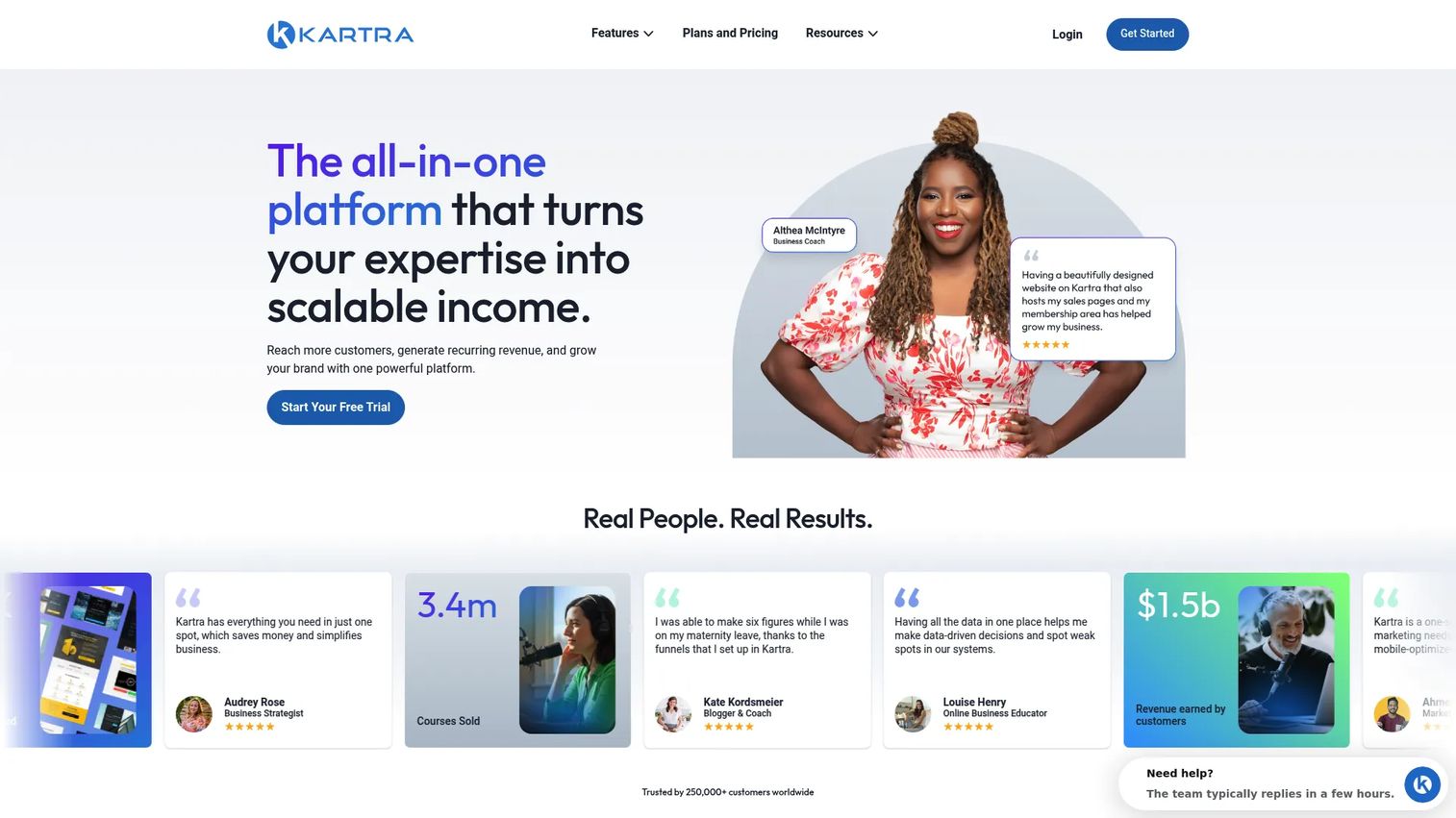
Kartra is an all-in-one marketing platform covering pages, email, funnels, checkouts, memberships, and automation, with online courses as one piece of the stack. It fits marketers who want course sales wired tightly to acquisition and conversion workflows. The course is not the center of gravity here. The funnel is, which is exactly what some sellers want.
Best for: Creators and small businesses that want an integrated sales and marketing stack around their courses.
Key strengths
- Drag-and-drop page builder: Build sales pages, landing pages, and checkouts without code.
- Email marketing and automations: Run campaigns and behavior-based automations from the same platform.
- Memberships and online courses: Deliver courses and memberships inside the broader funnel system.
Why choose Kartra: Kartra fits marketers who see the course as part of a larger conversion machine, not a standalone product. If acquisition, funnels, and upsells are central to how you sell, the integrated stack pays off. If you only need to publish and deliver a course, expect more setup than a hosted course tool requires, and decide whether that depth is worth it.
Kartra pricing: Essentials starts at $59/mo, Starter at $119/mo, Growth at $229/mo, and Professional at $549/mo, with annual billing prices also shown. A 14-day free trial is available. Prices are in USD.
8. LearnDash
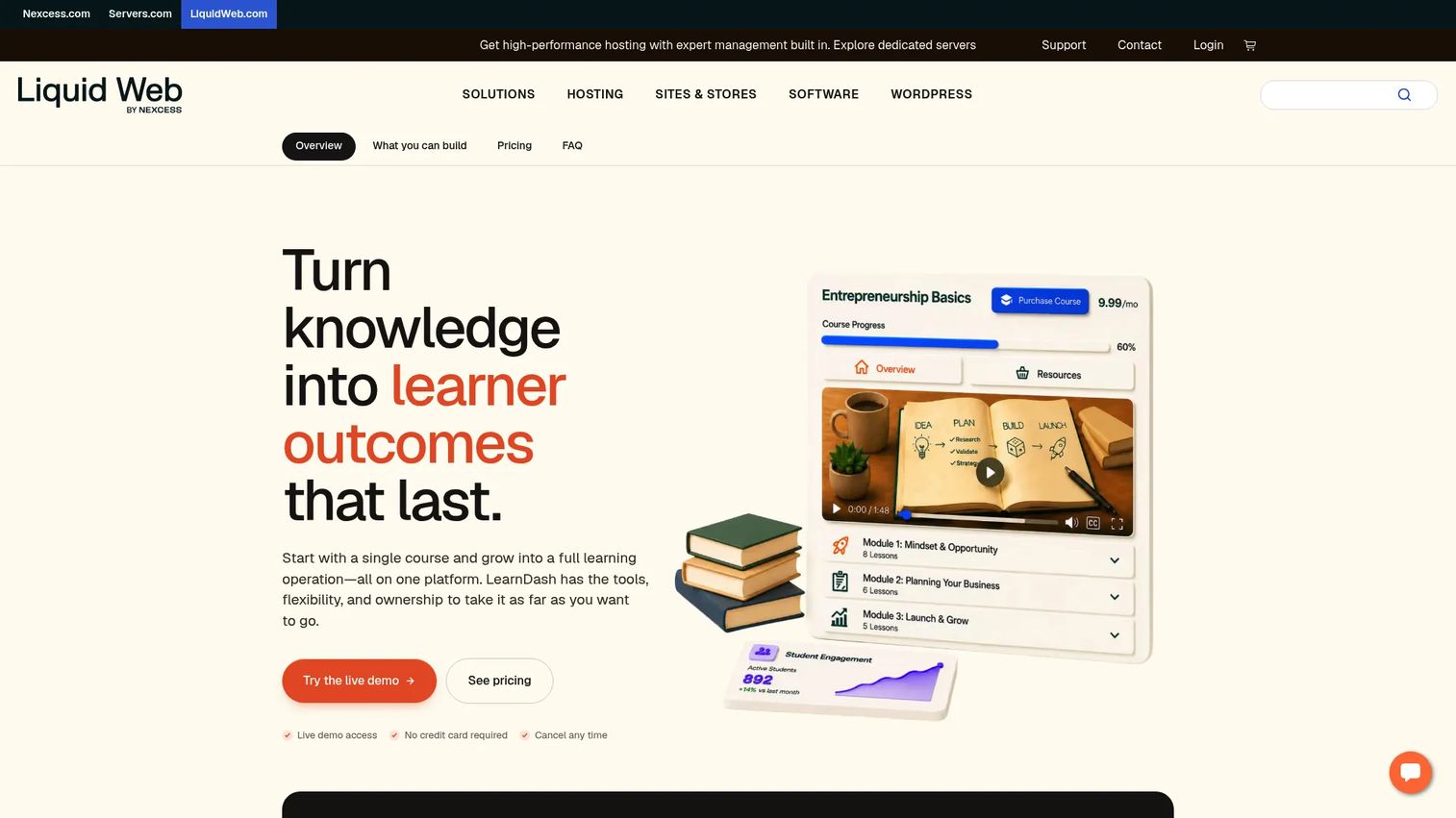
LearnDash is a WordPress LMS plugin for creating and selling online courses on a site you already own and control. If your business already runs on WordPress, LearnDash keeps everything in one place: your content, your branding, your data, your plugins. It trades hosted convenience for full ownership and customization, which is precisely the point for WordPress-committed teams.
Best for: Creators and businesses using WordPress to build and monetize online courses.
Key strengths
- Drag-and-drop course builder: Build structured courses directly inside WordPress.
- Focus Mode for learners: A distraction-free learning view keeps students on the lesson.
- PayPal and Stripe integration: Take payments through familiar processors without extra middleware.
Why choose LearnDash: LearnDash is the strongest WordPress-first option here. You get deep customization and full data ownership, and you can extend it with WordPress plugins and add-ons. The operational trade-off is that you manage hosting, updates, and the surrounding stack yourself, which is the cost of full control. For teams already committed to WordPress, that is usually a fair exchange.
LearnDash pricing: LearnDash LMS is sold as annual site licenses: $199/year for one site, $399/year for ten sites, and $799/year for unlimited sites. There is no free tier on the reviewed pricing page. Prices are in USD.
Considerations
Before you commit, pressure-test each shortlisted platform against the criteria that actually cause regret later.
Pricing model
Look past the sticker price. Check for transaction fees, revenue share, seat-based costs, and annual-only contracts. A cheap monthly plan with 5% fees can cost more than a fee-free higher tier once sales scale. Model your real volume, not the entry tier.
Course delivery
Confirm the delivery features you need are present: drip scheduling, video hosting, quizzes, assessments, and certificates. Engagement-heavy programs need more than an upload button. Certification programs need completion tracking and proof of knowledge, not just playback.
Payments and monetization
Map how the platform handles checkout, subscriptions, bundles, coupons, upsells, and taxes. If you sell internationally, tax handling is not a nice-to-have. Weak checkout quietly kills conversion, so test the buyer flow yourself before you decide.
Integrations
Your course platform does not live alone. Verify it connects to your CRM, email tool, analytics, and payment processors. For enablement teams, CRM and analytics integrations are what turn training completion into a measurable outcome instead of a vanity metric.
Scalability and governance
For any team use case, check branding controls, admin roles, permissions, reporting, and the maintenance burden. Governance is what keeps content current and consistent as your program grows. The platform that ships fast but cannot be maintained becomes the bottleneck.
Conclusion
The right online course platform depends on one question: what do you prioritize? Speed, monetization, community, or control.
For fast launches and creator-friendly selling, Teachable and Podia get you live with minimal setup. For education and training businesses that want branded delivery, Thinkific fits. When engagement and certification matter, LearnWorlds leads. If you want courses plus marketing and memberships in one system, Kajabi and Kartra consolidate the stack. When community drives the learning, Mighty Networks is built for it. And if you already run on WordPress, LearnDash gives you full control.
The practical next step is not to pick a winner from a table. Shortlist two or three platforms that match your intent, then test the two things that break most often: the course builder and the checkout flow. Build a real lesson, run a test purchase, and see how the platform feels under your actual workflow. Fit reveals itself fast when you use it, not when you read about it.
FAQs
For first-time creators, Teachable and Podia are the easiest to launch quickly. Both handle hosting, payments, and delivery out of the box, so you can focus on content instead of infrastructure. Teachable leans toward course-and-product selling, while Podia adds a simple website and email in the same low-friction package.
Kajabi and Mighty Networks both do memberships well, but for different reasons. Kajabi packages memberships with email, funnels, and courses for a full business stack. Mighty Networks is the stronger pick when membership value comes from community and ongoing engagement rather than content alone.
LearnDash is the clearest choice for WordPress owners. It runs as a plugin, so your courses, branding, and data stay inside a site you already control, and you can extend it with other WordPress plugins. The trade-off is that you manage hosting and updates yourself, which is standard for any self-hosted WordPress setup.
Podia, Kajabi, and Thinkific all support coaching alongside courses in one account. Podia suits lean operators who want simplicity. Kajabi fits businesses that also want marketing and funnels tied in. Thinkific works when you want branded delivery and structured learning products next to coaching.
Most do, but depth varies. LearnWorlds is built around assessments, certificates, and interactive learning, making it strong for structured or certification-driven programs. Mighty Networks and LearnDash also support quizzes and certifications. If proof of completion matters for internal training, confirm the certificate and tracking features on your shortlisted tools.
Hosted platforms like Teachable include built-in checkout and tax handling, which removes a lot of manual work for solo sellers. All-in-one tools like Kajabi and Kartra add subscriptions, bundles, and upsells. WordPress-based LearnDash relies on integrations like PayPal and Stripe, so you configure payments and tax handling through those processors.
Prioritize governance over polish: admin roles, permissions, versioning, completion tracking, and reporting. Integrations with your CRM and analytics stack are what connect training to real outcomes like ramp time and win rate. LearnWorlds and LearnDash both support structured, trackable programs that suit internal training and certification.
A hosted platform gives you control over branding, pricing, and customer data, which most creators want long term. A marketplace can offer built-in audience reach but takes a larger cut and owns the customer relationship. For a first paid course where you plan to build a repeatable business, a hosted platform like Teachable or Podia is usually the safer foundation.