Back-and-forth scheduling emails are costing you hours every week.
The average professional spends roughly 4.8 hours per week just coordinating meetings and appointments, according to a Doodle State of Meetings report. For service-based businesses - clinics, salons, consultancies - that number climbs higher when you add phone tag and manual calendar management.
Online appointment scheduling software fixes this. It gives clients a booking page, syncs with your calendar, sends automated reminders, and collects payments - all without you lifting a finger.
We researched over 30 appointment booking software tools and narrowed the list to 15 that actually deserve your attention in 2026. We evaluated each on ease of setup, integrations, automation, payment processing, team management, customization, and pricing. If you're also looking to streamline how prospects experience your product before booking, check out how interactive demos can complement your scheduling workflow.
In a hurry? Here are our top 3 picks:
| Pick | Tool | Why |
|---|---|---|
| Best for teams | Calendly | Polished UX, deep CRM integrations, enterprise-ready |
| Best for service businesses | Acuity Scheduling | Payments, intake forms, packages, multi-location |
| Best open-source option | Cal.com | Self-hostable, API-first, generous free tier |
What's inside
This guide covers 15 online scheduling tools across every category - from free options for solo providers to enterprise-grade meeting scheduling software for large teams. Each tool gets the same structured review so you can compare quickly.
After the reviews, you'll find a buyer's guide covering the features that actually matter, a decision framework mapped to business type, and answers to the eight most common questions about appointment scheduling systems.
TL;DR
- Calendly dominates team scheduling and sales workflows with deep CRM hooks
- Acuity Scheduling is the strongest pick for service businesses that collect payments at booking
- Square Appointments offers the most generous free plan for solo providers
- Cal.com gives developers and privacy-focused teams full control with open-source code
- TidyCal is the budget play - a one-time lifetime deal around $29
- 10to8 (Sign In Scheduling) reduces no-shows with multi-channel SMS and email reminders
Quick comparison table: all 15 tools at a glance
| Tool | Best For | Free Plan? | Starting Paid Price | Key Differentiator |
|---|---|---|---|---|
| Calendly | Team scheduling & enterprise | Yes (1 event type) | $10/seat/mo | Routing forms + CRM integrations |
| Acuity Scheduling | Service-based businesses | No | $16/mo | Payments, packages, intake forms |
| Square Appointments | Solo providers (free) | Yes (1 user) | $29/mo/location | Integrated POS + payment processing |
| Setmore | Small teams (free) | Yes (up to 4 staff) | $5/user/mo | Built-in video meetings |
| SimplyBook.me | Customizable booking sites | Yes (50 bookings/mo) | $8.25/mo | 70+ modular plugins |
| YouCanBookMe | Simple, no-fuss scheduling | Yes (1 calendar) | $10.80/user/mo | Dead-simple calendar sync |
| Google Calendar | Google Workspace users | Yes (personal) | $14/user/mo (Workspace) | Native Google integration |
| Microsoft Bookings | Microsoft 365 orgs | Included with M365 | $6/user/mo (M365 Basic) | Deep Teams + Outlook integration |
| Zoho Bookings | Zoho CRM users | Yes (1 staff) | $6/staff/mo | Native Zoho ecosystem sync |
| HubSpot Meetings | Sales & marketing teams | Yes (with free CRM) | $15/mo/seat | Automatic lead capture to CRM |
| Cal.com | Open-source / developers | Yes (individuals) | $15/user/mo | Self-hostable, API-first |
| Appointlet | Website embedding | Yes (limited) | $10/member/mo | Lightweight embeddable widget |
| Doodle | Group polling | Yes (basic polls) | $6.95/user/mo | Availability polling for groups |
| TidyCal | Budget lifetime deal | Yes | ~$29 one-time | No recurring fees ever |
| 10to8 (Sign In Scheduling) | Reducing no-shows | Yes (100 appts/mo) | ~$7.20/seat/mo | Multi-channel SMS + email reminders |
How we evaluated these appointment scheduling tools
Not every scheduling app deserves a spot on this list. Here's what we weighed for each tool:
- Ease of setup & booking UX - How fast can you publish a booking page, and how intuitive is the client-facing experience?
- Calendar & third-party integrations - Two-way sync with Google Calendar, Outlook, Zoom, Teams, Stripe, and CRM platforms.
- Automated reminders & workflows - Email and SMS confirmations, reminders, and follow-up sequences that reduce no-shows.
- Payment processing - Ability to collect deposits, full payments, or no-show fees through Stripe, Square, or PayPal.
- Team & staff management - Round-robin assignment, collective scheduling, multi-staff calendars, and multi-location support.
- Customization & branding - White-label booking pages, custom intake forms, branded notifications.
- Pricing & value - Free tier generosity, per-user cost, and feature-to-price ratio.
We prioritized tools with active development and feature updates shipping in 2025–2026. Abandoned or stagnant products didn't make the cut.
1. Calendly - best for team scheduling and enterprise use
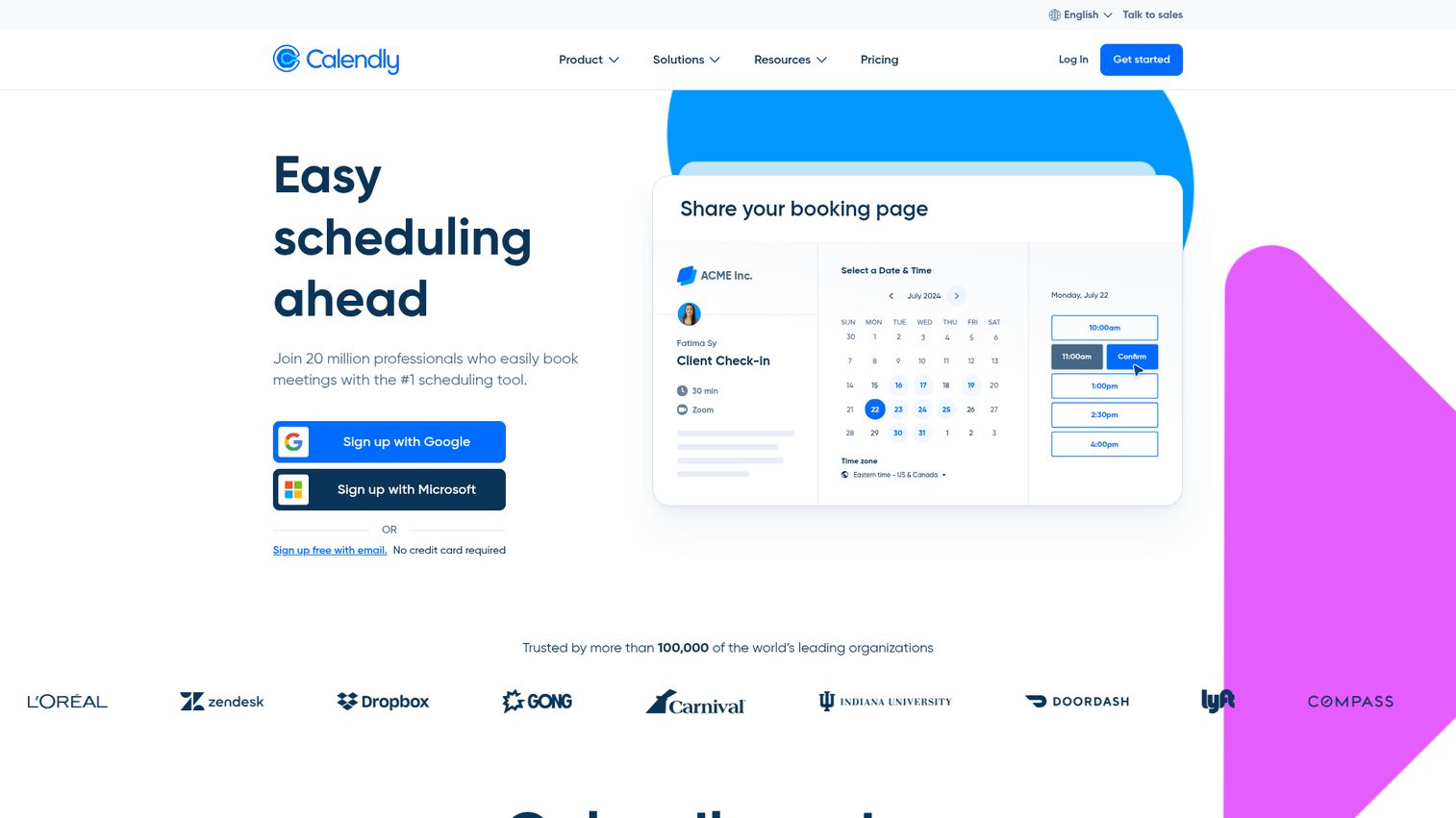
Calendly is the most widely recognized meeting scheduling software on the market, used by over 20 million users across organizations of every size. You can explore the platform hands-on through this Calendly interactive demo.
Where Calendly pulls ahead is team-oriented features. Round-robin distribution, collective scheduling (find time across multiple calendars), and routing forms that qualify leads before they book - these are the tools sales and recruiting teams tend to rely on daily. The Salesforce and HubSpot integrations are native and deep, not just Zapier workarounds.
Best for: Sales teams, recruiters, consultants, and mid-to-large organizations needing sophisticated team scheduling.
Key strengths
- Round-robin, collective, and group event types
- Native Salesforce, HubSpot, and Zoom integrations
- Routing forms for lead qualification before booking
- Polished, intuitive client-facing booking experience
- Enterprise-grade security with SSO and SCIM
Pricing: Free (1 event type); Standard $10/seat/mo; Teams $16/seat/mo; Enterprise custom. Pricing as of 2026 - verify on Calendly's pricing page.
The trade-off: Calendly's free tier is restrictive (one event type only), and payment collection isn't its strong suit. If you're a service business that needs to charge at booking, Acuity is a better fit.
2. Acuity Scheduling (by Squarespace) - best for service-based businesses
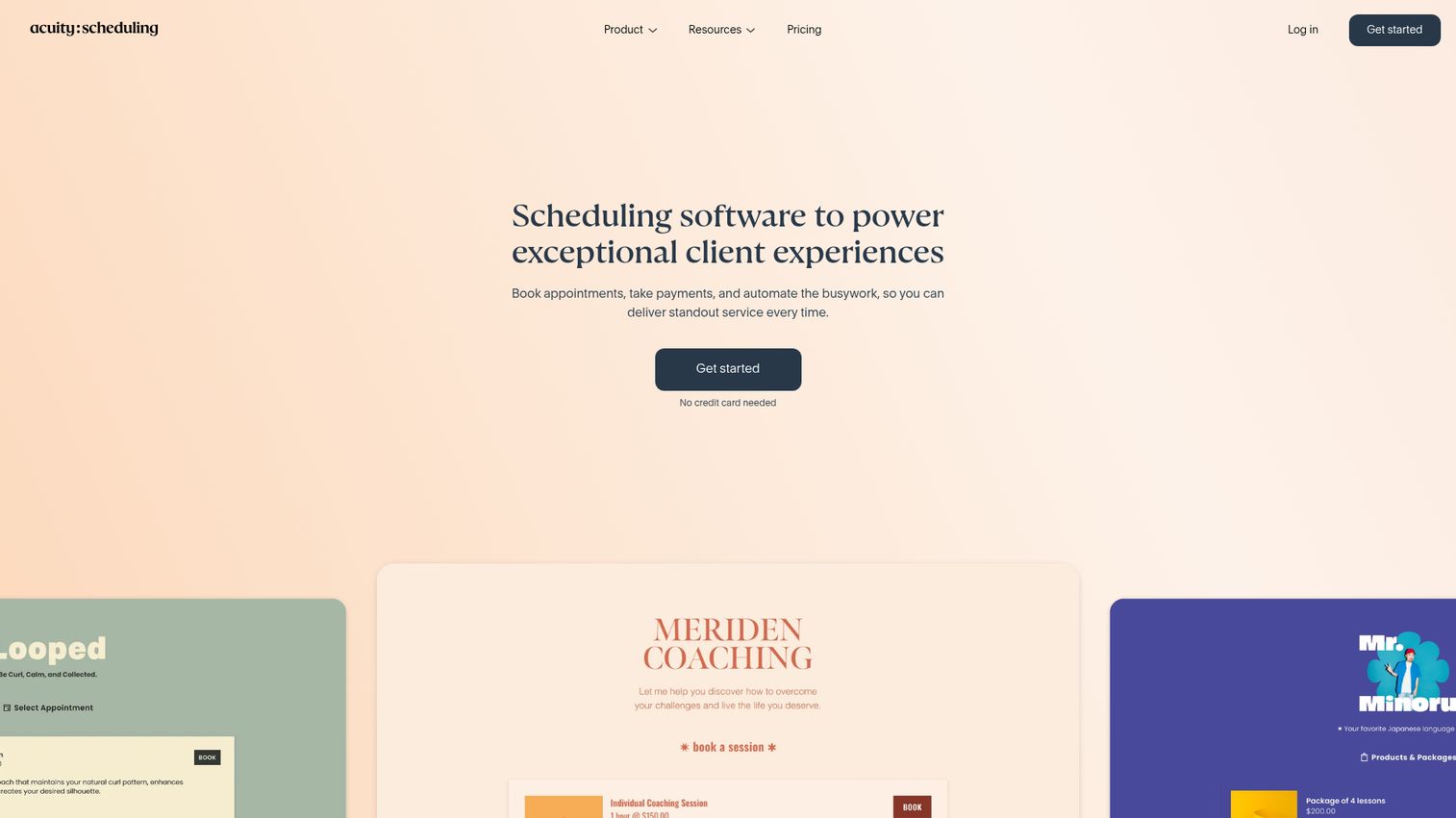
Acuity Scheduling is purpose-built client booking software for service providers - salons, therapists, coaches, photographers, and fitness studios. See how the platform works with this Acuity Scheduling interactive demo.
It handles the things service businesses actually need: customizable intake forms, packages and gift certificates, no-show fees, multi-location staff management, and deep payment integration with Stripe, Square, and PayPal. You can also schedule classes and group workshops, which most competitors can't do natively. Acuity offers HIPAA compliance on higher-tier plans, making it viable for healthcare providers.
Best for: Beauty, wellness, fitness, coaching, and any business that collects payments at the time of booking.
Key strengths
- Robust payment collection with deposits and no-show fees
- Class, workshop, and group session scheduling
- Customizable intake forms per appointment type
- Multi-location and multi-staff calendar management
- HIPAA-compliant option on Powerhouse plan
Pricing: No free tier. Emerging $16/mo; Growing $27/mo; Powerhouse $49/mo. Pricing as of 2026 - verify on Acuity's website.
The downside: no free plan, and the interface feels slightly dated next to Calendly's polish. If you're already on Squarespace for your website, though, the native integration is a strong draw.
3. Square Appointments - best free option for solo providers
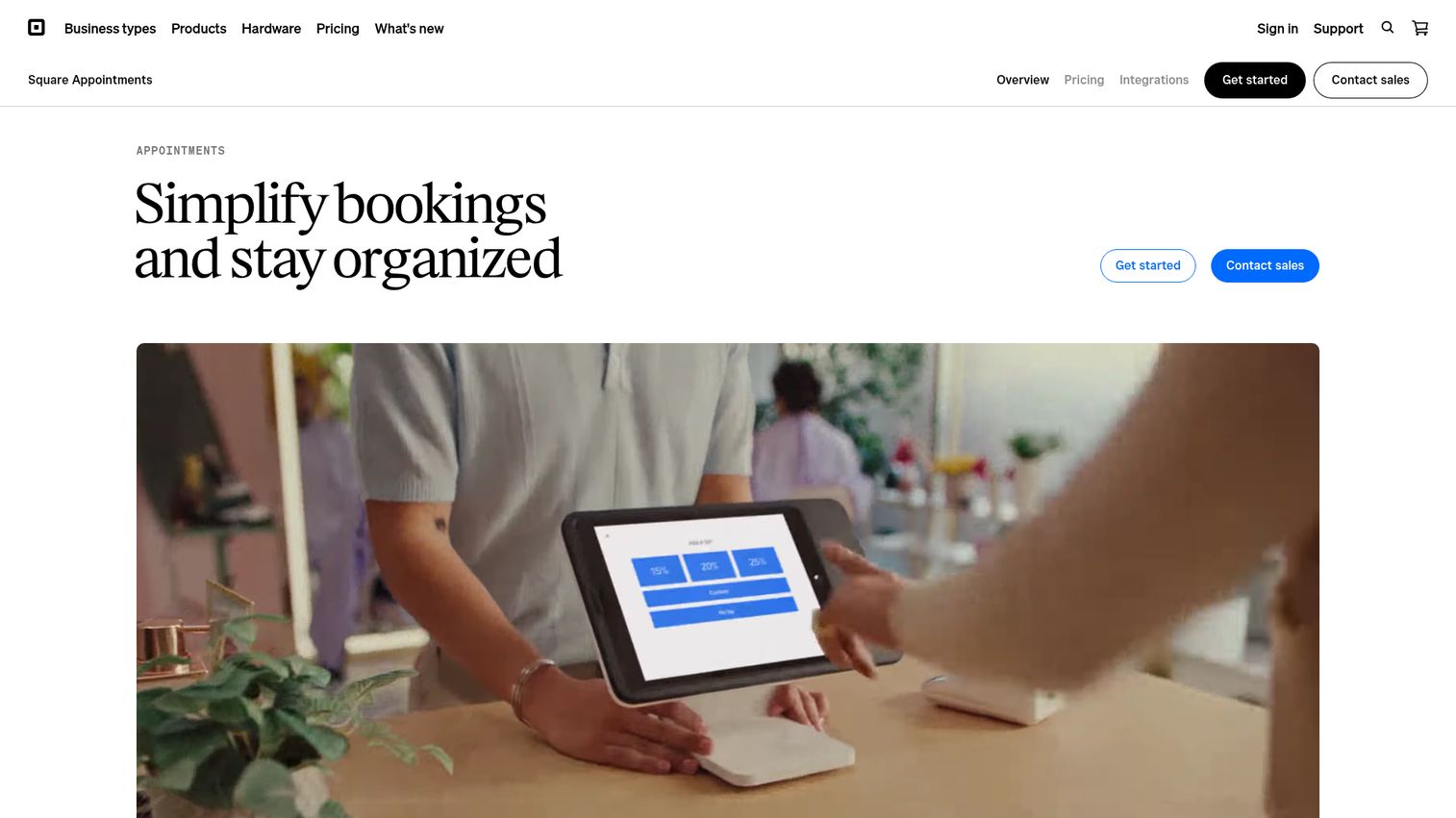
Square Appointments is the most generous free scheduling tool for individual service providers - barbers, nail techs, personal trainers, and solo consultants.
The free plan includes unlimited bookings for one user, integrated payment processing through Square, automated reminders, and the ability to accept bookings from Instagram and Google. You also get no-show protection by charging cancellation fees. It's a full appointment booking system at zero cost, as long as you're a team of one.
Best for: Solo practitioners and small retail businesses already using or willing to use Square for payments.
Key strengths
- Completely free for single-user businesses
- Integrated POS and payment processing via Square
- Instagram and Google booking integration
- Automated reminders and no-show fee collection
- Built-in client management and notes
Pricing: Free (1 user); Plus $29/mo/location; Premium $69/mo/location. Pricing as of 2026 - verify on Square's website.
The catch: you're locked into Square's payment ecosystem. If you already use Stripe or PayPal, that's a friction point. Customization on the free plan is also limited.
4. Setmore - best free plan for small teams
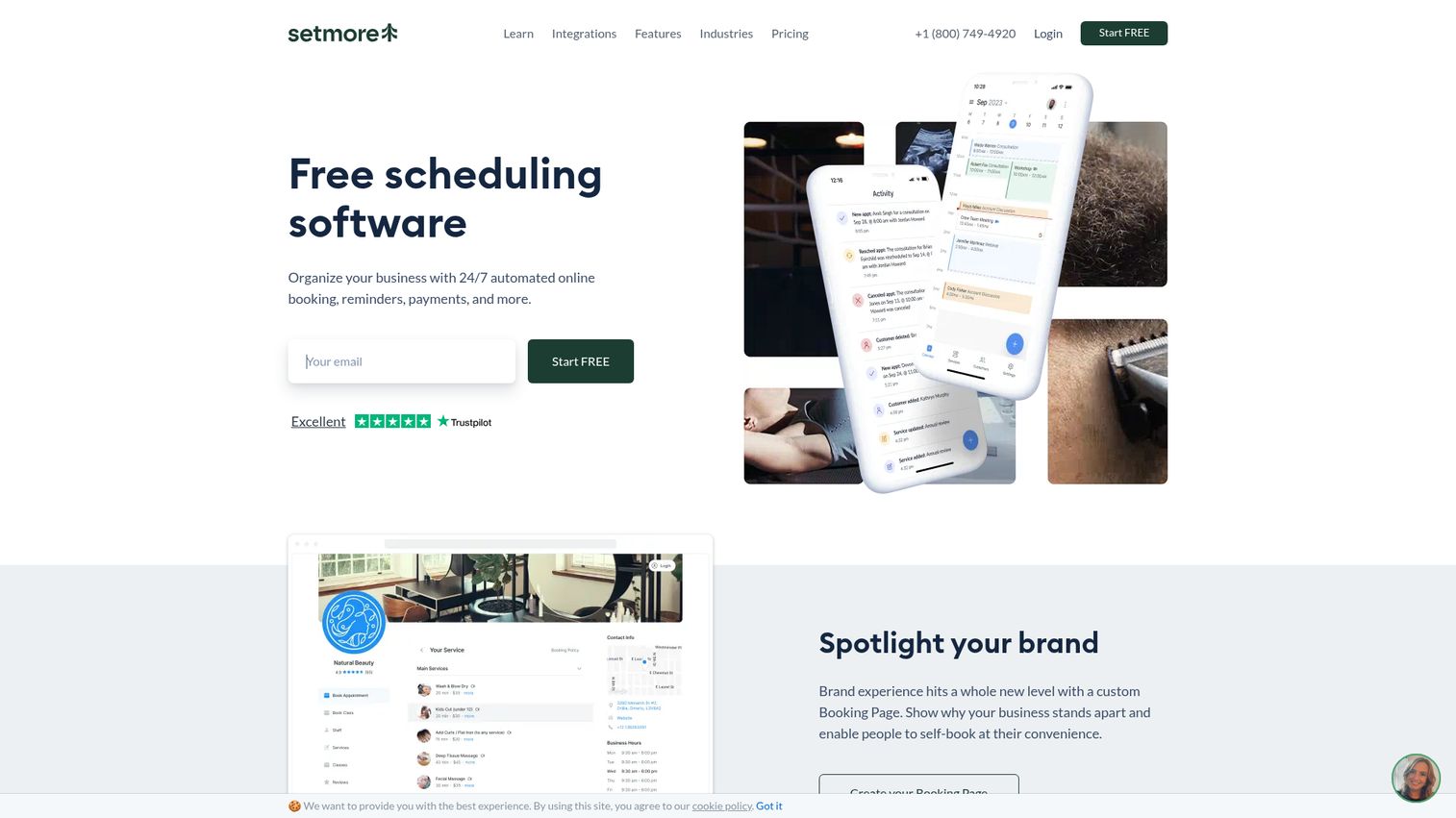
Setmore stands out as a free scheduling tool that supports up to four staff profiles - most competitors cap their free tier at one. Take a closer look via the Setmore interactive demo.
It includes an online booking page, two-way calendar sync, Stripe and Square payments, and social media booking buttons for Instagram and Facebook. The built-in video meeting feature (called Teleport) means you don't need a separate Zoom subscription for virtual appointments. For a small team on a tight budget, it's hard to beat.
Best for: Small teams of 2–4 people who want free booking software with built-in video meetings.
Key strengths
- Free plan supports up to four staff profiles
- Built-in video meetings without third-party tools
- Social media booking via Instagram and Facebook
- Two-way sync with Google and Outlook calendars
- Stripe and Square payment integration
Pricing: Free (up to 4 staff); Pro $5/user/mo; Team $5/user/mo. Pricing as of 2026 - verify on Setmore's website.
Limitations: automation on the free plan is basic, reporting is thin, and the integration library is smaller than Calendly's or Acuity's.
5. SimplyBook.me - best for highly customizable booking websites
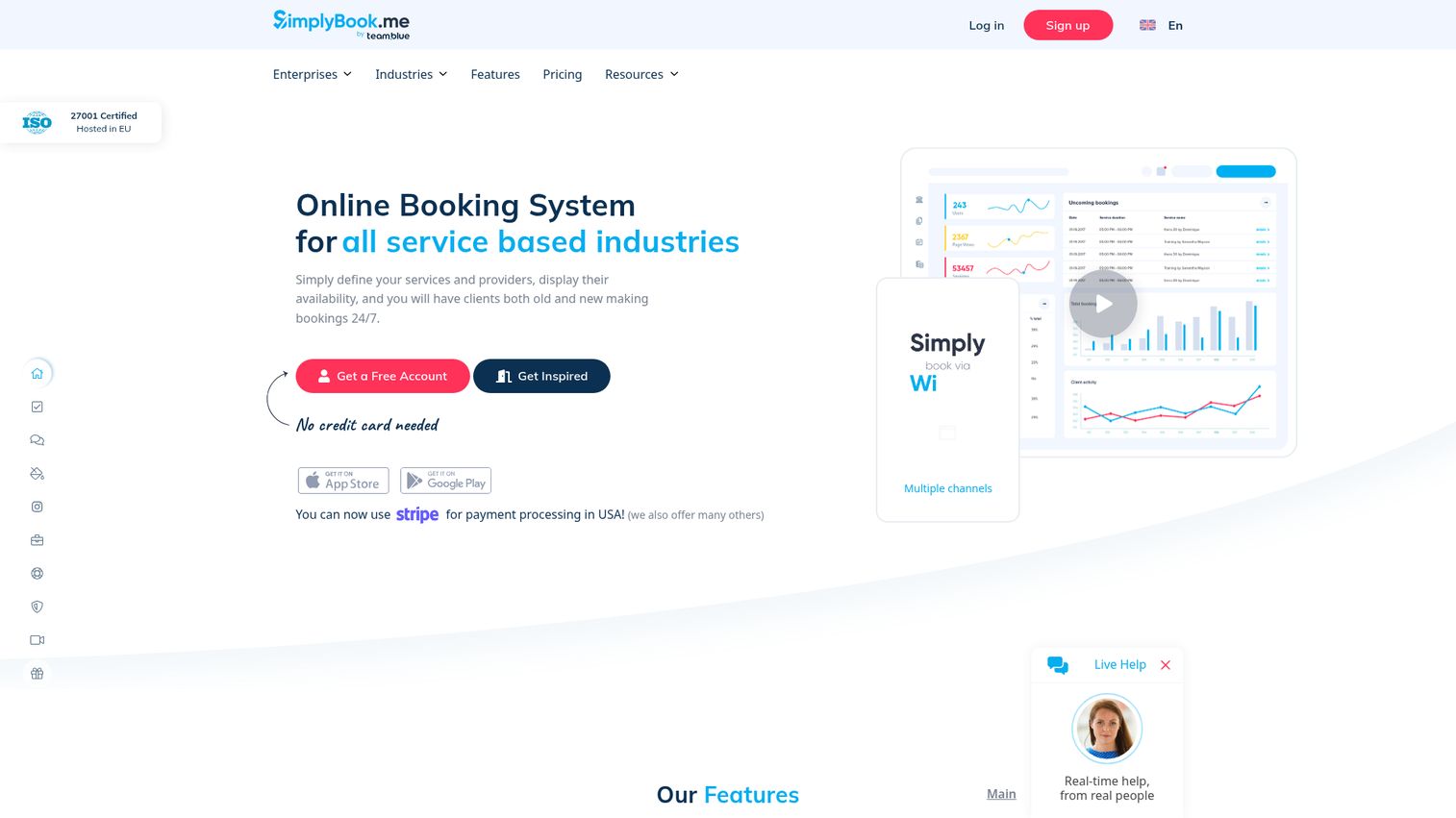
SimplyBook.me takes a modular approach - you start with a base booking system and add from 70+ plugins to build exactly the appointment management software you need.
This makes it one of the most customizable options on the list. Need HIPAA compliance? There's a plugin. Memberships and packages? Plugin. Multi-language support for international clients? Plugin. You can also build a full booking website directly within the platform, accept bookings from Google, Instagram, and Facebook, and process payments through multiple gateways.
Best for: Businesses needing deep customization, multi-language support, or HIPAA-compliant scheduling.
Key strengths
- 70+ modular plugins for tailored functionality
- Full booking website builder included
- HIPAA-compliant configuration available
- Multi-language and multi-currency support
- POS integration and membership management
Pricing: Free (50 bookings/mo); Basic $8.25/mo; Standard $24.9/mo; Premium $49.9/mo. Pricing as of 2026 - verify on SimplyBook.me.
The trade-off: the plugin model can push costs up quickly, and there's a learning curve to configure everything. The UI is functional but not as polished as Calendly or Acuity.
6. YouCanBookMe - best for simple, no-fuss scheduling
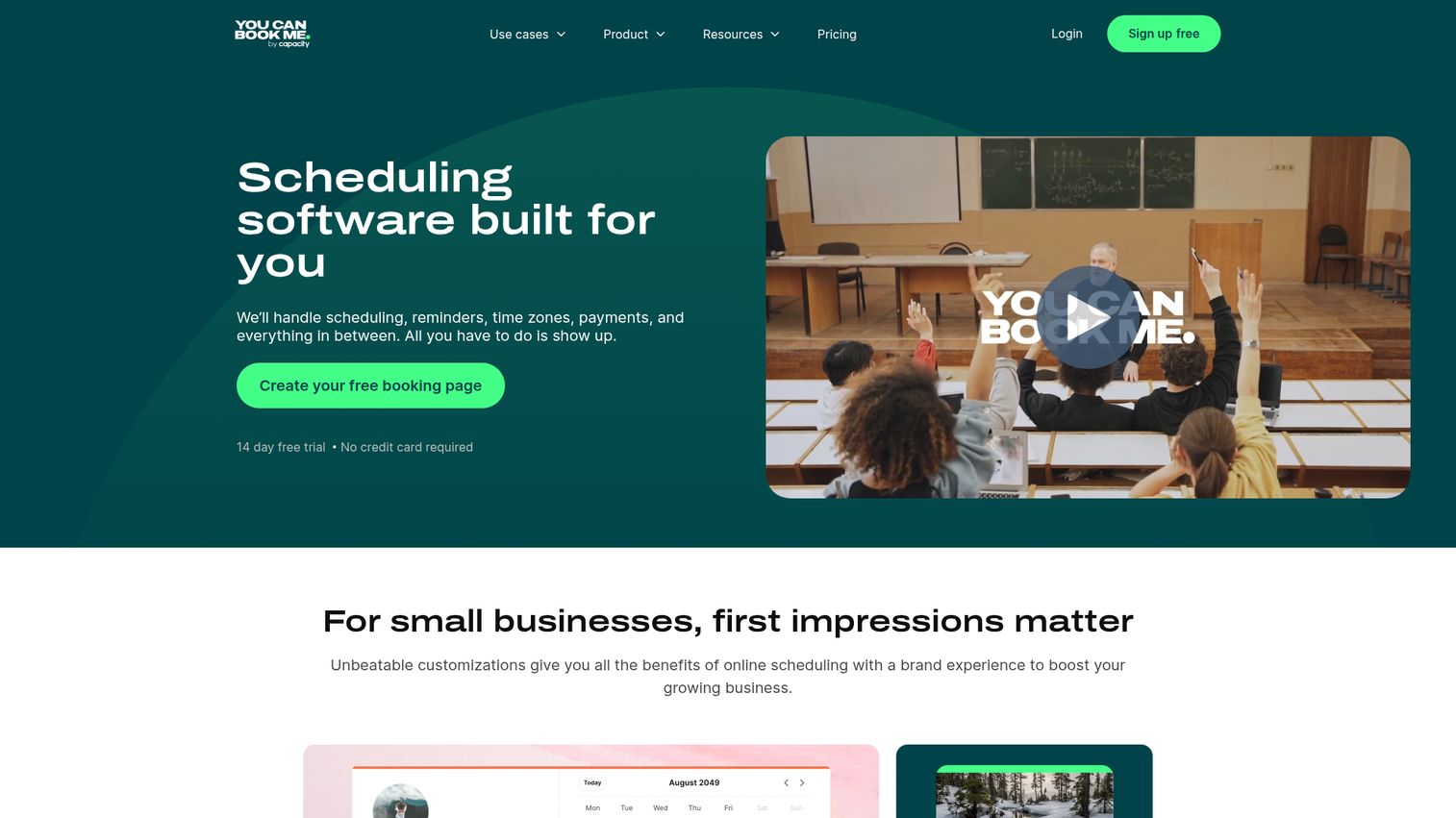
YouCanBookMe does one thing well: it connects to your Google or Outlook calendar and gives you a clean booking page. That's it. You can explore the interface through this YouCanBookMe interactive demo.
If you don't need payments, intake forms, or team routing - just a reliable online scheduling tool that shows your availability and lets people book - this is a strong pick. Setup takes minutes. The time zone detection works reliably, and the embeddable widget drops into any website without fuss.
Best for: Educators, tutors, coaches, and professionals who want straightforward scheduling without complexity.
Key strengths
- Clean, minimal interface with fast setup
- Reliable two-way Google and Outlook calendar sync
- Automatic time zone detection for global clients
- Embeddable booking widget for websites
- Customizable booking page with branding options
Pricing: Free (1 calendar, 1 booking page); Paid $10.80/user/mo. Pricing as of 2026 - verify on YouCanBookMe.
It's not the right fit if you need payment processing, advanced automation, or multi-staff management. For those, look at Acuity or Calendly.
7. Google Calendar appointment scheduling - best for Google Workspace users
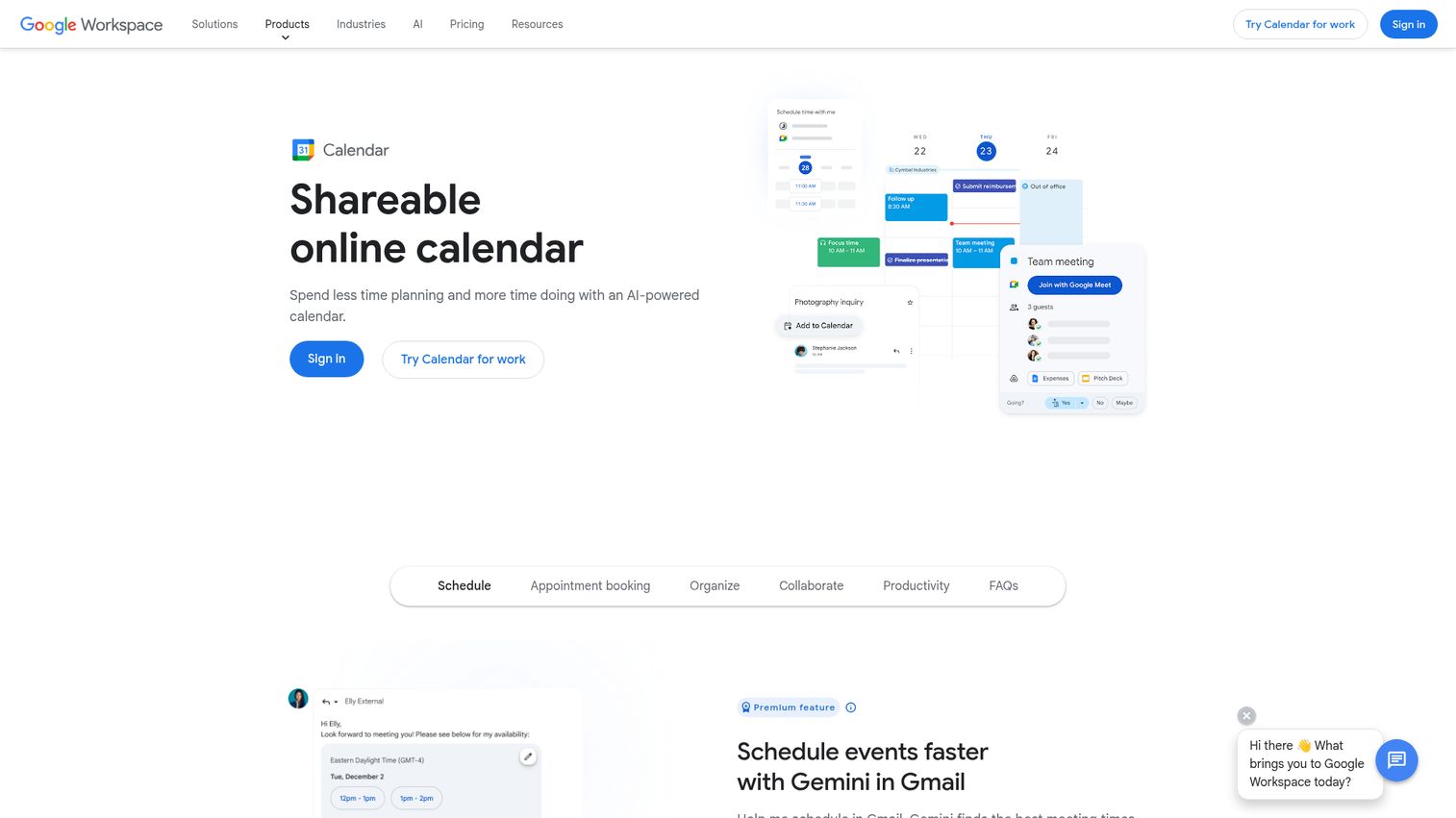
Google Calendar's built-in appointment scheduling feature means you don't need a separate scheduling app if you're already in the Google ecosystem.
You create booking pages directly inside Google Calendar, set your availability, and share a link. It detects conflicts across multiple calendars, sends email reminders, and even supports Stripe payment collection as of 2026. For solopreneurs and consultants who live in Gmail and Google Calendar, this eliminates one more tool from the stack.
Best for: Solopreneurs and small businesses on Google Workspace who want scheduling without adding another app.
Key strengths
- Native to Google Calendar with zero learning curve
- Conflict detection across multiple Google calendars
- Stripe payment integration for paid appointments
- Email reminders and booking verification built in
- Free for personal Google accounts with basic features
Pricing: Free (personal accounts, limited features); full appointment scheduling requires Google Workspace Business Standard at $14/user/mo. Verify on Google Workspace pricing.
The limitation: customization is minimal compared to dedicated tools. No intake forms, basic automation, and you're tied entirely to Google's ecosystem.
8. Microsoft Bookings - best for Microsoft 365 organizations
Microsoft Bookings is the scheduling app for organizations already paying for Microsoft 365 - it's included at no extra cost.
The deep Teams integration makes it particularly useful for virtual appointments. Clients book through a self-service page, and the meeting automatically creates a Teams link. Staff management, buffer times, custom fields, and multi-department booking pages round out the feature set. If your company runs on Outlook and Teams, adding a third-party scheduling tool may be unnecessary.
Best for: Organizations on Microsoft 365 that want scheduling tightly integrated with Teams and Outlook.
Key strengths
- Included with Microsoft 365 Business Basic and above
- Deep Microsoft Teams integration for virtual appointments
- Multi-department and multi-staff booking pages
- Automated reminders with buffer time controls
- Familiar Microsoft interface for existing users
Pricing: Included with Microsoft 365 Business Basic ($6/user/mo) and above. Verify on Microsoft's pricing page.
The downsides: booking page design is basic, there's no native payment processing, and third-party integrations outside the Microsoft ecosystem are limited.
9. Zoho Bookings - best for Zoho CRM users
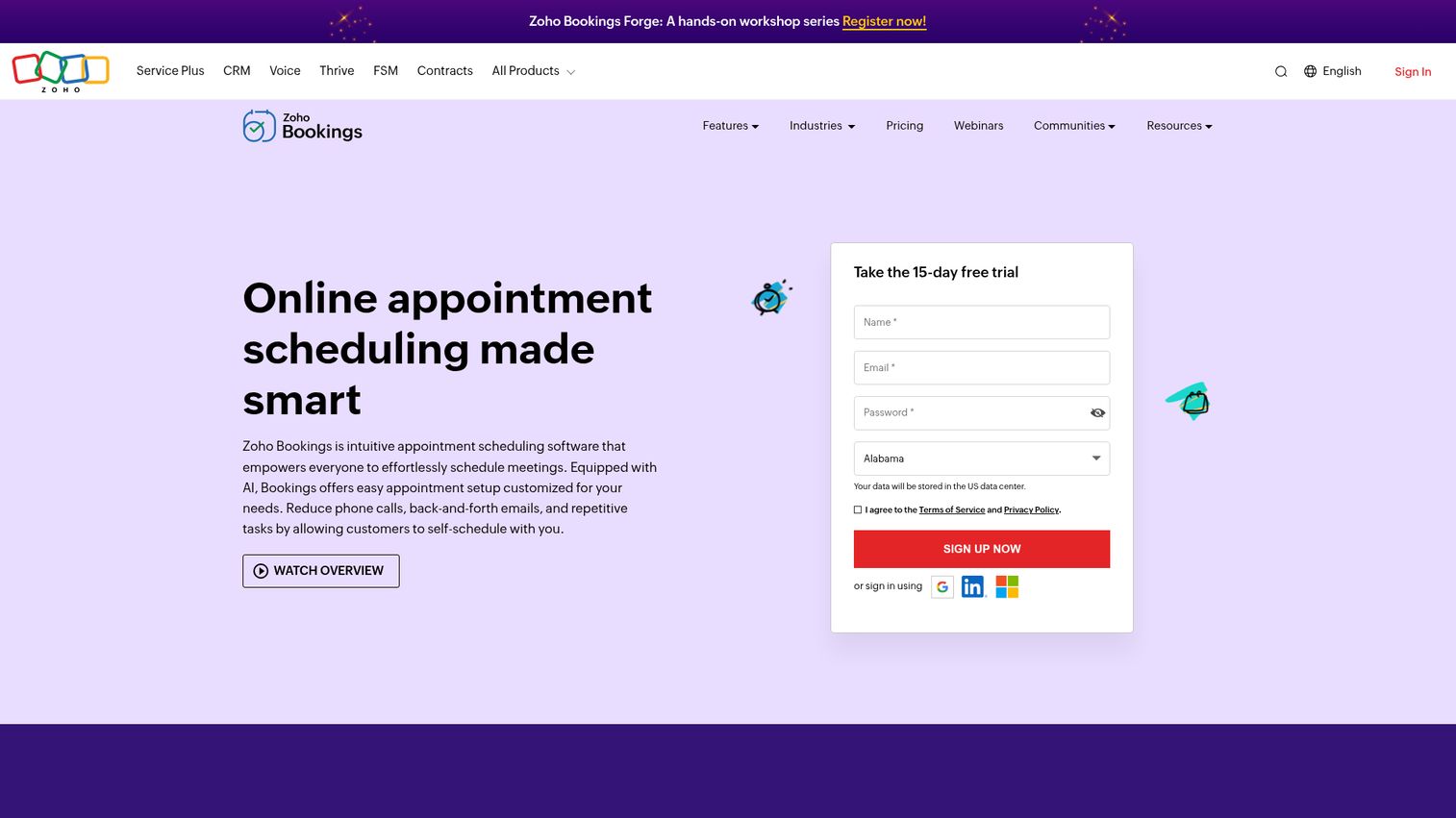
Zoho Bookings is the scheduling piece of the Zoho ecosystem, and it shines brightest when paired with Zoho CRM. Explore the broader Zoho platform with this Zoho interactive demo.
Two-way CRM sync means every booking automatically updates contact records. You also get Zoho Meeting integration, group bookings, resource scheduling (rooms, equipment), and payment collection through PayPal, Stripe, or Razorpay. At $6/staff/month for the Basic plan, it's one of the most affordable paid options on this list.
Best for: Businesses already using Zoho CRM or the broader Zoho suite who want unified appointment management software.
Key strengths
- Native two-way sync with Zoho CRM
- Resource scheduling for rooms and equipment
- Group booking and multi-staff support
- Payment collection via Stripe, PayPal, and Razorpay
- Affordable pricing starting at $6/staff/month
Pricing: Free (1 staff, 1 booking page); Basic $6/staff/mo; Premium $9/staff/mo. Verify on Zoho Bookings pricing.
Outside the Zoho ecosystem, the standalone appeal drops. The UI can feel cluttered, and integrations with non-Zoho tools are more limited.
10. HubSpot Meeting Scheduler - best for sales and marketing teams
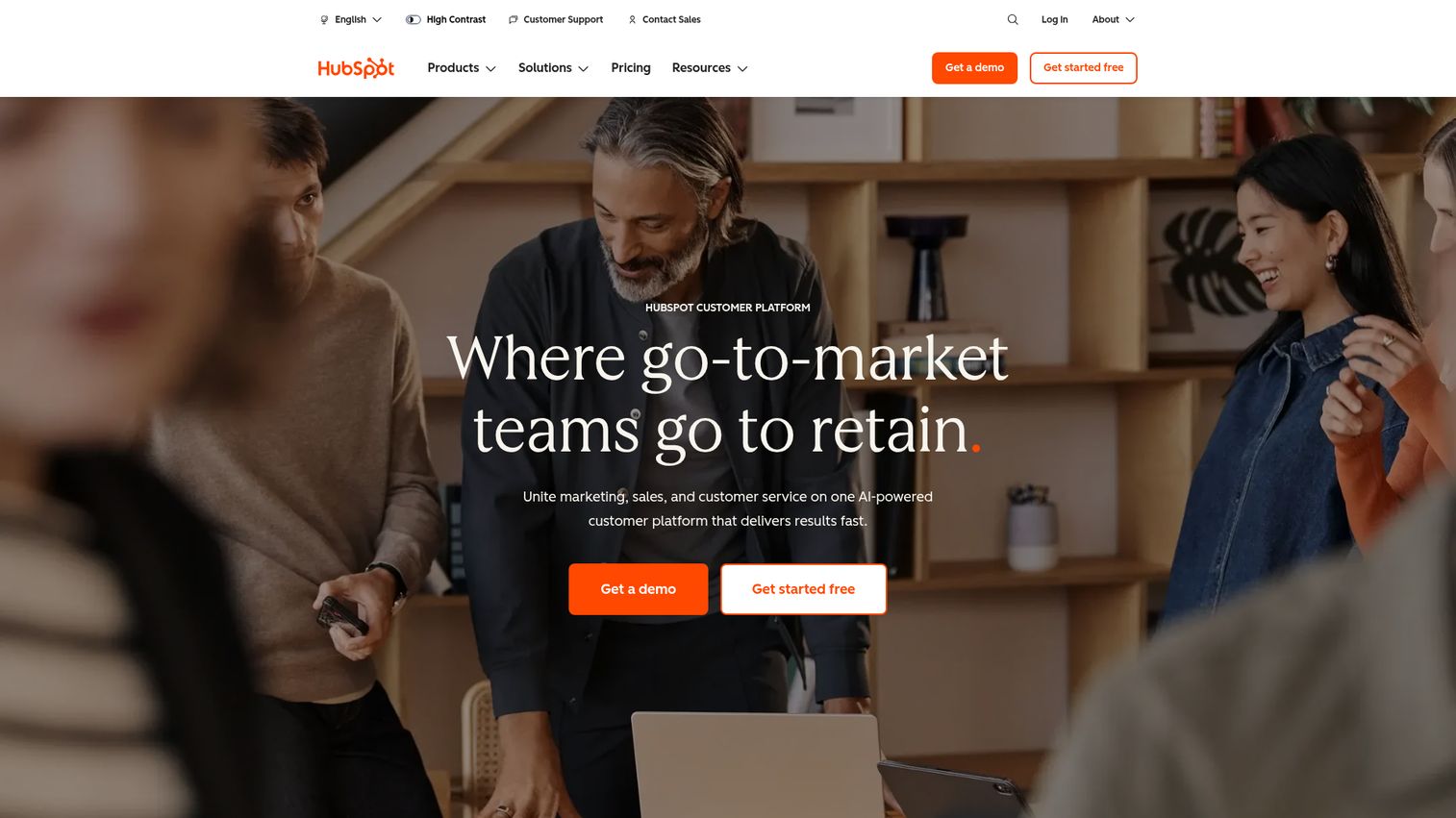
HubSpot's meeting scheduler is built directly into HubSpot CRM, making it the natural choice for sales teams already in that ecosystem. Try it yourself with this HubSpot interactive demo.
Every booking automatically creates or updates a CRM contact. Routing forms qualify leads before they reach your calendar. Round-robin distribution spreads meetings across your sales team. And because it's native to HubSpot, you get full pipeline context - deal stage, previous interactions, lead score - right alongside the meeting details. The free tier includes basic meeting links with the free CRM. If you're evaluating CRM platforms more broadly, our guide to the best CRM software covers the full landscape.
Best for: Sales and marketing teams using HubSpot CRM who want meetings flowing directly into their pipeline.
Key strengths
- Native to HubSpot CRM with automatic contact creation
- Round-robin meeting distribution for sales teams
- Form-based lead qualification before booking
- Zoom, Teams, and Google Meet integration
- Free with HubSpot CRM's free tier
Pricing: Free (with HubSpot CRM free); Sales Hub Starter $15/mo/seat for advanced features. Verify on HubSpot's pricing page.
The limitation is clear: this is meeting scheduling software designed for HubSpot users. As a standalone tool, it's underwhelming. No payment collection, no service-business features.
11. Cal.com - best open-source scheduling platform
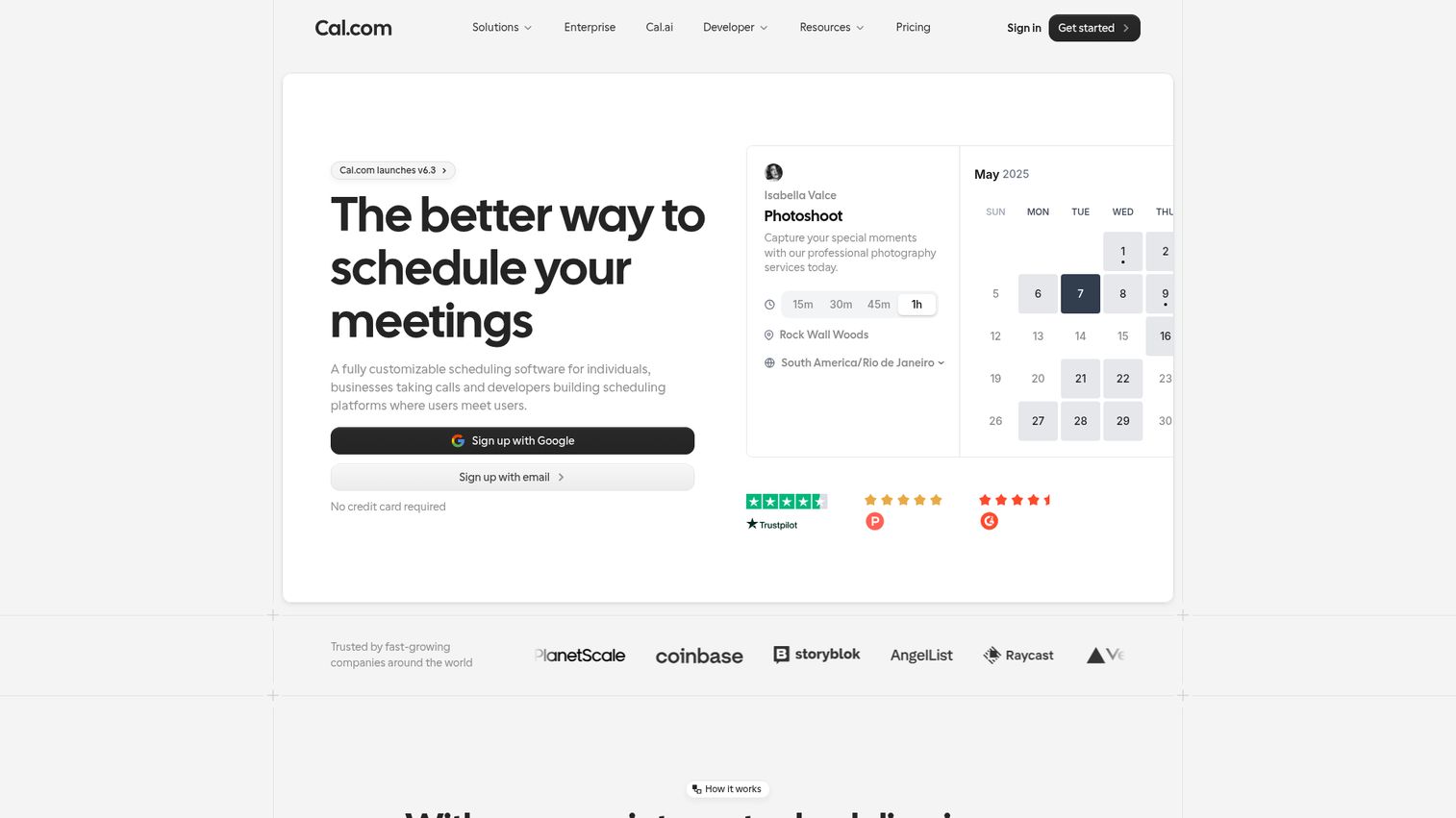
Cal.com is the open-source alternative to Calendly, and it's the only tool on this list you can self-host for complete data control.
The free cloud plan offers unlimited event types - already more generous than Calendly's free tier. You get round-robin scheduling, collective events, routing forms, workflow automations, and 100+ integrations. The API-first architecture makes it a favorite among developer teams. For organizations that need white-label scheduling or strict data sovereignty, self-hosting Cal.com is a compelling option.
Best for: Developers, privacy-conscious businesses, and startups wanting full control over their scheduling infrastructure.
Key strengths
- Open-source codebase with self-hosting option
- Unlimited event types on the free cloud plan
- API-first architecture with 100+ integrations
- White-label capability for branded experiences
- Rapid feature development with active community
Pricing: Free (individuals); Team $15/user/mo; Organization $37/user/mo; Self-hosted free (you manage infrastructure). Verify on Cal.com pricing.
The trade-off: self-hosting requires technical expertise, and as a younger product, Cal.com has fewer enterprise case studies than Calendly. Some features are still maturing.
12. Appointlet - best for embedding on websites
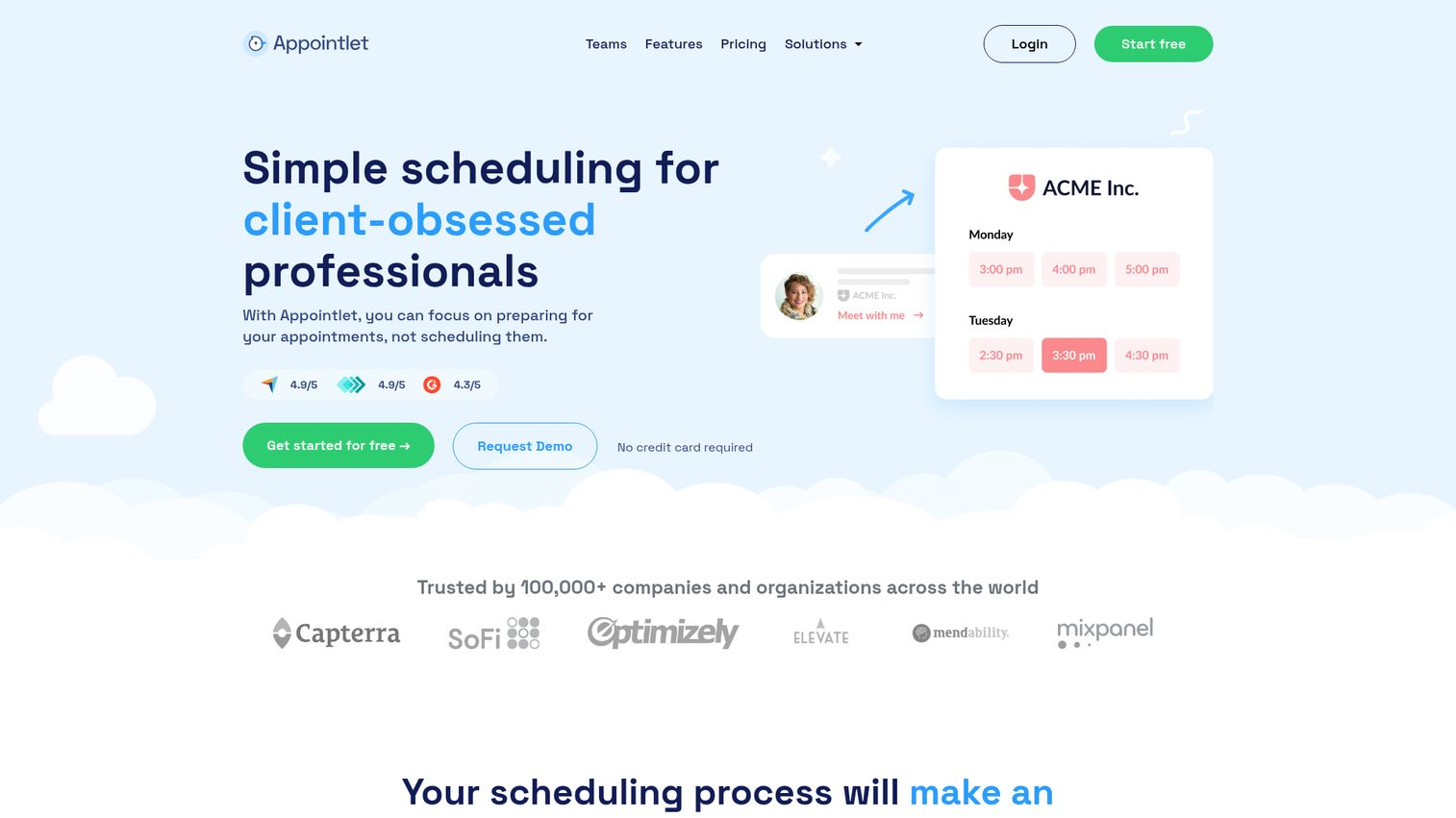
Appointlet is a lightweight scheduling app optimized for one thing: embedding a booking widget on your website to capture leads.
The embed is clean, loads fast, and doesn't look like a bolt-on. You can add custom intake forms to qualify visitors before they book, collect payments through Stripe or PayPal, and manage team scheduling with multi-timezone support. The free plan allows unlimited team members with limited features, which is unusual. If lead capture is your priority, you might also want to explore conversion rate optimization tools to maximize the traffic hitting your booking pages.
Best for: Businesses that want to embed a booking widget directly on their website for lead capture.
Key strengths
- Lightweight, fast-loading embeddable booking widget
- Custom intake forms for lead qualification
- Stripe and PayPal payment integration
- Free plan with unlimited team members
- Multi-timezone support for global teams
Pricing: Free (unlimited members, limited features); Premium $10/member/mo. Verify on Appointlet's website.
Fewer integrations than the major players, limited automation, and a smaller user community. It does one thing well, but it's not a full-featured appointment scheduling system.
13. Doodle - best for group polling and meeting coordination
Doodle takes a different approach than every other tool on this list. Instead of a booking page, it uses polls to find mutual availability across groups.
This makes it ideal for coordinating committee meetings, board sessions, or any scenario where multiple people need to agree on a time. Participants don't need accounts - they just click available slots. Doodle also offers 1:1 booking pages and calendar integrations, but polling is its core strength. Zoom and Teams integrations handle the virtual meeting side.
Best for: Teams, committees, and organizations that frequently coordinate multi-person meetings.
Key strengths
- Unique availability polling for group scheduling
- No account required for poll participants
- One-on-one booking pages alongside group polls
- Zoom and Microsoft Teams integration
- Admin dashboard for team-wide scheduling oversight
Pricing: Free (basic polls with ads); Pro $6.95/user/mo; Team $8.95/user/mo; Enterprise custom. Verify on Doodle's pricing page.
Important distinction: Doodle isn't traditional appointment booking software. It won't replace Acuity or Calendly for client-facing scheduling. It's a coordination tool, and a good one at that.
14. TidyCal - best budget lifetime deal
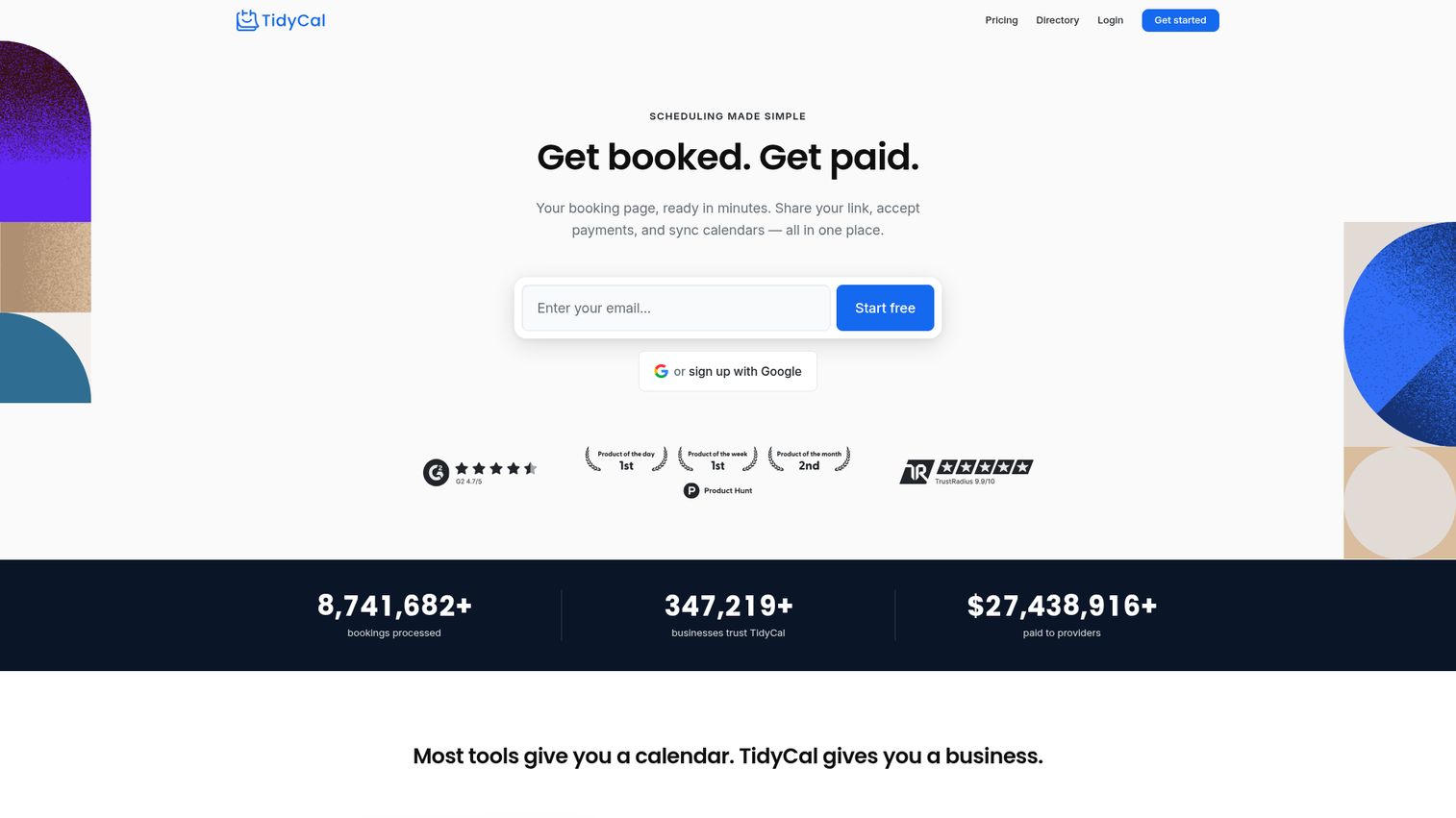
TidyCal, created by AppSumo, offers something no other tool on this list can match: a one-time lifetime purchase with no recurring fees.
For around $29 (check current availability on AppSumo), you get unlimited booking types, calendar sync with Google, Outlook, and Apple Calendar, Stripe payment collection, custom booking pages, and an embeddable widget. It covers the core scheduling needs most solopreneurs have without the monthly drain.
Best for: Budget-conscious solopreneurs and freelancers who want a one-time purchase with no subscription.
Key strengths
- One-time lifetime deal around $29 with no recurring cost
- Unlimited booking types and calendar connections
- Stripe payment collection built in
- Embeddable widget for website integration
- Simple, functional interface that covers basics
Pricing: Free tier available; Lifetime deal ~$29 one-time. Verify current availability on TidyCal.
The trade-offs are real: no round-robin scheduling, basic automation only, fewer integrations, and a smaller development team. If you need advanced features, you'll outgrow it. But for straightforward booking needs, the math is hard to argue with.
15. 10to8 (now Sign In Scheduling) - best for reducing no-shows
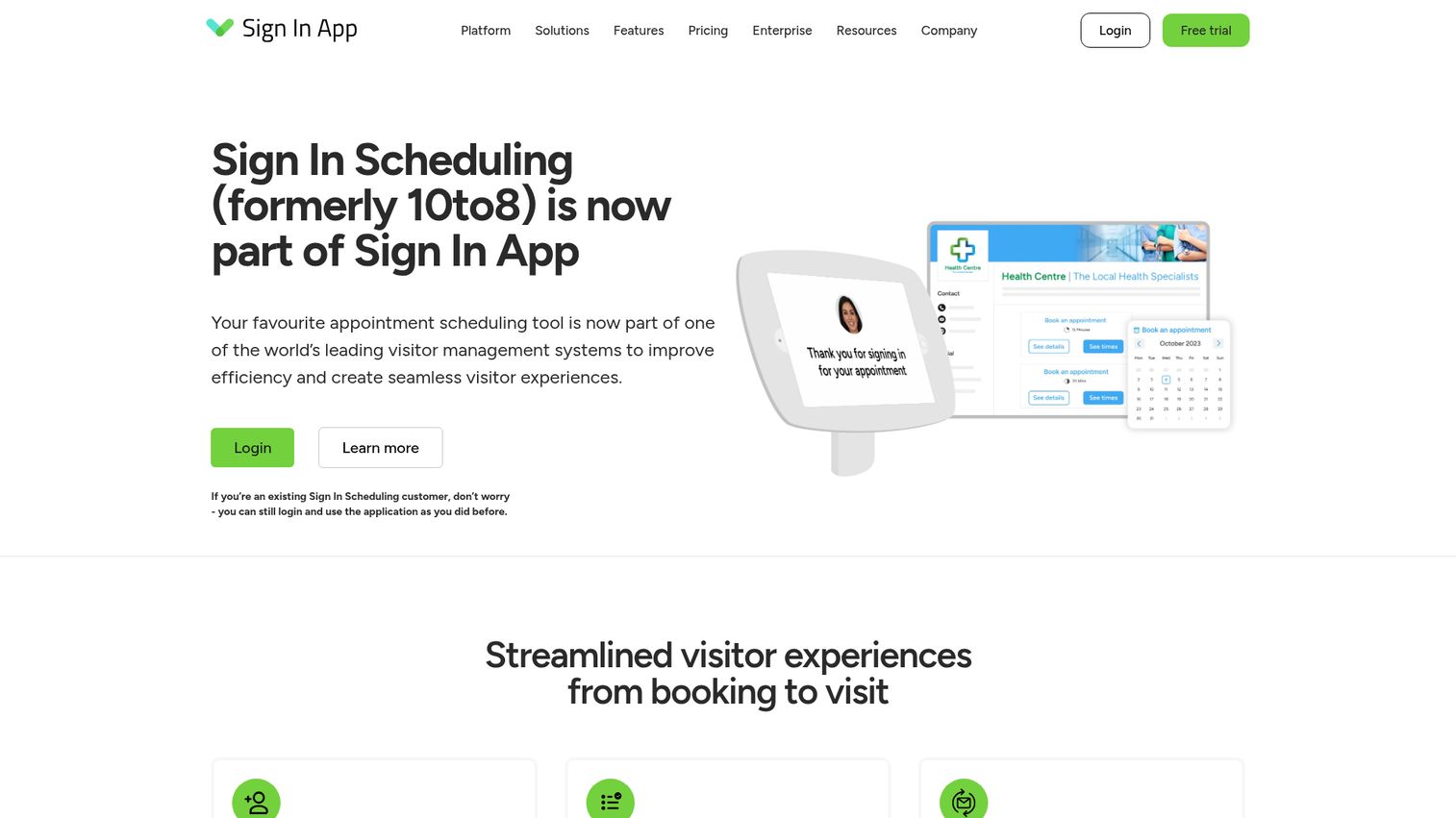
10to8, rebranded as Sign In Scheduling, is built around one mission: getting people to actually show up to their appointments. Walk through the platform with this Sign In Scheduling interactive demo.
Its multi-channel reminder system - combining SMS and email - is the most robust on this list. Industry data suggests automated scheduling software with SMS reminders can reduce no-shows by 20–50%. 10to8 also offers two-way calendar sync, online payments, intake forms, video meeting integration, and a HIPAA-compliant option. The free tier covers up to 100 appointments per month, which is generous for small practices. For teams looking to pair SMS reminders with broader outreach, our roundup of the best SMS marketing software is worth a read.
Best for: Healthcare providers, clinics, and any business where no-shows are a significant revenue problem.
Key strengths
- Multi-channel reminders via SMS and email combined
- HIPAA-compliant configuration for healthcare providers
- Free tier supporting up to 100 appointments monthly
- Two-way calendar sync with online payment collection
- Video meeting integration for virtual appointments
Pricing: Free (up to 100 appointments/mo); Pro plans starting ~$7.20/seat/mo. Verify on 10to8's website.
The rebrand from 10to8 to Sign In Scheduling has caused some brand confusion. The UI is less modern than competitors. But if no-show reduction is your primary goal, the reminder system here is hard to beat.
Key features to look for in online appointment scheduling software
Knowing what to evaluate matters as much as knowing which tools exist. Here's the checklist that should guide your decision.
Calendar and third-party integrations
Two-way sync with Google Calendar, Outlook, and Apple Calendar is non-negotiable. Without it, you'll end up double-booked.
Beyond calendars, check for native integrations with your conferencing tool (Zoom, Teams, Google Meet) and your CRM (Salesforce, HubSpot, Zoho). Native integrations tend to be more reliable than Zapier-based connections, though Zapier fills gaps when needed.
Automated reminders and no-show prevention
Automated email and SMS reminders are the single most effective feature for reducing no-shows. Industry data consistently shows a 20–50% reduction in missed appointments when automated reminders are in place.
Look for tools that let you customize reminder timing (24 hours before, 1 hour before), send through multiple channels (email plus SMS), and include pre-appointment instructions. Follow-up sequences after appointments are a bonus. If email is a core channel for your business, explore the best email marketing software tools to build automated sequences that complement your scheduling reminders.
Payment processing and billing
If you run a service business, collecting deposits or full payments at booking changes everything. It reduces no-shows (people who've paid tend to show up) and improves cash flow.
Most tools integrate with Stripe, Square, or PayPal. The stronger options - Acuity, Square Appointments, SimplyBook.me - also support no-show fees and package/membership billing.
Team management and multi-location support
For teams, look for round-robin assignment (distribute bookings evenly), collective scheduling (find time across multiple calendars), and staff-specific booking pages. Multi-location and multi-timezone management matters if you operate across regions.
Customization and branding
Your booking page is often a client's first interaction with your business. White-label pages, custom domains, branded email notifications, and flexible intake forms all contribute to a professional experience that builds trust. For sales teams, pairing a polished booking page with a demo center can further elevate the prospect experience.
Compliance and security
Healthcare providers need HIPAA compliance with a signed Business Associate Agreement (BAA). European-facing businesses need GDPR compliance. Enterprise buyers should look for SOC 2 certification, data encryption, and role-based access controls.
SimplyBook.me, 10to8 (Sign In Scheduling), and Acuity Scheduling all offer HIPAA-compliant configurations. Always verify BAA availability directly with the vendor.
How to choose the right scheduling software for your business
Your best pick depends on your business type, team size, and existing tech stack. Here's a quick decision framework:
| Your Situation | Recommended Tool(s) |
|---|---|
| Solo service provider, need free | Square Appointments or TidyCal |
| Small team (2–10 people) | Setmore (free) or Calendly Standard |
| Service business collecting payments | Acuity Scheduling or SimplyBook.me |
| Sales or marketing team | HubSpot Meeting Scheduler or Calendly Teams |
| Enterprise organization | Calendly Enterprise or Microsoft Bookings |
| Google-first organization | Google Calendar Appointment Scheduling |
| Microsoft-first organization | Microsoft Bookings |
| Developer or privacy-focused | Cal.com (self-hosted) |
| Tight budget, no recurring fees | TidyCal lifetime deal |
| No-show reduction is top priority | 10to8 (Sign In Scheduling) |
Start with a free plan or trial before committing to paid. Most tools on this list offer one or both. Test with real clients for at least a week - the booking experience matters as much as the admin dashboard.
AI-powered scheduling and smart routing are emerging trends to watch in 2026. Several tools, including Calendly and Cal.com, are actively shipping AI features that suggest optimal meeting times and automate more of the coordination workflow. If you're exploring how AI is reshaping sales workflows more broadly, our guide to the best AI sales tools covers the latest landscape.
Find your scheduling tool
The best online appointment scheduling software is the one that fits your workflow, not the one with the longest feature list. Match the tool to your business type, test it with real bookings, and don't overpay for features you won't use.
Most tools on this list offer free plans or trials - pick 2–3 that match your needs and test them this week.
Frequently asked questions about online appointment scheduling software
Online appointment scheduling software is a digital tool that lets clients book appointments through a web-based interface, automatically syncing with the provider's calendar. It replaces phone calls, back-and-forth emails, and manual calendar management. Most tools also handle reminders, payments, and intake forms.
Yes. Square Appointments is free for single users, Setmore supports up to four staff on its free plan, Cal.com offers a free tier for individuals with unlimited event types, and Google Calendar includes basic appointment scheduling for personal accounts. Free plans come with limitations on features, bookings, or team size.
Automated email and SMS reminders are the primary mechanism - industry data shows they reduce no-shows by 20–50%. Tools also help by requiring deposits or prepayment at booking, charging no-show fees, and keeping appointments visible through calendar sync. The combination of financial commitment and timely reminders is what moves the needle.
Yes. Most tools integrate with Stripe, Square, or PayPal for payment collection at booking. Acuity Scheduling, Square Appointments, and SimplyBook.me are particularly strong here, supporting deposits, full prepayment, packages, and no-show fee collection.
It depends on your needs. Setmore is the best free scheduling tool for small teams (up to 4 staff). Square Appointments is ideal for solo providers who want free booking with integrated payments. Acuity Scheduling is the top pick for service businesses collecting payments. Calendly works well for professional services and consulting. Try free plans first before committing.
Not all tools are. SimplyBook.me, 10to8 (Sign In Scheduling), and Acuity Scheduling offer HIPAA-compliant configurations on specific plans. Always verify that the vendor provides a signed Business Associate Agreement (BAA) before using any tool for protected health information.
Yes. Calendly integrates natively with Salesforce and HubSpot. HubSpot Meeting Scheduler is built directly into HubSpot CRM. Zoho Bookings syncs with Zoho CRM. Most other tools connect to popular CRMs through Zapier. Check whether the integration is native or Zapier-based - native connections tend to be more reliable and offer deeper data sync.
Appointment scheduling is typically client-facing - a customer books a service like a haircut, consultation, or therapy session. Meeting scheduling is often internal or B2B - colleagues or business contacts find mutual availability. Many tools handle both, but they lean one way. Doodle is more meeting-focused with its polling approach. Acuity is built for client appointments. Calendly handles both reasonably well.