Your team announces three in-office days a week. By Wednesday, half the desks sit empty while the other half turn into a scramble at 9am. Someone booked a desk they never showed up for. Two people claim the same monitor arm. A manager who came in specifically to coach a rep can't find where that rep is sitting.
That is the real cost of hybrid without the right tooling. It is not about aesthetics or a slick app. It is about whether people can reliably coordinate a day in the office, and whether operations can see what is actually happening with the space they pay for.
The market reflects the shift. The office hot desking software market was valued at $1.2 billion in 2025 and is forecast to reach $5.1 billion by 2034 at a 14.8% CAGR, according to MarketIntelo (2025). Adoption of hybrid and desk-sharing models jumped from 12% to 36% while assigned seating fell from 83% to 55%, per VirtualAssistantVA (2026). More companies are running flexible seating, and more of them need software to keep it from turning into chaos.
The problem is that most roundups list features without telling you how those features behave under real conditions. Booking rules that prevent ghost reservations. Check-in flows that actually release no-show desks. Live occupancy that tells you the floor is full before someone drives in. Integrations with Slack, Microsoft Teams, and calendar systems so bookings happen where people already work. Those are the details that separate a tool your team adopts from one that becomes another ignored tab.
What's inside
This guide is for workplace operations, facilities, people ops, and office managers evaluating hot desk software for a hybrid office. It also serves sales enablement and team leads who care whether in-office days actually enable coordination and coaching. We picked eight platforms based on four criteria that matter operationally: real-time visibility and interactive floor plans, booking governance (rules, windows, no-show controls), integration depth with Slack, Teams, and calendars, and utilization reporting that supports space decisions. Each entry covers what it does best, pricing model, and where it fits.
TL;DR
- Best for enterprise workplace operations: OfficeSpace, for space planning, moves management, and workplace intelligence at scale.
- Best all-in-one workplace platform: Envoy, if you want visitor management, deliveries, rooms, and desks in one place.
- Best for straightforward booking with fairness controls: Skedda, for interactive floor plans and clean rules at a flat rate.
- Best per-user value for hybrid teams: deskbird, for employee-friendly booking that starts low and scales.
- Best for visibility-first hybrid coordination: Robin, for seeing coworkers and planning office days around people.
- Best budget entry point: Kadence at $4 per user, or Archie from $2.80 per desk, for teams watching cost.
- Best for booking plus governance: YAROOMS, for scheduling with strong rules and workplace analytics.
What is hot desk software?
Hot desk software is a desk booking system that lets employees reserve unassigned workstations on demand, so a shared pool of desks supports more people than fixed seating ever could. Instead of every person owning a desk, the software allocates space dynamically based on who is coming in and when.
It sits at the center of hybrid office operations. When most companies run desk sharing or hoteling models, the software becomes the coordination layer that keeps flexible seating from breaking down. Roughly 60% of North American companies were using some form of desk sharing or hoteling by 2024, according to StealthAgents, which is why dedicated tools have moved from nice-to-have to standard infrastructure.
Core capabilities you should expect from any serious platform:
- Interactive floor plans and desk maps that show what is available, where, and by which amenities.
- Real-time availability and live occupancy so people book based on current conditions, not yesterday's snapshot.
- Booking rules and capacity management covering booking windows, recurring bookings, neighborhood seating, and limits per team or floor.
- Check-in and no-show prevention that automatically releases desks nobody claims, killing ghost bookings.
- Integrations with Slack, Microsoft Teams, calendar systems, SSO, and often badge, WiFi, or sensor data.
- Utilization reporting and analytics including occupancy trends, heat maps, and forecasting to right-size the office.
The terms overlap in practice. Hot desking software, desk booking software, desk reservation software, office hoteling software, and desk sharing software all describe variants of the same category. The distinction usually comes down to whether desks are grabbed spontaneously (hot desking) or reserved in advance for a set period (hoteling).
When to use hot desk software
Not every office needs a booking platform. Here is how to tell whether yours does.
Run more people than desks
If your headcount exceeds your desk count because attendance is staggered, you need software to allocate the shared pool. Hot desking software prevents the two-people-one-desk problem and lets you support, say, 150 employees on 90 desks without daily conflict.
Coordinate hybrid team days
When teams designate in-office days, people need to know who else will be there and where they will sit. Desk booking software with a colleague finder and neighborhood seating turns a vague "Tuesdays in office" into an actual reason to come in. For sales and enablement teams, that visibility is what makes in-person coaching and deal huddles possible.
Right-size and prove your space decisions
If you are renegotiating a lease or defending a real estate budget, you need utilization data. Workspace booking platforms with live occupancy and analytics show which floors, neighborhoods, and desks actually get used, so you can cut, consolidate, or reconfigure with evidence instead of guesses.
Comparison table
Here is how the eight platforms compare on intent, key differentiation, pricing, and rating. Use it to build a shortlist of two or three, then dig into the detailed sections below.
| # | Product | Intent | Key differentiation | Pricing | G2 rating |
|---|---|---|---|---|---|
| 1 | OfficeSpace | Enterprise workplace ops | Space planning, moves management, workplace intelligence | Quote-based | 4.7/5 |
| 2 | Envoy | All-in-one workplace platform | Visitor management plus desks, rooms, deliveries | Free tier; paid from $109/location/mo | 4.6/5 |
| 3 | Skedda | Rules-based space booking | Interactive floor plans, flat-rate pricing | From $99/mo billed annually | 4.8/5 |
| 4 | deskbird | Employee-friendly hybrid booking | Low per-user entry, room and parking add-ons | From €2.75/user/mo annually | 4.5/5 |
| 5 | Robin | Visibility-first coordination | See coworkers, AI-assisted reservations | Quote-based | 4.6/5 |
| 6 | Kadence | Hybrid scheduling and coordination | Per-user simplicity for teams | $4/user/mo | 4.5/5 |
| 7 | Archie | Booking plus coworking ops | Low per-desk entry, visitor management | From $2.80/desk/mo (min. $159/mo) | 4.9/5 |
| 8 | YAROOMS | Booking with governance | Booking rules, workplace analytics, Teams integration | From $99/mo | 4.3/5 |
1. OfficeSpace
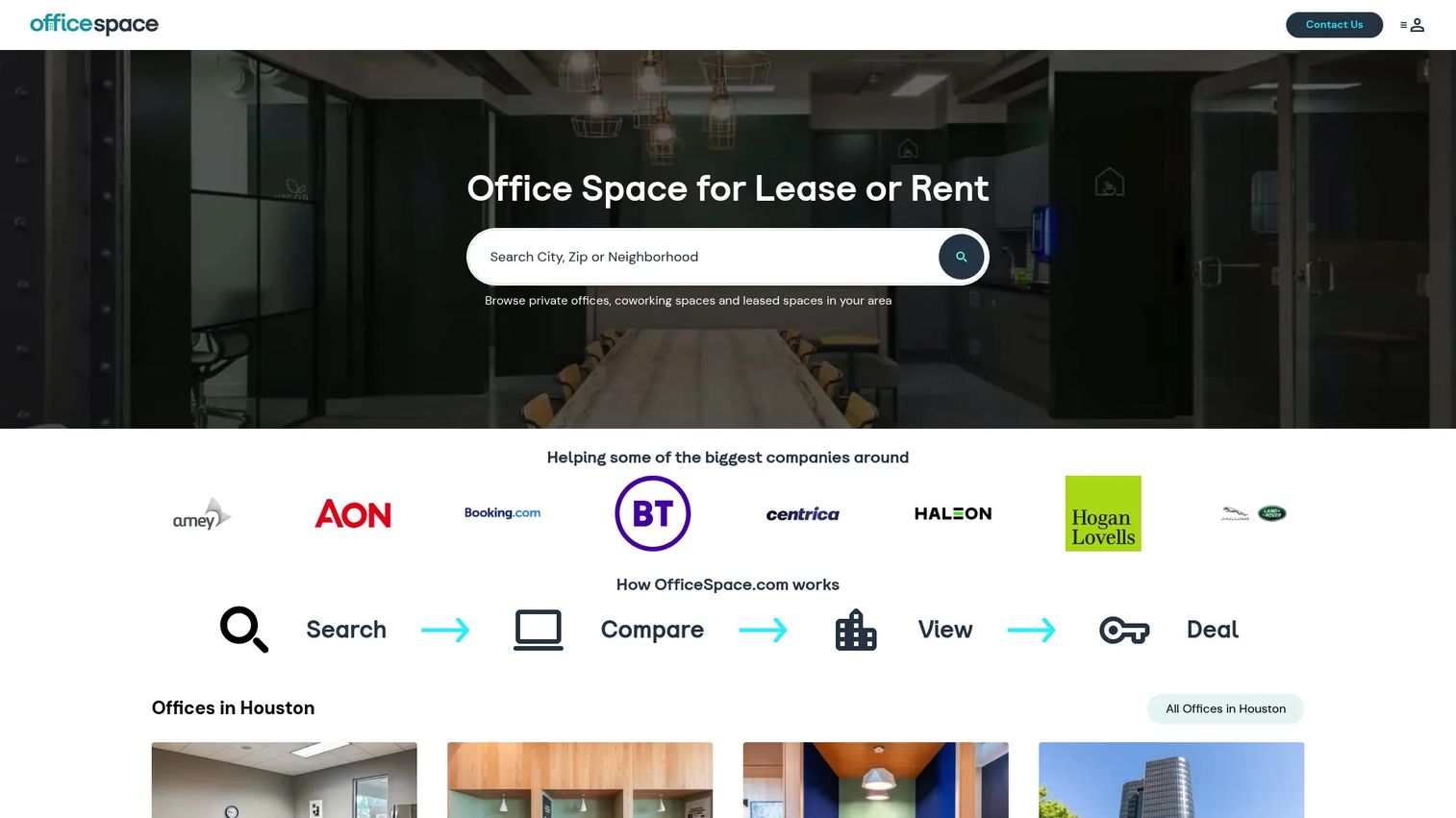
OfficeSpace is a workplace management platform built for teams that treat the office as an operational system, not just a place with desks. It covers desk booking, room booking, and space planning, then layers on the strategic work that larger organizations actually run: block-and-stack planning, moves, adds, and changes, and workplace intelligence. If you manage multiple floors or buildings and need to plan seating months out, this is the depth you are looking for.
Where OfficeSpace pulls ahead is in connecting day-to-day booking to long-term space strategy. The interactive floor plans and live occupancy data feed directly into reporting that helps you right-size real estate. AI-assisted recommendations surface how space is being used and where you can consolidate. For a facilities lead defending a lease decision, that reporting layer is the differentiator.
Best for: Mid-market and enterprise teams managing hybrid work, space planning, and utilization across multiple locations.
Key strengths
- Space and scenario planning: Block-and-stack and moves management for reconfiguring floors before you commit.
- Workplace intelligence: Reports and analytics that turn occupancy trends into space decisions.
- Full workplace scope: Desks, rooms, and moves in one platform, not a single-purpose booking tool.
Why choose OfficeSpace: Pick it when desk booking is one piece of a broader workplace operations mandate. Smaller teams that only need seat reservations may find it more platform than they require, but for organizations juggling real estate, moves, and utilization reporting, that breadth is the point.
OfficeSpace pricing: Pricing is quote-based across its Essentials, Essentials Plus, Pro, and Pro Plus plans, with a platform fee tied to synced employee counts. Public numeric pricing is not listed, so you will need to talk to their team for a figure specific to your headcount and feature needs.
2. Envoy
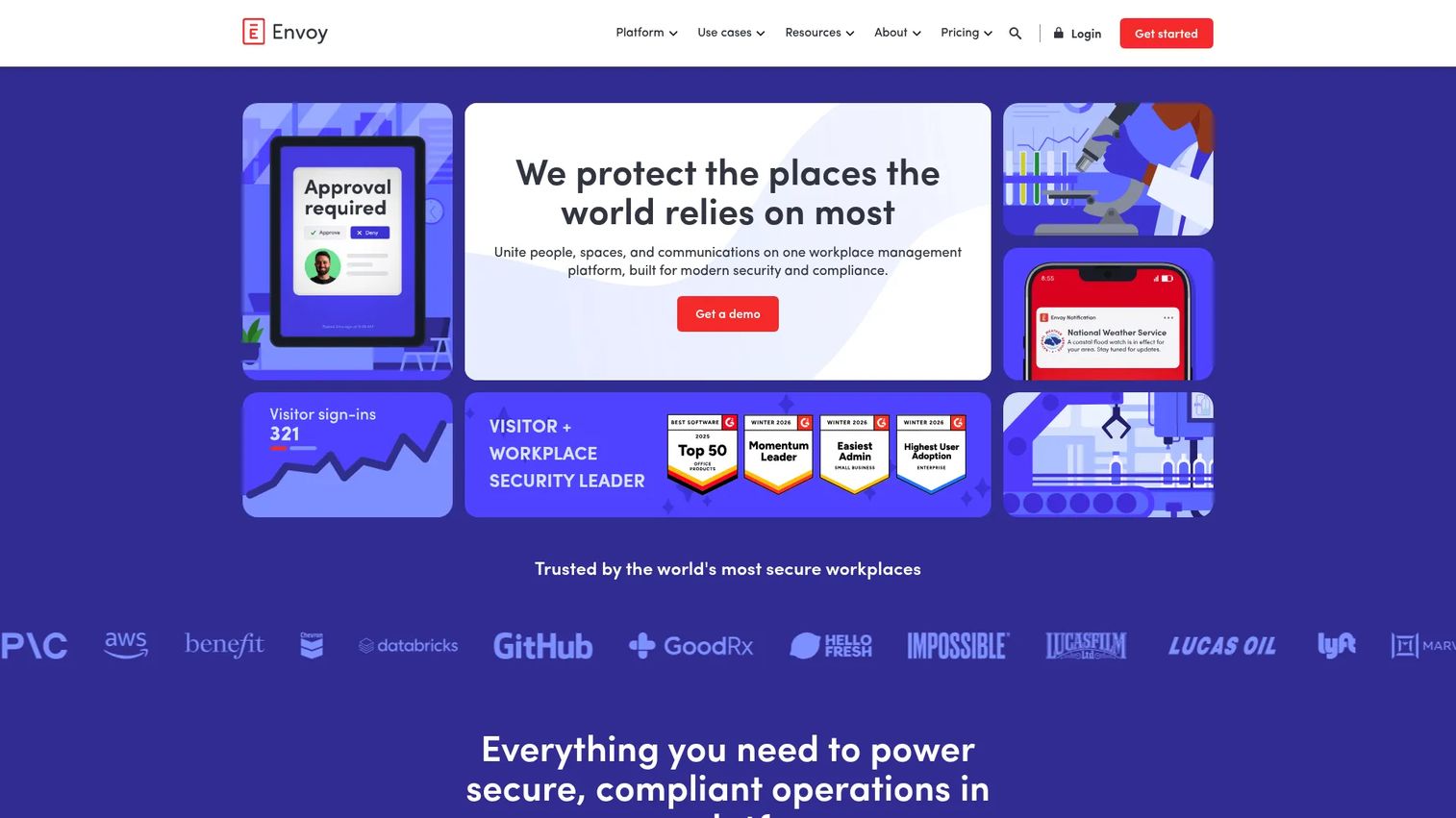
Envoy started with visitor management and grew into a full workplace platform, which is exactly why teams pick it. If you want desks, rooms, deliveries, and front-desk check-in running on one system instead of stitching together four tools, Envoy consolidates the stack. Desk booking sits alongside workspace maps, amenities filters, neighborhoods, and delegated booking so admins can reserve on behalf of others.
The check-in flow is where Envoy earns its keep for no-show prevention. Employees confirm arrival, and unclaimed desks release back to the pool. Combine that with analytics on how the space gets used, and you get both the employee experience and the operational visibility in a single tool. The broader platform angle means one login, one admin surface, and one vendor relationship.
Best for: Companies that need visitor management plus broader workplace operations without running separate systems.
Key strengths
- All-in-one workplace scope: Visitor check-in, deliveries, rooms, and desks under one platform.
- Delegated and map-based booking: Reserve desks by neighborhood or amenity, or on behalf of teammates.
- Check-in and analytics: Arrival confirmation plus utilization reporting to manage capacity.
Why choose Envoy: Choose it when visitor management matters as much as desk booking, or when you want to reduce vendor count. If you only need desk reservations and nothing else, the platform breadth may exceed your needs, but consolidation is a strong reason on its own.
Envoy pricing: Envoy offers a free Basic tier for visitor management, with Standard and Premium at $109 per location per month billed annually, and Enterprise at custom pricing. Individual products such as Rooms and Deliveries carry separate public prices on the same pricing page, so map your desired modules before comparing.
3. Skedda
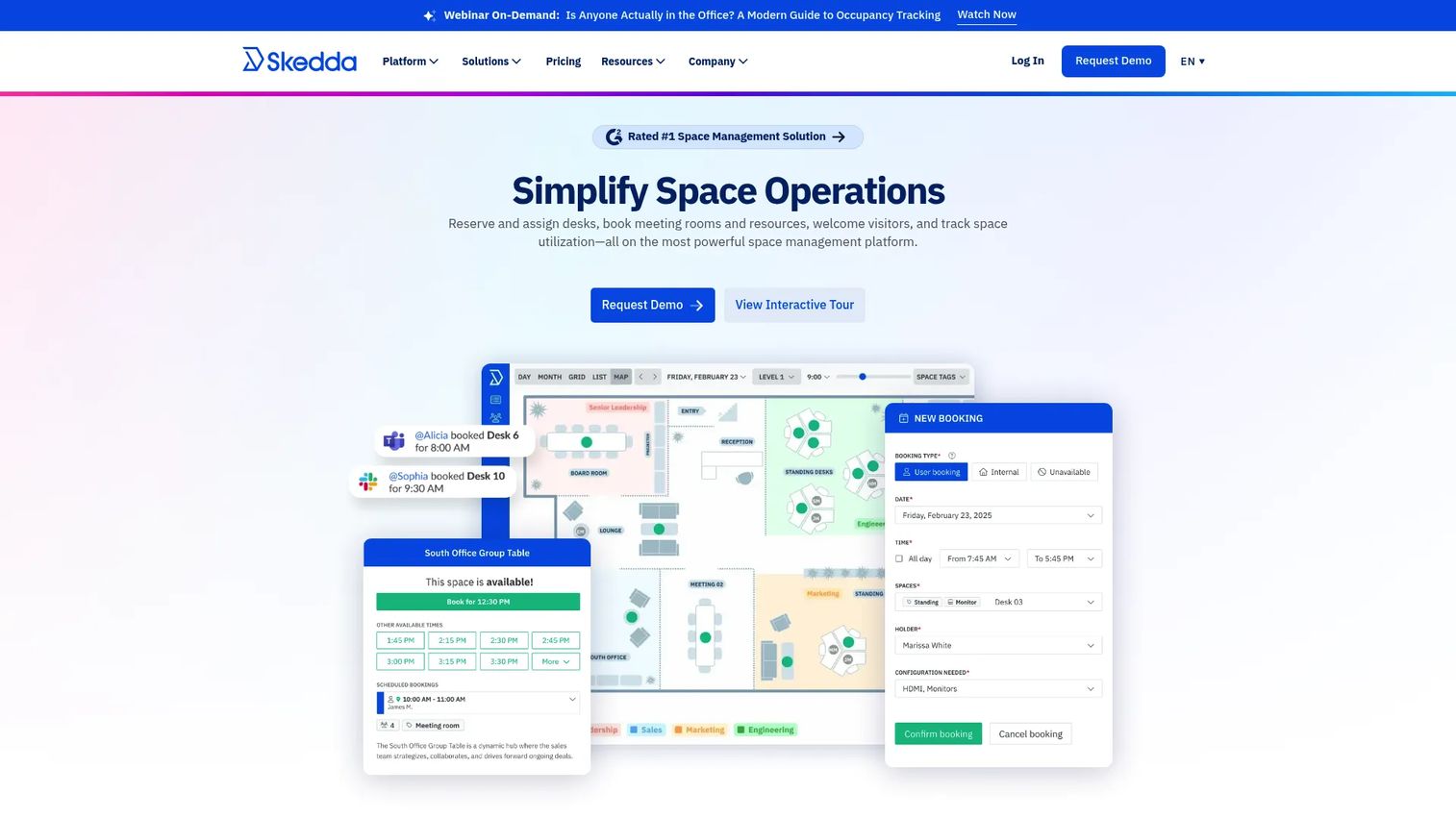
Skedda does one thing extremely well: rules-based space booking through interactive floor plans. If your priority is straightforward desk and room booking with fairness controls, without paying for a sprawling workplace suite, Skedda is the clean pick. Employees see a visual map, grab a desk, and the system enforces whatever booking policies you set.
The fairness controls are the standout. Check-in policies, automatic release of no-show desks, and booking rules keep the floor from overcrowding or getting hogged by the same people. Two-way calendar sync with Microsoft 365 and Google Workspace means bookings live where people already schedule their day, and visitor management rounds out the workplace side. The flat-rate pricing is a relief if you have been burned by per-seat models that punish growth.
Best for: Organizations that want desk, room, or space booking with clear rules and floor-plan scheduling at a predictable price.
Key strengths
- Interactive floor plans: Visual, map-based booking that employees pick up instantly.
- Booking automation and rules: Check-in policies and automatic release to prevent overcrowding and ghost bookings.
- Two-way calendar sync: Microsoft 365 and Google Workspace integration so bookings stay in one place.
Why choose Skedda: Choose it when you want booking done right without the overhead of a broader platform. Teams needing deep moves management or multi-building space planning will want more, but for clean, rule-driven booking, Skedda is hard to beat on value.
Skedda pricing: Plans are flat-rate: Starter at $99/month, Plus at $149/month, and Premier at $199/month, all billed annually, with Enterprise on custom pricing. A 30-day Premium trial is available so you can test the rules engine before committing.
4. deskbird
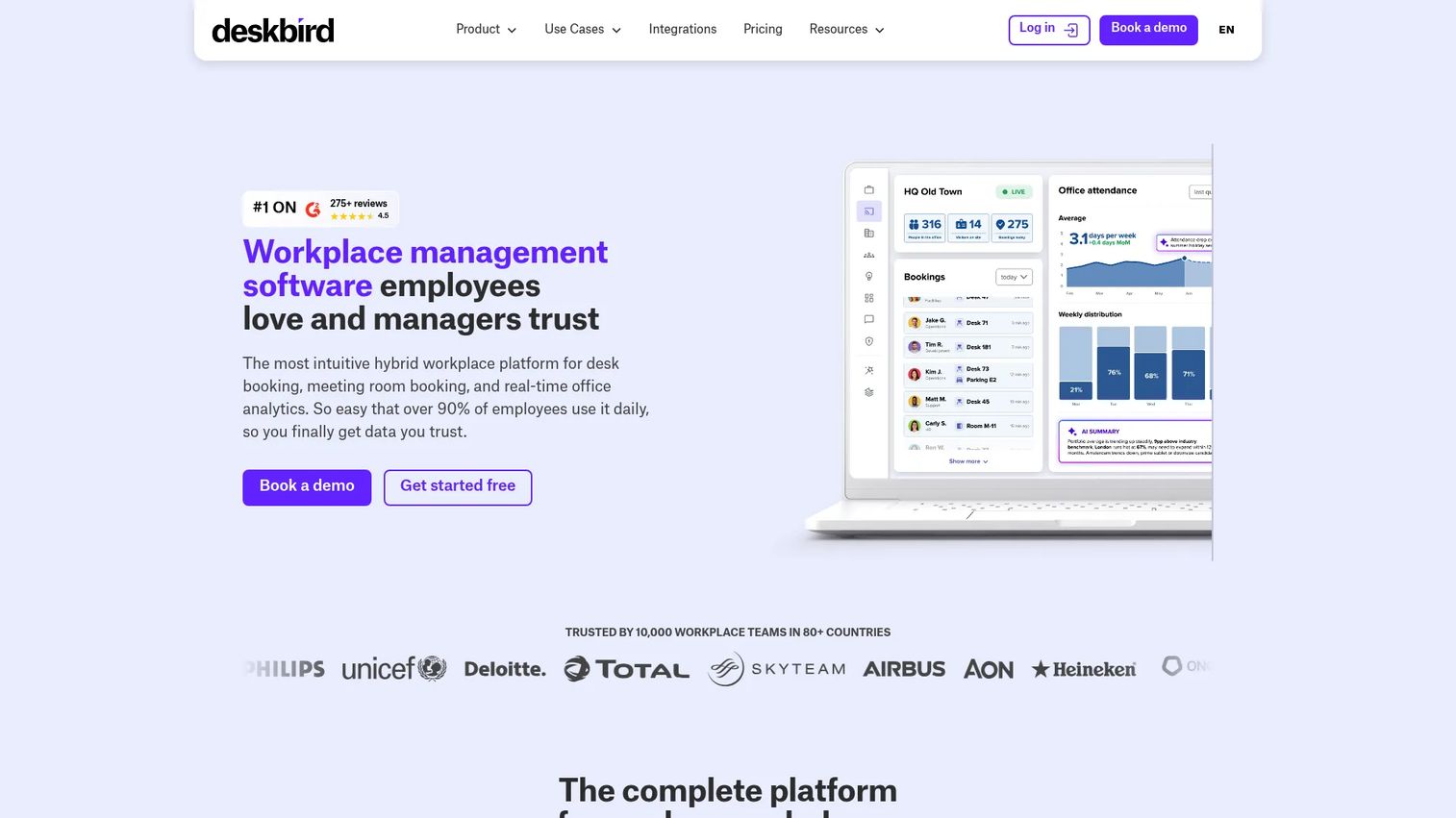
deskbird leans hard into the employee experience, which is the smart bet for adoption. If people find booking annoying, they stop doing it, and your data goes stale. deskbird keeps the flow simple: live availability, quick desk booking, and office-day planning that helps distributed teams decide when to come in. That practical focus makes it a strong fit for hybrid teams that want people to actually use the tool.
Beyond desks, deskbird covers room management, parking, and workplace analytics, so it scales as your needs grow without forcing an all-in-one commitment on day one. The workplace intelligence surfaces occupancy trends so operations can plan capacity. The low per-user entry price makes it easy to start small and expand, which suits teams that want to prove value before scaling seats.
Best for: Hybrid workplaces that want employee-friendly desk booking plus room, parking, and analytics as they grow.
Key strengths
- Employee-first booking: Live availability and fast reservations built for daily use and adoption.
- Office-day coordination: Planning features that help distributed teams sync in-office days.
- Room and parking management: Shared space coverage beyond desks, plus workplace analytics.
Why choose deskbird: Choose it when adoption is your biggest risk and you want a tool employees will not resent. The low starting price helps you pilot before scaling, and the analytics grow with you as capacity planning gets more serious.
deskbird pricing: The Business plan starts at €2.75 per user per month billed annually, or €3.50 billed monthly. Professional and Enterprise plans are custom-priced, and a free trial is available to test the booking flow with your team.
5. Robin
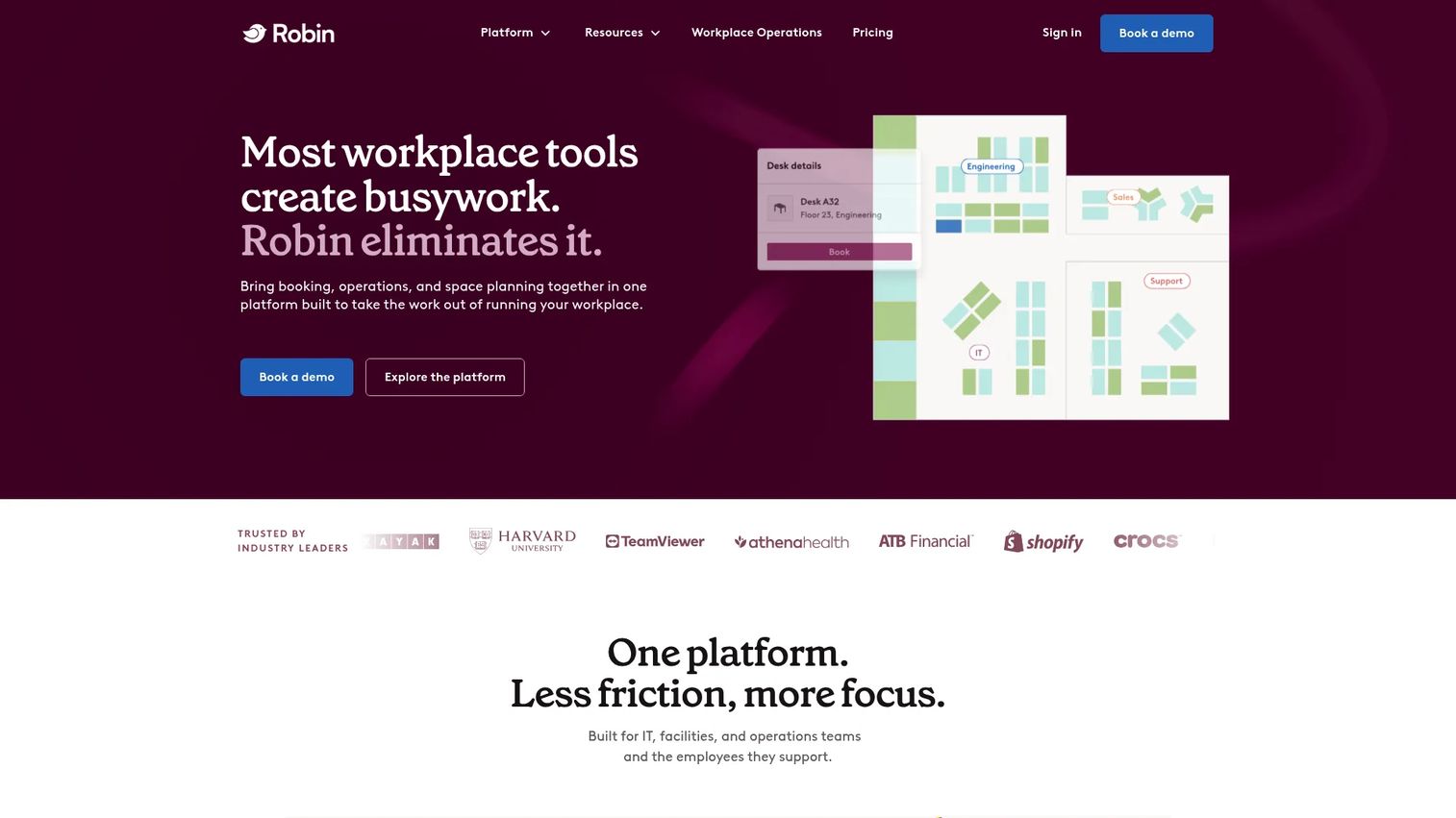
Robin is built around a simple insight: people come to the office for other people. Its desk booking and workplace scheduling put coworker visibility front and center, so employees plan office days around who else will be in. For sales enablement and team leads, that is the feature that makes in-person collaboration and coaching reliably happen instead of by accident.
Map-based reservations cover desks, rooms, parking, and lockers, and AI-assisted reservation tools help suggest where to sit. Robin fits into a broader workplace management stack with visitor management, space planning, and analytics, so it works for organizations that want coordination and operational visibility together. The employee-experience framing and the visibility-first design are what set it apart from tools that treat a desk as just a resource to assign.
Best for: Mid-size to large organizations that want hybrid coordination anchored in coworker visibility.
Key strengths
- Coworker visibility: See who is coming in and book near your team.
- Map-based, multi-resource booking: Desks, rooms, parking, and lockers from one floor plan.
- AI-assisted reservations and analytics: Smart suggestions plus space planning and utilization reporting.
Why choose Robin: Choose it when the goal is getting the right people in the same room, not just filling seats. If you need coordination that drives genuine collaboration, Robin's visibility features are the reason to shortlist it.
Robin pricing: Robin uses quote-based pricing billed annually, customized to your organization. There is no public starting price listed, so you will need to request a quote scoped to your desk and location count.
6. Kadence
Kadence focuses on hybrid workplace scheduling and space coordination without unnecessary complexity. Desk booking, room booking, and space management cover the core needs, and the per-user model keeps pricing easy to reason about. For teams that want scheduling and coordination handled cleanly, Kadence balances employee experience with the operations visibility that ops teams need.
The value here is simplicity paired with a low entry price. You get the essentials of hybrid coordination, seat booking, and team scheduling, without paying for modules you will not touch. That makes Kadence a practical option for teams standing up hot desking for the first time and wanting to keep the rollout lightweight.
Best for: Teams that need hybrid workplace scheduling and space coordination at a simple per-user price.
Key strengths
- Desk and room booking: Core reservation features for shared workspaces.
- Space management: Coordinate seating and layouts across the office.
- Simple per-user pricing: Predictable cost that scales with headcount.
Why choose Kadence: Choose it when you want straightforward hybrid coordination without a heavy platform or a complicated pricing model. It suits teams prioritizing employee experience and easy adoption over deep space-planning capabilities.
Kadence pricing: The Standard plan is $4 per user per month, with an Enterprise plan available on a custom quote. A free trial is offered, and there is no free version. Pricing here reflects third-party listing data, so confirm current terms with Kadence directly.
7. Archie
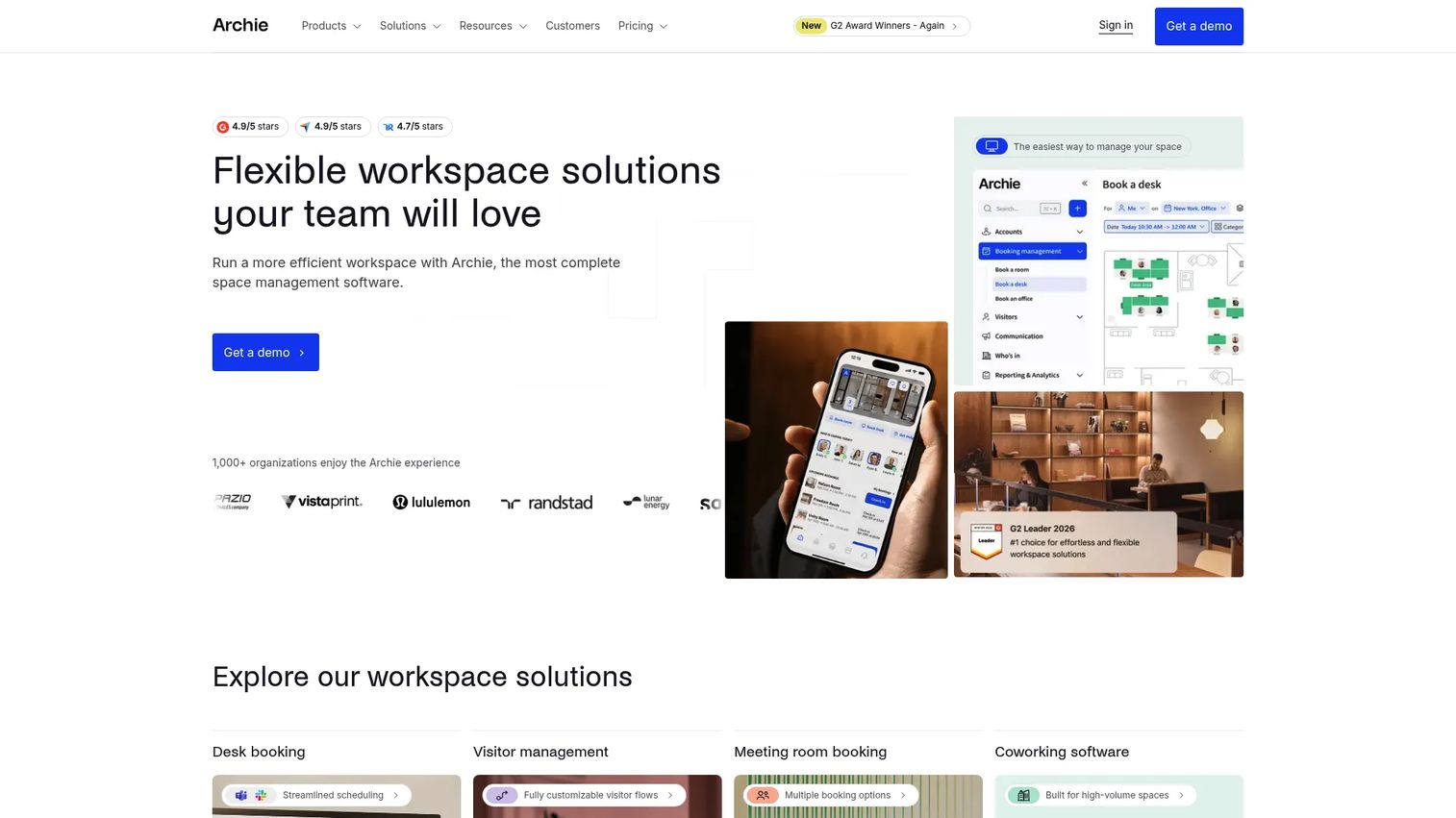
Archie delivers desk booking, meeting room booking, and visitor management with one of the lowest per-desk entry points in the category. It also serves coworking operations, so if you run a flexible space with members as well as employees, Archie handles both. For companies that want a broader office coordination layer without enterprise pricing, it hits a useful middle ground.
The combination of desk booking and visitor management in one tool covers two of the most common workplace ops jobs at once. The low per-desk pricing, with a monthly minimum, makes it accessible for small and growing offices that still want real booking governance and check-in. The strong user ratings suggest the experience holds up in daily use, not just on paper.
Best for: Companies needing office workspace booking and visitor management at an accessible price, including coworking operators.
Key strengths
- Desk booking: Core reservation and workspace management features.
- Meeting room booking: Room scheduling alongside desks in one platform.
- Visitor management: Front-desk check-in built into the same tool.
Why choose Archie: Choose it when you want booking plus visitor management without a large platform commitment or price tag. The low per-desk entry and coworking support make it a fit for smaller offices and flexible spaces.
Archie pricing: The Starter plan is $2.80 per desk per month with a $159/month minimum, and Pro is $3.50 per desk per month with a $249/month minimum. Enterprise is custom-priced. A free trial is available, though there is no permanent free tier.
8. YAROOMS
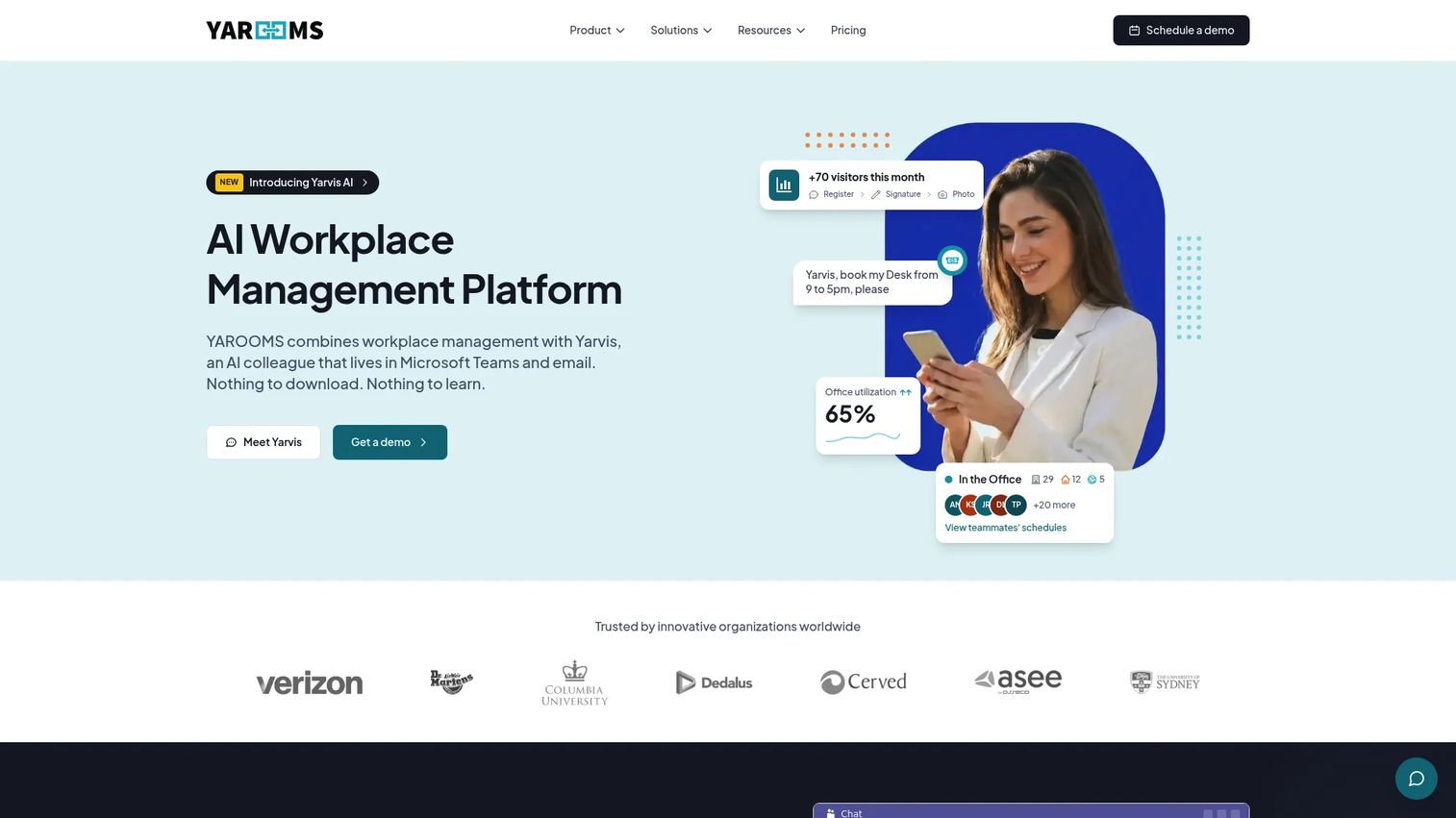
YAROOMS is a workplace management platform built for teams that want booking plus governance in one place. It covers desk booking, room booking, hybrid workplace software, visitor management, and workplace analytics, with the booking rules and controls that keep flexible seating orderly. If you need scheduling backed by real policy enforcement and reporting, YAROOMS is designed for exactly that.
The governance angle is the differentiator. Booking rules let you control how far ahead people can reserve, who can book what, and how capacity is managed per floor or team. Microsoft Teams and calendar integrations put booking where people work, and the analytics close the loop on office utilization. For workplace teams that need scheduling and control together rather than one or the other, that combination is the case for YAROOMS.
Best for: Hybrid workplaces that want one platform for booking spaces, managing visitors, and enforcing booking governance.
Key strengths
- Desk and room booking with rules: Scheduling plus booking governance and capacity management.
- Visitor management: Front-desk check-in alongside space booking.
- Analytics and integrations: Workplace analytics plus Microsoft Teams and calendar integrations.
Why choose YAROOMS: Choose it when booking rules and utilization reporting matter as much as the booking itself. It suits workplace teams that need to enforce policy and prove space usage, not just let people grab desks.
YAROOMS pricing: The Starter plan is $99 per month and the Business plan is $399 per month, both public on the brand site. Additional plans are referenced in their materials, so confirm the full lineup with their team. There is no free version.
Considerations before you buy
Once you have a shortlist, evaluate on the details that determine whether the tool works in practice, not just in a sales demo.
Booking governance and no-show controls
The single biggest failure mode in desk booking is ghost bookings: desks reserved and never used, blocking colleagues who actually came in. Confirm the check-in flow, how quickly unclaimed desks release, and whether you can set booking windows, recurring bookings, and neighborhood rules. Governance is what keeps flexible seating fair as you scale.
Real-time visibility and floor plans
Live occupancy and interactive floor plans are the difference between confident planning and driving in to a full office. Test the desk maps on both desktop and mobile, and check whether availability updates in real time. A colleague finder is worth prioritizing if in-office coordination is a goal.
Integration depth
A booking tool only gets used if it lives where people work. Verify Slack integration, Microsoft Teams integration, and two-way calendar sync, plus SSO for security. Ask about badge, WiFi, sensor, and kiosk or QR code check-in support if you want occupancy data grounded in reality rather than self-reported bookings.
Analytics and utilization reporting
You are buying data as much as booking. Look for occupancy trends, heat maps, and forecasting that support real estate decisions. Confirm you can export the numbers and that reporting maps to floors, neighborhoods, and teams, so you can right-size space with evidence.
Conclusion
There is no single best hot desk software, only the best fit for how your office actually operates. For enterprise workplace operations with serious space planning, OfficeSpace and Robin give you depth and visibility. If you want an all-in-one platform, Envoy consolidates visitor management, rooms, and desks. For clean, rules-based booking at a predictable price, Skedda is hard to beat, while deskbird, Kadence, and Archie offer employee-friendly booking at accessible per-user or per-desk pricing. YAROOMS stands out when booking governance and analytics carry equal weight.
Your next step: shortlist two or three based on three questions. How complex are your floor-plan and space-planning needs? Which integrations, Slack, Teams, calendar, SSO, must the tool support? And how strict does your booking governance need to be to prevent no-shows? Run a short pilot with real employees on your actual floor plan, watch the adoption and no-show numbers, and let the data pick the winner.
FAQs
Hot desk software is a desk booking system that lets employees reserve unassigned workstations on demand instead of owning a fixed desk. It manages a shared pool of desks so more people can be supported than there are seats, using interactive floor plans, real-time availability, and booking rules to keep flexible seating organized.
At minimum, look for interactive floor plans and desk maps, real-time availability and live occupancy, booking rules and capacity management, and check-in with no-show prevention. Beyond those table stakes, prioritize Slack and Microsoft Teams integration, calendar sync, SSO, and utilization reporting with heat maps and occupancy trends.
Most platforms use a check-in step: employees confirm arrival by app, badge, or QR code, and desks that are never claimed automatically release back to the pool. Combined with booking windows and limits, this kills ghost bookings where a reserved desk sits empty while a colleague who came in has nowhere to sit.
Hot desking means grabbing any available desk spontaneously, often on the day, with no advance reservation. Hoteling means reserving a specific desk in advance for a set period, more like booking a hotel room. Most desk booking software supports both models, and office hoteling software is simply the reservation-first variant.
Slack and Microsoft Teams integrations matter most because they put booking where employees already communicate, which drives adoption. Two-way calendar sync with Microsoft 365 or Google Workspace keeps reservations in one place, SSO handles security, and badge, WiFi, or sensor integrations ground your occupancy data in reality rather than self-reported bookings.
Start with three questions: how complex are your floor-plan and space-planning needs, which integrations are non-negotiable, and how strict does booking governance need to be to prevent no-shows. Shortlist two or three tools, run a pilot with real employees on your actual floor plan, and let adoption and no-show data decide.
For anything beyond a handful of desks, yes. Spreadsheets and shared calendars have no live occupancy, no automatic no-show release, no interactive floor plans, and no utilization analytics. They also break down under double bookings and offer no visibility into who is coming in, which is the whole point of coordinating a hybrid office.
Utilization reporting shows which desks, neighborhoods, and floors actually get used, so you can right-size space instead of guessing. Occupancy trends, heat maps, and forecasting support lease negotiations, floor reconfiguration, and capacity planning, turning a real estate decision into an evidence-based one rather than a hunch.