You are asked to approve a new mezzanine, a fleet of AGVs, or a slotting redesign before anyone can prove it works. The budget is committed months before the first pallet moves. If the travel paths are wrong, or the pick faces are in the wrong zone, you find out after the concrete is poured.
That gap between decision and proof is expensive. A layout that looks efficient on a CAD drawing can strangle throughput once real order profiles hit it. An automation investment that models well in a spreadsheet can miss its throughput target by 20% when queuing, congestion, and shift patterns enter the picture.
Warehouse simulation software closes that gap. You model the facility, run real demand against it, and watch where flow breaks before you spend a dollar on steel or robots. The market reflects the demand: warehouse simulation was valued at roughly USD 700 million in 2025 and is projected to reach USD 2.85 billion by 2036, growing at a 13.6% CAGR, according to Fact.MR (2025).
The catch is that these tools are not interchangeable. One excels at 3D layout visualization for stakeholder buy-in. Another is built for digital twin fidelity tied to live WMS data. Picking the wrong one wastes the exact budget and time you were trying to protect.
What's inside
This guide is for operations, supply chain, and industrial engineering buyers evaluating warehouse simulation tools for a redesign, an automation decision, or a throughput problem.
We selected and ranked tools on four axes that actually change outcomes:
- Modeling depth: discrete-event, agent-based, and digital twin capability.
- Scenario testing: how easily you run what-if analysis and compare layouts.
- 3D visualization: how well the model communicates decisions to non-technical stakeholders.
- Material handling coverage: AGVs, ASRS, conveyors, and labor modeling out of the box.
Pricing and G2 ratings reflect verified, public sources where available. Where a vendor gates pricing behind sales, we say so plainly.
TL;DR
- Best for end-to-end warehouse modeling: Createasoft, with digital twin depth and live WMS connectivity.
- Best for simulation flexibility: AnyLogic, for teams wanting multimethod modeling and reusable assets.
- Best for 3D warehouse visualization: Autodesk FlexSim, when stakeholder communication matters.
- Best for design teams wanting simplicity: Körber, for cloud-based planning tied to supply chain execution.
- Best for enterprise process optimization: Siemens Tecnomatix Plant Simulation, for manufacturing-linked warehouses.
Shortlist two or three, then test one real warehouse scenario in each before committing.
What is warehouse simulation software
Warehouse simulation software is a tool that builds a virtual model of a warehouse, including its layout, equipment, labor, and order flows, so teams can test and optimize operations before making physical changes. It lets you run realistic demand against a proposed design and measure throughput, congestion, and cost without touching the live facility.
Most platforms are built on discrete-event simulation, which models the warehouse as a sequence of timed events: an order arrives, a picker travels, a conveyor moves a case, a truck loads. Discrete-event simulation accounted for 51.24% of global warehouse simulation adoption in 2025, according to Market.us (2025). More advanced warehouse modeling software adds agent-based logic and digital twin capability, where the model syncs to real operational data and mirrors the live site.
Core capabilities you will find across the category:
- 3D modeling and layout: build racking, docks, aisles, and zones, then visualize flow in 2D or 3D.
- Discrete-event and agent-based simulation: model timed events and independent actors like pickers and vehicles.
- What-if analysis: compare layouts, staffing levels, and equipment options side by side.
- Digital twin warehouse software: connect the model to WMS, ERP, or PLC data for a live operational mirror.
- Performance reporting: measure throughput, utilization, bottlenecks, and cost per scenario.
Together these turn warehouse optimization software from a guessing exercise into a measurable one. You stop arguing about which layout is faster and start showing it.
When to use warehouse simulation software
Not every operations decision needs a simulation model. These three situations almost always justify one.
Plan a new warehouse layout
When you are designing a facility from scratch or reconfiguring an existing one, warehouse planning software lets you test dock placement, storage zones, travel paths, and the flow from receiving to shipping before construction. You can compare two or three layout options against the same order profile and see which one moves volume with less travel and congestion. This is where warehouse layout optimization software earns its keep: catching a bad aisle decision on screen instead of on the floor.
Validate automation and equipment choices
Before you commit to AGVs, an ASRS, conveyors, or a robotic picking cell, you want proof they hit throughput targets under real demand. A warehouse robot simulator lets you model vehicle counts, charging cycles, traffic, and handoffs, then stress-test the system against peak volume. The result is risk reduction: you find the queuing problem or the undersized fleet before the purchase order, not after.
Improve throughput and labor planning
When an existing site is missing its numbers, simulation helps you find the bottleneck. Model staffing levels, slotting, wave release, and picking strategy, then run capacity planning and bottleneck analysis to see where flow stalls. Warehouse optimization software shows whether the fix is more labor, a smarter slotting plan, or a different wave structure, before you change anything live.
Comparison table
The tools below are ranked by relevance to warehouse simulation specifically, not by company size or brand recognition. Pricing reflects publicly listed figures where vendors publish them; several use quote-based models, noted as such. G2 ratings are from each tool's current listing.
| # | Product | Best for | Key differentiator | Pricing | G2 rating |
|---|---|---|---|---|---|
| 1 | Createasoft | End-to-end warehouse modeling | Digital twin studio with live WMS/ERP/PLC connectivity | From $4,995/yr | 4.3/5 |
| 2 | AnyLogic | Simulation flexibility | Multimethod modeling with material handling library | Free tier; paid by quote | 4.2/5 |
| 3 | Autodesk FlexSim | 3D warehouse visualization | High-fidelity 3D discrete-event modeling | Free trial; quote-based | 4.4/5 |
| 4 | Körber | Design teams wanting simplicity | Cloud warehouse design tied to supply chain execution | Quote-based | 4.5/5 |
| 5 | Siemens Tecnomatix Plant Simulation | Enterprise process optimization | High-fidelity digital factory and logistics modeling | Quote-based | Not listed |
| 6 | Simio | Scenario testing and optimization | Discrete-event modeling with process digital twins | Free trial; quote-based | 4.3/5 |
| 7 | Dassault Systèmes DELMIA | Enterprise supply chain alignment | Virtual twin across manufacturing and logistics | From $1,077/qtr | 4.0/5 |
| 8 | Arena Simulation | Operational process modeling | Discrete-event modeling with material handling templates | Quote-based | 4.1/5 |
Best 8 warehouse simulation tools for 2026
1. Createasoft
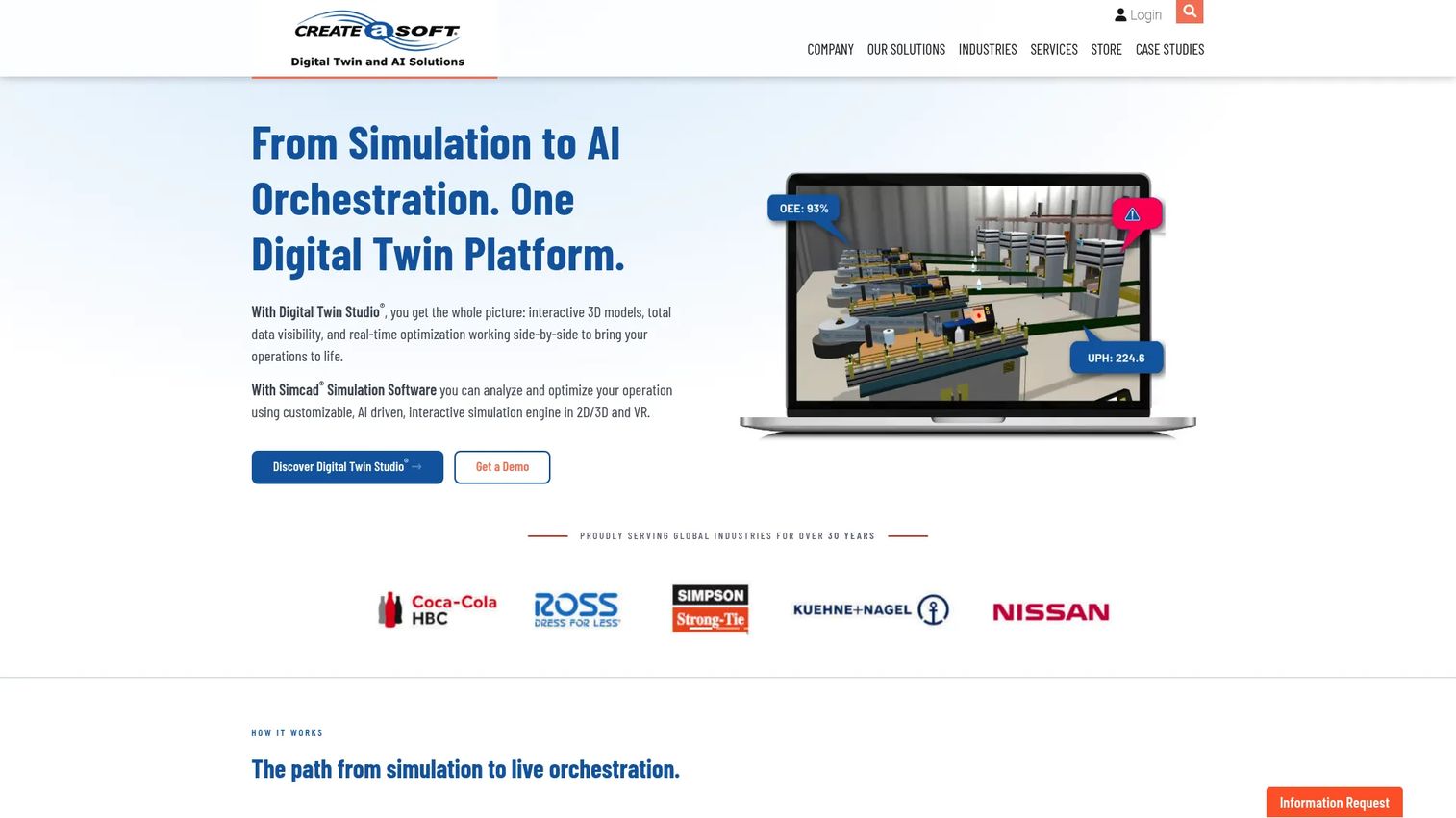
Createasoft builds simulation and digital twin software through its Simcad Pro modeling platform and Digital Twin Studio. It is built to model a warehouse end to end, from receiving through putaway, storage, picking, packing, and shipping, and to keep that model synced with live operational data. For teams that want their simulation to double as an ongoing operational mirror, it is one of the strongest options in the category.
Best for: Warehousing and logistics teams that want digital twin depth and live connectivity to WMS, ERP, and control systems.
Key strengths
- Simcad Pro discrete-event simulation for full warehouse flow
- Digital Twin Studio desktop platform for live operational mirroring
- Real-time connectivity to ERP, WMS, PLC, and RTLS systems
- AI-assisted capacity planning and congestion analysis
Why choose Createasoft: If your goal is a model that starts as a design tool and lives on as a digital twin tied to real data, Createasoft covers both jobs in one platform. It suits teams that treat simulation as continuous, not a one-off study.
Createasoft pricing: The Simcad Pro annual license is listed at $4,995 per year for one user. A Simcad Pro perpetual license is $16,950. Digital Twin Studio Desktop is priced on request through the vendor's storefront.
2. AnyLogic
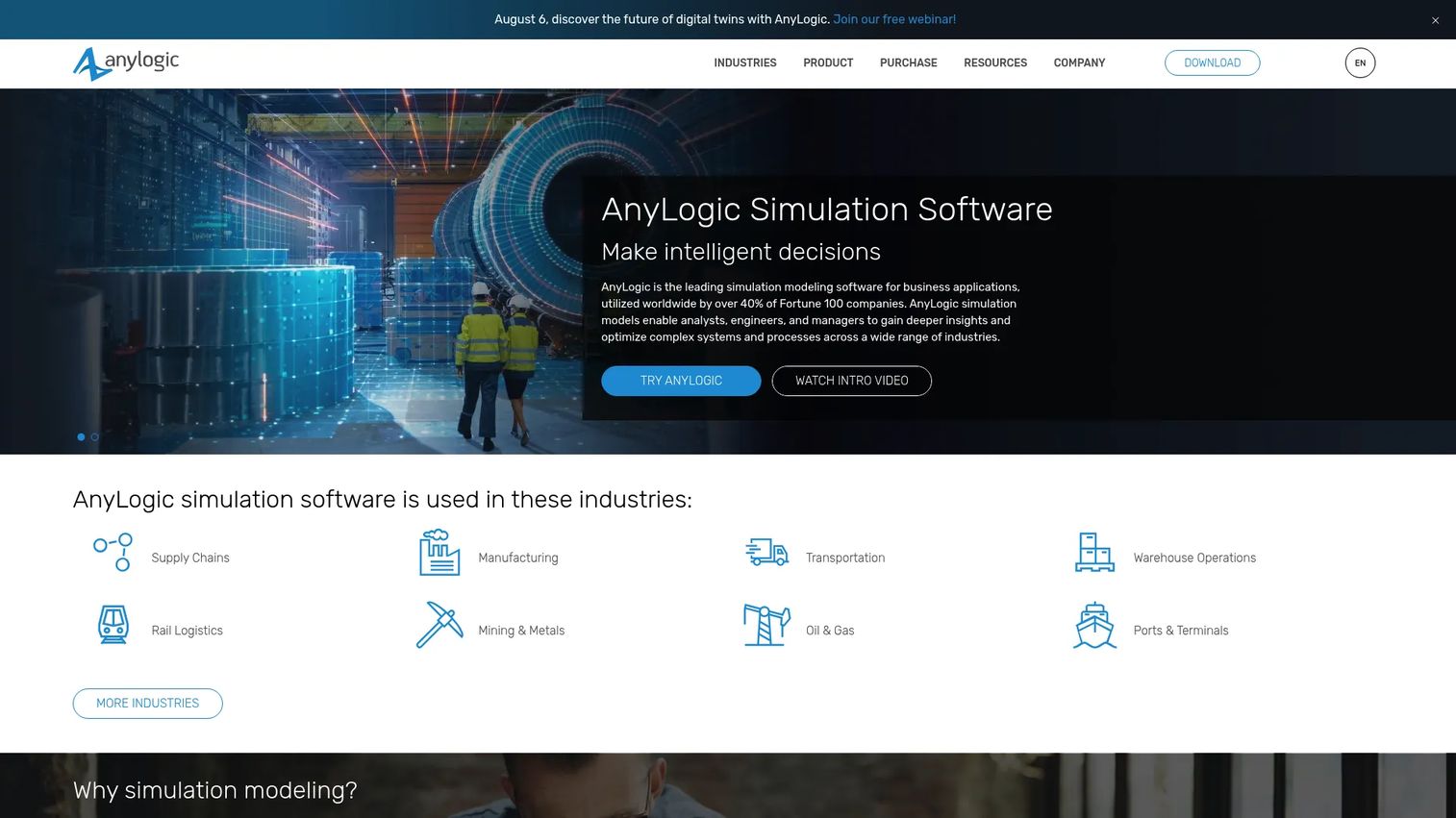
AnyLogic is a multimethod simulation platform that treats warehouse modeling as one application among many. It combines discrete-event, agent-based, and system dynamics modeling in a single environment, with a dedicated material handling library for conveyors, AGVs, and storage systems. That flexibility, plus a large set of public example models, makes it a favorite for teams that build reusable simulation assets across projects.
Best for: Engineering teams that want model flexibility and reusable assets across warehousing, logistics, and broader supply chain work.
Key strengths
- Discrete-event, agent-based, and system dynamics modeling in one tool
- Material handling library for warehouse equipment and flows
- GIS map integration for network and multi-site modeling
- Java-based extensibility and API integration
Why choose AnyLogic: If your team runs simulation across more than just warehouses, or wants to combine methods in a single model, AnyLogic gives you room the single-purpose tools do not. The public model library shortens the ramp on new scenario testing.
AnyLogic pricing: A free Personal Learning Edition is available for evaluation and teaching. The University Researcher and commercial Professional plans are quote-based. AnyLogic Cloud offers free evaluation access, with a Private Cloud subscription for professional projects.
3. Autodesk FlexSim
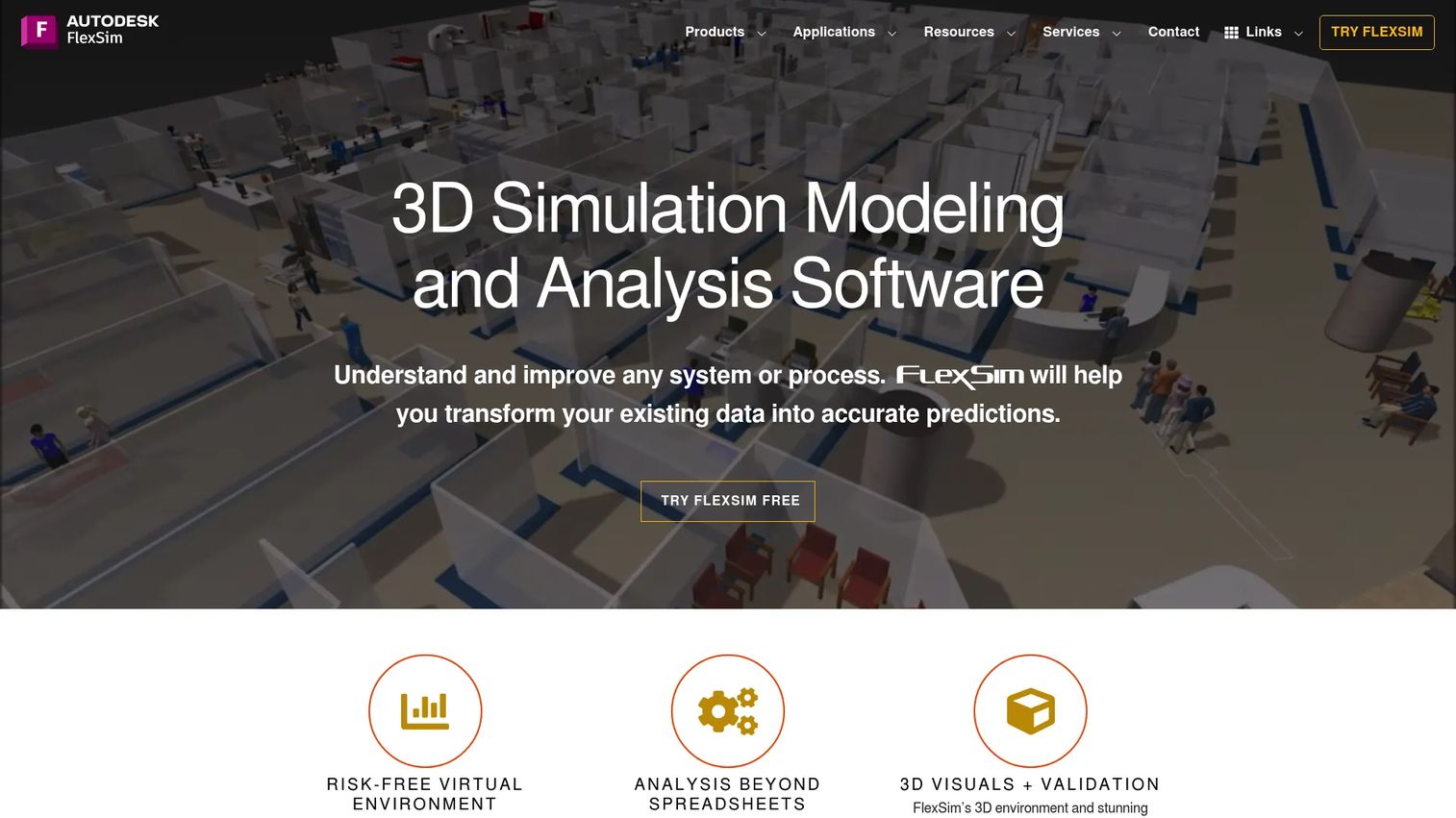
Autodesk FlexSim is 3D simulation and analysis software built for discrete-event modeling, digital twins, and process optimization. Its strength is visual: models render in detailed 3D, which turns a throughput argument into something a non-technical stakeholder can watch and understand. For warehouse layout testing and bottleneck visibility, that visualization is often the difference between a plan that gets approved and one that stalls in review.
Best for: Teams that need 3D layout testing and clear visual communication to win stakeholder buy-in.
Key strengths
- Detailed 3D simulation modeling for layout and flow
- Process Flow logic modeling for custom operational rules
- Discrete-event, continuous, and agent-based simulation
- Built-in reporting and pre-built components
Why choose Autodesk FlexSim: When you need to show, not just tell, FlexSim's 3D output carries decisions through review meetings that a spreadsheet cannot. It fits manufacturing, warehousing, logistics, and healthcare operations equally well.
Autodesk FlexSim pricing: Autodesk does not publish list pricing on its site. A free trial is available, and pricing inquiries route through sales and distributors.
4. Körber
Körber approaches simulation from the supply chain execution side. Its warehouse design and planning tools are cloud-delivered and built to reduce the data burden, positioning themselves as a replacement for the spreadsheet-based design work many teams still rely on. For operations groups that want planning tied directly to warehouse management and automation, rather than a standalone modeling tool, Körber's integrated approach fits.
Best for: Warehouse design teams that prioritize ease of use and want planning connected to supply chain execution.
Key strengths
- Cloud-based warehouse design and planning
- Warehouse management and transportation management integration
- Visualization tools for layout and flow
- End-to-end supply chain control across the operation
Why choose Körber: If you value a design tool that plugs into the same stack running your warehouse, and you want to move planning off spreadsheets, Körber's integrated model is a practical fit. It suits enterprises seeking software and automation from one supply chain provider.
Körber pricing: Körber does not publish pricing on its site. Plans are quote-based and scoped to the operation.
5. Siemens Tecnomatix Plant Simulation
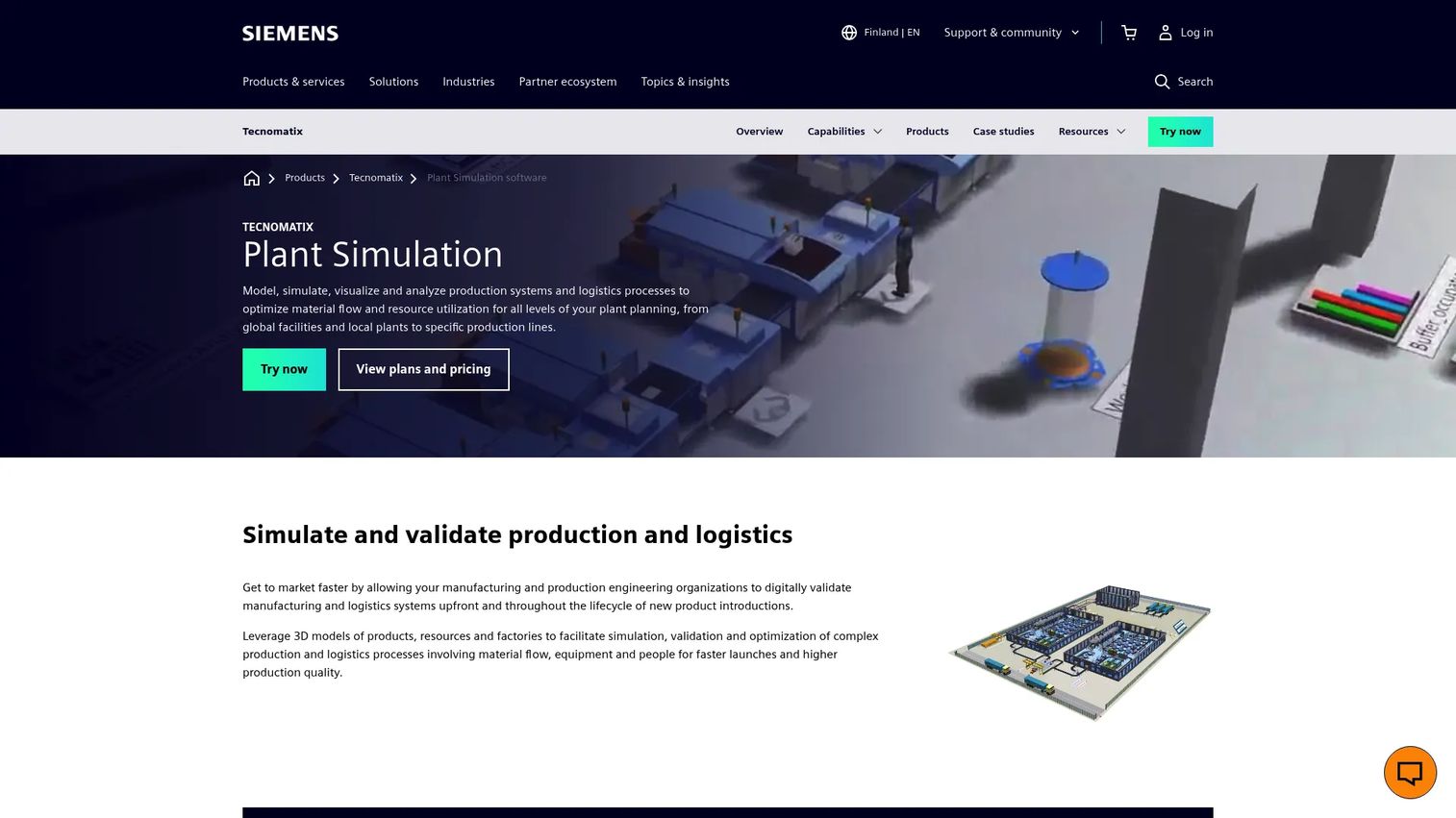
Siemens Tecnomatix Plant Simulation is digital manufacturing software for simulating and optimizing production and logistics systems. It is built for high-fidelity modeling of material flow and resource utilization, which makes it a natural fit for warehouses tied to manufacturing operations. If your distribution or storage flow feeds a production line, modeling both in one environment closes gaps that separate tools miss.
Best for: Large operations needing deep process analysis, especially manufacturing-linked warehouses and logistics.
Key strengths
- High-fidelity modeling of material flow and resource utilization
- Value stream mapping with a dedicated object library
- Multi-level factory and logistics simulation
- Cloud technology for large-scale production and logistics models
Why choose Siemens Tecnomatix Plant Simulation: When the warehouse is one node in a larger manufacturing system, Siemens lets you model throughput, resource use, and logistics in a single high-fidelity environment. It suits enterprise teams that need depth over speed of setup.
Siemens Tecnomatix Plant Simulation pricing: Siemens offers preconfigured Plant Simulation X packages. Public numeric pricing is not listed; plans are scoped through Siemens sales.
6. Simio
Simio is discrete-event simulation and digital twin software for operations modeling and optimization. It is built for scenario testing: model warehouse flows, staffing, and equipment, then run experiments to compare operational options. Its data integration and automation features let teams keep models fed with real inputs, which supports both up-front planning and ongoing decision support.
Best for: Operations teams that want discrete-event scenario testing and process digital twins for layout and staffing decisions.
Key strengths
- Discrete-event simulation for warehouse and operations flows
- Process digital twins tied to real data
- Data integration and automation for live inputs
- Experiment tools for comparing operational scenarios
Why choose Simio: If your priority is running structured what-if experiments on layout, resources, and picking strategy, Simio's scenario tooling is built for exactly that. It suits manufacturing and logistics teams that want repeatable, data-fed models.
Simio pricing: Simio does not publish commercial pricing on its site. A free 30-day trial is available, academic licenses are offered at no cost, and commercial plans are quote-based.
7. Dassault Systèmes DELMIA
Dassault Systèmes DELMIA is a software brand for manufacturing, supply chain, logistics, and workforce operations. Its virtual twin technology extends warehouse and process simulation into the broader production and supply chain picture, which makes it a fit for enterprises that want warehouse modeling aligned with manufacturing and planning. For organizations already invested in the Dassault ecosystem, that alignment reduces the seams between systems.
Best for: Enterprise teams that want warehouse simulation aligned with supply chain and production planning.
Key strengths
- Virtual twins for manufacturing and operations
- Industrial AI and augmented reality capabilities
- Supply chain planning and optimization
- Broad operations suite across the production lifecycle
Why choose Dassault Systèmes DELMIA: When the warehouse decision cannot be separated from production and supply chain planning, DELMIA's virtual twin ties them together. It suits large manufacturers wanting a single operations backbone rather than a point tool.
Dassault Systèmes DELMIA pricing: DELMIA is a broad brand, and most offerings are quote-based. The publicly listed DELMIA Machining plans start at $1,077 per quarter (Milling and Turning), with Advanced Milling at $1,692 per quarter and Premium Milling and Turning at $1,998 per quarter. Yearly plans are also published.
8. Arena Simulation
Arena Simulation, part of Rockwell Automation, is discrete-event simulation software for modeling, analyzing, and improving business processes. It has a long track record in operations and process improvement, with templates for material handling that make warehouse flow modeling approachable. For teams focused on process flow, resource allocation, and throughput experiments, Arena offers a well-established path.
Best for: Operations teams modeling process flow, resource allocation, and throughput changes with discrete-event simulation.
Key strengths
- Discrete-event simulation for operations and process modeling
- Material handling templates for warehouse flows
- Discrete processing, decision, and animation templates
- Multi-processing support and a ribbon-style interface
Why choose Arena Simulation: If you want a proven discrete-event tool with ready-made material handling templates and a straightforward path to modeling flow and resources, Arena's maturity is its strength. It fits organizations improving existing operations rather than designing from scratch.
Arena Simulation pricing: Arena does not publish pricing on its site. Purchasing and pricing route through Rockwell Automation sales.
Considerations before you buy
The right tool depends on the decision you are trying to make. Use this checklist to narrow the field before you sit through vendor demos.
Modeling method
Confirm whether you need discrete-event, agent-based, or both. Most warehouse work runs on discrete-event simulation, but complex vehicle traffic and independent-actor behavior often need agent-based logic. Tools like AnyLogic that support multiple methods give you room if your scope grows.
Digital twin requirement
Decide whether you need a one-time study or a living model synced to real data. If you want the model to keep mirroring the site after go-live, prioritize digital twin warehouse software with live WMS, ERP, or PLC connectivity, such as Createasoft or Simio.
3D visualization needs
Ask who has to approve the decision. If non-technical stakeholders sign off, 3D output carries the argument far better than tables. FlexSim and Siemens Tecnomatix Plant Simulation lead here. If your audience is engineers comfortable with data, 2D may be enough.
Automation and material handling depth
Check that the tool models the specific equipment you are validating: AGVs, ASRS, conveyors, or robotic cells. Depth varies. A warehouse robot simulator needs to handle vehicle counts, charging, and congestion, not just abstract throughput.
Data and integration effort
Estimate what data you will feed the model and where it lives. A tool that connects to your WMS and order history shortens setup and improves accuracy. Weigh that against the modeling effort your team can realistically sustain across releases.
Conclusion
The best warehouse simulation software depends entirely on the decision in front of you. For end-to-end modeling with a living digital twin, Createasoft leads. For simulation flexibility and reusable assets across projects, AnyLogic is the strongest choice. When 3D visualization has to win over stakeholders, Autodesk FlexSim carries the argument. For design teams wanting simplicity tied to execution, Körber fits. And for enterprise, manufacturing-linked process optimization, Siemens Tecnomatix Plant Simulation offers the depth.
Simio, DELMIA, and Arena round out the field with strong discrete-event modeling for scenario testing, enterprise supply chain alignment, and mature process improvement respectively.
Do not try to pick a winner on paper. Shortlist two or three tools that match your primary decision, then model one real warehouse scenario in each, using your own order profile and layout. The tool that produces a credible, decision-ready result fastest is the one worth buying. That single test will tell you more than any feature comparison.
FAQs
Warehouse simulation models a proposed design and runs demand against it to test outcomes before you build. A digital twin goes further: it stays connected to live WMS, ERP, or sensor data and mirrors the running facility over time. In practice the two overlap. Many tools, including Createasoft and Simio, use the same model for an up-front simulation study and an ongoing digital twin.
For layout planning where you need to communicate decisions, Autodesk FlexSim and Siemens Tecnomatix Plant Simulation lead on 3D visualization. Both let you test dock placement, zones, and travel paths, then show the flow in detailed 3D. If your audience is comfortable with data over visuals, AnyLogic and Arena Simulation also handle warehouse layout optimization well.
Yes, most tools can model AGVs, ASRS, conveyors, and robotic systems, but depth varies. A capable warehouse robot simulator handles vehicle counts, charging cycles, traffic congestion, and handoffs, not just abstract throughput numbers. AnyLogic's material handling library, FlexSim's 3D vehicle modeling, and Arena's material handling templates are built for this. Confirm the specific equipment behavior you need before committing.
It is one of the highest-value uses. Automation decisions commit large budgets months before anything runs, and simulation lets you validate throughput under real demand first. You can catch an undersized AGV fleet, a queuing bottleneck, or a charging-cycle gap on screen instead of after purchase. That risk reduction often pays for the software many times over on a single project.
Ease of use comes down to visual modeling, templates, and how much data setup a tool demands. Körber positions its cloud design tools around minimal data entry and spreadsheet replacement, which suits teams without a dedicated modeler. Tools with strong 3D output and pre-built components, like FlexSim, also lower the barrier because the model is easier to read and validate.
Choose 2D when your audience is engineers who read data comfortably and you want to move fast on internal analysis. Choose 3D when the decision needs sign-off from operations leaders, finance, or executives who are not fluent in simulation output. A 3D model of a congested aisle communicates a throughput problem in seconds, where a 2D chart needs explanation. Match the format to who has to approve the spend.
Some do, but capability varies widely. Tools with digital twin depth, such as Createasoft with its WMS and ERP connectivity, can emulate or connect to warehouse management logic and test how the model behaves against real system data. Others focus on the physical flow and require you to feed order data manually. If WMS emulation matters, confirm the specific integrations during evaluation rather than assuming support.