Last updated: October 2, 2026
Your intake team opens a matter. They search the shared spreadsheet, check an old billing export, and ask the partner who's been here longest. Nobody flags a conflict. Two months later, someone does.
That's not a process failure. It's a data architecture problem masquerading as a process failure. The names were there, the relationships existed, and the connection was findable. The firm just didn't have a system that could find it.
The legal technology market reached $28.7 billion in 2025, according to Grand View Research, and client intake software has become one of its fastest-growing operational segments. Yet many firms still rely on spreadsheets that go stale, get accessed inconsistently, and produce no evidence of what was searched or who cleared it.
Conflict check software solves a different problem than most firms think. The search matters. The documented record of that search matters more. Which type of tool fits your firm depends on your data architecture, intake volume, and governance requirements.
What's inside
This guide covers eight conflict check software tools for law firms and professional-services organizations in 2026. Items were selected across three product categories: Dedicated conflict-check systems, enterprise conflicts platforms, and practice-management suites with built-in checking.
Selection criteria:
- Search coverage across client, matter, party, and relationship records
- Intake workflow integration and clearance ownership
- Audit trail quality and report retention
- Pricing model fit for firm size and governance complexity
TL;DR
- Best for enterprise conflicts governance: Intapp Conflicts, for firms managing complex relationships, clearance workflows, and multi-department risk
- Best for document-centric environments: iManage Conflicts Manager, for firms already operating inside an iManage ecosystem
- Best dedicated conflict-check product: Client Conflict Check, for firms that want focused searching and documented reporting without replacing their practice stack
- Best for intake-linked checks: Actionstep, for mid-sized firms that need conflict checking embedded into matter opening and workflow
- Best established legal platform: Clio Manage, for small to mid-sized firms that want intake, billing, and conflict checks in one system
- Best for workflow-led operations: Smokeball, CosmoLex, and AbacusLaw, for firms evaluating broader practice-management stacks where conflict checking is one required step among many
What is conflict check software?
Conflict check software is a legal and professional-services system that searches client, matter, contact, relationship, and related-party data to identify potential conflicts of interest before a firm accepts, opens, staffs, or continues work.
What conflict check software should search
A useful system needs access to the right records. That includes:
- Prospective clients and existing clients
- Current and former matters
- Opposing parties and adverse entities
- Contacts, counterparties, and related individuals
- Corporate parents, subsidiaries, officers, directors, and trade names
- Former names, alternate spellings, and related-entity aliases
- Billing records and matter notes where the firm's workflow requires them
Core capabilities to look for
- Configurable search fields and matching logic
- Centralized client and matter records
- Intake workflow triggers before matter opening
- Conflict review and clearance routing
- Exportable reports and searchable audit trails
- Role-based permissions for sensitive information
- Monitoring for ongoing conflicts in enterprise environments
- Integration with client management software, document management, and intake systems
Software versus spreadsheets
A spreadsheet can document a basic attorney conflict check procedure, but it relies on consistent data entry, controlled access, and manual search discipline across every person who uses it.
Conflict checking software earns its cost when a firm needs broader search coverage, repeatable intake, approval records, and a retrievable history of completed checks. The table below shows where each approach breaks down:
| Spreadsheet process | Conflict check software |
|---|---|
| Manual name lookup | Search across connected records |
| Inconsistent data entry | Required intake fields and controls |
| Difficult reporting | Time-stamped search and clearance reports |
| Limited permissions | Role-based access and approval workflows |
| Depends on staff memory | Documented process tied to matter opening |
If you are building a legal-tech product or evaluating this market, the spreadsheet-to-software migration is a repeatable buying trigger. Most firms hit it when intake volume grows, a second office opens, or a near-miss raises internal pressure.
When to use conflict check software
Run checks before accepting a new client
The most common deployment is prospective-client intake. Software should make it easy to collect party names, search the relevant data sources, route potential matches for review, and retain the result before the engagement moves forward. The goal is a documented clearance attached to the matter record, not a verbal confirmation that disappears.
Recheck conflicts when a matter changes
New parties, acquisitions, staffing changes, and expanded scope can introduce conflicts after initial intake. Enterprise environments often need monitoring or a formal recheck workflow triggered by specific events. Firms that treat the initial check as the only check expose themselves to the same risk that makes the first check necessary.
Standardize checks across offices and practice groups
Multi-office firms frequently run disconnected intake processes. Local habits and separate billing systems mean the same party might be in three databases and absent from the one being searched. A centralized conflict-check system should enforce consistent search scope while respecting appropriate permission boundaries between offices or practice groups. For legal-tech founders, this multi-location fragmentation is often the opening for a new-matter integration play.
Conflict check software comparison
The eight tools below fall into three categories. Intapp Conflicts and iManage Conflicts Manager are enterprise conflicts platforms with dedicated clearance workflows and governance depth. Client Conflict Check is a standalone product focused specifically on the conflict-search and reporting workflow. Actionstep, Clio Manage, Smokeball, CosmoLex, and AbacusLaw are legal practice-management platforms where conflict checking is one part of a broader operational stack.
Evaluate based on search coverage, workflow fit, auditability, and your firm's ability to maintain clean records in the underlying system. Pricing and ratings below are verified from vendor pricing pages and G2 listings as of October 2, 2026.
| # | Product | Best for | Key differentiator | Pricing | G2 rating |
|---|---|---|---|---|---|
| 1 | Intapp Conflicts | Enterprise professional-services firms | AI-assisted conflict search, clearance, and governance | Custom pricing | 5.0/5 |
| 2 | iManage Conflicts Manager | iManage ecosystem users | Conflicts workflow connected to information governance | Custom pricing | 3.5/5 |
| 3 | Client Conflict Check | Dedicated conflict-check workflow | Focused online search, custom categories, and reporting | From $199/year | Not listed on G2 |
| 4 | Actionstep | Mid-sized firms with structured intake | Firm-wide search with PDF and Excel report exports | Custom pricing | 3.9/5 |
| 5 | Clio Manage | Small to mid-sized law firms | Conflict checks linked to intake, contacts, and matters | From $49/user/month | 4.7/5 |
| 6 | Smokeball | Workflow-led firm operations | Practice-management workflows with conflict-check steps | Custom pricing | 4.7/5 |
| 7 | CosmoLex | Integrated practice management and accounting | Legal operations stack with billing, trust accounting, and client intake | From $49/user/month | 4.2/5 |
| 8 | AbacusLaw | Configurable legal practice management | Case management with cloud and private-cloud deployment | Custom pricing | 4.0/5 |
Pricing and ratings verified October 2, 2026 from each vendor's pricing page and G2 listing.
Best 8 conflict check software tools for 2026
1. Intapp Conflicts
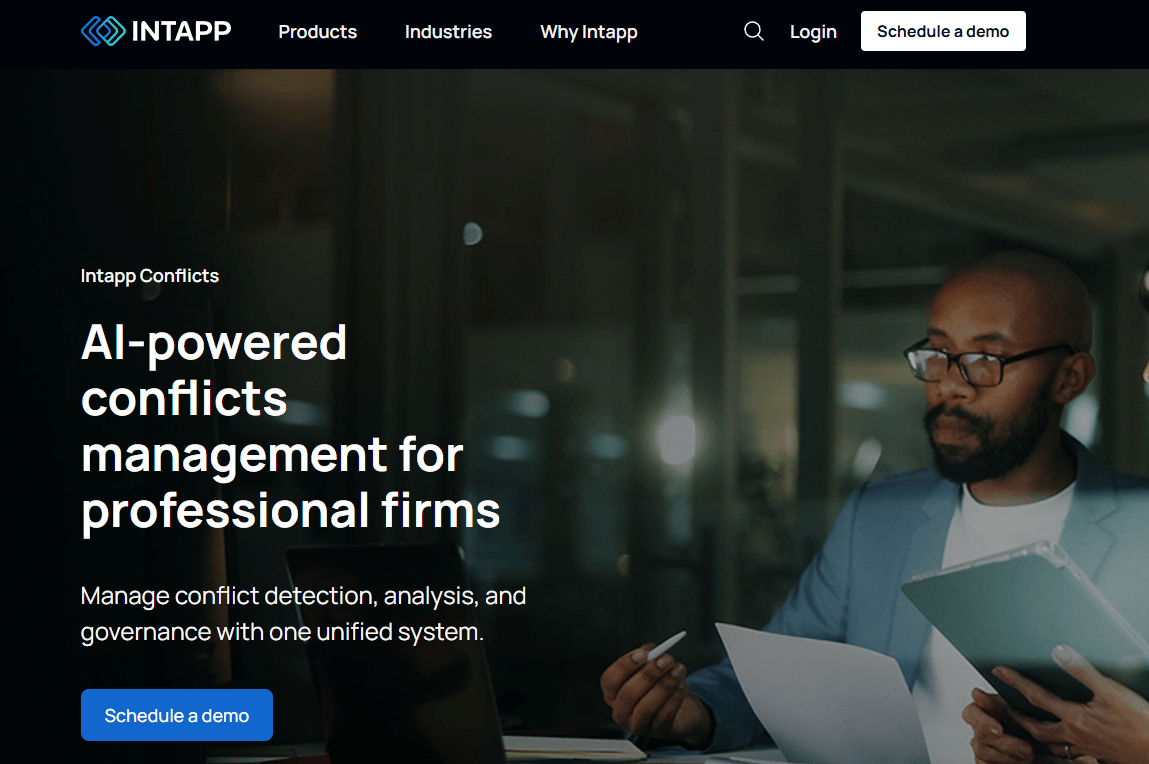
Intapp Conflicts is an AI-assisted conflicts management platform for law firms, accounting firms, and professional-services organizations that need more than name matching at intake. It centralizes client, engagement, and relationship data across the firm, then applies AI-assisted detection and triage to surface potential conflicts before they are cleared and documented. The platform handles the full conflicts management workflow: Search, review routing, clearance, recordkeeping, and governance.
Best for: Enterprise law firms and professional-services organizations managing complex multi-stakeholder conflicts workflows, information barriers, and governance documentation.
Key features
- Centralized client, engagement, and relationship data
- AI-assisted conflict detection, triage, and clearance routing
- Auditable recordkeeping with full decision history
- Integration with intake and governance products
- Monitoring for ongoing conflicts across active matters
Why choose Intapp Conflicts: This is the right tool when conflicts management touches more than intake. It is built for firms where multiple departments need consistent clearance records, approval routing, and a retrievable history for any matter that comes under review.
Intapp Conflicts pricing: Intapp does not display pricing on its website. Contracts are structured through a sales inquiry and vary by deployment scope, user population, connected modules, and data integration requirements. Contact Intapp directly for a current quote.
G2 rating: 5.0/5 (Intapp Risk and Compliance, 3 reviews, verified October 2026).
2. iManage Conflicts Manager
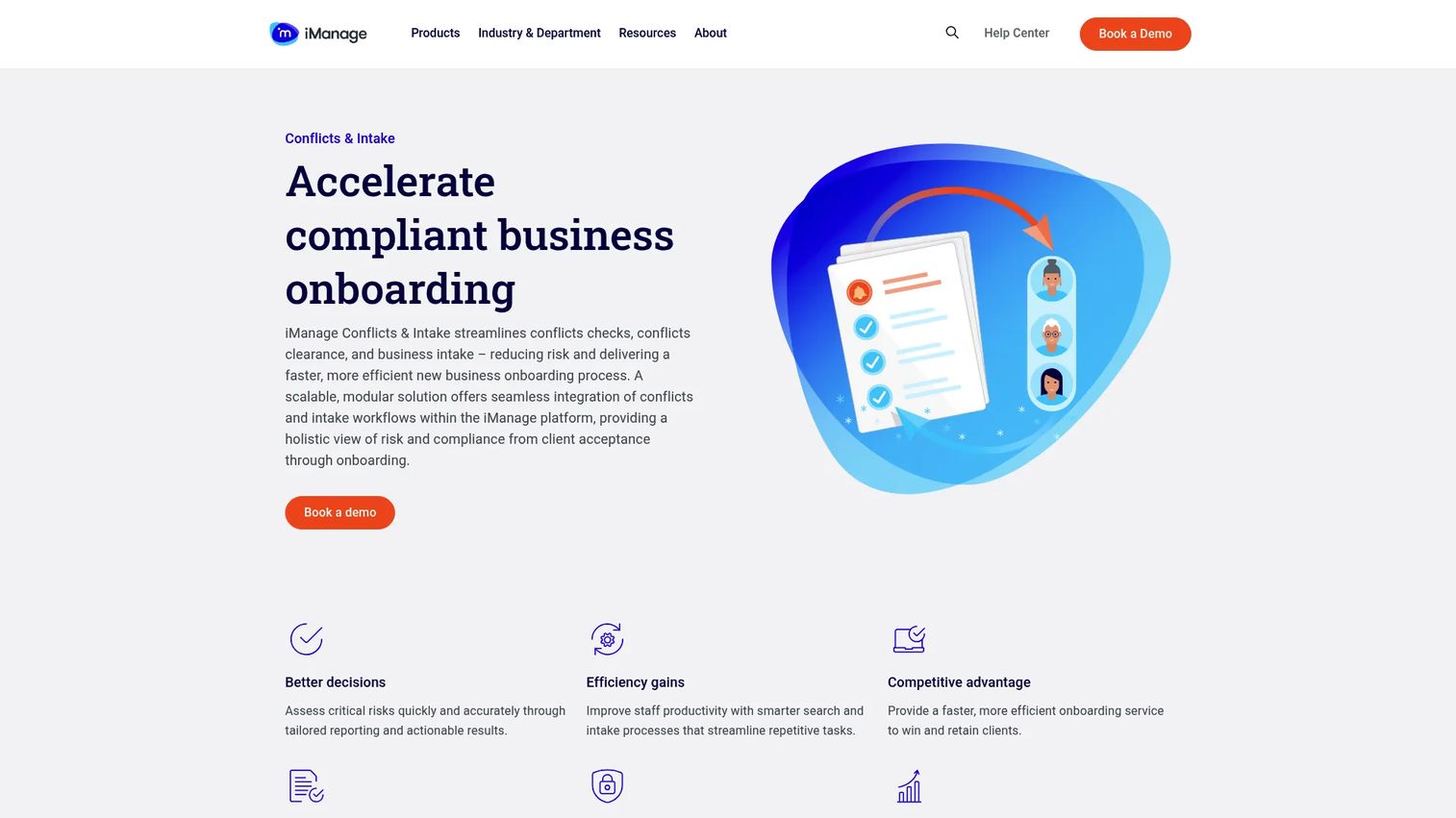
iManage Conflicts Manager is a cloud-based conflicts and intake solution for law firms that need conflict-check workflows connected to their broader information-governance environment. The platform offers advanced synonym search for relevant results in a single query, customizable dynamic intake forms, and workflow automation covering conflicts checks, information barriers, business acceptance, and sanctions monitoring. Corporate intelligence integrations with Dun & Bradstreet, World-Check One, and Bureau van Dijk extend the entity search beyond internal records. It also connects to iManage Work for document and matter data.
Best for: Larger law firms already operating within an iManage environment that need conflicts operations tied to their wider document management and information-governance stack.
Key features
- Advanced synonym search for conflicts queries
- Customizable dynamic intake forms
- Workflow automation for information barriers and sanctions monitoring
- Corporate intelligence integrations (Dun & Bradstreet, World-Check One, Bureau van Dijk)
- Integration with iManage Work and Ask iManage
Why choose iManage Conflicts Manager: If your firm already depends on iManage for document management and matter information, this product keeps conflicts workflows in the same operational ecosystem. The decision turns less on feature comparison and more on whether ecosystem fit is the priority.
iManage Conflicts Manager pricing: iManage describes a tiered model of Conflicts Checks, Conflicts Clearance, and New Business Intake, but does not display prices on its product page. The final cost reflects your existing platform usage, implementation scope, and user requirements. Contact iManage for current packaging.
G2 rating: 3.5/5 (1 review, verified October 2026).
3. Client Conflict Check
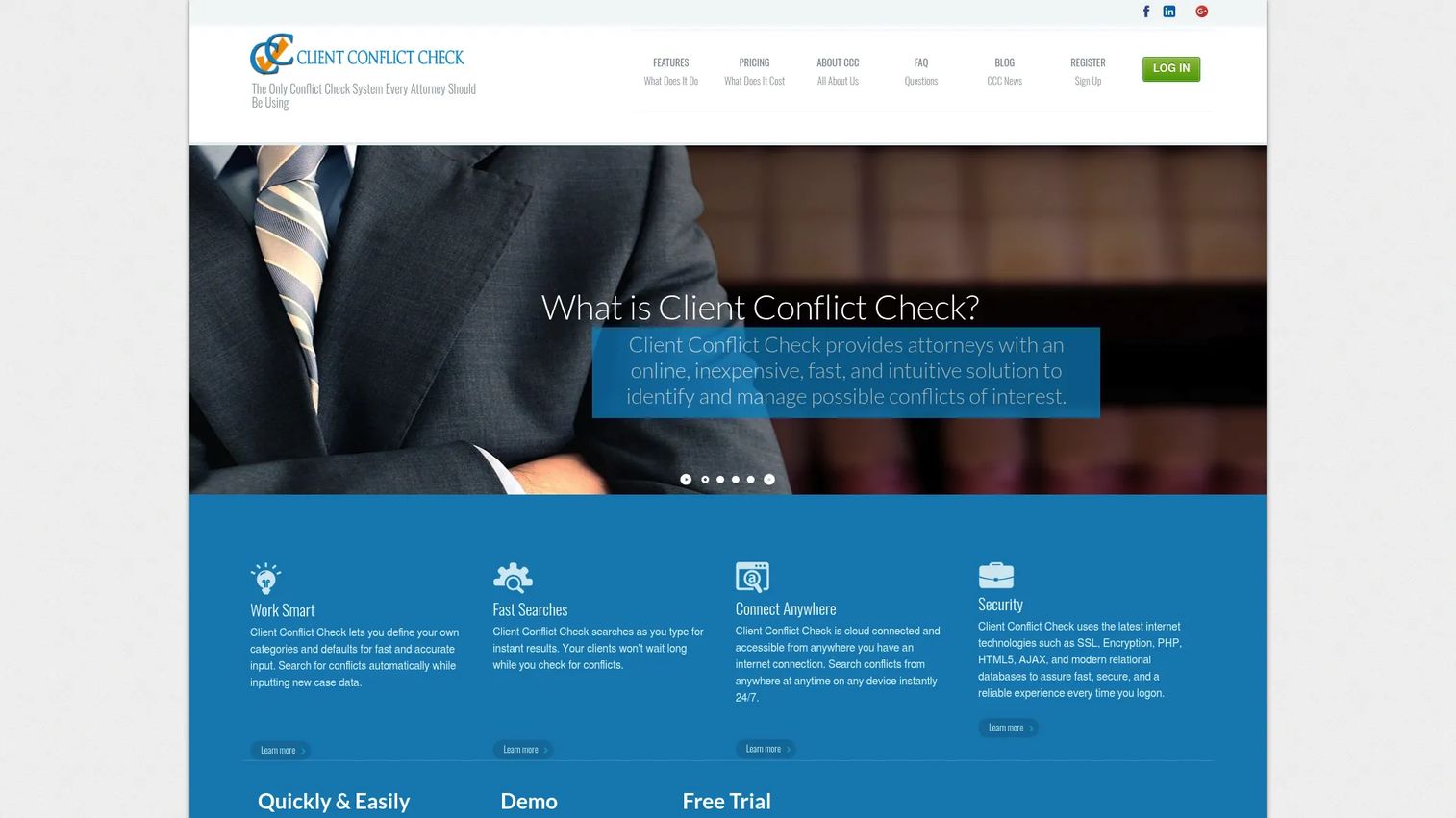
Client Conflict Check is a dedicated cloud-based conflict-check product for law firms that want focused searching, documented reporting, and a usable conflict-check record without replacing their existing practice-management platform. The system shows results as you type, supports custom case types, unlimited parties, witnesses, and experts, and produces conflict-check reports filterable by date, attorney, case type, and involvement. It is mobile-friendly and cloud-accessible with security controls.
Best for: Solo, small, and mid-sized firms that need a dedicated conflict-check workflow and clear reporting without committing to a full practice-management replacement.
Key features
- Search results populate as you type
- Custom case types, case connections, and unlimited parties
- Data import for existing case records
- Conflict-check reporting by date, attorney, case type, and involvement
- Mobile-friendly cloud access with security controls
Why choose Client Conflict Check: It is a practical choice when the immediate gap is intake documentation rather than broad practice-management replacement. If your firm has a usable billing or matter system but lacks a consistent, searchable client intake process for conflicts, this product addresses that specific gap without requiring a migration.
Client Conflict Check pricing: All plans include a 30-day free trial. Solo plans (up to 2 active attorneys) run $199 per year. Mid-size plans (up to 10 active attorneys) run $249 per year. Large-firm pricing requires a quote via email.
4. Actionstep

Actionstep is a cloud-based legal practice and accounting management platform for mid-sized law firms. Conflict checking is embedded within the broader practice-management workflow rather than sold as a standalone module. The system supports firm-wide database searching with configurable source filtering, grouped result views, and PDF or Excel report exports that can be saved to the associated contact or matter record.
Best for: Mid-sized firms that want conflict checking to become a mandatory, documented step in their intake and matter-opening workflow rather than an isolated search performed outside their core system.
Key features
- Firm-wide database search with configurable source filtering
- Grouped conflict-check results by matter and contact
- PDF and Excel conflict report exports
- Report saved to associated contact or matter record
- Role-based permissions for conflict-check access
Why choose Actionstep: The case for Actionstep is operational integration. When conflict checking sits inside the same system as matters, contacts, billing, and workflow, intake staff cannot skip it or document it separately. Firms that need this kind of built-in accountability, without managing a standalone conflicts tool, will find the embedded approach worth evaluating. Connecting it to audit management workflows for professional-services organizations is a natural extension.
Actionstep pricing: Pricing is not displayed on the Actionstep website. Plans are priced per user plus implementation fees, and the final cost varies by region, practice-management tier, and optional legal accounting add-on. Request current pricing directly from Actionstep.
G2 rating: 3.9/5 (verified October 2026).
5. Clio Manage
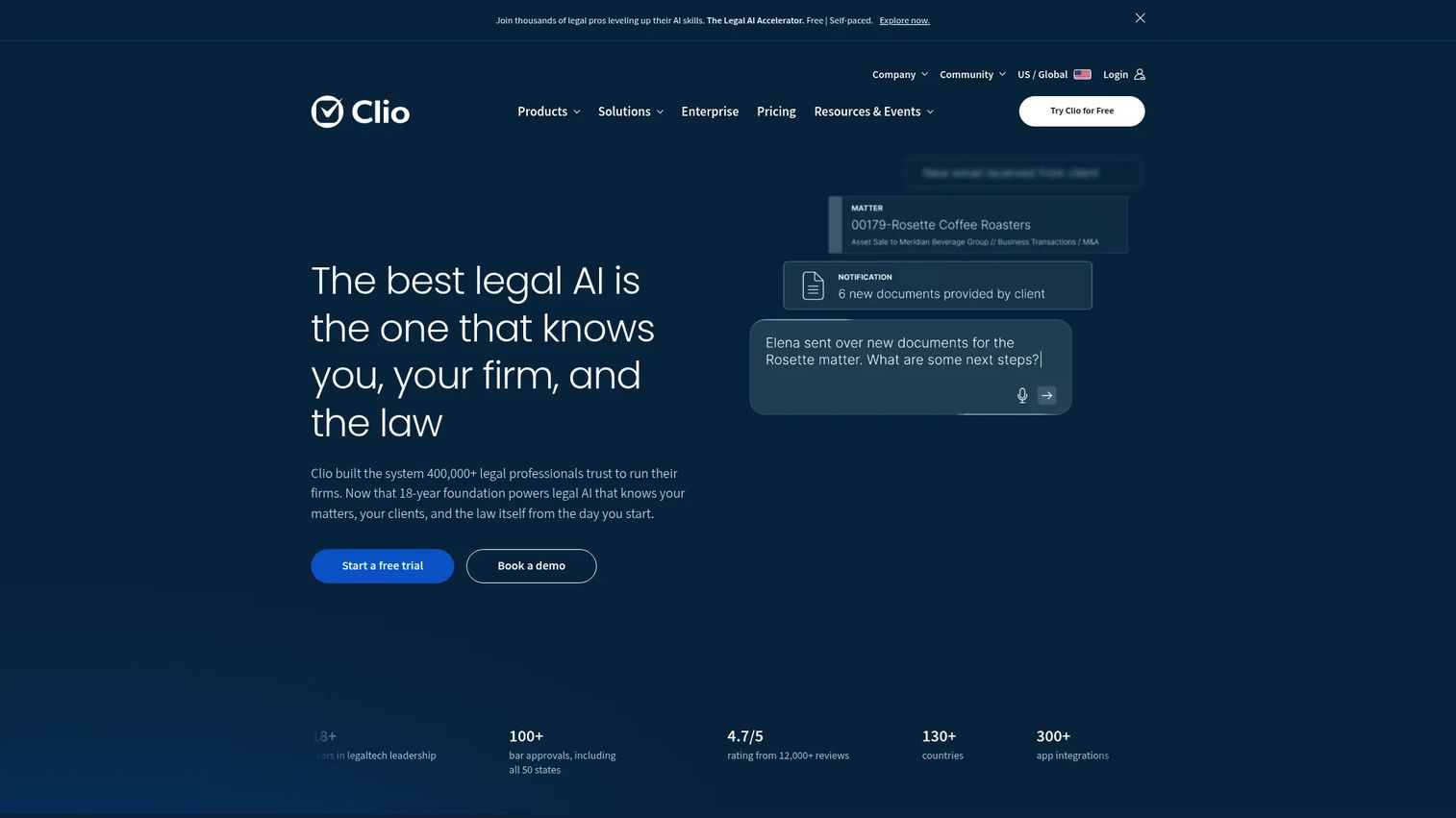
Clio Manage is a cloud-based legal practice management platform that connects case management, document storage, billing, payments, client communication, and firm reporting. Its conflict-check capability searches across contacts, matters, notes, and related records inside the platform, making it most useful for firms that keep intake data current and centralized in Clio. According to Clio's 2025 industry report, 81% of small firms now use cloud-based practice management software, which signals the baseline expectation this product operates against.
Best for: Small and mid-sized law firms that want intake, conflict checks, billing, and matter management inside one platform rather than across separate disconnected tools.
Key features
- Conflict checks across contacts, matters, notes, and billing records
- Case and deadline management
- Document storage, generation, and e-signatures
- AI-assisted calendar events, invoices, and client updates
- Trust-account management and 300-plus integrations
Why choose Clio Manage: Conflict-check quality in Clio depends on how completely the firm keeps client and matter data inside the system. For firms that already use Clio as their system of record, the conflict-check feature adds minimal overhead. Firms that maintain parallel records outside Clio will find search results less reliable, since the tool only searches what's in its own database.
Clio Manage pricing: The Starter plan begins at $49 per user per month and includes core Clio Manage features. Core, Signature, and Elite plans are not priced on the public pricing page and require contact with Clio for current figures. Clio offers a 7-day free trial, not a permanent free tier. Verify which plan tier includes the conflict-check and intake capabilities your firm needs before signing.
G2 rating: 4.7/5 (verified October 2026).
6. Smokeball

Smokeball is a legal practice-management platform built around standardized workflows, matter coordination, document automation, time capture, and billing. Conflict checking sits inside an end-to-end matter-opening workflow rather than as a separate module. The platform includes configurable workflow templates by practice area, Microsoft 365 Word and Outlook integration, client portal access, e-filing, and firm-level profitability reporting.
Best for: Small and mid-sized law firms whose primary problem is inconsistent staff execution across intake, matter opening, and billing, not just the conflict check step specifically.
Key features
- Configurable legal workflow templates by practice area
- Client and matter management with document automation
- Time tracking, billing, invoicing, and trust accounting
- Lead and client intake with e-signatures and client portal
- Firm insights and profitability reporting
Why choose Smokeball: Smokeball makes the most sense when conflict checking is one required step inside a broader process problem. If intake staff skip steps, create matters inconsistently, or track time outside the system, the workflow enforcement matters more than the search capability alone. Evaluate whether your firm needs a process architecture or a search tool, and then choose accordingly.
Smokeball pricing: All four plans (Bill, Boost, Grow, and Prosper+) require a custom quote. The final price varies by plan, number of users, contract term, and optional services. Contact Smokeball for current figures.
G2 rating: 4.7/5 (verified October 2026).
7. CosmoLex
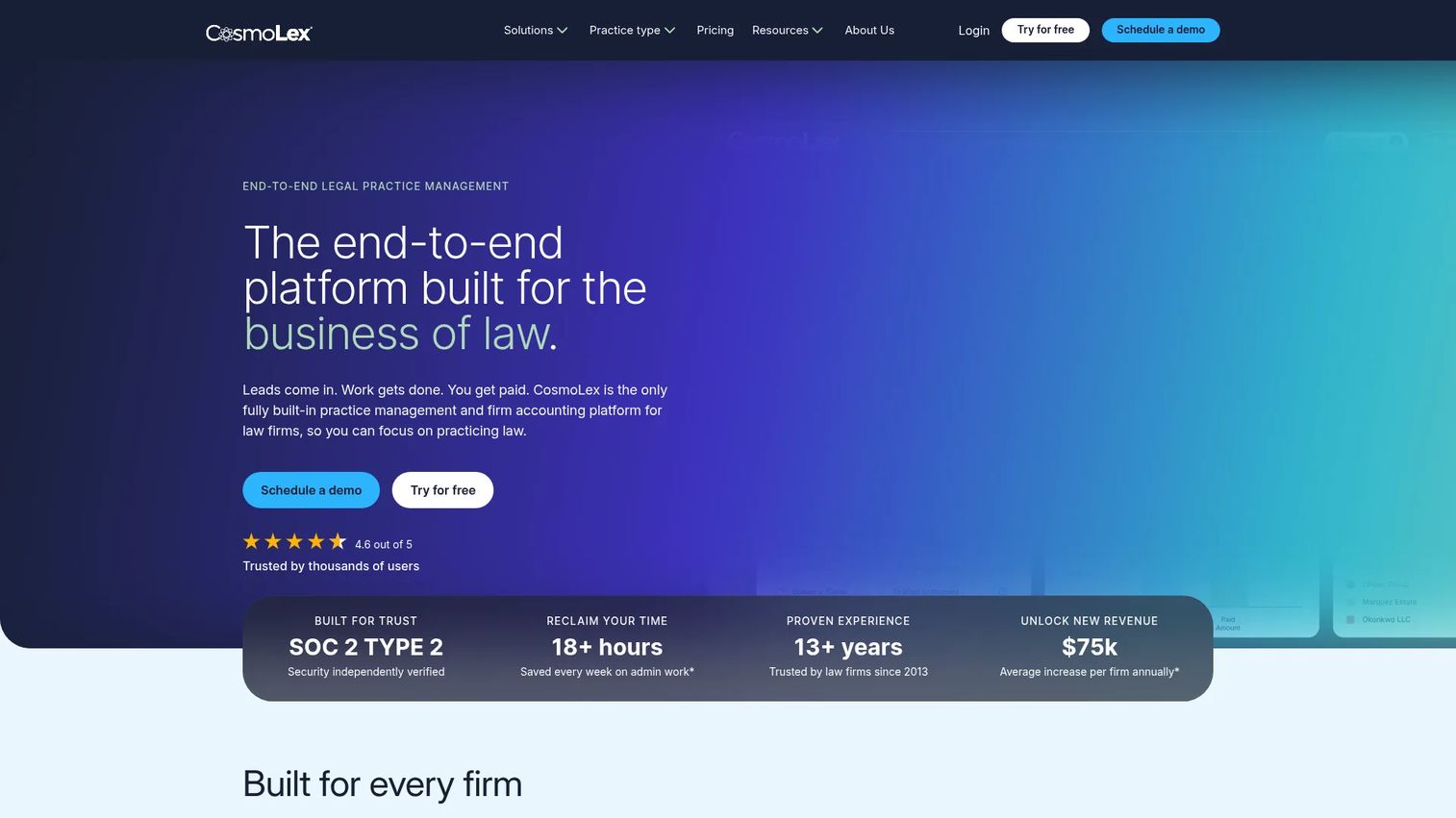
CosmoLex is a cloud-based legal practice management platform that integrates trust and business accounting, time tracking, billing, document management, calendaring, and AI-powered client intake into a single operating system. For firms replacing disconnected billing, trust-accounting, and matter-management tools at the same time, the consolidated architecture reduces the number of systems staff must navigate during intake. Verify the exact scope of conflict-check functionality within your selected plan before treating it as a complete conflicts solution.
Best for: Small and mid-sized law firms looking to consolidate legal practice management, billing, and accounting into one platform, where conflict checking is part of the intake workflow.
Key features
- Legal time tracking and billing
- Trust and business accounting
- Document management with AI-powered summaries
- Secure client portal and e-signatures
- AI-powered client intake and calendaring
Why choose CosmoLex: The strongest case for CosmoLex is stack consolidation. Firms replacing four or five disconnected tools simultaneously often find that the accounting integration is the deciding factor, since legal billing and trust accounting typically require the most migration effort. If your conflict-check gap is part of a broader operational rebuild, evaluate the full platform before comparing individual features in isolation. For comparison, see how similar consolidation decisions play out in account management software categories.
CosmoLex pricing: Launch starts at $49 per user per month. Core runs $99 per user per month. Pro is $129 per user per month. Annual billing is available and saves $120 per user compared to monthly billing. A free trial is offered; no permanent free tier was verified.
G2 rating: 4.2/5 (verified October 2026).
8. AbacusLaw

AbacusLaw is an all-in-one legal practice management and accounting platform covering case management, calendaring, billing, document automation, trust accounting, and payment processing. It offers private-cloud and self-hosted deployment options, which makes it relevant for firms with specific data residency or infrastructure requirements. Before treating AbacusLaw as the firm's conflict-check system, test how the platform handles party relationships, search scope, conflict documentation, and report retention using real intake records.
Best for: Law firms that need configurable case management with private-cloud or self-hosted deployment options, and where conflict checking is part of a broader operational overhaul.
Key features
- Case management and client intake
- Legal calendaring with Microsoft Outlook integration
- Built-in accounting and trust accounting
- Time and billing with payment processing
- Legal document automation and private-cloud or self-hosted deployment
Why choose AbacusLaw: Deployment flexibility is the primary differentiator here. Firms with data residency requirements or existing infrastructure preferences that preclude fully public cloud deployment have fewer options in the legal practice-management market. AbacusLaw belongs on the shortlist for those firms before evaluating cloud-native alternatives. Run a controlled evaluation with real intake scenarios to confirm the conflict-check workflow fits before committing.
AbacusLaw pricing: AbacusLaw does not display pricing on its current website and directs visitors to request a demo. Contact AbacusLaw directly for current plan structures and pricing. Third-party sources have historically cited cloud access starting around $48 per month and on-premise options starting around $248 per year, but verify those figures with the vendor at the time of your evaluation.
G2 rating: 4.0/5 (verified October 2026).
Considerations when choosing conflict check software
Search coverage and data quality
A conflict check is only as complete as the records it can search. Before buying, test the system against realistic examples from your firm's intake: Client name aliases, corporate parent-subsidiary relationships, former names, adverse parties, and unusual spellings. A tool that misses obvious matches during a controlled test will miss them in production.
Intake workflow and clearance ownership
Decide who starts the check, who reviews potential matches, who clears the conflict, and where that decision is stored. The right approval workflow software for your firm should reflect this sequence without forcing staff to maintain a parallel process outside the matter record. If clearance happens in a conversation and gets documented nowhere, the search provided no defensible protection.
Audit trail and report retention
Verify that the system records the search date, search terms, selected sources, results, reviewer actions, and final clearance decision. Then confirm how reports are saved and whether they can be retrieved by matter, contact, office, or date range. A conflict check audit trail is what converts a name search into a defensible documented process.
Permissions and confidentiality
Conflict searches can expose sensitive client relationships or restricted matters. Test role-based permissions, office boundaries, access logs, and report-sharing controls before deployment. Enterprise firms with information barriers need to verify that the tool supports those restrictions at the record level, not just through access policy documentation.
Pricing model and implementation cost
Look past the entry price. The total cost includes user minimums, contract length, implementation, data migration, and any premium tier required for intake automation or advanced conflict workflows. For legal-tech founders evaluating this market, the migration cost from a spreadsheet or a legacy billing system is often the largest friction point in the sales cycle, not the subscription price.
Conclusion
The eight tools in this guide split into three clear categories.
Intapp Conflicts is the strongest fit for enterprise-scale conflicts governance, complex professional-services workflows, and multi-department clearance routing. iManage Conflicts Manager suits firms that already depend on iManage for information governance and want conflicts operations in the same environment.
Client Conflict Check covers the dedicated conflict-search use case for firms that want documented reporting without a platform migration.
Actionstep, Clio Manage, Smokeball, CosmoLex, and AbacusLaw each make conflict checking one required step inside a broader legal practice-management stack. The best choice among those five depends on whether accounting integration, workflow standardization, or deployment flexibility is the deciding factor for your firm.
Before signing, run a controlled evaluation with real intake records and realistic test cases. The tool should prove it can find relevant relationships, route exceptions, document decisions, and fit your current operations. A demo that only shows clean-match scenarios tells you almost nothing useful.
Guideflow helps legal-tech vendors show complex intake and governance workflows to prospective buyers without requiring a live environment. If you are building or selling in this category, interactive demos let your buyers experience the product before they commit.
Start your journey with Guideflow today!
FAQs
Conflict check software searches firm records for relationships that may create a conflict of interest before a firm accepts, opens, staffs, or continues a matter. The quality of results depends directly on the completeness of client, matter, party, and relationship data stored in the system being searched. A tool that searches incomplete records produces incomplete results regardless of how good the matching logic is.
Firms commonly run checks during prospective-client intake, before formally opening a matter, when new parties are added to an existing matter, when scope expands significantly, and when staffing or corporate relationships change. Some enterprise firms also run periodic monitoring checks on active matters. Firms should align their specific procedure with applicable professional rules and internal risk policies.
A spreadsheet supports a basic manual process, but it struggles with search breadth, version control, permissions, and audit trail quality as a firm grows. Software becomes more valuable as a firm adds matters, offices, practice groups, or intake staff who need consistent access and consistent records. The migration trigger is usually a near-miss, a new office, or an external audit that exposes gaps in existing documentation.
A complete conflict check report should capture the search date and time, the search terms used, the sources searched, any potential matches found, reviewer notes, the clearance decision, and the name of the person responsible for that decision. Firms should store the report where it can be retrieved by matter, contact, or date during any later review.
Many legal practice-management platforms offer conflict-check capability connected to contacts, matters, billing records, or intake workflows. The scope differs by product and plan tier. The critical variable is whether your firm keeps its client and matter data current and centralized inside the platform, since these tools only search what they contain. Test your specific intake scenarios before treating a bundled feature as a complete conflicts solution.
At minimum, the system should search prospective clients, current and former clients, related entities, adverse parties, opposing counsel, contacts, corporate affiliates, officers, directors, former names, trade names, and relevant matter information. Each firm should configure the search process around its own risk profile and the types of matters it handles. Larger firms with complex corporate clients often need to extend searches to subsidiary networks and beneficial ownership records.
Enterprise systems such as Intapp Conflicts typically add formal clearance workflows, ongoing monitoring of active matters, relationship intelligence, information barriers, employee independence checks, broader reporting, and governance audit trails. Intake-focused tools concentrate on checking prospective matters before engagement. The distinction matters for firms where conflicts governance extends beyond new-matter intake to staffing decisions, lateral hires, and corporate relationship monitoring.
No. Conflict check software supports a repeatable search, review, and documentation process, but firms remain responsible for their own legal and professional obligations. Software can improve the consistency and retrievability of the process. Whether that process meets applicable professional responsibility rules is a question for qualified counsel or the firm's ethics resources, not the software vendor.
A client intake screen typically evaluates whether a prospective client is a good fit for the firm based on practice area, capacity, fee arrangement, and client background. A conflict of interest check searches existing records to determine whether accepting the engagement creates a prohibited or problematic relationship between the firm, existing clients, and adverse parties. Some platforms handle both; others address only one. Know which gap you are filling before evaluating a tool. For broader intake process context, see our guide to client management software.