A pharmacy POS system is not just a cash register. It sits at the intersection of checkout, patient account history, inventory, payment processing, prescription handoffs, and compliance controls. When that system fails, the cost shows up everywhere: Missed refills, expired inventory, long lines, and reporting nobody trusts.
Independent community pharmacies account for nearly 36% of U.S. retail pharmacies, according to the NCPA 2025 Digest, and each one needs a system that handles far more than a coffee shop or clothing store would. Generic retail POS software often covers checkout well but falls apart when prescription-adjacent workflows, lot tracking, or multi-location reporting enter the picture.
If your weekly numbers require spreadsheet stitching to make sense, the system is not doing enough. This guide cuts through the vendor noise and gives you a practical shortlist of 13 pharmacy POS systems, evaluated by the workflows that actually matter.
What's inside
This guide compares 13 pharmacy POS systems for 2026, covering pharmacy-native platforms, ecommerce-connected POS options, and enterprise ERP-linked tools. Items were chosen from pharmacy-specific competitors and category research, then evaluated against four criteria:
- Pharmacy workflow fit: Prescription-adjacent sales, patient records, inventory controls
- Inventory and payments: Lot tracking, expiration dates, payment processing, billing
- Multi-location and ecommerce readiness: Centralized reporting, online sales integration
- Pricing transparency and review footprint: Verified against vendor pages and third-party sources before publication
TL;DR
- Best for independent pharmacy retail: Retail Management Solutions or BestRx, both built specifically for pharmacy operations
- Best for pharmacy ecommerce: ConnectPOS, with strong omnichannel and online-to-in-store synchronization
- Best for retail POS with pharmacy front-of-store use cases: Epos Now, with hardware bundles and app integrations
- Best for dispensing-focused operations: PrimeRx or PioneerRx, designed around workflow, patient engagement, and inventory
- Best for teams already on a commerce stack: Shopify POS, BigCommerce POS, WooCommerce POS, or Magento POS for ecommerce continuity
- Best for ERP-connected operations: NetSuite POS or Juleb for larger groups needing finance, inventory, and retail in one operating layer
What is a pharmacy POS system?
A pharmacy POS system is point of sale software and hardware built to manage pharmacy checkout, prescription-linked sales, patient or customer records, inventory, payments, reporting, and pharmacy-specific compliance workflows.
The key distinction from generic retail POS is depth. A standard retail system handles SKU-level sales, card payments, and basic inventory. A pharmacy POS goes further: It needs to track medications by lot number and expiration date, support controlled-item workflows, connect with dispensing or pharmacy management systems, and give staff the right permissions for patient data access.
Key capabilities to look for:
- Prescription and OTC checkout
- Pharmacy inventory management with expiration-date and lot tracking
- Payment processing and billing, including insurance-adjacent workflows
- Customer and patient profiles with order and refill history
- Staff permissions and audit trails for access control
- Multi-location reporting and catalog management
- Integrations with pharmacy management systems, accounting tools, and ecommerce platforms
- Pharmacy-specific hardware support
How it differs from pharmacy management software:
POS focuses on the transaction layer: Checkout, payments, retail inventory, and customer-facing workflows. Pharmacy management software handles dispensing, claims, clinical workflows, and prescription records. Some vendors combine both. Others offer integrations between separate systems. Buyers should clarify which workflows they need before shortlisting.
Why this category matters for operators:
A pharmacy operation running on a mismatched POS system creates friction at every level: Staff waste time on manual workarounds, inventory errors accumulate, and finance reporting requires cleanup before it means anything. For a multi-location pharmacy group, the gap between good and poor system fit shows up in reporting accuracy, inventory shrink, and training cycles for new staff.
When to use a pharmacy POS system
Replace manual inventory tracking
Pharmacies carry regulated, time-sensitive inventory. Medications expire, lots get recalled, and reorder timing matters for patient continuity. A pharmacy POS should show what is selling, what is expiring, and what needs reordering, without requiring a staff member to count shelves manually. Look for lot number tracking, low-stock alerts, and supplier purchase order support built into the system.
Connect checkout with prescription workflows
A generic checkout system creates a gap between the register and prescription records. If patient signatures, refill documentation, and counseling notes live in a separate system, staff spend time bridging that gap on every transaction. Not every pharmacy POS handles dispensing directly, so buyers should confirm integration paths between their POS and their pharmacy management system before signing.
Scale reporting across locations
Multi-location pharmacies need consistent pricing, shared inventory visibility, role-based staff controls, and reconciled financial reporting across every site. If your weekly numbers require spreadsheet stitching, the system is not doing enough. Centralized reporting with location-level detail is what lets a manager or owner spot a margin problem before it becomes a board conversation.
Pharmacy POS system comparison
The table below covers all 13 systems in this guide. Pricing reflects verified figures from vendor pages and third-party review sources. G2 ratings are current as of research. Where no rating exists on G2, the cell shows N/A.
| # | Product | Best for | Key differentiator | Pricing | G2 rating |
|---|---|---|---|---|---|
| 1 | Epos Now | Pharmacy retail with hardware needs | Retail POS with hardware bundles and app marketplace | From $349 hardware | N/A |
| 2 | Retail Management Solutions | Independent and multi-location pharmacies | Pharmacy-native POS with will-call, NPLEx, and 24/7 support | Quote-based | N/A |
| 3 | ConnectPOS | Pharmacy ecommerce and omnichannel | Omnichannel POS with real-time online/offline sync | From $39/register | 4.7/5 |
| 4 | DataScan | Independent pharmacies needing workflow and POS | Pharmacy management with integrated POS and e-prescribing | Quote-based | 4.9/5 |
| 5 | PrimeRx | Dispensing-centered pharmacy operations | Pharmacy management with POS, delivery, and patient engagement | Quote-based | 4.2/5 |
| 6 | PioneerRx | Community pharmacies wanting pharmacy-native software | Pharmacy system built around workflow, inventory, and patient care | Quote-based | 4.0/5 |
| 7 | BestRx | Independent pharmacies needing practical pharmacy software | Pharmacy management and POS for independent operations | Quote-based | 3.0/5 |
| 8 | Shopify POS | Pharmacies selling through Shopify | Retail POS connected to Shopify ecommerce | From $39/month | 4.4/5 |
| 9 | Magento POS | Pharmacies on Adobe Commerce or Magento | Enterprise ecommerce with POS extension options | Quote-based | 4.0/5 |
| 10 | BigCommerce POS | Pharmacies selling through BigCommerce | POS integrations connected to BigCommerce storefront | From $29/month (annually) | 4.2/5 |
| 11 | WooCommerce POS | WordPress-based pharmacy retail | Free POS built into the WooCommerce mobile app | Free (card reader $5/month) | 4.4/5 |
| 12 | NetSuite POS | Larger pharmacy groups needing ERP integration | Omnichannel POS connected to NetSuite ERP and finance | Quote-based | 4.1/5 |
| 13 | Juleb | Pharmacies needing POS plus ERP workflows | Pharmacy ERP and POS in one cloud-based operating system | Quote-based | N/A |
Best 13 pharmacy POS systems for 2026
1. Epos Now
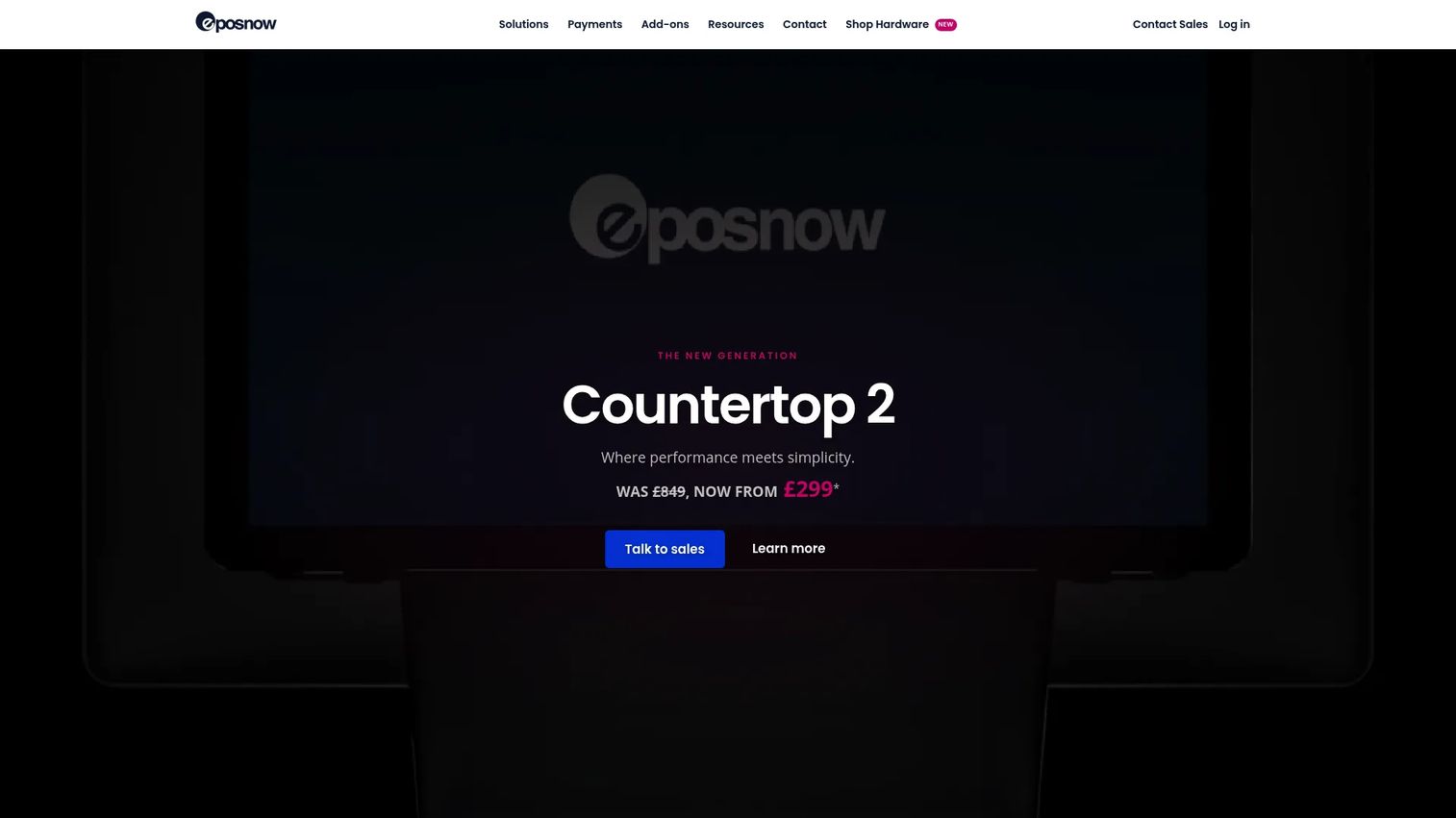
Epos Now is a cloud-based point of sale platform serving retail, hospitality, and service businesses. For pharmacy retailers, it covers front-of-store checkout, inventory management, staff permissions, and payment processing, with hardware bundles available and an app marketplace for integrations. It is built as a retail POS first, which means deeper dispensing workflows will typically require a separate pharmacy management system or integration.
Best for: Pharmacies that need a retail-ready POS with hardware, inventory alerts, and reporting for front-of-store operations.
Key features
- Retail pharmacy checkout with integrated payments
- Inventory management with low-stock alerts
- Staff permissions and access control
- Hardware bundles available (terminals, scanners, receipt printers)
- App integrations via Epos Now marketplace
Why choose Epos Now: Choose it when the priority is a proven retail POS layer with hardware included, and when the pharmacy's dispensing workflows run through a separate system. It is a less natural fit for pharmacies that want prescription and POS in one platform.
Epos Now pricing: Hardware starts at $349. Recurring software plans run at $99 per month (Plus Monthly) or $129 per month (Basic Upfront), with payment processing at 2.6% plus 10 cents per transaction through Epos Now Payments.
2. Retail Management Solutions
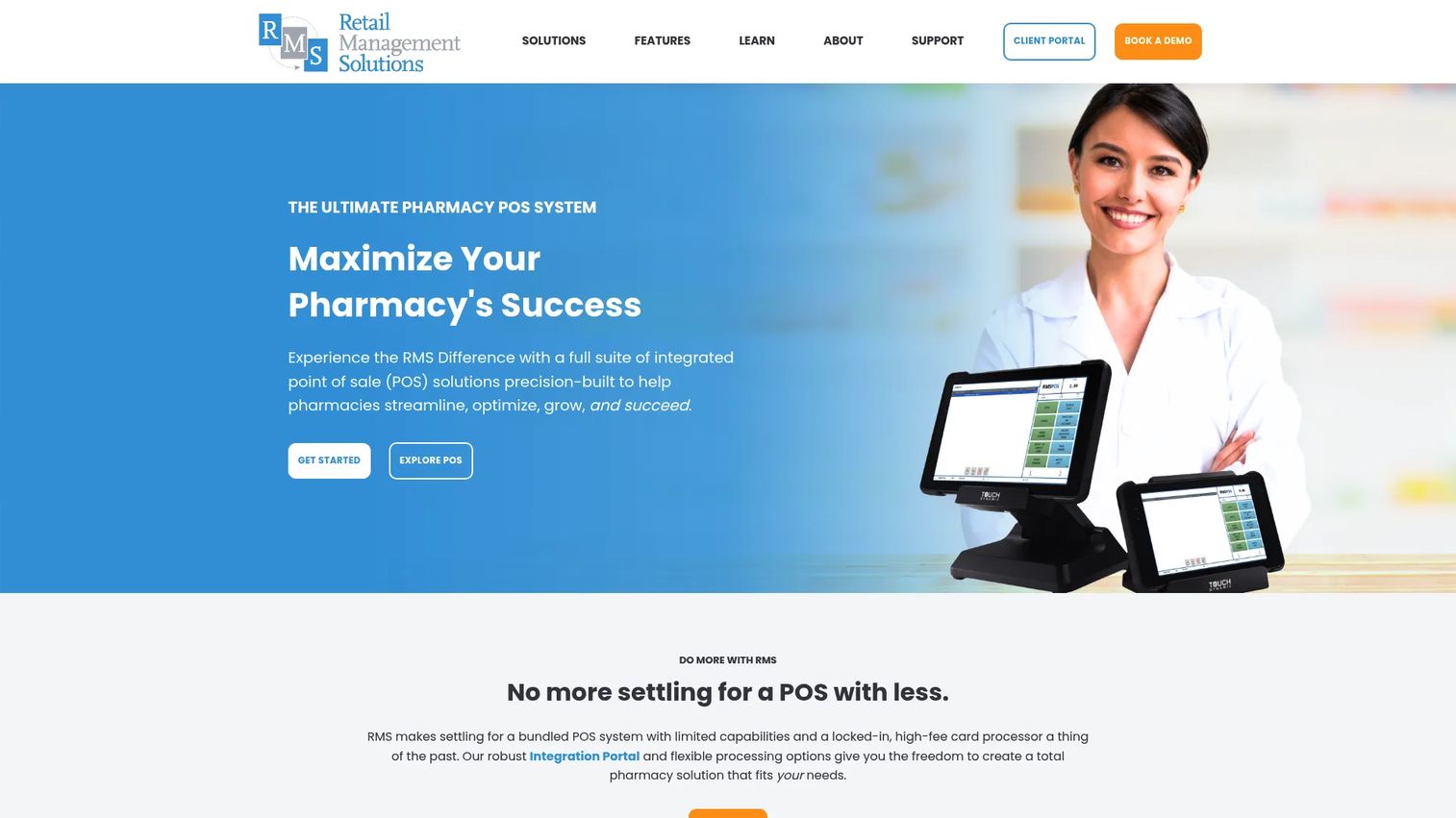
Retail Management Solutions is one of the most pharmacy-specific providers in this list. Its Sprouted POS platform covers point of sale, will-call management, RMSPay payment processing, mobile POS, delivery workflows, digital couponing, customer loyalty, ecommerce, and multi-location tools. It is built for independent and multi-location pharmacies and includes 24/7 support, which matters when downtime affects patient service.
Best for: Independent pharmacies and multi-location pharmacy groups that want a system built specifically for pharmacy operations rather than adapted from general retail.
Key features
- Will-call management for prescription pickup workflows
- RMSPay integrated payment processing
- Mobile POS and delivery support
- NPLEx compliance workflow support
- Multi-location tools with centralized controls
Why choose Retail Management Solutions: This is the strongest fit for buyers who want a pharmacy-native POS and do not want to bolt pharmacy workflows onto a retail system. The 24/7 support model is a practical advantage for pharmacies where any outage affects patients directly.
Retail Management Solutions pricing: Sprouted POS is offered across Cloud+, Sprouted Grow, and Sprouted Pro plans. Contact the sales team directly for a quote. G2 and Capterra do not currently show verified pricing ranges for this vendor.
3. ConnectPOS
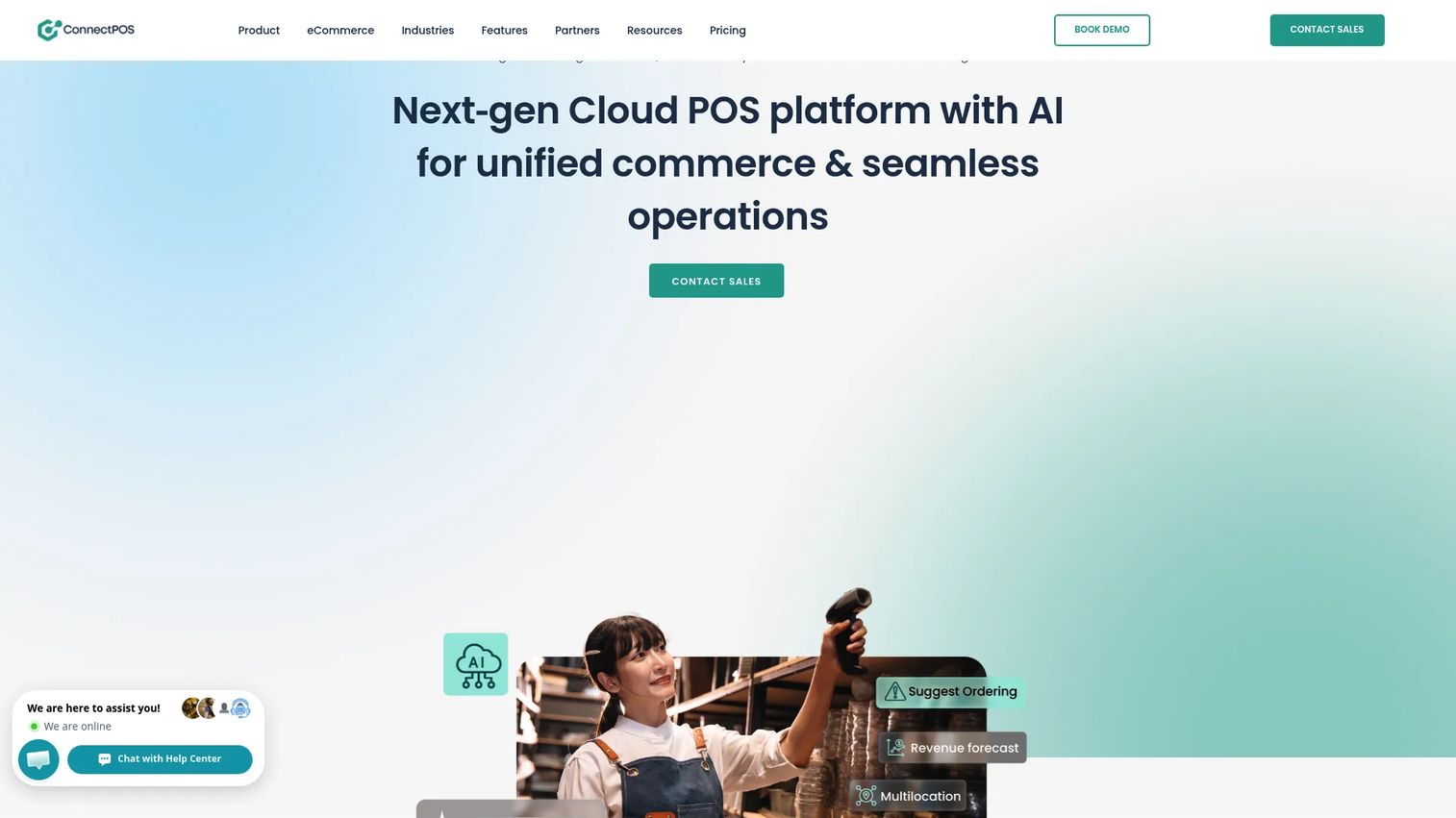
ConnectPOS is a cloud POS platform built for omnichannel retail. It synchronizes online and in-store inventory in real time, handles multi-source stock management, supports customer profiles and loyalty programs, and connects with ecommerce platforms including Shopify, WooCommerce, and Magento. For pharmacy retailers with an online sales channel, it closes the gap between in-store checkout and ecommerce data. Buyers should verify the depth of prescription-adjacent workflow support before committing.
Best for: Pharmacy retailers that sell online and need their in-store POS and ecommerce data synchronized in real time.
Key features
- Real-time online/offline inventory synchronization
- Multi-source inventory management
- Customer profiles, loyalty, and personalized offers
- Self-checkout and multiple payment method support
- Reporting and analytics across channels
Why choose ConnectPOS: It is the strongest pick in this list for pharmacies where ecommerce is a meaningful revenue channel. For purely brick-and-mortar pharmacies focused on prescription workflows, a pharmacy-native system like Retail Management Solutions or DataScan will cover more ground.
ConnectPOS pricing: Standard plans start at $39 per register per month, with Advanced at $69 and Premium at $89. Enterprise pricing requires a quote. The vendor's pricing page shows a second set of figures ($49, $79, $99 per register) without explanation; confirm current rates directly with the vendor.
G2 rating: 4.7/5
4. DataScan
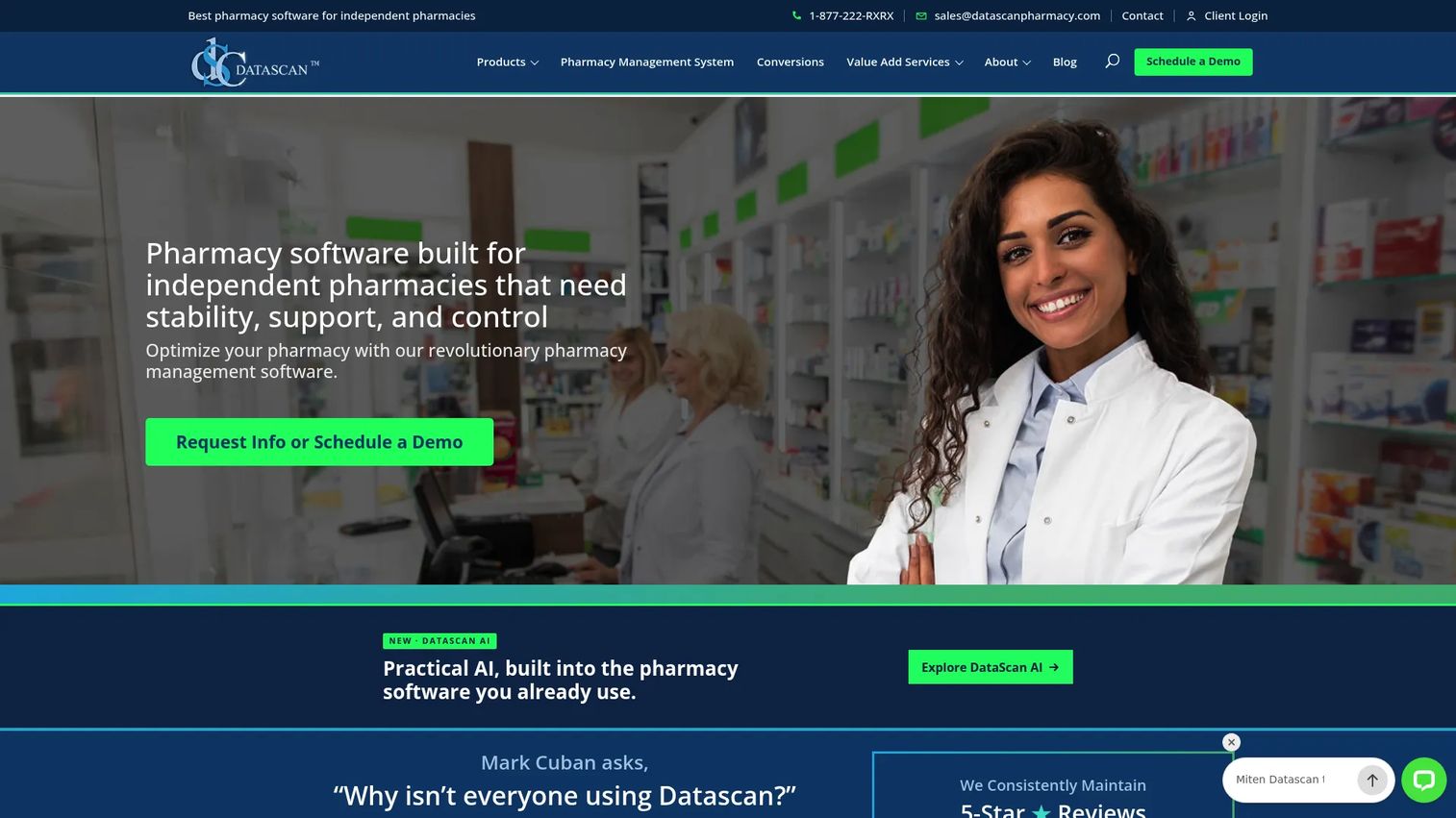
DataScan is pharmacy management software designed for independent, compounding, long-term-care, mail-order, and physician-dispensing pharmacies. Its integrated POS connects directly with dispensing workflows, automated refill queues, real-time inventory tracking, e-prescribing, and immunization support. For pharmacies where the POS and dispensing system need to operate as one, DataScan is worth serious evaluation.
Best for: Independent pharmacies that need pharmacy management, integrated POS, inventory, and reporting in a single platform rather than separate connected systems.
Key features
- Integrated POS connected to pharmacy dispensing workflows
- Automated refill queues and workflow management
- Real-time inventory tracking with reorder controls
- E-prescribing and immunization support
- Reporting and business intelligence tools
Why choose DataScan: It fits buyers who want pharmacy-native software where POS is part of a broader workflow system, not an add-on. For pharmacies that primarily need a retail checkout layer and handle dispensing elsewhere, a more retail-focused option may be a faster fit.
DataScan pricing: Pricing requires a quote from the vendor. Contact the sales team directly to discuss your pharmacy type and location count.
G2 rating: 4.9/5
5. PrimeRx

PrimeRx is pharmacy management software with POS, delivery, electronic signature, and patient communication capabilities built in. It covers prescription management, dispensing, inventory, automated refills, medication conflict alerts, and patient engagement via two-way SMS. POS and delivery functions complement the broader workflow system rather than standing alone. It serves retail, specialty, long-term-care, compounding, health-system, and mail-order pharmacies.
Best for: Pharmacies where dispensing workflow is as important as front-of-store checkout, and where patient communication and refill management are daily operational priorities.
Key features
- Automated refill management with compliance dashboard
- Dispensing and inventory management
- Medication conflict alerts
- Patient engagement via two-way SMS and mobile portal
- POS, delivery, and electronic signature support
Why choose PrimeRx: Choose it when the POS decision is part of a broader pharmacy management system selection. The Essentials, Pro, and Plus packages offer configurable scope, so buyers should ask specifically which POS and delivery features are included at each tier.
PrimeRx pricing: All pricing requires a quote or demo request from the vendor.
G2 rating: 4.2/5
6. PioneerRx
PioneerRx is pharmacy management software for independent community pharmacies. It covers integrated POS, mobile apps, workflow customization, advanced reporting, inventory management with will-call tools, supplier ordering, and reorder-point controls. The system is designed around the full pharmacy operation rather than checkout alone, making it a natural fit for pharmacies that want one platform to run dispensing, patient care, and business reporting.
Best for: Independent community pharmacies that want a single pharmacy-native system connecting POS, workflow, inventory, patient engagement, and business reporting.
Key features
- Integrated POS with mobile app support
- Workflow customization and dispensing tools
- Inventory management with will-call and reorder tools
- Advanced and customizable business reporting
- Supplier ordering and inventory count support
Why choose PioneerRx: Frame it as a deep pharmacy operating system, not a simple checkout tool. It is a strong fit for community pharmacies that want tight workflow integration across dispensing, POS, and patient care. Teams primarily seeking a retail checkout layer may find the platform more comprehensive than their immediate need.
PioneerRx pricing: Contact PioneerRx directly for a quote.
G2 rating: 4.0/5
7. BestRx
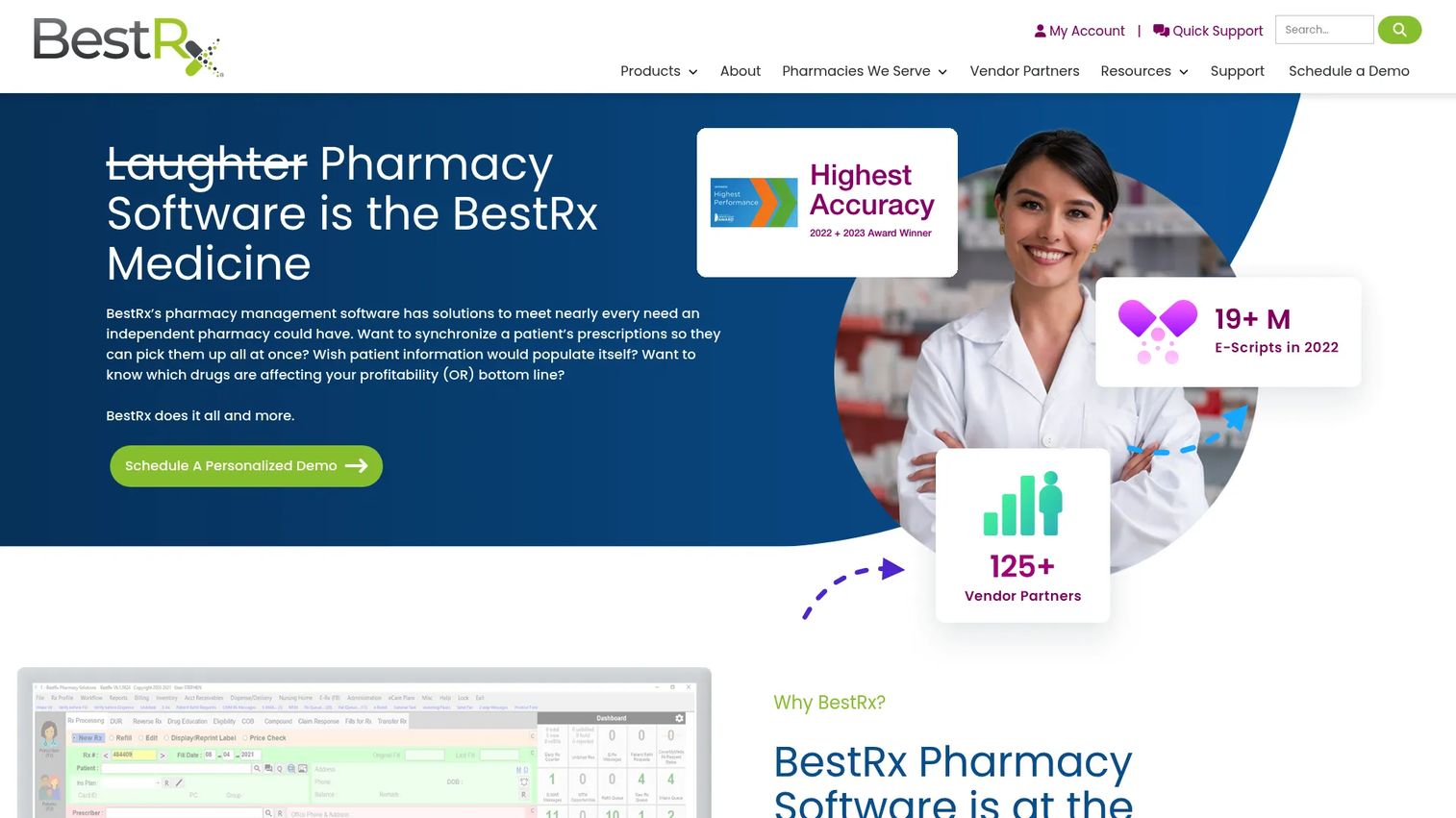
BestRx is pharmacy management software built for independent pharmacies. It covers prescription processing, e-prescribing, automated refills, inventory management, wholesaler integration, patient messaging, delivery with proof of delivery, and claims processing. POS is included as part of the broader pharmacy management system. It is a practical choice for independent operators who want pharmacy workflows and checkout in one place without the complexity of an enterprise platform.
Best for: Independent pharmacies that want pharmacy management and POS together without enterprise-level implementation overhead.
Key features
- Prescription processing and e-prescribing
- Automated refills and workflow customization
- Inventory management with wholesaler integration
- Patient messaging, reminders, and mobile portal
- Claims processing, compliance, and eCare plans
Why choose BestRx: It is a focused option for independent pharmacies that need pharmacy operations and POS connected without a complex rollout. Avoid broad enterprise claims; BestRx fits single-location and small multi-location operations rather than large regional chains.
BestRx pricing: Contact the vendor directly for current rates and demo terms.
G2 rating: 3.0/5 (based on a small review sample)
8. Shopify POS
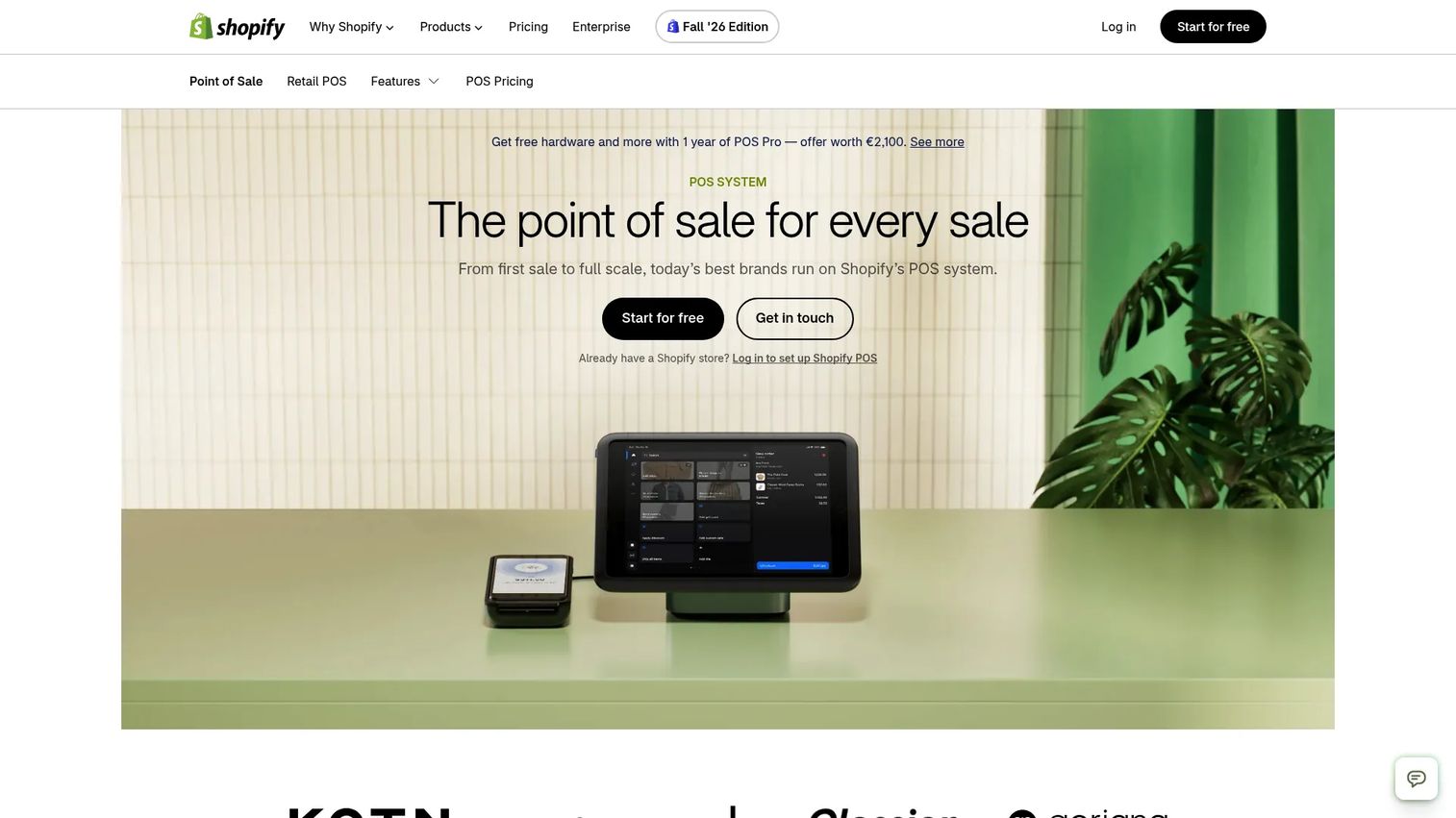
Shopify POS connects in-store checkout with Shopify's ecommerce platform. It handles omnichannel selling, multi-location inventory, staff permissions, customer profiles, Shopify Payments, and hardware support. For pharmacy retailers already operating on Shopify, it removes the need for a separate POS system. The important caveat: Regulated prescription workflows require careful evaluation and likely additional systems. Shopify POS is not designed for dispensing or controlled-substance tracking out of the box.
Best for: Pharmacy retailers already using Shopify for online sales, primarily for OTC products, wellness items, or supplement retail.
Key features
- Omnichannel selling connected to Shopify ecommerce
- Multi-location inventory management
- Staff management and permissions
- Integrated payments and POS hardware
- Customer profiles and order history
Why choose Shopify POS: It makes the most sense for pharmacies where the ecommerce stack is already Shopify and the front-of-store sells primarily non-prescription products. For complex prescription workflows, buyers need to evaluate additional integrations or a pharmacy-native system alongside it.
Shopify POS pricing: Shopify plans start at $39 per month (Basic), $105 per month (Grow), or $399 per month (Advanced). POS Pro, which adds advanced retail features, costs $89 per month per location as an add-on. All prices are billed monthly; annual billing reduces these figures.
G2 rating: 4.4/5
9. Magento POS

Adobe Commerce, formerly Magento Commerce, is an enterprise ecommerce platform for B2B and B2C businesses. For pharmacies committed to Magento, in-store POS is typically delivered through third-party extensions rather than a native Magento POS product. The platform covers catalog management for large SKU counts, AI-powered search and merchandising, and B2B purchasing workflows. Buyers should select and name the specific Magento POS extension they plan to use, as capabilities vary significantly across providers.
Best for: Pharmacies already running enterprise ecommerce on Adobe Commerce or Magento that need a POS layer connected to their online catalog and order management.
Key features
- Catalog and category management for large product ranges
- AI-powered search and product recommendations
- B2B purchasing accounts and approval workflows
- POS extension ecosystem via third-party providers
- Omnichannel inventory and order synchronization (via extension)
Why choose Magento POS: The right call for teams already embedded in the Adobe Commerce ecosystem. The tradeoff is that POS functionality depends on the extension chosen, so technical evaluation of specific providers is essential before purchase.
Magento POS pricing: Adobe Commerce lists three offerings (Cloud Service, Cloud, and Optimizer) and provides customized pricing rather than public figures. Contact Adobe sales for a quote. Third-party Magento POS extension costs vary separately.
G2 rating: 4.0/5 (for Adobe Commerce overall)
10. BigCommerce POS

BigCommerce POS connects online stores with third-party point-of-sale systems, supporting unified offline and online commerce. Compatible POS integrations include Square, Vend, Clover, Heartland Retail, PayPal Zettle, ConnectPOS, and Hike POS, among others. For pharmacy retailers on BigCommerce, the platform handles catalog and inventory synchronization between online and in-store channels, plus Buy Online, Pickup In Store functionality. POS capabilities are delivered through integration partners, so the right choice depends on which POS provider fits the pharmacy's workflow.
Best for: Pharmacy retailers using BigCommerce for online sales who need in-store checkout connected to their ecommerce catalog and inventory.
Key features
- POS integrations with multiple third-party providers
- Catalog and inventory synchronization across channels
- Buy Online, Pickup In Store (BOPIS) support
- Order management across online and in-store sales
- Customer records accessible across channels
Why choose BigCommerce POS: It suits pharmacies where ecommerce stack continuity matters more than a pharmacy-native checkout system. Buyers should confirm pharmacy compliance and prescription-related capabilities with their chosen POS integration partner separately.
BigCommerce POS pricing: BigCommerce store plans start at $29 per month billed annually (Core), $79 per month annually (Growth), or $299 per month annually (Scale). POS integration partner fees apply separately.
G2 rating: 4.2/5
11. WooCommerce POS
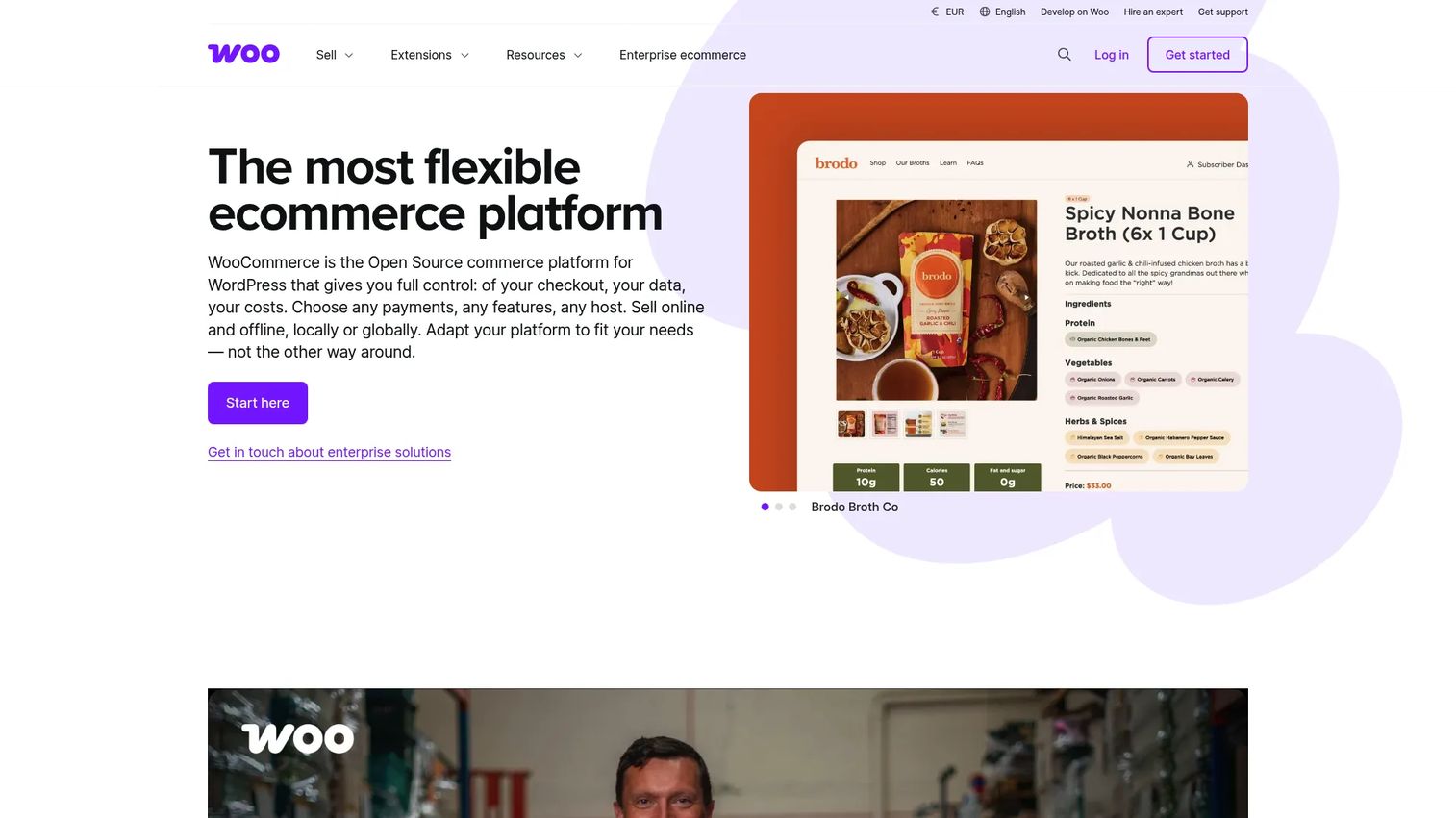
WooCommerce POS is built into the WooCommerce mobile app, allowing merchants to sell in person using their existing product catalog and inventory. It syncs orders, stock, and customer data with the WooCommerce store in real time. Cash payments carry no processing fee; card payments use standard WooPayments or Stripe rates. For smaller pharmacy retailers already on WordPress and WooCommerce, it removes the cost of a separate POS subscription. It is not a shortcut around pharmacy-specific dispensing or compliance requirements.
Best for: Smaller pharmacy retailers on WordPress and WooCommerce that want a lightweight, low-cost in-person checkout tied to their existing online catalog.
Key features
- In-person selling from the existing WooCommerce catalog
- Automatic inventory synchronization between online and in-store
- Cash and card payment support via WooPayments or Stripe
- Email receipts and in-person order refunds
- Bluetooth barcode scanner support
Why choose WooCommerce POS: Its strongest argument is cost: The POS software is free, and card readers add just $5 per month per reader. For a pharmacy that primarily sells OTC and wellness products through WooCommerce, it handles basic checkout without added complexity. For regulated prescription workflows, buyers need dedicated pharmacy software running alongside it.
WooCommerce POS pricing: The POS software is free. Card readers cost $5 per active reader per month. Card transaction fees follow standard WooPayments or Stripe rates.
G2 rating: 4.4/5
12. NetSuite POS
NetSuite POS provides in-store point-of-sale capabilities integrated with the NetSuite ERP platform. Mobile POS connects staff to customer profiles, inventory, and endless-aisle catalogs. Sales and payment data synchronize in real time with NetSuite's finance and inventory modules. For larger pharmacy groups that need retail operations, procurement, financial reporting, and inventory connected in one operating layer, NetSuite removes the reconciliation work between siloed systems. It is typically too complex and costly for a single independent pharmacy.
Best for: Larger pharmacy groups that need retail POS, ERP, financial reporting, and inventory management connected across locations.
Key features
- Mobile POS with access to customer profiles and endless-aisle catalog
- Real-time sales and payment sync with NetSuite ERP
- Buy online, pick up in store and return in store support
- Customer, inventory, and order management integration
- Multi-location support and procurement workflows
Why choose NetSuite POS: It fits teams that need operational finance, inventory, and retail workflows connected without manual reconciliation. The implementation investment is real: Plan for professional services costs alongside subscription fees, especially for a multi-location rollout.
NetSuite POS pricing: Oracle NetSuite does not publish a numeric price for POS. Subscription costs depend on the core platform, optional modules, user count, and a one-time implementation fee. Contact Oracle NetSuite sales or a certified partner for a quote.
G2 rating: 4.1/5
13. Juleb
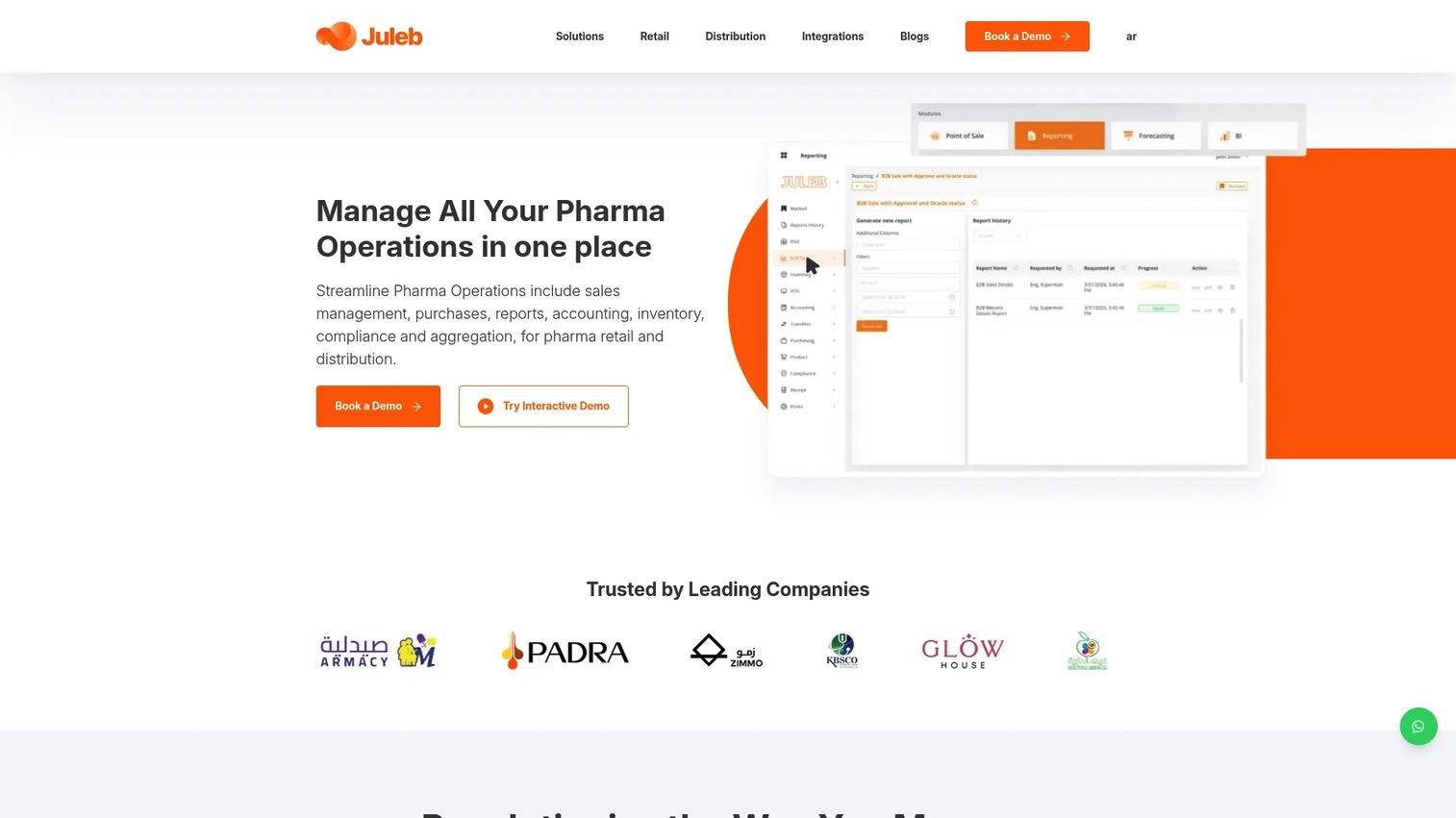
Juleb is a cloud-based ERP and operations platform for pharmacies, healthcare retailers, distributors, and specialized retail businesses. It combines POS, inventory management with batch and expiry tracking, prescription handling, accounting, purchasing, sales-force automation, compliance workflows, e-prescriptions, ecommerce, reporting, and business intelligence in one system. For pharmacies that want broader operating software rather than point of sale alone, Juleb covers more of the operational stack. Geographic availability should be confirmed by U.S. buyers before engaging the vendor.
Best for: Pharmacies, pharma distributors, and multi-branch specialized retail operations that need POS, ERP, inventory, and compliance workflows in one connected platform.
Key features
- POS with sales transactions, customer management, and payment processing
- Inventory management with batch and expiry tracking and multi-location support
- Prescription handling, e-prescriptions, and compliance workflows
- Accounting, purchasing, and sales-force automation
- Reporting, business intelligence, and ecommerce support
Why choose Juleb: Choose it when the pharmacy wants broader operating software that connects POS, ERP, inventory, and compliance controls. U.S. buyers should verify geographic availability, local integrations, and regulatory fit before proceeding.
Juleb pricing: Juleb states that pricing varies by plan and directs prospects to contact the company.
Considerations when choosing a pharmacy POS system
Pharmacy workflow fit
Generic retail POS systems handle checkout well but often miss prescription handoffs, patient records, and controlled-item documentation. Before shortlisting, ask: Does it handle prescription-linked sales? Does it integrate with your dispensing software? Can staff access patient account history quickly at the register? A mismatch here creates manual workarounds that compound over time.
Inventory depth
Pharmacy inventory carries margin, safety, and compliance consequences when managed poorly. Look for lot number tracking, batch tracking, expiration-date visibility, low-stock alerts, supplier purchase orders, and multi-location transfer controls. A system that tracks SKUs without expiration dates is not sufficient for medication inventory.
Compliance and security controls
Pharmacies handling protected health information need strong privacy controls, role-based staff permissions, audit trails, and documented workflows for controlled items. Look for systems that support these operational controls. Do not interpret any vendor's compliance language as a guarantee: Involve your legal and compliance teams in evaluating whether a system supports the workflows your operation requires.
Payments, billing, and reconciliation
The POS must produce numbers your finance team and leadership can trust without manual cleanup. Evaluate card payment rates, refund workflows, daily close processes, accounting integrations, and reporting clarity. If the system cannot produce a clean daily reconciliation, the operational cost shows up every month.
Implementation and support
Pharmacy downtime affects patient service directly. Ask vendors about data migration, staff training timelines, hardware setup, and support hours specific to pharmacy operations. A system with 24/7 pharmacy-specific support is worth more than one with standard business-hours coverage when a register goes down on a Saturday morning.
Conclusion
For pharmacy-native operations, Retail Management Solutions, PioneerRx, BestRx, PrimeRx, and DataScan are the strongest starting points. Each is built around pharmacy workflows rather than adapted from general retail. Epos Now covers front-of-store pharmacy retail well for teams that want proven hardware and a retail POS layer, with dispensing handled separately.
For pharmacies with meaningful ecommerce operations, ConnectPOS offers the strongest omnichannel synchronization. Shopify POS, BigCommerce POS, WooCommerce POS, and Magento POS each make sense when the team is already committed to those commerce platforms and needs in-store checkout connected to an existing online catalog.
NetSuite POS and Juleb suit larger pharmacy groups or operations where POS needs to connect with ERP, finance, and procurement at the platform level.
The practical next step: Shortlist three systems. Map each one against your prescription workflow, inventory requirements, payment and billing needs, reporting expectations, and compliance controls. Then request demos using real pharmacy scenarios, not generic retail walkthroughs. A system that cannot walk through a will-call workflow or lot-based expiration query in a demo will not handle it in production either.
Before you finalize any software decision, it is also worth understanding how good payment processing software and loyalty management tools integrate with your chosen POS, since both affect patient retention and daily reconciliation. For compliance-adjacent software categories, the guide to accounting practice management software and billing software covers adjacent operational layers worth reviewing alongside your POS selection.
FAQs
A pharmacy POS system is software and hardware for managing pharmacy checkout, prescription-linked sales, patient or customer records, inventory, payments, reporting, and pharmacy-specific compliance workflows. It differs from a generic retail POS by supporting medication inventory tracking, prescription handoffs, patient records, and staff access controls relevant to pharmacy operations.
There is no single answer; it depends on whether the pharmacy needs an integrated pharmacy management system or a retail-focused POS layer. Retail Management Solutions, BestRx, PioneerRx, PrimeRx, and DataScan are all worth evaluating. Each handles prescription workflows and pharmacy inventory differently, so the right fit depends on dispensing volume, location count, and reporting needs.
A regular retail POS may work for front-of-store sales of OTC products, wellness items, or supplements. For pharmacies that handle prescriptions, controlled substances, patient records, or insurance-adjacent billing, a generic system will typically require workarounds or separate software to cover the gaps. Verify prescription workflow support, compliance controls, and dispensing integrations before assuming a retail POS will cover the full operation.
The core list covers inventory tracking with expiration dates and lot numbers, prescription workflow support or integration paths, payment processing with reconciliation reporting, role-based staff permissions, customer and patient profiles, audit trails, and multi-location reporting. For pharmacies with online sales, ecommerce synchronization is an additional requirement.
Pricing varies significantly by location count, hardware requirements, payment processing rates, prescription workflow depth, integrations needed, and support level. Pharmacy-native systems like Retail Management Solutions, DataScan, PrimeRx, PioneerRx, and BestRx require direct vendor quotes. Retail-oriented options like Shopify POS start at $39 per month for the base plan, with WooCommerce POS available free for existing WooCommerce users. Epos Now hardware starts at $349 with software plans from $99 per month.
Pharmacies that handle protected health information need strong privacy controls, access management, and audit workflows built into their operating systems. No software purchase makes a pharmacy automatically compliant with applicable regulations. Buyers should work with their legal and compliance teams to evaluate whether a system's access controls, data handling, and audit capabilities support the workflows required for their operation type.
Pharmacy POS focuses on the transaction layer: Checkout, payments, retail inventory, and customer-facing operations. Pharmacy management software handles dispensing, prescription processing, claims, patient records, and clinical workflows. Some vendors, including DataScan, PrimeRx, PioneerRx, BestRx, and Retail Management Solutions, combine both. Others offer POS as an add-on or integration to a broader pharmacy management platform. Buyers should clarify which workflows each system covers before comparing pricing.
Multi-location buyers need centralized reporting, shared catalog controls, role-based staff permissions, transfer visibility between locations, and location-level analytics. Retail Management Solutions, PioneerRx, and NetSuite POS all support multi-location operations. Juleb covers multi-branch operations within its ERP model. For ecommerce-connected multi-location retail, ConnectPOS and BigCommerce POS offer strong synchronization across channels. The right choice depends on whether the priority is pharmacy-native workflows or retail and ecommerce scale.