One missed client document delays a tax return. The return delay pushes billing back. By the time anyone notices, three other files are behind, and the person who knew the status left early. That is not a staffing problem. It is a systems problem.
According to a 2025 Intuit QuickBooks survey, accounting firms use an average of eight apps for core operations, yet 97% of surveyed firms say they do not use technology efficiently (CPA.com and BILL, 2025). The right accounting practice management software closes that gap by connecting client work, deadlines, document collection, billing, and firm reporting into one operating layer. The wrong choice adds another app to the stack without solving the bottleneck.
This guide is for firm owners, managing partners, and operations leaders who want to build a practice that runs on systems rather than on whoever remembers what is due next.
What's inside
This guide evaluates ten platforms across four categories: All-in-one practice suites, workflow-first tools, Microsoft-native platforms, and enterprise accounting ecosystems.
- Who it is for: Accounting firm owners, managing partners, and operations leaders replacing spreadsheets and disconnected apps
- Selection criteria: Workflow depth, client-facing capability, commercial operations (billing, WIP, reporting), and implementation fit
- What you will learn: Which tools suit lean firms, tax-heavy practices, collaborative growing teams, and established multi-office operations
- Note: Pricing and G2 ratings reflect verified figures at the time of writing; confirm current values before purchase
TL;DR
- Best overall for collaborative firms: Karbon, for teams that need email-connected work management, shared ownership, and capacity visibility
- Best all-in-one client portal and billing: TaxDome, for tax and accounting practices that want intake, documents, communication, and payments in one place
- Best for tax-focused practice operations: Canopy, for firms that need CRM, workflow, document management, and billing under one roof
- Best for lean firms starting with workflow: Financial Cents, for smaller accounting and bookkeeping teams that need client work, CRM, and billing without enterprise overhead
- Best for recurring workflow discipline: Jetpack Workflow, for firms whose core problem is inconsistent execution across recurring client jobs
- Best for established ecosystem firms: CCH Axcess and Practice CS for firms already committed to the CCH or Thomson Reuters CS suite, where deep ecosystem integration matters more than a standalone comparison
What is accounting practice management software?
Accounting practice management software is a system that helps accounting, bookkeeping, and tax firms organize client work, manage deadlines, collect documents, coordinate teams, bill clients, and measure operational performance.
It is the operating layer that sits between the firm and its clients. Unlike general ledger software or tax preparation tools, it manages how work moves through the firm rather than the financial output of that work.
Core capabilities
Most platforms in this category cover some combination of:
- Client records, CRM, and communication history
- Workflow templates, recurring job scheduling, task assignments, and due-date logic
- Client portals, document requests, file storage, and e-signatures
- Time tracking, invoicing, payment collection, WIP reporting, and profitability visibility
- Capacity planning, utilization tracking, and workload dashboards
- Integrations with tax prep, accounting software, email, and productivity suites
- Permissions, audit trails, and role-based access controls
What it replaces
The category typically consolidates shared inboxes, task boards, document request emails, spreadsheet-based deadline trackers, and disconnected billing processes. The best fit depends on whether the firm needs broad consolidation or a narrower workflow layer on top of existing tools.
What it does not replace
Practice management software is distinct from general ledger and bookkeeping software, tax preparation software, generic project management tools like Asana or Monday, basic cloud file storage, and standalone CRM platforms.
| Category | Practice management | General alternative |
|---|---|---|
| Work moves through the firm | Yes | No |
| Financial records and ledger | No | Yes (accounting software) |
| Tax return preparation | No | Yes (tax software) |
| Generic task boards | Overlaps, but accounting-specific | Yes (PM tools) |
| Client communication and portal | Yes | Partial (standalone portals) |
When to use accounting practice management software
Standardize recurring client work
Monthly closes, quarterly filings, payroll cycles, and advisory retainers all follow predictable patterns. When those patterns live in someone's memory rather than a repeatable template, deadlines slip without warning. Practice management software adds recurring job templates, automatic due-date logic, and clear ownership so each client engagement starts the same way every time.
Give clients one place to respond
Scattered email threads create delays that no one can see until a deadline is already at risk. A client portal centralizes document requests, secure messages, e-signatures, and invoice delivery. Clients know where to go. Staff know what is outstanding. The follow-up cycle shortens.
Run the firm from operating data
The trigger for most platform evaluations is the moment when a firm leader cannot answer basic questions without asking three people. Visibility into WIP, overdue tasks, utilization, realization, billing status, and staff capacity requires a system. Once that data exists in one place, weekly operating decisions get faster and board-level reporting stops requiring a manual spreadsheet pull.
Accounting practice management software comparison
Ten platforms evaluated across all-in-one, workflow-first, Microsoft-native, and enterprise-suite approaches. Pricing reflects the entry tier where publicly available. G2 ratings verified at time of writing.
| # | Product | Best for | Key differentiator | Pricing | G2 rating |
|---|---|---|---|---|---|
| 1 | Karbon | Collaborative and growing firms | Email-connected work management with capacity planning | From $59/user/mo (annual) | 4.8/5 |
| 2 | TaxDome | Tax and accounting firms wanting consolidation | Client portal, documents, workflow, billing, and payments combined | From $800/seat/year | 4.7/5 |
| 3 | Canopy | Tax-focused firms with complex client work | All-in-one CRM, workflow, documents, billing, and client portal | From $74/user/mo (annual) | 4.0/5 |
| 4 | Financial Cents | Small to midsize bookkeeping and accounting firms | Practical workflow, CRM, client portal, and billing at accessible pricing | From $19/mo (annual) | 4.7/5 |
| 5 | Jetpack Workflow | Firms centered on recurring workflows | Repeatable job templates, deadline tracking, and team workload visibility | From $40/user/mo (annual) | 4.3/5 |
| 6 | Firm360 | Firms seeking configurable all-in-one management | Client management, billing, documents, workflow, and A/R automation | From $49/mo (annual) | N/A |
| 7 | PracticePro 365 | Microsoft-centric CPA and tax firms | Built on Microsoft 365, Teams, SharePoint, and Power BI | Contact sales | N/A |
| 8 | CCH Axcess | Established firms using the CCH ecosystem | Cloud-native tax, workflow, and firm-management suite | From $2,814 (Tax Essentials Basic) | N/A |
| 9 | Practice CS | Firms invested in the Thomson Reuters CS suite | Time, billing, projects, and staff management connected to CS tools | Contact sales | N/A |
| 10 | Pixie | Solo and smaller firms | Client-volume pricing model for lean, growing practices | Contact for pricing | 4.7/5 |
Best 10 accounting practice management software for 2026
1. Karbon
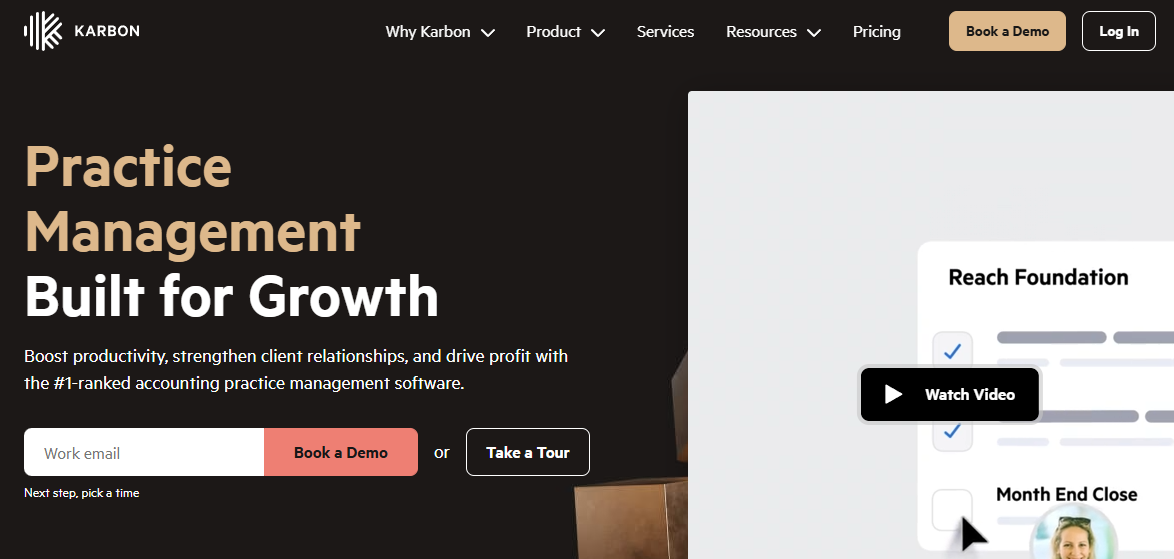
Karbon is a practice management platform built for accounting firms that treat email, workflow, and staff coordination as one operating problem. It connects client emails directly into work items, so a message from a client can become a task with an owner, a due date, and a place in the firm's workflow without copying anything manually. Firms moving beyond spreadsheet-based status tracking typically find Karbon's approach to shared inbox management significantly reduces the "who is handling this?" overhead.
Best for: Growing accounting firms with multiple managers, service lines, or high coordination costs.
Key features
- Shared inbox and email triage connected to work items
- Work templates and recurring job scheduling
- Capacity planning views across the team
- Workflow automation rules and task ownership
- Time tracking, billing, and payment collection
Why choose Karbon: It fits firms where the bottleneck is coordination rather than a missing feature set. When several people need visibility into the same client work, the email-as-workflow model reduces the back-and-forth that slows delivery.
Karbon pricing: Team plan starts at $59/user/month billed annually ($79/month on monthly billing). Business plan is $89/user/month annually ($99 monthly). Enterprise pricing requires a conversation with sales. A 14-day free trial is available. Per-user costs rise meaningfully as the firm adds administrators and specialists, so model the full seat count before committing.
G2 rating: Karbon holds a 4.8/5 on G2, one of the stronger scores in this category.
2. TaxDome

TaxDome is an all-in-one platform built around client-facing operations. Its core strength is combining the branded client portal, secure document exchange, automated reminders, e-signatures, workflow automation, invoicing, and payment collection into a single system. For tax and accounting firms whose biggest operational drag is client follow-through rather than internal task assignment, TaxDome addresses the problem at its source rather than around it.
Best for: Tax and accounting practices that want to consolidate client communication, engagement steps, and payment workflows into one platform.
Key features
- Branded client portal with mobile app
- Automated client reminders and organizers
- Secure document exchange and e-signatures
- Workflow automation and task management
- Invoicing, payments, and time tracking
Why choose TaxDome: The platform rewards firms that map their intake, document requests, review stages, and billing process before migrating. Firms that do this upfront typically get the most out of the automation layer; those that migrate before mapping often reconfigure mid-implementation.
TaxDome pricing: Plans are billed per seat annually. Essentials costs $800/seat/year, Pro costs $1,000/seat/year, and Business costs $1,200/seat/year. Two-year and three-year commitment pricing is also available. Firms with 25 or more seats can request a custom quote. There is no free tier; a trial arrangement should be discussed directly with TaxDome.
G2 rating: TaxDome holds a 4.7/5 on G2.
3. Canopy
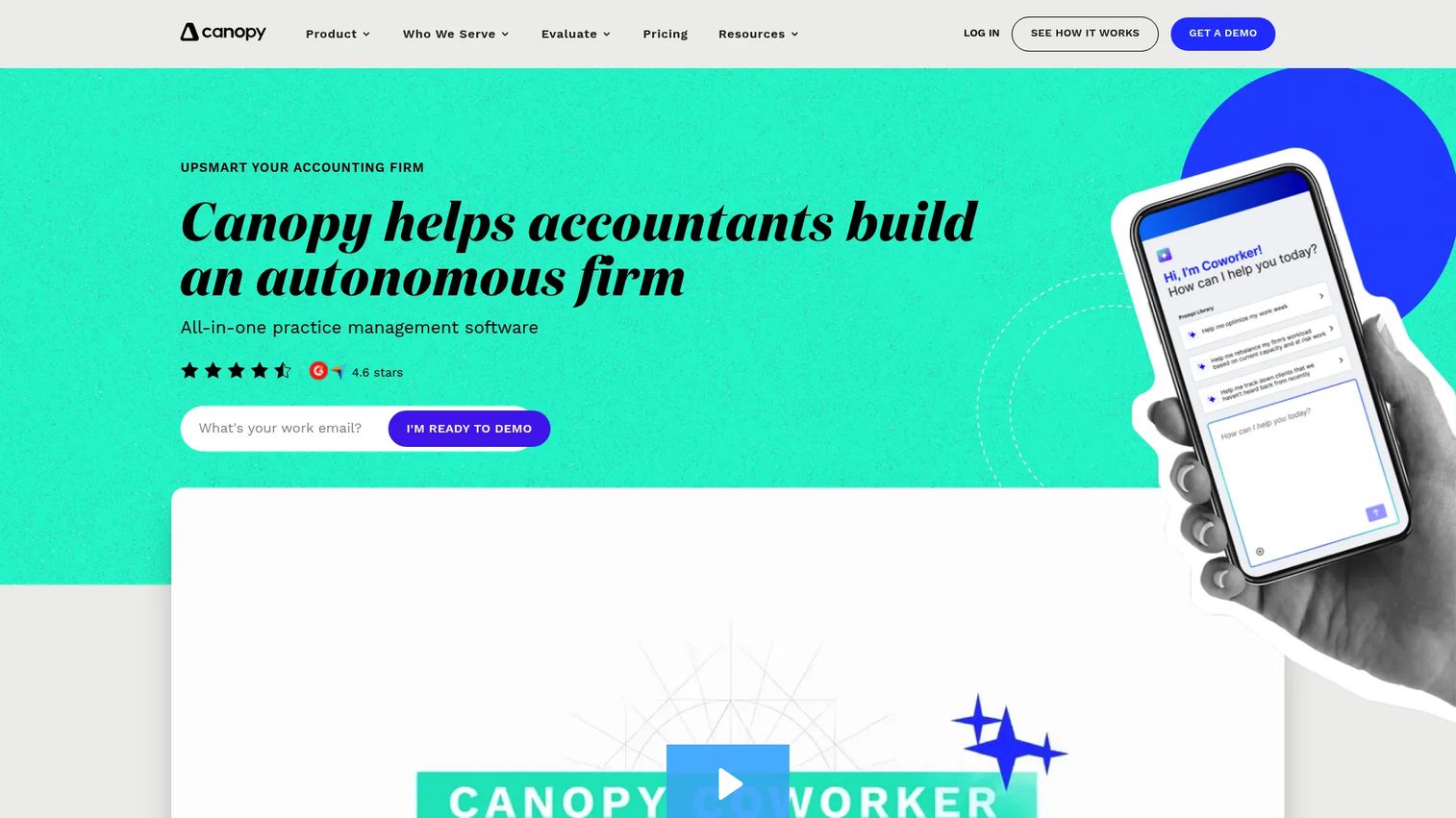
Canopy is a cloud-based all-in-one practice management platform for accounting, tax, and bookkeeping firms. It covers CRM and client engagement records, document management with e-signatures, a client management portal, workflow and recurring task automation, and time, billing, invoice, and payment management. For tax-focused firms or practices with mixed service lines that want to consolidate across client, document, and billing processes, Canopy positions itself as a single operating environment.
Best for: Tax-focused or mixed-service firms that want an integrated system covering client engagement, document workflows, and firm billing.
Key features
- CRM and client engagement records
- Document management and e-signatures
- Client portal and secure messaging
- Workflow and recurring task automation
- Time, billing, invoices, and payments
Why choose Canopy: It fits firms prioritizing consolidation where the alternative is stitching together separate tools for CRM, documents, and billing. The investment increases as more team members need access, so calculate the total seat cost across the firm before finalizing.
Canopy pricing: Standard plan starts at $74/user/month billed annually. Plus is $109/user/month annually. Premium is $149/user/month annually. Enterprise pricing is custom. The price gap between tiers reflects meaningful capability differences: Advanced reporting, billing scenarios, and automation features sit on higher plans. Confirm current plan details and trial availability directly with Canopy.
4. Financial Cents
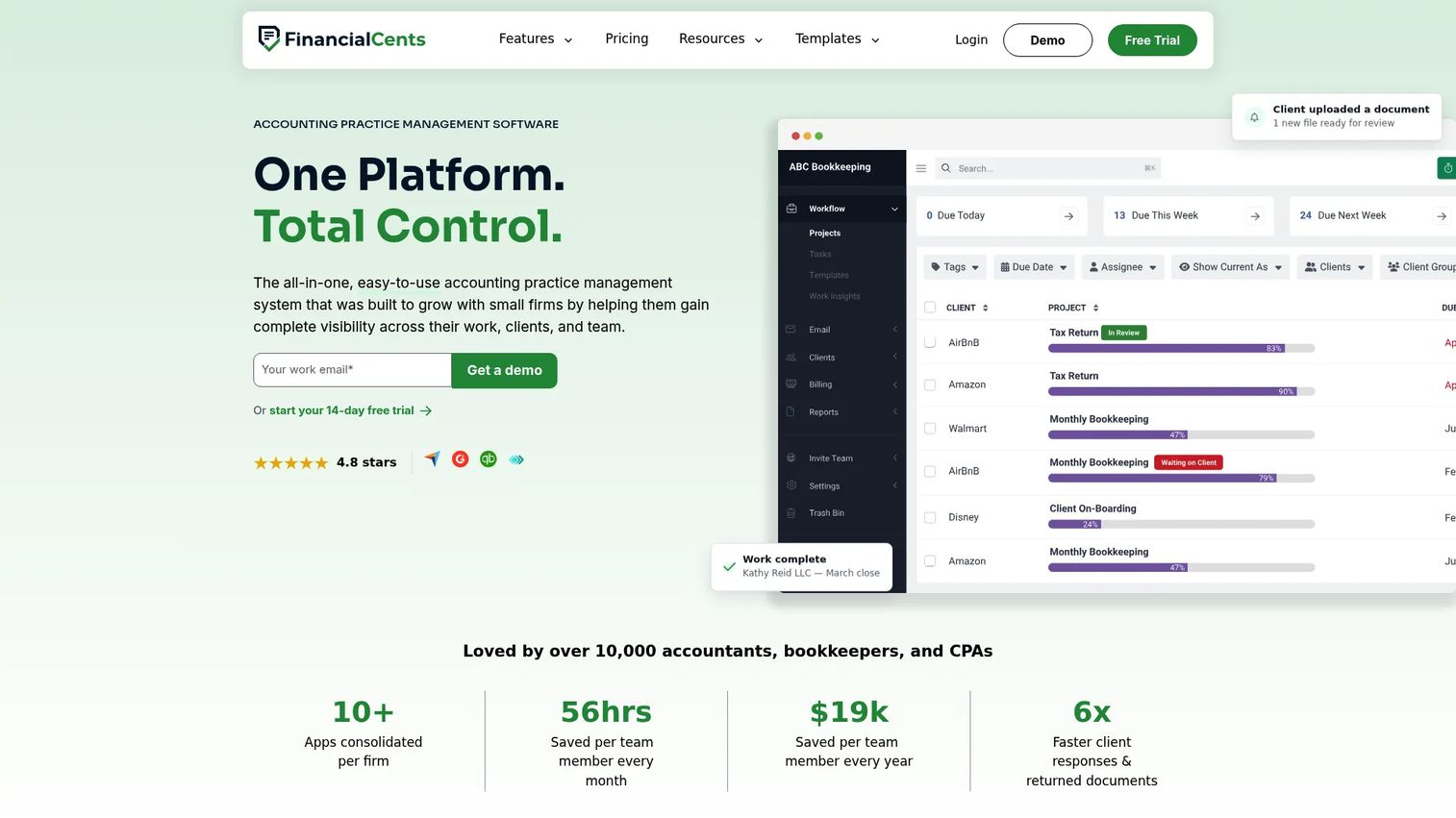
Financial Cents is a practice management platform built specifically for smaller and mid-size accounting and bookkeeping firms. It combines recurring workflow templates, client task and request tracking, a CRM, a client portal, time tracking, billing, proposals, and engagement letters in a package priced for lean operations. The platform also includes a Month-End Close add-on for firms managing monthly client accounting cycles.
Best for: Solo practitioners and small-to-midsize accounting and bookkeeping teams that need operational consistency without enterprise-level overhead or pricing.
Key features
- Recurring work templates with workflow automation
- Client portal, requests, and secure file sharing
- Client CRM and contact database
- Time tracking, invoicing, billing, and proposals
- Capacity, utilization, and profitability reporting
Why choose Financial Cents: A firm owner who needs visibility across client work without assigning a dedicated system administrator will find the setup approachable. The pricing structure scales by user count and billing cadence, making it predictable for firms at the 1 to 20 person range.
Financial Cents pricing: Solo plan starts at $19/month billed annually (one user). Team plan is $49/month annually or $69/month on monthly billing. Scale plan is $69/month annually or $89/month on monthly billing. Monthly billing for Team and Scale requires at least five users. A 14-day free trial is available at no cost. The Month-End Close add-on runs $5/month per client, billed annually. Enterprise pricing is custom.
G2 rating: Financial Cents holds a 4.7/5 on G2.
5. Jetpack Workflow
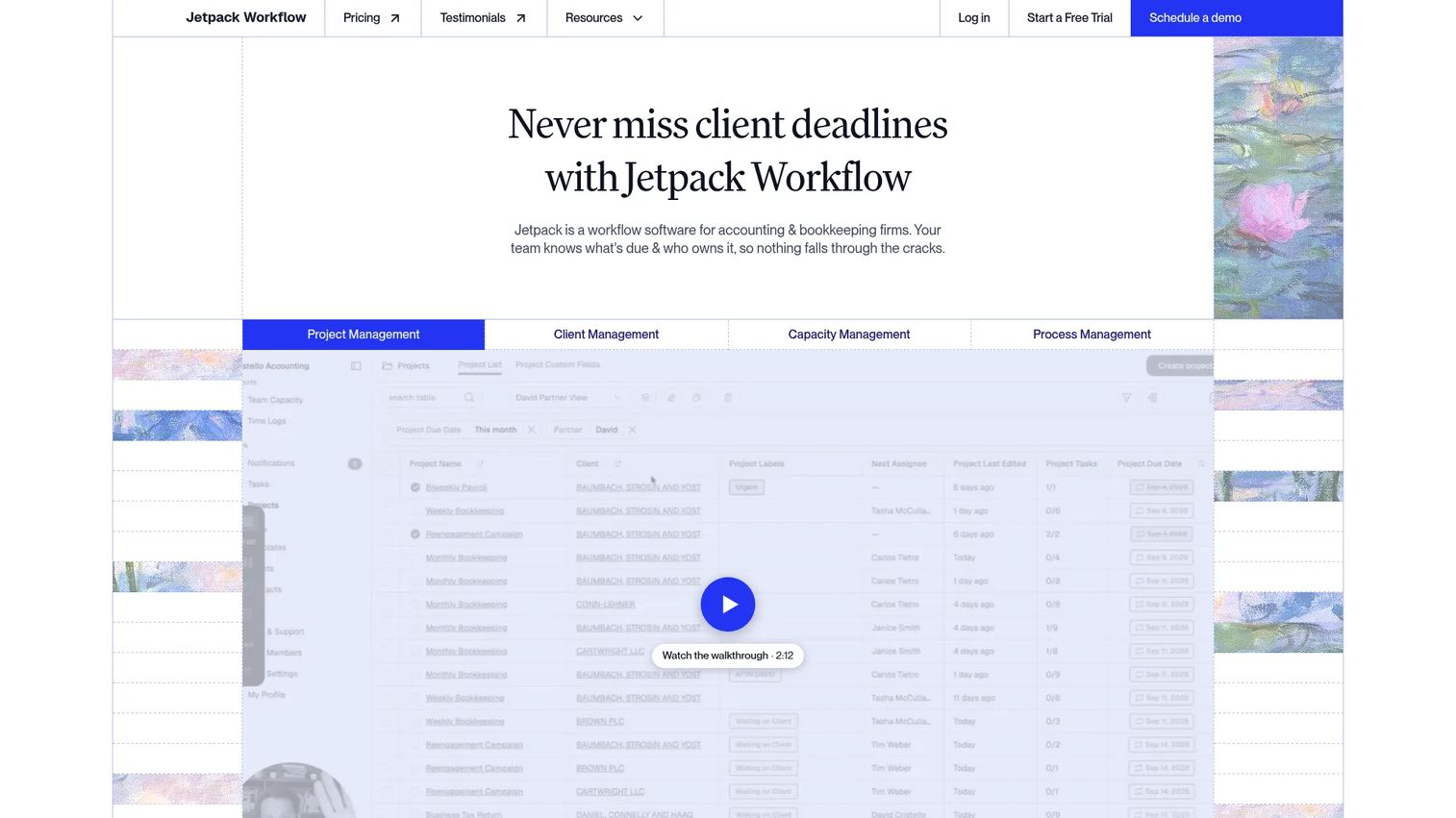
Jetpack Workflow is workflow-first accounting workflow management software for accounting and bookkeeping firms. Its focus is recurring job templates, task checklists, deadline tracking, and workload visibility. Firms that have tried generic project management tools and found them too flexible for structured accounting work often find Jetpack Workflow a better fit because the product is designed around the recurring job model that most accounting engagements follow.
Best for: Accounting and bookkeeping firms whose core problem is inconsistent execution on recurring client work, deadline slippage, or unclear task ownership.
Key features
- Reusable workflow templates and customizable automation
- Recurring project and task scheduling
- Work status dashboards and team workload views
- Team collaboration, comments, labels, and permissions
- Time tracking and budget-versus-actual reporting (Premium)
Why choose Jetpack Workflow: It solves the workflow-and-deadline problem cleanly without requiring the firm to also migrate billing, documents, and CRM on day one. Firms with a separate billing system or client portal can add Jetpack Workflow as a focused layer and expand from there.
Jetpack Workflow pricing: Starter plan is $40/user/month billed annually. Premium is $50/user/month annually. Monthly billing is available on both plans, though the monthly price is not displayed publicly. A 14-day free trial is available. There is no free tier.
G2 rating: Jetpack Workflow holds a 4.3/5 on G2.
6. Firm360

Firm360 is an all-in-one practice management platform built specifically for accounting and CPA firms. It combines client relationship management, a secure client portal, document management, project and workflow tracking, time tracking, billing, invoicing, automated accounts-receivable collections, and firm reporting dashboards. The Premium plan adds AI-powered features and AutoPrep Tax Automation for firms that want to reduce manual document preparation steps.
Best for: Accounting and CPA firms that want a dedicated accounting-firm platform rather than a generic productivity stack, with configurable workflow and billing in one system.
Key features
- Client management and secure client portal
- Document management and workflow tracking
- Time tracking, billing, and invoicing
- Automated accounts-receivable collections
- Firm reporting and dashboard analytics
Why choose Firm360: It belongs on the evaluation list for firms seeking an accounting-native all-in-one system. Ask vendors to walk through one complete workflow, from intake through client document exchange, task assignment, review, approval, invoicing, and payment, before deciding. The evaluation risk is selecting a platform based on a feature checklist without confirming that the handoffs between modules work as expected.
Firm360 pricing: Basic plan starts at $49/month on annual billing. Standard is $79/month annually. Premium is $99/month annually. Standard and Premium require a three-user minimum; Basic has no user minimum. There is no free tier.
7. PracticePro 365
PracticePro 365 is a cloud-based practice management platform for accounting and CPA firms built on the Microsoft 365 infrastructure. Rather than replacing the Microsoft environment a firm already uses, PracticePro 365 is designed to run inside it, connecting Teams, Outlook, SharePoint, Power BI, and Power Automate with CPA-specific workflow, billing, and reporting capabilities. For firms already standardized on Microsoft 365, this approach reduces adoption friction significantly.
Best for: Mid-size and larger CPA and tax firms already standardized on Microsoft 365 that want practice management capabilities built around that environment rather than alongside it.
Key features
- CRM and client relationship management
- Engagement, project, workflow, and task management
- Time tracking, billing, invoicing, and accounts-receivable automation
- Microsoft Teams, Outlook, SharePoint, and Power BI integration
- Real-time dashboards, KPI reporting, and role-based security
Why choose PracticePro 365: The adoption argument is straightforward. When staff continue working primarily in Teams and Outlook, and practice data surfaces within those tools rather than requiring a separate login, onboarding resistance drops. This is a strategic ecosystem decision, not a feature comparison.
PracticePro 365 pricing: Pricing is discussed during a discovery call and is not displayed publicly. The amount varies based on user count and required services. Contact PracticePro 365 for a quote specific to your firm size.
8. CCH Axcess
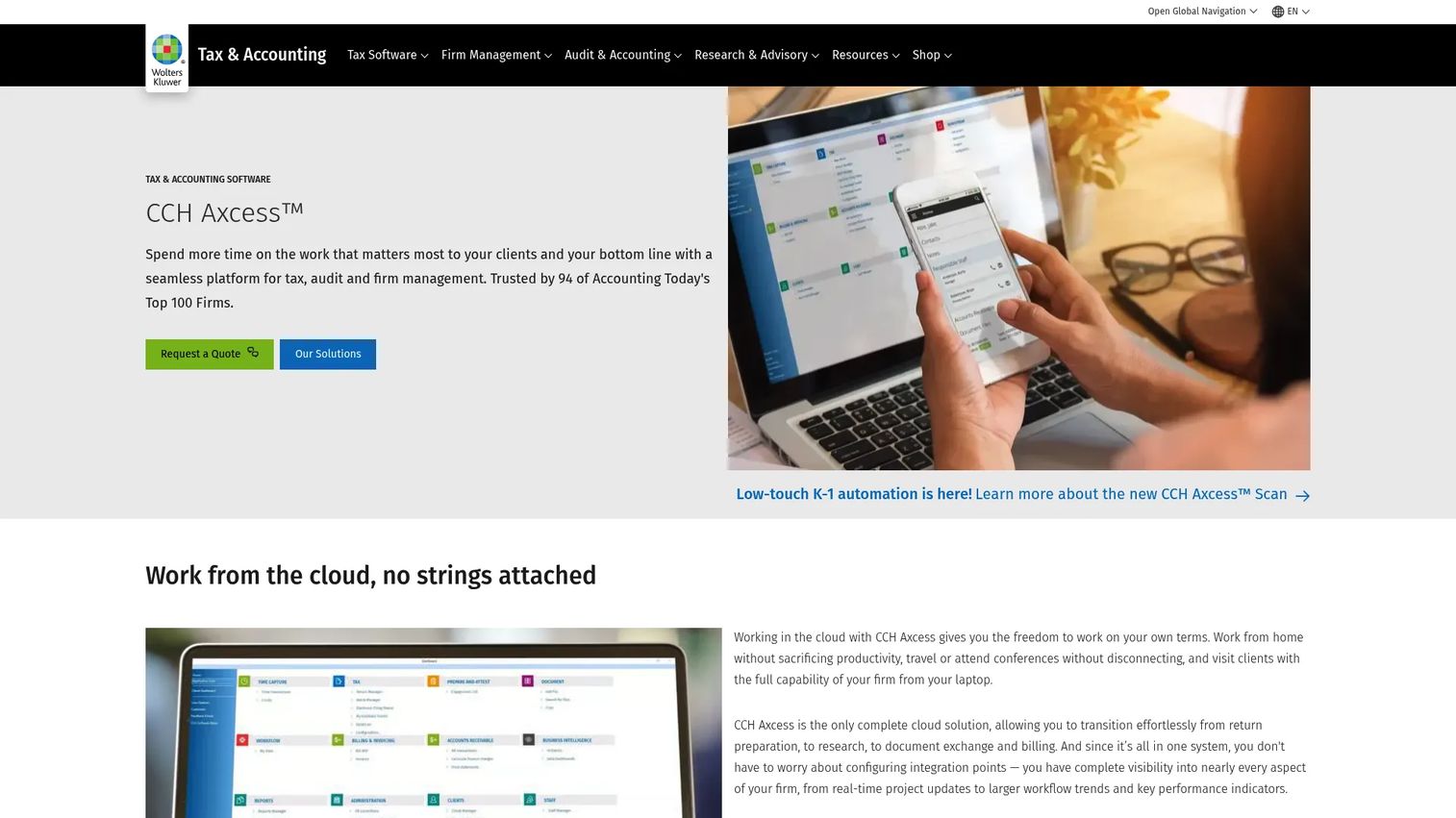
CCH Axcess is a cloud-based tax, audit, and firm-management platform from Wolters Kluwer. It integrates tax preparation, AI-enabled document ingestion, workflow management, client collaboration, document management, and billing into a connected suite. For established firms already using CCH products for tax compliance or audit, CCH Axcess reduces the integration overhead that comes from connecting a separate practice management platform to existing CCH data.
Best for: Mid-market and larger accounting firms already committed to the CCH product suite or seeking a cloud-native enterprise tax and firm-management ecosystem.
Key features
- Cloud-based tax preparation and compliance
- AI-enabled document ingestion and categorization
- Integrated workflow, document management, and audit tools
- Client collaboration and secure file sharing
- Scalable multi-office operations and role-based access controls
Why choose CCH Axcess: Suite alignment reduces integration risk for firms with complex tax, audit, and advisory operations. The strongest fit is for firms adopting CCH broadly, not those evaluating only the workflow module in isolation. The implementation scope reflects that broader commitment.
CCH Axcess pricing: The Tax Essentials Basic package for 100 to 400 returns is priced from $2,814. Tax Essentials Core, Accelerate, and Advantage packages require a quote. Contact Wolters Kluwer for current pricing specific to your firm size and product requirements.
9. Practice CS
Practice CS is the practice management product within the Thomson Reuters CS Professional Suite. It covers time and billing, project management, staff management, customizable dashboards, electronic invoicing, online billing, credit-card payments, and client information management. Firms already using UltraTax CS, Accounting CS, or other CS Professional Suite products gain the most from Practice CS because the system shares client data and staff records across the suite without additional integration work.
Best for: Accounting firms already operating within the Thomson Reuters CS Professional Suite that want consistent time, billing, project, and staff management connected to their existing CS tools.
Key features
- Time and expense tracking
- Billing, electronic invoices, and online payments
- Project and staff management (add-on modules)
- Customizable dashboards for firm, project, and client views
- CS suite integrations across client and staff data
Why choose Practice CS: If a firm already relies on UltraTax CS or related products, adding Practice CS keeps client and staff data in the same environment. Confirm the current cloud deployment path and product roadmap with Thomson Reuters during evaluation, as the CS suite is a long-tenured platform with ongoing cloud transition work.
Practice CS pricing: Pricing is not published and requires a conversation with Thomson Reuters sales. Contact the vendor for current licensing, deployment, and hosted-option terms.
10. Pixie
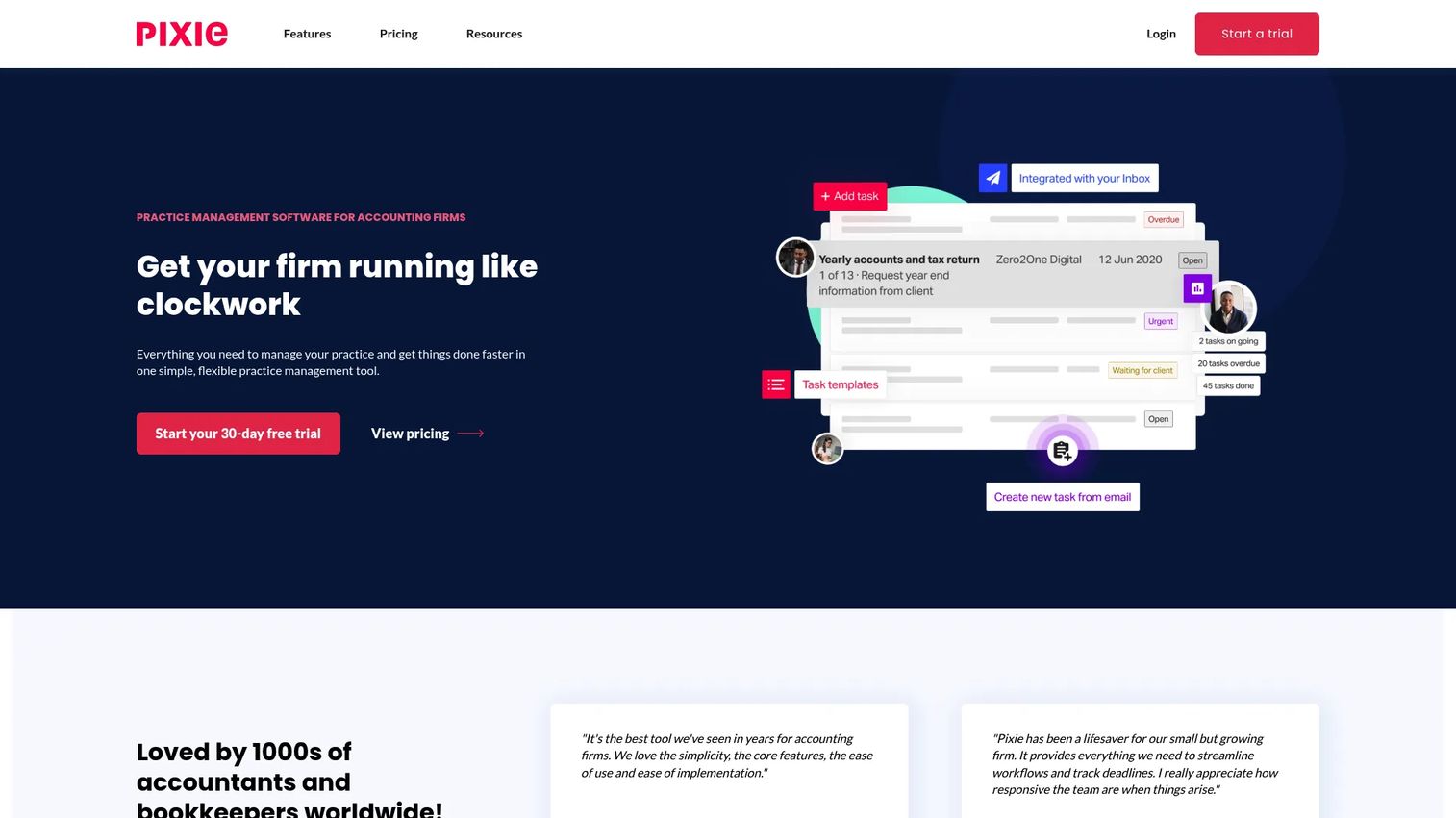
Pixie is cloud-based practice management software for small accounting and bookkeeping firms. Its pricing model is based on client volume rather than seat count, which suits lean firms with a small internal team but a growing client base. The platform covers CRM and centralized client records, workflow automation and recurring tasks, document portal access, e-signing, client reminders and onboarding, and team task delegation.
Best for: Solo practitioners and smaller accounting or bookkeeping firms that want a structured practice system priced around client volume rather than a full seat-based model.
Key features
- CRM and centralized client records
- Workflow automation and recurring task management
- Document portal and e-signing
- Client reminders and onboarding tools
- Team task delegation and reporting
Why choose Pixie: The client-volume pricing model makes total cost more predictable for small firms where the number of clients grows faster than the internal team. Firms should still evaluate regional support availability, integration depth with their tax stack, and whether the platform covers the next stage of growth, not only current needs.
Pixie pricing: Pixie uses flat monthly pricing based on the number of clients managed. Specific tier prices are not displayed on the pricing page; contact Pixie directly for a quote based on your client count. A 30-day free trial is available with no credit card required.
G2 rating: Pixie holds a 4.7/5 on G2.
Considerations when choosing accounting practice management software
Start with the bottleneck, not the feature list
Identify whether the firm's real constraint is recurring workflow consistency, document collection delays, billing leakage, client communication, capacity planning, or management reporting. A platform that solves the specific bottleneck limiting throughput will deliver faster results than a broader system adopted before the core problem is defined.
Model the cost at your next headcount milestone
Per-user, per-client, and annual-seat pricing models diverge significantly as firms grow. Calculate total cost at current headcount and again at the headcount expected 12 to 18 months from now. A platform that looks affordable today can become the most expensive option in the stack after a round of hiring.
Test the full client workflow before signing
Ask vendors to demonstrate one complete end-to-end flow: Intake, document request, task assignment, review, client approval, invoicing, payment, and reporting. A feature list does not confirm that the handoffs between modules work without manual intervention. The demo is the evaluation.
Plan migration and adoption before purchase
Data cleanup, workflow mapping, training ownership, and a pilot group with a defined adoption scorecard should be planned before signing, not after. Migrating every process at once typically results in partial adoption and a system that sits alongside the old spreadsheets rather than replacing them.
Validate reporting and permissions against operating needs
Confirm that the platform surfaces WIP, realization, utilization, overdue work, accounts receivable, and client-level profitability in a format the firm can act on weekly. Role-based access and audit trail requirements matter more as the firm adds staff and as board-level reporting becomes more frequent.
How to choose the right accounting practice management software for your firm
If you need firm-wide collaboration and email-driven work
Karbon is the first platform to evaluate. It fits firms where shared inbox management, internal coordination across service lines, and capacity visibility are the primary constraints. The email-connected work model reduces the coordination overhead that grows with team size.
If client intake, portals, and payments are slowing work
Start with TaxDome for broad client-facing consolidation, or Canopy for a tax-focused practice suite with CRM and billing depth. TaxDome's strength is the breadth of its client-facing automation. Canopy's strength is the all-in-one scope for firms running complex tax and advisory engagements alongside each other.
If you are a lean firm standardizing recurring work
Financial Cents fits firms that need broader small-firm management at accessible pricing. Jetpack Workflow fits firms whose primary problem is recurring job inconsistency and deadline control. Pixie fits the smallest teams where client-volume pricing is more predictable than per-seat models. Choose the one that matches the bottleneck you are solving first.
If your technology stack already dictates the platform
PracticePro 365 for firms deeply embedded in Microsoft 365 and Teams. CCH Axcess for firms already using CCH products for tax compliance or audit. Practice CS for firms operating within the Thomson Reuters CS Professional Suite. In each case, ecosystem fit and shared data reduce implementation risk more than any isolated feature comparison.
Conclusion
Accounting practice management is an operating-system decision, not a software subscription. The platform you choose determines whether client work moves through repeatable, visible workflows or continues to live in inboxes and shared drives that only a few people can interpret.
Karbon suits coordination-heavy and growing teams. TaxDome and Canopy cover broader client-facing operations. Financial Cents, Jetpack Workflow, and Pixie each fit lean firms with different priorities: Broader small-firm management, workflow-first discipline, and client-volume pricing. Firm360 belongs on the shortlist for firms seeking an accounting-native all-in-one. PracticePro 365, CCH Axcess, and Practice CS are the right starting points when the technology ecosystem already points in a clear direction.
Before signing anything, map one recurring workflow from intake to payment, calculate total platform cost at your expected headcount in 18 months, and require a live vendor demo of that full client-to-cash process. That evaluation discipline surfaces fit problems before they become implementation problems.
Start your journey with Guideflow today!
FAQs
Accounting practice management software is a system that helps accounting, bookkeeping, and tax firms manage client work, deadlines, document collection, team coordination, billing, and operational reporting. It is distinct from bookkeeping or general ledger software, which records financial transactions. Practice management software runs the firm's internal operations and client service workflows.
Core features to evaluate include workflow templates and recurring job scheduling, deadline tracking, client portal software with document requests and e-signatures, time tracking, invoicing and payment collection, WIP and profitability reporting, integrations with tax and accounting tools, and role-based access controls. Which features matter most depends on the firm's service mix and its current operational bottleneck.
Smaller firms typically weigh entry-tier price, time to first value, recurring workflow depth, and whether a client portal is included. Financial Cents suits firms that need workflow, CRM, and billing in one accessible package. Jetpack Workflow suits firms that want to fix recurring job consistency before adding broader features. Pixie suits the smallest teams where client-volume pricing makes total cost more predictable than per-seat billing.
Accounting software handles financial records, general ledger entries, reconciliation, and reporting on the firm's or a client's financial position. Practice management software runs the firm's internal and client-service operations: How work is assigned, tracked, billed, and reported. Most firms need both, and the two categories integrate rather than overlap.
A client portal makes the most practical difference for firms with high document volume, frequent client requests, or significant time spent on email follow-up. When clients have one place to upload documents, review requests, sign forms, and pay invoices, the follow-up cycle shortens and staff time on chasing shifts to delivering work. Firms handling mostly automated or low-touch engagements may find a portal less critical in the short term.
Pricing models vary across the category. Per-user pricing (Karbon, Canopy, Jetpack Workflow) scales directly with headcount. Annual seat pricing (TaxDome) is billed upfront per person. Flat-rate plans with user limits (Financial Cents, Firm360) can be more predictable at smaller team sizes. Client-volume pricing (Pixie) decouples cost from headcount. Enterprise and ecosystem platforms (CCH Axcess, PracticePro 365, Practice CS) price by quote. Include implementation, training, and any module or add-on costs in the total estimate.
A focused workflow pilot covering one service line and a small group of staff can often be running within two to four weeks. Full migration across all clients, billing, documents, and recurring work takes longer and depends on data quality, team size, and how many existing processes need to be mapped before import. Firms that plan the migration in phases, starting with one workflow type, tend to reach full adoption faster than those that attempt a full cutover.
A 2025 Intuit QuickBooks report found that firms using an average of eight disconnected apps operate less efficiently than the technology investment implies. Practice management software improves profitability indirectly by reducing billing delays, surfacing WIP that has not been invoiced, improving staff utilization visibility, and reducing time spent on administrative coordination rather than billable work. The impact depends on whether the platform solves the firm's actual bottleneck and whether adoption is high enough to generate consistent operating data.