A collections team can keep a spreadsheet working longer than it should. Then a loan request arrives, a location record conflicts with a condition report, or someone needs to prove provenance for an object acquired years ago.
The problem is rarely data entry. It is whether the institution has a dependable collections management system its team can operate, audit, and hand off without the founder or executive involved in every lookup.
Collections management software has evolved well beyond basic inventory tracking. These platforms now handle accessioning, conservation history, loan workflows, location control, and public discovery, all from a single record. Finding the right one means matching the platform to your collection type, your team's technical capacity, and the workflows your staff repeats every week.
Which collections management software fits the way your institution catalogs, cares for, and shares its collection?
What's inside
This guide covers 12 collections management software tools for 2026, selected for workflow depth, deployment model, collection specialization, and availability of verified product information.
- A ranked shortlist of 12 tools with a side-by-side comparison table
- How the tools differ on cataloging, loans, conservation, and public publishing
- Which options fit small museums, enterprise institutions, archives, and natural history collections
- What to evaluate before committing to migration, implementation, or contracts
Tools were chosen for category fit and coverage of the operational workflows that collections teams repeat most. Claims are anchored in verified vendor documentation.
TL;DR
- Best overall for multi-disciplinary institutions: Axiell Collections for organizations that need broad collection workflows across museums, archives, and heritage operations
- Best for complex natural history collections: EMu for commercially supported depth, or Specify if your team can support an open-source model
- Best for smaller museums and private collections: CatalogIt or eHive for cloud cataloging with public sharing
- Best open-source option: CollectionSpace for institutions with technical capacity and a need for flexible data models
- Best for art collections and conservation-heavy workflows: TMS Collections or MuseumPlus
What is collections management software?
Collections management software is a specialized database and workflow system that helps museums, archives, galleries, libraries, and heritage organizations document, manage, preserve, locate, and share information about physical and digital collections.
Unlike a general asset database or spreadsheet, a purpose-built collections management system supports the institutional procedures that govern a collection's entire lifecycle. Core capabilities include:
- Cataloging and metadata: Object records, classifications, descriptions, provenance, rights, measurements, and linked media
- Accessioning and transactions: Acquisitions, gifts, deposits, deaccessions, permits, exchanges, and ownership history
- Locations and movement: Storage locations, object movement, transport, barcode workflows, and inventory checks
- Loans and exhibitions: Outgoing loans, incoming loans, exhibition checklists, insurance, transport, and approvals
- Conservation and condition: Condition reports, treatment history, care plans, environmental notes, and risk tracking
- Reporting and data quality: Saved queries, auditability, authority control, exports, and validation
- Public access: Online collection portals, website integrations, APIs, and public-facing discovery tools
Many cultural institutions evaluate systems against Spectrum, the collection-management standard published by Collection Trust. Confirm with your vendor exactly which Spectrum procedures a platform supports and how they are configured, rather than treating compliance as a binary.
Deployment models compared
| Model | Best for | Watch for |
|---|---|---|
| Cloud-hosted | Teams needing browser access and lower infrastructure overhead | Subscription cost, data export terms, permissions |
| On-premise or desktop | Institutions with existing infrastructure or local control requirements | Upgrade path, remote access, internal IT dependency |
| Open source | Teams that need deep flexibility and can support implementation | Hosting, configuration, maintenance, technical ownership |
| Hybrid | Institutions mixing collection databases and public portals | Integration ownership, data synchronization |
When to use collections management software
Replace spreadsheets before they become institutional risk
Duplicate files, inconsistent object identifiers, unclear locations, and lost condition histories are the most common signs that a collection has outgrown its current system. A specialized platform becomes urgent when collection knowledge lives in one person's memory or one spreadsheet owner's inbox.
Prepare for collection digitization and public discovery
Digitizing image archives, building a public collections site, or supporting research access all require structured metadata and linked media before publishing. Without a dedicated system, every digitization project creates new data silos that are expensive to reconcile later.
Standardize loans, conservation, and movement workflows
Growing outgoing loan activity, exhibition schedules, or storage moves make the cost of disconnected records visible fast. Loan agreements, condition reports, and location updates must live in the same record system as core catalog data, or your registrar is reconciling information manually across multiple files.
Collections management software comparison
The right system depends on collection type, workflow depth, deployment preference, public-access requirements, and implementation capacity. G2 ratings below reflect live listings at time of research; several tools in this specialist category have limited review volume on general platforms.
| # | Product | Best for | Key use case | Pricing | G2 rating |
|---|---|---|---|---|---|
| 1 | Axiell Collections | Museums, archives, and heritage institutions | Multi-disciplinary collections operations | Custom pricing | 4.0/5 |
| 2 | EMu | Large or complex cultural collections | Deep relational collection data management | Custom pricing | N/A |
| 3 | CatalogIt | Small museums and private collections | Cloud cataloging with public publishing | From $149.99/yr | N/A |
| 4 | MuseumPlus | Museums with conservation and exhibition needs | Collection documentation and object lifecycle | Custom pricing | N/A |
| 5 | Vernon CMS | Museums needing established collection workflows | Cataloging, loans, collection control, and reporting | Custom pricing | N/A |
| 6 | eHive | Small institutions and community collections | Cloud cataloging and online collection access | Free; from $120/yr | N/A |
| 7 | CollectionSpace | Institutions with technical resources | Open-source, configurable collections management | Open source | 5.0/5 |
| 8 | Specify | Natural history institutions | Specimen cataloging and biodiversity data | Open source; hosting from $75/yr | N/A |
| 9 | TMS Collections | Art museums and cultural institutions | Art collection records, conservation, and exhibitions | Custom pricing | 4.0/5 |
| 10 | Collector Systems | Museums and private collectors | Browser-based inventory, cataloging, and public access | From $95/user/month | 3.5/5 |
| 11 | Modes Complete | Museums and heritage organizations | Collection documentation and museum workflows | From £2,000 (one-off licence) | 5.0/5 |
| 12 | QoreUltima | Archives and heritage collections | Archive-oriented records and integrated access | Custom pricing | N/A |
Best 12 collections management software tools for 2026
1. Axiell Collections
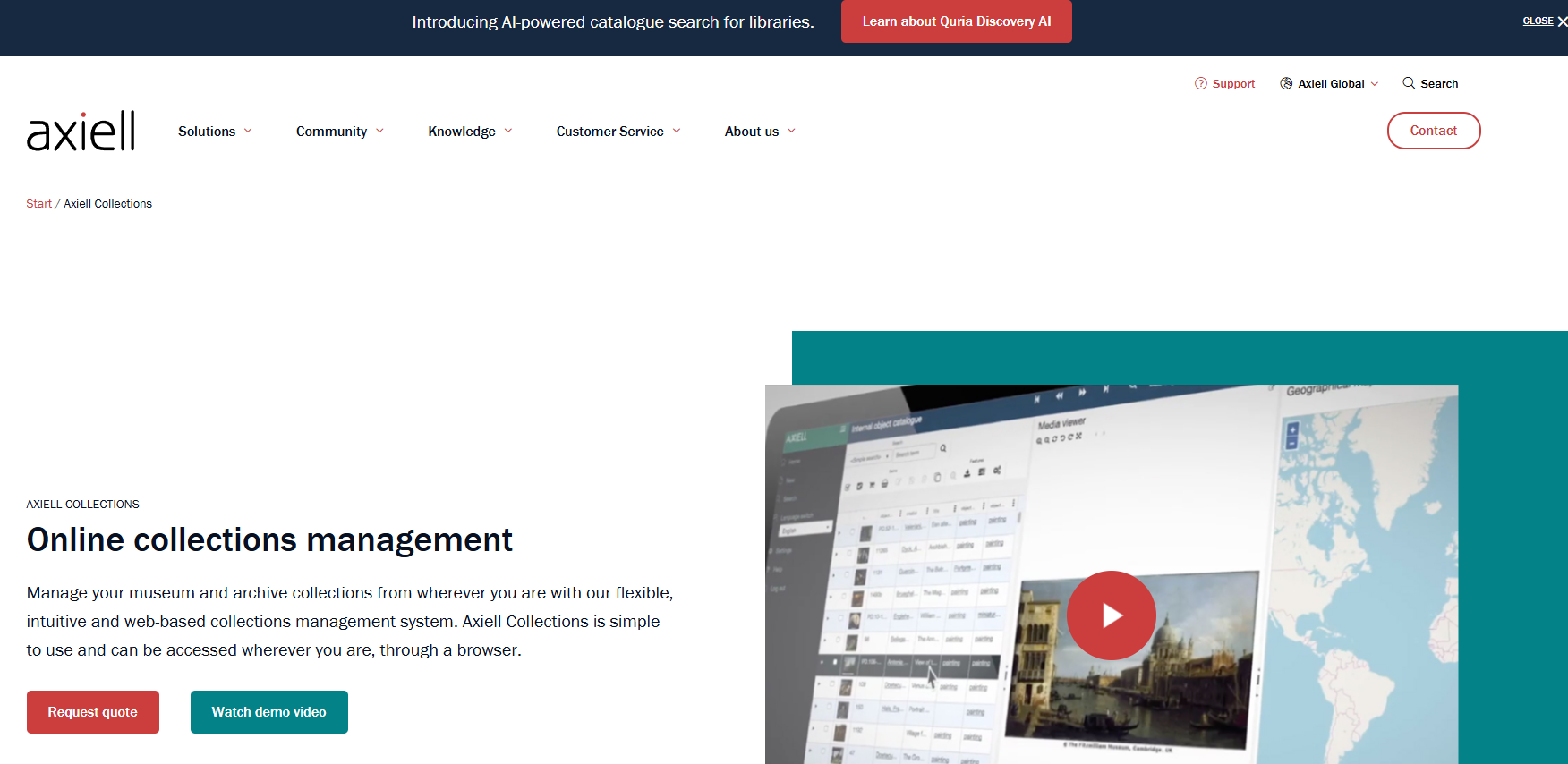
Axiell Collections is a web-based collections management platform serving museums, archives, special libraries, and heritage organizations. It covers cataloguing, acquisitions, loans, movements, storage, and conservation management across museum, archive, and special library configurations. The platform supports cloud, private-cloud, or on-premise hosting and complies with standards including Spectrum, ISAD(G), DACS, MARC, and CIDOC.
Best for: Multi-disciplinary institutions that need one system for collection records, operational workflows, and long-term data governance.
Key features
- Web-based access on desktop, laptop, or tablet
- Cataloguing, acquisitions, loans, movements, storage, and conservation workflows
- Standards compliance: Spectrum, ISAD(G), DACS, MARC, FRBR, CIDOC, and Getty Object ID
- IIIF-compliant multimedia viewing and high-resolution image deep zoom
- Advanced search, reporting, imports, exports, and open API integration
Why choose Axiell Collections: It fits institutions that need a mature, broad system spanning multiple workflows and departments, particularly where both archival and object collections coexist. Plan your migration and governance model before signing; implementation complexity matches the system's depth.
Axiell Collections pricing: Axiell does not post plan prices; contact them directly for a quote. Pricing accounts for configuration type (Museum, Archive, or Special Library) and hosting choice.
G2 rating: 4.0/5 on G2.
2. EMu
EMu is a collections management system built by Axiell for museums and cultural institutions managing complex, multi-disciplinary collections. It provides a highly structured relational database with detailed metadata, institution-wide data governance, and cross-department workflow support. Capabilities span accessioning, deaccessioning, loans, shipments, location tracking, valuations, insurance, conservation documentation, and integrated pest management.
Best for: Large institutions with complex collection relationships, specialist data standards, and long-term collection data governance needs.
Key features
- Multi-disciplinary collection data models
- Accessioning, deaccessioning, loans, and shipment management
- Conservation documentation and integrated pest management
- Valuations, insurance, and location tracking
- Integrated multimedia and digital asset management
Why choose EMu: EMu is suited to organizations where collection complexity, data depth, and cross-department workflows justify a substantial implementation investment. If your institution manages several collection domains and needs granular governance, EMu is worth including in your evaluation.
EMu pricing: Pricing is not posted; contact Axiell for institutional quotes. Expect cost to reflect collection scale, hosting, implementation scope, and support terms.
G2 rating: No current EMu listing was verified on G2 or Capterra at time of research.
3. CatalogIt
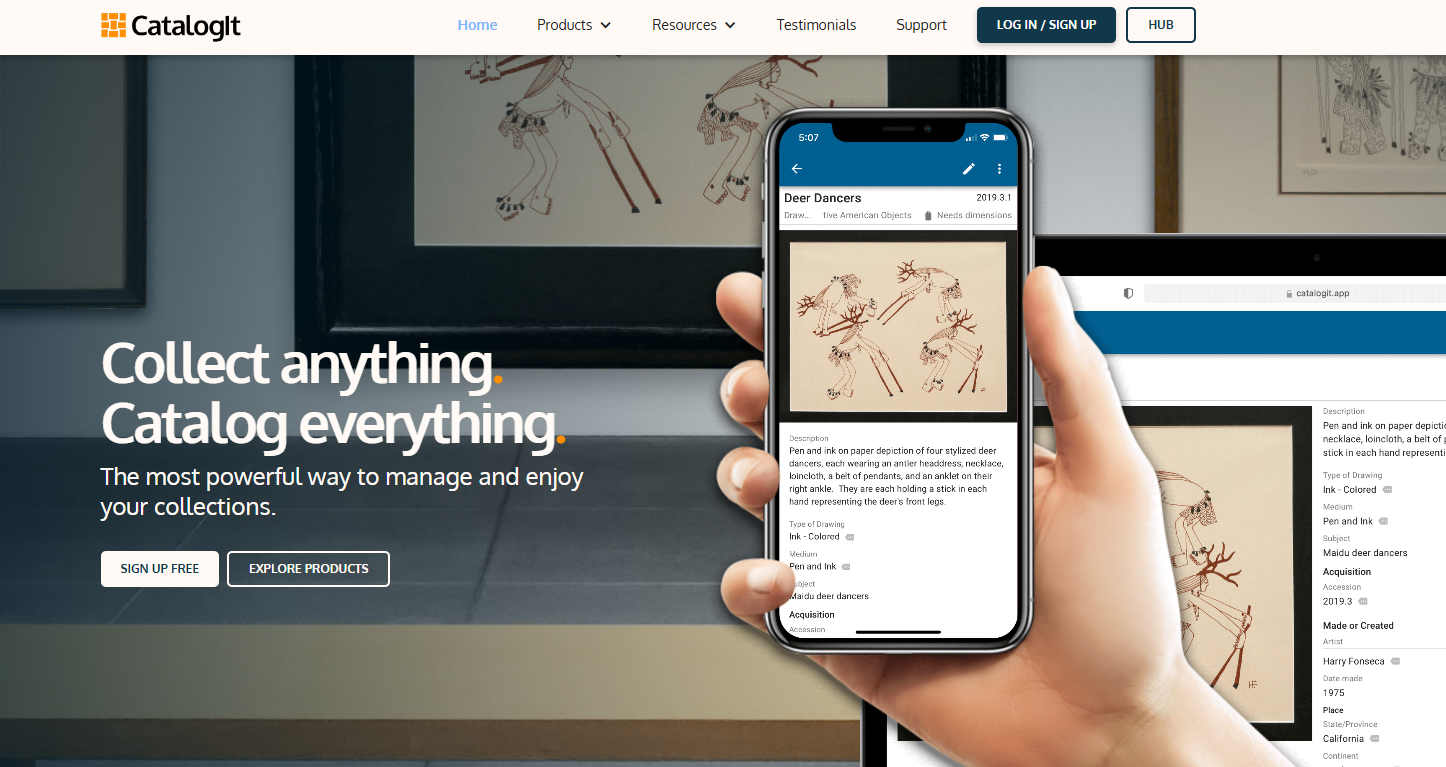
CatalogIt is cloud-based collections management software for museums, cultural organizations, conservators, and private collectors. It runs across mobile, web, and desktop with real-time access and covers cataloging, accessioning, deaccessioning, loans, exhibitions, inventory, valuation, insurance, conservation tracking, and online publishing through its CatalogIt HUB. The platform is designed for fast adoption without a large implementation project.
Best for: Smaller museums, community collections, galleries, and private collections that want a cloud-based system with public-facing publishing options.
Key features
- Cloud-based cataloging with mobile, web, and desktop access
- Object images, provenance, condition records, and change history
- Accessioning, loans, exhibitions, inventory, valuation, and conservation tracking
- Multi-user collaboration and permissions controls
- Web publishing through CatalogIt HUB, WordPress integration, or iframe
Why choose CatalogIt: It is a strong shortlist choice for small teams replacing spreadsheets without the overhead of an enterprise implementation. Confirm record limits, storage, user access, and public portal features for the plan you evaluate.
CatalogIt pricing: Personal plans start at $149.99/year. Museum, Organization, and Conservator plans are $540/year, covering 2,500 to 25,000 entries, 3 to 10 users, and 50 to 100 GB storage depending on tier.
4. MuseumPlus
MuseumPlus is a web-based museum collection management system developed by zetcom. It covers collection cataloging and registration, conservation and condition documentation, and exhibition, loan, movement, and transport management. The platform is used by museums that need formal documentation workflows alongside object lifecycle management.
Best for: Museums with structured registrar, exhibitions, conservation, and collections-care workflows.
Key features
- Object and collection cataloging and registration
- Conservation and condition documentation
- Exhibition, loan, and transport management
- Location and movement records
- Reporting and collection administration
Why choose MuseumPlus: It belongs on the shortlist for teams evaluating a dedicated museum platform with broad operational coverage. Validate localization, implementation services, reporting flexibility, and integration requirements during your evaluation.
MuseumPlus pricing: zetcom does not post plan prices. Reach out to arrange a demo and receive a tailored quote.
5. Vernon CMS
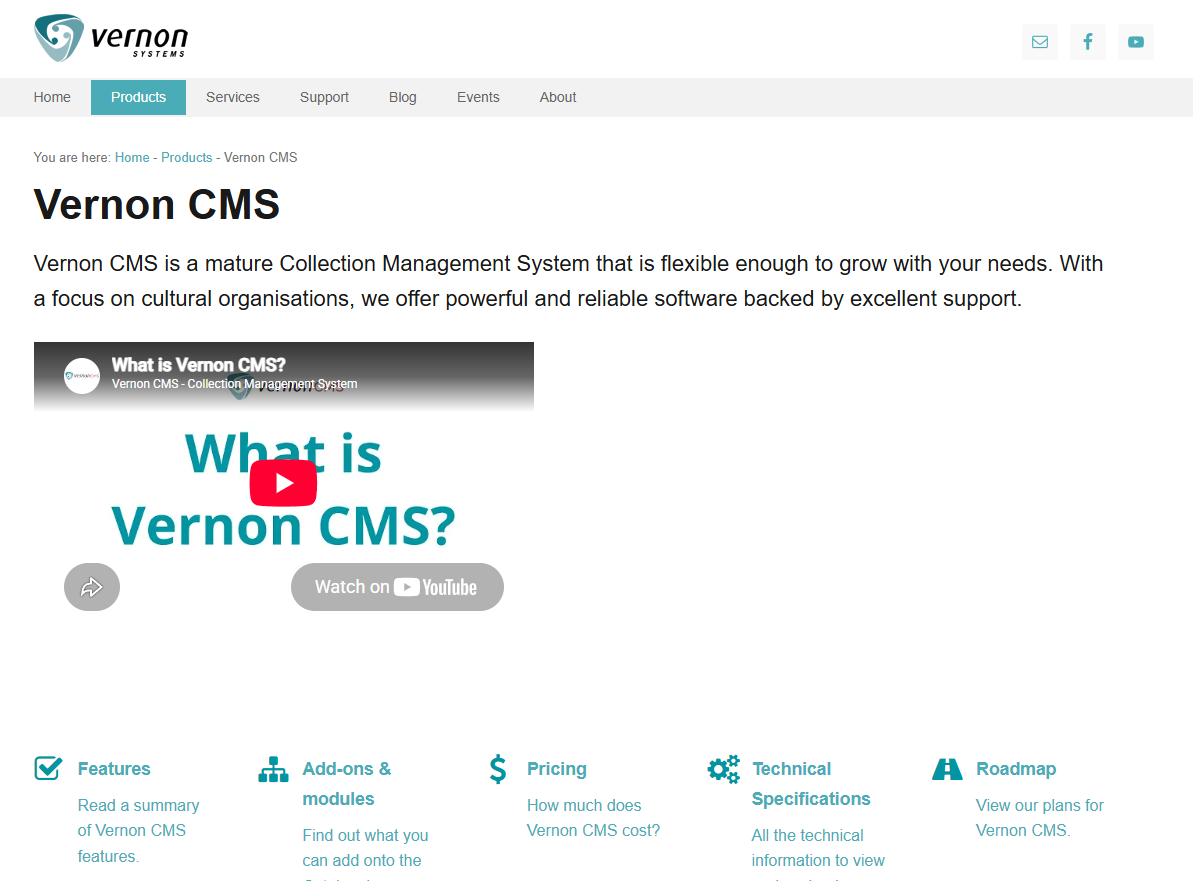
Vernon CMS is a modular collections management system for museums, galleries, archives, and cultural organizations managing large collections. It handles cataloguing of objects, people, places, events, and digital assets alongside advanced search, list management, reporting, and saved queries. Optional modules include an activities workflow manager, and the platform integrates with online collection access through Vernon Browser and Web Messenger.
Best for: Museum teams that need a mature collections database with configurable operational workflows.
Key features
- Object, people, places, and digital asset cataloguing
- Advanced search, saved queries, list management, and reporting
- Bulk updates, XML import, image linking, inventory, and location tools
- Optional activities workflow-management module
- Online access via Vernon Browser and Web Messenger integration
Why choose Vernon CMS: It fits institutions that value a dedicated museum collections system and need more than basic inventory tracking. The modular structure means you can add workflow capabilities as your team's requirements grow.
Vernon CMS pricing: No pricing is posted. Contact Vernon Systems directly for licensing, hosting, implementation, and support details.
6. eHive
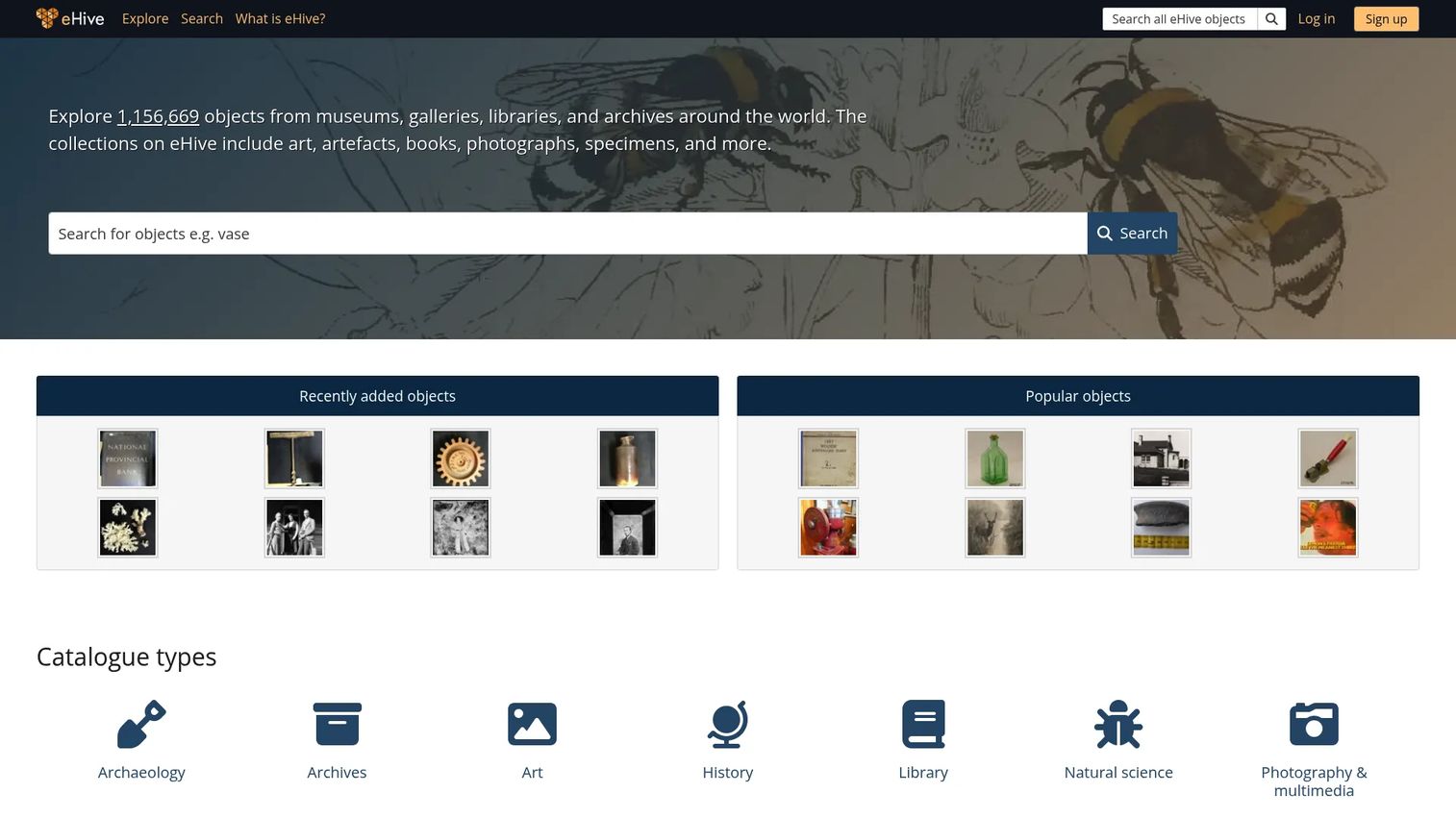
eHive is web-based collection management software designed for cataloguing, administering, and publishing collections online. It serves smaller museums, archives, heritage groups, and community collections that need accessible cataloguing alongside a path to share records publicly. The platform includes REST and OAI-PMH API access, multi-factor authentication, and team permission controls.
Best for: Small institutions that want cloud access and a clear path to publish parts of their collection online.
Key features
- Web-based collection cataloguing and record management
- Online publication and public discovery of collections
- REST API and OAI-PMH API access
- User roles and multi-factor authentication
- Image and document attachments
Why choose eHive: It suits organizations prioritizing accessibility, lower operational overhead, and public engagement without complex implementation. Assess whether its data model and reporting meet registrar or conservation requirements before committing.
eHive pricing: A free Starter plan is available. Paid plans run from $120/year (Bronze) to $1,200/year (Platinum), varying by storage, record limits, users, API access, and visitor analytics.
7. CollectionSpace
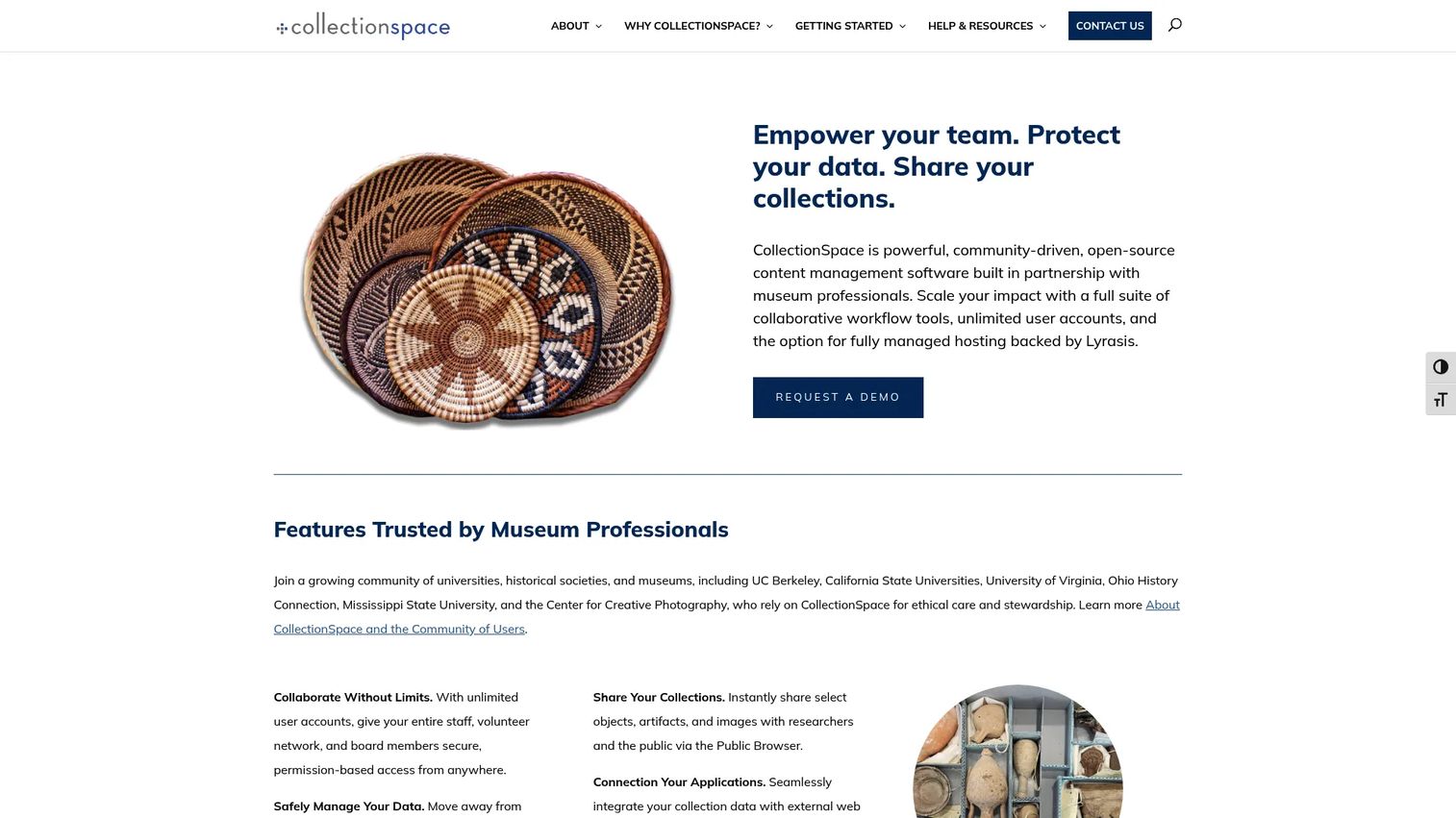
CollectionSpace is an open-source collections management system for museums, universities, historical societies, and other collecting institutions. It supports Spectrum-based workflows, CSV batch imports, unlimited user accounts, advanced search with CSV export, a public browser for sharing collections, and a REST API for integrations. Institutions choose CollectionSpace when they need a configurable platform and have access to technical implementation resources.
Best for: Museums and heritage organizations with technical capacity, external implementation support, or a strong need for data-model flexibility.
Key features
- Spectrum-based collections management workflows
- CSV importer for batch data import
- Web-based staff interface with unlimited user accounts
- Advanced search with CSV export
- Public browser and REST API for integrations
Why choose CollectionSpace: It fits institutions that want control over their system architecture and are prepared to manage implementation carefully. Software cost is only one budget line; hosting, configuration, and ongoing support determine real total cost.
CollectionSpace pricing: The software is open source. Hosted plans and implementation services are available through CollectionSpace's service providers; contact them for current service and support costs.
G2 rating: 5.0/5 on G2.
8. Specify
Specify is open-source collections management software for biological, geological, and natural history institutions. It covers specimen and collection-event cataloging, loans, permits, gifts, exchanges, data validation, mapping, and publishing to biodiversity data infrastructure including GBIF and iDigBio. Web-based access, bulk data import with WorkBench and Batch Edit, customizable workflows, and SSO integration are all supported.
Best for: Natural history museums, university collections, herbaria, and research institutions managing specimen-based data.
Key features
- Specimen and collection-event cataloging
- Loans, permits, gifts, and exchanges
- Data validation, mapping, and reporting
- Bulk data import and editing via WorkBench and Batch Edit
- Biodiversity data publishing to GBIF, iDigBio, and other portals
Why choose Specify: Specify has a clear specialist fit for specimen-based collections. If your institution also manages art, archival, or mixed-object collections, compare its data model against a multi-disciplinary platform before deciding.
Specify pricing: Specify is open source and free to download. Specify Cloud database hosting is available at no charge for qualifying institutions, with additional services such as sandbox hosting ($500/year), web portal hosting ($300/year), and web portal setup ($300 one-time) listed on the Specify Consortium's service pricing page.
9. TMS Collections
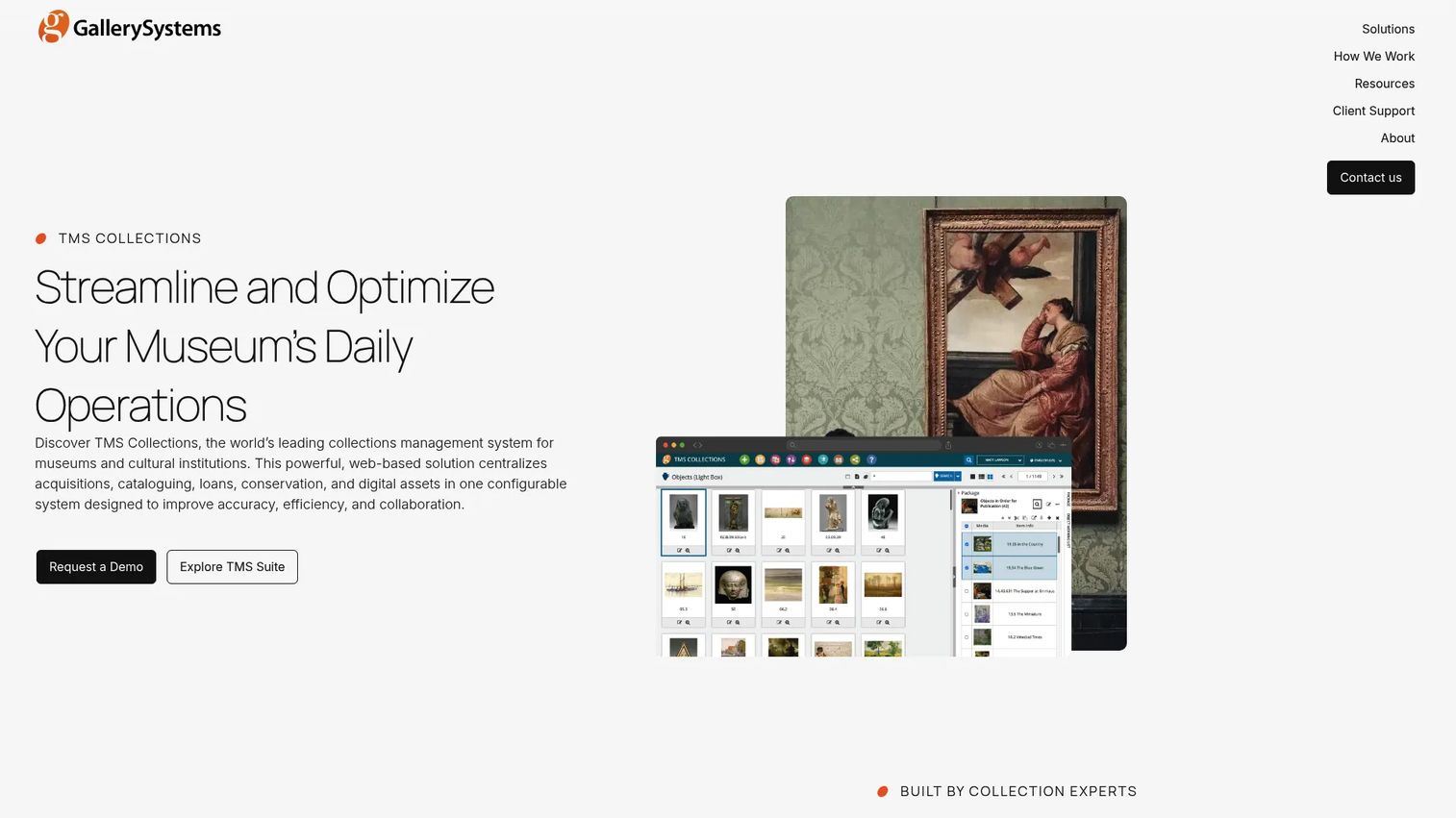
TMS Collections is browser-based collections management software from Gallery Systems for museums, archives, special collections, and cultural institutions. It centralizes collection data management with configurable workflows, object cataloging, exhibition and loan administration, acquisition and conservation tracking, and location and movement management. The platform supports Spectrum and CCO standards, a multilingual interface with Unicode, and browser-based cloud access.
Best for: Art museums and cultural institutions with detailed collection records, conservation documentation, exhibitions, and active loan programs.
Key features
- Configurable workflows, fields, and permissions
- Object cataloging, exhibition, loan, acquisition, and conservation management
- Location and movement records
- Spectrum and CCO standards support
- Multilingual interface with Unicode and browser-based cloud access
Why choose TMS Collections: Worth evaluating when art-focused workflows and long-term collections stewardship are central. Confirm current cloud options, integration capabilities, and reporting depth during your vendor conversation.
TMS Collections pricing: Pricing varies by institution and is not posted. Gallery Systems directs institutions to request a tailored proposal; factors include concurrent users, hosting requirements, and configuration scope.
G2 rating: 4.0/5 on G2.
10. Collector Systems
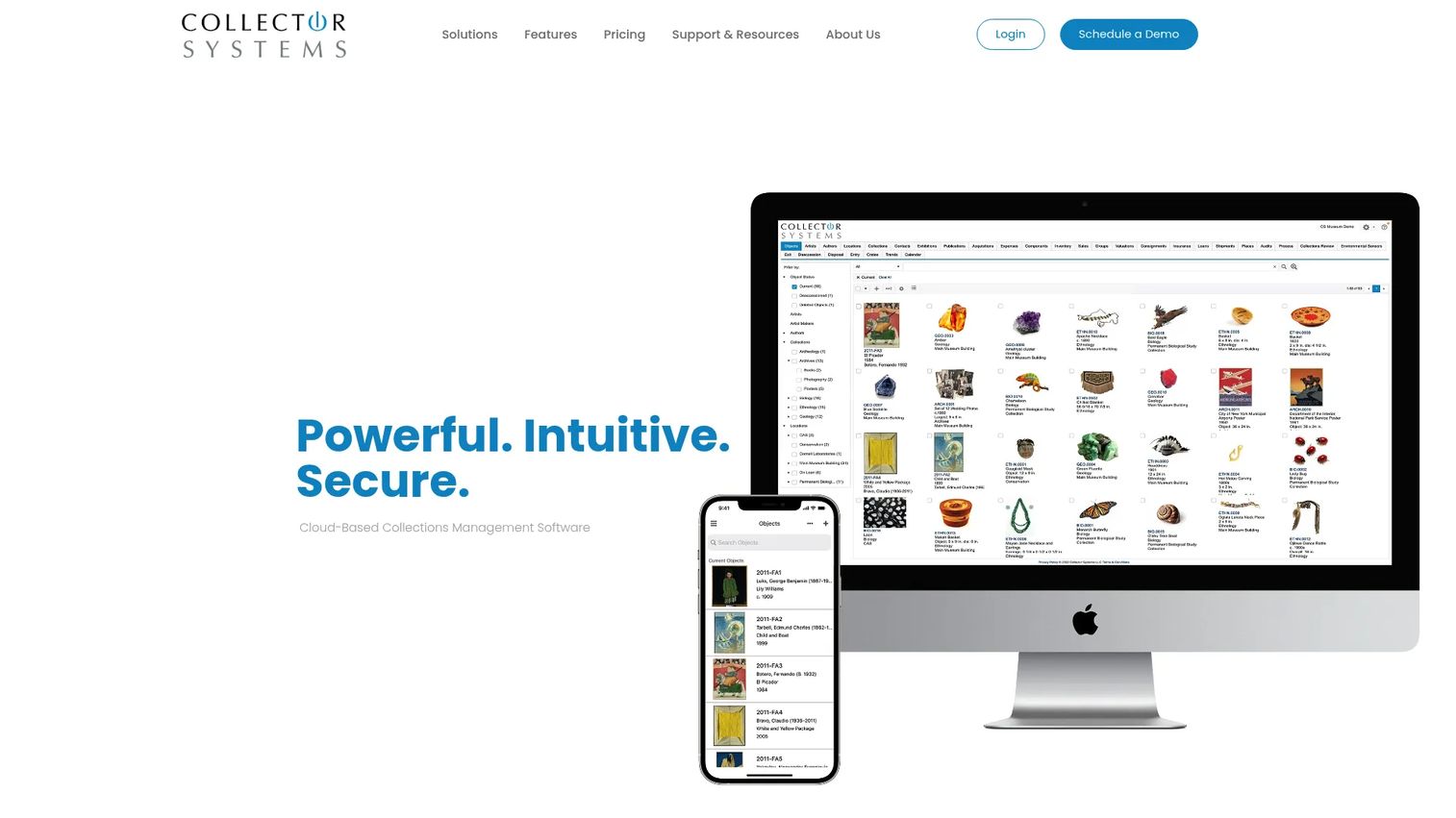
Collector Systems is cloud-based collections management software for museums, institutions, private collectors, advisors, corporations, and family offices. It delivers customizable collection data fields, mobile apps for iOS and Android with barcode scanning and condition reporting, exhibitions and loans management, custom report generation, and a Public Gallery with WordPress and Drupal integrations. Security includes SOC 2 Type II, ISO 27001, two-factor authentication, encryption, and automated backups.
Best for: Teams that need cloud-based collection cataloging, inventory visibility, and public access without an enterprise-scale deployment.
Key features
- Customizable collection data fields and tabs
- Mobile apps for iOS and Android with barcode scanning and condition reporting
- Exhibitions, acquisitions, loans, shipments, valuations, and workflow management
- Custom and illustrated report generation
- Public Gallery with WordPress and Drupal integrations
Why choose Collector Systems: Evaluate it when your team needs practical collection documentation with web and mobile access alongside governance features like SOC 2 compliance. Validate workflow depth and migration support before committing.
Collector Systems pricing: CS Core starts at $95 per user per month, covering unlimited object records, full module access, a mobile app, and 10 GB storage. CS Enterprise is $185 per user per month and adds SSO, custom reports, audit reports, 50 GB storage, and valuations tools.
G2 rating: 3.5/5 on G2.
11. Modes Complete
Modes Complete is a configurable collections management system for museums, galleries, archives, and heritage organizations. It is Spectrum compliant and supports accreditation workflows, with customizable record templates, fields, indexes, validation, term lists, grids, outputs, and reports. The system supports single-user and multi-user networked operation, multimedia attachments with metadata capture, and data import from Excel and export to XML, CSV, HTML, and PDF.
Best for: Heritage organizations and museums that need a configurable, Spectrum-compliant collections database without recurring licence fees.
Key features
- Spectrum-compliant workflows and accreditation support
- Customizable templates, fields, indexes, validation, and reports
- Multimedia attachments with metadata capture
- Import from Excel; export to XML, CSV, HTML, text, or PDF
- Single-user or multi-user networked operation
Why choose Modes Complete: The one-off licence model suits institutions that prefer capital expenditure over recurring subscriptions. Evaluate deployment, public access options, and data migration support early in the process.
Modes Complete pricing: A single-user licence costs £2,000 (one-off). Each additional user adds £1,000. Annual support is £190 for one user and £95 per additional user, with the first 12 months free. Prices from 1 April 2026, excluding VAT.
G2 rating: 5.0/5 on G2.
12. QoreUltima
QoreUltima is an information and document management platform from Coginov for organizing, governing, securing, and retaining physical and digital documents. It includes document classification and lifecycle management, retention schedules, security rules, audit trails, and Microsoft 365/SharePoint integration via REST API. Its strengths centre on archival governance, compliance workflows, and structured information retrieval for heritage and archive-heavy organizations.
Best for: Archive-oriented organizations and heritage teams where structured information governance and document lifecycle management matter alongside or more than object cataloging.
Key features
- Document classification and lifecycle management
- Retention schedules, security rules, and audit trails
- Microsoft 365 and SharePoint integration
- REST API for system integrations
- Structured metadata and search
Why choose QoreUltima: Evaluate it when archival context, document governance, and compliance workflows are the primary driver, alongside collection access. Validate how it handles loans, conservation records, public publishing, and data migration for your specific workflows before deciding.
QoreUltima pricing: Contact Coginov for a quote. No plan pricing is posted.
Considerations when choosing collections management software
Match the system to your collection type
A natural history collection, an art museum, and a local history archive each need different data models. Identify the fields, authority files, transactions, and reporting requirements that cannot be compromised before comparing interfaces. A platform that works well for specimen records may be a poor fit for loan-heavy art collections, and vice versa.
Price implementation and migration separately from licensing
The subscription or licence is one budget line. Data cleanup, image migration, staff training, custom fields, public portal work, and ongoing support can outweigh the initial software cost. Ask every vendor for a realistic implementation estimate before comparing total ownership cost.
Test your team's actual workflows, not a product tour
Ask vendors to demonstrate your real workflows: Accessioning an object, adding media, recording a condition report, moving an object, preparing a loan, exporting a report, and publishing a record. Generic demonstrations reveal less than watching your registrar complete a task they do every week.
Confirm governance, permissions, and auditability
Collections data involves ownership, provenance, valuation, donor information, and conservation history. Check field-level permissions, user roles, change history, record locking, export procedures, and backup policies. These controls matter for accreditation and for board-level due diligence.
Plan public access before you select a system
If online discovery is a goal, assess whether the platform offers a built-in portal, a website integration, an API, or an export process. The right approach depends on your web infrastructure, editorial workflow, and staff capacity, not on what the vendor recommends by default.
Conclusion
The best collections management software for your institution is the one that matches your collection type, your operating model, and your team's ability to maintain it.
Axiell Collections is a strong starting point for multi-disciplinary cultural institutions that need a mature, broad platform. EMu suits organizations where collection complexity and cross-department data governance justify the implementation depth. CatalogIt and eHive fit smaller teams moving off spreadsheets into cloud cataloging with public access. CollectionSpace gives technically capable teams open-source flexibility. For art-focused workflows, TMS Collections and MuseumPlus deserve close evaluation. Modes Complete offers a cost structure that suits institutions preferring a one-off licence. Specify is the specialist choice for natural history and specimen-based collections.
Build a shortlist of three, prepare a representative workflow script, and require each vendor to walk your team through it from record creation to reporting or public access. That test will tell you more than any feature comparison.
Related reading: catalog management software, asset inventory software, asset tracking software, best component content management systems.
FAQs
Collections management software is a specialized database and workflow system for recording, managing, preserving, locating, and sharing collection information. It is more than inventory software because it supports institutional procedures such as accessioning, loans, condition reporting, and provenance tracking across an object's full lifecycle.
Collections management software is the system of record for objects, specimens, archival materials, and their procedural history. A digital asset management system primarily organizes digital files such as images, scans, video, and rights-managed media. Many institutions run both and connect them through an API or export process.
The essential workflow categories are cataloging, authority control, locations, transactions, loans, conservation, reporting, permissions, and public access. Prioritize the features tied to the workflows your registrar and collections team repeat most often, not the longest feature list.
Open source can work well for institutions that need flexibility and have technical ownership, an implementation partner, or a hosting arrangement in place. The trade is that lower licence cost comes with greater responsibility for configuration, infrastructure, upgrades, and support. Specify and CollectionSpace both have active communities and documented implementation paths.
Many systems support public portals, website integrations, APIs, or export-based publishing workflows. Before selecting a platform, verify whether online publishing is included in your plan, how content is approved before going live, how image rights are managed, and how updates sync between the collections database and the public-facing site.
Cost varies significantly by collection size, user count, hosting model, modules, data migration scope, implementation, and support. Several enterprise platforms in this category sell through institutional quotes rather than posted prices. When comparing options, factor in a full first-year cost including implementation and data migration, not just the annual licence or subscription.
Migration timing depends on record quality, the number of objects, image volume, field mapping, duplicate cleanup, staff availability, and integration requirements. Most institutions underestimate the data-preparation phase. Run a data audit and a pilot migration on a subset of records before setting a full launch date.
Many cultural heritage platforms support workflows aligned with Spectrum, the collections management standard from Collection Trust. Confirm exactly which procedures, fields, reports, and configuration options align with the Spectrum version your institution follows. Spectrum compliance is not a binary checkbox; implementation choices determine whether it holds in practice.