
You opened the asset spreadsheet to prep for an audit. Half the serial numbers are missing. Three laptops are assigned to people who left last year. Two software licenses renewed automatically, and nobody caught the charge. Sound familiar?
This is where spreadsheet-driven asset tracking breaks. It works for the first 50 items. Then people forget to update rows, ownership drifts, and the file becomes a rough guess of what your organization actually owns. By the time an audit or a finance review lands, you spend days reconstructing reality instead of reporting it.
The category built to fix this is growing fast. The inventory management software market sits at roughly USD 4.47 billion in 2026 and is projected to reach USD 10.5 billion by 2035 at a 9.94% CAGR, according to Business Research Insights (2026). More than 70% of businesses are now adopting cloud-based inventory management, per the same report. The shift is real because the pain is real.
Good asset inventory software gives you a single register of what you own, who has it, and where it is in its lifecycle. It replaces manual tracking with barcode and QR scanning, mobile audits, structured reporting, and IT asset visibility that stretches into software licenses and contracts.
For product managers, IT leads, and operations teams, the buying question is not "which tool has the most features." It is "which tool gives us a cleaner process without adding ongoing operational overhead." That is the lens this guide uses. We compare lifecycle coverage, barcode and QR support, mobile auditing, asset reporting, and IT inventory depth so you can narrow your shortlist fast.
What's inside
This guide compares 7 asset inventory software tools chosen for depth across the workflows that actually matter when you replace spreadsheets. We picked tools that span two poles: broad fixed-asset tracking on one end, and deep IT asset management software on the other.
We evaluated each tool against four criteria:
- Lifecycle coverage: asset register, ownership, status history, and depreciation tracking
- Scanning and mobile audits: barcode scanning, QR code tracking, and check in check out workflows in the field
- Reporting and exports: dashboards, audit trail, and asset reporting that survives finance and compliance review
- IT and license depth: discovery, software license management, and contract renewal tracking
Pricing and ratings reflect verified values from each vendor's own sources where available.
TL;DR
- Best for IT infrastructure discovery: SolarWinds Server & Application Monitor, deep server, application, and dependency visibility.
- Best for mobile field audits: SafetyCulture, mobile-first inspections, QR scanning, and maintenance scheduling.
- Best for Microsoft-heavy teams: Asset 365, native SharePoint, Teams, and Microsoft 365 lifecycle tracking.
- Best for IT asset and license management: InvGate Asset Management, automated discovery and CMDB-style visibility.
- Best for enterprise asset control: IBM Maximo, industrial-grade maintenance, inventory, and reliability management.
What is asset inventory software?
Asset inventory software is a system that records, tracks, and manages an organization's physical and digital assets across their full lifecycle, from acquisition to retirement, in a single source of truth.
It replaces the manual spreadsheet approach with structured records, scanning, and reporting. The strongest platforms combine physical asset tracking with IT inventory management software capabilities, so hardware, software, and contracts live in one register.
Core capabilities to expect:
- Asset register and ownership: a central record of every asset, its category, location, assigned owner, and cost basis.
- Lifecycle status and history: track an asset from procurement through active use, maintenance, and disposal, with a full audit trail of every change.
- Barcode and QR scanning: attach barcode or QR labels so teams can look up, check out, or update an asset with a phone or scanner.
- Mobile audits: run inventory counts and field audits from a mobile app, matching physical reality to the digital register.
- Reporting and exports: dashboards, depreciation tracking, and exportable reports that satisfy finance, audit, and compliance needs.
- Software, license, and contract tracking: monitor software license management, renewals, and contract management so nothing lapses or over-provisions.
This is where asset management software and asset inventory management software overlap. The distinction is emphasis: inventory-first tools prioritize the accurate register and audit workflow, while broader asset management software layers on maintenance, service, and operational discipline.
When to use asset inventory software
Replace spreadsheets with a real asset register
Manual tracking works until it doesn't. The breaking point usually arrives around the same signals: assets you can't locate, duplicate rows, ownership that no longer matches reality, and audits that take days instead of hours. If you manage more than a few dozen assets across multiple people or sites, a spreadsheet stops being a system and becomes a liability. A real asset register with permissions, history, and validation ends the guesswork.
Audit assets in the field
The moment you need to walk a warehouse, office, or job site and confirm what's physically there, mobile scanning earns its keep. Barcode scanning asset management and QR code asset tracking let a team member scan an item, confirm its record, and flag discrepancies on the spot. Check in check out asset management matters when equipment moves between people or locations, because it creates accountability without a paper trail. Mobile asset management turns a two-day inventory count into an afternoon.
Track IT assets, software, and contracts
Once your environment fills with laptops, servers, SaaS subscriptions, and renewal dates, visibility becomes a financial issue. IT asset management software with automated discovery finds devices you forgot you had. Software license management flags over-provisioning and unused seats. Contract management surfaces renewals before they auto-charge. This is when the register stops being a recordkeeping chore and starts protecting budget.
Comparison table
The table below compares all 7 tools by intent, primary use case, verified pricing, and rating. Use it to shortlist, then read the full sections for fit. Pricing reflects each vendor's published figures where available; several enterprise tools use quote-based pricing.
| # | Product | Intent | Key use case | Pricing | G2 rating |
|---|---|---|---|---|---|
| 1 | SolarWinds Server & Application Monitor | IT infrastructure monitoring | Server, application, and dependency inventory | Custom quote | Not listed |
| 2 | SafetyCulture | Mobile field operations | Inspections, QR scanning, and maintenance | From $5/seat/month | 4.6/5 |
| 3 | Asset 365 | Microsoft ecosystem tracking | SharePoint-based lifecycle and audit workflows | Free tier available | Not listed |
| 4 | InvGate Asset Management | IT asset management | Discovery, license, and CMDB visibility | From $1,499/year | 4.7/5 |
| 5 | Freshservice | Service + asset management | ITSM-tied asset and configuration tracking | From $19/agent/month | 4.6/5 |
| 6 | IBM Maximo | Enterprise asset management | Industrial maintenance, inventory, reliability | Under US$40K/year | 4.4/5 |
| 7 | AssetWorks | Enterprise + public sector | Fleet and large-scale asset governance | Quote-based | 4.2/5 |
1. SolarWinds Server & Application Monitor
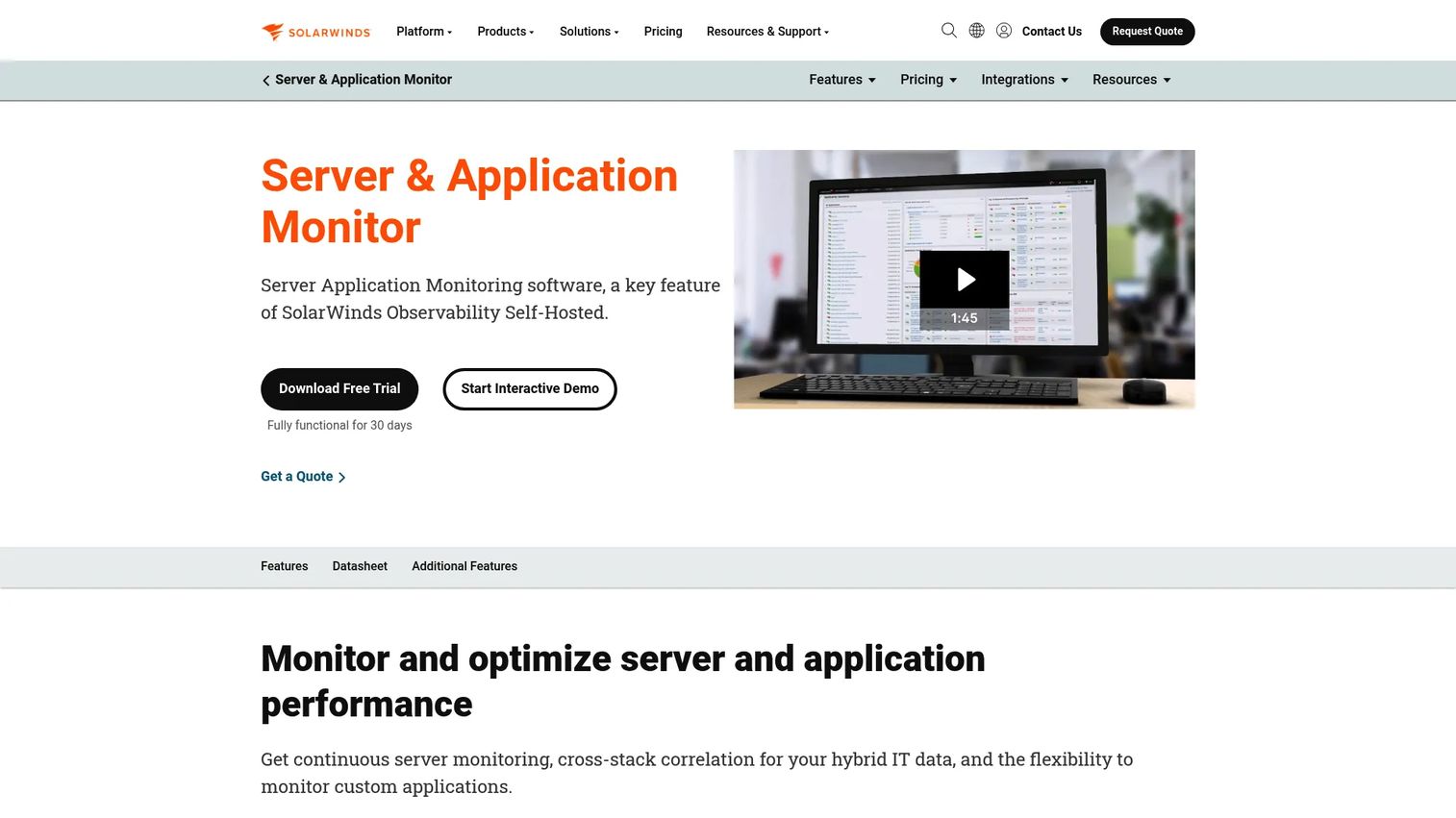
SolarWinds Server & Application Monitor approaches asset inventory from the IT operations side. Rather than tagging physical assets, it discovers and monitors servers, applications, and hybrid infrastructure, building an inventory of what's running, how it's configured, and how components depend on each other. It's available as a standalone Orion module and as part of SolarWinds Observability Self-Hosted.
Best for: IT teams that need self-hosted visibility into servers, applications, and infrastructure rather than general asset tagging.
Key strengths
- End-to-end server and application monitoring: Track performance and inventory across on-premises and hybrid environments from one console.
- Custom application monitoring: Use templates to monitor bespoke or in-house applications, not just standard stacks.
- Application dependency mapping: See how servers and applications connect, which matters for change management and incident response.
Why choose SolarWinds Server & Application Monitor: This is the pick when server and software visibility matters more than physical asset labels. Technical teams choose it to understand what infrastructure exists, catch configuration drift, and map dependencies before a change breaks something downstream. It fits IT operations and infrastructure teams with real technical depth requirements.
SolarWinds Server & Application Monitor pricing: SolarWinds does not publish a public price for the standalone module. The product page directs buyers to contact sales for a custom quote, and there is no free tier. Request a quote scoped to your node and application count for an accurate figure.
2. SafetyCulture
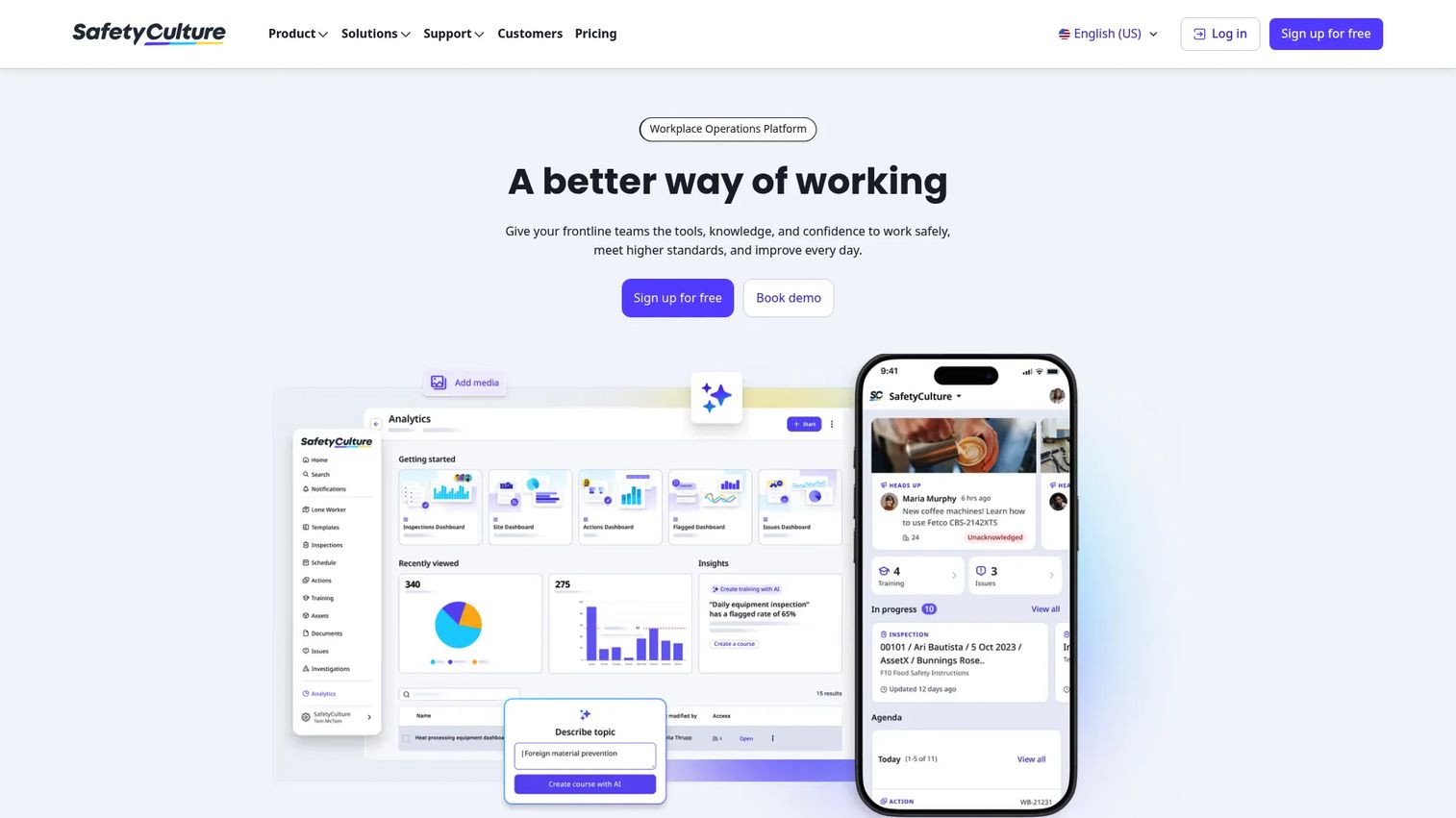
SafetyCulture is a workplace operations platform where asset tracking sits alongside inspections, issues, training, and analytics. Its strength is field usage. Teams run mobile audits, scan QR and barcode labels, schedule maintenance, and log issues from a phone, then push it all into analytics. If your asset workflow is inseparable from inspections and on-site checks, this is a natural fit.
Best for: Field, facilities, and operations teams that need mobile-first asset tracking tied to inspections and maintenance.
Key strengths
- Templates and inspections: Build reusable inspection templates that connect asset checks to operational workflows.
- QR and barcode scanning: Scan assets in the field to pull records, log condition, and trigger actions instantly.
- Schedules, actions, and analytics: Schedule maintenance, assign corrective actions, and surface trends across sites in one dashboard.
Why choose SafetyCulture: The value here is operational, not just recordkeeping. If your assets need regular inspection, maintenance scheduling, and mobile field audits, SafetyCulture connects those jobs to the asset register in a way that recordkeeping-only tools don't. It fits distributed teams running audits across multiple locations. It holds a 4.6/5 rating on G2.
SafetyCulture pricing: SafetyCulture publishes a Lite seat at $5/seat/month and a Full seat at $24/seat/month, both billed annually. A Free plan is available, and Enterprise pricing is quote-based. The free tier and low entry seat make it accessible for smaller field teams testing mobile asset management.
3. Asset 365
Asset 365 is asset management software built natively on Microsoft 365. It runs on SharePoint and integrates with Teams, so asset tracking, lifecycle history, booking, and audit workflows live where Microsoft-heavy organizations already work. For teams that don't want yet another standalone system, keeping the asset register inside the Microsoft stack is the whole pitch.
Best for: Organizations already standardized on Microsoft 365 that want SharePoint-based asset tracking and lifecycle control.
Key strengths
- Asset tracking and lifecycle history: Maintain a full register with status history and an audit trail across each asset's life.
- Asset booking and reservation: Let teams reserve shared equipment, useful for check in check out of pooled assets.
- Microsoft 365 integration: Work inside SharePoint and Teams, with reporting that connects to the tools you already use.
Why choose Asset 365: The appeal is fit, not novelty. If your data, permissions, and daily work already live in Microsoft 365, Asset 365 avoids the integration and adoption tax of a disconnected tool. It supports barcode and QR tracking, contracts, and software license management inside a familiar environment, which lowers rollout friction for IT and operations teams.
Asset 365 pricing: Asset 365 lists a Standard plan at $0 per month, a Premium plan at $199.99 per month, and an Enterprise plan at $299.99 per month, with paid tiers billed yearly. The free Standard tier makes it a low-risk way for Microsoft 365 teams to pilot the workflow before scaling.
4. InvGate Asset Management
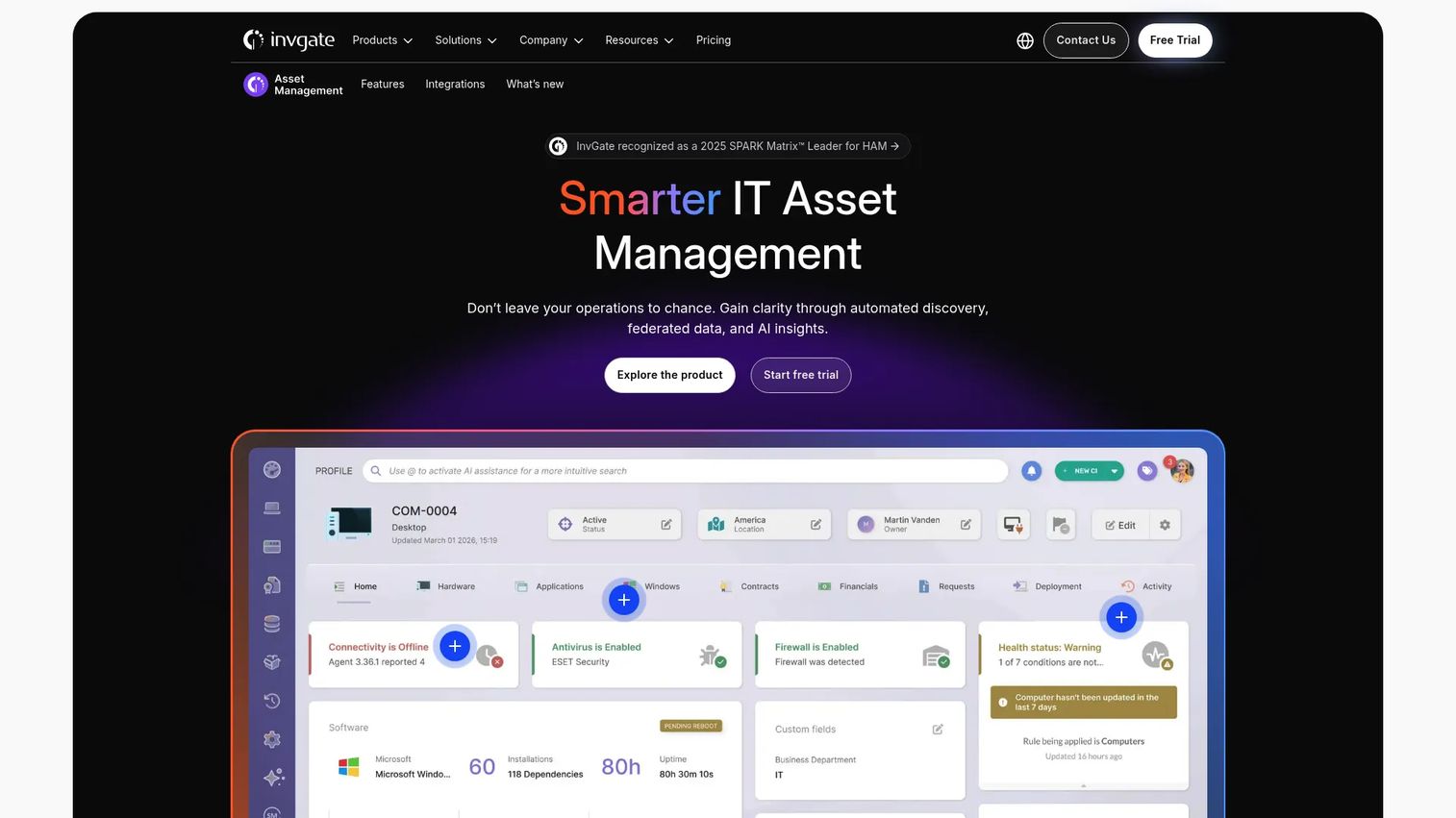
InvGate Asset Management is IT asset management software focused on discovery, lifecycle tracking, and CMDB-style visibility. It automatically discovers hardware, devices, servers, containers, databases, and cloud services, then tracks cost, utilization, risk, compliance, and ownership. For teams drowning in endpoints and licenses, automated discovery does the heavy lifting a manual register never could.
Best for: IT teams that need centralized asset discovery, software license management, and relationship mapping across many endpoints.
Key strengths
- Automated discovery: Find hardware, servers, containers, databases, and cloud services through agents, network scanning, and bulk import.
- Lifecycle management: Track cost, utilization, risk, compliance, and ownership across each asset's life.
- CMDB and relationship mapping: Map how assets connect, with integrations that fit ITSM-adjacent stacks.
Why choose InvGate Asset Management: This is the pick when your asset problem is really an IT inventory management software problem: too many endpoints, too many licenses, and no clean picture of what you own or what it costs. Automated discovery keeps the register current without manual upkeep, which directly answers the PM concern about ongoing operational overhead. It carries a 4.7/5 rating on G2, the highest in this list.
InvGate Asset Management pricing: InvGate's published pricing shows a Starter tier at $1,499/year, a Pro tier from $500/agent/year, and a custom Enterprise tier. Final pricing depends on deployment type, asset count, and contract duration, so scope a quote against your environment for accuracy.
5. Freshservice
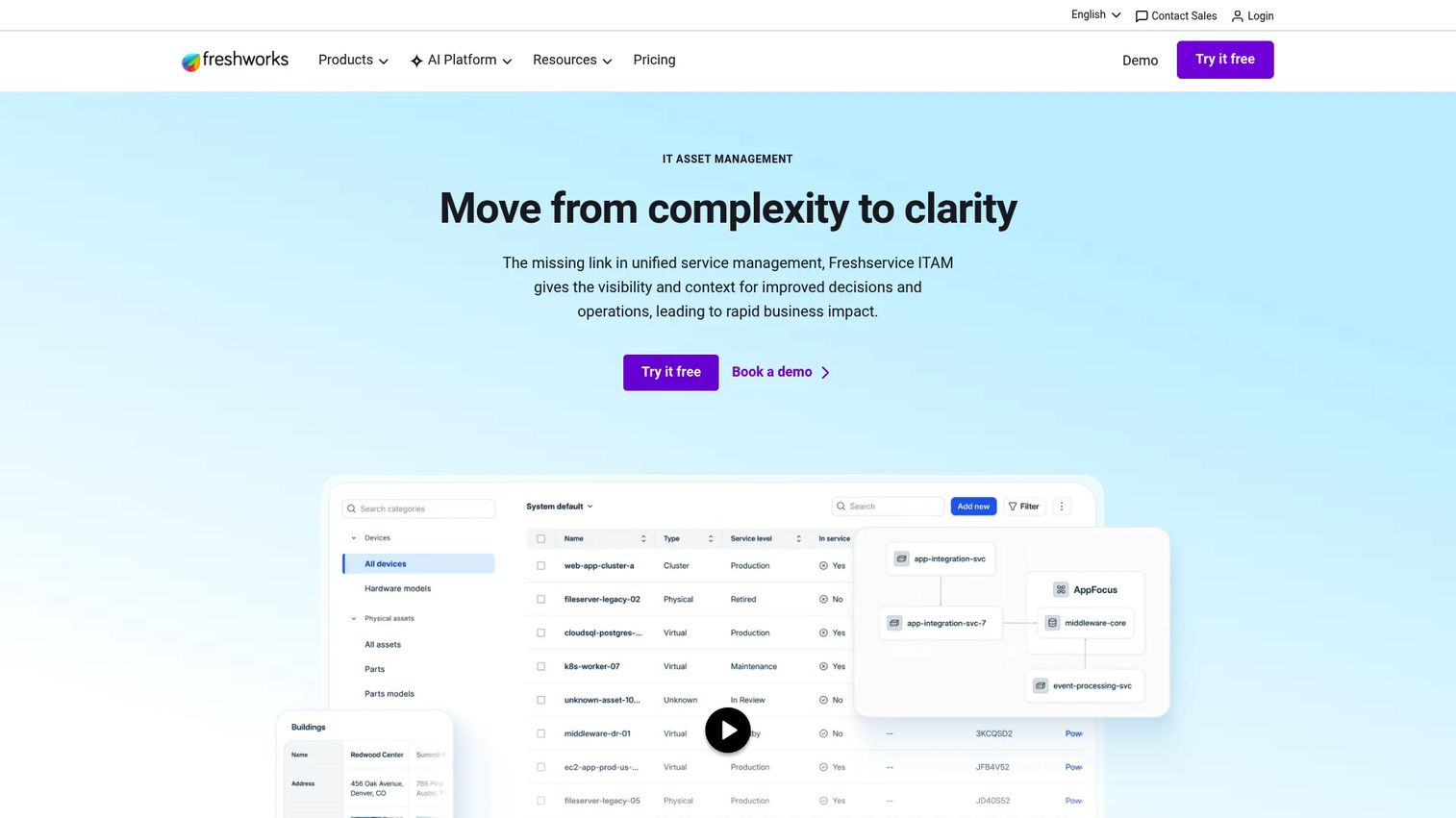
Freshservice from Freshworks ties asset management to IT service management. Assets, incidents, changes, and configuration records live in one system, so when a laptop breaks or a server changes, the asset record and the ticket connect. For teams that want inventory tied to support and service workflows rather than sitting in a silo, this coupling is the differentiator.
Best for: IT teams that want asset inventory unified with a service desk and configuration management.
Key strengths
- IT asset management: Track hardware, software, and contracts alongside service records in one platform.
- CMDB and dependency mapping: Understand how assets relate to services and to each other for cleaner change management.
- Incident management: Connect asset records directly to tickets, so context follows the asset through its lifecycle.
Why choose Freshservice: Choose it when asset inventory should not be a standalone chore. Tying assets to incidents and changes means IT can coordinate work, trace history, and report on both service and inventory from one place. It fits IT teams that already want a service desk and would rather not run asset tracking software separately. It holds a 4.6/5 rating on G2.
Freshservice pricing: Freshservice offers a Starter plan at $19/agent/month, Growth at $49/agent/month, and Pro at $99/agent/month, all billed annually, with a custom Enterprise tier. A 14-day free trial is available, so teams can test the asset and service workflow before committing.
6. IBM Maximo
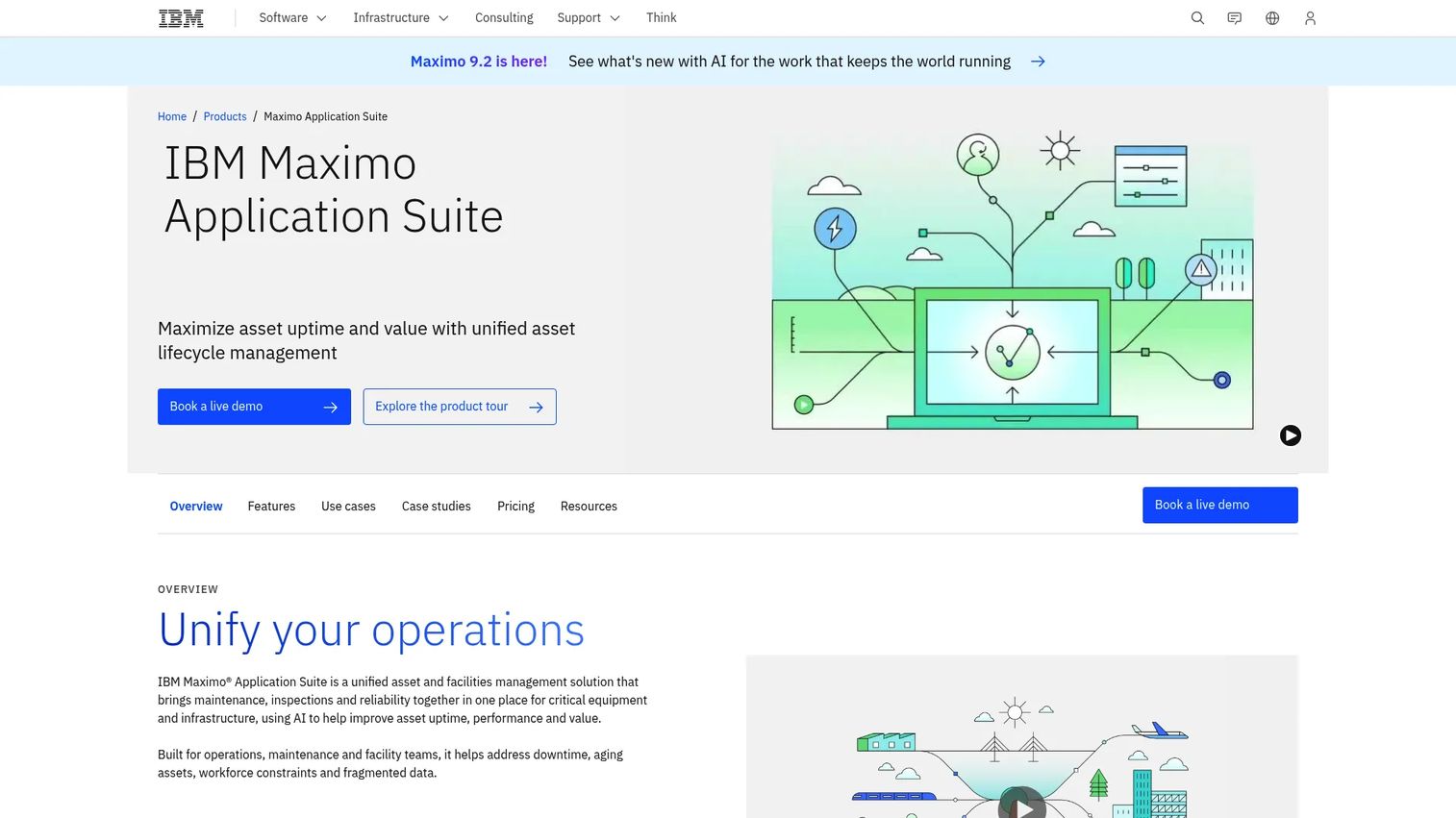
IBM Maximo Application Suite is enterprise asset management built for asset-intensive organizations. It goes well beyond inventory into maintenance, reliability, inspections, and work management, making it the choice for industrial environments where downtime is expensive and maintenance is constant. Where lighter tools track what you own, Maximo manages how those assets perform over decades.
Best for: Large, asset-intensive organizations needing enterprise-scale maintenance, inventory optimization, and reliability management.
Key strengths
- Enterprise asset management (EAM): Manage complex, high-value assets across their full operational life.
- Asset performance management (APM): Monitor asset health and performance to prevent costly failures.
- Reliability-centered maintenance (RCM): Plan maintenance around reliability data rather than fixed schedules.
Why choose IBM Maximo: Maximo exceeds lighter tools when maintenance depth, work management, and reliability engineering matter as much as the register itself. It suits manufacturing, utilities, transportation, and other industries with heavy physical assets and strict uptime requirements. This is enterprise scope, so it fits organizations ready to invest in a full asset lifecycle management software platform. It carries a 4.4/5 rating on G2.
IBM Maximo pricing: IBM Maximo Application Suite uses AppPoints-based licensing across plans like Essentials, starting under US$40K per year, and Inspection, starting under US$47K per year. It's offered as client-managed software or SaaS, with a guided trial available for some modules. Pricing scales with the applications and capacity you license.
7. AssetWorks
AssetWorks provides fleet and enterprise asset management for public sector and large private organizations. Its focus is operational discipline at scale: fleet management, enterprise asset management, and work order management across large, distributed asset bases. For organizations that need strong governance and oversight over thousands of assets, that scale focus is exactly the point.
Best for: Public sector and enterprise teams needing fleet management and large-scale asset governance.
Key strengths
- Fleet management: Track and maintain vehicle fleets alongside other operational assets.
- Enterprise asset management (EAM): Govern large, distributed asset bases with structured lifecycle control.
- CMMS and work order management: Coordinate maintenance and work orders across teams and locations.
Why choose AssetWorks: It fits organizations that need serious operational discipline and governance across a large asset base, particularly where fleet and physical infrastructure dominate. As an enterprise-scale platform, it's built for teams ready to commit to a structured, governed process rather than a quick spreadsheet replacement. It holds a 4.2/5 rating on G2.
AssetWorks pricing: AssetWorks does not publish public pricing; it uses quote-based and contract pricing, including public-sector purchasing vehicles. Request a scoped quote based on your fleet size, asset count, and modules to get an accurate figure.
Considerations before you buy
Before you commit, run your shortlist through the criteria that actually determine whether a tool sticks.
Lifecycle and audit trail depth
Confirm the tool tracks an asset from acquisition through disposal with a complete audit trail of every change. Depreciation tracking and disposal records matter for finance. If the register can't show who changed what and when, it won't survive a real audit.
Scanning and mobile audit fit
Check whether barcode scanning and QR code asset tracking work on the devices your team already carries. Mobile asset management should let a field user scan, verify, and update records offline if needed. Test the mobile app with a real inventory count before buying.
IT, software, and license coverage
If IT assets are in scope, confirm automated discovery, software license management, and contract management. These features are what separate IT inventory management software from basic tracking. Renewal alerts alone can pay for the tool.
Reporting, integrations, and scalability
Look at asset reporting depth, export formats, and whether the tool integrates with your CRM, ITSM, or Microsoft stack. For a product manager, the real question is maintainability: does the register stay accurate as the organization changes, or does it decay the moment someone stops updating it manually? Favor discovery and automation over manual entry wherever the budget allows.
Conclusion
The right asset inventory software depends less on feature counts and more on which workflow you're fixing. If you're escaping a spreadsheet and want broad control without per-seat cost, AssetTiger is the low-friction starting point. If your problem is infrastructure visibility, SolarWinds Server & Application Monitor maps servers and dependencies. For mobile field audits and inspections, SafetyCulture leads.
Microsoft-heavy teams get the cleanest fit from Asset 365. For IT asset and license depth with automated discovery, InvGate Asset Management earns its top rating, while Freshservice wins when you want inventory tied to a service desk. At the enterprise end, IBM Maximo handles industrial maintenance and reliability, and AssetWorks governs fleet and large-scale asset bases.
Your next step: shortlist two tools that match your primary workflow, then run a real inventory count or discovery scan with each before you sign. The tool that keeps your register accurate with the least manual upkeep is the one worth paying for.
FAQs
It's used to track every physical and digital asset an organization owns across its full lifecycle, from purchase to disposal. Teams use it to replace spreadsheets, reduce lost assets, speed up audits, and see who has what and where. It combines an asset register with scanning, reporting, and often IT and license tracking.
The core set is an accurate asset register, lifecycle status and history, barcode or QR scanning, mobile audits, and exportable reporting with an audit trail. If IT assets are in scope, automated discovery and software license management matter too. Prioritize the features that match your actual workflow rather than the longest feature list.
The two overlap heavily and the terms are often used interchangeably. Asset inventory software emphasizes an accurate register, counts, and audit workflows, while broader asset management software adds maintenance, service, and operational discipline on top. Most modern tools do both to some degree, so evaluate by which capabilities are deepest.
Most do. Barcode scanning asset management and QR code asset tracking are standard because they make field lookups and inventory counts fast. Teams print labels, scan them with a phone or dedicated scanner, and pull or update the asset record instantly. Confirm the mobile app works on the devices your team already uses.
Yes, especially IT-focused tools. Software license management flags over-provisioning and unused seats, while contract management surfaces renewals before they auto-charge. This visibility often pays for the tool by preventing surprise renewals and license waste. Physical-asset-first tools may offer lighter license tracking, so confirm depth if this is a priority.
Focus on automated discovery, CMDB-style relationship mapping, software license management, and integration with your existing ITSM or service desk. Discovery keeps the register accurate without manual upkeep, which reduces ongoing operational overhead. Dependency mapping matters for change management and incident response across many endpoints.
Often, yes. Free tiers from tools like AssetTiger and Asset 365 cover a real asset register, barcode scanning, and reporting, which is plenty for small teams escaping spreadsheets. This matters given that 38% of small businesses cite upfront cost as an adoption barrier, per Business Research Insights (2023). Upgrade when you need automated discovery, deeper reporting, or more users.
A team member opens the mobile app, walks the site, and scans each asset's barcode or QR label. The app matches the scan to the register, confirms the record, and flags anything missing, misplaced, or unexpected. Some tools support offline scanning, syncing once back online, which turns a multi-day inventory count into an afternoon.