



You ran a discovery workshop last week. Twelve people, forty sticky notes, one whiteboard photo nobody has opened since.
That photo is where good ideas go to die. The insight that would have shaped next quarter's roadmap is now buried in a Slack thread, a doc nobody named, and your own memory. By sprint planning, half of it is gone.
Most product managers treat this as a note-taking problem. It isn't. It's a structure problem. Raw ideas need a shape before a team can act on them, and the tool you capture them in decides whether that shape survives contact with engineering, design, and leadership.
The market agrees this matters. Mind mapping software was valued at USD 2.1 billion in 2025 and is forecast to hit USD 3.9 billion by 2034, according to Market Intelo (2025). Technology and software firms show 68% organizational penetration, second only to professional services.
So which tool actually turns a messy workshop into something your team ships against?
What's inside
This guide is for product managers evaluating brainstorming and mind mapping software for solo ideation, team workshops, and cross-functional planning. We looked past feature checklists at what a PM actually needs from these tools.
We scored each option on four criteria that decide whether a tool sticks:
- Collaboration and team sharing: Real-time editing, comments, guest access, so discovery isn't a solo act
- Templates and map formats: Prebuilt structures and diagram types that match how PMs think
- AI brainstorming and automation: Assistance that speeds capture without adding maintenance
- Export, presentation mode, and security: Getting ideas out of the tool and controlling who sees them
TL;DR
- Best overall for teams: Xmind pairs AI brainstorming with cross-platform access and presentation-ready output.
- Best for real-time collaboration and presentation mode: MindMeister turns a shared map into a live workshop.
- Best for lightweight, low-friction capture: MindMup gets you from blank canvas to shared map fast.
- Best all-in-one productivity stack: AYOA combines mind maps, whiteboards, and task boards when brainstorming has to become execution.
- Best for Apple-first users: MindNode offers clean UX, outline mode, and iCloud sync across Apple devices.
- Best for automatic layout: QuikFlow lays out maps as you type, so you think instead of arranging boxes.
- Best for structured, collaboration-heavy teams: Mindomo covers multiple map formats with strong team sharing and templates.
What is brainstorming software
Brainstorming software is a category of digital tools for capturing, organizing, and developing ideas visually, most often through mind mapping. A mind map maker lets you branch a central topic into related concepts, then rearrange, group, and enrich them until a messy idea dump becomes a structured plan.
For product managers, this is where discovery becomes something a roadmap can reference. Instead of a linear doc, you get a spatial view of how ideas connect, which dependencies exist, and where the gaps are.
Most mind mapping software shares a common core:
- Visual mapping: Branch ideas from a central node across an infinite canvas
- Templates: Prebuilt structures for retros, roadmaps, SWOT, and discovery
- Real-time collaboration: Multiple people editing, commenting, and reacting at once
- AI brainstorming: Generate branches, summarize inputs, and expand topics automatically
- Presentation mode: Turn a map into a click-through deck for stakeholder reviews
- Notes and attachments: Attach context, links, and files to any node
- Export: Push maps out to PDF, image, outline, or other formats
- Cross-platform and cloud sync: Access the same map on desktop, web, and mobile
The map types matter as much as the features. Beyond a standard mind map, most tools support org charts for team and stakeholder structures, fishbone diagrams for root-cause analysis, concept maps, outlines, and Gantt-style timelines. A PM running a root-cause session needs a different shape than one planning a launch, and good software carries both.
The distinction worth keeping straight: Brainstorming software structures thinking, while a whiteboard tool gives you a freeform canvas. Structure is the point for anyone who has to translate ideas into a prioritized backlog.
When to use
Capture messy ideas before they get buried in docs
Discovery generates more input than any doc can hold cleanly. A mind mapping app lets you dump every idea, then cluster and prune without losing the connections between them. When a stakeholder asks why a feature got deprioritized, the reasoning is visible on the map, not lost in a comment thread from three weeks ago.
Run team workshops and asynchronous collaboration
Not every contributor is in the room, or the timezone. Real-time collaboration handles the live workshop, while async editing lets engineering and design add idea mapping and context on their own schedule. You get broader input without scheduling five more meetings.
Present ideas, decisions, and next steps visually
A roadmap review lands harder as a click-through map than as a wall of bullets. Presentation mode walks stakeholders through the logic one branch at a time, so the decision and its rationale arrive together. That's the difference between team workshops that align people and ones that just fill a calendar block.
Comparison table
Here's the shortlist at a glance. Pricing reflects entry paid tiers from each vendor's pricing page as of August 2026, and ratings come from each tool's current G2 listing. Every option below supports brainstorming tools basics like collaboration, export, and team sharing, so the differences sit in depth and focus.
| # | Product | Best for | Key differentiator | Pricing | G2 rating |
|---|---|---|---|---|---|
| 1 | Xmind | Teams needing structured maps plus polished output | AI brainstorming with cross-platform access | Free; Pro from $4.92/mo | 4.5 |
| 2 | MindMeister | Collaborative workshops and stakeholder reviews | Real-time editing with presentation mode | Free; Personal from $6.50/user/mo | 4.2 |
| 3 | MindMup | Fast, low-friction capture and sharing | Guest access and Google Drive publishing | Free; Personal from $6/mo | 4.3 |
| 4 | AYOA | Turning brainstorms into managed work | Mind maps, whiteboards, and task boards in one | Free tier; Ultimate paid plan | 4.4 |
| 5 | MindNode | Apple-native individual PMs and teams | Clean UX with outline mode and iCloud sync | Free; Plus from $2.99/mo | 4.3 |
| 6 | QuikFlow | Quick maps without manual layout | Automatic layout as you edit | Free editor; Pro from $1.99/mo | 4.7 |
| 7 | Mindomo | Structured teams and multi-format diagrams | Mind maps, concept maps, outlines, and Gantt | Free; Premium from €6/mo | Not on G2 |
Rankings reflect fit for the product manager persona, not raw feature count. A tool that ships fast for one PM may not scale to a cross-functional team, and the sections below make those tradeoffs explicit.
Best 7 brainstorming software tools for 2026
1. Xmind
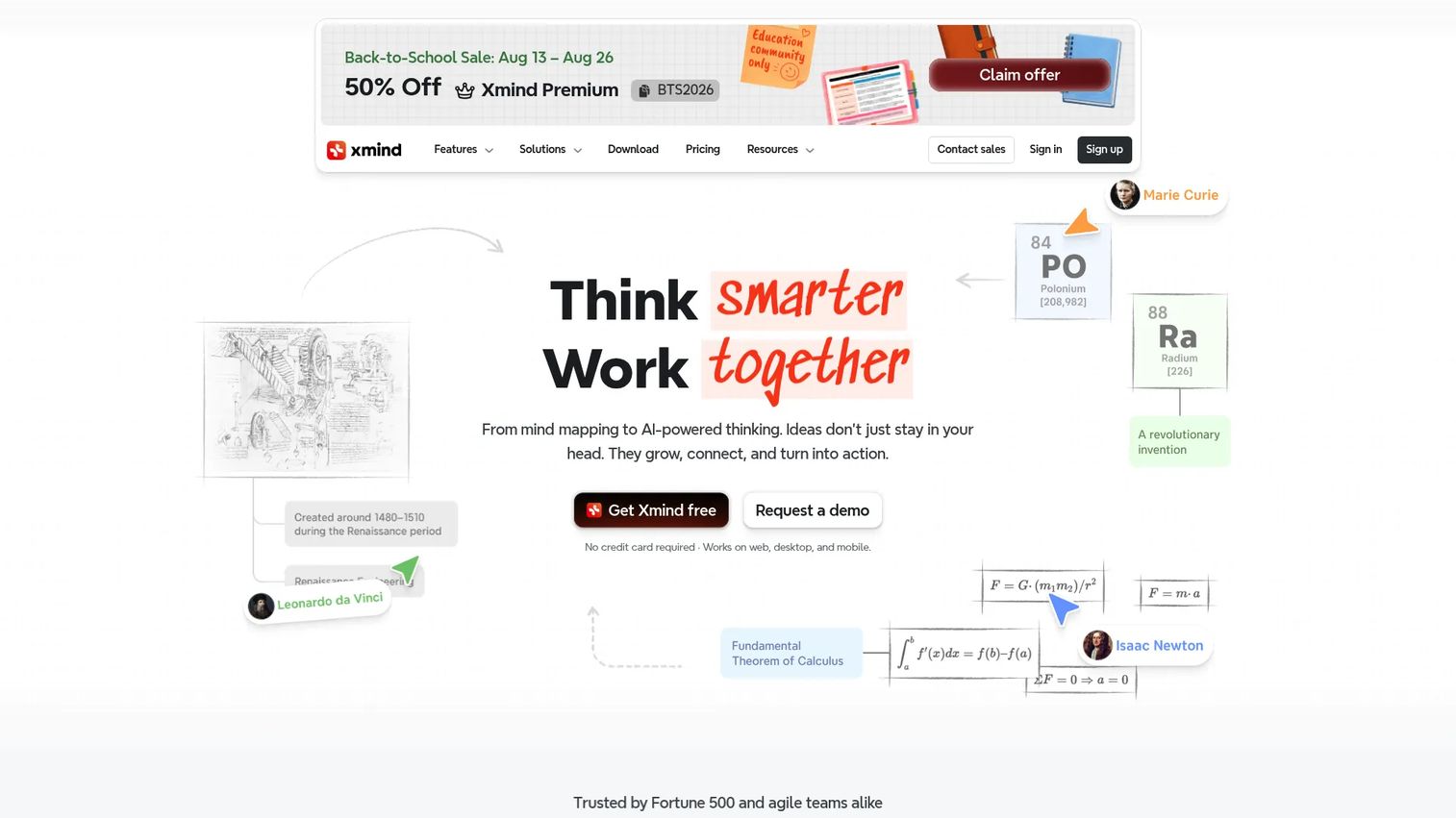
Xmind is AI-powered mind mapping and brainstorming software built for individuals and teams who need structured thinking and presentation-ready output. It supports multiple map structures and styles, in-app collaboration, and cloud storage. AI tools summarize text, links, and files, then generate maps from them, which cuts the blank-canvas problem at the start of discovery.
Best for: Product teams that need to move from raw discovery to a map they can present to leadership.
Key features
- Multiple map structures: Mind maps, org charts, fishbone
- AI summarization of text, links, and files
- In-app collaboration and cloud storage
- Presentation mode for stakeholder reviews
- Export to image, PDF, and outline formats
Why choose Xmind: If your maps have to look good in front of a leadership review, not just serve as scratch notes, Xmind's styling and presentation mode earn their place. AI features run on Xmind Online, so check your plan before you rely on them in a workshop.
Xmind pricing: A free plan covers the basics. Pro runs $4.92 per month, Premium $8.25 per month, and Business $10.00 per seat per month, with Enterprise on custom pricing.
Reviewers rate Xmind 4.5 out of 5 on G2.
2. MindMeister
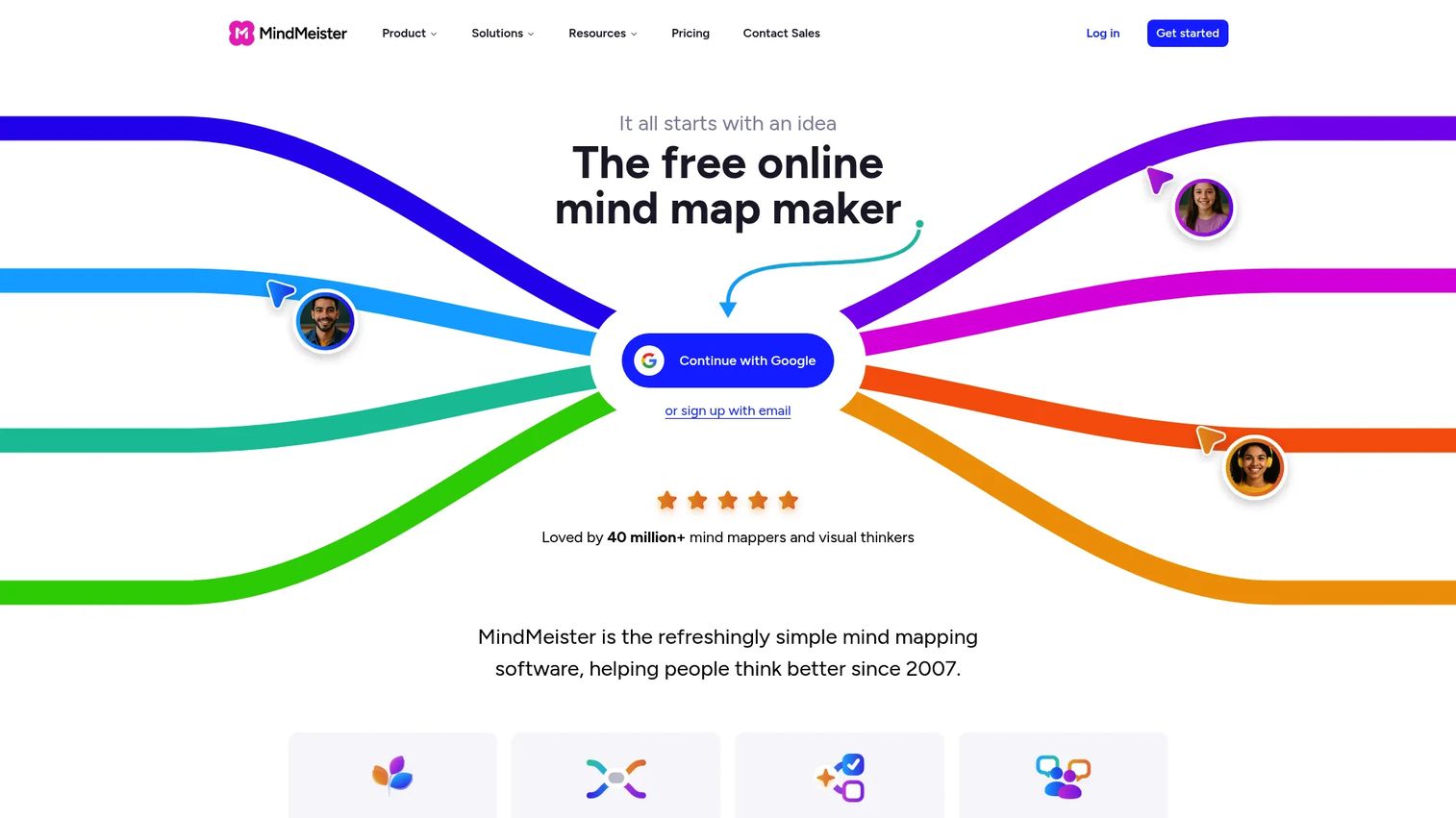
MindMeister is online mind mapping software focused on organizing ideas, collaborating in real time, and presenting thinking visually. The free plan includes three maps, and paid tiers add comments, sharing, AI maps, and outline views. Its presentation mode turns a finished map into a click-through walkthrough without exporting to another tool.
Best for: Teams that brainstorm together often and need the map to double as the deck.
Key features
- Real-time collaboration with comments
- Presentation mode built in
- AI mind map generation
- Outline and list views alongside the map
- Templates for common workflows
Why choose MindMeister: When your workshops are live and cross-functional, real-time collaboration plus native presentation mode keeps everything in one place. The three-map free tier is tight, so committed teams will move to a paid plan quickly.
MindMeister pricing: The Free plan is free forever with three maps. Personal is $6.50 per user per month, Pro $10.50 per user per month, and Business $15.50 per user per month.
Reviewers rate MindMeister 4.2 out of 5 on G2.
3. MindMup
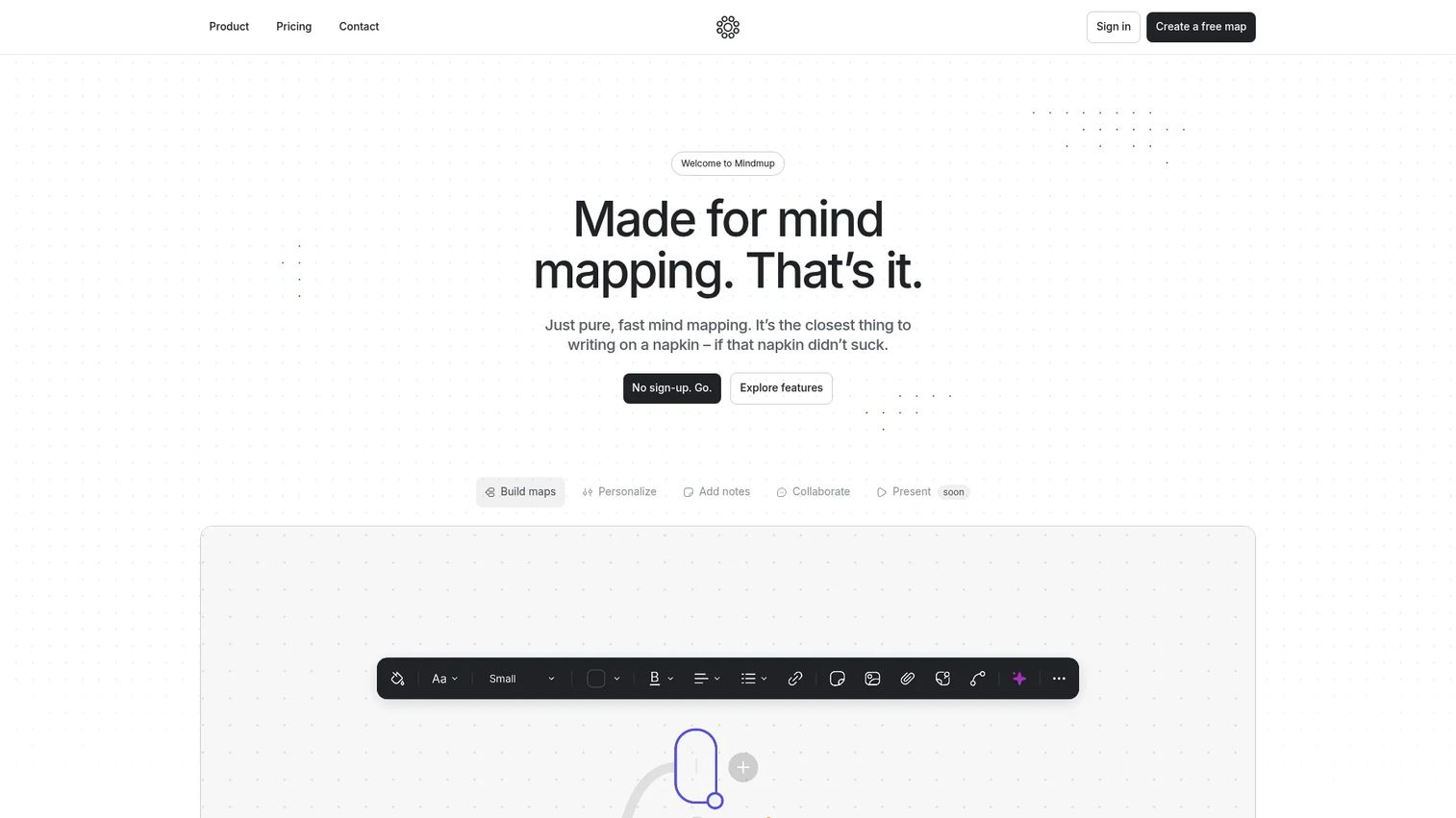
MindMup is online mind mapping software built for speed. You can start a map without heavy setup, invite guests, and publish or share the result in a few clicks. Paid plans lift map limits and add teamspaces, and Google Drive integration keeps everything alongside the docs your team already uses.
Best for: PMs who want to capture and share a quick map without onboarding a whole team onto a new platform.
Key features
- Guest access without account setup
- Google Drive integration and cloud sync
- Unlimited maps on paid plans
- Real-time collaboration and teamspaces
- Notes and attachments on nodes
Why choose MindMup: For low-friction capture, MindMup is hard to beat, and guest access means contributors join without a signup wall. It trades polish and presentation depth for that speed, so heavy stakeholder decks aren't its strength.
MindMup pricing: The Starter tier is free. Personal is $6 per month, Team $9 per month, and Organization with SSO $15 per month, each billed annually.
Reviewers rate MindMup 4.3 out of 5 on G2.
4. AYOA
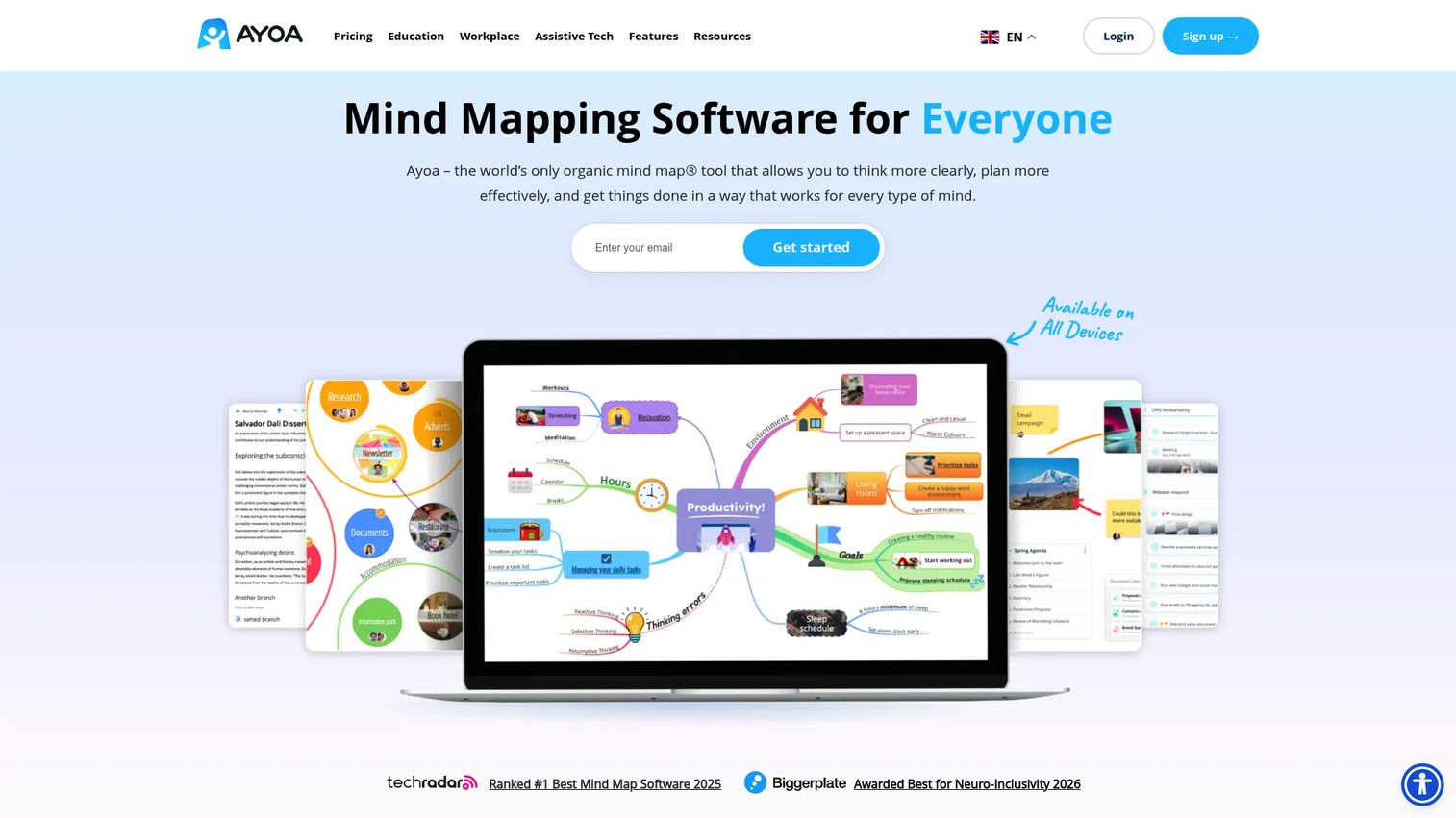
AYOA is an AI-powered mind mapping and productivity workspace that pairs visual brainstorming with task and project management. Alongside mind maps, it offers a Gantt timeline view and a collaborative whiteboard, so a brainstorm can become tracked work without a handoff to another app. Ayoa was the first mind mapping app to include AI functionality.
Best for: PMs who want brainstorming and execution to live in one workspace instead of two.
Key features
- Mind maps plus task and project boards
- Gantt timeline view for planning
- Collaborative online whiteboard
- AI brainstorming assistance
- Templates for maps and workflows
Why choose AYOA: If the gap between "we had ideas" and "we're tracking them" is where your team loses momentum, AYOA closes it by keeping both in one tool. That breadth is also the tradeoff: Teams wanting a focused mapping tool may find more than they need.
AYOA pricing: A free version caps you at 10 mind maps, and a 7-day trial opens the full tool. The Ultimate plan is offered on monthly, annual, and 3-year billing options.
Reviewers rate AYOA 4.4 out of 5 on G2.
5. MindNode
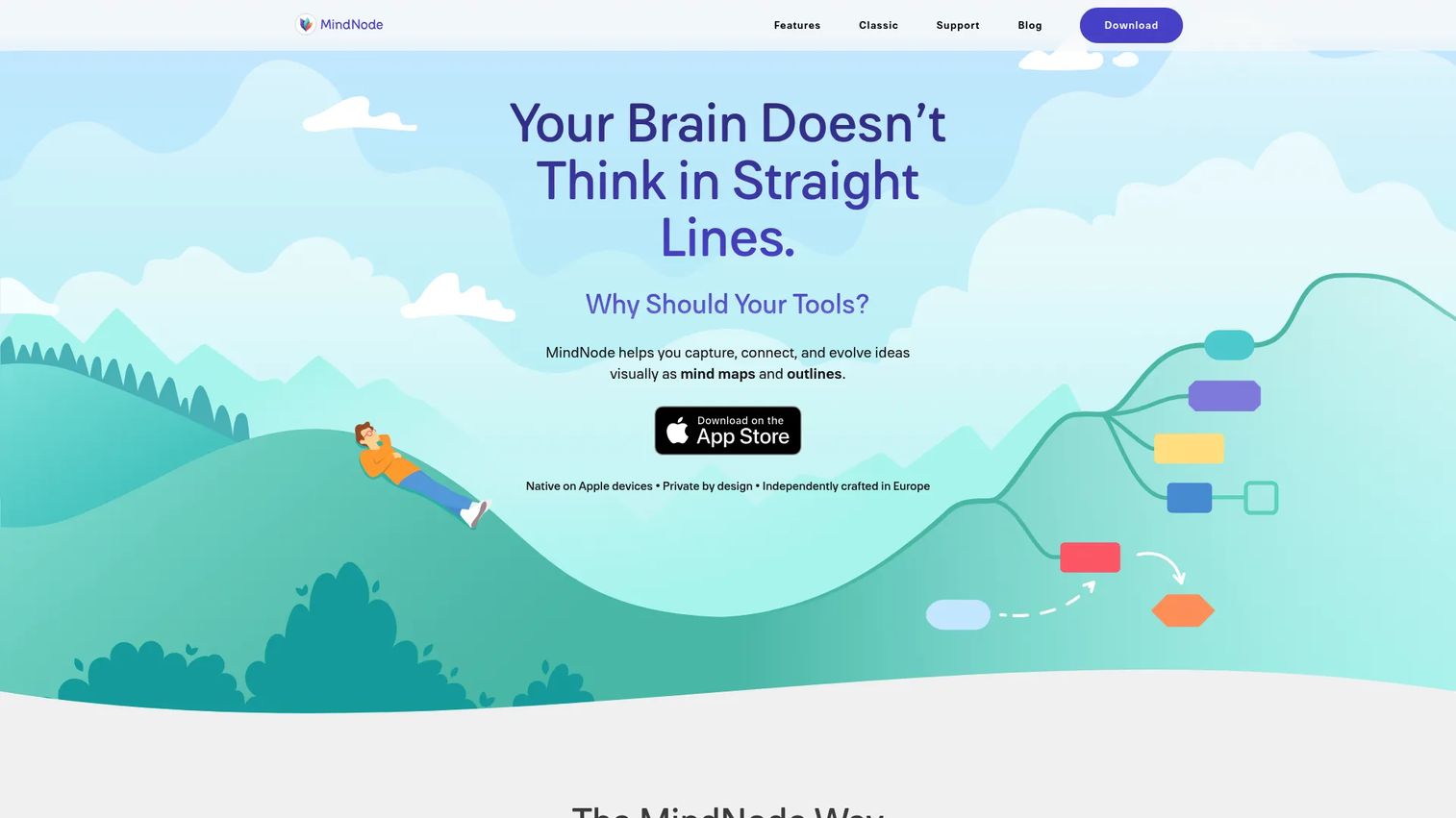
MindNode is a mind mapping and outlining app built for Apple devices. It puts maps on an infinite canvas, offers an outline view for linear thinking, and syncs through iCloud across Mac, iPad, and iPhone. Live collaboration, AI brainstorming, and import/export round out a tool that feels native to the Apple ecosystem.
Best for: Individual PMs or Apple-native teams who want a clean tool that syncs across their own devices.
Key features
- Mind maps on an infinite canvas
- Outline view for linear structure
- iCloud sync across Apple devices
- Live collaboration and AI brainstorming
- Import and export options
Why choose MindNode: For a PM who lives in the Apple ecosystem, MindNode's UX and cross-device sync are hard to match. The flip side is platform lock-in, so mixed Windows and Mac teams should look elsewhere.
MindNode pricing: MindNode is free to use, and MindNode Plus unlocks advanced features at $2.99 per month or $24.99 per year with a free trial.
Reviewers rate MindNode 4.3 out of 5 on G2.
6. QuikFlow
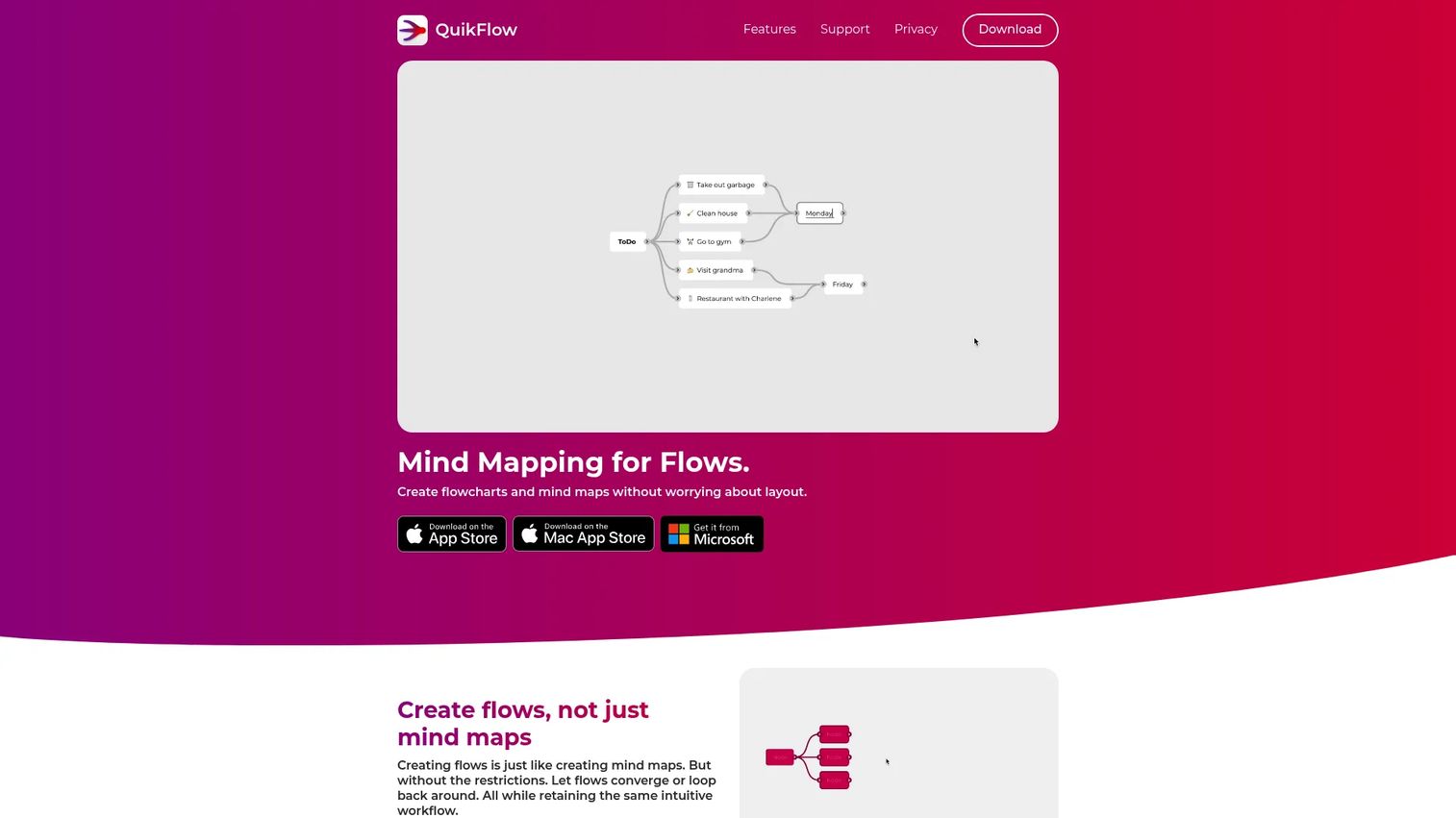
QuikFlow is mind mapping and flowchart software that lays out your map automatically as you edit. Instead of dragging boxes into alignment, you type and the structure arranges itself. It exports to PNG, PDF, and text formats including OPML, Markdown, and Mermaid, which suits PMs who want maps to flow into other tools.
Best for: PMs who want fast, organized maps without spending time on manual layout.
Key features
- Automatic and interactive layout
- Export to PNG, PDF, OPML, Markdown, Mermaid, JSON
- Templates and rich node content on Pro
- Interactive tasks and notes
- Free editor with Pro upgrades
Why choose QuikFlow: When the layout gets out of your way, you spend the session thinking rather than arranging, and QuikFlow's auto-layout does exactly that. It's newer and lighter than the enterprise-focused options, so teams needing deep governance may want more.
QuikFlow pricing: The editor is free, and Pro runs $1.99 per month, $12.99 per year, or $29.99 as a one-time lifetime purchase.
Reviewers rate QuikFlow 4.7 out of 5 on G2.
7. Mindomo
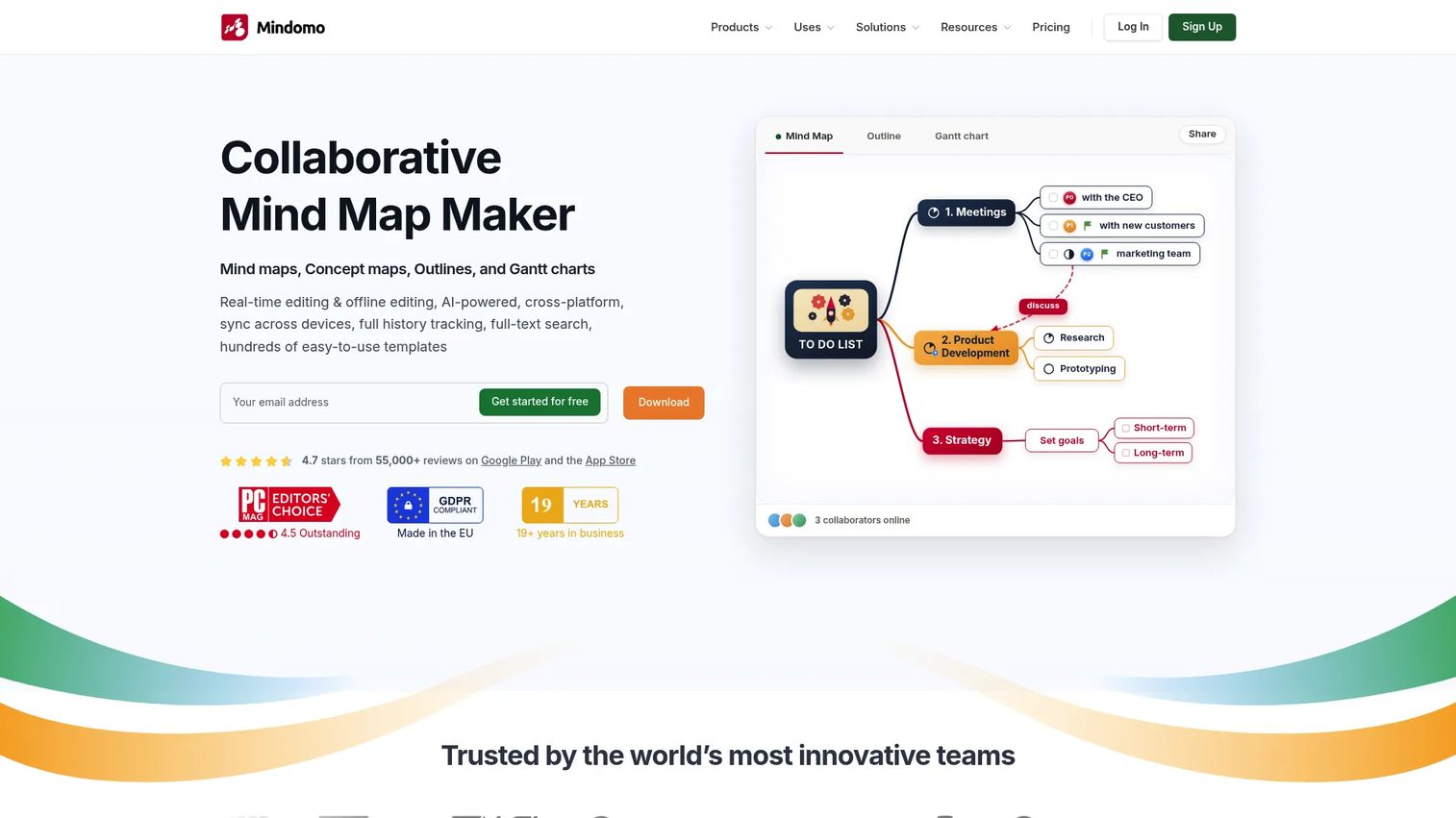
Mindomo is collaborative mind mapping and diagramming software for brainstorming, planning, and organizing ideas. It handles mind maps, concept maps, outlines, and Gantt charts, with real-time collaboration and AI-powered diagram generation and translation. The mix of formats and templates makes it a versatile pick for teams and education use cases.
Best for: Structured teams that need multiple diagram formats and strong collaboration in one tool.
Key features
- Multiple formats: Mind maps, concept maps, outlines, Gantt
- Real-time collaboration and team sharing
- AI diagram generation and translation
- Templates for business and education
- Sharing, publishing, and guest editing on higher tiers
Why choose Mindomo: If your work spans root-cause diagrams one week and timelines the next, Mindomo's format range keeps you in a single tool. G2 doesn't currently list a rating, so lean on Capterra reviews if third-party proof matters to your evaluation.
Mindomo pricing: The Free plan includes three diagrams with unlimited collaborators. Premium is €6 per month with unlimited diagrams and 50 AI credits, and Professional is €13.5 per month for one user plus five guests.
Mindomo does not currently hold a G2 rating, though it is well reviewed on Capterra.
Considerations
Before you standardize a team on any of these, run the shortlist through the same checklist you'd apply to any tool entering the stack.
Collaboration and team sharing
Check whether real-time editing, comments, and guest access fit how your team actually works. A tool that only supports solo maps forces discovery back into meetings. Guest access matters when engineering or a stakeholder needs to contribute without buying a seat.
Templates and map formats
Match the map types to your work. A PM running retros, roadmaps, and root-cause sessions needs standard maps, org charts, and fishbone diagrams in one tool. Templates cut setup time and keep sessions consistent across the team.
AI and automation
Treat AI as a speed lever, not a gimmick. AI brainstorming that generates branches or summarizes inputs saves real time at the start of a session. Confirm which plan and which platform the AI runs on before you build a workflow around it.
Export and presentation output
Ideas trapped in one tool lose value. Verify export formats and whether presentation mode fits your stakeholder reviews. PMs who present roadmaps often should weight this heavily.
Security, privacy, and admin controls
For any tool holding product strategy, check SSO, access controls, and data handling against your own security and compliance requirements. Enterprise controls and admin governance separate a personal app from a team platform. This is where a cheap solo tool and a team-ready one genuinely diverge.
Conclusion
Pick by team shape, not feature count. Xmind is the strongest all-rounder for teams that need structured maps and polished output. MindMeister wins when live collaboration and presentation mode are the daily job, and MindMup is the fastest path from blank canvas to shared map.
If brainstorming has to become tracked work, AYOA keeps maps and task boards in one place. Apple-native PMs get the cleanest fit from MindNode, QuikFlow removes manual layout for quick sessions, and Mindomo covers the widest set of diagram formats for structured teams.
Your next step is simple. Start a free trial with two of these that match your team size and workflow, run one real discovery session in each, and see which map still makes sense a week later. That single test tells you more than any feature list.
Start your journey with Guideflow today!
FAQs
Xmind and MindMeister are the strongest team picks. Xmind pairs structured maps with presentation-ready output, while MindMeister leads on real-time collaboration and native presentation mode. For teams needing multiple diagram formats, Mindomo is a solid alternative.
MindMeister and Xmind both offer built-in presentation mode that turns a map into a click-through walkthrough. That saves you exporting to a separate deck. For roadmap reviews where the logic matters as much as the conclusion, presentation mode is worth prioritizing.
Yes, when it speeds the start of a session rather than replacing your thinking. AI brainstorming can generate branches, summarize source material, and expand a topic when the canvas is blank. Xmind, AYOA, MindNode, and Mindomo all include AI features, though the plan and platform vary.
Prioritize collaboration depth, the map formats you actually use, export options, and security controls. As a PM, you also care about maintainability across releases and whether the tool creates another system to manage. A tool that fits existing workflows beats one with the longest feature list.
Brainstorming software structures ideas through mind maps and diagrams, giving you a repeatable shape. Whiteboard software offers a freeform canvas with fewer guardrails. For turning discovery into a prioritized backlog, structure wins, which is why mind mapping tools suit PM workflows.
Not entirely, though tools like AYOA and Mindomo blur the line with task boards and Gantt views. Mind maps are strongest for early ideation and structure, while docs and project management tools handle detailed specs and execution tracking. Most PMs use brainstorming software upstream of both.
MindNode offers strong offline support within the Apple ecosystem, syncing through iCloud when you reconnect. Desktop apps from Xmind also let you work without a connection. If offline access is a hard requirement, confirm it against the specific plan before committing.










