Every tax filing tool looks the same until you hit the part that costs you. A W-2 import that works fine until you add a 1099. A "free" tier that stops being free the moment you claim a deduction. A support line you only need at 11pm on April 14th.
In the U.S., over 74% of taxpayers used tax preparation software to file in 2024, and 58% filed through online platforms, according to IndustryResearch.biz (2024). That share keeps climbing. So the question is no longer whether to use software. It is which one fits your return, your budget, and how much help you actually want.
The gap between the right pick and the wrong one is real money and real time. A self-employed filer who picks a bare-bones free tool ends up re-entering everything elsewhere. A simple W-2 filer who pays for full-service leaves cash on the table. This guide sorts that out fast, so you can pick and move on.
What's inside
This guide is for anyone comparing consumer tax software before they file a 2026 return. It covers five mainstream options, who each one fits, and how to decide between free filing, DIY, expert help, and full service.
We picked these five on four criteria:
- Price: federal and state costs, plus hidden add-ons
- Filing complexity: simple W-2 returns versus self-employed and investment income
- Support depth: DIY, expert-assisted, and full-service paths
- Trust signals: guarantees, audit support, and user ratings
No affiliate ranking games. Just a decision guide you can skim.
TL;DR
Short on time? Here is the fast version by scenario.
- Best for free federal filing: FreeTaxUSA. Federal is always free, state runs $15.99.
- Best for simple DIY filing: TurboTax Free Edition for straightforward Form 1040 returns.
- Best for self-employed filers: TurboTax Premium or TaxAct Self Employed for 1099 income and deductions.
- Best for expert help and full service: TurboTax Expert Assist and Full Service, or H&R Block for a hybrid online plus human option.
- Best for an official IRS-backed free option: IRS Free File, for eligible taxpayers who want guided software at no cost.
Match your return type first. Price second. That order saves you the most.
What tax filing software is
Tax filing software is a consumer application that helps you prepare, calculate, and electronically file federal and state tax returns without hiring an accountant. It walks you through income, deductions, and credits, then submits the return to the IRS and your state.
The category splits into a few clear types. Knowing which one you need saves you from paying for support you will not use.
- IRS-backed free filing: the official IRS Free File program, guided software or fillable forms at no cost for eligible taxpayers
- DIY consumer tax software: you enter everything yourself with on-screen prompts and error checks
- Expert-assisted filing: you do the work but can call a credentialed tax pro for questions and a final review
- Full-service filing: a tax expert prepares and files the whole return for you
- Guided software versus fillable forms: guided tools ask questions and fill the forms; fillable forms are digital versions of paper forms with basic math
Key features worth comparing before you commit:
- W-2 import and 1099 import: pull income data in without manual typing
- Free federal filing versus paid state filing: many "free" plans still charge for state
- Accuracy guarantee and maximum refund guarantee: vendor-backed protection if the math or refund falls short
- Audit support: guidance or representation if the IRS asks questions
- Amended return and tax extension support: fix a filed return or buy more time
- Mobile tax filing: file from a phone with document photo capture
When to use tax filing software
Not every return needs the same tool. Here is how to match the software to your situation.
File a simple W-2 return
If your income is a single W-2, you take the standard deduction, and you have no side income, you are the target user for free and low-cost DIY software. The trigger is simplicity: one income source, no schedules, no dependents-heavy complexity. Guided software imports your W-2, checks the math, and e-files in under an hour. Paying more here buys you nothing.
Handle self-employed or contractor income
The moment you have 1099 income, a side business, or freelance earnings, your return needs Schedule C and quarterly-tax awareness. This is where self-employed tax filing tiers earn their price. They surface deductions you would miss, handle 1099 import, and calculate self-employment tax correctly. A free tool that does not support Schedule C forces you to upgrade or start over.
Get expert help on a more complicated return
Sold stock, bought a rental, moved states, or had a major life change? That is the trigger for expert help. Expert-assisted plans let you do the work with a pro on call. Full-service plans hand the whole return to a credentialed expert. You pay more, but you buy confidence and audit protection on a return where a mistake gets expensive.
Comparison table
Here are the five options side by side. Pricing and ratings reflect verified figures at publishing time. Federal and state costs are listed separately because that split is where most surprises hide.
| # | Product | Best for | Key differentiator | Pricing | G2 rating |
|---|---|---|---|---|---|
| 1 | IRS Free File | Eligible taxpayers wanting a free IRS-backed option | Guided software or fillable forms, government-run | $0 federal for eligible filers | Not rated |
| 2 | TurboTax | Guided DIY plus optional expert help | Broad DIY, Expert Assist, and Full Service paths | Free Edition $0; paid from $79 federal | 4.4/5 |
| 3 | FreeTaxUSA | Budget-conscious filers, free federal | Federal always free, low-cost state | Federal free; state $15.99 | 4.8/5 |
| 4 | TaxAct | Structured tiers at a competitive price | Free, Deluxe, and Premier online editions | Free $0; Deluxe from $59.99 | 4.4/5 |
| 5 | H&R Block | Hybrid online plus in-person support | Online software plus physical office network | Online from $50; Basic $50 | 4.0/5 |
Best tax filing software for 2026
Below is the full breakdown of each option, who it fits, and where it stands out. Read the two or three that match your return type and skip the rest.
1. IRS Free File
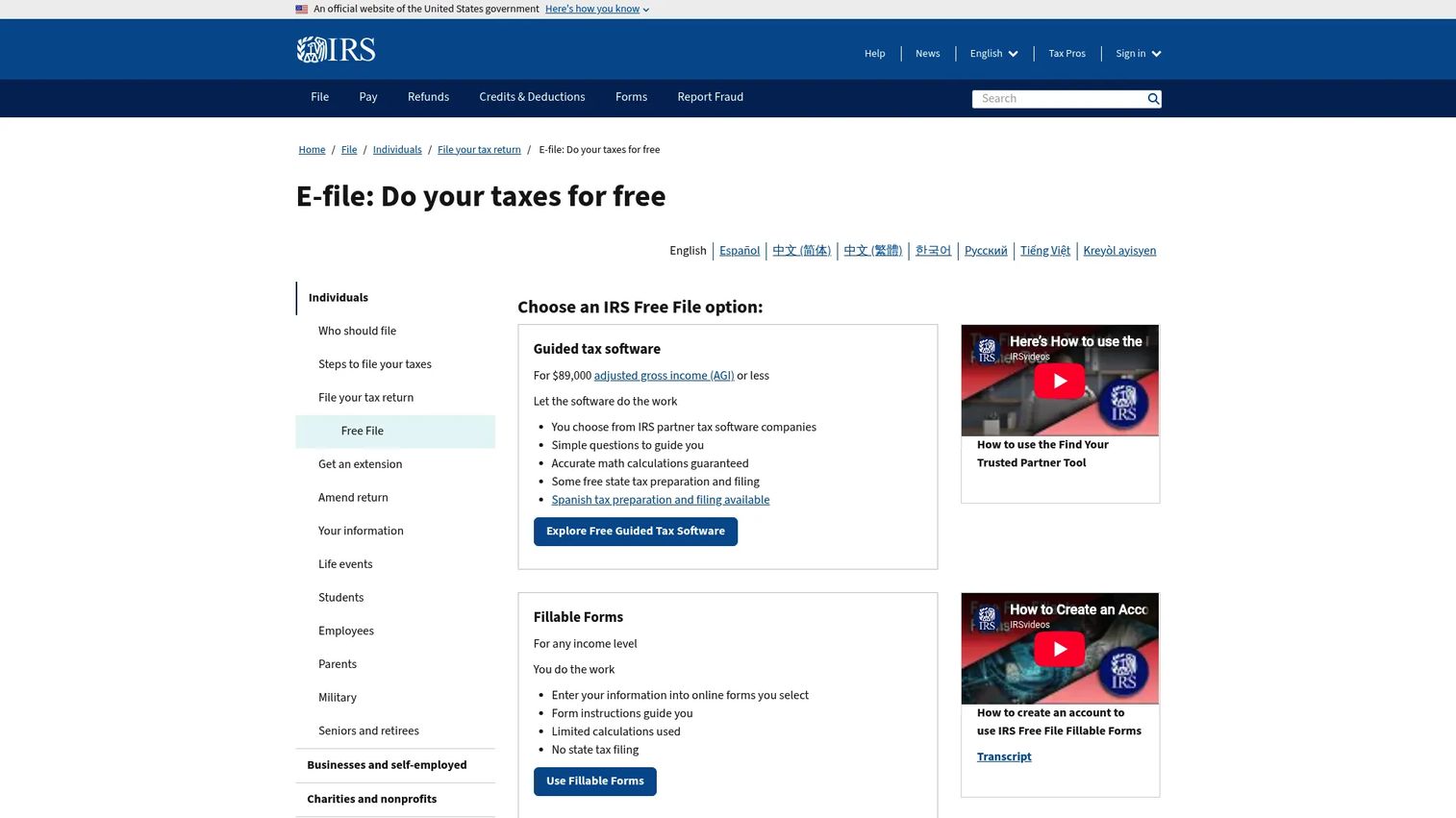
IRS Free File is the official program run by the IRS in partnership with tax software companies. It gives eligible taxpayers a free way to prepare and e-file a federal return online. There are two paths, and picking the right one matters.
The first path is guided tax software, offered through IRS partner companies to taxpayers under an income threshold. It works like any commercial DIY tool: it asks questions, fills the forms, and checks the math. The second path is Free File Fillable Forms, open to any income level. These are digital versions of paper forms with basic calculations, built for people comfortable doing their own taxes without hand-holding.
Best for: Taxpayers who want a free, IRS-backed way to file federal returns online.
Key strengths
- Guided tax software free for eligible taxpayers
- Free File Fillable Forms for any income level
- Free federal filing with some free state options
- Government-run, no upsell pressure
Why choose IRS Free File: If you qualify and your return is not complex, this is the most cost-effective route to a filed federal return. The guided path suits simple returns; fillable forms suit confident filers who know the forms they need.
IRS Free File pricing: Free federal tax return preparation and filing for eligible taxpayers. Some partner providers also offer free state filing.
2. TurboTax

TurboTax is the most widely used consumer tax preparation software, and its range is the reason. It runs three service levels: Do It Yourself, where you file on your own; Expert Assist, where a tax pro answers questions and reviews your return; and Full Service, where an expert prepares and files everything for you.
The DIY experience is polished. It imports W-2 and 1099 data, offers document photo upload and autofill, and runs a CompleteCheck error scan before you file. For self-employed filers, the Premium tier handles Schedule C, deductions, and a year-round tax estimator. The trade-up path is clear, so you start free and only pay when your return demands it.
Best for: Individuals and self-employed filers who want guided software with optional expert help.
Key strengths
- Guided DIY tax filing with error checks
- Unlimited expert help and final review on eligible plans
- Document import, photo upload, and autofill
- Free Edition for simple Form 1040 returns
Why choose TurboTax: You want the smoothest guided experience and the option to pull in a human without switching tools. It costs more than budget options, but the DIY-to-expert range fits filers who are not sure how complex their return will get.
TurboTax pricing: TurboTax Free Edition is $0 federal and $0 state for simple returns. Do It Yourself Deluxe starts at $79 federal, Premium at $139 federal. Expert Assist runs from $59 to $209 federal depending on complexity, with state additional on paid products.
3. FreeTaxUSA
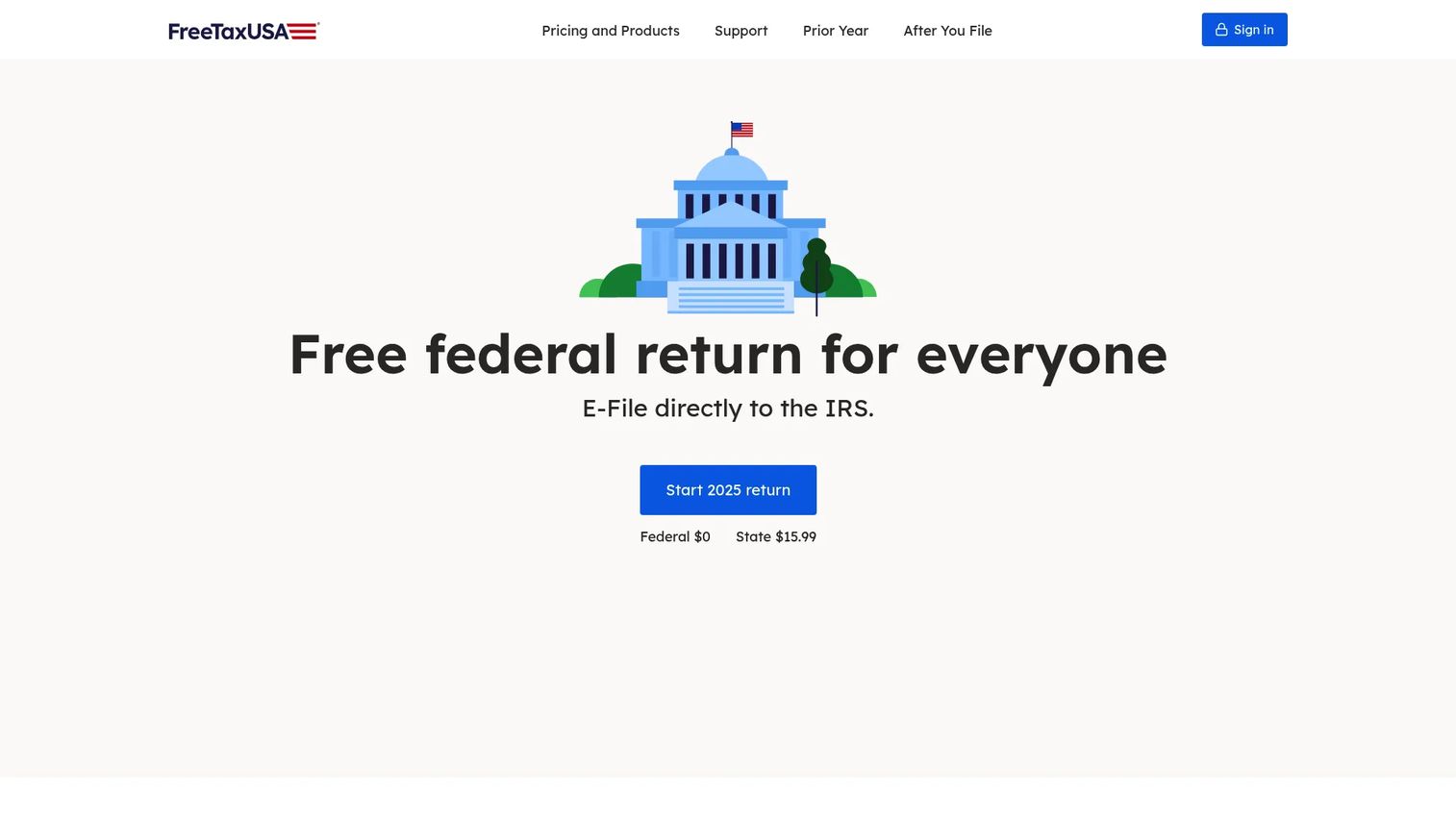
FreeTaxUSA anchors on one promise: federal filing is always free, no matter how complex your return. That includes self-employed income, investments, and itemized deductions, which many "free" tiers push behind a paywall. State returns are a flat $15.99.
The support model is tiered. Basic free filing covers the return itself. Deluxe Support adds priority help and audit assistance for $7.99. Pro Support connects you to a tax pro for $64.99. The software imports W-2, 1099, and prior-year data, and Audit Defense is available as a $19.99 add-on. It appeals to filers who want real capability without the premium price tag.
Best for: Budget-conscious filers who want free federal filing and optional paid support.
Key strengths
- Free federal tax returns, even for complex situations
- State returns at a flat $15.99
- W-2, 1099, and prior-year import
- Optional audit defense and pro support
Why choose FreeTaxUSA: You have a moderately complex return but do not want to pay TurboTax or H&R Block prices. Federal stays free and add-ons are cheap, so you only pay for what you use.
FreeTaxUSA pricing: Federal returns are free. State returns cost $15.99 each. Deluxe Support is $7.99, Pro Support is $64.99, and Audit Defense is $19.99, all optional per return.
4. TaxAct
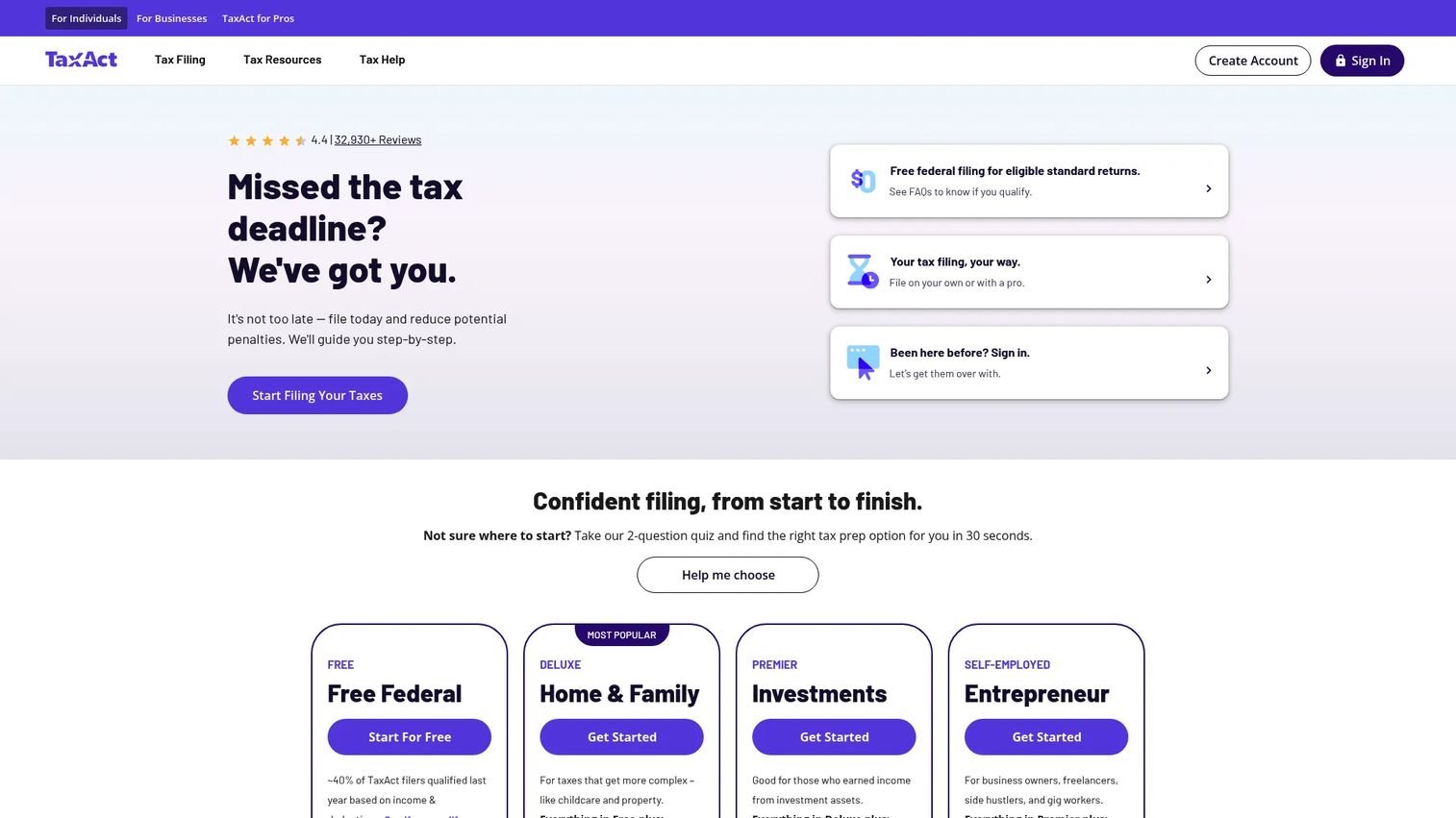
TaxAct sits in the middle of the market with a structured, tiered approach for both consumers and tax professionals. Its online editions step up cleanly by complexity: File for Free for simple returns, Deluxe for homeowners and itemizers, and Premier for investments and rental income. Self-employed filers can move to the desktop Self Employed edition.
The pricing is competitive against the bigger names, and the tiers make it easy to see which fits your situation before you start. TaxAct also offers desktop download software and professional plans for preparers filing multiple returns. For filers who want a clear, structured path without paying top-tier prices, it lands in a useful spot.
Best for: Individuals and tax professionals looking for lower-cost tax filing software.
Key strengths
- Online filing with Free, Deluxe, and Premier editions
- Desktop software for multiple filer types
- Professional plans for 1040 and business returns
- Structured tiers by return complexity
Why choose TaxAct: You want a guided, tiered experience at a lower price than the premium options. The clear step-up between editions helps you land on the right plan without overpaying.
TaxAct pricing: Online plans start at $0 for File for Free, $59.99 for Deluxe, and $99.99 for Premier. Desktop editions run from $44.99 per year for Basic to $164.99 for Self Employed. Professional pay-per-return plans start at $169.99 per year.
5. H&R Block

H&R Block is the option for people who want software but also want the safety net of a physical office. It runs guided online filing with the same DIY, expert-assisted, and full-service structure as its peers, plus a nationwide network of in-person offices for filers who prefer to hand it off face to face.
The online software uses guided workflows, offers live expert help, and includes desktop and small-business options. That hybrid model is the draw: you can start a return online and, if it gets complicated, walk into an office. For filers who value having a human within driving distance, no other option on this list matches that reach.
Best for: People or small businesses wanting guided tax filing with expert support options.
Key strengths
- Online tax filing with guided workflows
- Live expert help options
- Nationwide in-person office network
- Desktop and business tax software
Why choose H&R Block: You want the flexibility to file online but keep an in-person fallback. That hybrid reach suits people who are not sure they can finish a complex return alone.
H&R Block pricing: Online software starts at $50 for Basic. Deluxe plus State is $70, Premium is $95, and Premium & Business is $115. State program pricing runs $39.95 per state on Basic and Deluxe. A free filing option is also available.
Considerations
Before you pick, run your situation through this checklist. It catches the costs and gaps that show up after you have started.
Federal versus state costs
Never judge a plan on the federal price alone. A tool with free federal and a $15.99 state return can undercut a "free" competitor that charges $40 per state. Add both numbers before you decide.
Complexity of your return
Match the tier to your forms, not your hopes. A single W-2 needs a free tier. Schedule C, investment income, or rental property needs a self-employed or premier tier. Buying too low means starting over.
Availability of expert help
Decide upfront whether you want a human on call. Expert-assisted and full-service plans cost more but remove the guesswork on complicated returns. If you are confident, skip it and save the money.
Import and mobile support
W-2 import and 1099 import save real time and cut typos. If you want to file from your phone, confirm the mobile app supports your full return, not just a preview.
Guarantees and audit support
Check the accuracy guarantee and maximum refund guarantee terms, and whether audit support is included or an add-on. On a complex return, audit protection is worth the small extra cost.
Conclusion
The right tax filing software comes down to return type first, price second. Get that order wrong and you either overpay or start over.
If you qualify and want a free federal return, IRS Free File is the cleanest official route. For free federal filing with real capability, FreeTaxUSA is hard to beat at $15.99 for state. If you want the most polished guided experience with an expert option on standby, TurboTax fits. TaxAct gives you structured tiers at a competitive price, and H&R Block is the pick when you want an in-person office as backup.
Your next step: identify your return type, list your forms, then match to the lowest tier that covers all of them. Start free, upgrade only if your return demands it, and confirm the state cost before you file.
Start your journey with Guideflow today!
FAQs
For a single W-2 and the standard deduction, free tiers cover you completely. TurboTax Free Edition and TaxAct File for Free both handle simple Form 1040 returns at $0. IRS Free File is another strong free option if you meet the eligibility threshold.
FreeTaxUSA keeps federal filing free even for complex returns, charging only $15.99 for state. IRS Free File offers free federal filing for eligible taxpayers through partner software. Many other "free" tiers only cover the simplest returns, so read what triggers an upgrade.
Yes. TurboTax Premium, TaxAct Self Employed, and FreeTaxUSA all support Schedule C, 1099 import, and self-employment tax. These tiers surface deductions specific to freelancers and contractors. A basic free tool that lacks Schedule C will force an upgrade the moment you add 1099 income.
DIY means you enter everything yourself with on-screen prompts and error checks. Full service means a credentialed tax expert prepares and files the entire return for you. Expert-assisted sits between the two: you do the work, but a pro answers questions and reviews it before filing.
Not exactly. IRS Free File is a specific government program offering guided software or fillable forms at no cost to eligible taxpayers. Commercial "free" tiers from TurboTax or TaxAct are separate products, usually limited to simple returns. FreeTaxUSA's free federal filing is a third, distinct offering.
TurboTax and FreeTaxUSA both handle W-2 import and 1099 import well. TurboTax offers document photo upload and autofill; FreeTaxUSA keeps federal free even with 1099 income. If you have both income types, confirm the tier supports Schedule C before you start.
Most do. FreeTaxUSA, TurboTax, TaxAct, and H&R Block all support filing an amended return, sometimes as an add-on or included with certain tiers. If you think you may need to correct a return later, check whether amended returns cost extra before choosing.
Yes, when you use a reputable provider with encryption and multi-factor authentication. TurboTax, H&R Block, and TaxAct all offer mobile apps with document photo capture. Avoid filing over public Wi-Fi, keep your app updated, and confirm the app supports your full return type, not just a refund estimate.