A nurse calls out at 6 AM. You have two hours to fill the shift, and your roster spreadsheet tells you nothing useful about who's licensed for that unit, who's already near overtime, or who even has their phone on. That's the moment medical staff scheduling software either earns its place or exposes every gap in your operations.
Healthcare scheduling carries constraints that generic workforce tools ignore: Credentials, specialties, on-call rotations, fatigue rules, and patient-demand variability. According to Hallmark Health Care Solutions (2025), 63% of healthcare leaders said at least 25% of their shifts went unfilled due to staffing shortages. The right software won't fix a supply problem, but it will stop operational failure from compounding it.
This guide compares 15 healthcare staff scheduling software tools across hospital systems, clinics, physician groups, senior care, and Microsoft 365-heavy environments. Use it to shortlist fast and hand off to your ops lead with confidence.
What's inside
This guide covers 15 medical staff scheduling tools for 2026, chosen for healthcare scheduling fit, operational depth, and pricing transparency. Selection criteria:
- Healthcare fit: Does it handle clinical roles, credentials, or on-call rotations?
- Open-shift and coverage depth: Can staff self-serve shifts, swaps, and callouts?
- Integration reach: Does it connect to payroll, HR, EHR, or calendar systems?
- Pricing transparency and G2 ratings: Verified against live sources, not memory
TL;DR
- Best for clinic and shift-based healthcare teams: Deputy starts at $5/user/month with scheduling, time tracking, and mobile access
- Best for complex provider scheduling: QGenda handles physician groups, on-call rotations, and multi-site clinical staffing
- Best for enterprise hospital workforce management: symplr Workforce or UKG Workforce Management for health systems needing integrated labor operations
- Best for senior living and long-term care: OnShift covers scheduling, engagement, and shift fulfillment for post-acute care
- Best for on-call provider scheduling: AMiON manages physician call calendars and residency coverage starting at $449/year
- Best for Microsoft 365 environments: Virto Calendar App or Microsoft Teams Shifts for organizations already working inside Microsoft 365
What is medical staff scheduling software?
Medical staff scheduling software helps healthcare organizations plan, publish, adjust, and track staff schedules across clinical and administrative teams. A generic employee scheduler treats availability as the primary constraint. A healthcare scheduler must also handle licenses, credentials, specialties, department assignments, overtime caps, fatigue limits, on-call rotations, and patient-demand signals.
The distinction matters. Putting an unqualified staff member in a specialized unit because the schedule showed them as "available" is not just an operational mistake.
Core capabilities to look for:
- Shift creation, templates, and recurring schedule management
- Open-shift posting, claiming, and automated notifications
- Shift swaps, trade approvals, and self-scheduling
- Credential and role matching for unit or specialty assignments
- On-call scheduling and call-rotation management
- Time tracking and attendance with compliance rules
- Mobile access for staff and managers
- Payroll and HR integrations
- Reporting, overtime visibility, and audit trails
- EHR, EMR, calendar, or workforce-system connections
Generic scheduler vs. medical staff scheduler:
| Capability | Generic employee scheduling | Medical staff scheduling |
|---|---|---|
| Credential rules | Not supported | Core feature |
| On-call rotations | Not supported | Supported |
| Unit or specialty coverage | Not supported | Supported |
| Overtime visibility | Basic | Advanced with alerts |
| Shift swaps | Basic | Role-qualified swaps |
| Payroll integration | Common | Common, often deeper |
| Audit and reporting | Basic | Compliance-grade |
When to use medical staff scheduling software
Reduce manual schedule rebuilds after callouts
Spreadsheets break the moment someone calls out and the manager has to mentally recalculate who is licensed, available, and not already overtime. Medical staff scheduling software should surface qualified replacements automatically and notify staff of open shifts without requiring a phone tree.
Fill open shifts without chasing staff individually
Open-shift broadcasting lets managers post a need and let qualified staff claim it. Mobile notifications, shift-swap workflows, and approval logic replace the manual process. The result: Faster coverage and a cleaner audit trail.
Manage clinical coverage across credential and location constraints
Healthcare scheduling requires constraint management, not just availability tracking. When a hospital needs an ICU-certified RN for a night shift at a specific facility, the scheduler must filter by credential, location, and department simultaneously. Tools built for this problem handle it at the rule level. General schedulers require manual workarounds that accumulate into compliance risk.
Medical staff scheduling software comparison
The table below reflects pricing and ratings verified from vendor pages and G2 listings. For tools with quote-based pricing, the table notes "Prices by quote."
| # | Product | Best for | Key differentiator | Pricing | G2 rating |
|---|---|---|---|---|---|
| 1 | Deputy | Clinics and shift-based teams | Scheduling, time tracking, and mobile in one platform | From $5/user/month | 4.6/5 |
| 2 | Shiftboard | High-volume shift operations | Automated scheduling with compliance and labor analytics | Prices by quote | 4.6/5 |
| 3 | NurseGrid | Nurse-focused scheduling | Mobile nurse schedule access and team coordination | From $5/user/month (Manager) | 4.9/5 |
| 4 | Connecteam | Mobile-first healthcare teams | Scheduling, time clock, chat, forms, and training together | From $29/month (30 users) | N/A |
| 5 | QGenda | Provider and physician scheduling | Healthcare-native provider scheduling and on-call management | Prices by quote | 4.6/5 |
| 6 | symplr Workforce | Hospitals and health systems | Enterprise workforce management with timekeeping and analytics | Prices by quote | 4.3/5 |
| 7 | ScheduleFlex | Flexible workforce scheduling | Shift management for fluctuating workforce needs | Prices by quote | N/A |
| 8 | OnShift | Senior living and long-term care | Post-acute care workforce scheduling and engagement | Prices by quote | 4.5/5 |
| 9 | ScheduleAnywhere | Simple web-based scheduling | Staff scheduling with shift requests and notifications | From $25/month | 4.3/5 |
| 10 | ShiftWizard | Nurse and staff scheduling | Healthcare-focused scheduling by HealthStream | Prices by quote | 4.3/5 |
| 11 | UKG Workforce Management | Enterprise workforce operations | Scheduling, time, compliance, and analytics suite | Prices by quote | 4.3/5 |
| 12 | When I Work | Smaller clinics and hourly teams | Affordable scheduling, attendance, and team messaging | From $2.50/user/month | 4.4/5 |
| 13 | AMiON | On-call provider scheduling | Physician call calendars and residency scheduling | From $449/year | N/A |
| 14 | Virto Calendar App | Microsoft 365 scheduling workflows | Unified calendar overlay for SharePoint and Microsoft 365 | From $2,412 per 100 users | 4.4/5 |
| 15 | Microsoft Teams | Teams-native coordination | Shift scheduling inside Microsoft 365 collaboration workflows | From $4/user/month (Essentials) | 4.4/5 |
Best 15 medical staff scheduling software tools for 2026
1. Deputy
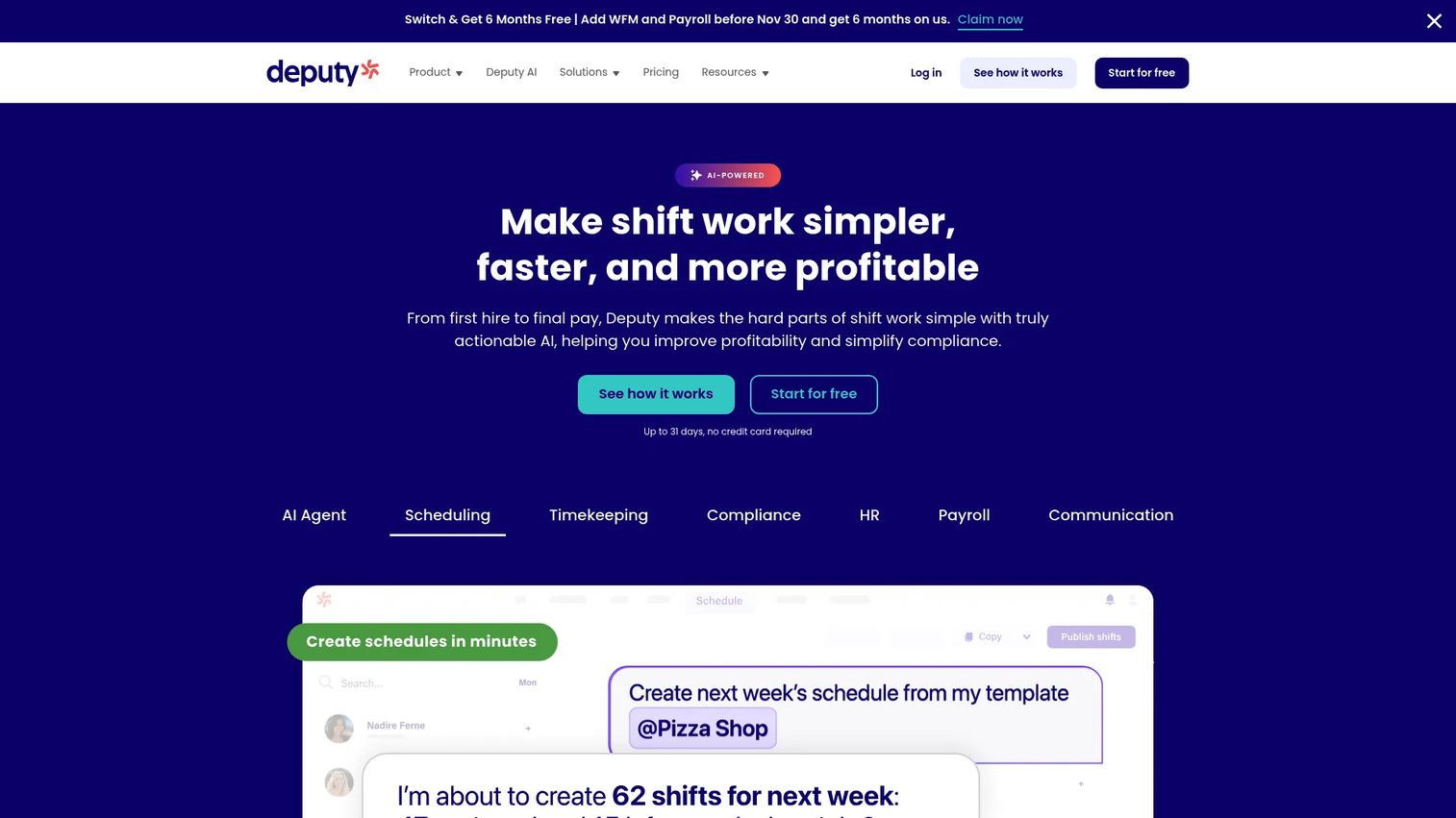
Deputy is a workforce management platform built for shift-based businesses, covering scheduling, time tracking, labor compliance, and team communication. It covers a wide range of healthcare environments including clinics, urgent care groups, dental practices, home care operations, and outpatient teams. The mobile app lets staff view schedules, clock in and out, swap shifts, and message their teams without manager intervention.
Best for: Clinics and distributed healthcare teams that need practical scheduling and time tracking without enterprise workforce complexity.
Key features
- AI-assisted employee scheduling and auto-scheduling
- Time clock with GPS and facial verification
- Shift swapping and replacement management
- Leave and availability management
- Payroll integrations and labor-law compliance tools
Why choose Deputy: Deputy is the right call when the team wants a scheduler that covers the operational basics well and can go live quickly. Large hospital systems managing credentialed clinical staff across departments may need deeper workforce-suite capabilities.
Deputy pricing: Plans start at $5 per user per month (Lite) and run to $9 per user per month (Pro). A 14-day free trial is available. Billing can be paid upfront or in monthly installments.
G2 rating: 4.6/5
2. Shiftboard
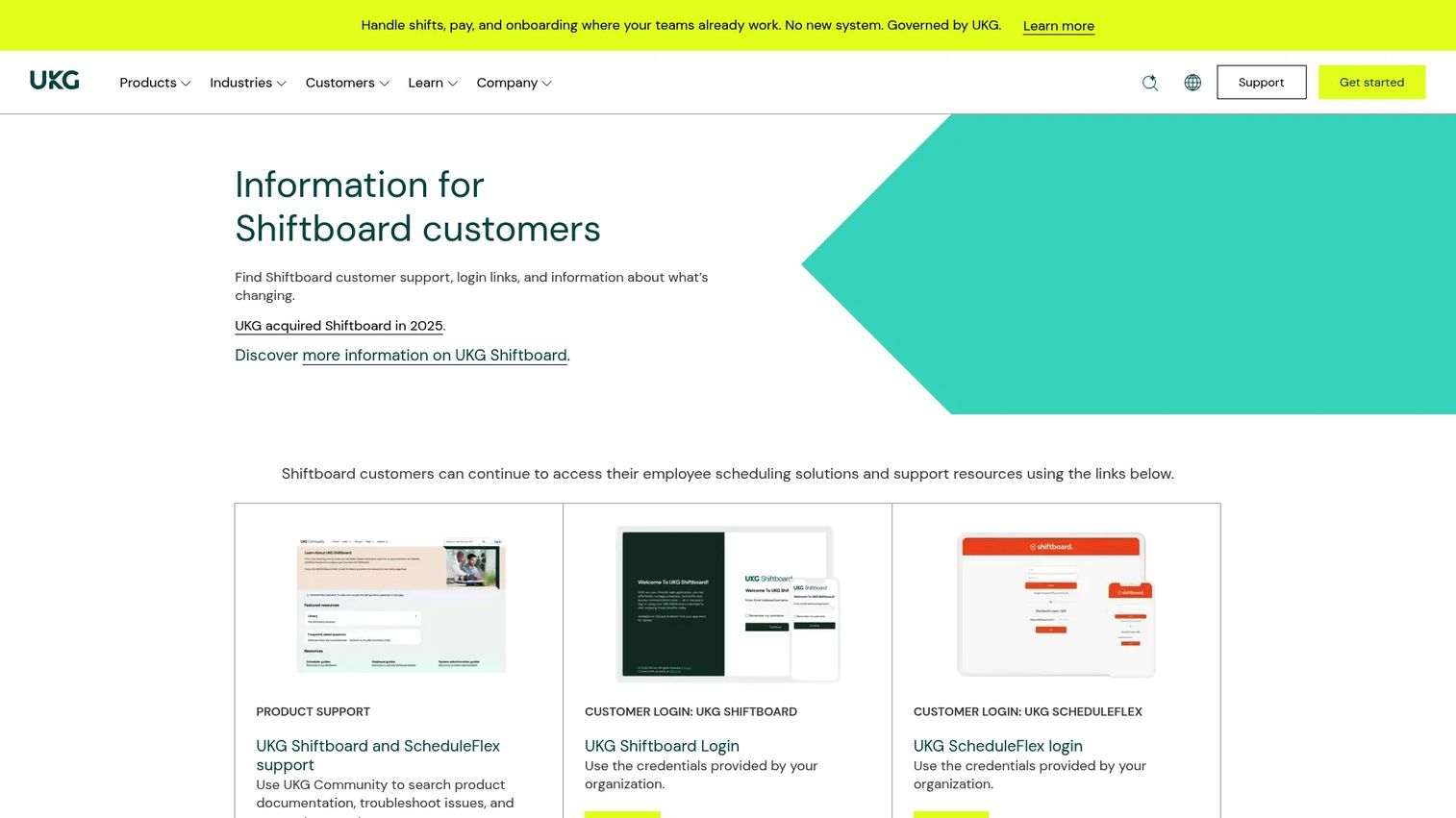
Shiftboard is a workforce scheduling platform for organizations managing large, shift-based workforces with complex compliance and coverage requirements. It handles automated shift assignment, union rules, qualification matching, and fatigue compliance alongside employee self-service for availability and shift trades. Healthcare organizations with variable patient demand and a need to reduce missed shifts are the core use case.
Best for: Healthcare organizations with large hourly or shift-based workforces where compliance rules and labor forecasting matter more than calendar simplicity.
Key features
- Automated workforce scheduling and shift assignment
- Labor-law, union-rule, and fatigue compliance controls
- Employee self-service for shift sign-ups, trades, and time-off requests
- Worker communication and notifications
- Labor analytics and demand forecasting
Why choose Shiftboard: Choose Shiftboard when scheduling complexity has outgrown basic calendar tools. Teams should evaluate implementation requirements and CRM or payroll integration depth before committing, as the product is built for operational scale rather than quick deployment.
Shiftboard pricing: Prices by quote. Ask the sales team about user count, compliance modules, integrations, and implementation when you reach out.
G2 rating: 4.6/5
3. NurseGrid
NurseGrid provides scheduling, communication, and education tools purpose-built for nurses and care teams. The NurseGrid Manager product gives administrators the ability to create and manage staff schedules, post open shifts, and coordinate coverage, while nurses access their schedules and request changes from the mobile app. The platform also includes continuing education resources and licensure tracking.
Best for: Nursing teams that need schedule visibility, mobile coordination, and nurse-specific communication without a broader enterprise workforce system.
Key features
- Create and manage staff schedules with real-time updates
- Open-shift notifications and shift swap coordination
- Integration with the NurseGrid mobile app for personal schedule access
- Personal calendar view combining work shifts and private events
- Continuing-education courses and licensure resources
Why choose NurseGrid: Strong fit when nurse adoption is the priority and the team wants a tool nurses will use daily. It is not a full enterprise workforce management suite, so hospitals evaluating credential-based scheduling or enterprise payroll integration will want to pair it with a broader system.
NurseGrid pricing: NurseGrid Manager runs $5 per staff member per month, with a free trial available.
G2 rating: 4.9/5
4. Connecteam
Connecteam is an all-in-one workforce management platform for deskless and distributed teams. It combines job scheduling, time tracking, GPS clock-in, team chat, forms, checklists, and training into one mobile-first platform. For healthcare teams, this means a clinic or home care operation can replace separate tools for scheduling, announcements, compliance checklists, and mobile time tracking.
Best for: Mobile-first healthcare teams, clinics, and home care operations that want scheduling and frontline operations tools in one place.
Key features
- Job scheduling and shift management
- Time clock with GPS tracking
- Team chat and company-wide updates
- Digital forms, tasks, and checklists
- Courses, quizzes, and training resources
Why choose Connecteam: Good choice when scheduling is part of a broader frontline operations problem. Smaller healthcare organizations can consolidate multiple tools here. Teams that need deep credential-based scheduling or clinical workforce analytics will need a healthcare-specific platform alongside it.
Connecteam pricing: A free plan covers teams under 10 employees. Paid plans for up to 30 users start at $29/month (billed annually) or $35/month (billed monthly), with Advanced at $49/month and Expert at $99/month annually.
5. QGenda
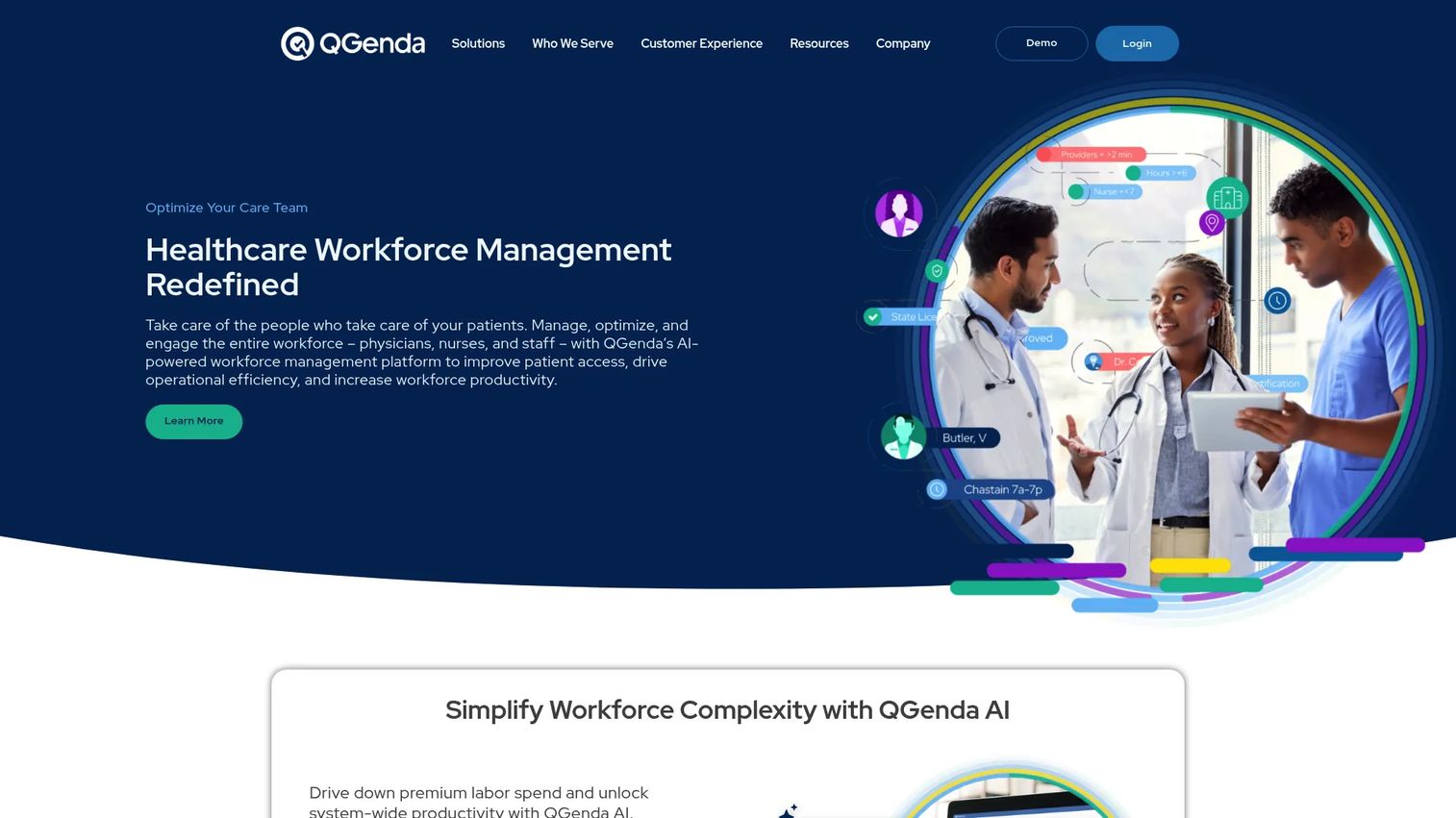
QGenda is a healthcare workforce management platform designed specifically for provider scheduling, on-call management, and clinical capacity operations. It handles automated, rules-based scheduling for physicians, nurses, and clinical staff across hospitals, health systems, academic medical centers, and physician groups. The platform covers exam room management, credential tracking, time and attendance, and workforce analytics within one healthcare-native environment.
Best for: Hospitals, physician groups, and health systems managing complex provider scheduling, on-call rotations, and multi-site clinical staffing.
Key features
- Automated, rules-based provider and nurse scheduling
- Real-time on-call schedule management across departments
- Clinical exam-room and capacity management
- Provider credentialing and status visibility
- Time and attendance with compensation calculations and workforce analytics
Why choose QGenda: The strongest fit when the organization schedules physicians or advanced providers across departments, locations, and rotating call coverage. Buyers should evaluate which QGenda modules match their current workflows, as the platform covers several distinct healthcare operations areas.
QGenda pricing: Prices by quote. Ask about provider count, module selection, integration requirements, and implementation when you reach out.
G2 rating: 4.6/5
6. symplr Workforce
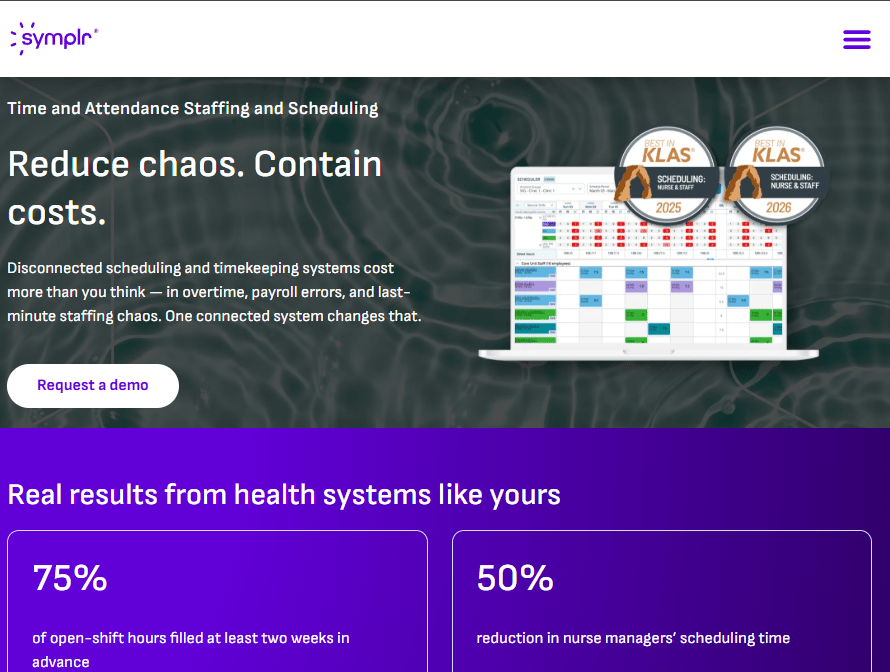
symplr Workforce is a cloud-based healthcare workforce management platform designed for hospitals and health systems. It integrates timekeeping, scheduling, AI-driven demand forecasting, automated pay-rule management, and workforce analytics in one environment. The platform addresses the full scope of hospital employee scheduling challenges, including open-shift management, self-scheduling, and enterprise-wide labor visibility.
Best for: Hospitals and health systems that need scheduling inside a broader workforce management environment covering timekeeping, compliance, and labor analytics.
Key features
- Staff scheduling with open-shift management and self-scheduling
- Integrated timekeeping and automated pay-rule management
- AI-driven demand forecasting and predictive scheduling
- Workforce analytics and enterprise-wide labor visibility
- Mobile access for staff and managers
Why choose symplr Workforce: Right choice when the healthcare organization needs scheduling connected to timekeeping, payroll rules, and labor reporting from day one. Smaller clinics may find the platform scope larger than their immediate need.
symplr Workforce pricing: Prices by quote. Contact symplr to discuss workforce size, modules, integration requirements, and support model.
G2 rating: 4.3/5
7. ScheduleFlex
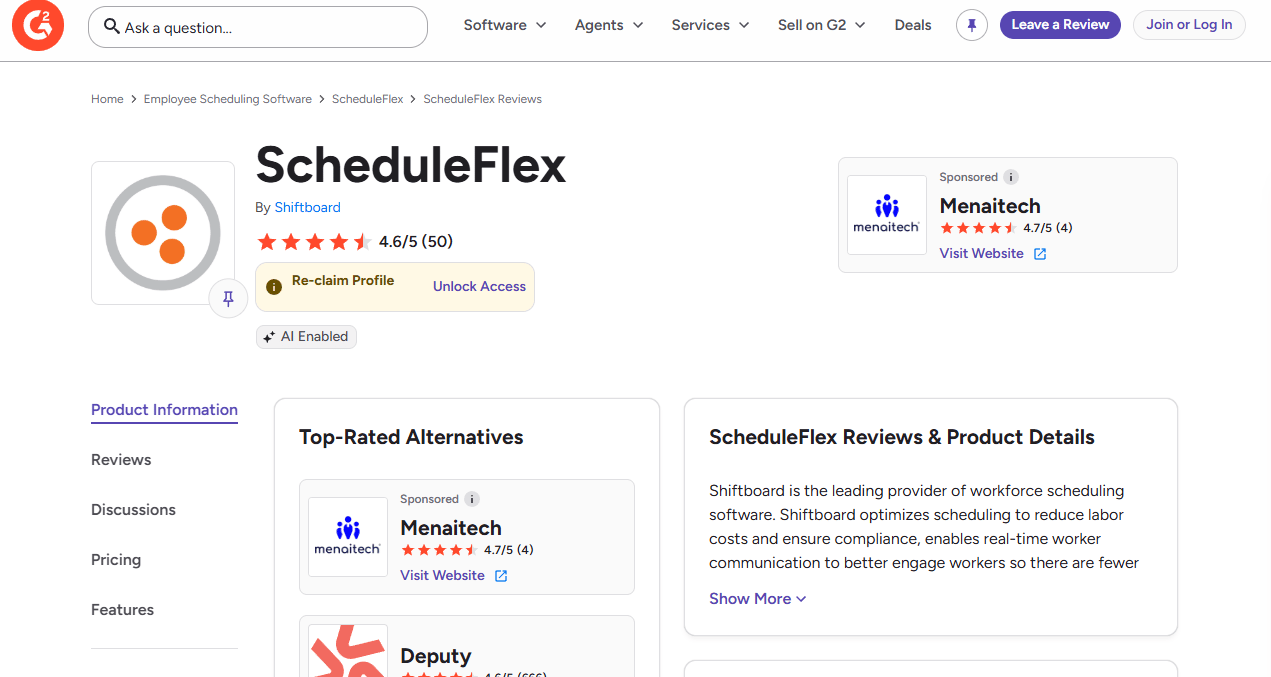
ScheduleFlex is workforce scheduling software by Shiftboard for organizations managing flexible or fluctuating shift-based workforces. The platform covers schedule management, shift pickup and trade workflows, availability management, and time-off requests through a self-service employee experience. It sits between basic calendar tools and full enterprise workforce suites in scope.
Best for: Larger teams that need structured shift scheduling with employee self-service but are not ready for full enterprise workforce management.
Key features
- Schedule creation and management
- Shift pickup, trade, and swap workflows
- Availability management and time-off requests
- Staff notifications and communication
- Attendance tracking
Why choose ScheduleFlex: Good fit when healthcare operations need more structure than a basic scheduler but the team is not deploying a full hospital workforce suite. Evaluate integration requirements carefully before committing.
ScheduleFlex pricing: Prices by quote. Ask the Shiftboard sales team about user count, locations, and required modules.
8. OnShift
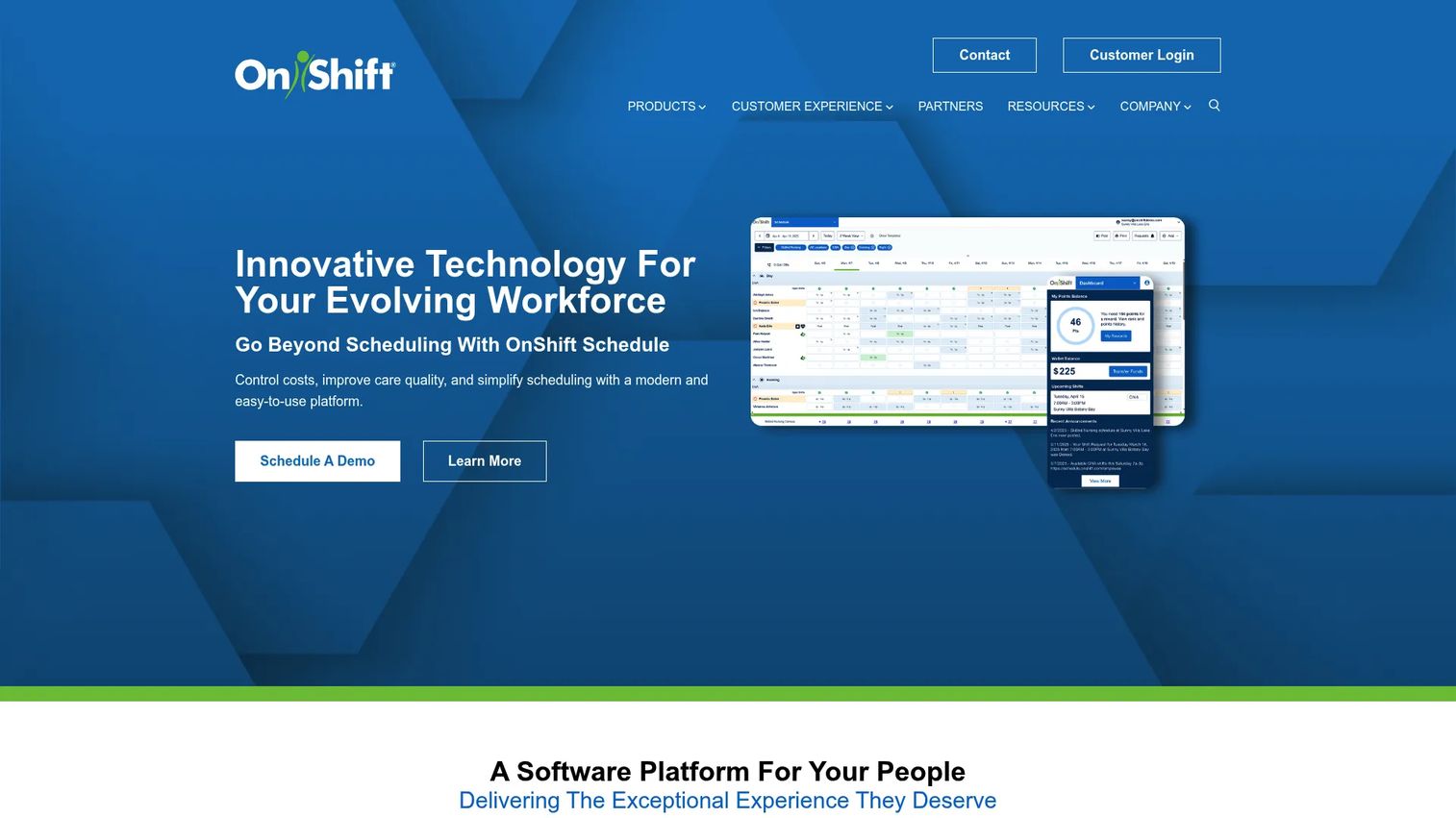
OnShift provides workforce management software built specifically for long-term care, senior living, post-acute care, and related healthcare settings. It covers the full hire-to-retire lifecycle for care staff: Applicant tracking, electronic onboarding, shift scheduling, labor management, overtime monitoring, and employee engagement tools. Staff access their schedules, request open shifts, and receive earned wages through the mobile app.
Best for: Senior living, long-term care, and post-acute care organizations managing hourly care staff with high turnover and callout risk.
Key features
- Staff scheduling with overtime monitoring and labor management
- Open-shift management and mobile shift requests
- Applicant tracking and electronic onboarding
- Employee engagement and earned wage access via mobile app
- Communication and notification tools
Why choose OnShift: Purpose-built for the specific workforce dynamics of long-term care, where callout rates, retention, and compliance reporting are constant operational pressure points. Hospital systems should compare it with more hospital-native workforce platforms before deciding.
OnShift pricing: Prices by quote. Ask about workforce size, modules, payroll integration, and implementation costs.
G2 rating: 4.5/5
9. ScheduleAnywhere
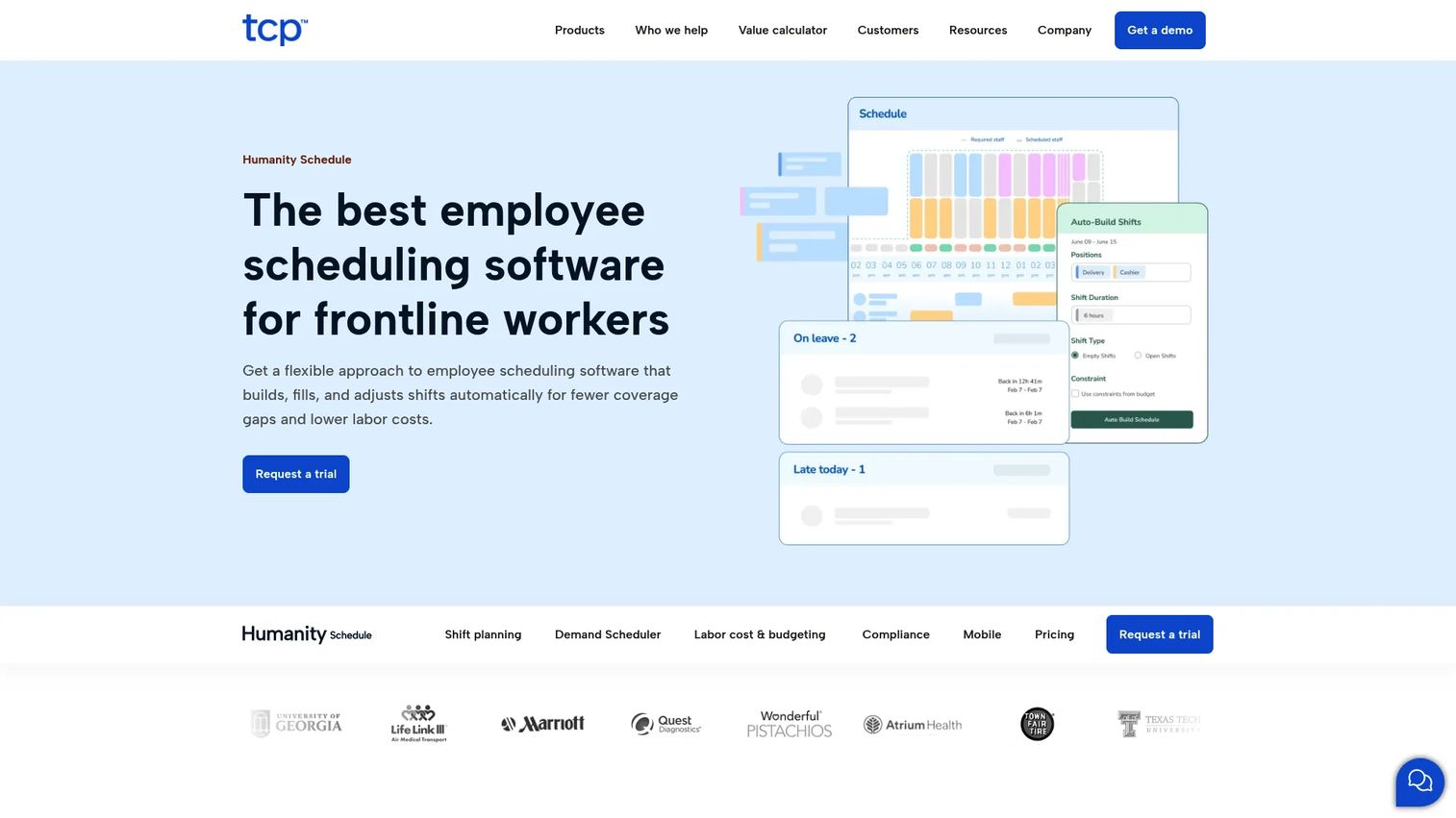
ScheduleAnywhere is a web-based employee scheduling tool now operated by TCP Software, with the ScheduleAnywhere site redirecting to TCP's Humanity Schedule product. The platform covers staff schedule creation, mobile schedule access, time-off and shift-swap requests, coverage tracking, and schedule notifications. It has been used by public-safety and healthcare teams that want straightforward online scheduling.
Best for: Healthcare teams that need simple web-based scheduling, coverage visibility, and shift communication without heavy implementation requirements.
Key features
- Employee schedule creation and management
- Mobile access to schedules for staff
- Time-off, cover, and shift-swap requests
- Schedule notifications by email and text
- Coverage watches and staffing requirement rows
Why choose ScheduleAnywhere: Good fit when the team wants a practical schedule-publishing tool with solid shift-communication features. Teams that need advanced credential-based scheduling or hospital workforce analytics should evaluate a more healthcare-specific platform.
ScheduleAnywhere pricing: Starts at $25/month based on legacy ScheduleAnywhere pricing. The current TCP Software Humanity Schedule page lists plans from $2.75 per employee per month (billed annually). Confirm current plan details directly with TCP Software.
G2 rating: 4.3/5
10. ShiftWizard
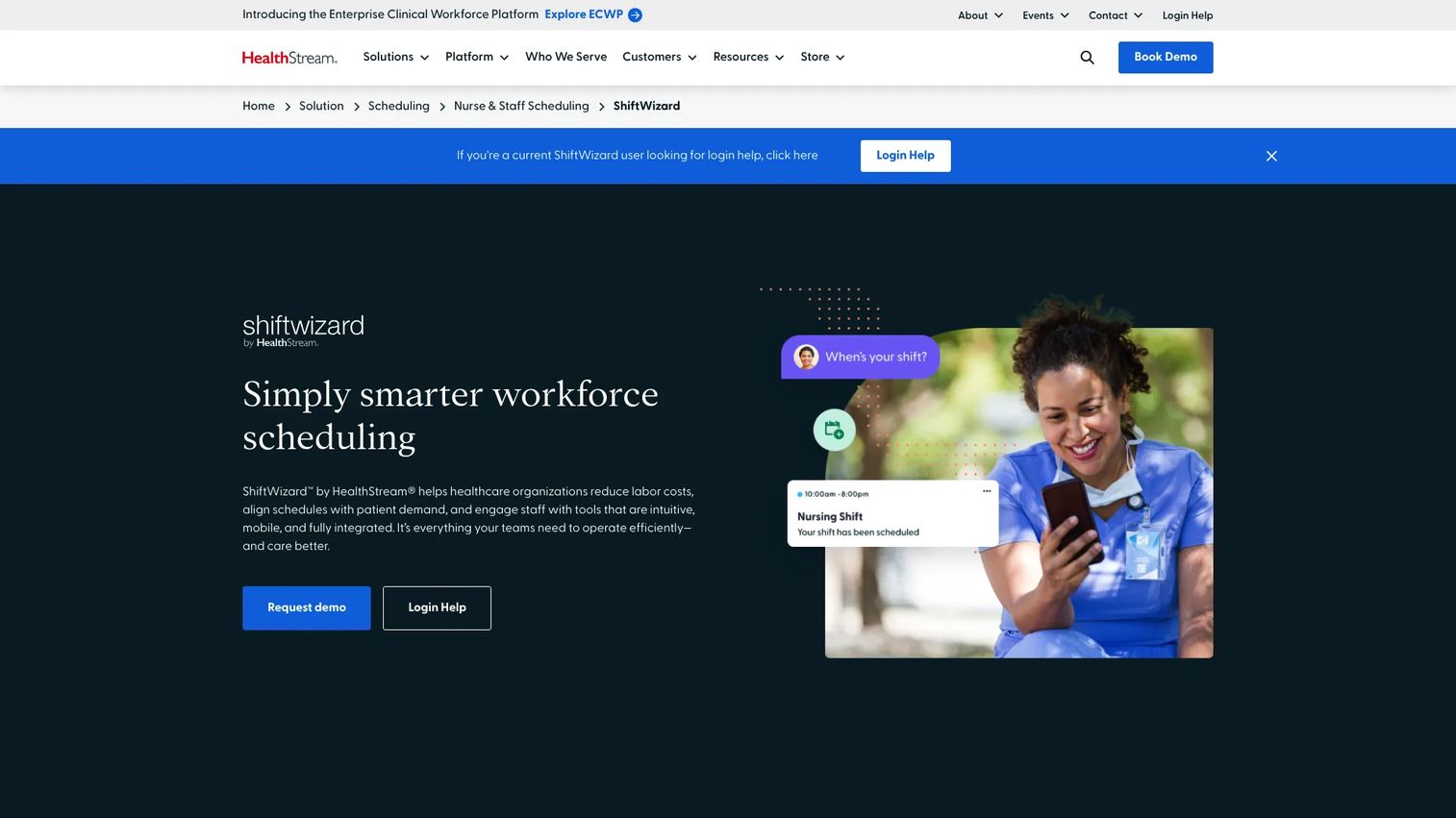
ShiftWizard is a healthcare workforce scheduling platform by HealthStream, designed to align staff schedules with patient demand. It supports nurse and staff self-scheduling, demand-based predictive scheduling, open-shift management, and multi-facility schedule management. ShiftWizard also carries a Workday-certified integration and connects to HR, payroll, and clinical systems.
Best for: Healthcare systems and hospitals focused on nurse and staff schedule management with demand forecasting and clinical system integrations.
Key features
- Self-scheduling and mobile shift swaps for staff
- Predictive scheduling with demand forecasting and real-time staffing insights
- Workday-certified integration and payroll connections
- Multi-facility and multi-department scheduling
- Open-shift management and communication tools
Why choose ShiftWizard: Purpose-built for healthcare organizations that want scheduling tied directly to patient demand data and clinical system integrations. Teams running general hourly workforce operations may find the healthcare depth more than they need at their stage.
ShiftWizard pricing: Prices by quote. Ask about facility count, staff count, modules, and implementation requirements.
G2 rating: 4.3/5
11. UKG Workforce Management
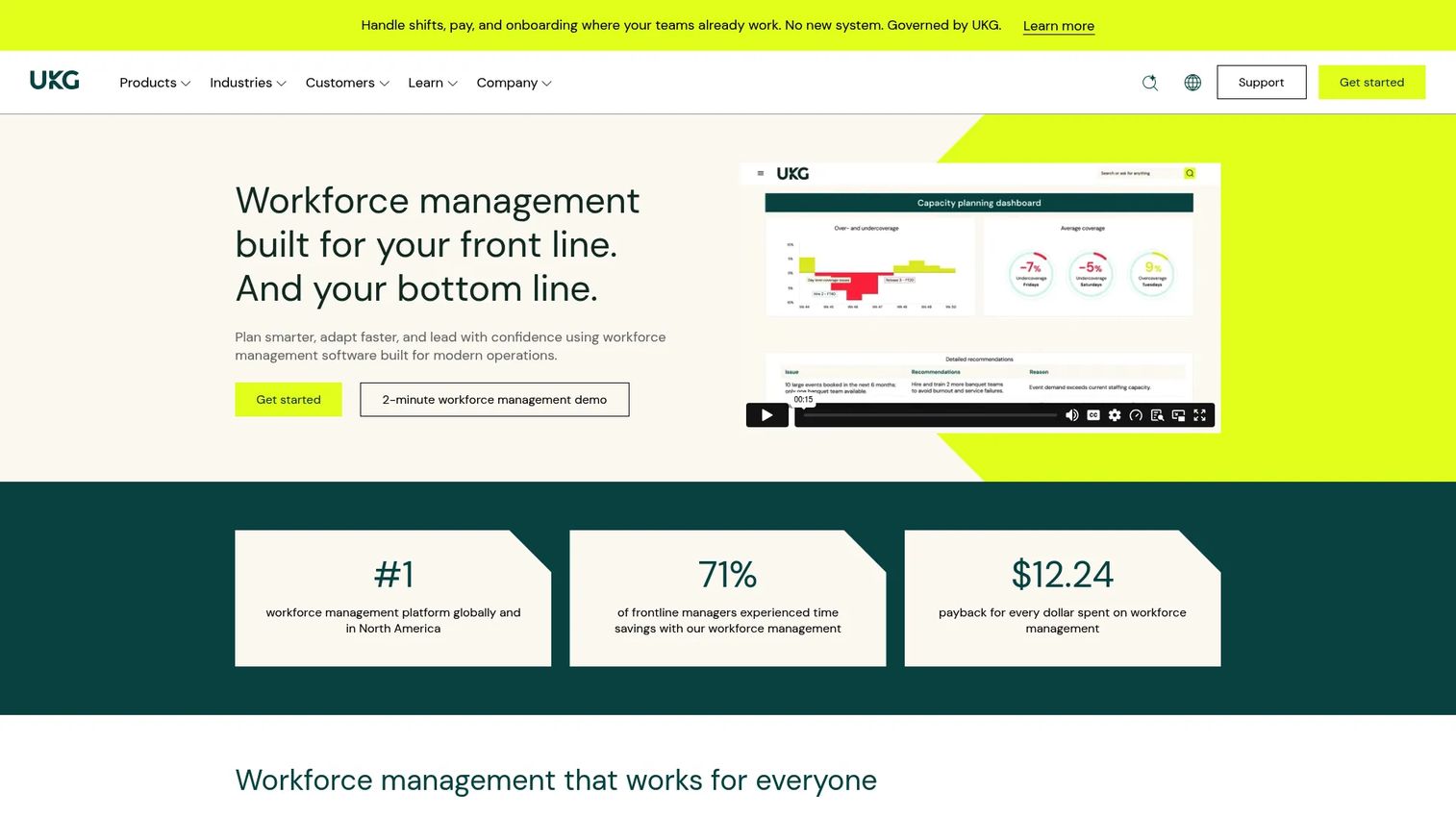
UKG Workforce Management is an enterprise workforce platform covering scheduling, time and attendance, AI-assisted staffing, compliance automation, payroll, and strategic workforce planning. It is designed for large, complex, and global organizations where workforce operations need to run as an integrated system rather than a collection of separate tools.
Best for: Large healthcare organizations standardizing workforce operations across scheduling, timekeeping, compliance, and HR in one platform.
Key features
- AI-assisted workforce scheduling
- Time and attendance tracking with automated compliance rules
- Real-time workforce analytics and labor reporting
- Payroll capabilities and HR integrations
- Strategic workforce planning and high-volume hiring support
Why choose UKG Workforce Management: Right choice when scheduling needs to sit inside a broader enterprise HR and labor system and the organization has the capacity to implement it. Smaller practices and clinics will find lighter tools faster to deploy and easier to maintain.
UKG Workforce Management pricing: Prices by quote based on workforce size, required capabilities, and deployment scope.
G2 rating: 4.3/5
12. When I Work
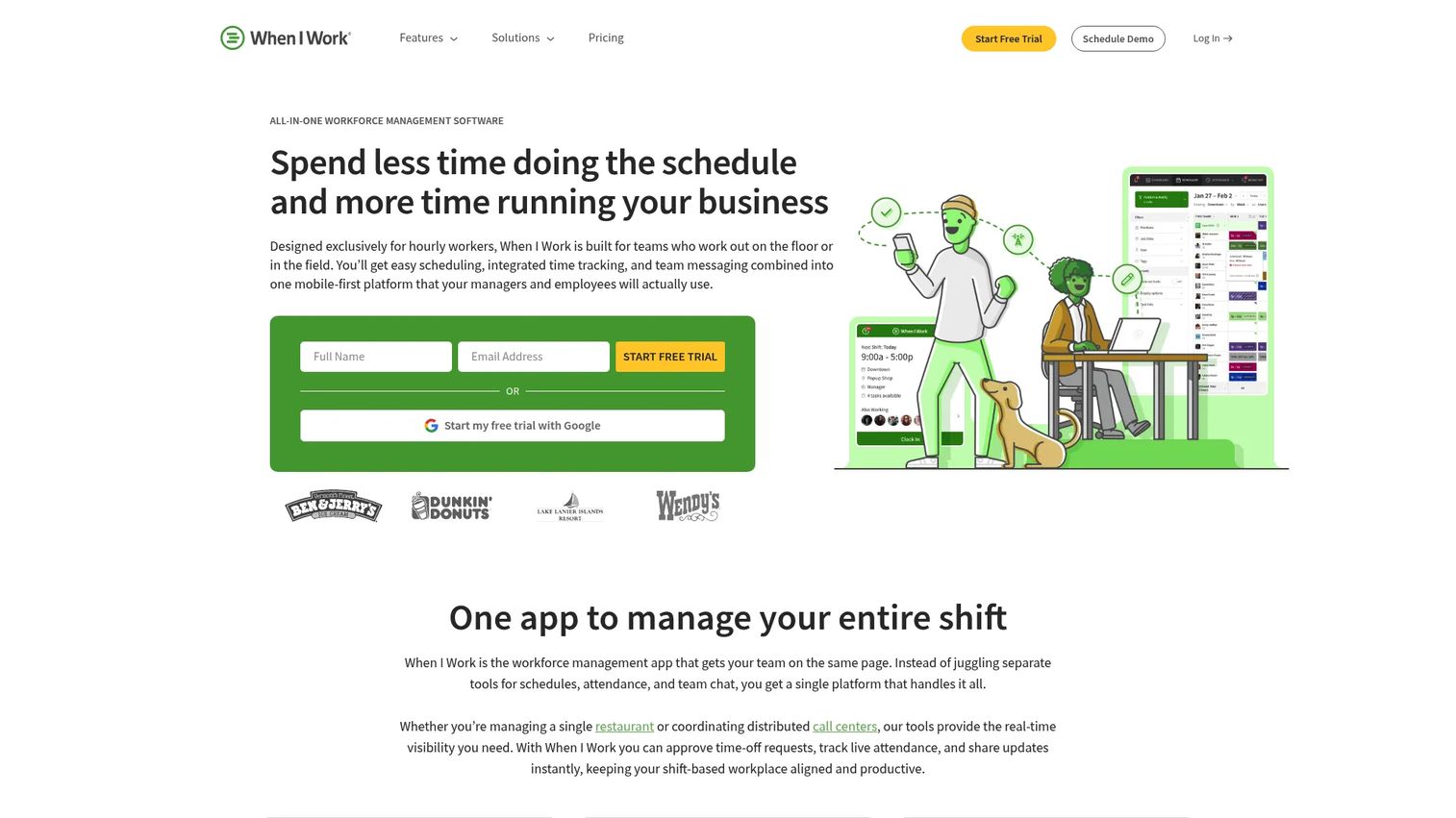
When I Work is an employee scheduling and time-tracking tool for hourly teams. It combines shift scheduling, time clock, attendance tracking, shift trades, and team messaging in a single mobile-accessible platform. Healthcare teams at small clinics and medical offices use it for straightforward coverage management without clinical-specific complexity.
Best for: Smaller clinics and medical offices with hourly staff that need affordable scheduling and do not require healthcare-specific credential logic.
Key features
- Employee scheduling and shift management
- Time clock and attendance tracking
- Shift trades and open-shift claiming
- Team messaging and notifications
- Forecasting and scheduling rules on higher plans
Why choose When I Work: Best fit when the scheduling problem is purely operational and the team does not need credential-based matching or complex on-call rotations. A 14-day free trial lets teams verify fit before committing.
When I Work pricing: Essentials starts at $2.50 per user per month. Pro runs $5/user/month and Premium runs $8/user/month.
G2 rating: 4.4/5
13. AMiON
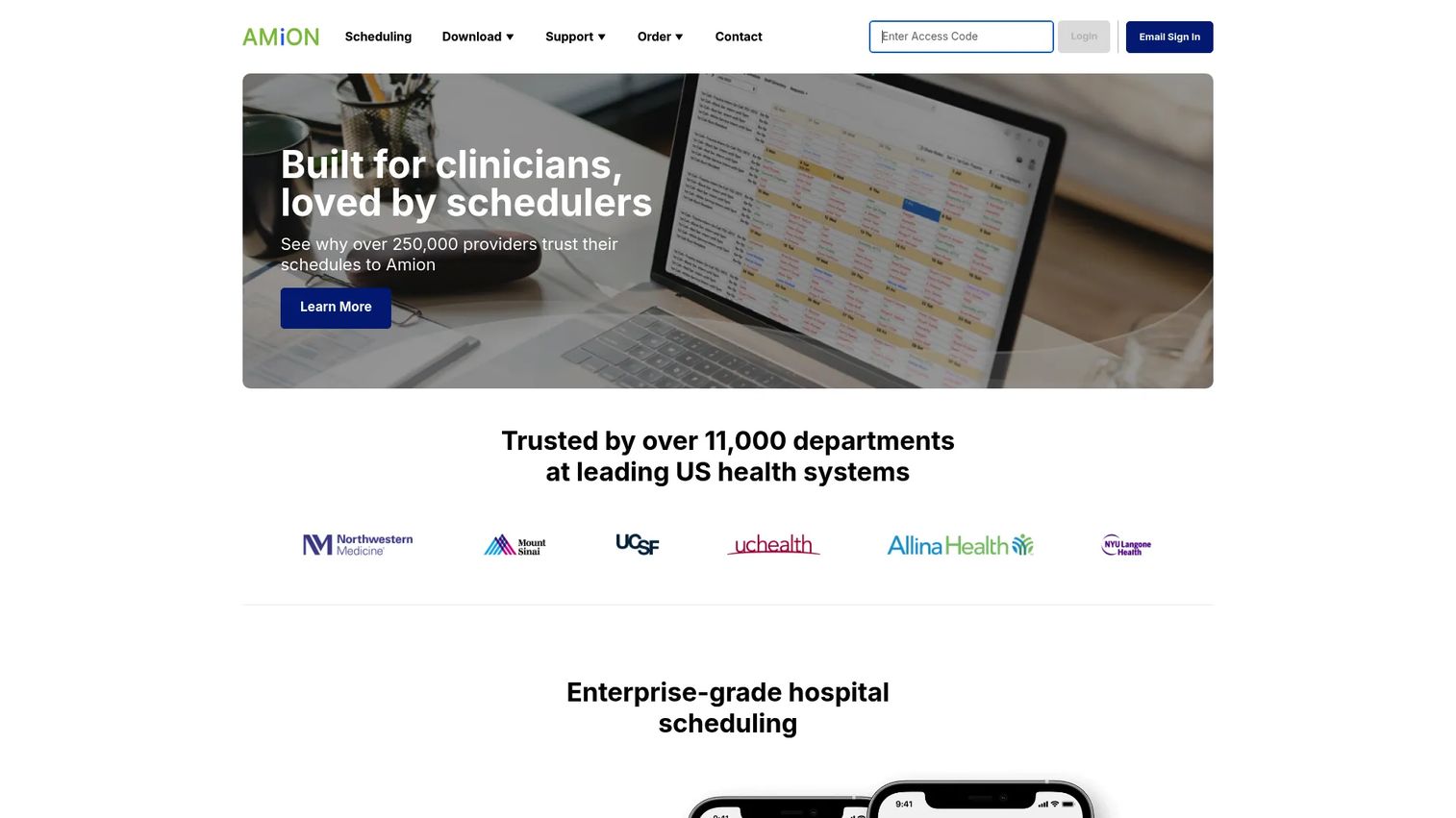
AMiON is a healthcare scheduling platform built specifically for clinician call schedules, including physician groups, residency programs, and fellowship scheduling. It handles automated schedule building, on-call calendars, mobile access, EHR connections, VOIP calling, and schedule sharing. Teams access and update call schedules from mobile devices, and the system supports residency and fellowship scheduling with GME integrations.
Best for: Physician on-call schedules, residency programs, and fellowship scheduling that need dedicated call calendar management.
Key features
- Automated on-call schedule building
- Provider call calendars with mobile access
- Residency and fellowship scheduling with GME integrations
- EHR and messaging platform connections
- Notifications, VOIP calling, and reporting
Why choose AMiON: Strong fit when the core problem is call schedule visibility and rotation management for physicians or residents. Teams that also need payroll processing, hourly time tracking, or broad workforce management will need a separate system for those functions.
AMiON pricing: The Residency plan starts at $449/year. Pro and Enterprise plans are priced by quote.
14. Virto Calendar App
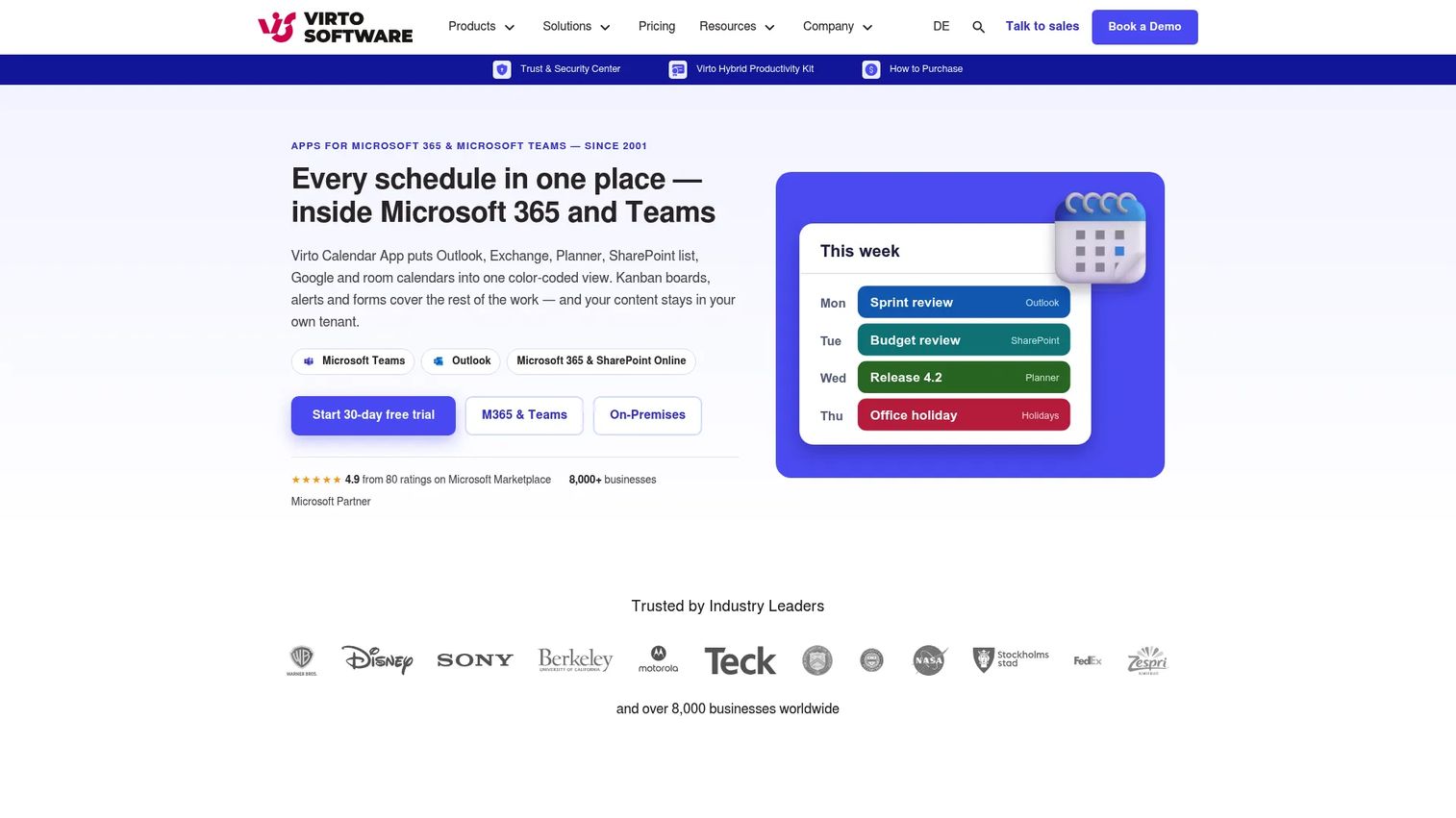
Virto Calendar App is a Microsoft 365 and Teams calendar overlay that combines Outlook, Exchange, Planner, SharePoint lists, Google calendars, and room calendars into one color-coded view. It works inside existing Microsoft environments rather than replacing them. For healthcare admin teams that schedule inside SharePoint or Teams, it provides a unified visibility layer without requiring a separate scheduling system.
Best for: Microsoft 365-heavy clinics and healthcare administrative teams that need unified calendar visibility across multiple sources.
Key features
- Combines Outlook, Exchange, Planner, SharePoint, and Google calendars in one view
- Supports day, week, month, year, and task views with color-coding
- iCal links for external calendars
- Search, filtering, drag-and-drop date changes, and schedule printing
- 30-day free trial available
Why choose Virto Calendar App: Right choice when scheduling is already built around Microsoft 365 and the team needs shared visibility across calendar sources without a standalone scheduling platform. It is not a replacement for credential-based clinical workforce scheduling in hospital environments.
Virto Calendar App pricing: Starts at $2,412 per 100 users with a 3-year agreement for the Microsoft 365 and Teams versions.
G2 rating: 4.4/5
15. Microsoft Teams
Microsoft Teams includes a Shifts app that covers basic schedule management for frontline healthcare workers, with shift creation, schedule sharing, swap requests, mobile notifications, and integration into the broader Microsoft 365 collaboration environment. It works best when the organization already runs on Microsoft 365 and needs scheduling to live where staff already communicate.
Best for: Teams-native healthcare organizations that need lightweight shift coordination inside their existing Microsoft 365 environment.
Key features
- Shifts app for schedule creation and management
- Mobile notifications and schedule access for staff
- Shift swap and time-off requests within Teams
- File sharing and task collaboration in the same workspace
- Full Microsoft 365 integration across messaging, meetings, and tools
Why choose Microsoft Teams: Right fit when scheduling and communication need to stay inside one platform and the team does not require clinical credential rules or advanced workforce analytics. Organizations with complex clinical staffing, on-call rotations, or enterprise labor reporting will need a dedicated healthcare scheduling platform.
Microsoft Teams pricing: A free Teams plan is available. Microsoft Teams Essentials starts at $4/user/month (billed annually). Microsoft 365 Business Basic runs $6/user/month annually. Microsoft Teams Premium, which adds advanced meeting and workflow features, is $10/user/month as an add-on to an eligible Teams license.
G2 rating: 4.4/5
Considerations when choosing medical staff scheduling software
Match the tool to the healthcare setting
A 10-person dental clinic does not need the same platform as a regional hospital system. Before evaluating vendors, map your staff mix: Nurses, providers, technicians, front-desk staff, aides, or home care workers. The scheduling constraints for each group differ, and the tool needs to handle yours specifically.
Verify credential and role logic
Healthcare scheduling breaks when availability is the only filter. Ask every vendor how the system handles licenses, certifications, department assignments, and escalation rules when a shift goes unfilled. If the answer is manual workarounds, that operational risk compounds over time.
Check payroll, HR, and system integrations
Scheduling data flows into timekeeping, payroll, HR, and often credentialing or EHR systems. Ask which integrations are native, which require middleware, and what custom implementation looks like. The real cost of a scheduling system often lives in the integration layer, not the license.
Test mobile self-service before you commit
Staff adoption determines whether the system works in practice. Run a test with frontline users: Can they claim an open shift, request a swap, and submit a callout from their phone? The admin demo is never where friction shows up.
Price the rollout, not just the subscription
For any healthcare scheduling platform at hospital or health-system scale, the implementation, data migration, training, and ongoing support costs can exceed the annual license. Build the full rollout cost into your evaluation before you sign.
Conclusion
The right medical staff scheduling software depends on where your scheduling constraints break first. For clinics and distributed care teams, Deputy and Connecteam offer fast deployment and strong mobile workflows. For provider scheduling and on-call management, QGenda handles the clinical complexity that general schedulers skip. Hospital systems with enterprise labor requirements should evaluate symplr Workforce, UKG Workforce Management, and ShiftWizard. Senior living and long-term care operations will find OnShift purpose-built for their environment. AMiON solves physician call scheduling specifically. Virto Calendar App and Microsoft Teams work best when Microsoft 365 is already the operating environment.
Shortlist three tools based on your setting, staff type, and the integration your ops team has to maintain. Then run a real test with frontline staff before procurement starts.
When you're ready to evaluate complex software before scheduling a sales call, interactive demos and self-serve evaluation tools let your team explore product workflows without vendor involvement. A well-run clinic management software stack and an absence management software layer round out the healthcare operations picture.
Start your journey with Guideflow today!
FAQs
Medical staff scheduling software helps healthcare organizations build, publish, adjust, and track staff schedules across clinical and administrative teams. Unlike generic schedulers, it handles healthcare-specific constraints including credential rules, specialty assignments, on-call rotations, shift compliance, and labor reporting. Staff scheduling is distinct from patient appointment scheduling, which books patients into provider time slots.
Hospitals typically evaluate healthcare-specific platforms such as QGenda, symplr Workforce, ShiftWizard, and UKG Workforce Management. The right choice depends on whether the primary need is provider scheduling, nurse scheduling, timekeeping integration, or enterprise labor analytics. Each platform has a different strength, so the decision comes down to where your scheduling breaks most often.
Deputy, When I Work, and Connecteam are practical starting points for smaller healthcare teams. They offer fast setup, mobile access, and affordable per-user pricing without clinical workforce-suite complexity. For clinics already inside Microsoft 365, Microsoft Teams Shifts or Virto Calendar App can handle basic coordination. The trade-off is less credential-specific scheduling logic compared with healthcare-native platforms.
Core features include shift templates, open-shift posting and claiming, shift swaps, mobile access, notifications, time tracking, overtime visibility, payroll integrations, and reporting. Healthcare-specific platforms add credential and role matching, on-call rotation management, demand forecasting, and connections to HR or clinical systems. The depth you need depends on the clinical complexity of your staffing environment.
Yes, when it includes overtime alerts, labor visibility dashboards, and scheduling rules that flag when a shift assignment would push someone into overtime before it is confirmed. Software surfaces the problem earlier, but it does not fix the underlying staffing model. Under-resourced teams will still accumulate overtime; the tool just makes the decision visible rather than invisible.
Staff scheduling assigns employees or providers to shifts, locations, units, or call rotations. Appointment scheduling books patients into provider calendars, rooms, or service slots. Some platforms offer both, but the buying criteria differ significantly. Staff scheduling buyers care about credential matching, overtime rules, shift swaps, and labor reporting. Appointment scheduling buyers care about patient flow, booking rules, and calendar integrations.
Staff scheduling can run independently of EHR systems, and many organizations start without that connection. Hospital and health system buyers often need scheduling to integrate with HR, payroll, credentialing, and timekeeping systems first. EHR or EMR integration becomes relevant when patient census or demand data should influence staffing decisions automatically. Ask each vendor which integrations are native and which require a middleware layer.
Pricing varies by staff count, modules, locations, and implementation scope. General employee schedulers like Deputy and When I Work publish per-user pricing starting between $2.50 and $9 per user per month. Healthcare-specific platforms including QGenda, symplr Workforce, ShiftWizard, OnShift, and UKG Workforce Management price by quote, with cost driven by provider count, facility count, and selected modules. For enterprise health systems, implementation and integration costs are often as significant as the license itself.