A cryptocurrency wallet does not store your coins. It stores the keys that prove you own them. That distinction sounds pedantic until you lose the keys, and then it is the only thing that matters. Your assets live on the blockchain. Your wallet holds the cryptographic proof that lets you move them. Lose that proof, and the assets are gone with no support line to call.
That is the entire risk model in one sentence, and it is why choosing a wallet is not a casual decision. Global active cryptocurrency wallets surpassed 850 million in 2026, up from around 820 million in 2025, according to MEXC News. Yet only 7% of informed adults report feeling very confident in the safety of crypto wallets, per CoinLaw. Adoption is climbing while trust lags behind, which tells you most people are choosing wallets without a clear framework.
If you evaluate software for a living, this problem should feel familiar. You are weighing risk, fit, and trust before committing. The wrong wallet is not just an annoyance. It is a custody failure with no recovery path. This guide treats wallet selection the way you would treat any high-stakes stack decision: what controls the keys, how recovery works, what it supports, and whether it fits how you actually operate day to day.
What's inside
This guide covers eight names that matter when you evaluate a cryptocurrency wallet in 2026. Two are foundational networks, Bitcoin and Ethereum, that explain why wallets exist and how key management differs across them. The other six are real wallet tools spanning software and hardware custody. We selected and organized them on four criteria: custody model (who controls the keys), supported assets and chains, security features and recovery flow, and everyday usability. The list mixes educational context with practical picks so you can understand the mechanics and shortlist a real option in one pass.
TL;DR
- Best for beginners who want control: Coinbase Wallet pairs self-custody with onboarding simple enough for a first-time user.
- Best multi-chain software wallet: Trust Wallet supports a huge range of chains, DeFi, and NFTs from a mobile-first app.
- Best polished desktop and mobile experience: Exodus focuses on a clean interface across platforms with built-in swaps.
- Best hardware wallet for long-term holding: Ledger keeps private keys offline on a dedicated device across a priced lineup starting at $79.
- Best open-source hardware option: Trezor delivers offline, self-custody storage with fully open-source code and design.
- Best simplified physical key management: Tangem uses a tap-to-sign card format that starts at $54.90 for a two-card set.
What is a cryptocurrency wallet?
A cryptocurrency wallet is software or hardware that stores the private keys used to access, send, and receive crypto assets recorded on a blockchain. The wallet never holds the coins themselves. It holds the keys and signs transactions on your behalf.
Three concepts do the heavy lifting:
- Public key and wallet address: Your public key generates a wallet address, the string you share so others can send you assets. Think of it as an account number that is safe to publish.
- Private key: The secret that authorizes spending. Anyone with the private key controls the funds. This is the thing you protect above all else.
- Transaction signing: When you move assets, the wallet uses your private key to sign the transaction cryptographically. The network verifies the signature without ever seeing the key.
Wallets split along two axes that drive every other decision.
Custody model:
- Custodial wallet: A third party (often an exchange) holds your keys. Convenient, but you trust them not to fail, freeze, or get breached.
- Non-custodial wallet (self-custody wallet): You hold the keys. Full control, full responsibility. No one can freeze your funds, and no one can recover them for you.
Wallet type:
- Hot wallet: Connected to the internet. Fast for spending and trading. This includes most software and online wallet options.
- Cold wallet: Offline key storage, typically a hardware wallet. Slower to transact, far harder to compromise remotely.
- Software wallet: An app on your phone or desktop, or a browser extension.
- Hardware wallet: A physical device that keeps keys offline and signs transactions when connected.
- Paper wallet: Keys printed or written offline. Rare now, and easy to damage or lose.
Core features worth understanding before you choose:
- Seed phrase and wallet backup for recovery
- Supported chains and token standards
- Multi-chain and DeFi or NFT access
- Security controls like passphrase, 2FA, and address verification
- Platform fit across mobile, desktop, and browser
When to use each wallet type
Choose a wallet for everyday spending
If you transact often, convenience wins. A hot wallet, usually a crypto wallet app on your phone, keeps small balances ready to send in seconds. App-based and mobile-first wallets are built for this. The tradeoff is that internet-connected keys carry more exposure, so keep only what you would carry in a physical wallet.
Choose a wallet for long-term storage
When you are holding assets you do not plan to touch for months, offline key control matters most. A cold wallet, typically a hardware wallet, keeps private keys off any connected device. You sign transactions on the device itself, so malware on your computer cannot lift the key. This is the standard for meaningful, long-hold balances.
Choose a wallet for DeFi, NFTs, and Web3 access
Some users need more than send and receive. Interacting with smart contracts, DeFi protocols, and NFT marketplaces requires a wallet with browser support and broad chain compatibility. A multi-chain wallet with a dApp browser or extension lets you connect to Web3 apps directly. Prioritize wallets that support the specific chains your activity lives on.
Choose a wallet for team or higher-stakes custody
When balances get large or more than one person is involved, backup discipline and recovery controls move to the front. Multisig setups require multiple keys to approve a transaction, removing any single point of failure. Hardware-backed workflows and strict seed phrase handling become non-negotiable. Treat this like enterprise access control, not a personal convenience.
Comparison table
Entries are ordered by relevance to a reader evaluating a cryptocurrency wallet, starting with the foundational networks, then software wallets, then hardware. Pricing reflects verified first-party values as of July 2026. Where a public figure or rating was not confirmed, the cell is left blank rather than estimated.
| # | Product | Intent | Key use case | Pricing | G2 rating |
|---|---|---|---|---|---|
| 1 | Bitcoin | Educational | Understanding keys, addresses, and signing on the original network | Free (network fees apply) | 3.6/5 |
| 2 | Ethereum | Educational | Understanding smart-contract, DeFi, and NFT wallet needs | Free (gas fees in ETH) | - |
| 3 | Trust Wallet | Software wallet | Multi-chain self-custody, DeFi, and NFTs on mobile | Free app | - |
| 4 | Coinbase Wallet | Software wallet | Beginner-friendly self-custody with onchain trading | Free app | 4.4/5 |
| 5 | Exodus | Software wallet | Polished multi-asset wallet across desktop and mobile | Free app | - |
| 6 | Ledger | Hardware wallet | Offline key storage for long-term holding | From $79 (one-time) | - |
| 7 | Trezor | Hardware wallet | Open-source offline self-custody | Hardware device | 4.6/5 |
| 8 | Tangem | Hardware wallet | Card-based cold storage with mobile signing | From $54.90 (one-time) | - |
Item sections
1. Bitcoin
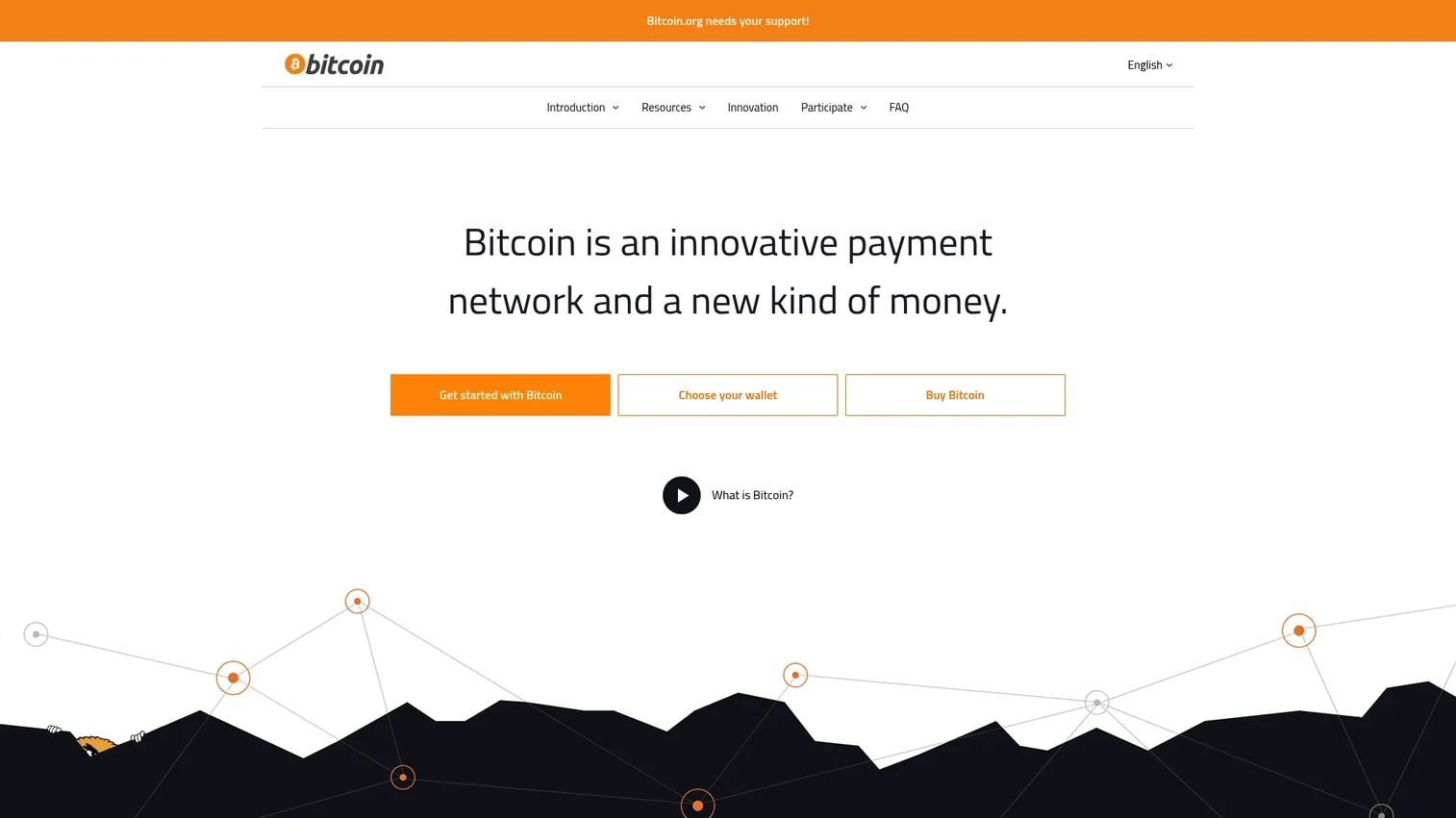
Bitcoin is the network that made cryptocurrency wallets necessary in the first place. It is open-source peer-to-peer money, and bitcoin.org is a community-funded informational project about it. You are not signing up for a product here. You are learning the model that every btc wallet inherits: keys control coins, and coins live on a public ledger.
Understanding Bitcoin first makes every wallet decision clearer. A bitcoin wallet generates a wallet address from your public key, and you share that address to receive BTC. To spend, your wallet signs the transaction with your private key. The network confirms it through mining. Nothing about the coin moves off-chain, which is exactly why losing your key means losing access permanently.
Best for: People who want introductory grounding in how Bitcoin wallets, keys, and addresses actually work before choosing a tool.
Key strengths
- Fast peer-to-peer transactions: Send value directly to anyone worldwide without an intermediary.
- Worldwide payments: The network operates globally, around the clock, with no business hours.
- Low processing fees: Fees are set by the network rather than a company margin.
Why choose Bitcoin as your starting point: If you are new to bitcoin wallets, learning the network mechanics protects you from expensive custody mistakes later. Bitcoin's simplicity, one asset, one purpose, makes it the cleanest place to internalize how self-custody works before you branch into multi-chain complexity.
Bitcoin pricing: There is no product price. Bitcoin.org is a community-funded open-source project that shows donation prompts, not subscription tiers. Using the network costs variable transaction fees paid in BTC, which fluctuate with demand.
2. Ethereum
Ethereum is the other network most wallet shoppers need to understand. It is a decentralized blockchain platform for smart contracts, apps, and ETH transactions. Where Bitcoin is money, Ethereum is programmable, and that changes what your wallet has to do.
On Ethereum, a wallet is not just a place to hold ETH. It is your identity for interacting with decentralized applications. When you connect to a DeFi protocol or mint an NFT, your wallet signs a smart-contract interaction, not a simple payment. That is why Ethereum-compatible wallets need browser or dApp support and careful transaction review. You are approving code execution, not just a transfer.
Best for: Developers and users building or transacting on a decentralized smart-contract network who need wallet functionality beyond send and receive.
Key strengths
- Smart contracts and dapps: Interact with a vast ecosystem of decentralized applications.
- Native ETH gas-fee payments: Every action pays gas in ETH, which meters network usage.
- Staking and network security: Users can stake ETH to help secure the network and earn rewards.
Why choose Ethereum context first: If your crypto activity includes DeFi, NFTs, or Web3 apps, your wallet requirements change entirely. Understanding gas fees and contract signing before you pick a wallet stops you from approving something you did not intend. This context is what separates a competent wallet choice from a risky one.
Ethereum pricing: Ethereum is a protocol, not a subscription product. There is no public plan pricing. Network usage is paid in ETH as gas fees that rise and fall with demand.
3. Trust Wallet
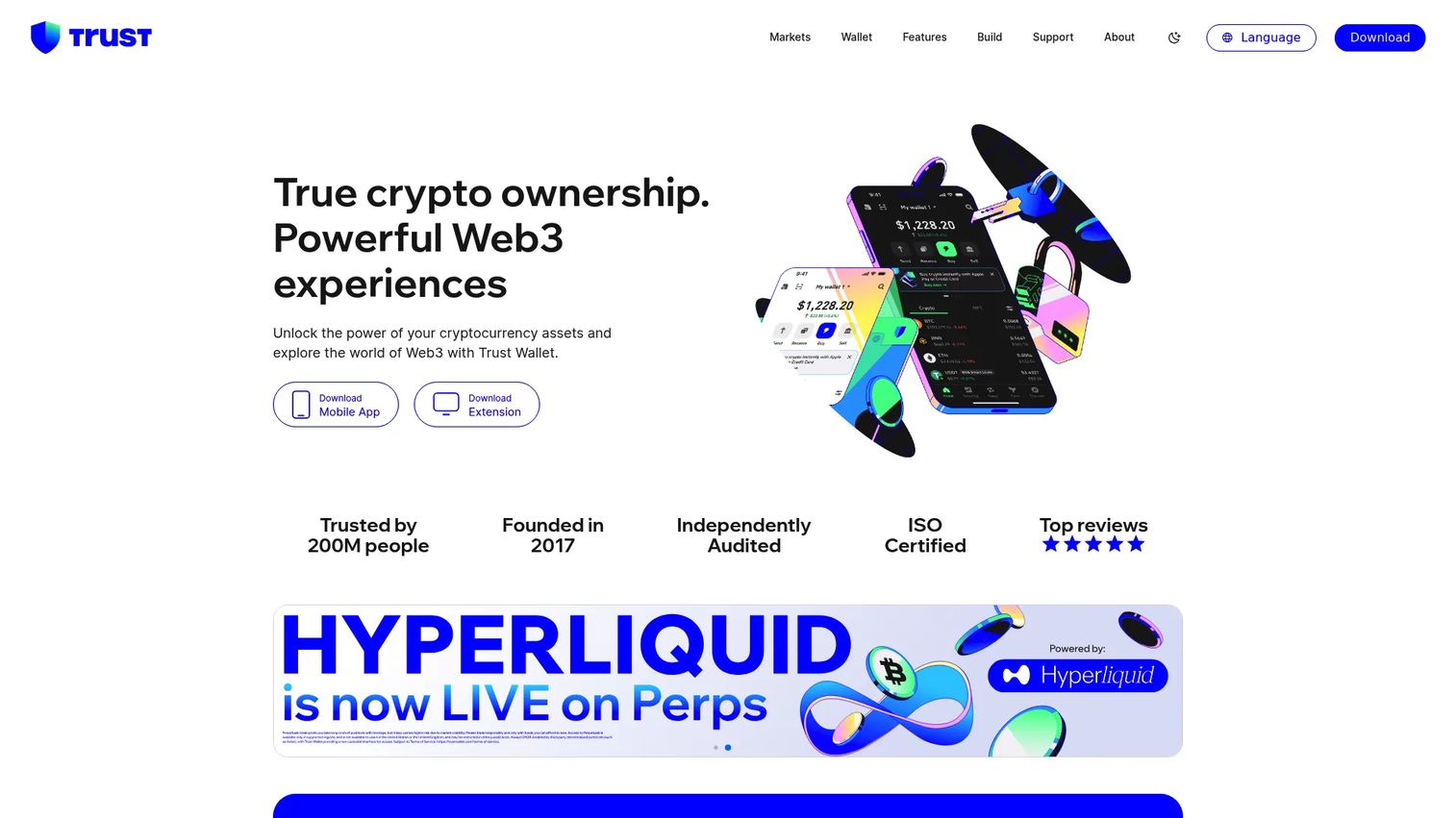
Trust Wallet is a self-custody crypto wallet for buying, storing, swapping, and managing crypto, NFTs, and Web3 activity. It is mobile-first, with a browser extension available, and it is one of the broadest multi-chain wallets on the market. Private keys stay on your device, so you hold custody outright.
For readers who want one app that covers a lot of ground, Trust Wallet earns its shortlist spot. It handles a large number of chains, connects to DeFi protocols and dApps, and manages NFTs in the same interface. That breadth is the point: if your activity spans multiple networks, a single multi-chain wallet reduces the number of tools you juggle.
Best for: Individuals who want a self-custody wallet for multi-chain crypto and Web3 use from their phone.
Key strengths
- Self-custody with private-key control: Keys live on your device, not a company server.
- Buy, sell, swap, earn, and manage NFTs and dApps: A full range of onchain activity in one app.
- Browser extension and mobile app support: Use it across your phone and desktop browser.
Why choose Trust Wallet: If you value breadth and want a free crypto wallet app that keeps you in control of your keys, Trust Wallet fits. It suits users comfortable managing their own seed phrase and who want DeFi and NFT access without a hardware device. The tradeoff, as with any hot wallet, is that internet-connected keys warrant keeping large long-term balances in cold storage.
Trust Wallet pricing: The app is free to download and use. No public first-party subscription pricing was confirmed. Network transaction fees apply when you transact, as with any wallet.
4. Coinbase Wallet
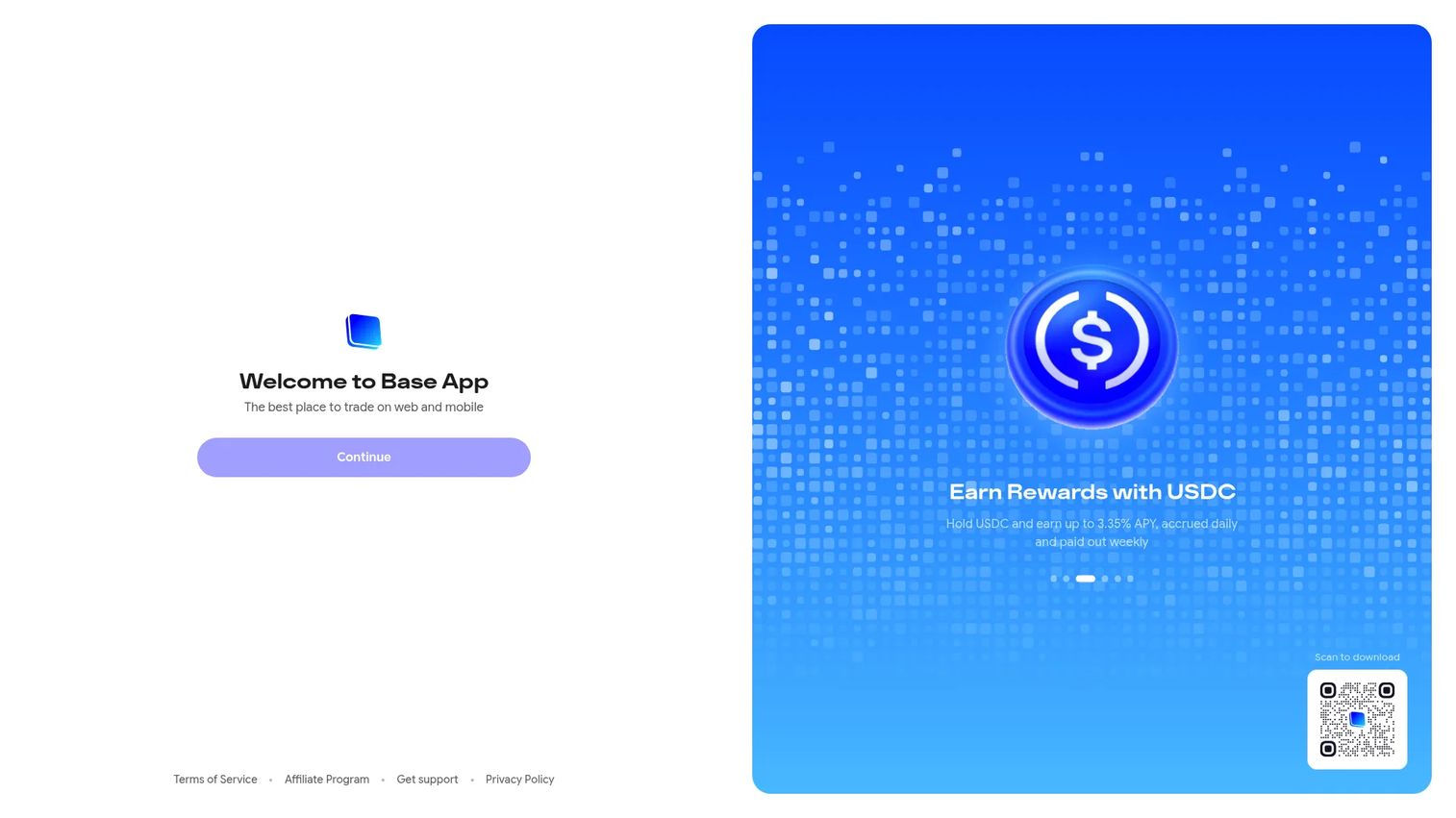
Coinbase Wallet is a self-custody wallet for trading, holding, and using onchain assets, now presented as the Base App experience on Coinbase-owned pages. The key distinction: this is not the custodial Coinbase exchange app. Here, you hold the keys, not Coinbase.
That difference matters for readers who want control without a steep learning curve. Coinbase Wallet uses smart wallet and passkey setup to make self-custody approachable, which lowers the barrier for a first-time user who still wants ownership of private keys. You can view and organize crypto, NFTs, and DeFi positions in one place, and trade across Ethereum, Solana, and EVM-compatible networks.
Best for: Users who want a self-custody wallet for multi-chain assets and onchain trading with beginner-friendly onboarding.
Key strengths
- Self-custody with smart wallet and passkey setup: Ownership without the friction of manual key handling.
- Unified asset view: See crypto, NFTs, and DeFi positions organized in one interface.
- Multi-chain trading: Trade across Ethereum, Solana, and EVM-compatible networks.
Why choose Coinbase Wallet: If you like the familiarity of the Coinbase brand but want self-custody rather than exchange-held funds, this bridges the gap. It fits readers moving from a custodial exchange to holding their own keys for the first time. The passkey setup removes much of the intimidation that keeps beginners on custodial platforms.
Coinbase Wallet pricing: The wallet is free to use. No public first-party price was visible on Coinbase-owned pages. Standard network fees apply when you transact onchain. Its G2 listing carries a 4.4/5 rating.
5. Exodus
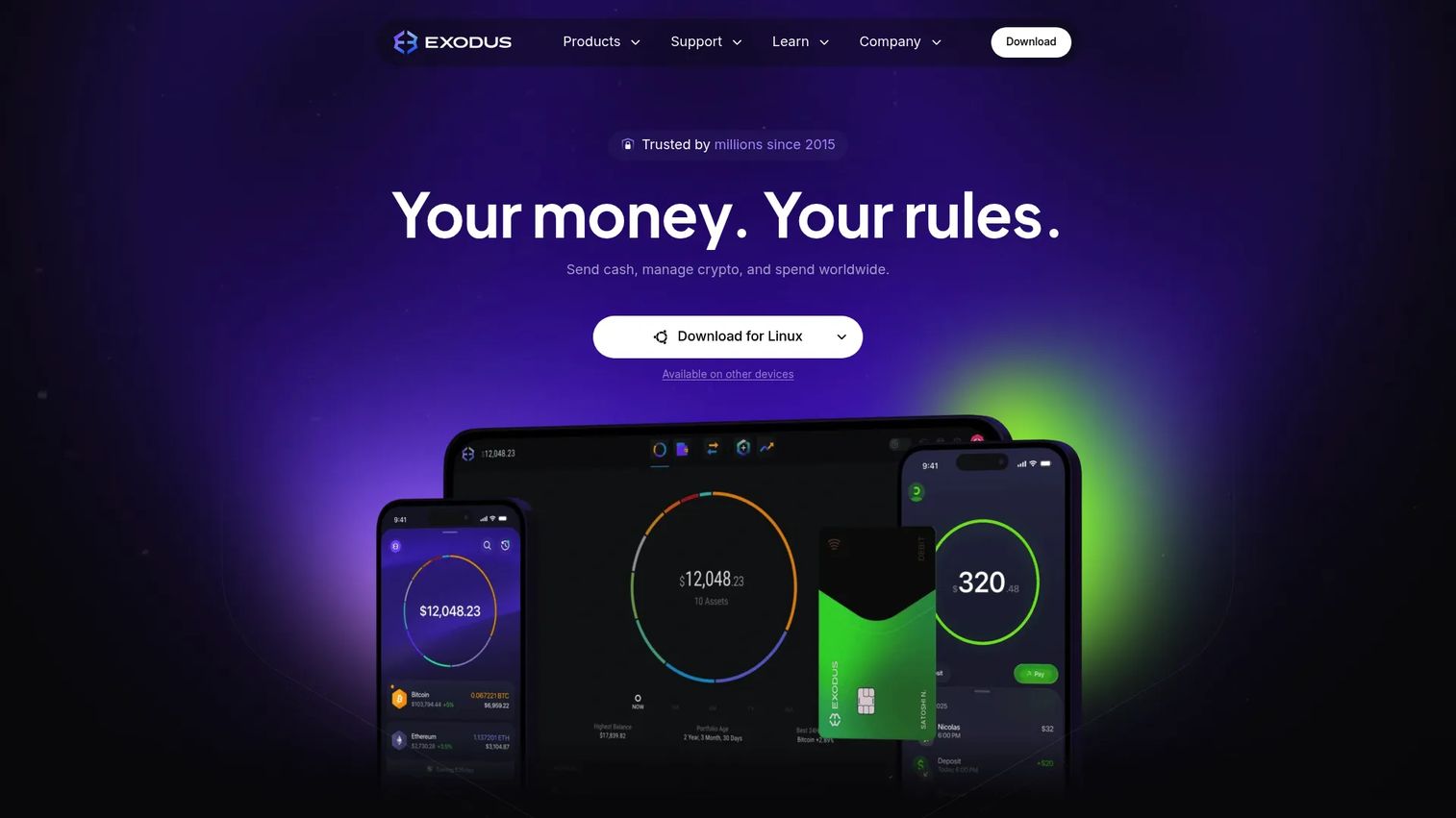
Exodus is a self-custody crypto wallet and payments platform for managing, swapping, buying, and spending digital assets. It is best known for a polished interface that works across desktop and mobile, which is why it lands on so many shortlists from users who care about experience as much as function.
For readers who find most wallets cluttered, Exodus is the answer. You control the private keys, and the app keeps swap, buy, sell, send, and receive functions in a clean layout. It also offers Exodus Pay, card features, and Wallet-as-a-Service options for businesses, so it stretches beyond a personal crypto wallet app into payment tooling.
Best for: Individuals or businesses looking for a self-custody wallet with a refined interface and related payment features.
Key strengths
- Self-custody with user-controlled keys: Private keys stay with you, not the company.
- In-app swaps and purchases: Swap, buy, sell, send, and receive without leaving the app.
- Exodus Pay and Wallet-as-a-Service: Card and business tooling layered on the core wallet.
Why choose Exodus: If usability is your deciding factor and you want a self-custody wallet that does not feel like a developer tool, Exodus fits. It suits users who manage a diverse multi-asset portfolio and want desktop and mobile parity. As a hot wallet, it pairs well with a hardware device for the balances you intend to hold long term.
Exodus pricing: The consumer wallet is free to download and use. No public first-party price was confirmed for its business products on the pages reviewed. Transaction and swap fees apply in-app as you use those features.
6. Ledger
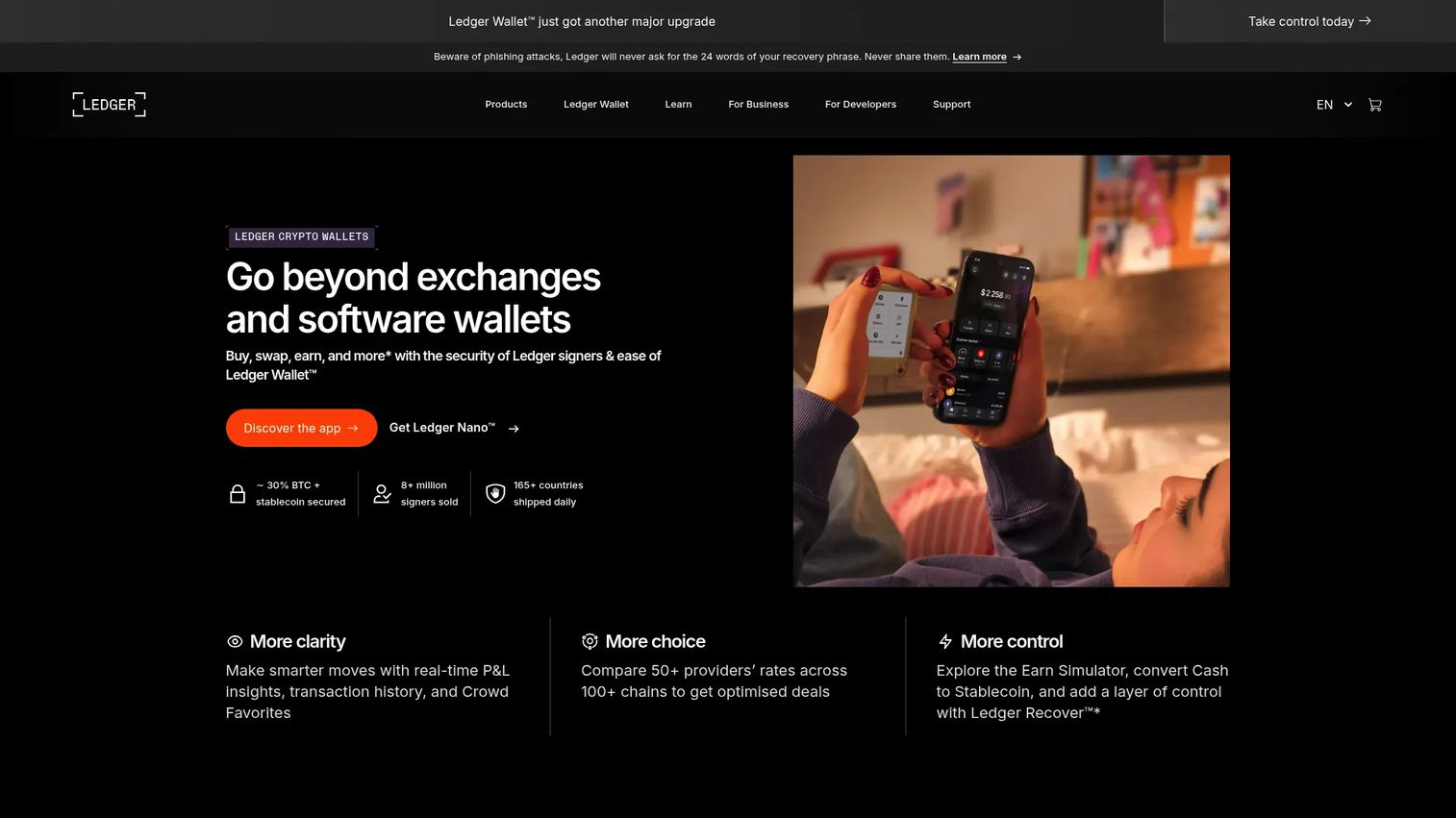
Ledger makes self-custody hardware signers and companion software for managing digital assets. This is where the conversation shifts to cold storage. Ledger devices keep your private keys offline, so transactions are signed on the device itself and the key never touches an internet-connected computer.
For readers whose top priority is security, a hardware wallet like Ledger is the standard. You manage a seed phrase during setup, store it offline and safely, and use the device to approve any transaction physically. The Ledger Wallet app handles buying, swapping, staking, and portfolio management, while the device does the sensitive signing. Bluetooth support on select models adds mobile use without exposing keys.
Best for: Individuals seeking self-custody hardware for crypto storage and transaction signing on long-held balances.
Key strengths
- Offline private keys: Keys stay off any connected device, blocking remote theft.
- Bluetooth-enabled mobile use: Supported devices work with a phone without sacrificing offline signing.
- Ledger Wallet companion app: Buy, swap, stake, and manage a portfolio alongside the device.
Why choose Ledger: If you hold meaningful balances you rarely move, a hardware wallet removes the biggest attack surface, an internet-connected key. Ledger fits readers ready to treat custody seriously and manage a seed phrase with discipline. The device cost is a one-time purchase against the value it protects.
Ledger pricing: Ledger's hardware lineup is publicly priced as a one-time purchase. The Nano S Plus starts at $79, the Nano X is $149, the Ledger Flex is $249, and the Ledger Stax is $399. There is no subscription and no free device tier.
7. Trezor
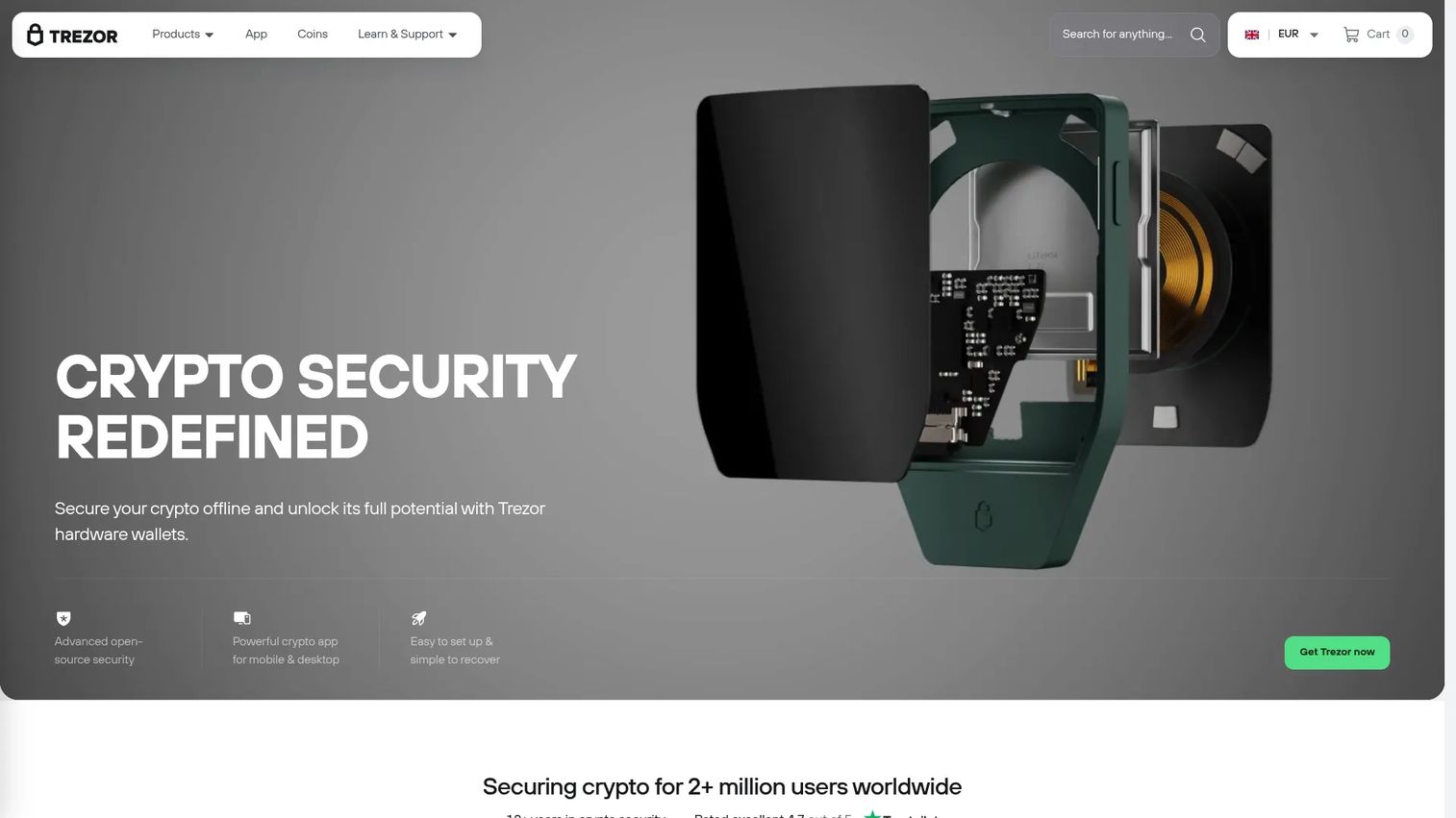
Trezor makes hardware wallets for securing cryptocurrency with offline, self-custody storage. Its distinguishing trait is being 100% open-source in both code and design, which appeals to readers who want to verify security rather than trust it. Trezor reports more than two million users worldwide.
For readers comparing offline custody options, Trezor sits alongside Ledger as a security-first choice with a different philosophy. Keys stay offline, and the Trezor Suite app manages assets across desktop and mobile. It supports thousands of coins and tokens plus third-party wallet apps, and layers on passphrase protection, Tor privacy, and 2FA. The open-source stance means the security model is auditable by anyone.
Best for: Individuals and businesses needing self-custody hardware wallet security with an open-source, auditable design.
Key strengths
- Offline crypto key storage: Private keys never leave the device.
- Trezor Suite app: Manage assets across desktop and mobile with a single interface.
- Broad asset and third-party app support: Thousands of coins and tokens, plus compatible wallet apps.
Why choose Trezor: If open-source verifiability matters to you as much as cold storage itself, Trezor is the pick. It suits security-minded readers who want passphrase protection and privacy features on top of offline signing. The setup and recovery flow is designed to be approachable, so a hardware wallet does not have to mean a technical ordeal.
Trezor pricing: Trezor sells its hardware devices as one-time purchases through its store. Public price figures were not confirmed from the pages reviewed in this run, so verify current device pricing directly on the Trezor store before buying. Its G2 listing carries a 4.6/5 rating.
8. Tangem
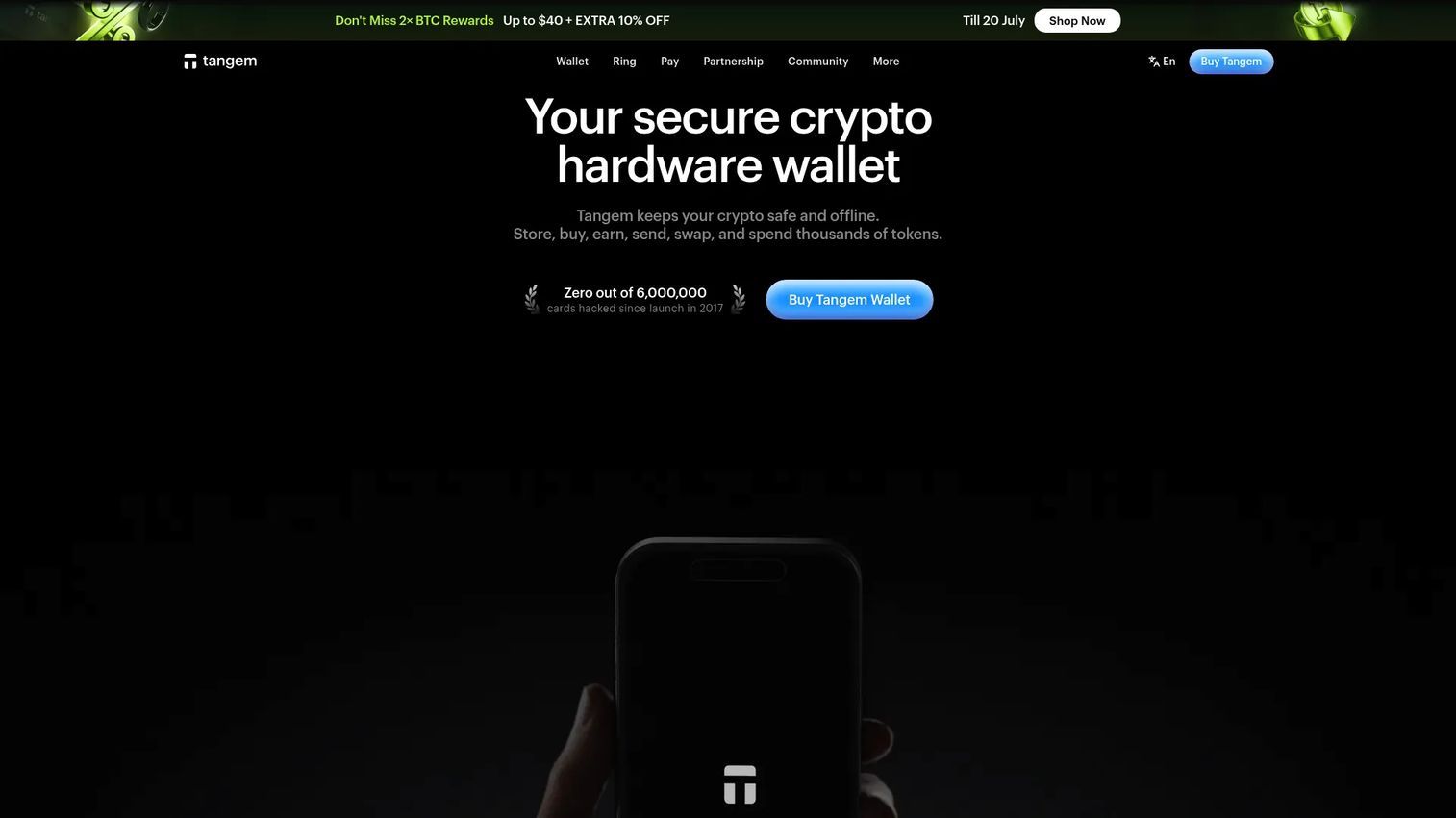
Tangem is a self-custodial crypto hardware wallet brand offering card- and ring-based cold storage plus companion app features. It rethinks the hardware wallet form factor. Instead of a device with a screen and buttons, Tangem is a card you tap to your phone to sign transactions, which makes physical key management dramatically simpler.
For readers who want cold storage without the perceived complexity of a traditional hardware wallet, Tangem stands out. There is no cable, no battery, and no firmware to update in the usual sense. You tap the card to your phone via NFC, the companion app handles buying, selling, swapping, staking, and dApp or NFT access, and the keys stay secured on the card. Compared with a screen-based device, the tradeoff is a different verification flow, but the security fundamentals, offline keys and physical signing, hold.
Best for: Individuals or teams wanting simple self-custody crypto storage in card or ring form.
Key strengths
- Card- and ring-based hardware wallets: Cold storage in a form factor you can carry easily.
- Secure offline storage with companion app: Keys stay on the card while the app handles management.
- Full onchain activity: Buy, sell, swap, stake, and access dApps and NFTs from the app.
Why choose Tangem: If a traditional hardware wallet feels intimidating, Tangem lowers the barrier while keeping keys offline. It fits readers who want cold storage they will actually use and who value a tap-to-sign flow over managing a separate device. The multi-card sets also make backup straightforward, since you hold more than one card tied to the same wallet.
Tangem pricing: Tangem sells its hardware as one-time purchases. A two-card set is $54.90, a three-card set is $69.90, the Family Pack is $139.80, the Tangem Ring is $160.00, and the Tangem Pro Kit is $180.00. The companion app is free, and there is no subscription.
Considerations before you choose
Custody and control
Decide who holds the keys before anything else. A custodial wallet hands that control to a provider, which is convenient but means trusting them not to fail or freeze access. A self-custody wallet puts you in charge, with no one able to freeze funds and no one able to recover them if you lose your seed phrase. This is the first decision, not a detail to sort out later.
Security model
Match the security to the value at stake. Phishing and malware target hot wallets, so verify addresses carefully and treat unexpected signing requests with suspicion. Offline storage on a hardware wallet neutralizes remote attacks by keeping keys off connected devices. Provider trust matters too: with custodial and online wallet options, you inherit the provider's security posture, so weigh their track record.
Recovery and backup
Your seed phrase is the master backup. Most modern wallets are deterministic, meaning the whole wallet regenerates from that one phrase. Write it down, store it offline in more than one secure location, and never photograph it, type it into a website, or store it in cloud notes. Anyone who reads your recovery phrase controls your funds outright.
Supported assets and chains
Multi-chain support only matters if you use it. A wallet that spans dozens of networks is genuinely useful for DeFi and NFT activity, but pointless if you hold one asset. Do not overvalue compatibility you will never touch. Match the wallet to the chains your actual activity lives on.
UX and platform fit
Fit the wallet to your daily patterns. Mobile-first apps suit frequent, on-the-go transactions. Desktop and browser extensions serve heavy DeFi and Web3 users. Hardware wallets require a setup process and a device on hand to sign, which fits a hold-and-store rhythm rather than constant trading. The best wallet is the one you will actually use correctly.
Conclusion
The right cryptocurrency wallet depends on your risk profile, not on which brand is loudest. For everyday spending and Web3 activity, a self-custody software wallet like Trust Wallet, Coinbase Wallet, or Exodus keeps you in control while staying easy to use. For long-term storage of balances you rarely move, a hardware wallet like Ledger, Trezor, or Tangem takes internet-connected keys out of the equation entirely.
Bitcoin and Ethereum sit at the foundation of this decision. Understanding how keys, addresses, and transaction signing work on each network is what separates a confident wallet choice from a risky one. Start there, then map custody, security, recovery, and asset support to how you actually hold and move crypto.
The single most important rule holds across every option: whoever controls the private keys controls the funds. Choose the wallet type that matches your risk tolerance, protect your seed phrase like the master key it is, and match the tool to your real usage rather than a feature list you will never touch.
FAQs
A cryptocurrency wallet is software or hardware that stores the private keys used to access and move crypto assets recorded on a blockchain. The coins themselves stay on the blockchain; the wallet holds the keys and signs transactions. Wallets come in custodial and non-custodial forms, and in hot (online) and cold (offline) types.
A public key generates your wallet address, the string you share so others can send you crypto, and it is safe to publish. A private key is the secret that authorizes spending, and anyone who holds it controls the funds. In short: share the public key freely, guard the private key absolutely.
A cold wallet, typically a hardware wallet, is generally considered the safest because private keys stay offline and never touch an internet-connected device. This blocks the remote attacks that target online wallets. For long-term storage of meaningful balances, offline key storage paired with a carefully protected seed phrase is the standard.
A custodial wallet has a third party, often an exchange, hold your private keys, which is convenient but means trusting that provider with control of your funds. A non-custodial or self-custody wallet puts the keys entirely in your hands. With self-custody, no one can freeze your assets, but no one can recover them for you if you lose your recovery phrase.
It depends on how you use crypto. A software wallet (a hot wallet) is ideal for frequent transactions, DeFi, and everyday spending because it is fast and convenient. A hardware wallet (a cold wallet) is best for long-term storage because offline keys resist remote theft. Many people use both: a software wallet for active balances and a hardware wallet for savings.
A seed phrase, also called a recovery phrase, is a set of words that can regenerate your entire wallet and every key in it. It matters because it is the master backup: lose it and you can lose access to your funds, and if someone else reads it they can take everything. Write it down, store it offline in more than one secure place, and never enter it into a website or store it in the cloud.
Yes. A multi-chain wallet can hold assets across many blockchains and token standards in a single app. Software wallets like Trust Wallet and Exodus support a broad range of coins, tokens, and NFTs, and hardware wallets like Ledger and Trezor support thousands of assets. Just confirm the specific chains you use are supported before you commit.
Beginners should prioritize self-custody with an approachable setup, clear seed phrase backup guidance, and support for the assets they actually hold. A well-designed crypto wallet app with strong recovery instructions lowers the risk of costly mistakes. Start with a small balance in a hot wallet to learn the mechanics, then add a hardware wallet as your holdings grow.