



You picked the famous engine. Six weeks in, you realize it fights your project at every turn: the rendering pipeline is overkill, the mobile build balloons, and half your team is still learning the scripting language.
Picking a game engine is not a popularity contest. It is a match between what you need to ship and what a specific engine is built to do well.
The stakes are real. The global game engine market reached USD 3.43 billion in 2025 and is projected to hit USD 10.34 billion by 2034, according to Fortune Business Insights (2025). More engines, more choices, more ways to guess wrong.
The right engine reduces time-to-value. The wrong one adds months of workarounds and rewrites. So the question is not "which is best" in the abstract. It is "which fits my rendering needs, platform targets, team skill, and licensing budget."
This guide compares the major engines against those exact criteria.
What's inside
This guide is for developers, technical leads, and product owners choosing a game engine for a new project or evaluating a migration.
We ranked engines by relevance to broad game development needs, not by market share alone. Each pick was evaluated on four criteria:
- Dimensional focus: how well it handles 2D, 3D, or both
- Platform reach: desktop, mobile, web, console, and XR targets
- Learning curve and community: docs, tutorials, and forum depth
- Licensing and cost: free tiers, royalties, and seat pricing
The list covers engines for 2D, 3D, cross-platform, open source, and beginner-friendly development.
TL;DR
- Best for AAA and cinematic realism: Unreal Engine
- Best for broad multiplatform workflows and large ecosystems: Unity
- Best for open source and budget-conscious teams: Godot Engine
- Best for 2D-focused and lightweight projects: GameMaker
- Best for visual creativity and rapid prototyping: Cocos Creator
- Best for teams evaluating high-end rendering with royalty terms: CryEngine
- Best for compact, portable 2D and cross-platform builds: Defold
What is game engine software
Game engine software is a development framework that provides the core systems needed to build and run real-time games and interactive experiences without coding every subsystem from scratch.
Instead of writing a renderer, a physics solver, and an audio mixer yourself, an engine hands you those pieces and lets you focus on the game.
Core systems most engines provide:
- Rendering: draws 2D sprites or 3D scenes in real time
- Physics: simulates collisions, gravity, and movement
- Audio: plays and mixes sound effects and music
- Scripting: the language you use to define game logic
- Animation: drives character and object motion
- Networking: supports multiplayer and online features
- Memory management: handles asset loading and resource cleanup
- Scene or object systems: structures your game world
- Tooling and editors: the visual environment where you build
- Cross-platform deployment: exports to multiple devices from one project
The value is compounding. A physics bug you would spend a week fixing in a custom engine is already solved and tested in a mature one. A shipping engine also gives you an asset store, a documentation base, and a community that has hit the same wall you are about to.
For a product owner, that translates into faster iteration and lower opportunity cost. You spend engineering hours on the game logic that differentiates your product, not on rebuilding infrastructure that every game needs. That is the same logic behind adopting any mature platform: buy the commodity layer, build the part that matters.
When to use game engine software
Different projects pull toward different engines. Here is how to pattern-match your situation.
Build a 2D game
A 2D-first engine makes sense for indie titles, mobile games, puzzle games, and side-scrollers. These projects do not need a heavy 3D rendering pipeline, and a lean 2D engine keeps build sizes small and iteration fast. You get sprite tooling, tilemap editors, and physics tuned for flat worlds. The result is less overhead and quicker prototypes.
Ship across multiple platforms
Reach for cross-platform game development when you need desktop, mobile, web, console, or XR targets from one codebase. Maintaining separate builds by hand is expensive and error-prone. A cross-platform engine lets one project export to many devices, so a fix propagates everywhere instead of being repeated per platform. This matters most when your audience spans phones, browsers, and consoles.
Prototype and iterate quickly
Sometimes speed beats visual fidelity. Early in a project, or when validating a game idea, an engine with strong docs, deep tutorials, and an approachable editor gets you to a playable build faster. Rapid iteration and community support matter more than bleeding-edge graphics when you are still testing whether the concept is fun.
Comparison table
The list below is ordered by relevance to broad game development needs, not by market share alone. Ratings come from G2 where a current listing exists; some engines have limited third-party review coverage, so those fields are noted accordingly.
| # | Product | Best for | Key differentiator | Pricing | G2 rating |
|---|---|---|---|---|---|
| 1 | Unreal Engine | AAA and cinematic 3D | High-end real-time rendering | Free under $1M revenue; 5% royalty above | 4.5/5 |
| 2 | Unity | Multiplatform breadth | Broad device reach and ecosystem | Personal free; Pro $210/mo per seat | 4.5/5 |
| 3 | Godot Engine | Open-source 2D and 3D | Fully open under MIT license | Free | Limited reviews |
| 4 | GameMaker | 2D-first projects | Beginner-friendly 2D workflow | Free tier; Professional $99.99 one-time | Limited reviews |
| 5 | Cocos Creator | Lightweight 2D and 3D | Open-source cross-platform editor | Free and open source | Limited reviews |
| 6 | CryEngine | High-fidelity visuals | Real-time rendering quality | Free; 5% royalty per project | Limited reviews |
| 7 | Defold | Compact cross-platform | Small builds, no royalties | Free | 5.0/5 |
Best 7 game engine software for 2026
Below is a closer look at each engine, what it does best, and where it fits.
1. Unreal Engine
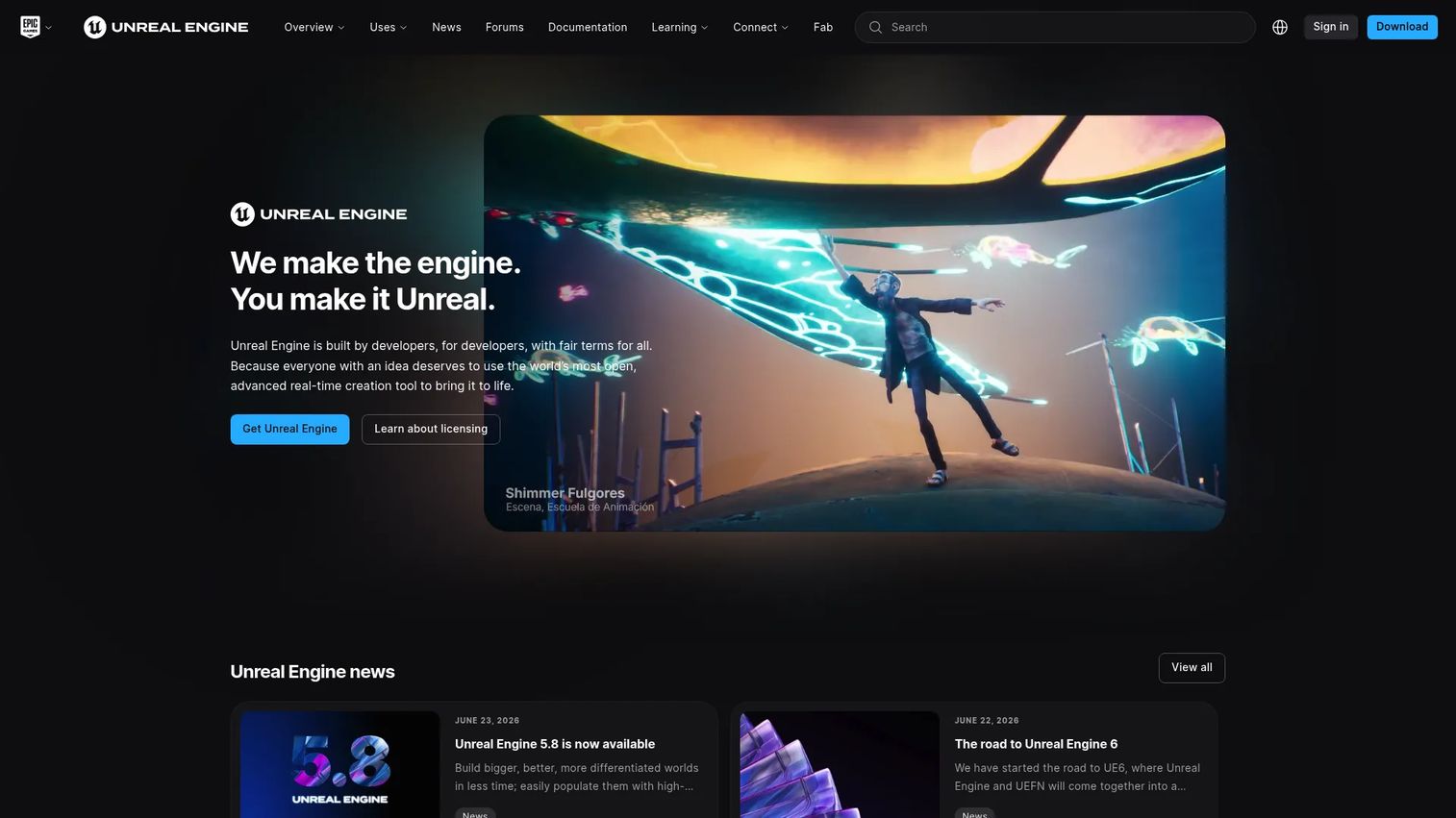
Unreal Engine is a real-time 3D creation engine built for games, simulation, and other visual production. It is the go-to for teams that need advanced rendering and large-scale production, from AAA studios to architecture and film. Its output is what most people picture when they imagine cinematic, photorealistic real-time graphics.
Best for: Game studios and real-time 3D teams that need a high-end engine with flexible licensing.
Key features
- Free access under $1M USD annual gross revenue
- Royalty-based licensing for qualifying games over $1M
- Seat-based licensing for certain non-game commercial use
- High-end real-time rendering and cinematic output
- Broad vertical use beyond games (film, architecture, simulation)
Why choose Unreal Engine: Choose it when premium visuals and complex simulations are non-negotiable, and you have a team that can absorb its depth. It rewards ambitious 3D projects and large teams working on high-fidelity output.
Unreal Engine pricing: Free for users under $1M USD annual gross revenue. Above that threshold, qualifying games and runtime apps pay a 5% royalty on lifetime gross product revenue. Certain non-game commercial use runs on seat-based licensing at $1,850 per seat per year.
Unreal Engine holds a 4.5 out of 5 rating on G2.
2. Unity
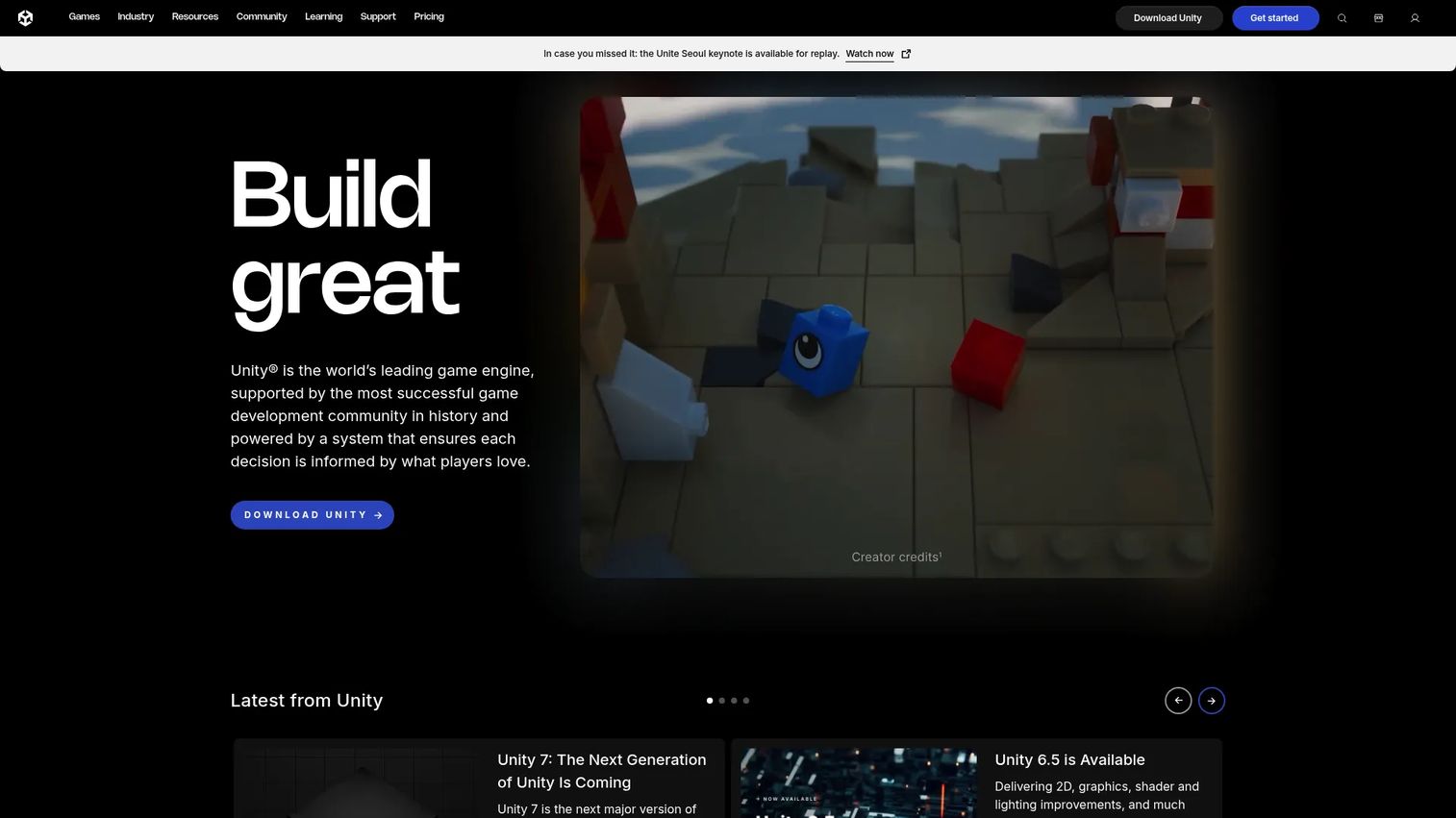
Unity is a real-time 2D and 3D engine built around a develop, deploy, and grow workflow. It reaches more device types than almost any other engine, which makes it a default for teams that need to hit many platforms without rebuilding per target. Its C# workflow and deep asset store keep iteration fast.
Best for: Teams building games or real-time interactive 2D and 3D experiences across multiple platforms.
Key features
- Cross-platform deployment to desktop, mobile, consoles, web, and XR
- Unity Cloud and multiplayer game services
- Build automation, source control, and live ops tooling
- C# scripting with a large asset ecosystem
- Broad device and hardware support
Why choose Unity: Choose it when you need to balance speed, reach, and flexibility across many platforms at once. It fits teams that value ecosystem depth and a large hiring pool of experienced developers.
Unity pricing: Unity Personal is free. Unity Pro runs $210 per month per seat, or $2,310 per year per seat. Unity Enterprise and Unity Industry use custom pricing through sales.
Unity holds a 4.5 out of 5 rating on G2.
3. Godot Engine
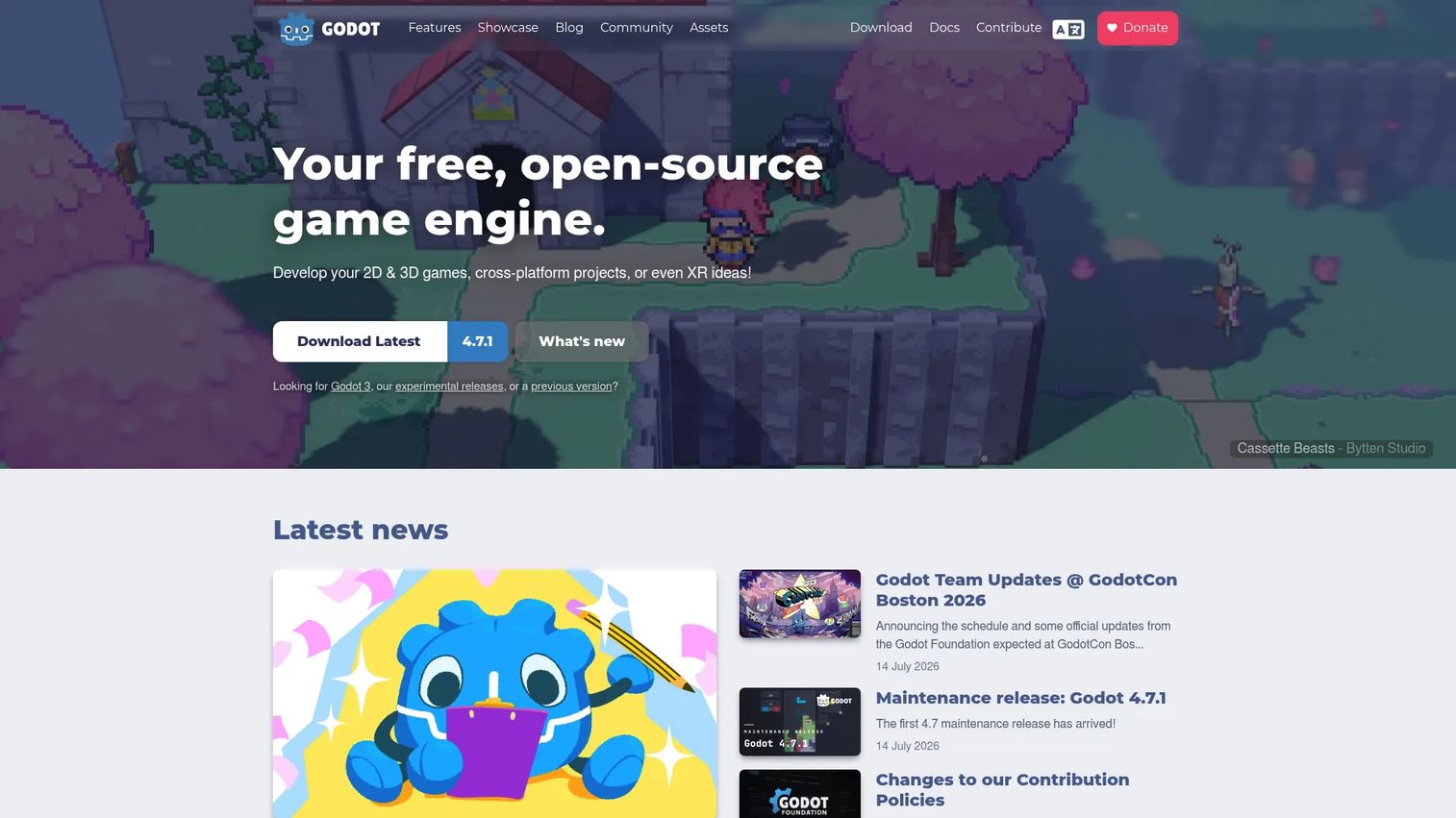
Godot Engine is a free, open-source engine that handles both 2D and 3D development. Its scene-driven node system and lightweight footprint make it a strong fit for indie teams, educators, and anyone who wants full transparency into the tools they build on. There are no contracts and no hidden fees.
Best for: Indie and studio teams building 2D or 3D games with an open-source engine.
Key features
- Scene-driven node and resource system
- GDScript plus C# and GDExtension support
- 2D and 3D rendering with XR support
- Cross-platform export from one project
- Fully open source under the MIT license
Why choose Godot Engine: Choose it when you want a low barrier to entry, complete source access, and no licensing cost as you grow. It suits teams that value transparency and independence over a large commercial vendor.
Godot Engine pricing: Free under the MIT license, with no contracts, royalties, or hidden fees. The full source is available to inspect and modify.
Godot has limited third-party review coverage, so a current G2 score was not confirmed for this guide.
4. GameMaker
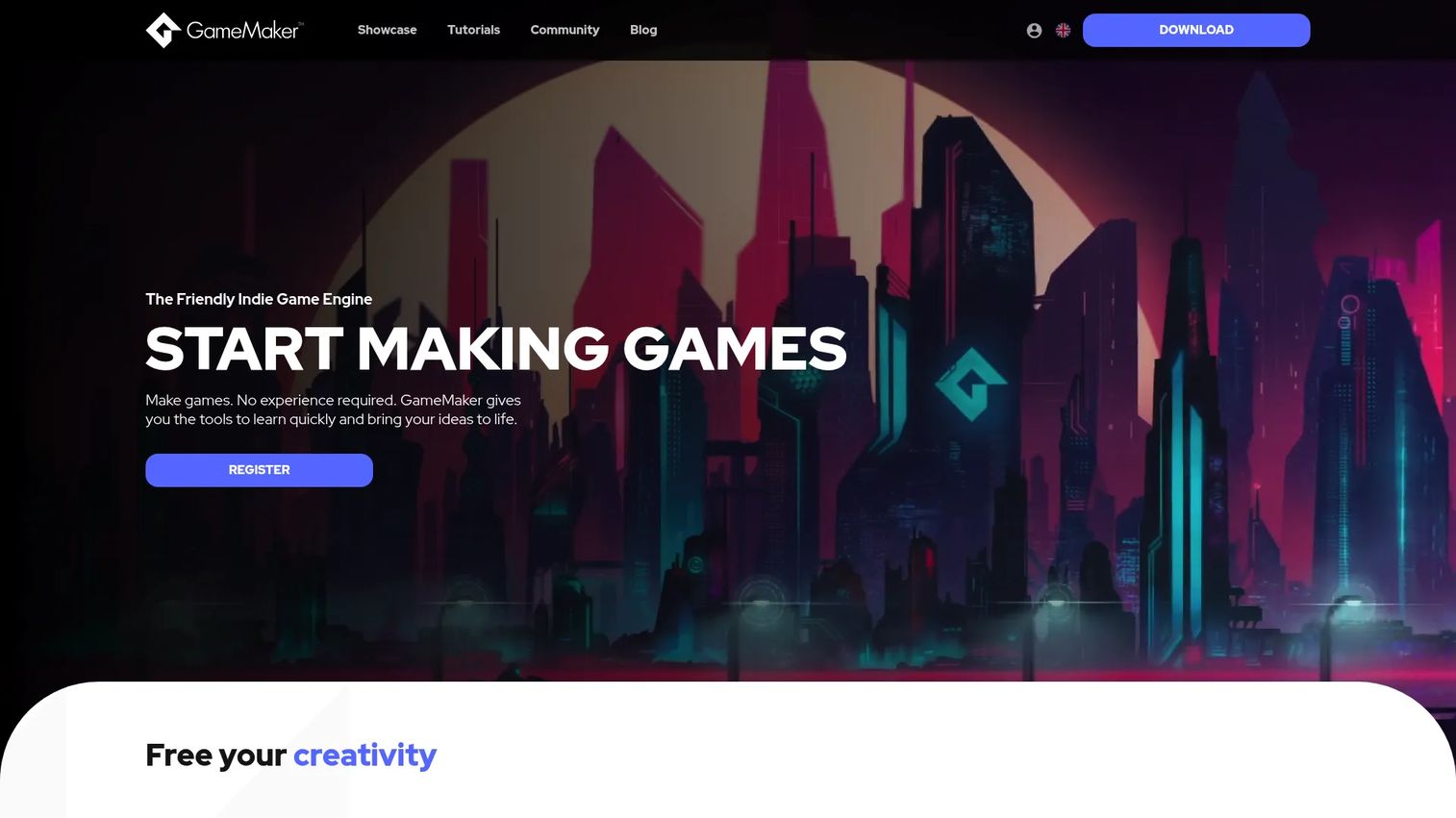
GameMaker is a 2D game development engine built to be approachable for beginners while still capable enough for shipped commercial titles. Its editor flow and visual scripting option lower the entry bar, and its 2D specialization keeps projects lean. It is a common choice for arcade, puzzle, and indie games.
Best for: Solo developers or small teams making 2D games across desktop, web, mobile, and consoles.
Key features
- GML Code and GML Visual scripting
- Room Editor, Object Editor, and Image Editor
- Workspaces for organizing projects
- Exports to desktop, web, mobile, and consoles
- 2D specialization for fast iteration
Why choose GameMaker: Choose it when your project is 2D and you want to get to a playable build quickly without wrestling a general-purpose 3D engine. It fits arcade, puzzle, and indie production especially well.
GameMaker pricing: Free for non-commercial use. The Professional plan is a one-time purchase of $99.99 for commercial use. The Enterprise subscription, which adds console export, runs $79.99 monthly or $799.99 yearly.
GameMaker has limited third-party review coverage, so a current G2 score was not confirmed for this guide.
5. Cocos Creator
Cocos Creator is an open-source, cross-platform engine and real-time content creation platform that handles both 2D and 3D. Its all-in-one editor and lean footprint make it a practical pick for mobile and 2D-focused projects where fast iteration and small builds matter. It is free and open source.
Best for: Game teams building 2D or 3D cross-platform projects with an open-source engine.
Key features
- All-in-one visual editor
- 2D and 3D support in one project
- Cross-platform deployment
- Flexible scripting workflow
- Lightweight footprint for mobile delivery
Why choose Cocos Creator: Choose it when you want a lean engine with practical mobile deployment and open-source access. It fits teams that prioritize rapid iteration and small build sizes over heavyweight 3D rendering.
Cocos Creator pricing: Free and open source. You can download and use it at no cost, with no formal paid tier listed on the official site.
Cocos Creator has limited third-party review coverage, so a current G2 score was not confirmed for this guide.
6. CryEngine

CryEngine is a game development engine from Crytek built for high-end, real-time 3D. Its Sandbox editor and rendering pipeline target teams that put visual fidelity and immersive environments first. It is a fit for technically ambitious, graphics-heavy projects.
Best for: Studios that want a source-available, high-end 3D engine with royalty-based commercial terms.
Key features
- Sandbox editor for world building
- Real-time rendering with PBR and dynamic global illumination
- Physics, audio, AI, and animation tools
- Source-available codebase
- Built for high-fidelity 3D environments
Why choose CryEngine: Choose it when rendering quality and immersive environments are the priority and you want source-available terms. It fits visual-heavy, technically ambitious projects with the team to support them.
CryEngine pricing: Free to use, with the first $5,000 of annual revenue per project royalty-free. Beyond that, a 5% royalty applies to project revenue when you ship.
CryEngine has limited third-party review coverage on G2, so a current score was not confirmed for this guide.
7. Defold
Defold is a free, cross-platform engine for 2D and lightweight 3D games. Its compact footprint and portability make it a strong fit for mobile, browser, and smaller cross-platform projects. There are no upfront costs, licensing fees, or royalties.
Best for: Teams building lightweight 2D or cross-platform games with a free engine.
Key features
- Lua scripting
- Built-in editor and game development workflow
- 2D and lightweight 3D support
- Small build sizes and strong portability
- No royalties or licensing fees
Why choose Defold: Choose it when performance, portability, and small builds matter more than heavyweight 3D. It fits mobile, browser, and compact cross-platform projects with a team that wants an open development philosophy.
Defold pricing: Free to use, with no upfront costs, licensing fees, or royalties. The project also offers voluntary donation and support options.
Defold holds a 5.0 out of 5 rating on G2, based on a small number of reviews.
Considerations
Before you commit, run your project through this checklist.
2D or 3D focus
Match the engine's dimensional strength to your project. A 3D-heavy engine adds overhead and complexity to a 2D game, and a 2D-first engine will fight you on a 3D project. Choosing the wrong focus slows the whole team down and inflates build sizes. Decide your rendering needs first, then pick the engine.
Licensing and pricing
Read the license terms before you write a line of code. Some engines are free until you cross a revenue threshold, then apply royalties or seat fees. Others are free and open source with no strings. Model your expected revenue against each engine's terms so a surprise fee does not hit at the worst moment.
Learning curve and community
Docs, tutorials, and forums directly affect time to first value. An engine with deep learning resources and an active community lets your team ramp faster and unblock themselves. A powerful engine with thin documentation can cost you weeks. Check the tutorial depth and the size of the forum before you commit.
Platform targets
Let your target platforms drive the choice. If you need mobile, web, console, and XR from one project, confirm the engine exports cleanly to all of them. Mobile deployment is a major slice of the market, with mobile platforms accounting for 38.6% of game engine deployments in 2025, according to MarketIntelO (2025). Verify export support before you build.
Team size and workflow
Small teams and large studios optimize for different things. A solo developer benefits from an approachable editor and fast iteration. A large studio needs source control, build automation, and collaboration tooling. Pick the engine that matches how your team actually works, not the one with the longest feature list.
Conclusion
There is no single best game engine, only the best fit for your project.
- Unreal Engine for advanced real-time 3D and cinematic output
- Unity for multiplatform breadth and a deep ecosystem
- Godot Engine for open-source flexibility and zero licensing cost
- GameMaker for fast 2D production
The practical next step is simple. Pick two engines from this list, then compare them against your actual target platforms, your team's current skills, and each engine's licensing terms. Build a small prototype in each if you can. The engine that gets you to a playable build fastest, without fighting your project, is usually the right one.
Whichever engine you ship on, the same principle applies to showing your product to buyers and users. When you need to communicate value quickly, Guideflow helps teams build interactive demos, sandboxes, demo centers, and mobile demos that let people experience a product through a guided path or free exploration. You can capture a flow in a few clicks, personalize it per audience, share it anywhere, and analyze engagement in real time.
Start your journey with Guideflow today!
FAQs
Game engine software is a development framework that provides the core systems for building real-time games and interactive experiences. It bundles rendering, physics, audio, scripting, and cross-platform deployment so you do not build every subsystem from scratch. This lets teams focus on game logic instead of infrastructure.
GameMaker and Godot Engine are common beginner-friendly game engine picks. GameMaker offers a simple editor and visual scripting for 2D games, while Godot is free, open source, and well documented for both 2D and 3D. Both let a newcomer reach a playable build without a steep upfront investment.
Neither is universally better. Unreal Engine leads on high-end 3D rendering and cinematic output, which suits AAA and visually ambitious projects. Unity leads on multiplatform reach, ecosystem depth, and a large hiring pool. Choose based on your rendering needs, target platforms, and team skills rather than reputation.
Yes. Godot Engine is free under the MIT license with no royalties, so you keep all your revenue. It handles both 2D and 3D and exports to multiple platforms. Many indie studios ship commercial titles on it, and full source access means you can modify the engine if a project demands it.
GameMaker, Godot Engine, Cocos Creator, and Defold all handle 2D well. GameMaker specializes in 2D with a beginner-friendly workflow, Defold produces small, portable builds, and both Godot and Cocos Creator support 2D alongside 3D. A dedicated 2D game engine keeps build sizes small and iteration fast.
Yes. Unity, Unreal Engine, Godot Engine, Cocos Creator, and Defold all support cross-platform game development from a single project. Console export sometimes requires an additional license tier or platform approval. Confirm the specific platform targets you need are supported before committing to an engine.
Check four things: whether it fits your 2D or 3D focus, which platforms it exports to, how deep its documentation and community are, and how its licensing terms scale with your revenue. Model your expected revenue against each engine's fees so licensing costs do not surprise you later.
Licensing models vary by engine. Open source game engine options like Godot, Cocos Creator, and Defold are free with no royalties. Unreal Engine and CryEngine are free below a revenue threshold, then apply a royalty on revenue above it. Unity offers a free Personal tier plus paid Pro and enterprise plans priced per seat.










