



You picked the gateway with the lowest headline rate. Six months later, checkout conversion dropped, your finance team can't reconcile cross-border settlements, and your engineers spend a sprint patching a brittle integration. The cheap option got expensive fast.
That is the trap with payment gateway software. The sticker fee is the easiest number to compare and the worst predictor of total cost. What actually moves the needle is authorization rate, payment method coverage, fraud protection, reporting depth, and how much engineering time the integration eats over the next two years.
The category is growing because more revenue runs through it every year. The global payment gateway market is projected to reach USD41.11 billion by 2031, up from USD20.96 billion in 2026, a 14.42% CAGR according to Mordor Intelligence (2026). For a product manager, that growth means more vendors, more pricing models, and more ways to pick wrong.
The right lens for evaluating payment gateways is the same one you would use for any piece of product infrastructure: launch speed, integration scope, experimentation flexibility, maintenance burden, and data visibility. If you evaluate infrastructure for a living, you already think this way about onboarding tools, analytics, and even your interactive demo stack. Payments deserves the same rigor. The same instinct that pushes you toward tools that integrate cleanly and analyze behavior in real time should drive this decision too.
What's inside
This guide compares eight payment gateway software platforms for product managers and go-to-market teams who treat the gateway as product infrastructure, not just a finance line item. We selected platforms based on security and PCI compliance, integration and API scope, multi-currency and payment method support, pricing clarity, and operational fit across recurring billing and settlement. Each entry includes verified pricing, a G2 rating, key strengths, and a clear note on where the platform fits best. The goal is to help you shortlist faster, not to drown you in feature lists. If you also evaluate adjacent infrastructure, our roundups of the best component content management systems and best e signature software use the same decision framework.
TL;DR
- Best overall for most teams: Stripe, for developer flexibility, global coverage, and modular APIs.
- Best for consumer checkout: PayPal, for buyer familiarity and quick wallet acceptance.
- Best for simple small-business payments: Square, for one stack across online and in-person.
- Best for enterprise global payments: Adyen, for a single integration across markets and channels.
- Best for recurring bank payments: GoCardless, for ACH pull and subscription collection.
- Best for European coverage: Mollie, for localized checkout and broad method support.
- Best for legacy merchant accounts: Authorize.Net, for compatibility and recurring billing.
- Best for multinational processing: Worldline, for omnichannel and cross-border reach.
If you want the short version: pick two from this list, verify fees against your real transaction mix, and test the checkout flow before you commit a single engineering sprint.
What is payment gateway software?
Payment gateway software is the technology that securely captures, authorizes, and transmits a customer's payment details between your checkout, the card networks, and the banks that move the money. It is the layer that turns a click on "Pay" into an approved transaction and, eventually, settled funds in your account.
Most payment gateways handle the same core sequence. Understanding it helps you compare payment gateway providers on the things that actually differ.
- Authorization: The gateway sends the payment request to the card network and issuing bank, which approve or decline it in real time. Authorization rates vary by provider and routing logic, and they directly affect revenue.
- Encryption and tokenization: Card data is encrypted in transit and often replaced with a token so sensitive numbers never touch your servers. This is the foundation of a secure payment gateway.
- PCI compliance: Payment processing systems must meet PCI DSS standards for handling cardholder data. A good gateway reduces your compliance scope by handling sensitive data on its own infrastructure.
- Fraud protection: Risk engines score transactions, flag anomalies, and block suspicious activity using rules and machine learning.
- Settlement: After authorization, funds are captured and routed through processors and acquiring banks into your account, often on a defined payout schedule.
The distinction between a gateway and a processor matters here. The gateway authorizes and secures the transaction; the processor moves money between banks. Many modern payment providers bundle both, which is why the line blurs in marketing copy. For a PM, the practical question is whether one vendor covers the full path from checkout to payout with APIs you can actually build on.
When to use payment gateway software
Accept online payments without building payments infrastructure from scratch
Building your own payment stack means handling PCI compliance, card network integrations, fraud rules, and settlement reconciliation in-house. That is months of engineering work and ongoing maintenance. Payment gateway software absorbs most of that complexity behind APIs and hosted checkout pages. For a product team with limited developer bandwidth, that is the difference between shipping a paywall this quarter and pushing it to next year.
Support subscriptions, recurring billing, or bank debit workflows
If your product runs on subscriptions, you need recurring billing that handles retries, dunning, proration, and failed-payment recovery. Card-based gateways manage this well for credit card processing software use cases. For lower-churn, lower-fee collection, account-to-account and bank debit workflows can cut transaction fees significantly. The right choice depends on whether your customers pay by card or prefer direct bank payments.
Operate across markets, payment methods, or currencies
Cross-border payments introduce currency conversion, local payment method support, and regional compliance. A buyer in the Netherlands expects iDEAL; a buyer in Germany expects SEPA debit; a buyer in the US expects cards and wallets. Multi-currency payments and local method coverage directly affect checkout conversion. If you sell into multiple regions, gateway selection becomes a market-expansion decision, not just a finance one.
Comparison table
Below is a side-by-side view of all eight payment gateway providers. Pricing reflects verified first-party figures as of mid-2026; always confirm against your transaction mix, since effective rates shift with volume, method, and region. G2 ratings are current at the time of writing.
| # | Product | Intent | Key differentiation | Pricing | G2 rating |
|---|---|---|---|---|---|
| 1 | Stripe | Developer-first global payments | Modular APIs, broad coverage, deep tooling | From $0.10; usage-based | 4.6/5 |
| 2 | PayPal | Consumer checkout conversion | Buyer familiarity, wallets, fast setup | 3.49% + $0.49 per transaction | 4.4/5 |
| 3 | Square | All-in-one SMB commerce | Unified online and in-person stack | $0/mo. free tier | 4.5/5 |
| 4 | Adyen | Enterprise global commerce | One integration across markets and channels | $0.13 + 4% per transaction | 4.0/5 |
| 5 | Authorize.Net | Legacy merchant accounts | Gateway compatibility, recurring billing | $25 per month | 4.1/5 |
| 6 | GoCardless | Recurring bank payments | ACH pull, direct debit, automation | 0.5% + $0.05 per transaction | 4.6/5 |
| 7 | Mollie | European localized checkout | 35+ methods, localized experience | €0 per month entry | 4.3/5 |
| 8 | Worldline | Multinational processing | Omnichannel, cross-border reach | Custom | 3.5/5 |
1. Stripe
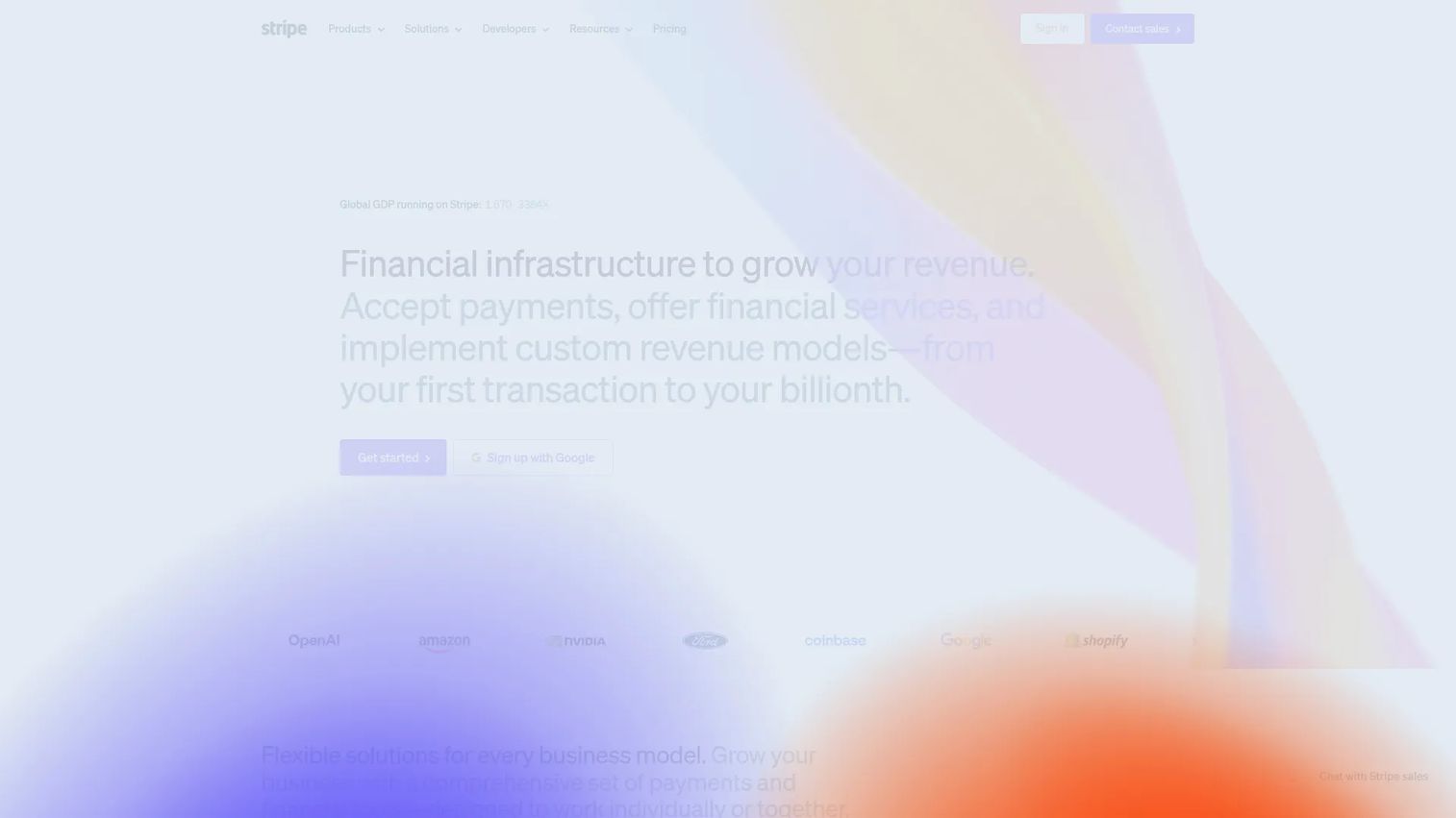
Stripe is the default choice for product teams that want to build payments into their product rather than bolt them on. It is a payment infrastructure platform covering online and in-person payments, billing, invoicing, tax, and financial operations. The APIs are clean, the documentation is genuinely good, and the modularity lets you adopt only the pieces you need today and expand later without re-platforming.
Best for: Teams that treat payments as product infrastructure and have the engineering appetite to build on flexible APIs.
Key strengths
- Developer-first APIs: Well-documented APIs and SDKs let engineers ship checkout, subscriptions, and payouts without fighting the platform.
- Global coverage and fraud tooling: Broad multi-currency payments support plus Radar fraud protection scores transactions in real time.
- Recurring billing and reporting: Native recurring billing handles retries and proration, and reporting tools give clear cash flow visibility.
Why choose Stripe: Stripe wins when flexibility and scale matter more than a turnkey, no-code setup. If your roadmap includes marketplaces, usage-based pricing, or international expansion, Stripe's modular APIs absorb that complexity without forcing a migration later. The trade-off is that you get the most value when you have engineering resources to build on it.
Stripe pricing: Stripe does not publish a single company-wide starting price; pricing is product-specific and largely usage-based. The lowest publicly visible numeric price is $0.10 for Tap to Pay authorization. Custom domain is $10.00 per month, Sigma is $15.00 per month, and Tax Complete starts at $90.00 per month on a one-year contract. A free tier is available to start building. Verify current rates on Stripe's pricing page against your specific transaction mix.
2. PayPal
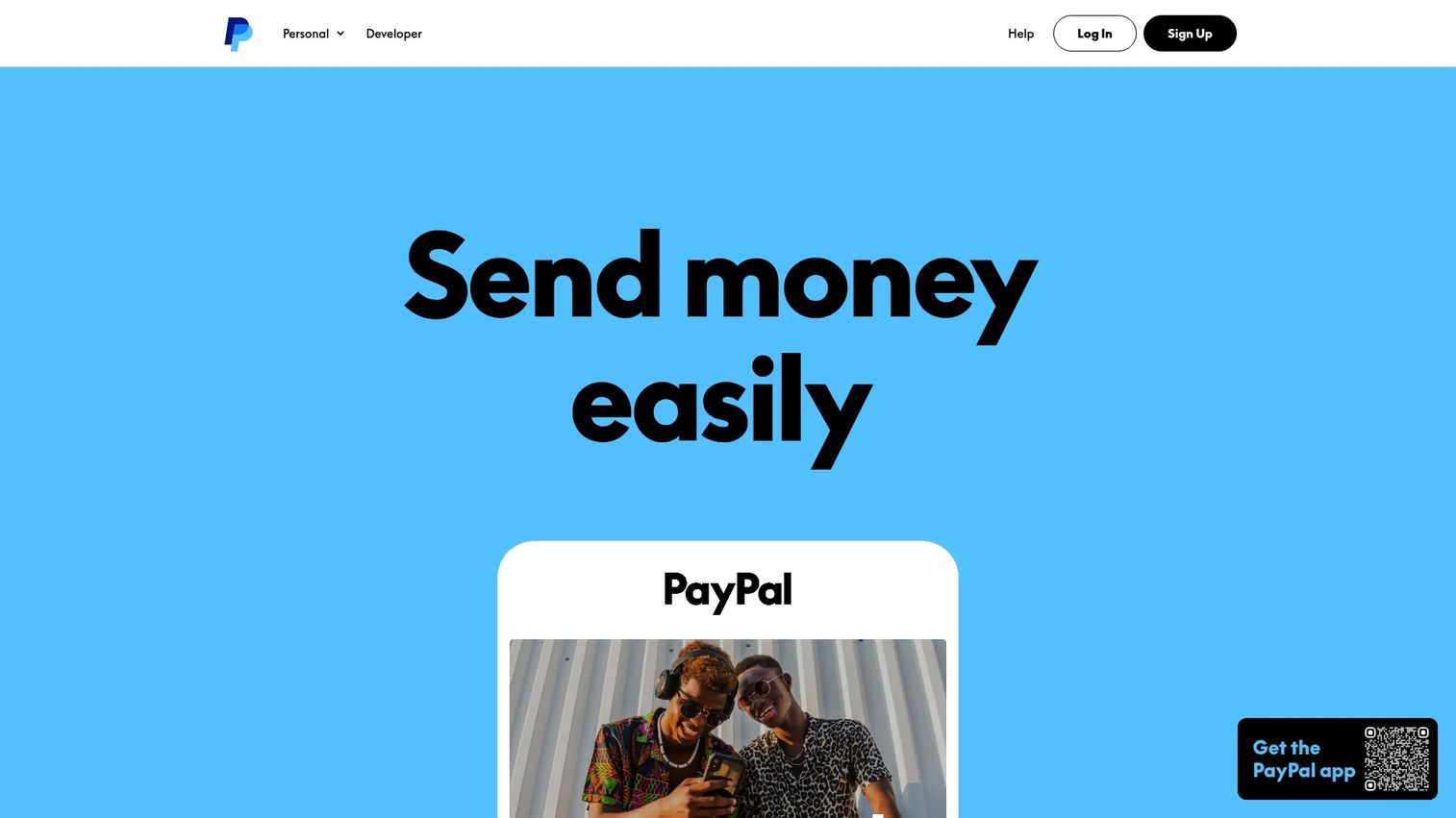
PayPal is the payment provider buyers already trust, which is exactly why it lifts checkout conversion. When a shopper sees the PayPal button, there is no new account to create and no card to re-enter. That reduction in friction is the entire pitch, and it matters most for e-commerce and SMB checkout where abandoned carts are the enemy.
Best for: Businesses that want a widely recognized processor with online, in-person, and invoicing options.
Key strengths
- Buyer familiarity: Hundreds of millions of consumers already have PayPal accounts, removing checkout friction.
- Broad acceptance: Accept PayPal, Venmo, Pay Later, cards, and wallets through one online checkout.
- In-person and invoicing: POS, Tap to Pay, invoicing, and recurring payments extend beyond the web.
Why choose PayPal: Choose PayPal when consumer trust and fast setup outweigh deep customization. It is a strong fit for stores that want a recognized wallet at checkout without a heavy integration. The trade-off is less low-level control than developer-first platforms, and transaction fees that run higher than some alternatives.
PayPal pricing: PayPal Business accounts are free with no monthly or setup fees. PayPal Checkout and Expanded Checkout run 3.49% + $0.49 per transaction. Standard card processing is 2.89% + $0.29 per transaction, and POS or Tap to Pay is 2.29% + $0.09 per transaction. High-volume merchants may qualify for custom pricing. Confirm current rates on PayPal's business fees page.
3. Square

Square is the commerce platform for businesses that sell both in a physical location and online and want one stack to manage it. Beyond payments and checkout, Square bundles point of sale, appointments, invoicing, marketing, payroll, loyalty, and an online store. For a small or mid-sized business, that consolidation removes the friction of stitching together separate tools.
Best for: Small to mid-sized businesses that want an all-in-one payments and commerce platform across channels.
Key strengths
- Online and in-person payments: Accept payments across channels with consistent reporting and reconciliation.
- Free-tier point of sale: Square's POS software carries no monthly fee on the free plan.
- Business tools beyond payments: Appointments, invoicing, payroll, loyalty, and an online store extend the stack.
Why choose Square: Square fits teams that want a single vendor across online and in-person commerce without managing multiple integrations. It is built for operators, not just engineers, so non-technical staff can run it day to day. The trade-off is less low-level API flexibility than a developer-first platform aimed at custom builds.
Square pricing: Square Free is $0 per month with no subscription cost. Square Plus is $49 per month per location, and Square Premium is $149 per month per location, both with a free 30-day trial. Square Pro is custom-priced for businesses processing over $250,000 per year. See current details on Square's pricing page.
4. Adyen
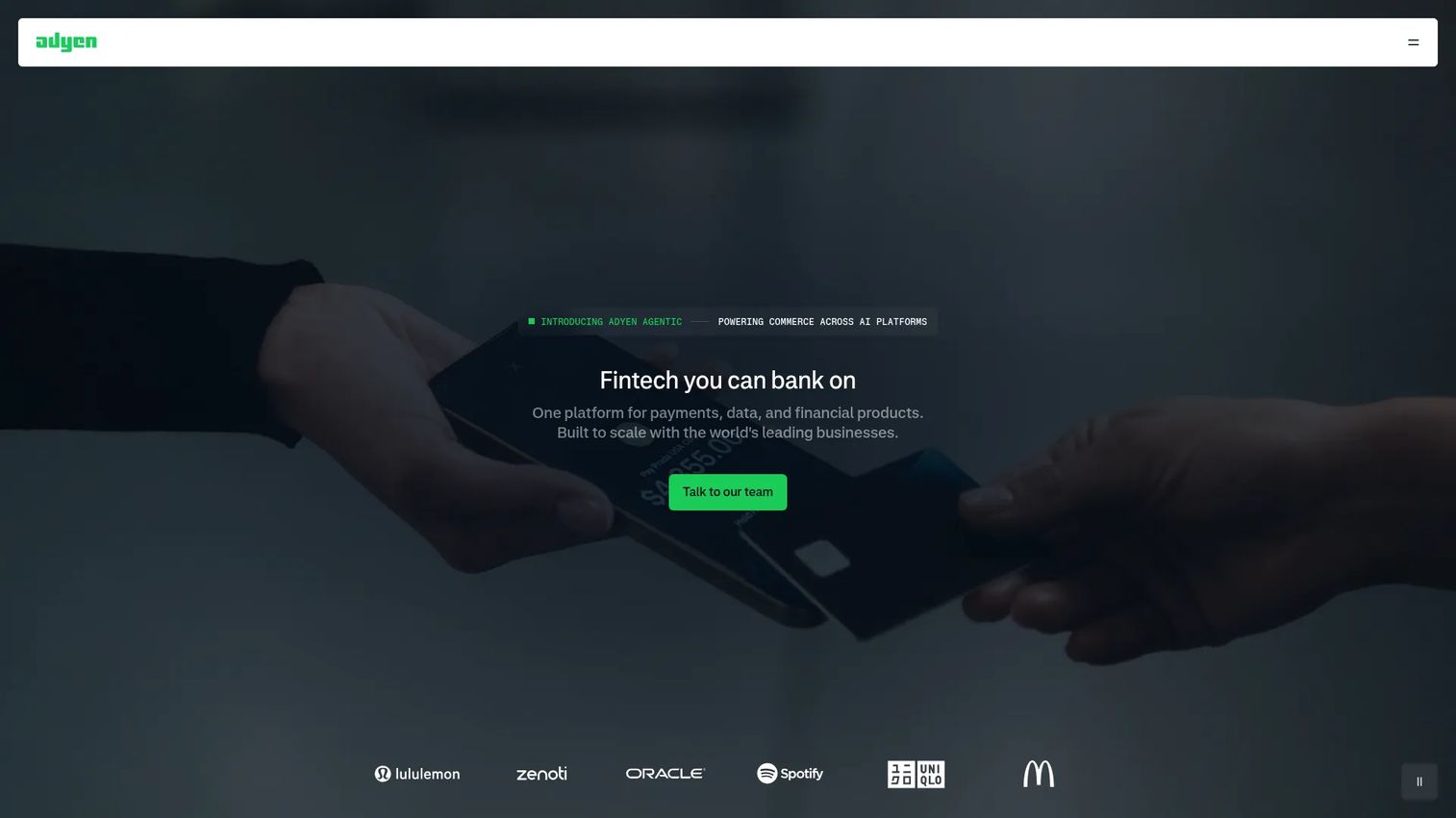
Adyen is the global payments platform built for enterprises that want one integration across online, mobile, and in-person channels. Its positioning is a single stack for payments, data, and financial products, which appeals to larger companies with complex international operations. One integration unlocks a wide set of payment methods and currencies, which reduces the engineering overhead of expanding into new markets.
Best for: Enterprises needing a single global payments stack with broad payment-method coverage.
Key strengths
- One integration, many methods: A single integration supports a wide range of local payment methods and currencies.
- Omnichannel payments: Online, mobile, and in-person payments run through one platform with unified reporting.
- Risk and reporting tools: Built-in fraud protection and reporting give enterprises control and visibility.
Why choose Adyen: Adyen offers the control, reliability, and insights global businesses depend on, especially when operations span many countries and channels. It is built for scale, so the value compounds as transaction volume and market complexity grow. It is a heavier lift than a turnkey SMB tool, which is the expected trade-off for enterprise-grade infrastructure.
Adyen pricing: Adyen's public pricing page shows per-transaction pricing with no setup or monthly fees. Standard pricing is $0.13 + 4% per transaction. An Interchange++ option is priced at $0.13 + Interchange++ + 0.60% per transaction. Other Adyen products are priced separately. Verify against your volume on Adyen's pricing page.
5. Authorize.Net
Authorize.Net is the established payment gateway many businesses still choose for compatibility and stability. It works with existing merchant accounts, supports online payments via cards, wallets, PayPal, and eChecks, and includes recurring billing and advanced fraud detection. For teams running on legacy merchant account workflows, it slots in without forcing a full payments re-architecture.
Best for: Businesses that need a payment gateway with recurring billing and fraud tools alongside an existing merchant account.
Key strengths
- Merchant account compatibility: Works with existing merchant accounts rather than forcing a switch.
- Recurring billing: Built-in recurring billing supports subscription and installment workflows.
- Fraud and security tools: Every plan includes advanced fraud detection, secure customer data storage, and comprehensive reporting.
Why choose Authorize.Net: Choose Authorize.Net when compatibility with an existing acquiring relationship and predictable monthly pricing matter more than a modern API-first build. With 24/7 support and longstanding reliability, it remains a stable choice for established e-commerce integrations. Newer platforms offer more flexible developer tooling, which is the trade-off.
Authorize.Net pricing: Authorize.Net lists three plans, all at $25 per month: All-in-one, Gateway only, and Gateway + eCheck, with additional transaction fees shown on the page. There is no free tier. Review current figures on Authorize.Net's pricing page.
6. GoCardless
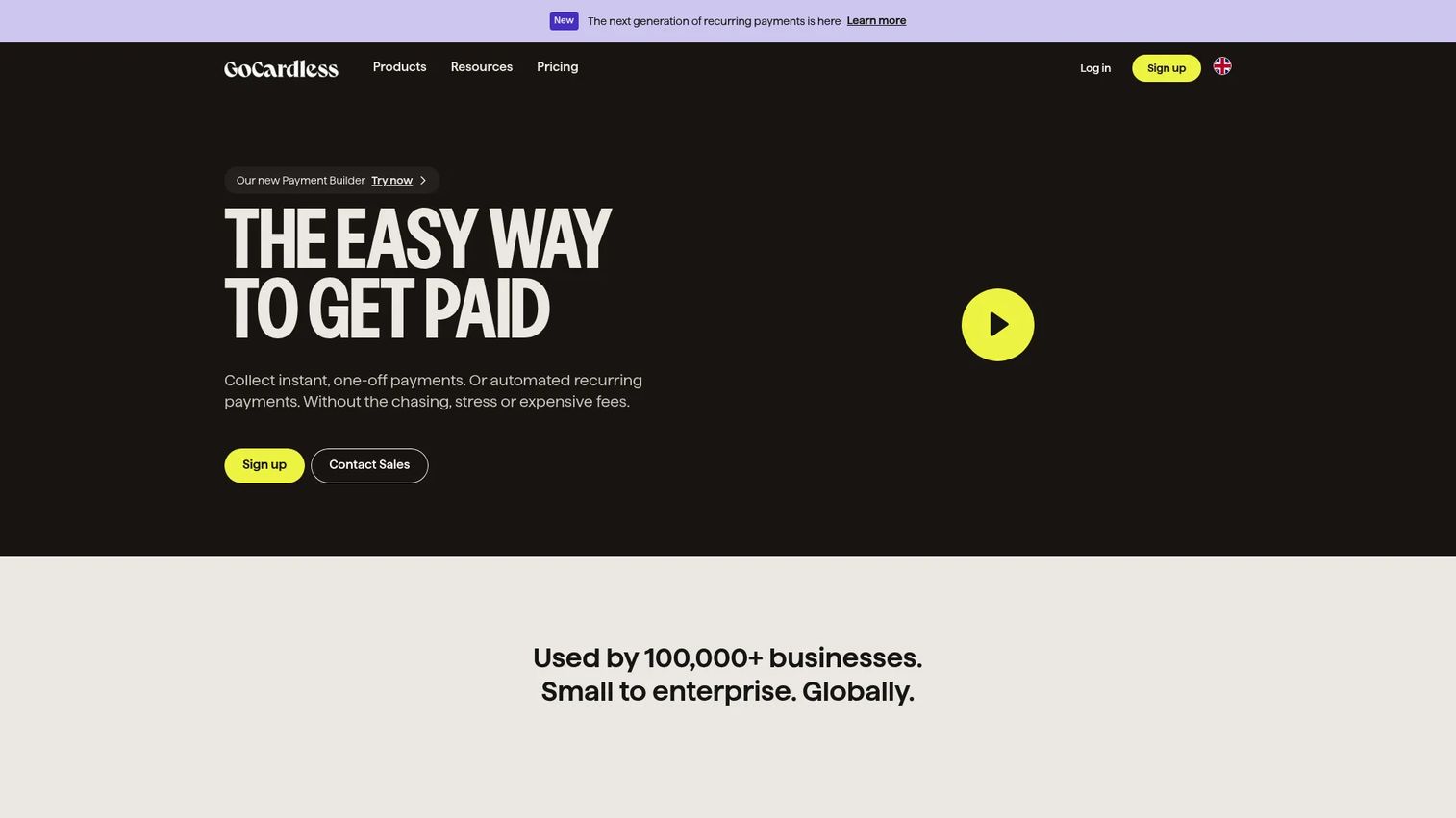
GoCardless is the bank payment platform built for collecting one-off and recurring payments directly from customer bank accounts. Instead of card rails, it uses ACH pull and direct debit, which suits subscriptions, invoicing, and any business that wants lower fees and fewer failed payments on recurring billing. For account-to-account collection, it is purpose-built where card gateways are generalists.
Best for: Businesses that need recurring bank payments with automation and integrations.
Key strengths
- ACH pull and recurring payments: Collect one-off and recurring payments straight from bank accounts.
- Integrations and API access: 350+ integrations and an API connect GoCardless to your billing stack.
- Failure recovery and fraud protection: Success+ retries failed payments and Protect+ adds fraud protection.
Why choose GoCardless: Choose GoCardless when your revenue runs on recurring bank payments and you want to cut card fees and reduce involuntary churn from failed cards. Funds can arrive in as little as two days with ACH Pull. It is not a general card gateway, so most teams pair it with a card processor for full payment method support.
GoCardless pricing: GoCardless uses transaction-based pricing with no setup fees. Standard is 0.5% + $0.05 per transaction, Advanced is 0.75% + $0.05, and Pro is 0.9% + $0.05. Optional monthly add-ons are available, and there is no free tier. Confirm current rates on GoCardless's pricing page.
7. Mollie
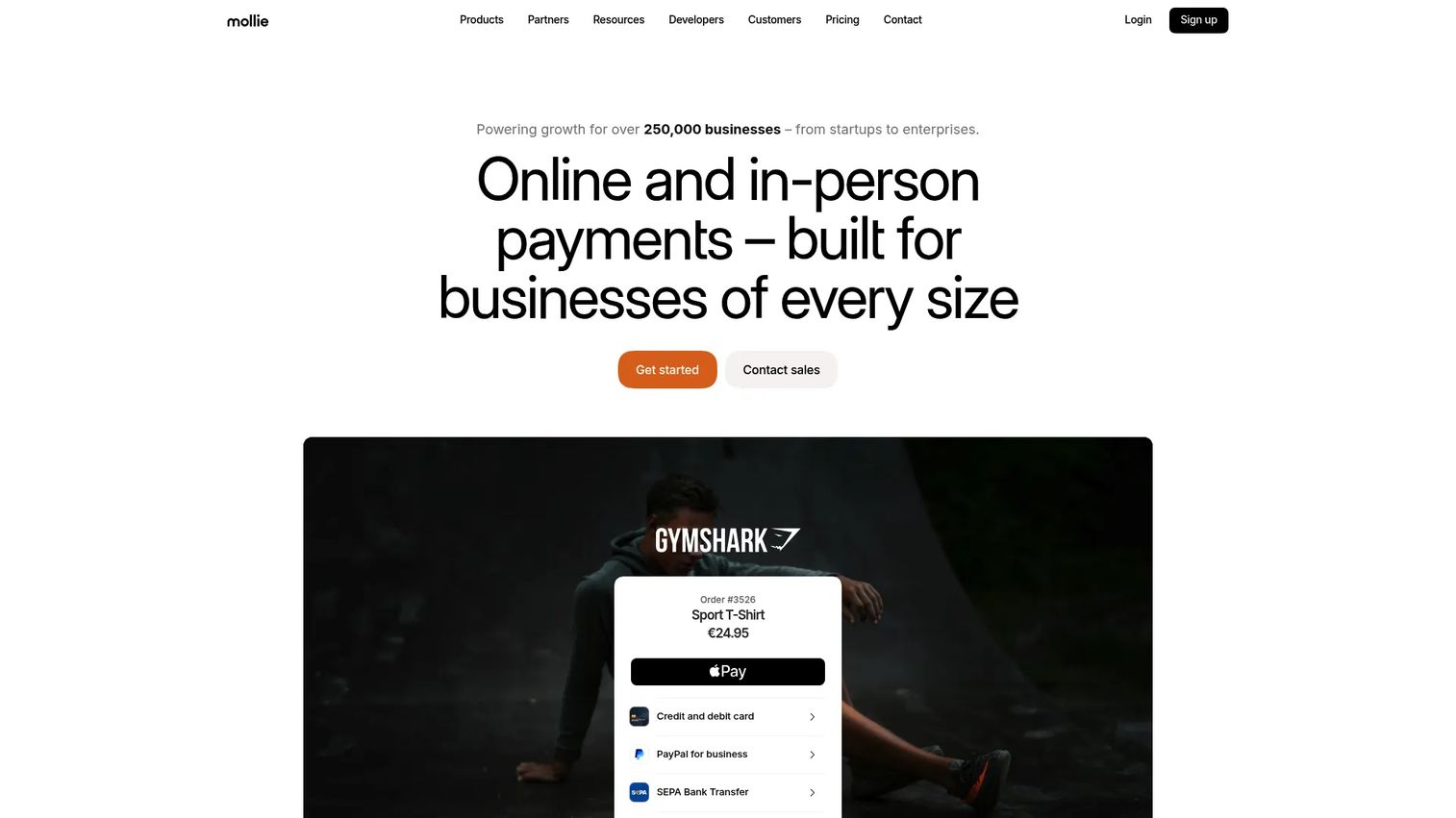
Mollie is the payment platform with strong European roots, built for online and in-person payments, checkout, recurring billing, invoicing, and money management. It supports 35+ payment methods and localized checkout, which is exactly what regionally distributed commerce in Europe needs. The localized experience drives checkout conversion in markets where buyers expect their preferred local method.
Best for: Businesses that need a single payment platform for online and in-person transactions across European markets.
Key strengths
- 35+ payment methods: Broad online payment method support covers the major European options.
- In-person payments: Terminals and Mollie Tap let customers tap to pay on existing devices or a dedicated terminal.
- Checkout and billing tools: Checkout, recurring billing, invoicing, and payment links cover the full flow.
Why choose Mollie: Choose Mollie when your customer base is concentrated in Europe and localized payment method support is the conversion lever. Mollie UK Ltd is licensed and registered with the Financial Conduct Authority as a payment institution in the UK. The regional strength is the point; teams selling primarily outside Europe may find broader coverage elsewhere.
Mollie pricing: Mollie's standard model is pay per successful transaction. Publicly listed in-person plans include Pay as you go at €0 per month and Pro at €20 per month, with volume pricing available for higher volumes. See current figures on Mollie's pricing page.
8. Worldline
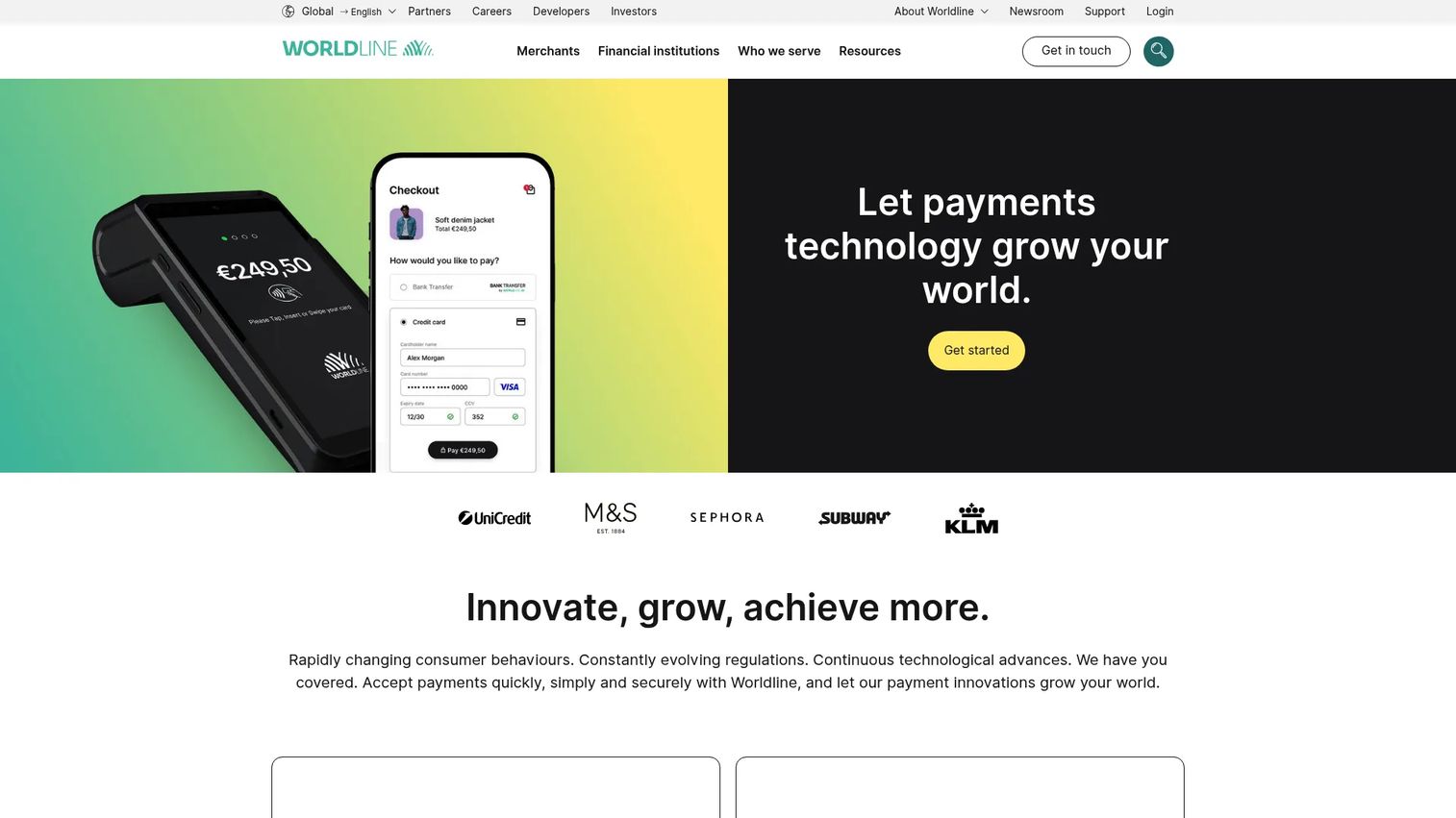
Worldline is a global payments company offering merchant, online, omnichannel, and financial-institution payment services. It fits larger or global businesses that need enterprise payment processing and omnichannel infrastructure across many regions. Cross-border payments and broad commerce support are central to its offering, which is why multinational operators put it on the shortlist.
Best for: Businesses needing enterprise payment processing and omnichannel payment infrastructure.
Key strengths
- Online and omnichannel payments: Accept payments across web, in-person, and connected channels.
- Cross-border reach: Built for multinational processing across multiple regions.
- Financial-institution services: Serves both merchants and financial institutions at scale.
Why choose Worldline: Choose Worldline when your footprint is genuinely multinational and you need a partner that handles omnichannel and cross-border payments at enterprise scale. It is built for large, complex operations rather than quick self-serve setup. Pricing is contract-based, so expect a sales conversation rather than a public rate card.
Worldline pricing: Worldline does not expose a clear public pricing figure; pages indicate contact-based or localized, contract-based pricing. Expect custom enterprise pricing tied to volume and region. Reach out through Worldline's site for a quote scoped to your operations.
Considerations before you choose
Pricing economics, not headline fees
The advertised rate rarely reflects your effective cost. Model payment gateway fees against your real transaction mix: card type, average ticket size, refund rate, cross-border share, and monthly volume. A flat-rate model is predictable for low volume; interchange-plus often wins at scale. Build a simple spreadsheet with three volume scenarios before you commit.
Security and PCI compliance scope
A secure payment gateway should shrink your PCI compliance burden, not add to it. Confirm how the provider handles cardholder data, whether it offers tokenization and hosted fields, and which PCI DSS level applies to your integration. The less sensitive data touches your servers, the smaller your audit scope.
Integration scope and maintenance burden
Read the API docs before you sign. Check SDK quality, webhook reliability, sandbox environments for testing, and how often breaking changes ship. For a PM, the real cost is the ongoing maintenance burden across releases, not the initial build. A clean integration that survives your release cadence saves more than a slightly lower fee.
Payment method and currency coverage
Map your target markets to the payment methods and currencies each gateway supports. Missing a dominant local method in a key region costs you conversion you will never see in the data. If cross-border payments and multi-currency payments are on your roadmap, weight this criterion heavily.
Reporting, analytics, and cash flow visibility
You will live in the dashboard. Evaluate reporting depth, exportability, settlement timing, and how cleanly data flows into your finance and analytics stack. Authorization rates, decline reasons, and payout schedules should be easy to monitor, not buried.
Conclusion
The right payment gateway software depends less on the lowest fee and more on fit with your product, your markets, and your engineering reality. Stripe is the strongest default for teams that want flexible APIs and global reach. PayPal lifts consumer checkout conversion through sheer buyer familiarity. Square consolidates online and in-person commerce for small businesses. Adyen and Worldline serve enterprises with complex, multinational operations. GoCardless owns recurring bank payments, Mollie owns localized European checkout, and Authorize.Net remains a stable choice for legacy merchant account workflows.
Your next step is concrete: shortlist two providers from this list, model their fees against your actual transaction mix across three volume scenarios, test the checkout flow end to end, and confirm the integration fits your release cadence. Treat the gateway like the product infrastructure it is, and the decision gets a lot clearer.
The same evidence-first discipline applies whether you are evaluating payments or showing your product through a Guideflow experience. When you need to communicate value, the right tool removes friction instead of adding it.
Start your journey with Guideflow today!
FAQs
A payment gateway captures the customer's payment details at checkout, encrypts them, and sends an authorization request to the card network and issuing bank. The bank approves or declines in real time. Once authorized, funds are captured and routed through the processor and acquiring bank into your account during settlement, often on a set payout schedule.
Prioritize security and PCI compliance, supported payment methods and currencies, API and integration quality, reporting depth, and recurring billing support. For a product manager, also weigh launch speed, maintenance burden across releases, and how cleanly transaction data flows into your analytics stack. The lowest fee is rarely the deciding factor.
The gateway authorizes and secures the transaction at checkout, transmitting encrypted payment data to the networks. The processor moves the actual money between the customer's bank and yours. Many modern payment providers bundle both into one product, which is why the terms get used interchangeably even though the roles are distinct.
It depends on how your customers pay. For card-based subscriptions, Stripe offers strong recurring billing with retries and proration. For account-to-account collection, GoCardless specializes in recurring bank payments with lower fees and failed-payment recovery. Authorize.Net also supports recurring billing for teams on existing merchant accounts.
Adyen and Worldline are built for enterprise cross-border payments and multi-currency coverage across many regions through a single integration. Stripe also supports broad global coverage with developer-friendly APIs. For Europe specifically, Mollie's localized payment method support drives stronger checkout conversion in regional markets.
Pricing models vary. Flat-rate providers like PayPal charge a percentage plus a fixed fee per transaction. Interchange-plus models, common at scale, separate the network cost from the provider margin. Some platforms add monthly fees, like Authorize.Net at $25 per month. Always model payment gateway fees against your real transaction mix, since effective rates shift with volume and method.
Yes. A secure payment gateway handles cardholder data on its own PCI DSS compliant infrastructure, using encryption and tokenization so sensitive numbers never touch your servers. This significantly reduces your own PCI compliance scope, though you remain responsible for the parts of the flow you control, such as your checkout page configuration.
Yes. Multi-gateway setups are common for redundancy, geographic coverage, and broader payment method support. A business might route card payments through one provider, account-to-account payments through another, and use a regional gateway for a specific market. The trade-off is added integration and reconciliation work, so weigh it against the conversion or resilience gains.










